
Customizing the Browser Management Deployment Methods App Compat
Customizing the Browser Management Deployment Methods App Compat
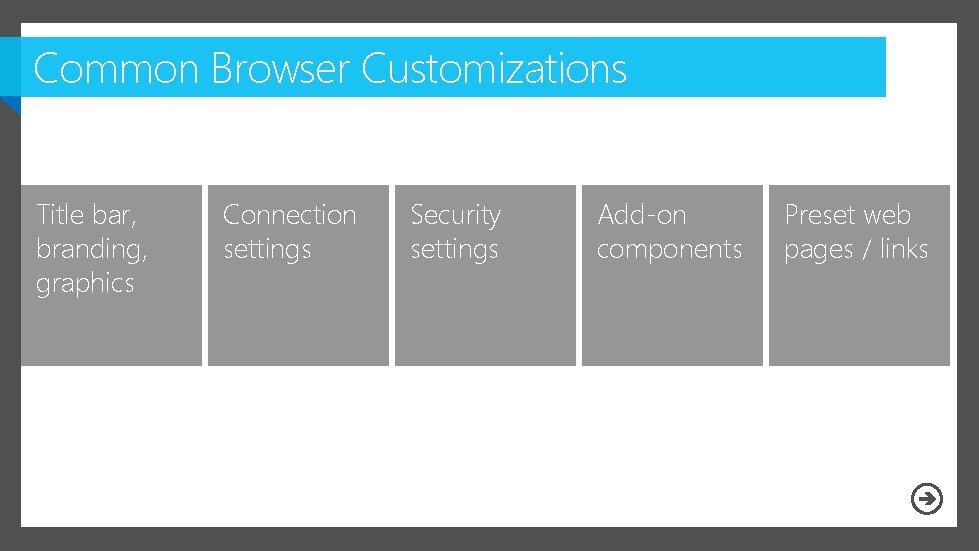
Common Browser Customizations Title bar, branding, graphics Connection settings Security settings Add-on components Preset web pages / links

IE Administration Kit (IEAK)

IEAK 10 – Change in License Type
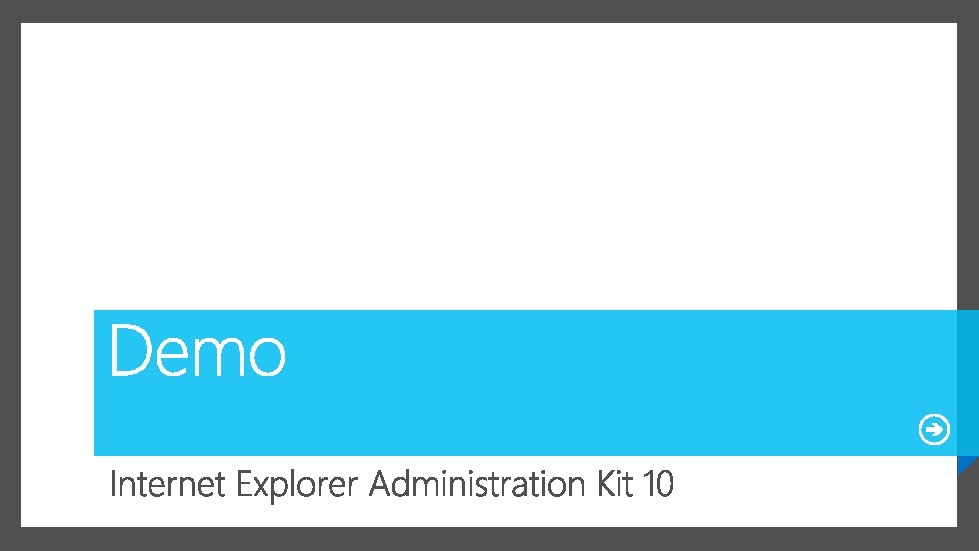
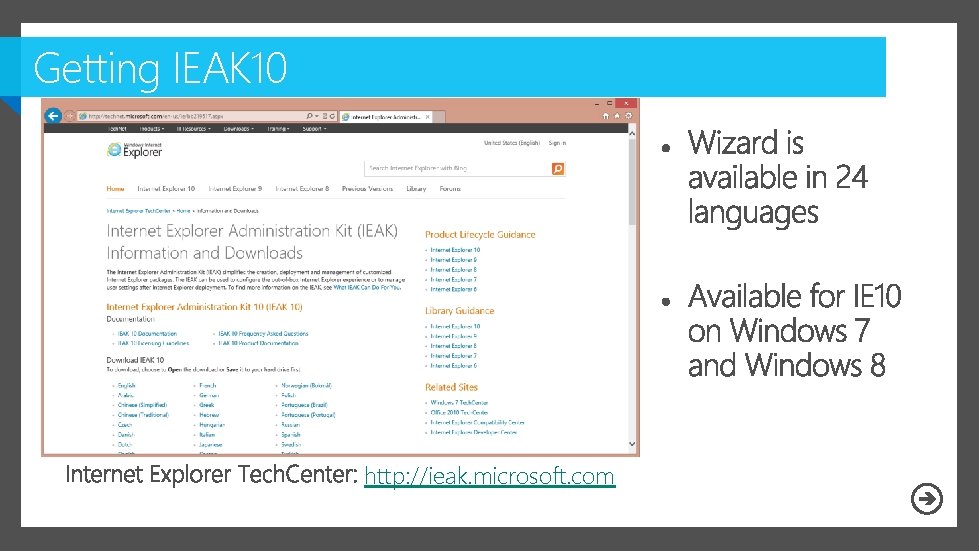
Getting IEAK 10 http: //ieak. microsoft. com

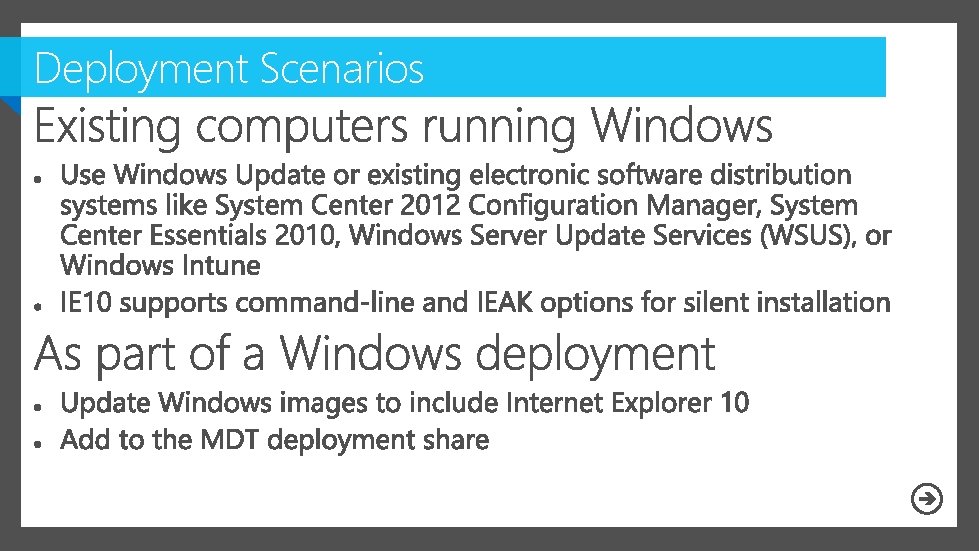
Deployment Scenarios
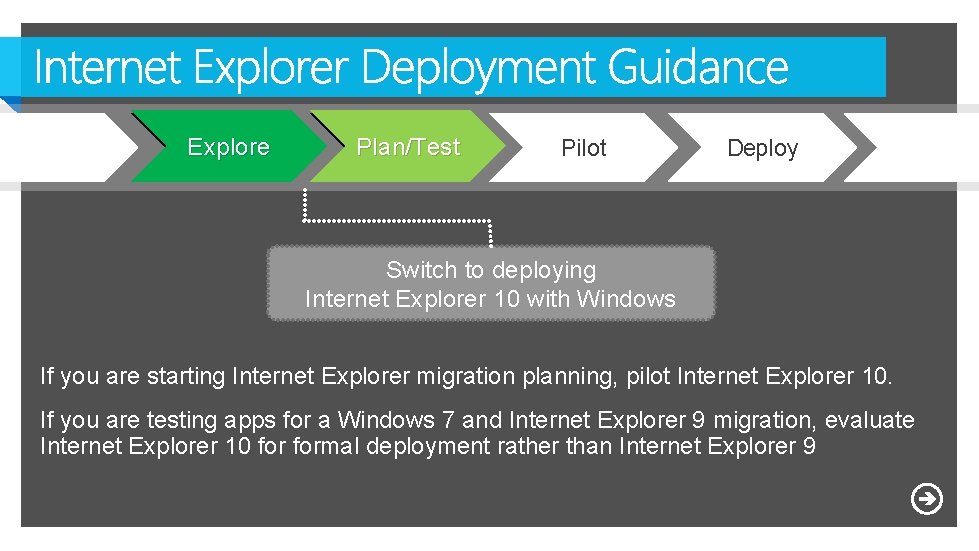
Explore Plan/Test Pilot Deploy Switch to deploying Internet Explorer 10 with Windows If you are starting Internet Explorer migration planning, pilot Internet Explorer 10. If you are testing apps for a Windows 7 and Internet Explorer 9 migration, evaluate Internet Explorer 10 formal deployment rather than Internet Explorer 9
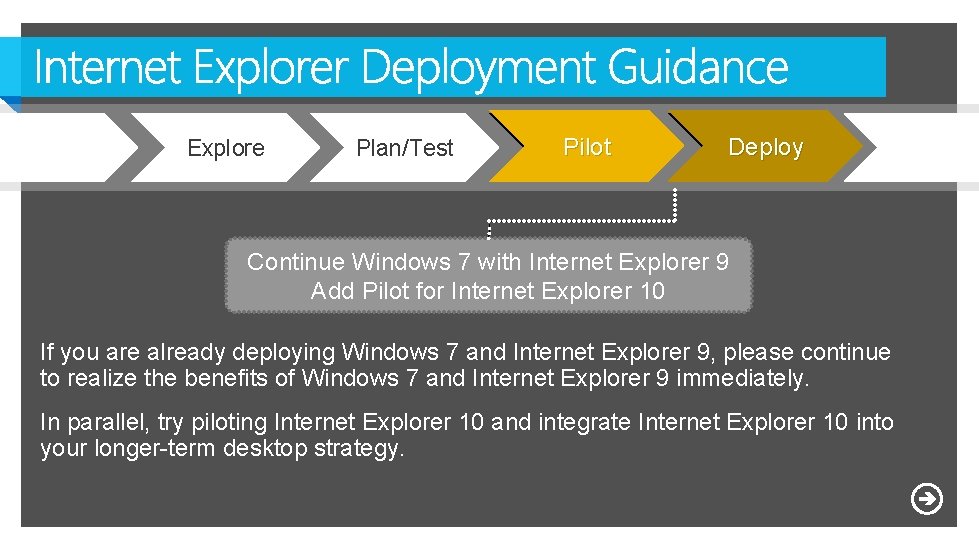
Explore Plan/Test Pilot Deploy Continue Windows 7 with Internet Explorer 9 Add Pilot for Internet Explorer 10 If you are already deploying Windows 7 and Internet Explorer 9, please continue to realize the benefits of Windows 7 and Internet Explorer 9 immediately. In parallel, try piloting Internet Explorer 10 and integrate Internet Explorer 10 into your longer-term desktop strategy.
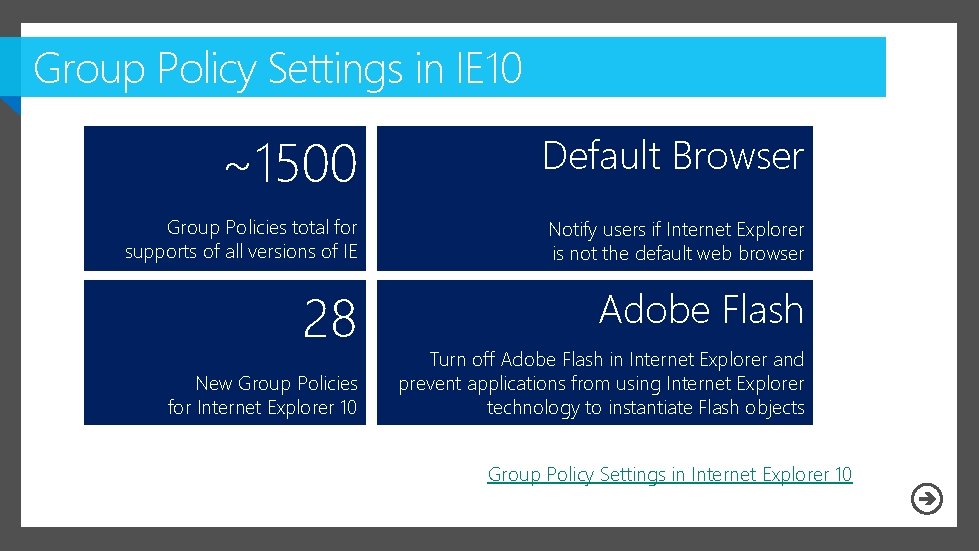
Group Policy Settings in IE 10 ~1500 Default Browser Group Policies total for supports of all versions of IE Notify users if Internet Explorer is not the default web browser 28 Adobe Flash New Group Policies for Internet Explorer 10 Turn off Adobe Flash in Internet Explorer and prevent applications from using Internet Explorer technology to instantiate Flash objects For more information, see Tech. Net Library content: Group Policy Settings in Internet Explorer 10
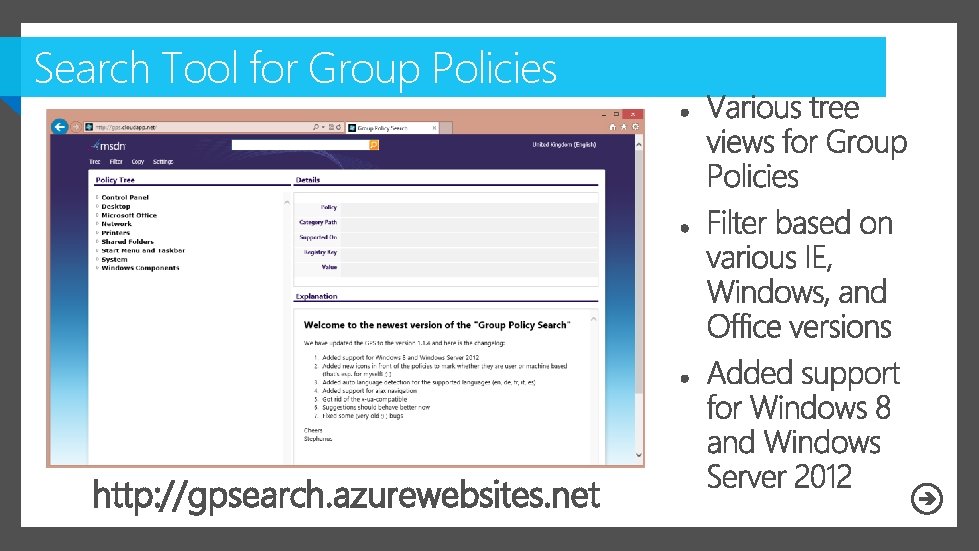
Search Tool for Group Policies http: //gpsearch. azurewebsites. net

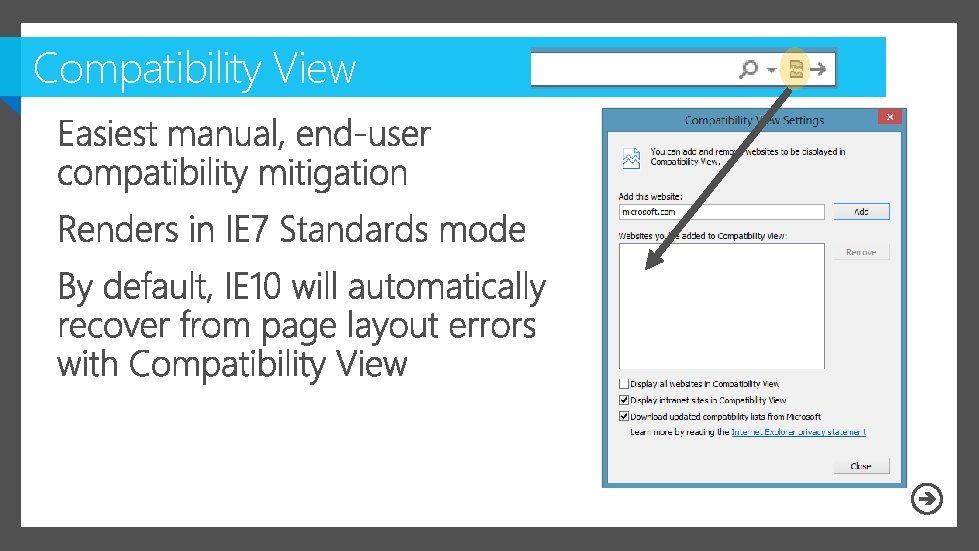
Compatibility View
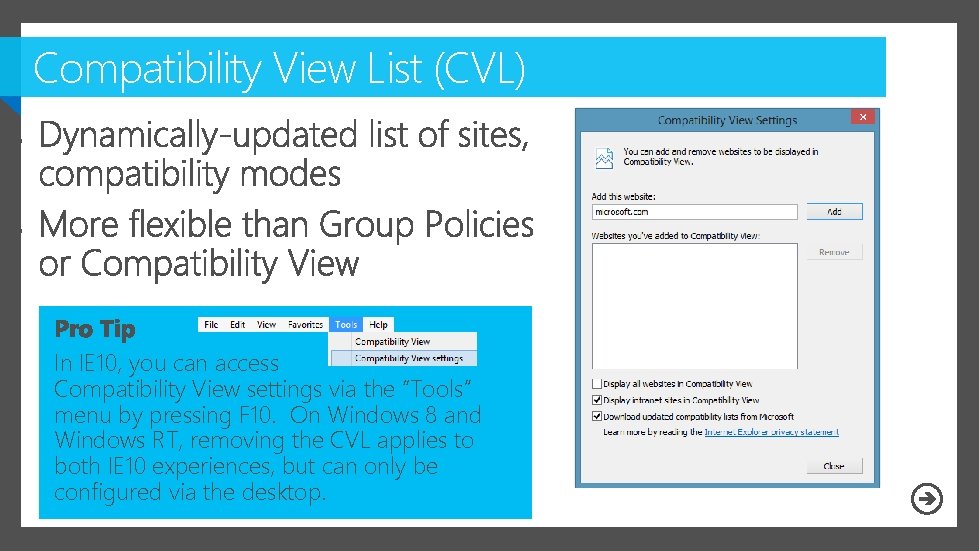
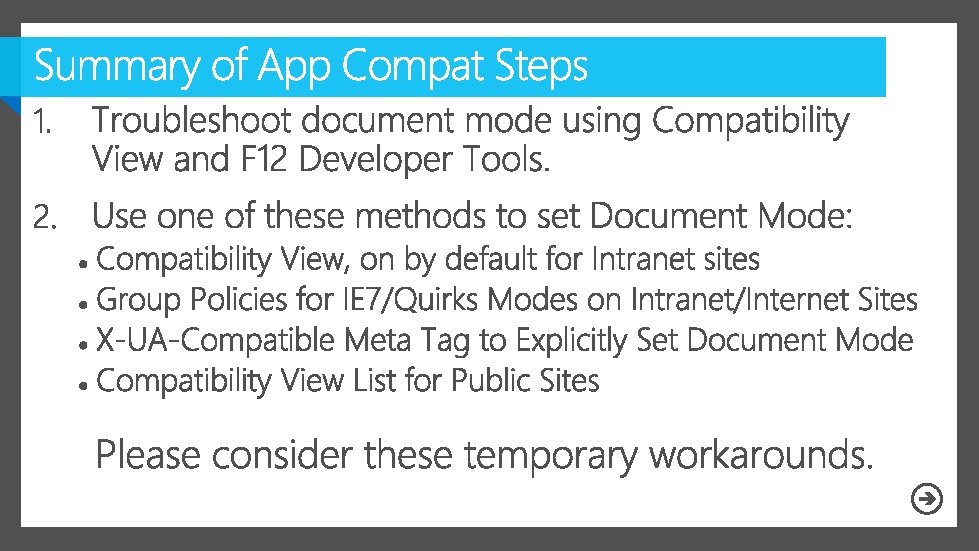
Compatibility View List (CVL) In IE 10, you can access Compatibility View settings via the “Tools” menu by pressing F 10. On Windows 8 and Windows RT, removing the CVL applies to both IE 10 experiences, but can only be configured via the desktop.
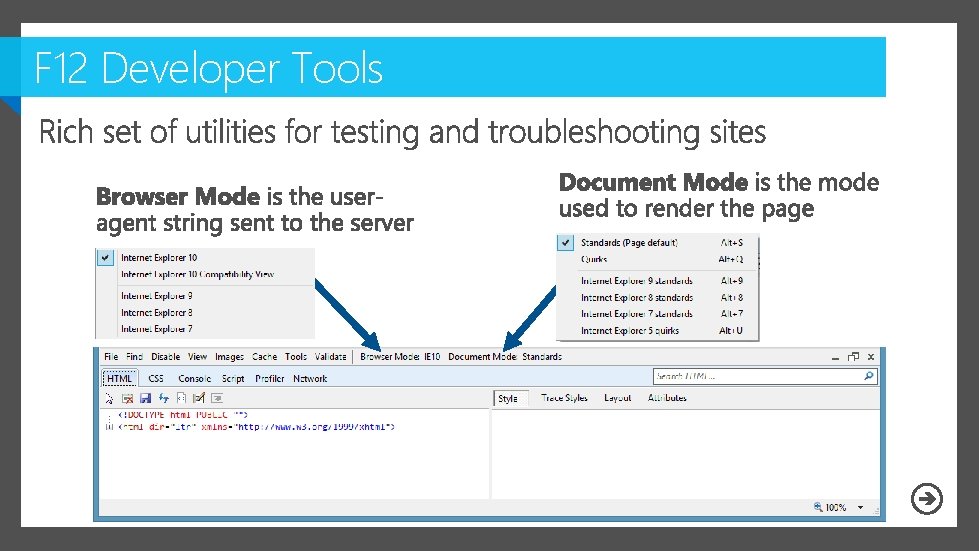
F 12 Developer Tools
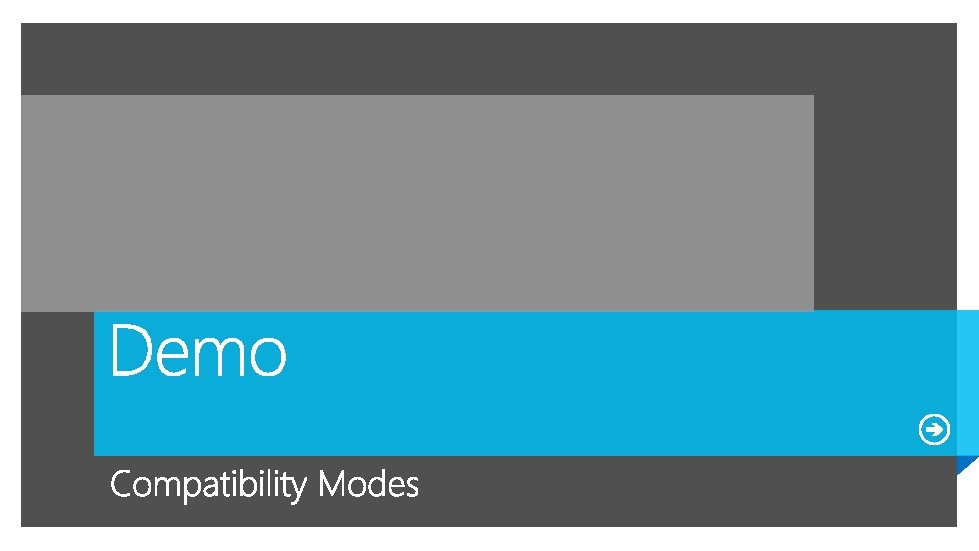
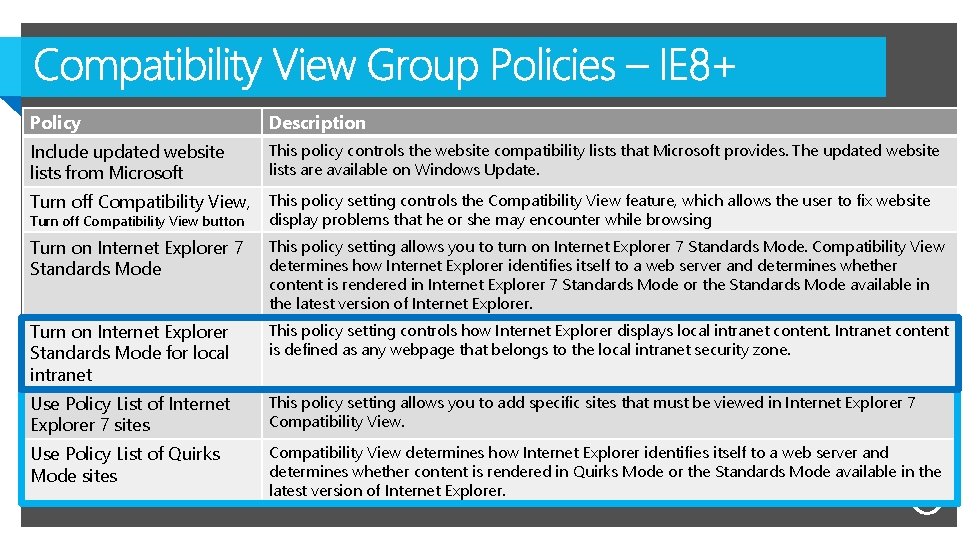
Policy Description Include updated website lists from Microsoft This policy controls the website compatibility lists that Microsoft provides. The updated website lists are available on Windows Update. Turn off Compatibility View, This policy setting controls the Compatibility View feature, which allows the user to fix website display problems that he or she may encounter while browsing Turn on Internet Explorer 7 Standards Mode This policy setting allows you to turn on Internet Explorer 7 Standards Mode. Compatibility View determines how Internet Explorer identifies itself to a web server and determines whether content is rendered in Internet Explorer 7 Standards Mode or the Standards Mode available in the latest version of Internet Explorer. Turn on Internet Explorer Standards Mode for local intranet This policy setting controls how Internet Explorer displays local intranet content. Intranet content is defined as any webpage that belongs to the local intranet security zone. Use Policy List of Internet Explorer 7 sites This policy setting allows you to add specific sites that must be viewed in Internet Explorer 7 Compatibility View. Use Policy List of Quirks Mode sites Compatibility View determines how Internet Explorer identifies itself to a web server and determines whether content is rendered in Quirks Mode or the Standards Mode available in the latest version of Internet Explorer. Turn off Compatibility View button
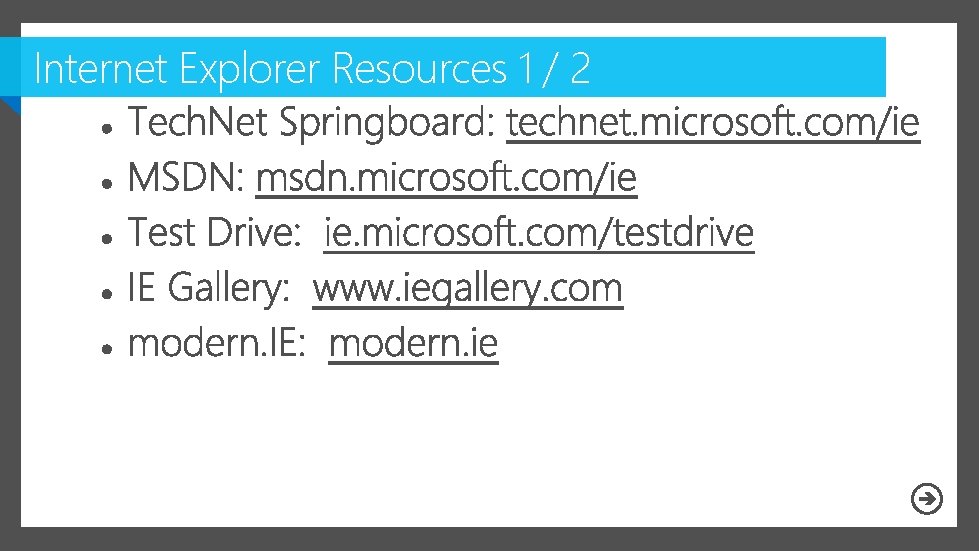
Internet Explorer Resources 1 / 2
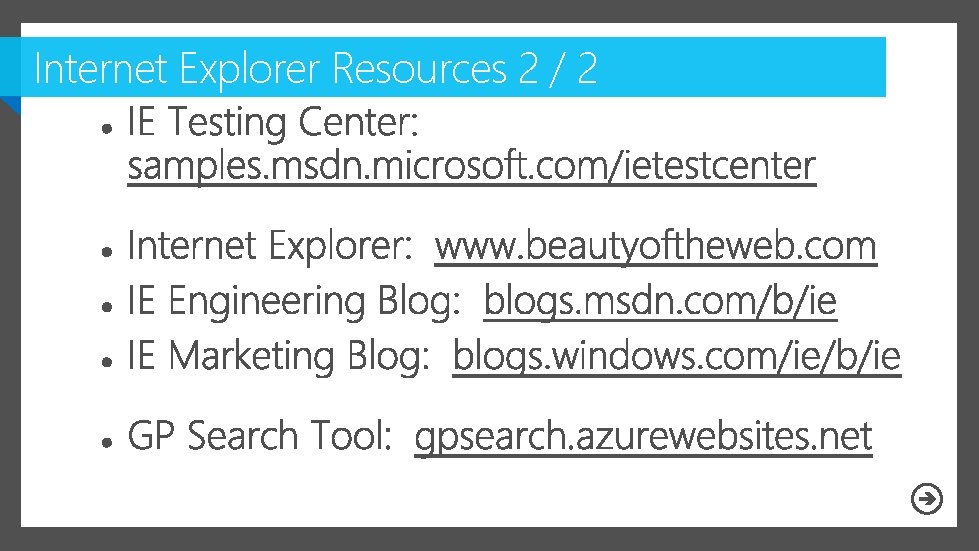
Internet Explorer Resources 2 / 2
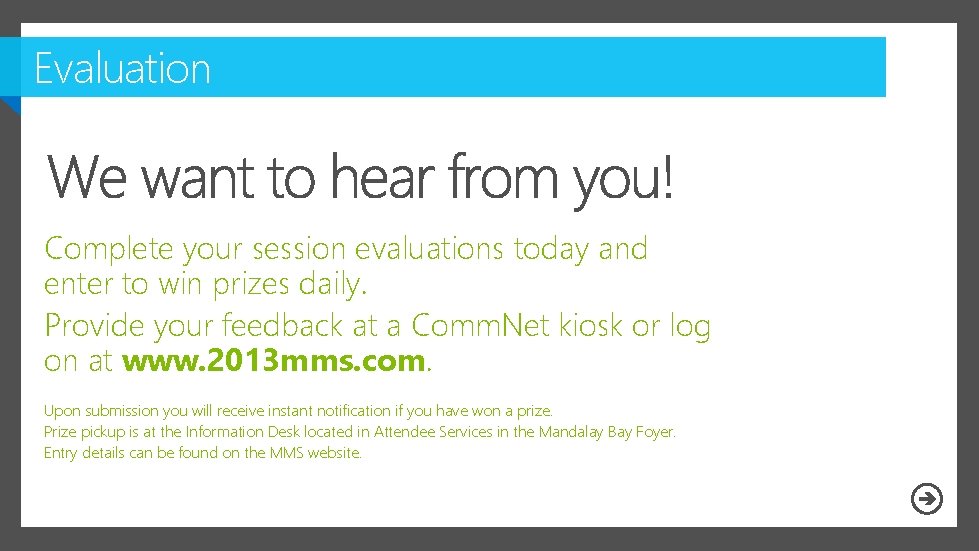
Evaluation Complete your session evaluations today and enter to win prizes daily. Provide your feedback at a Comm. Net kiosk or log on at www. 2013 mms. com. Upon submission you will receive instant notification if you have won a prize. Prize pickup is at the Information Desk located in Attendee Services in the Mandalay Bay Foyer. Entry details can be found on the MMS website.
Resources

- Slides: 30