
Customizing Eclipse Functionality Using Ant and Plugin Development
![Ant View [Method 1] Window Ant Window Show View Other Ant § Shows all](https://slidetodoc.com/presentation_image_h/15e3727d0de0f52d68ae646c9447d069/image-9.jpg "Ant View [Method 1] Window Ant Window Show View Other Ant § Shows all")
![Create Configuration [Method 2] Run External Tools Ant Build § Supports the invocation of](https://slidetodoc.com/presentation_image_h/15e3727d0de0f52d68ae646c9447d069/image-10.jpg "Create Configuration [Method 2] Run External Tools Ant Build § Supports the invocation of")
![Ant Builder [Method 3] Project Properties Builders § Automates your build process using your](https://slidetodoc.com/presentation_image_h/15e3727d0de0f52d68ae646c9447d069/image-11.jpg "Ant Builder [Method 3] Project Properties Builders § Automates your build process using your")
- Slides: 16
Customizing Eclipse Functionality Using Ant and Plugin Development Environment Hakeem Shittu Software Consultant Co-author Pro-Eclipse JST © 2006 by WTP PMC; made available under the EPL v 1. 0 | Cambridge | September 6, 2006
Slides § The slides for this session can be found at http: //www. genixcorp. com/eclipseworld © 2006 by WTP PMC; made available under the EPL v 1. 0 | Cambridge | September 6, 2006
Scope of this session § § § Ant: A brief overview How Eclipse uses Ant Customization through Ant The inevitable need for extension Extension through PDE Scope of this talk © 2006 by WTP PMC; made available under the EPL v 1. 0 | Cambridge | September 6, 2006
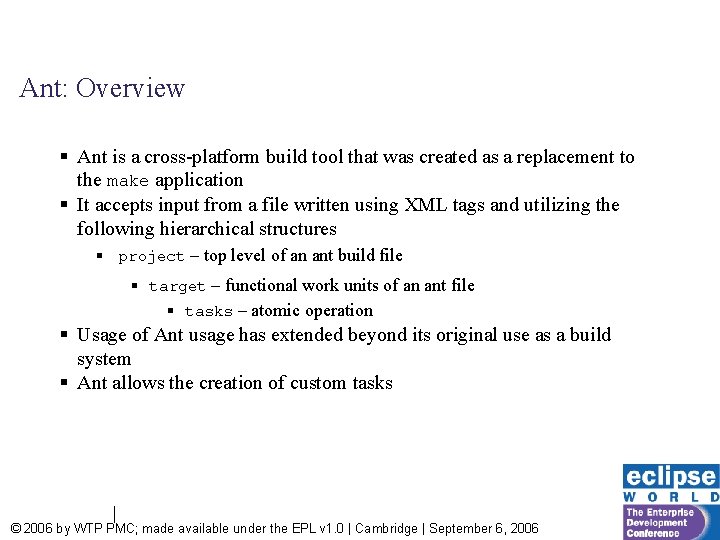
Ant: Overview § Ant is a cross-platform build tool that was created as a replacement to the make application § It accepts input from a file written using XML tags and utilizing the following hierarchical structures § project – top level of an ant build file § target – functional work units of an ant file § tasks – atomic operation § Usage of Ant usage has extended beyond its original use as a build system § Ant allows the creation of custom tasks © 2006 by WTP PMC; made available under the EPL v 1. 0 | Cambridge | September 6, 2006
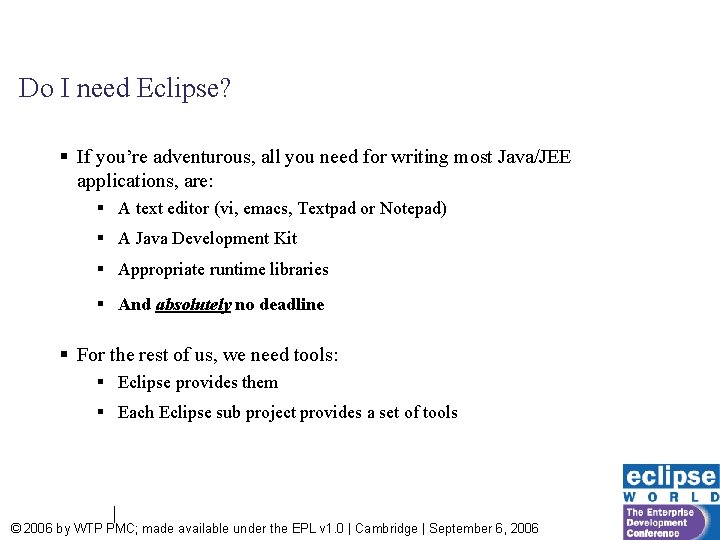
Do I need Eclipse? § If you’re adventurous, all you need for writing most Java/JEE applications, are: § A text editor (vi, emacs, Textpad or Notepad) § A Java Development Kit § Appropriate runtime libraries § And absolutely no deadline § For the rest of us, we need tools: § Eclipse provides them § Each Eclipse sub project provides a set of tools © 2006 by WTP PMC; made available under the EPL v 1. 0 | Cambridge | September 6, 2006
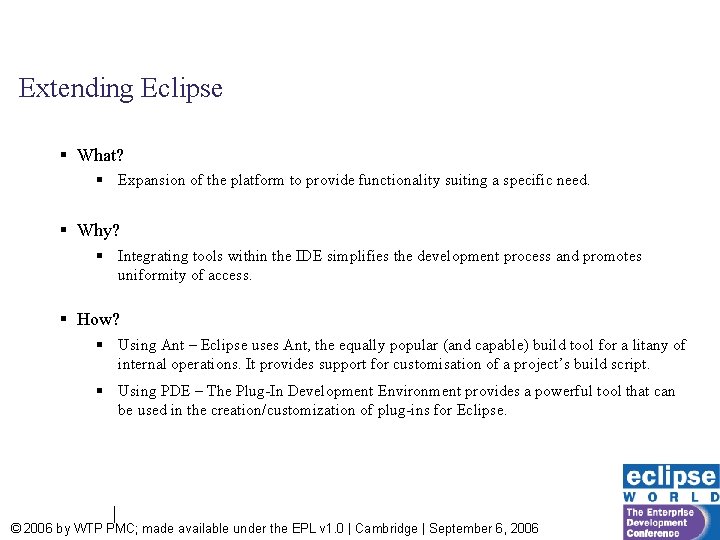
Extending Eclipse § What? § Expansion of the platform to provide functionality suiting a specific need. § Why? § Integrating tools within the IDE simplifies the development process and promotes uniformity of access. § How? § Using Ant – Eclipse uses Ant, the equally popular (and capable) build tool for a litany of internal operations. It provides support for customisation of a project’s build script. § Using PDE – The Plug-In Development Environment provides a powerful tool that can be used in the creation/customization of plug-ins for Eclipse. © 2006 by WTP PMC; made available under the EPL v 1. 0 | Cambridge | September 6, 2006
Extension using Ant § Eclipse uses Ant internally for its build operations and provides facility for extension. § It is the easiest form of extension with the least learning curve. § Ability to reuse existing build files created for other IDEs that support Ant integration. How? © 2006 by WTP PMC; made available under the EPL v 1. 0 | Cambridge | September 6, 2006
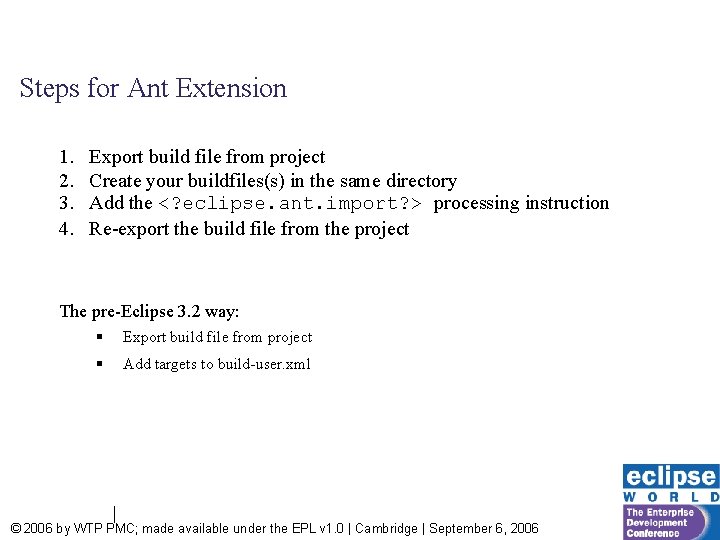
Steps for Ant Extension 1. 2. 3. 4. Export build file from project Create your buildfiles(s) in the same directory Add the <? eclipse. ant. import? > processing instruction Re-export the build file from the project The pre-Eclipse 3. 2 way: § Export build file from project § Add targets to build-user. xml © 2006 by WTP PMC; made available under the EPL v 1. 0 | Cambridge | September 6, 2006
Ant View [Method 1] Window Ant Window Show View Other Ant § Shows all your targets [Tip: Hide internal targets to reduce clutter] © 2006 by WTP PMC; made available under the EPL v 1. 0 | Cambridge | September 6, 2006
Create Configuration [Method 2] Run External Tools Ant Build § Supports the invocation of a composition of targets § Could be replicated with a target that uses <antcall> tasks § Allows sharing configuration © 2006 by WTP PMC; made available under the EPL v 1. 0 | Cambridge | September 6, 2006
Ant Builder [Method 3] Project Properties Builders § Automates your build process using your defined targets © 2006 by WTP PMC; made available under the EPL v 1. 0 | Cambridge | September 6, 2006
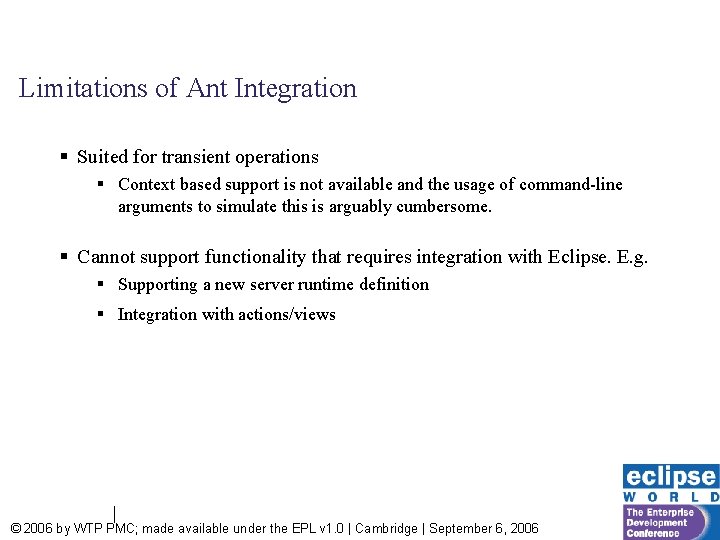
Limitations of Ant Integration § Suited for transient operations § Context based support is not available and the usage of command-line arguments to simulate this is arguably cumbersome. § Cannot support functionality that requires integration with Eclipse. E. g. § Supporting a new server runtime definition § Integration with actions/views © 2006 by WTP PMC; made available under the EPL v 1. 0 | Cambridge | September 6, 2006
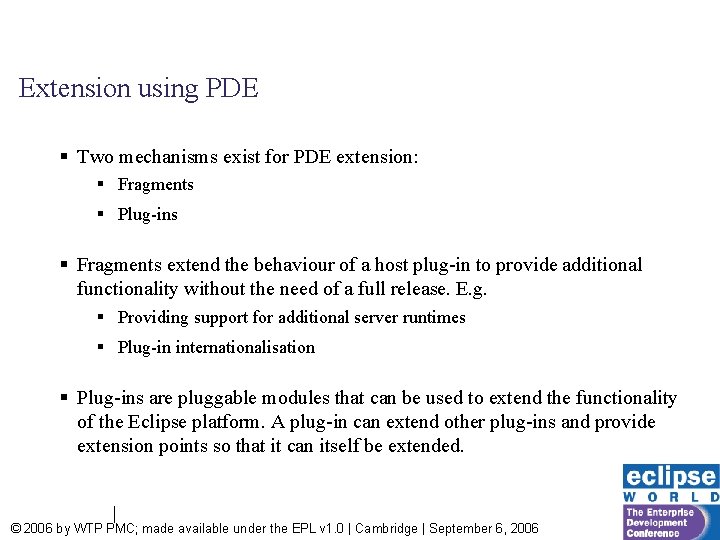
Extension using PDE § Two mechanisms exist for PDE extension: § Fragments § Plug-ins § Fragments extend the behaviour of a host plug-in to provide additional functionality without the need of a full release. E. g. § Providing support for additional server runtimes § Plug-in internationalisation § Plug-ins are pluggable modules that can be used to extend the functionality of the Eclipse platform. A plug-in can extend other plug-ins and provide extension points so that it can itself be extended. © 2006 by WTP PMC; made available under the EPL v 1. 0 | Cambridge | September 6, 2006
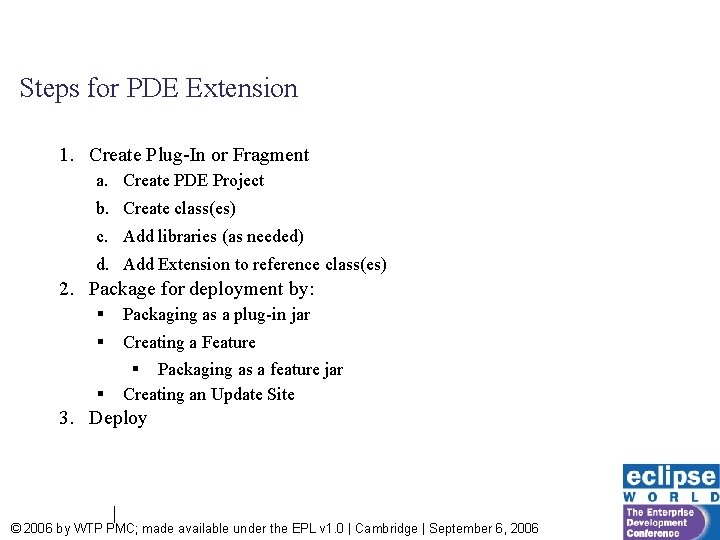
Steps for PDE Extension 1. Create Plug-In or Fragment a. Create PDE Project b. Create class(es) c. Add libraries (as needed) d. Add Extension to reference class(es) 2. Package for deployment by: § Packaging as a plug-in jar § Creating a Feature § Packaging as a feature jar Creating an Update Site § 3. Deploy © 2006 by WTP PMC; made available under the EPL v 1. 0 | Cambridge | September 6, 2006
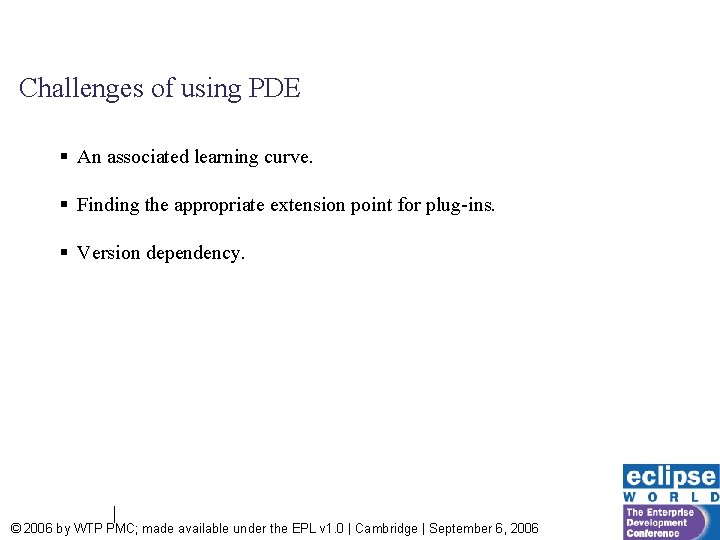
Challenges of using PDE § An associated learning curve. § Finding the appropriate extension point for plug-ins. § Version dependency. © 2006 by WTP PMC; made available under the EPL v 1. 0 | Cambridge | September 6, 2006
Questions/ Comments? Project files will be available at http: //www. genixcorp. com/eclipseworld Java and all Java-based trademarks are trademarks of Sun Microsystems, Inc. in the United States, other countries, or both. © 2006 by WTP PMC; made available under the EPL v 1. 0 | Cambridge | September 6, 2006