
Customer Demonstration SECURE FAST MANAGED ACCESS WHAT IS

- Slides: 22
Customer Demonstration SECURE, FAST, MANAGED ACCESS
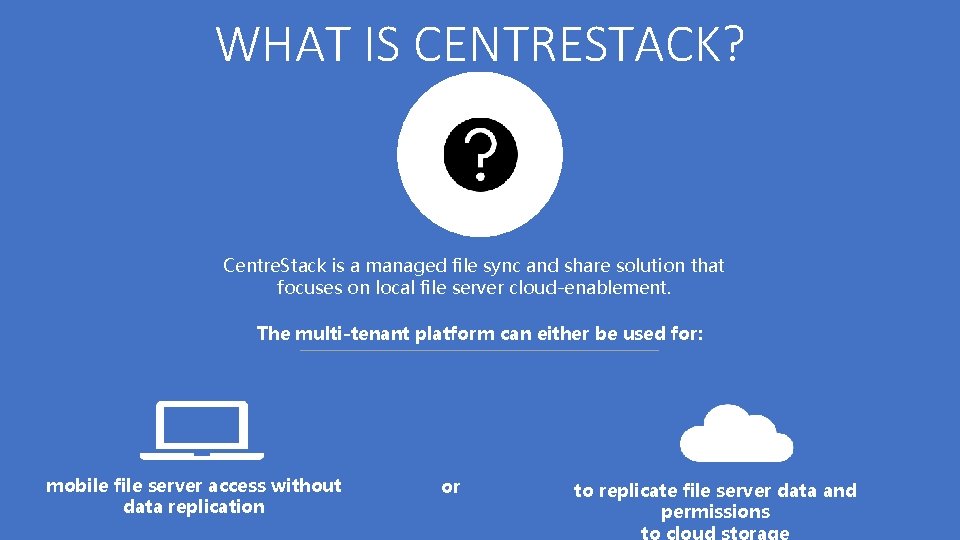
WHAT IS CENTRESTACK? Centre. Stack is a managed file sync and share solution that focuses on local file server cloud-enablement. The multi-tenant platform can either be used for: mobile file server access without data replication or to replicate file server data and permissions
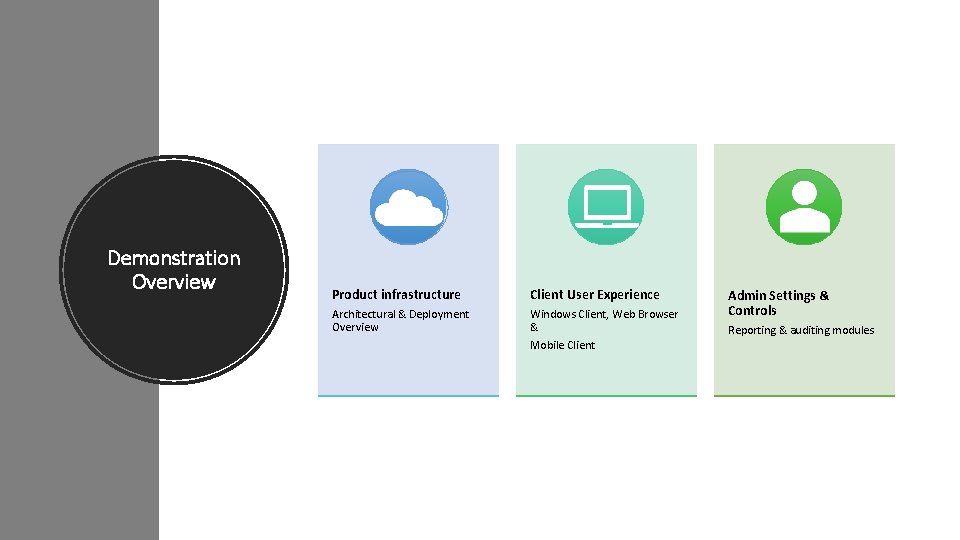
Demonstration Overview Product infrastructure Client User Experience Architectural & Deployment Overview Windows Client, Web Browser & Mobile Client Admin Settings & Controls Reporting & auditing modules
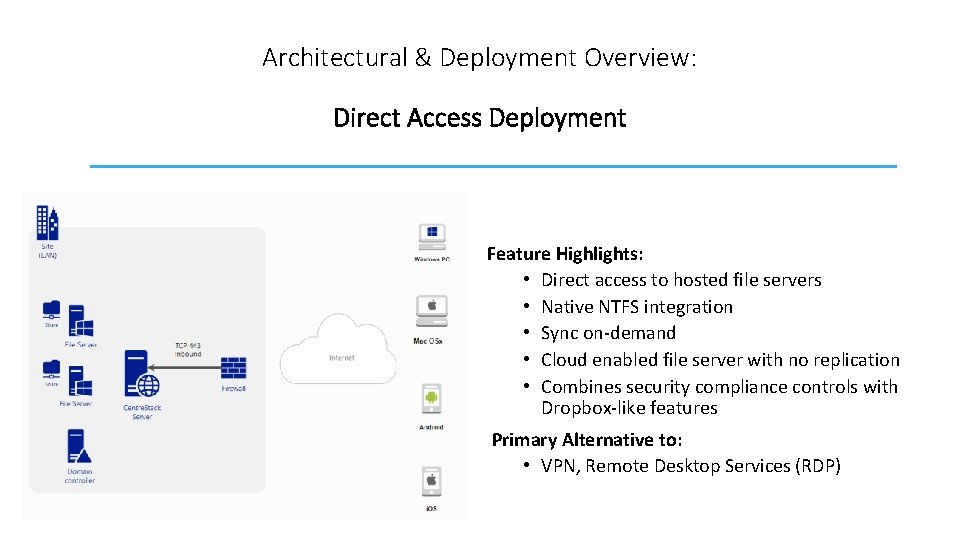
Architectural & Deployment Overview: Direct Access Deployment Feature Highlights: • Direct access to hosted file servers • Native NTFS integration • Sync on-demand • Cloud enabled file server with no replication • Combines security compliance controls with Dropbox-like features Primary Alternative to: • VPN, Remote Desktop Services (RDP)
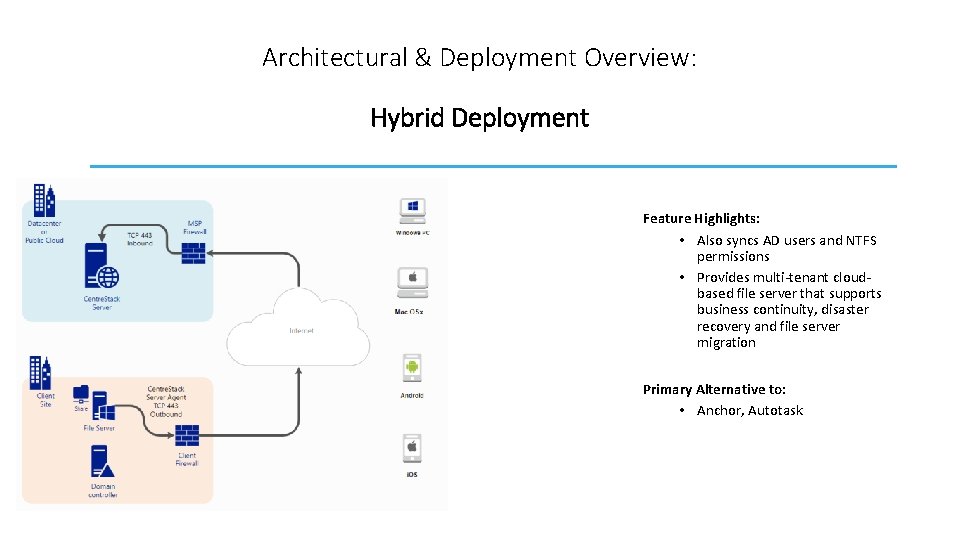
Architectural & Deployment Overview: Hybrid Deployment Feature Highlights: • Also syncs AD users and NTFS permissions • Provides multi-tenant cloudbased file server that supports business continuity, disaster recovery and file server migration Primary Alternative to: • Anchor, Autotask
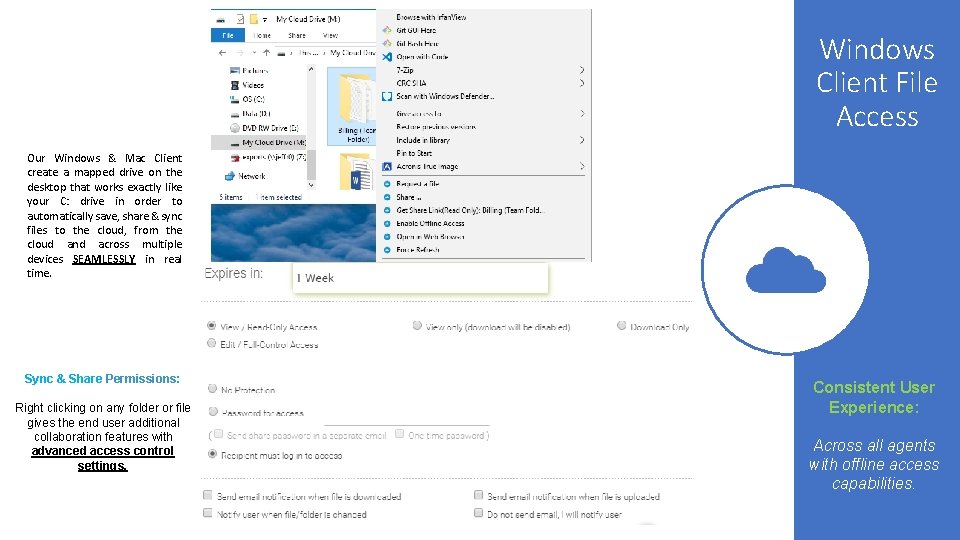
Windows Client File Access Our Windows & Mac Client create a mapped drive on the desktop that works exactly like your C: drive in order to automatically save, share & sync files to the cloud, from the cloud and across multiple devices SEAMLESSLY in real time. Sync & Share Permissions: Right clicking on any folder or file gives the end user additional collaboration features with advanced access control settings. Consistent User Experience: Across all agents with offline access capabilities.
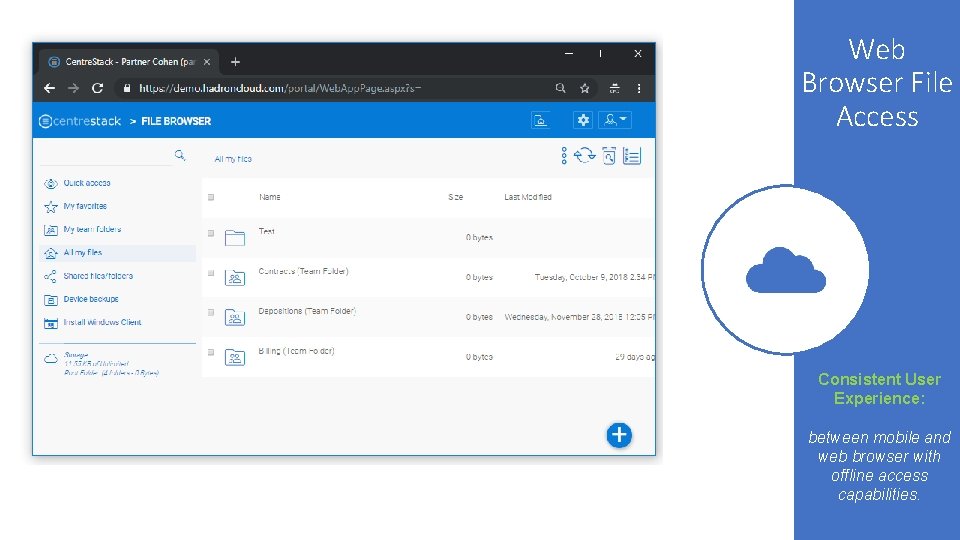
Web Browser File Access Consistent User Experience: between mobile and web browser with offline access capabilities.
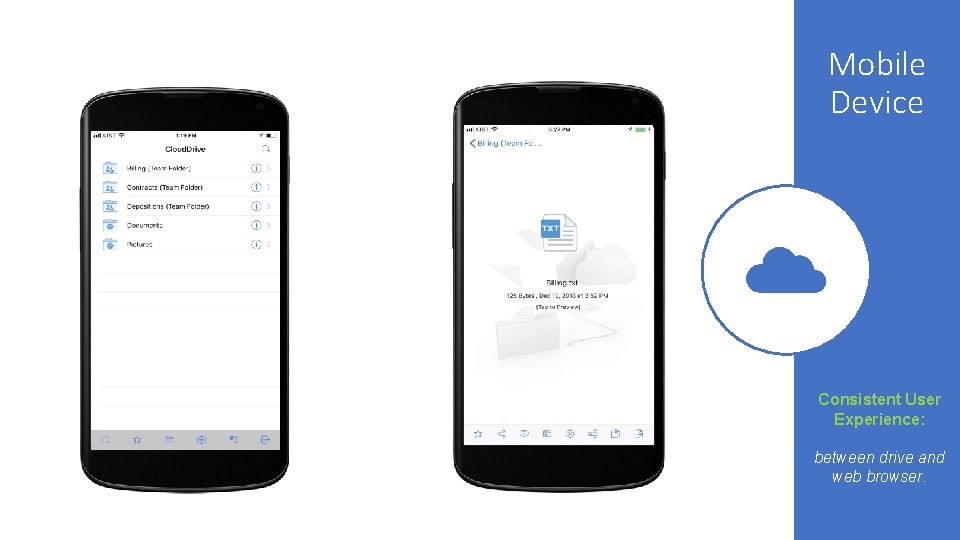
Mobile Device Consistent User Experience: between drive and web browser.
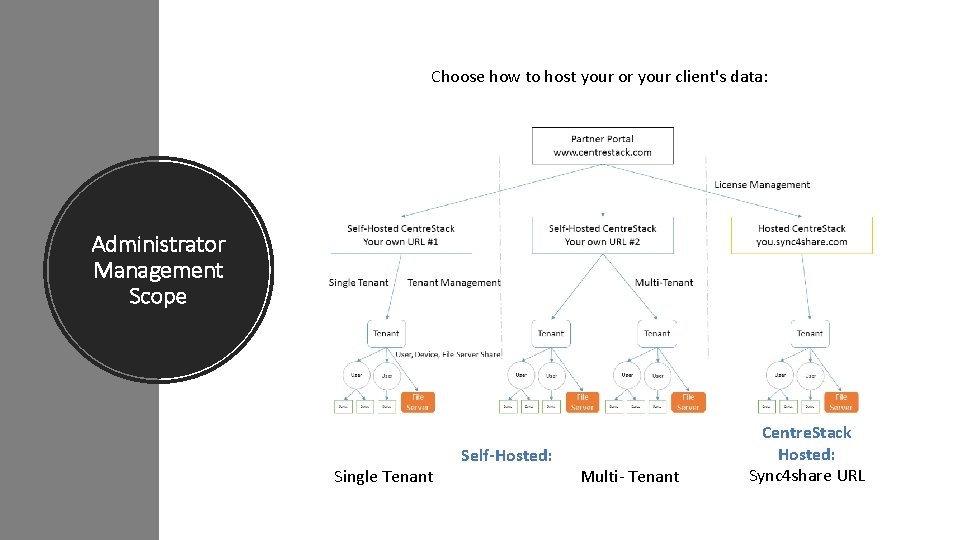
Choose how to host your or your client's data: Administrator Management Scope Single Tenant Self-Hosted: Multi- Tenant Centre. Stack Hosted: Sync 4 share URL
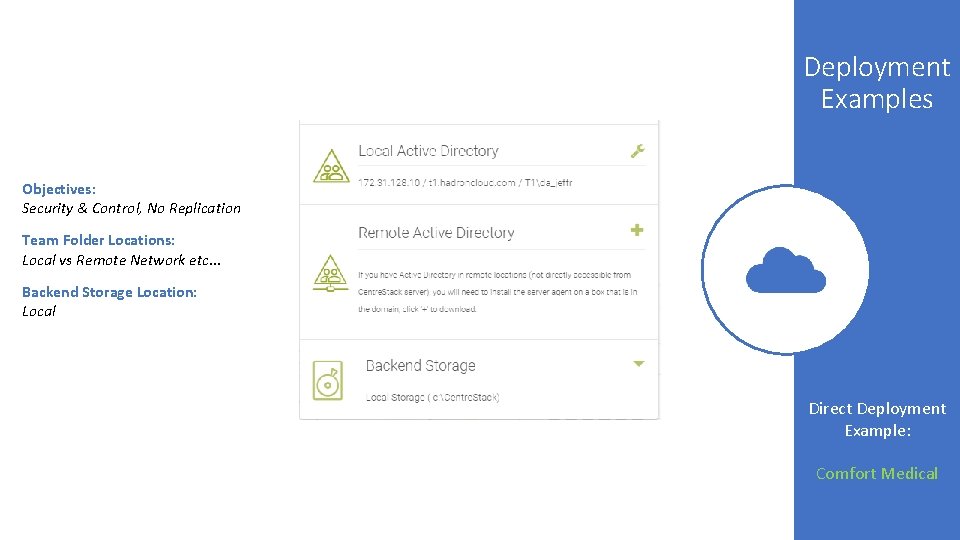
Deployment Examples Objectives: Security & Control, No Replication Team Folder Locations: Local vs Remote Network etc. . . Backend Storage Location: Local Direct Deployment Example: Comfort Medical
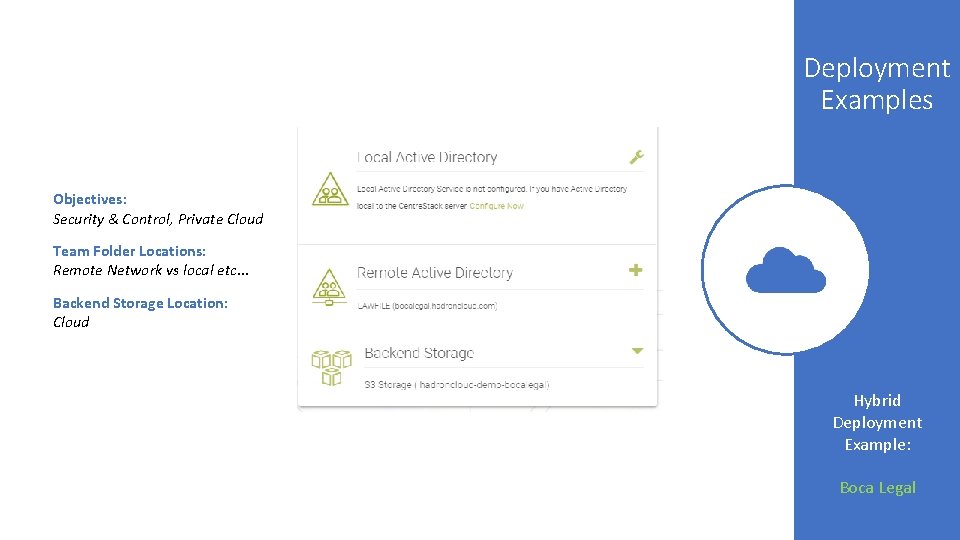
Deployment Examples Objectives: Security & Control, Private Cloud Team Folder Locations: Remote Network vs local etc. . . Backend Storage Location: Cloud Hybrid Deployment Example: Boca Legal
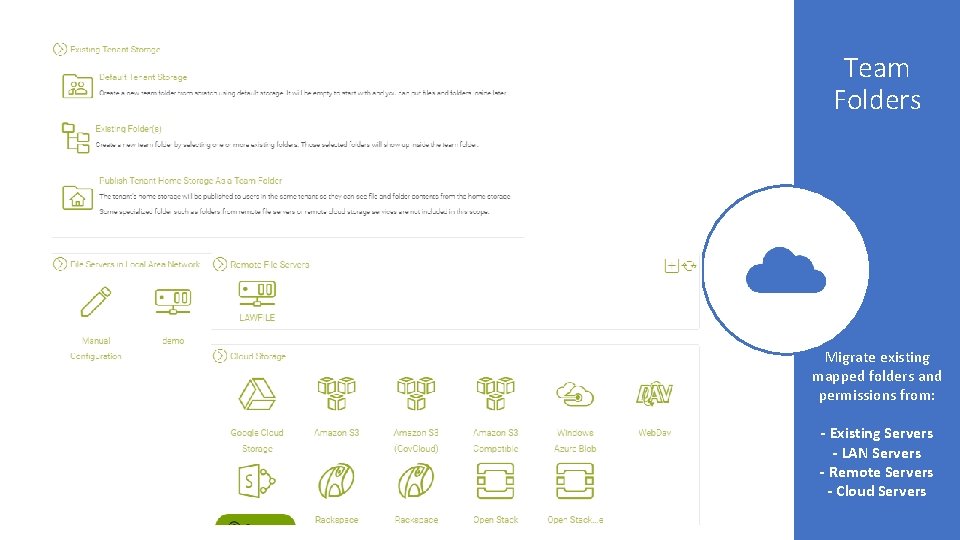
Team Folders Migrate existing mapped folders and permissions from: - Existing Servers - LAN Servers - Remote Servers - Cloud Servers
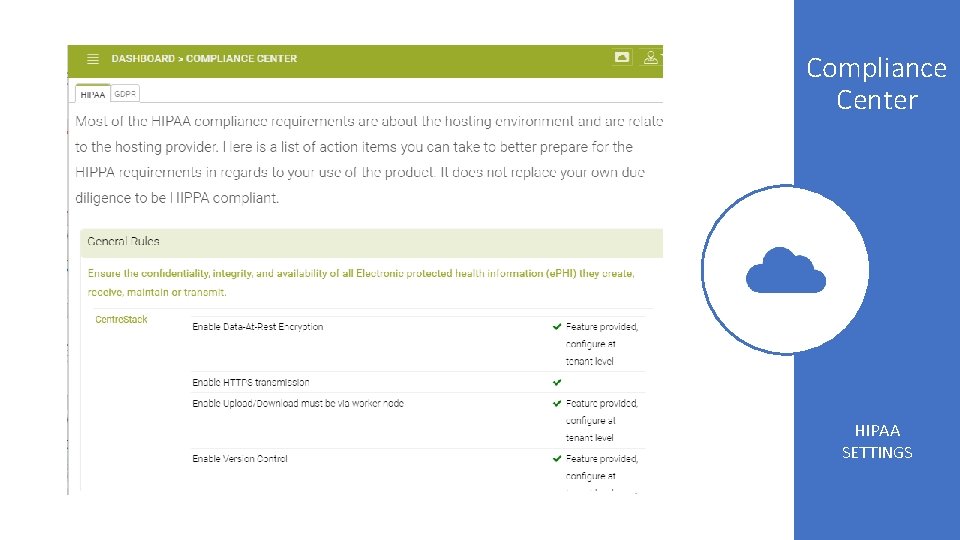
Compliance Center HIPAA SETTINGS
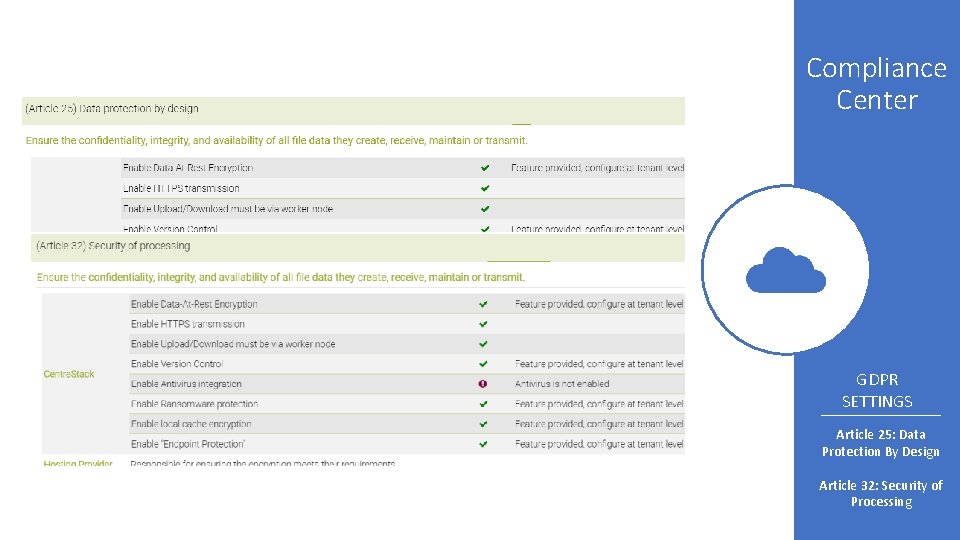
Compliance Center GDPR SETTINGS Article 25: Data Protection By Design Article 32: Security of Processing
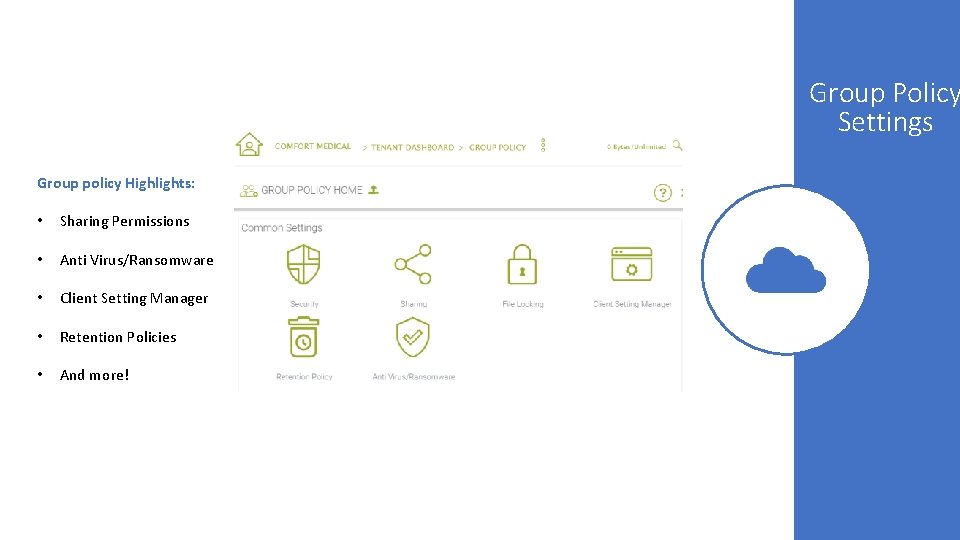
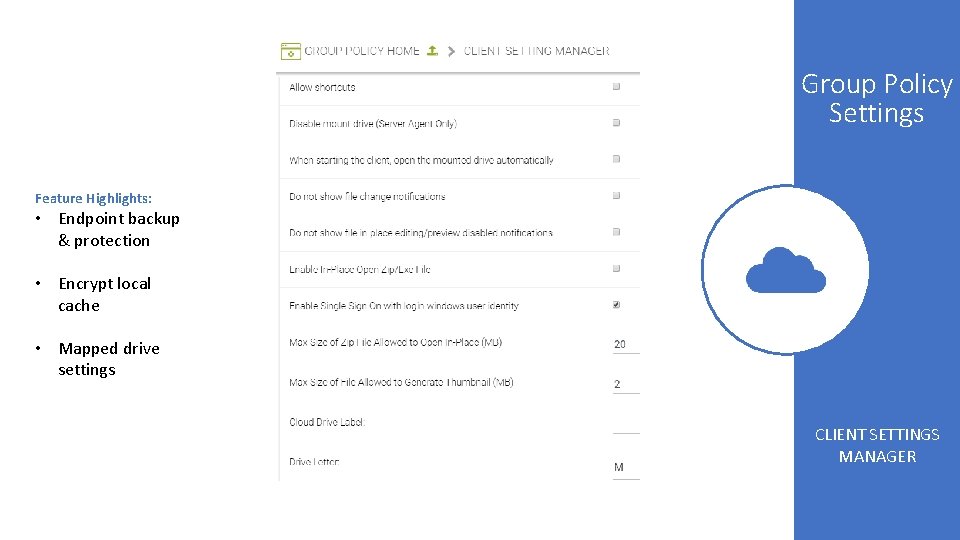
Group Policy Settings Group policy Highlights: • Sharing Permissions • Anti Virus/Ransomware • Client Setting Manager • Retention Policies • And more!
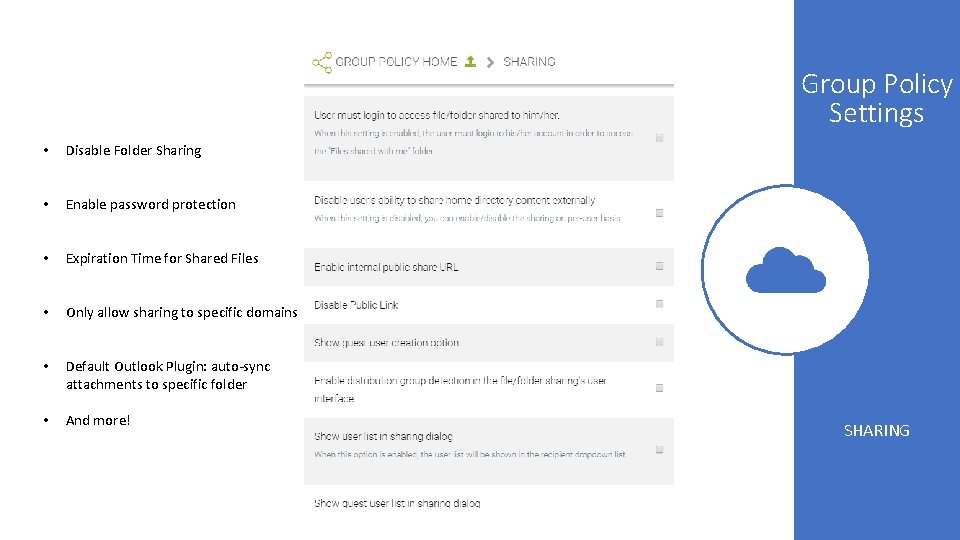
Group Policy Settings • Disable Folder Sharing • Enable password protection • Expiration Time for Shared Files • Only allow sharing to specific domains • Default Outlook Plugin: auto-sync attachments to specific folder • And more! SHARING
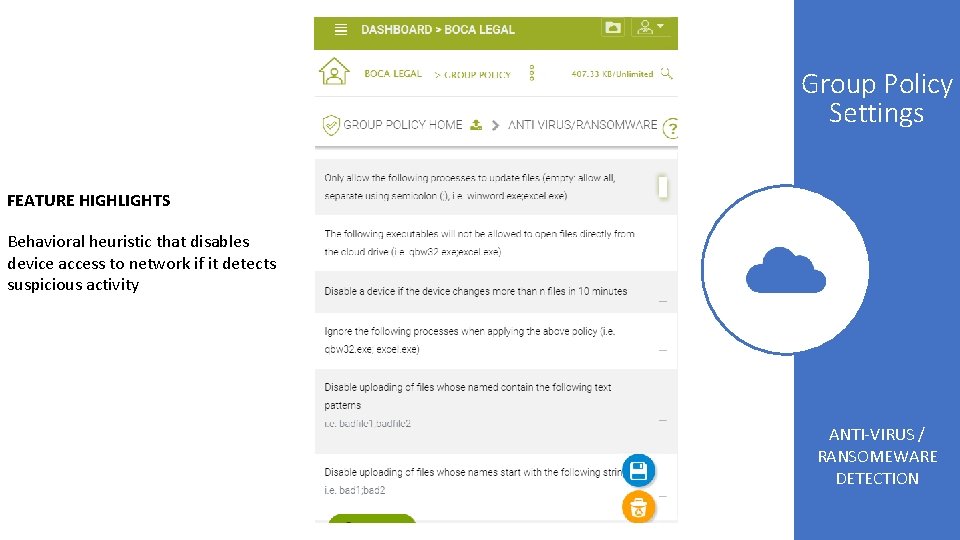
Group Policy Settings FEATURE HIGHLIGHTS Behavioral heuristic that disables device access to network if it detects suspicious activity ANTI-VIRUS / RANSOMEWARE DETECTION
Group Policy Settings Feature Highlights: • Endpoint backup & protection • Encrypt local cache • Mapped drive settings CLIENT SETTINGS MANAGER
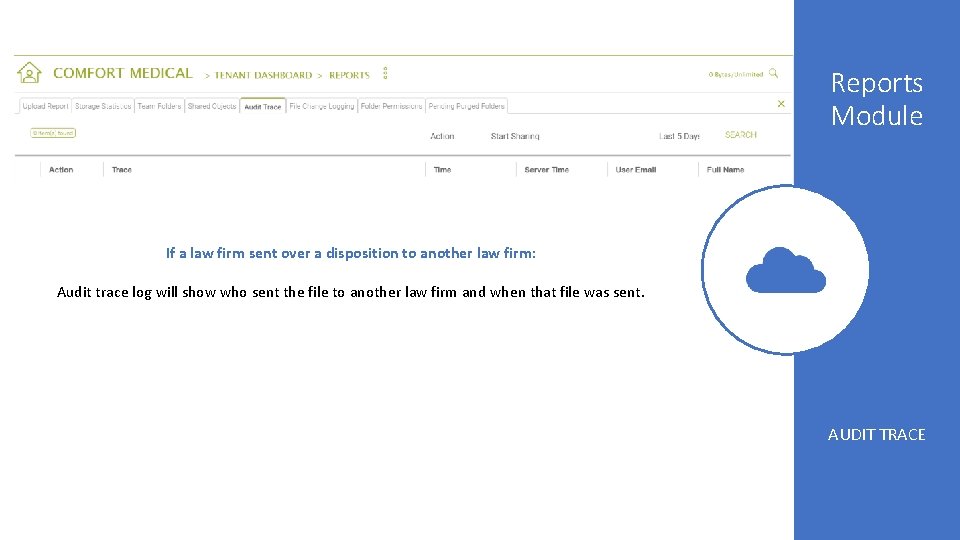
Reports Module If a law firm sent over a disposition to another law firm: Audit trace log will show who sent the file to another law firm and when that file was sent. AUDIT TRACE
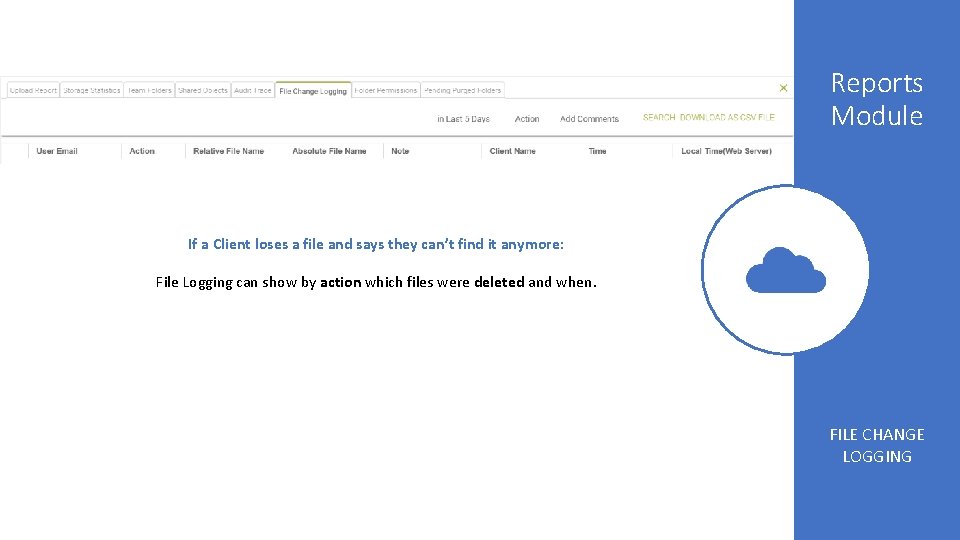
Reports Module If a Client loses a file and says they can’t find it anymore: File Logging can show by action which files were deleted and when. FILE CHANGE LOGGING
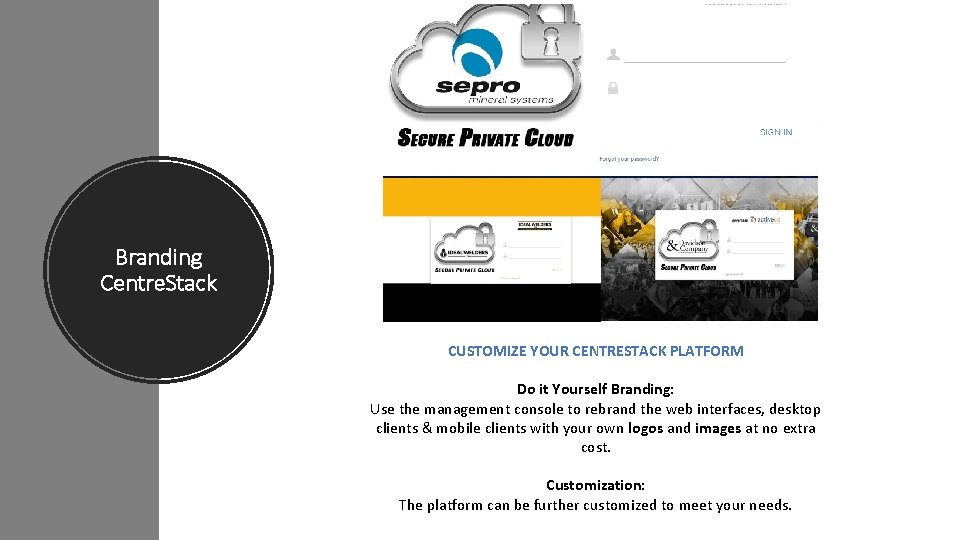
Branding Centre. Stack CUSTOMIZE YOUR CENTRESTACK PLATFORM Do it Yourself Branding: Use the management console to rebrand the web interfaces, desktop clients & mobile clients with your own logos and images at no extra cost. Customization: The platform can be further customized to meet your needs.
. com Thank you For Choosing Centre. Stack! Boca Raton, FL 888. 955. 6656 support@gladinet. com