
Curriculum guide for Computer Classes Grades 6 th
- Slides: 7
Curriculum guide for Computer Classes Grades 6 th, 7 th & 8 th Teacher: Mrs. Donna Jamison
6 th Grade - Keyboarding Goals for the Course 1. To build enhanced proficiency on keyboarding skills. 2. To develop speed and accuracy. 3. To create documents (letters, reports, newspaper stories). 4. To create a Power. Point slide show. Course Length: 1 Quarter Prerequisites: None
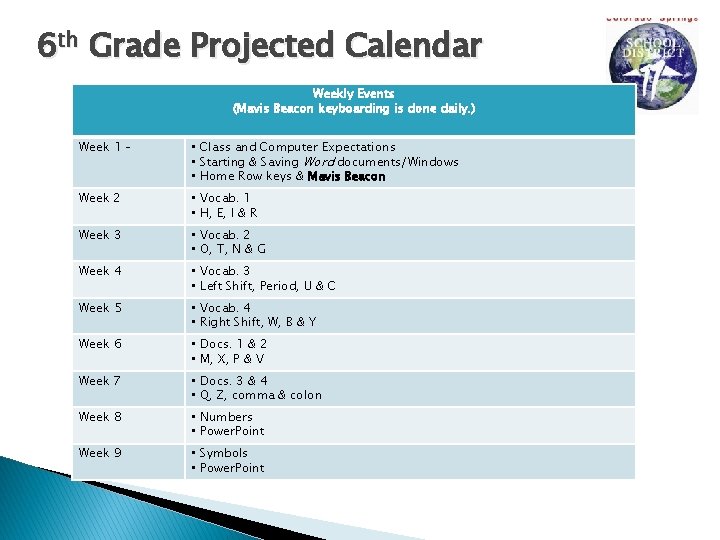
6 th Grade Projected Calendar Weekly Events (Mavis Beacon keyboarding is done daily. ) Week 1 – • Class and Computer Expectations • Starting & Saving Word documents/Windows • Home Row keys & Mavis Beacon Week 2 • Vocab. 1 • H, E, I & R Week 3 • Vocab. 2 • O, T, N & G Week 4 • Vocab. 3 • Left Shift, Period, U & C Week 5 • Vocab. 4 • Right Shift, W, B & Y Week 6 • Docs. 1 & 2 • M, X, P & V Week 7 • Docs. 3 & 4 • Q, Z, comma & colon Week 8 • Numbers • Power. Point Week 9 • Symbols • Power. Point
7 th Grade – Intro. to Computers Goals for the Course � � � Keyboarding Word processing (Word) Spreadsheet (Excel) Publisher Electronic Slide Shows (Power. Point) Internet and Web Site Evaluations Course Length: 2 Quarters (1 Semester) Prerequisites: None
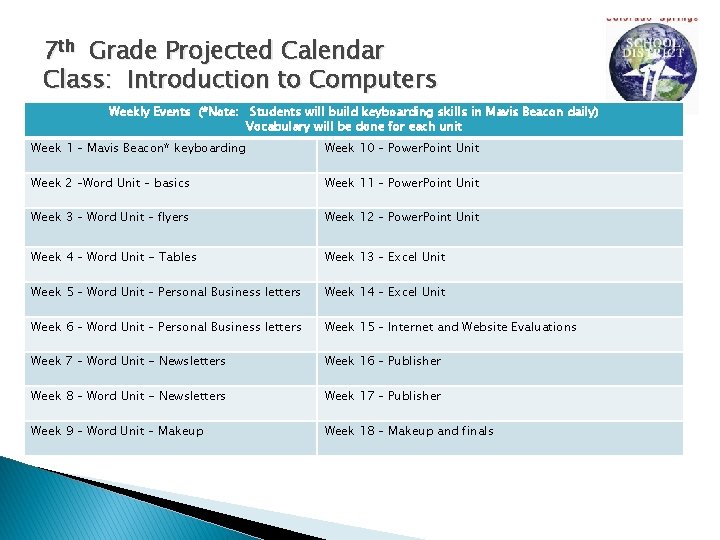
7 th Grade Projected Calendar Class: Introduction to Computers Weekly Events (*Note: Students will build keyboarding skills in Mavis Beacon daily) Vocabulary will be done for each unit Week 1 – Mavis Beacon* keyboarding Week 10 – Power. Point Unit Week 2 –Word Unit – basics Week 11 – Power. Point Unit Week 3 – Word Unit – flyers Week 12 – Power. Point Unit Week 4 – Word Unit - Tables Week 13 – Excel Unit Week 5 – Word Unit – Personal Business letters Week 14 – Excel Unit Week 6 – Word Unit – Personal Business letters Week 15 – Internet and Website Evaluations Week 7 – Word Unit - Newsletters Week 16 – Publisher Week 8 – Word Unit - Newsletters Week 17 – Publisher Week 9 – Word Unit – Makeup Week 18 – Makeup and finals
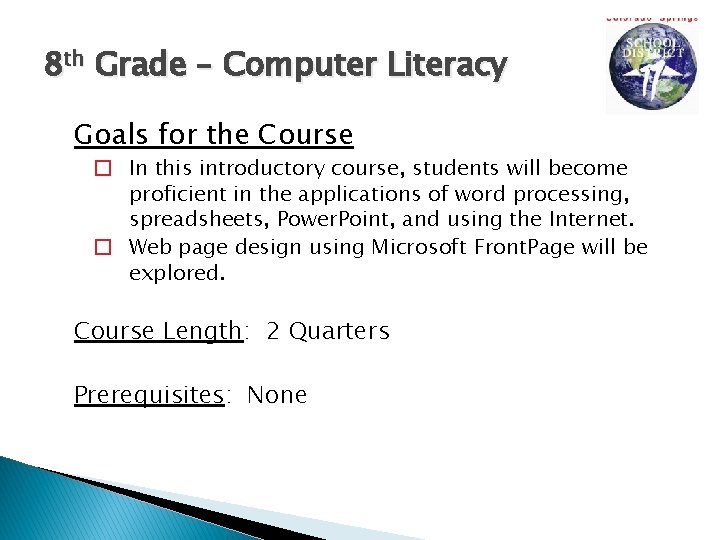
8 th Grade – Computer Literacy Goals for the Course � In this introductory course, students will become proficient in the applications of word processing, spreadsheets, Power. Point, and using the Internet. � Web page design using Microsoft Front. Page will be explored. Course Length: 2 Quarters Prerequisites: None
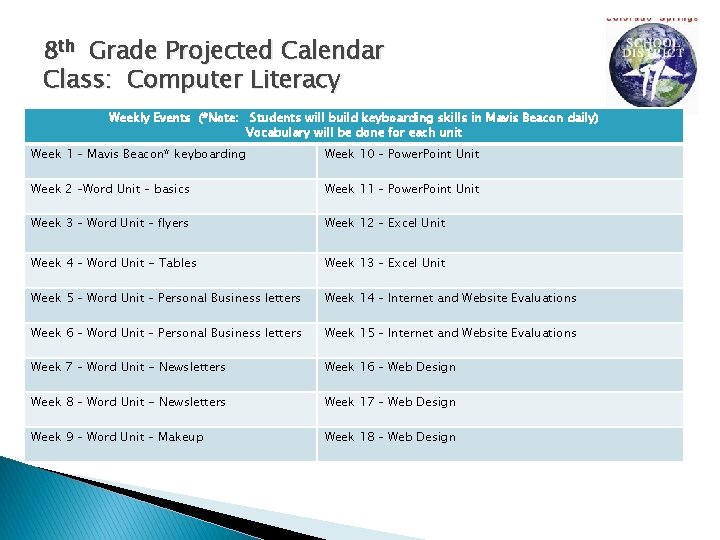
8 th Grade Projected Calendar Class: Computer Literacy Weekly Events (*Note: Students will build keyboarding skills in Mavis Beacon daily) Vocabulary will be done for each unit Week 1 – Mavis Beacon* keyboarding Week 10 – Power. Point Unit Week 2 –Word Unit – basics Week 11 – Power. Point Unit Week 3 – Word Unit – flyers Week 12 – Excel Unit Week 4 – Word Unit - Tables Week 13 – Excel Unit Week 5 – Word Unit – Personal Business letters Week 14 – Internet and Website Evaluations Week 6 – Word Unit – Personal Business letters Week 15 – Internet and Website Evaluations Week 7 – Word Unit - Newsletters Week 16 – Web Design Week 8 – Word Unit - Newsletters Week 17 – Web Design Week 9 – Word Unit – Makeup Week 18 – Web Design