
Culture Excellence Survey Introduction What is Culture Culture


- Slides: 10
Culture Excellence Survey Introduction
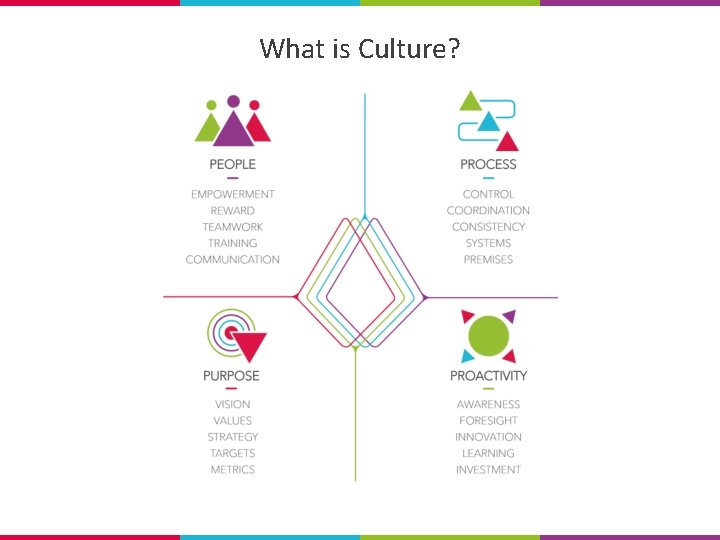
What is Culture? Culture = prevailing attitudes and practices related to safety and quality that are taught - directly and indirectly - to employees.
What is Culture?
The Culture Excellence Survey What? • An online survey focused on food safety, quality and health and safety. • Designed to be taken by all employees. Why? • To identify strengths and weaknesses so that we can continuously improve. • Every contribution is important to reflect the views of the whole company.
The Results • Part of our journey • Not just a total score • Insight into relative strengths and weaknesses • Support action planning • Show improvement
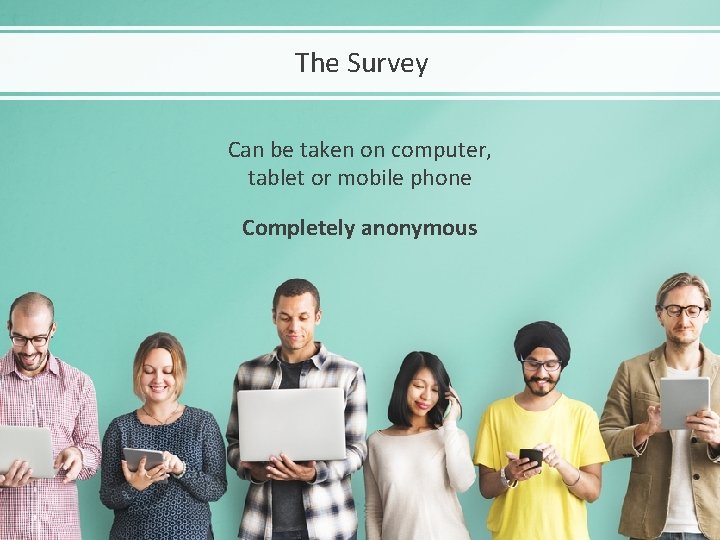
The Survey Can be taken on computer, tablet or mobile phone Completely anonymous
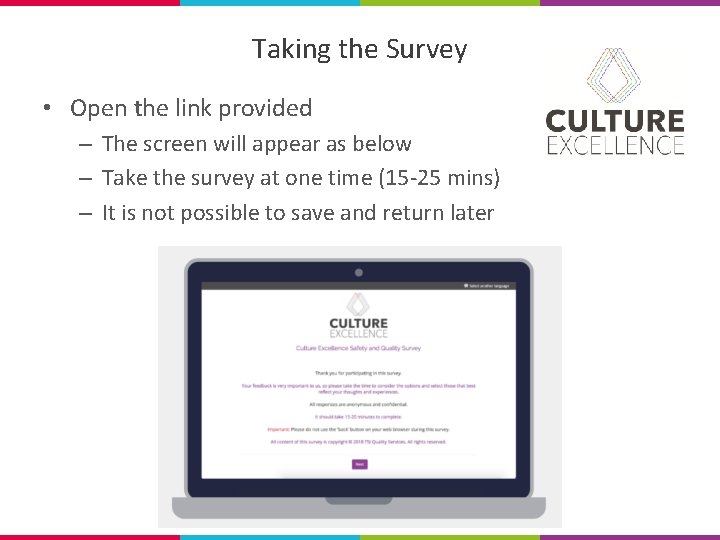
Taking the Survey • Open the link provided – The screen will appear as below – Take the survey at one time (15 -25 mins) – It is not possible to save and return later
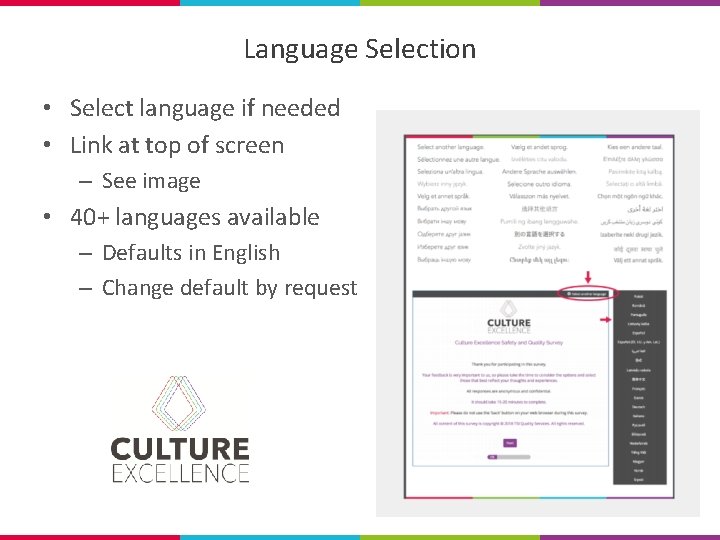
Language Selection • Select language if needed • Link at top of screen – See image • 40+ languages available – Defaults in English – Change default by request
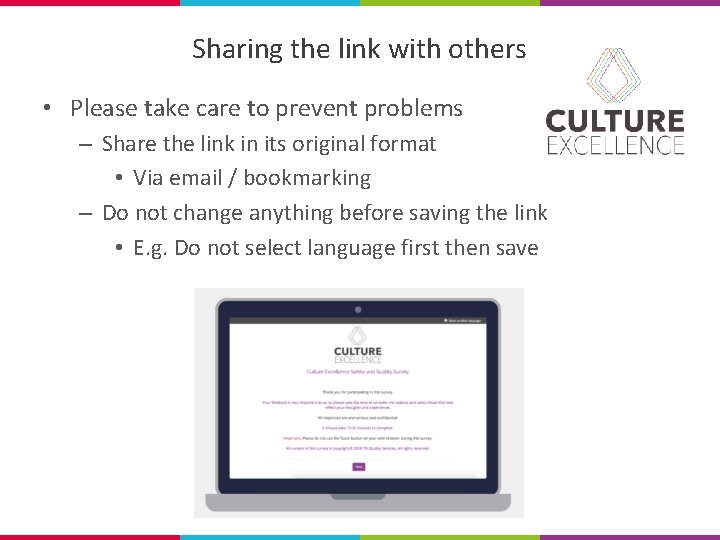
Sharing the link with others • Please take care to prevent problems – Share the link in its original format • Via email / bookmarking – Do not change anything before saving the link • E. g. Do not select language first then save
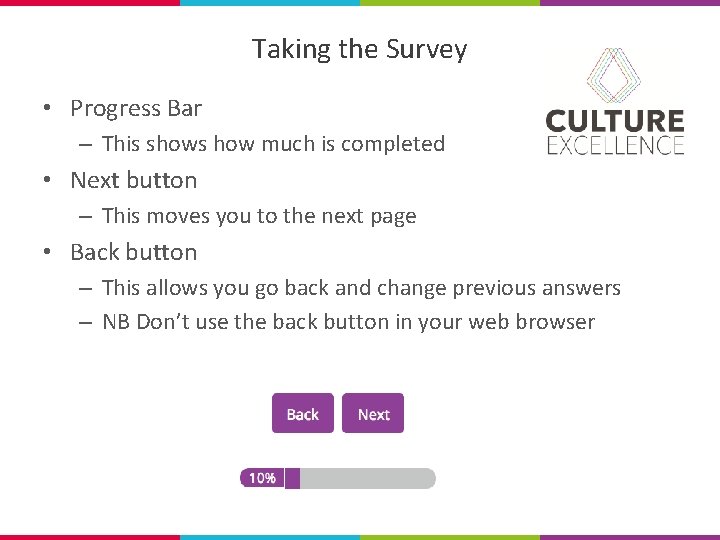
Taking the Survey • Progress Bar – This shows how much is completed • Next button – This moves you to the next page • Back button – This allows you go back and change previous answers – NB Don’t use the back button in your web browser