
CUBIT FastStart Tutorial 1 Introduction Contact Information Bugs
CUBIT™ Fast-Start Tutorial 1. Introduction
Contact Information • Bugs, enhancement requests: • support@coreform. com • Meshing Questions, CUBIT™ community: • Forum. Coreform. com • Website: • www. Coreform. com
Platforms Windows (64 bit) Linux (64 bit) Mac OS/X (64 bit)
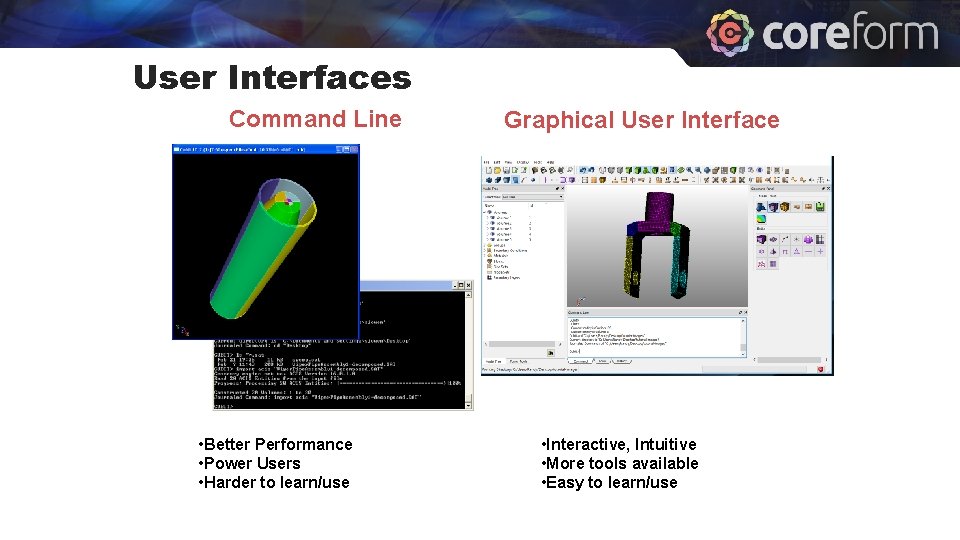
User Interfaces Command Line • Better Performance • Power Users • Harder to learn/use Graphical User Interface • Interactive, Intuitive • More tools available • Easy to learn/use
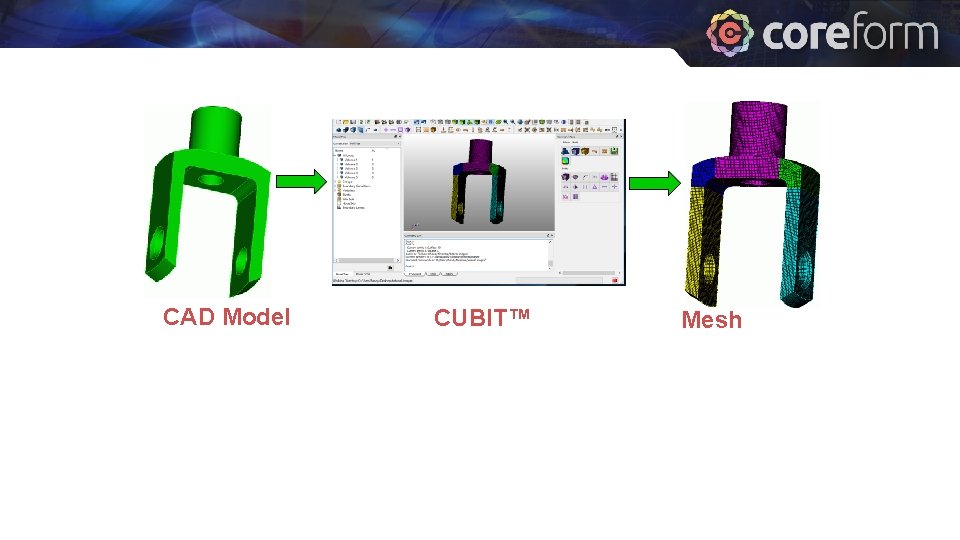
CAD Model CUBIT™ Mesh
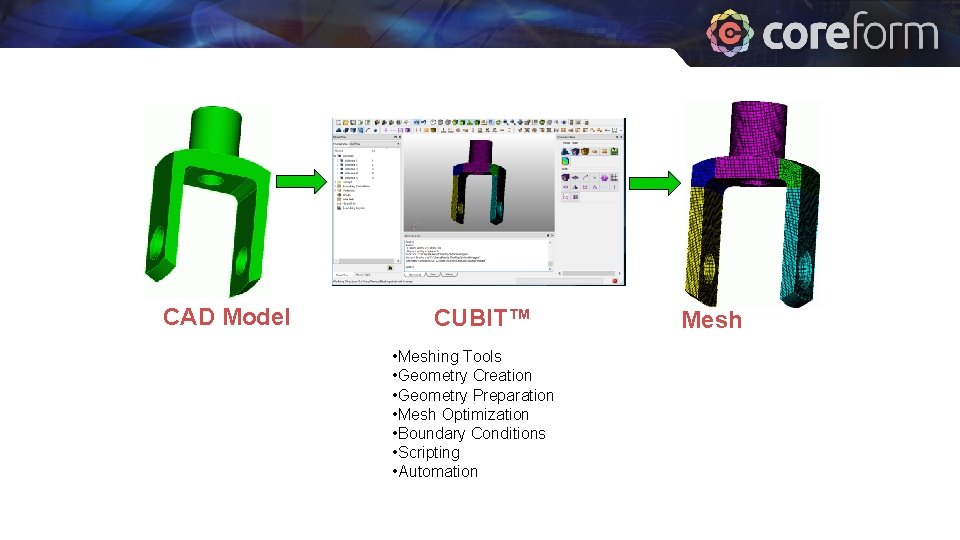
CAD Model CUBIT™ • Meshing Tools • Geometry Creation • Geometry Preparation • Mesh Optimization • Boundary Conditions • Scripting • Automation Mesh
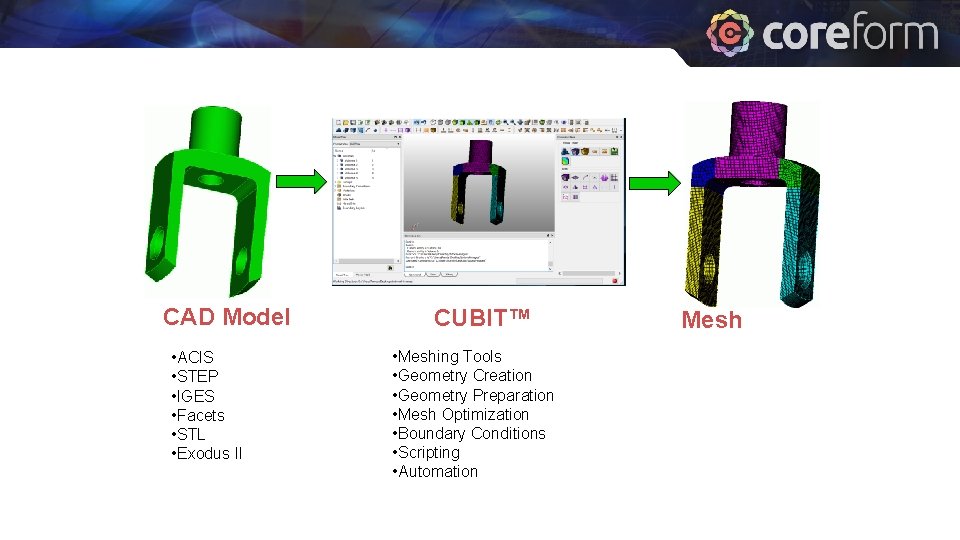
CAD Model • ACIS • STEP • IGES • Facets • STL • Exodus II CUBIT™ • Meshing Tools • Geometry Creation • Geometry Preparation • Mesh Optimization • Boundary Conditions • Scripting • Automation Mesh
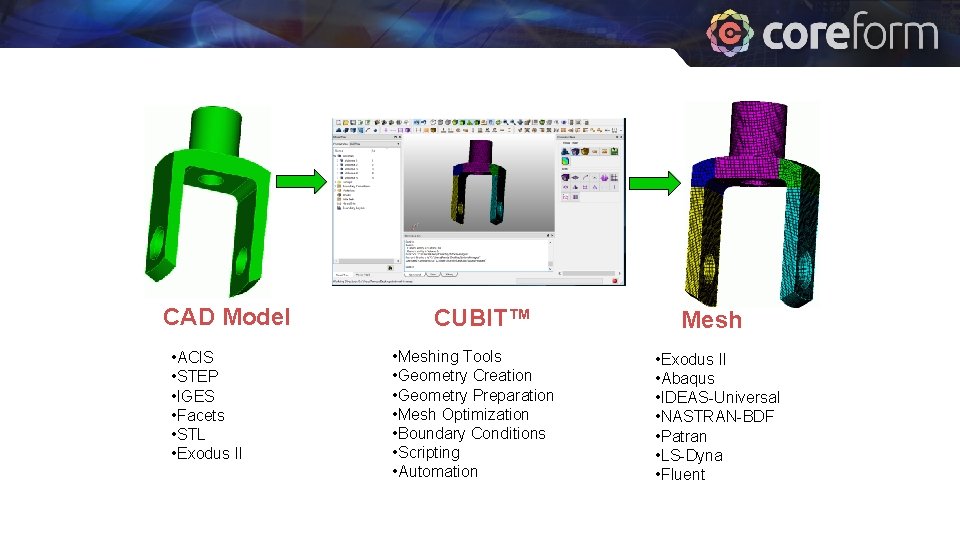
CAD Model • ACIS • STEP • IGES • Facets • STL • Exodus II CUBIT™ • Meshing Tools • Geometry Creation • Geometry Preparation • Mesh Optimization • Boundary Conditions • Scripting • Automation Mesh • Exodus II • Abaqus • IDEAS-Universal • NASTRAN-BDF • Patran • LS-Dyna • Fluent
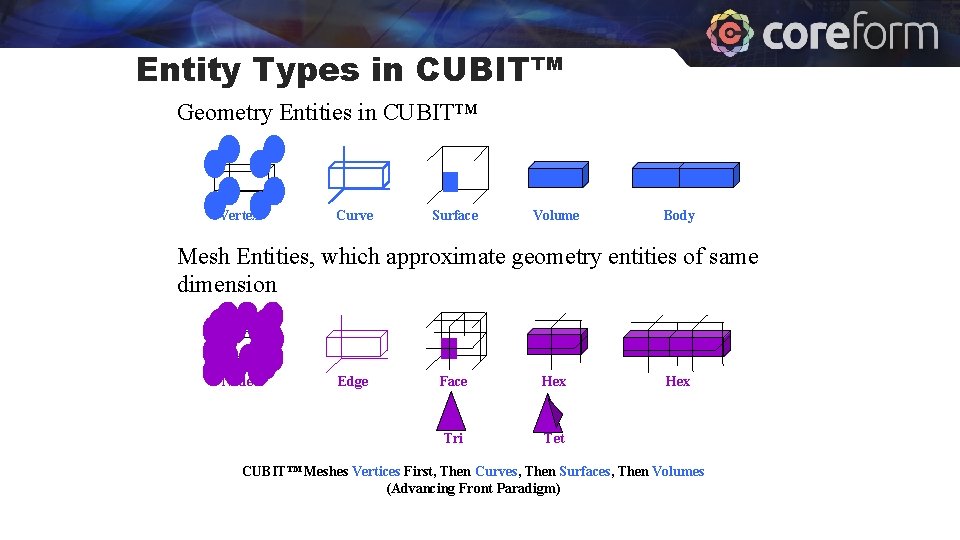
Entity Types in CUBIT™ Geometry Entities in CUBIT™ Vertex Curve Surface Volume Body Mesh Entities, which approximate geometry entities of same dimension Node Edge Face Hex Tri Tet Hex CUBIT™ Meshes Vertices First, Then Curves, Then Surfaces, Then Volumes (Advancing Front Paradigm)
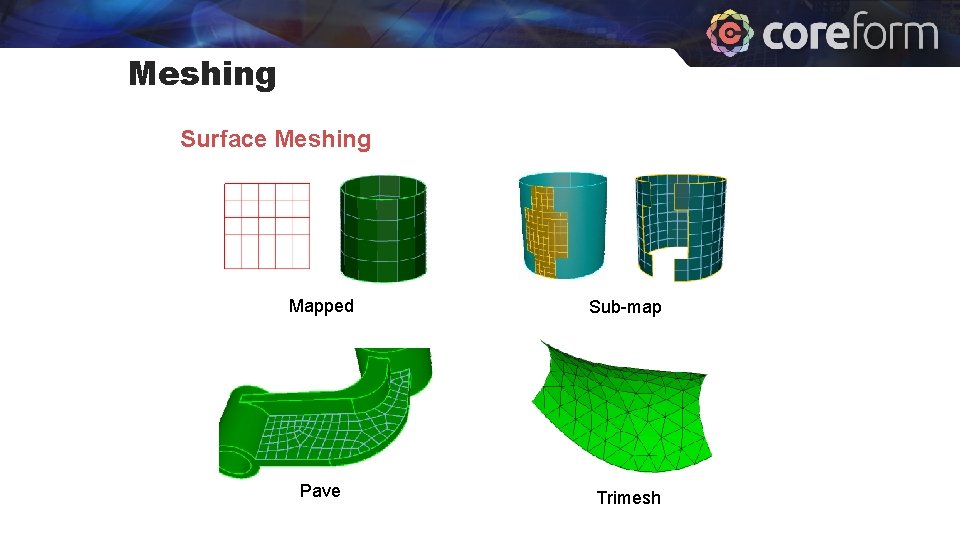
Meshing Surface Meshing Mapped Sub-map Pave Trimesh
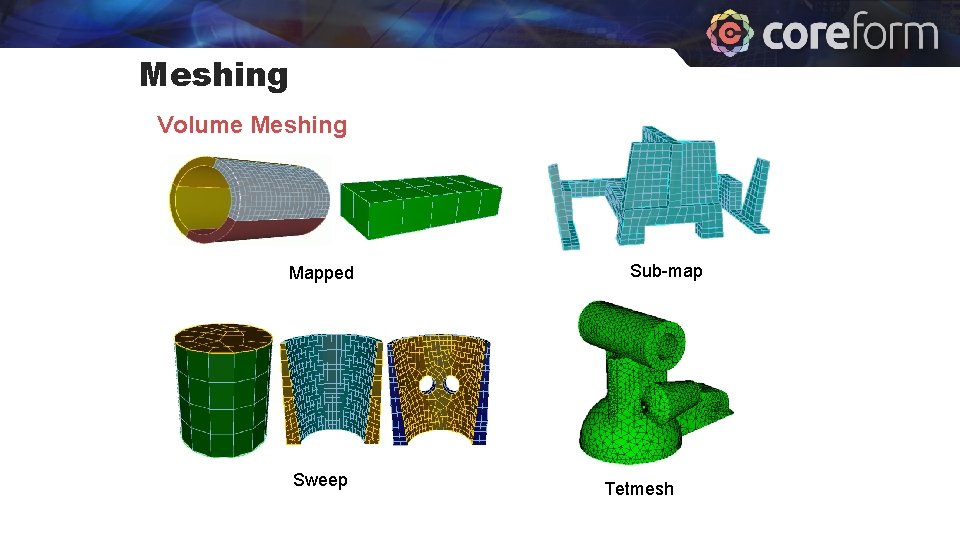
Meshing Volume Meshing Mapped Sweep Sub-map Tetmesh
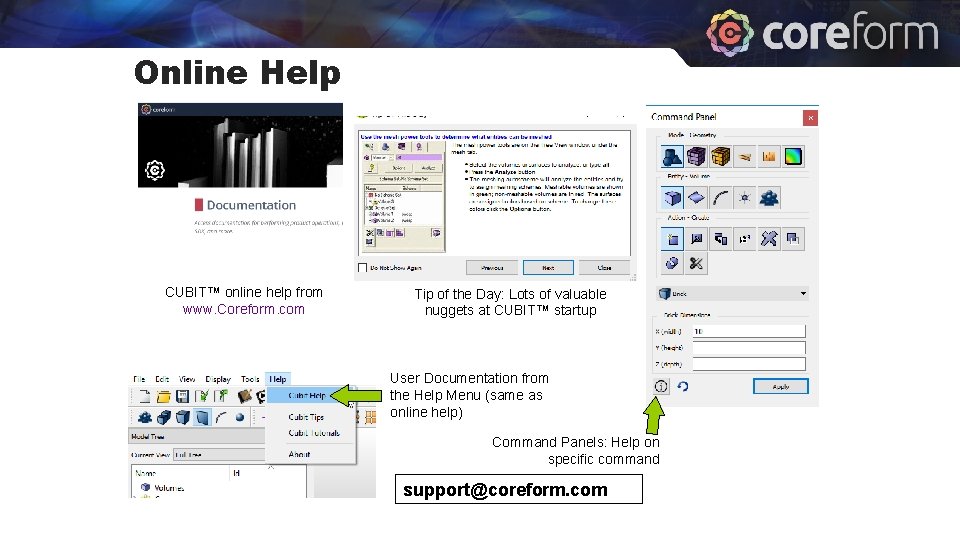
Online Help CUBIT™ online help from www. Coreform. com Tip of the Day: Lots of valuable nuggets at CUBIT™ startup User Documentation from the Help Menu (same as online help) Command Panels: Help on specific command support@coreform. com
- Slides: 12