
CSS Profile TM An Overview of the 2021
- Slides: 41
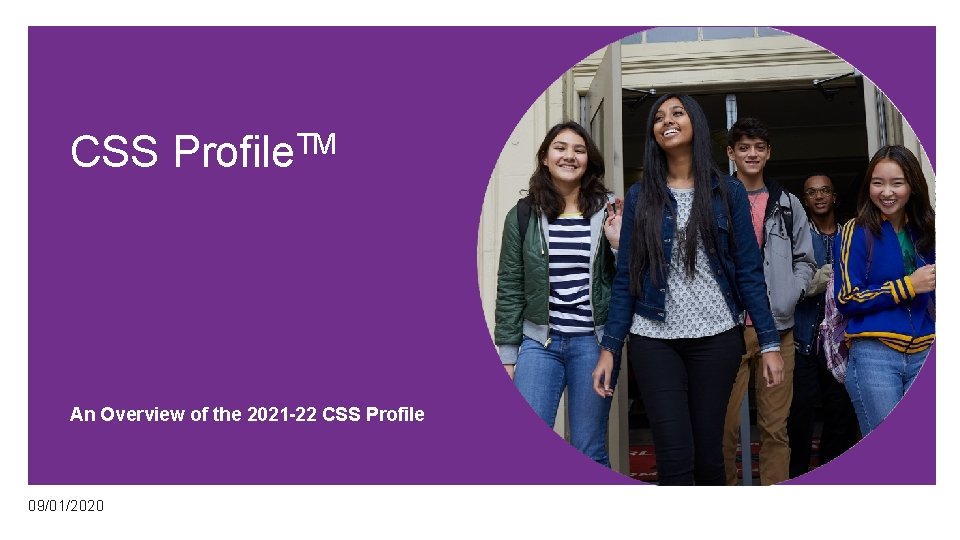
CSS Profile. TM An Overview of the 2021 -22 CSS Profile 09/01/2020
The Process • Applying for financial aid • What • Why • How • To get started • To complete the CSS Profile • When • Common mistakes
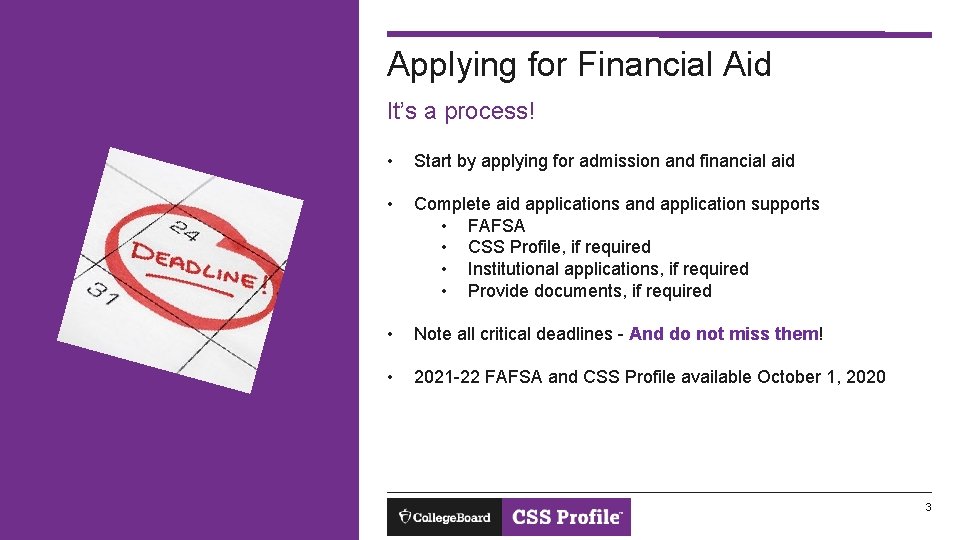
Applying for Financial Aid It’s a process! • Start by applying for admission and financial aid • Complete aid applications and application supports • FAFSA • CSS Profile, if required • Institutional applications, if required • Provide documents, if required • Note all critical deadlines - And do not miss them! • 2021 -22 FAFSA and CSS Profile available October 1, 2020 3
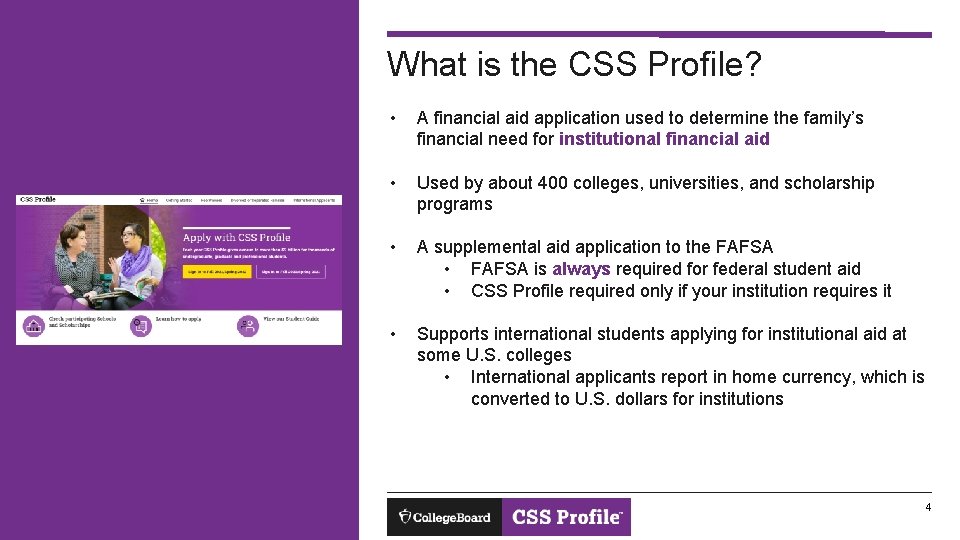
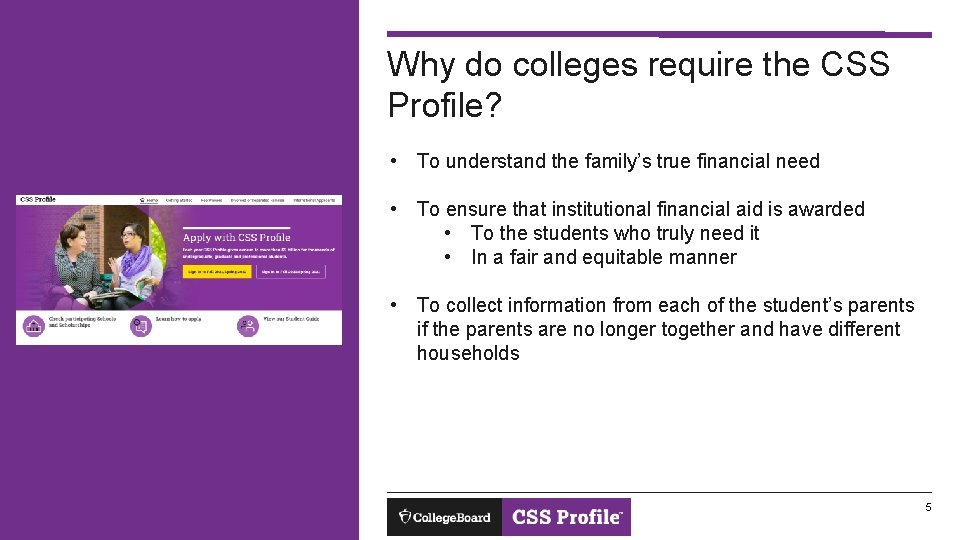
What is the CSS Profile? • A financial aid application used to determine the family’s financial need for institutional financial aid • Used by about 400 colleges, universities, and scholarship programs • A supplemental aid application to the FAFSA • FAFSA is always required for federal student aid • CSS Profile required only if your institution requires it • Supports international students applying for institutional aid at some U. S. colleges • International applicants report in home currency, which is converted to U. S. dollars for institutions 4
Why do colleges require the CSS Profile? • To understand the family’s true financial need • To ensure that institutional financial aid is awarded • To the students who truly need it • In a fair and equitable manner • To collect information from each of the student’s parents if the parents are no longer together and have different households 5
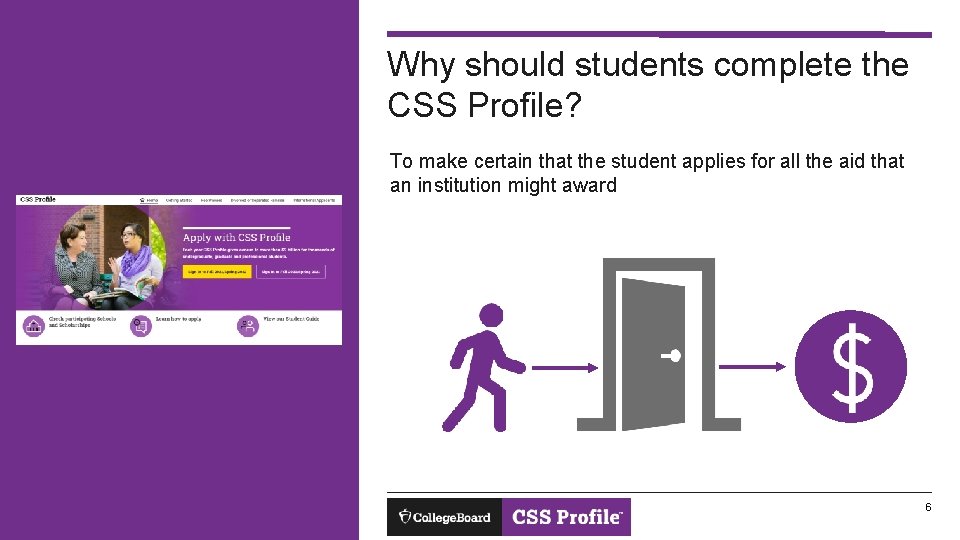
Why should students complete the CSS Profile? To make certain that the student applies for all the aid that an institution might award 6
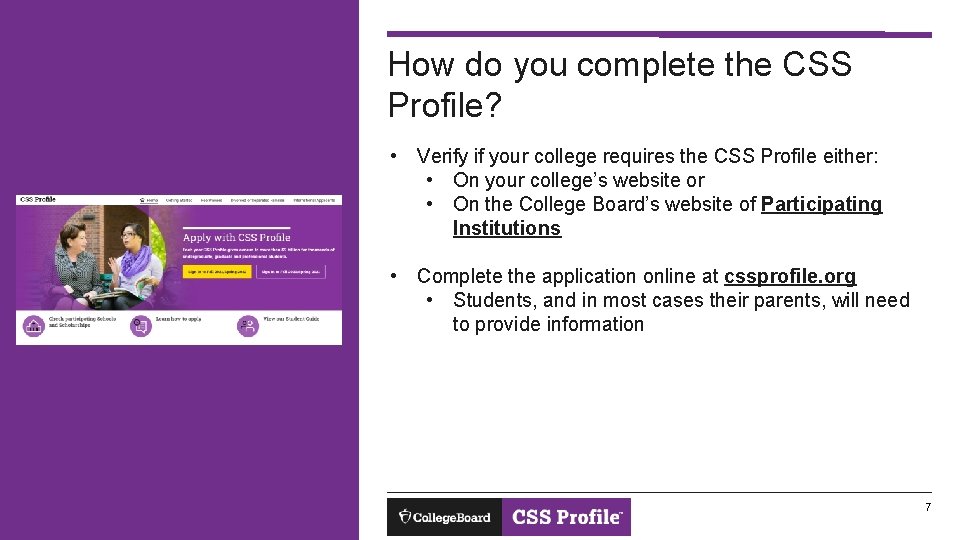
How do you complete the CSS Profile? • Verify if your college requires the CSS Profile either: • On your college’s website or • On the College Board’s website of Participating Institutions • Complete the application online at cssprofile. org • Students, and in most cases their parents, will need to provide information 7
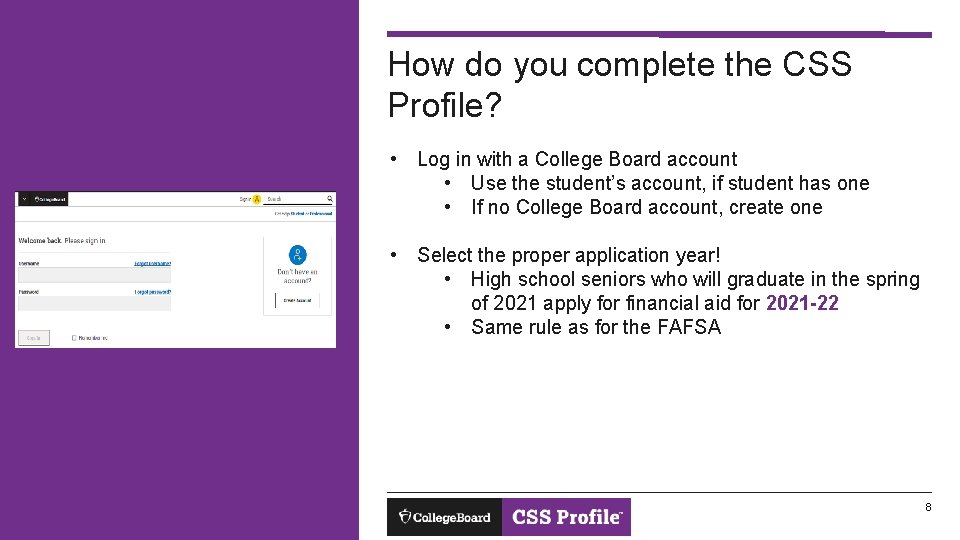
How do you complete the CSS Profile? • Log in with a College Board account • Use the student’s account, if student has one • If no College Board account, create one • Select the proper application year! • High school seniors who will graduate in the spring of 2021 apply for financial aid for 2021 -22 • Same rule as for the FAFSA 8
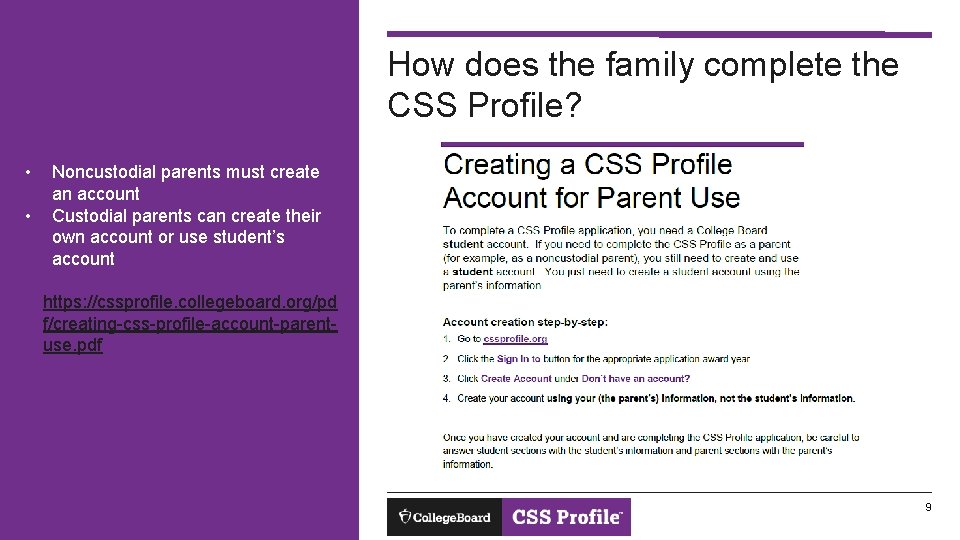
How does the family complete the CSS Profile? • • Noncustodial parents must create an account Custodial parents can create their own account or use student’s account https: //cssprofile. collegeboard. org/pd f/creating-css-profile-account-parentuse. pdf 9
Fee Waivers • Eligibility is determined automatically IMPORTANT! If a student was eligible for an SAT fee waiver, the student’s College Board account must be used for the CSS Profile for the SAT based fee waiver to be awarded • If SAT fee waiver received (custodial household only) • Based on income and family size • Based on 2019 National School Lunch Program Reduced Price Income Guidelines • Example – family of 4 would qualify with income of $45, 000 or less • Fee waivers cover all colleges selected 10
Cost of the CSS Profile Custodial Household • $25 for application and first college selected • $16 for each additional college Noncustodial Household • $25 flat fee 11
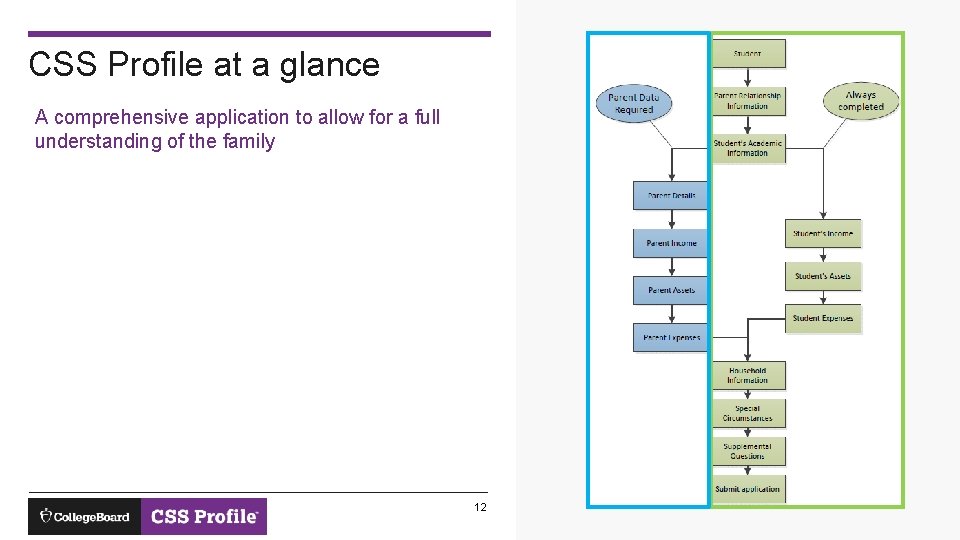
CSS Profile at a glance A comprehensive application to allow for a full understanding of the family 12
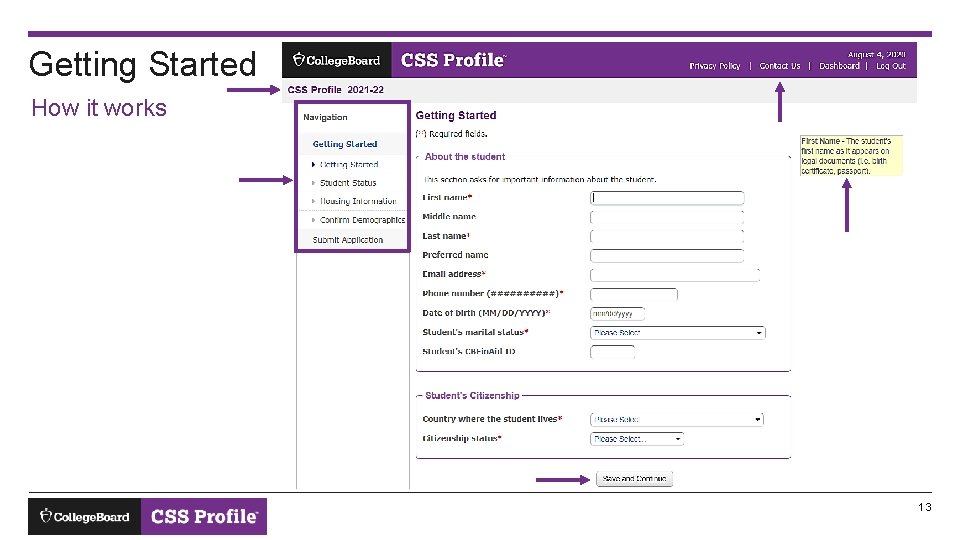
Getting Started How it works 13
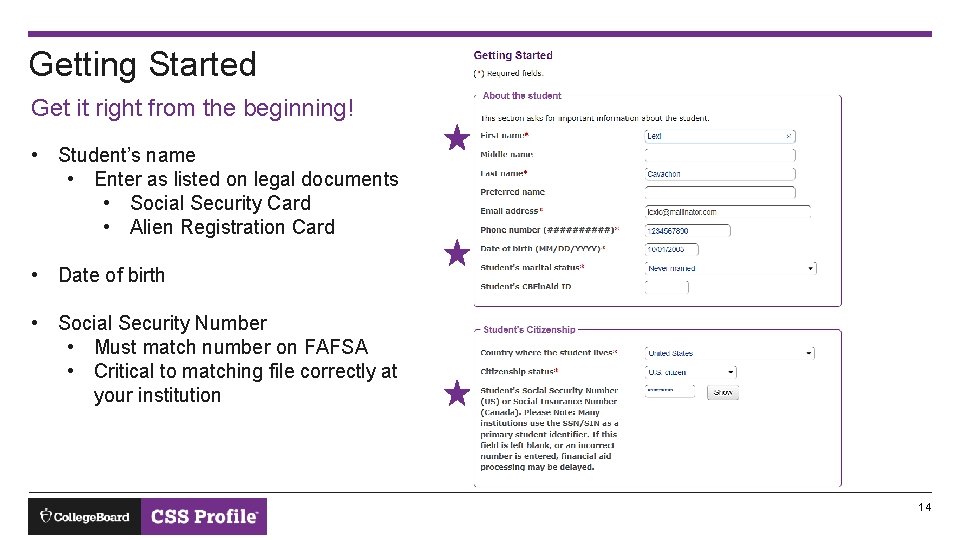
Getting Started Get it right from the beginning! • Student’s name • Enter as listed on legal documents • Social Security Card • Alien Registration Card • Date of birth • Social Security Number • Must match number on FAFSA • Critical to matching file correctly at your institution 14
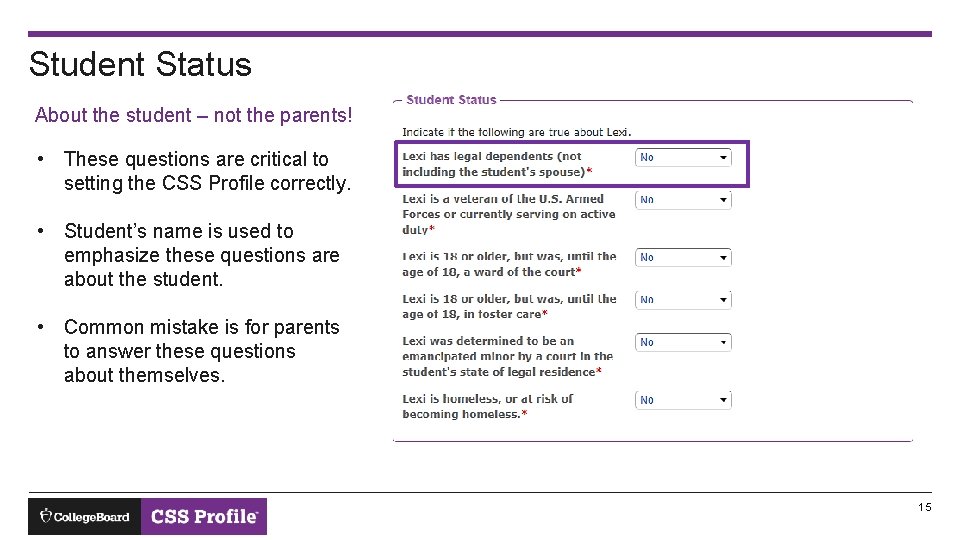
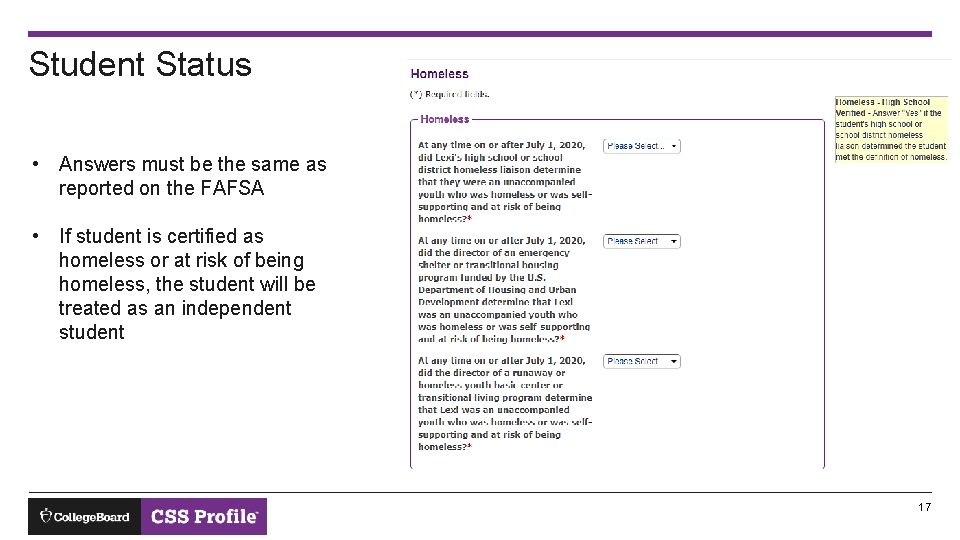
Student Status About the student – not the parents! • These questions are critical to setting the CSS Profile correctly. • Student’s name is used to emphasize these questions are about the student. • Common mistake is for parents to answer these questions about themselves. 15
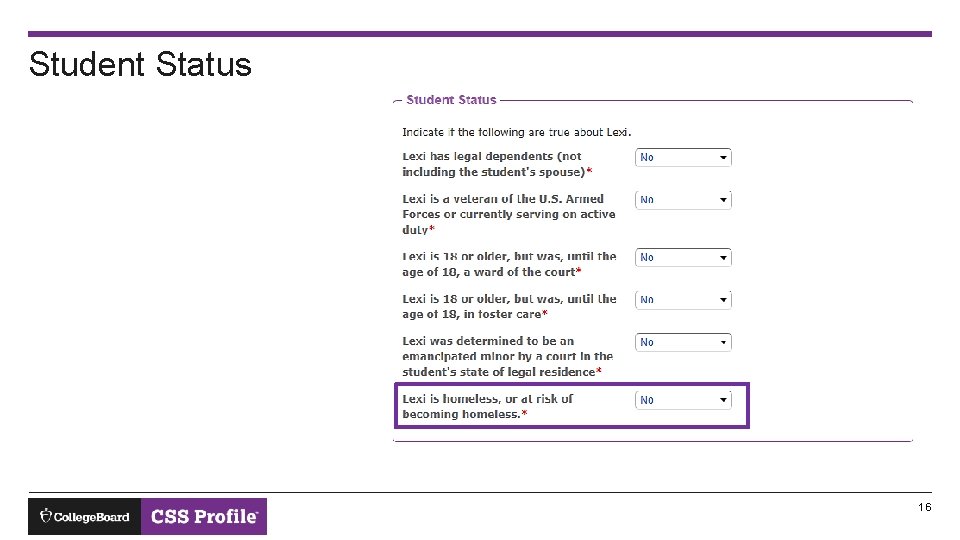
Student Status 16
Student Status • Answers must be the same as reported on the FAFSA • If student is certified as homeless or at risk of being homeless, the student will be treated as an independent student 17
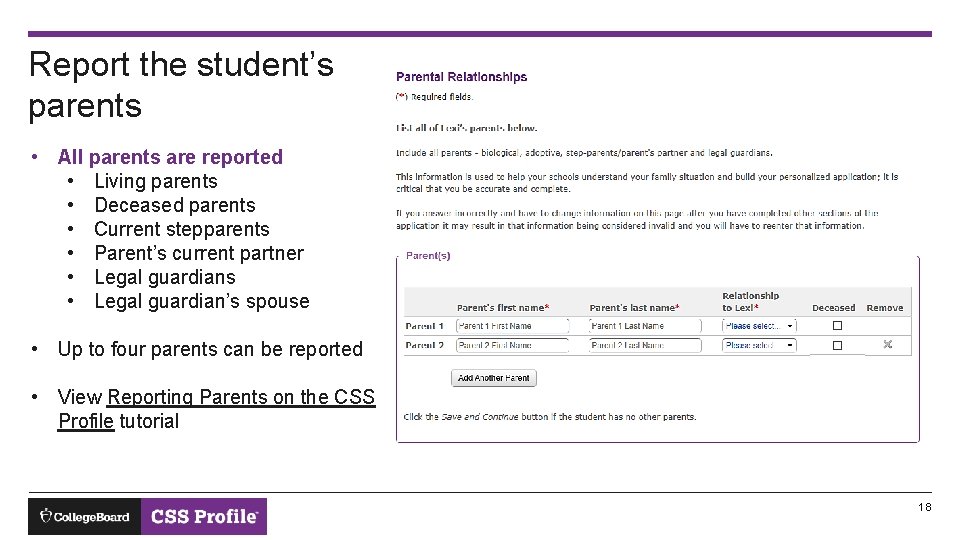
Report the student’s parents • All parents are reported • Living parents • Deceased parents • Current stepparents • Parent’s current partner • Legal guardians • Legal guardian’s spouse • Up to four parents can be reported • View Reporting Parents on the CSS Profile tutorial 18
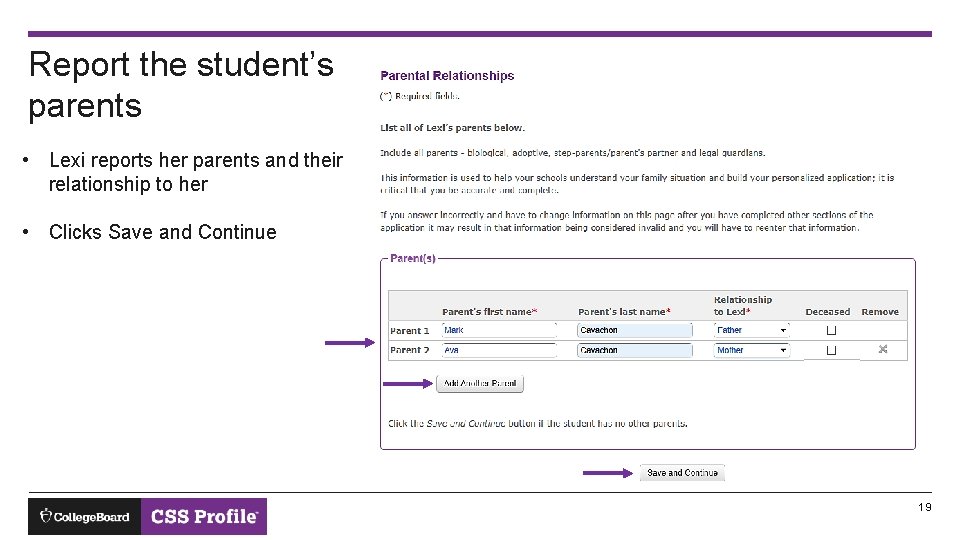
Report the student’s parents • Lexi reports her parents and their relationship to her • Clicks Save and Continue 19
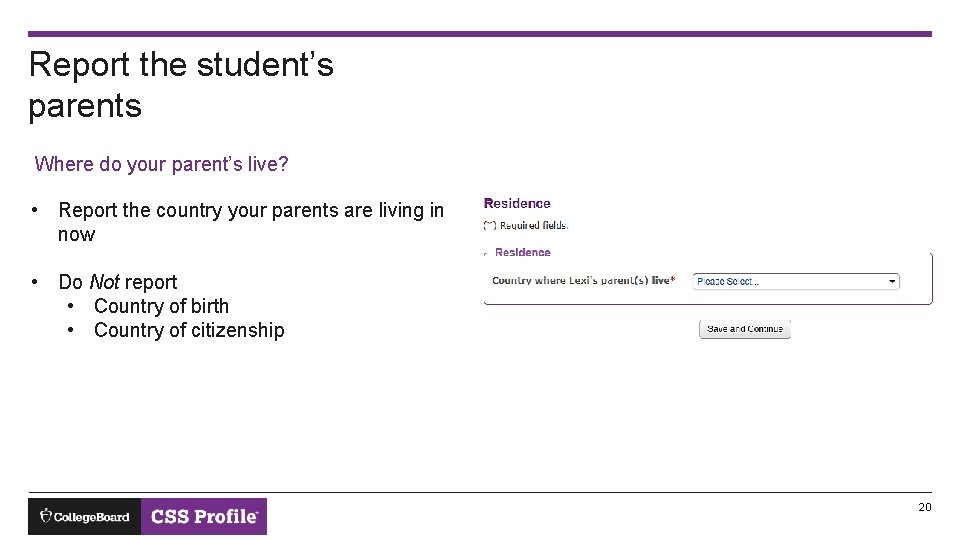
Report the student’s parents Where do your parent’s live? • Report the country your parents are living in now • Do Not report • Country of birth • Country of citizenship 20
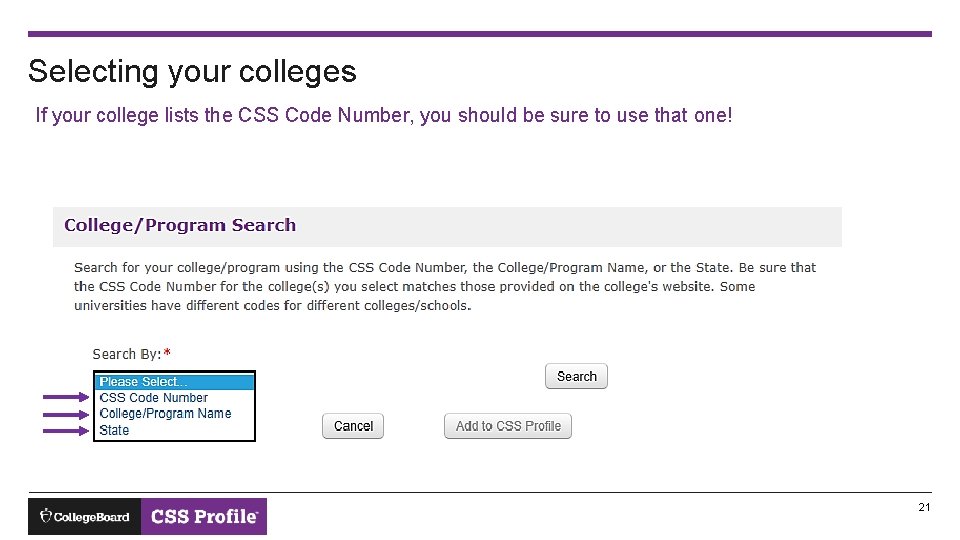
Selecting your colleges If your college lists the CSS Code Number, you should be sure to use that one! 21
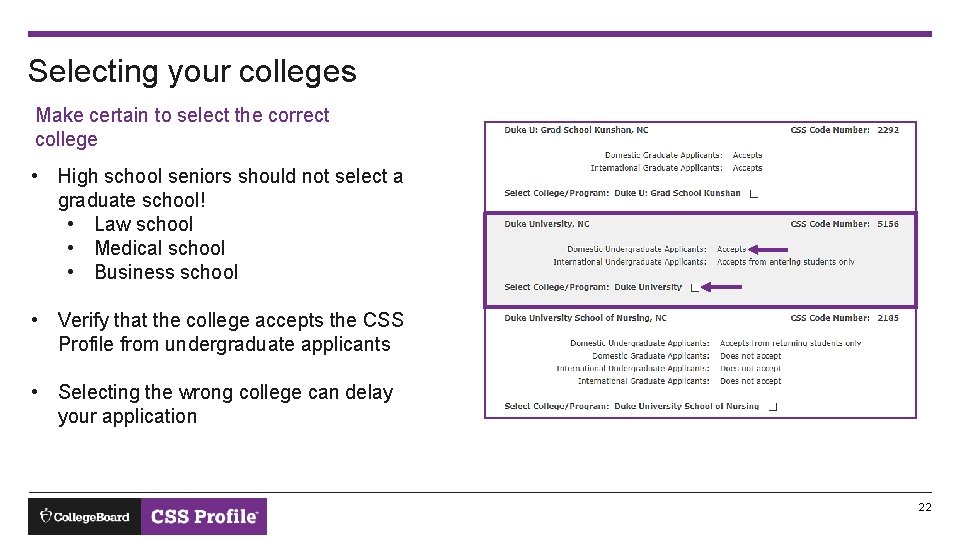
Selecting your colleges Make certain to select the correct college • High school seniors should not select a graduate school! • Law school • Medical school • Business school • Verify that the college accepts the CSS Profile from undergraduate applicants • Selecting the wrong college can delay your application 22
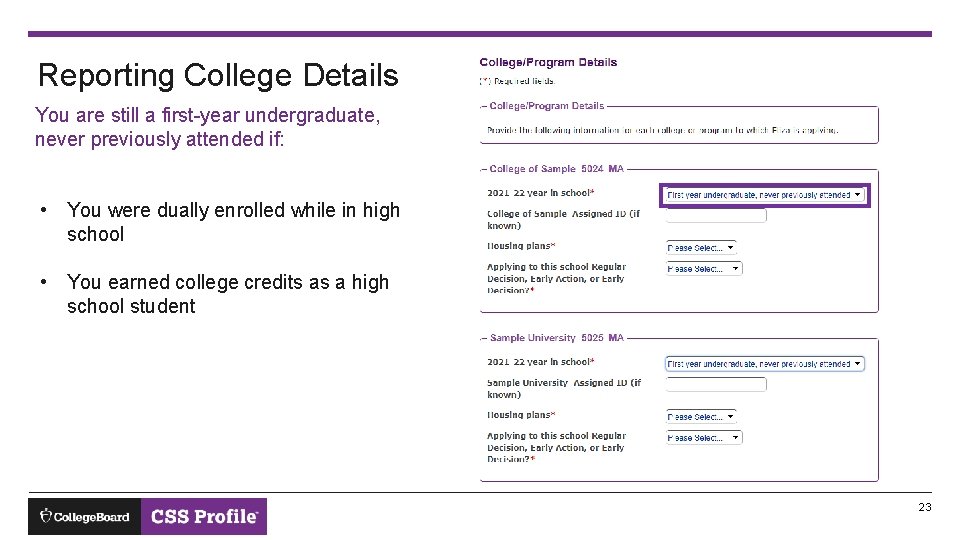
Reporting College Details You are still a first-year undergraduate, never previously attended if: • You were dually enrolled while in high school • You earned college credits as a high school student 23
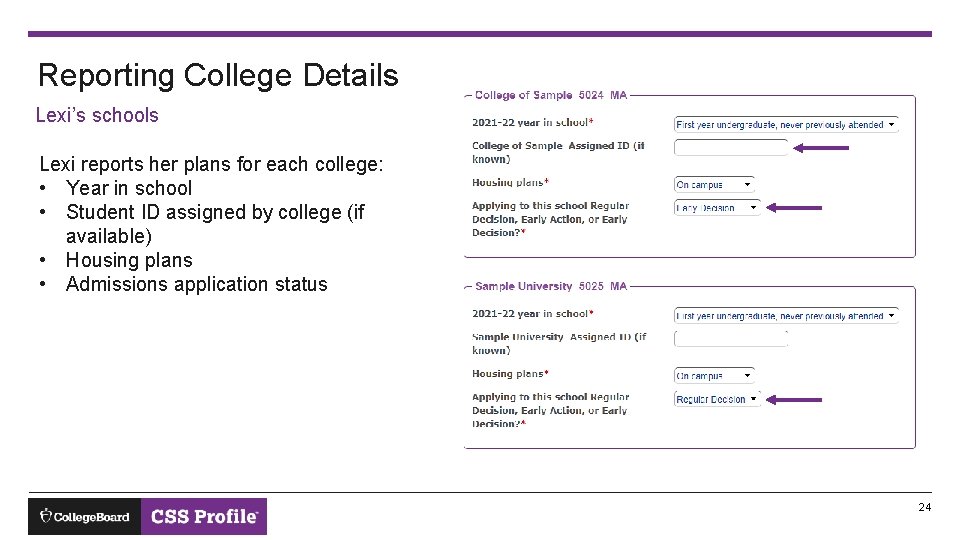
Reporting College Details Lexi’s schools Lexi reports her plans for each college: • Year in school • Student ID assigned by college (if available) • Housing plans • Admissions application status 24
Parent information required! The questions are now about the parents Lexi’s mother and father will now see parent questions • Income • Assets • Family members 25
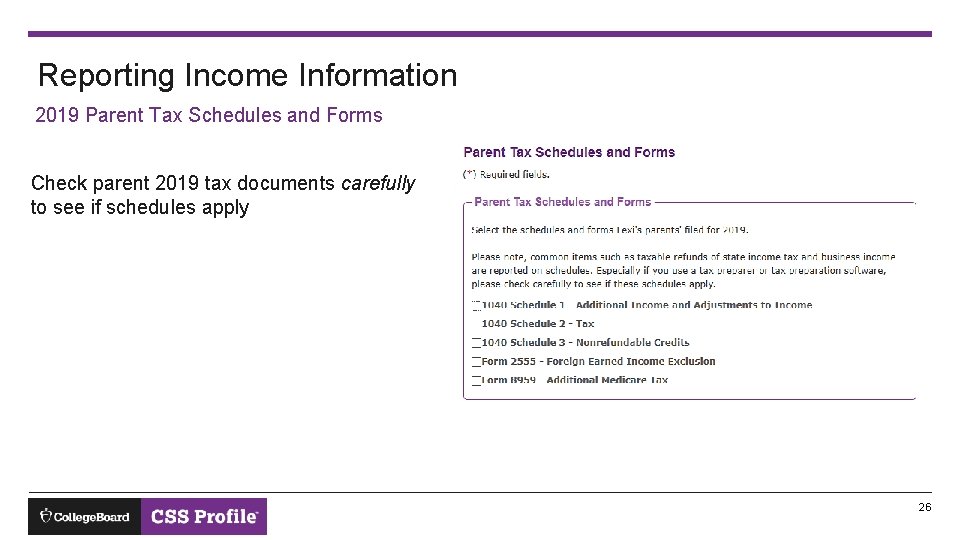
Reporting Income Information 2019 Parent Tax Schedules and Forms Check parent 2019 tax documents carefully to see if schedules apply 26
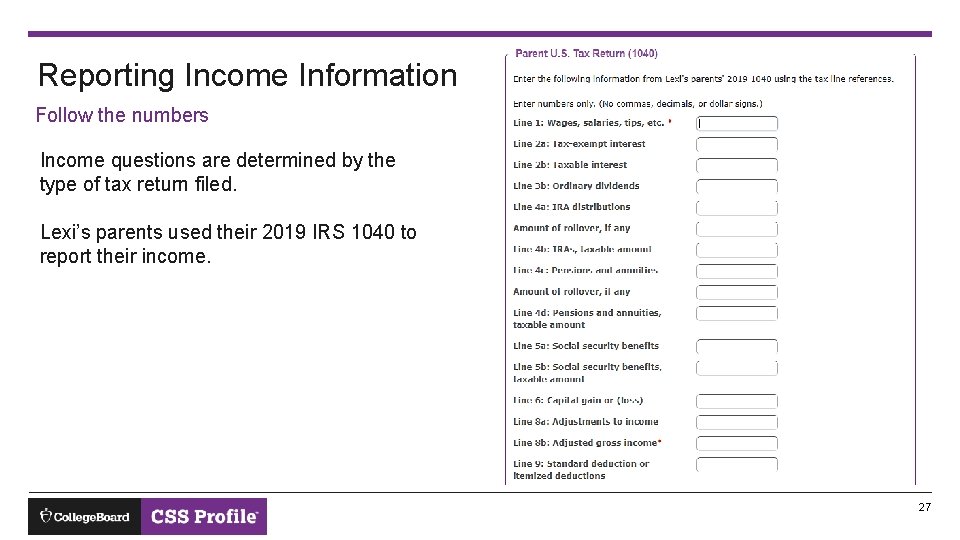
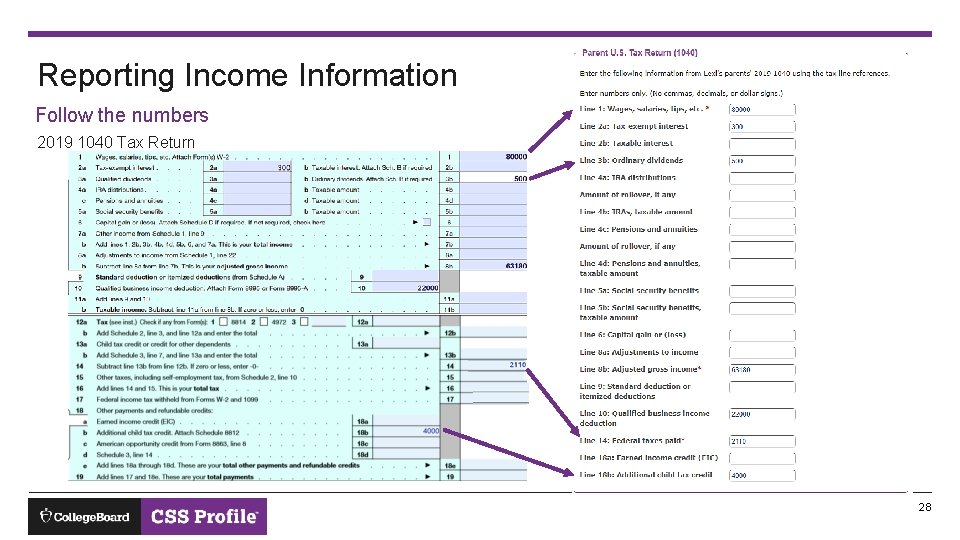
Reporting Income Information Follow the numbers Income questions are determined by the type of tax return filed. Lexi’s parents used their 2019 IRS 1040 to report their income. 27
Reporting Income Information Follow the numbers 2019 1040 Tax Return 28
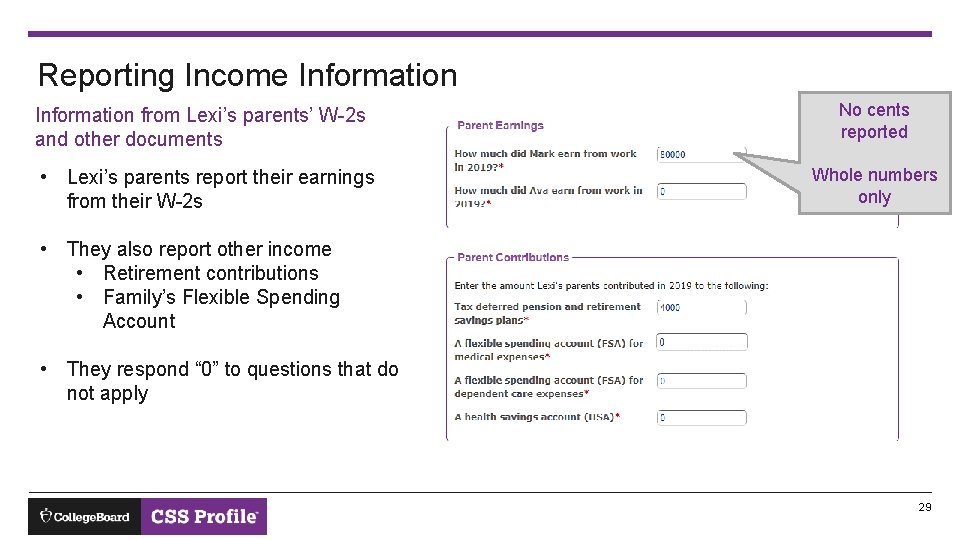
Reporting Income Information from Lexi’s parents’ W-2 s and other documents • Lexi’s parents report their earnings from their W-2 s No cents reported Whole numbers only • They also report other income • Retirement contributions • Family’s Flexible Spending Account • They respond “ 0” to questions that do not apply 29
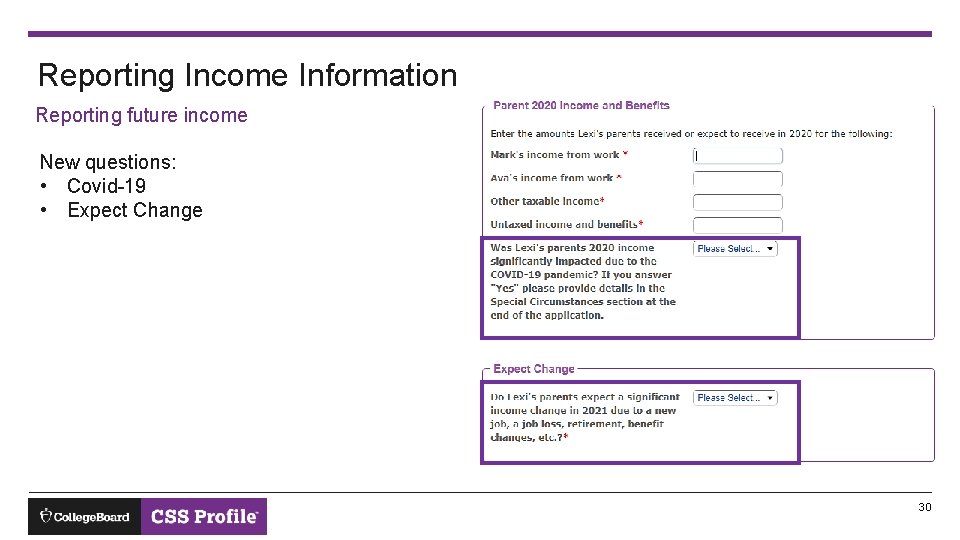
Reporting Income Information Reporting future income New questions: • Covid-19 • Expect Change 30
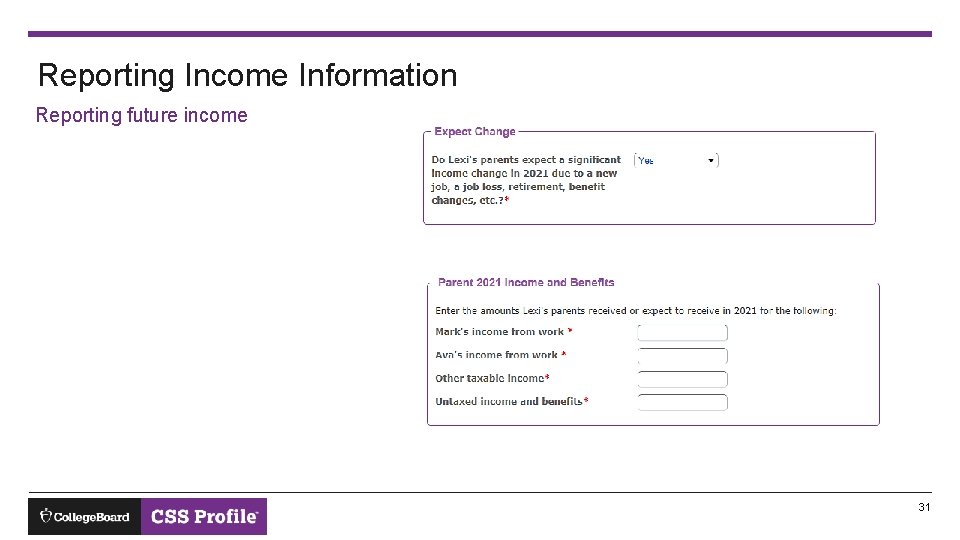
Reporting Income Information Reporting future income 31
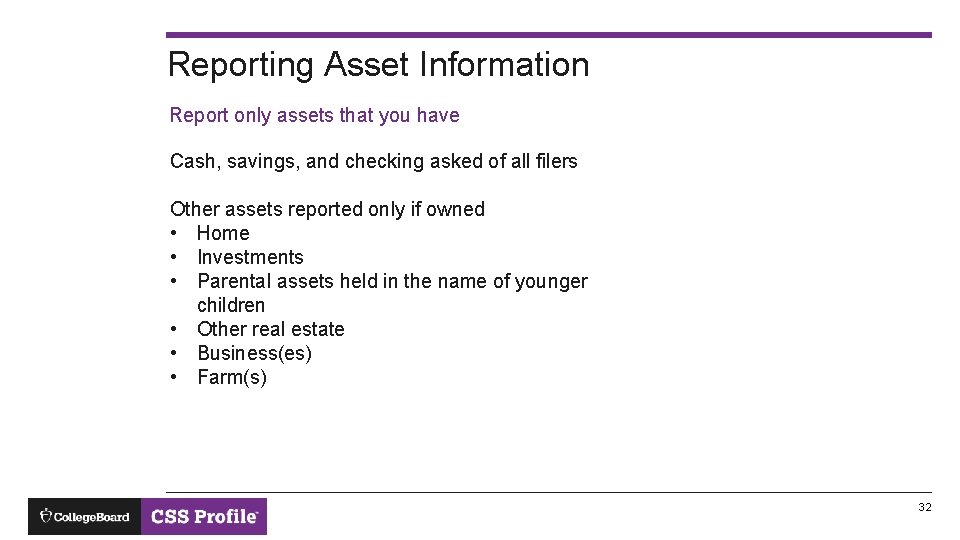
Reporting Asset Information Report only assets that you have Cash, savings, and checking asked of all filers Other assets reported only if owned • Home • Investments • Parental assets held in the name of younger children • Other real estate • Business(es) • Farm(s) 32
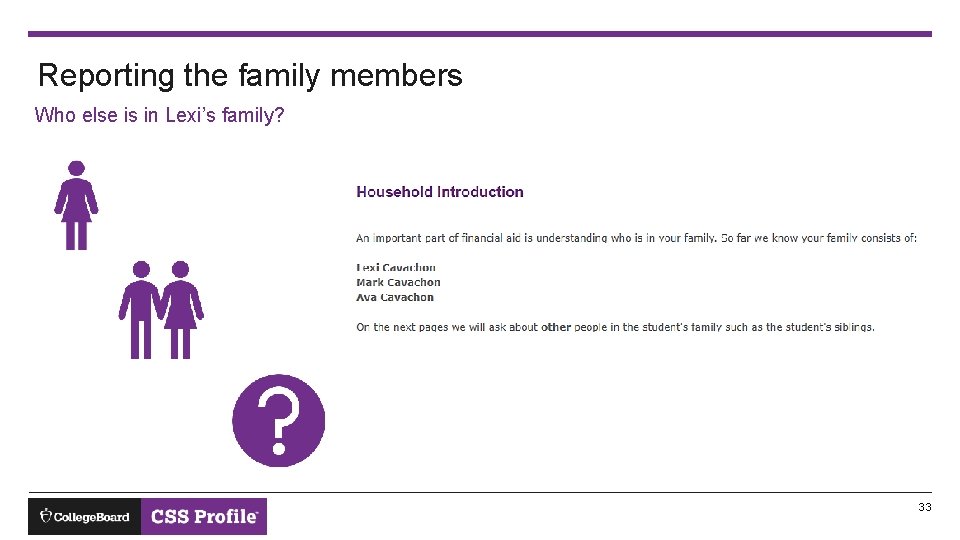
Reporting the family members Who else is in Lexi’s family? 33
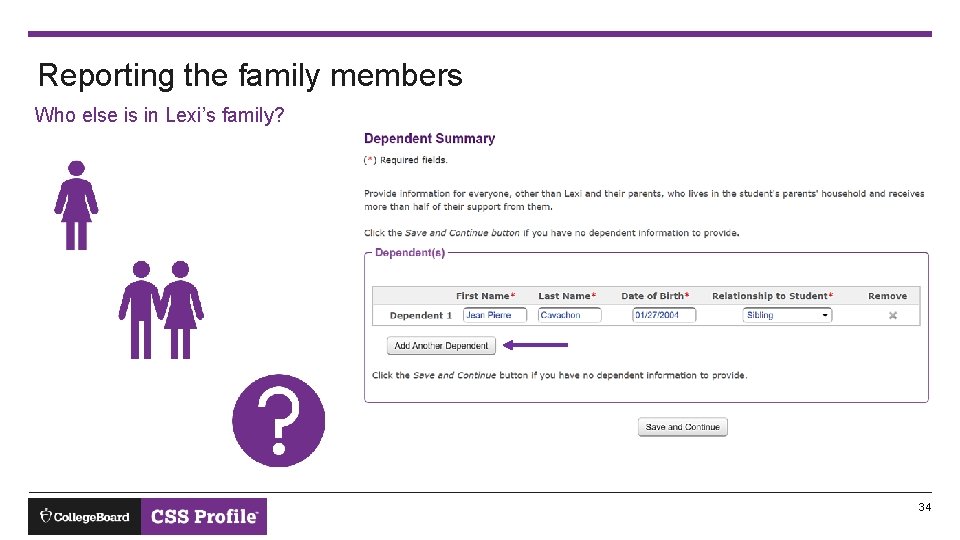
Reporting the family members Who else is in Lexi’s family? 34
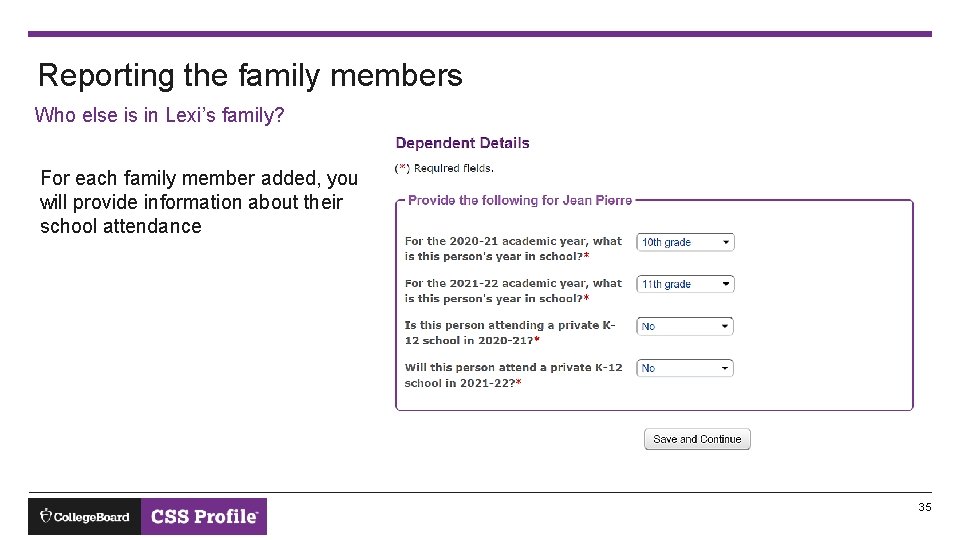
Reporting the family members Who else is in Lexi’s family? For each family member added, you will provide information about their school attendance 35
It’s Lexi’s turn! Questions now collect Lexi’s financial information • Lexi will answer questions about her • Current income • Expected income and benefits • Assets • Questions will be similar to those answered by Mark and Ava 36
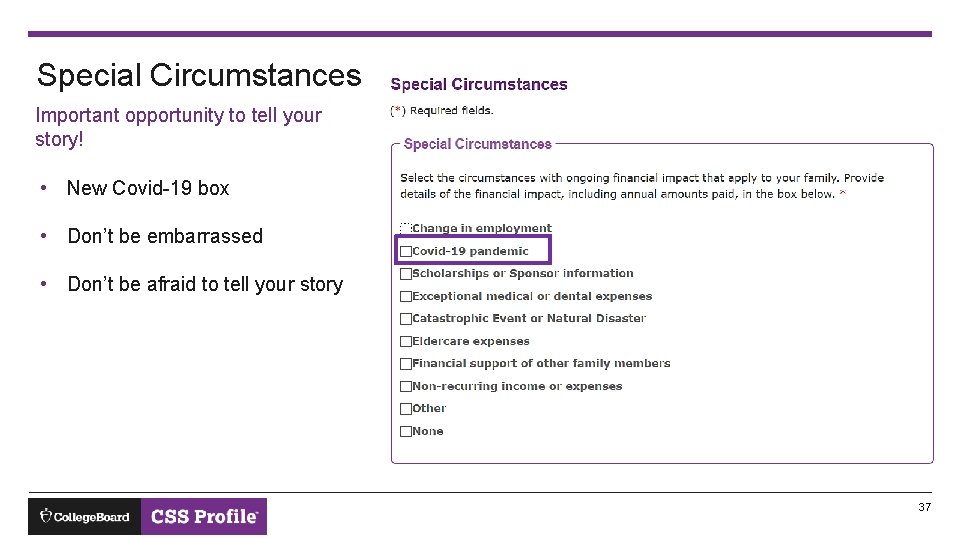
Special Circumstances Important opportunity to tell your story! • New Covid-19 box • Don’t be embarrassed • Don’t be afraid to tell your story 37
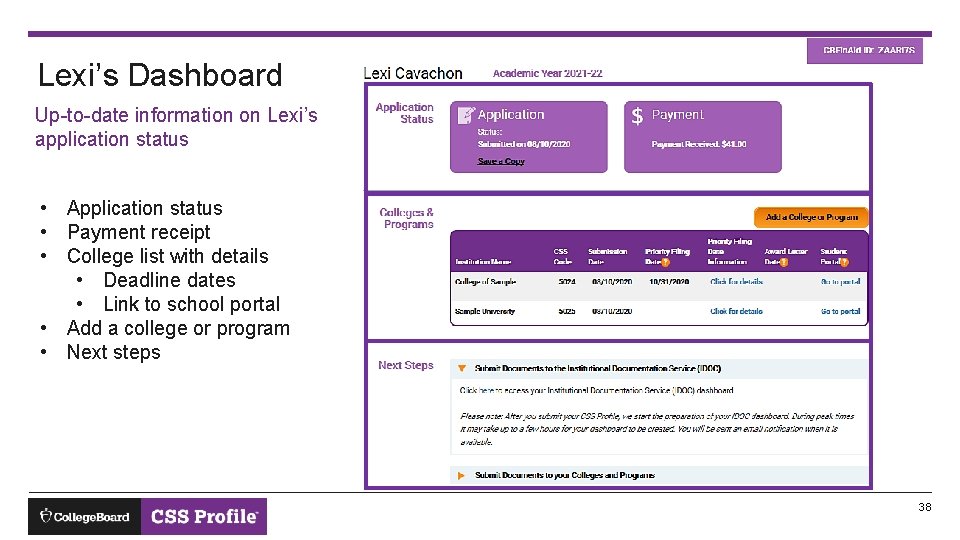
Lexi’s Dashboard Up-to-date information on Lexi’s application status • Application status • Payment receipt • College list with details • Deadline dates • Link to school portal • Add a college or program • Next steps 38
When should you complete the CSS Profile? No later than the first deadline of your colleges! Almost every college will have a different deadline and different dates for • Early decision • Early action • Regular decision Recommend treating a deadline like: College’s deadline date - 5 days = Student’s deadline 39
1. Applying for the wrong academic year 2. Entering important information incorrectly • • Common Mistakes • Not reporting the student’s name as shown on legal documents Not reporting the student’s Social Security Number when one is available or entering it incorrectly Reporting parent information as student information, and vice versa 3. Entering the student’s date of birth incorrectly • • Parent entering a sibling’s date of birth Parent entering their own date of birth 4. Answering questions about the student’s status incorrectly • • • Reporting the student has dependents Reporting the student is married or is a veteran Reporting the student is a ward of the court 5. Selecting a graduate school instead of the college’s undergraduate program 40
References: CSSProfile. org Thank you! Getting Started with your CSS Profile Application • Other tutorials • Completing the CSS Profile as the Noncustodial Parent • Reporting Parents on the CSS Profile Customer Service • Phone • Email • Chat 41