
CSS Introductions Objectives To take control of the
CSS Introductions
Objectives • To take control of the appearance of a Web site by creating style sheets. • To use a style sheet to give all the pages of a Web site the same look and feel. • To use the class attribute to apply styles. • To specify the precise font, size, color and other properties of displayed text. • To specify element backgrounds and colors. • To understand the box model and how to control the margins, borders and padding. • To use style sheets to separate presentation from content
Introduction • To formatting and presenting information using a W 3 C technology called Cascading Style Sheets(CSS) • It allows document authors to specify the presentation of elements on a Web page (spacing, margins, etc. ) • It separate from the structure of the document (section headers, body text, links, etc. ). • This simplifies maintaining and modifying a documents layout
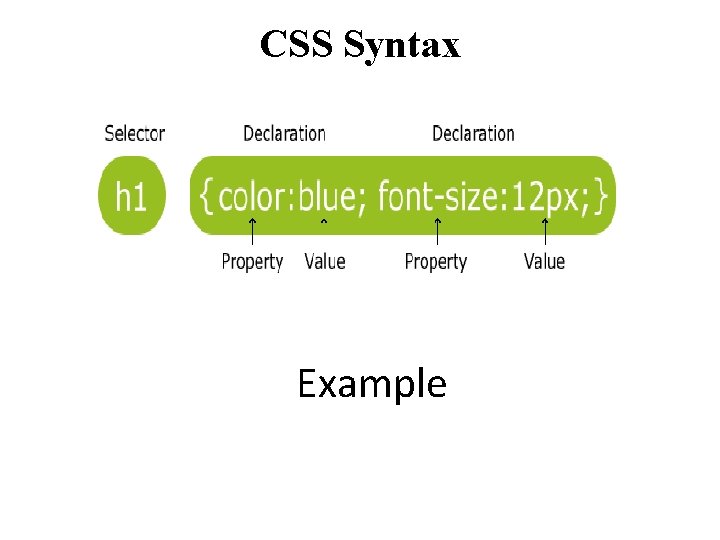
CSS Syntax Example
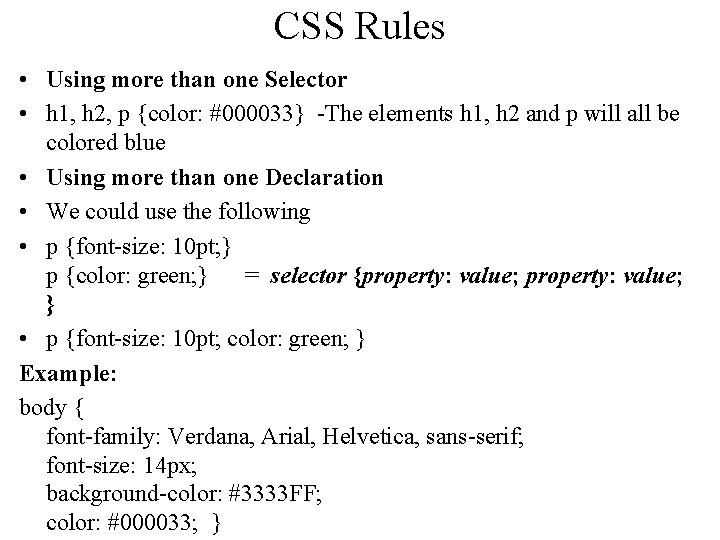
CSS Rules • Using more than one Selector • h 1, h 2, p {color: #000033} -The elements h 1, h 2 and p will all be colored blue • Using more than one Declaration • We could use the following • p {font-size: 10 pt; } p {color: green; } = selector {property: value; } • p {font-size: 10 pt; color: green; } Example: body { font-family: Verdana, Arial, Helvetica, sans-serif; font-size: 14 px; background-color: #3333 FF; color: #000033; }

CSS Selectors • CSS selectors allow you to select and manipulate HTML elements. • CSS selectors are used to "find" (or select) HTML elements based on their id, class, type, attribute, and more • Element Selector • ID Selector • Class Selector • Grouping Selector
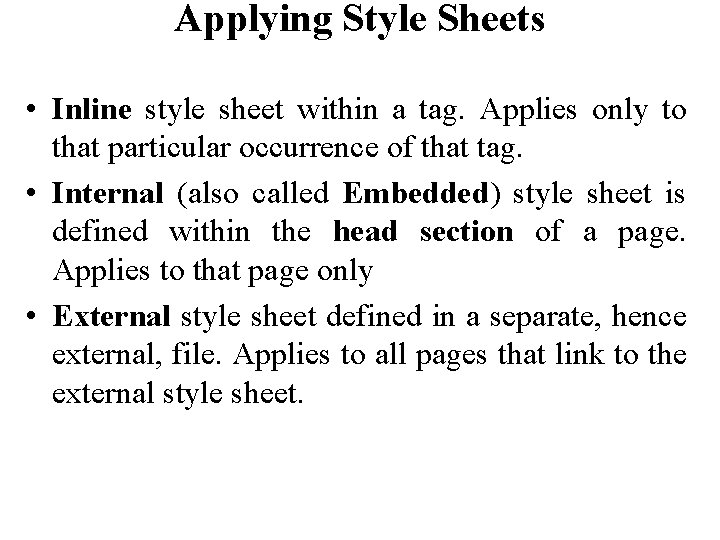
Applying Style Sheets • Inline style sheet within a tag. Applies only to that particular occurrence of that tag. • Internal (also called Embedded) style sheet is defined within the head section of a page. Applies to that page only • External style sheet defined in a separate, hence external, file. Applies to all pages that link to the external style sheet.
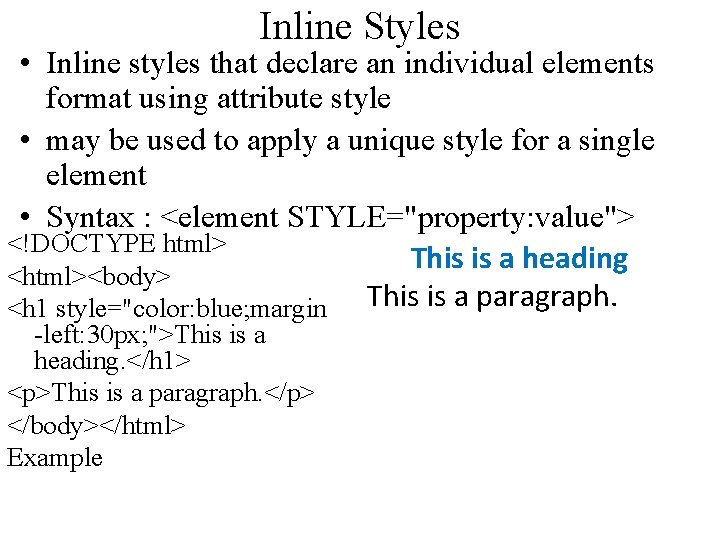
Inline Styles • Inline styles that declare an individual elements format using attribute style • may be used to apply a unique style for a single element • Syntax : <element STYLE="property: value"> <!DOCTYPE html> This is a heading <html><body> This is a paragraph. <h 1 style="color: blue; margin -left: 30 px; ">This is a heading. </h 1> <p>This is a paragraph. </p> </body></html> Example
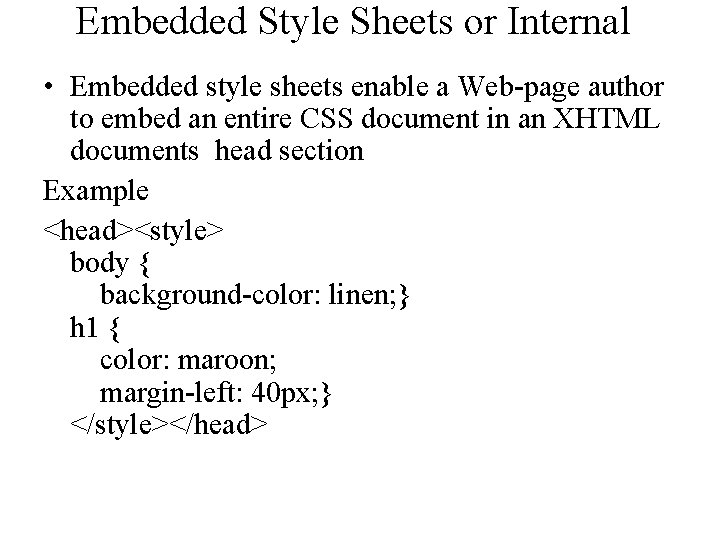
Embedded Style Sheets or Internal • Embedded style sheets enable a Web-page author to embed an entire CSS document in an XHTML documents head section Example <head><style> body { background-color: linen; } h 1 { color: maroon; margin-left: 40 px; } </style></head>
External Styling (External CSS) • When using CSS it is preferable to keep the CSS separate from your HTML. • Placing CSS in a separate file allows the web designer to completely differentiate between content (HTML) and design (CSS). • External CSS is a file that contains only CSS code and is saved with a ". css" file extension. • This CSS file is then referenced in your HTML using the <link> instead of <style>.
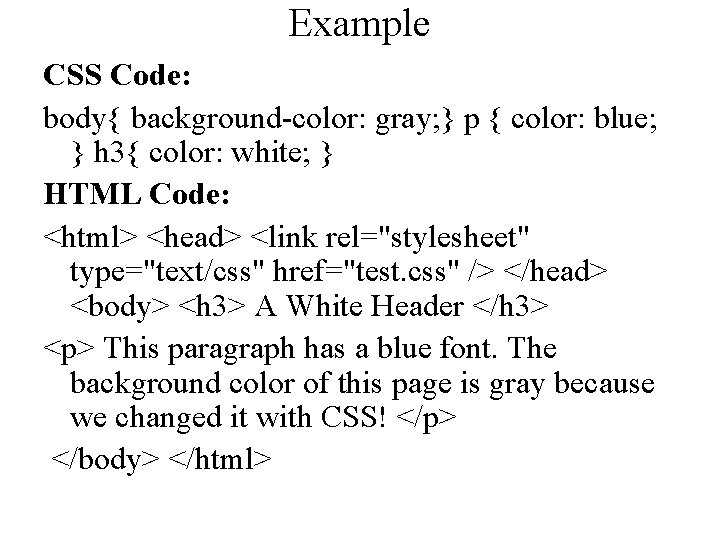
Example CSS Code: body{ background-color: gray; } p { color: blue; } h 3{ color: white; } HTML Code: <html> <head> <link rel="stylesheet" type="text/css" href="test. css" /> </head> <body> <h 3> A White Header </h 3> <p> This paragraph has a blue font. The background color of this page is gray because we changed it with CSS! </p> </body> </html>











































- Slides: 54