
CSS Continued 1 February 2011 Agenda Pseudoelements Centering

CSS Continued 1 February 2011
Agenda � Pseudo-elements � Centering � Tables � Classes and ids
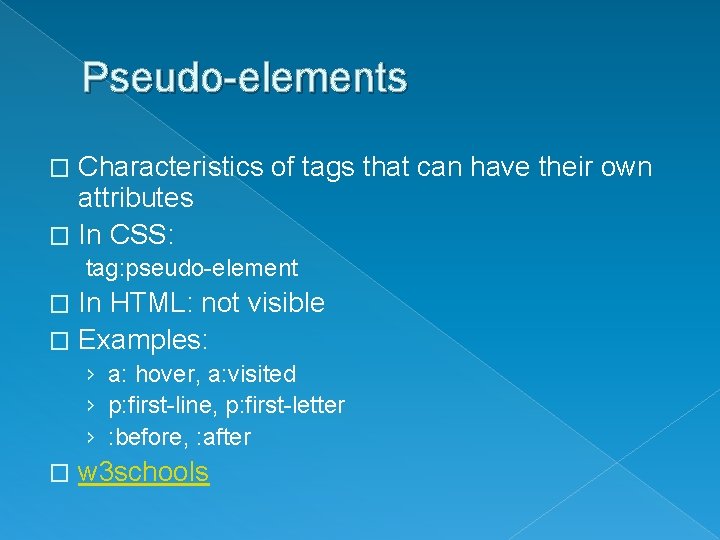
Pseudo-elements Characteristics of tags that can have their own attributes � In CSS: � tag: pseudo-element In HTML: not visible � Examples: � › a: hover, a: visited › p: first-line, p: first-letter › : before, : after � w 3 schools
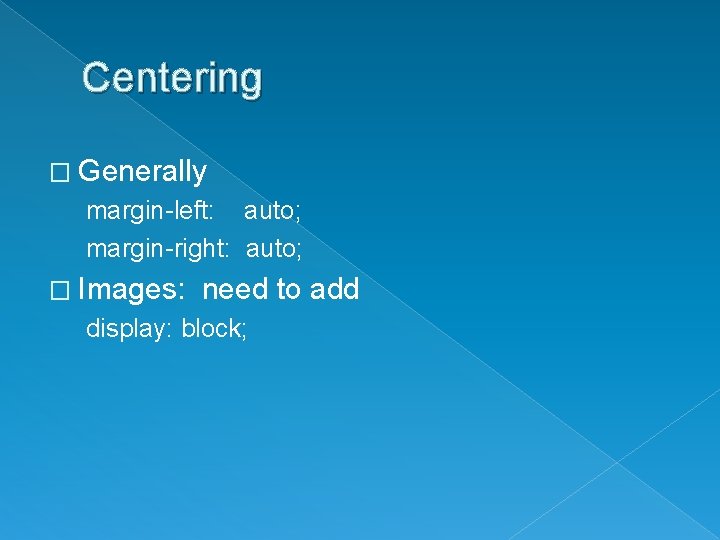
Centering � Generally margin-left: auto; margin-right: auto; � Images: need to add display: block;
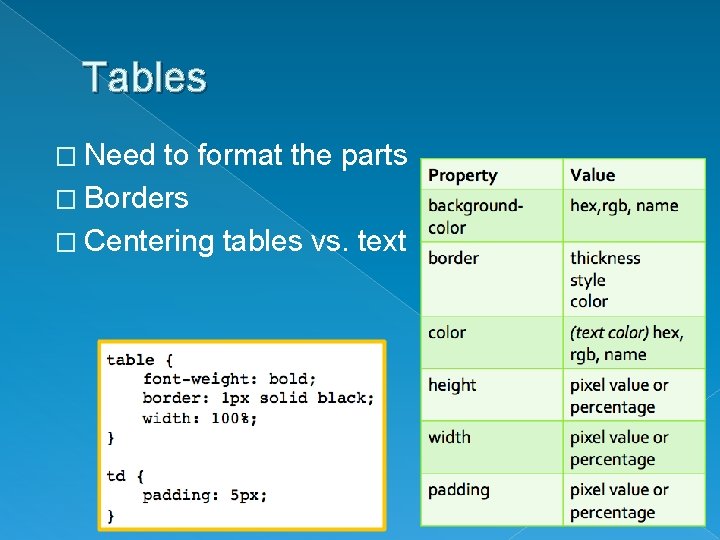
Tables � Need to format the parts � Borders � Centering tables vs. text

Multiple Styles: Classes � HTML: class=“name” � Names may define format OR content › Either works � CAN apply multiple classes to the same tag � Multiple ways to define › Style that applies to many elements › Style that applies to only one element › Style that only applies in certain contexts
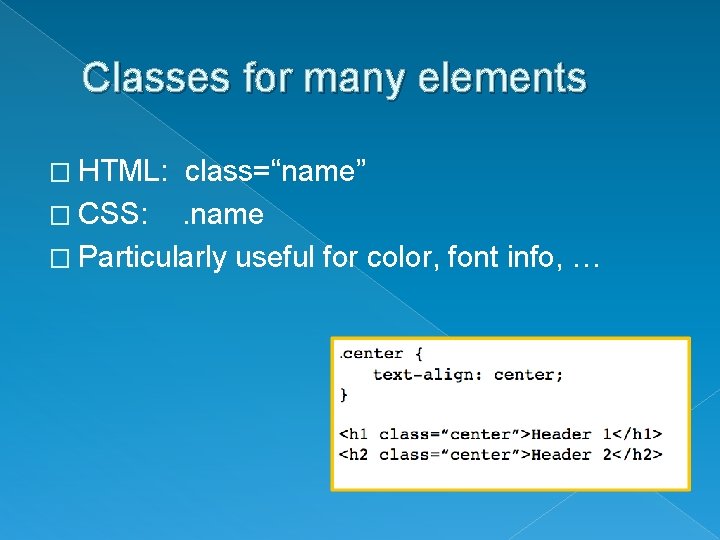
Classes for many elements � HTML: class=“name” � CSS: . name � Particularly useful for color, font info, …
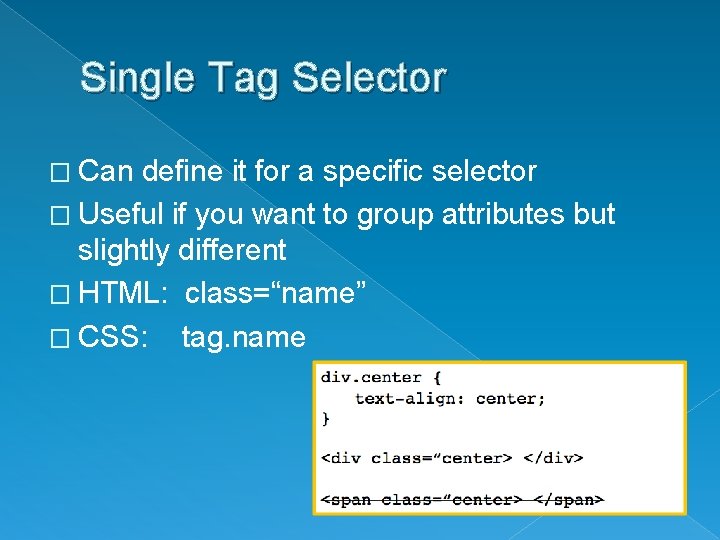
Single Tag Selector � Can define it for a specific selector � Useful if you want to group attributes but slightly different � HTML: class=“name” � CSS: tag. name
Nested Selector � Only applies within context › Avoids putting class= everywhere! � Useful for, › Define tr and td within a table class › Define links only within a list class › Define any formatting within a div � HTML: � CSS: class=“name” only for encompassing tag. name tag
- Slides: 9