
CSS Best Practices By Peter Funk 1 Web

CSS Best Practices By Peter Funk 1
Web development since 1996 Senior Front-end web developer at Ancestry. com Proficient at CSS, HTML, and native Java. Script Developed and maintain CSS 3. me 2

3

Current CSS Files are: Disorganized Unreadable Large in size Contain invalid code Virtually unmaintainable "Any developer who claims he never writes bad code is either lying, ignorant or living in a fantasy world. " - Davy Brion 4
�Organization / Readability �Naming / Declaration �Shorthand �Avoidances 5
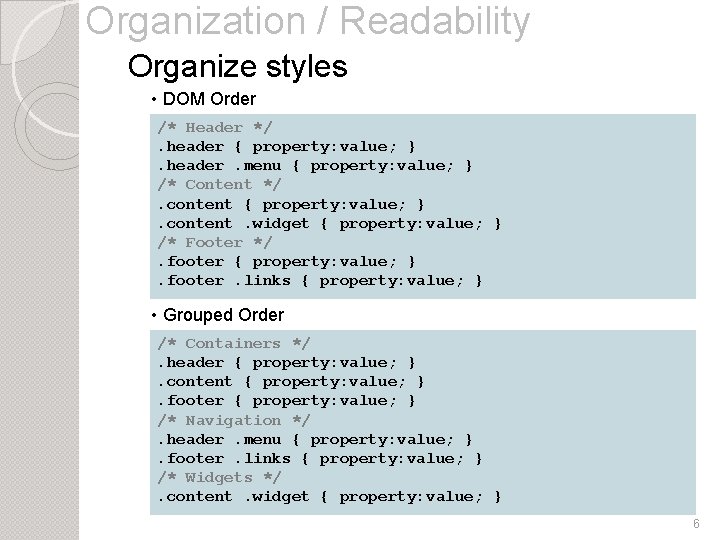
Organization / Readability Organize styles • DOM Order /* Header */. header { property: value; }. header. menu { property: value; } /* Content */. content { property: value; }. content. widget { property: value; } /* Footer */. footer { property: value; }. footer. links { property: value; } • Grouped Order /* Containers */. header { property: value; }. content { property: value; }. footer { property: value; } /* Navigation */. header. menu { property: value; }. footer. links { property: value; } /* Widgets */. content. widget { property: value; } 6
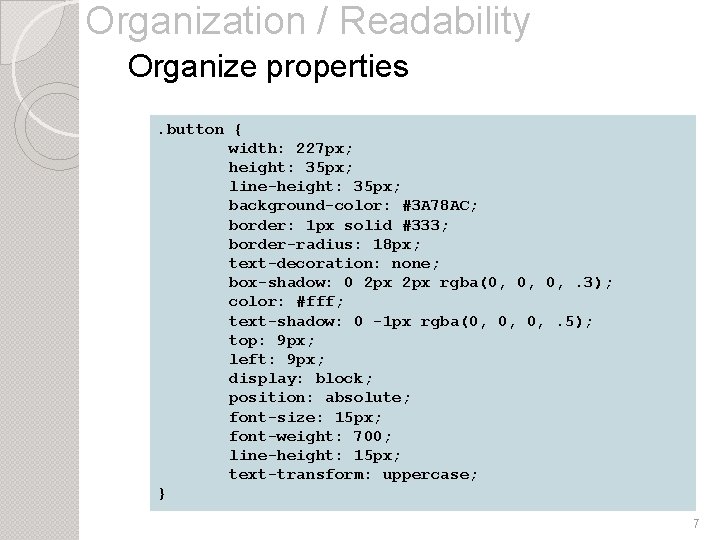
Organization / Readability Organize properties. button { width: 227 px; height: 35 px; line-height: 35 px; background-color: #3 A 78 AC; border: 1 px solid #333; border-radius: 18 px; text-decoration: none; box-shadow: 0 2 px rgba(0, 0, 0, . 3); color: #fff; text-shadow: 0 -1 px rgba(0, 0, 0, . 5); top: 9 px; left: 9 px; display: block; position: absolute; font-size: 15 px; font-weight: 700; line-height: 15 px; text-transform: uppercase; } 7
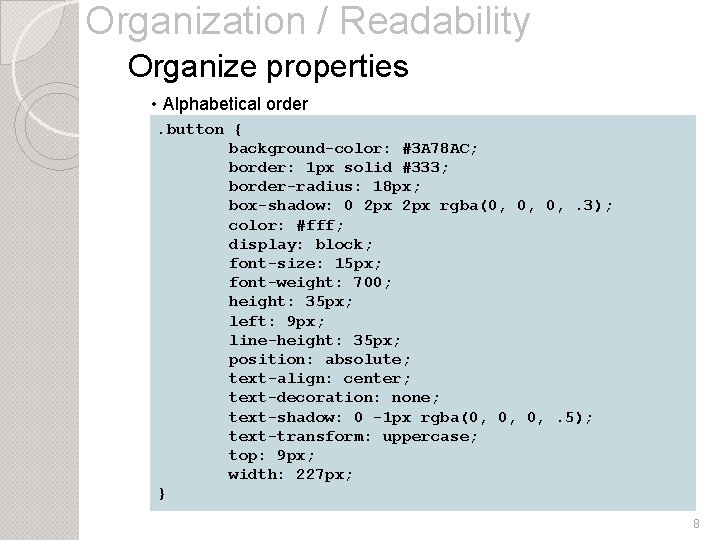
Organization / Readability Organize properties • Alphabetical order. button { background-color: #3 A 78 AC; border: 1 px solid #333; border-radius: 18 px; box-shadow: 0 2 px rgba(0, 0, 0, . 3); color: #fff; display: block; font-size: 15 px; font-weight: 700; height: 35 px; left: 9 px; line-height: 35 px; position: absolute; text-align: center; text-decoration: none; text-shadow: 0 -1 px rgba(0, 0, 0, . 5); text-transform: uppercase; top: 9 px; width: 227 px; } 8
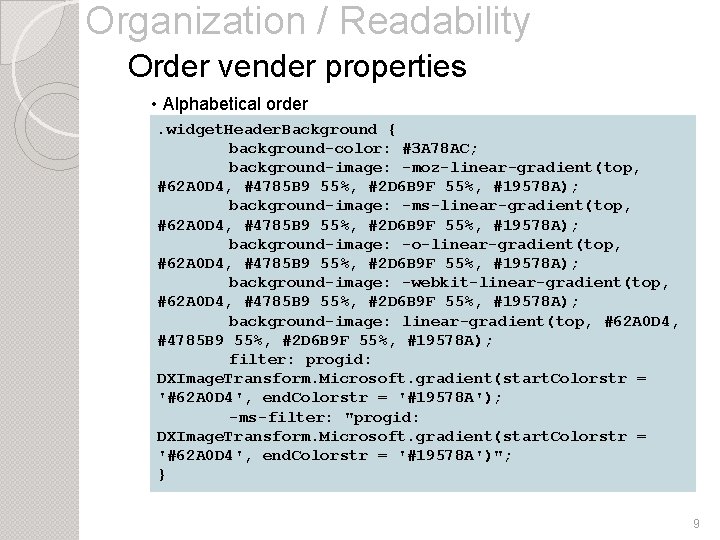
Organization / Readability Order vender properties • Alphabetical order. widget. Header. Background { background-color: #3 A 78 AC; background-image: -moz-linear-gradient(top, #62 A 0 D 4, #4785 B 9 55%, #2 D 6 B 9 F 55%, #19578 A); background-image: -ms-linear-gradient(top, #62 A 0 D 4, #4785 B 9 55%, #2 D 6 B 9 F 55%, #19578 A); background-image: -o-linear-gradient(top, #62 A 0 D 4, #4785 B 9 55%, #2 D 6 B 9 F 55%, #19578 A); background-image: -webkit-linear-gradient(top, #62 A 0 D 4, #4785 B 9 55%, #2 D 6 B 9 F 55%, #19578 A); background-image: linear-gradient(top, #62 A 0 D 4, #4785 B 9 55%, #2 D 6 B 9 F 55%, #19578 A); filter: progid: DXImage. Transform. Microsoft. gradient(start. Colorstr = '#62 A 0 D 4', end. Colorstr = '#19578 A'); -ms-filter: "progid: DXImage. Transform. Microsoft. gradient(start. Colorstr = '#62 A 0 D 4', end. Colorstr = '#19578 A')"; } 9
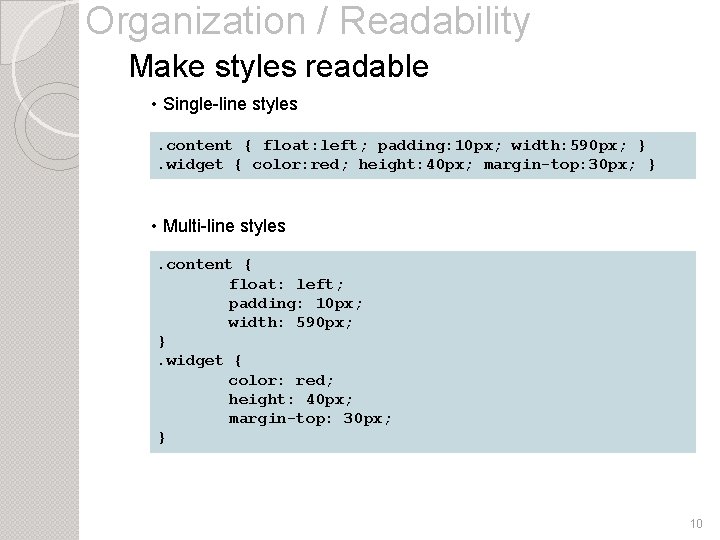
Organization / Readability Make styles readable • Single-line styles. content { float: left; padding: 10 px; width: 590 px; }. widget { color: red; height: 40 px; margin-top: 30 px; } • Multi-line styles. content { float: left; padding: 10 px; width: 590 px; }. widget { color: red; height: 40 px; margin-top: 30 px; } 10
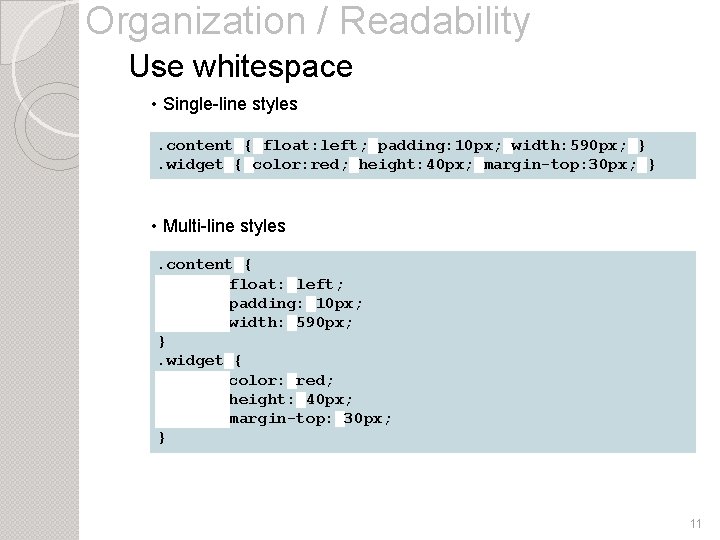
Organization / Readability Use whitespace • Single-line styles. content█{█float: left; █padding: 10 px; █width: 590 px; █}. widget█{█color: red; █height: 40 px; █margin-top: 30 px; █} • Multi-line styles. content█{ float: █left; padding: █10 px; width: █590 px; }. widget█{ color: █red; height: █40 px; margin-top: █30 px; } 11
Organization / Readability �Organize styles �Organize properties �Order vender properties �Make styles readable �Use whitespace 12
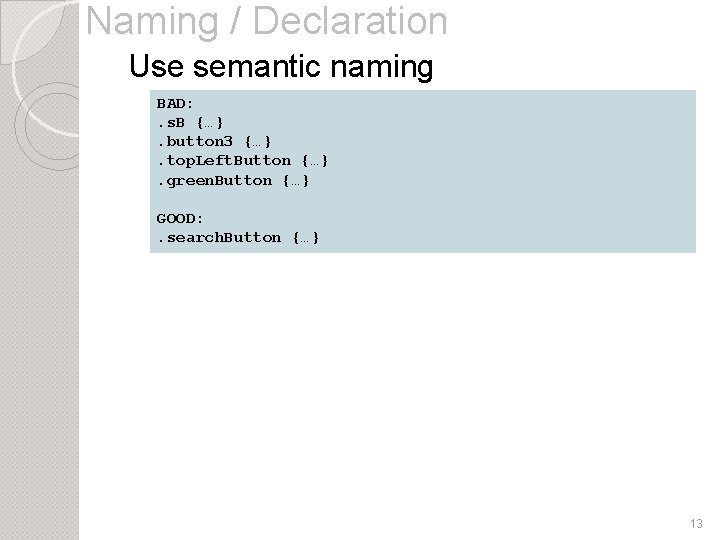
Naming / Declaration Use semantic naming BAD: . s. B {…}. button 3 {…}. top. Left. Button {…}. green. Button {…} GOOD: . search. Button {…} 13
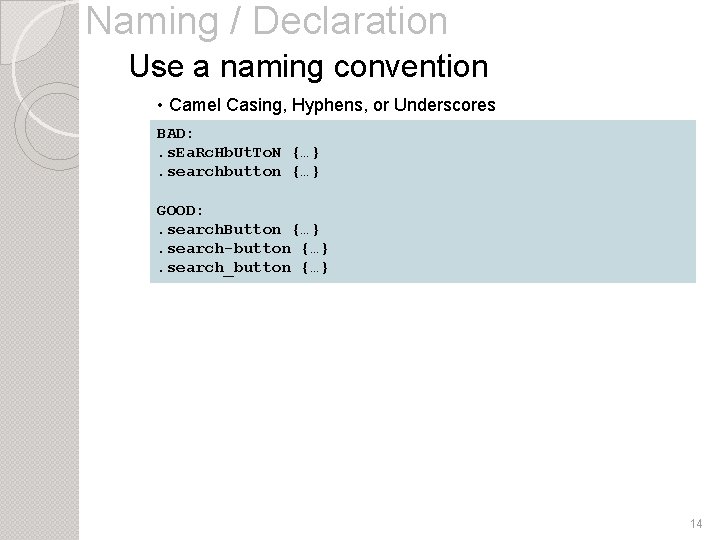
Naming / Declaration Use a naming convention • Camel Casing, Hyphens, or Underscores BAD: . s. Ea. Rc. Hb. Ut. To. N {…}. searchbutton {…} GOOD: . search. Button {…}. search-button {…}. search_button {…} 14
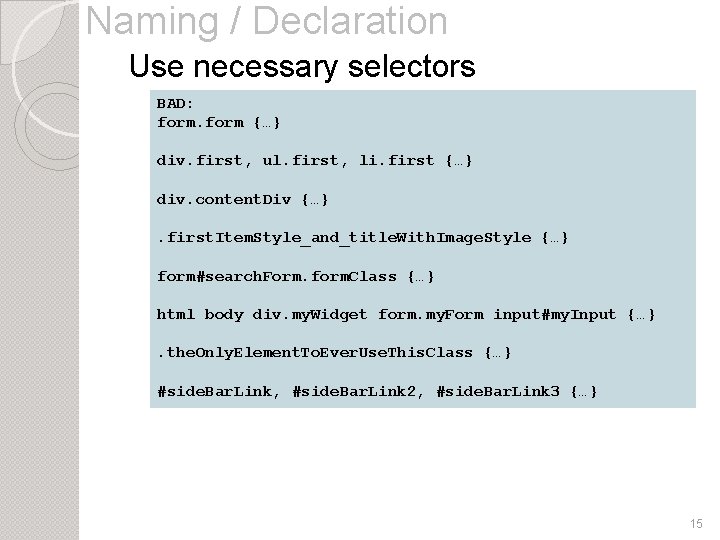
Naming / Declaration Use necessary selectors BAD: form {…} div. first, ul. first, li. first {…} div. content. Div {…}. first. Item. Style_and_title. With. Image. Style {…} form#search. Form. form. Class {…} html body div. my. Widget form. my. Form input#my. Input {…}. the. Only. Element. To. Ever. Use. This. Class {…} #side. Bar. Link, #side. Bar. Link 2, #side. Bar. Link 3 {…} 15
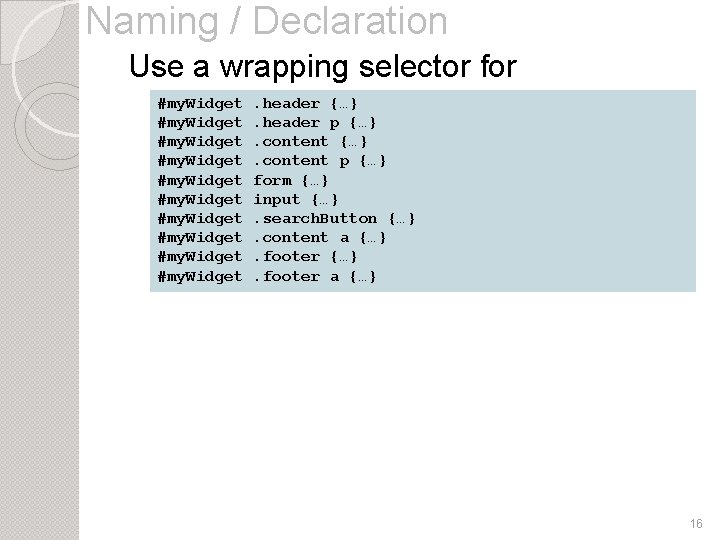
Naming / Declaration Use a wrapping selector for #my. Widget. header {…} components #my. Widget. header p {…} #my. Widget #my. Widget . content {…}. content p {…} form {…} input {…}. search. Button {…}. content a {…}. footer a {…} 16
Naming / Declaration �Use semantic naming �Use a naming convention �Use necessary selectors �Use a wrapping selector for components 17
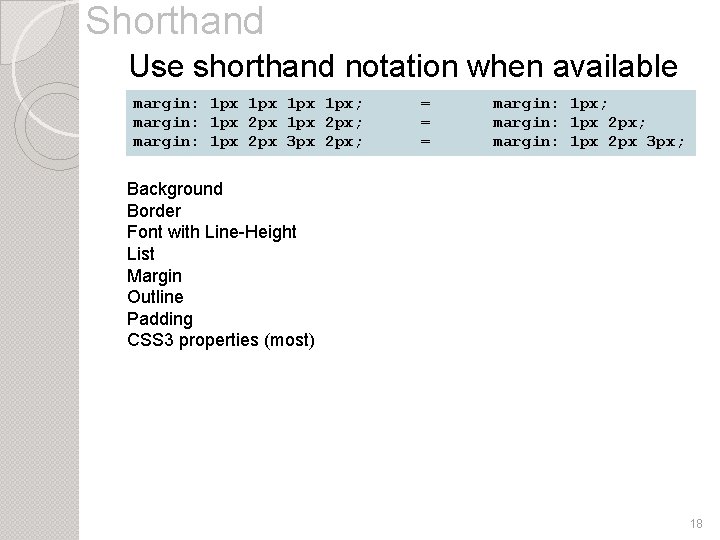
Shorthand Use shorthand notation when available margin: 1 px 1 px; margin: 1 px 2 px; margin: 1 px 2 px 3 px 2 px; = = = margin: 1 px; margin: 1 px 2 px 3 px; Background Border Font with Line-Height List Margin Outline Padding CSS 3 properties (most) 18
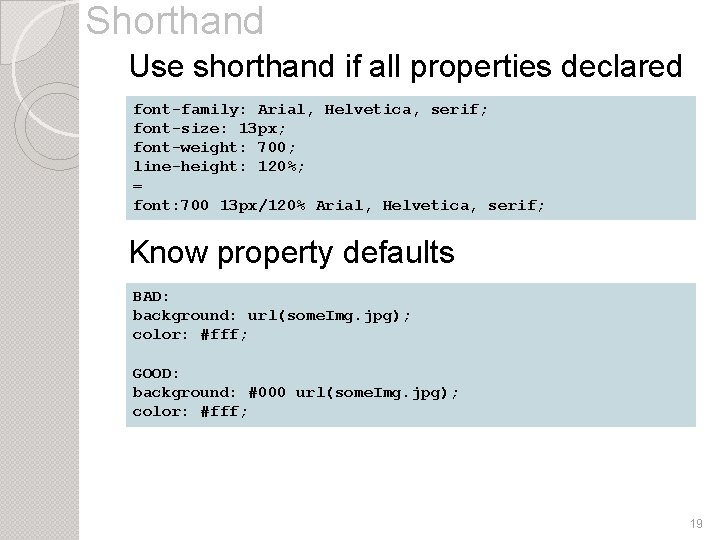
Shorthand Use shorthand if all properties declared font-family: Arial, Helvetica, serif; font-size: 13 px; font-weight: 700; line-height: 120%; = font: 700 13 px/120% Arial, Helvetica, serif; Know property defaults BAD: background: url(some. Img. jpg); color: #fff; GOOD: background: #000 url(some. Img. jpg); color: #fff; 19
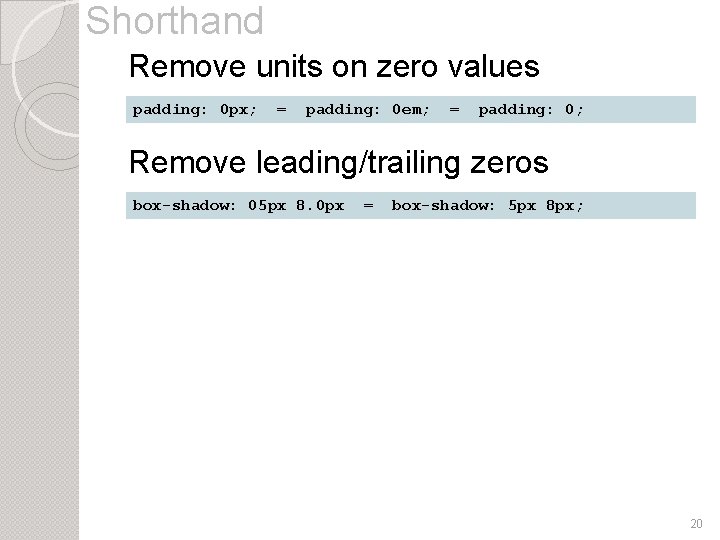
Shorthand Remove units on zero values padding: 0 px; = padding: 0 em; = padding: 0; Remove leading/trailing zeros box-shadow: 05 px 8. 0 px = box-shadow: 5 px 8 px; 20
Shorthand �Use when available �Use if all properties declared �Know property defaults �Remove units on zero values �Remove leading/trailing zeros 21
Avoidances Avoid the use of !important Avoid browser hacks Avoid the * selector Avoid too many selectors Avoid inline styles Avoid multiple element selectors 22
Avoidances Avoid inappropriate properties Avoid empty rules Avoid duplicate properties Avoid @import Avoid too many web fonts Avoid complex attribute selectors 23
Tips Use comments Know the box model CSS 3 only for presentational purposes Understand Specificity Use a CSS formatting tool Use a CSS compressor 24
Tips Show upgrade links for old browsers Declare background images once Learn about all CSS properties and values Know how to use z-index Use word-wrap: break-word Use text-overflow: ellipsis 25
�Organize / Make Readable �Name �Use / Declare Well Shorthand �Avoid bad code 26

peterjfunk@gmail. com www. peterjfunk. com/CSS. pptx CSS 3. me 27
- Slides: 27