
CSM 18 Usability Engineering The Design Process Design
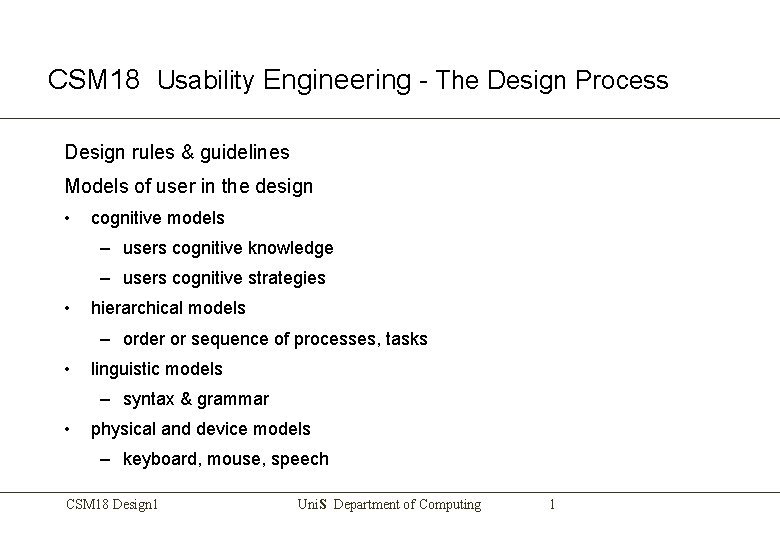
CSM 18 Usability Engineering - The Design Process Design rules & guidelines Models of user in the design • cognitive models – users cognitive knowledge – users cognitive strategies • hierarchical models – order or sequence of processes, tasks • linguistic models – syntax & grammar • physical and device models – keyboard, mouse, speech CSM 18 Design 1 Uni. S Department of Computing 1

The Design Process for Usability Design of a User Interface needs be considered from different perspectives • functional perspective – hierarchy of tasks • usability perspective – aesthetic qualities Design use same methodologies as any Systems Analysis and Design process - Software engineering & HCI design CSM 18 Design 1 Uni. S Department of Computing 2

Software engineering & HCI design Software engineering “The development and use of principles, methods and tools to design and develop, economically and optimally, software systems that are aesthetically pleasing, efficient, reliable and usable for the purposes for which they were designed. ” Software engineering - process model for software development: • • • requirements analysis specification including usability design and construction project planning costs, time, scope systems and software task analysis design of data structures program structure etc. CSM 18 Design 1 Uni. S Department of Computing 3
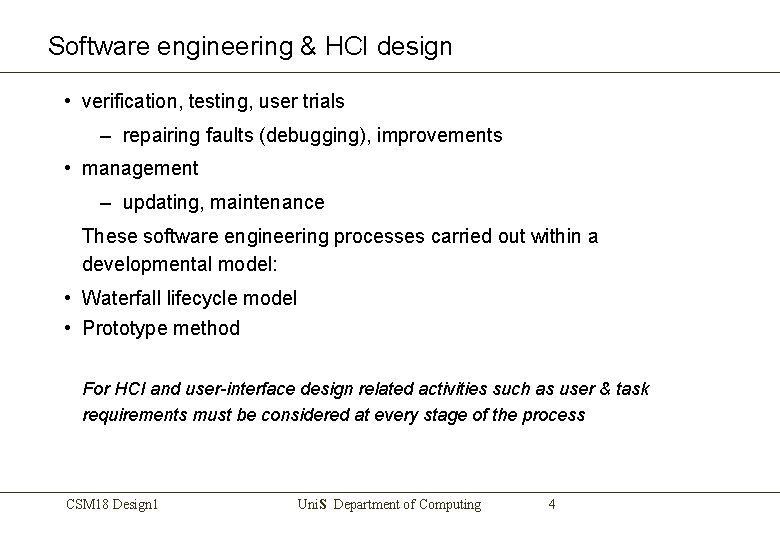
Software engineering & HCI design • verification, testing, user trials – repairing faults (debugging), improvements • management – updating, maintenance These software engineering processes carried out within a developmental model: • Waterfall lifecycle model • Prototype method For HCI and user-interface design related activities such as user & task requirements must be considered at every stage of the process CSM 18 Design 1 Uni. S Department of Computing 4
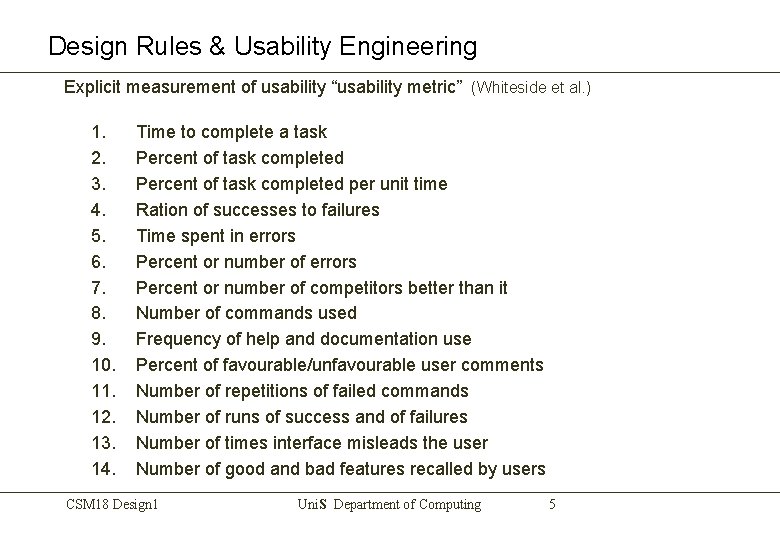
Design Rules & Usability Engineering Explicit measurement of usability “usability metric” (Whiteside et al. ) 1. 2. 3. 4. 5. 6. 7. 8. 9. 10. 11. 12. 13. 14. Time to complete a task Percent of task completed per unit time Ration of successes to failures Time spent in errors Percent or number of competitors better than it Number of commands used Frequency of help and documentation use Percent of favourable/unfavourable user comments Number of repetitions of failed commands Number of runs of success and of failures Number of times interface misleads the user Number of good and bad features recalled by users CSM 18 Design 1 Uni. S Department of Computing 5
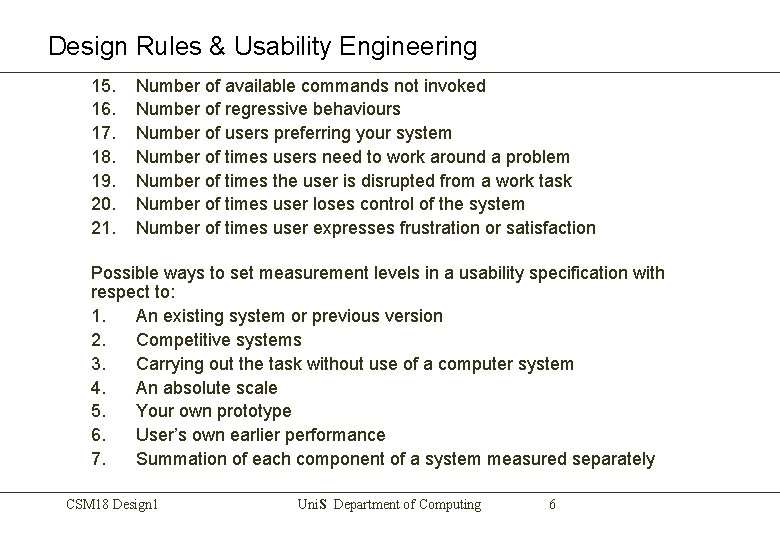
Design Rules & Usability Engineering 15. 16. 17. 18. 19. 20. 21. Number of available commands not invoked Number of regressive behaviours Number of users preferring your system Number of times users need to work around a problem Number of times the user is disrupted from a work task Number of times user loses control of the system Number of times user expresses frustration or satisfaction Possible ways to set measurement levels in a usability specification with respect to: 1. An existing system or previous version 2. Competitive systems 3. Carrying out the task without use of a computer system 4. An absolute scale 5. Your own prototype 6. User’s own earlier performance 7. Summation of each component of a system measured separately CSM 18 Design 1 Uni. S Department of Computing 6
Design Rules & Usability Engineering Problems with usability engineering • Measurement - only consider things that can be measured - may not be the most important for the user. • Specific users & situations may change the requirements CSM 18 Design 1 Uni. S Department of Computing 7

Cognitive Models of design A variety of models and notations are used in HCI as part of the design life cycle. Includes model of Users, interactions and interfaces. Models of user in design - all model some aspect of users’ understanding, knowledge, intentions or processing. 1. Goals and task hierarchies 2. Linguistic models users’ syntax and grammar 3. Physical & device models user performance with interactive system 4 Acquired mental model where the user builds a mental representation of the task CSM 18 Design 1 Uni. S Department of Computing 8
Cognitive Psychology • • • Visual Perception resolution, visibility in poor light, flicker, colour reception (colour blindness) Visual Interpretation - constructs a model of the world comparing, transforming, enhancing, distorting, discarding information etc. 3 D to 2 D transformation - perspective gives depth clues interpret 2 D images as 3 D Animation - motion parallax Attention constraints - divided attention, selective, cognitive overload, emergency situation (can't do more than one thing at a time) Theories of Information processing and memory – little guidance on interface design except recall & recognition CSM 18 Design 1 Uni. S Department of Computing 9
Cognitive Psychology • • Empirical findings Motion must be realistic even at expense of resolution Audio effects enhance visual effects Empirical approach to design - Make an Intelligent guess and then test!! More systematic approach to design Mental Models: A mental model should lead to a prediction in a new situation - ‘run a mental model’ Mental model built up by previous experience, reasoning, extent of understanding, framework in which understanding exists, concepts CSM 18 Design 1 Uni. S Department of Computing 10
Cognitive Psychology • We need to know the user's Mental Models • their understanding of how a device works in terms of its internal structure and processes leads to us being able to instruct a user how to do. . • Wrong mental models lead to problems eg word processor vs text editor • Goals, sub-goals and Plans: • Goals > intentions > plans > assemble set of actions • Goals may change with experience and/or the interaction gain understanding as you go along may modify the goal • Need to know of the existence of actions that change the state or Mode (clearly state Mode on screen) CSM 18 Design 1 Uni. S Department of Computing 11
Cognitive Psychology • Errors • Mistakes - failure of intention - don’t realise mistake made - failure of action • Slips - accidental errors • Mode error - in the wrong state • Description errors - misinterpret information given or implied • Information flow - Visually rich interface can overwhelm or confuse make it well structured • Text • Graphics • Icons • Colour CSM 18 Design 1 Uni. S Department of Computing 12
Cognitive Psychology • Meta knowledge - Tell users facilities exist and how to find them rather than make them remember how to use them • Direct manipulation interface - recognition rather than recall • Interface - abstract world • - virtual world • Interface - user must spend time to gain experience • Requirements Analysis - specify functionality of the system - leads to Detailed Specification - what the system will do • Task Analysis - how the system will do it • Start with User and specify Tasks • Hierarchical Task Analysis - HTA Diagram CSM 18 Design 1 Uni. S Department of Computing 13
Cognitive Psychology • Specify Interface - Screen Design • Objects - text, date, numbers, graphics, icons • Actions - type, move, select, delete etc. • Sequence of Actions • Specify Interface - State Transition Diagrams - Change in attributes values (state) - Carry out Cognitive Walkthrough • Build Prototype in Visual Basic • Carry out Evaluation/User Trials • Report - discuss all stages of design process • Diagrams - explain • Critique your design and methodology CSM 18 Design 1 Uni. S Department of Computing 14
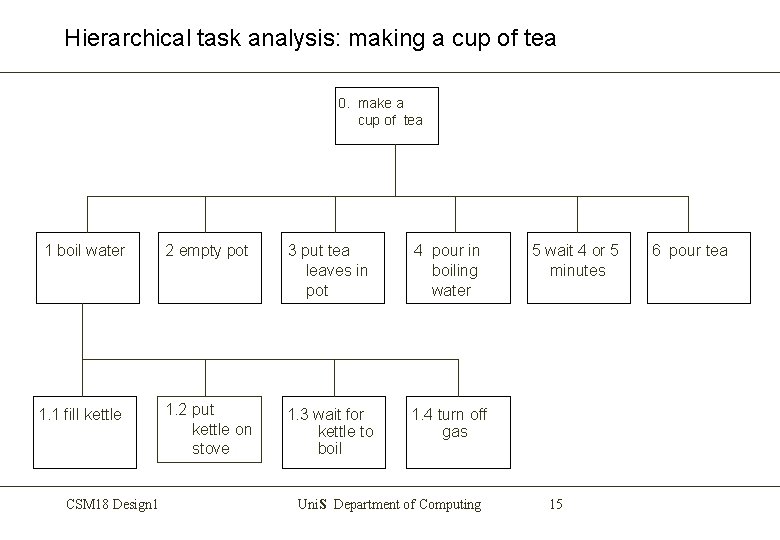
Hierarchical task analysis: making a cup of tea 0. make a cup of tea 1 boil water 2 empty pot 3 put tea leaves in pot 4 pour in boiling water 1. 1 fill kettle 1. 2 put kettle on stove 1. 3 wait for kettle to boil 1. 4 turn off gas CSM 18 Design 1 Uni. S Department of Computing 5 wait 4 or 5 minutes 15 6 pour tea
Diagrammatic Notation used in design Diagrammatic Notations Two powerful methods are • Flow charts • State transition networks CSM 18 Design 1 Uni. S Department of Computing 16
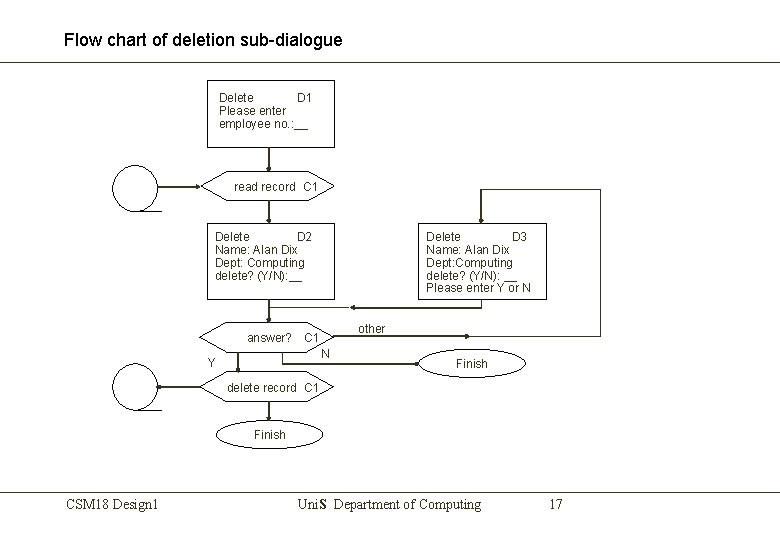
Flow chart of deletion sub-dialogue Delete D 1 Please enter employee no. : __ read record C 1 Delete D 2 Name: Alan Dix Dept: Computing delete? (Y/N): __ Delete D 3 Name: Alan Dix Dept: Computing delete? (Y/N): __ Please enter Y or N other answer? C 1 N Y Finish delete record C 1 Finish CSM 18 Design 1 Uni. S Department of Computing 17
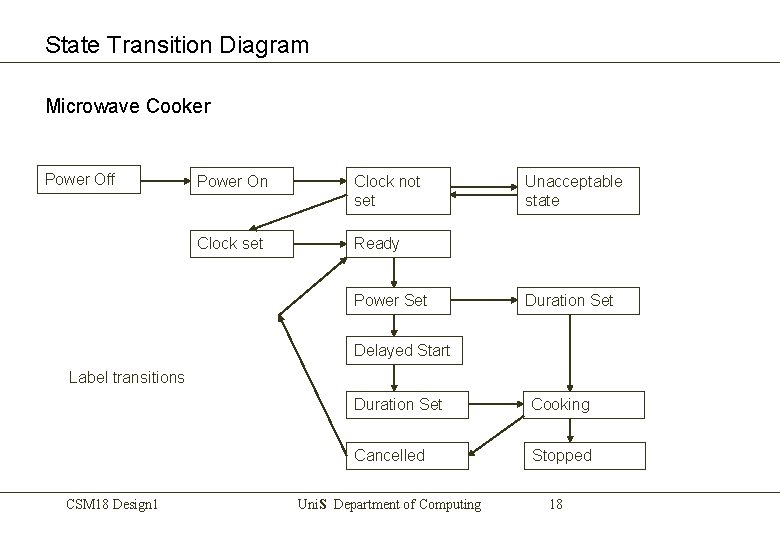
State Transition Diagram Microwave Cooker Power Off Power On Clock not set Clock set Ready Power Set Unacceptable state Duration Set Delayed Start Label transitions CSM 18 Design 1 Duration Set Cooking Cancelled Stopped Uni. S Department of Computing 18
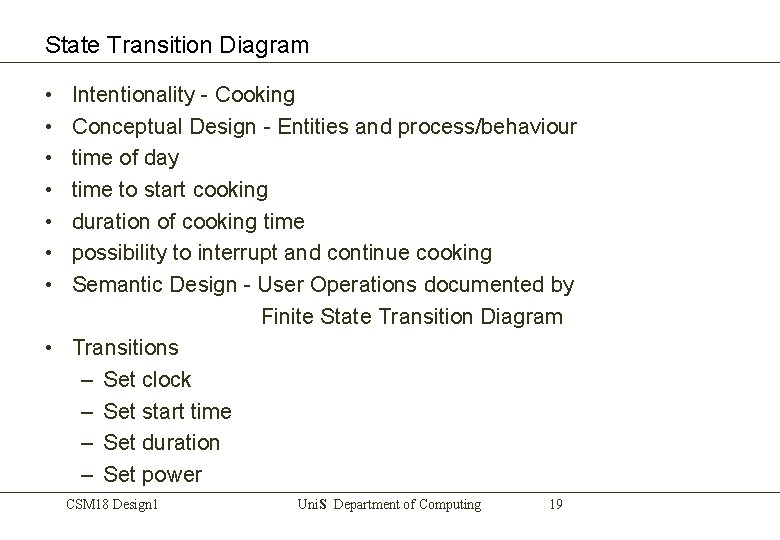
State Transition Diagram • • Intentionality - Cooking Conceptual Design - Entities and process/behaviour time of day time to start cooking duration of cooking time possibility to interrupt and continue cooking Semantic Design - User Operations documented by Finite State Transition Diagram • Transitions – Set clock – Set start time – Set duration – Set power CSM 18 Design 1 Uni. S Department of Computing 19
State Transition Diagram • • • Syntactic Design - Diagram of front panel of cooker (screen) All states are apparent to user (should be) All courses of action must be shown as transitions between states Feedback message for each transitions (good design) If state has more than one value decide if need a new state is needed – on/off could be the value of one state or designed as two states – Duration Set is duplicated - could be avoided • Benefits of FSTD – Easily see missing transactions from diagram – Diagram will tell you which options in any menu are inactive CSM 18 Design 1 Uni. S Department of Computing 20
- Slides: 20