
CSIS 110 Introduction to Computer Science Dr Mary
- Slides: 13
CSIS 110 Introduction to Computer Science Dr. Mary. Anne Egan 1
Agenda • Disaster recovery activity • Python intro • Layers of CS 2
Python • Python is a popular programing language, which is designed to be easy to read. • Used by many companies. • Also used to make application software flexible and expendable. • For example, can be used to program GIMP or Blender
A word about Jython • Jython is Python • Python is a language implemented in C. • Jython is the same language implemented in Java. • Is the pizza different if a different company makes the flour? If so, not by much.
Python • The programming language we will be using is called Python • http: //www. python. org • It’s used by companies like Google, Industrial Light & Magic, Pixar, Nextel, and others • The kind of Python we’re using is called Jython • It’s Java-based Python • http: //www. jython. org
Much of programming is about naming • We name our data • Data: The “numbers” we manipulate • We call our names for data variables • A variable is a named location in main memory whose contents can vary • Naming conventions • • • Enough words to describe what you need to describe Understandable Python names must start with a letter Case matters Don’t use Python reserve words as names Use camel. Case if multiword variable name
Python understands commands • We can name data with = • This is called _______, and it puts a value into the variable (the memory location it names) • The following commands all have the same result: • A=5 • B = 10 A=B/2 • A = round (4. 7) 7
Do it again !!! • If we have some code that we think we want to use over and over again, we create a function • A function is a named algorithm (recipe) • Example: to average 3 numbers: def avg (num 1, num 2, num 3): • Now we can use that function over and over by simply invoking its name and giving it 3 numbers. 8
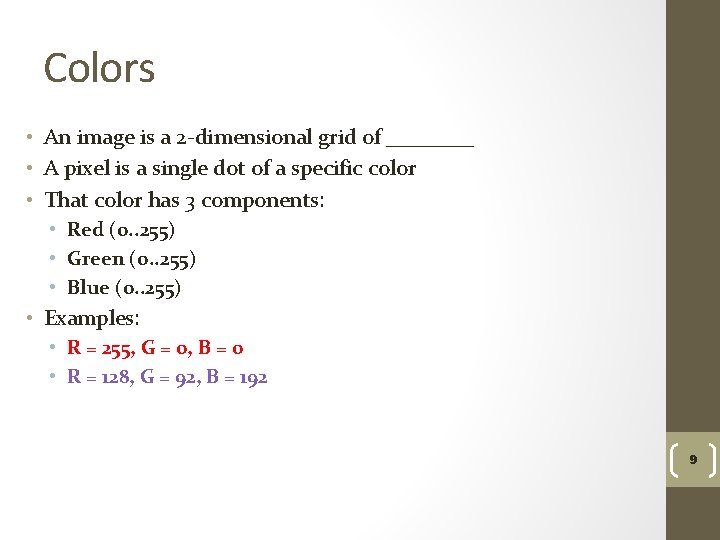
Colors • An image is a 2 -dimensional grid of ____ • A pixel is a single dot of a specific color • That color has 3 components: • Red (0. . 255) • Green (0. . 255) • Blue (0. . 255) • Examples: • R = 255, G = 0, B = 0 • R = 128, G = 92, B = 192 9
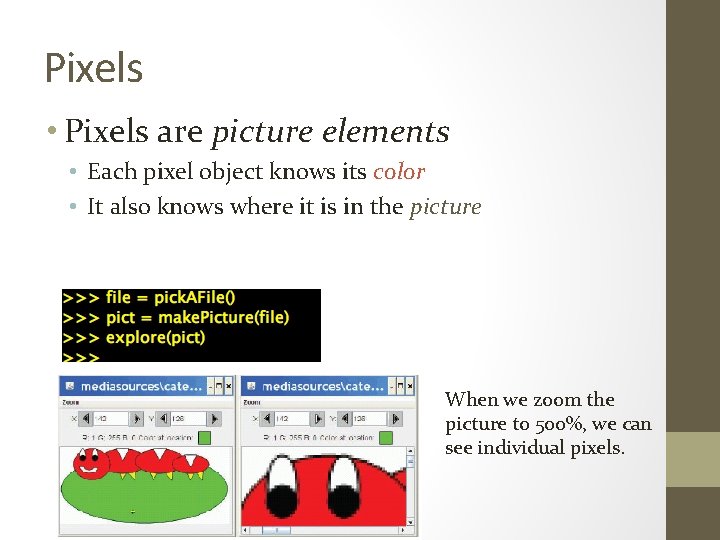
Pixels • Pixels are picture elements • Each pixel object knows its color • It also knows where it is in the picture When we zoom the picture to 500%, we can see individual pixels.
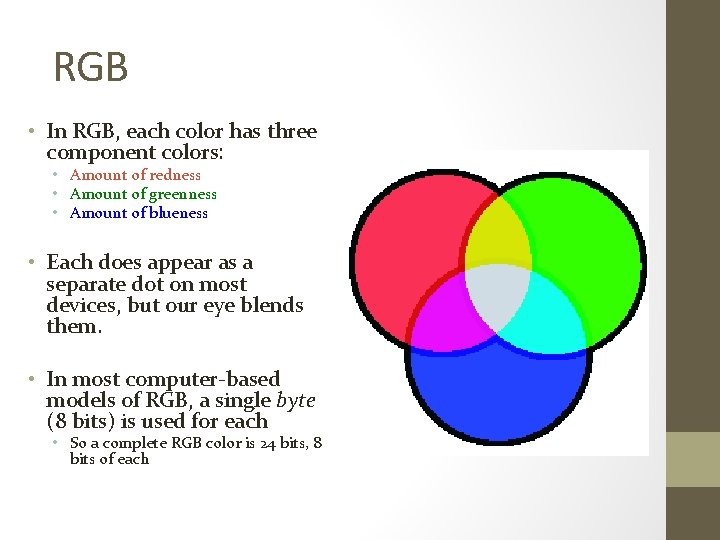
RGB • In RGB, each color has three component colors: • Amount of redness • Amount of greenness • Amount of blueness • Each does appear as a separate dot on most devices, but our eye blends them. • In most computer-based models of RGB, a single byte (8 bits) is used for each • So a complete RGB color is 24 bits, 8 bits of each
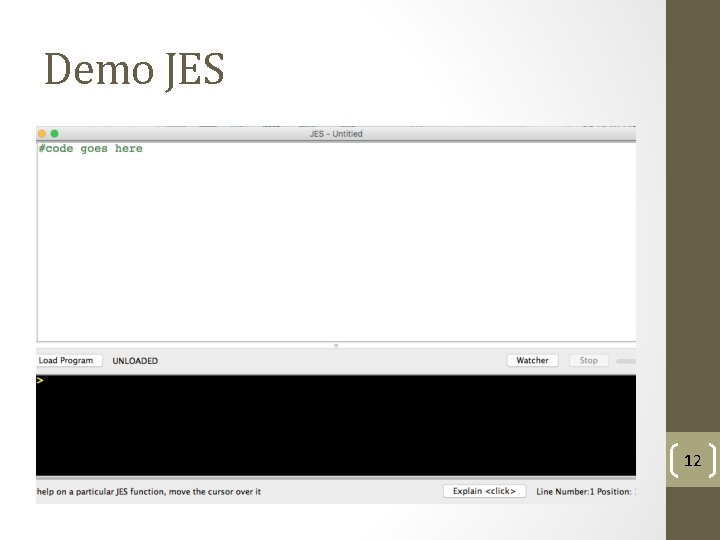
Demo JES 12
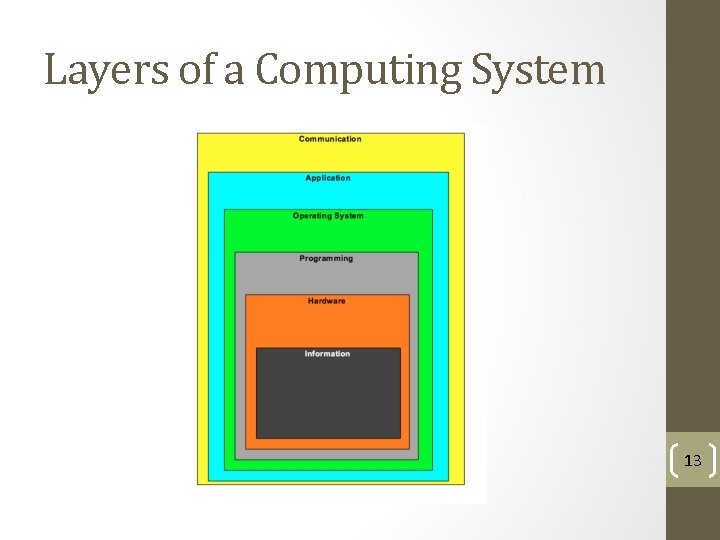
Layers of a Computing System 13