
CSE 303 Concepts and Tools for Software Development
- Slides: 27
CSE 303 Concepts and Tools for Software Development Richard C. Davis UW CSE – 12/4/2006 Lecture 23 – Readability and Robustness 12/4/2006 CSE 303 Lecture 23
Administravia • Final Exam in just over a week – Most similar to cse 303 Spring 2006 exam • • This is the only quarter that uses C++ heavily Use ". cpp" instead of ". cc" Use Subversion/svn instead of CVS/cvs Ignore problems 10 and 11 (concurrency) – Unless we fit this in on the last day – Also similar to finals from other quarters • HW 7 Due Wednesday, 2 PM – Late Days now visible in My. UW (up to HW 4) 12/4/2006 CSE 303 Lecture 23 2
Where We Are • Last time – Linkers • Today – Writing "good" software • Readability • Robustness 12/4/2006 CSE 303 Lecture 23 3
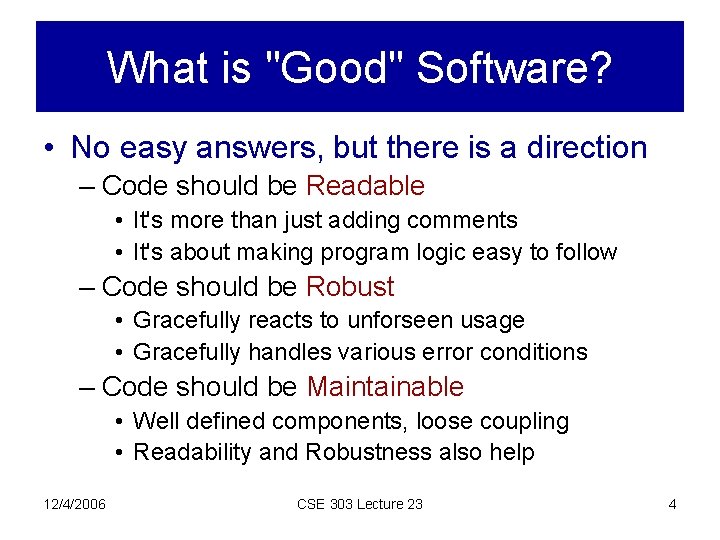
What is "Good" Software? • No easy answers, but there is a direction – Code should be Readable • It's more than just adding comments • It's about making program logic easy to follow – Code should be Robust • Gracefully reacts to unforseen usage • Gracefully handles various error conditions – Code should be Maintainable • Well defined components, loose coupling • Readability and Robustness also help 12/4/2006 CSE 303 Lecture 23 4
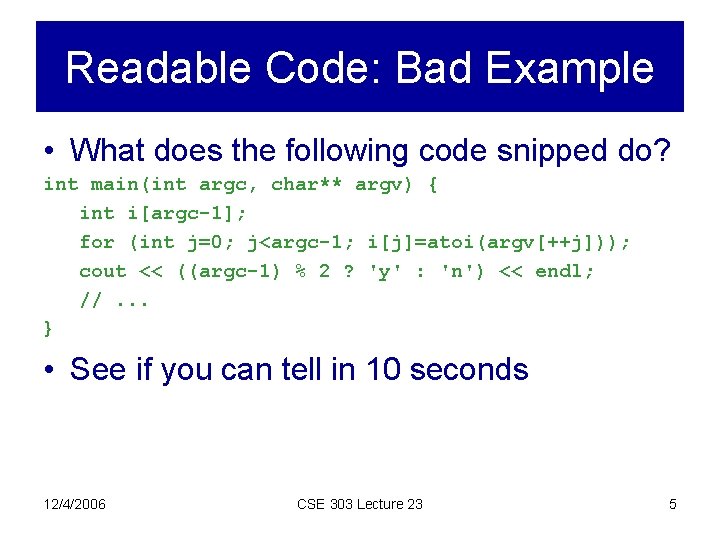
Readable Code: Bad Example • What does the following code snipped do? int main(int argc, char** argv) { int i[argc-1]; for (int j=0; j<argc-1; i[j]=atoi(argv[++j])); cout << ((argc-1) % 2 ? 'y' : 'n') << endl; //. . . } • See if you can tell in 10 seconds 12/4/2006 CSE 303 Lecture 23 5
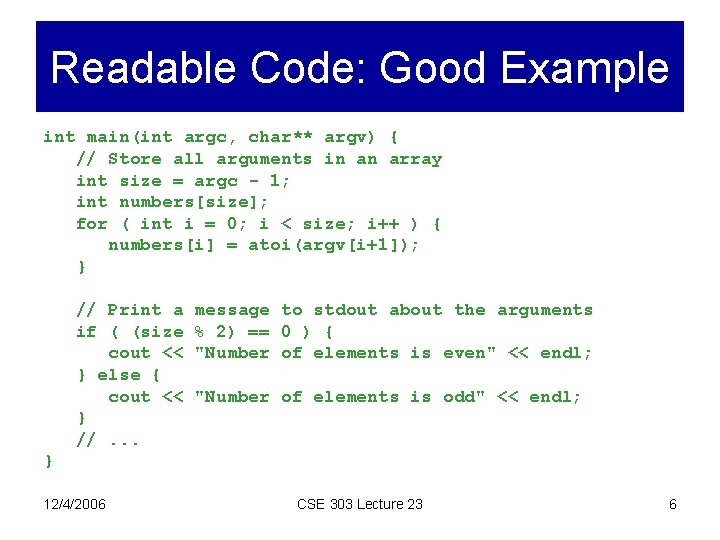
Readable Code: Good Example int main(int argc, char** argv) { // Store all arguments in an array int size = argc - 1; int numbers[size]; for ( int i = 0; i < size; i++ ) { numbers[i] = atoi(argv[i+1]); } // Print a if ( (size cout << } else { cout << } //. . . message to stdout about the arguments % 2) == 0 ) { "Number of elements is even" << endl; "Number of elements is odd" << endl; } 12/4/2006 CSE 303 Lecture 23 6
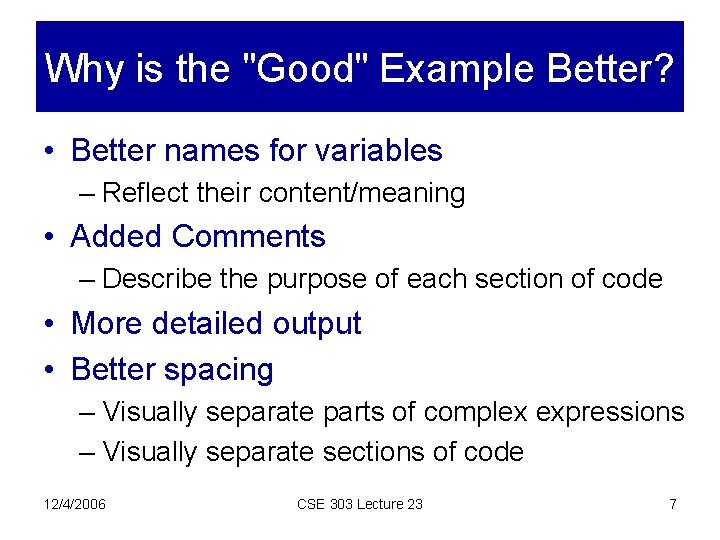
Why is the "Good" Example Better? • Better names for variables – Reflect their content/meaning • Added Comments – Describe the purpose of each section of code • More detailed output • Better spacing – Visually separate parts of complex expressions – Visually separate sections of code 12/4/2006 CSE 303 Lecture 23 7
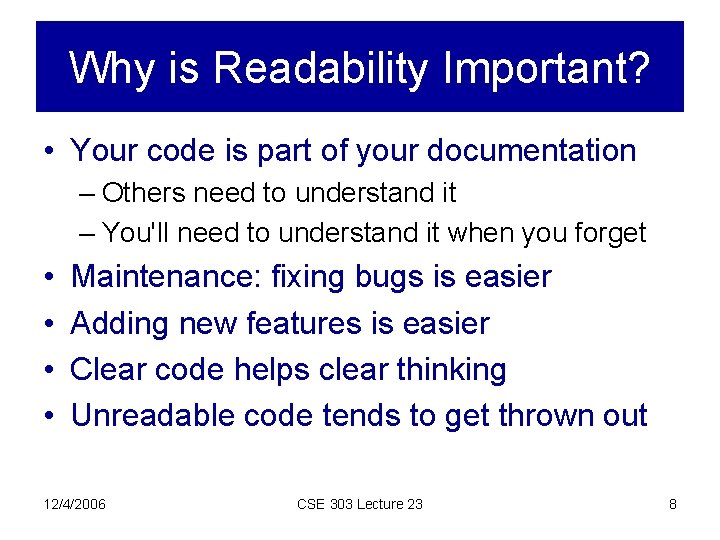
Why is Readability Important? • Your code is part of your documentation – Others need to understand it – You'll need to understand it when you forget • • Maintenance: fixing bugs is easier Adding new features is easier Clear code helps clear thinking Unreadable code tends to get thrown out 12/4/2006 CSE 303 Lecture 23 8
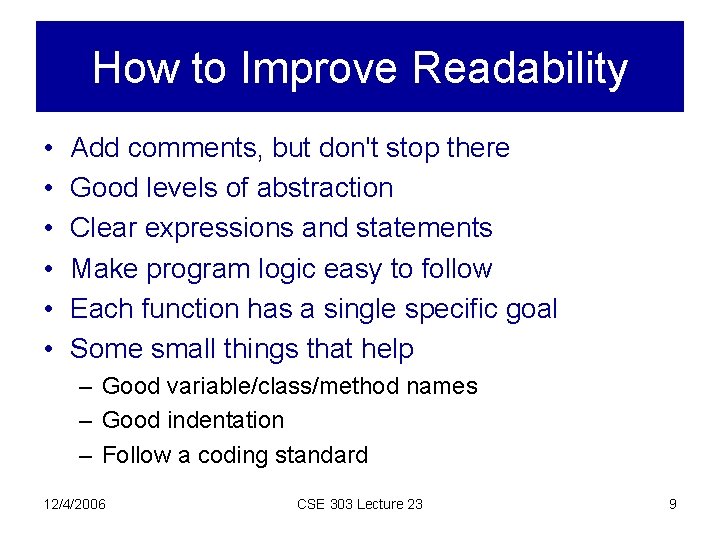
How to Improve Readability • • • Add comments, but don't stop there Good levels of abstraction Clear expressions and statements Make program logic easy to follow Each function has a single specific goal Some small things that help – Good variable/class/method names – Good indentation – Follow a coding standard 12/4/2006 CSE 303 Lecture 23 9
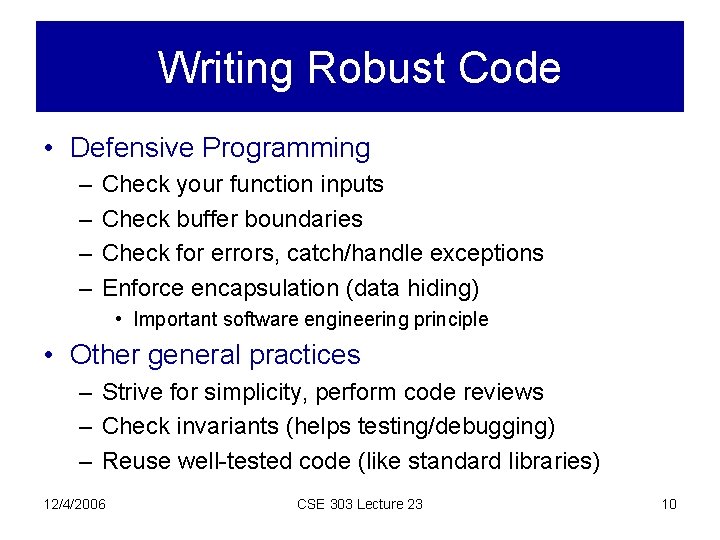
Writing Robust Code • Defensive Programming – – Check your function inputs Check buffer boundaries Check for errors, catch/handle exceptions Enforce encapsulation (data hiding) • Important software engineering principle • Other general practices – Strive for simplicity, perform code reviews – Check invariants (helps testing/debugging) – Reuse well-tested code (like standard libraries) 12/4/2006 CSE 303 Lecture 23 10
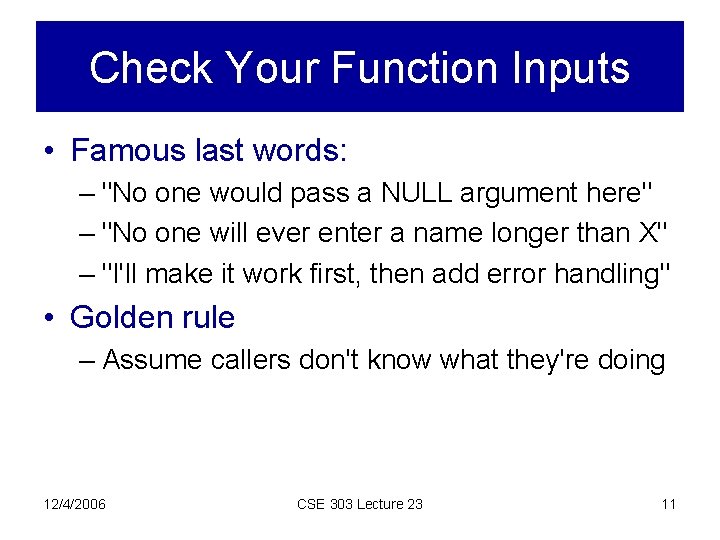
Check Your Function Inputs • Famous last words: – "No one would pass a NULL argument here" – "No one will ever enter a name longer than X" – "I'll make it work first, then add error handling" • Golden rule – Assume callers don't know what they're doing 12/4/2006 CSE 303 Lecture 23 11
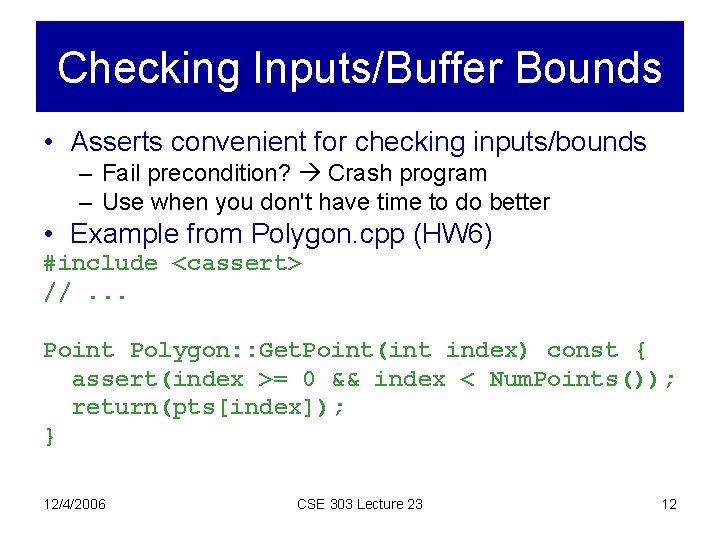
Checking Inputs/Buffer Bounds • Asserts convenient for checking inputs/bounds – Fail precondition? Crash program – Use when you don't have time to do better • Example from Polygon. cpp (HW 6) #include <cassert> //. . . Point Polygon: : Get. Point(int index) const { assert(index >= 0 && index < Num. Points()); return(pts[index]); } 12/4/2006 CSE 303 Lecture 23 12
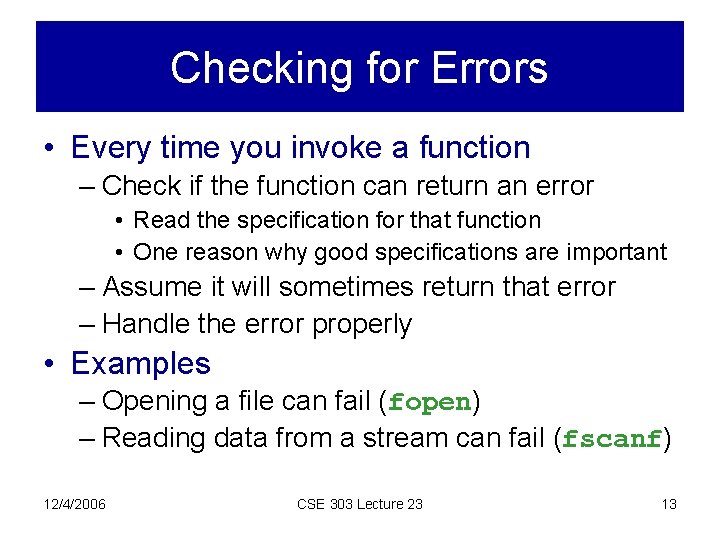
Checking for Errors • Every time you invoke a function – Check if the function can return an error • Read the specification for that function • One reason why good specifications are important – Assume it will sometimes return that error – Handle the error properly • Examples – Opening a file can fail (fopen) – Reading data from a stream can fail (fscanf) 12/4/2006 CSE 303 Lecture 23 13
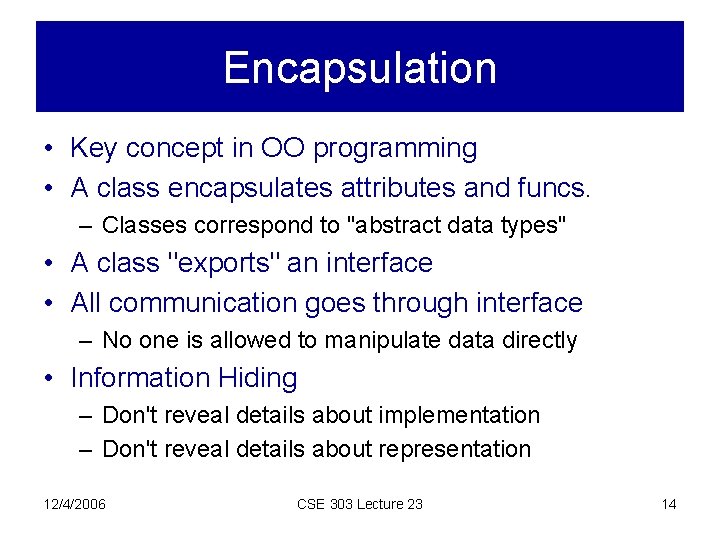
Encapsulation • Key concept in OO programming • A class encapsulates attributes and funcs. – Classes correspond to "abstract data types" • A class "exports" an interface • All communication goes through interface – No one is allowed to manipulate data directly • Information Hiding – Don't reveal details about implementation – Don't reveal details about representation 12/4/2006 CSE 303 Lecture 23 14
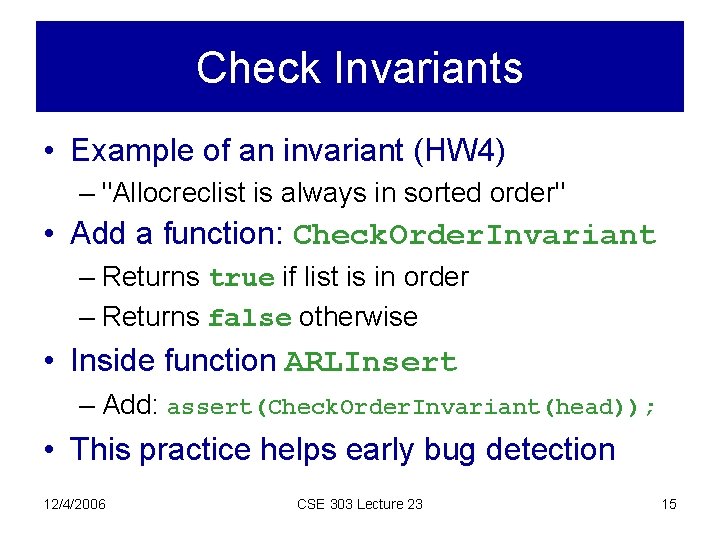
Check Invariants • Example of an invariant (HW 4) – "Allocreclist is always in sorted order" • Add a function: Check. Order. Invariant – Returns true if list is in order – Returns false otherwise • Inside function ARLInsert – Add: assert(Check. Order. Invariant(head)); • This practice helps early bug detection 12/4/2006 CSE 303 Lecture 23 15
Information Hiding Common Error • Easy to break encapsulation by accident • Example: – Caller and callee have pointer to same object – Caller can change callee internal rep. BAD! – A very common source of errors 12/4/2006 CSE 303 Lecture 23 16
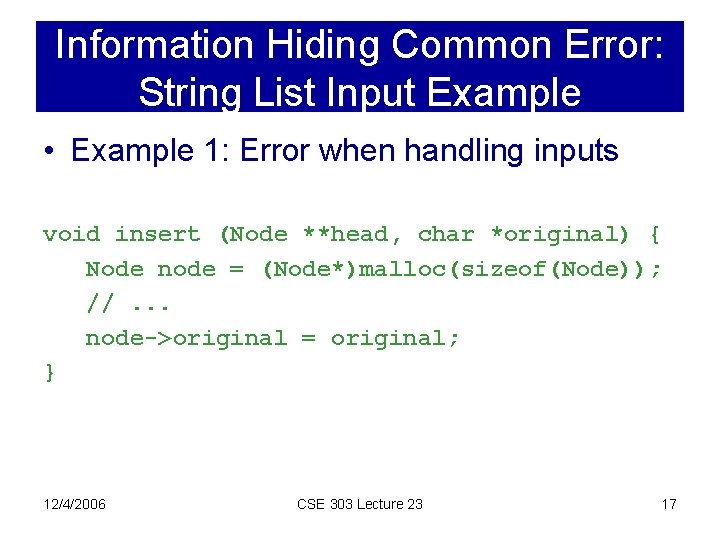
Information Hiding Common Error: String List Input Example • Example 1: Error when handling inputs void insert (Node **head, char *original) { Node node = (Node*)malloc(sizeof(Node)); //. . . node->original = original; } 12/4/2006 CSE 303 Lecture 23 17
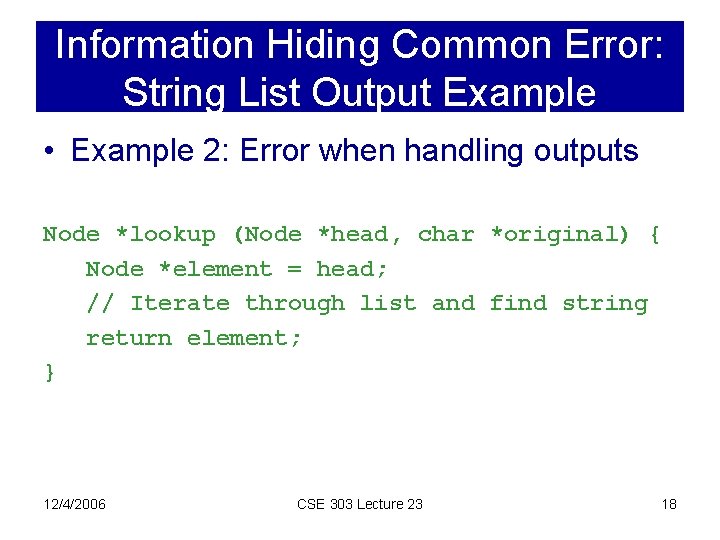
Information Hiding Common Error: String List Output Example • Example 2: Error when handling outputs Node *lookup (Node *head, char *original) { Node *element = head; // Iterate through list and find string return element; } 12/4/2006 CSE 303 Lecture 23 18
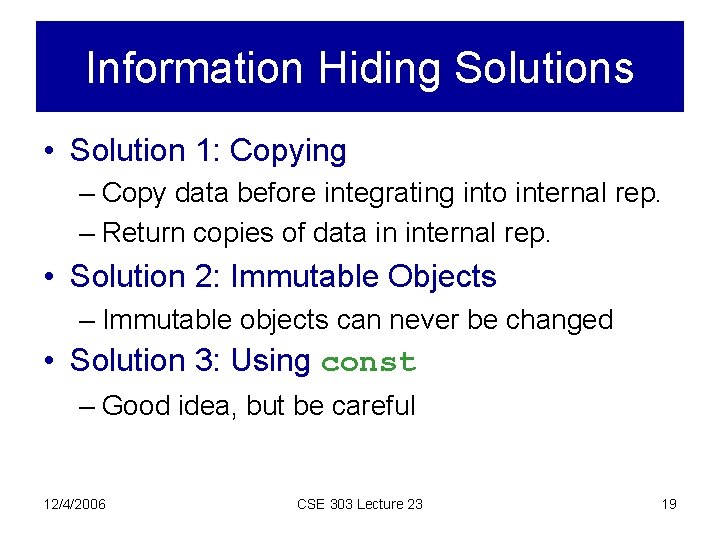
Information Hiding Solutions • Solution 1: Copying – Copy data before integrating into internal rep. – Return copies of data in internal rep. • Solution 2: Immutable Objects – Immutable objects can never be changed • Solution 3: Using const – Good idea, but be careful 12/4/2006 CSE 303 Lecture 23 19
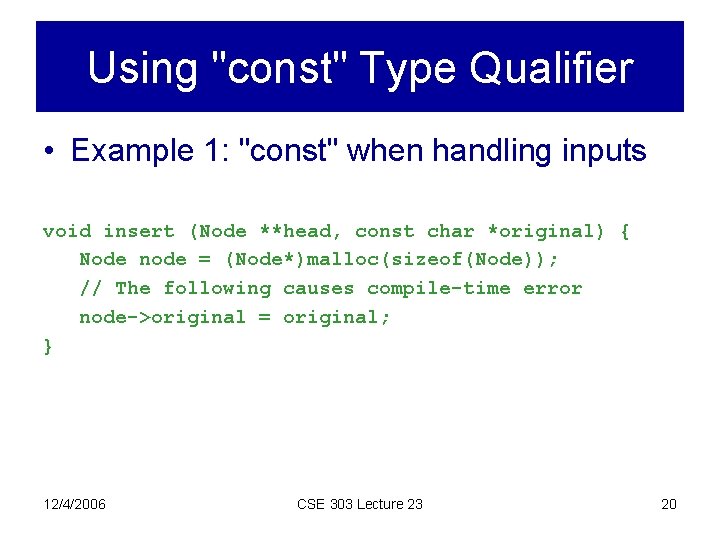
Using "const" Type Qualifier • Example 1: "const" when handling inputs void insert (Node **head, const char *original) { Node node = (Node*)malloc(sizeof(Node)); // The following causes compile-time error node->original = original; } 12/4/2006 CSE 303 Lecture 23 20
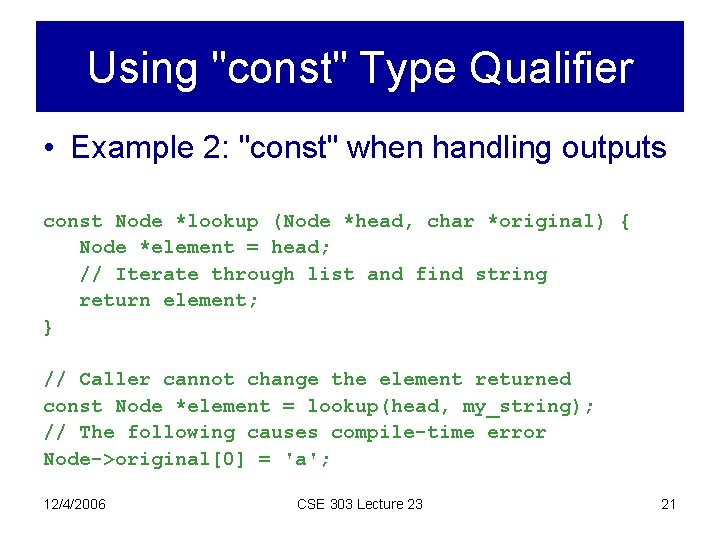
Using "const" Type Qualifier • Example 2: "const" when handling outputs const Node *lookup (Node *head, char *original) { Node *element = head; // Iterate through list and find string return element; } // Caller cannot change the element returned const Node *element = lookup(head, my_string); // The following causes compile-time error Node->original[0] = 'a'; 12/4/2006 CSE 303 Lecture 23 21
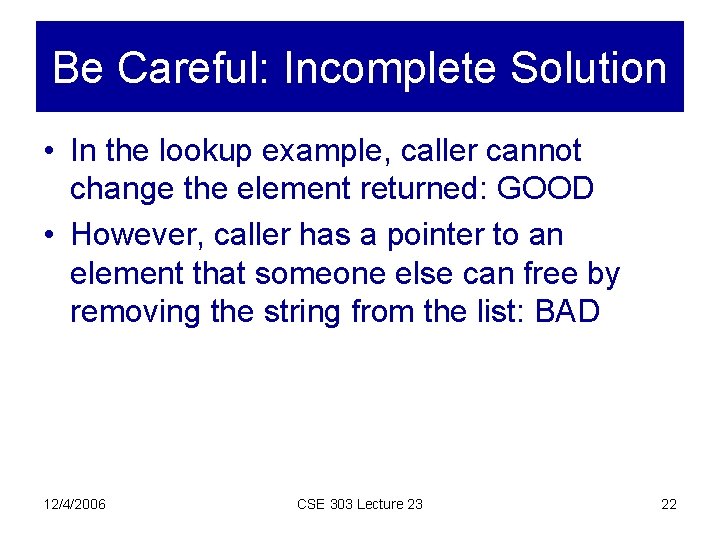
Be Careful: Incomplete Solution • In the lookup example, caller cannot change the element returned: GOOD • However, caller has a pointer to an element that someone else can free by removing the string from the list: BAD 12/4/2006 CSE 303 Lecture 23 22
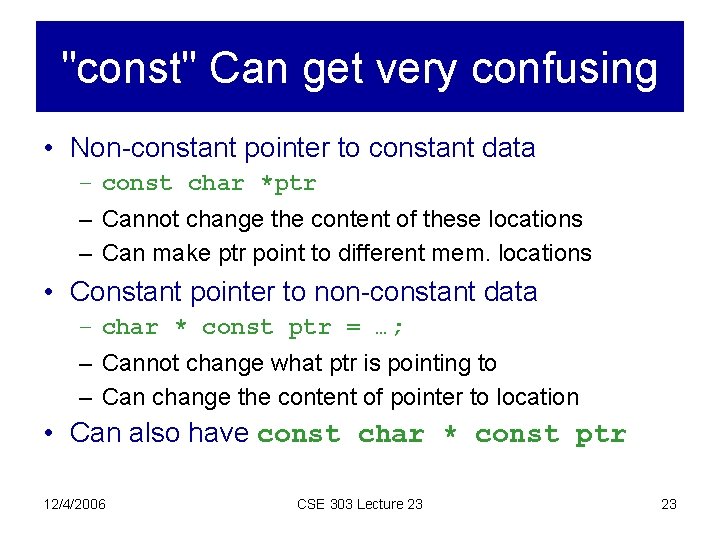
"const" Can get very confusing • Non-constant pointer to constant data – const char *ptr – Cannot change the content of these locations – Can make ptr point to different mem. locations • Constant pointer to non-constant data – char * const ptr = …; – Cannot change what ptr is pointing to – Can change the content of pointer to location • Can also have const char * const ptr 12/4/2006 CSE 303 Lecture 23 23
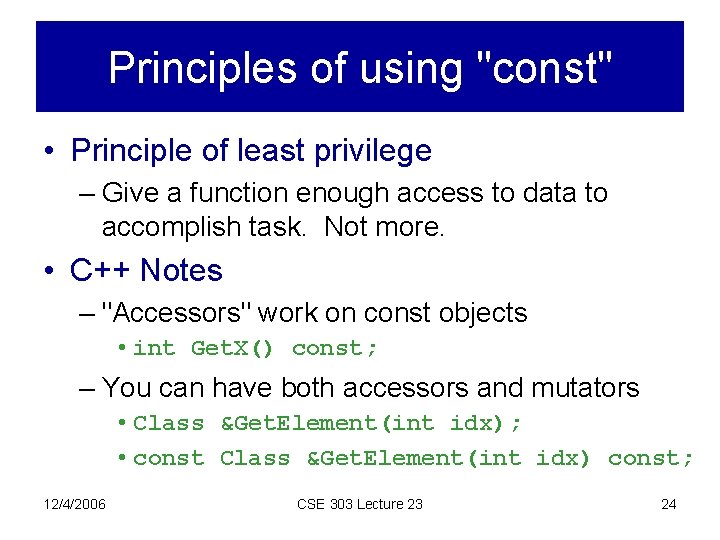
Principles of using "const" • Principle of least privilege – Give a function enough access to data to accomplish task. Not more. • C++ Notes – "Accessors" work on const objects • int Get. X() const; – You can have both accessors and mutators • Class &Get. Element(int idx); • const Class &Get. Element(int idx) const; 12/4/2006 CSE 303 Lecture 23 24
Towards Security • Robust software can protect against – Buffer overflow attacks – Crashes caused by invalid inputs • But security is much harder than that • Example: Denial of service attack – Send huge numbers of requests to a server – Example: Keep adding elements to a list 12/4/2006 CSE 303 Lecture 23 25
Summary • You now know some basic software eng. – Software development process • Main steps involved in building a software system – Specifications • Why we need them and how to write simple ones • We talked about informal specifications only – Testing: Why and How – Writing Robust and readable code • There's much more to software engineering – The examples in this class may not be the best 12/4/2006 CSE 303 Lecture 23 26
Next Time • Profilers • STL? 12/4/2006 CSE 303 Lecture 23 27