
CSE 219 COMPUTER SCIENCE III SOFTWARE DEVELOPMENT LIFECYCLE


- Slides: 22
CSE 219 COMPUTER SCIENCE III SOFTWARE DEVELOPMENT LIFECYCLE (SLIDES COURTESY: PROF. RICHARD MCKENNA)
INSTRUCTOR Pravin Pawar Office: B 424 Email: pravin. pawar@sunykorea. ac. kr Phone: +82 -032 -626 -1227 Office Hours: Mon: 3: 00 -5: 00 PM, Wed: 10: 3012: 30 PM, 3: 00 -5: 00 PM
COURSE HOMEPAGES – COMING UP https: //www. youtube. com/watch? v=cvj 0 zzt. K 0 LY
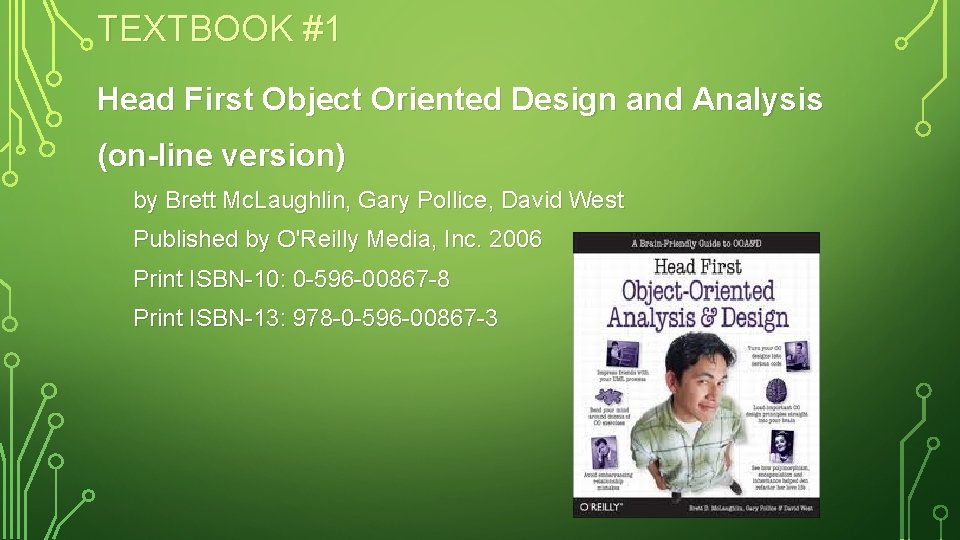
TEXTBOOK #1 Head First Object Oriented Design and Analysis (on-line version) by Brett Mc. Laughlin, Gary Pollice, David West Published by O'Reilly Media, Inc. 2006 Print ISBN-10: 0 -596 -00867 -8 Print ISBN-13: 978 -0 -596 -00867 -3
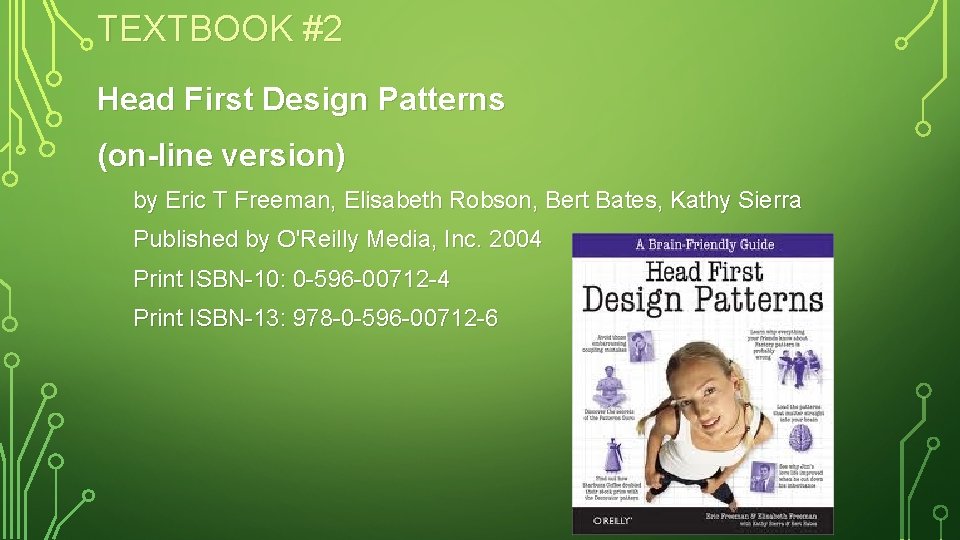
TEXTBOOK #2 Head First Design Patterns (on-line version) by Eric T Freeman, Elisabeth Robson, Bert Bates, Kathy Sierra Published by O'Reilly Media, Inc. 2004 Print ISBN-10: 0 -596 -00712 -4 Print ISBN-13: 978 -0 -596 -00712 -6
COURSE IDE Download http: //netbeans. org/downloads/index. html http: //eclipse. org
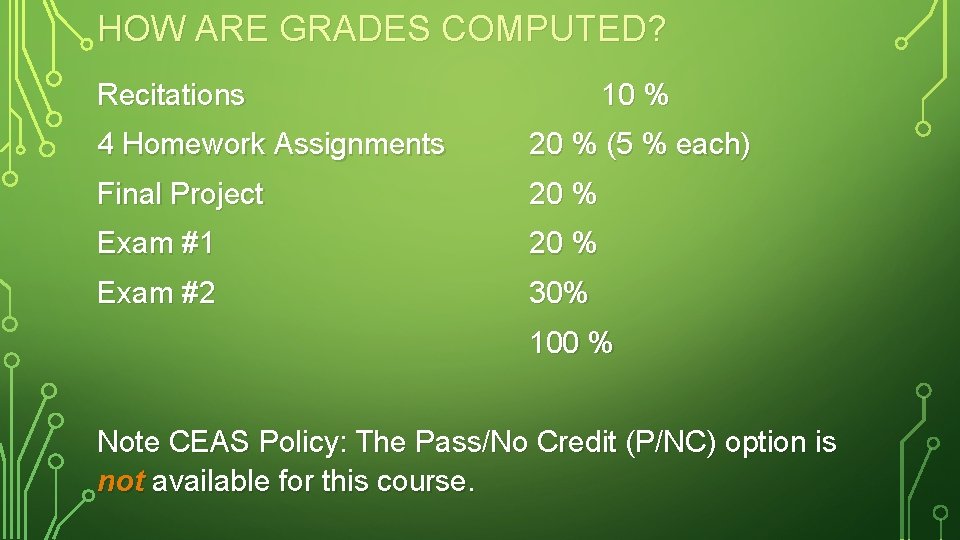
HOW ARE GRADES COMPUTED? Recitations 10 % 4 Homework Assignments 20 % (5 % each) Final Project 20 % Exam #1 20 % Exam #2 30% 100 % Note CEAS Policy: The Pass/No Credit (P/NC) option is not available for this course.
ACADEMIC DISHONESTY All work you submit for homework, projects, or exams MUST be your own work. PLEASE UNDERSTAND THESE RULES
COURSE DESCRIPTION Development of the basic concepts and techniques from Computer Science I and II into practical programming skills that include a systematic approach to program design, coding, testing, and debugging. Application of these skills to the construction of robust programs of thousands of lines of source code. Use of programming environments and tools to aid in the software development process. NOTE: You must have taken CSE 214 and received a
COURSE TOPICS Project Technologies Basics – GUIs & Event Programming – 2 D Graphics Software Design (UML) Design Patterns Programming style Algorithms and data structure selection Code maintenance & documentation
COURSE TOPICS (CONTINUED) Effectively using an IDE & associated tools for: – Designing – Code editing – Testing – Debugging – Revision control – Profiling – Documentation – Deployment
SO WHAT IS THIS COURSE REALLY ABOUT? Short Answer: – OOP mastery – No more toys – Plan, then do (design, then code) – Student to Pro
THE LONG ANSWER Learn methodologies for building high quality software systems What properties make a software system high quality? – correctness – efficiency – ease of use – reliability/robustness – maintainability – modifiability – extensibility – scalability
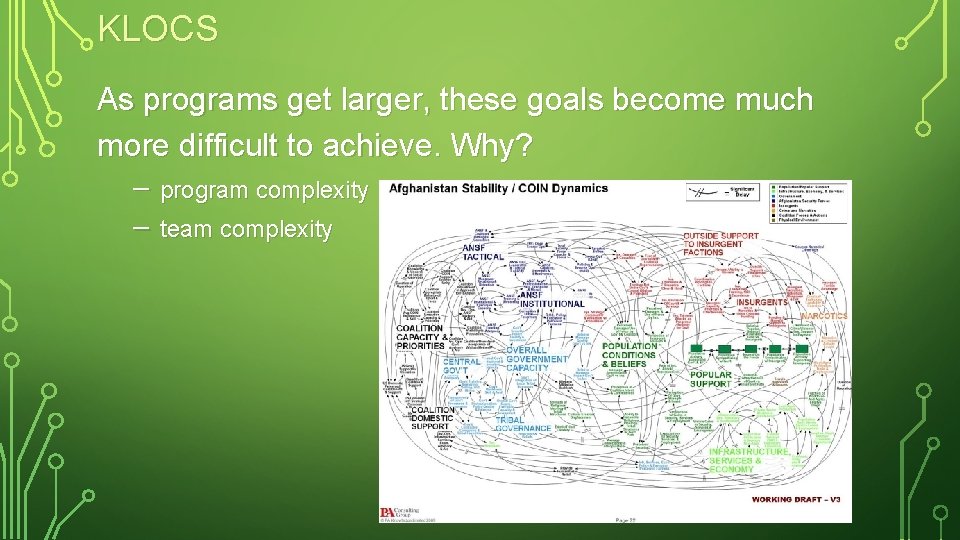
KLOCS As programs get larger, these goals become much more difficult to achieve. Why? – program complexity – team complexity
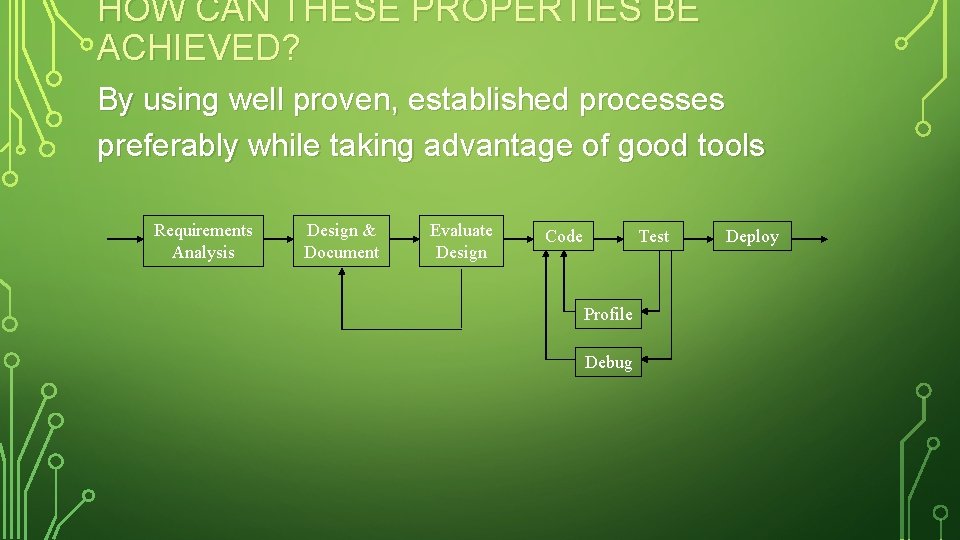
HOW CAN THESE PROPERTIES BE ACHIEVED? By using well proven, established processes preferably while taking advantage of good tools Requirements Analysis Design & Document Evaluate Design Code Test Profile Debug Deploy
OTHER STEPS TO CONSIDER Integration Maintenance
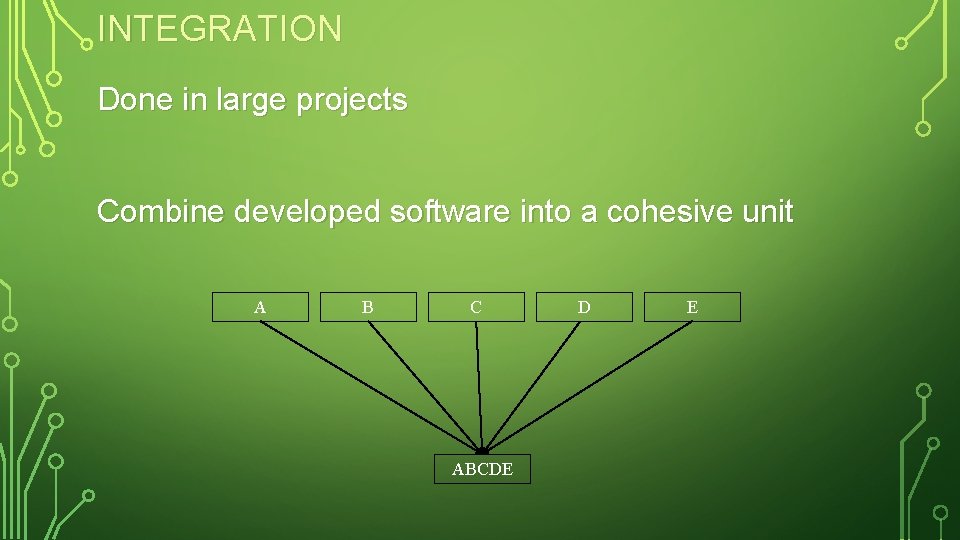
INTEGRATION Done in large projects Combine developed software into a cohesive unit A B C ABCDE D E
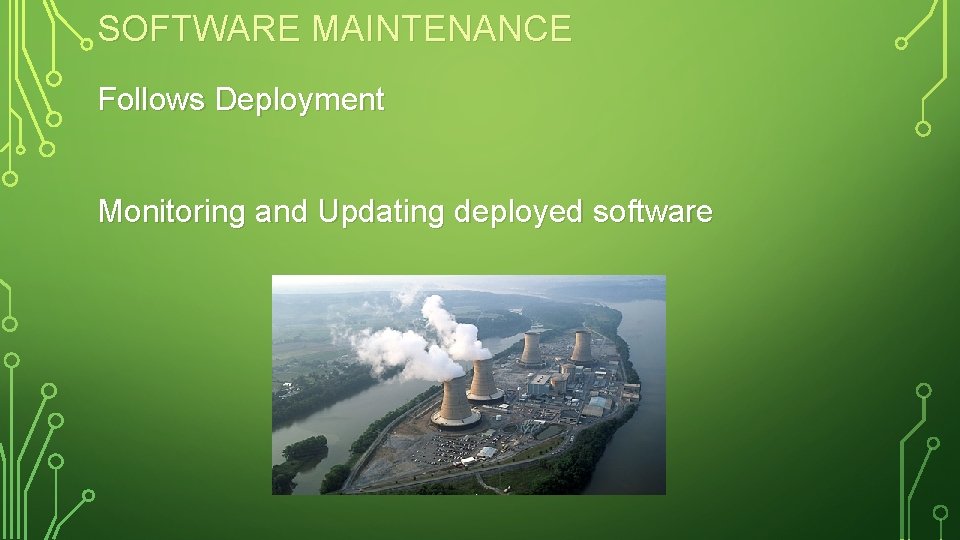
SOFTWARE MAINTENANCE Follows Deployment Monitoring and Updating deployed software
SOFTWARE JOBS Not all of you are going to be programmers – but you should know how to design, program, test, debug software Other types of jobs: – – – – Designer Tester Database, Network, Security Administrator Project Leader Manager Founder/CEO Professor etc … NOTE: designers & programmers on a project may not be the same people
DESIGN, THEN CODE We will design all classes before coding – not easy to do – UML is used for software design You cannot design a system unless you really understand the necessary technology – designs cannot be created without a little testing – trying out different small-scale examples (HWs 1 & 2)
UPDATED SOFTWARE DEVELOPMENT LIFECYCLE Waterfall Model – many variations 1. 2. Requirements Analysis 3. 4. Evaluate Design 5. 6. Test, Debug, & Profile Components 7. 8. Test, Debug, & Profile Whole 9. Maintain Design Code Integrate Deploy
THE HW PLAN Coming up