
CSE 154 LECTURE 9 SUBMITTING DATA POST Dropdown

CSE 154 LECTURE 9: SUBMITTING DATA (POST)
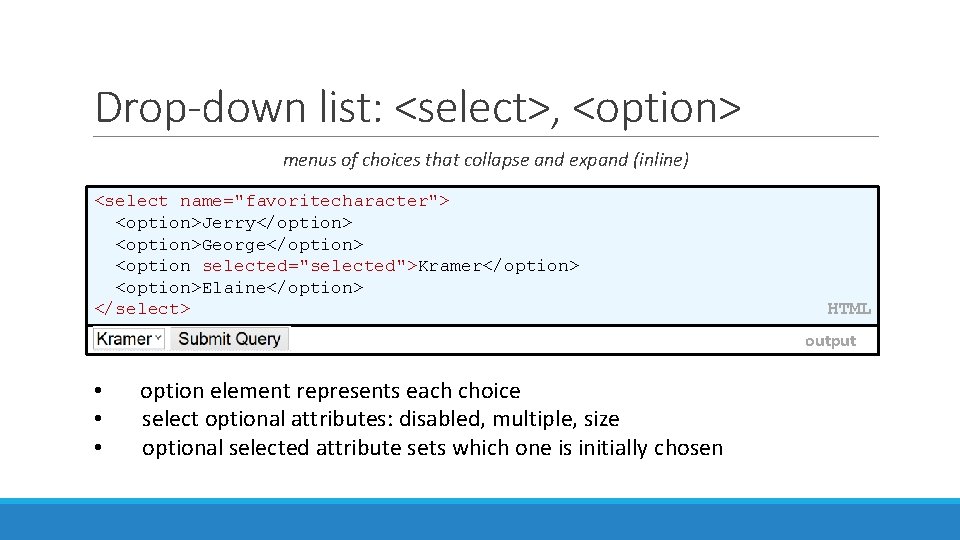
Drop-down list: <select>, <option> menus of choices that collapse and expand (inline) <select name="favoritecharacter"> <option>Jerry</option> <option>George</option> <option selected="selected">Kramer</option> <option>Elaine</option> </select> HTML output • • • option element represents each choice select optional attributes: disabled, multiple, size optional selected attribute sets which one is initially chosen
![Using <select> for lists <select name="favoritecharacter[]" size="3" multiple="multiple"> <option>Jerry</option> <option>George</option> <option>Kramer</option> <option>Elaine</option> <option selected="selected">Newman</option>](http://slidetodoc.com/presentation_image_h2/57d1b06f15d5dd02b9038a6573b9e396/image-3.jpg "Using <select> for lists <select name=\"favoritecharacter[]\" size=\"3\" multiple=\"multiple\"> <option>Jerry</option> <option>George</option> <option>Kramer</option> <option>Elaine</option> <option selected=\"selected\">Newman</option>")
Using <select> for lists <select name="favoritecharacter[]" size="3" multiple="multiple"> <option>Jerry</option> <option>George</option> <option>Kramer</option> <option>Elaine</option> <option selected="selected">Newman</option> </select> HTML output • optional multiple attribute allows selecting multiple items with shift- or ctrlclick • must declare parameter's name with [] if you allow multiple selections • option tags can be set to be initially selected
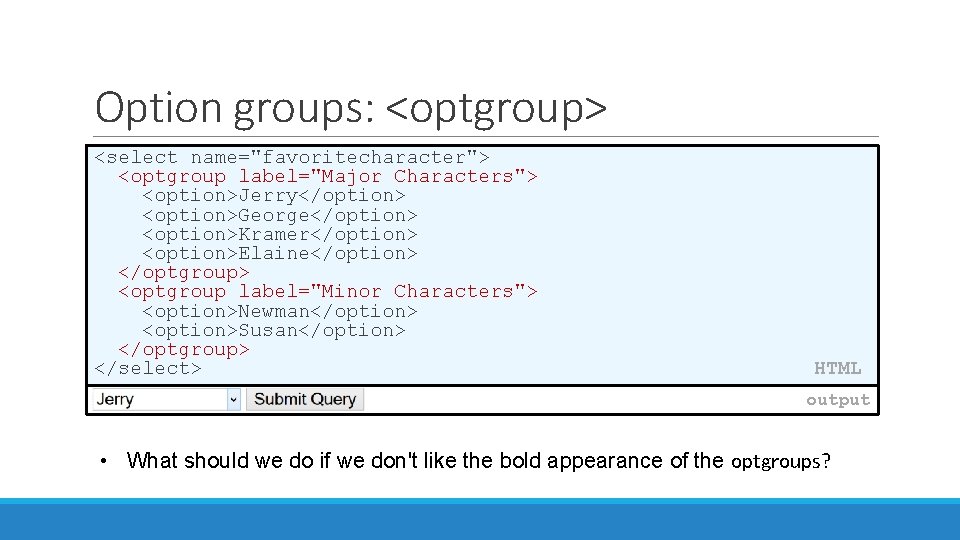
Option groups: <optgroup> <select name="favoritecharacter"> <optgroup label="Major Characters"> <option>Jerry</option> <option>George</option> <option>Kramer</option> <option>Elaine</option> </optgroup> <optgroup label="Minor Characters"> <option>Newman</option> <option>Susan</option> </optgroup> </select> HTML output • What should we do if we don't like the bold appearance of the optgroups?

Grouping input: <fieldset>, <legend> groups of input fields with optional caption (block) <fieldset> <legend>Credit cards: </legend> <input type="radio" name="cc" value="visa" checked="checked" /> Visa <input type="radio" name="cc" value="mastercard" /> Master. Card <input type="radio" name="cc" value="amex" /> American Express </fieldset> HTML output • fieldset groups related input fields, adds a border; legend supplies a caption
![Styling form controls element[attribute="value"] { property : value; . . . property : value;](http://slidetodoc.com/presentation_image_h2/57d1b06f15d5dd02b9038a6573b9e396/image-6.jpg "Styling form controls element[attribute=\"value\"] { property : value; . . . property : value;")
Styling form controls element[attribute="value"] { property : value; . . . property : value; } input[type="text"] { background-color: yellow; font-weight: bold; } CSS output • • attribute selector: matches only elements that have a particular attribute value useful for controls because many share the same element (input)
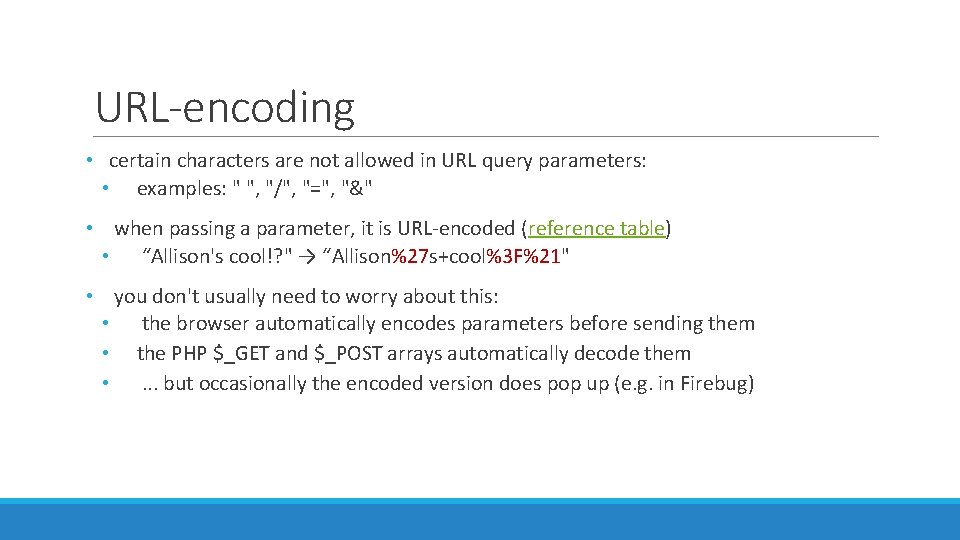
URL-encoding • certain characters are not allowed in URL query parameters: • examples: " ", "/", "=", "&" • when passing a parameter, it is URL-encoded (reference table) • “Allison's cool!? " → “Allison%27 s+cool%3 F%21" • you don't usually need to worry about this: • the browser automatically encodes parameters before sending them • the PHP $_GET and $_POST arrays automatically decode them • . . . but occasionally the encoded version does pop up (e. g. in Firebug)
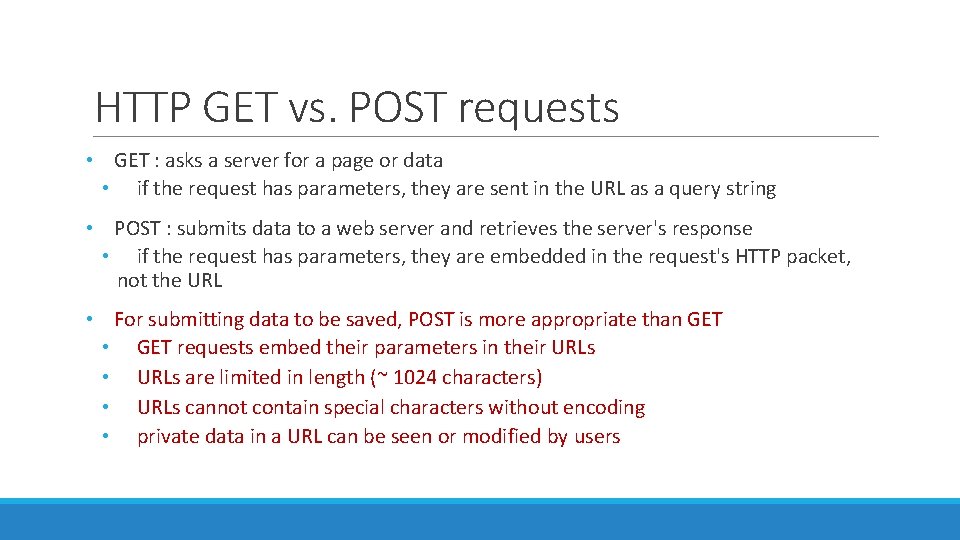
HTTP GET vs. POST requests • GET : asks a server for a page or data • if the request has parameters, they are sent in the URL as a query string • POST : submits data to a web server and retrieves the server's response • if the request has parameters, they are embedded in the request's HTTP packet, not the URL • For submitting data to be saved, POST is more appropriate than GET • GET requests embed their parameters in their URLs • URLs are limited in length (~ 1024 characters) • URLs cannot contain special characters without encoding • private data in a URL can be seen or modified by users
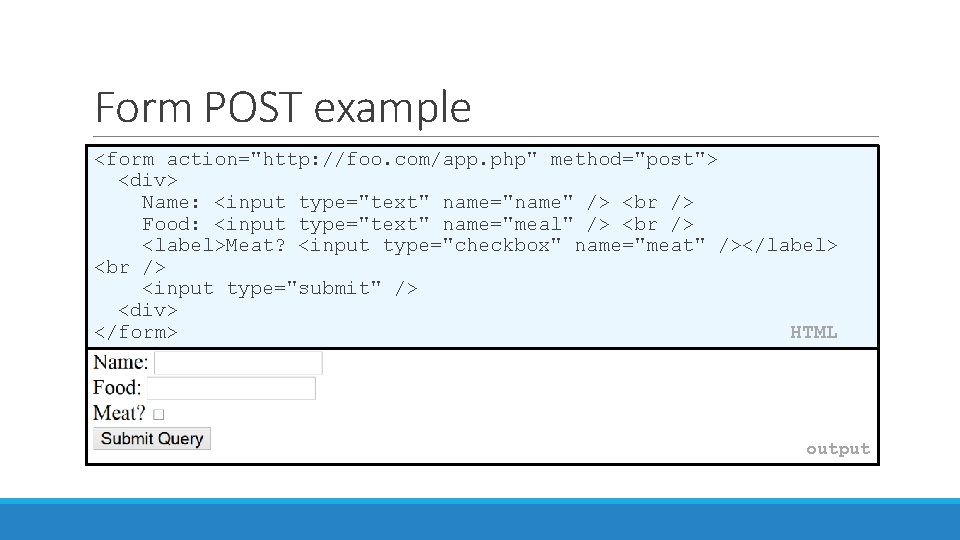
Form POST example <form action="http: //foo. com/app. php" method="post"> <div> Name: <input type="text" name="name" /> Food: <input type="text" name="meal" /> <label>Meat? <input type="checkbox" name="meat" /></label> <input type="submit" /> <div> </form> HTML output
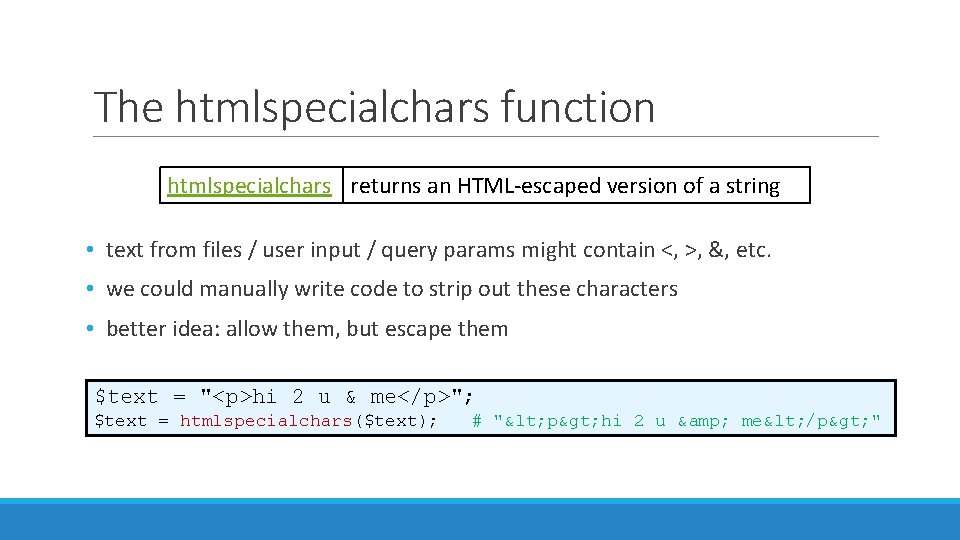
The htmlspecialchars function htmlspecialchars returns an HTML-escaped version of a string • text from files / user input / query params might contain <, >, &, etc. • we could manually write code to strip out these characters • better idea: allow them, but escape them $text = "<p>hi 2 u & me</p>"; $text = htmlspecialchars($text); # "< p> hi 2 u & me< /p> "
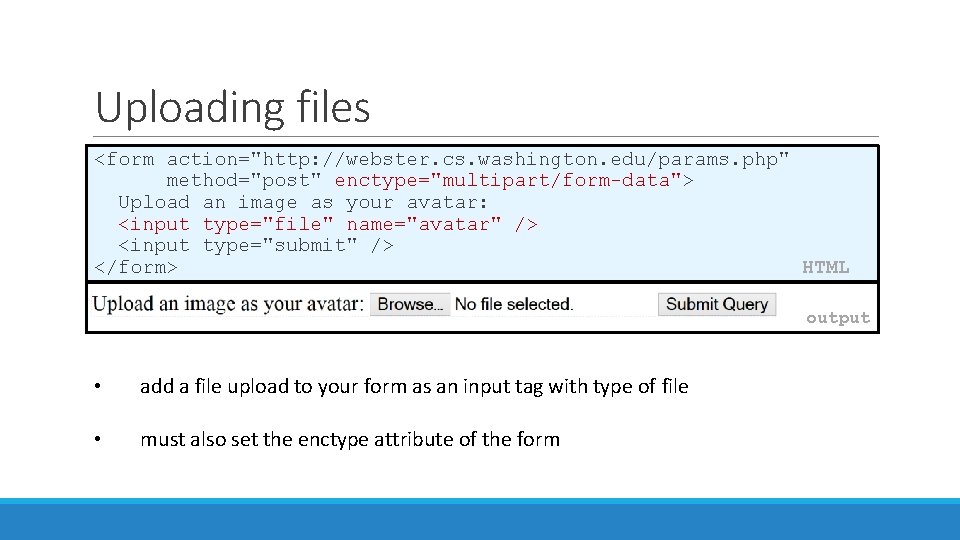
Uploading files <form action="http: //webster. cs. washington. edu/params. php" method="post" enctype="multipart/form-data"> Upload an image as your avatar: <input type="file" name="avatar" /> <input type="submit" /> </form> HTML output • add a file upload to your form as an input tag with type of file • must also set the enctype attribute of the form
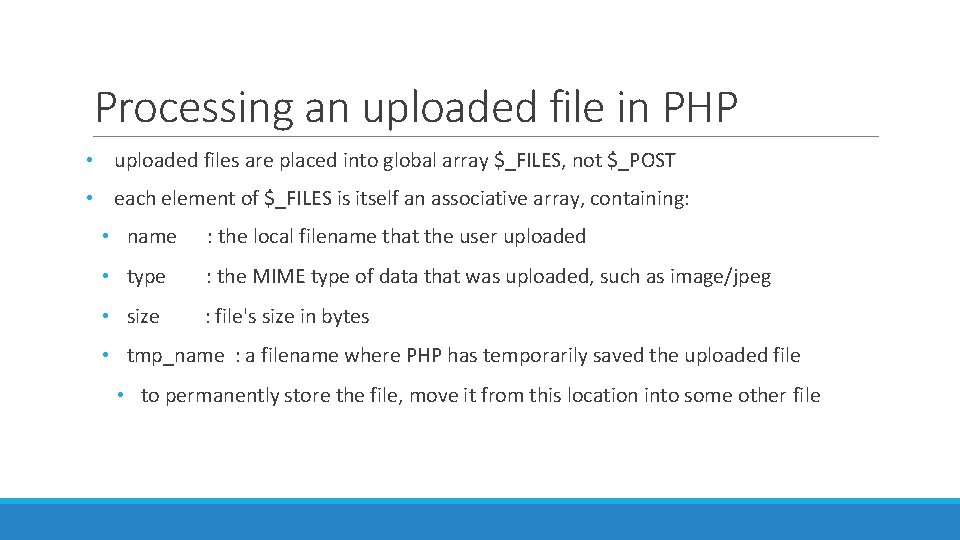
Processing an uploaded file in PHP • uploaded files are placed into global array $_FILES, not $_POST • each element of $_FILES is itself an associative array, containing: • name : the local filename that the user uploaded • type : the MIME type of data that was uploaded, such as image/jpeg • size : file's size in bytes • tmp_name : a filename where PHP has temporarily saved the uploaded file • to permanently store the file, move it from this location into some other file
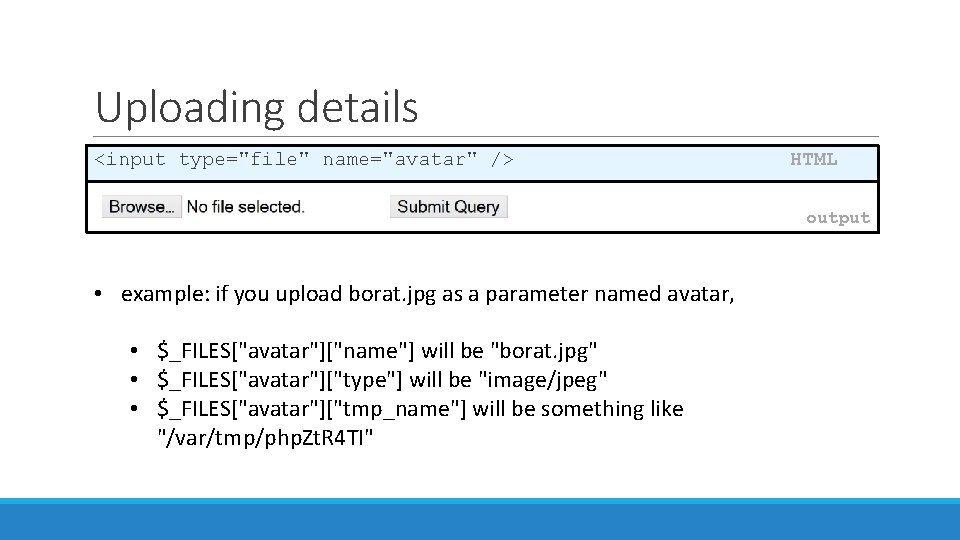
Uploading details <input type="file" name="avatar" /> HTML output • example: if you upload borat. jpg as a parameter named avatar, • $_FILES["avatar"]["name"] will be "borat. jpg" • $_FILES["avatar"]["type"] will be "image/jpeg" • $_FILES["avatar"]["tmp_name"] will be something like "/var/tmp/php. Zt. R 4 TI"
![Processing uploaded file, example $username = $_POST["username"]; if (is_uploaded_file($_FILES["avatar"]["tmp_name"])) { move_uploaded_file($_FILES["avatar"]["tmp_name"], "$username/avatar. jpg"); print](http://slidetodoc.com/presentation_image_h2/57d1b06f15d5dd02b9038a6573b9e396/image-14.jpg "Processing uploaded file, example $username = $_POST[\"username\"]; if (is_uploaded_file($_FILES[\"avatar\"][\"tmp_name\"])) { move_uploaded_file($_FILES[\"avatar\"][\"tmp_name\"], \"$username/avatar. jpg\"); print")
Processing uploaded file, example $username = $_POST["username"]; if (is_uploaded_file($_FILES["avatar"]["tmp_name"])) { move_uploaded_file($_FILES["avatar"]["tmp_name"], "$username/avatar. jpg"); print "Saved uploaded file as $username/avatar. jpgn"; } else { print "Error: required file not uploaded"; } • functions for dealing with uploaded files: • is_uploaded_file(filename) • returns TRUE if the given filename was uploaded by the user • move_uploaded_file(from, to) • moves from a temporary file location to a more permanent file • proper idiom: check is_uploaded_file, then do move_uploaded_file PHP
- Slides: 14