
CSE 102 Introduction to Web Design and Programming
CSE 102 Introduction to Web Design and Programming Java. Script
Java. Script • A client-side scripting language • Common tasks performed by Java. Script in Web pages: – – – – asking the browser to display information making the Web page different depending on the browser monitoring user events & specifying reactions generating HTML code for parts of the page modifying a page in response to events checking correctness of input replacing & updating parts of a page changing the style & position of displayed elements dynamically • Java. Script is used in www. sunysb. edu, how?
Java. Script background • • Developed by Netscape, released 1995 Supported by all major browsers The standard client-side scripting language Java. Script programs are not written in Java, these are two different languages – Java. Script is object oriented, so there are similarities • Java. Script programs are embedded inside Web pages and are executed by browsers
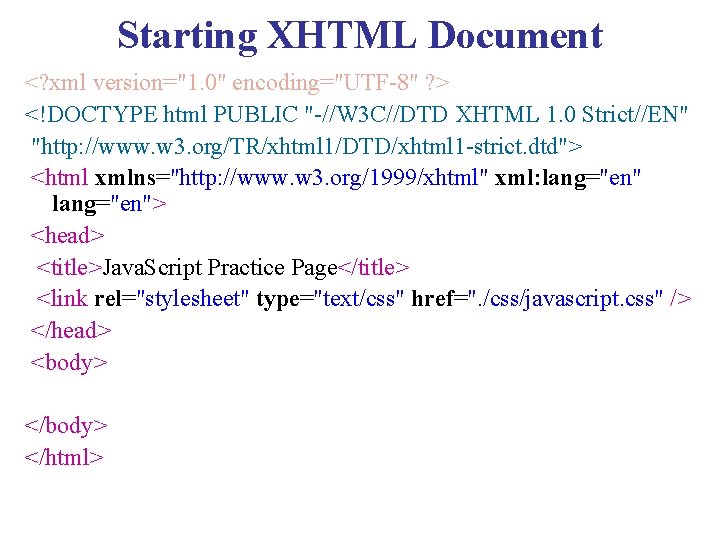
Starting XHTML Document <? xml version="1. 0" encoding="UTF-8" ? > <!DOCTYPE html PUBLIC "-//W 3 C//DTD XHTML 1. 0 Strict//EN" "http: //www. w 3. org/TR/xhtml 1/DTD/xhtml 1 -strict. dtd"> <html xmlns="http: //www. w 3. org/1999/xhtml" xml: lang="en"> <head> <title>Java. Script Practice Page</title> <link rel="stylesheet" type="text/css" href=". /css/javascript. css" /> </head> <body> </html>
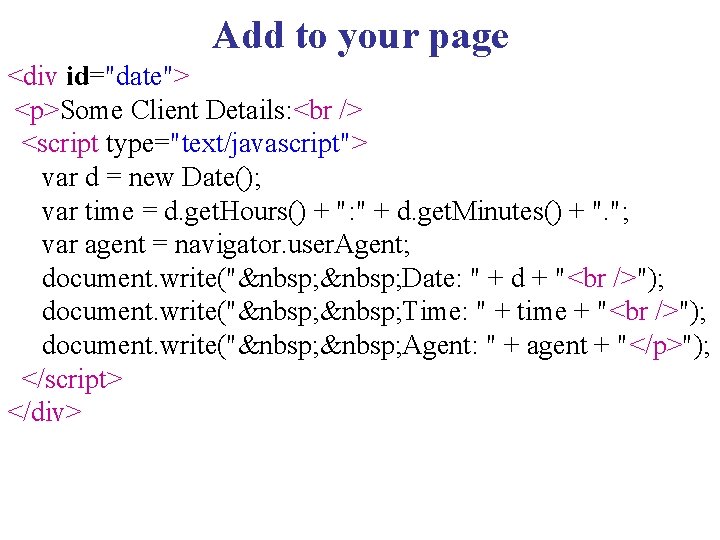
Add to your page <div id="date"> <p>Some Client Details: <script type="text/javascript"> var d = new Date(); var time = d. get. Hours() + ": " + d. get. Minutes() + ". "; var agent = navigator. user. Agent; document. write(" Date: " + d + " "); document. write(" Time: " + time + " "); document. write(" Agent: " + agent + "</p>"); </script> </div>
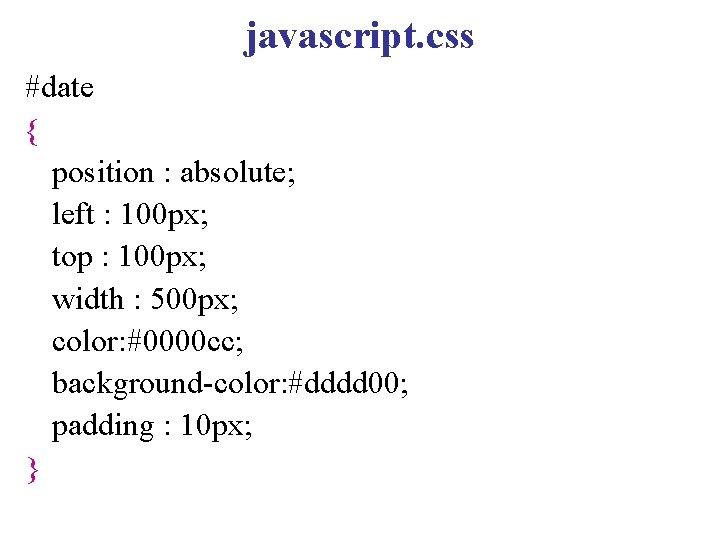
javascript. css #date { position : absolute; left : 100 px; top : 100 px; width : 500 px; color: #0000 cc; background-color: #dddd 00; padding : 10 px; }
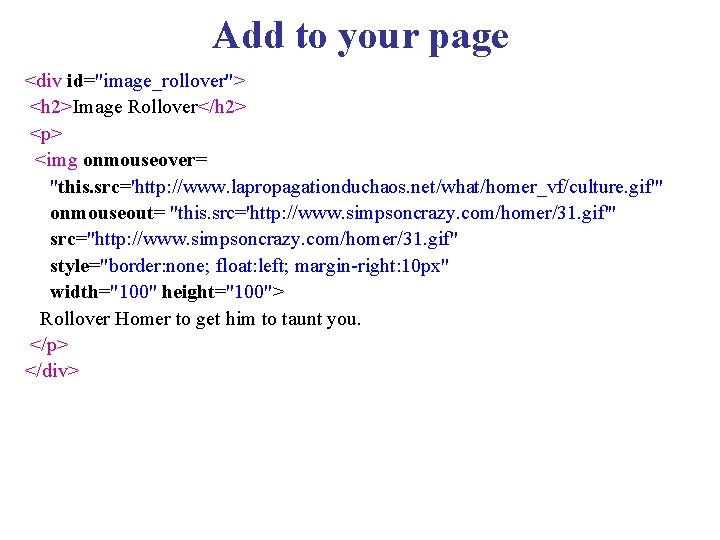
Add to your page <div id="image_rollover"> <h 2>Image Rollover</h 2> <p> <img onmouseover= "this. src='http: //www. lapropagationduchaos. net/what/homer_vf/culture. gif'" onmouseout= "this. src='http: //www. simpsoncrazy. com/homer/31. gif'" src="http: //www. simpsoncrazy. com/homer/31. gif" style="border: none; float: left; margin-right: 10 px" width="100" height="100"> Rollover Homer to get him to taunt you. </p> </div>
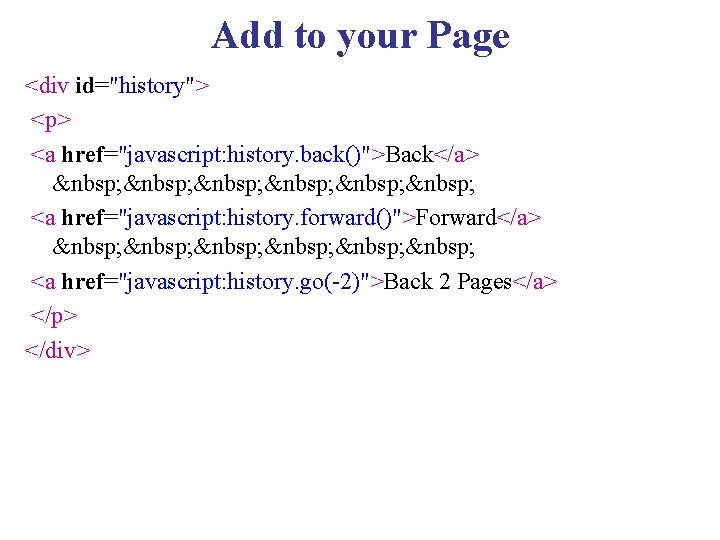
Add to your Page <div id="history"> <p> <a href="javascript: history. back()">Back</a> <a href="javascript: history. forward()">Forward</a> <a href="javascript: history. go(-2)">Back 2 Pages</a> </p> </div>
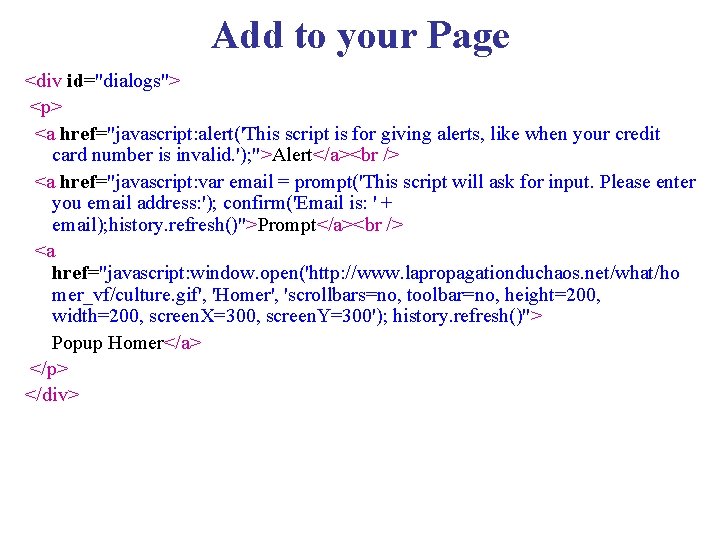
Add to your Page <div id="dialogs"> <p> <a href="javascript: alert('This script is for giving alerts, like when your credit card number is invalid. '); ">Alert</a> <a href="javascript: var email = prompt('This script will ask for input. Please enter you email address: '); confirm('Email is: ' + email); history. refresh()">Prompt</a> <a href="javascript: window. open('http: //www. lapropagationduchaos. net/what/ho mer_vf/culture. gif', 'Homer', 'scrollbars=no, toolbar=no, height=200, width=200, screen. X=300, screen. Y=300'); history. refresh()"> Popup Homer</a> </p> </div>
Java. Script Files • We can keep Java. Script files separate from. html files • . js files are Java. Script files • Then these programs may be used by many Web pages
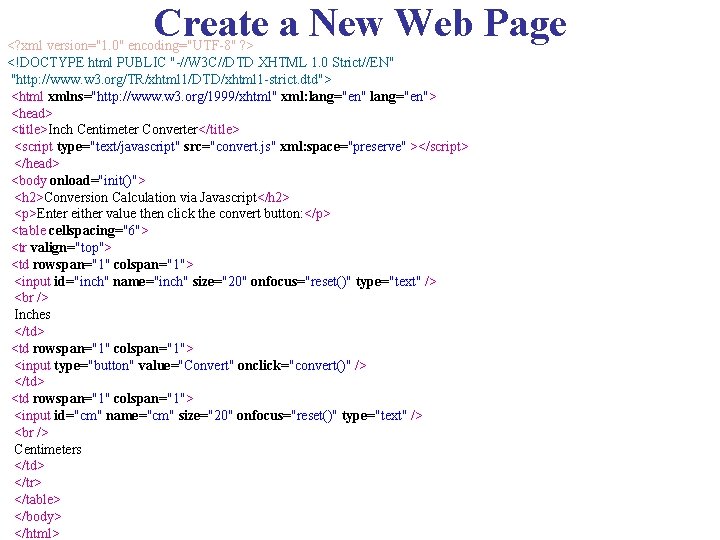
Create a New Web Page <? xml version="1. 0" encoding="UTF-8" ? > <!DOCTYPE html PUBLIC "-//W 3 C//DTD XHTML 1. 0 Strict//EN" "http: //www. w 3. org/TR/xhtml 1/DTD/xhtml 1 -strict. dtd"> <html xmlns="http: //www. w 3. org/1999/xhtml" xml: lang="en"> <head> <title>Inch Centimeter Converter</title> <script type="text/javascript" src="convert. js" xml: space="preserve" ></script> </head> <body onload="init()"> <h 2>Conversion Calculation via Javascript</h 2> <p>Enter either value then click the convert button: </p> <table cellspacing="6"> <tr valign="top"> <td rowspan="1" colspan="1"> <input id="inch" name="inch" size="20" onfocus="reset()" type="text" /> Inches </td> <td rowspan="1" colspan="1"> <input type="button" value="Convert" onclick="convert()" /> </td> <td rowspan="1" colspan="1"> <input id="cm" name="cm" size="20" onfocus="reset()" type="text" /> Centimeters </td> </tr> </table> </body> </html>
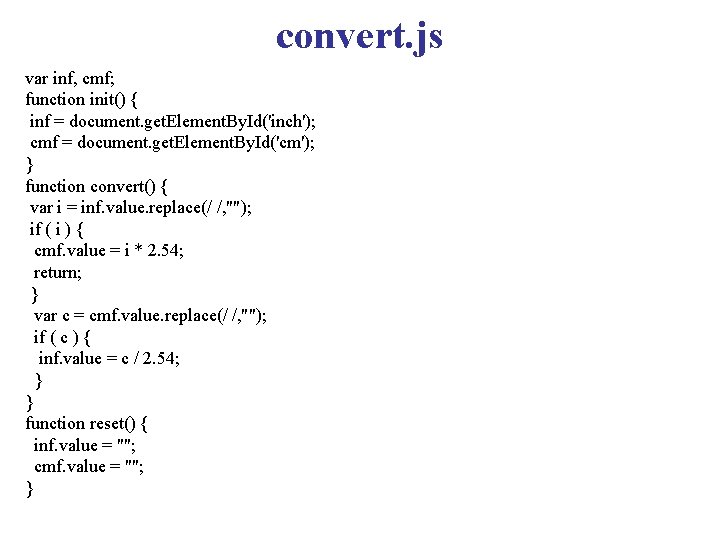
convert. js var inf, cmf; function init() { inf = document. get. Element. By. Id('inch'); cmf = document. get. Element. By. Id('cm'); } function convert() { var i = inf. value. replace(/ /, ""); if ( i ) { cmf. value = i * 2. 54; return; } var c = cmf. value. replace(/ /, ""); if ( c ) { inf. value = c / 2. 54; } } function reset() { inf. value = ""; cmf. value = ""; }
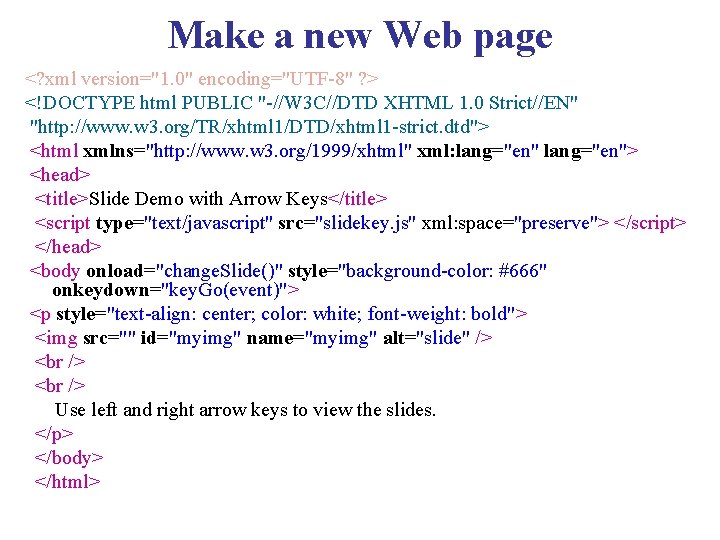
Make a new Web page <? xml version="1. 0" encoding="UTF-8" ? > <!DOCTYPE html PUBLIC "-//W 3 C//DTD XHTML 1. 0 Strict//EN" "http: //www. w 3. org/TR/xhtml 1/DTD/xhtml 1 -strict. dtd"> <html xmlns="http: //www. w 3. org/1999/xhtml" xml: lang="en"> <head> <title>Slide Demo with Arrow Keys</title> <script type="text/javascript" src="slidekey. js" xml: space="preserve"> </script> </head> <body onload="change. Slide()" style="background-color: #666" onkeydown="key. Go(event)"> <p style="text-align: center; color: white; font-weight: bold"> <img src="" id="myimg" name="myimg" alt="slide" /> Use left and right arrow keys to view the slides. </p> </body> </html>
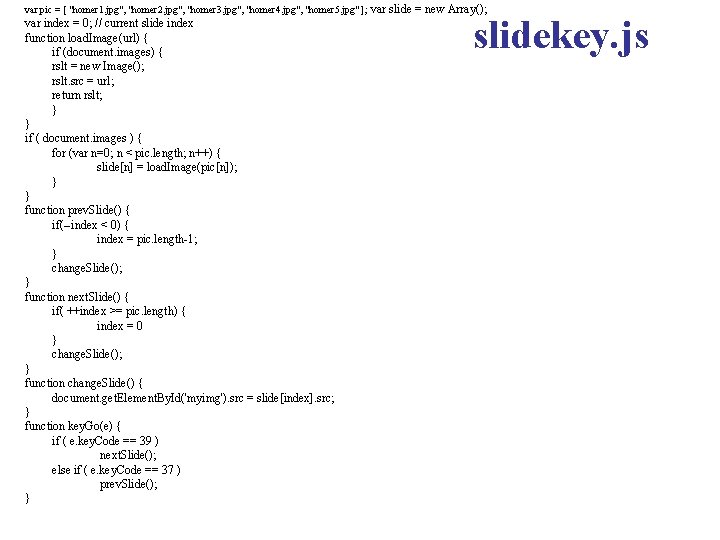
var pic = [ "homer 1. jpg", "homer 2. jpg", "homer 3. jpg", "homer 4. jpg", "homer 5. jpg" ]; var index = 0; // current slide index function load. Image(url) { if (document. images) { rslt = new Image(); rslt. src = url; return rslt; } } if ( document. images ) { for (var n=0; n < pic. length; n++) { slide[n] = load. Image(pic[n]); } } function prev. Slide() { if(--index < 0) { index = pic. length-1; } change. Slide(); } function next. Slide() { if( ++index >= pic. length) { index = 0 } change. Slide(); } function change. Slide() { document. get. Element. By. Id('myimg'). src = slide[index]. src; } function key. Go(e) { if ( e. key. Code == 39 ) next. Slide(); else if ( e. key. Code == 37 ) prev. Slide(); } var slide = new Array(); slidekey. js
- Slides: 14