
CSCI235 MicroComputers in Science Microsoft Access 2002 Chapter
- Slides: 11
CSCI-235 Micro-Computers in Science Microsoft Access 2002 Chapter 2 Tables and Forms: Design, Properties, Views, and Wizards Exploring Microsoft Access Chapter 2
Table Design Basics ¡ Include necessary data (only) ¡ Store data in its smallest parts l ¡ Separate fields for First and Last Name Avoid calculated fields l Date of birth instead of Age 2 Exploring Microsoft Access - Microsoft Access Chapter 2
Creating a Table ¡ Table Wizard is easiest ¡ Designing a table yourself ¡ Field names ¡ Data types ¡ Primary key ¡ Views: Datasheet or Design ¡ Properties 3 Exploring Microsoft Access - Microsoft Access Chapter 2
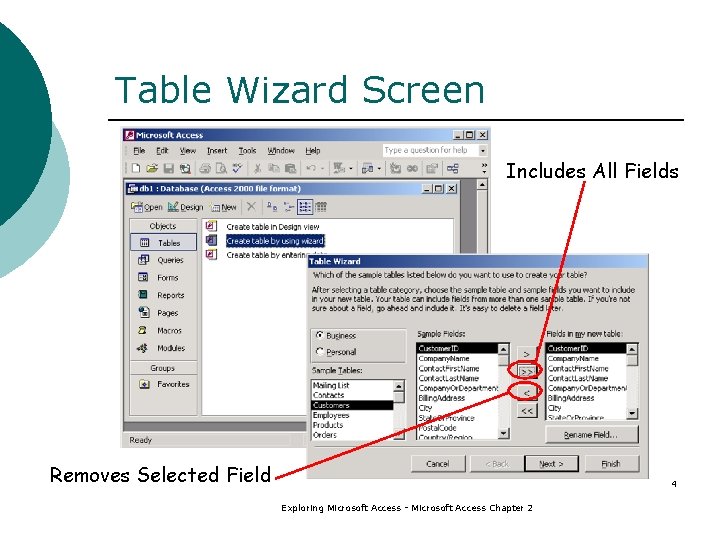
Table Wizard Screen Includes All Fields Removes Selected Field 4 Exploring Microsoft Access - Microsoft Access Chapter 2
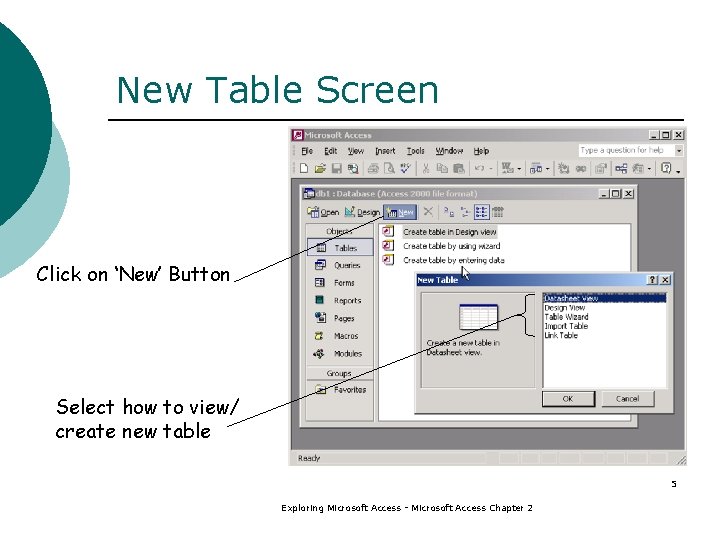
New Table Screen Click on ‘New’ Button Select how to view/ create new table 5 Exploring Microsoft Access - Microsoft Access Chapter 2
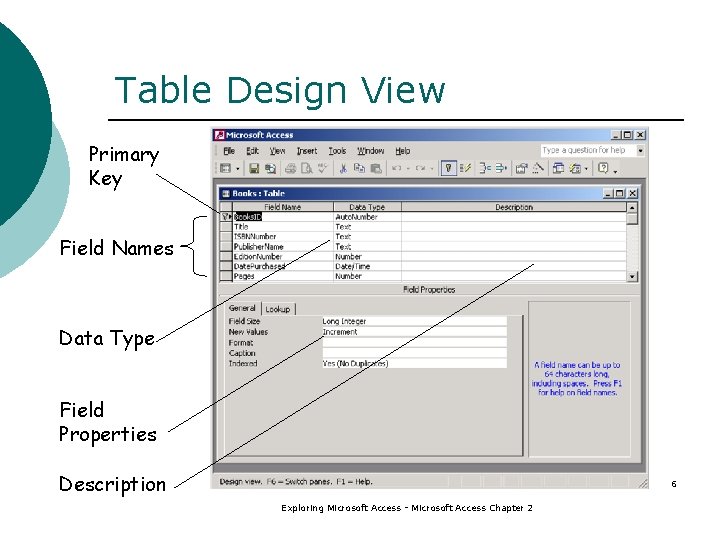
Table Design View Primary Key Field Names Data Type Field Properties Description 6 Exploring Microsoft Access - Microsoft Access Chapter 2
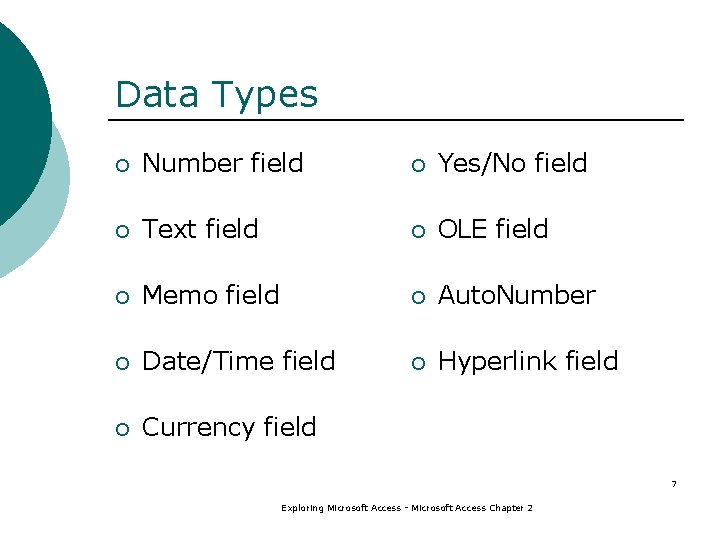
Data Types ¡ Number field ¡ Yes/No field ¡ Text field ¡ OLE field ¡ Memo field ¡ Auto. Number ¡ Date/Time field ¡ Hyperlink field ¡ Currency field 7 Exploring Microsoft Access - Microsoft Access Chapter 2
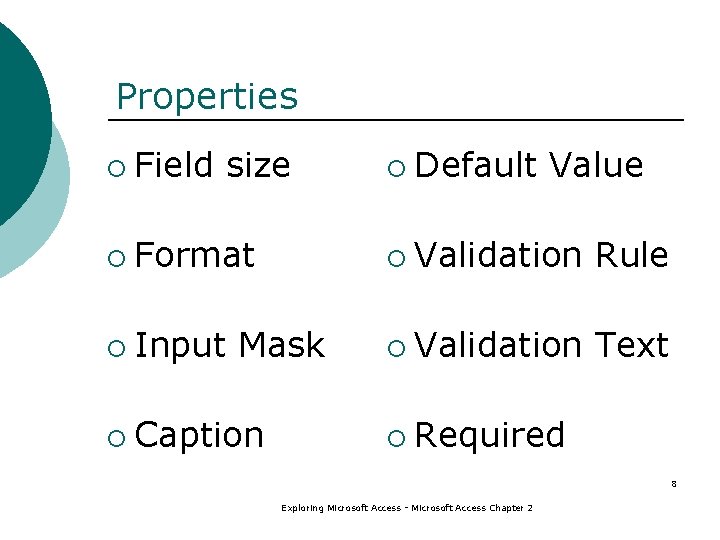
Properties ¡ Field size ¡ Default Value ¡ Format ¡ Validation Rule ¡ Input ¡ Validation Text Mask ¡ Caption ¡ Required 8 Exploring Microsoft Access - Microsoft Access Chapter 2
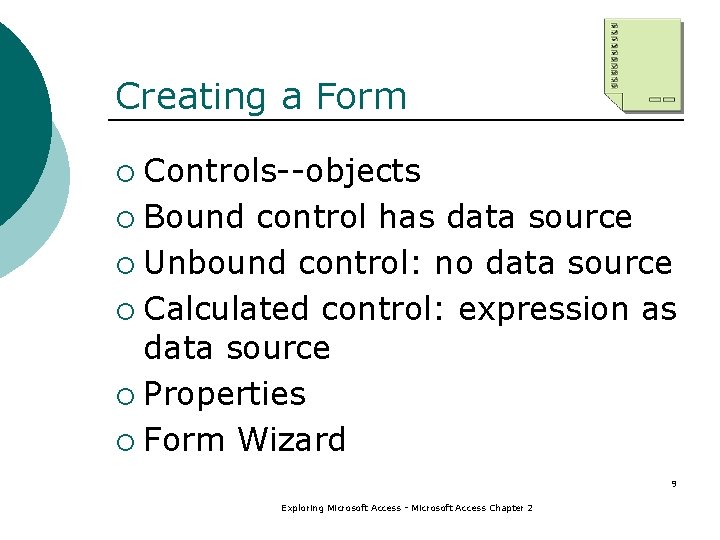
Creating a Form Controls--objects ¡ Bound control has data source ¡ Unbound control: no data source ¡ Calculated control: expression as data source ¡ Properties ¡ Form Wizard ¡ 9 Exploring Microsoft Access - Microsoft Access Chapter 2
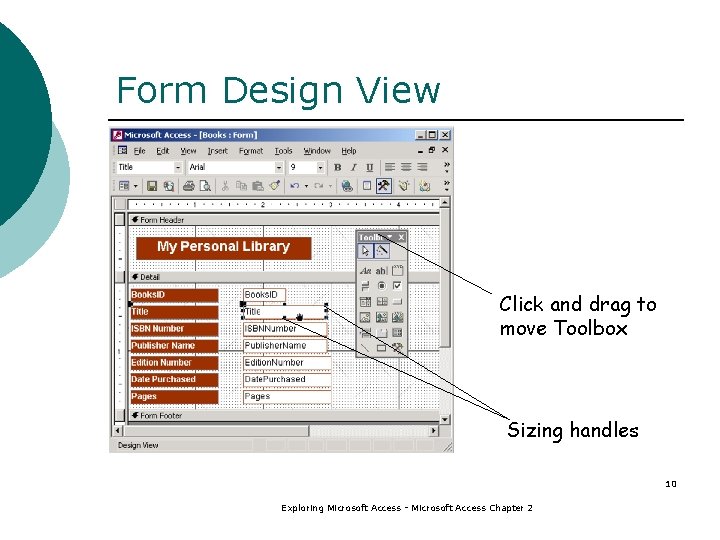
Form Design View Click and drag to move Toolbox Sizing handles 10 Exploring Microsoft Access - Microsoft Access Chapter 2
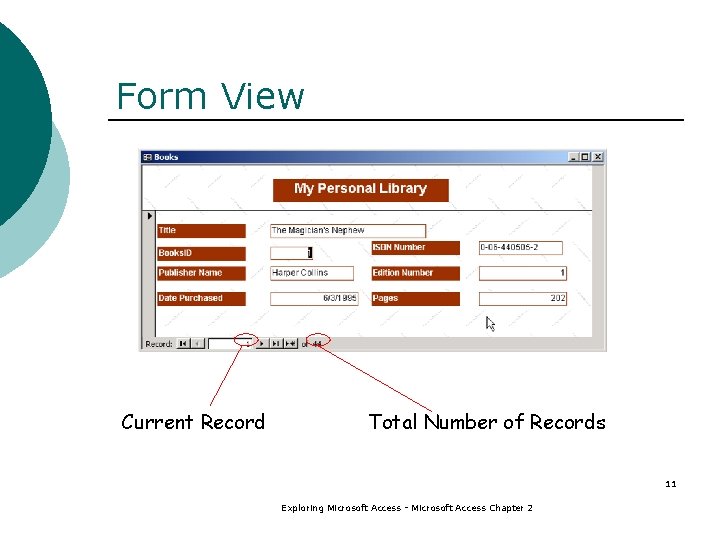
Form View Current Record Total Number of Records 11 Exploring Microsoft Access - Microsoft Access Chapter 2