
CSCI 5433 OBJECT ORIENTED DATABASE SYSTEMS Chapter 6
CSCI 5433 OBJECT ORIENTED DATABASE SYSTEMS Chapter 6 QUERYING OBJECTS( Pages 95 -105) Snehith Kumar Dendi(1647898) Presentation Id #6
Outline: Types of Querying mechanisms Querying by Example( QBE) Constraining Fields More ways of Matching Limitations and Caveats Native Queries Query Languages The programming language as query language Using Native Queries
Types of Query Mechanisms Query by Example(QBE)—Template objects SODA ---- Query Graphs Native Queries---- C# or Java method
QUERY by EXAMPLE Ø Create a template object to use QBE, which is an instance of the class you want to search for. Ø If you assign values to one or more attributes in your template, then db 4 o looks for objects in the database with matching attributes. Ø Any attributes that are not assigned values, and hence are null or zero depending on the attribute type, are always matched. Ø You assign attributes as required to constrain attributes, making the query more specific.
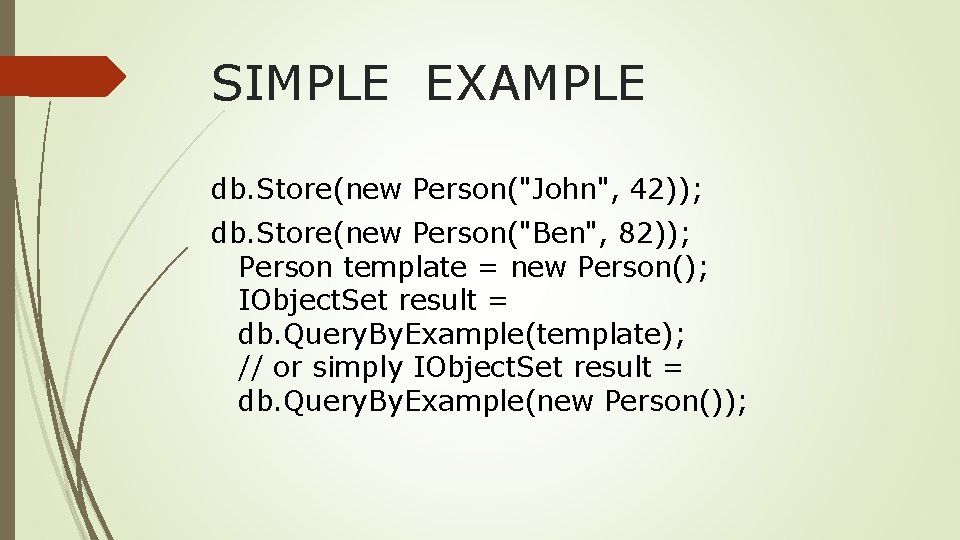
SIMPLE EXAMPLE db. Store(new Person("John", 42)); db. Store(new Person("Ben", 82)); Person template = new Person(); IObject. Set result = db. Query. By. Example(template); // or simply IObject. Set result = db. Query. By. Example(new Person());
![RESULT OF ABOVE EXAMPLE [John; 42] [Ben; 82] --------](http://slidetodoc.com/presentation_image_h/1f05df810bd374c071b208b1f7556a63/image-6.jpg "RESULT OF ABOVE EXAMPLE [John; 42] [Ben; 82] --------")
RESULT OF ABOVE EXAMPLE [John; 42] [Ben; 82] --------
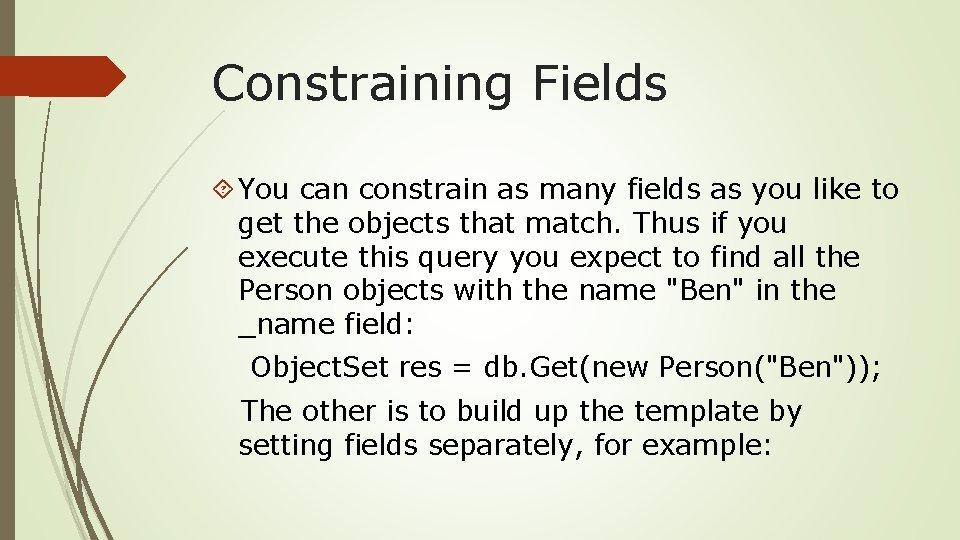
Constraining Fields You can constrain as many fields as you like to get the objects that match. Thus if you execute this query you expect to find all the Person objects with the name "Ben" in the _name field: Object. Set res = db. Get(new Person("Ben")); The other is to build up the template by setting fields separately, for example:
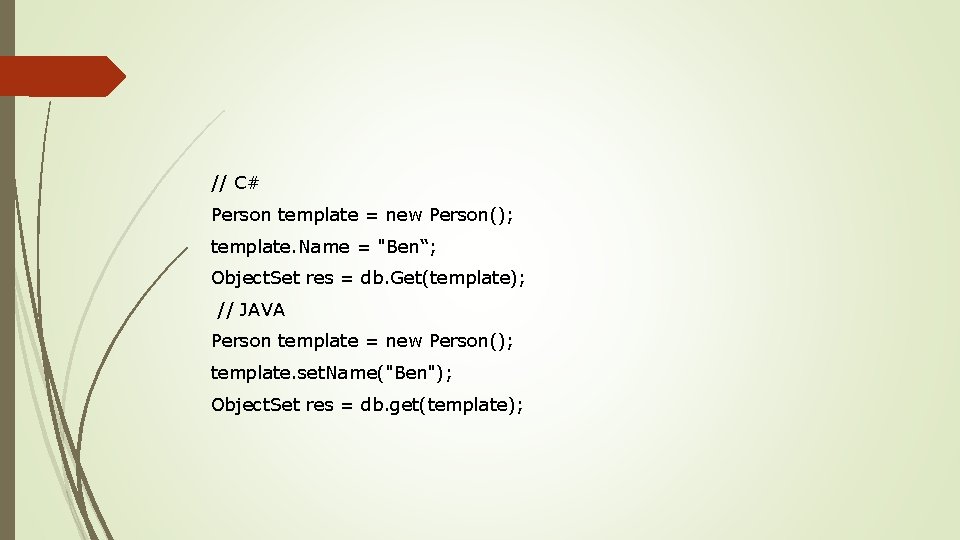
// C# Person template = new Person(); template. Name = "Ben“; Object. Set res = db. Get(template); // JAVA Person template = new Person(); template. set. Name("Ben"); Object. Set res = db. get(template);
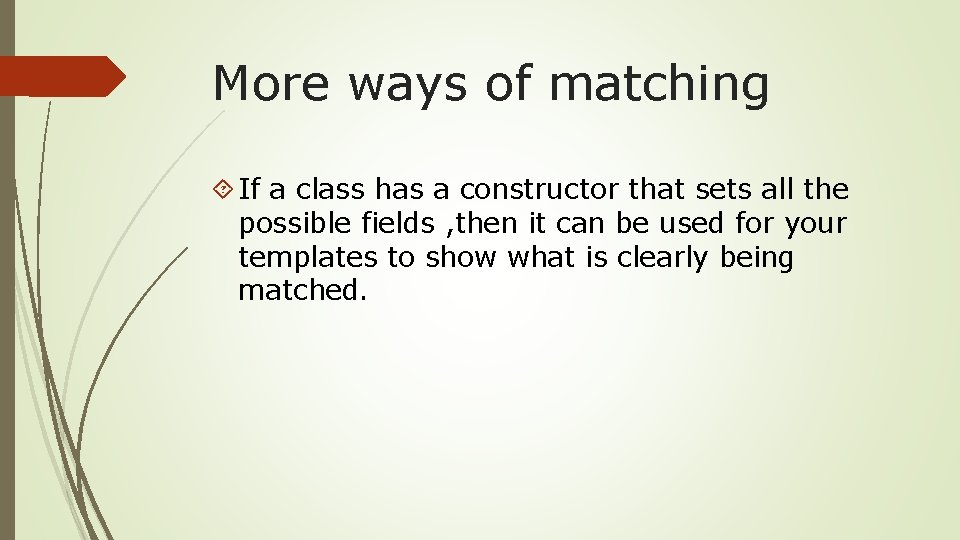
More ways of matching If a class has a constructor that sets all the possible fields , then it can be used for your templates to show what is clearly being matched.
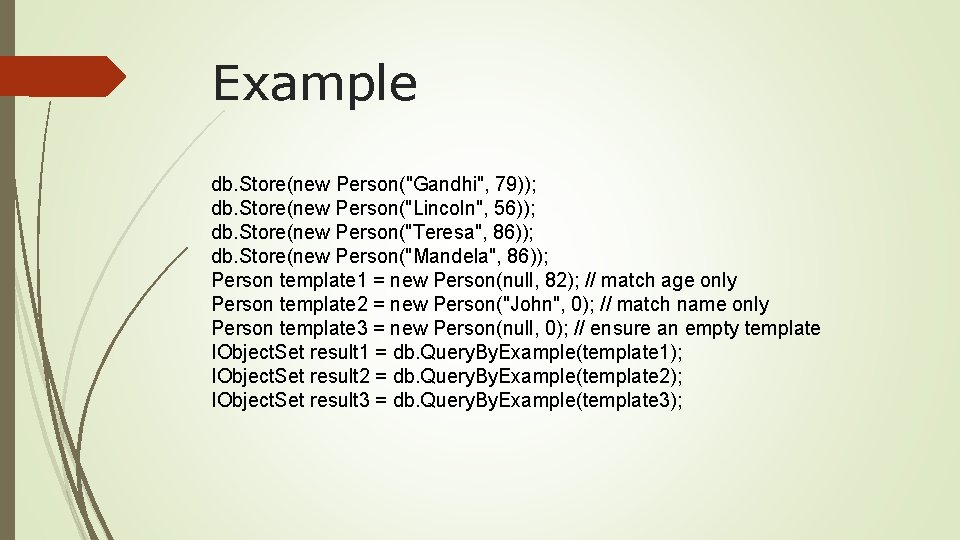
Example db. Store(new Person("Gandhi", 79)); db. Store(new Person("Lincoln", 56)); db. Store(new Person("Teresa", 86)); db. Store(new Person("Mandela", 86)); Person template 1 = new Person(null, 82); // match age only Person template 2 = new Person("John", 0); // match name only Person template 3 = new Person(null, 0); // ensure an empty template IObject. Set result 1 = db. Query. By. Example(template 1); IObject. Set result 2 = db. Query. By. Example(template 2); IObject. Set result 3 = db. Query. By. Example(template 3);
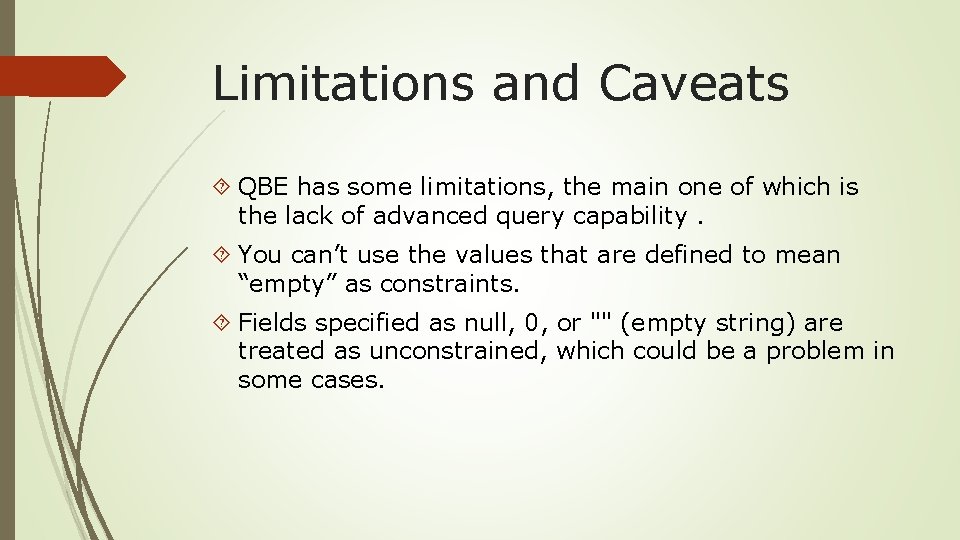
Limitations and Caveats QBE has some limitations, the main one of which is the lack of advanced query capability. You can’t use the values that are defined to mean “empty” as constraints. Fields specified as null, 0, or "" (empty string) are treated as unconstrained, which could be a problem in some cases.
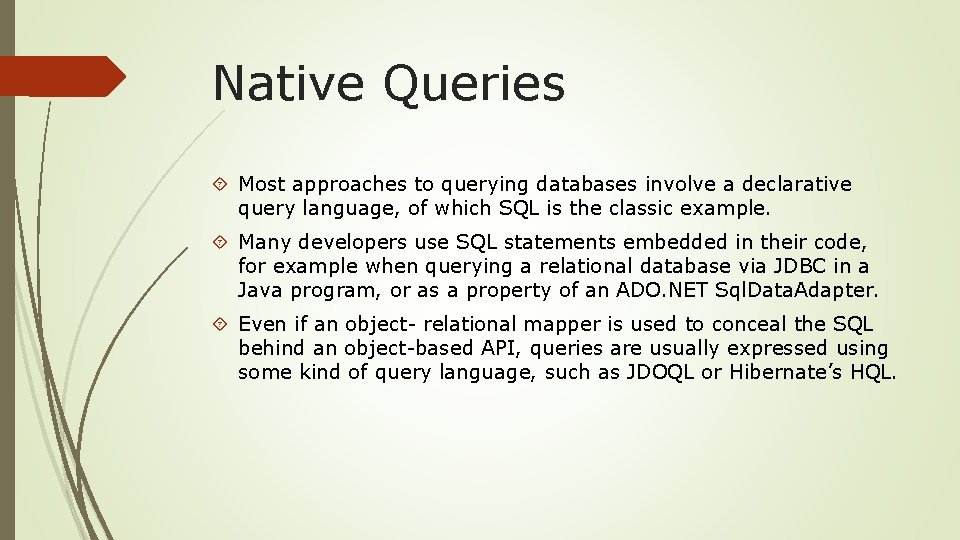
Native Queries Most approaches to querying databases involve a declarative query language, of which SQL is the classic example. Many developers use SQL statements embedded in their code, for example when querying a relational database via JDBC in a Java program, or as a property of an ADO. NET Sql. Data. Adapter. Even if an object- relational mapper is used to conceal the SQL behind an object-based API, queries are usually expressed using some kind of query language, such as JDOQL or Hibernate’s HQL.
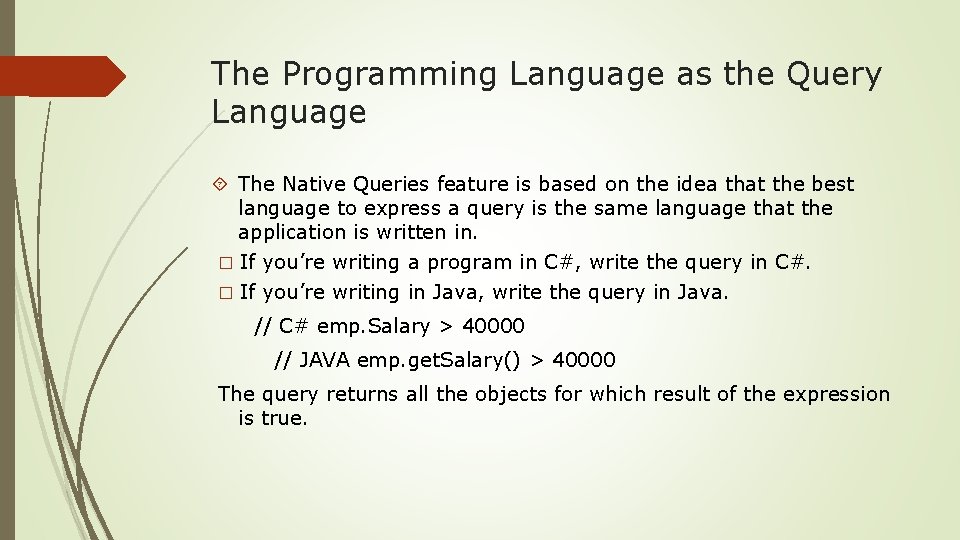
The Programming Language as the Query Language The Native Queries feature is based on the idea that the best language to express a query is the same language that the application is written in. � If you’re writing a program in C#, write the query in C#. � If you’re writing in Java, write the query in Java. // C# emp. Salary > 40000 // JAVA emp. get. Salary() > 40000 The query returns all the objects for which result of the expression is true.
Using Native Queries A native query is created by writing a method that takes an instance of the class you are querying as a parameter, and returns a Boolean expression. The result of the query is a list that contains all the objects of that class in the database for which the expression evaluates to true. The syntax varies depending upon the which language and which version of the langauge you are using.
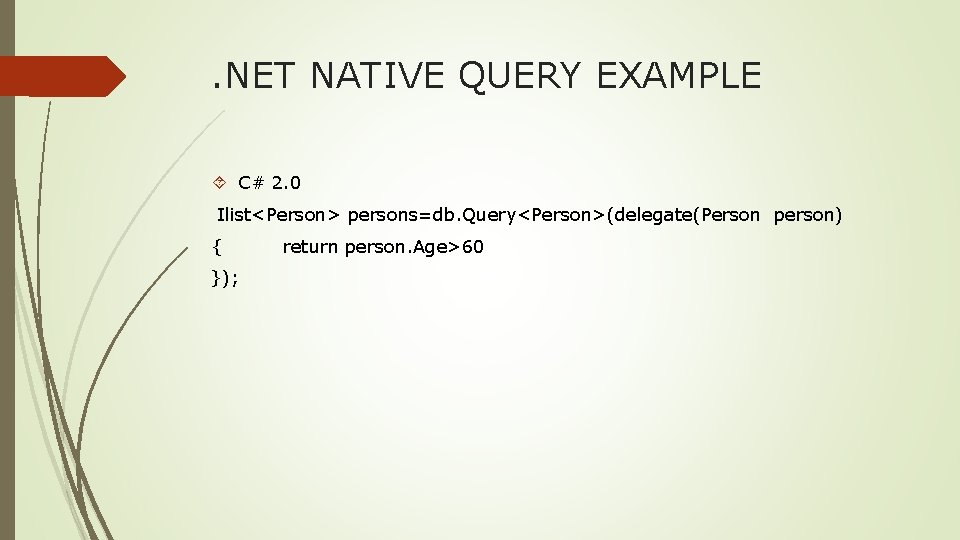
. NET NATIVE QUERY EXAMPLE C# 2. 0 Ilist<Person> persons=db. Query<Person>(delegate(Person person) { }); return person. Age>60
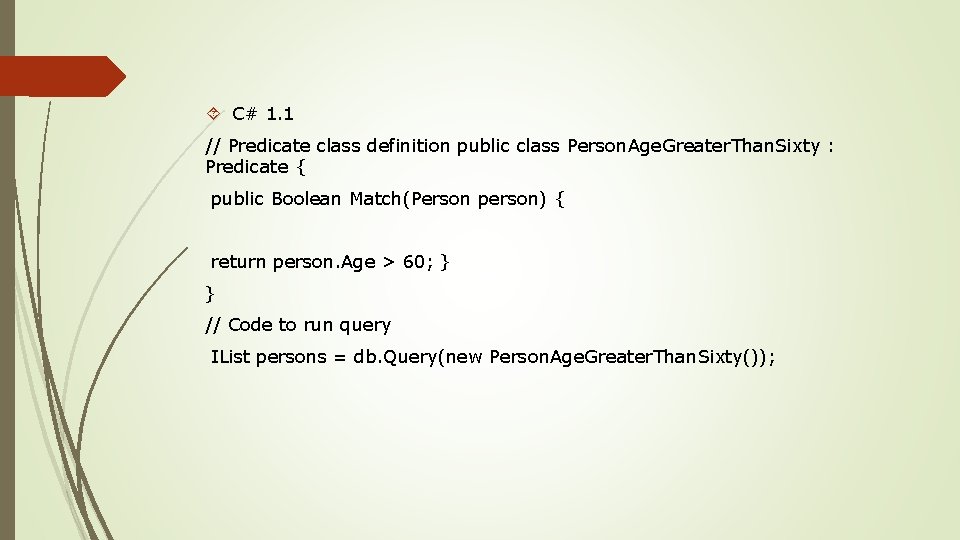
C# 1. 1 // Predicate class definition public class Person. Age. Greater. Than. Sixty : Predicate { public Boolean Match(Person person) { return person. Age > 60; } } // Code to run query IList persons = db. Query(new Person. Age. Greater. Than. Sixty());
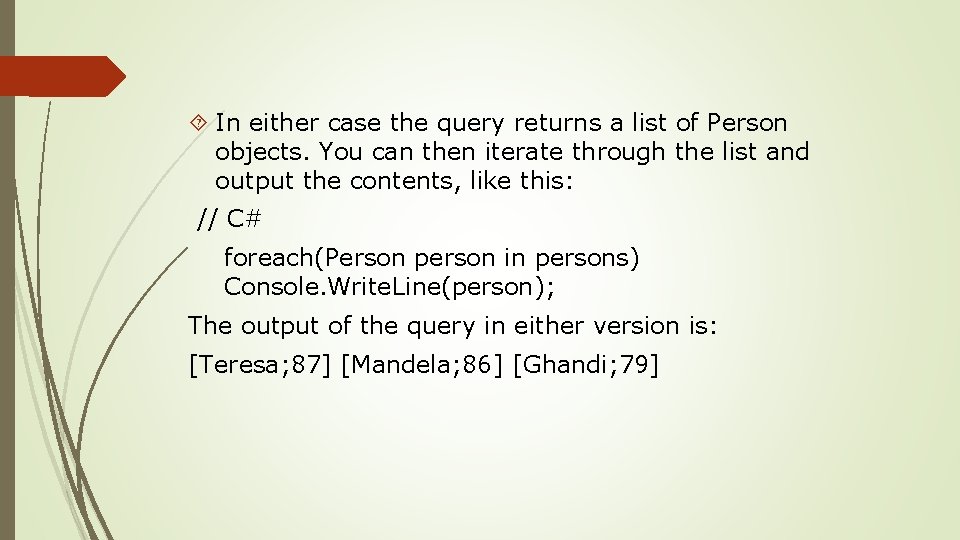
In either case the query returns a list of Person objects. You can then iterate through the list and output the contents, like this: // C# foreach(Person person in persons) Console. Write. Line(person); The output of the query in either version is: [Teresa; 87] [Mandela; 86] [Ghandi; 79]
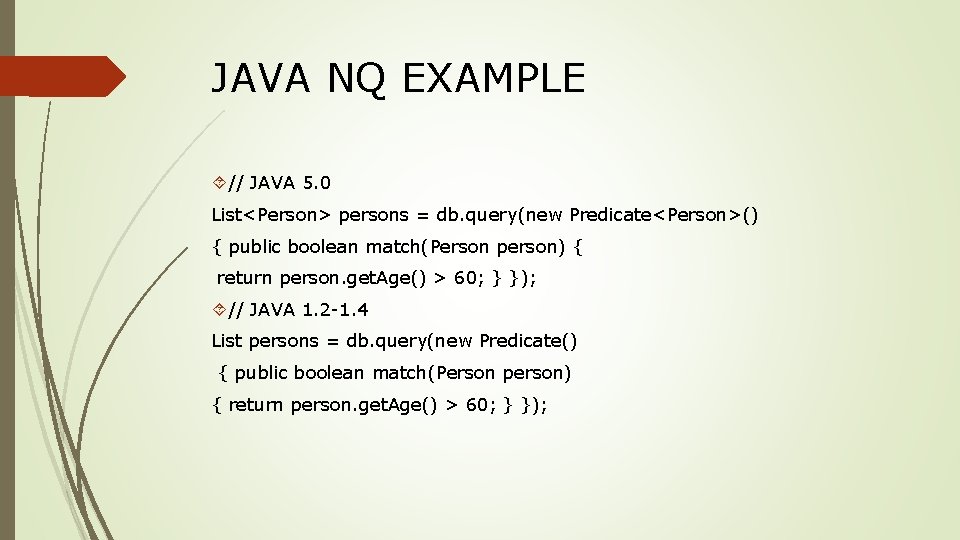
JAVA NQ EXAMPLE // JAVA 5. 0 List<Person> persons = db. query(new Predicate<Person>() { public boolean match(Person person) { return person. get. Age() > 60; } }); // JAVA 1. 2 -1. 4 List persons = db. query(new Predicate() { public boolean match(Person person) { return person. get. Age() > 60; } });
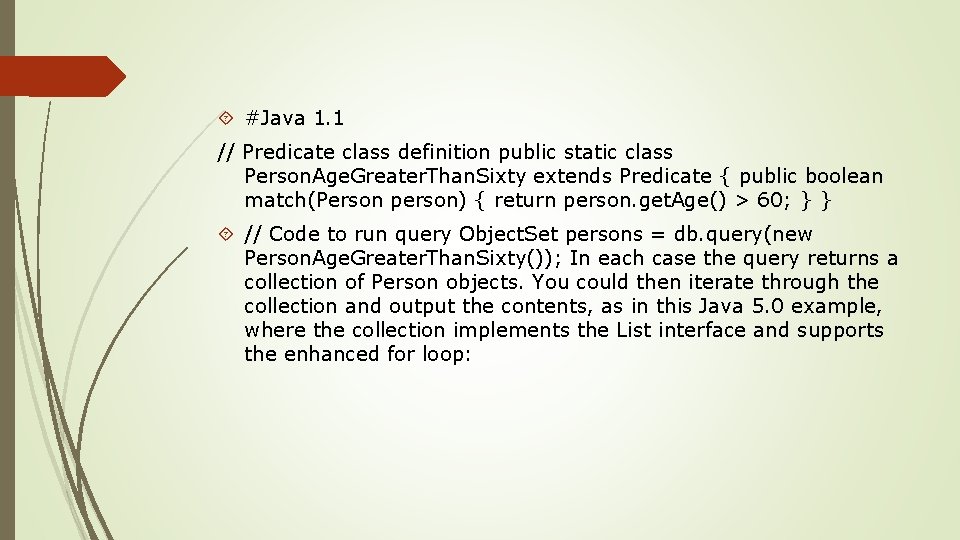
#Java 1. 1 // Predicate class definition public static class Person. Age. Greater. Than. Sixty extends Predicate { public boolean match(Person person) { return person. get. Age() > 60; } } // Code to run query Object. Set persons = db. query(new Person. Age. Greater. Than. Sixty()); In each case the query returns a collection of Person objects. You could then iterate through the collection and output the contents, as in this Java 5. 0 example, where the collection implements the List interface and supports the enhanced for loop:

THANK YOU
- Slides: 20