
CSCI 3333 Data Structures Java Debugging in Eclipse
CSCI 3333 Data Structures Java Debugging in Eclipse by Dr. Bun Yue Professor of Computer Science yue@uhcl. edu http: //sce. uhcl. edu/yue/ 2013
General Resources Like other IDE, Eclipse includes a good debugger for Java. ¡ Allows developers to control program execution for investigation. ¡ http: //help. eclipse. org/juno/index. js p: check the section on debugging. ¡
Java Editor ¡ The editor already provides assistance in program development and debugging.
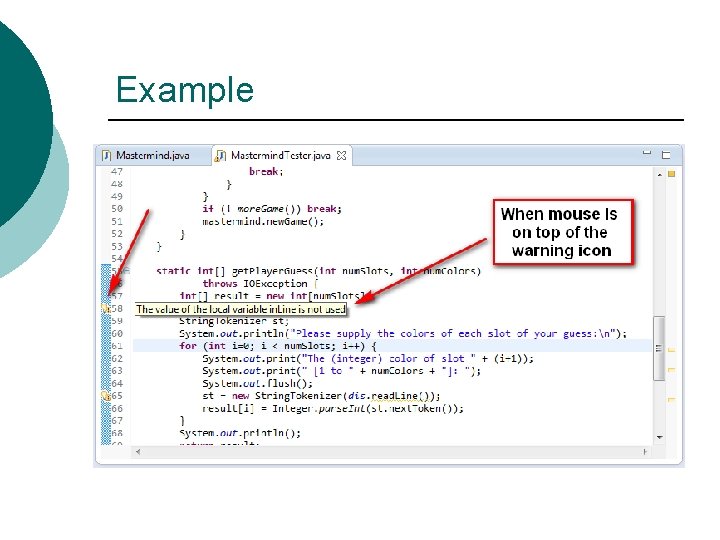
Example

Perspective
Debugging Likes solving mystery and puzzles, CSI, etc. ¡ You need to have: ¡ 1. 2. 3. 4. ¡ Domain knowledge Reasoning Investigating and looking for clues Making and testing hypothesis A debugger can help in (3) and (4).
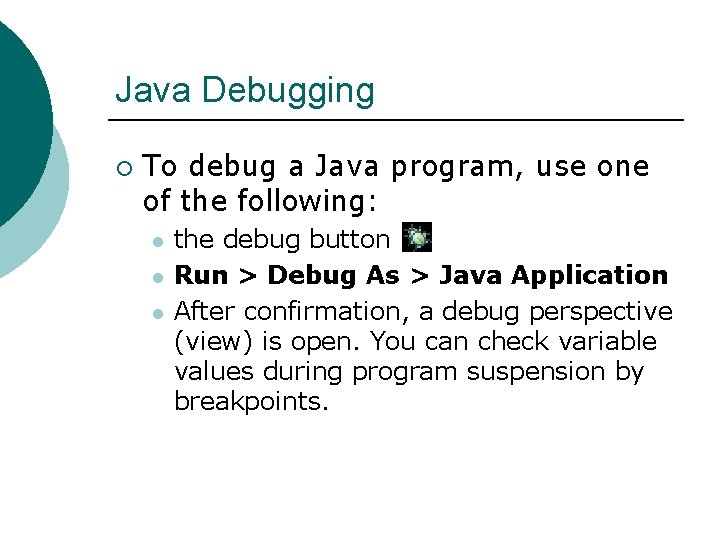
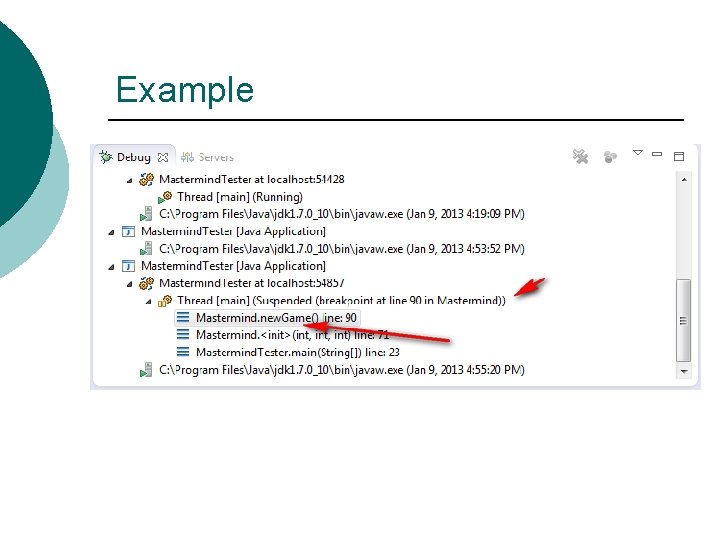
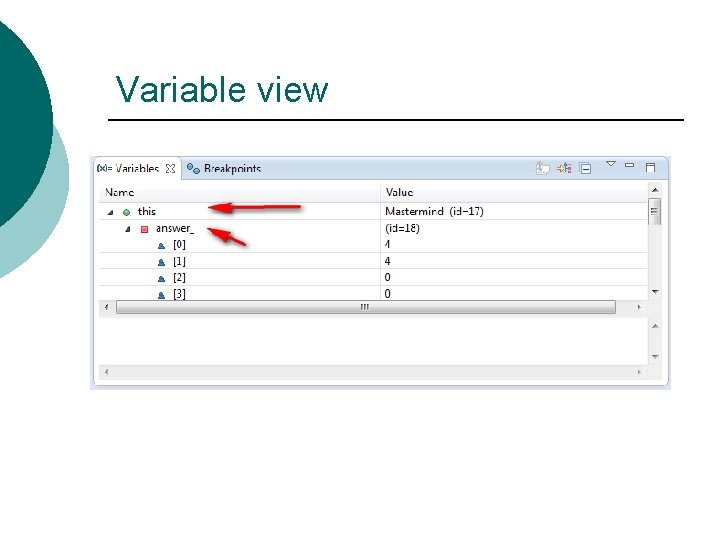
Java Debugging ¡ To debug a Java program, use one of the following: l l l the debug button Run > Debug As > Java Application After confirmation, a debug perspective (view) is open. You can check variable values during program suspension by breakpoints.
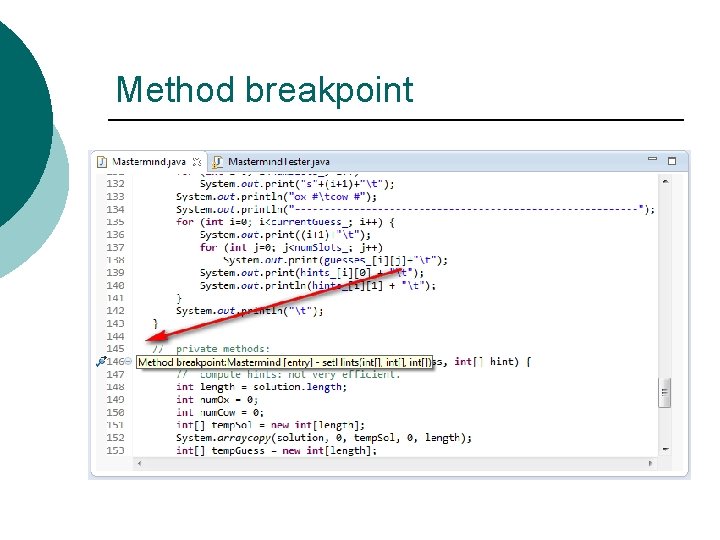
Breakpoints Can be used to suspend program execution. ¡ Developers can then check variable values. ¡ Can be disabled. ¡
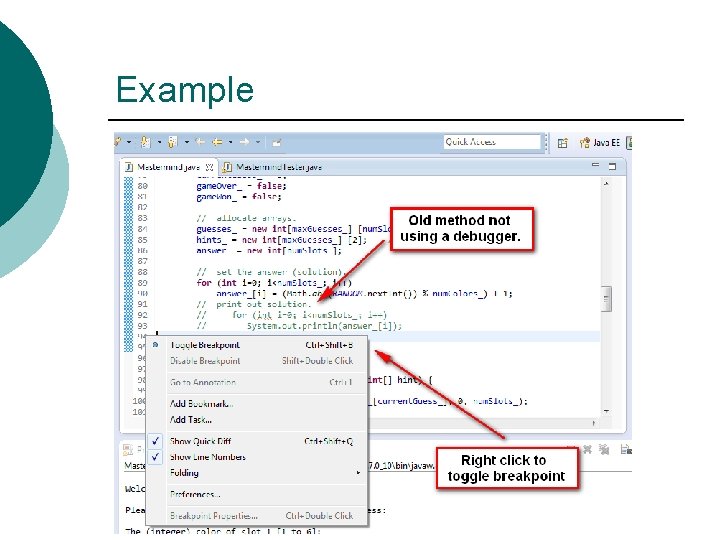
Example
Example
Variable view
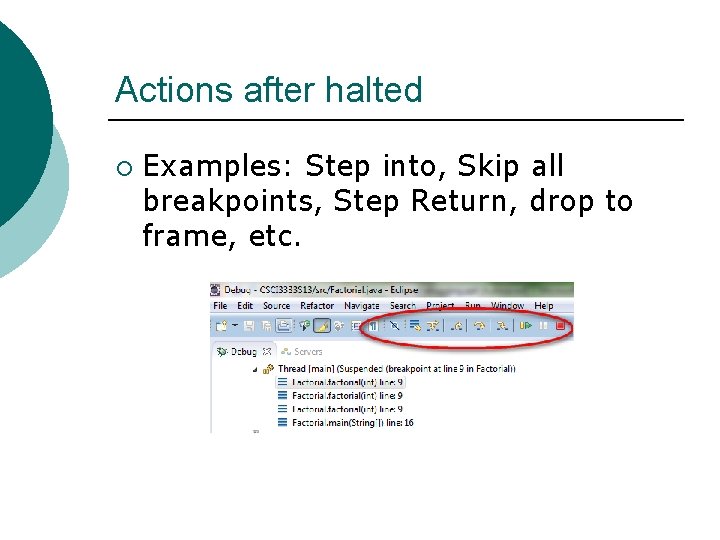
Actions after halted ¡ Examples: Step into, Skip all breakpoints, Step Return, drop to frame, etc.
Method breakpoint
Watchpoint A watchpoint is used to watch a variable. ¡ The debugger halts when the variable is accessed. ¡ You can toggle a watchpoint on a variable by right-clicking the declaration line of the variable. ¡
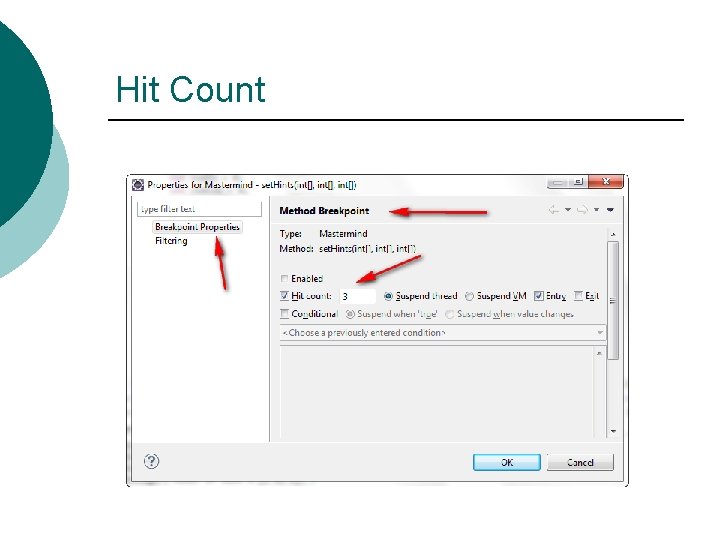
Hit Count
More tips ¡ More features and tips from http: //javapapers. com/corejava/top-10 -java-debugging-tipswith-eclipse/. E. g. l l l ¡ Watch points Conditional breakpoints … Video tutorial: http: //eclipsetutorial. sourceforge. ne t/debugger. html
More tutorial ¡ http: //www. vogella. com/articles/Ecl ipse. Debugging/article. html
Questions and Comments?
- Slides: 18