
CSCI 3333 Data Structures C Basics by Bindra
CSCI 3333 Data Structures C ++ Basics by Bindra Shrestha shrestha@uhcl. edu http: //sce. uhcl. edu/shresthab
Acknowledgement Dr. Bun Yue n Mr. Charles Moen n Dr. Wei Ding n Ms. Krishani Abeysekera n
Assumptions n Assume that you are familiar with C, C++ or Java.
Brief Facts About C++ n n Evolved from C Designed and implemented by Bjarne Stroustrup at the Bell Labs in the early 1980 s “C with classes”, Better C Standardized by ISO in 1997 ¨ Includes the C++ standard library ¨ Standard Template Library (STL) n n Part of the C++ standard library Ready made classes for data structures and algorithms
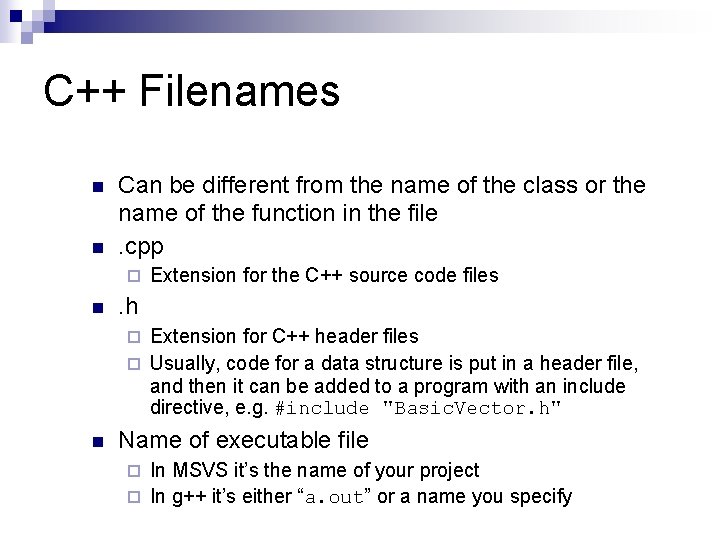
C++ Filenames n n Can be different from the name of the class or the name of the function in the file. cpp ¨ n Extension for the C++ source code files . h Extension for C++ header files ¨ Usually, code for a data structure is put in a header file, and then it can be added to a program with an include directive, e. g. #include "Basic. Vector. h" ¨ n Name of executable file In MSVS it’s the name of your project ¨ In g++ it’s either “a. out” or a name you specify ¨
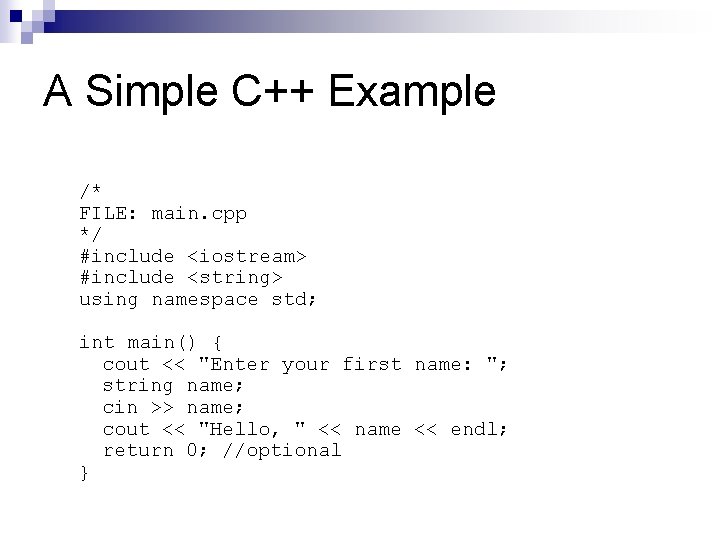
A Simple C++ Example /* FILE: main. cpp */ #include <iostream> #include <string> using namespace std; int main() { cout << "Enter your first name: "; string name; cin >> name; cout << "Hello, " << name << endl; return 0; //optional }
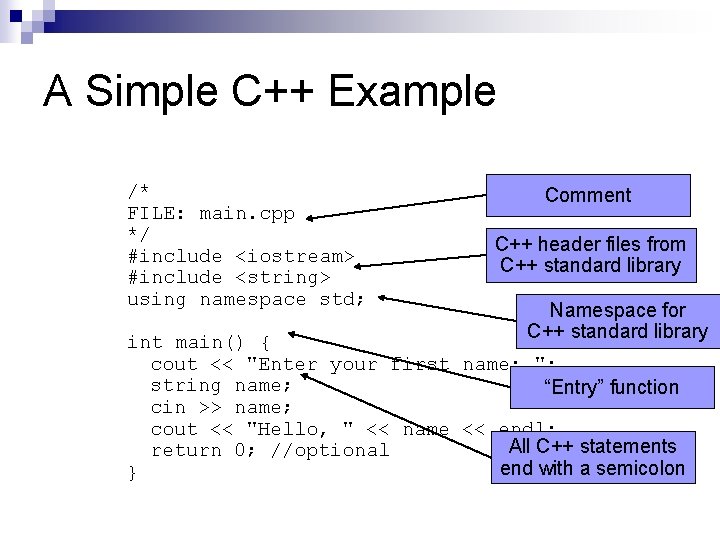
A Simple C++ Example /* FILE: main. cpp */ #include <iostream> #include <string> using namespace std; Comment C++ header files from C++ standard library Namespace for C++ standard library int main() { cout << "Enter your first name: "; string name; “Entry” function cin >> name; cout << "Hello, " << name << endl; All C++ statements return 0; //optional end with a semicolon }
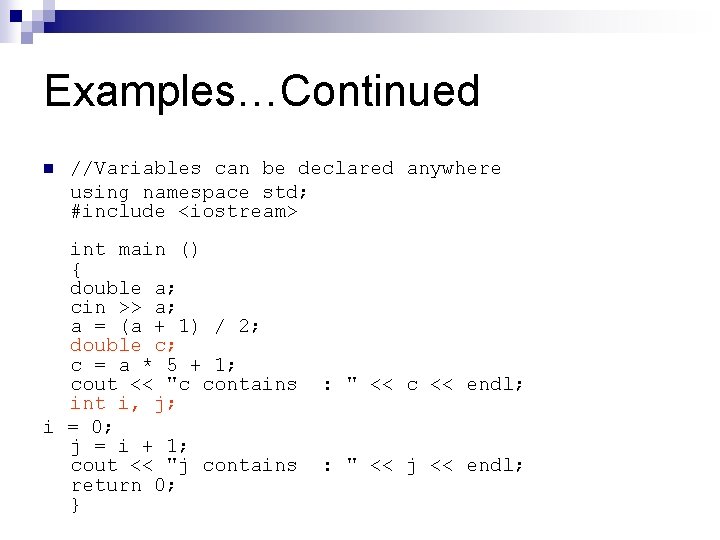
Examples…Continued n //Variables can be declared anywhere using namespace std; #include <iostream> int main () { double a; cin >> a; a = (a + 1) / 2; double c; c = a * 5 + 1; cout << "c contains int i, j; i = 0; j = i + 1; cout << "j contains return 0; } : " << c << endl; : " << j << endl;
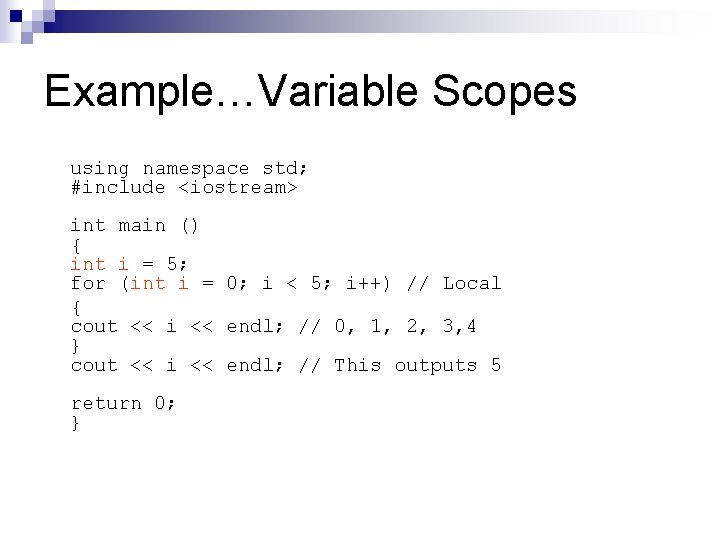
Example…Variable Scopes using namespace std; #include <iostream> int main () { int i = 5; for (int i = 0; i < 5; i++) // Local { cout << i << endl; // 0, 1, 2, 3, 4 } cout << i << endl; // This outputs 5 return 0; }
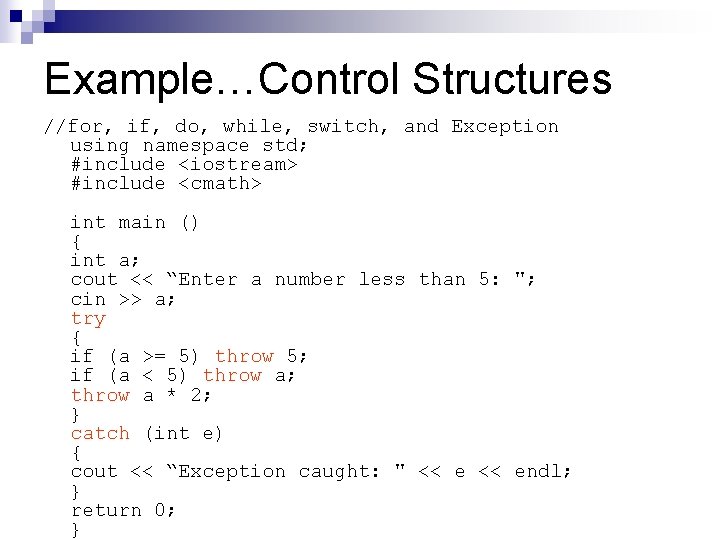
Example…Control Structures //for, if, do, while, switch, and Exception using namespace std; #include <iostream> #include <cmath> int main () { int a; cout << “Enter a number less than 5: "; cin >> a; try { if (a >= 5) throw 5; if (a < 5) throw a; throw a * 2; } catch (int e) { cout << “Exception caught: " << endl; } return 0; }
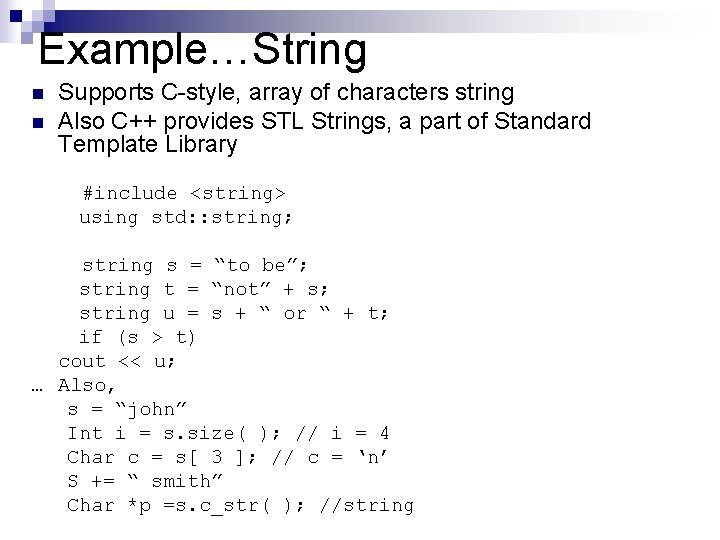
Example…String n n Supports C-style, array of characters string Also C++ provides STL Strings, a part of Standard Template Library #include <string> using std: : string; string s = “to be”; string t = “not” + s; string u = s + “ or “ + t; if (s > t) cout << u; … Also, s = “john” Int i = s. size( ); // i = 4 Char c = s[ 3 ]; // c = ‘n’ S += “ smith” Char *p =s. c_str( ); //string
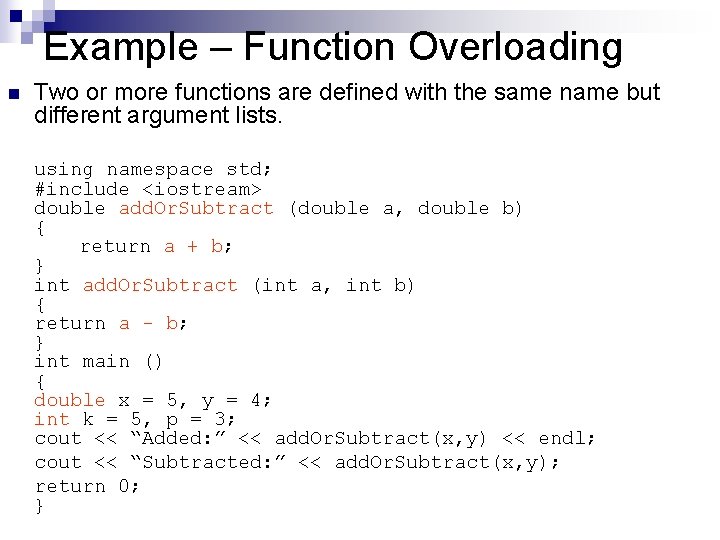
Example – Function Overloading n Two or more functions are defined with the same name but different argument lists. using namespace std; #include <iostream> double add. Or. Subtract (double a, double b) { return a + b; } int add. Or. Subtract (int a, int b) { return a - b; } int main () { double x = 5, y = 4; int k = 5, p = 3; cout << “Added: ” << add. Or. Subtract(x, y) << endl; cout << “Subtracted: ” << add. Or. Subtract(x, y); return 0; }
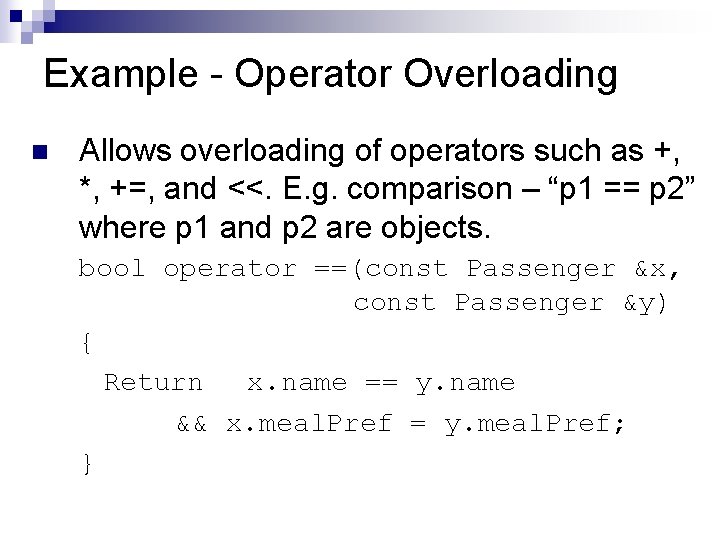
Example - Operator Overloading n Allows overloading of operators such as +, *, +=, and <<. E. g. comparison – “p 1 == p 2” where p 1 and p 2 are objects. bool operator ==(const Passenger &x, const Passenger &y) { Return x. name == y. name && x. meal. Pref = y. meal. Pref; }
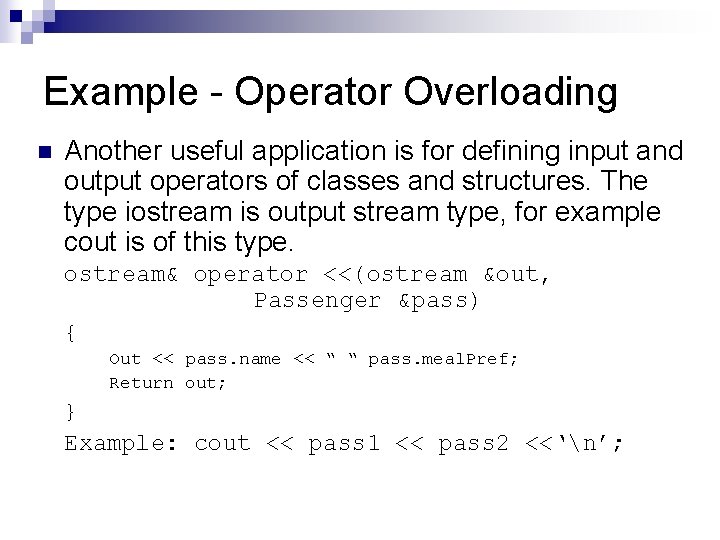
Example - Operator Overloading n Another useful application is for defining input and output operators of classes and structures. The type iostream is output stream type, for example cout is of this type. ostream& operator <<(ostream &out, Passenger &pass) { Out << pass. name << “ “ pass. meal. Pref; Return out; } Example: cout << pass 1 << pass 2 <<‘n’;
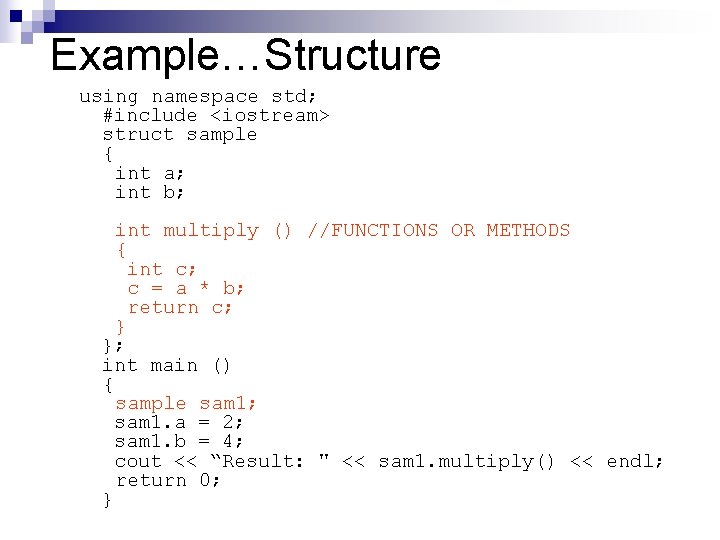
Example…Structure using namespace std; #include <iostream> struct sample { int a; int b; int multiply () //FUNCTIONS OR METHODS { int c; c = a * b; return c; } }; int main () { sample sam 1; sam 1. a = 2; sam 1. b = 4; cout << “Result: " << sam 1. multiply() << endl; return 0; }
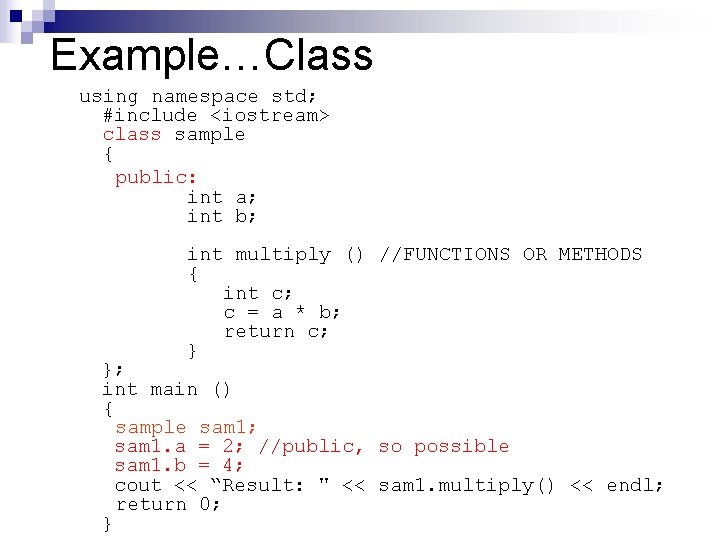
Example…Class using namespace std; #include <iostream> class sample { public: int a; int b; int multiply () //FUNCTIONS OR METHODS { int c; c = a * b; return c; } }; int main () { sample sam 1; sam 1. a = 2; //public, so possible sam 1. b = 4; cout << “Result: " << sam 1. multiply() << endl; return 0; }
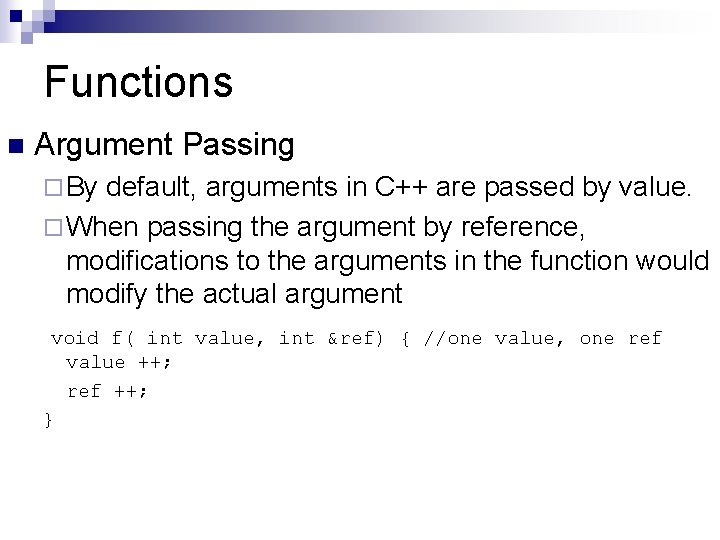
Functions n Argument Passing ¨ By default, arguments in C++ are passed by value. ¨ When passing the argument by reference, modifications to the arguments in the function would modify the actual argument void f( int value, int &ref) { //one value, one ref value ++; ref ++; }
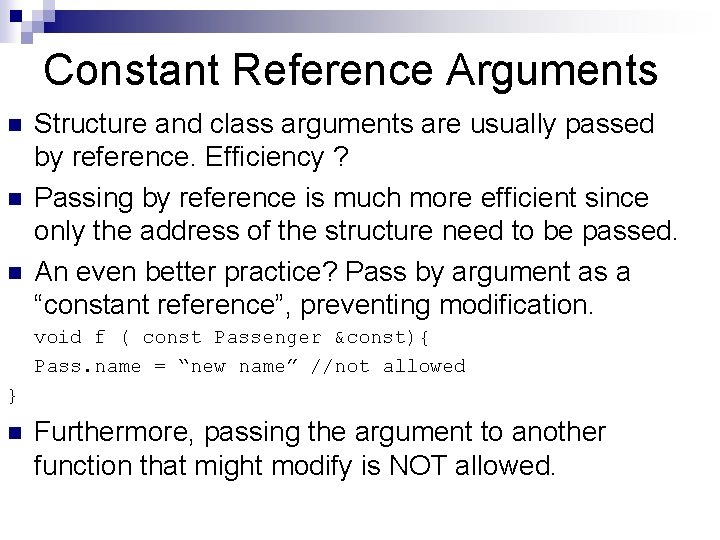
Constant Reference Arguments n n n Structure and class arguments are usually passed by reference. Efficiency ? Passing by reference is much more efficient since only the address of the structure need to be passed. An even better practice? Pass by argument as a “constant reference”, preventing modification. void f ( const Passenger &const){ Pass. name = “new name” //not allowed } n Furthermore, passing the argument to another function that might modify is NOT allowed.
Array Arguments n Can arrays be passed by value? No. n When an array is passed to a function, it is converted to the pointer to its initial element. T[ ] is converted to T*. n Thus functions can modify original array.
Questions and Comments?
- Slides: 20