
CSCI 3327 Visual Basic Chapter 7 Arrays UTPA

CSCI 3327 Visual Basic Chapter 7: Arrays UTPA – Fall 2011
Objectives • In this chapter, you will: – Learn how arrays are used to store elements – Get familiar with the declaration, initialization, and reference to elements of the array – Know how to pass arrays to methods – Learn how to use For Each … Next statement to iterate through elements in the array 2
Arrays • An array is a group of variables (called elements) containing values that all have the same data type • For most languages, the number of elements are static and defined at declaration • In Visual Basic, arrays can be re-dimensioned at the execution time • Single dim, two dim and multiple dim 3
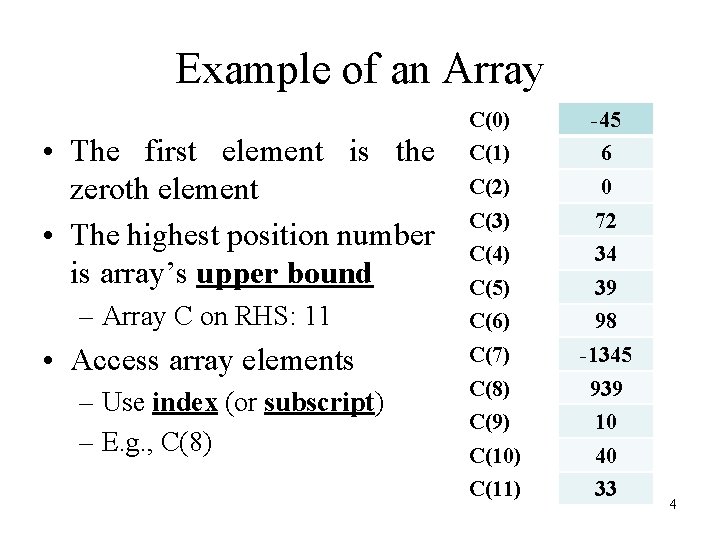
Example of an Array • The first element is the zeroth element • The highest position number is array’s upper bound – Array C on RHS: 11 • Access array elements – Use index (or subscript) – E. g. , C(8) C(0) -45 C(1) 6 C(2) 0 C(3) 72 C(4) 34 C(5) 39 C(6) 98 C(7) -1345 C(8) 939 C(9) 10 C(10) 40 C(11) 33 4

Declaring an Array • Declaration (different ways) – Dim Grades As Integer() – Grades = New Integer(0 to 11) {} • {} initializer list – Grades = New Integer(11) {} – Dim Grades() As Integer • Declare and initialize with initializer lists – Dim Grades() As Integer={90, 88, 90, 70} • Local type inference – Dim Grades ={90, 88, 90, 70} 5

Default Initialization • When you do not provide initializer list, elements are initialized to default values – Numeric primitive data type: 0 – Boolean data type: False – String data type: Nothing 6
Referring to an Element • • • Name and position Grades(6) = 85 First element is 0 th index (subscript) Index must be a nonnegative integer Index may have a calculated value like Grades(i+4*2) Know the difference between index and value stored there – Sum = Grades(1) + Grades(2) + Grades(3) 7
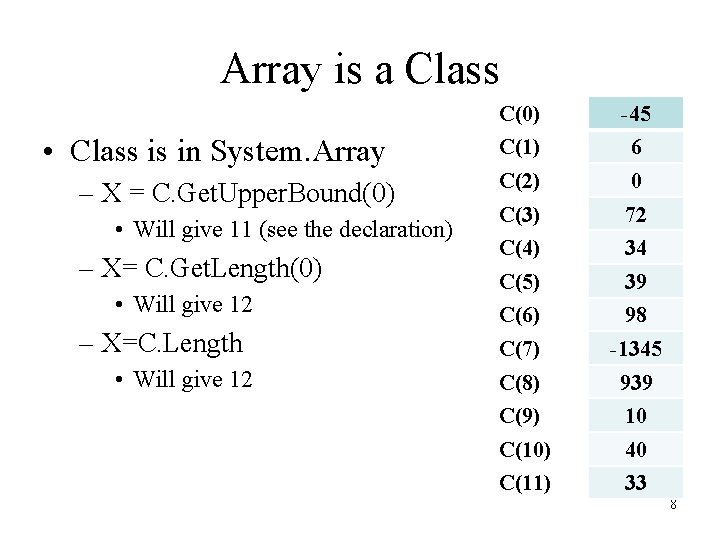
Array is a Class • Class is in System. Array – X = C. Get. Upper. Bound(0) • Will give 11 (see the declaration) – X= C. Get. Length(0) • Will give 12 – X=C. Length • Will give 12 C(0) -45 C(1) 6 C(2) 0 C(3) 72 C(4) 34 C(5) 39 C(6) 98 C(7) -1345 C(8) 939 C(9) 10 C(10) 40 C(11) 33 8
Example 7. 2: Initialize. Arrays. vb • URL: – http: //media. pearsoncmg. com/ph/esm/deitel/vb_ht p_2010/codeexamples. html • Get. Upper. Bound(0) 9
Example 7. 3: Sum. Array. vb • URL: – http: //media. pearsoncmg. com/ph/esm/deitel/vb_ht p_2010/codeexamples. html • For i = 0 To values. Get. Upper. Bound(0) Total+= values(i) Next 10
Example 7. 4: Student. Poll. vb • URL: – http: //media. pearsoncmg. com/ph/esm/deitel/vb_ht p_2010/codeexamples. html • Index. Out. Of Range Exception – Try … statements – Catch ex As Index. Out. Of. Range. Exception • 'handling exceptions – End Try 11
Example 7. 5: Dice. Statistics. vb • URL: – http: //media. pearsoncmg. com/ph/esm/deitel/vb_ht p_2010/codeexamples. html • Summarize statistics of the dice – CType 12
Example 7. 6: Flag Quiz • URL: – http: //media. pearsoncmg. com/ph/esm/deitel/vb_htp_20 10/codeexamples. html • Properties of Combo. Box – Drop. Down. Style: Drop. Down. List (not editable) – Max. Drop. Down. Items: the maximum number of items displayed at one time – Countries. Combo. Box. Data. Source=countries 'array – Countries. Combo. Box. Selected Index = 0 • Replace method of String: country. Replace(" ", "") 13
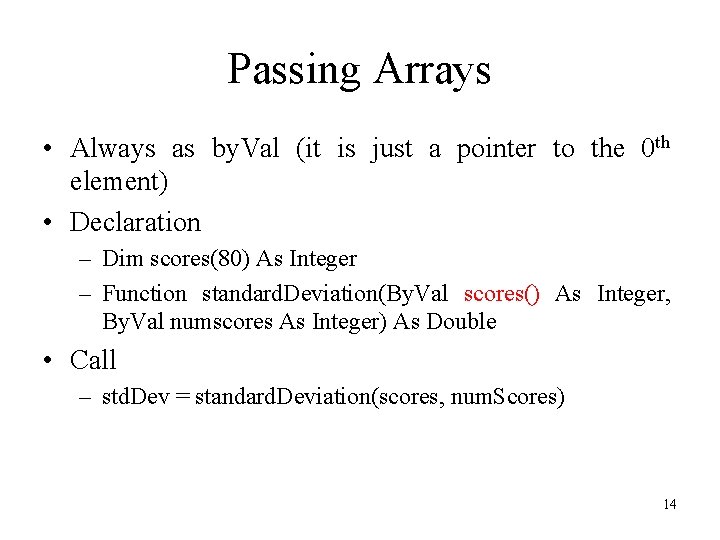
Passing Arrays • Always as by. Val (it is just a pointer to the 0 th element) • Declaration – Dim scores(80) As Integer – Function standard. Deviation(By. Val scores() As Integer, By. Val numscores As Integer) As Double • Call – std. Dev = standard. Deviation(scores, num. Scores) 14
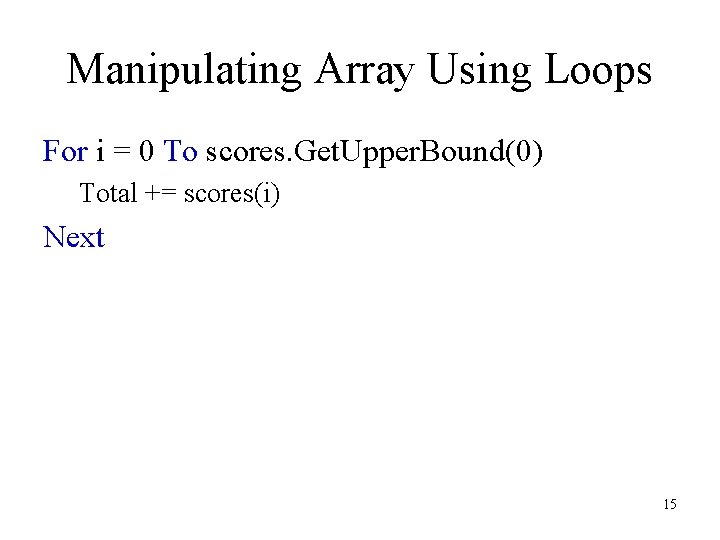
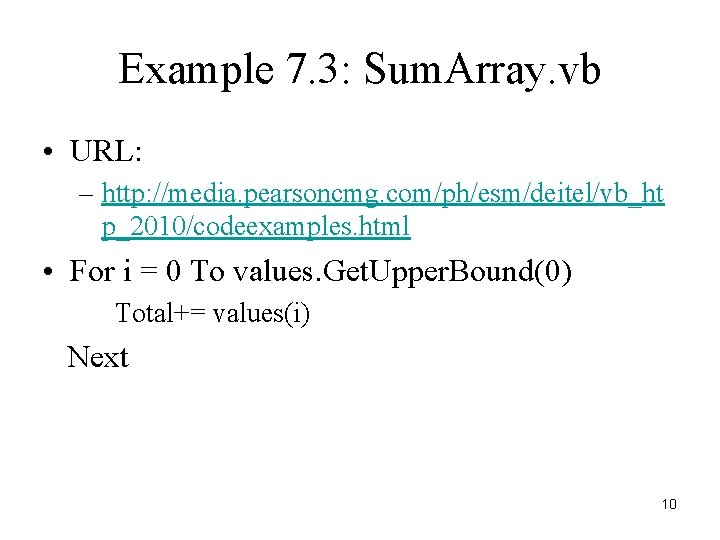
Manipulating Array Using Loops For i = 0 To scores. Get. Upper. Bound(0) Total += scores(i) Next 15
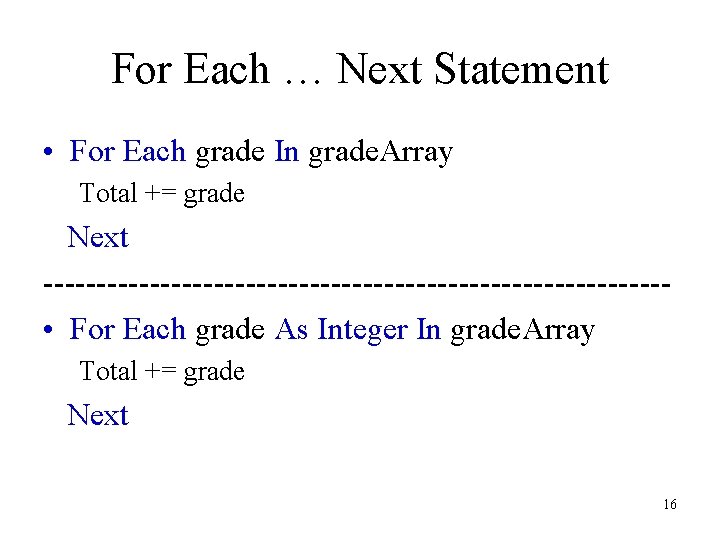
For Each … Next Statement • For Each grade In grade. Array Total += grade Next ----------------------------- • For Each grade As Integer In grade. Array Total += grade Next 16

17
- Slides: 17