
CSCI 330 THE UNIX SYSTEM Shell Job Control
CSCI 330 THE UNIX SYSTEM Shell Job Control
TODAY’S CLASS Unix is multi-user, multi-process OS Shell features to control jobs Unix utilities to manage jobs CSCI 330 - The UNIX System crontab at batch 2
TERMINOLOGY process is a program in execution process CSCI 330 - The UNIX System is created every time you run a command each process has a unique process id processes are removed from the system when the command finishes its execution job is a unit of work consists of the commands specified in a single command line A single job may involve several processes, each consisting of an executable program 3
JOB CONTROL TERMINOLOGY Foreground job: a CSCI 330 - The UNIX System job that has our immediate attention user has to wait for job to complete Background job: a job that the user does not wait for it runs independently of user interaction Unix shells allow users to: make jobs execute in the background, move jobs from foreground to background, determine their status, and terminate them 4
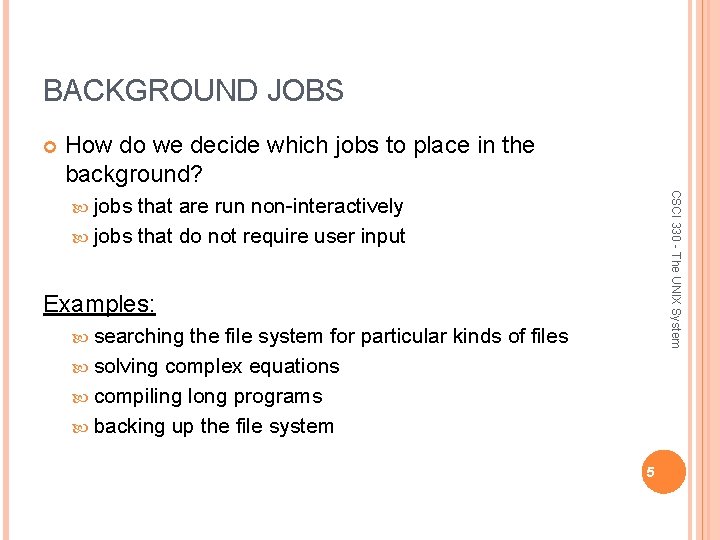
BACKGROUND JOBS How do we decide which jobs to place in the background? CSCI 330 - The UNIX System jobs that are run non-interactively jobs that do not require user input Examples: searching the file system for particular kinds of files solving complex equations compiling long programs backing up the file system 5
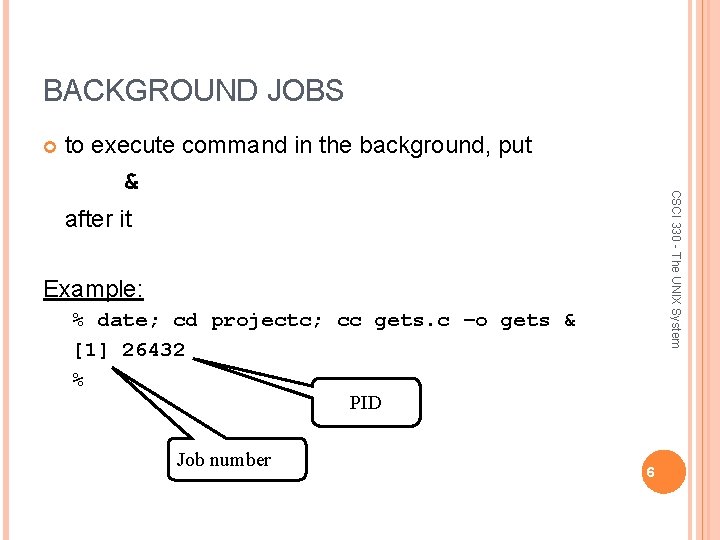
BACKGROUND JOBS to execute command in the background, put CSCI 330 - The UNIX System & after it Example: % date; cd projectc; cc gets. c –o gets & [1] 26432 % PID Job number 6
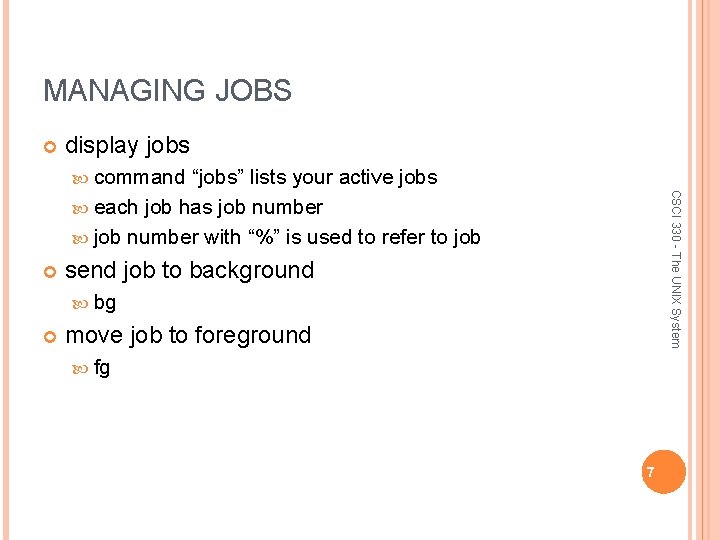
MANAGING JOBS display jobs command CSCI 330 - The UNIX System “jobs” lists your active jobs each job has job number with “%” is used to refer to job send job to background bg move job to foreground fg 7
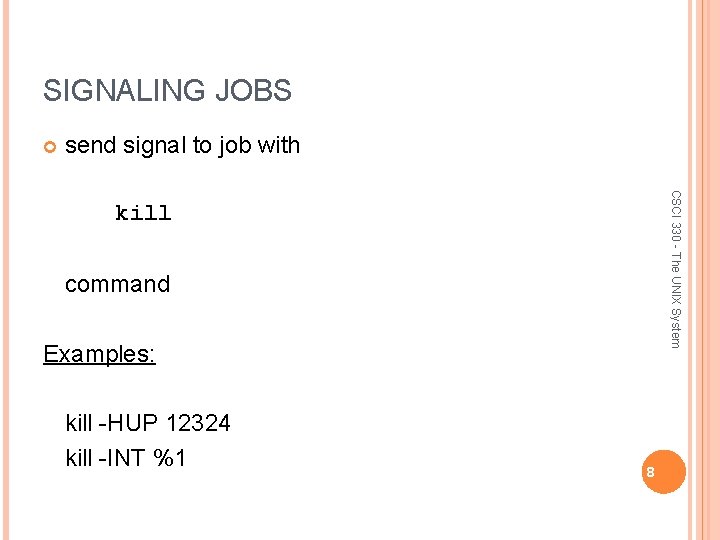
SIGNALING JOBS send signal to job with CSCI 330 - The UNIX System kill command Examples: kill -HUP 12324 kill -INT %1 8
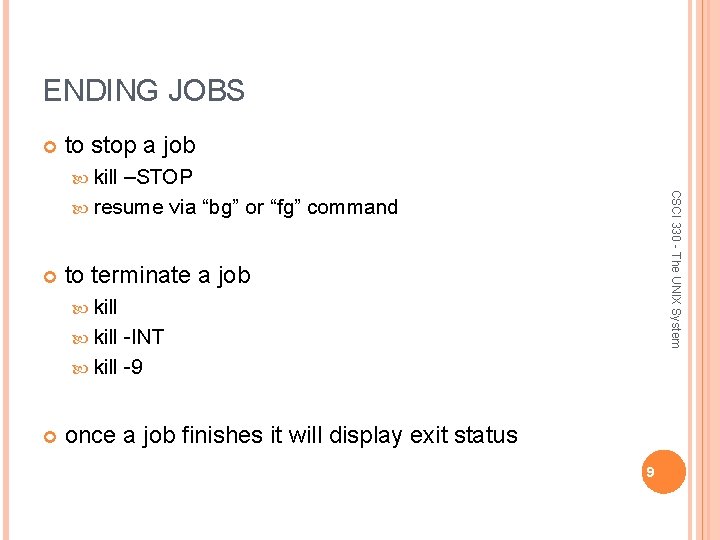
ENDING JOBS to stop a job kill CSCI 330 - The UNIX System –STOP resume via “bg” or “fg” command to terminate a job kill -INT kill -9 once a job finishes it will display exit status 9
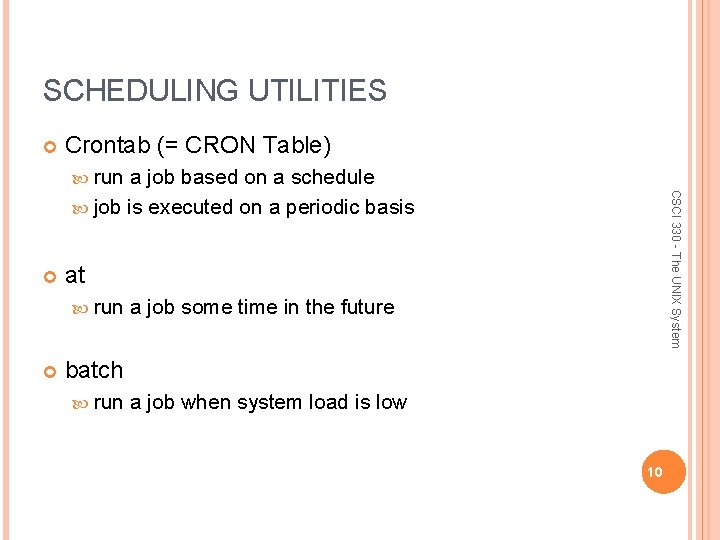
SCHEDULING UTILITIES Crontab (= CRON Table) run at run CSCI 330 - The UNIX System a job based on a schedule job is executed on a periodic basis a job some time in the future batch run a job when system load is low 10
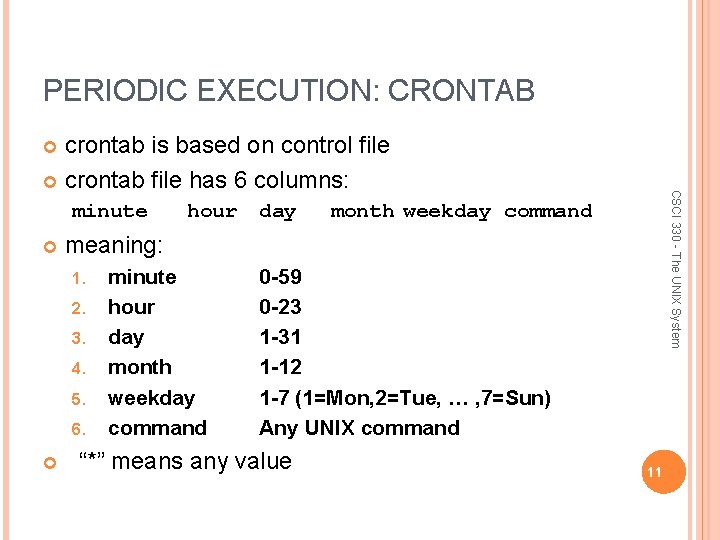
PERIODIC EXECUTION: CRONTAB crontab is based on control file crontab file has 6 columns: day month weekday command meaning: 1. 2. 3. 4. 5. 6. hour CSCI 330 - The UNIX System minute hour day month weekday command 0 -59 0 -23 1 -31 1 -12 1 -7 (1=Mon, 2=Tue, … , 7=Sun) Any UNIX command “*” means any value 11
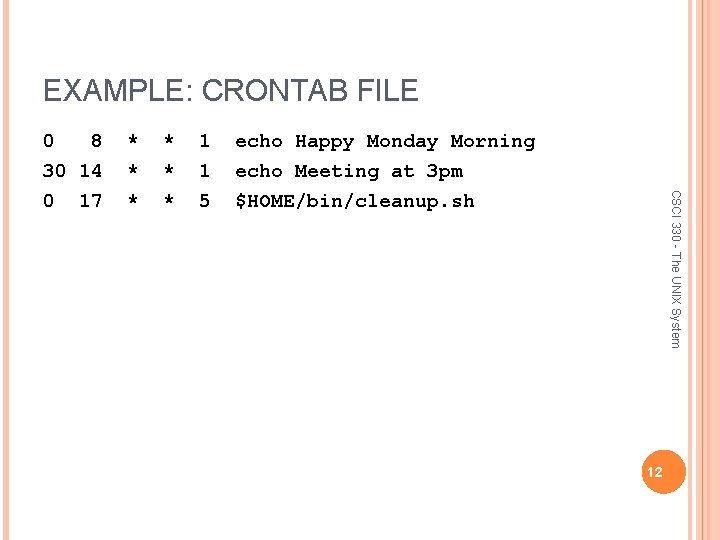
EXAMPLE: CRONTAB FILE * * * 1 1 5 echo Happy Monday Morning echo Meeting at 3 pm $HOME/bin/cleanup. sh CSCI 330 - The UNIX System 0 8 30 14 0 17 12
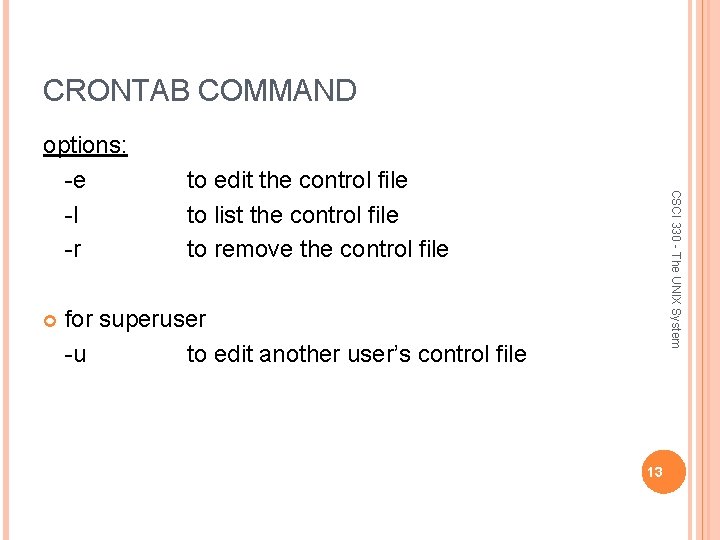
CRONTAB COMMAND to edit the control file to list the control file to remove the control file CSCI 330 - The UNIX System options: -e -l -r for superuser -u to edit another user’s control file 13
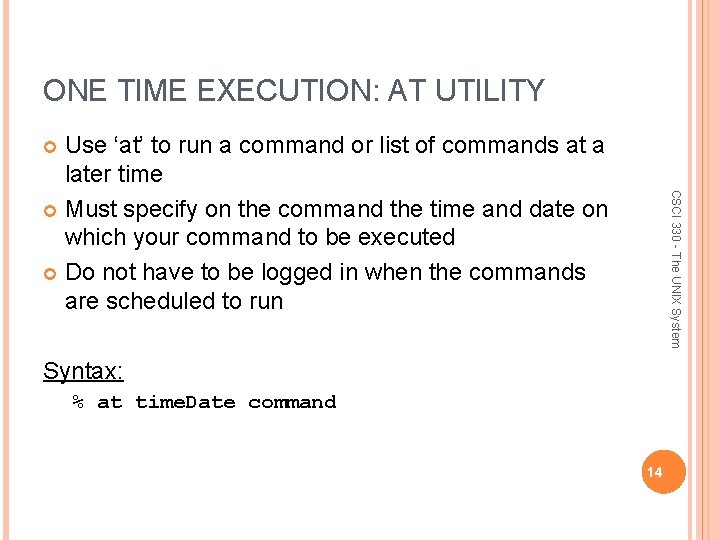
ONE TIME EXECUTION: AT UTILITY Use ‘at’ to run a command or list of commands at a later time Must specify on the command the time and date on which your command to be executed Do not have to be logged in when the commands are scheduled to run CSCI 330 - The UNIX System Syntax: % at time. Date command 14
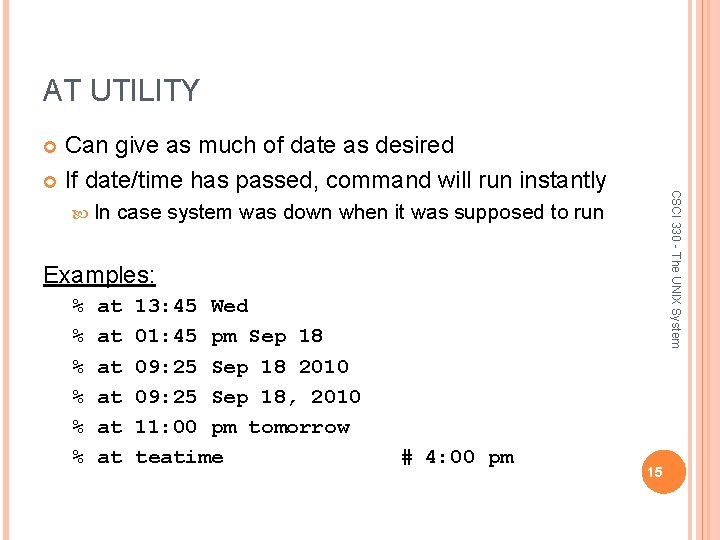
AT UTILITY Can give as much of date as desired If date/time has passed, command will run instantly CSCI 330 - The UNIX System In case system was down when it was supposed to run Examples: % % % at at at 13: 45 Wed 01: 45 pm Sep 18 09: 25 Sep 18 2010 09: 25 Sep 18, 2010 11: 00 pm tomorrow teatime # 4: 00 pm 15
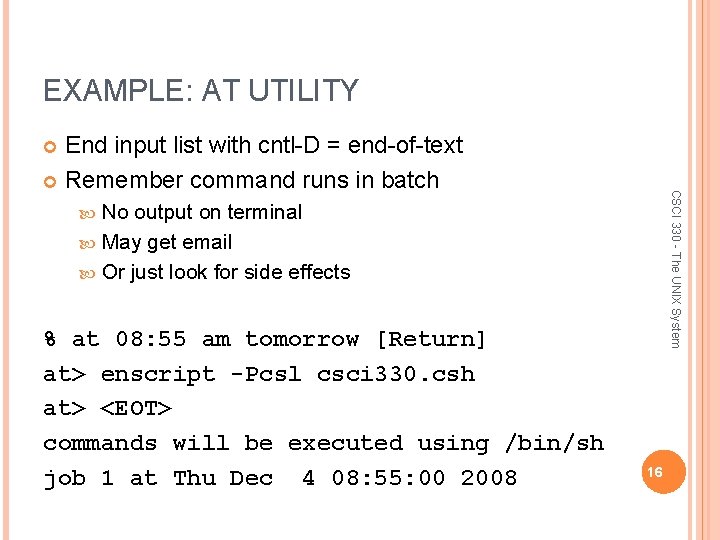
EXAMPLE: AT UTILITY End input list with cntl-D = end-of-text Remember command runs in batch CSCI 330 - The UNIX System No output on terminal May get email Or just look for side effects % at 08: 55 am tomorrow [Return] at> enscript -Pcsl csci 330. csh at> <EOT> commands will be executed using /bin/sh job 1 at Thu Dec 4 08: 55: 00 2008 16
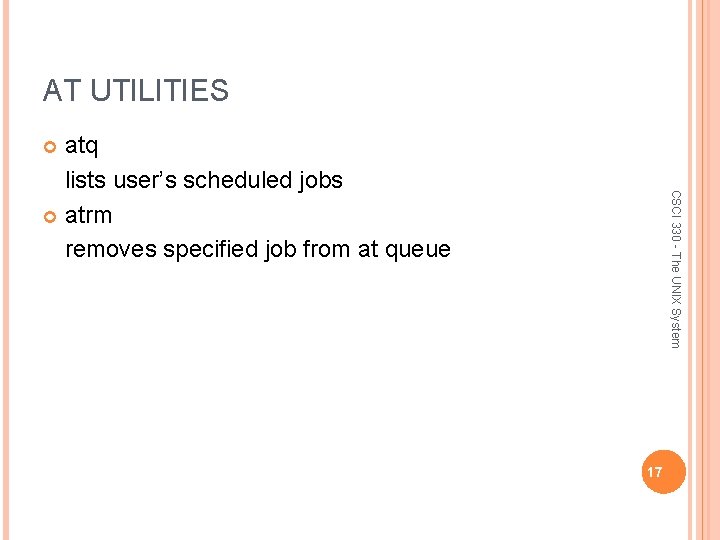
AT UTILITIES atq lists user’s scheduled jobs atrm removes specified job from at queue CSCI 330 - The UNIX System 17
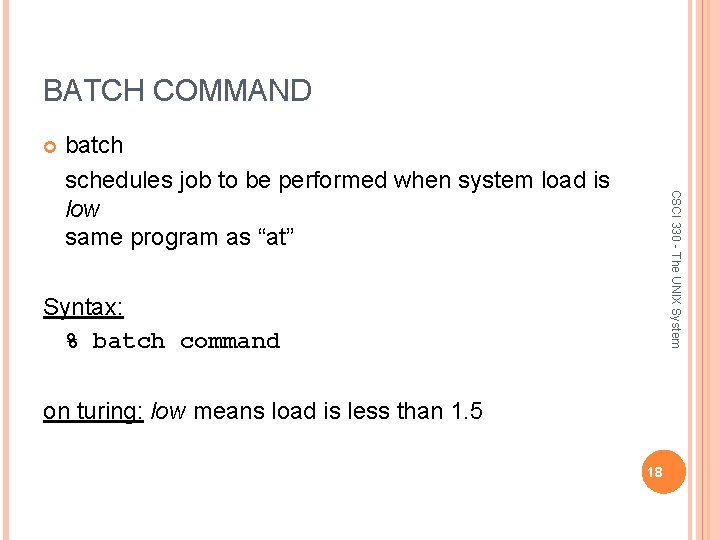
BATCH COMMAND CSCI 330 - The UNIX System batch schedules job to be performed when system load is low same program as “at” Syntax: % batch command on turing: low means load is less than 1. 5 18
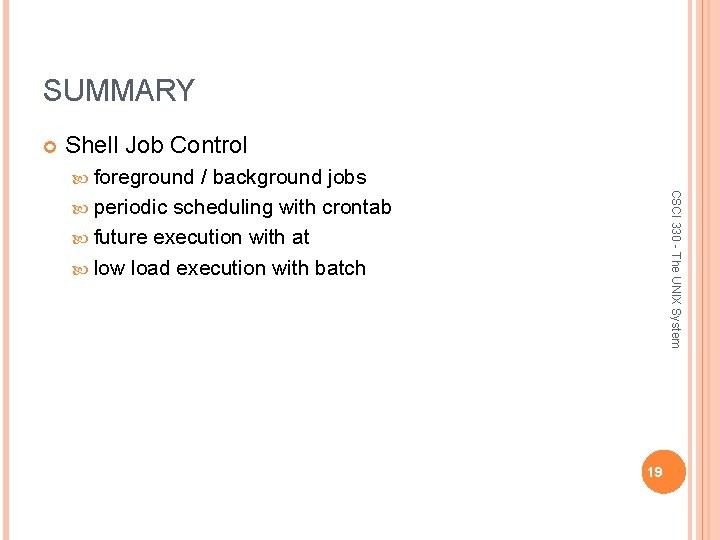
SUMMARY Shell Job Control foreground CSCI 330 - The UNIX System / background jobs periodic scheduling with crontab future execution with at low load execution with batch 19
- Slides: 19