
Csci 136 Computer Architecture II More on MIPS

- Slides: 26
Csci 136 Computer Architecture II – More on MIPS ISA Xiuzhen Cheng cheng@gwu. edu
Announcement Project #1 is due on 11: 59 PM, Feb 13, 2005.
What is an ISA? A very important abstraction Provide the interface between the low-level software and hardware May have multiple hardware implementations Needs to answer the following questions What is the minimum instruction set to be supported? Use general purpose register or not? CIRS or RISC design? Instruction format? Addressing mode? ……
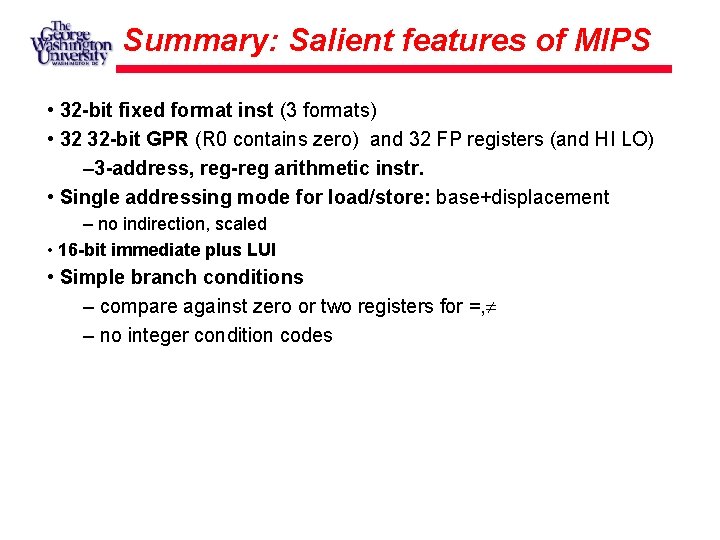
Summary: Salient features of MIPS • 32 -bit fixed format inst (3 formats) • 32 32 -bit GPR (R 0 contains zero) and 32 FP registers (and HI LO) – 3 -address, reg-reg arithmetic instr. • Single addressing mode for load/store: base+displacement – no indirection, scaled • 16 -bit immediate plus LUI • Simple branch conditions – compare against zero or two registers for =, – no integer condition codes
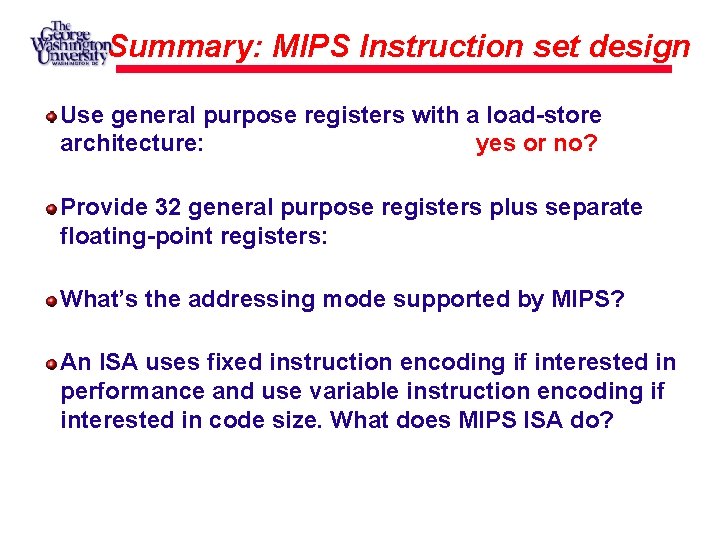
Summary: MIPS Instruction set design Use general purpose registers with a load-store architecture: yes or no? Provide 32 general purpose registers plus separate floating-point registers: What’s the addressing mode supported by MIPS? An ISA uses fixed instruction encoding if interested in performance and use variable instruction encoding if interested in code size. What does MIPS ISA do?
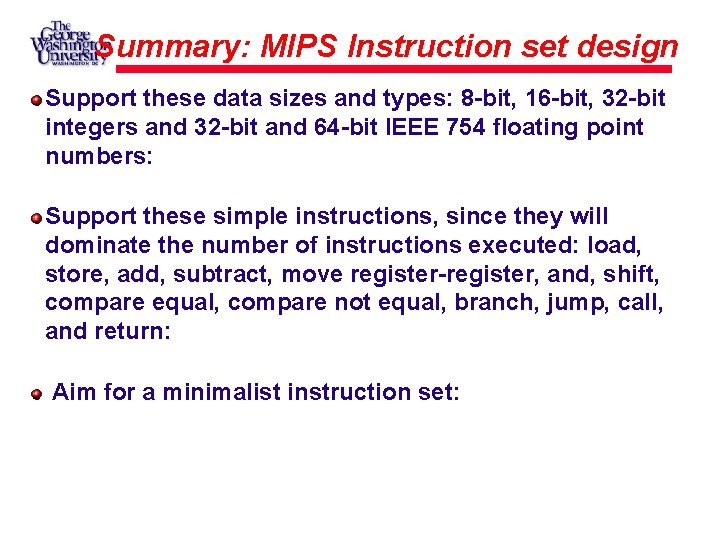
Summary: MIPS Instruction set design Support these data sizes and types: 8 -bit, 16 -bit, 32 -bit integers and 32 -bit and 64 -bit IEEE 754 floating point numbers: Support these simple instructions, since they will dominate the number of instructions executed: load, store, add, subtract, move register-register, and, shift, compare equal, compare not equal, branch, jump, call, and return: Aim for a minimalist instruction set:
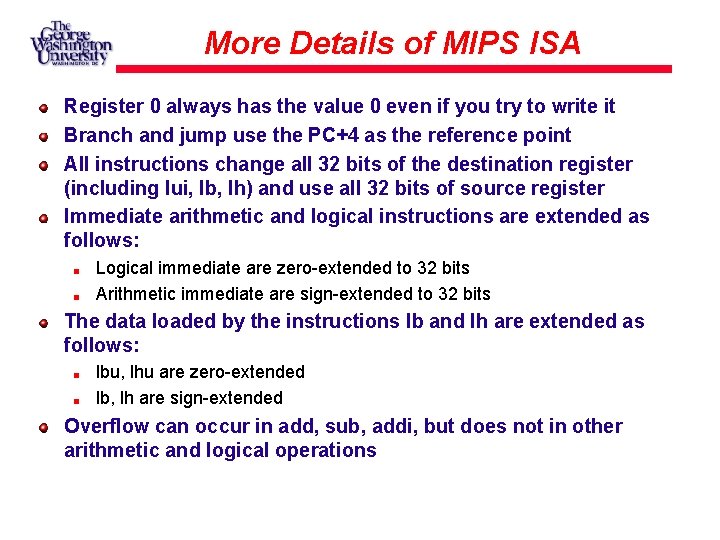
More Details of MIPS ISA Register 0 always has the value 0 even if you try to write it Branch and jump use the PC+4 as the reference point All instructions change all 32 bits of the destination register (including lui, lb, lh) and use all 32 bits of source register Immediate arithmetic and logical instructions are extended as follows: Logical immediate are zero-extended to 32 bits Arithmetic immediate are sign-extended to 32 bits The data loaded by the instructions lb and lh are extended as follows: lbu, lhu are zero-extended lb, lh are sign-extended Overflow can occur in add, sub, addi, but does not in other arithmetic and logical operations
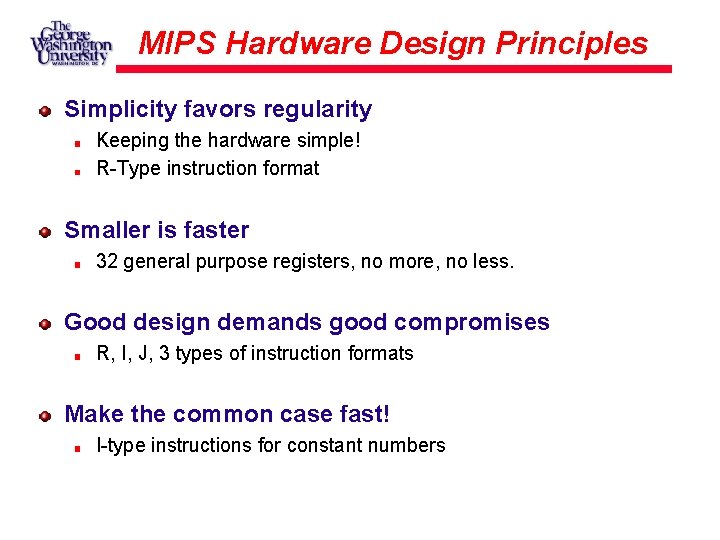
MIPS Hardware Design Principles Simplicity favors regularity Keeping the hardware simple! R-Type instruction format Smaller is faster 32 general purpose registers, no more, no less. Good design demands good compromises R, I, J, 3 types of instruction formats Make the common case fast! I-type instructions for constant numbers
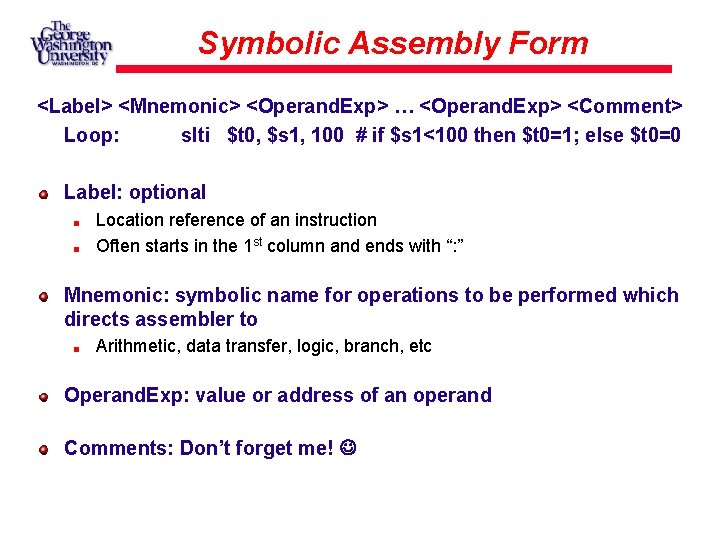
Symbolic Assembly Form <Label> <Mnemonic> <Operand. Exp> … <Operand. Exp> <Comment> Loop: slti $t 0, $s 1, 100 # if $s 1<100 then $t 0=1; else $t 0=0 Label: optional Location reference of an instruction Often starts in the 1 st column and ends with “: ” Mnemonic: symbolic name for operations to be performed which directs assembler to Arithmetic, data transfer, logic, branch, etc Operand. Exp: value or address of an operand Comments: Don’t forget me!
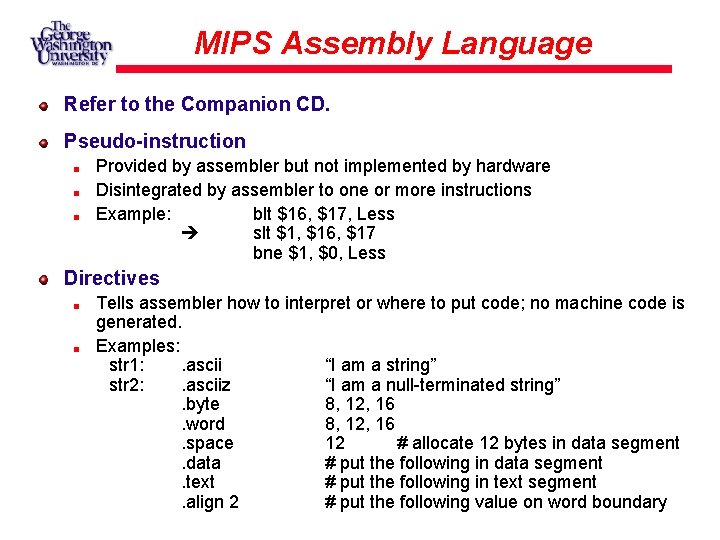
MIPS Assembly Language Refer to the Companion CD. Pseudo-instruction Provided by assembler but not implemented by hardware Disintegrated by assembler to one or more instructions Example: blt $16, $17, Less slt $1, $16, $17 bne $1, $0, Less Directives Tells assembler how to interpret or where to put code; no machine code is generated. Examples: str 1: . ascii “I am a string” str 2: . asciiz “I am a null-terminated string”. byte 8, 12, 16. word 8, 12, 16. space 12 # allocate 12 bytes in data segment. data # put the following in data segment. text # put the following in text segment. align 2 # put the following value on word boundary
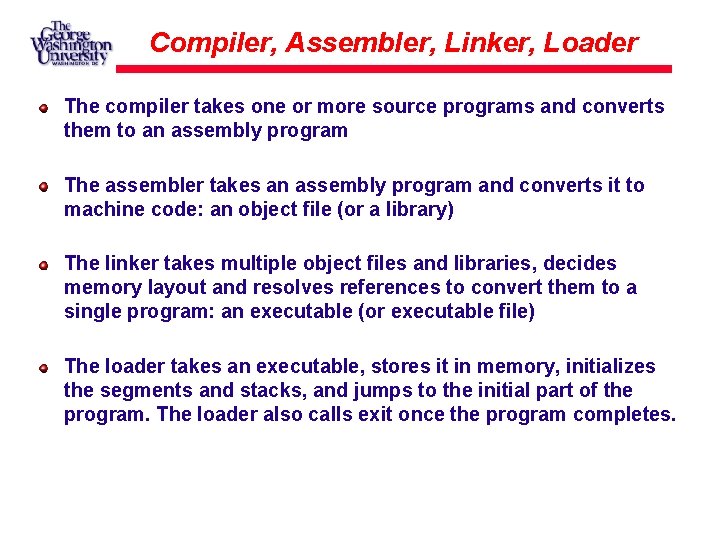
Compiler, Assembler, Linker, Loader The compiler takes one or more source programs and converts them to an assembly program The assembler takes an assembly program and converts it to machine code: an object file (or a library) The linker takes multiple object files and libraries, decides memory layout and resolves references to convert them to a single program: an executable (or executable file) The loader takes an executable, stores it in memory, initializes the segments and stacks, and jumps to the initial part of the program. The loader also calls exit once the program completes.
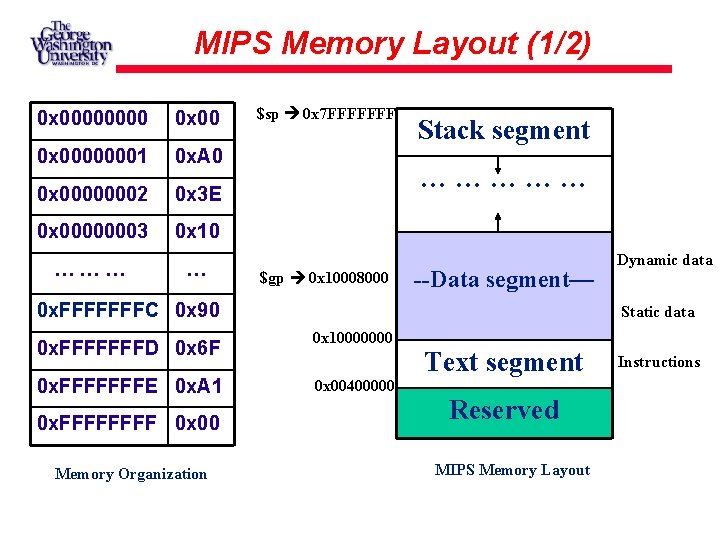
MIPS Memory Layout (1/2) 0 x 00000001 0 x. A 0 0 x 00000002 0 x 3 E 0 x 00000003 0 x 10 ……… … $sp 0 x 7 FFFFFFF Stack segment …………… $gp 0 x 10008000 --Data segment— 0 x. FFFFFFFC 0 x 90 Static data 0 x. FFFFFFFD 0 x 6 F 0 x 10000000 0 x. FFFFFFFE 0 x. A 1 0 x 00400000 0 x. FFFF 0 x 00 Memory Organization Dynamic data Text segment Reserved MIPS Memory Layout Instructions
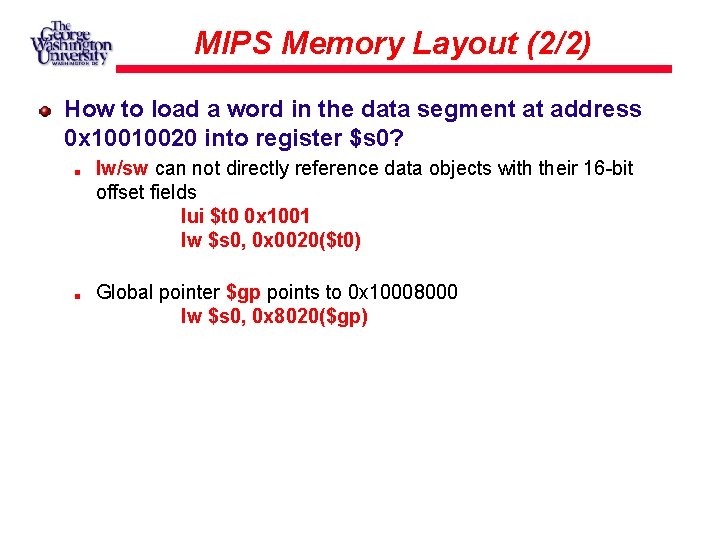
MIPS Memory Layout (2/2) How to load a word in the data segment at address 0 x 10010020 into register $s 0? lw/sw can not directly reference data objects with their 16 -bit offset fields lui $t 0 0 x 1001 lw $s 0, 0 x 0020($t 0) Global pointer $gp points to 0 x 10008000 lw $s 0, 0 x 8020($gp)
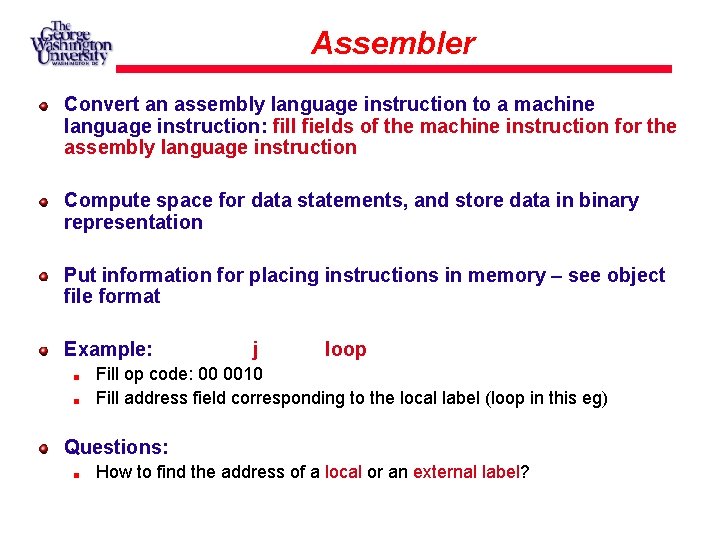
Assembler Convert an assembly language instruction to a machine language instruction: fill fields of the machine instruction for the assembly language instruction Compute space for data statements, and store data in binary representation Put information for placing instructions in memory – see object file format Example: j loop Fill op code: 00 0010 Fill address field corresponding to the local label (loop in this eg) Questions: How to find the address of a local or an external label?
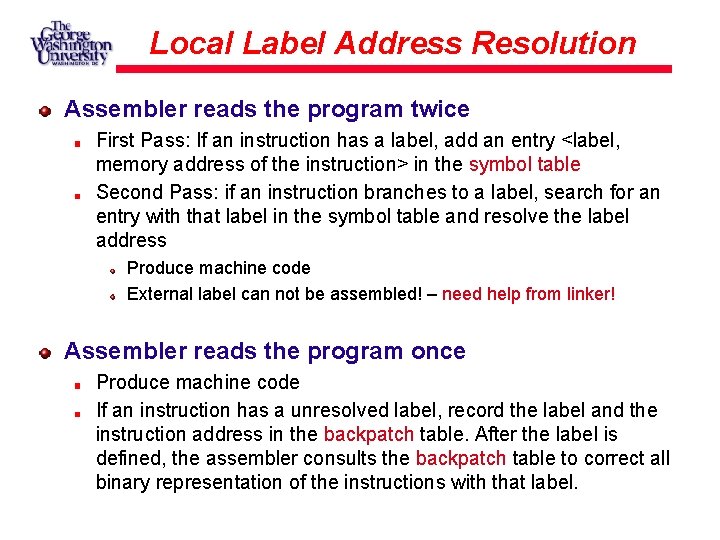
Local Label Address Resolution Assembler reads the program twice First Pass: If an instruction has a label, add an entry <label, memory address of the instruction> in the symbol table Second Pass: if an instruction branches to a label, search for an entry with that label in the symbol table and resolve the label address Produce machine code External label can not be assembled! – need help from linker! Assembler reads the program once Produce machine code If an instruction has a unresolved label, record the label and the instruction address in the backpatch table. After the label is defined, the assembler consults the backpatch table to correct all binary representation of the instructions with that label.
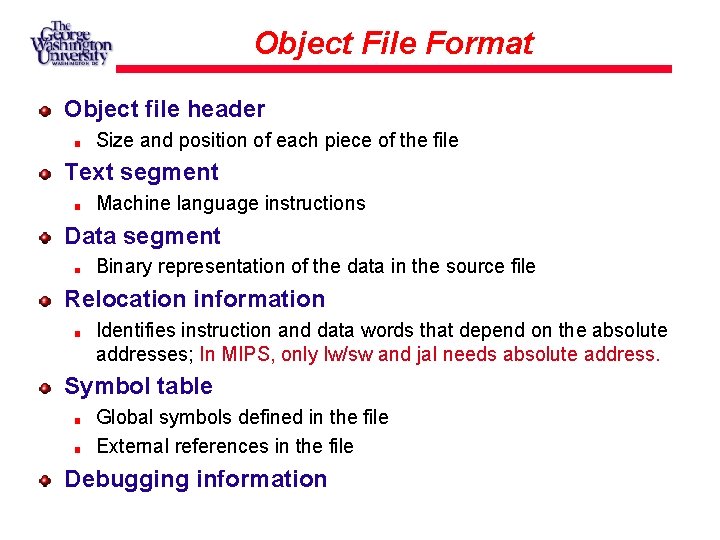
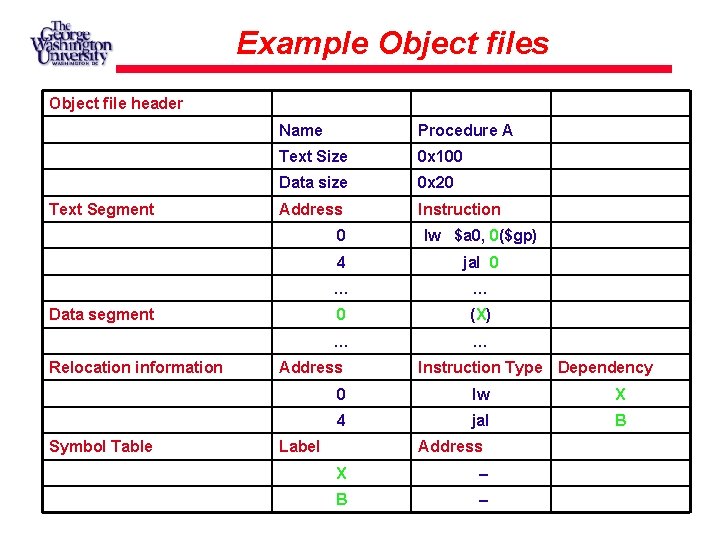
Object File Format Object file header Size and position of each piece of the file Text segment Machine language instructions Data segment Binary representation of the data in the source file Relocation information Identifies instruction and data words that depend on the absolute addresses; In MIPS, only lw/sw and jal needs absolute address. Symbol table Global symbols defined in the file External references in the file Debugging information
Example Object files Object file header Text Segment Name Procedure A Text Size 0 x 100 Data size 0 x 20 Address Instruction Data segment Relocation information Symbol Table 0 lw $a 0, 0($gp) 4 jal 0 … … 0 (X) … … Address Instruction Type Dependency 0 lw X 4 jal B Label Address X – B –
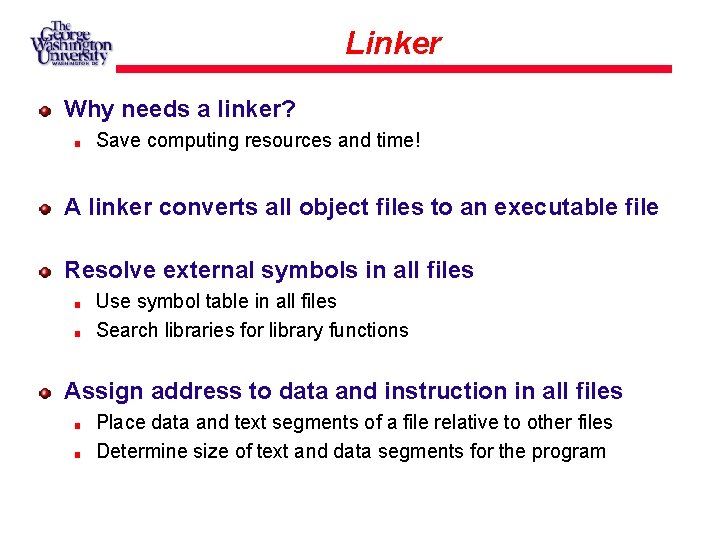
Linker Why needs a linker? Save computing resources and time! A linker converts all object files to an executable file Resolve external symbols in all files Use symbol table in all files Search libraries for library functions Assign address to data and instruction in all files Place data and text segments of a file relative to other files Determine size of text and data segments for the program
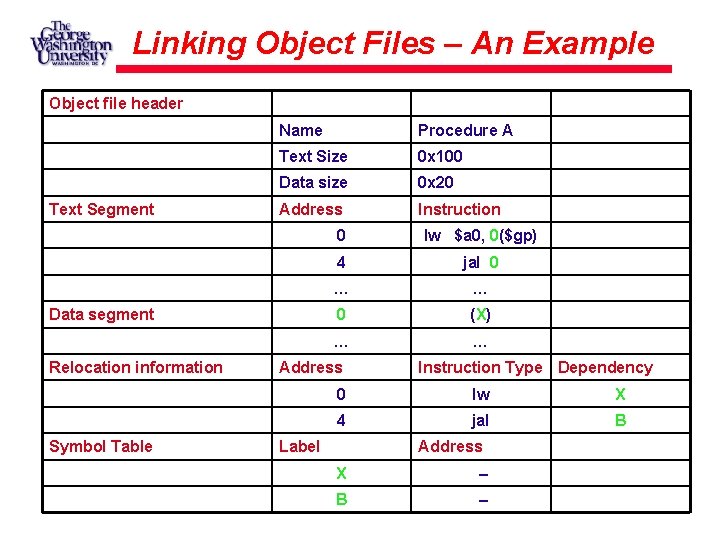
Linking Object Files – An Example Object file header Text Segment Name Procedure A Text Size 0 x 100 Data size 0 x 20 Address Instruction Data segment Relocation information Symbol Table 0 lw $a 0, 0($gp) 4 jal 0 … … 0 (X) … … Address Instruction Type Dependency 0 lw X 4 jal B Label Address X – B –
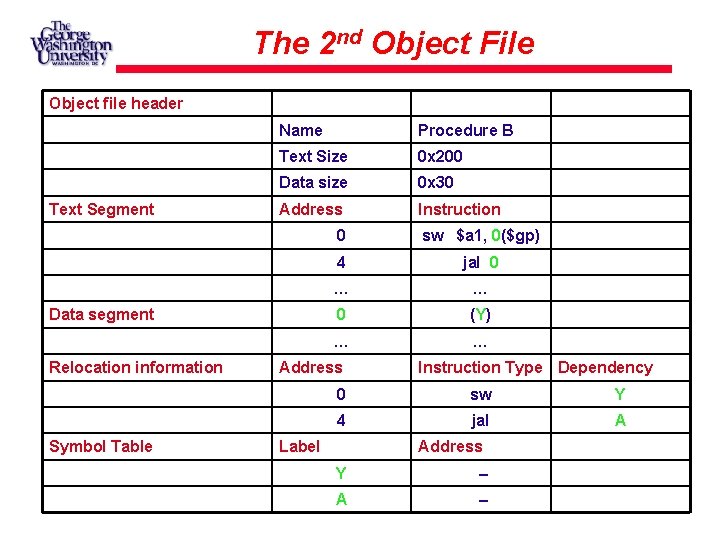
The 2 nd Object File Object file header Text Segment Name Procedure B Text Size 0 x 200 Data size 0 x 30 Address Instruction Data segment Relocation information Symbol Table 0 sw $a 1, 0($gp) 4 jal 0 … … 0 (Y) … … Address Instruction Type Dependency 0 sw Y 4 jal A Label Address Y – A –
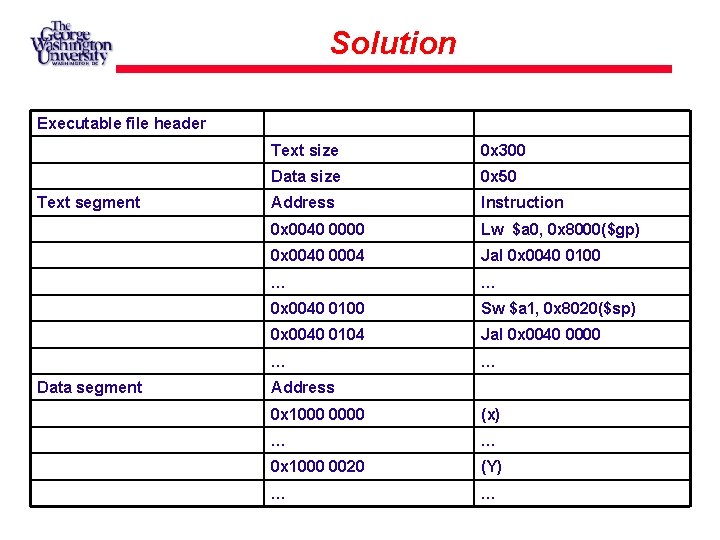
Solution Executable file header Text segment Data segment Text size 0 x 300 Data size 0 x 50 Address Instruction 0 x 0040 0000 Lw $a 0, 0 x 8000($gp) 0 x 0040 0004 Jal 0 x 0040 0100 … … 0 x 0040 0100 Sw $a 1, 0 x 8020($sp) 0 x 0040 0104 Jal 0 x 0040 0000 … … Address 0 x 1000 0000 (x) … … 0 x 1000 0020 (Y) … …
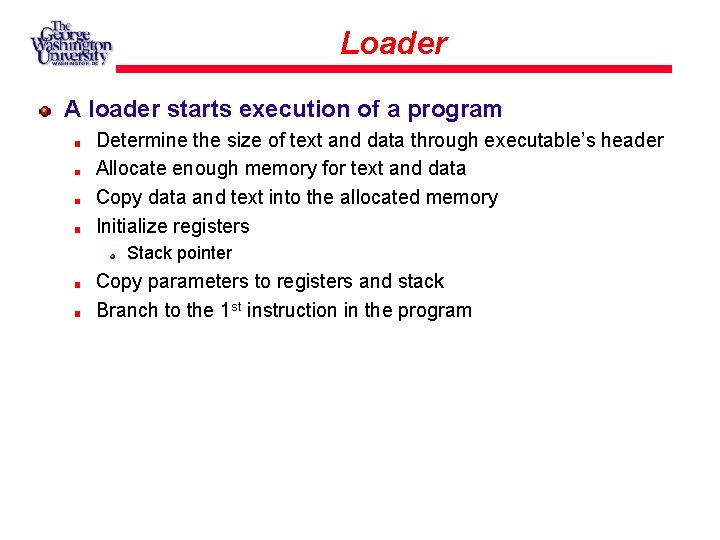
Loader A loader starts execution of a program Determine the size of text and data through executable’s header Allocate enough memory for text and data Copy data and text into the allocated memory Initialize registers Stack pointer Copy parameters to registers and stack Branch to the 1 st instruction in the program
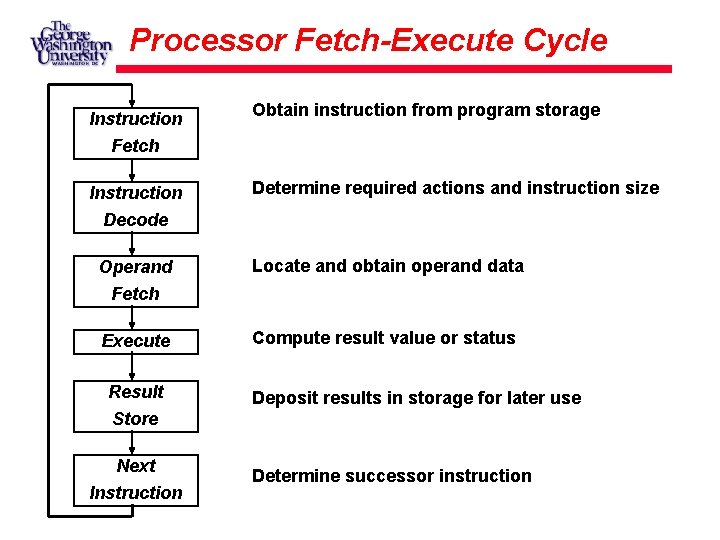
Processor Fetch-Execute Cycle Instruction Obtain instruction from program storage Fetch Instruction Determine required actions and instruction size Decode Operand Locate and obtain operand data Fetch Execute Result Compute result value or status Deposit results in storage for later use Store Next Instruction Determine successor instruction
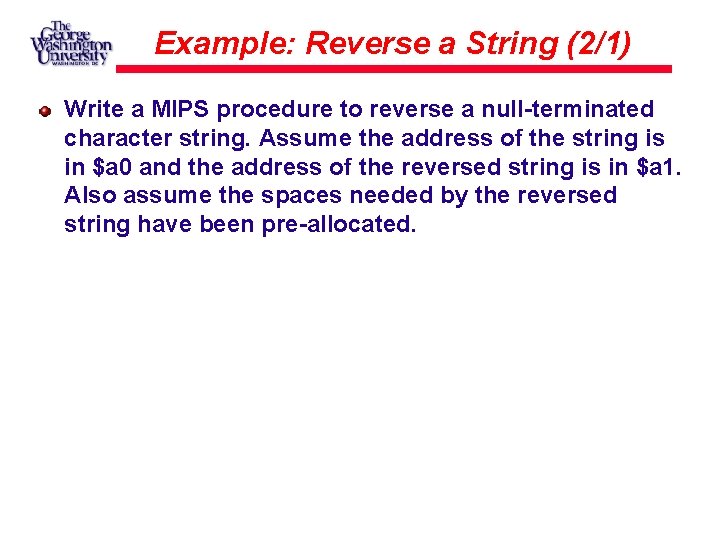
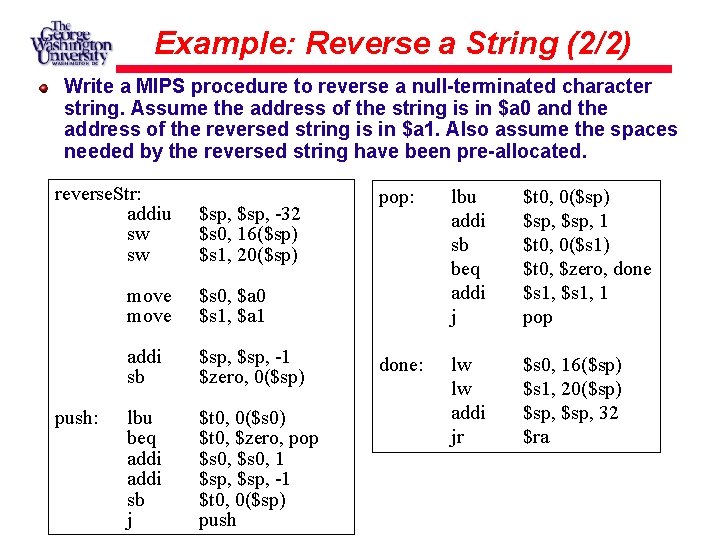
Example: Reverse a String (2/1) Write a MIPS procedure to reverse a null-terminated character string. Assume the address of the string is in $a 0 and the address of the reversed string is in $a 1. Also assume the spaces needed by the reversed string have been pre-allocated.
Example: Reverse a String (2/2) Write a MIPS procedure to reverse a null-terminated character string. Assume the address of the string is in $a 0 and the address of the reversed string is in $a 1. Also assume the spaces needed by the reversed string have been pre-allocated. reverse. Str: addiu sw sw push: $sp, -32 $s 0, 16($sp) $s 1, 20($sp) move $s 0, $a 0 $s 1, $a 1 addi sb $sp, -1 $zero, 0($sp) lbu beq addi sb j $t 0, 0($s 0) $t 0, $zero, pop $s 0, 1 $sp, -1 $t 0, 0($sp) push pop: lbu addi sb beq addi j $t 0, 0($sp) $sp, 1 $t 0, 0($s 1) $t 0, $zero, done $s 1, 1 pop done: lw lw addi jr $s 0, 16($sp) $s 1, 20($sp) $sp, 32 $ra
Questions?