
CSC 589 Introduction to Computer Vision Lecture 8


- Slides: 49
CSC 589 Introduction to Computer Vision Lecture 8 Applications of Fourier Transform, Sampling Bei Xiao
Last Lecture • Fourier transform and frequency domain – Fourier transformation in 1 d signal – Fourier transform of images – Fourier transform in Python • Reminder: Read your text book 3. 4. Homework 2 is out and will be Due on Thursday, Feb 19 th (extended). Start early!
Today’s lecture • Review of Fourier Transform • Filtering in Frequency domain • Python exercises Here is a useful tutorial on fft with numpy: http: //docs. opencv. org/trunk/doc/py_ tutorials/py_imgproc/py_transforms/py_fouri er_transform/py_fourier_transform. html
Next Lecture: Guest Lecture • Dr. Katerina Fragkiadaki: • “Video Segmentation and Multi-object tracking in the Era of Deep Learning!” • She will also give a talk on video understanding at 4 -5 pm on Thursday.
MATLAB or Python • We can choose again for the main tool for the rest of the course. • Python appear to be difficult, have a sharper learning curve, but it is a general purpose language. • MATLAB has much more tutorials online (especially for image processing) and easier user interface. However, you have to pay $100 for a student’ license or access through university’s VPN with limited license. • You can try it out and run some demo codes ( I will upload) and we can vote again. I posted a survey on blackboard. • For now, we continue with demos in Python. • Homework 2 can be done either with Python or MATLAB.
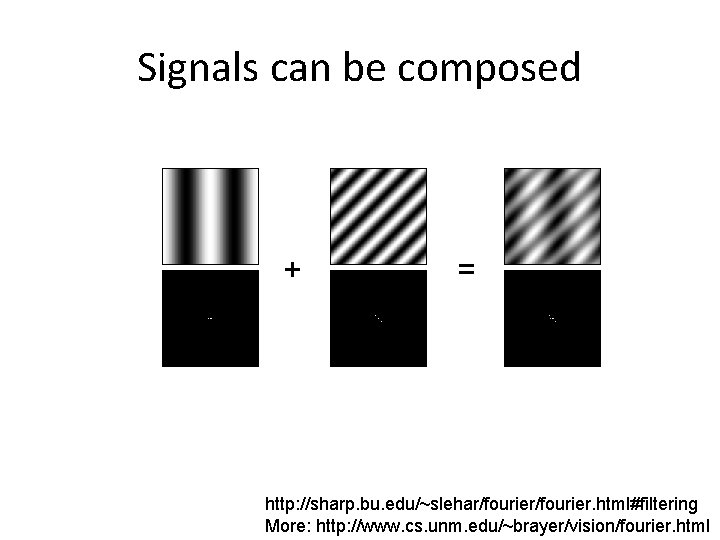
Signals can be composed + = http: //sharp. bu. edu/~slehar/fourier. html#filtering More: http: //www. cs. unm. edu/~brayer/vision/fourier. html
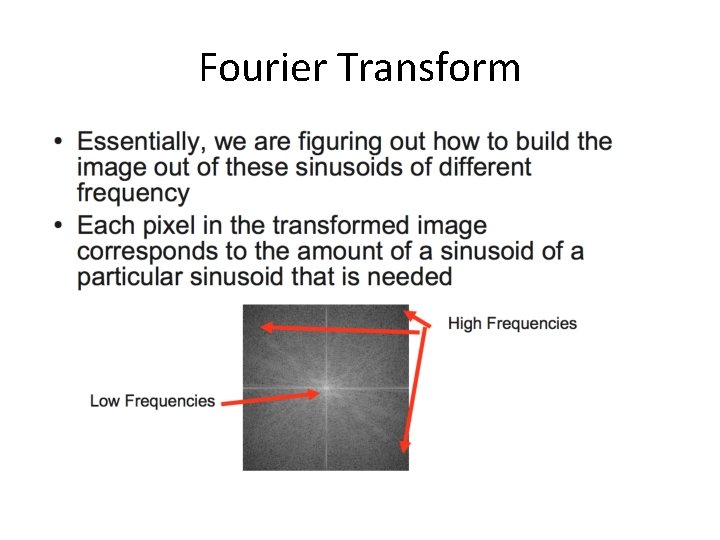
Fourier Transform
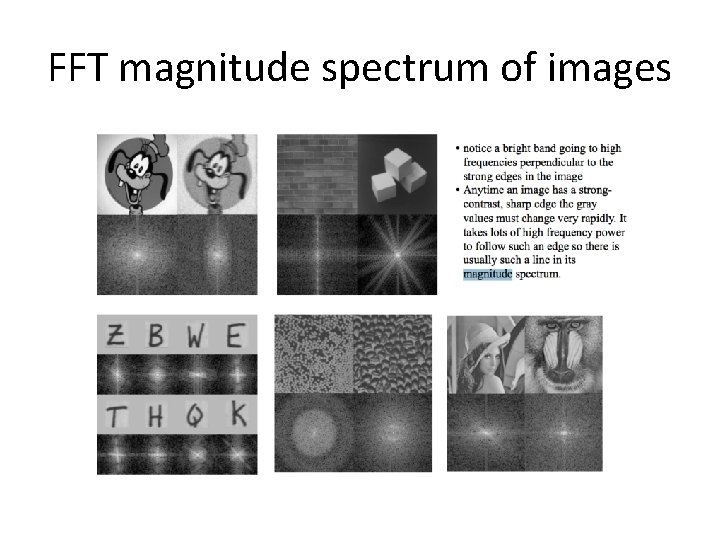
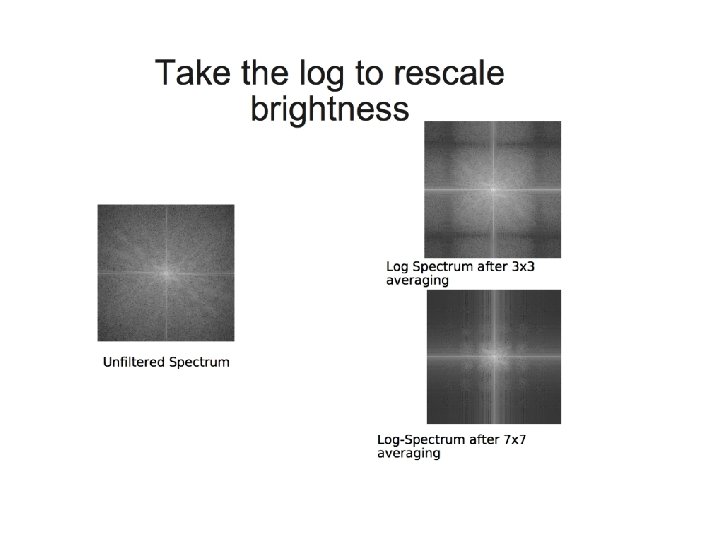
FFT magnitude spectrum of images
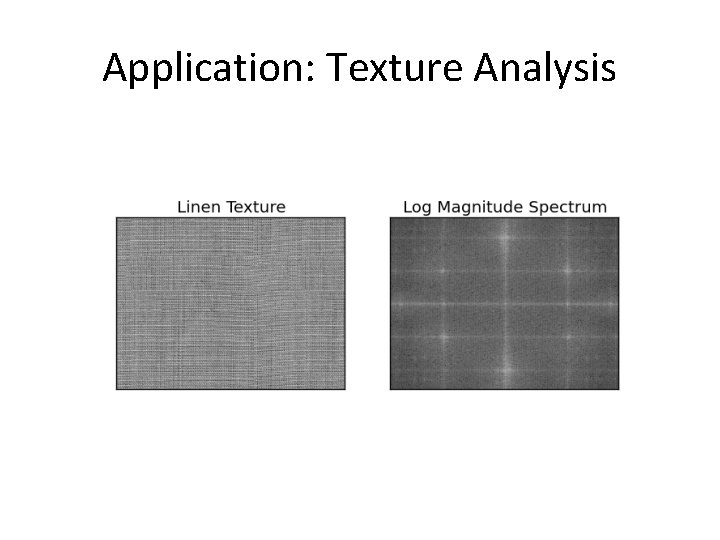
Application: Texture Analysis
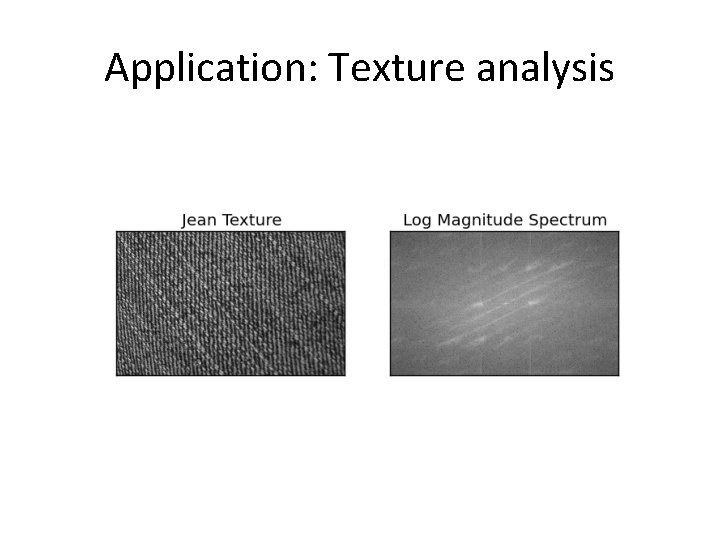
Application: Texture analysis
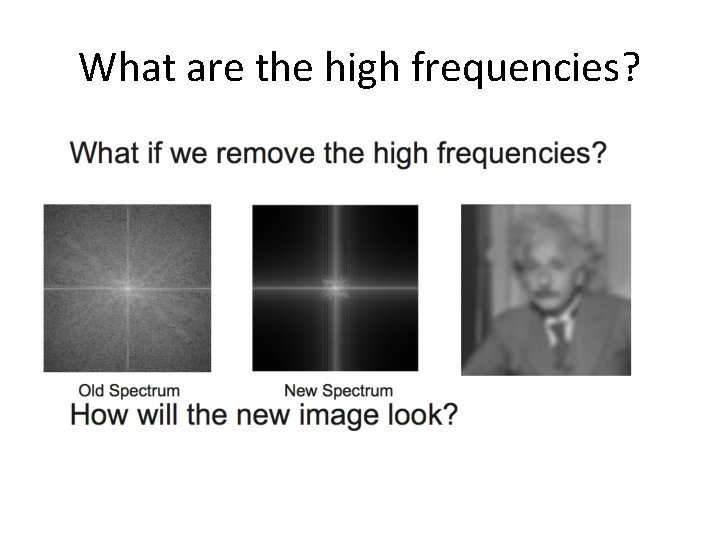
What are the high frequencies?
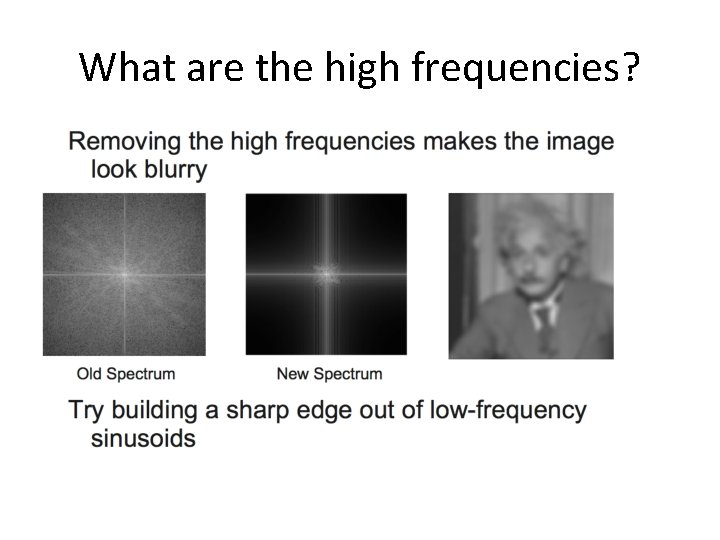
What are the high frequencies?
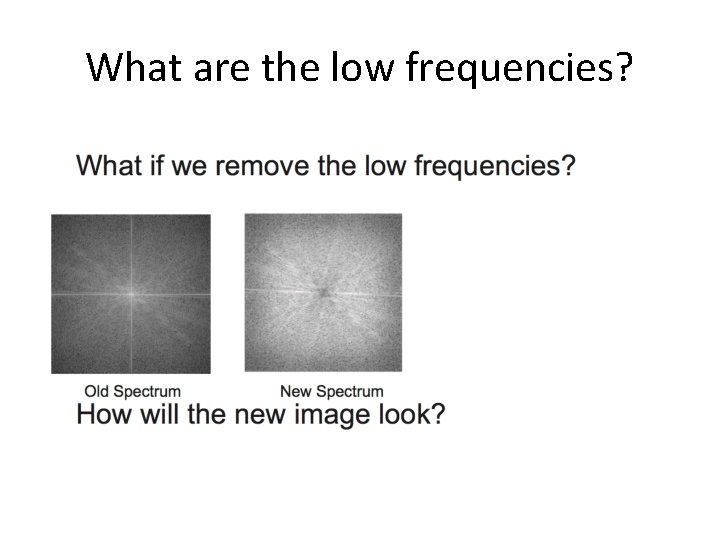
What are the low frequencies?
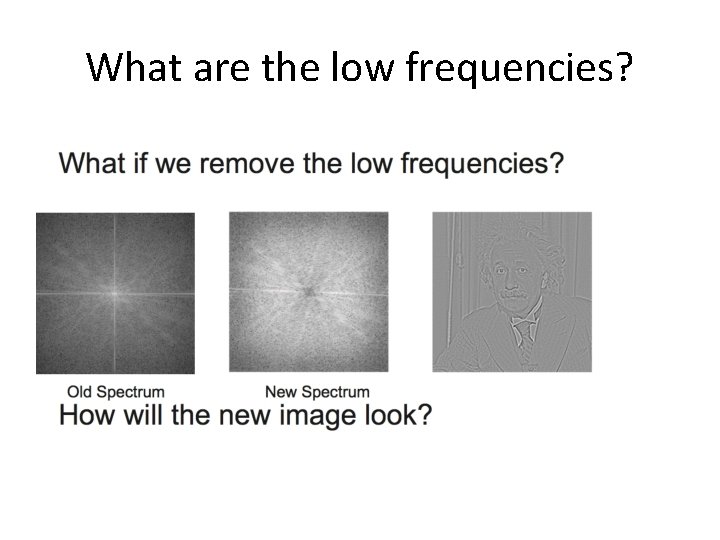
What are the low frequencies?
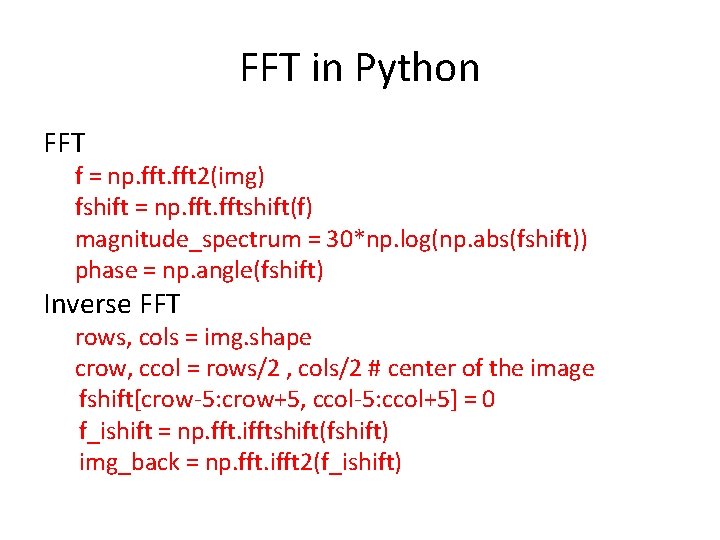
FFT in Python FFT f = np. fft 2(img) fshift = np. fftshift(f) magnitude_spectrum = 30*np. log(np. abs(fshift)) phase = np. angle(fshift) Inverse FFT rows, cols = img. shape crow, ccol = rows/2 , cols/2 # center of the image fshift[crow-5: crow+5, ccol-5: ccol+5] = 0 f_ishift = np. fft. ifftshift(fshift) img_back = np. fft. ifft 2(f_ishift)
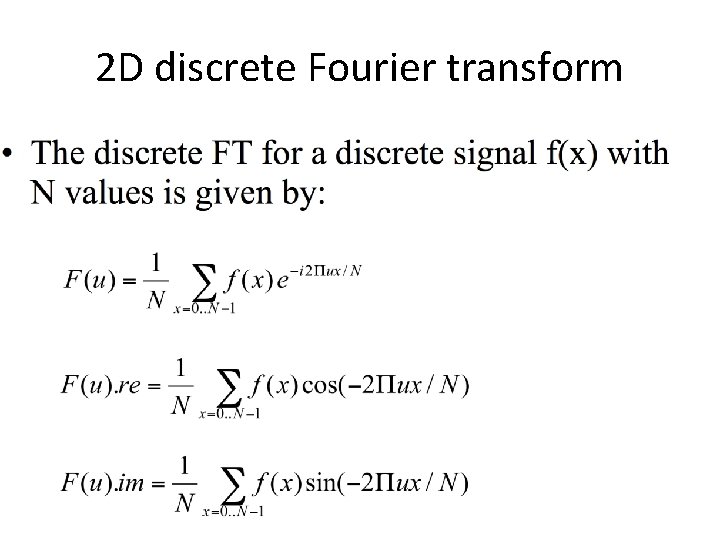
2 D discrete Fourier transform
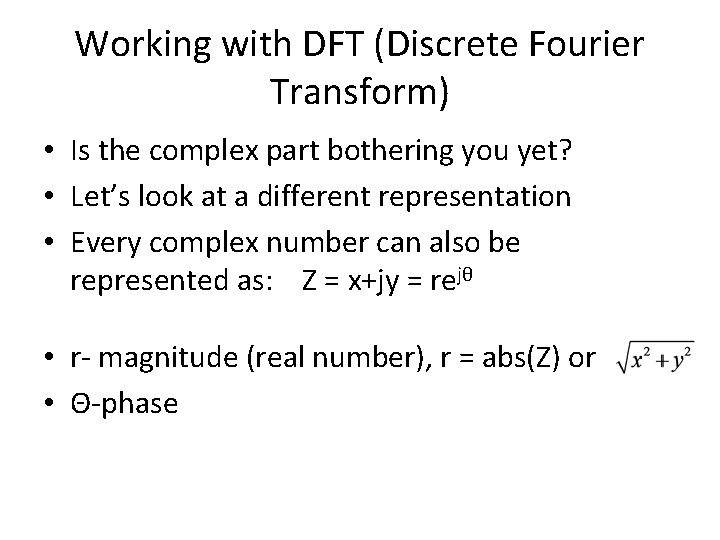
Working with DFT (Discrete Fourier Transform) • Is the complex part bothering you yet? • Let’s look at a different representation • Every complex number can also be represented as: Z = x+jy = rejθ • r- magnitude (real number), r = abs(Z) or • Θ-phase
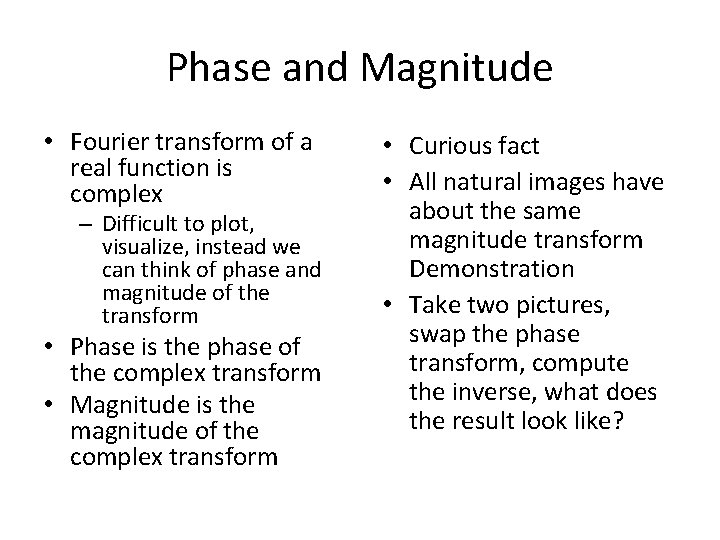
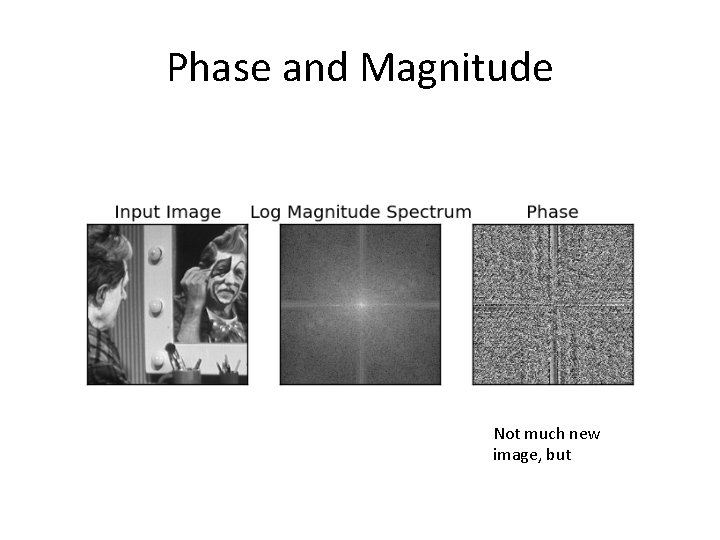
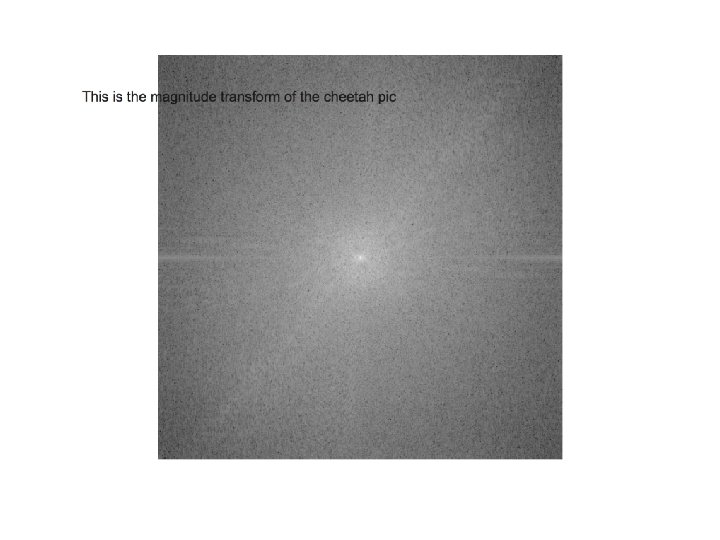
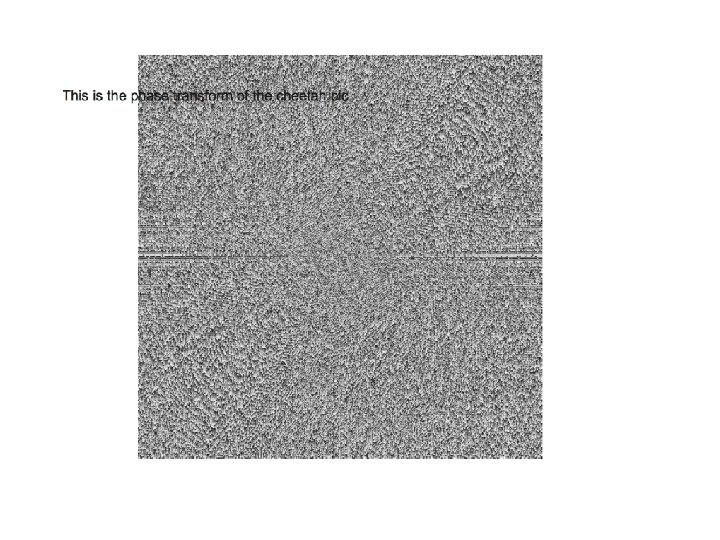
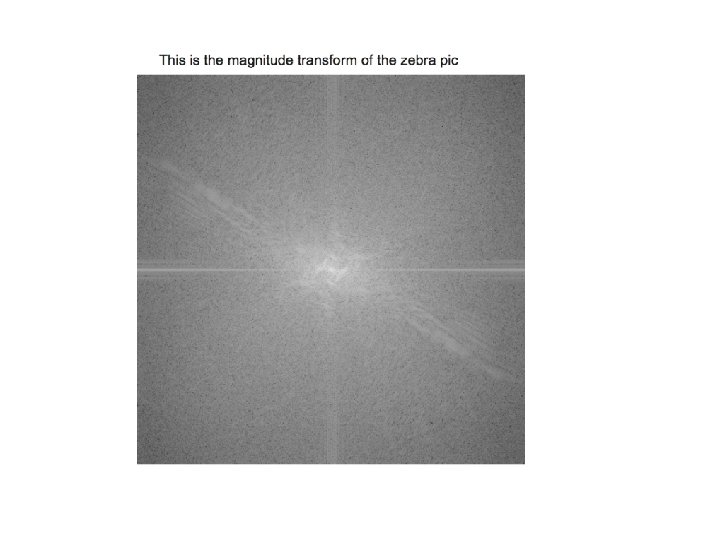
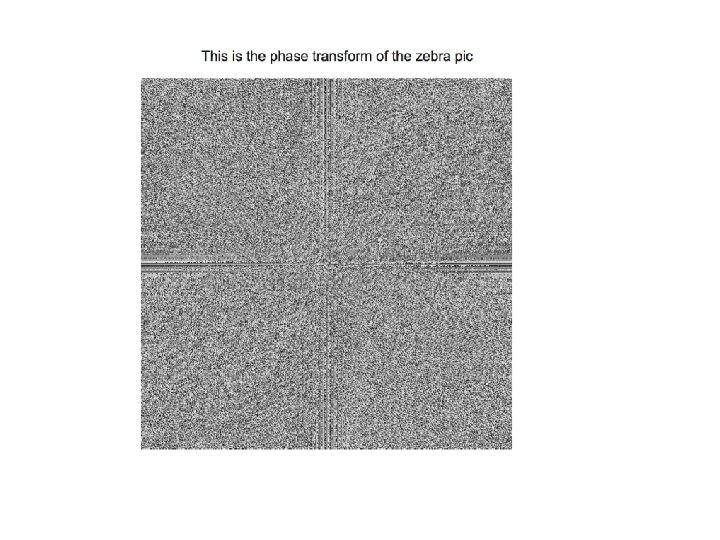
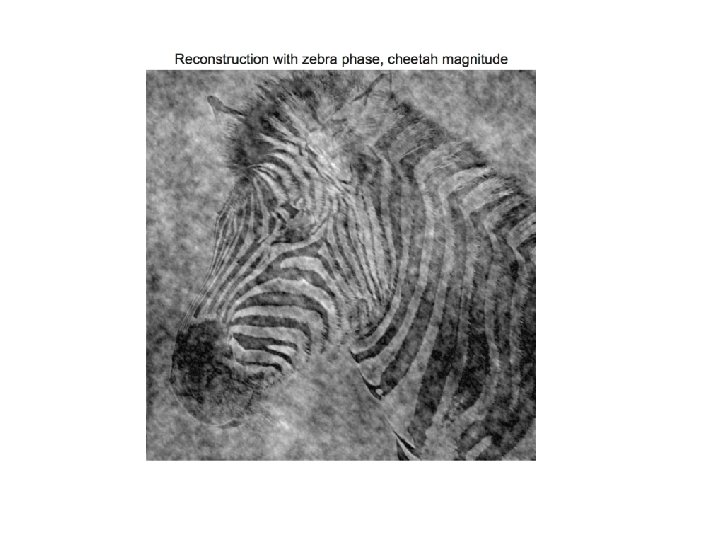
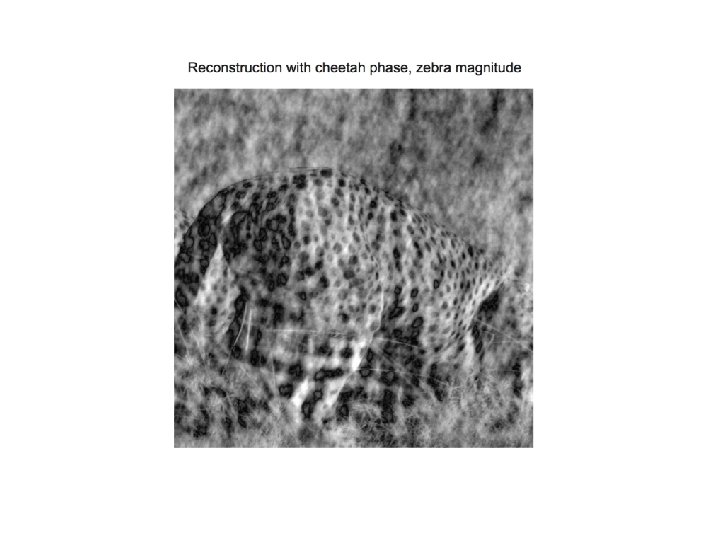
Phase and Magnitude • Fourier transform of a real function is complex – Difficult to plot, visualize, instead we can think of phase and magnitude of the transform • Phase is the phase of the complex transform • Magnitude is the magnitude of the complex transform • Curious fact • All natural images have about the same magnitude transform Demonstration • Take two pictures, swap the phase transform, compute the inverse, what does the result look like?
Phase and Magnitude Not much new image, but
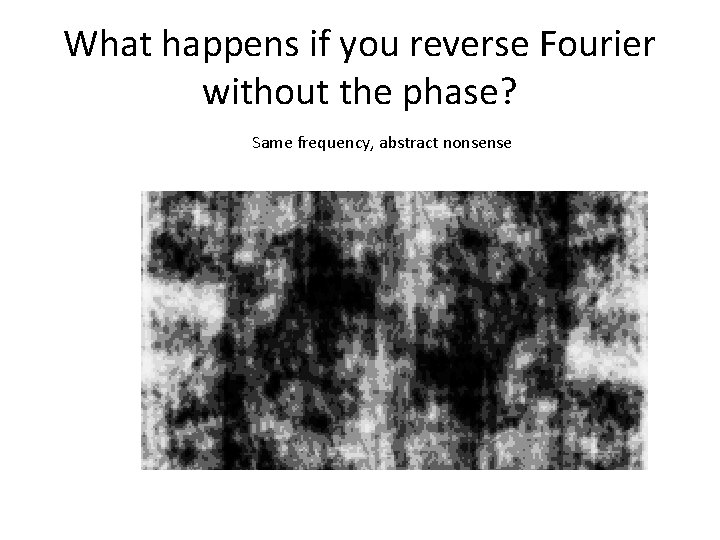
What happens if you reverse Fourier without the phase? Open an image Compute magnitude and phase of the image Reverse the ONLY magnitude back Image histogram equalize the reversed FFT image • Display the image • What happens? • •
What happens if you reverse Fourier without the phase? Same frequency, abstract nonsense
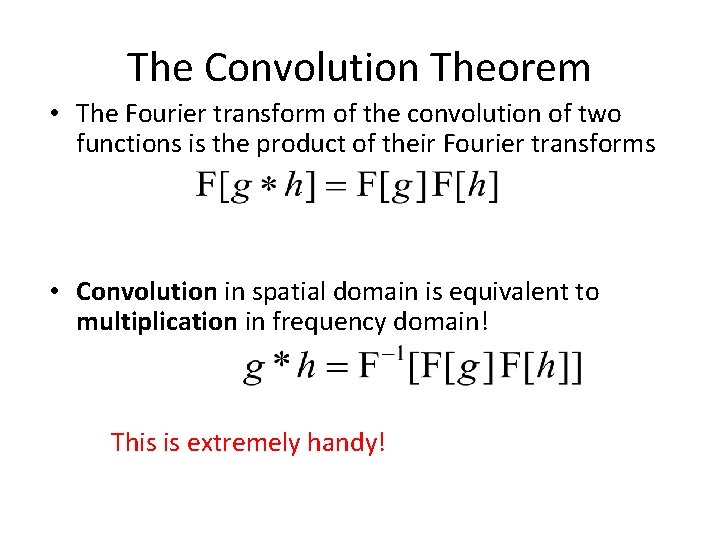
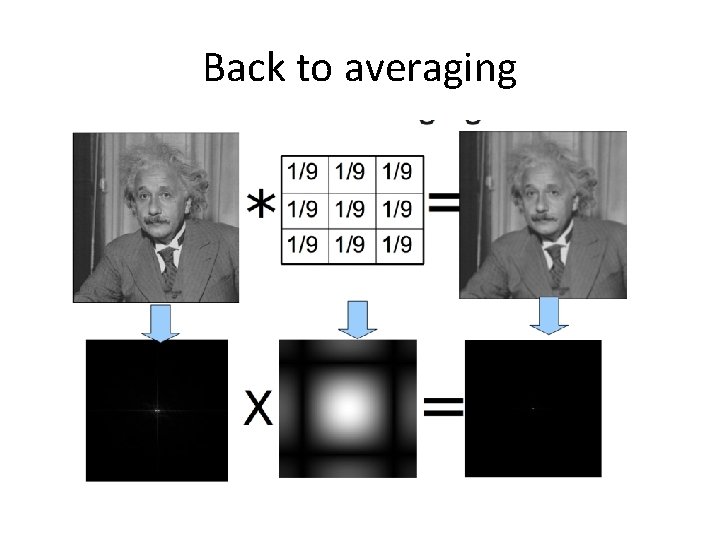
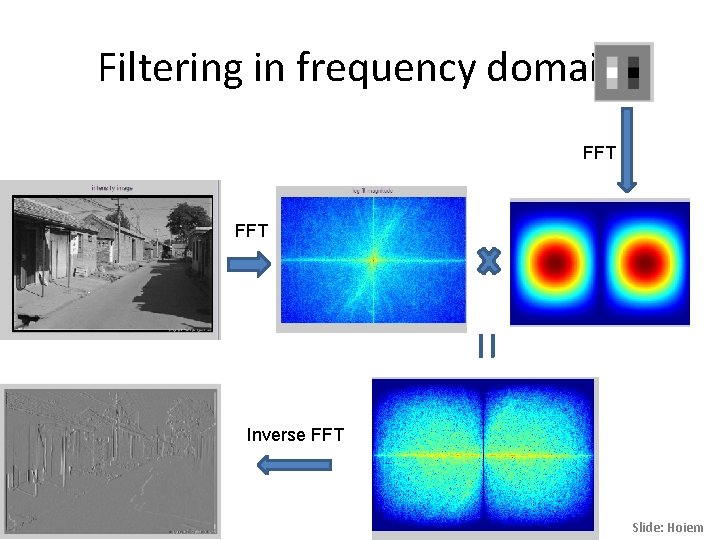
The Convolution Theorem • The Fourier transform of the convolution of two functions is the product of their Fourier transforms • Convolution in spatial domain is equivalent to multiplication in frequency domain! This is extremely handy!
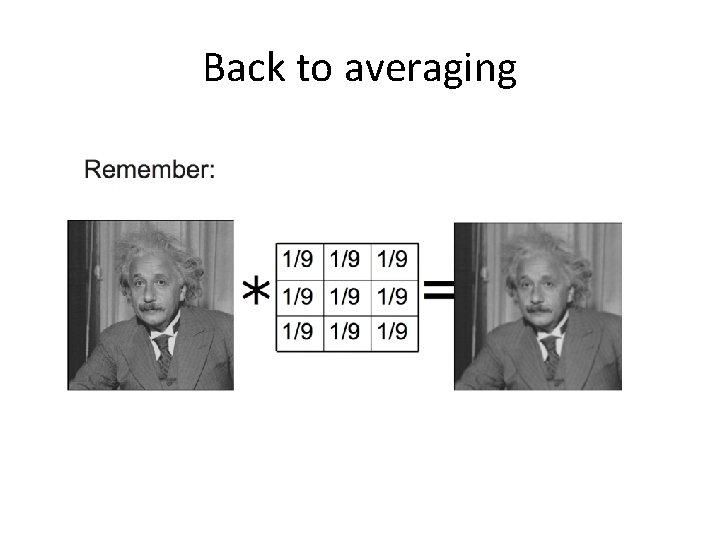
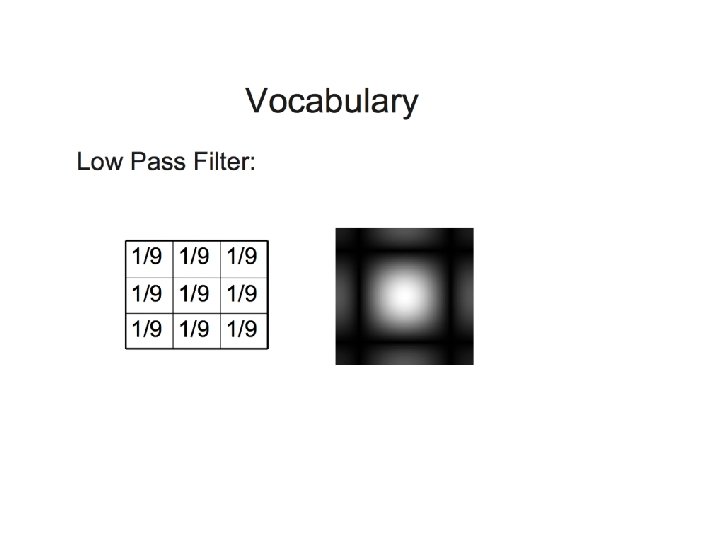
Back to averaging
Back to averaging
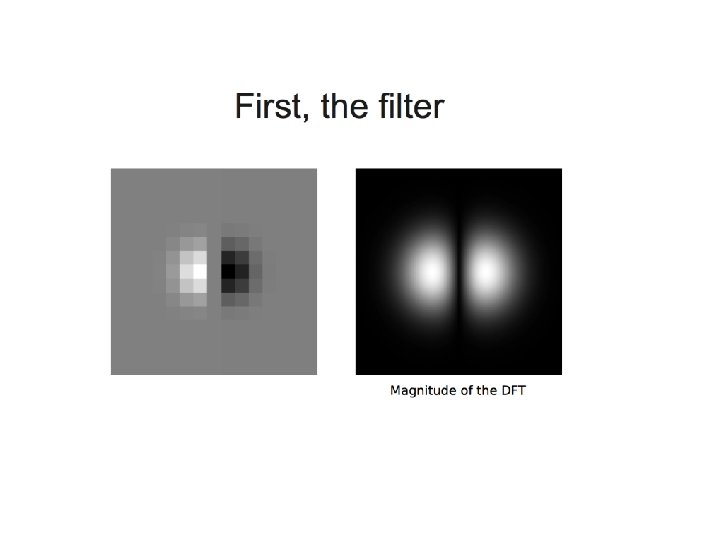
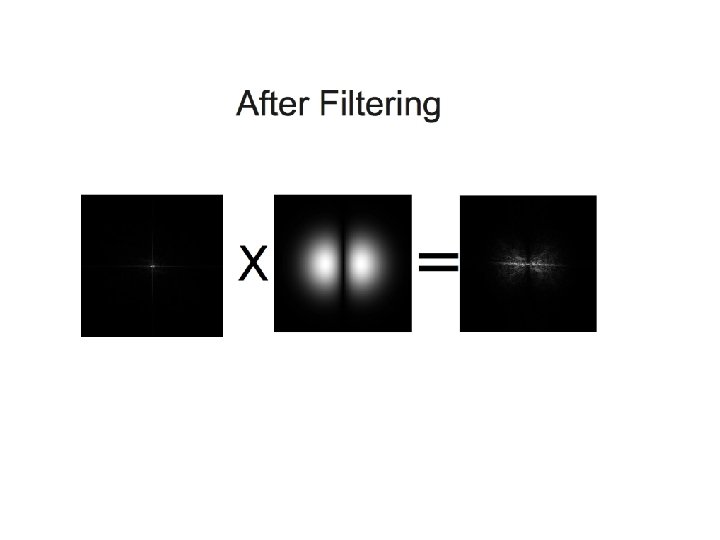
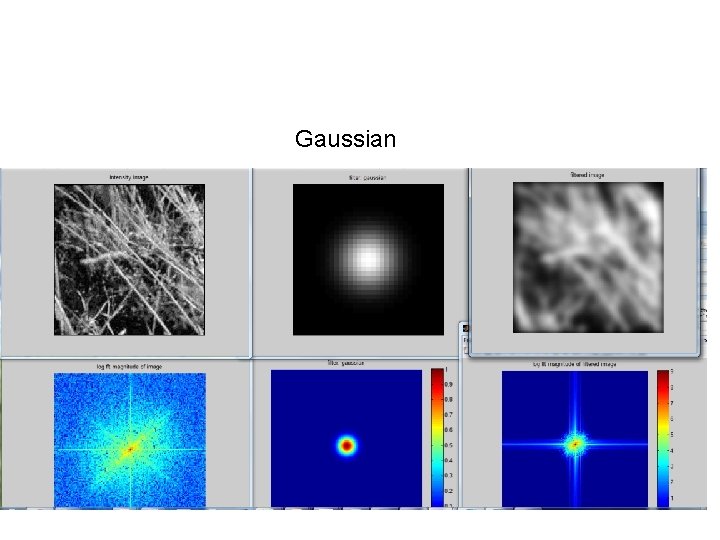
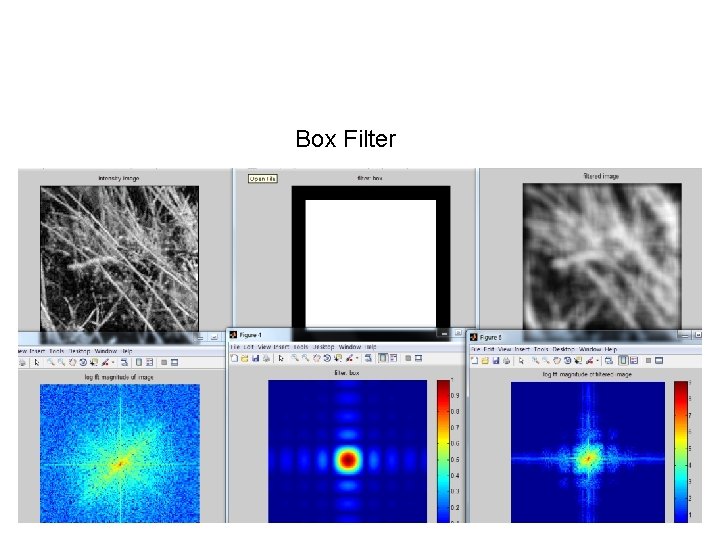
Filtering • We pixel-wise multiply the DFT (Discrete Fourier Transform) of the input image by the DFT of the filter • Frequencies where the magnitude of the response of the filter are new zero (black in the images) will be removed.
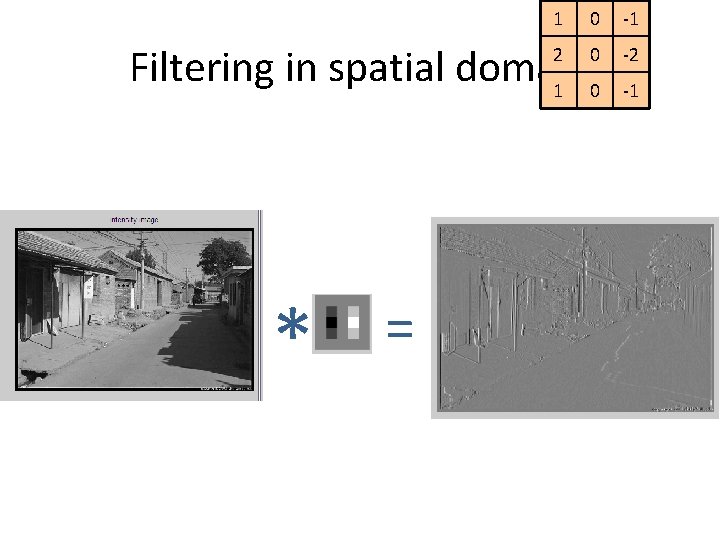
1 0 -1 Filtering in spatial domain 1 0 -2 2 * = 0 -1
Filtering in frequency domain FFT = Inverse FFT Slide: Hoiem
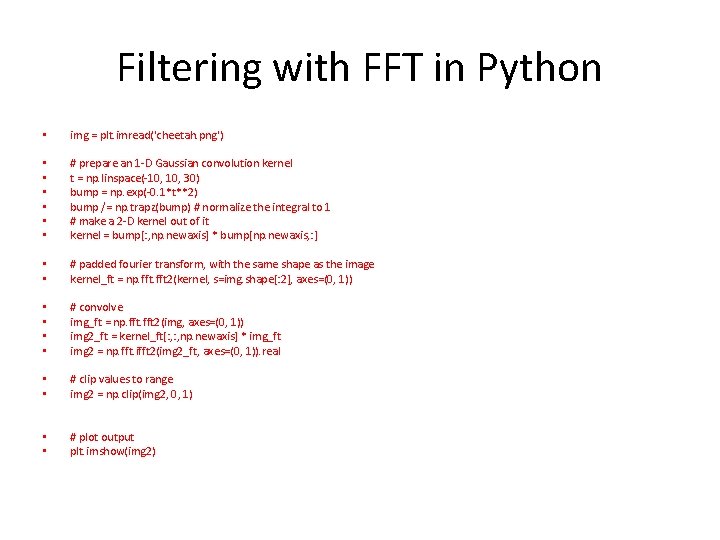
Filtering with FFT in Python • img = plt. imread('cheetah. png') • • • # prepare an 1 -D Gaussian convolution kernel t = np. linspace(-10, 30) bump = np. exp(-0. 1*t**2) bump /= np. trapz(bump) # normalize the integral to 1 # make a 2 -D kernel out of it kernel = bump[: , np. newaxis] * bump[np. newaxis, : ] • • # padded fourier transform, with the same shape as the image kernel_ft = np. fft 2(kernel, s=img. shape[: 2], axes=(0, 1)) • • # convolve img_ft = np. fft 2(img, axes=(0, 1)) img 2_ft = kernel_ft[: , np. newaxis] * img_ft img 2 = np. fft. ifft 2(img 2_ft, axes=(0, 1)). real • • # clip values to range img 2 = np. clip(img 2, 0, 1) • • # plot output plt. imshow(img 2)
Gaussian
Box Filter
Exercise 1 • Download the FFTAnalysis. py from blackboard. • Use the einstein. png • Right now the image removes low frequency (center) of the images. • Can you modify the code that you are removing the high frequency (low pass) the image? You can do this either by directly modifying the DFT or use a filter.
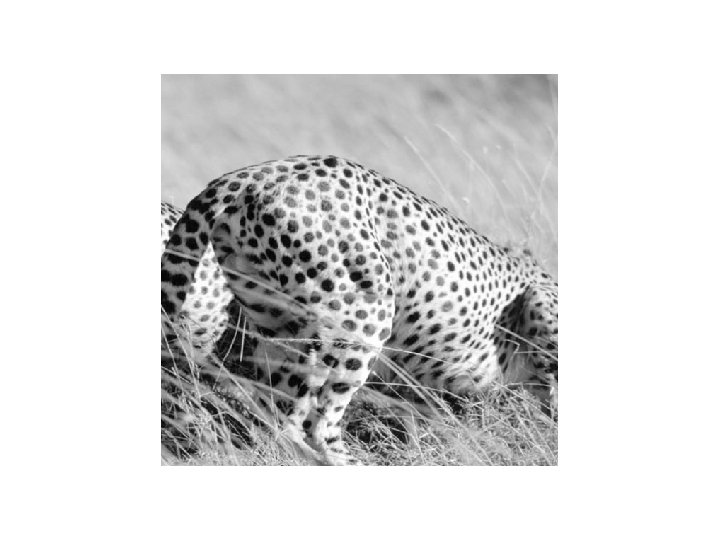
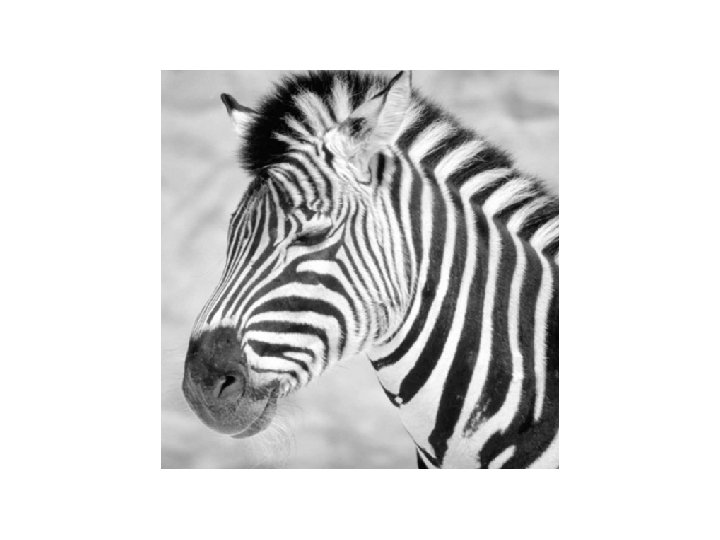
Exercise 2 • Download the Cheetha and Zebra images • DFT both images in Fourier domain and compute magnitude and phase. I have already did this in the helper code Phaseand. Magnitude. py • You can compute phase and magnitude as this: • magnitude_zebra = 30*np. log(np. abs(fshift)) • phase_zebra = np. angle(fshift) • Reconstruct the image with Cheetha phase and Zebra magnitude and vice versa. You have to do this yourself!
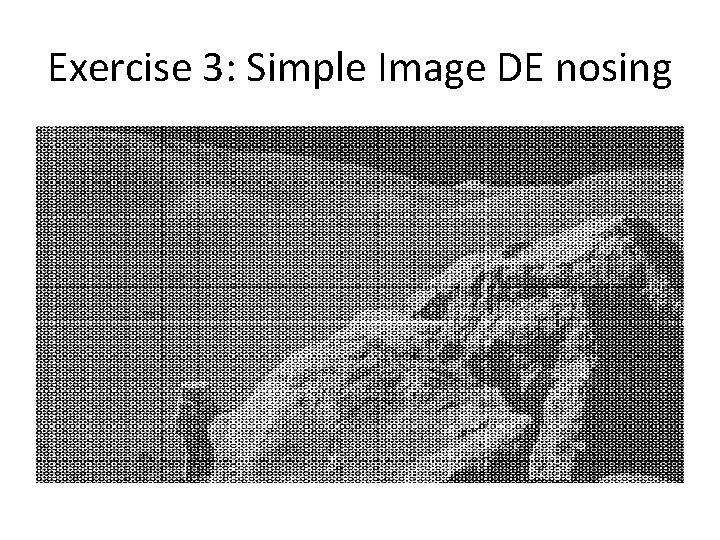
Exercise 3: Simple Image DE nosing
Application: Simple Image DE nosing Examine the provided image moonlanding. png, which is heavily contaminated with periodic noise. In this exercise, we aim to clean up the noise using the Fast Fourier Transform. • 1. load in the image using plt. imread() or scipy. misc() • 2. Use the 2 DFFT in numpy. fft and plot the spectrum of the image. • 3. The spectrum consists f high and low frequency components. The noise is contained in the high frequency part of the spectrum, so set some of those components to zero. • 4. Apply the inverse FT to see the resulting image
Python demo: FFT of gratings • We want to create gratings in Python • Create two sine gratings that has different special frequency and orientation • Compute FFT of the gratings • Sum them up.