
CSC 4630 Meeting 7 February 7 2007 More
CSC 4630 Meeting 7 February 7, 2007
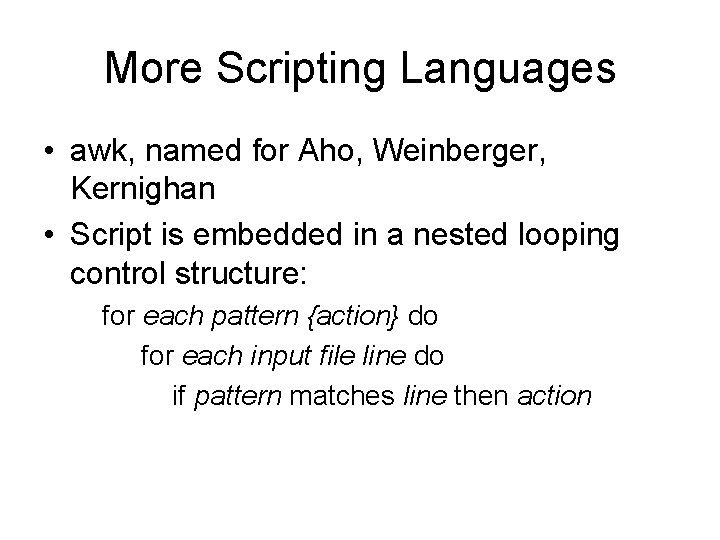
More Scripting Languages • awk, named for Aho, Weinberger, Kernighan • Script is embedded in a nested looping control structure: for each pattern {action} do for each input file line do if pattern matches line then action
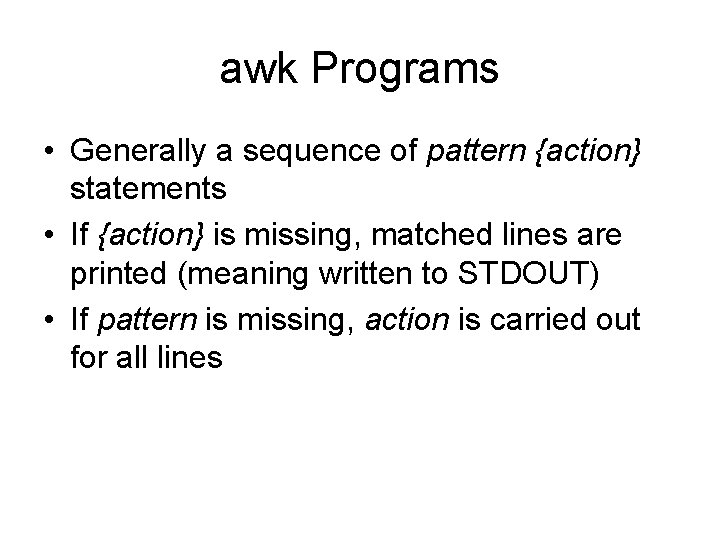
awk Programs • Generally a sequence of pattern {action} statements • If {action} is missing, matched lines are printed (meaning written to STDOUT) • If pattern is missing, action is carried out for all lines
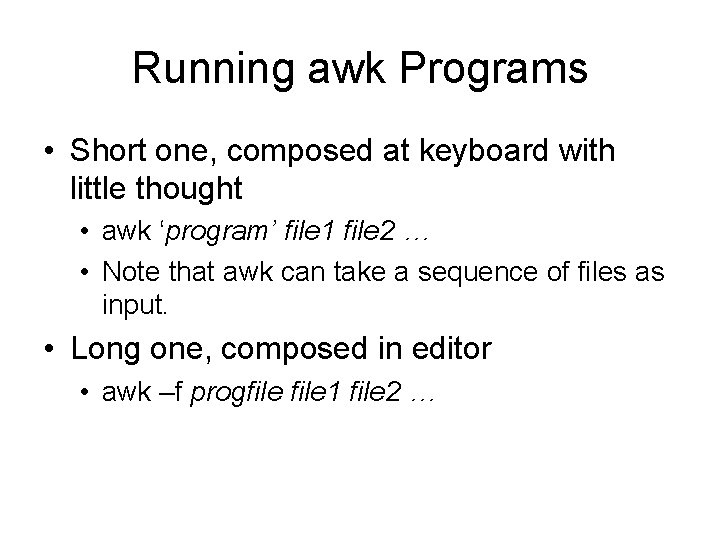
Running awk Programs • Short one, composed at keyboard with little thought • awk ‘program’ file 1 file 2 … • Note that awk can take a sequence of files as input. • Long one, composed in editor • awk –f progfile 1 file 2 …
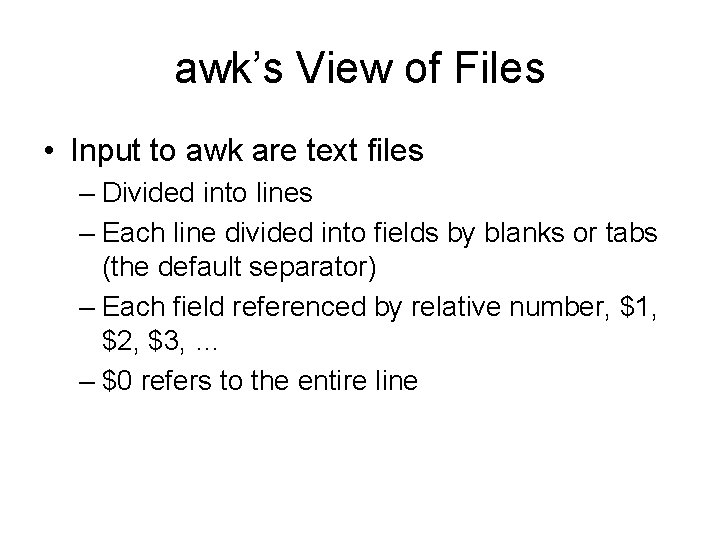
awk’s View of Files • Input to awk are text files – Divided into lines – Each line divided into fields by blanks or tabs (the default separator) – Each field referenced by relative number, $1, $2, $3, … – $0 refers to the entire line

Examples • awk ‘{print $1}’ names – Print the first field in each line of the names file • awk ‘/M/’ names – Print each line of the names file that contains an upper case M
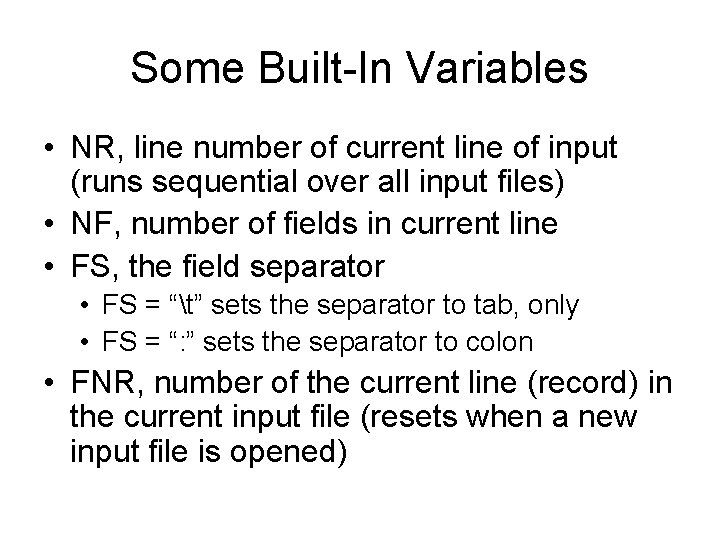
Some Built-In Variables • NR, line number of current line of input (runs sequential over all input files) • NF, number of fields in current line • FS, the field separator • FS = “t” sets the separator to tab, only • FS = “: ” sets the separator to colon • FNR, number of the current line (record) in the current input file (resets when a new input file is opened)
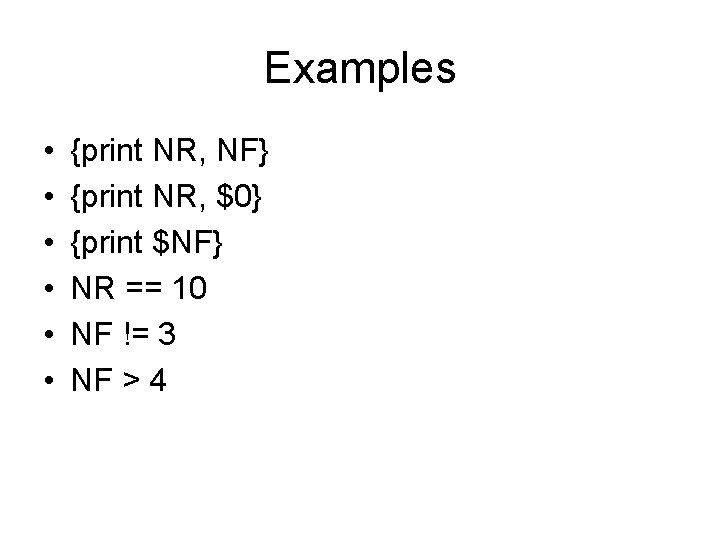
Examples • • • {print NR, NF} {print NR, $0} {print $NF} NR == 10 NF != 3 NF > 4
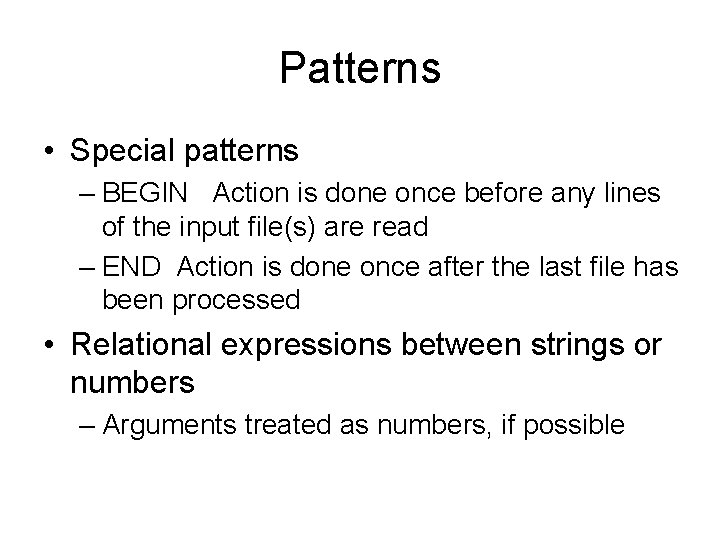
Patterns • Special patterns – BEGIN Action is done once before any lines of the input file(s) are read – END Action is done once after the last file has been processed • Relational expressions between strings or numbers – Arguments treated as numbers, if possible
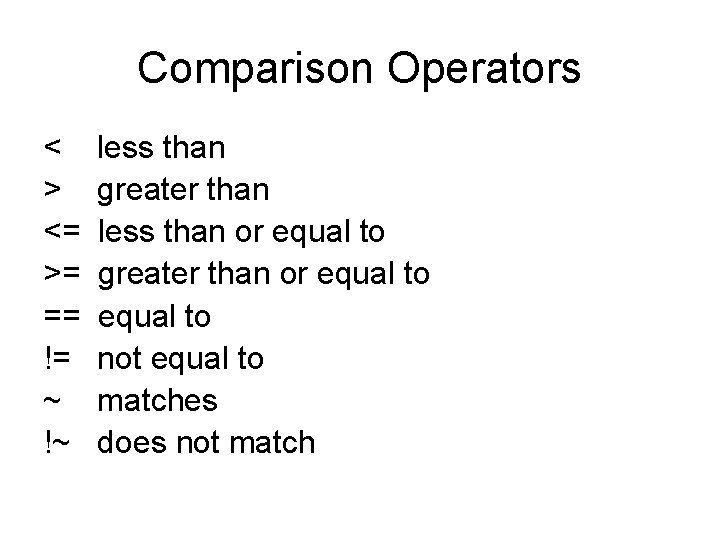
Comparison Operators < > <= >= == != ~ !~ less than greater than less than or equal to greater than or equal to not equal to matches does not match
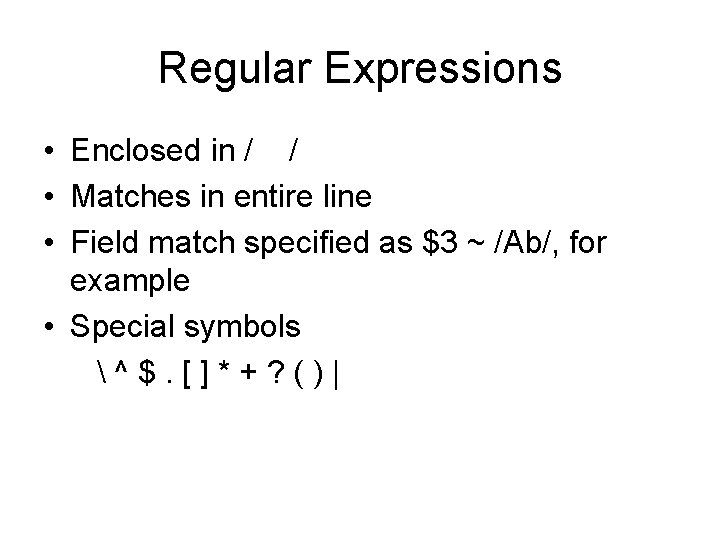
Regular Expressions • Enclosed in / / • Matches in entire line • Field match specified as $3 ~ /Ab/, for example • Special symbols ^$. []*+? ()|
![Examples • • • /Asia/ /^. $/ /a$/ /t/ $2 !~ /^[0 -9]+$/ /(apple|cherry)](http://slidetodoc.com/presentation_image_h2/97e6150239ed680a4480980f709e572e/image-12.jpg "Examples • • • /Asia/ /^. $/ /a$/ /t/ $2 !~ /^[0 -9]+$/ /(apple|cherry)")
Examples • • • /Asia/ /^. $/ /a$/ /t/ $2 !~ /^[0 -9]+$/ /(apple|cherry) (pie|tart)/ (note space)
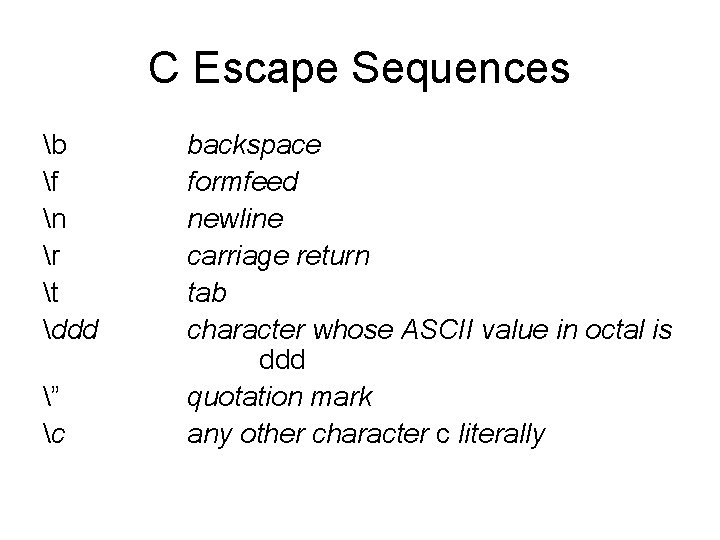
C Escape Sequences b f n r t ddd ” c backspace formfeed newline carriage return tab character whose ASCII value in octal is ddd quotation mark any other character c literally
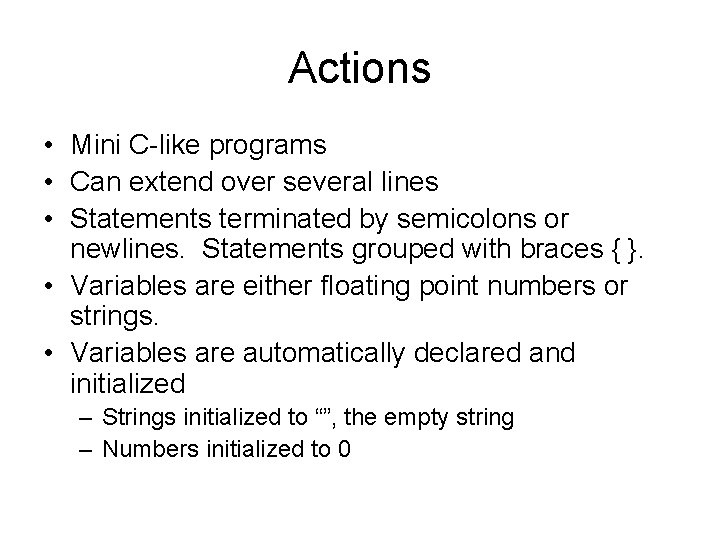
Actions • Mini C-like programs • Can extend over several lines • Statements terminated by semicolons or newlines. Statements grouped with braces { }. • Variables are either floating point numbers or strings. • Variables are automatically declared and initialized – Strings initialized to “”, the empty string – Numbers initialized to 0
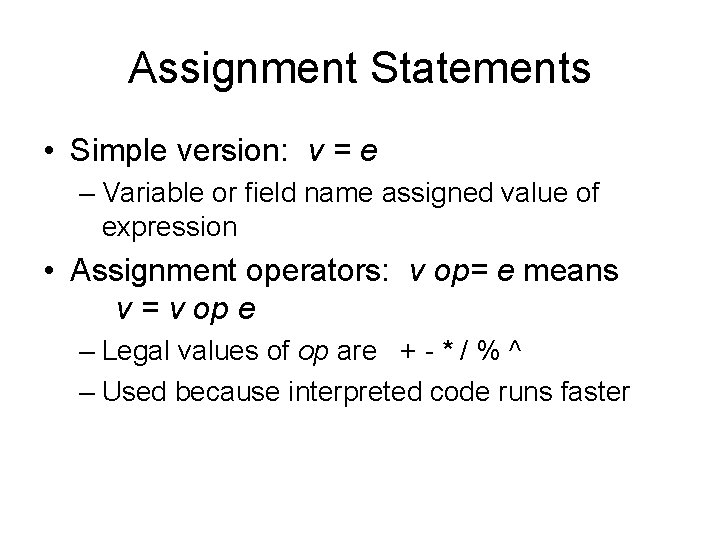
Assignment Statements • Simple version: v = e – Variable or field name assigned value of expression • Assignment operators: v op= e means v = v op e – Legal values of op are + - * / % ^ – Used because interpreted code runs faster
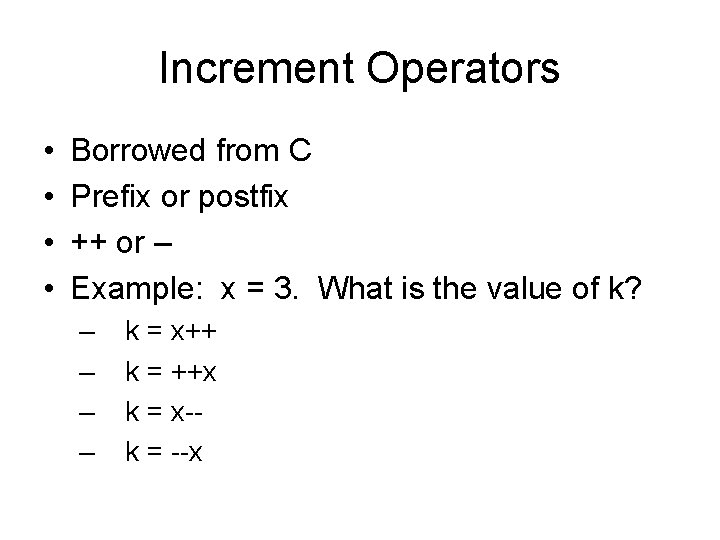
Increment Operators • • Borrowed from C Prefix or postfix ++ or – Example: x = 3. What is the value of k? – – k = x++ k = ++x k = x-k = --x
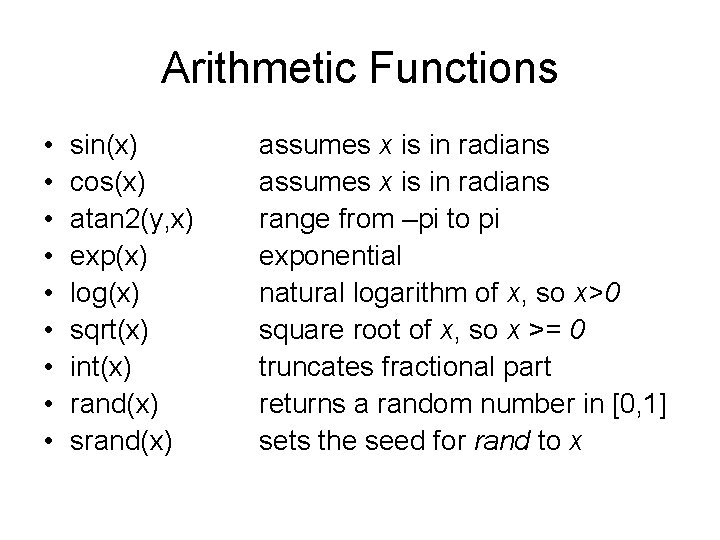
Arithmetic Functions • • • sin(x) cos(x) atan 2(y, x) exp(x) log(x) sqrt(x) int(x) rand(x) srand(x) assumes x is in radians range from –pi to pi exponential natural logarithm of x, so x>0 square root of x, so x >= 0 truncates fractional part returns a random number in [0, 1] sets the seed for rand to x
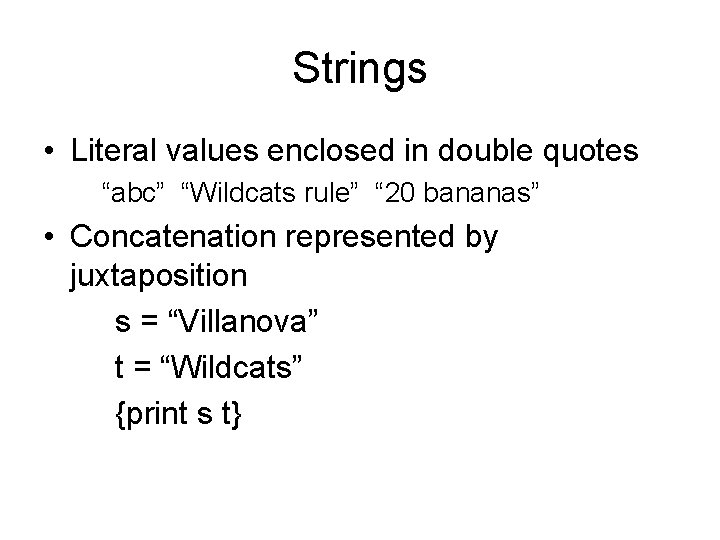
Strings • Literal values enclosed in double quotes “abc” “Wildcats rule” “ 20 bananas” • Concatenation represented by juxtaposition s = “Villanova” t = “Wildcats” {print s t}
String Functions “Standard” string operations (cf. head, tail, firstfew, lastfew, allbut) • length(s) length of s • length = length($0) • index(s, t) if t is a substring of s return position of first character, return 0 otherwise • substr(s, p) returns substring starting at position p if 0<p<=length(s), returns empty string otherwise • substr(s, p, n) returns substring of length n starting at position p
String Functions (2) “Editing” functions • sub(r, s) replace r by s in current record (first occurrence only) • sub(r, s, t) replace r by s in t (first occurrence only) • gsub(r, s) replace r by s in current record (globally) • gsub(r, s, t) replace r by s in t (globally) In all cases, return the number of substitutions
Control Structures • if (<expression>) <s 1> else <s 2> <expression> can be any expression; true is defined to be non-zero or non-null <s 1> and <s 2> can be any group of statements Note the critical parentheses that separate the conditional expression from <s 1>
Control Structures (2) • while (<expression>) <s 1> Same rules as for if-then-else
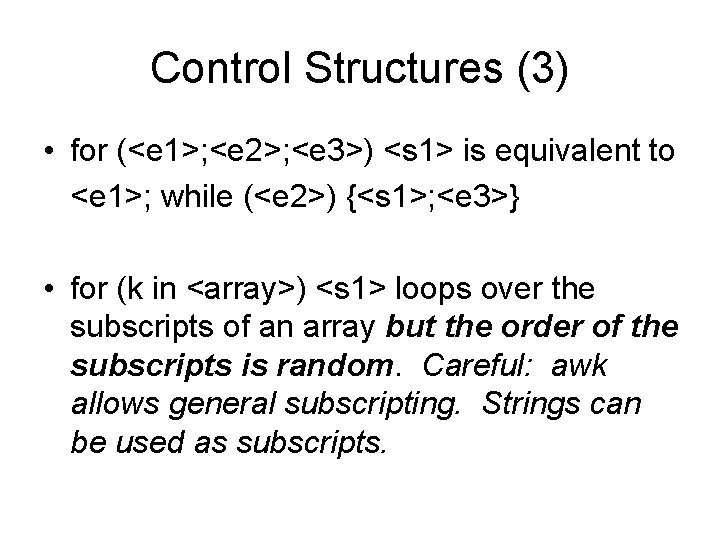
Control Structures (3) • for (<e 1>; <e 2>; <e 3>) <s 1> is equivalent to <e 1>; while (<e 2>) {<s 1>; <e 3>} • for (k in <array>) <s 1> loops over the subscripts of an array but the order of the subscripts is random. Careful: awk allows general subscripting. Strings can be used as subscripts.
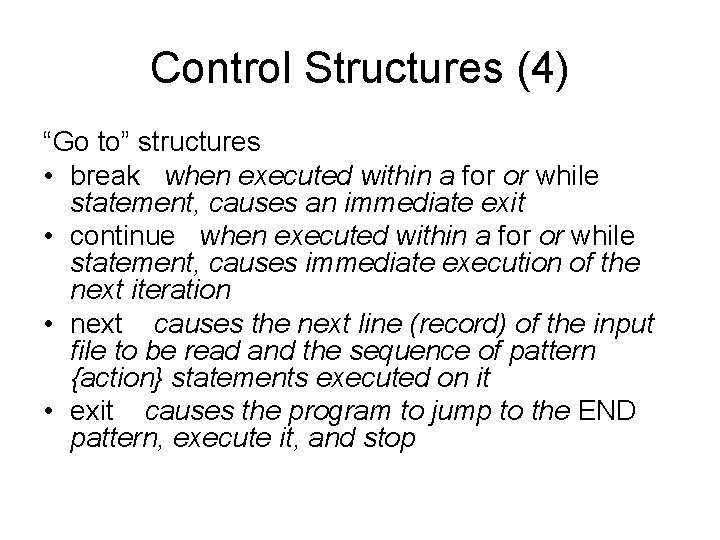
Control Structures (4) “Go to” structures • break when executed within a for or while statement, causes an immediate exit • continue when executed within a for or while statement, causes immediate execution of the next iteration • next causes the next line (record) of the input file to be read and the sequence of pattern {action} statements executed on it • exit causes the program to jump to the END pattern, execute it, and stop
- Slides: 24