
CSC 453 Database Systems Lecture Tanu Malik College
CSC 453 Database Systems Lecture Tanu Malik College of CDM De. Paul University
PL/SQL • A general-purpose procedural programming that includes SQL commands • PL/SQL can – create and issue SQL statements – store and process the results of queries – define procedures to respond to database events 2
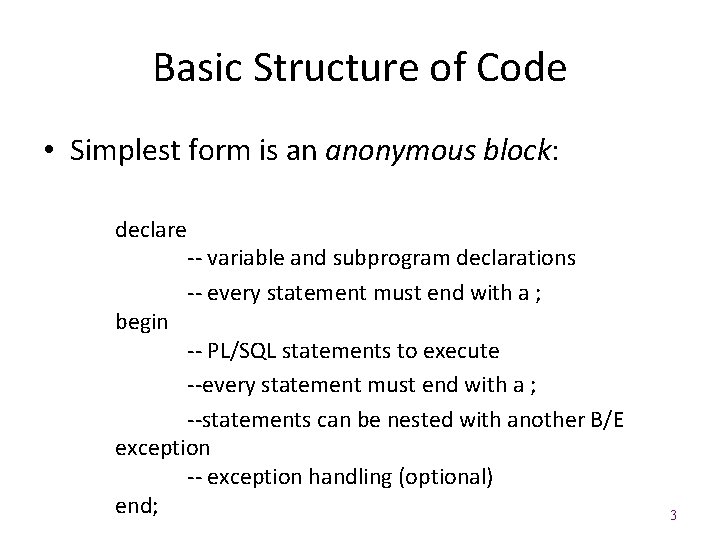
Basic Structure of Code • Simplest form is an anonymous block: declare begin -- variable and subprogram declarations -- every statement must end with a ; -- PL/SQL statements to execute --every statement must end with a ; --statements can be nested with another B/E exception -- exception handling (optional) end; 3
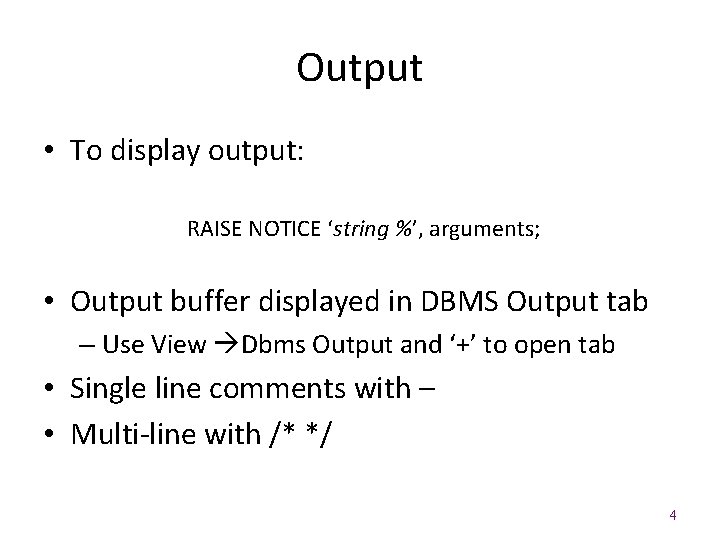
Output • To display output: RAISE NOTICE ‘string %’, arguments; • Output buffer displayed in DBMS Output tab – Use View Dbms Output and ‘+’ to open tab • Single line comments with – • Multi-line with /* */ 4
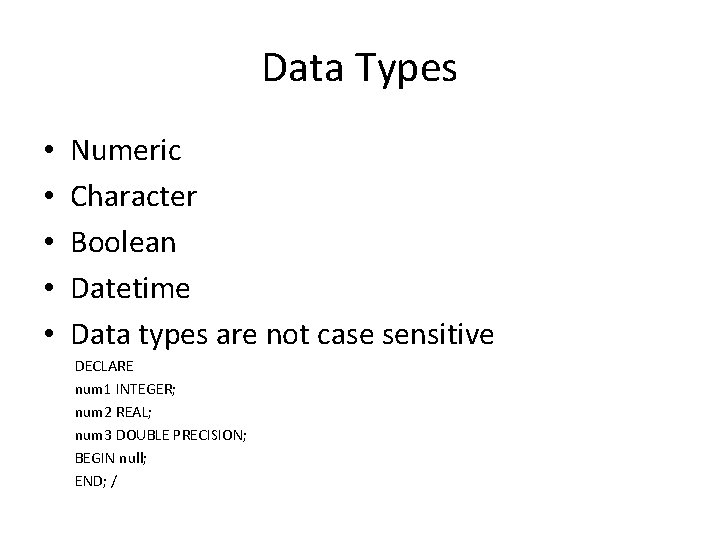
Data Types • • • Numeric Character Boolean Datetime Data types are not case sensitive DECLARE num 1 INTEGER; num 2 REAL; num 3 DOUBLE PRECISION; BEGIN null; END; /
![Declaring Variables • All variables must be declared: var. Name [CONSTANT] data. Type [NOT](http://slidetodoc.com/presentation_image_h/0b9f1f3bc6b393c43516897d0238ab1d/image-6.jpg "Declaring Variables • All variables must be declared: var. Name [CONSTANT] data. Type [NOT")
Declaring Variables • All variables must be declared: var. Name [CONSTANT] data. Type [NOT NULL] [: = initial. Value]; • Assignments use : =, and PL/SQL has typical arithmetic operations 6
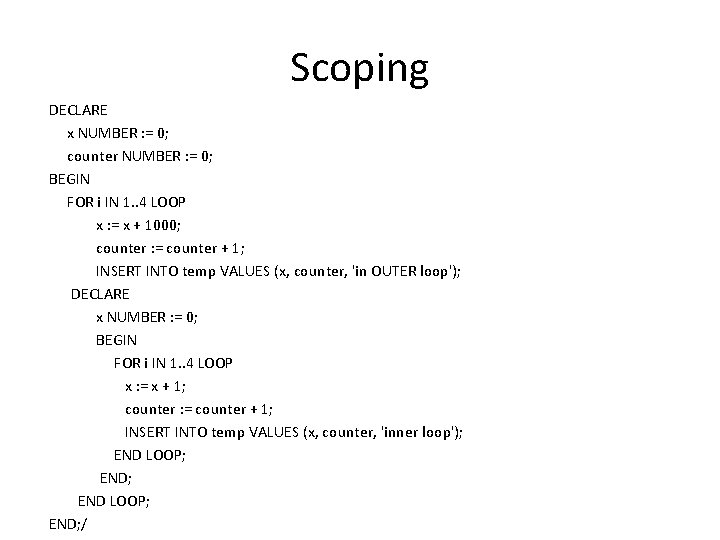
Scoping DECLARE x NUMBER : = 0; counter NUMBER : = 0; BEGIN FOR i IN 1. . 4 LOOP x : = x + 1000; counter : = counter + 1; INSERT INTO temp VALUES (x, counter, 'in OUTER loop'); DECLARE x NUMBER : = 0; BEGIN FOR i IN 1. . 4 LOOP x : = x + 1; counter : = counter + 1; INSERT INTO temp VALUES (x, counter, 'inner loop'); END LOOP; END; END LOOP; END; /
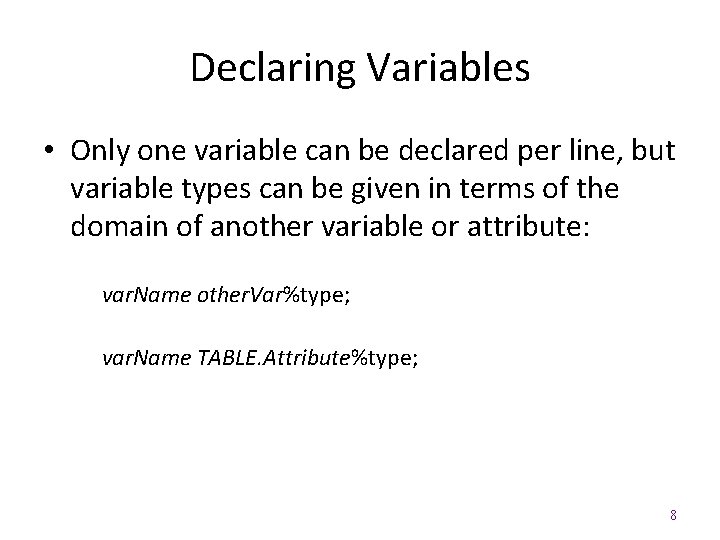
Declaring Variables • Only one variable can be declared per line, but variable types can be given in terms of the domain of another variable or attribute: var. Name other. Var%type; var. Name TABLE. Attribute%type; 8
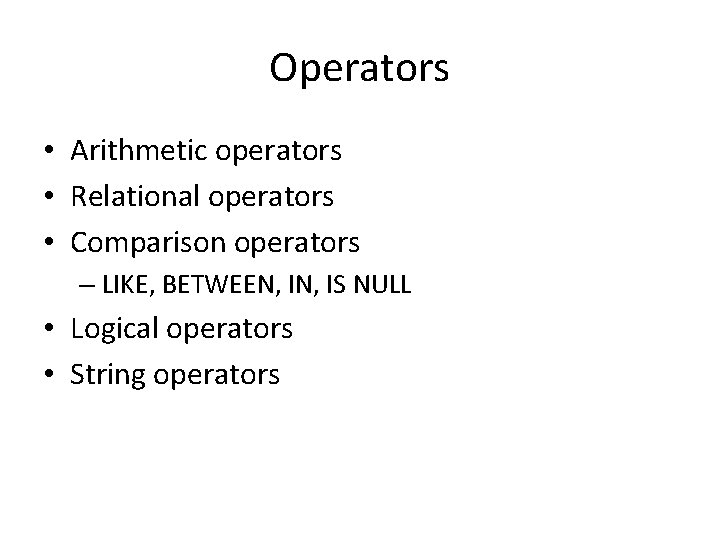
Operators • Arithmetic operators • Relational operators • Comparison operators – LIKE, BETWEEN, IS NULL • Logical operators • String operators
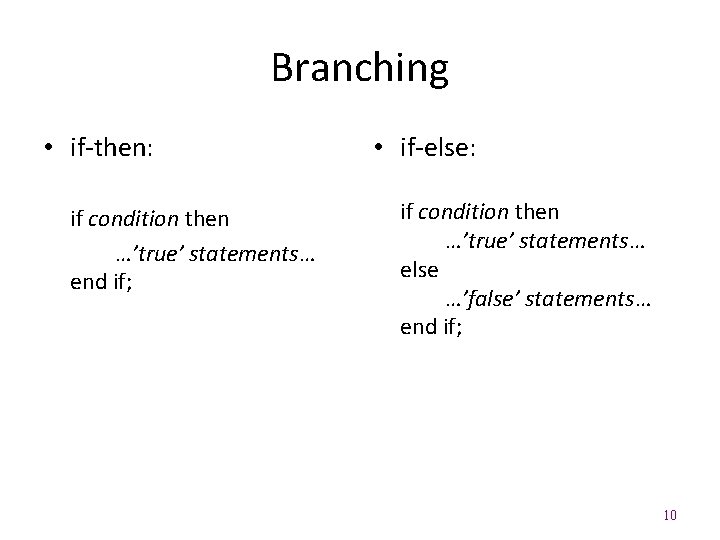
Branching • if-then: if condition then …’true’ statements… end if; • if-else: if condition then …’true’ statements… else …’false’ statements… end if; 10
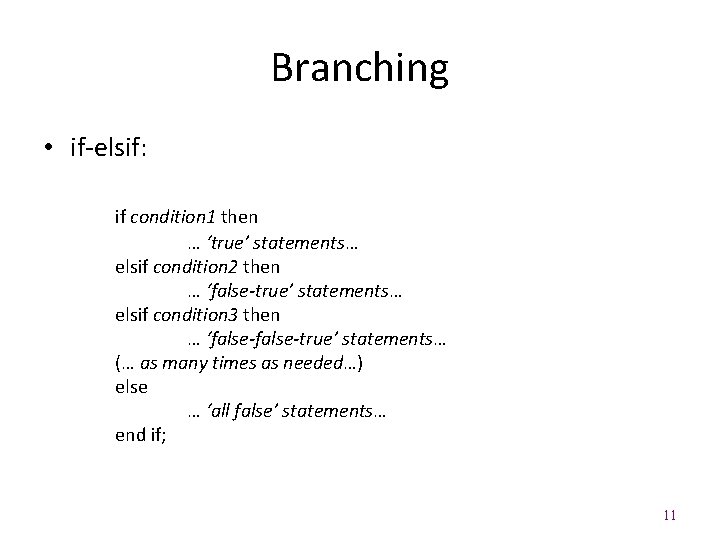
Branching • if-elsif: if condition 1 then … ‘true’ statements… elsif condition 2 then … ‘false-true’ statements… elsif condition 3 then … ‘false-true’ statements… (… as many times as needed…) else … ‘all false’ statements… end if; 11
![Case Statement CASE [ expression ] WHEN condition_1 THEN result_1 WHEN condition_2 THEN result_2.](http://slidetodoc.com/presentation_image_h/0b9f1f3bc6b393c43516897d0238ab1d/image-12.jpg "Case Statement CASE [ expression ] WHEN condition_1 THEN result_1 WHEN condition_2 THEN result_2.")
Case Statement CASE [ expression ] WHEN condition_1 THEN result_1 WHEN condition_2 THEN result_2. . . WHEN condition_n THEN result_n ELSE result END
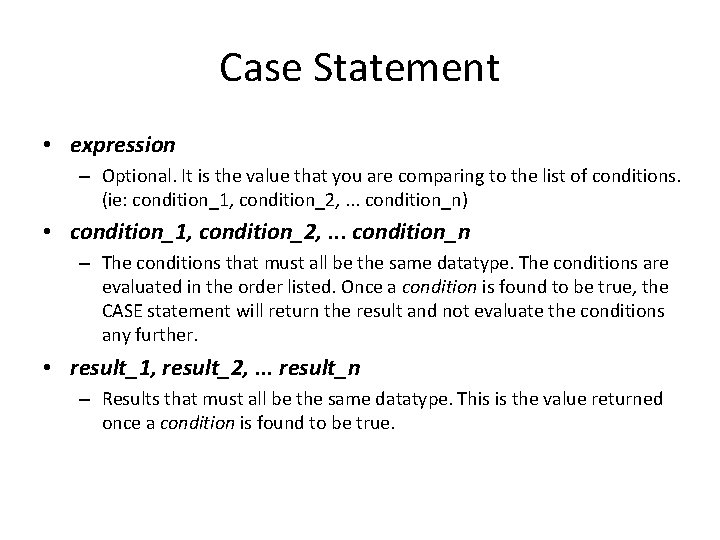
Case Statement • expression – Optional. It is the value that you are comparing to the list of conditions. (ie: condition_1, condition_2, . . . condition_n) • condition_1, condition_2, . . . condition_n – The conditions that must all be the same datatype. The conditions are evaluated in the order listed. Once a condition is found to be true, the CASE statement will return the result and not evaluate the conditions any further. • result_1, result_2, . . . result_n – Results that must all be the same datatype. This is the value returned once a condition is found to be true.
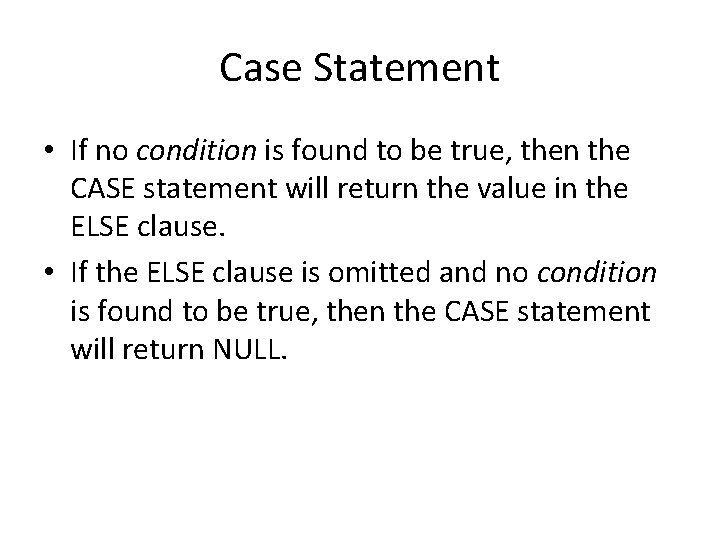
Case Statement • If no condition is found to be true, then the CASE statement will return the value in the ELSE clause. • If the ELSE clause is omitted and no condition is found to be true, then the CASE statement will return NULL.
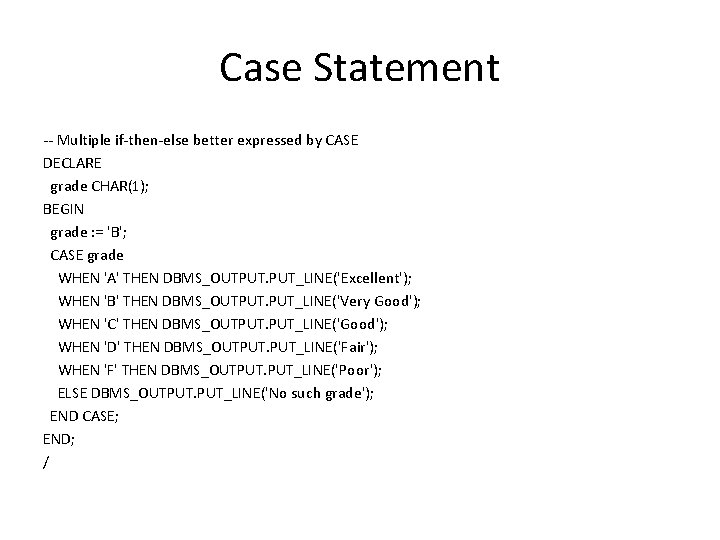
Case Statement -- Multiple if-then-else better expressed by CASE DECLARE grade CHAR(1); BEGIN grade : = 'B'; CASE grade WHEN 'A' THEN DBMS_OUTPUT. PUT_LINE('Excellent'); WHEN 'B' THEN DBMS_OUTPUT. PUT_LINE('Very Good'); WHEN 'C' THEN DBMS_OUTPUT. PUT_LINE('Good'); WHEN 'D' THEN DBMS_OUTPUT. PUT_LINE('Fair'); WHEN 'F' THEN DBMS_OUTPUT. PUT_LINE('Poor'); ELSE DBMS_OUTPUT. PUT_LINE('No such grade'); END CASE; END; /
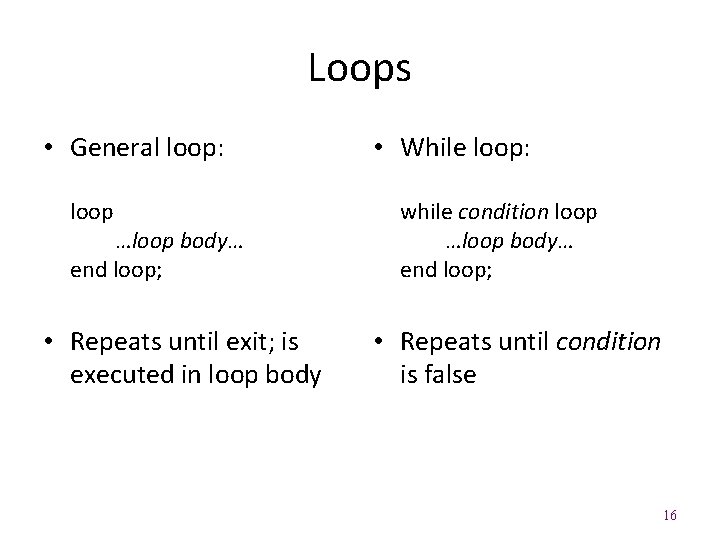
Loops • General loop: loop …loop body… end loop; • Repeats until exit; is executed in loop body • While loop: while condition loop …loop body… end loop; • Repeats until condition is false 16
![Loops • For loop: for variable in [reverse] lower. . upper loop …loop body…](http://slidetodoc.com/presentation_image_h/0b9f1f3bc6b393c43516897d0238ab1d/image-17.jpg "Loops • For loop: for variable in [reverse] lower. . upper loop …loop body…")
Loops • For loop: for variable in [reverse] lower. . upper loop …loop body… end loop; • Can only increment/decrement by one • lower always appears before upper in header 17
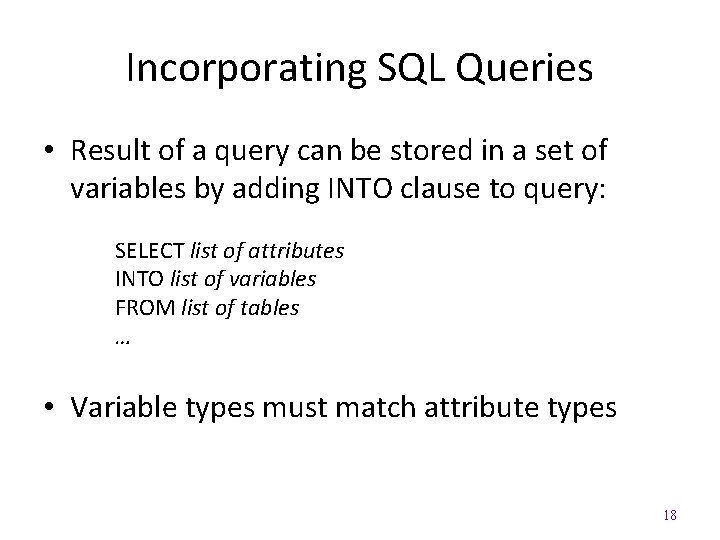
Incorporating SQL Queries • Result of a query can be stored in a set of variables by adding INTO clause to query: SELECT list of attributes INTO list of variables FROM list of tables … • Variable types must match attribute types 18
![Procedures (In Oracle) CREATE [OR REPLACE] PROCEDURE name IN [OUT] param. Type …) AS](http://slidetodoc.com/presentation_image_h/0b9f1f3bc6b393c43516897d0238ab1d/image-19.jpg "Procedures (In Oracle) CREATE [OR REPLACE] PROCEDURE name IN [OUT] param. Type …) AS")
Procedures (In Oracle) CREATE [OR REPLACE] PROCEDURE name IN [OUT] param. Type …) AS …declarations… BEGIN …body of procedure… END; / (param. Name • ‘IN’ parameters are passed by value, for input only, read-only parameters • ‘OUT’ parameters are passed by reference • ‘IN OUT’ parameters are passed by reference, to return results to the calling sub-program 19
![Functions CREATE [OR REPLACE] FUNCTION mode {IN|OUT|INOUT} name …) RETURNS return. Type AS $$](http://slidetodoc.com/presentation_image_h/0b9f1f3bc6b393c43516897d0238ab1d/image-20.jpg "Functions CREATE [OR REPLACE] FUNCTION mode {IN|OUT|INOUT} name …) RETURNS return. Type AS $$")
Functions CREATE [OR REPLACE] FUNCTION mode {IN|OUT|INOUT} name …) RETURNS return. Type AS $$ …declarations… BEGIN …body of function… return. Value; END; $$ language plpgsql; • ‘IN’ parameters are default • Specify return type and return value instead 20
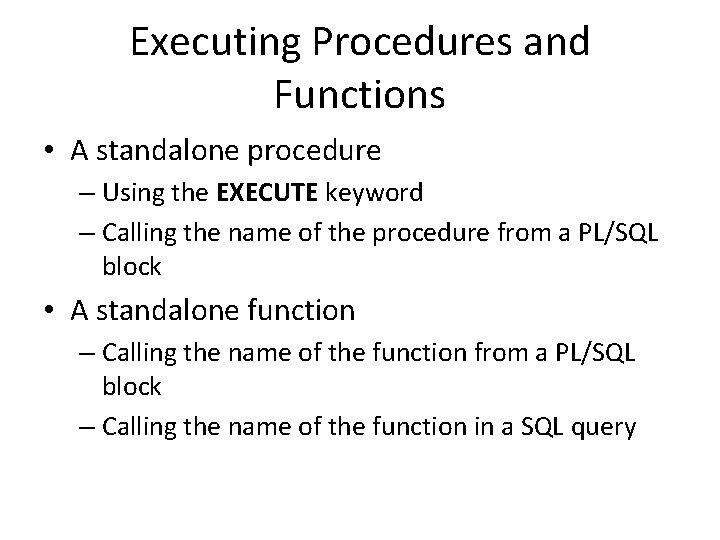
Executing Procedures and Functions • A standalone procedure – Using the EXECUTE keyword – Calling the name of the procedure from a PL/SQL block • A standalone function – Calling the name of the function from a PL/SQL block – Calling the name of the function in a SQL query
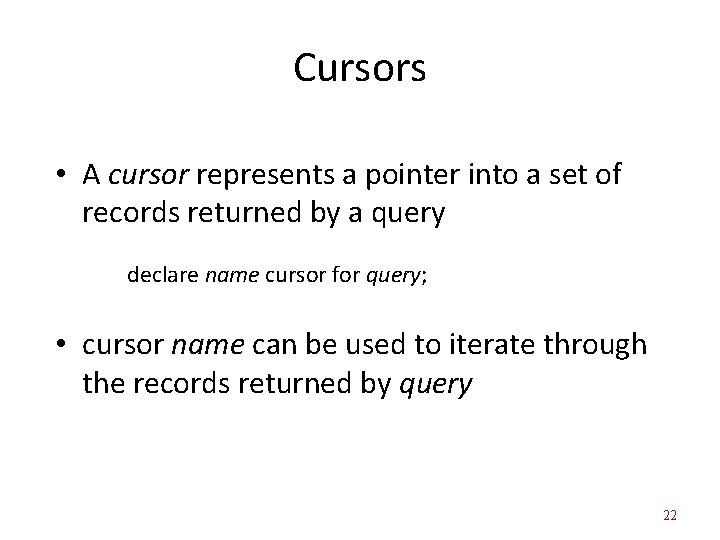
Cursors • A cursor represents a pointer into a set of records returned by a query declare name cursor for query; • cursor name can be used to iterate through the records returned by query 22
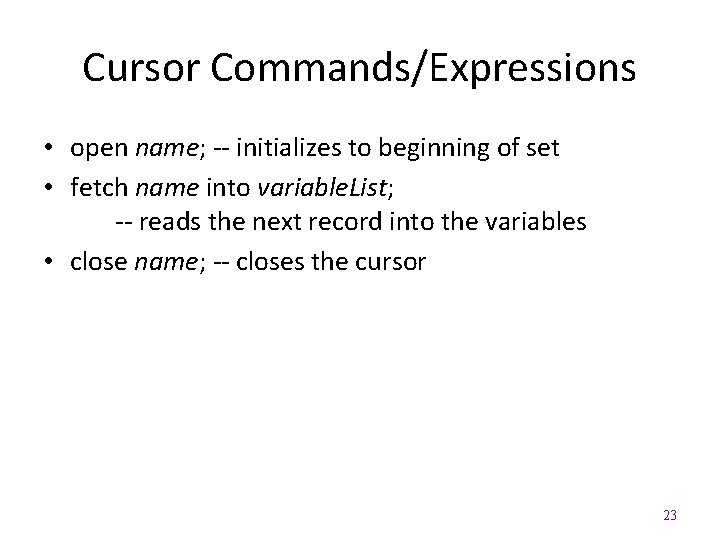
Cursor Commands/Expressions • open name; -- initializes to beginning of set • fetch name into variable. List; -- reads the next record into the variables • close name; -- closes the cursor 23
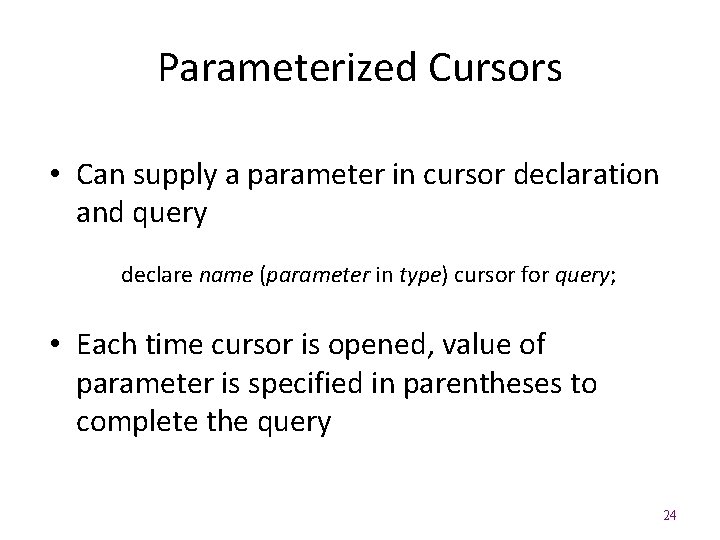
Parameterized Cursors • Can supply a parameter in cursor declaration and query declare name (parameter in type) cursor for query; • Each time cursor is opened, value of parameter is specified in parentheses to complete the query 24
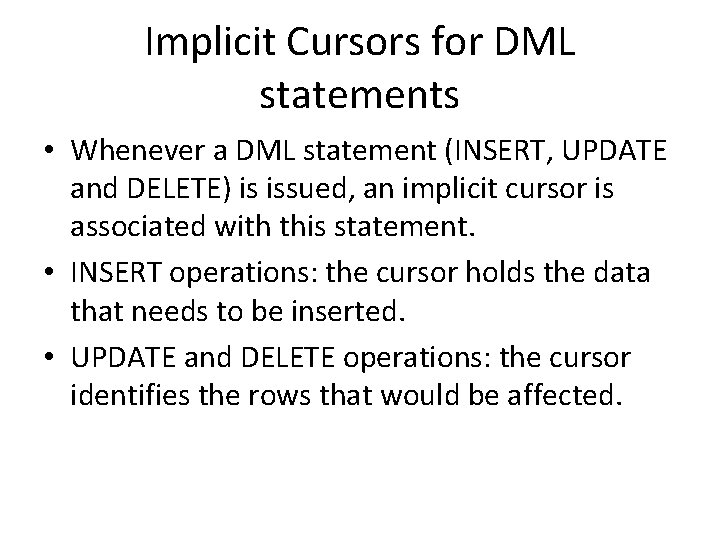
Implicit Cursors for DML statements • Whenever a DML statement (INSERT, UPDATE and DELETE) is issued, an implicit cursor is associated with this statement. • INSERT operations: the cursor holds the data that needs to be inserted. • UPDATE and DELETE operations: the cursor identifies the rows that would be affected.
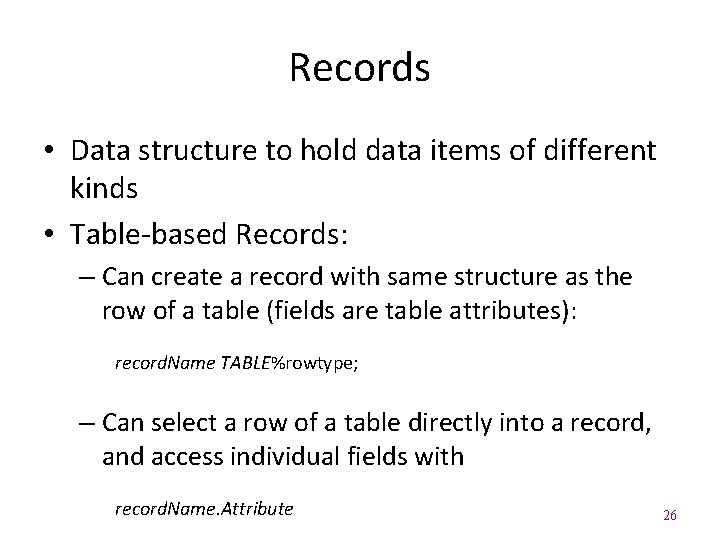
Records • Data structure to hold data items of different kinds • Table-based Records: – Can create a record with same structure as the row of a table (fields are table attributes): record. Name TABLE%rowtype; – Can select a row of a table directly into a record, and access individual fields with record. Name. Attribute 26
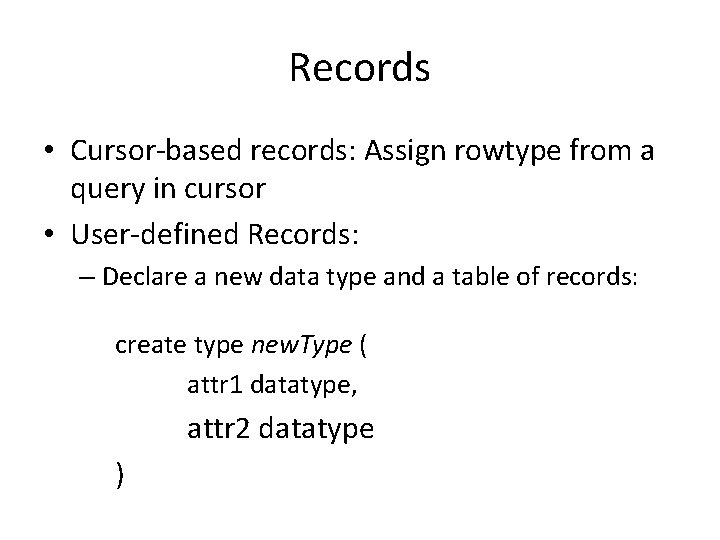
Records • Cursor-based records: Assign rowtype from a query in cursor • User-defined Records: – Declare a new data type and a table of records: create type new. Type ( attr 1 datatype, attr 2 datatype )
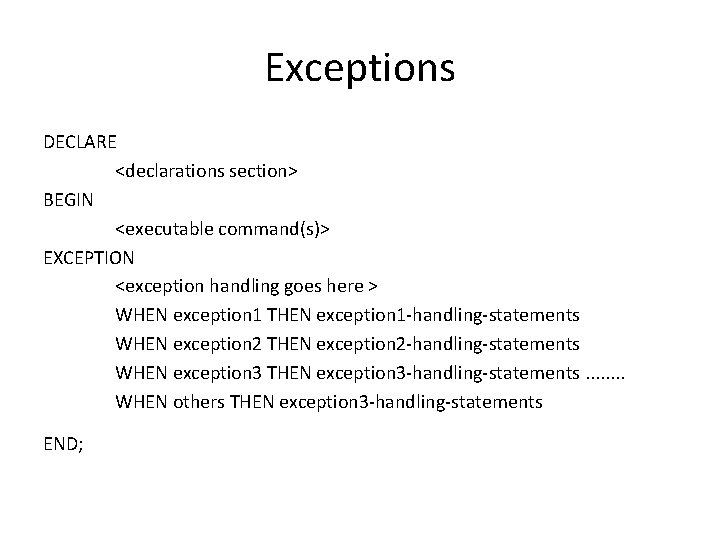
Exceptions DECLARE <declarations section> BEGIN <executable command(s)> EXCEPTION <exception handling goes here > WHEN exception 1 THEN exception 1 -handling-statements WHEN exception 2 THEN exception 2 -handling-statements WHEN exception 3 THEN exception 3 -handling-statements. . . . WHEN others THEN exception 3 -handling-statements END;
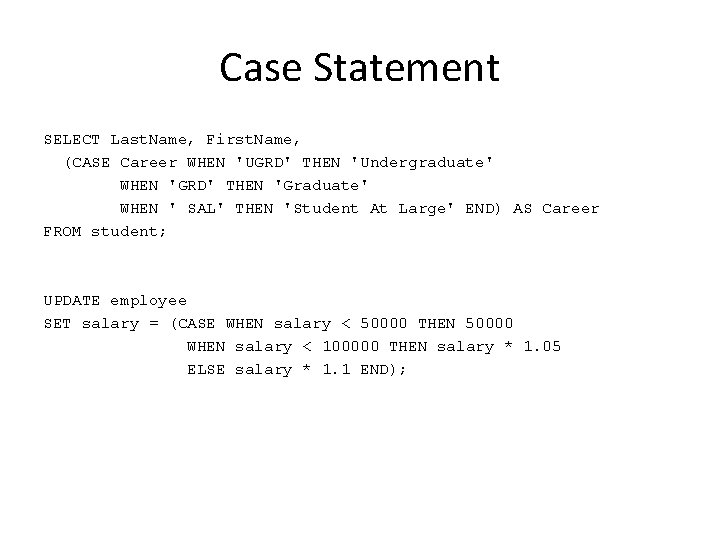
Case Statement SELECT Last. Name, First. Name, (CASE Career WHEN 'UGRD' THEN 'Undergraduate' WHEN 'GRD' THEN 'Graduate' WHEN ' SAL' THEN 'Student At Large' END) AS Career FROM student; UPDATE employee SET salary = (CASE WHEN salary < 50000 THEN 50000 WHEN salary < 100000 THEN salary * 1. 05 ELSE salary * 1. 1 END);
Database Active Elements • Checks • Assertions • Triggers
Why Active Elements • Other wise application programs have to include checks with every DML statement to preserve data integrity. • Better to store checks in DBMS and let DBMS administer the checks.
Check • User-defined, verified when a tuple is added or updated • Attribute-level: – CHECK within an attribute, can only involve that attribute – Verified when a tuple is inserted/updated in that attribute • Tuple-level: – A separate CONSTRAINT, can involve any attributes – Verified when a tuple is inserted/updated in any attribute
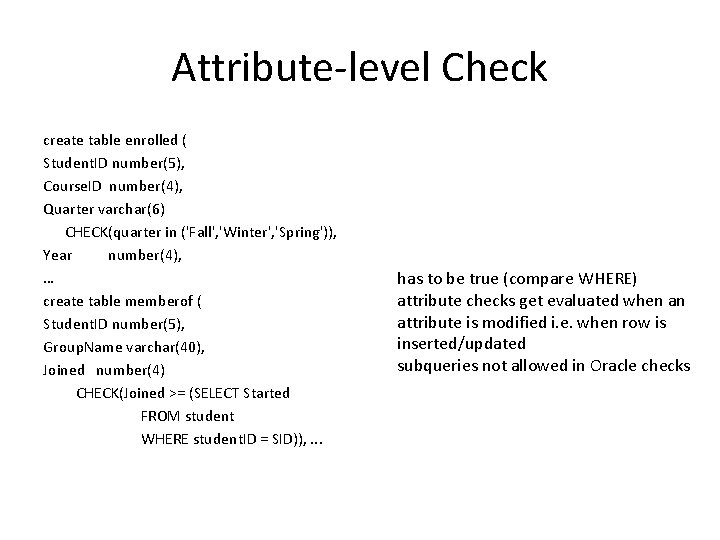
Attribute-level Check create table enrolled ( Student. ID number(5), Course. ID number(4), Quarter varchar(6) CHECK(quarter in ('Fall', 'Winter', 'Spring')), Year number(4), … create table memberof ( Student. ID number(5), Group. Name varchar(40), Joined number(4) CHECK(Joined >= (SELECT Started FROM student WHERE student. ID = SID)), . . . has to be true (compare WHERE) attribute checks get evaluated when an attribute is modified i. e. when row is inserted/updated subqueries not allowed in Oracle checks
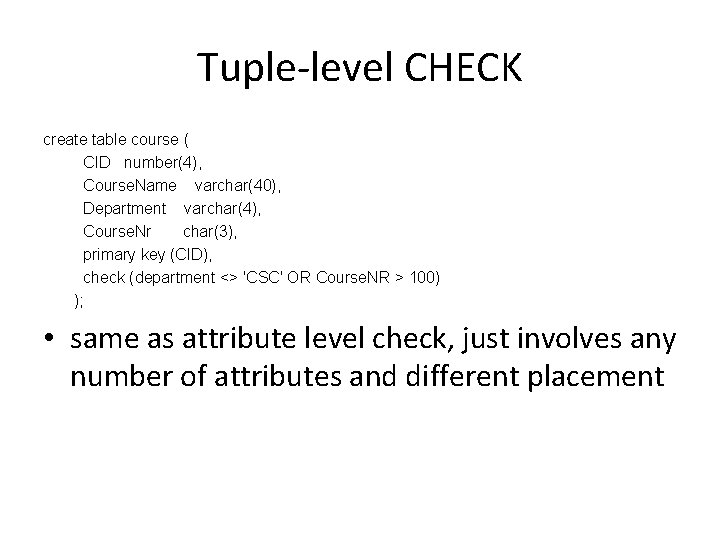
Tuple-level CHECK create table course ( CID number(4), Course. Name varchar(40), Department varchar(4), Course. Nr char(3), primary key (CID), check (department <> 'CSC' OR Course. NR > 100) ); • same as attribute level check, just involves any number of attributes and different placement
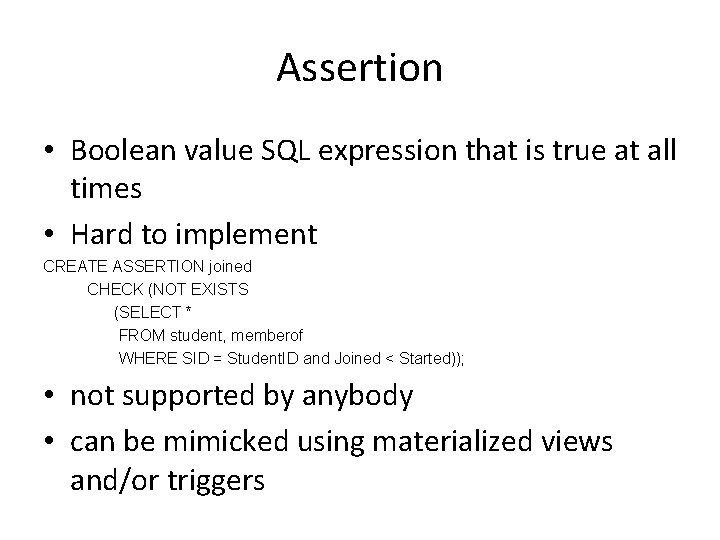
Assertion • Boolean value SQL expression that is true at all times • Hard to implement CREATE ASSERTION joined CHECK (NOT EXISTS (SELECT * FROM student, memberof WHERE SID = Student. ID and Joined < Started)); • not supported by anybody • can be mimicked using materialized views and/or triggers
Triggers • Triggers allow general responses to changes in the database state: – Enforcement of business rules – Notification of events – Maintenance of derived information – Maintenance of replicated data – Implementation of cross-table constraints
Event-Condition-Action Model • An event causes the trigger to fire – Before or after an insertion, deletion, or update • A condition is tested to see whether or not the trigger will respond (optional…) – May depend on original state or modified state • An action may be executed in response – May be sequence of SQL statements or some stored procedure
![Oracle Trigger Syntax CREATE [OR REPLACE] TRIGGER Name BEFORE/AFTER INSERT/DELETE/UPDATE [OF Attribute] ON Table](http://slidetodoc.com/presentation_image_h/0b9f1f3bc6b393c43516897d0238ab1d/image-38.jpg "Oracle Trigger Syntax CREATE [OR REPLACE] TRIGGER Name BEFORE/AFTER INSERT/DELETE/UPDATE [OF Attribute] ON Table")
Oracle Trigger Syntax CREATE [OR REPLACE] TRIGGER Name BEFORE/AFTER INSERT/DELETE/UPDATE [OF Attribute] ON Table [REFERENCING OLD AS Old. Name NEW AS New. Name] [FOR EACH ROW] WHEN (condition) BEGIN …PL/SQL statements or stored procedure… END; /
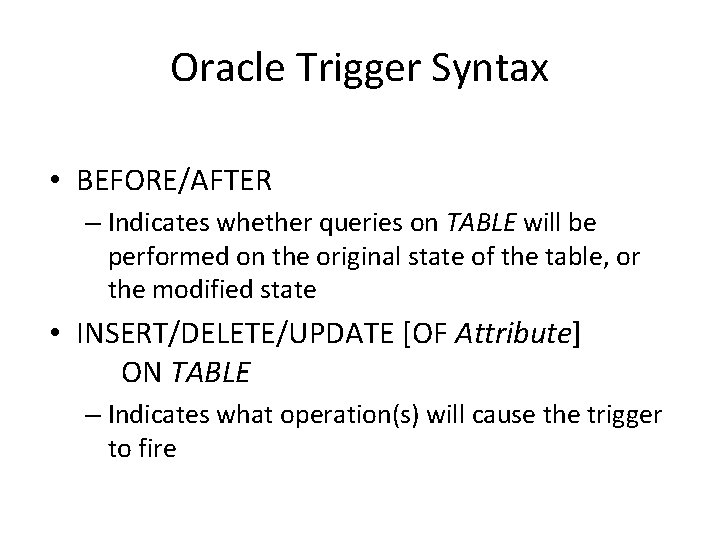
Oracle Trigger Syntax • BEFORE/AFTER – Indicates whether queries on TABLE will be performed on the original state of the table, or the modified state • INSERT/DELETE/UPDATE [OF Attribute] ON TABLE – Indicates what operation(s) will cause the trigger to fire
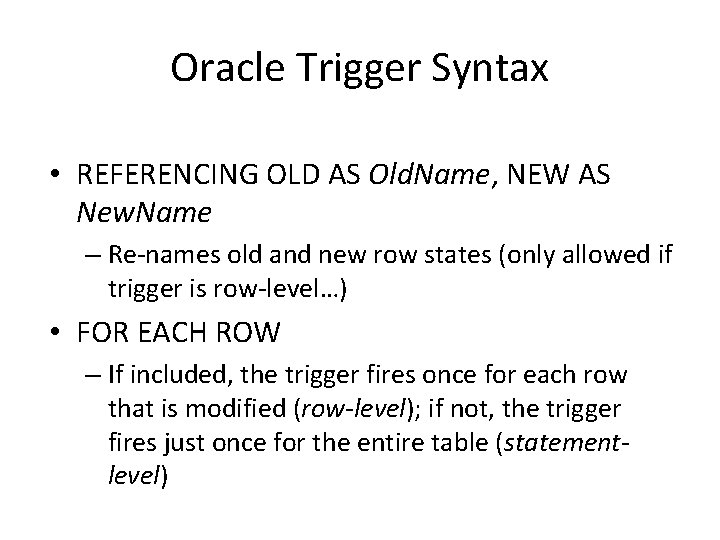
Oracle Trigger Syntax • REFERENCING OLD AS Old. Name, NEW AS New. Name – Re-names old and new row states (only allowed if trigger is row-level…) • FOR EACH ROW – If included, the trigger fires once for each row that is modified (row-level); if not, the trigger fires just once for the entire table (statementlevel)
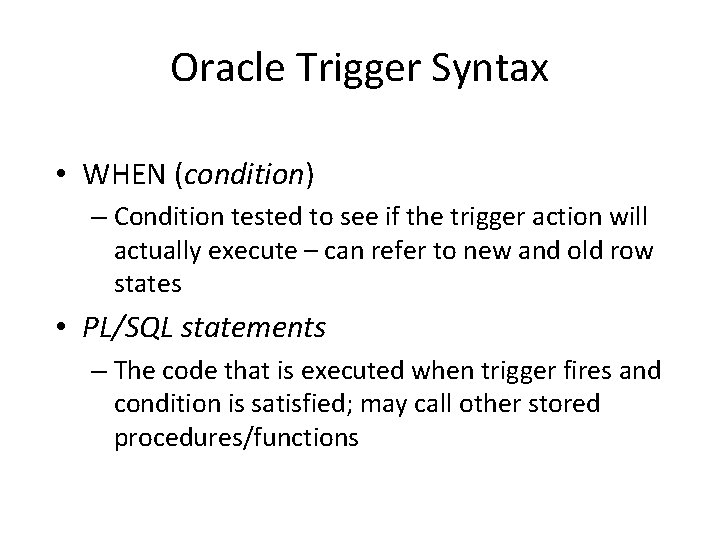
Oracle Trigger Syntax • WHEN (condition) – Condition tested to see if the trigger action will actually execute – can refer to new and old row states • PL/SQL statements – The code that is executed when trigger fires and condition is satisfied; may call other stored procedures/functions
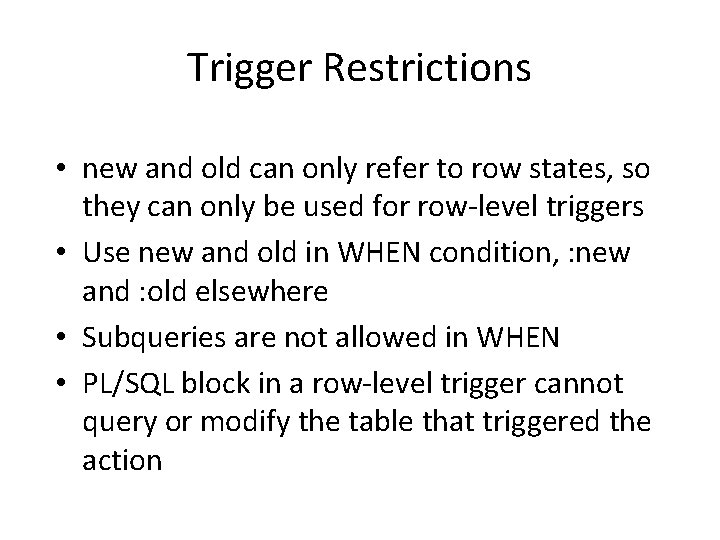
Trigger Restrictions • new and old can only refer to row states, so they can only be used for row-level triggers • Use new and old in WHEN condition, : new and : old elsewhere • Subqueries are not allowed in WHEN • PL/SQL block in a row-level trigger cannot query or modify the table that triggered the action
BEFORE vs AFTER • Order of trigger execution – All BEFORE execute in arbitrary order – …but before all AFTER triggers • Cannot modify : new values after UPDATE/INSERT 43
Triggers for Other Events • Trigger attached to DDL commands – E. g. , BEFORE/AFTER DROP ON username. SCHEMA • Trigger attached to Views – INSTEAD OF INSERT ON [View] – Allows updates where they cannot be done automatically • Triggers attached to other events – CREATE TRIGGER log_errors AFTER SERVERERROR ON DATABASE 44
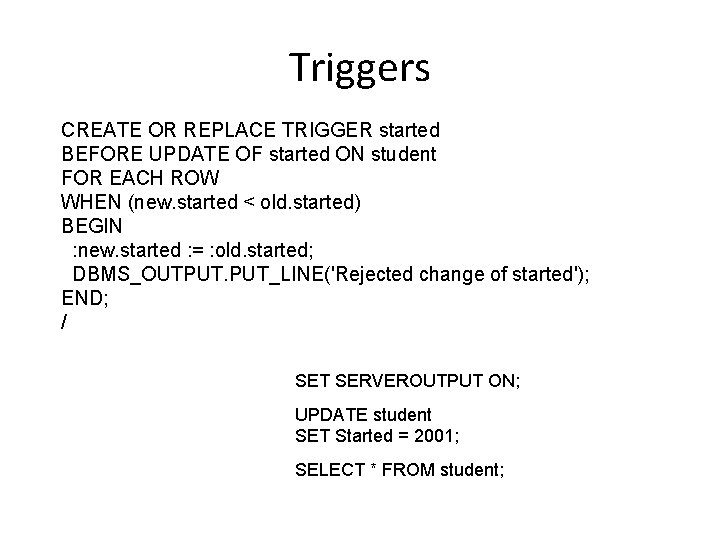
Triggers CREATE OR REPLACE TRIGGER started BEFORE UPDATE OF started ON student FOR EACH ROW WHEN (new. started < old. started) BEGIN : new. started : = : old. started; DBMS_OUTPUT. PUT_LINE('Rejected change of started'); END; / SET SERVEROUTPUT ON; UPDATE student SET Started = 2001; SELECT * FROM student;
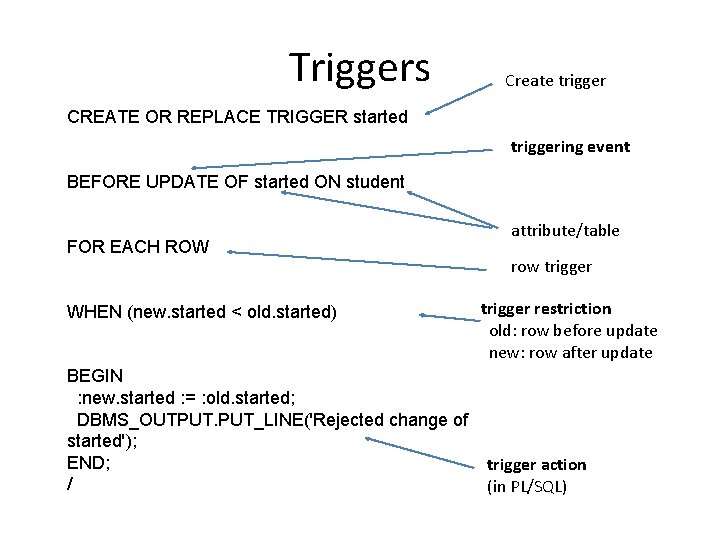
Triggers Create trigger CREATE OR REPLACE TRIGGER started triggering event BEFORE UPDATE OF started ON student FOR EACH ROW WHEN (new. started < old. started) BEGIN : new. started : = : old. started; DBMS_OUTPUT. PUT_LINE('Rejected change of started'); END; / attribute/table row trigger restriction old: row before update new: row after update trigger action (in PL/SQL)
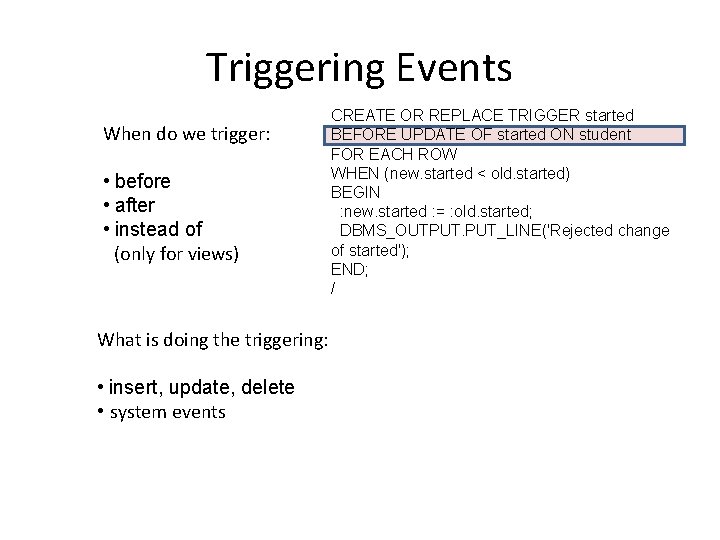
Triggering Events When do we trigger: • before • after • instead of (only for views) What is doing the triggering: • insert, update, delete • system events CREATE OR REPLACE TRIGGER started BEFORE UPDATE OF started ON student FOR EACH ROW WHEN (new. started < old. started) BEGIN : new. started : = : old. started; DBMS_OUTPUT. PUT_LINE('Rejected change of started'); END; /
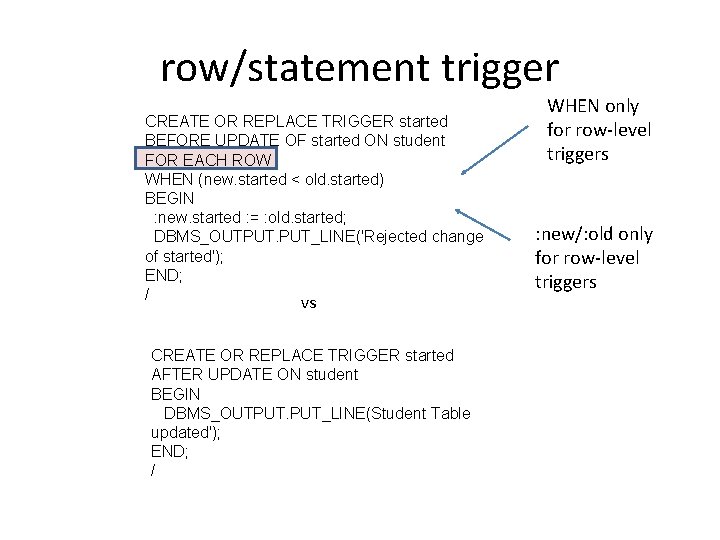
row/statement trigger CREATE OR REPLACE TRIGGER started BEFORE UPDATE OF started ON student FOR EACH ROW WHEN (new. started < old. started) BEGIN : new. started : = : old. started; DBMS_OUTPUT. PUT_LINE('Rejected change of started'); END; / vs CREATE OR REPLACE TRIGGER started AFTER UPDATE ON student BEGIN DBMS_OUTPUT. PUT_LINE(Student Table updated'); END; / WHEN only for row-level triggers : new/: old only for row-level triggers
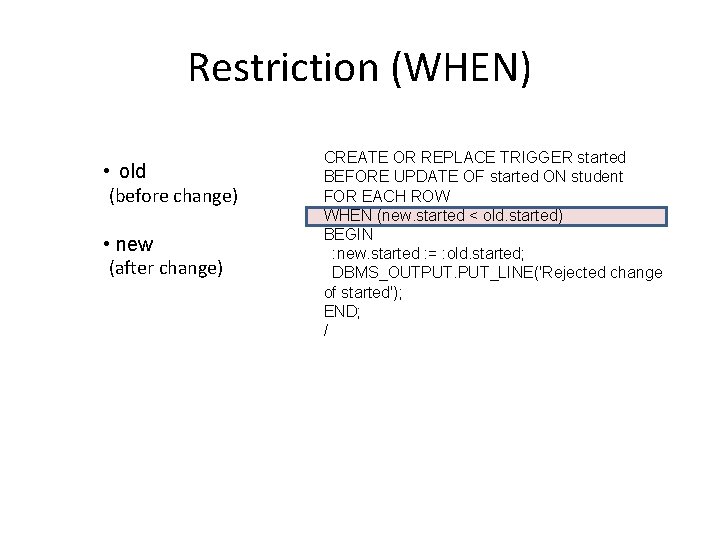
Restriction (WHEN) • old (before change) • new (after change) CREATE OR REPLACE TRIGGER started BEFORE UPDATE OF started ON student FOR EACH ROW WHEN (new. started < old. started) BEGIN : new. started : = : old. started; DBMS_OUTPUT. PUT_LINE('Rejected change of started'); END; /
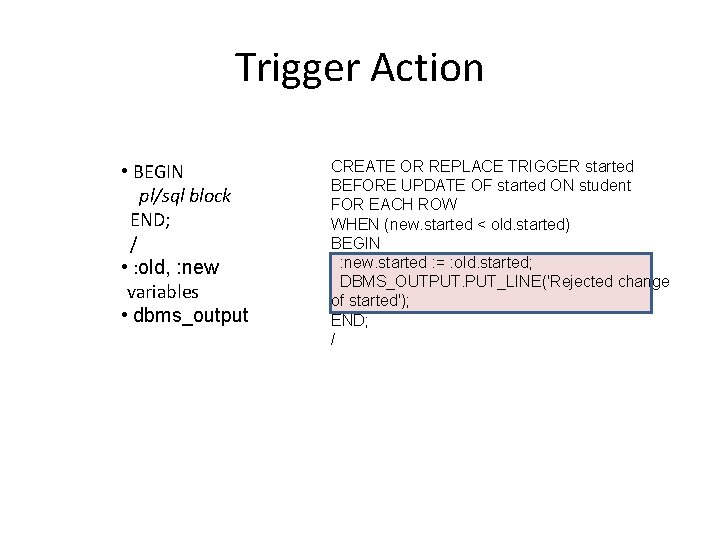
Trigger Action • BEGIN pl/sql block END; / • : old, : new variables • dbms_output CREATE OR REPLACE TRIGGER started BEFORE UPDATE OF started ON student FOR EACH ROW WHEN (new. started < old. started) BEGIN : new. started : = : old. started; DBMS_OUTPUT. PUT_LINE('Rejected change of started'); END; /
Trigger Restrictions • new and old can only refer to row states, so they can only be used for row-level triggers • Use new and old in WHEN condition, : new and : old elsewhere • Subqueries are not allowed in WHEN • PL/SQL block in a row-level trigger cannot query or modify the table that triggered the action
Mutating Triggers • Mutating trigger is a run-time error for rowlevel triggers. • Mutating table exceptions occur when we try to reference the triggering table in a query from within row-level trigger code.
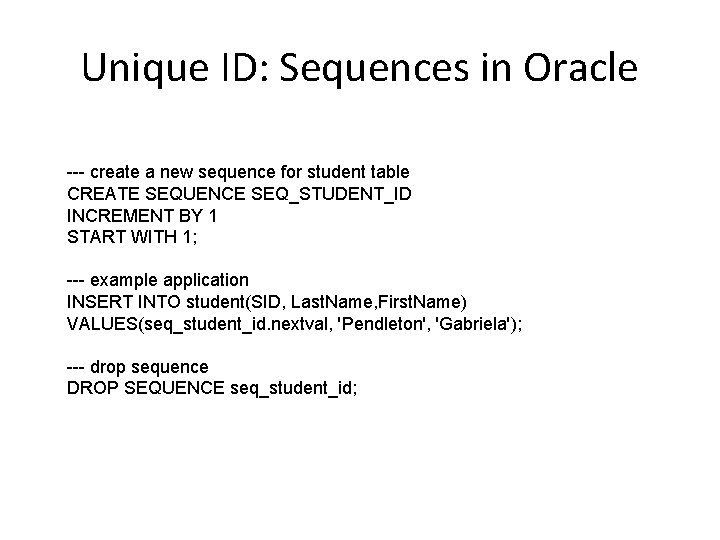
Unique ID: Sequences in Oracle --- create a new sequence for student table CREATE SEQUENCE SEQ_STUDENT_ID INCREMENT BY 1 START WITH 1; --- example application INSERT INTO student(SID, Last. Name, First. Name) VALUES(seq_student_id. nextval, 'Pendleton', 'Gabriela'); --- drop sequence DROP SEQUENCE seq_student_id;
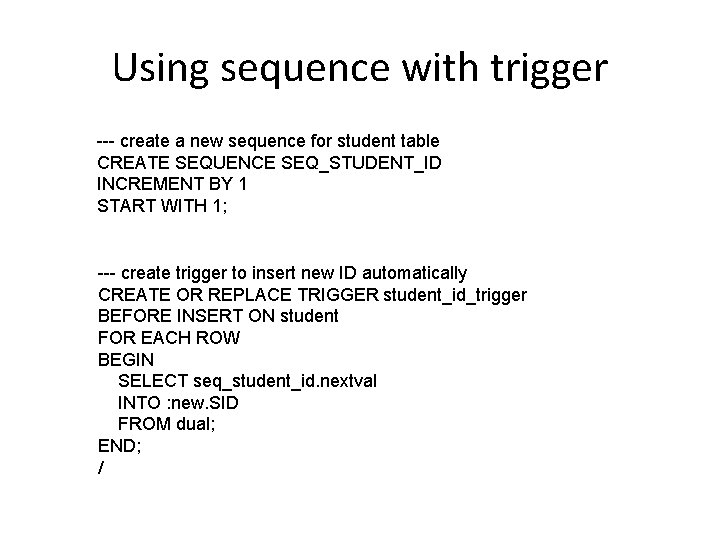
Using sequence with trigger --- create a new sequence for student table CREATE SEQUENCE SEQ_STUDENT_ID INCREMENT BY 1 START WITH 1; --- create trigger to insert new ID automatically CREATE OR REPLACE TRIGGER student_id_trigger BEFORE INSERT ON student FOR EACH ROW BEGIN SELECT seq_student_id. nextval INTO : new. SID FROM dual; END; /
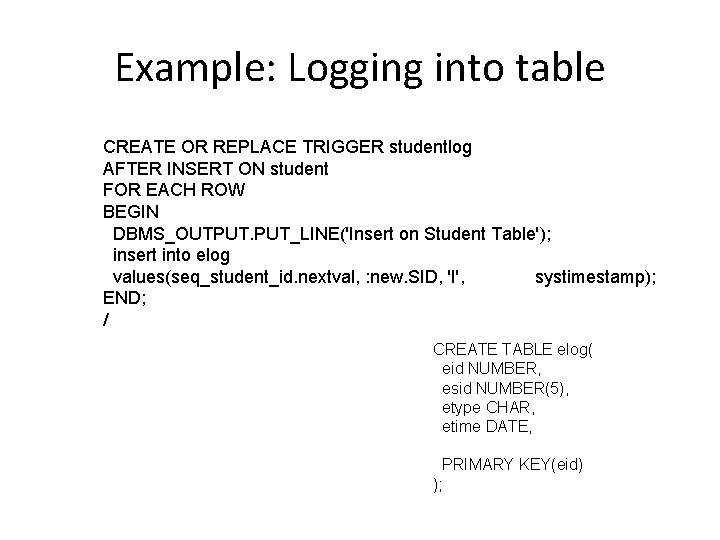
Example: Logging into table CREATE OR REPLACE TRIGGER studentlog AFTER INSERT ON student FOR EACH ROW BEGIN DBMS_OUTPUT. PUT_LINE('Insert on Student Table'); insert into elog values(seq_student_id. nextval, : new. SID, 'I', systimestamp); END; / CREATE TABLE elog( eid NUMBER, esid NUMBER(5), etype CHAR, etime DATE, PRIMARY KEY(eid) );
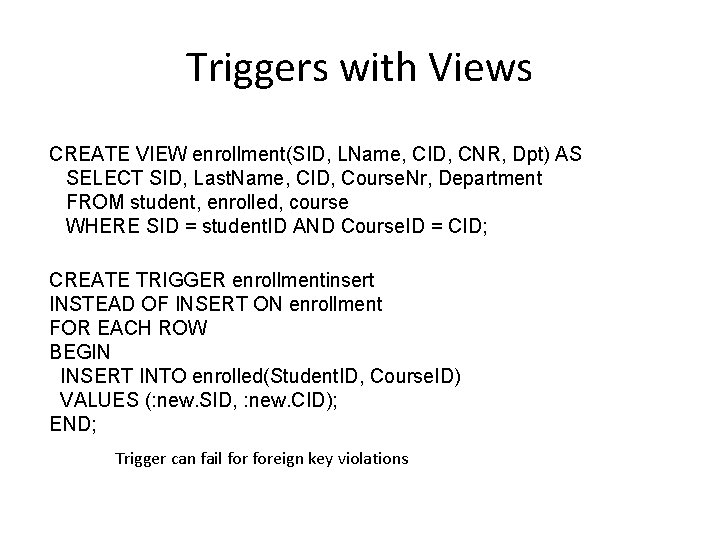
Triggers with Views CREATE VIEW enrollment(SID, LName, CID, CNR, Dpt) AS SELECT SID, Last. Name, CID, Course. Nr, Department FROM student, enrolled, course WHERE SID = student. ID AND Course. ID = CID; CREATE TRIGGER enrollmentinsert INSTEAD OF INSERT ON enrollment FOR EACH ROW BEGIN INSERT INTO enrolled(Student. ID, Course. ID) VALUES (: new. SID, : new. CID); END; Trigger can fail foreign key violations
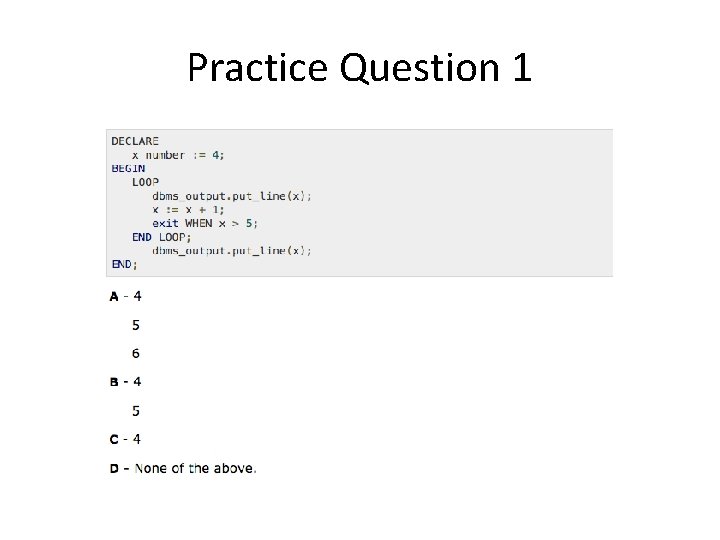
Practice Question 1
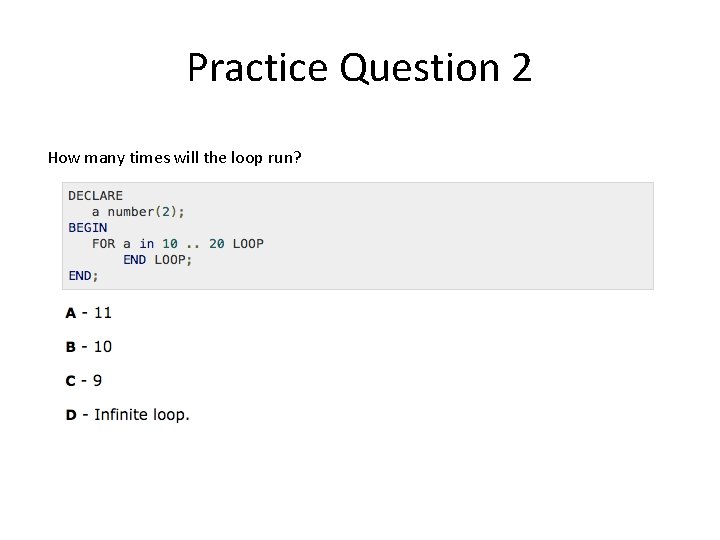
Practice Question 2 How many times will the loop run?
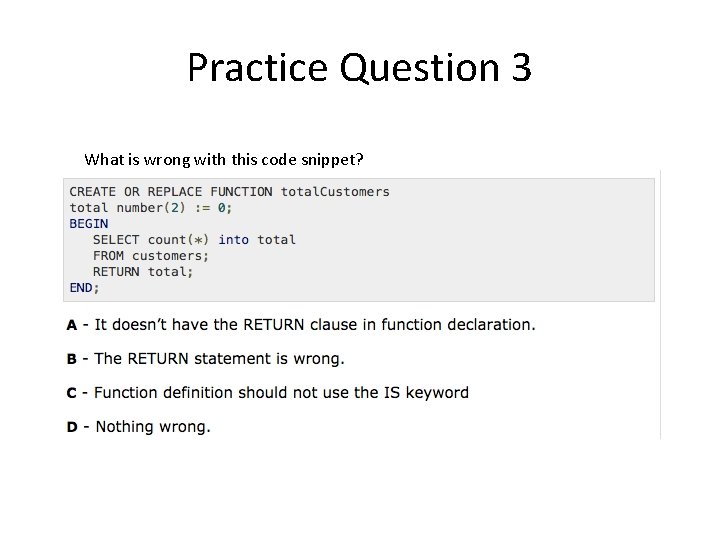
Practice Question 3 What is wrong with this code snippet?
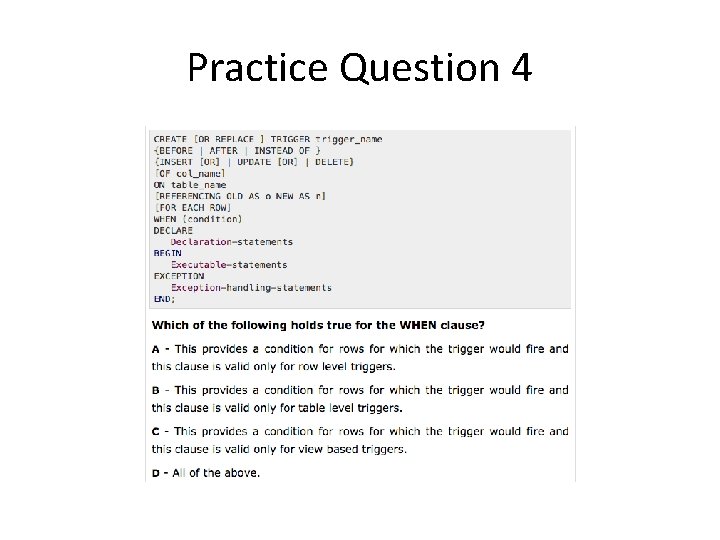
Practice Question 4
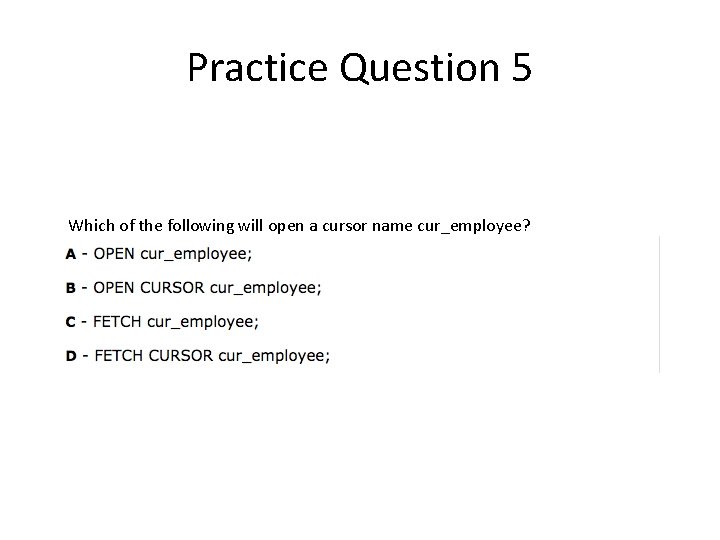
Practice Question 5 Which of the following will open a cursor name cur_employee?
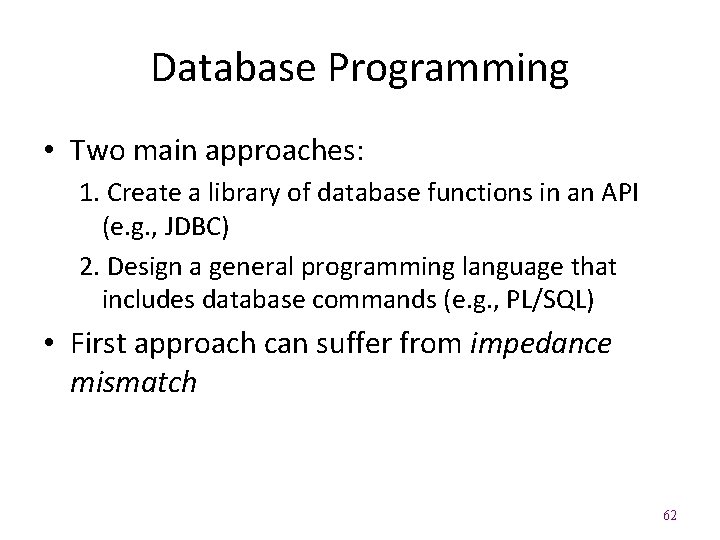
Database Programming • Two main approaches: 1. Create a library of database functions in an API (e. g. , JDBC) 2. Design a general programming language that includes database commands (e. g. , PL/SQL) • First approach can suffer from impedance mismatch 62
Impedance Mismatch • Data model in SQL differs from the models of other languages – Other languages: record, structures, arrays, pointers – SQL: sets, no arrays, pointers, loops, branches • A host and a SQL language is necessary for programming real applications
JDBC • JDBC (Java Database Connectivity) uses a library of objects and methods to allow Java programs to set up and use connections to databases • Any vendor can implement a driver for the JDBC API (Application Programming Interface), allowing Java programs to connect to their databases 64
Basic Steps of Using JDBC 1. 2. 3. 4. 5. Import the needed Java classes Download and load the JDBC driver Create a database connection Create one or more statements Issue one or more statements to the database (and work with the returned results, if any) 6. Close the database connection 65
1. Importing Classes • To import the needed Java classes: import java. sql. *; • Includes Driver. Manager, Connection, Statement, Result. Set. Meta. Data, etc…. 66
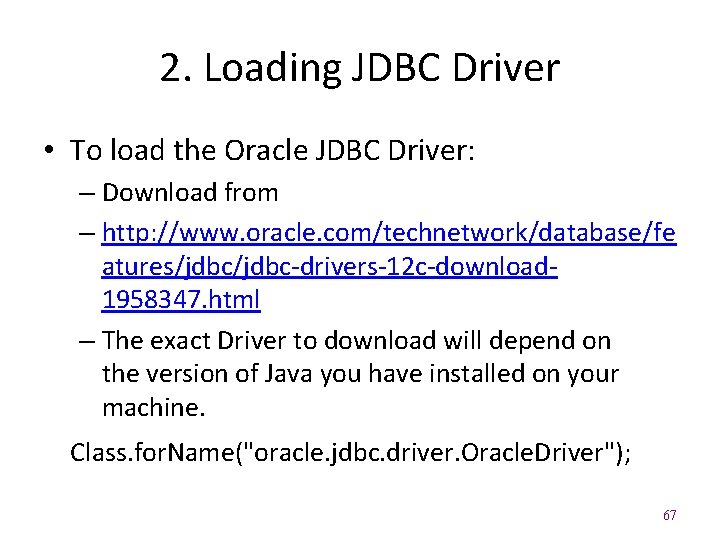
2. Loading JDBC Driver • To load the Oracle JDBC Driver: – Download from – http: //www. oracle. com/technetwork/database/fe atures/jdbc-drivers-12 c-download 1958347. html – The exact Driver to download will depend on the version of Java you have installed on your machine. Class. for. Name("oracle. jdbc. driver. Oracle. Driver"); 67
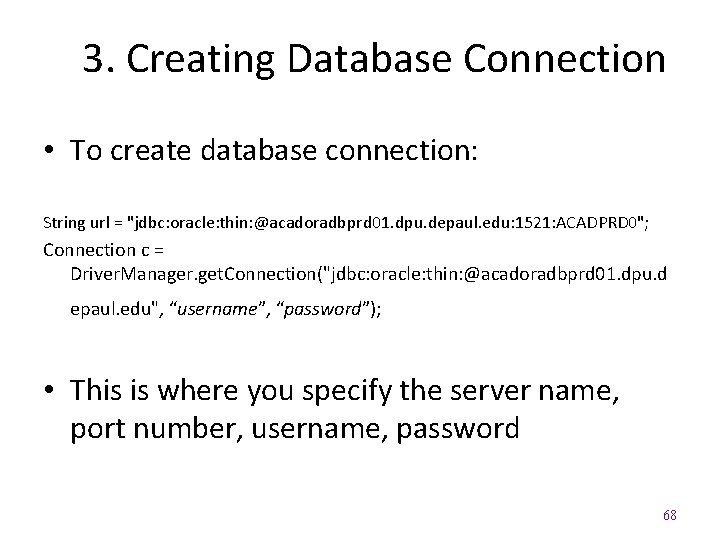
3. Creating Database Connection • To create database connection: String url = "jdbc: oracle: thin: @acadoradbprd 01. dpu. depaul. edu: 1521: ACADPRD 0"; Connection c = Driver. Manager. get. Connection("jdbc: oracle: thin: @acadoradbprd 01. dpu. d epaul. edu", “username”, “password”); • This is where you specify the server name, port number, username, password 68
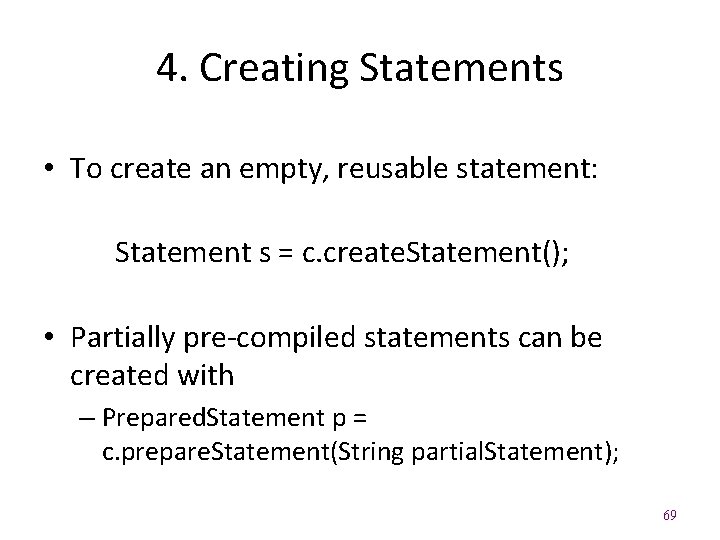
4. Creating Statements • To create an empty, reusable statement: Statement s = c. create. Statement(); • Partially pre-compiled statements can be created with – Prepared. Statement p = c. prepare. Statement(String partial. Statement); 69
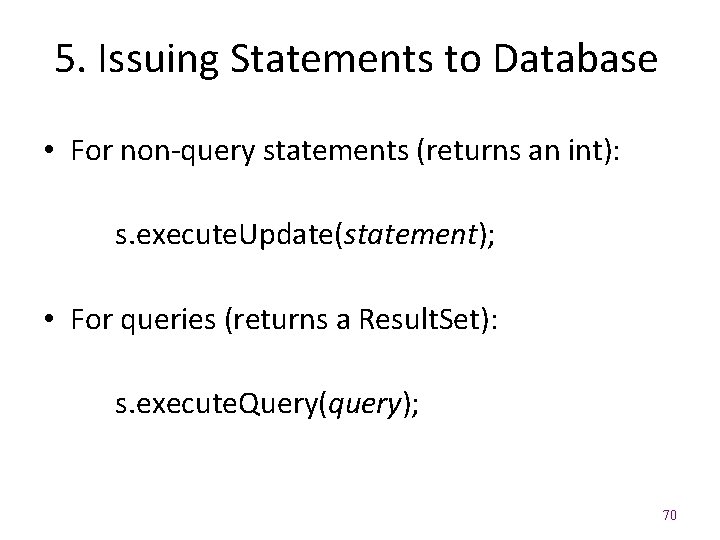
5. Issuing Statements to Database • For non-query statements (returns an int): s. execute. Update(statement); • For queries (returns a Result. Set): s. execute. Query(query); 70
6. Closing Database Connection • To close the connection and any associated statements and result sets: c. close(); 71
Issuing SQL Statements • For non-query SQL statements use method: int execute. Update(String statement) – Returns number of rows modified • For SQL queries use method: Result. Set execute. Query(String query) – Returned Result. Set contains result of query 72
Result. Set Methods • boolean next(): Moves to next record, returns true if successful • type get. Type(int i): Returns (String, int, or double) value in column i of current record – also versions that take column names as input • boolean was. Null(): Returns true if last call to get. Type resulted in a null value – No way to indicate NULL otherwise • void close() : Closes the Result. Set 73
Metadata • Result. Set also stores metadata – information about the results of the query (e. g. , number, types, names, properties of columns) • Information is stored in a Result. Set. Meta. Data object • Create object using the method: Result. Set. Meta. Data get. Meta. Data() 74
Result. Set. Meta. Data Methods • int get. Column. Count(): Returns number of columns in query result • String get. Column. Name(int i): Returns name of ith column • String get. Column. Type. Name(int i): Returns name of type of ith column • int get. Precision(int i): Returns total digits in ith column • int get. Scale(int i): Returns decimal places in ith column 75
Prepared Statements • Prepared. Statement objects represent SQL statements that can be partially pre-compiled, even if some arguments are missing • Created by the prepare. Statement method of the Connection – a partial statement is given as method argument – missing arguments in the partial statement are indicated with ? ’s 76
Filling in Missing Arguments • The ith ? in a Prepared. Statement is supplied with a value using an appropriate set. Type method, e. g. : – void set. String(int i, String value) – void set. Int(int i, int value) – void set. Double(int i, double value) • Once completed, a Prepared. Statement can call execute. Update() or execute. Query() 77
PL/SQL Tips 1. Use UPPER-lower case method to make code more readable. 2. Use consistent indentation. 3. Avoid hard-coded literals of any kind in your programs. 1. Remove all literals (within reason) from your code. Instead, declare constants which hold those literal values 4. Make sure your name describes the module accurately. 5. Use dbms_output. put_line() for debugging
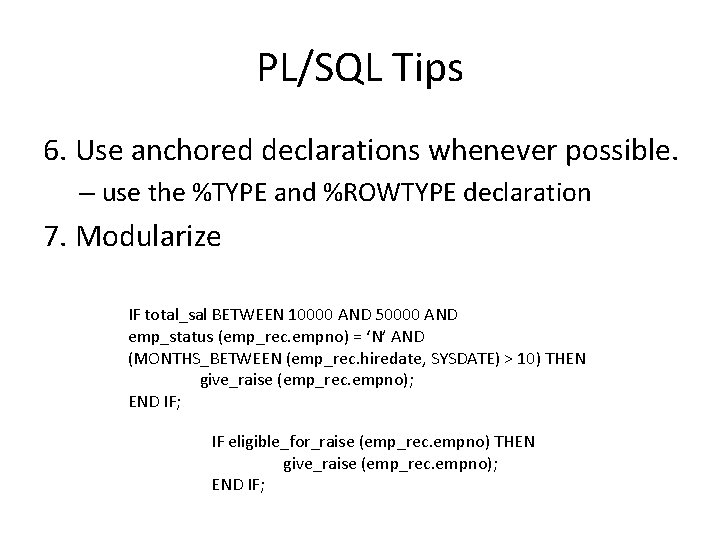
PL/SQL Tips 6. Use anchored declarations whenever possible. – use the %TYPE and %ROWTYPE declaration 7. Modularize IF total_sal BETWEEN 10000 AND 50000 AND emp_status (emp_rec. empno) = ‘N’ AND (MONTHS_BETWEEN (emp_rec. hiredate, SYSDATE) > 10) THEN give_raise (emp_rec. empno); END IF; IF eligible_for_raise (emp_rec. empno) THEN give_raise (emp_rec. empno); END IF;
Transactions Motivated by two independent requirements • Concurrent database access • Resilience to system failures
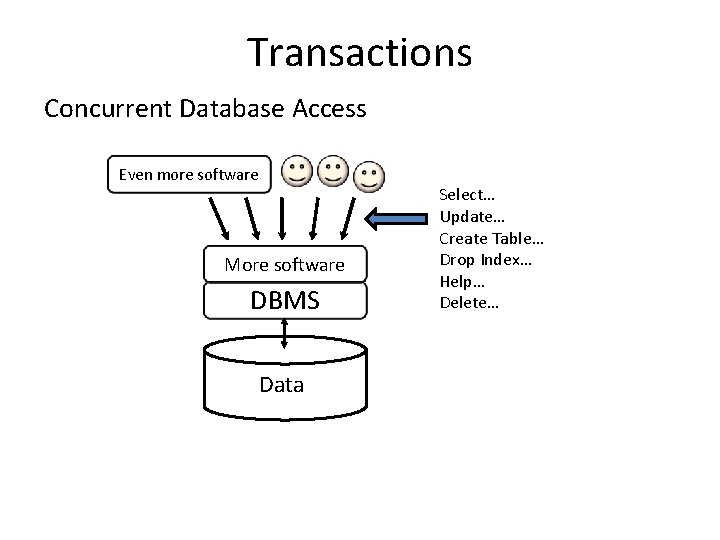
Transactions Concurrent Database Access Even more software More software DBMS Data Select… Update… Create Table… Drop Index… Help… Delete…
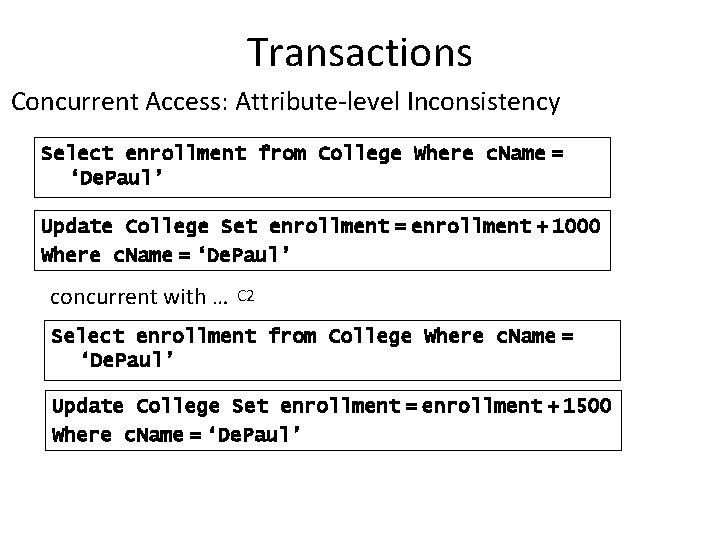
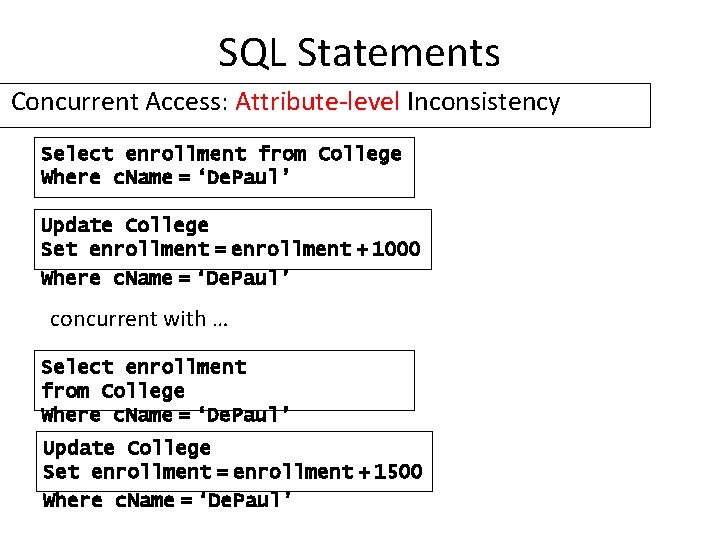
Transactions Concurrent Access: Attribute-level Inconsistency Select enrollment from College Where c. Name = ‘De. Paul’ Update College Set enrollment = enrollment + 1000 Where c. Name = ‘De. Paul’ concurrent with … C 2 Select enrollment from College Where c. Name = ‘De. Paul’ Update College Set enrollment = enrollment + 1500 Where c. Name = ‘De. Paul’
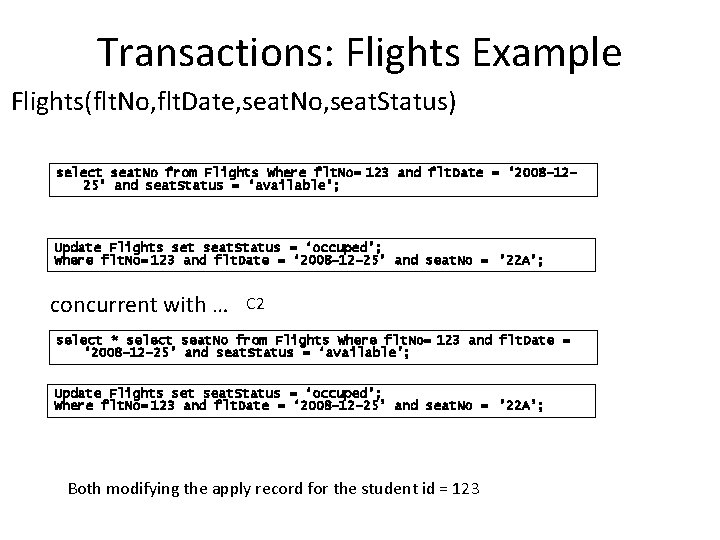
Transactions: Flights Example Flights(flt. No, flt. Date, seat. No, seat. Status) select seat. No from Flights Where flt. No= 123 and flt. Date = ‘ 2008 -1225’ and seat. Status = ‘available’; Update Flights set seat. Status = ‘occuped’; Where flt. No= 123 and flt. Date = ‘ 2008 -12 -25’ and seat. No = ’ 22 A’; concurrent with … C 2 select * select seat. No from Flights Where flt. No= 123 and flt. Date = ‘ 2008 -12 -25’ and seat. Status = ‘available’; Update Flights set seat. Status = ‘occuped’; Where flt. No= 123 and flt. Date = ‘ 2008 -12 -25’ and seat. No = ’ 22 A’; Both modifying the apply record for the student id = 123
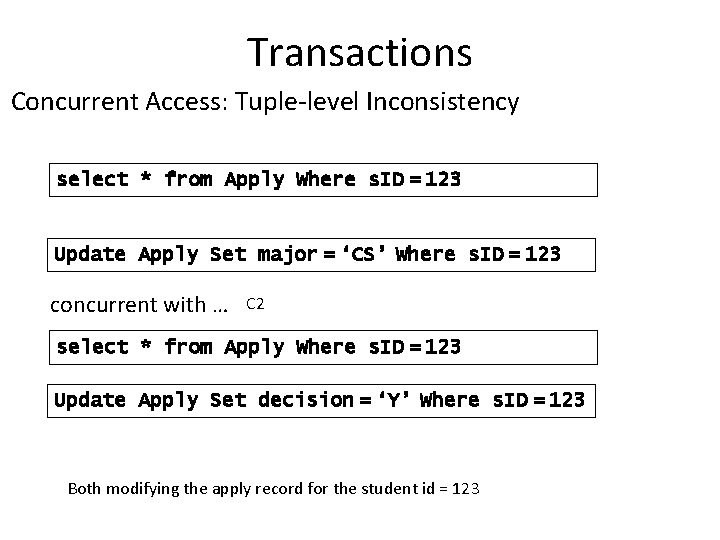
Transactions Concurrent Access: Tuple-level Inconsistency select * from Apply Where s. ID = 123 Update Apply Set major = ‘CS’ Where s. ID = 123 concurrent with … C 2 select * from Apply Where s. ID = 123 Update Apply Set decision = ‘Y’ Where s. ID = 123 Both modifying the apply record for the student id = 123
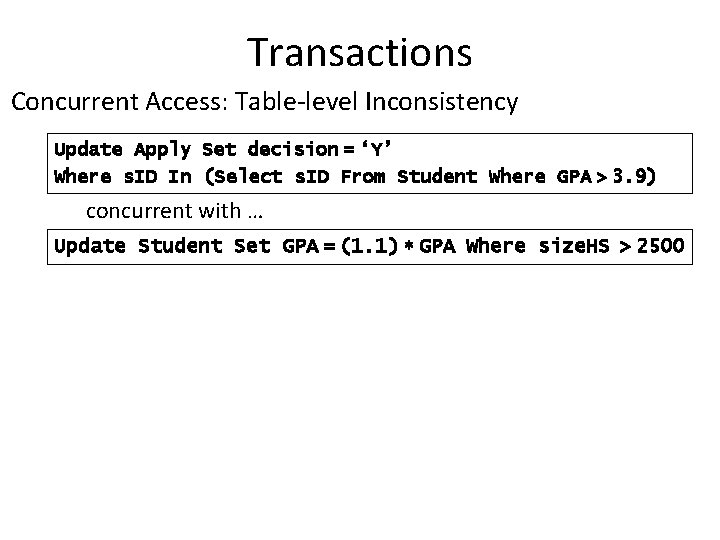
Transactions Concurrent Access: Table-level Inconsistency Update Apply Set decision = ‘Y’ Where s. ID In (Select s. ID From Student Where GPA > 3. 9) concurrent with … Update Student Set GPA = (1. 1) GPA Where size. HS > 2500
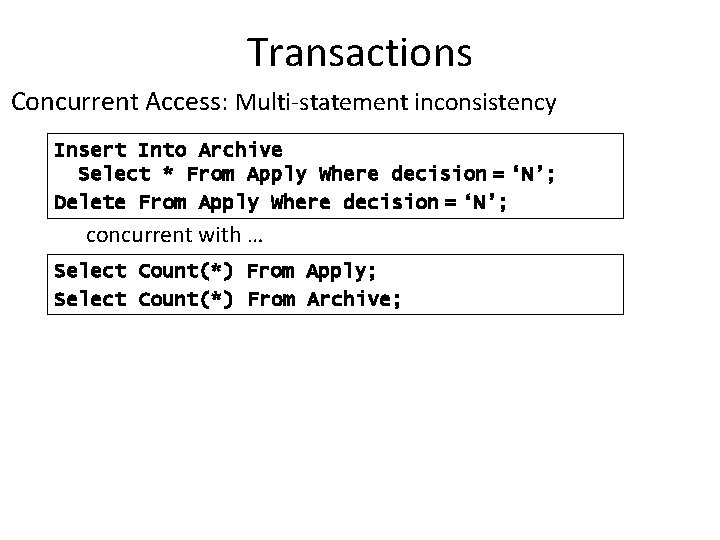
Transactions Concurrent Access: Multi-statement inconsistency Insert Into Archive Select * From Apply Where decision = ‘N’; Delete From Apply Where decision = ‘N’; concurrent with … Select Count(*) From Apply; Select Count(*) From Archive;
Transactions Concurrency Goal Execute sequence of SQL statements so they appear to be running as a group or “in isolation” â Simple solution: execute them in isolation But want to enable concurrency whenever safe to do so Database systems are geared toward performance. They typically operate in concurrent (multiprocessor/multi-threaded/asynchronous I/O) environments. Clients may work on different parts of the DBMS
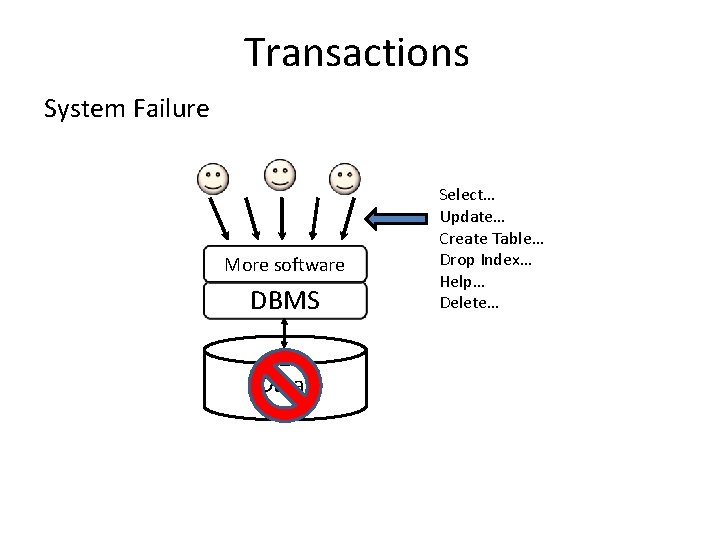
Transactions System Failure More software DBMS Data Select… Update… Create Table… Drop Index… Help… Delete…
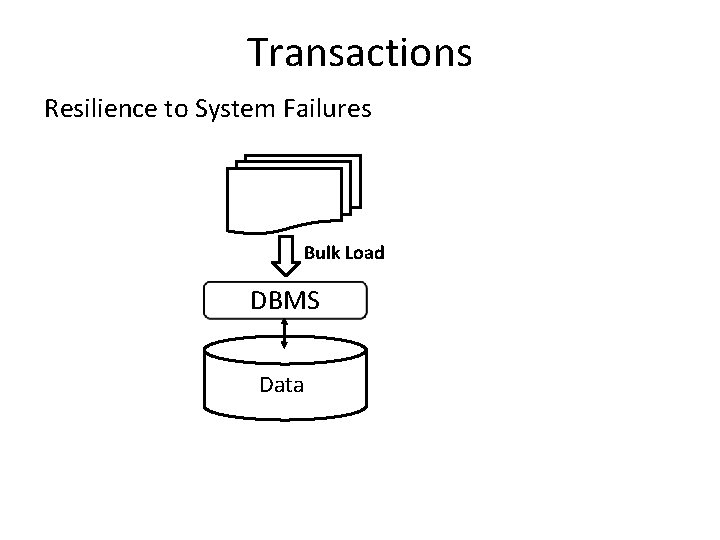
Transactions Resilience to System Failures Bulk Load DBMS Data
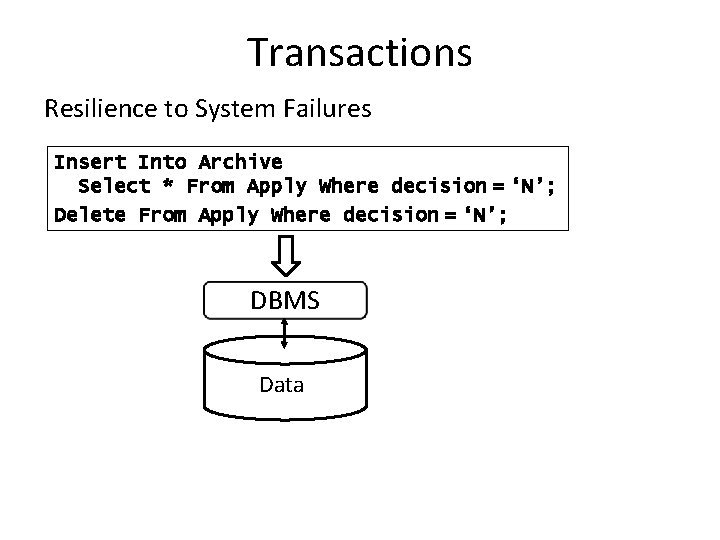
Transactions Resilience to System Failures Insert Into Archive Select * From Apply Where decision = ‘N’; Delete From Apply Where decision = ‘N’; DBMS Data
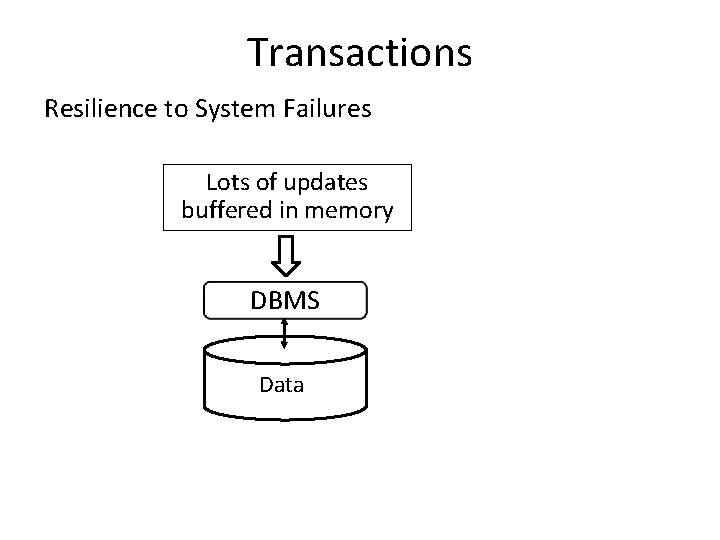
Transactions Resilience to System Failures Lots of updates buffered in memory DBMS Data
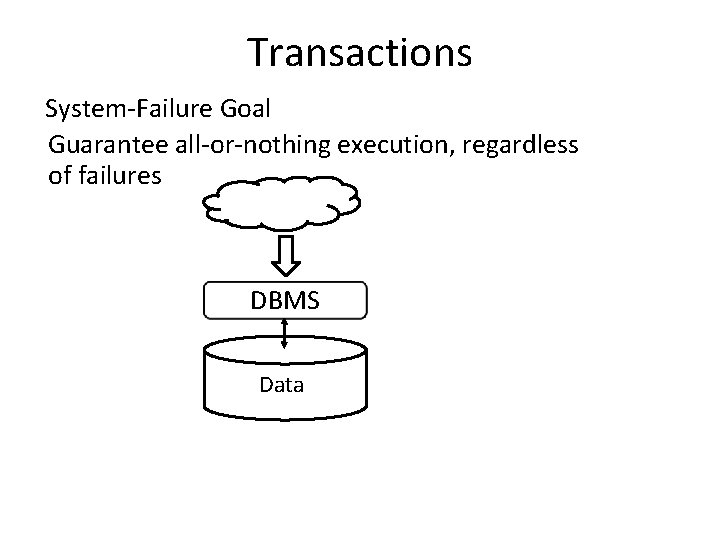
Transactions System-Failure Goal Guarantee all-or-nothing execution, regardless of failures DBMS Data
Transactions Solution for both concurrency and failures Transactions A transaction is a sequence of one or more SQL operations treated as a unit § Transactions appear to run in isolation § If the system fails, each transaction’s changes are reflected either entirely or not at all
Transactions Solution for both concurrency and failures Transactions A transaction is a sequence of one or more SQL operations treated as a unit. SQL standard: • • Transaction begins with a Begin Transaction statement On “commit” transaction ends and new one begins Current transaction ends on session termination “Autocommit” turns each statement into transaction
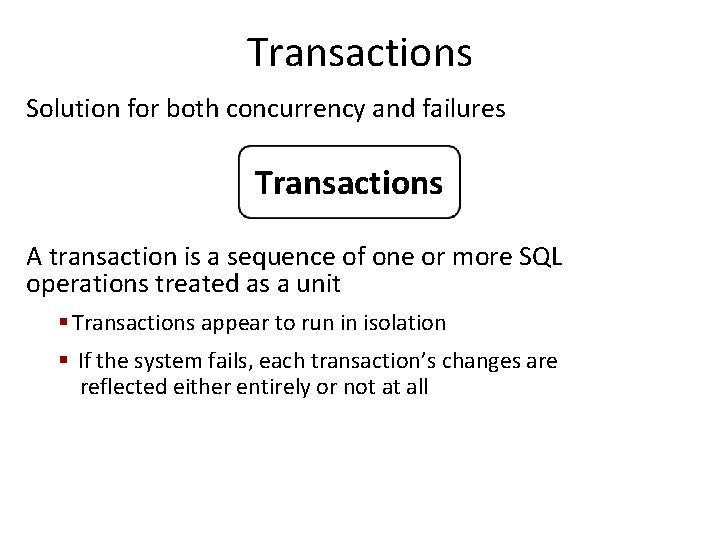
Transactions Solution for both concurrency and failures Transactions A transaction is a sequence of one or more SQL operations treated as a unit § Transactions appear to run in isolation § If the system fails, each transaction’s changes are reflected either entirely or not at all
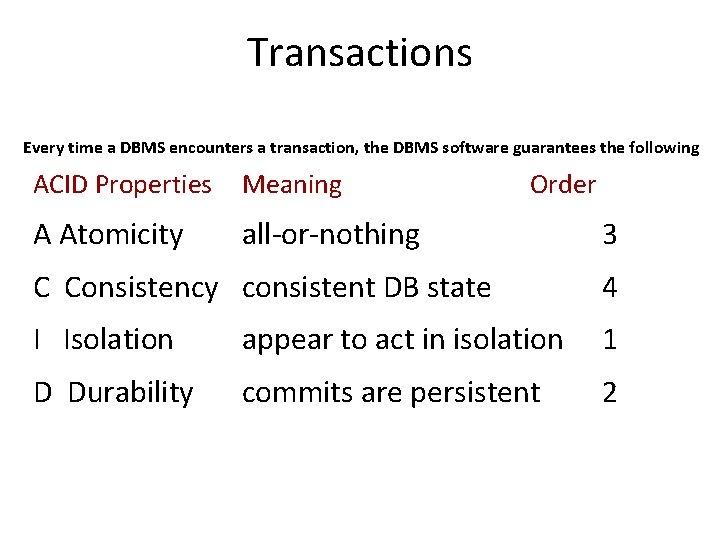
Transactions Every time a DBMS encounters a transaction, the DBMS software guarantees the following ACID Properties Meaning A Atomicity all-or-nothing Order 3 C Consistency consistent DB state 4 I Isolation appear to act in isolation 1 D Durability commits are persistent 2
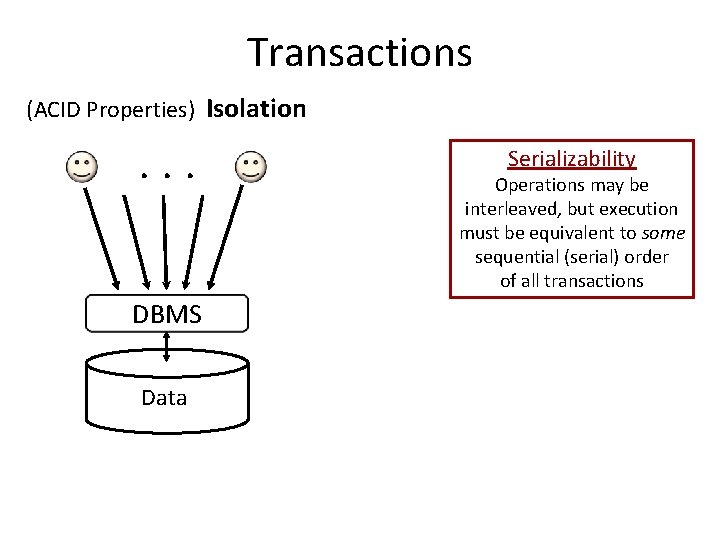
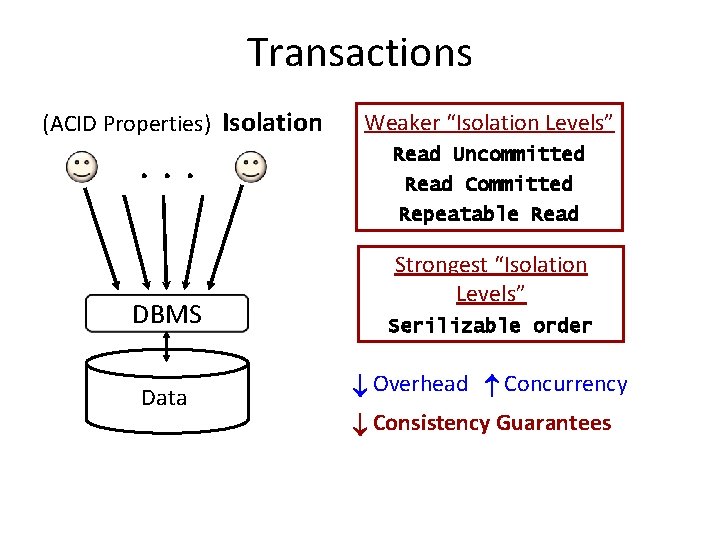
Transactions (ACID Properties) Isolation . . . DBMS Data Serializability Operations may be interleaved, but execution must be equivalent to some sequential (serial) order of all transactions
Serializability • Basic Assumption– Each transaction preserves database consistency. • Thus, serial execution of a set of transactions preserves database consistency. • A (possibly concurrent) schedule is serializable if it is equivalent to a serial schedule.
Schedules • Schedules– a sequences of instructions that specify the chronological order in which instructions of concurrent transactions are executed – A schedule for a set of transactions must consist of all instructions of those transactions – Must preserve the order in which the instructions appear in each individual transaction. • A transaction that successfully completes its execution will have a commit instructions as the last statement – By default transaction assumed to execute commit instruction as its last step • A transaction that fails to successfully complete its execution will have an abort instruction as the last statement
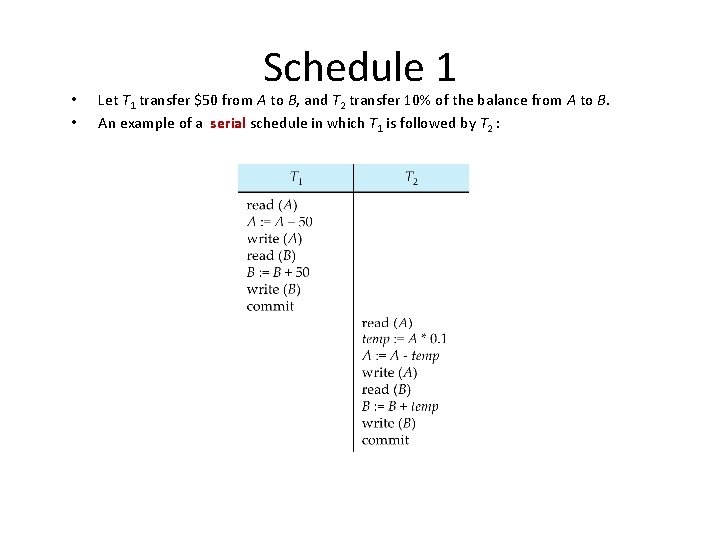
• • Schedule 1 Let T 1 transfer $50 from A to B, and T 2 transfer 10% of the balance from A to B. An example of a serial schedule in which T 1 is followed by T 2 :
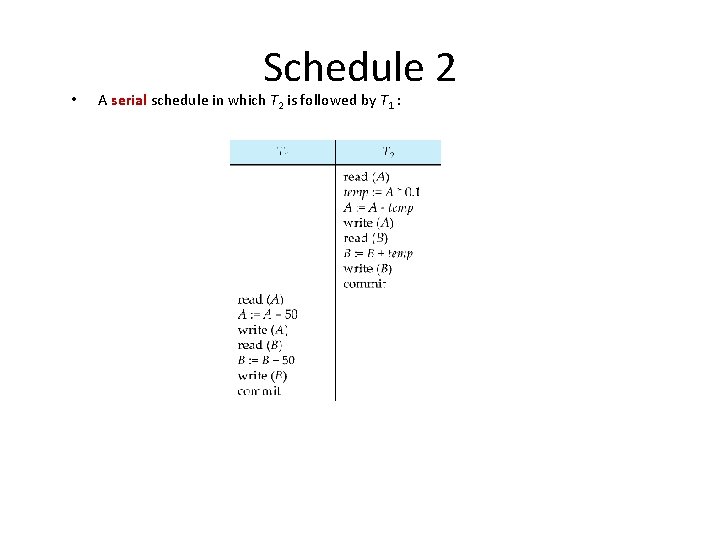
• Schedule 2 A serial schedule in which T 2 is followed by T 1 :
Transactions Motivated by two independent requirements • Concurrent database access • Resilience to system failures
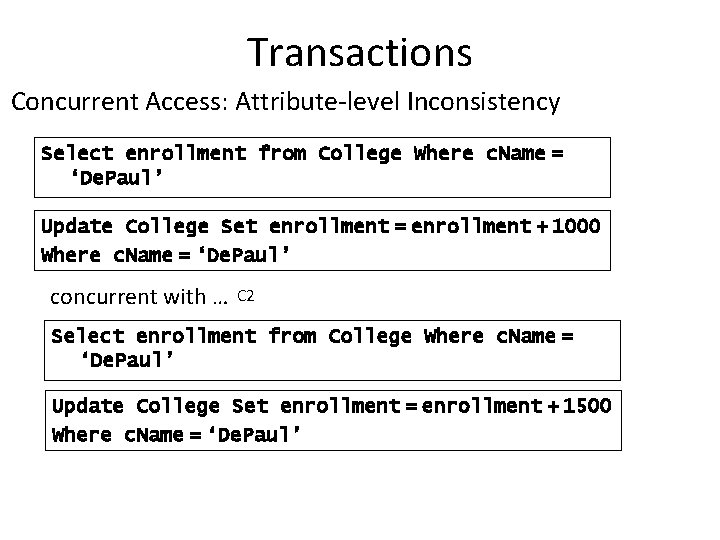
Transactions Concurrent Access: Attribute-level Inconsistency Select enrollment from College Where c. Name = ‘De. Paul’ Update College Set enrollment = enrollment + 1000 Where c. Name = ‘De. Paul’ concurrent with … C 2 Select enrollment from College Where c. Name = ‘De. Paul’ Update College Set enrollment = enrollment + 1500 Where c. Name = ‘De. Paul’
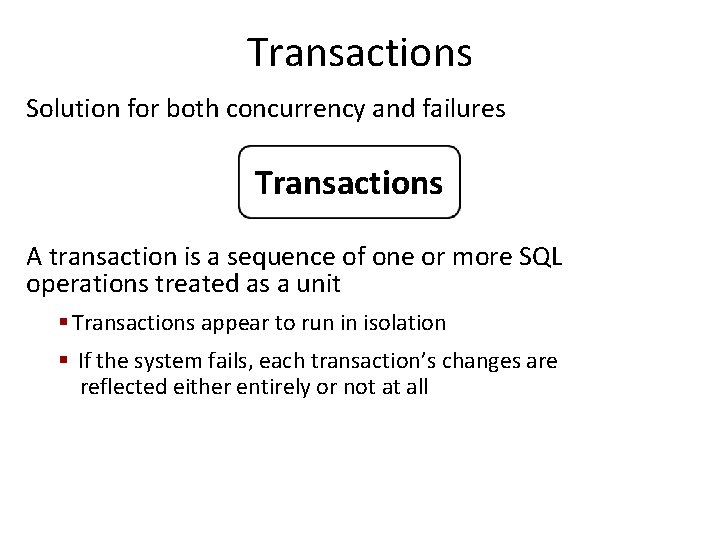
Transactions Solution for both concurrency and failures Transactions A transaction is a sequence of one or more SQL operations treated as a unit § Transactions appear to run in isolation § If the system fails, each transaction’s changes are reflected either entirely or not at all
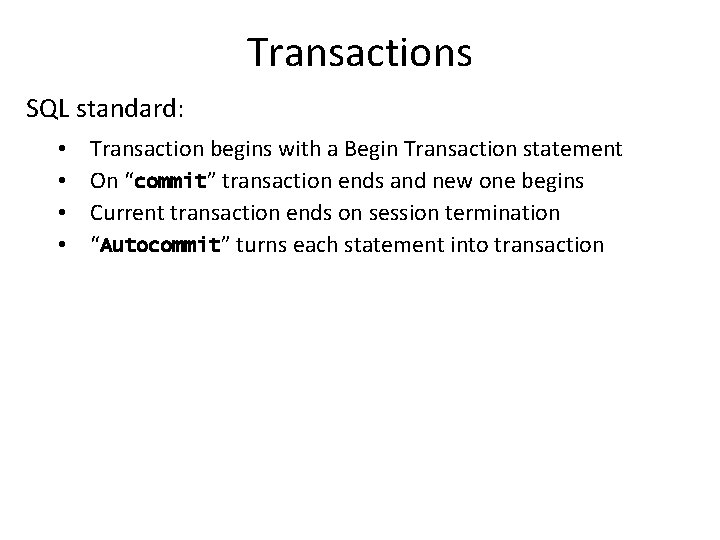
Transactions SQL standard: • • Transaction begins with a Begin Transaction statement On “commit” transaction ends and new one begins Current transaction ends on session termination “Autocommit” turns each statement into transaction
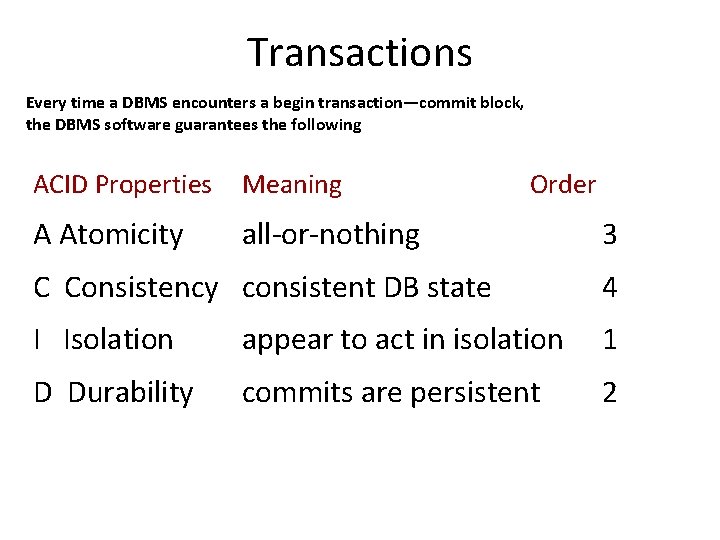
Transactions Every time a DBMS encounters a begin transaction—commit block, the DBMS software guarantees the following ACID Properties Meaning A Atomicity all-or-nothing Order 3 C Consistency consistent DB state 4 I Isolation appear to act in isolation 1 D Durability commits are persistent 2
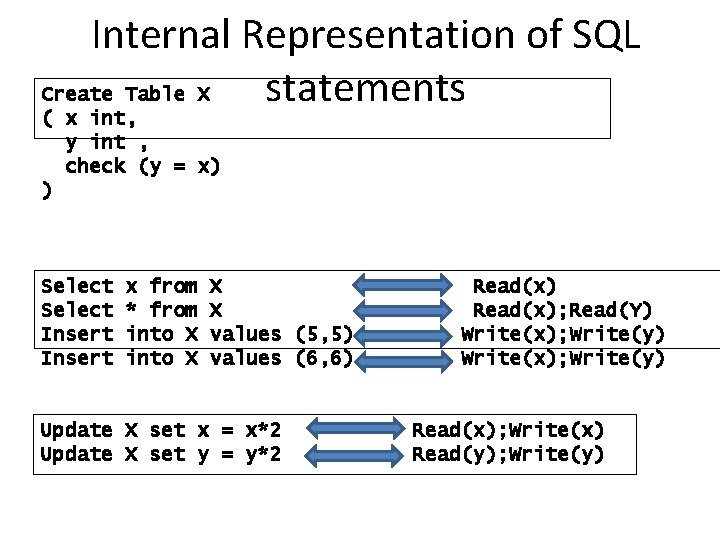
Internal Representation of SQL Create Table X statements ( x int, y int , check (y = x) ) Select Insert x from * from into X X X values (5, 5) values (6, 6) Update X set x = x*2 Update X set y = y*2 Read(x); Read(Y) Write(x); Write(y) Read(x); Write(x) Read(y); Write(y)
SQL Statements Concurrent Access: Attribute-level Inconsistency Select enrollment from College Where c. Name = ‘De. Paul’ Update College Set enrollment = enrollment + 1000 Where c. Name = ‘De. Paul’ concurrent with … Select enrollment from College Where c. Name = ‘De. Paul’ Update College Set enrollment = enrollment + 1500 Where c. Name = ‘De. Paul’
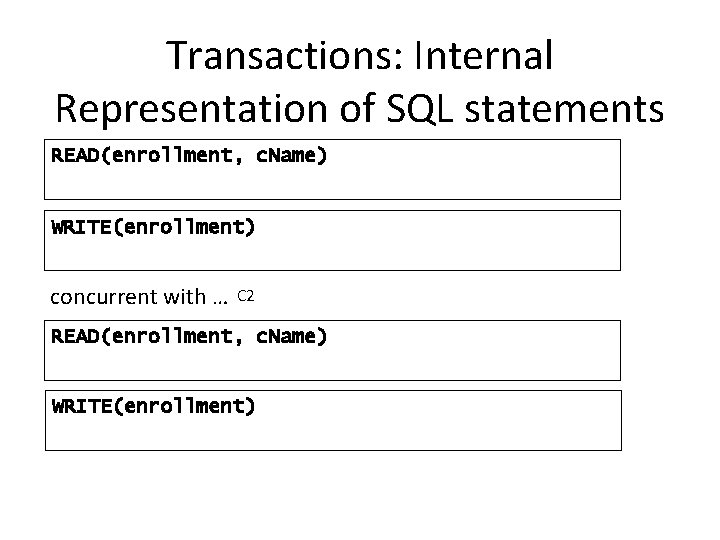
Transactions: Internal Representation of SQL statements READ(enrollment, c. Name) WRITE(enrollment) concurrent with … C 2 READ(enrollment, c. Name) WRITE(enrollment)
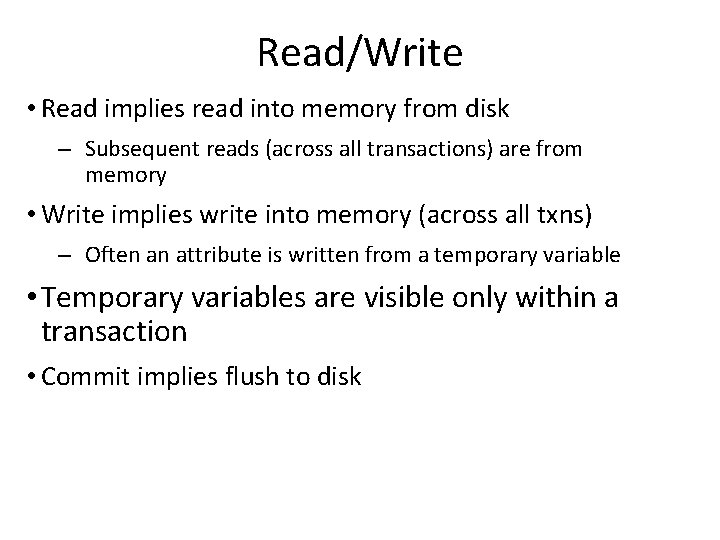
Read/Write • Read implies read into memory from disk – Subsequent reads (across all transactions) are from memory • Write implies write into memory (across all txns) – Often an attribute is written from a temporary variable • Temporary variables are visible only within a transaction • Commit implies flush to disk
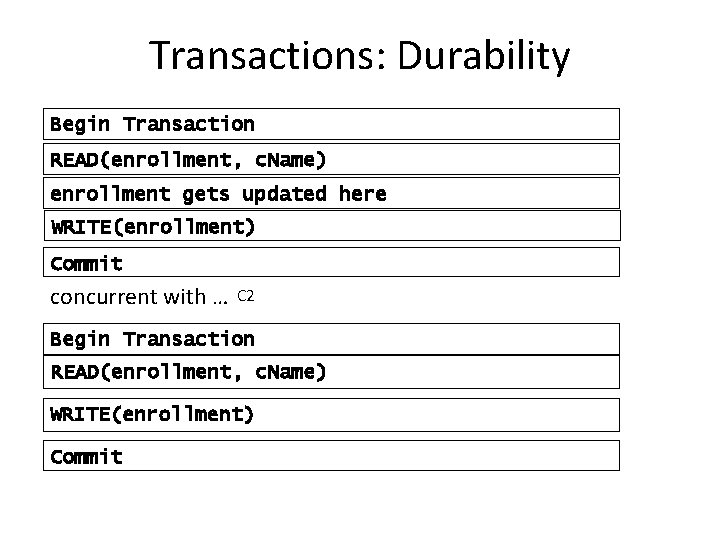
Transactions: Durability Begin Transaction READ(enrollment, c. Name) enrollment gets updated here WRITE(enrollment) Commit concurrent with … C 2 Begin Transaction READ(enrollment, c. Name) WRITE(enrollment) Commit
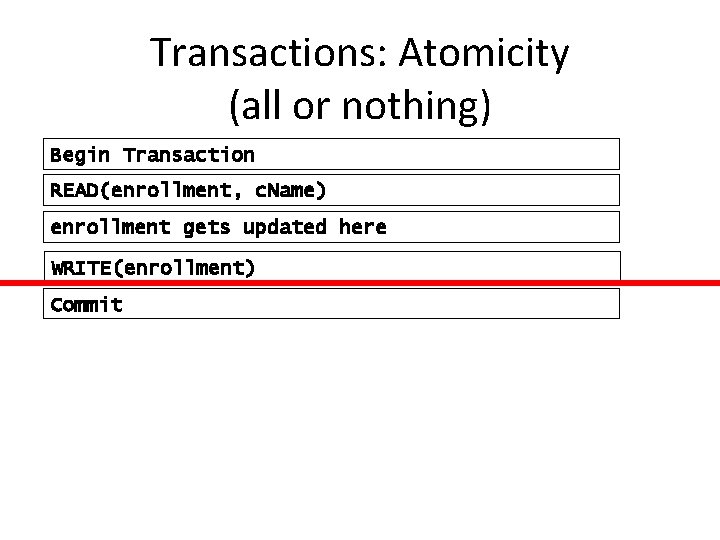
Transactions: Atomicity (all or nothing) Begin Transaction READ(enrollment, c. Name) enrollment gets updated here WRITE(enrollment) Commit
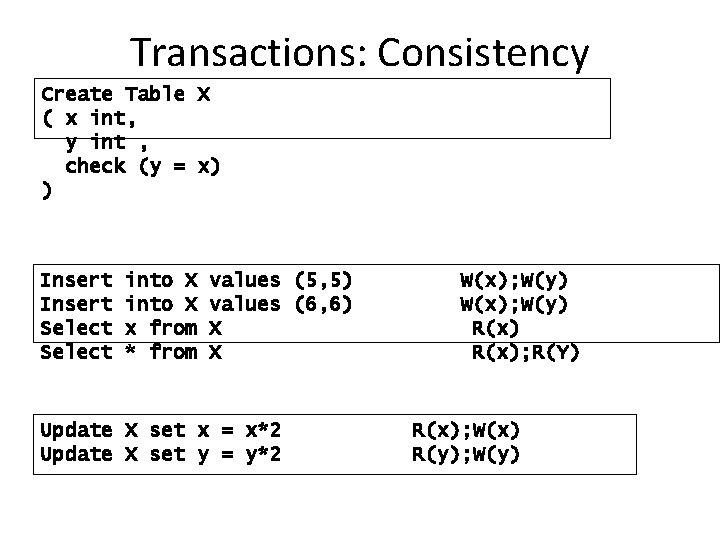
Transactions: Consistency Create Table X ( x int, y int , check (y = x) ) Insert Select into X x from * from values (5, 5) values (6, 6) X X Update X set x = x*2 Update X set y = y*2 W(x); W(y) R(x); R(Y) R(x); W(x) R(y); W(y)
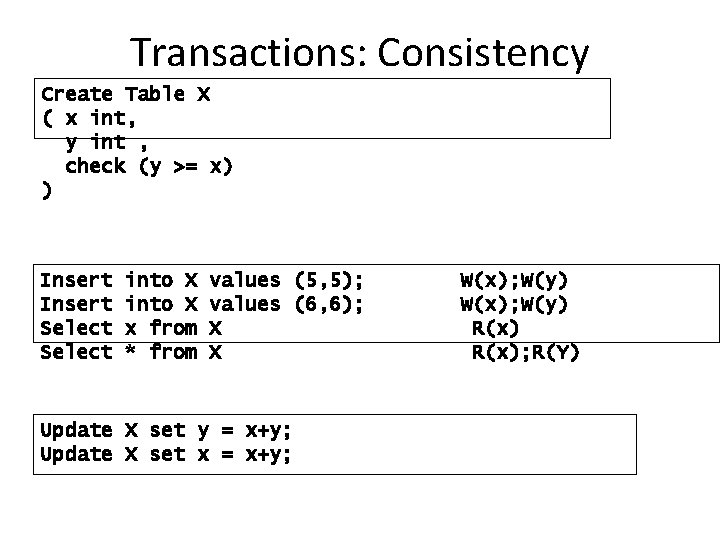
Transactions: Consistency Create Table X ( x int, y int , check (y >= x) ) Insert Select into X x from * from values (5, 5); values (6, 6); X X Update X set y = x+y; Update X set x = x+y; W(x); W(y) R(x); R(Y)
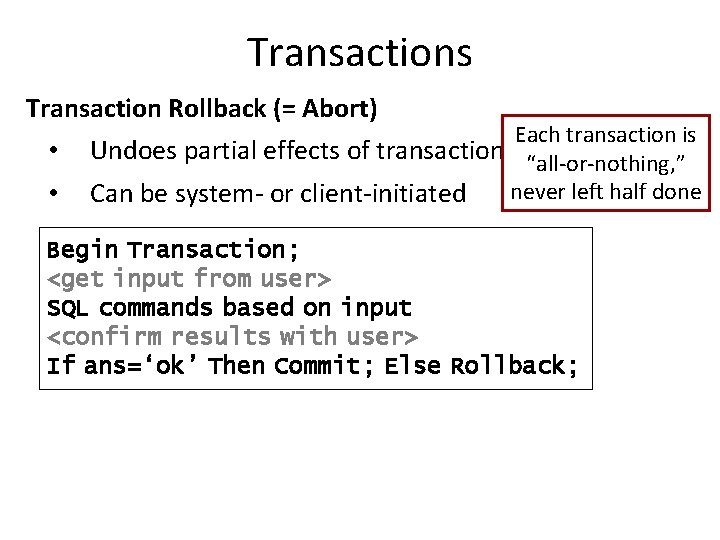
Transactions Transaction Rollback (= Abort) • • Each transaction is Undoes partial effects of transaction “all-or-nothing, ” never left half done Can be system- or client-initiated Begin Transaction; <get input from user> SQL commands based on input <confirm results with user> If ans=‘ok’ Then Commit; Else Rollback;
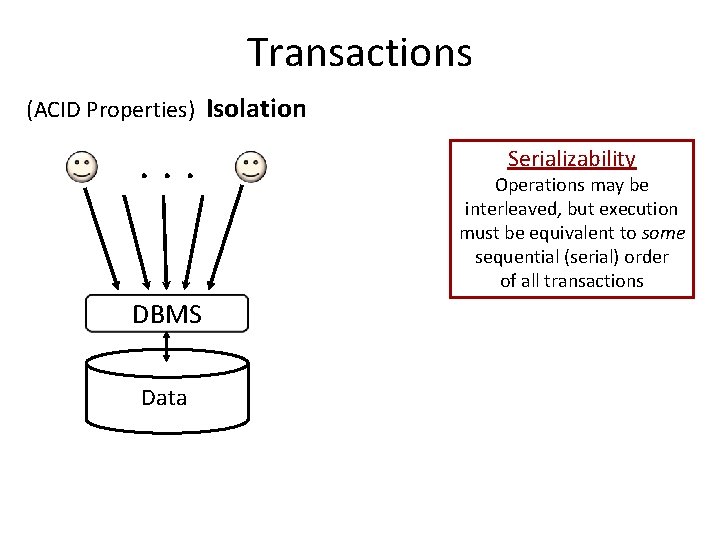
Transactions (ACID Properties) Isolation . . . DBMS Data Serializability Operations may be interleaved, but execution must be equivalent to some sequential (serial) order of all transactions
Serializability • Basic Assumption– Each transaction preserves database consistency. • Thus, serial execution of a set of transactions preserves database consistency. • A (possibly concurrent) schedule is serializable if it is equivalent to a serial schedule.
Schedules • Schedules– a sequences of instructions that specify the chronological order in which instructions of concurrent transactions are executed – A schedule for a set of transactions must consist of all instructions of those transactions – Must preserve the order in which the instructions appear in each individual transaction. • A transaction that successfully completes its execution will have a commit instructions as the last statement • A transaction that fails to successfully complete its execution will have an abort instruction as the last statement
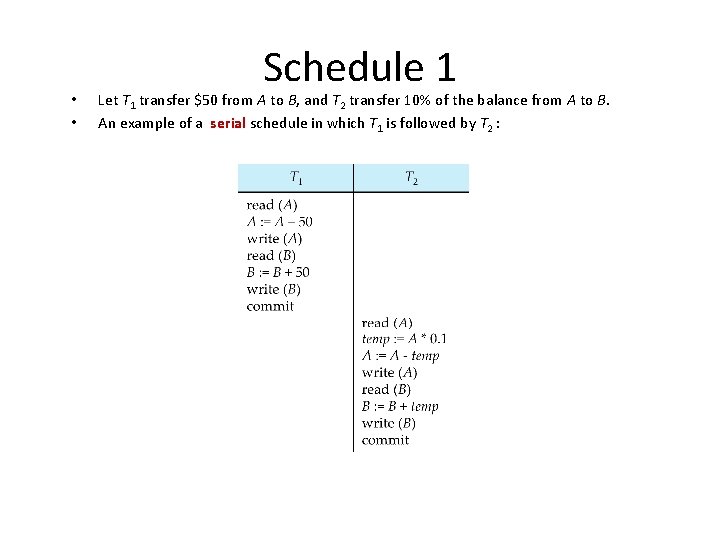
• • Schedule 1 Let T 1 transfer $50 from A to B, and T 2 transfer 10% of the balance from A to B. An example of a serial schedule in which T 1 is followed by T 2 :
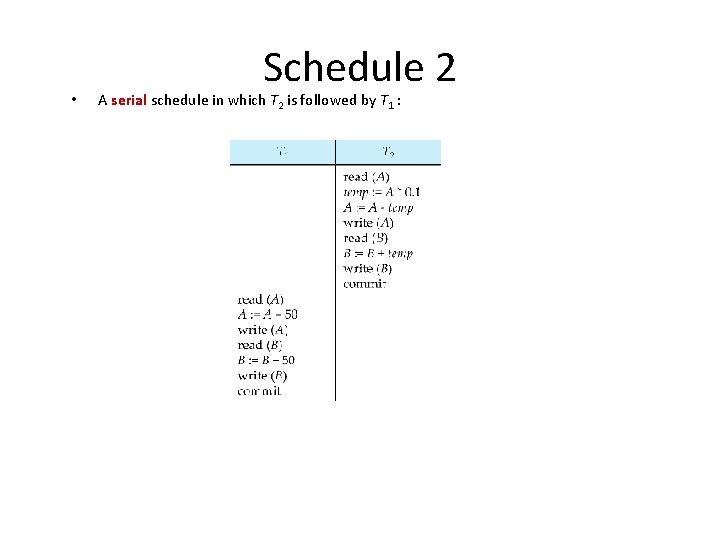
• Schedule 2 A serial schedule in which T 2 is followed by T 1 :
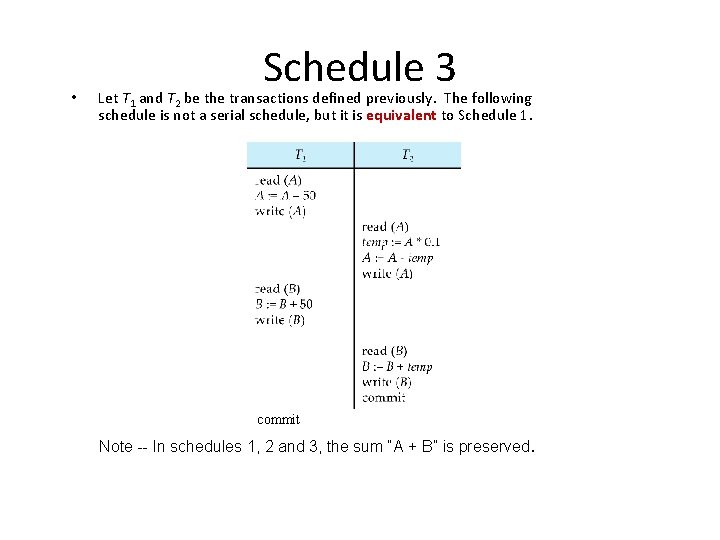
• Schedule 3 Let T 1 and T 2 be the transactions defined previously. The following schedule is not a serial schedule, but it is equivalent to Schedule 1. commit Note -- In schedules 1, 2 and 3, the sum “A + B” is preserved.
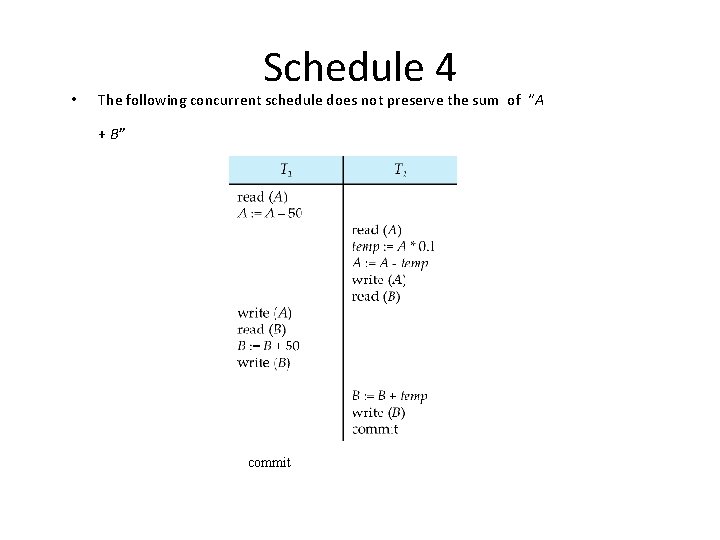
• Schedule 4 The following concurrent schedule does not preserve the sum of “A + B” commit
Transactions (ACID Properties) Isolation . . . DBMS Data Weaker “Isolation Levels” Read Uncommitted Read Committed Repeatable Read Strongest “Isolation Levels” Serilizable order Overhead Concurrency Consistency Guarantees
Transactions Set Transaction Isolation Level Read Uncommitted Begin Transaction Select GPA from Student Where size. HS > 2500 Update Student Set GPA = (1. 1) GPA Where size. HS > 2500 Commit concurrent with … Set Transaction Isolation Level Repeatable Read Begin Transaction Select Avg(GPA) From Student Commit
Transactions Isolation Levels § Per transaction § “In the eye of the beholder” § Affect applies to read statements My transaction is . . . My transaction is Read Uncommitted Repeatable Read DBMS Data
Transactions Dirty Reads “Dirty” data item: written by an uncommitted transaction Select enrollment from College Where c. Name = ‘De. Paul’ Update College Set enrollment = enrollment + 1000 Where c. Name = ‘De. Paul’ concurrent with … Select Avg(enrollment) From College Enrollment is dirty over here. It is updated by the update stmt, but not committed by the txn.
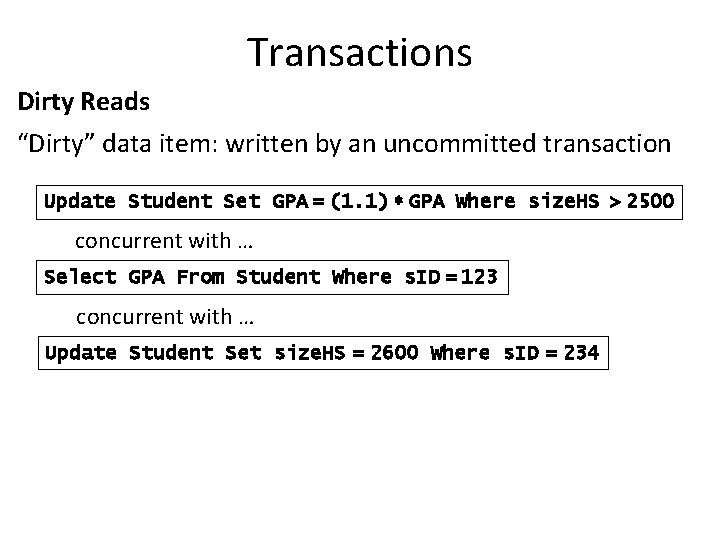
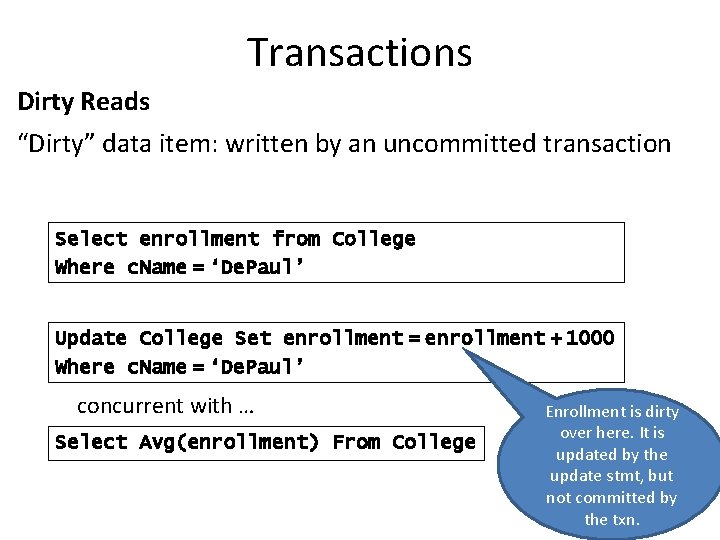
Transactions Dirty Reads “Dirty” data item: written by an uncommitted transaction Update Student Set GPA = (1. 1) GPA Where size. HS > 2500 concurrent with … Select GPA From Student Where s. ID = 123 concurrent with … Update Student Set size. HS = 2600 Where s. ID = 234
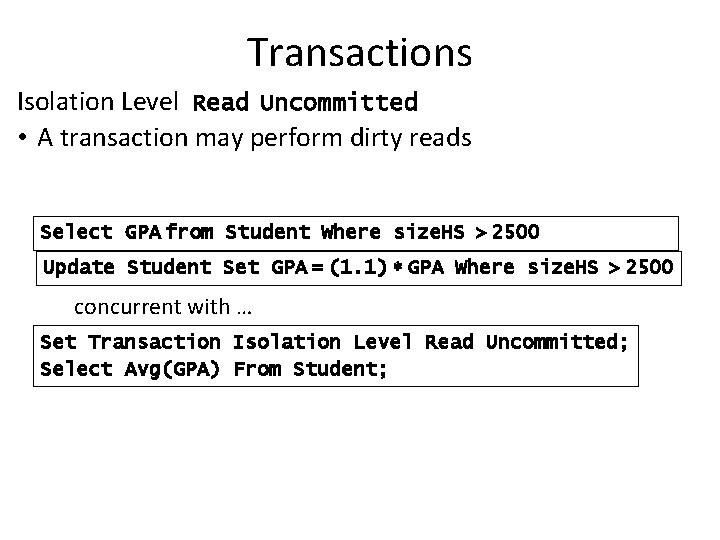
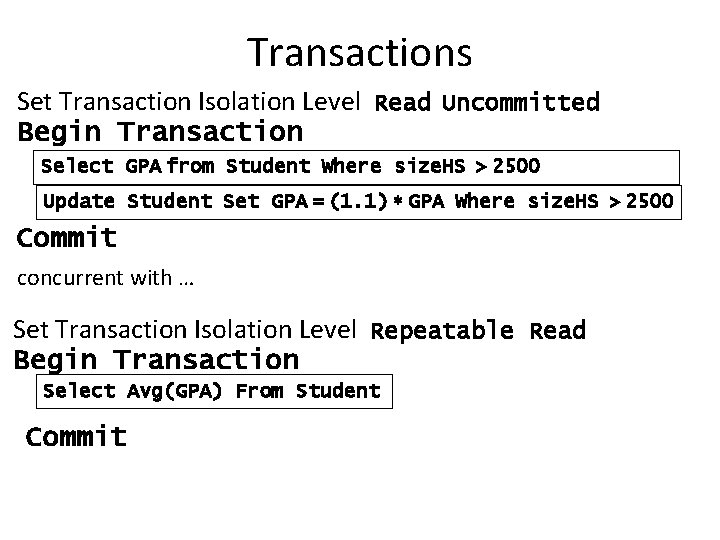
Transactions Isolation Level Read Uncommitted • A transaction may perform dirty reads Select GPA from Student Where size. HS > 2500 Update Student Set GPA = (1. 1) GPA Where size. HS > 2500 concurrent with … Set Transaction Isolation Level Read Uncommitted; Select Avg(GPA) From Student;
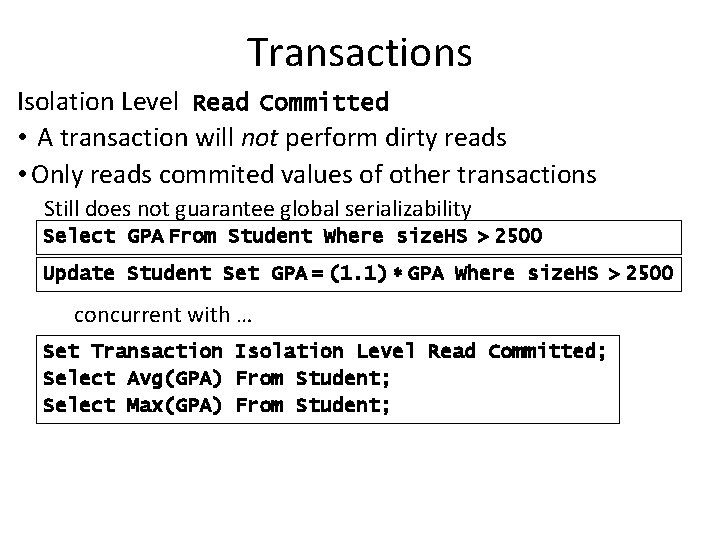
Transactions Isolation Level Read Committed • A transaction will not perform dirty reads • Only reads commited values of other transactions Still does not guarantee global serializability Select GPA From Student Where size. HS > 2500 Update Student Set GPA = (1. 1) GPA Where size. HS > 2500 concurrent with … Set Transaction Isolation Level Read Committed; Select Avg(GPA) From Student; Select Max(GPA) From Student;
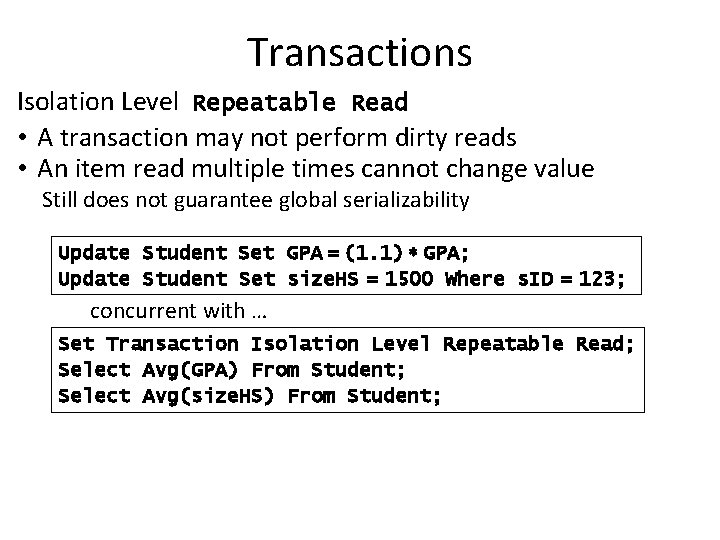
Transactions Isolation Level Repeatable Read • A transaction may not perform dirty reads • An item read multiple times cannot change value Still does not guarantee global serializability Update Student Set GPA = (1. 1) GPA; Update Student Set size. HS = 1500 Where s. ID = 123; concurrent with … Set Transaction Isolation Level Repeatable Read; Select Avg(GPA) From Student; Select Avg(size. HS) From Student;
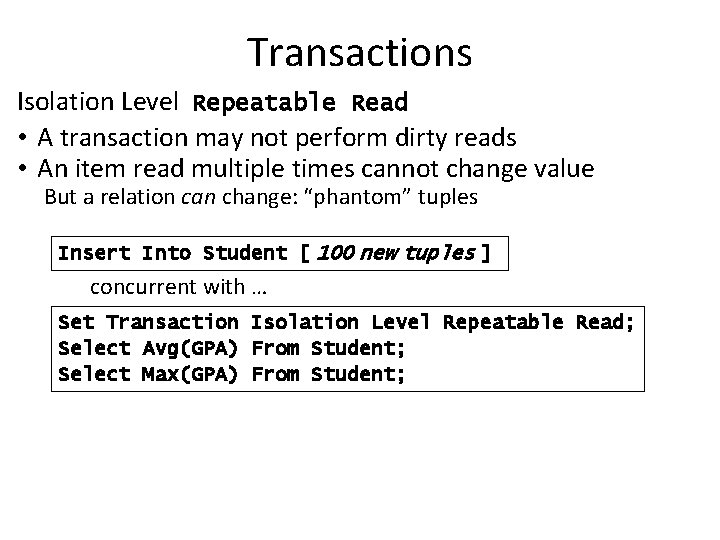
Transactions Isolation Level Repeatable Read • A transaction may not perform dirty reads • An item read multiple times cannot change value But a relation can change: “phantom” tuples Insert Into Student [ 100 new tuples ] concurrent with … Set Transaction Isolation Level Repeatable Read; Select Avg(GPA) From Student; Select Max(GPA) From Student;
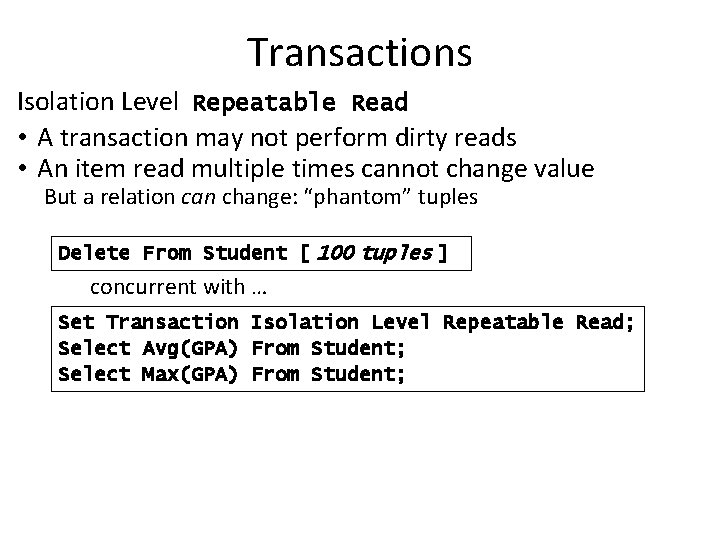
Transactions Isolation Level Repeatable Read • A transaction may not perform dirty reads • An item read multiple times cannot change value But a relation can change: “phantom” tuples Delete From Student [ 100 tuples ] concurrent with … Set Transaction Isolation Level Repeatable Read; Select Avg(GPA) From Student; Select Max(GPA) From Student;
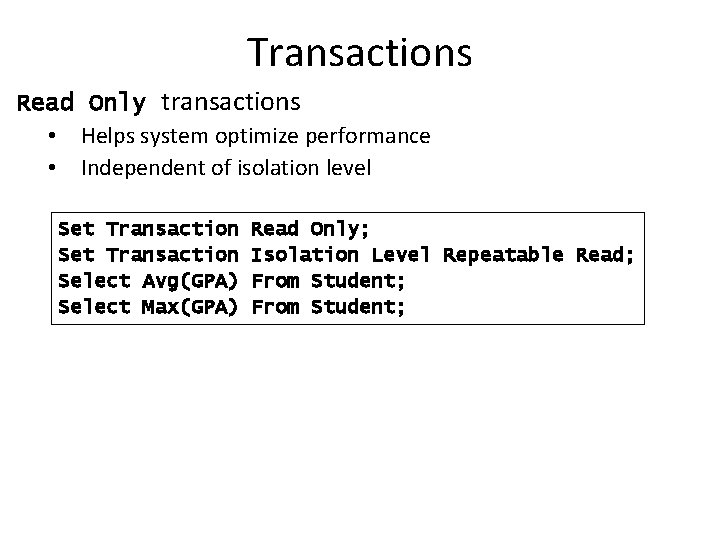
Transactions Read Only transactions • Helps system optimize performance • Independent of isolation level Set Transaction Select Avg(GPA) Select Max(GPA) Read Only; Isolation Level Repeatable Read; From Student;
Transactions • Serializable – Strongest isolation level – SQL Default • Read Uncommitted – A data item is dirty if it is written by an uncommitted transaction. – Problem of reading dirty data written by another uncommitted transaction: what if that transaction eventually aborts?
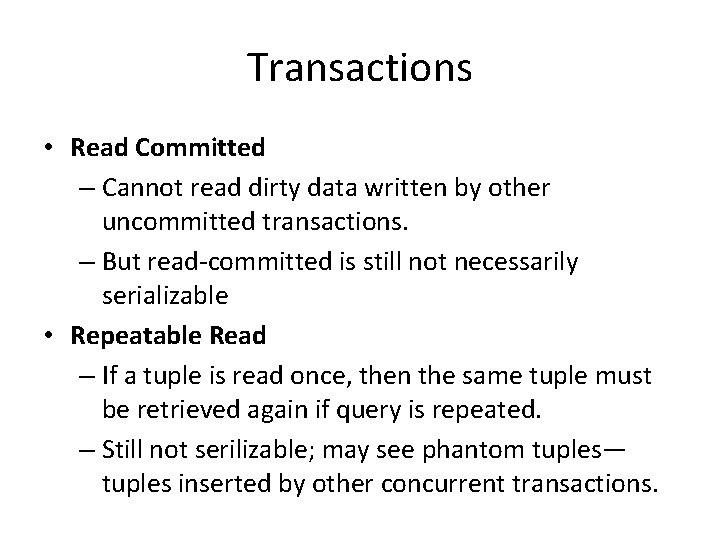
Transactions • Read Committed – Cannot read dirty data written by other uncommitted transactions. – But read-committed is still not necessarily serializable • Repeatable Read – If a tuple is read once, then the same tuple must be retrieved again if query is repeated. – Still not serilizable; may see phantom tuples— tuples inserted by other concurrent transactions.
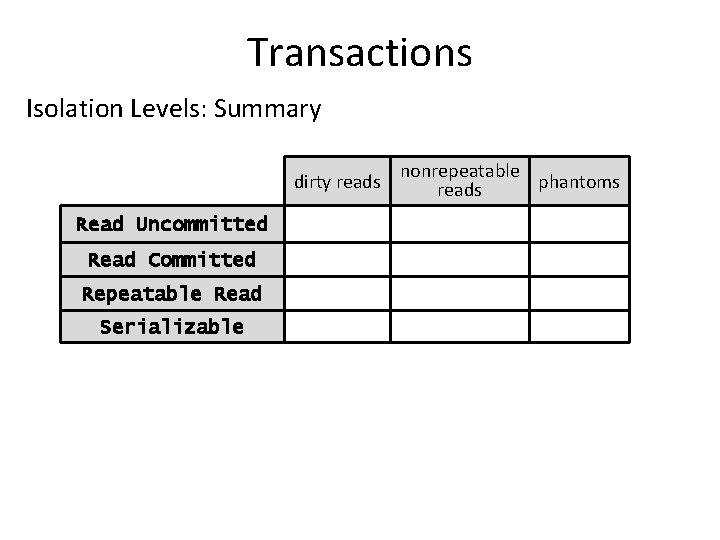
Transactions Isolation Levels: Summary dirty reads Read Uncommitted Read Committed Repeatable Read Serializable nonrepeatable phantoms reads
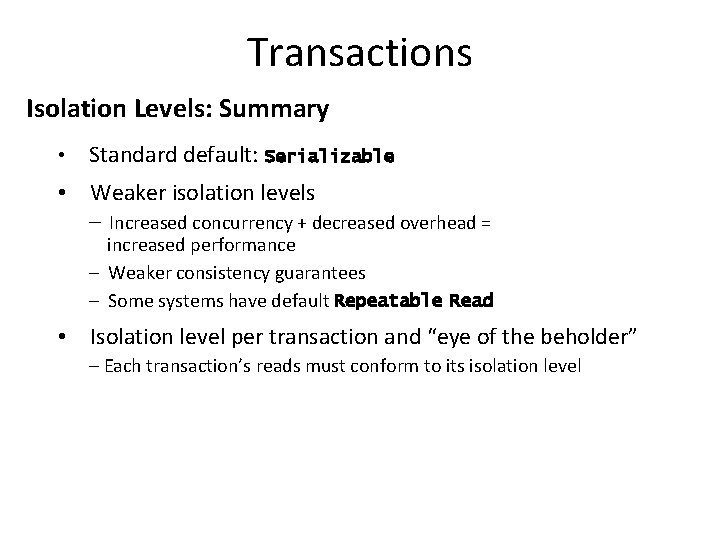
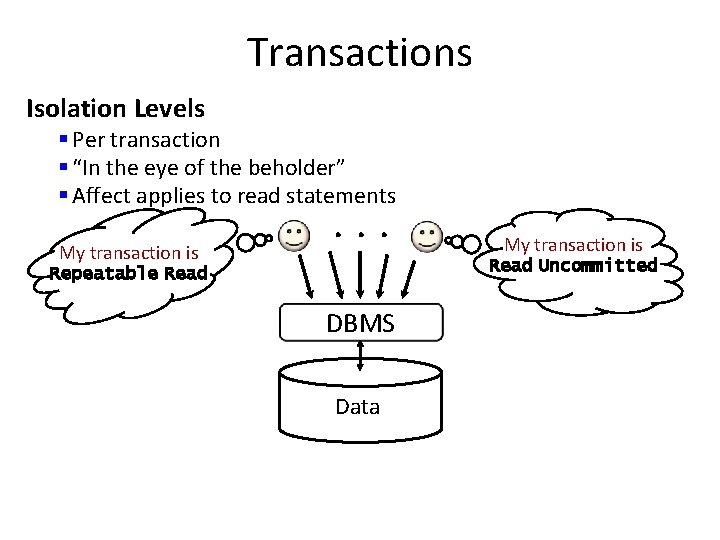
Transactions Isolation Levels: Summary • Standard default: Serializable • Weaker isolation levels – Increased concurrency + decreased overhead = increased performance – Weaker consistency guarantees – Some systems have default Repeatable Read • Isolation level per transaction and “eye of the beholder” – Each transaction’s reads must conform to its isolation level
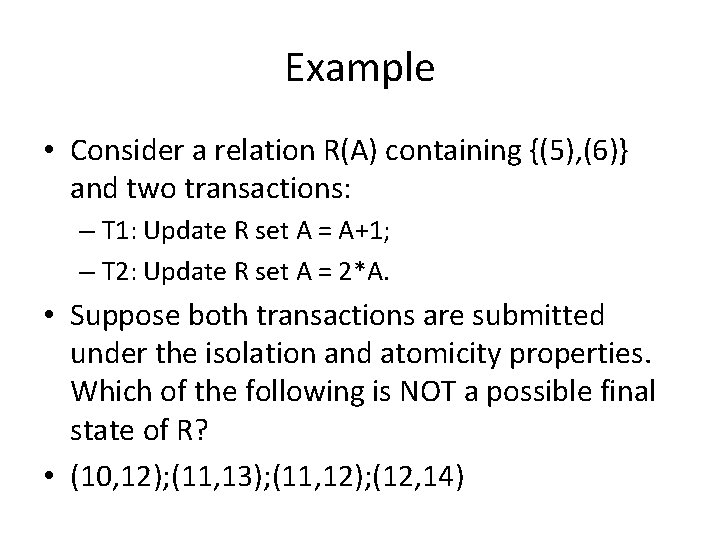
Example • Consider a relation R(A) containing {(5), (6)} and two transactions: – T 1: Update R set A = A+1; – T 2: Update R set A = 2*A. • Suppose both transactions are submitted under the isolation and atomicity properties. Which of the following is NOT a possible final state of R? • (10, 12); (11, 13); (11, 12); (12, 14)
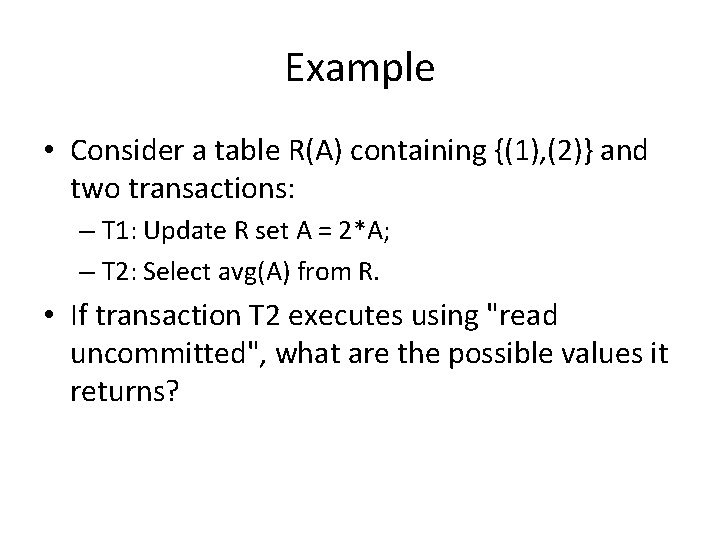
Example • Consider a table R(A) containing {(1), (2)} and two transactions: – T 1: Update R set A = 2*A; – T 2: Select avg(A) from R. • If transaction T 2 executes using "read uncommitted", what are the possible values it returns?
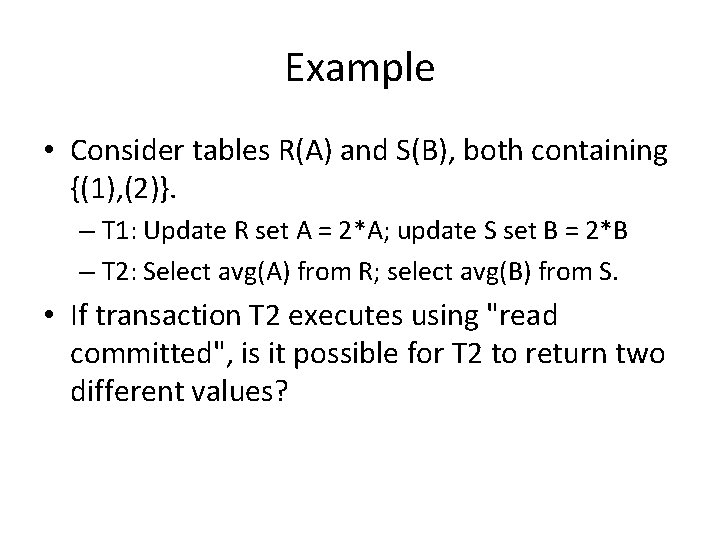
Example • Consider tables R(A) and S(B), both containing {(1), (2)}. – T 1: Update R set A = 2*A; update S set B = 2*B – T 2: Select avg(A) from R; select avg(B) from S. • If transaction T 2 executes using "read committed", is it possible for T 2 to return two different values?
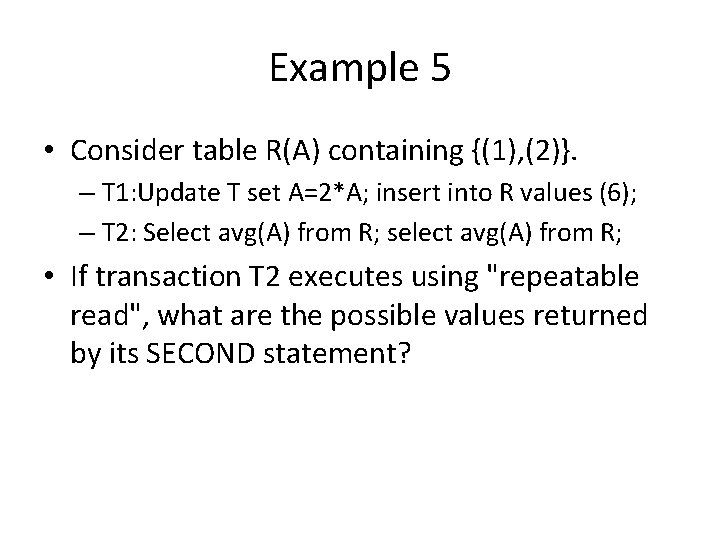
Example 5 • Consider table R(A) containing {(1), (2)}. – T 1: Update T set A=2*A; insert into R values (6); – T 2: Select avg(A) from R; select avg(A) from R; • If transaction T 2 executes using "repeatable read", what are the possible values returned by its SECOND statement?

- Slides: 142