
CSC 4035 E Product Launch Presentation Product Overview
- Slides: 44
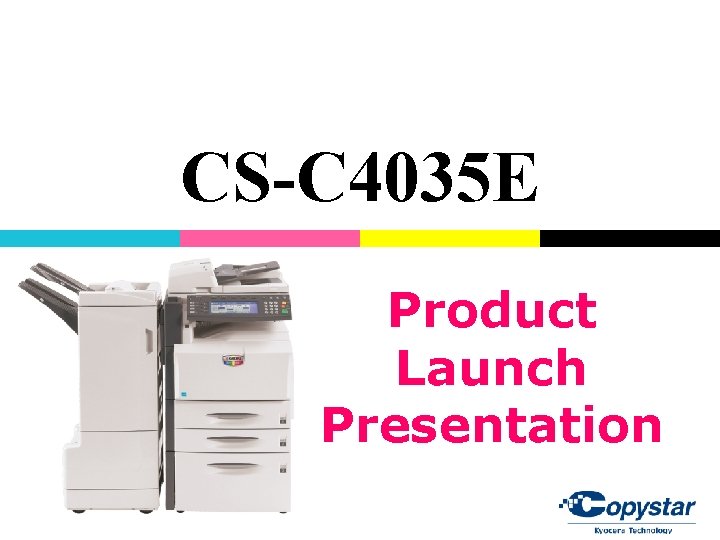
CS-C 4035 E Product Launch Presentation
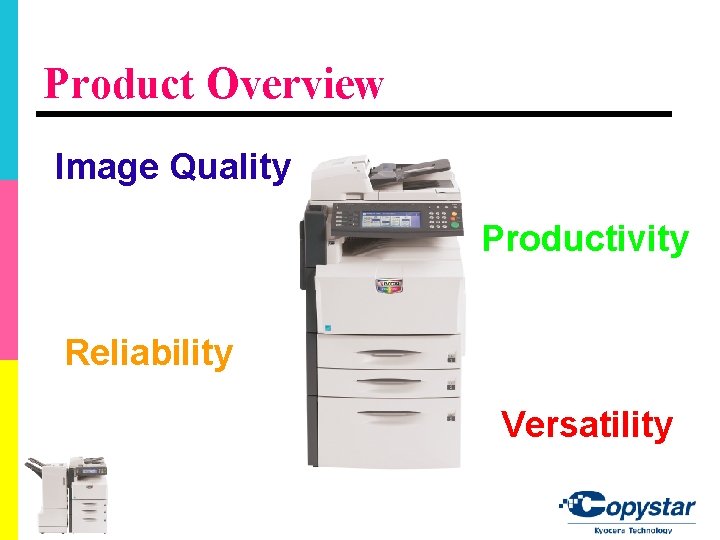
Product Overview Image Quality Productivity Reliability Versatility
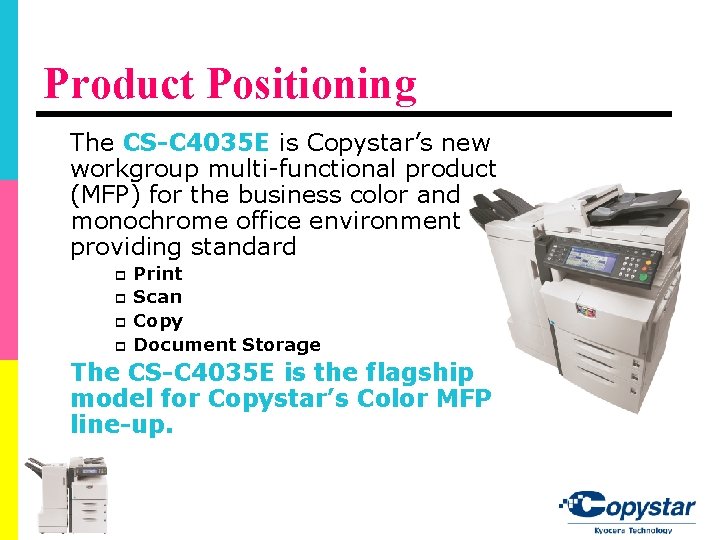
Product Positioning The CS-C 4035 E is Copystar’s new workgroup multi-functional product (MFP) for the business color and monochrome office environment providing standard p p Print Scan Copy Document Storage The CS-C 4035 E is the flagship model for Copystar’s Color MFP line-up.
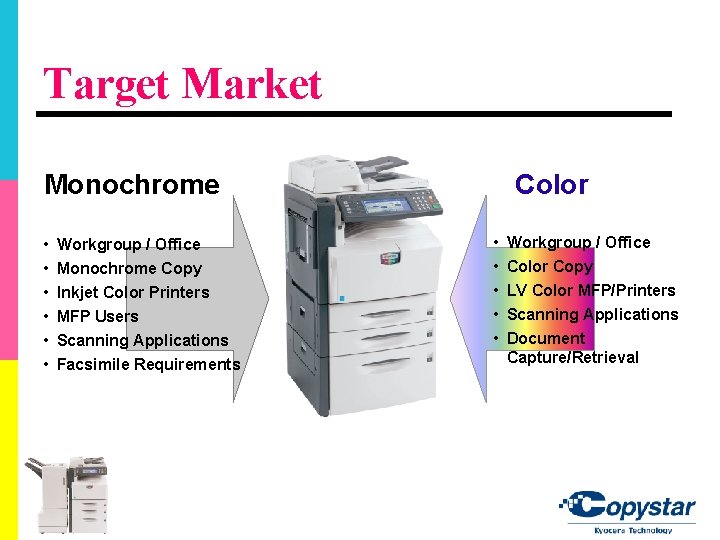
Target Market Monochrome • • • Workgroup / Office Monochrome Copy Inkjet Color Printers MFP Users Scanning Applications Facsimile Requirements Color • • • Workgroup / Office Color Copy LV Color MFP/Printers Scanning Applications Document Capture/Retrieval
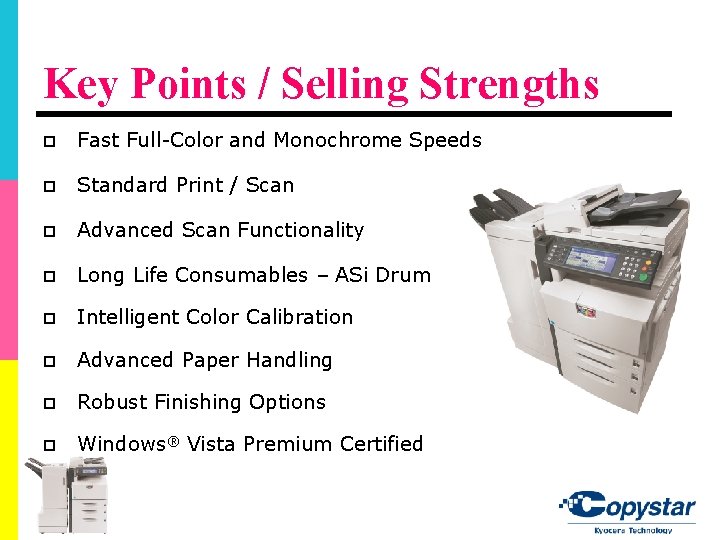
Key Points / Selling Strengths p Fast Full-Color and Monochrome Speeds p Standard Print / Scan p Advanced Scan Functionality p Long Life Consumables – ASi Drum p Intelligent Color Calibration p Advanced Paper Handling p Robust Finishing Options p Windows® Vista Premium Certified
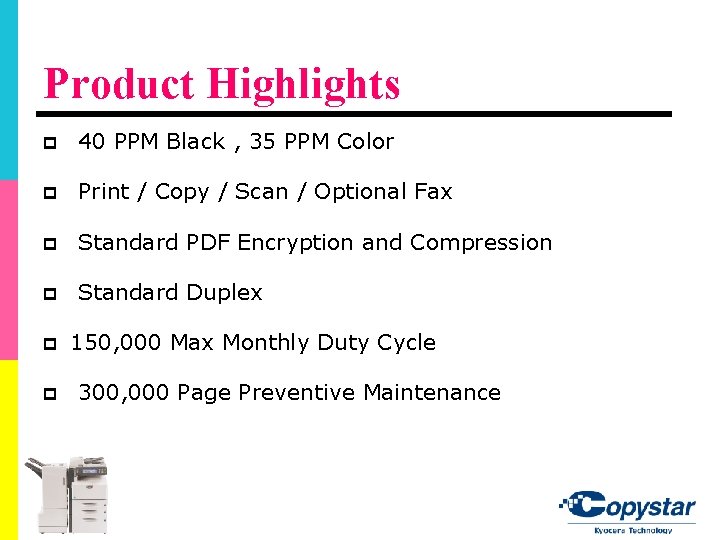
Product Highlights p 40 PPM Black , 35 PPM Color p Print / Copy / Scan / Optional Fax p Standard PDF Encryption and Compression p Standard Duplex p p 150, 000 Max Monthly Duty Cycle 300, 000 Page Preventive Maintenance
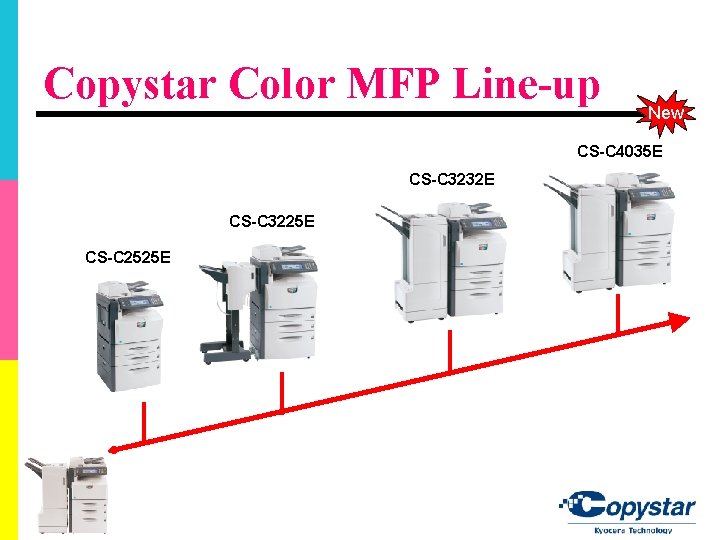
Copystar Color MFP Line-up New CS-C 4035 E CS-C 3232 E CS-C 3225 E CS-C 2525 E
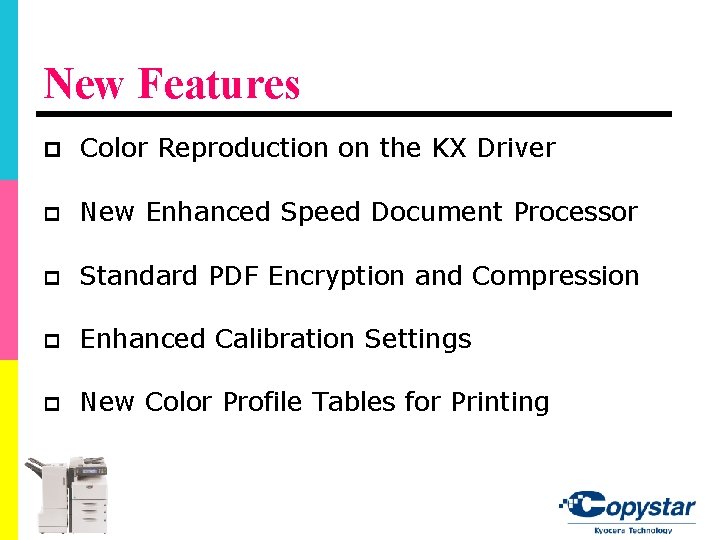
New Features p Color Reproduction on the KX Driver p New Enhanced Speed Document Processor p Standard PDF Encryption and Compression p Enhanced Calibration Settings p New Color Profile Tables for Printing
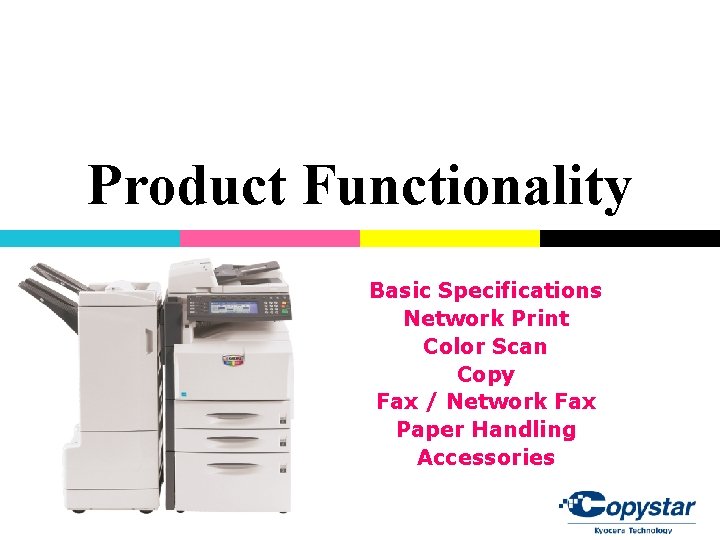
Product Functionality Basic Specifications Network Print Color Scan Copy Fax / Network Fax Paper Handling Accessories
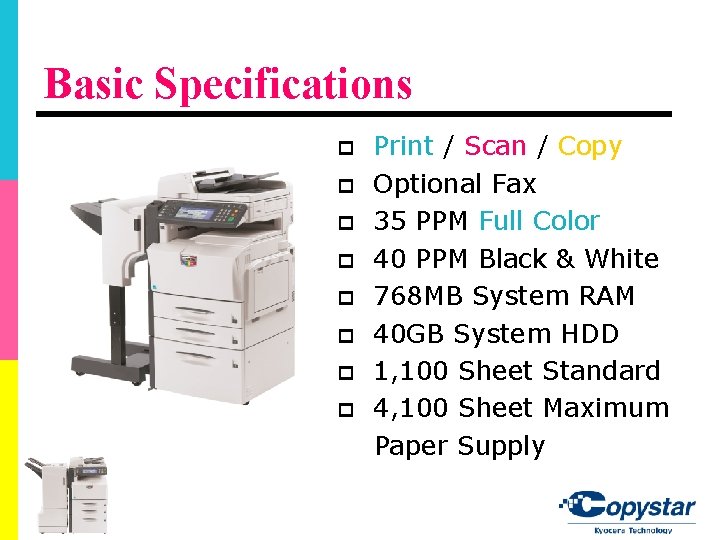
Basic Specifications p p p p Print / Scan / Copy Optional Fax 35 PPM Full Color 40 PPM Black & White 768 MB System RAM 40 GB System HDD 1, 100 Sheet Standard 4, 100 Sheet Maximum Paper Supply
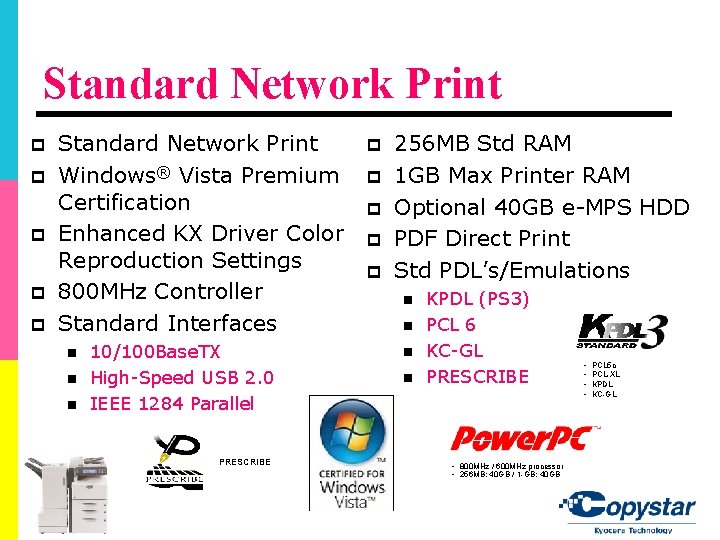
Standard Network Print p p p Standard Network Print Windows® Vista Premium Certification Enhanced KX Driver Color Reproduction Settings 800 MHz Controller Standard Interfaces n n n 10/100 Base. TX High-Speed USB 2. 0 IEEE 1284 Parallel PRESCRIBE p p p 256 MB Std RAM 1 GB Max Printer RAM Optional 40 GB e-MPS HDD PDF Direct Print Std PDL’s/Emulations n n KPDL (PS 3) PCL 6 KC-GL PRESCRIBE • 800 MHz / 600 MHz processor • 256 MB; 40 GB / 1 -GB; 40 GB • • PCL 5 c PCL-XL KPDL KC-GL
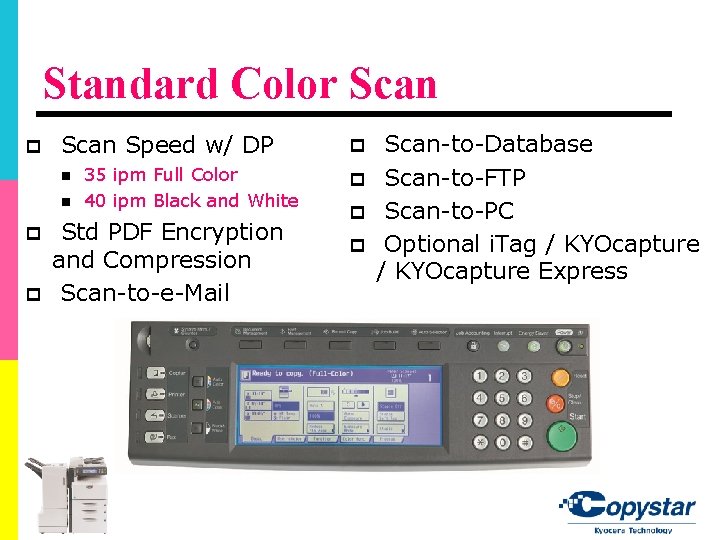
Standard Color Scan p Scan Speed w/ DP n n p p 35 ipm Full Color 40 ipm Black and White Std PDF Encryption and Compression Scan-to-e-Mail p p Scan-to-Database Scan-to-FTP Scan-to-PC Optional i. Tag / KYOcapture Express
Copy Functionality p Fast monochrome / color output speed p Strong Image Quality p Standard HDD and Document Storage p Versatile Paper Handling p Fast FCOT and Warm up times p Standard Automatic Duplex
Optional Fax / Network Fax p 33. 6 Kbps (Super G 3) p Std. JBIG Compression p Duplex TX / RX p Confidential TX / RX p Auto Routing p Personal Address Book
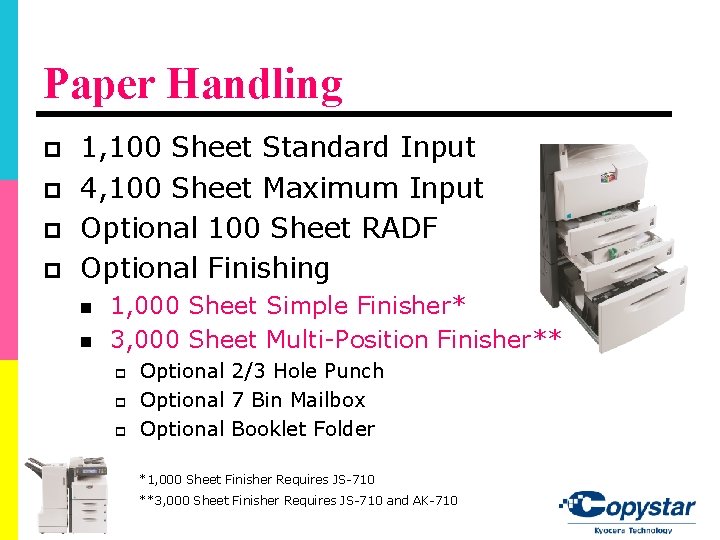
Paper Handling p p 1, 100 Sheet Standard Input 4, 100 Sheet Maximum Input Optional 100 Sheet RADF Optional Finishing n n 1, 000 Sheet Simple Finisher* 3, 000 Sheet Multi-Position Finisher** p p p Optional 2/3 Hole Punch Optional 7 Bin Mailbox Optional Booklet Folder *1, 000 Sheet Finisher Requires JS-710 **3, 000 Sheet Finisher Requires JS-710 and AK-710
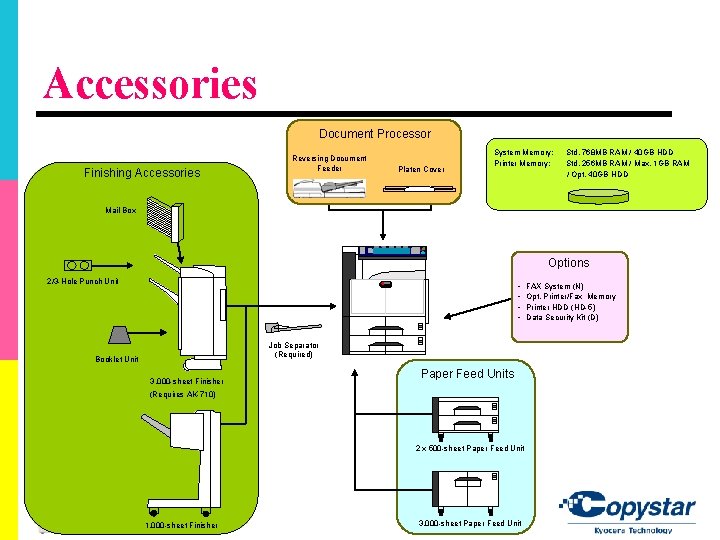
Accessories Document Processor Finishing Accessories Reversing Document Feeder Platen Cover System Memory: Printer Memory: Std. 768 MB RAM / 40 GB HDD Std. 256 MB RAM / Max. 1 GB RAM / Opt. 40 GB HDD Mail Box Options 2/3 -Hole Punch Unit • • Job Separator (Required) Booklet Unit 3, 000 -sheet Finisher Paper Feed Units (Requires AK-710) 2 x 500 -sheet Paper Feed Unit 1, 000 -sheet Finisher 3, 000 -sheet Paper Feed Unit FAX System (N) Opt. Printer/Fax Memory Printer HDD (HD-5) Data Security Kit (D)
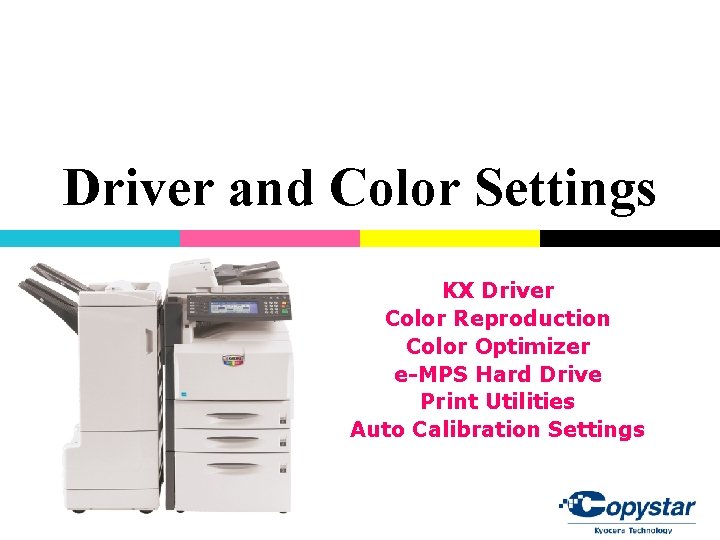
Driver and Color Settings KX Driver Color Reproduction Color Optimizer e-MPS Hard Drive Print Utilities Auto Calibration Settings
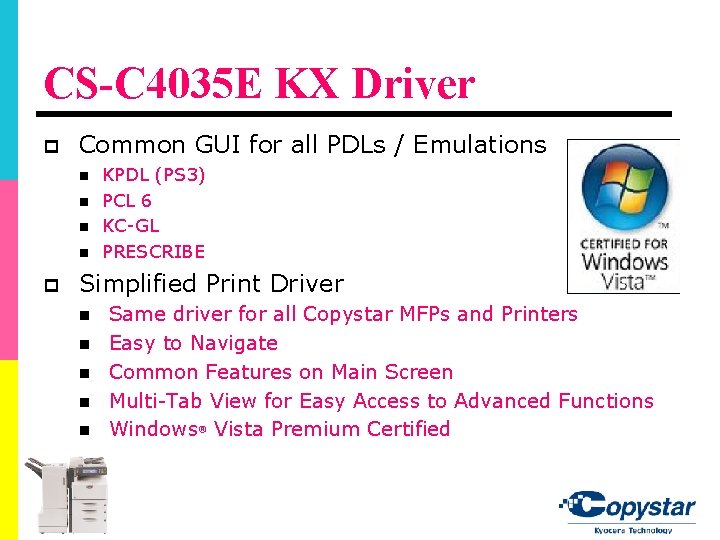
CS-C 4035 E KX Driver p Common GUI for all PDLs / Emulations n n p KPDL (PS 3) PCL 6 KC-GL PRESCRIBE Simplified Print Driver n n n Same driver for all Copystar MFPs and Printers Easy to Navigate Common Features on Main Screen Multi-Tab View for Easy Access to Advanced Functions Windows® Vista Premium Certified
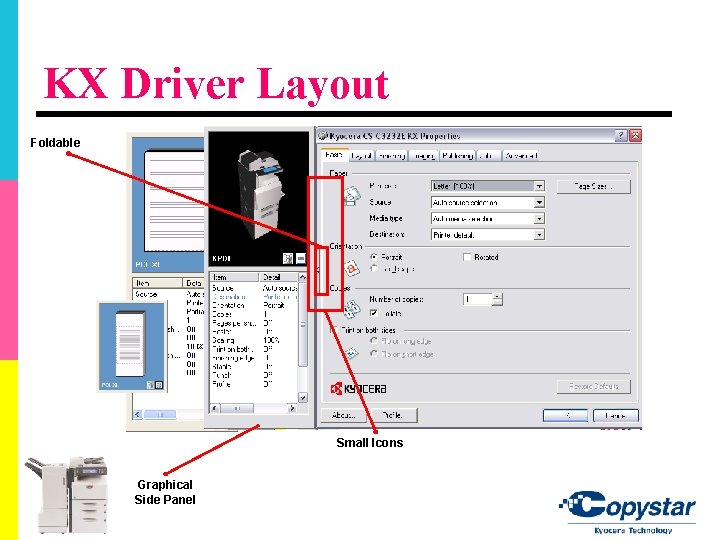
KX Driver Layout Foldable Small Icons Graphical Side Panel
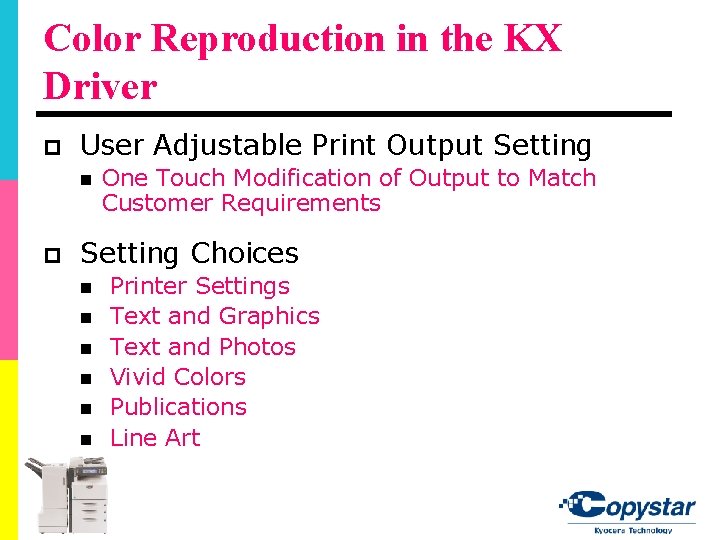
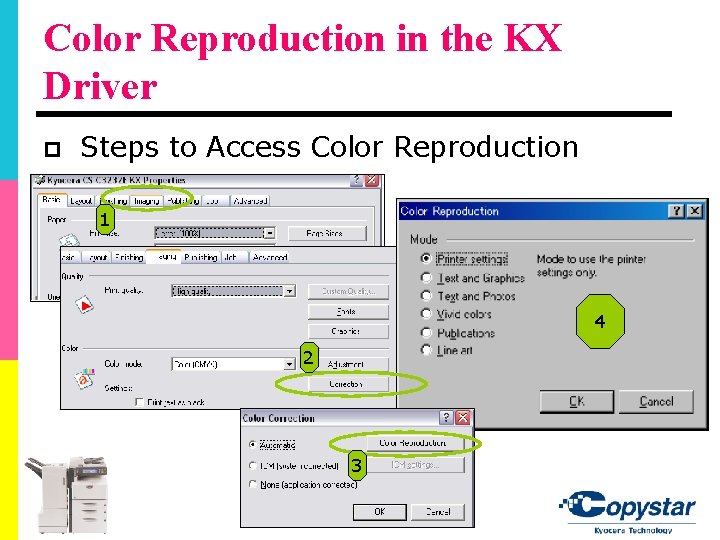
Color Reproduction in the KX Driver p User Adjustable Print Output Setting n p One Touch Modification of Output to Match Customer Requirements Setting Choices n n n Printer Settings Text and Graphics Text and Photos Vivid Colors Publications Line Art
Color Reproduction in the KX Driver p Steps to Access Color Reproduction 1 4 2 3
Color Optimizer The Color Optimizer is a plug-in for the KX Driver developed by Copystar Professional Services Group that allows end-users printing in color to have a single color matching on critical business documents. From the Color Optimizer plug-in, users can sample specific targeted colors, print a corresponding matrix, and select the desired match for optimum color output.
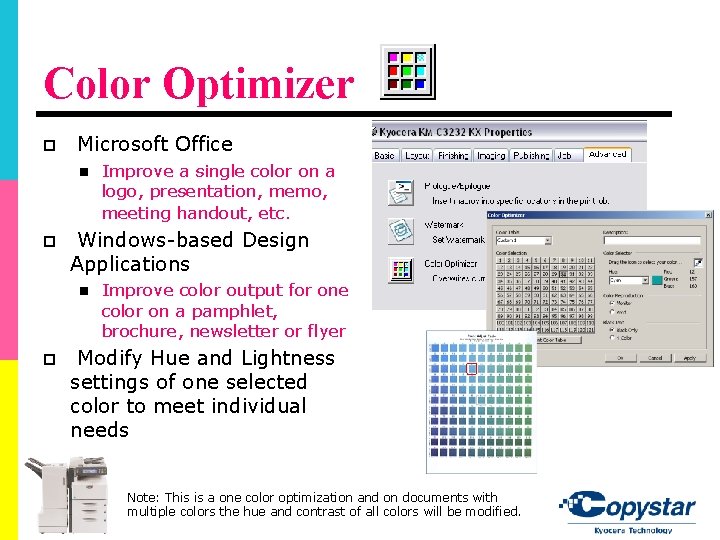
Color Optimizer p Microsoft Office n p Windows-based Design Applications n p Improve a single color on a logo, presentation, memo, meeting handout, etc. Improve color output for one color on a pamphlet, brochure, newsletter or flyer Modify Hue and Lightness settings of one selected color to meet individual needs Note: This is a one color optimization and on documents with multiple colors the hue and contrast of all colors will be modified.
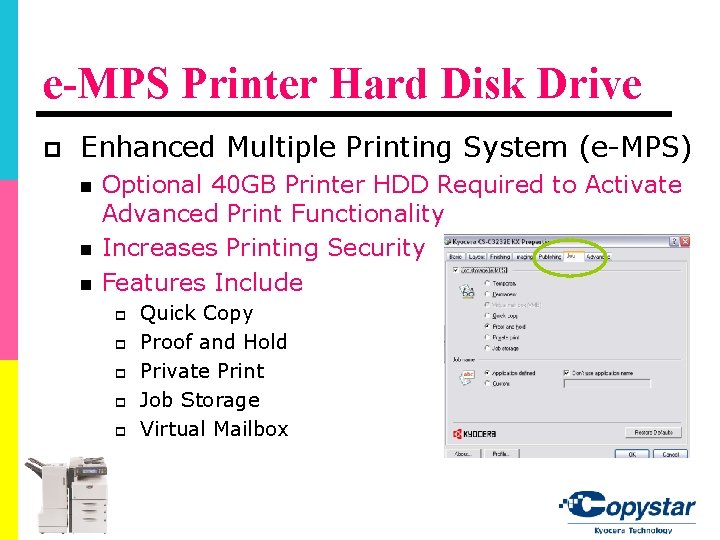
e-MPS Printer Hard Disk Drive p Enhanced Multiple Printing System (e-MPS) n n n Optional 40 GB Printer HDD Required to Activate Advanced Print Functionality Increases Printing Security Features Include p p p Quick Copy Proof and Hold Private Print Job Storage Virtual Mailbox
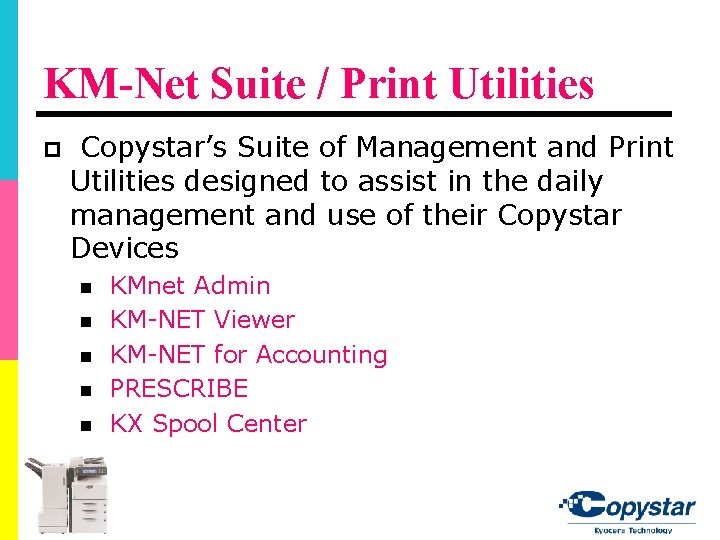
KM-Net Suite / Print Utilities p Copystar’s Suite of Management and Print Utilities designed to assist in the daily management and use of their Copystar Devices n n n KMnet Admin KM-NET Viewer KM-NET for Accounting PRESCRIBE KX Spool Center
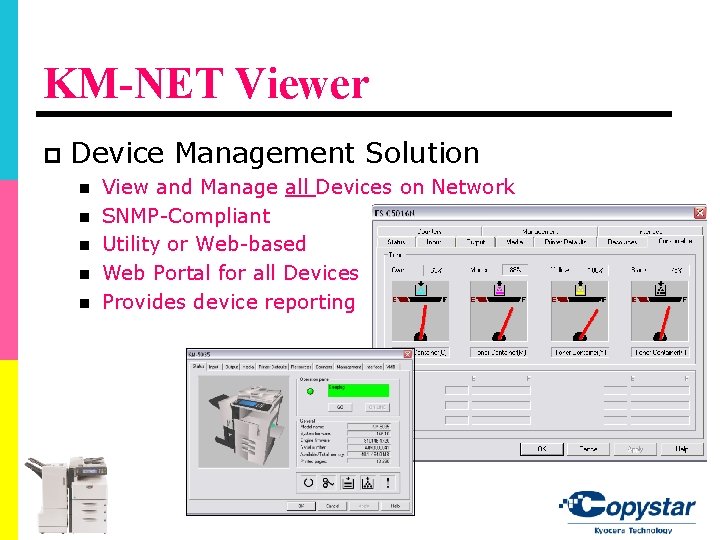
KM-NET Viewer p Device Management Solution n n View and Manage all Devices on Network SNMP-Compliant Utility or Web-based Web Portal for all Devices Provides device reporting
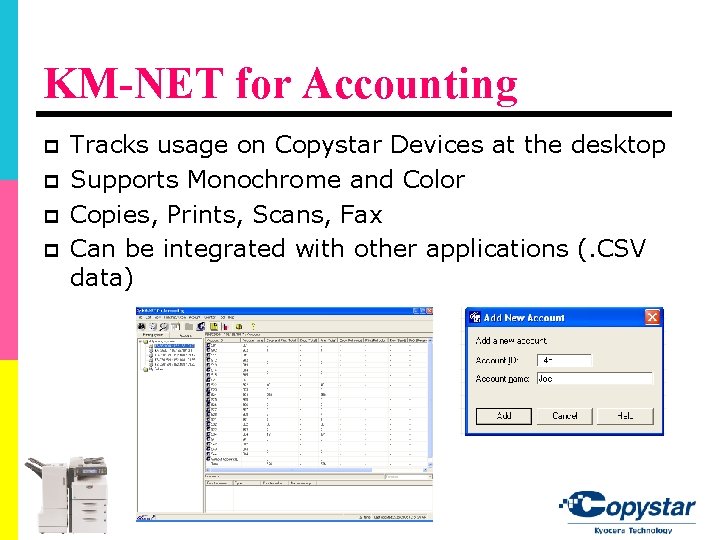
KM-NET for Accounting p p Tracks usage on Copystar Devices at the desktop Supports Monochrome and Color Copies, Prints, Scans, Fax Can be integrated with other applications (. CSV data)
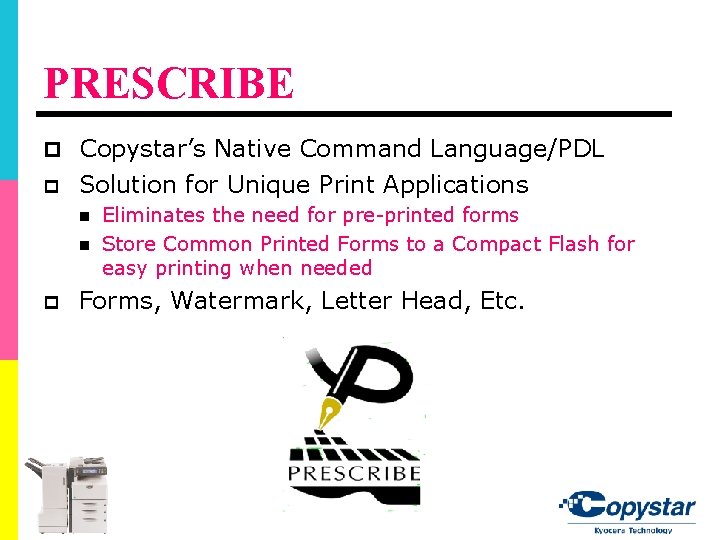
PRESCRIBE p Copystar’s Native Command Language/PDL p Solution for Unique Print Applications n n p Eliminates the need for pre-printed forms Store Common Printed Forms to a Compact Flash for easy printing when needed Forms, Watermark, Letter Head, Etc.
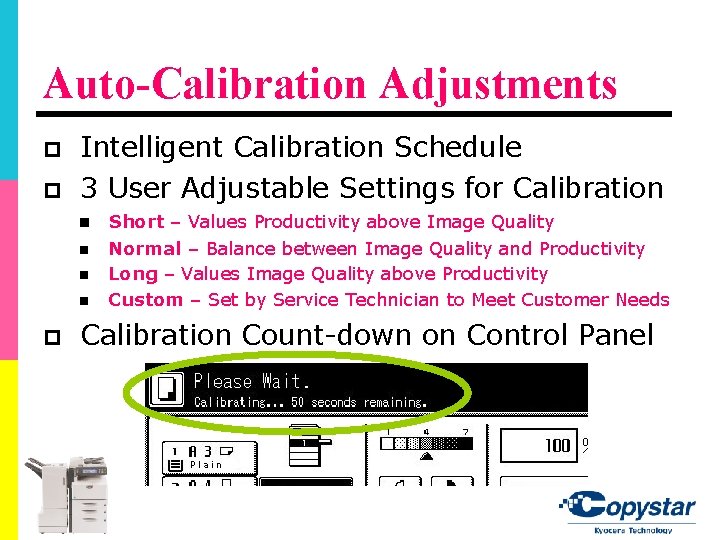
Auto-Calibration Adjustments p p Intelligent Calibration Schedule 3 User Adjustable Settings for Calibration n n p Short – Values Productivity above Image Quality Normal – Balance between Image Quality and Productivity Long – Values Image Quality above Productivity Custom – Set by Service Technician to Meet Customer Needs Calibration Count-down on Control Panel
Advanced Scan Functionality PDF Encryption PDF Compression i. Tag KYOcapture Express
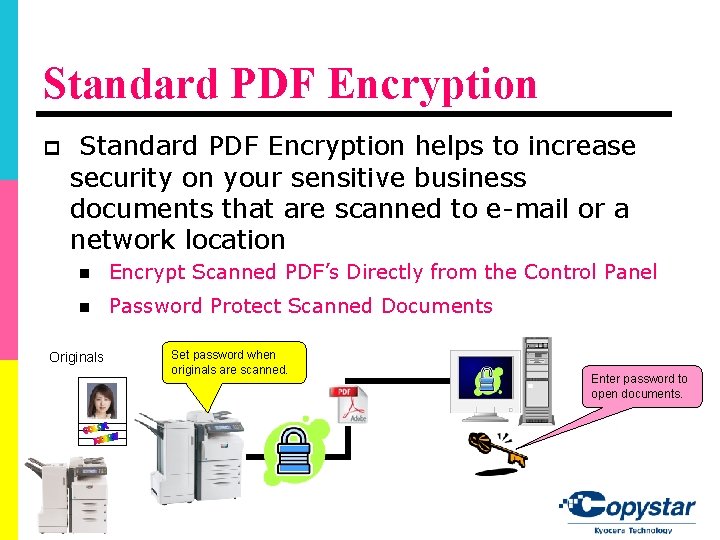
Standard PDF Encryption p Standard PDF Encryption helps to increase security on your sensitive business documents that are scanned to e-mail or a network location n Encrypt Scanned PDF’s Directly from the Control Panel n Password Protect Scanned Documents Originals Set password when originals are scanned. Enter password to open documents.
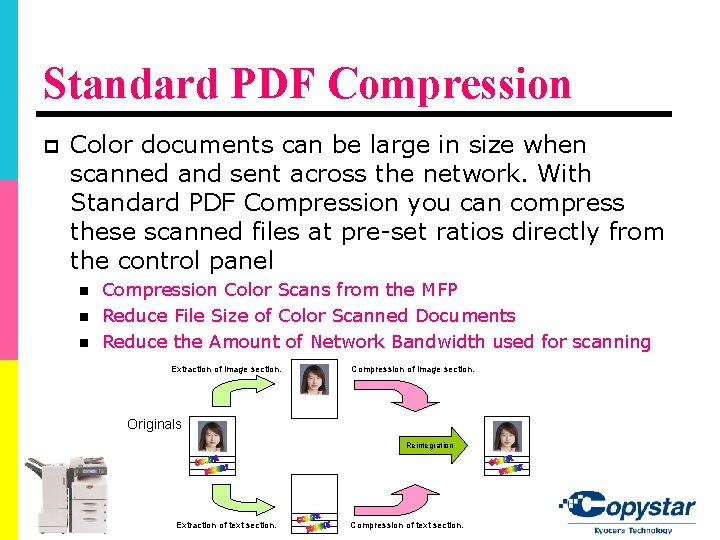
Standard PDF Compression p Color documents can be large in size when scanned and sent across the network. With Standard PDF Compression you can compress these scanned files at pre-set ratios directly from the control panel n n n Compression Color Scans from the MFP Reduce File Size of Color Scanned Documents Reduce the Amount of Network Bandwidth used for scanning Extraction of image section. Compression of image section. Originals Reintegration Extraction of text section. Compression of text section.
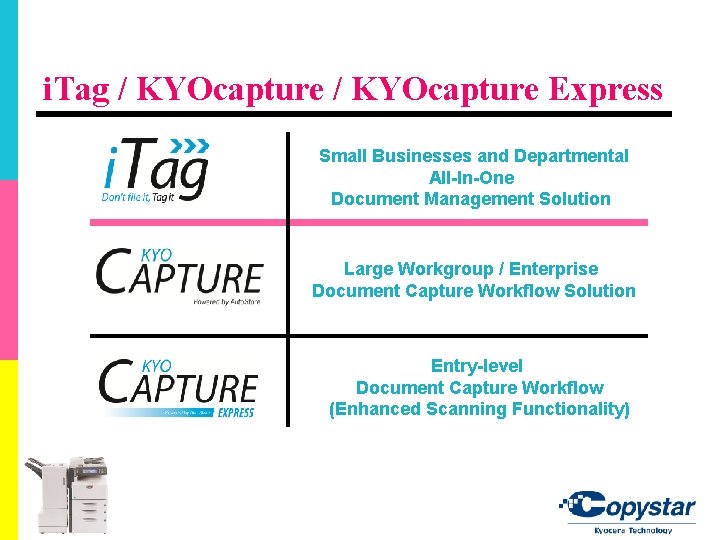
i. Tag / KYOcapture Express Small Businesses and Departmental All-In-One Document Management Solution Large Workgroup / Enterprise Document Capture Workflow Solution Entry-level Document Capture Workflow (Enhanced Scanning Functionality)
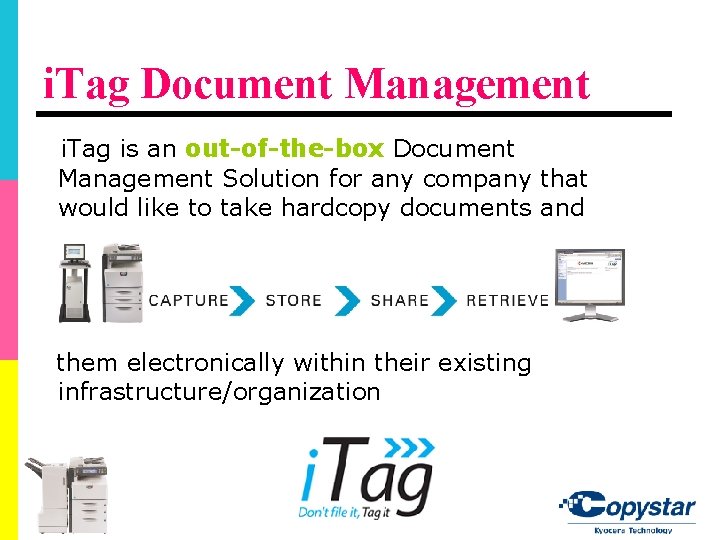
i. Tag Document Management i. Tag is an out-of-the-box Document Management Solution for any company that would like to take hardcopy documents and them electronically within their existing infrastructure/organization
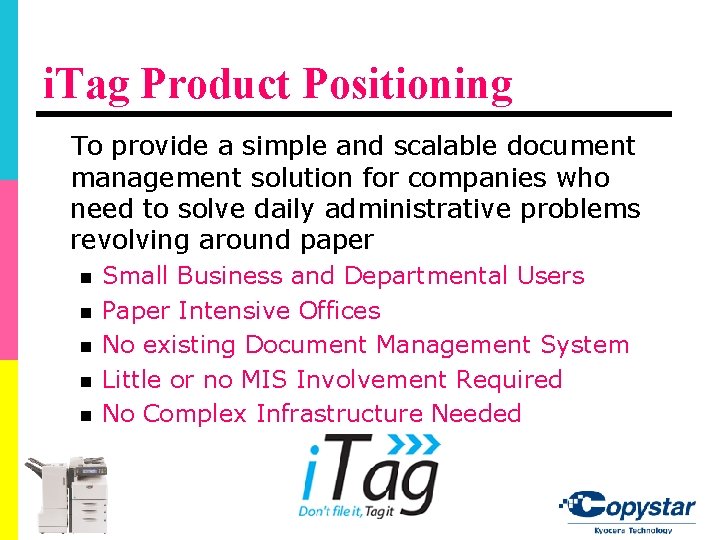
i. Tag Product Positioning To provide a simple and scalable document management solution for companies who need to solve daily administrative problems revolving around paper n n n Small Business and Departmental Users Paper Intensive Offices No existing Document Management System Little or no MIS Involvement Required No Complex Infrastructure Needed
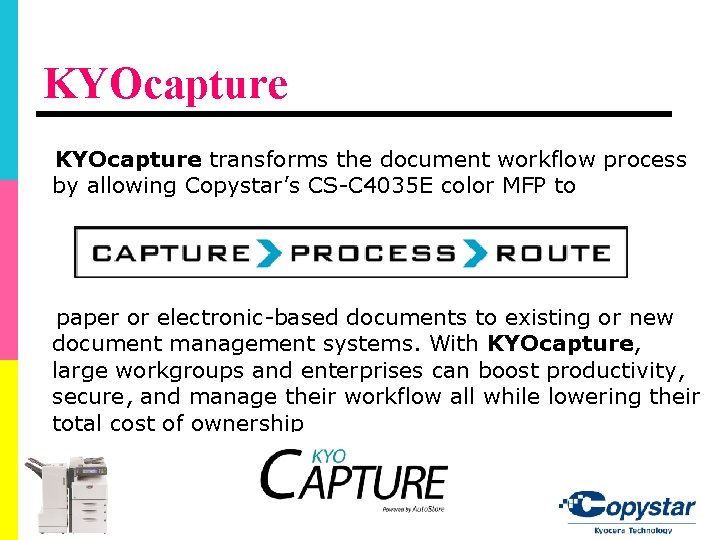
KYOcapture transforms the document workflow process by allowing Copystar’s CS-C 4035 E color MFP to paper or electronic-based documents to existing or new document management systems. With KYOcapture, large workgroups and enterprises can boost productivity, secure, and manage their workflow all while lowering their total cost of ownership
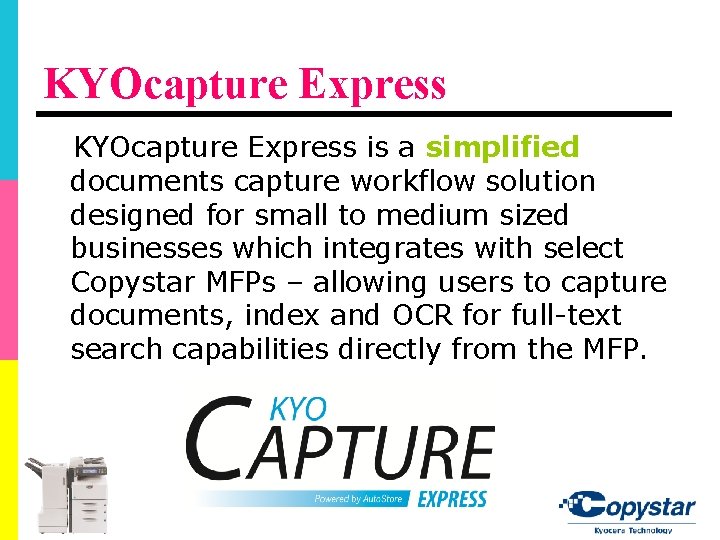
KYOcapture Express is a simplified documents capture workflow solution designed for small to medium sized businesses which integrates with select Copystar MFPs – allowing users to capture documents, index and OCR for full-text search capabilities directly from the MFP.
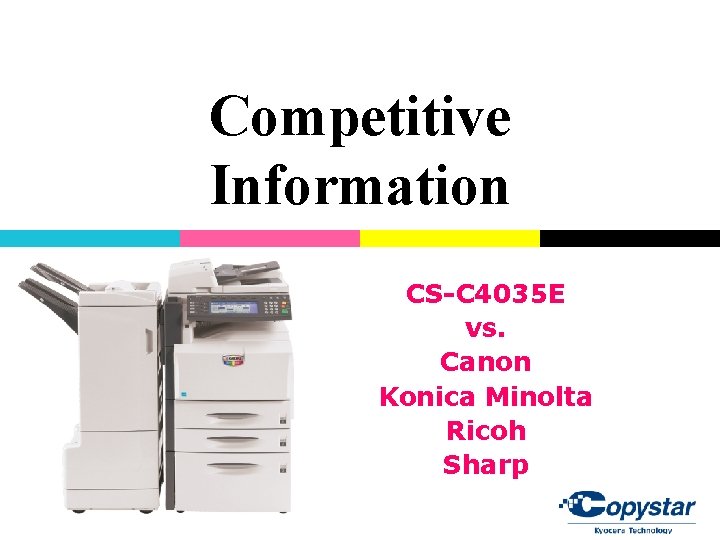
Competitive Information CS-C 4035 E vs. Canon Konica Minolta Ricoh Sharp
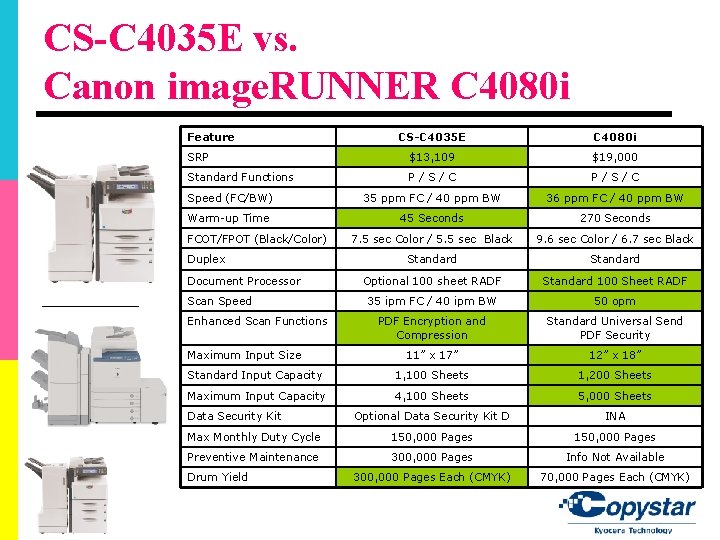
CS-C 4035 E vs. Canon image. RUNNER C 4080 i Feature CS-C 4035 E C 4080 i SRP $13, 109 $19, 000 Standard Functions P/S/C Speed (FC/BW) 35 ppm FC / 40 ppm BW 36 ppm FC / 40 ppm BW Warm-up Time 45 Seconds 270 Seconds 7. 5 sec Color / 5. 5 sec Black 9. 6 sec Color / 6. 7 sec Black Standard Optional 100 sheet RADF Standard 100 Sheet RADF 35 ipm FC / 40 ipm BW 50 opm PDF Encryption and Compression Standard Universal Send PDF Security 11” x 17” 12” x 18” Standard Input Capacity 1, 100 Sheets 1, 200 Sheets Maximum Input Capacity 4, 100 Sheets 5, 000 Sheets Optional Data Security Kit D INA Max Monthly Duty Cycle 150, 000 Pages Preventive Maintenance 300, 000 Pages Info Not Available 300, 000 Pages Each (CMYK) 70, 000 Pages Each (CMYK) FCOT/FPOT (Black/Color) Duplex Document Processor Scan Speed Enhanced Scan Functions Maximum Input Size Data Security Kit Drum Yield
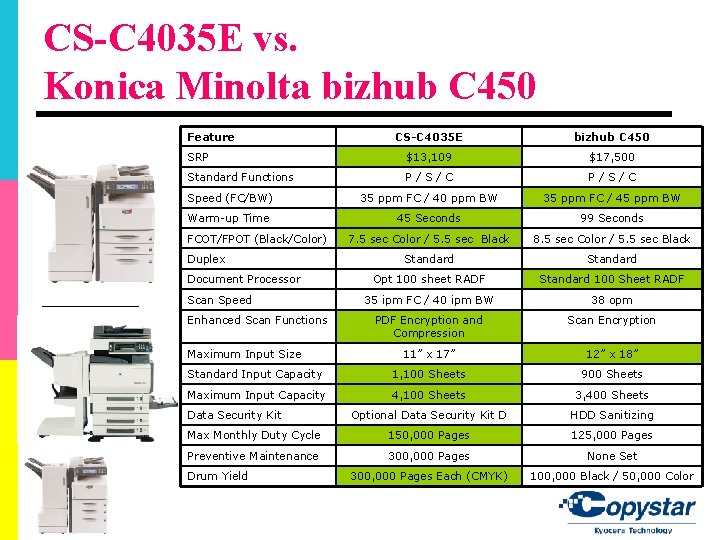
CS-C 4035 E vs. Konica Minolta bizhub C 450 Feature CS-C 4035 E bizhub C 450 SRP $13, 109 $17, 500 Standard Functions P/S/C Speed (FC/BW) 35 ppm FC / 40 ppm BW 35 ppm FC / 45 ppm BW Warm-up Time 45 Seconds 99 Seconds 7. 5 sec Color / 5. 5 sec Black 8. 5 sec Color / 5. 5 sec Black Standard Opt 100 sheet RADF Standard 100 Sheet RADF 35 ipm FC / 40 ipm BW 38 opm PDF Encryption and Compression Scan Encryption 11” x 17” 12” x 18” Standard Input Capacity 1, 100 Sheets 900 Sheets Maximum Input Capacity 4, 100 Sheets 3, 400 Sheets Optional Data Security Kit D HDD Sanitizing Max Monthly Duty Cycle 150, 000 Pages 125, 000 Pages Preventive Maintenance 300, 000 Pages None Set 300, 000 Pages Each (CMYK) 100, 000 Black / 50, 000 Color FCOT/FPOT (Black/Color) Duplex Document Processor Scan Speed Enhanced Scan Functions Maximum Input Size Data Security Kit Drum Yield
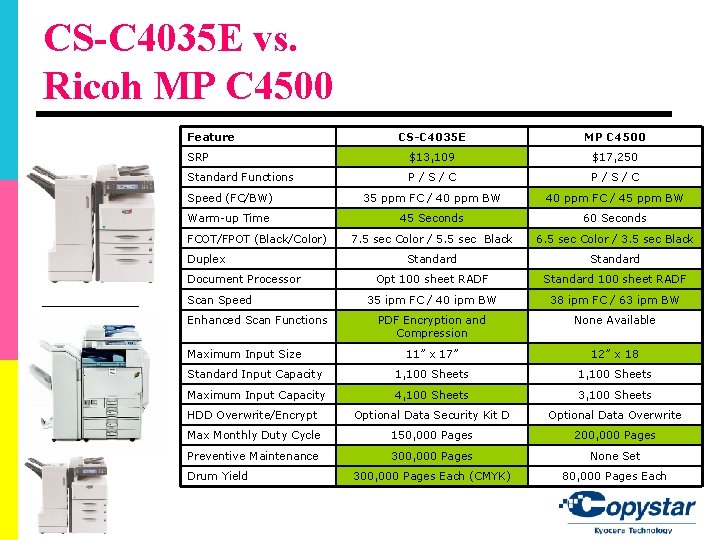
CS-C 4035 E vs. Ricoh MP C 4500 Feature CS-C 4035 E MP C 4500 SRP $13, 109 $17, 250 Standard Functions P/S/C Speed (FC/BW) 35 ppm FC / 40 ppm BW 40 ppm FC / 45 ppm BW Warm-up Time 45 Seconds 60 Seconds 7. 5 sec Color / 5. 5 sec Black 6. 5 sec Color / 3. 5 sec Black Standard Opt 100 sheet RADF Standard 100 sheet RADF 35 ipm FC / 40 ipm BW 38 ipm FC / 63 ipm BW PDF Encryption and Compression None Available 11” x 17” 12” x 18 Standard Input Capacity 1, 100 Sheets Maximum Input Capacity 4, 100 Sheets 3, 100 Sheets HDD Overwrite/Encrypt Optional Data Security Kit D Optional Data Overwrite Max Monthly Duty Cycle 150, 000 Pages 200, 000 Pages Preventive Maintenance 300, 000 Pages None Set 300, 000 Pages Each (CMYK) 80, 000 Pages Each FCOT/FPOT (Black/Color) Duplex Document Processor Scan Speed Enhanced Scan Functions Maximum Input Size Drum Yield
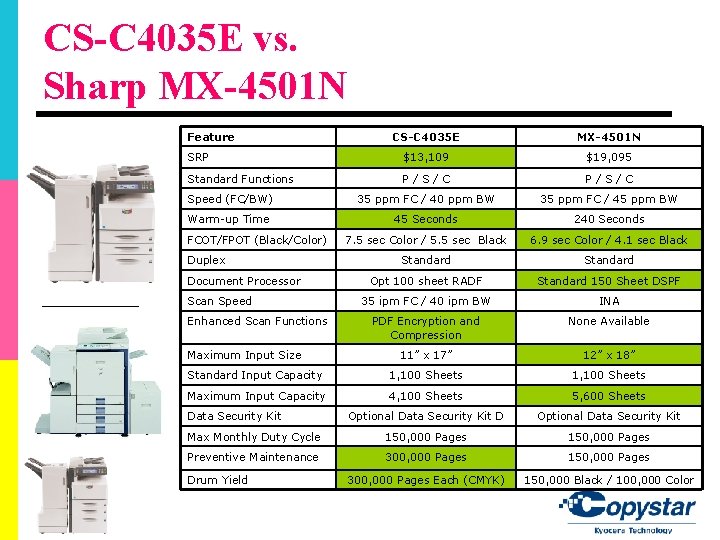
CS-C 4035 E vs. Sharp MX-4501 N Feature CS-C 4035 E MX-4501 N SRP $13, 109 $19, 095 Standard Functions P/S/C Speed (FC/BW) 35 ppm FC / 40 ppm BW 35 ppm FC / 45 ppm BW Warm-up Time 45 Seconds 240 Seconds 7. 5 sec Color / 5. 5 sec Black 6. 9 sec Color / 4. 1 sec Black Standard Opt 100 sheet RADF Standard 150 Sheet DSPF 35 ipm FC / 40 ipm BW INA PDF Encryption and Compression None Available 11” x 17” 12” x 18” Standard Input Capacity 1, 100 Sheets Maximum Input Capacity 4, 100 Sheets 5, 600 Sheets Optional Data Security Kit D Optional Data Security Kit Max Monthly Duty Cycle 150, 000 Pages Preventive Maintenance 300, 000 Pages 150, 000 Pages 300, 000 Pages Each (CMYK) 150, 000 Black / 100, 000 Color FCOT/FPOT (Black/Color) Duplex Document Processor Scan Speed Enhanced Scan Functions Maximum Input Size Data Security Kit Drum Yield
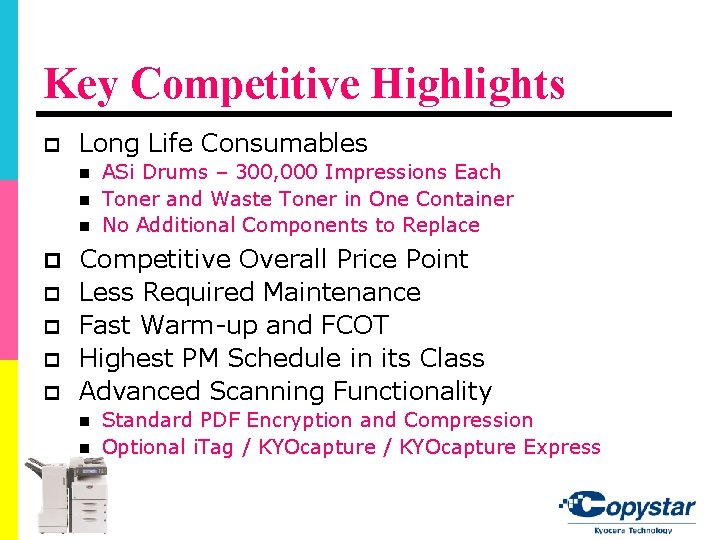
Key Competitive Highlights p Long Life Consumables n n n ASi Drums – 300, 000 Impressions Each Toner and Waste Toner in One Container No Additional Components to Replace p Competitive Overall Price Point p p Less Required Maintenance Fast Warm-up and FCOT Highest PM Schedule in its Class Advanced Scanning Functionality n n Standard PDF Encryption and Compression Optional i. Tag / KYOcapture Express
Thank You