
CSC 382 Secure Programming CSC 382 Computer Security
![MS JScript Overflow Attack • JScript sparse arrays var arr = new Array(); arr[1]](https://slidetodoc.com/presentation_image_h/b1adef2cf342ca467bd6901d10c9fb06/image-25.jpg "MS JScript Overflow Attack • JScript sparse arrays var arr = new Array(); arr[1]")
![UNIX Example int main( int argc, char *argv[] ) { if(access( argv[1], W_OK )](https://slidetodoc.com/presentation_image_h/b1adef2cf342ca467bd6901d10c9fb06/image-37.jpg "UNIX Example int main( int argc, char *argv[] ) { if(access( argv[1], W_OK )")
![ex: passwd [Bishop, 1996] passwd: allows user-specified passwd file Normal functioning 1. opens passwd](https://slidetodoc.com/presentation_image_h/b1adef2cf342ca467bd6901d10c9fb06/image-39.jpg "ex: passwd [Bishop, 1996] passwd: allows user-specified passwd file Normal functioning 1. opens passwd")
- Slides: 78
CSC 382 Secure Programming CSC 382: Computer Security 1
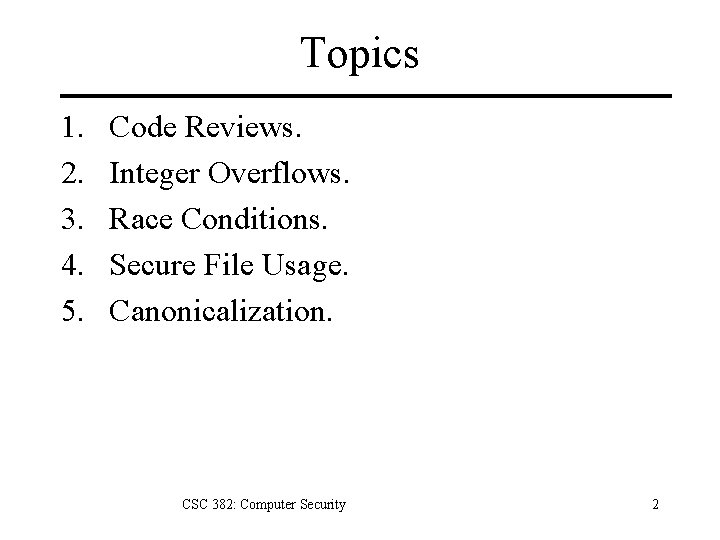
Topics 1. 2. 3. 4. 5. Code Reviews. Integer Overflows. Race Conditions. Secure File Usage. Canonicalization. CSC 382: Computer Security 2
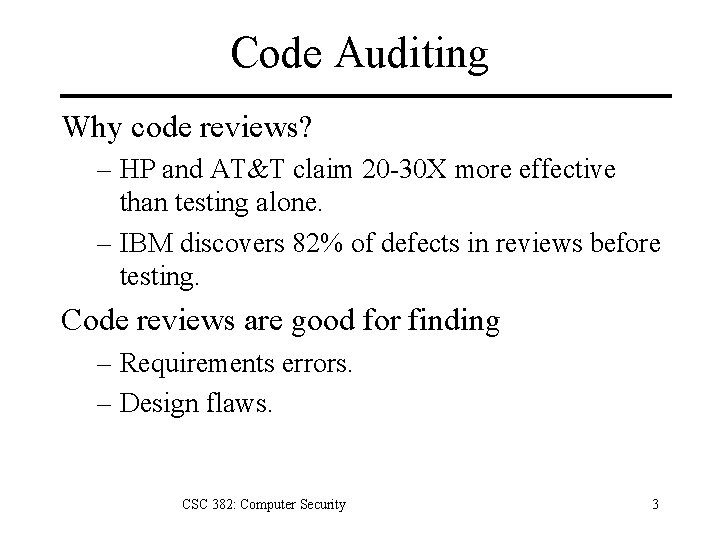
Code Auditing Why code reviews? – HP and AT&T claim 20 -30 X more effective than testing alone. – IBM discovers 82% of defects in reviews before testing. Code reviews are good for finding – Requirements errors. – Design flaws. CSC 382: Computer Security 3
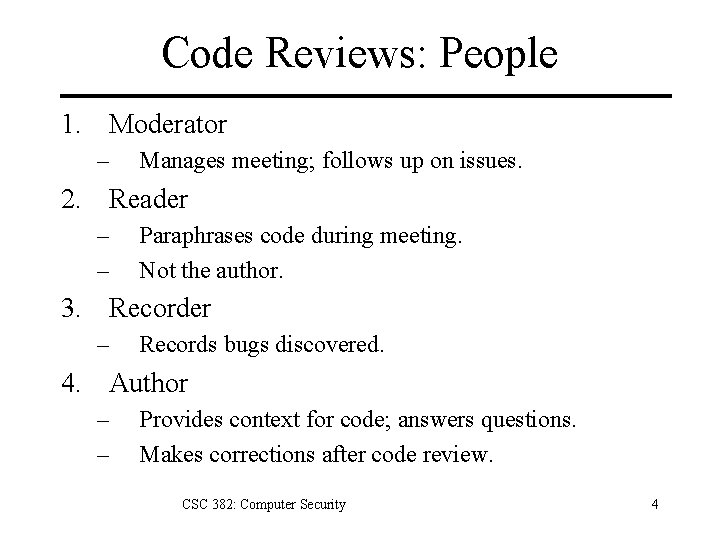
Code Reviews: People 1. Moderator – Manages meeting; follows up on issues. 2. Reader – – Paraphrases code during meeting. Not the author. 3. Recorder – Records bugs discovered. 4. Author – – Provides context for code; answers questions. Makes corrections after code review. CSC 382: Computer Security 4
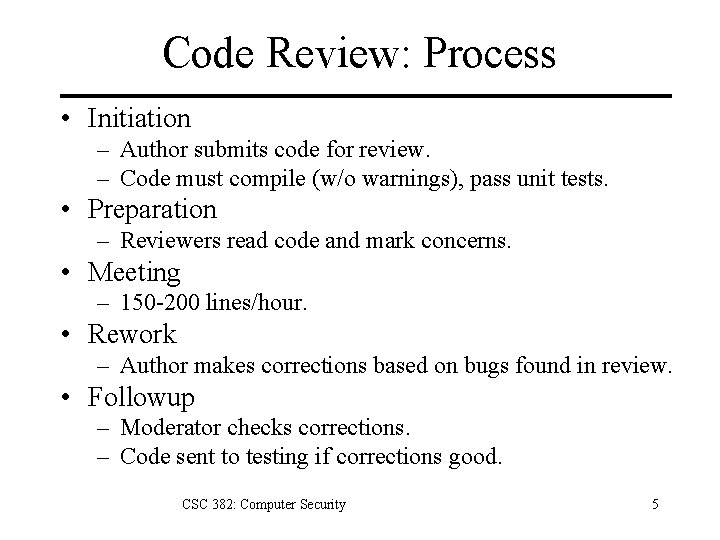
Code Review: Process • Initiation – Author submits code for review. – Code must compile (w/o warnings), pass unit tests. • Preparation – Reviewers read code and mark concerns. • Meeting – 150 -200 lines/hour. • Rework – Author makes corrections based on bugs found in review. • Followup – Moderator checks corrections. – Code sent to testing if corrections good. CSC 382: Computer Security 5
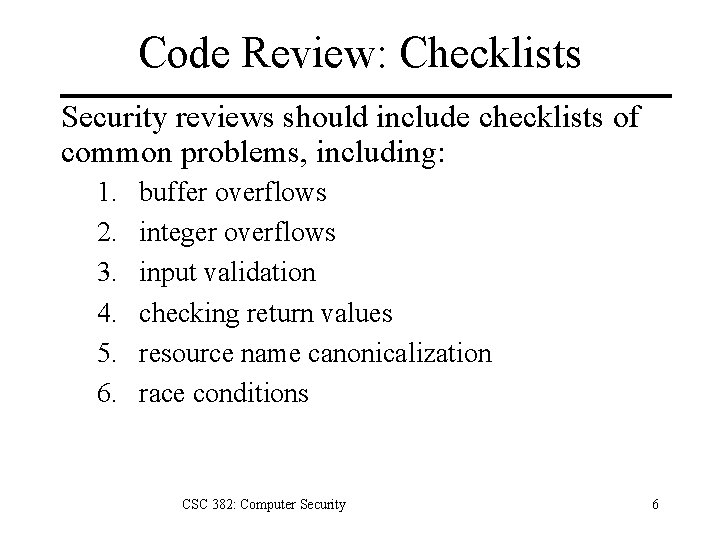
Code Review: Checklists Security reviews should include checklists of common problems, including: 1. 2. 3. 4. 5. 6. buffer overflows integer overflows input validation checking return values resource name canonicalization race conditions CSC 382: Computer Security 6
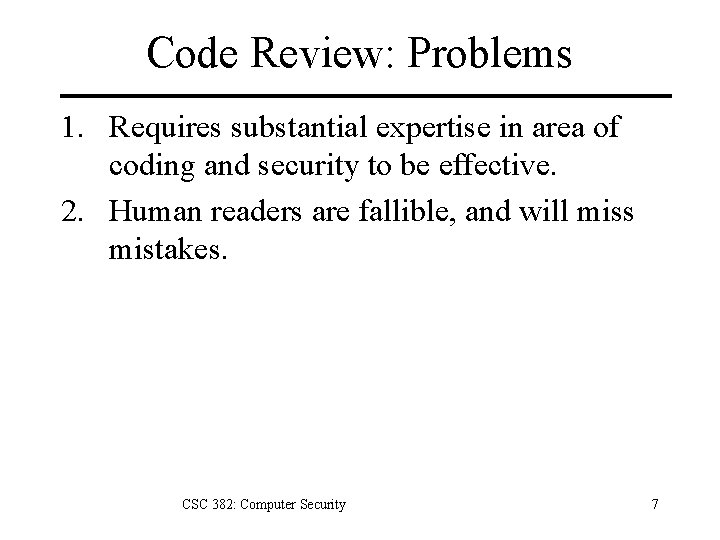
Code Review: Problems 1. Requires substantial expertise in area of coding and security to be effective. 2. Human readers are fallible, and will miss mistakes. CSC 382: Computer Security 7
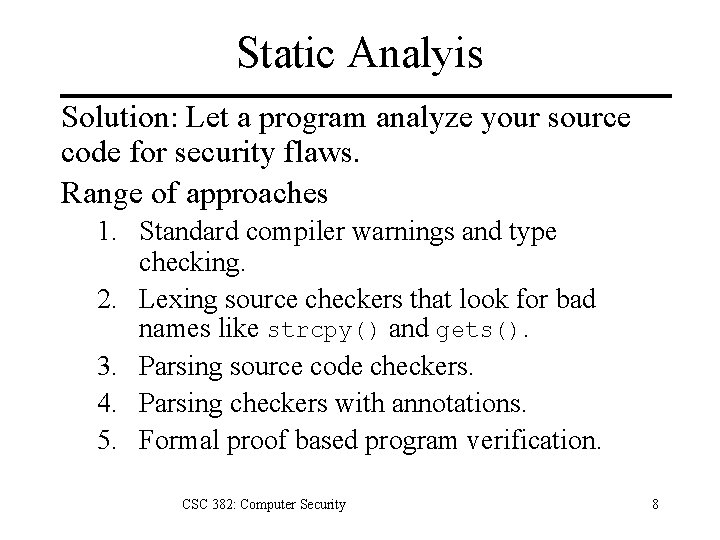
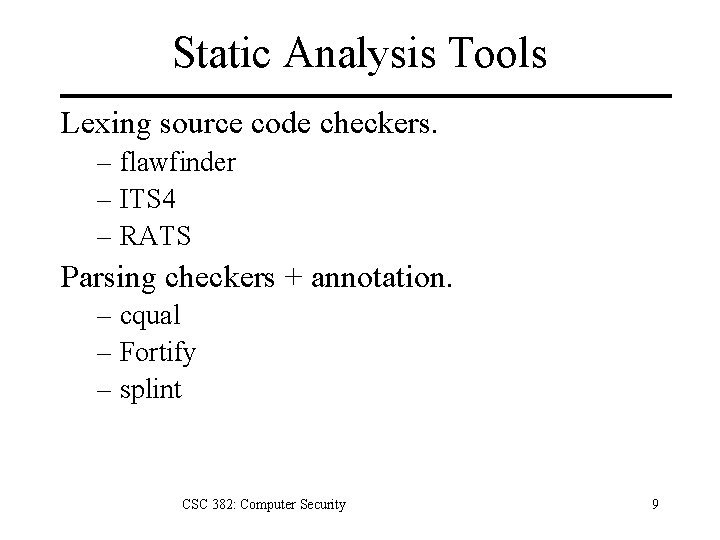
Static Analyis Solution: Let a program analyze your source code for security flaws. Range of approaches 1. Standard compiler warnings and type checking. 2. Lexing source checkers that look for bad names like strcpy() and gets(). 3. Parsing source code checkers. 4. Parsing checkers with annotations. 5. Formal proof based program verification. CSC 382: Computer Security 8
Static Analysis Tools Lexing source code checkers. – flawfinder – ITS 4 – RATS Parsing checkers + annotation. – cqual – Fortify – splint CSC 382: Computer Security 9
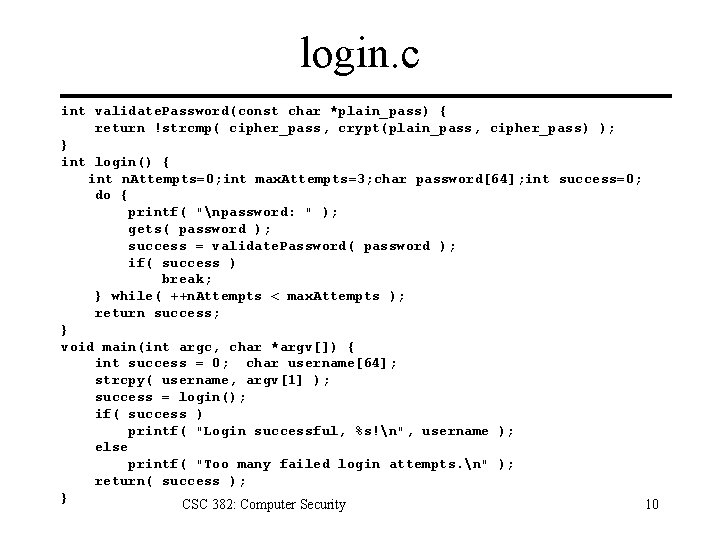
login. c int validate. Password(const char *plain_pass) { return !strcmp( cipher_pass, crypt(plain_pass, cipher_pass) ); } int login() { int n. Attempts=0; int max. Attempts=3; char password[64]; int success=0; do { printf( "npassword: " ); gets( password ); success = validate. Password( password ); if( success ) break; } while( ++n. Attempts < max. Attempts ); return success; } void main(int argc, char *argv[]) { int success = 0; char username[64]; strcpy( username, argv[1] ); success = login(); if( success ) printf( "Login successful, %s!n", username ); else printf( "Too many failed login attempts. n" ); return( success ); } CSC 382: Computer Security 10
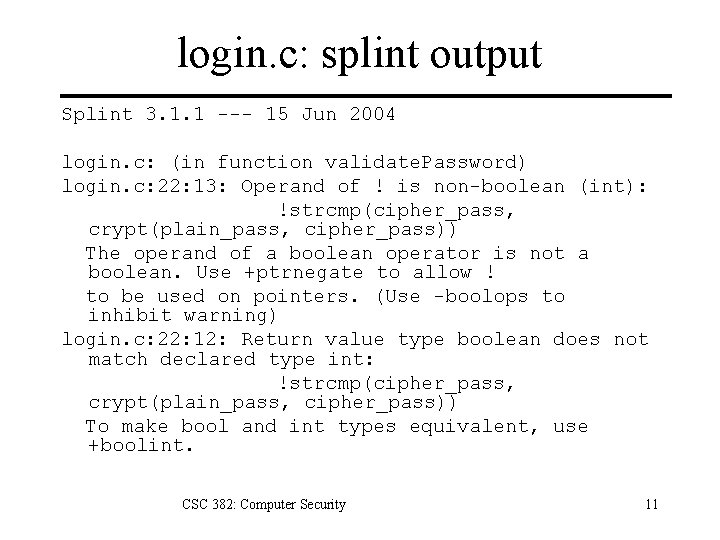
login. c: splint output Splint 3. 1. 1 --- 15 Jun 2004 login. c: (in function validate. Password) login. c: 22: 13: Operand of ! is non-boolean (int): !strcmp(cipher_pass, crypt(plain_pass, cipher_pass)) The operand of a boolean operator is not a boolean. Use +ptrnegate to allow ! to be used on pointers. (Use -boolops to inhibit warning) login. c: 22: 12: Return value type boolean does not match declared type int: !strcmp(cipher_pass, crypt(plain_pass, cipher_pass)) To make bool and int types equivalent, use +boolint. CSC 382: Computer Security 11
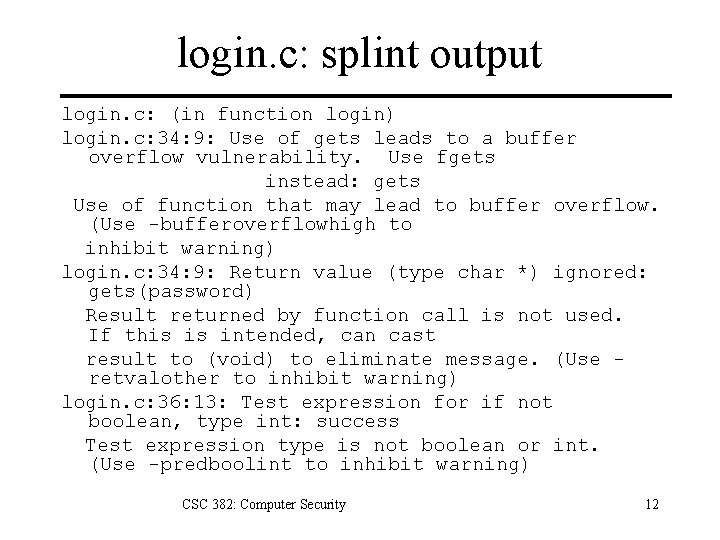
login. c: splint output login. c: (in function login) login. c: 34: 9: Use of gets leads to a buffer overflow vulnerability. Use fgets instead: gets Use of function that may lead to buffer overflow. (Use -bufferoverflowhigh to inhibit warning) login. c: 34: 9: Return value (type char *) ignored: gets(password) Result returned by function call is not used. If this is intended, can cast result to (void) to eliminate message. (Use retvalother to inhibit warning) login. c: 36: 13: Test expression for if not boolean, type int: success Test expression type is not boolean or int. (Use -predboolint to inhibit warning) CSC 382: Computer Security 12
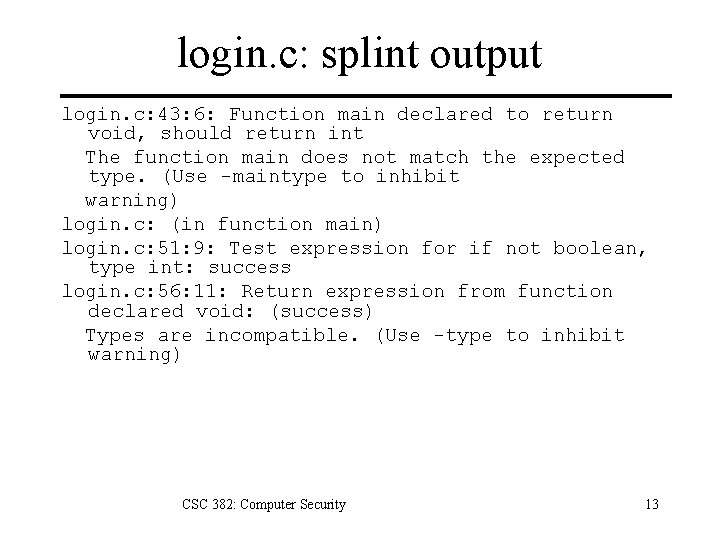
login. c: splint output login. c: 43: 6: Function main declared to return void, should return int The function main does not match the expected type. (Use -maintype to inhibit warning) login. c: (in function main) login. c: 51: 9: Test expression for if not boolean, type int: success login. c: 56: 11: Return expression from function declared void: (success) Types are incompatible. (Use -type to inhibit warning) CSC 382: Computer Security 13
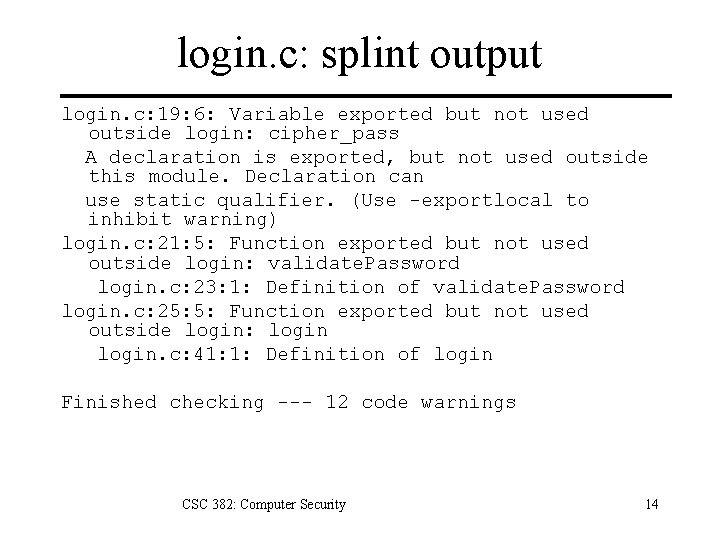
login. c: splint output login. c: 19: 6: Variable exported but not used outside login: cipher_pass A declaration is exported, but not used outside this module. Declaration can use static qualifier. (Use -exportlocal to inhibit warning) login. c: 21: 5: Function exported but not used outside login: validate. Password login. c: 23: 1: Definition of validate. Password login. c: 25: 5: Function exported but not used outside login: login. c: 41: 1: Definition of login Finished checking --- 12 code warnings CSC 382: Computer Security 14
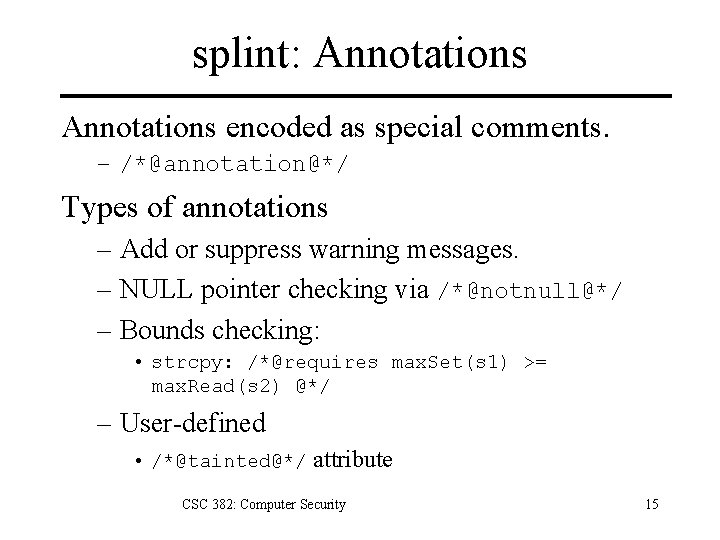
splint: Annotations encoded as special comments. – /*@annotation@*/ Types of annotations – Add or suppress warning messages. – NULL pointer checking via /*@notnull@*/ – Bounds checking: • strcpy: /*@requires max. Set(s 1) >= max. Read(s 2) @*/ – User-defined • /*@tainted@*/ attribute CSC 382: Computer Security 15
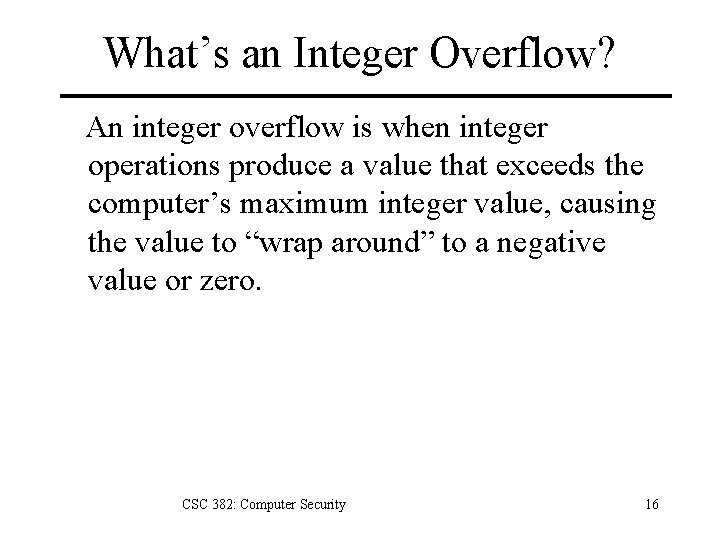
What’s an Integer Overflow? An integer overflow is when integer operations produce a value that exceeds the computer’s maximum integer value, causing the value to “wrap around” to a negative value or zero. CSC 382: Computer Security 16
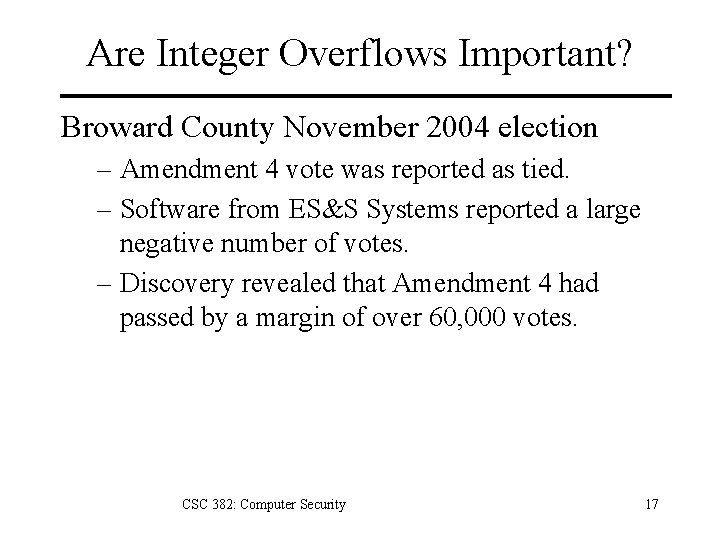
Are Integer Overflows Important? Broward County November 2004 election – Amendment 4 vote was reported as tied. – Software from ES&S Systems reported a large negative number of votes. – Discovery revealed that Amendment 4 had passed by a margin of over 60, 000 votes. CSC 382: Computer Security 17
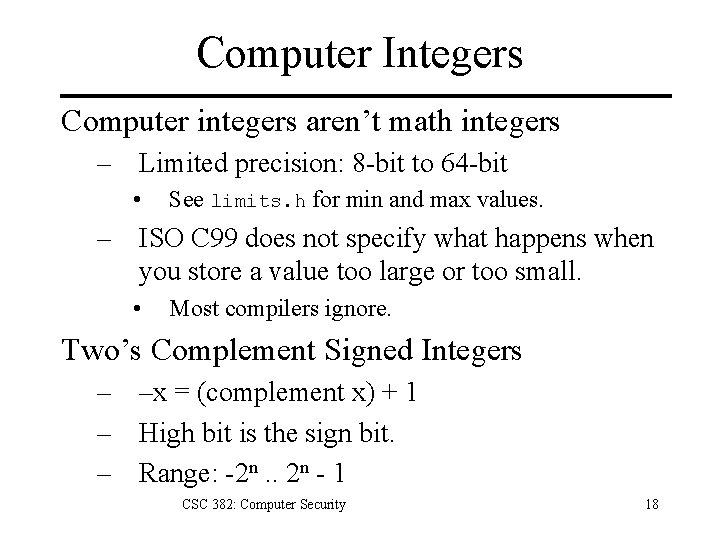
Computer Integers Computer integers aren’t math integers – Limited precision: 8 -bit to 64 -bit • See limits. h for min and max values. – ISO C 99 does not specify what happens when you store a value too large or too small. • Most compilers ignore. Two’s Complement Signed Integers – –x = (complement x) + 1 – High bit is the sign bit. – Range: -2 n. . 2 n - 1 CSC 382: Computer Security 18
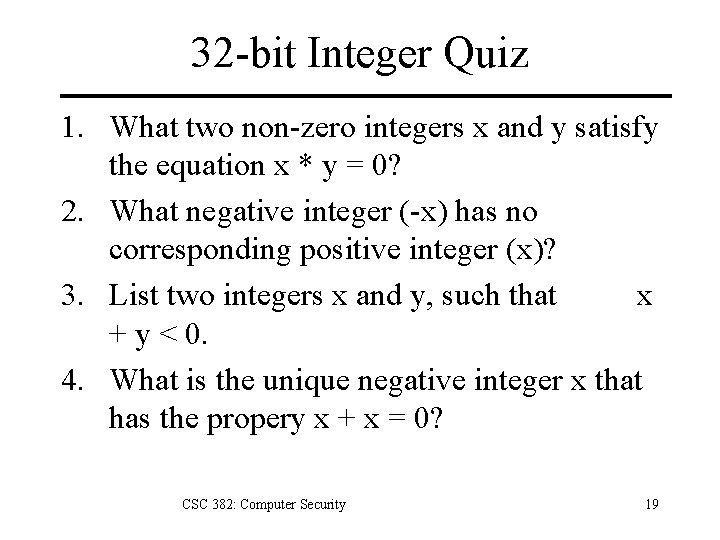
32 -bit Integer Quiz 1. What two non-zero integers x and y satisfy the equation x * y = 0? 2. What negative integer (-x) has no corresponding positive integer (x)? 3. List two integers x and y, such that x + y < 0. 4. What is the unique negative integer x that has the propery x + x = 0? CSC 382: Computer Security 19
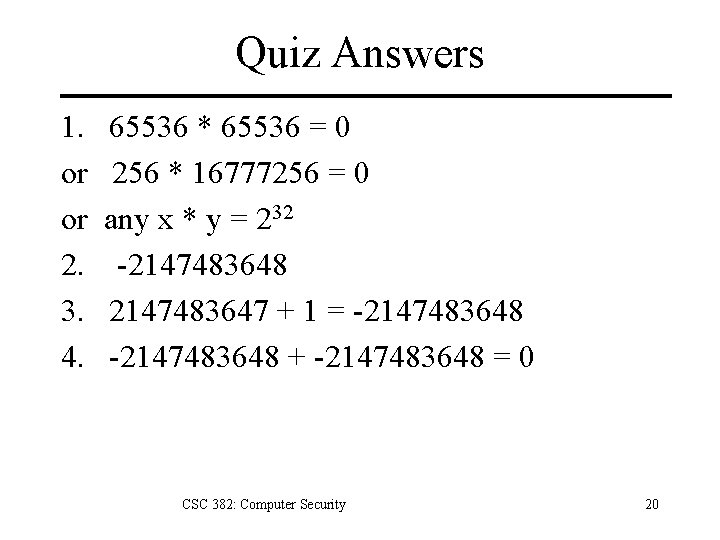
Quiz Answers 1. or or 2. 3. 4. 65536 * 65536 = 0 256 * 16777256 = 0 any x * y = 232 -2147483648 2147483647 + 1 = -2147483648 + -2147483648 = 0 CSC 382: Computer Security 20
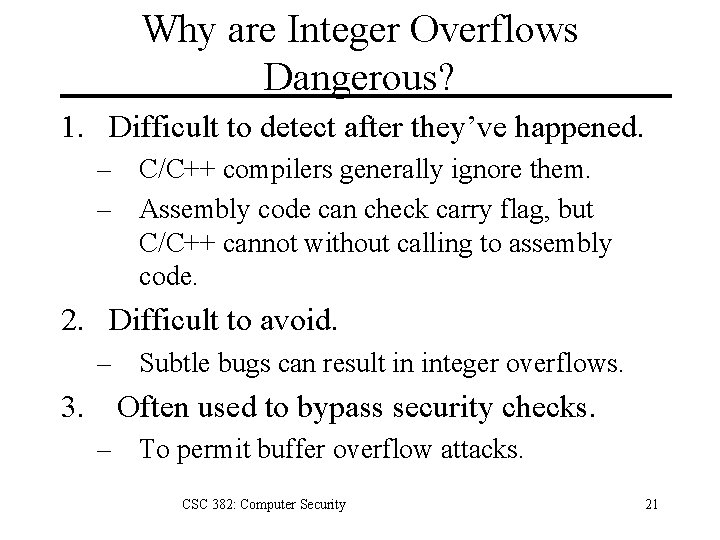
Why are Integer Overflows Dangerous? 1. Difficult to detect after they’ve happened. – C/C++ compilers generally ignore them. – Assembly code can check carry flag, but C/C++ cannot without calling to assembly code. 2. Difficult to avoid. – Subtle bugs can result in integer overflows. 3. Often used to bypass security checks. – To permit buffer overflow attacks. CSC 382: Computer Security 21
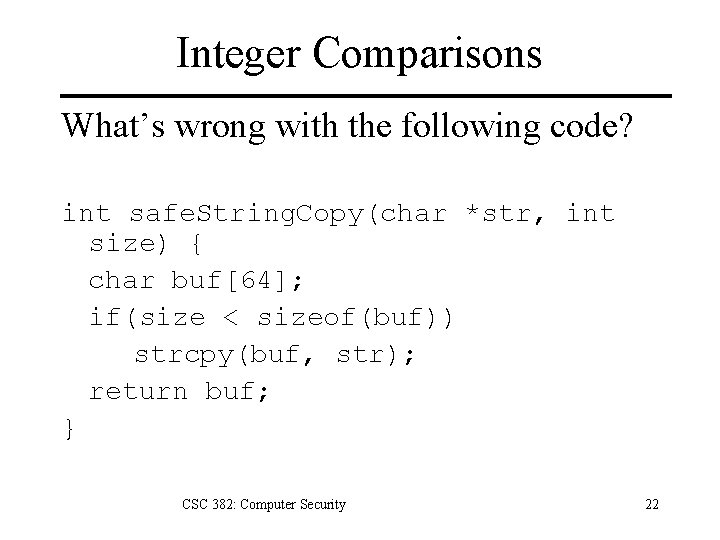
Integer Comparisons What’s wrong with the following code? int safe. String. Copy(char *str, int size) { char buf[64]; if(size < sizeof(buf)) strcpy(buf, str); return buf; } CSC 382: Computer Security 22
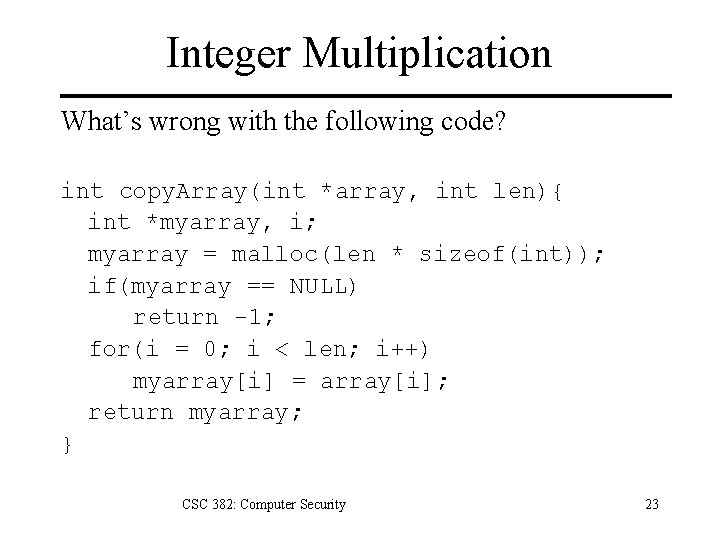
Integer Multiplication What’s wrong with the following code? int copy. Array(int *array, int len){ int *myarray, i; myarray = malloc(len * sizeof(int)); if(myarray == NULL) return -1; for(i = 0; i < len; i++) myarray[i] = array[i]; return myarray; } CSC 382: Computer Security 23
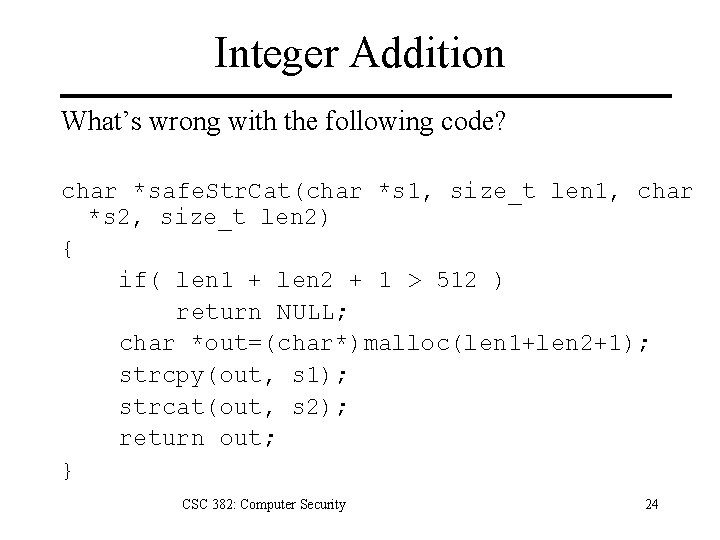
Integer Addition What’s wrong with the following code? char *safe. Str. Cat(char *s 1, size_t len 1, char *s 2, size_t len 2) { if( len 1 + len 2 + 1 > 512 ) return NULL; char *out=(char*)malloc(len 1+len 2+1); strcpy(out, s 1); strcat(out, s 2); return out; } CSC 382: Computer Security 24
MS JScript Overflow Attack • JScript sparse arrays var arr = new Array(); arr[1] = 1; arr[2] = 2; arr[0 x 40000001] = 3; • C++ code that implements sort method buf = (Element *)malloc(Element. Count * sizeof(Element)); • What happens ? 0 x 40000001 * 0 x 00000014 = 0 x 00000014 Only 20 bytes allocated for buffer. CSC 382: Computer Security 25
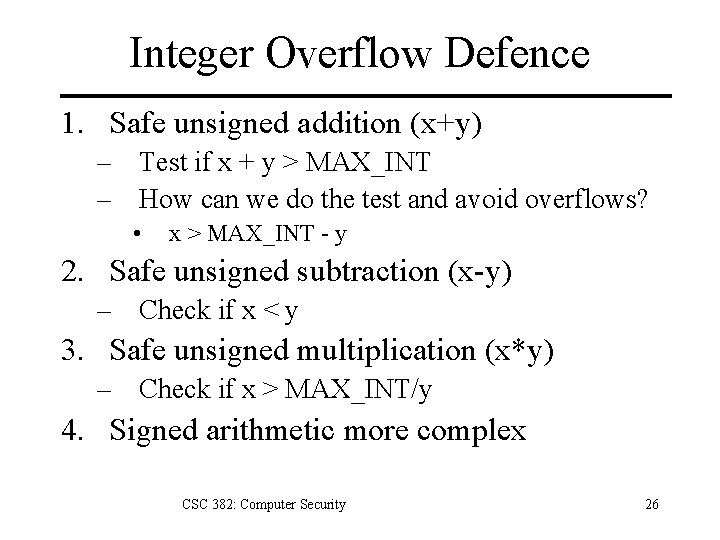
Integer Overflow Defence 1. Safe unsigned addition (x+y) – Test if x + y > MAX_INT – How can we do the test and avoid overflows? • x > MAX_INT - y 2. Safe unsigned subtraction (x-y) – Check if x < y 3. Safe unsigned multiplication (x*y) – Check if x > MAX_INT/y 4. Signed arithmetic more complex CSC 382: Computer Security 26
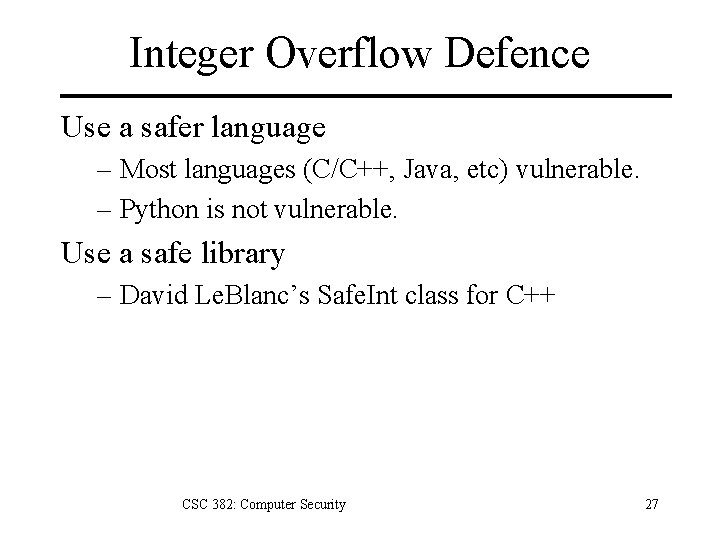
Integer Overflow Defence Use a safer language – Most languages (C/C++, Java, etc) vulnerable. – Python is not vulnerable. Use a safe library – David Le. Blanc’s Safe. Int class for C++ CSC 382: Computer Security 27
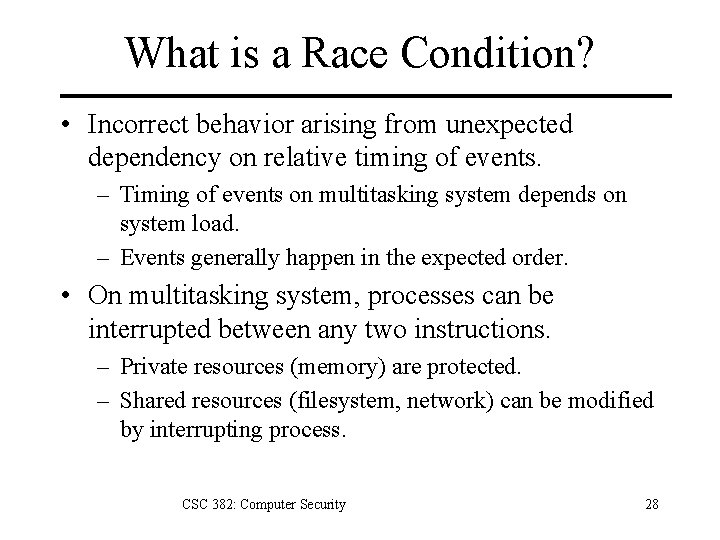
What is a Race Condition? • Incorrect behavior arising from unexpected dependency on relative timing of events. – Timing of events on multitasking system depends on system load. – Events generally happen in the expected order. • On multitasking system, processes can be interrupted between any two instructions. – Private resources (memory) are protected. – Shared resources (filesystem, network) can be modified by interrupting process. CSC 382: Computer Security 28
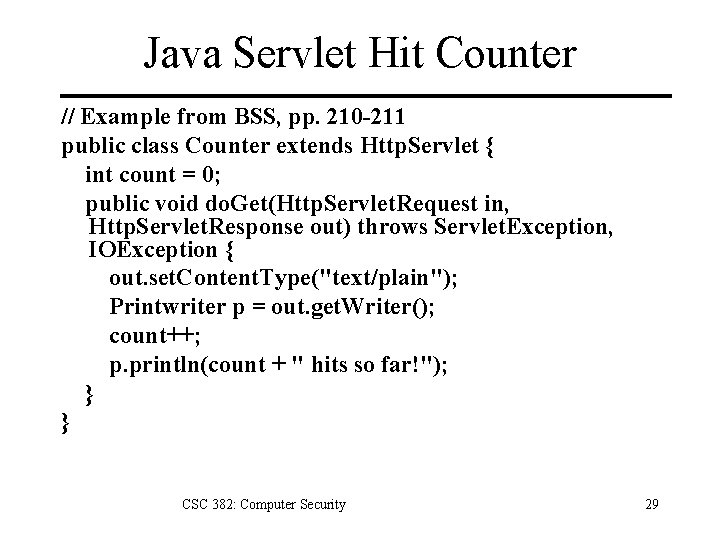
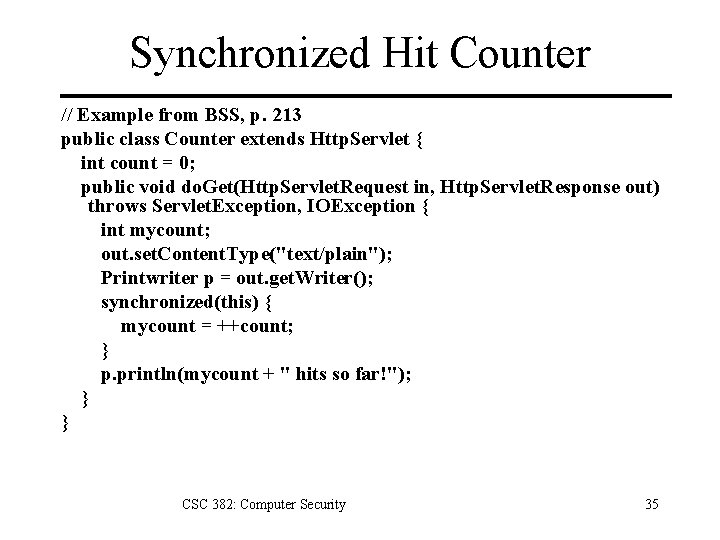
Java Servlet Hit Counter // Example from BSS, pp. 210 -211 public class Counter extends Http. Servlet { int count = 0; public void do. Get(Http. Servlet. Request in, Http. Servlet. Response out) throws Servlet. Exception, IOException { out. set. Content. Type("text/plain"); Printwriter p = out. get. Writer(); count++; p. println(count + " hits so far!"); } } CSC 382: Computer Security 29
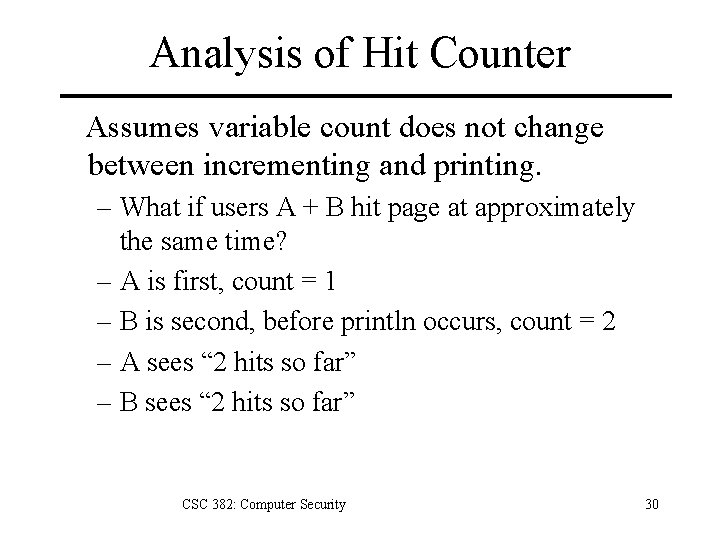
Analysis of Hit Counter Assumes variable count does not change between incrementing and printing. – What if users A + B hit page at approximately the same time? – A is first, count = 1 – B is second, before println occurs, count = 2 – A sees “ 2 hits so far” – B sees “ 2 hits so far” CSC 382: Computer Security 30
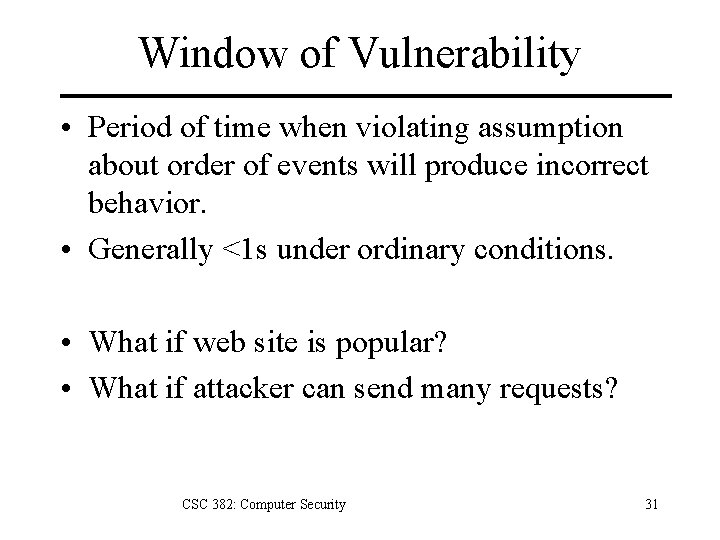
Window of Vulnerability • Period of time when violating assumption about order of events will produce incorrect behavior. • Generally <1 s under ordinary conditions. • What if web site is popular? • What if attacker can send many requests? CSC 382: Computer Security 31
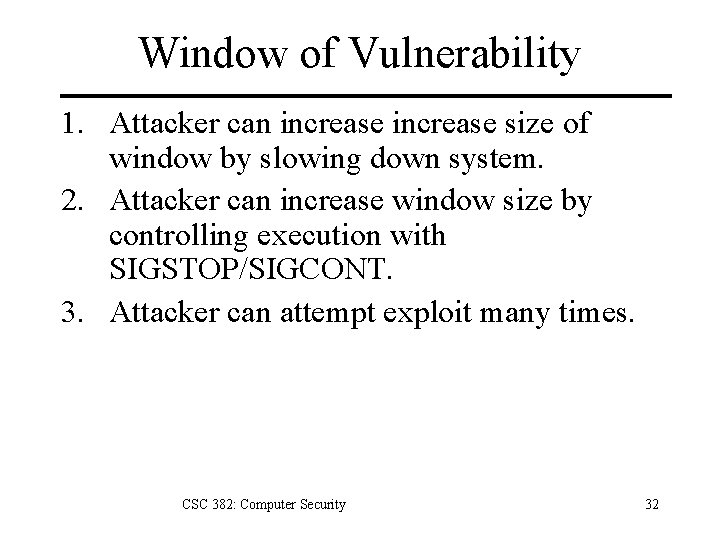
Window of Vulnerability 1. Attacker can increase size of window by slowing down system. 2. Attacker can increase window size by controlling execution with SIGSTOP/SIGCONT. 3. Attacker can attempt exploit many times. CSC 382: Computer Security 32
Window of Vulnerability You must reduce the window of vulnerability to zero for system to be secure. CSC 382: Computer Security 33
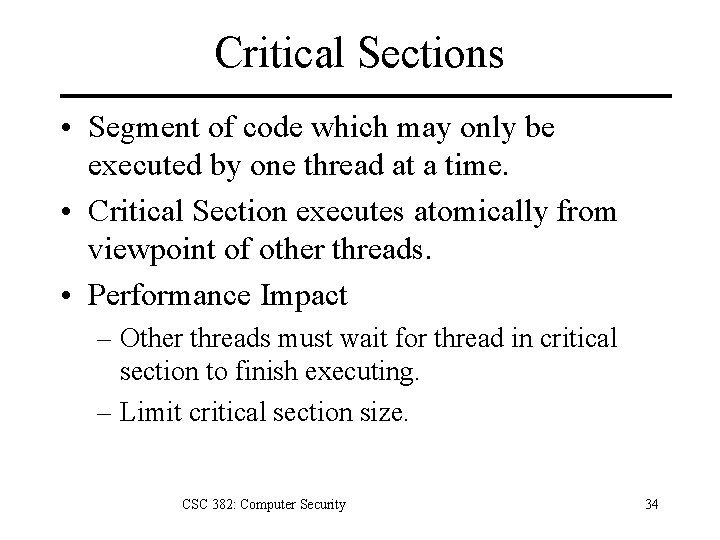
Critical Sections • Segment of code which may only be executed by one thread at a time. • Critical Section executes atomically from viewpoint of other threads. • Performance Impact – Other threads must wait for thread in critical section to finish executing. – Limit critical section size. CSC 382: Computer Security 34
Synchronized Hit Counter // Example from BSS, p. 213 public class Counter extends Http. Servlet { int count = 0; public void do. Get(Http. Servlet. Request in, Http. Servlet. Response out) throws Servlet. Exception, IOException { int mycount; out. set. Content. Type("text/plain"); Printwriter p = out. get. Writer(); synchronized(this) { mycount = ++count; } p. println(mycount + " hits so far!"); } } CSC 382: Computer Security 35
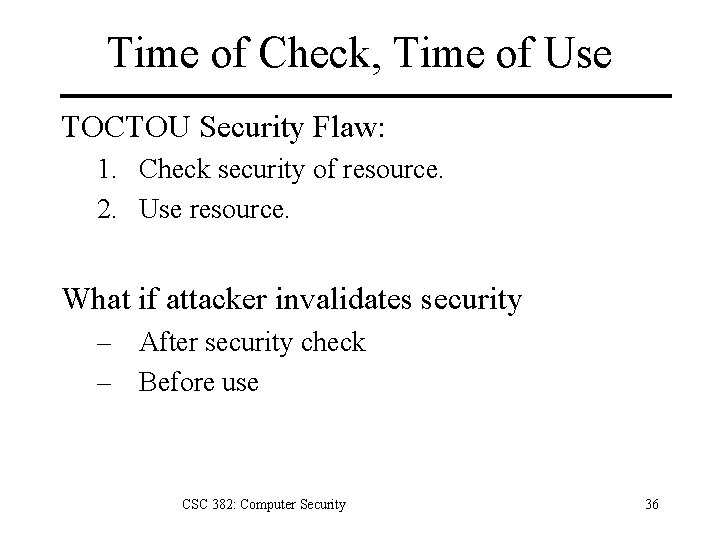
Time of Check, Time of Use TOCTOU Security Flaw: 1. Check security of resource. 2. Use resource. What if attacker invalidates security – After security check – Before use CSC 382: Computer Security 36
UNIX Example int main( int argc, char *argv[] ) { if(access( argv[1], W_OK ) == 0) { fd = open( argv[1], O_WRONLY ); write. File(fd); } else { perror(“Permission denied. n”); exit(1); } } CSC 382: Computer Security 37
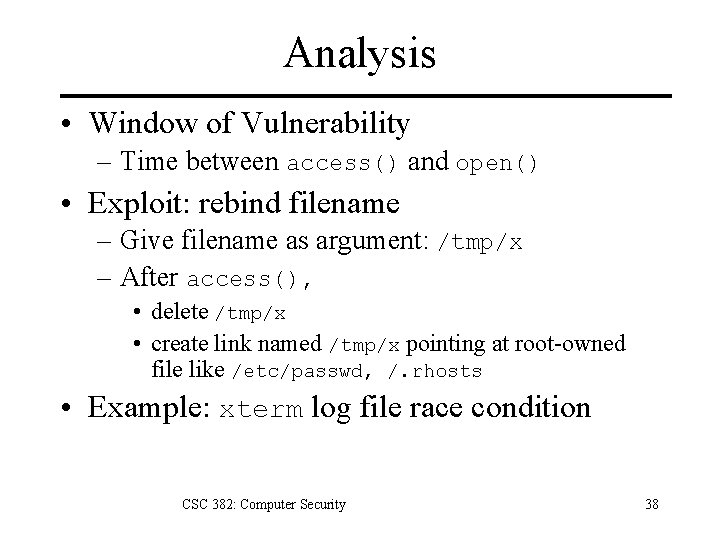
Analysis • Window of Vulnerability – Time between access() and open() • Exploit: rebind filename – Give filename as argument: /tmp/x – After access(), • delete /tmp/x • create link named /tmp/x pointing at root-owned file like /etc/passwd, /. rhosts • Example: xterm log file race condition CSC 382: Computer Security 38
ex: passwd [Bishop, 1996] passwd: allows user-specified passwd file Normal functioning 1. opens passwd file + reads user entry; closes 2. creates + opens temp file ptmp in same directory 3. opens passwd file again, then copies contents to ptmp with user changes 4. closes both passwd and ptmp files; renames ptmp to passwd CSC 382: Computer Security 39
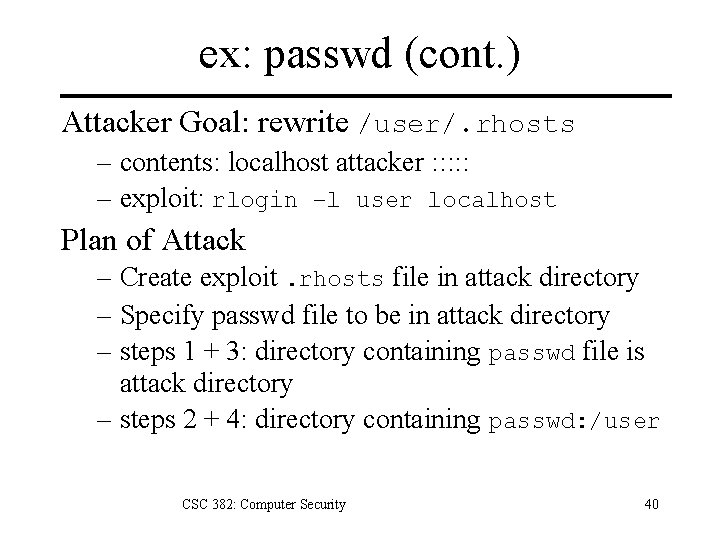
ex: passwd (cont. ) Attacker Goal: rewrite /user/. rhosts – contents: localhost attacker : : : – exploit: rlogin –l user localhost Plan of Attack – Create exploit. rhosts file in attack directory – Specify passwd file to be in attack directory – steps 1 + 3: directory containing passwd file is attack directory – steps 2 + 4: directory containing passwd: /user CSC 382: Computer Security 40
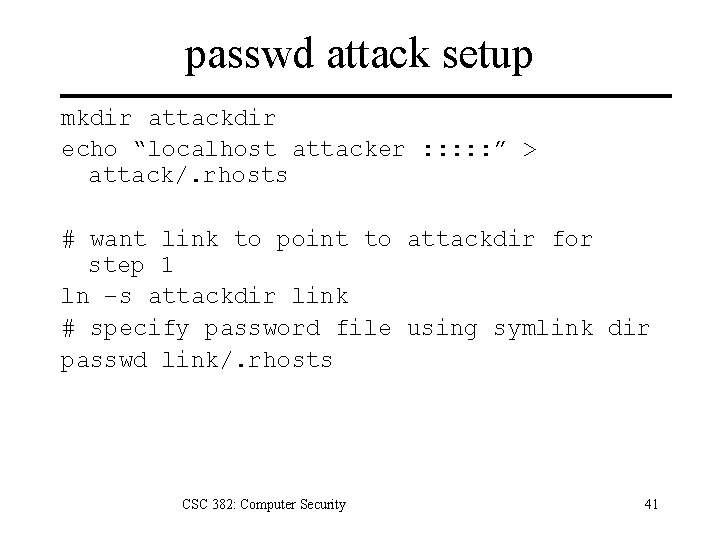
passwd attack setup mkdir attackdir echo “localhost attacker : : : ” > attack/. rhosts # want link to point to attackdir for step 1 ln –s attackdir link # specify password file using symlink dir passwd link/. rhosts CSC 382: Computer Security 41
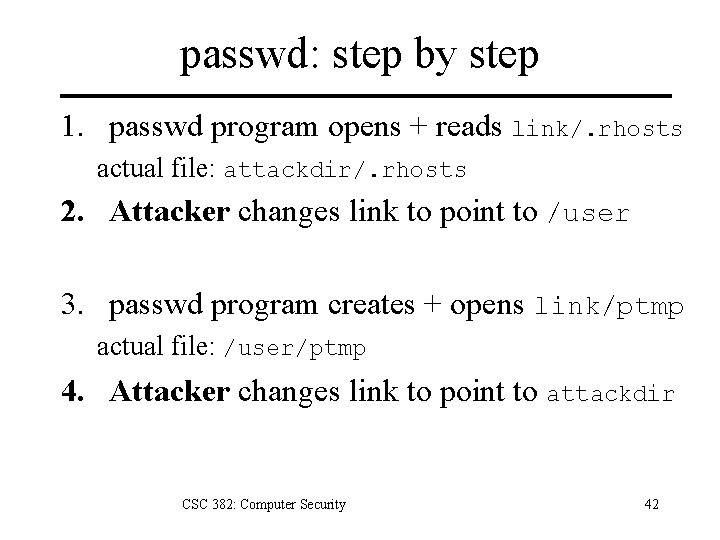
passwd: step by step 1. passwd program opens + reads link/. rhosts actual file: attackdir/. rhosts 2. Attacker changes link to point to /user 3. passwd program creates + opens link/ptmp actual file: /user/ptmp 4. Attacker changes link to point to attackdir CSC 382: Computer Security 42
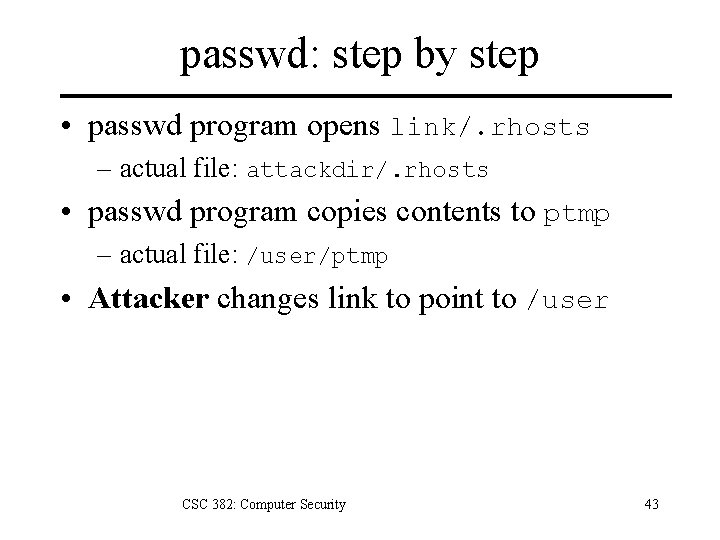
passwd: step by step • passwd program opens link/. rhosts – actual file: attackdir/. rhosts • passwd program copies contents to ptmp – actual file: /user/ptmp • Attacker changes link to point to /user CSC 382: Computer Security 43
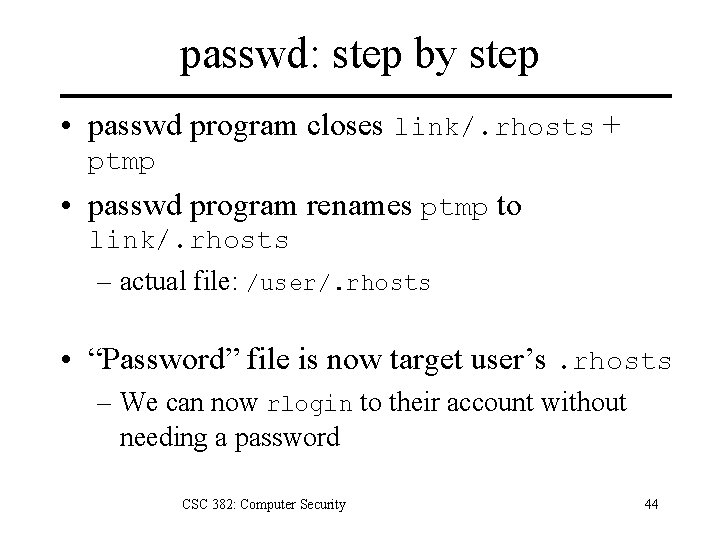
passwd: step by step • passwd program closes link/. rhosts + ptmp • passwd program renames ptmp to link/. rhosts – actual file: /user/. rhosts • “Password” file is now target user’s. rhosts – We can now rlogin to their account without needing a password CSC 382: Computer Security 44
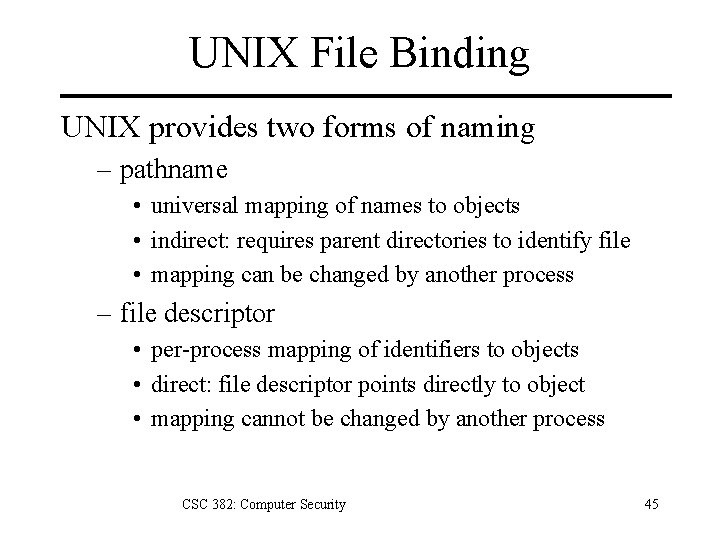
UNIX File Binding UNIX provides two forms of naming – pathname • universal mapping of names to objects • indirect: requires parent directories to identify file • mapping can be changed by another process – file descriptor • per-process mapping of identifiers to objects • direct: file descriptor points directly to object • mapping cannot be changed by another process CSC 382: Computer Security 45
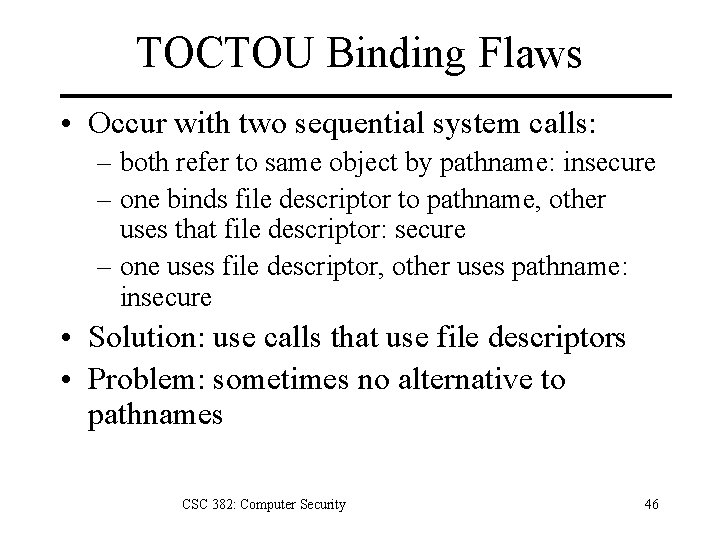
TOCTOU Binding Flaws • Occur with two sequential system calls: – both refer to same object by pathname: insecure – one binds file descriptor to pathname, other uses that file descriptor: secure – one uses file descriptor, other uses pathname: insecure • Solution: use calls that use file descriptors • Problem: sometimes no alternative to pathnames CSC 382: Computer Security 46
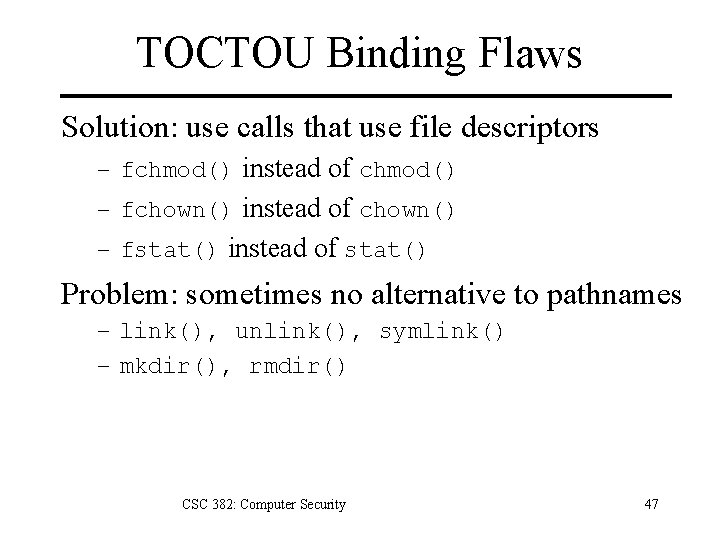
TOCTOU Binding Flaws Solution: use calls that use file descriptors – fchmod() instead of chmod() – fchown() instead of chown() – fstat() instead of stat() Problem: sometimes no alternative to pathnames – link(), unlink(), symlink() – mkdir(), rmdir() CSC 382: Computer Security 47
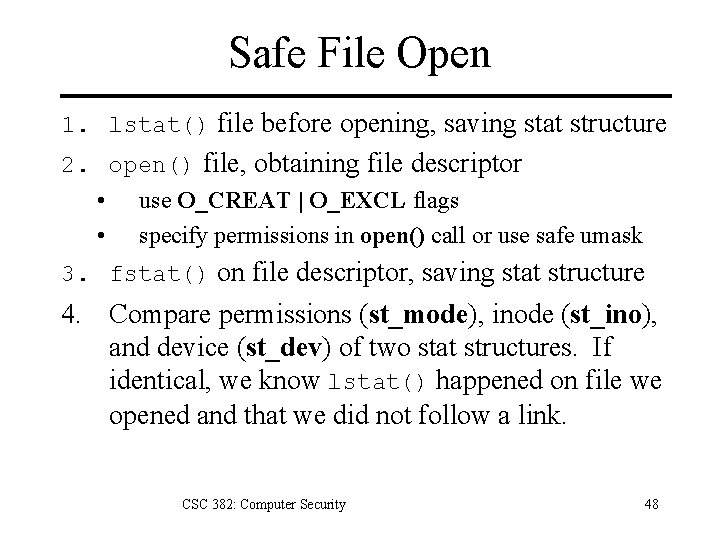
Safe File Open 1. lstat() file before opening, saving stat structure 2. open() file, obtaining file descriptor • use O_CREAT | O_EXCL flags • specify permissions in open() call or use safe umask 3. fstat() on file descriptor, saving stat structure 4. Compare permissions (st_mode), inode (st_ino), and device (st_dev) of two stat structures. If identical, we know lstat() happened on file we opened and that we did not follow a link. CSC 382: Computer Security 48
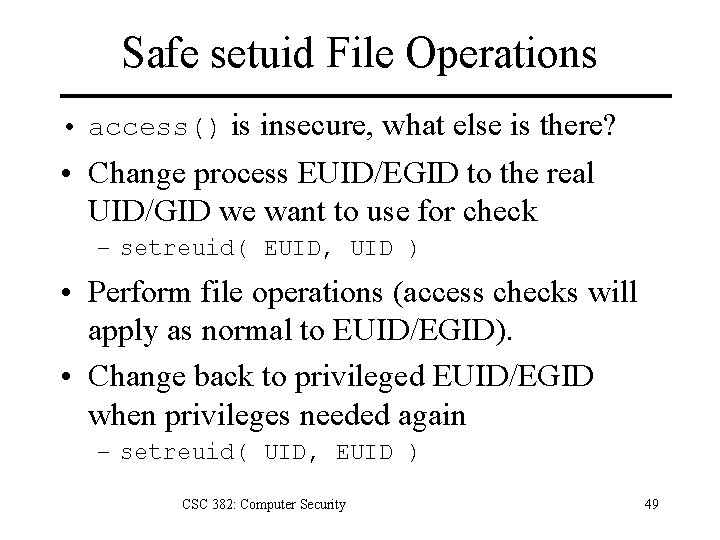
Safe setuid File Operations • access() is insecure, what else is there? • Change process EUID/EGID to the real UID/GID we want to use for check – setreuid( EUID, UID ) • Perform file operations (access checks will apply as normal to EUID/EGID). • Change back to privileged EUID/EGID when privileges needed again – setreuid( UID, EUID ) CSC 382: Computer Security 49
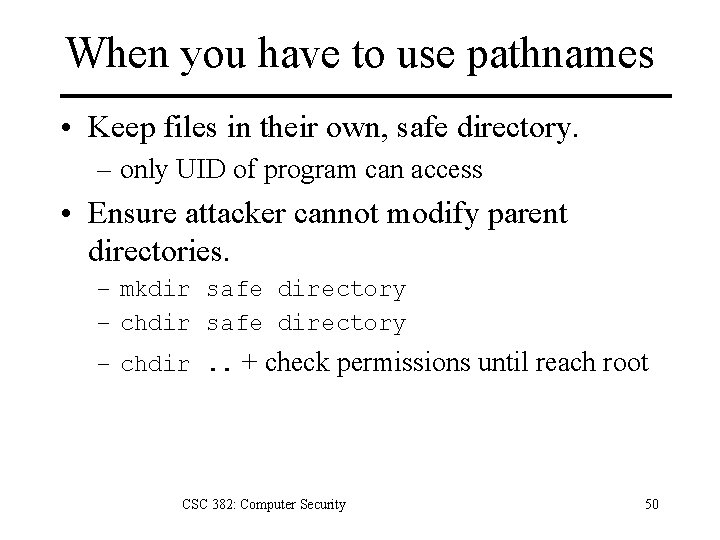
When you have to use pathnames • Keep files in their own, safe directory. – only UID of program can access • Ensure attacker cannot modify parent directories. – mkdir safe directory – chdir. . + check permissions until reach root CSC 382: Computer Security 50
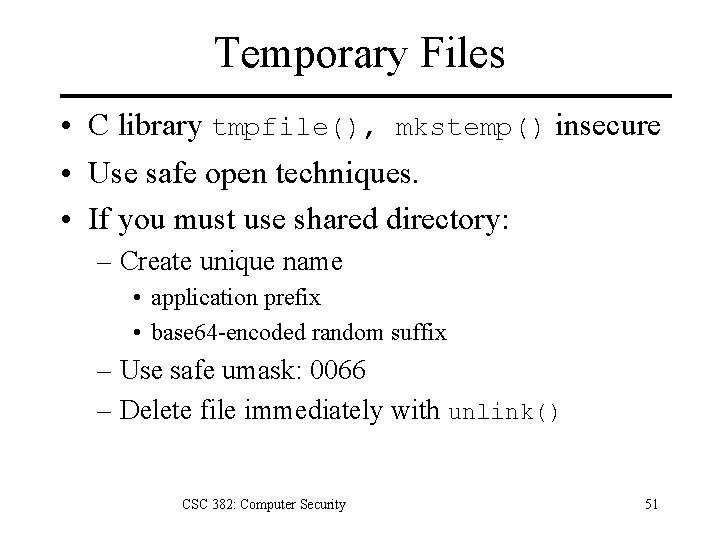
Temporary Files • C library tmpfile(), mkstemp() insecure • Use safe open techniques. • If you must use shared directory: – Create unique name • application prefix • base 64 -encoded random suffix – Use safe umask: 0066 – Delete file immediately with unlink() CSC 382: Computer Security 51
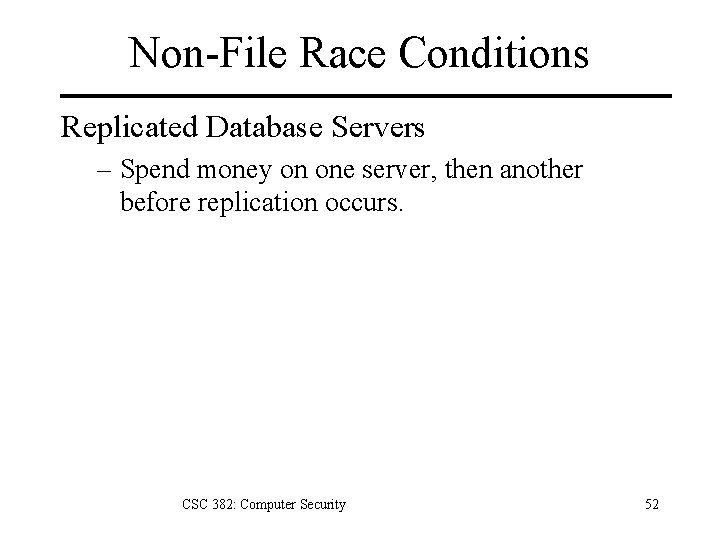
Non-File Race Conditions Replicated Database Servers – Spend money on one server, then another before replication occurs. CSC 382: Computer Security 52
Discussion Problem You discover a flaw in a program that you use for your job. The flaw will let an unauthorized user usurp control of the system. Do you keep quiet to avoid letting anyone else know about the flaw, or do you notify your company, notify the software vendor, or post the flaw to the Internet? 1. What if the flaw could be eliminated by proper configuration of the program? How would that change your answer? 2. What if exploitation of the flaw cannot be blocked by configuration and cannot be detected by the software’s auditing features? How would that change your answer? CSC 382: Computer Security 53
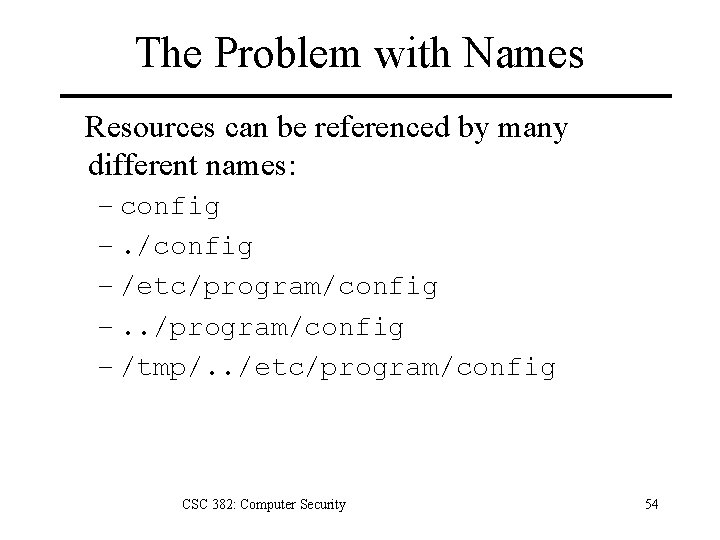
The Problem with Names Resources can be referenced by many different names: – config –. /config – /etc/program/config –. . /program/config – /tmp/. . /etc/program/config CSC 382: Computer Security 54
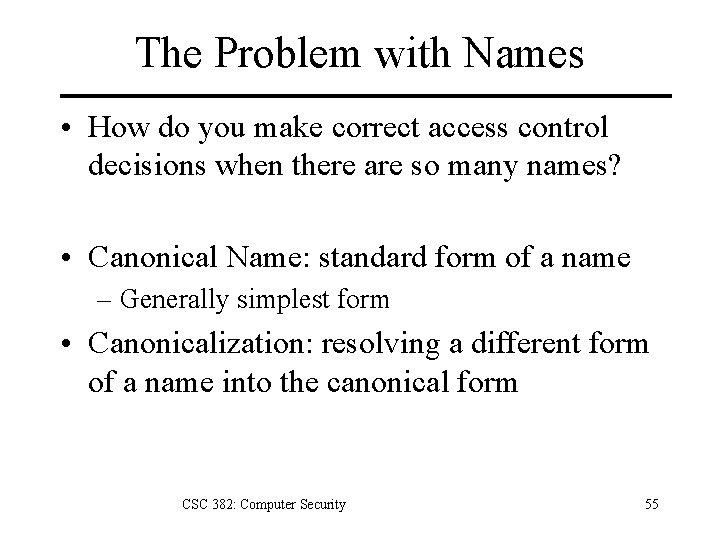
The Problem with Names • How do you make correct access control decisions when there are so many names? • Canonical Name: standard form of a name – Generally simplest form • Canonicalization: resolving a different form of a name into the canonical form CSC 382: Computer Security 55
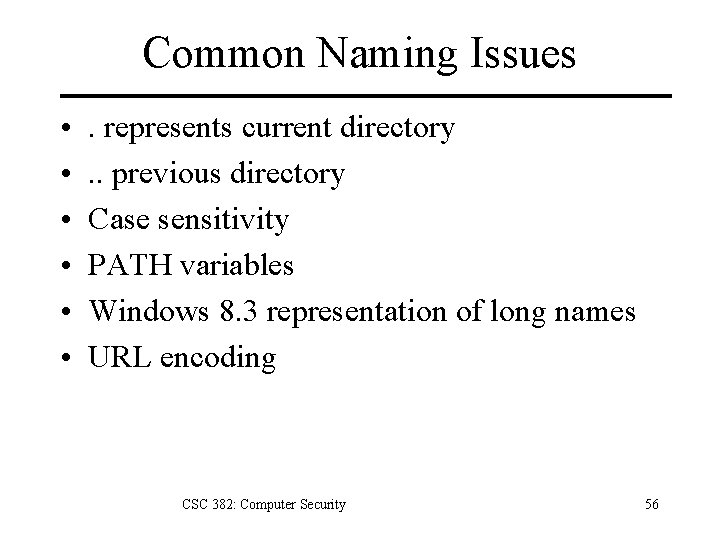
Common Naming Issues • • • . represents current directory. . previous directory Case sensitivity PATH variables Windows 8. 3 representation of long names URL encoding CSC 382: Computer Security 56
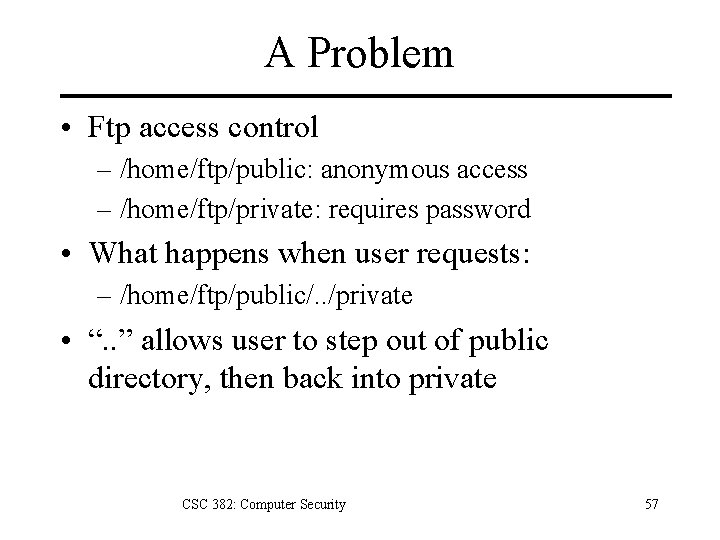
A Problem • Ftp access control – /home/ftp/public: anonymous access – /home/ftp/private: requires password • What happens when user requests: – /home/ftp/public/. . /private • “. . ” allows user to step out of public directory, then back into private CSC 382: Computer Security 57
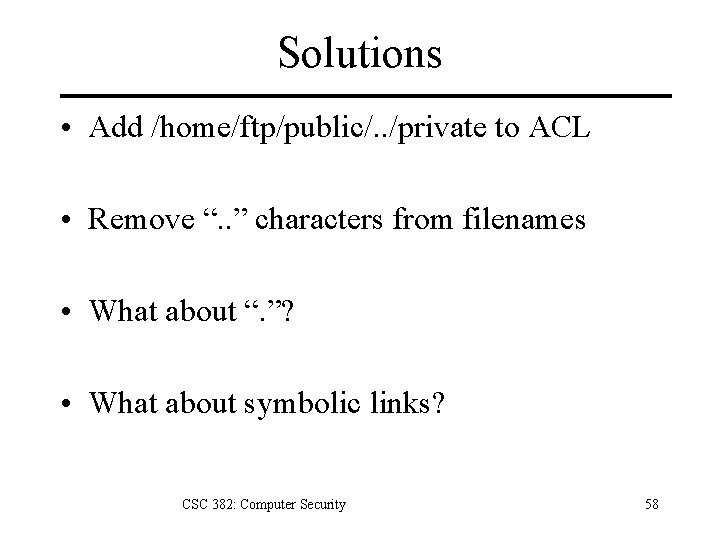
Solutions • Add /home/ftp/public/. . /private to ACL • Remove “. . ” characters from filenames • What about “. ”? • What about symbolic links? CSC 382: Computer Security 58
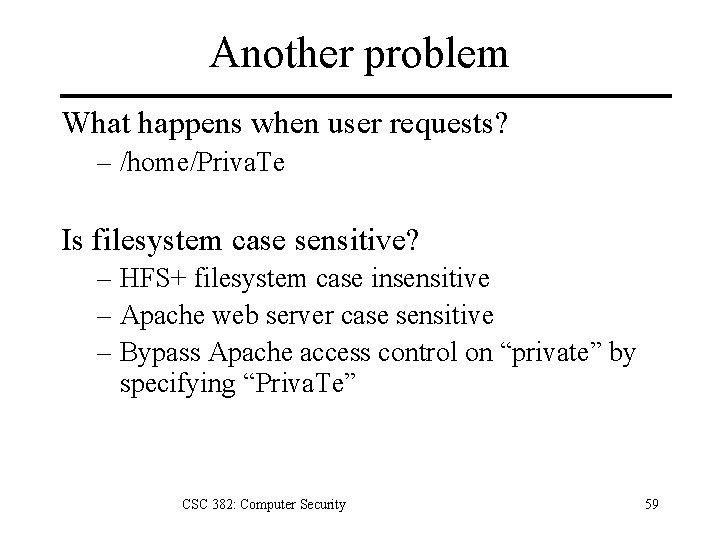
Another problem What happens when user requests? – /home/Priva. Te Is filesystem case sensitive? – HFS+ filesystem case insensitive – Apache web server case sensitive – Bypass Apache access control on “private” by specifying “Priva. Te” CSC 382: Computer Security 59
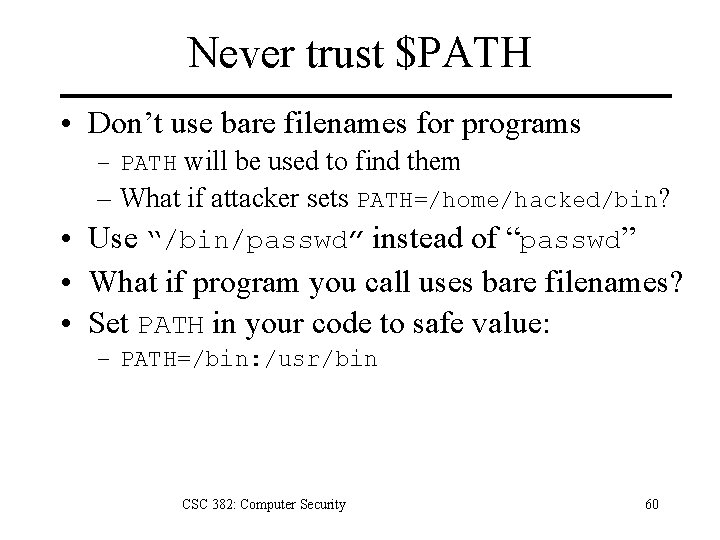
Never trust $PATH • Don’t use bare filenames for programs – PATH will be used to find them – What if attacker sets PATH=/home/hacked/bin? • Use “/bin/passwd” instead of “passwd” • What if program you call uses bare filenames? • Set PATH in your code to safe value: – PATH=/bin: /usr/bin CSC 382: Computer Security 60
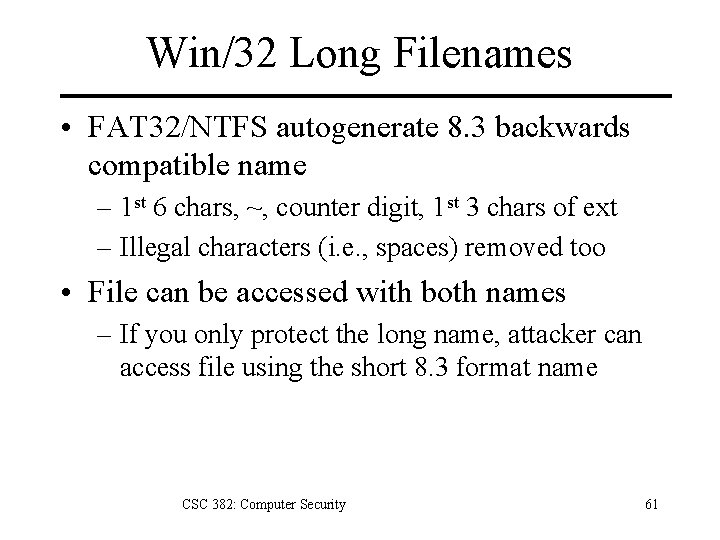
Win/32 Long Filenames • FAT 32/NTFS autogenerate 8. 3 backwards compatible name – 1 st 6 chars, ~, counter digit, 1 st 3 chars of ext – Illegal characters (i. e. , spaces) removed too • File can be accessed with both names – If you only protect the long name, attacker can access file using the short 8. 3 format name CSC 382: Computer Security 61
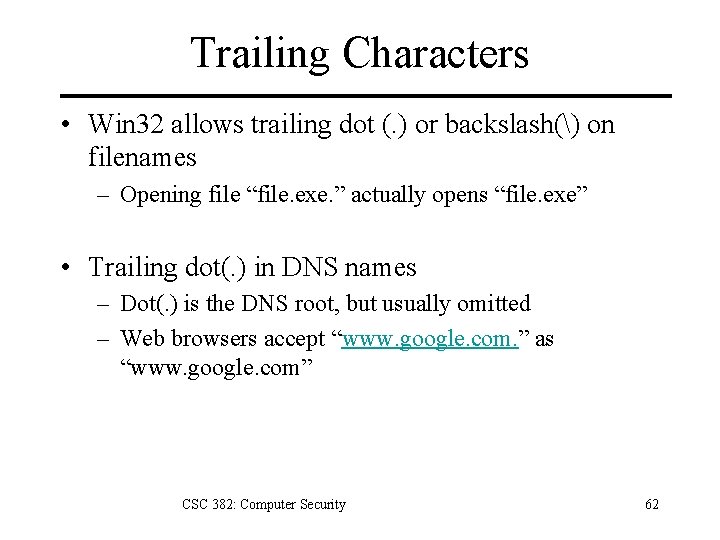
Trailing Characters • Win 32 allows trailing dot (. ) or backslash() on filenames – Opening file “file. exe. ” actually opens “file. exe” • Trailing dot(. ) in DNS names – Dot(. ) is the DNS root, but usually omitted – Web browsers accept “www. google. com. ” as “www. google. com” CSC 382: Computer Security 62
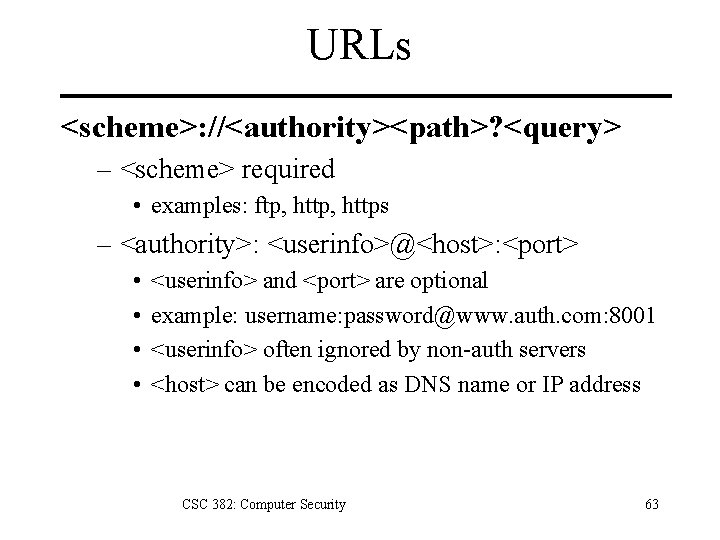
URLs <scheme>: //<authority><path>? <query> – <scheme> required • examples: ftp, https – <authority>: <userinfo>@<host>: <port> • • <userinfo> and <port> are optional example: username: password@www. auth. com: 8001 <userinfo> often ignored by non-auth servers <host> can be encoded as DNS name or IP address CSC 382: Computer Security 63
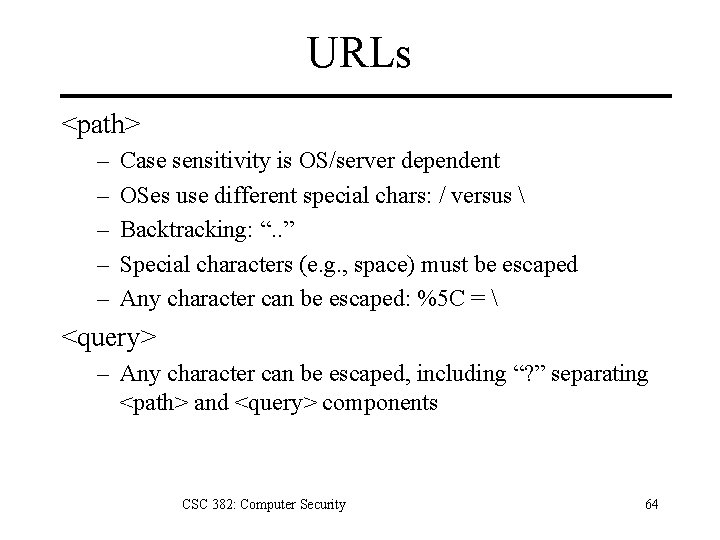
URLs <path> – – – Case sensitivity is OS/server dependent OSes use different special chars: / versus Backtracking: “. . ” Special characters (e. g. , space) must be escaped Any character can be escaped: %5 C = <query> – Any character can be escaped, including “? ” separating <path> and <query> components CSC 382: Computer Security 64
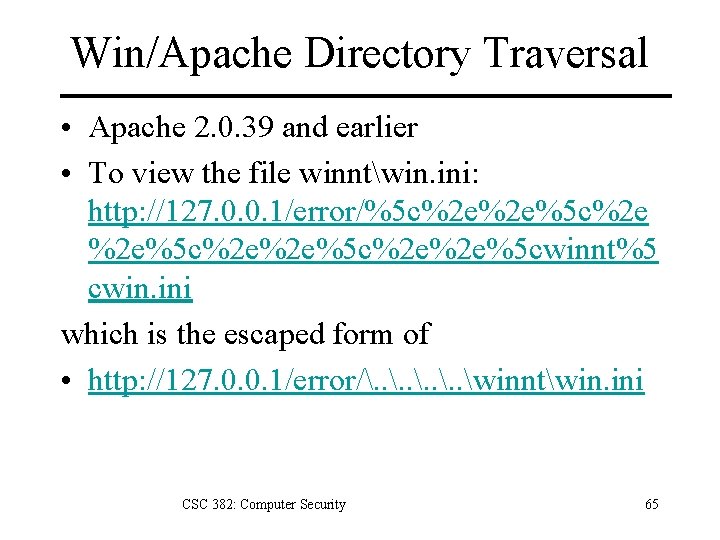
Win/Apache Directory Traversal • Apache 2. 0. 39 and earlier • To view the file winntwin. ini: http: //127. 0. 0. 1/error/%5 c%2 e%2 e%5 c%2 e%2 e%5 cwinnt%5 cwin. ini which is the escaped form of • http: //127. 0. 0. 1/error/. . winntwin. ini CSC 382: Computer Security 65
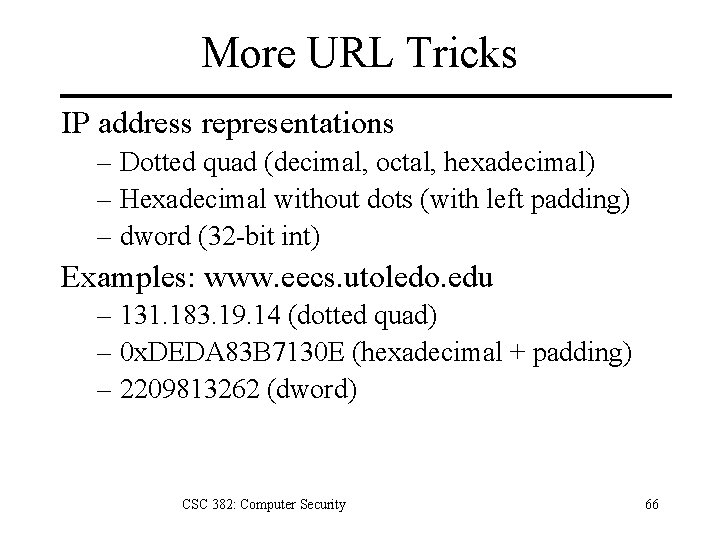
More URL Tricks IP address representations – Dotted quad (decimal, octal, hexadecimal) – Hexadecimal without dots (with left padding) – dword (32 -bit int) Examples: www. eecs. utoledo. edu – 131. 183. 19. 14 (dotted quad) – 0 x. DEDA 83 B 7130 E (hexadecimal + padding) – 2209813262 (dword) CSC 382: Computer Security 66
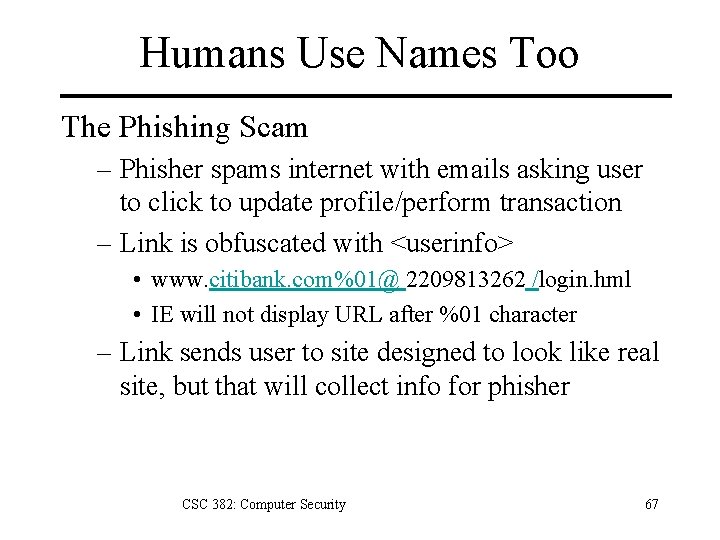
Humans Use Names Too The Phishing Scam – Phisher spams internet with emails asking user to click to update profile/perform transaction – Link is obfuscated with <userinfo> • www. citibank. com%01@ 2209813262 /login. hml • IE will not display URL after %01 character – Link sends user to site designed to look like real site, but that will collect info for phisher CSC 382: Computer Security 67
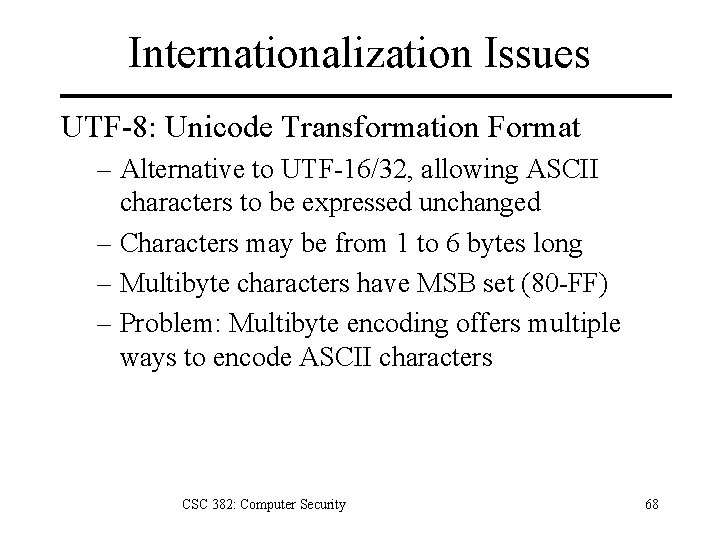
Internationalization Issues UTF-8: Unicode Transformation Format – Alternative to UTF-16/32, allowing ASCII characters to be expressed unchanged – Characters may be from 1 to 6 bytes long – Multibyte characters have MSB set (80 -FF) – Problem: Multibyte encoding offers multiple ways to encode ASCII characters CSC 382: Computer Security 68
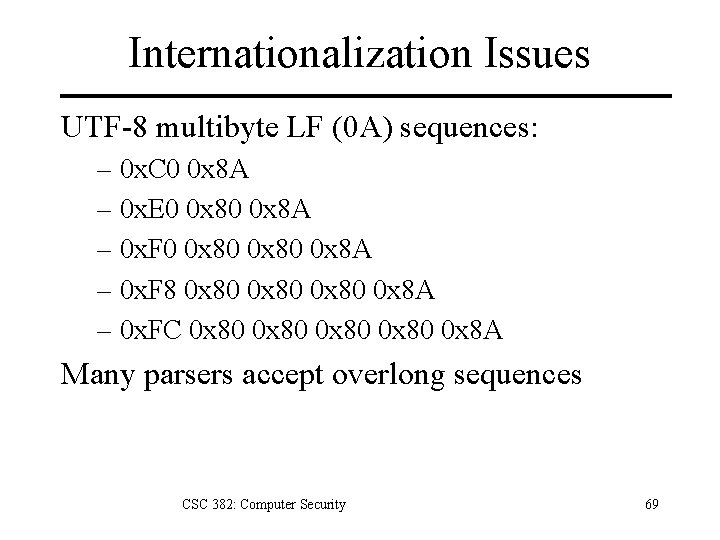
Internationalization Issues UTF-8 multibyte LF (0 A) sequences: – 0 x. C 0 0 x 8 A – 0 x. E 0 0 x 8 A – 0 x. F 0 0 x 80 0 x 8 A – 0 x. F 8 0 x 80 0 x 8 A – 0 x. FC 0 x 80 0 x 8 A Many parsers accept overlong sequences CSC 382: Computer Security 69
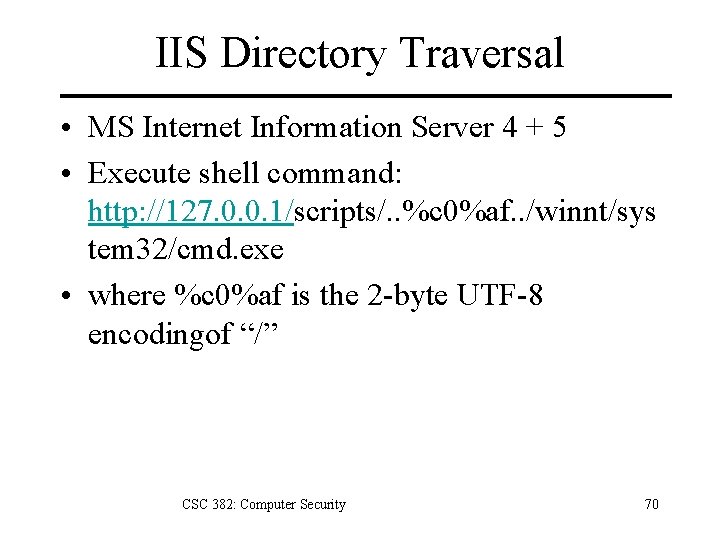
IIS Directory Traversal • MS Internet Information Server 4 + 5 • Execute shell command: http: //127. 0. 0. 1/scripts/. . %c 0%af. . /winnt/sys tem 32/cmd. exe • where %c 0%af is the 2 -byte UTF-8 encodingof “/” CSC 382: Computer Security 70
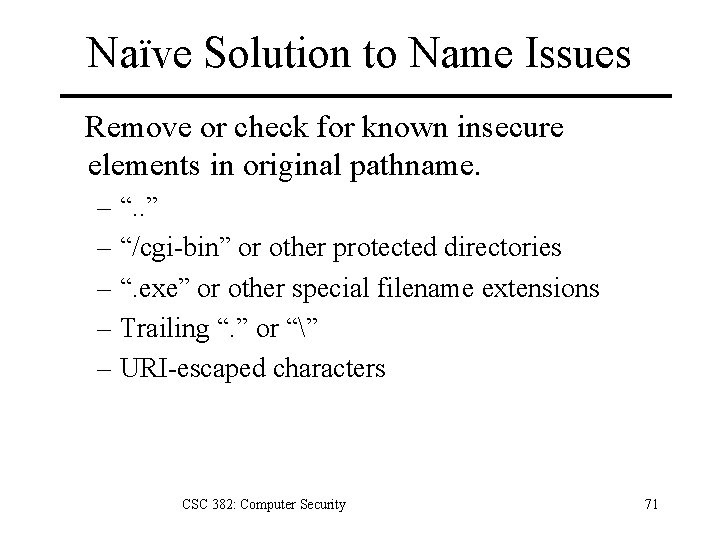
Naïve Solution to Name Issues Remove or check for known insecure elements in original pathname. – “. . ” – “/cgi-bin” or other protected directories – “. exe” or other special filename extensions – Trailing “. ” or “” – URI-escaped characters CSC 382: Computer Security 71
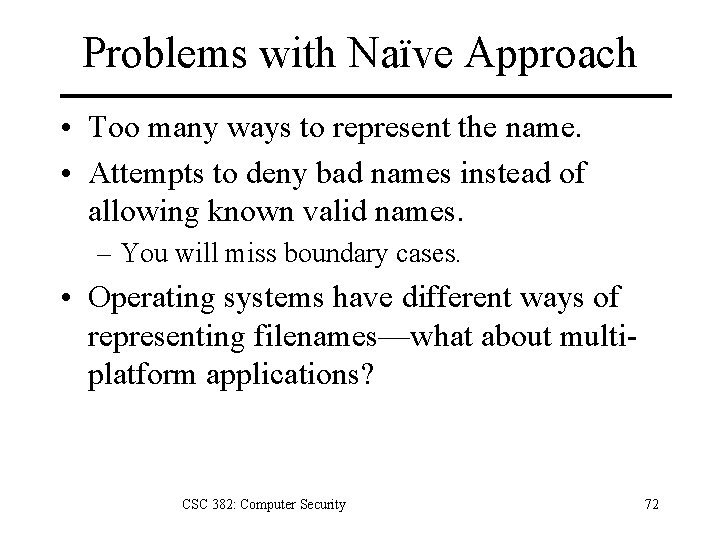
Problems with Naïve Approach • Too many ways to represent the name. • Attempts to deny bad names instead of allowing known valid names. – You will miss boundary cases. • Operating systems have different ways of representing filenames—what about multiplatform applications? CSC 382: Computer Security 72
Don’t Use Names • Avoid canonicalization issues entirely by not basing access control on names. – Filesystem ACLs instead of access control inside your application. – IP addresses instead of DNS names. • However, you may need to use names for some purposes… CSC 382: Computer Security 73
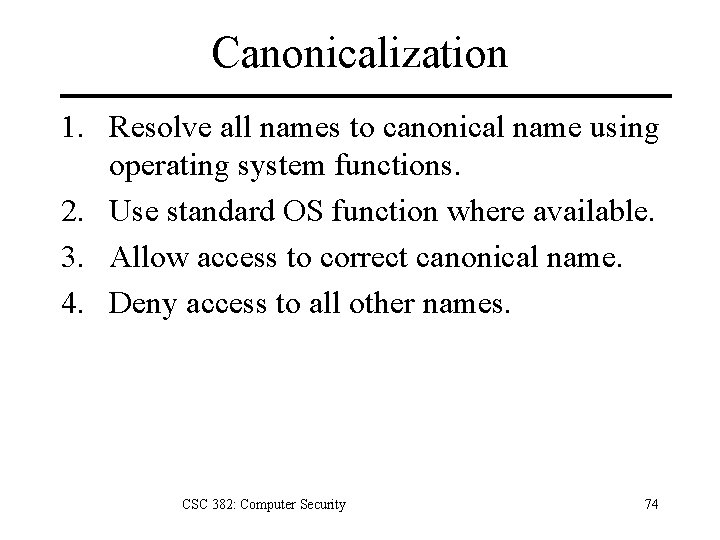
Canonicalization 1. Resolve all names to canonical name using operating system functions. 2. Use standard OS function where available. 3. Allow access to correct canonical name. 4. Deny access to all other names. CSC 382: Computer Security 74
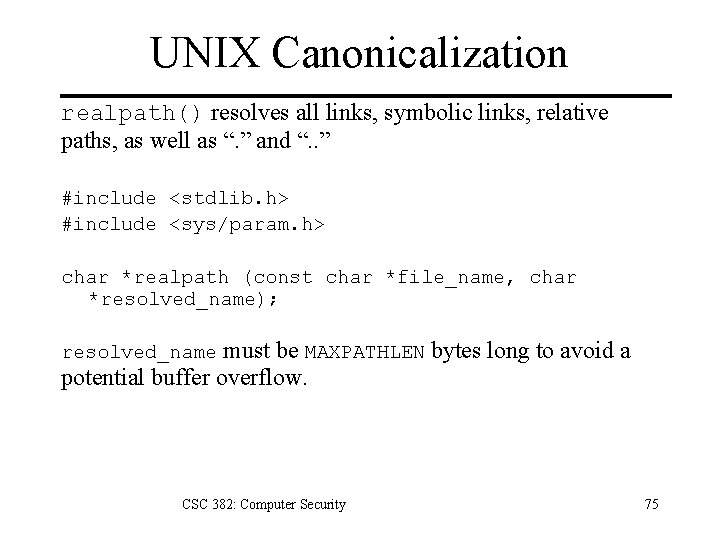
UNIX Canonicalization realpath() resolves all links, symbolic links, relative paths, as well as “. ” and “. . ” #include <stdlib. h> #include <sys/param. h> char *realpath (const char *file_name, char *resolved_name); must be MAXPATHLEN bytes long to avoid a potential buffer overflow. resolved_name CSC 382: Computer Security 75
Win 32 Canonicalization • Resolve links, “. . ”, trailing dot(. ), and spaces – Get. Full. Path. Name() • Canonicalize 8. 3 format names – Get. Long. Path. Name() • Check path length < MAX_PATH • Full checking is complex – Clean. Canon. cpp: Howard & Leblanc, Writing Secure Code, pp. 386 -390 CSC 382: Computer Security 76
Key Points 1. Integer overflows. – Understand binary arithmetic properties. 2. Race conditions. – TOCTOU security flaws. 3. Secure file usage. – Canonicalize names. – Never deference a file by name more than once. – Never trust a world-writable directory. CSC 382: Computer Security 77
References 1. “Broward Vote-Counting Blunder Changes Amendment Result, ” http: //www. news 4 jax. com/politics/3890292/detail. html, 2004. 2. “How to Obscure Any URL: How Spammers And Scammers Hide and Confuse, ” http: //www. pc -help. org/obscure. htm 3. blexim, “Basic Integer Overflows, ” Phrack 60, 2002. 4. Bishop, Matt, Introduction to Computer Security, Addison-Wesley, 2005. 5. Carbullito, Ken, [letter from ES&S to Guilford BOard of Elections], http: //dream. sims. berkeley. edu/~jhall/nqb 2/index. php? title=guilford_ess_letter, 2004. 6. Graff, Mark and van Wyk, Kenneth, Secure Coding: Principles & Practices, O’Reilly, 2003. 7. Howard, Michael, “Reviewing Code for Integer Manipulation Vulnerabilities, ” http: //msdn. microsoft. com/library/default. asp? url=/library/enus/dncode/html/secure 04102003. asp, 2003. 8. Howard, Michael and Le. Blanc, David, Writing Secure Code, 2 nd edition, Microsoft Press, 2003. 9. Le. Blanc, David, “Integer Handling with the C++ Safe. Int Class, ” http: //msdn. microsoft. com/library/default. asp? url=/library/enus/dncode/html/secure 01142004. asp? frame=true&hidetoc=true 10. Viega, John, and Mc. Graw, Gary, Building Secure Software, Addison-Wesley, 2002. 11. Wheeler, David, Secure Programming for UNIX and Linux HOWTO, http: //www. dwheeler. com/secure-programs/Secure-Programs-HOWTO/index. html, 2003. CSC 382: Computer Security 78