
CSC 380 Database Grades Book Blog Rules Grading
CSC 380 | Database Grades, Book, Blog & Rules

Grading Grades will be divided as follows: n ¡ ¡ ¡ n 10 10 15 15 10 40 % % % Homework and Tutorials Quizzes First Midterm Exam Second Midterm Exam Project Final Exam --------------------------100 % Total
Book, Blog & Rules n Text Book ¡ n Blog ¡ n Fundamentals of Database Systems: El. Masri, Navathe 6 th Edition Addison Wesley ksucsc 380. wordpress. com Rules ¡ Visit the blog and read them carefully
1. Databases & Database Systems Chapter 1 Course Coordinator: Dr. Deema Alathel Lecturer: Ms. Arwa Alturki
Overview n Traditional database applications are part of our daily life ¡ ¡ ¡ n Bank transactions Hotel reservations Etc… Advances in technology led to more sophisticated database systems applications: ¡ ¡ Multimedia databases Geographic information systems (GIS) Online analytical processing (OLAP) Real-time and active database technology
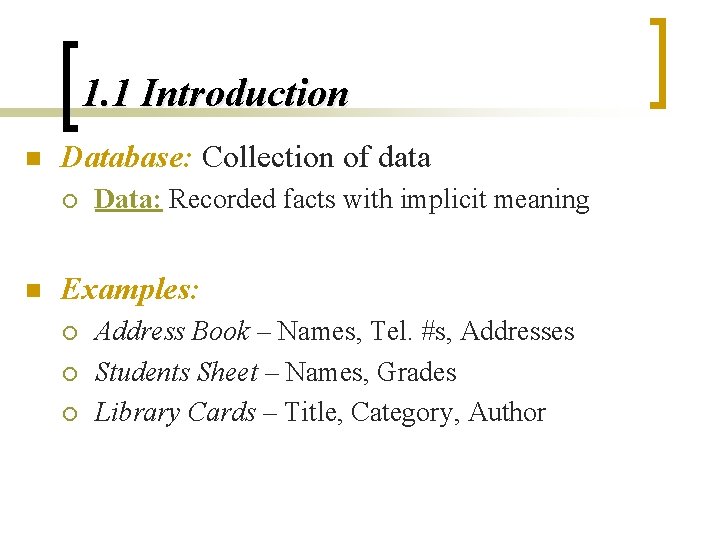
1. 1 Introduction n Database: Collection of data ¡ n Data: Recorded facts with implicit meaning Examples: ¡ ¡ ¡ Address Book – Names, Tel. #s, Addresses Students Sheet – Names, Grades Library Cards – Title, Category, Author
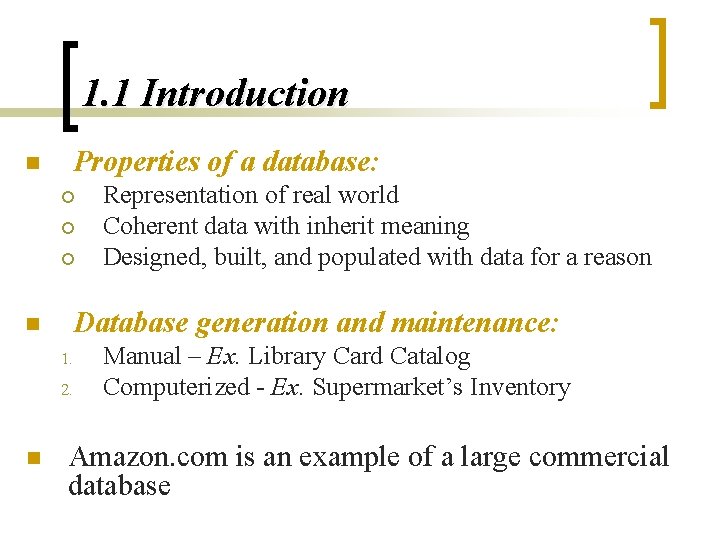
1. 1 Introduction n Properties of a database: ¡ ¡ ¡ n Database generation and maintenance: 1. 2. n Representation of real world Coherent data with inherit meaning Designed, built, and populated with data for a reason Manual – Ex. Library Card Catalog Computerized - Ex. Supermarket’s Inventory Amazon. com is an example of a large commercial database
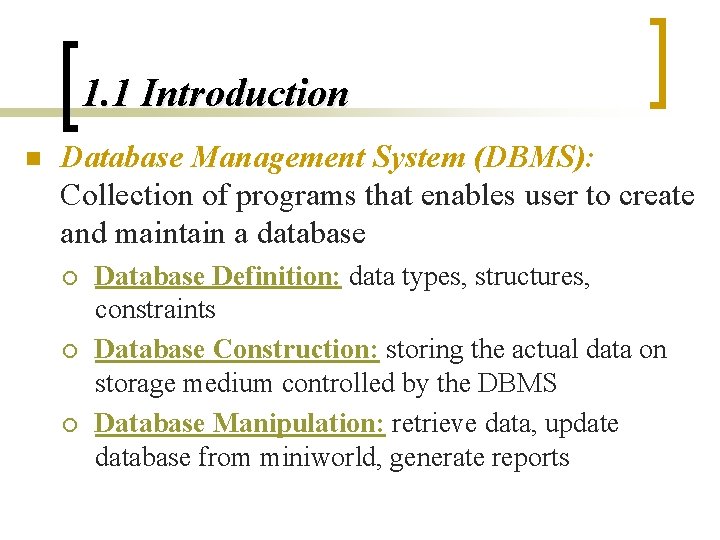
1. 1 Introduction n Database Management System (DBMS): Collection of programs that enables user to create and maintain a database ¡ ¡ ¡ Database Definition: data types, structures, constraints Database Construction: storing the actual data on storage medium controlled by the DBMS Database Manipulation: retrieve data, update database from miniworld, generate reports
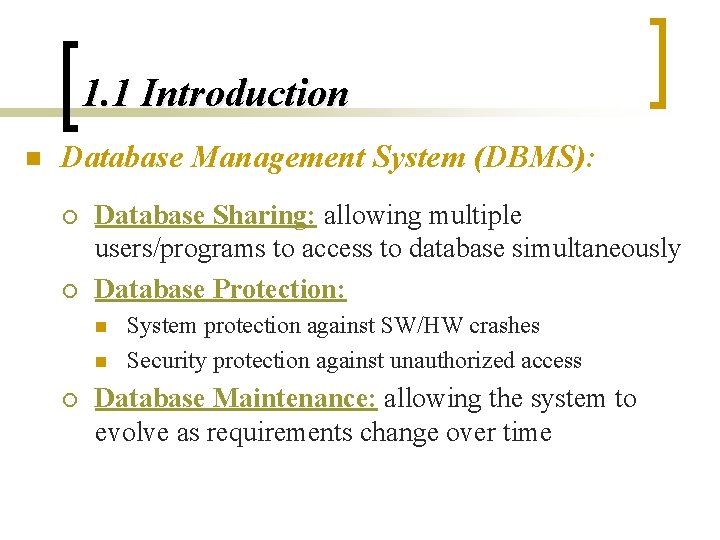
1. 1 Introduction n Database Management System (DBMS): ¡ ¡ Database Sharing: allowing multiple users/programs to access to database simultaneously Database Protection: n n ¡ System protection against SW/HW crashes Security protection against unauthorized access Database Maintenance: allowing the system to evolve as requirements change over time
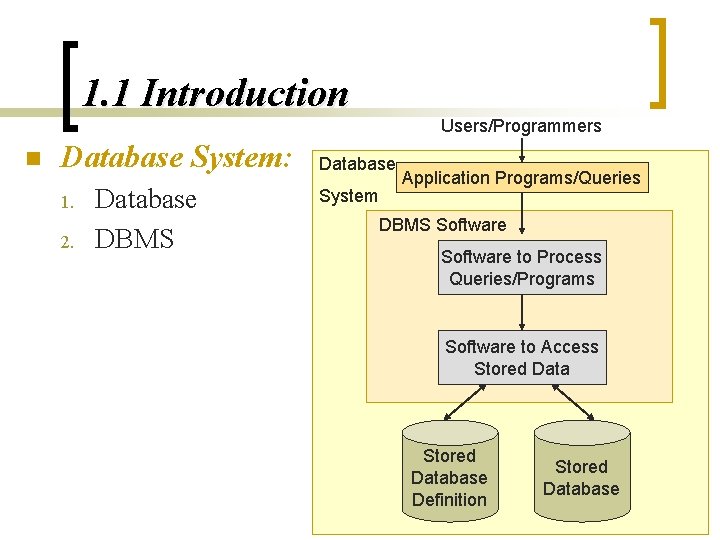
1. 1 Introduction n Database System: 1. 2. Database DBMS Users/Programmers Database System Application Programs/Queries DBMS Software to Process Queries/Programs Software to Access Stored Database Definition Stored Database
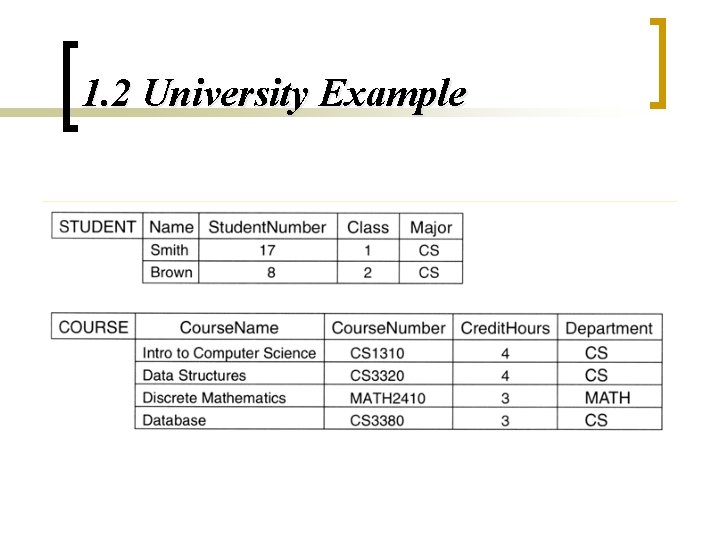
1. 2 University Example
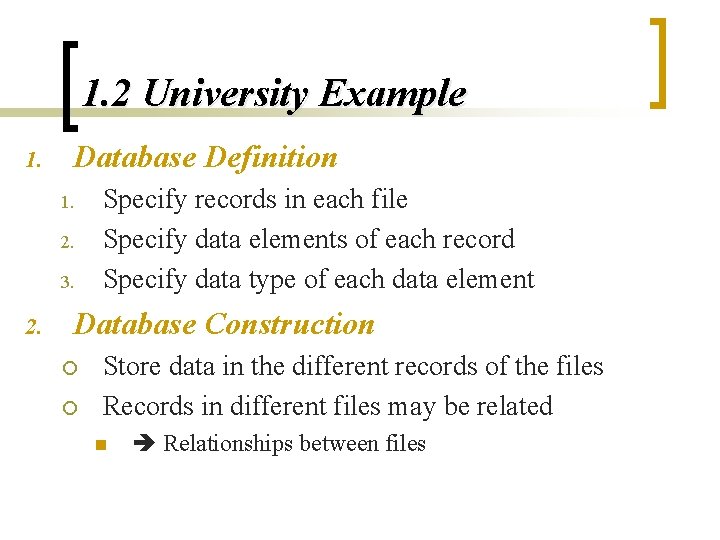
1. 2 University Example 1. Database Definition 1. 2. 3. 2. Specify records in each file Specify data elements of each record Specify data type of each data element Database Construction ¡ ¡ Store data in the different records of the files Records in different files may be related n Relationships between files
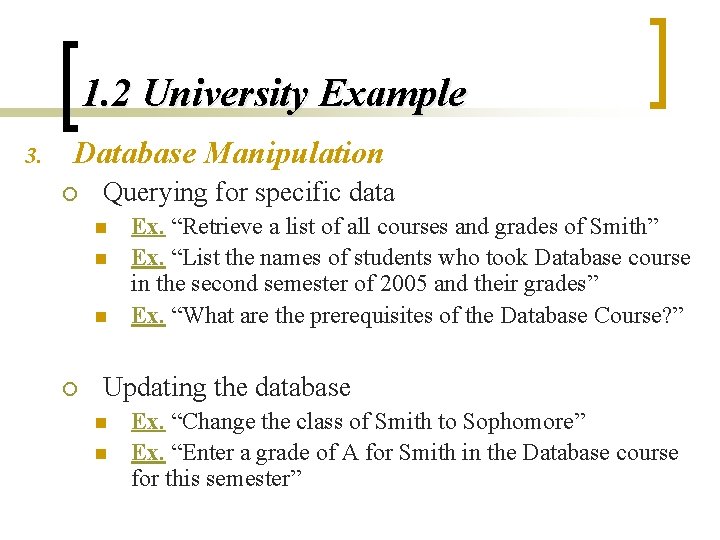
1. 2 University Example 3. Database Manipulation ¡ Querying for specific data n n n ¡ Ex. “Retrieve a list of all courses and grades of Smith” Ex. “List the names of students who took Database course in the second semester of 2005 and their grades” Ex. “What are the prerequisites of the Database Course? ” Updating the database n n Ex. “Change the class of Smith to Sophomore” Ex. “Enter a grade of A for Smith in the Database course for this semester”
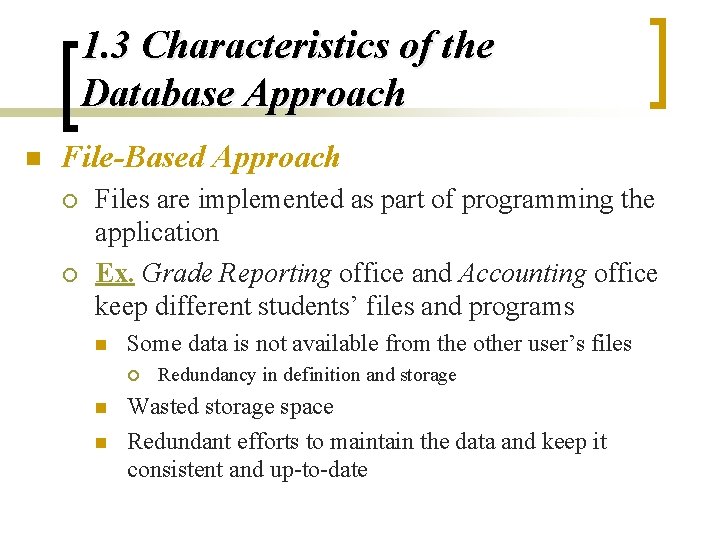
1. 3 Characteristics of the Database Approach n File-Based Approach ¡ ¡ Files are implemented as part of programming the application Ex. Grade Reporting office and Accounting office keep different students’ files and programs n Some data is not available from the other user’s files ¡ n n Redundancy in definition and storage Wasted storage space Redundant efforts to maintain the data and keep it consistent and up-to-date
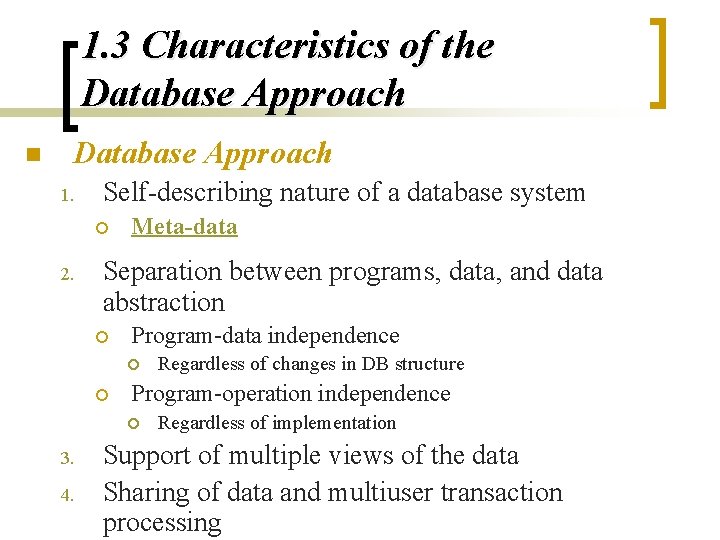
1. 3 Characteristics of the Database Approach n Database Approach 1. Self-describing nature of a database system ¡ 2. Meta-data Separation between programs, data, and data abstraction ¡ Program-data independence ¡ ¡ Program-operation independence ¡ 3. 4. Regardless of changes in DB structure Regardless of implementation Support of multiple views of the data Sharing of data and multiuser transaction processing
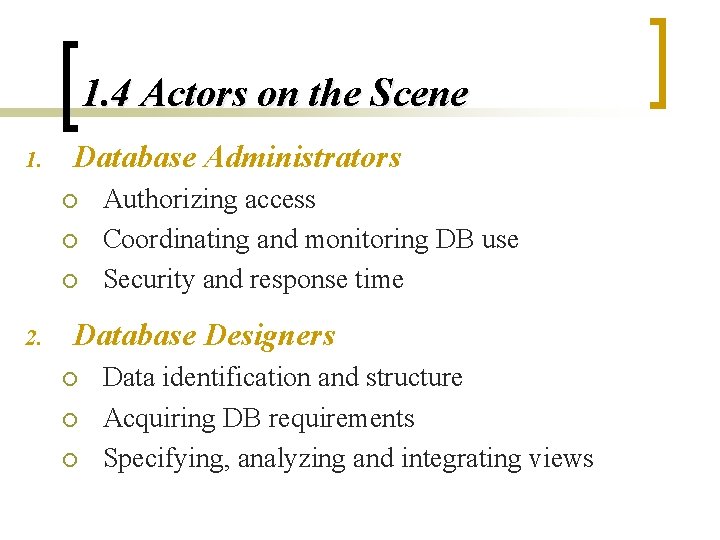
1. 4 Actors on the Scene 1. Database Administrators ¡ ¡ ¡ 2. Authorizing access Coordinating and monitoring DB use Security and response time Database Designers ¡ ¡ ¡ Data identification and structure Acquiring DB requirements Specifying, analyzing and integrating views
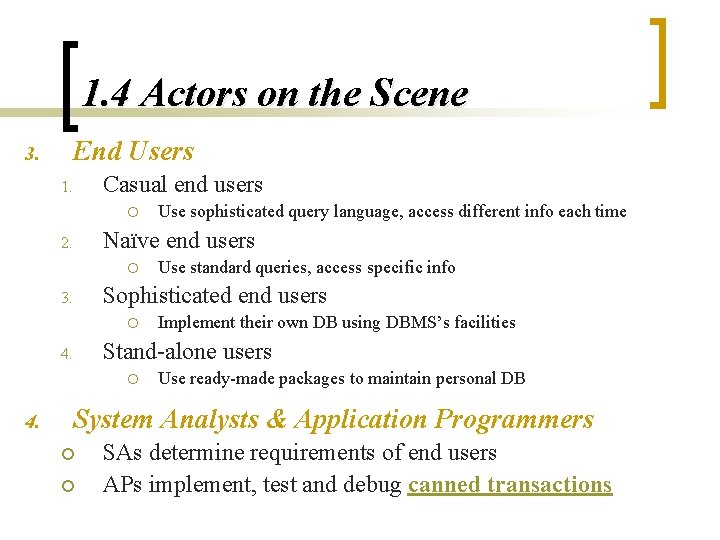
1. 4 Actors on the Scene End Users 3. Casual end users 1. ¡ Naïve end users 2. ¡ Use standard queries, access specific info Sophisticated end users 3. ¡ Implement their own DB using DBMS’s facilities Stand-alone users 4. ¡ 4. Use sophisticated query language, access different info each time Use ready-made packages to maintain personal DB System Analysts & Application Programmers ¡ ¡ SAs determine requirements of end users APs implement, test and debug canned transactions
1. 5 Workers behind the Scene 1. DBMS system designers and implementers ¡ 2. Tool developers ¡ 3. Design and implement DBMS modules and interfaces as a software package Design and implement SW packages that aid in DB system design and use Operators and maintenance personnel ¡ Responsible for running and maintaining the SW and HW environment for the DB system
1. 6 Advantages of Using a DBMS 1. 2. 3. 4. 5. 6. 7. 8. 9. Controlling redundancy Restricting unauthorized access Providing persistent storage for program objects and data structures Providing storage structures and search techniques for efficient query processing Providing backup and recovery Providing multiple user interfaces Representing complex relationships among data Enforcing integrity constraints Permitting inferencing and actions using rules
1. 6 Advantages of Using a DBMS n Additional Implications of Using the Database Approach: 1. Potential for enforcing standards 2. Reduced application development time 3. Flexibility 4. Availability of up-to-date information 5. Economies of scale
1. 7 A Brief History of Database Applications n Early Database Applications: ¡ ¡ n The Hierarchical and Network Models were introduced in mid 1960 s and dominated during the seventies. A bulk of the worldwide database processing still occurs using these models, particularly, the hierarchical model. Relational Model-Based Systems: ¡ ¡ Relational model was originally introduced in 1970, was heavily researched and experimented within IBM Research and several universities. Relational DBMS Products emerged in the early 1980 s.
1. 7 A Brief History of Database Applications n Object-oriented and emerging applications: ¡ Object-Oriented Database Management Systems (OODBMSs) were introduced in late 1980 s and early 1990 s to cater to the need of complex data processing in CAD and other applications. n Their use has not taken off much. ¡ Many relational DBMSs have incorporated object database concepts, leading to a new category called object-relational DBMSs (ORDBMSs) ¡ Extended relational systems add further capabilities (e. g. for multimedia data, XML, and other data types)
1. 7 A Brief History of Database Applications n Data on the Web and E-commerce Applications: ¡ ¡ ¡ Web contains data in HTML (Hypertext markup language) with links among pages This has given rise to a new set of applications and Ecommerce is using new standards like XML (e. Xtended Markup Language) Script programming languages such as PHP and Java. Script allow generation of dynamic Web pages that are partially generated from a database n Also allow database updates through Web pages
1. 7 A Brief History of Database Applications n Extending Database Capabilities: ¡ New functionality is being added to DBMSs in the following areas: n Scientific Applications n XML (e. Xtensible Markup Language) n Image Storage and Management n Audio and Video Data Management n Data Warehousing and Data Mining n Spatial Data Management n Time Series and Historical Data Management ¡ The above gives rise to new research and development in incorporating new data types, complex data structures, new operations and storage and indexing schemes in database systems
1. 8 When Not to Use a DBMS n The overhead cost of using a DBMS may be due to: ¡ ¡ n High initial investment and possible need for additional hardware Overhead for providing generality, security, concurrency control, recovery, and integrity functions A DBMS may be unnecessary when: ¡ ¡ ¡ The database and applications are simple, well defined, and not expected to change There are stringent real-time requirements that may not be met because of DBMS overhead Access to data by multiple users is not required
1. 8 When Not to Use a DBMS n A DBMS may be insufficient when: ¡ ¡ The database system is not able to handle the complexity of data because of modeling limitations The database users need special operations not supported by the DBMS
Any Questions?
- Slides: 27