
CSC 253 INTERACTIVE MULTIMEDIA CHAPTER 1 INTRODUCTION TO
- Slides: 24
CSC 253 INTERACTIVE MULTIMEDIA CHAPTER 1: INTRODUCTION TO MULTIMEDIA CSC 253 INTERACTIVE MULTIMEDIA
Overview CSC 253 Interactive Multimedia Chapter 1 Introduction to Multimedia Definition and multimedia terminologies Delivering multimedia Multimedia usage
Overview CSC 253 Interactive Multimedia Chapter 1 Introduction to Multimedia Introduction to multimedia. � Definition � Types of multimedia � Delivering multimedia Why multimedia? Applications of multimedia. � Examples Summary of multimedia application
Objectives CSC 253 Interactive Multimedia Chapter 1 Introduction to Multimedia At the end of this chapter, students should be able to: � define basic terms and concepts related to multimedia technologies. � Identify mediums used to deliver multimedia product. � Identify multimedia usage in our daily life.
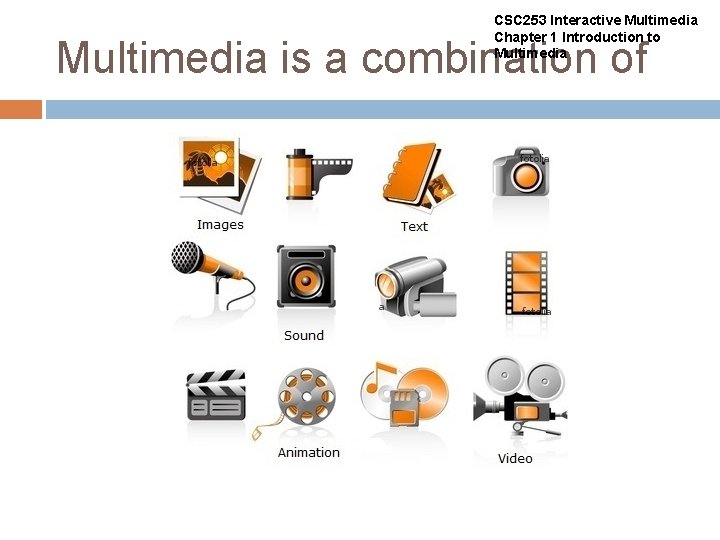
CSC 253 Interactive Multimedia Chapter 1 Introduction to Multimedia The definition of Multimedia : “Multimedia is a combination of text, image, sound, animation, and video. It is delivered to the user by electronic or digitally manipulated means. A multimedia project development requires creative, technical, organizational, and business skills. ” Tay Vaughan Multimedia : Making it work 7 th Ed.
CSC 253 Interactive Multimedia Chapter 1 Introduction to Multimedia is a combination of
CSC 253 Interactive Multimedia Chapter 1 Introduction to Multimedia becomes interactive multimedia when a user is given the option of controlling the elements. Interactive multimedia is called hypermedia when a user is provided a structure of linked elements for navigation. Multimedia developers develop multimedia projects.
CSC 253 Interactive Multimedia Chapter 1 Introduction to Multimedia Types of Multimedia projects : � Linear Multimedia: Projects that are not interactive. Users have very little control over the presentation � Nonlinear (interactive) Multimedia : Projects that are user-interactive, where users are given navigational control.
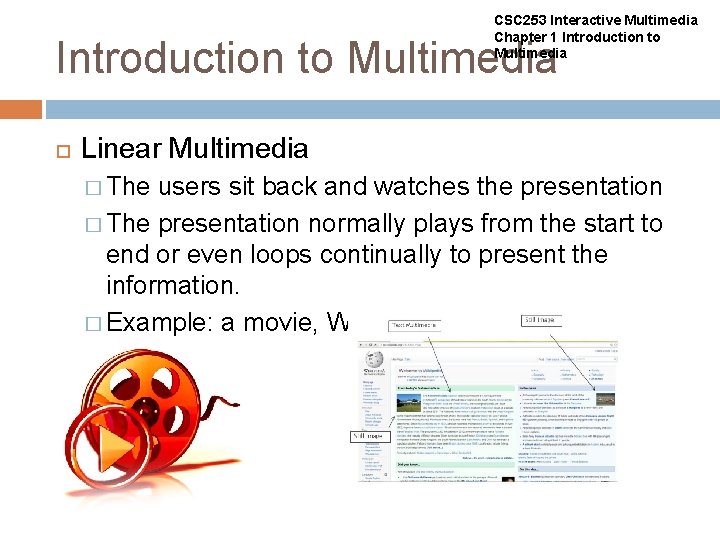
CSC 253 Interactive Multimedia Chapter 1 Introduction to Multimedia Linear Multimedia � The users sit back and watches the presentation � The presentation normally plays from the start to end or even loops continually to present the information. � Example: a movie, Wikipedia, Power. Point presentation
CSC 253 Interactive Multimedia Chapter 1 Introduction to Multimedia Non linear (interactive) multimedia � Users have the ability to move around or follow different path through the information presentation. � Advantage: complex domain of information can be presented. � Disadvantage: users might lost in the massive “information highway”. � Useful for: information archive (encyclopedia), education, training and entertainment. � Example: a website, skype, computer game
Delivering multimedia CSC 253 Interactive Multimedia Chapter 1 Introduction to Multimedia The primary media for delivering multimedia projects are: Compact disc read-only (CD-ROM) � Digital Versatile Disc (DVD) / Blu-ray disc (BDA) � Multimedia Projects can also be delivered online (webs) and through PDAs/Hand-held Devices.
Delivering multimedia CSC 253 Interactive Multimedia Chapter 1 Introduction to Multimedia CD-ROM � The most cost-effective distribution medium for multimedia projects. � It can contain up to 80 minutes of full-screen video or sound.
Delivering multimedia CSC 253 Interactive Multimedia Chapter 1 Introduction to Multimedia DVD-ROM / Blu-ray disc � Multilayered DVD technology increases the capacity of current optical technology to 18 GB. � DVD authoring and integration software is used to create interactive front-end menus for films and games. � Blu-ray disc (Blu-ray Disc Association BDA) is next-generation format for high-definition video and high-density data. A single-layer disc can fit 23. 3, 25, or 27 GB (enough for approximately four hours of high-definition video with audio). It supports 25 GB for one layer, 50 GB for two and 100 GB for four
Delivering multimedia CSC 253 Interactive Multimedia Chapter 1 Introduction to Multimedia Both CD and DVD burners are used for reading discs and converting the discs to audio, video, and data formats.
Delivering multimedia CSC 253 Interactive Multimedia Chapter 1 Introduction to Multimedia Delivering on the World Wide Web � Can be as simple as renaming directory or transferring a group of files to a web server. � Things to considered: Security Server-side Access configuration
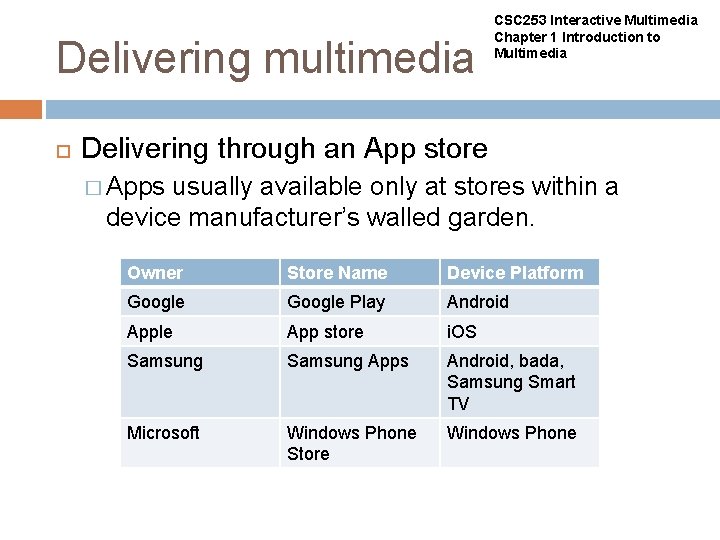
Delivering multimedia CSC 253 Interactive Multimedia Chapter 1 Introduction to Multimedia Delivering through an App store � Apps usually available only at stores within a device manufacturer’s walled garden. Owner Store Name Device Platform Google Play Android Apple App store i. OS Samsung Apps Android, bada, Samsung Smart TV Microsoft Windows Phone Store Windows Phone
Why Multimedia? CSC 253 Interactive Multimedia Chapter 1 Introduction to Multimedia Ease of use Intuitive Interface Immersive experience Self-paced interaction and better retention Better understanding Cost effectiveness More fun
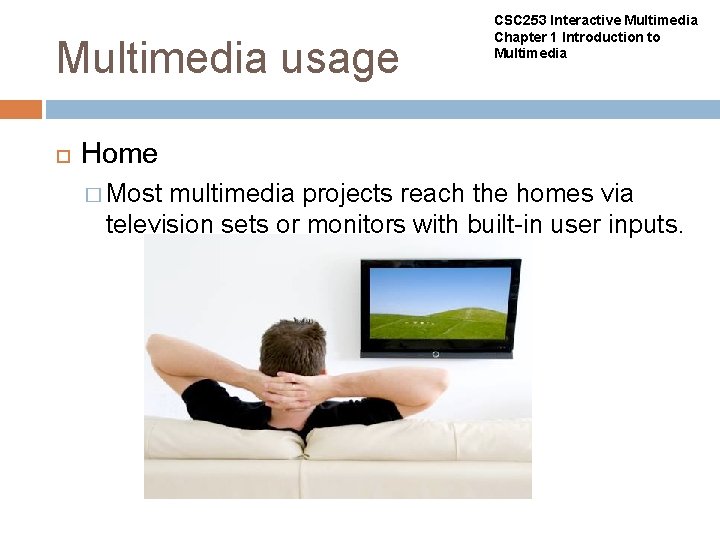
Multimedia usage CSC 253 Interactive Multimedia Chapter 1 Introduction to Multimedia Home � Most multimedia projects reach the homes via television sets or monitors with built-in user inputs.
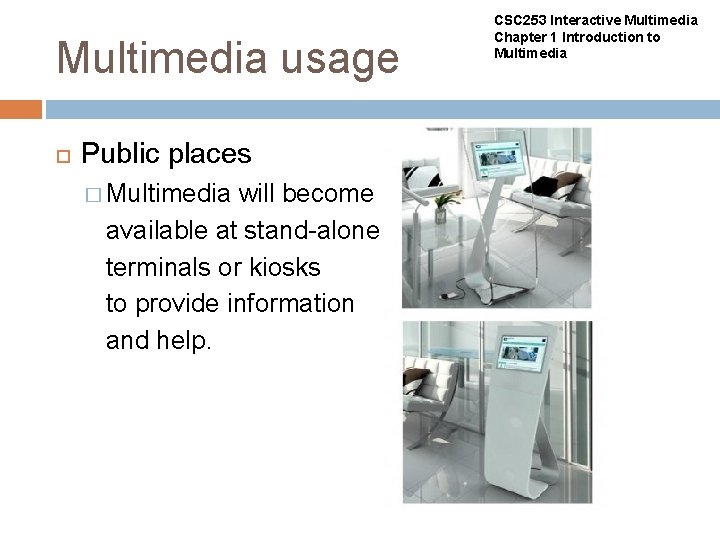
Multimedia usage Public places � Multimedia will become available at stand-alone terminals or kiosks to provide information and help. CSC 253 Interactive Multimedia Chapter 1 Introduction to Multimedia
Multimedia usage CSC 253 Interactive Multimedia Chapter 1 Introduction to Multimedia Business � Business applications include presentations training, marketing, advertising, product demos, databases, catalogues, instant messaging, and networked communication. Schools � Educational software can be developed to enrich the learning process
Examples of Multimedia Application CSC 253 Interactive Multimedia Chapter 1 Introduction to Multimedia Digital video editing and production systems Electronic Newspapers/Magazines Games Groupware Home shopping Interactive TV Multimedia courseware Video conferencing Video-on-Demand (Vo. D) Virtual reality
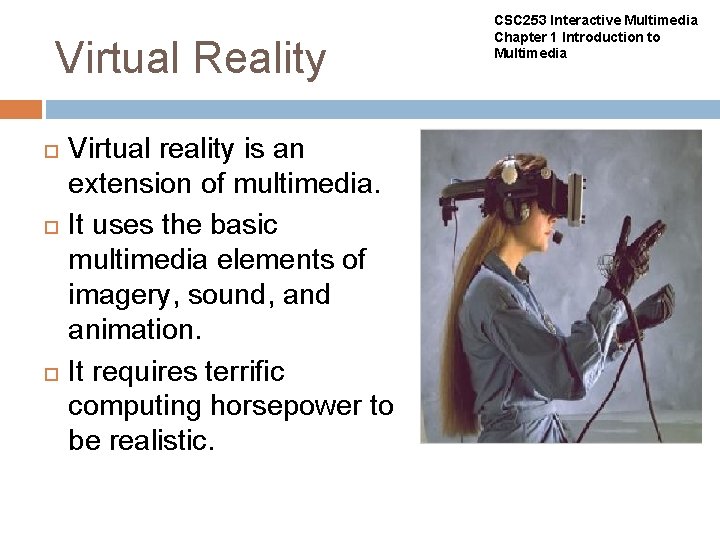
Virtual Reality Virtual reality is an extension of multimedia. It uses the basic multimedia elements of imagery, sound, and animation. It requires terrific computing horsepower to be realistic. CSC 253 Interactive Multimedia Chapter 1 Introduction to Multimedia
Virtual Reality (cont. ) CSC 253 Interactive Multimedia Chapter 1 Introduction to Multimedia In VR, cyberspace is made up of thousands of geometric objects plotted in three-dimensional space. The standards for transmitting VR in Virtual Reality Modeling Language (VRML) documents have been developed on the World Wide Web.
Summary CSC 253 Interactive Multimedia Chapter 1 Introduction to Multimedia is a combination of text, graphic art, sound, animation, and video. There are two types of multimedia projects : linear or nonlinear. Multimedia projects are often stored on CDROM or DVDs. They can also be hosted on the Web. Multimedia is widely used in business, schools, public places, and at home. Virtual reality is an extension of multimedia