
CSC 141 Introduction to Computer Programming Teacher AHMED
- Slides: 48
CSC 141 Introduction to Computer Programming Teacher: AHMED MUMTAZ MUSTEHSAN Lecture - 5
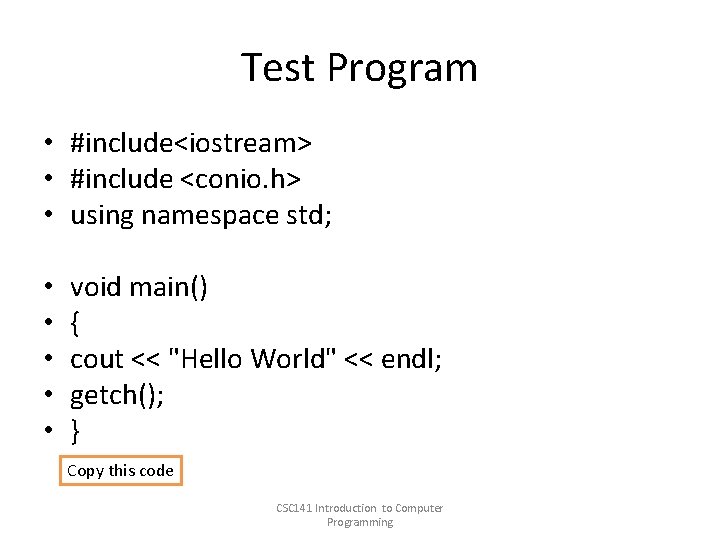
Test Program • #include<iostream> • #include <conio. h> • using namespace std; • • • void main() { cout << "Hello World" << endl; getch(); } Copy this code CSC 141 Introduction to Computer Programming
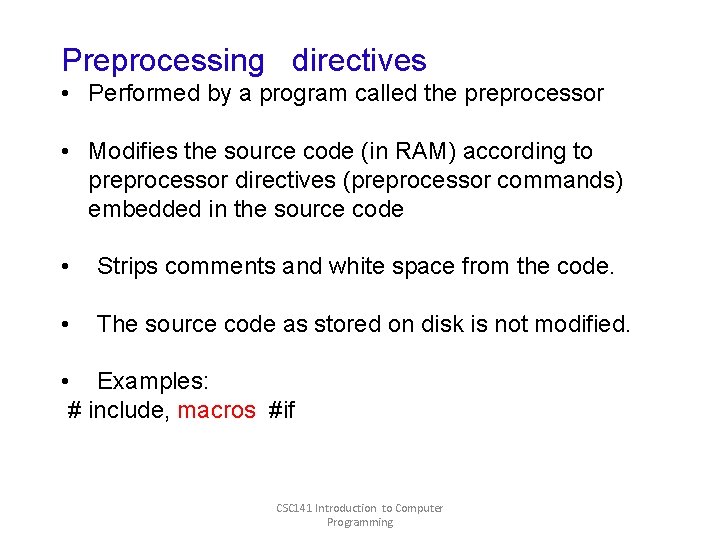
Preprocessing directives • Performed by a program called the preprocessor • Modifies the source code (in RAM) according to preprocessor directives (preprocessor commands) embedded in the source code • Strips comments and white space from the code. • The source code as stored on disk is not modified. • Examples: # include, macros #if CSC 141 Introduction to Computer Programming
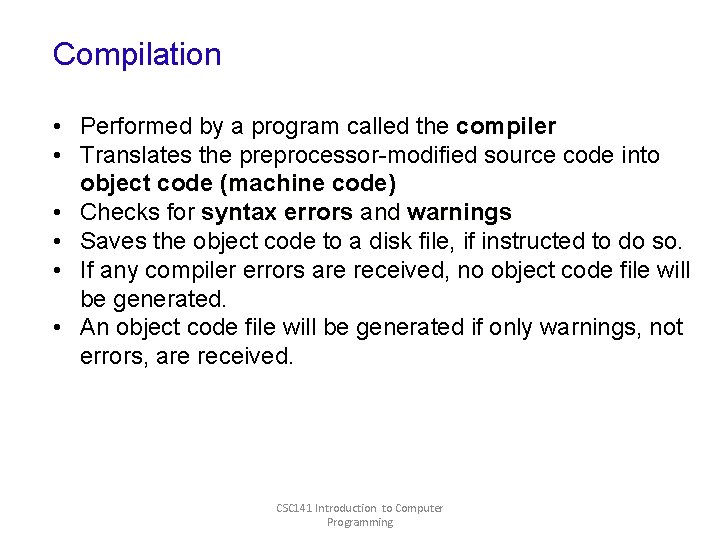
Compilation • Performed by a program called the compiler • Translates the preprocessor-modified source code into object code (machine code) • Checks for syntax errors and warnings • Saves the object code to a disk file, if instructed to do so. • If any compiler errors are received, no object code file will be generated. • An object code file will be generated if only warnings, not errors, are received. CSC 141 Introduction to Computer Programming
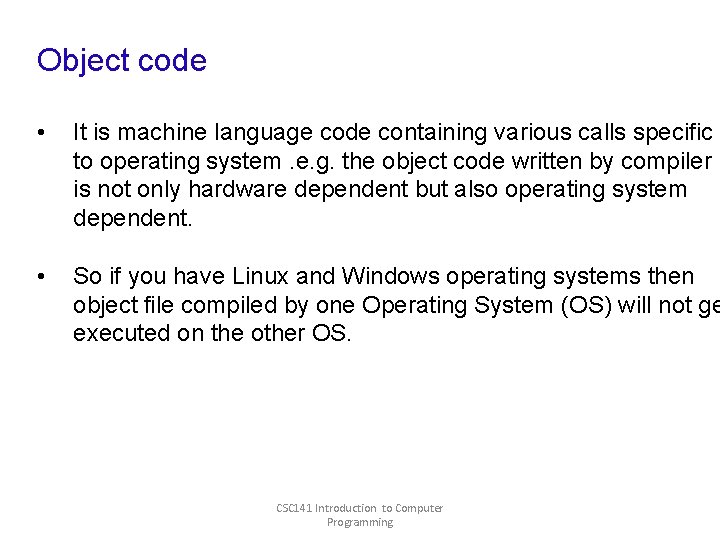
Object code • It is machine language code containing various calls specific to operating system. e. g. the object code written by compiler is not only hardware dependent but also operating system dependent. • So if you have Linux and Windows operating systems then object file compiled by one Operating System (OS) will not ge executed on the other OS. CSC 141 Introduction to Computer Programming
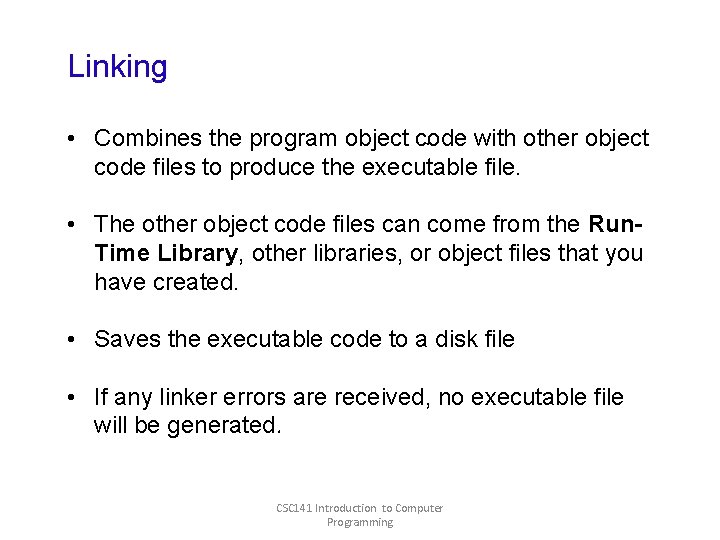
Linking • Combines the program object code with other object code files to produce the executable file. • The other object code files can come from the Run. Time Library, other libraries, or object files that you have created. • Saves the executable code to a disk file • If any linker errors are received, no executable file will be generated. CSC 141 Introduction to Computer Programming
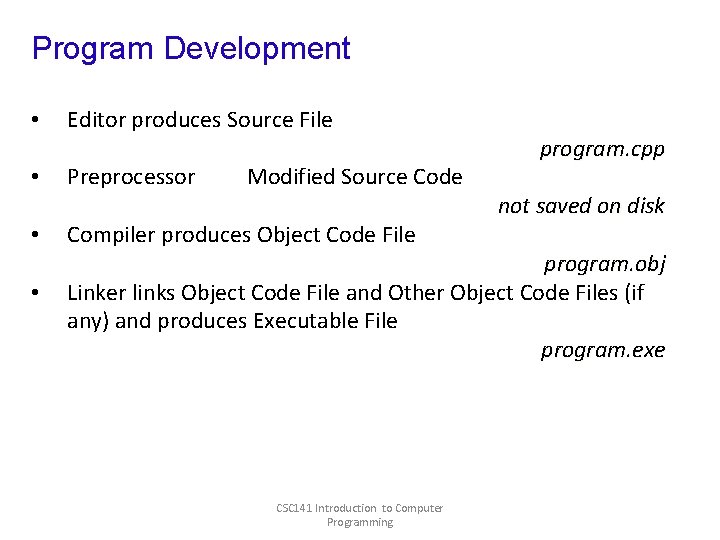
Program Development • • Editor produces Source File Preprocessor Modified Source Code Compiler produces Object Code File program. cpp not saved on disk program. obj Linker links Object Code File and Other Object Code Files (if any) and produces Executable File program. exe CSC 141 Introduction to Computer Programming
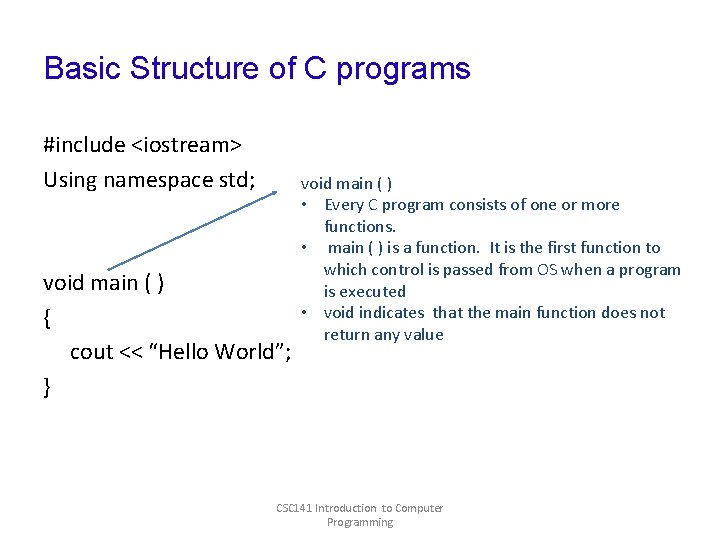
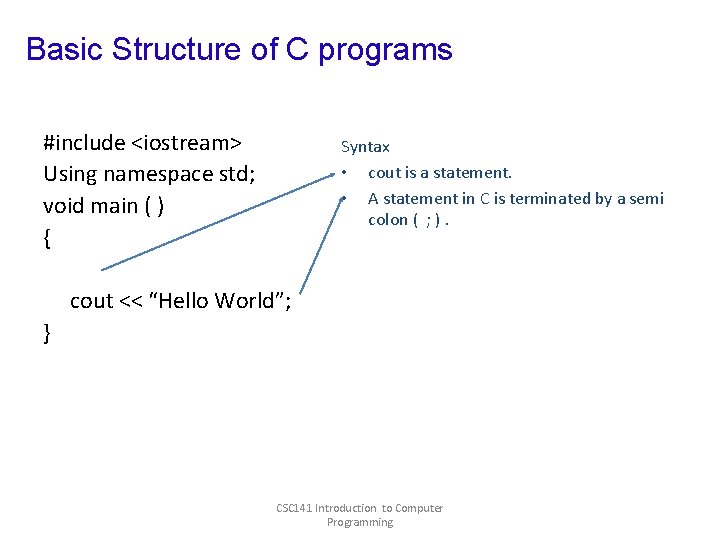
Basic Structure of C programs #include <iostream> Using namespace std; void main ( ) { cout << “Hello World”; } void main ( ) • Every C program consists of one or more functions. • main ( ) is a function. It is the first function to which control is passed from OS when a program is executed • void indicates that the main function does not return any value CSC 141 Introduction to Computer Programming
Basic Structure of C programs #include <iostream> Using namespace std; void main ( ) { Syntax • cout is a statement. • A statement in C is terminated by a semi colon ( ; ). cout << “Hello World”; } CSC 141 Introduction to Computer Programming
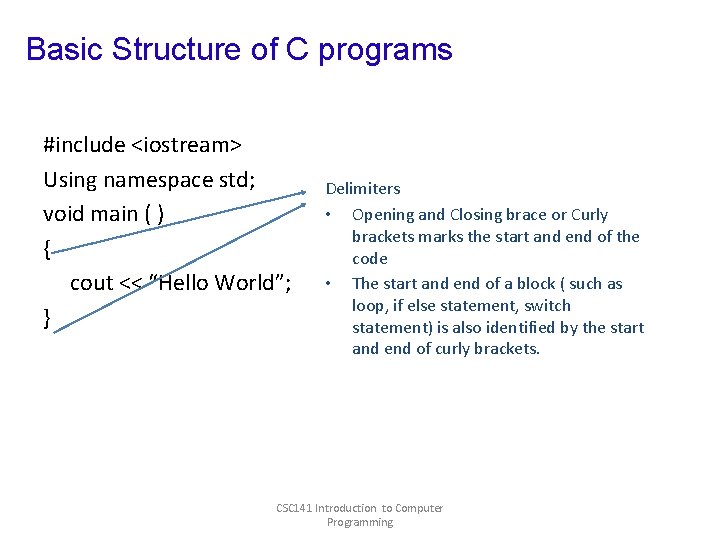
Basic Structure of C programs #include <iostream> Using namespace std; void main ( ) { cout << “Hello World”; } Delimiters • Opening and Closing brace or Curly brackets marks the start and end of the code • The start and end of a block ( such as loop, if else statement, switch statement) is also identified by the start and end of curly brackets. CSC 141 Introduction to Computer Programming
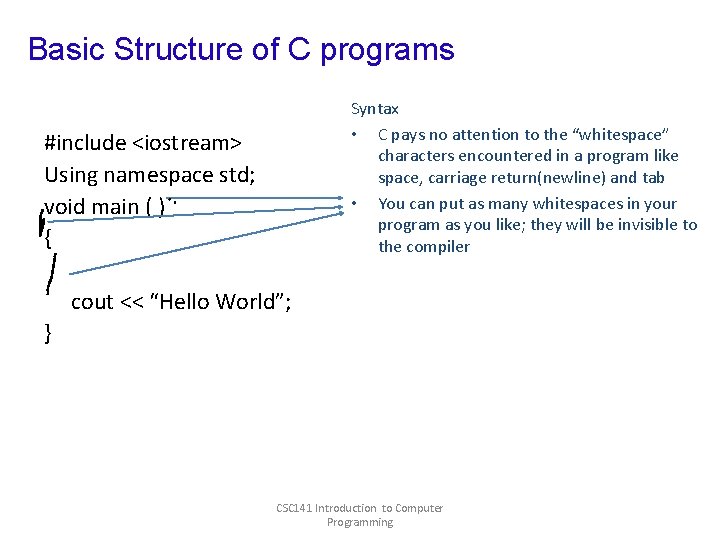
Basic Structure of C programs Syntax • C pays no attention to the “whitespace” characters encountered in a program like space, carriage return(newline) and tab • You can put as many whitespaces in your program as you like; they will be invisible to the compiler #include <iostream> Using namespace std; void main ( ) { cout << “Hello World”; } CSC 141 Introduction to Computer Programming
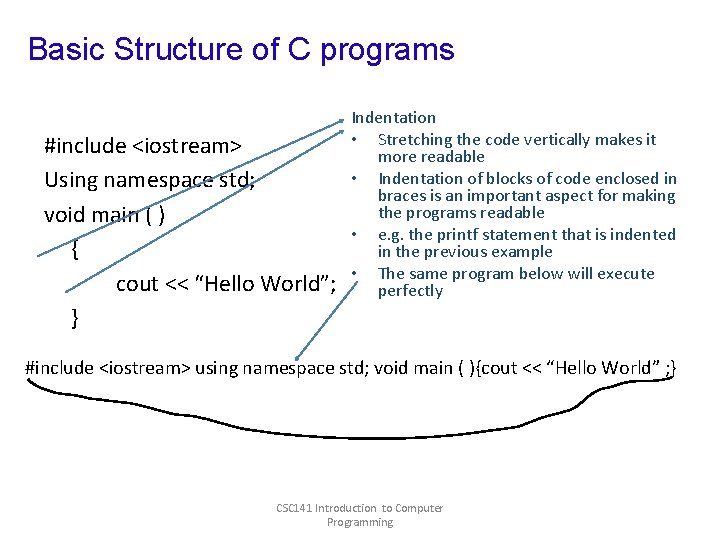
Basic Structure of C programs #include <iostream> Using namespace std; void main ( ) { cout << “Hello World”; } Indentation • Stretching the code vertically makes it more readable • Indentation of blocks of code enclosed in braces is an important aspect for making the programs readable • e. g. the printf statement that is indented in the previous example • The same program below will execute perfectly #include <iostream> using namespace std; void main ( ){cout << “Hello World” ; } CSC 141 Introduction to Computer Programming
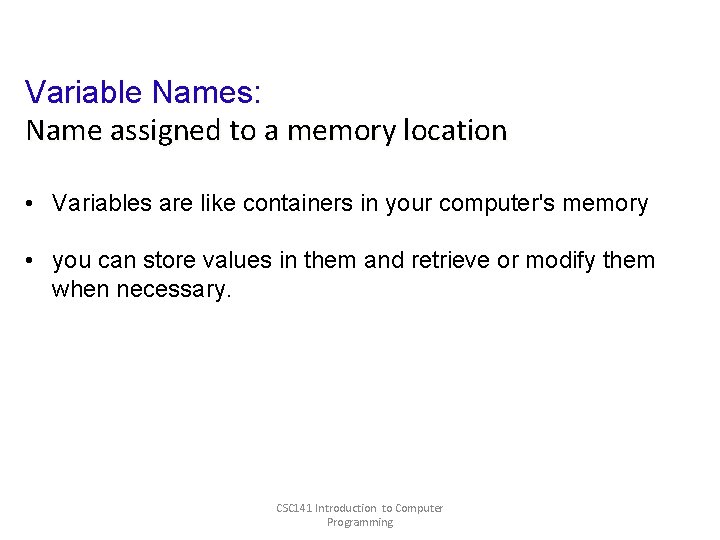
Variable Names: Name assigned to a memory location • Variables are like containers in your computer's memory • you can store values in them and retrieve or modify them when necessary. CSC 141 Introduction to Computer Programming
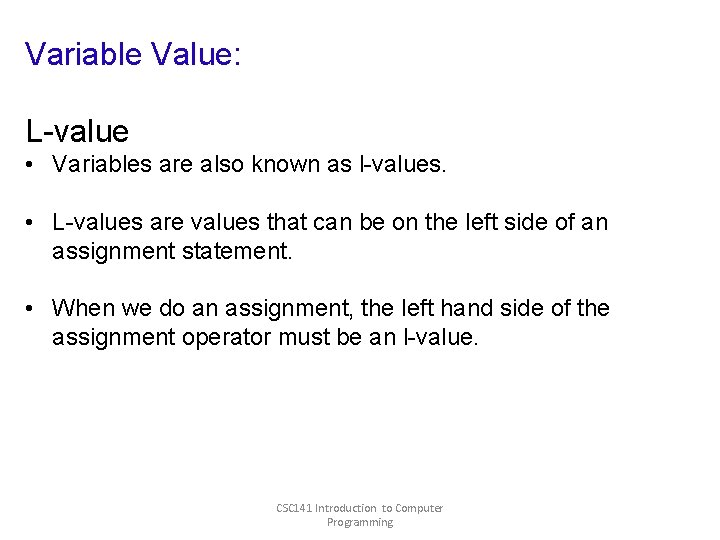
Variable Value: L-value • Variables are also known as l-values. • L-values are values that can be on the left side of an assignment statement. • When we do an assignment, the left hand side of the assignment operator must be an l-value. CSC 141 Introduction to Computer Programming
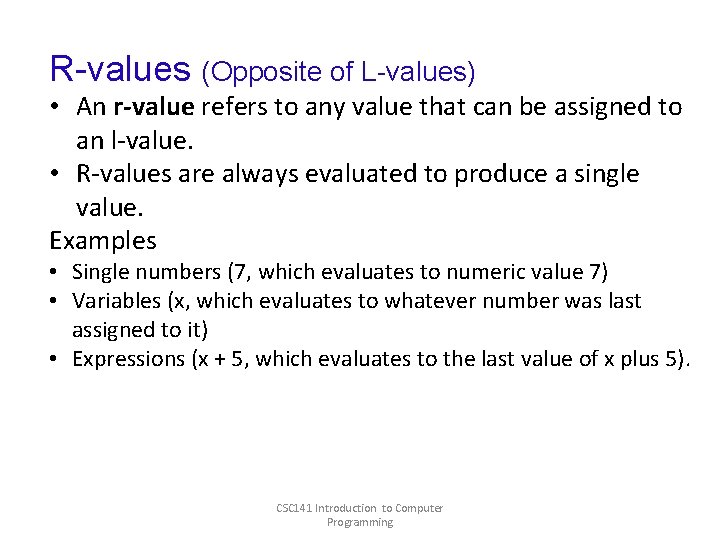
R-values (Opposite of L-values) • An r-value refers to any value that can be assigned to an l-value. • R-values are always evaluated to produce a single value. Examples • Single numbers (7, which evaluates to numeric value 7) • Variables (x, which evaluates to whatever number was last assigned to it) • Expressions (x + 5, which evaluates to the last value of x plus 5). CSC 141 Introduction to Computer Programming
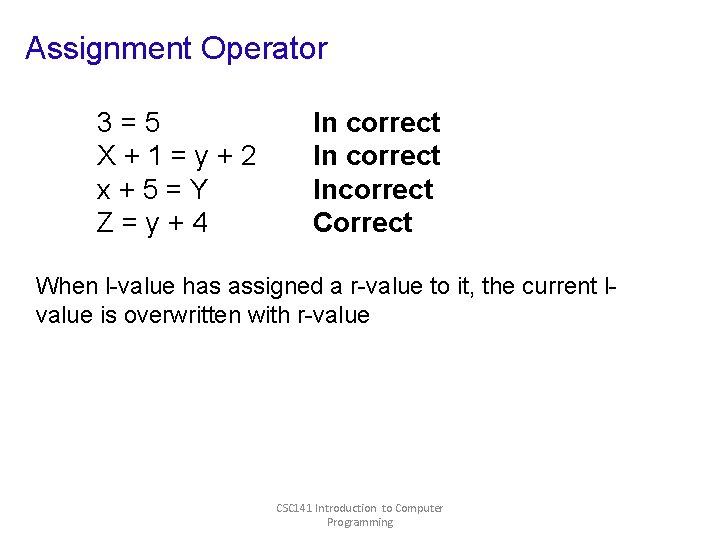
Assignment Operator 3=5 X+1=y+2 x+5=Y Z=y+4 In correct Incorrect Correct When l-value has assigned a r-value to it, the current lvalue is overwritten with r-value CSC 141 Introduction to Computer Programming
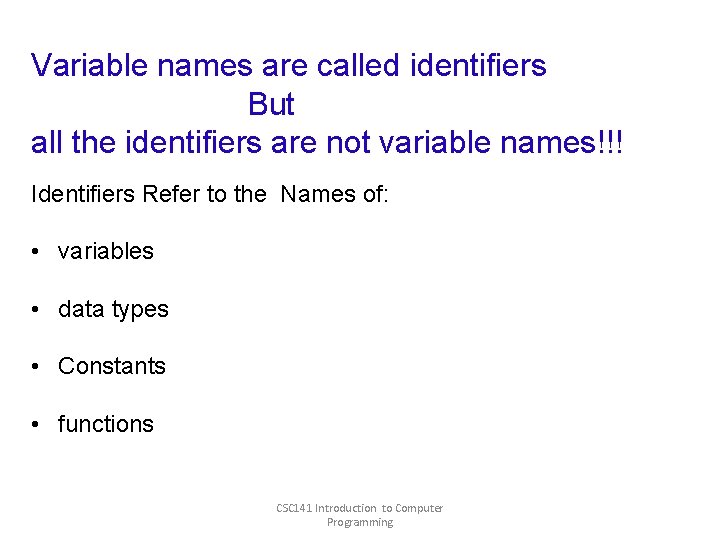
Variable names are called identifiers But all the identifiers are not variable names!!! Identifiers Refer to the Names of: • variables • data types • Constants • functions CSC 141 Introduction to Computer Programming
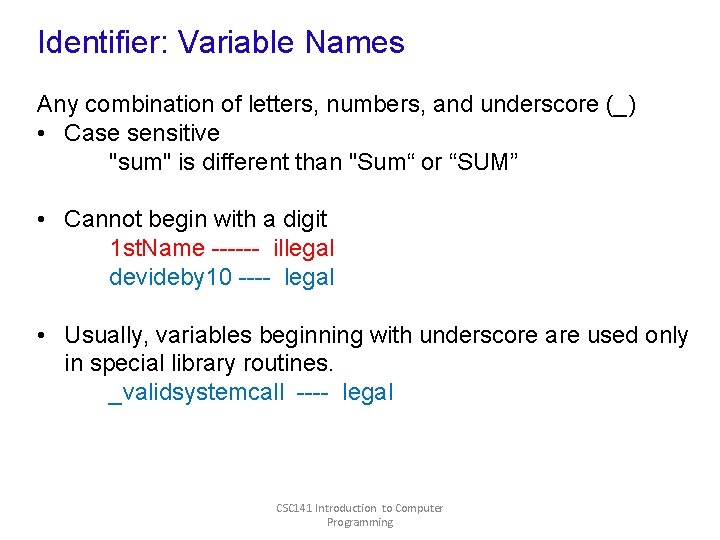
Identifier: Variable Names Any combination of letters, numbers, and underscore (_) • Case sensitive "sum" is different than "Sum“ or “SUM” • Cannot begin with a digit 1 st. Name ------ illegal devideby 10 ---- legal • Usually, variables beginning with underscore are used only in special library routines. _validsystemcall ---- legal CSC 141 Introduction to Computer Programming
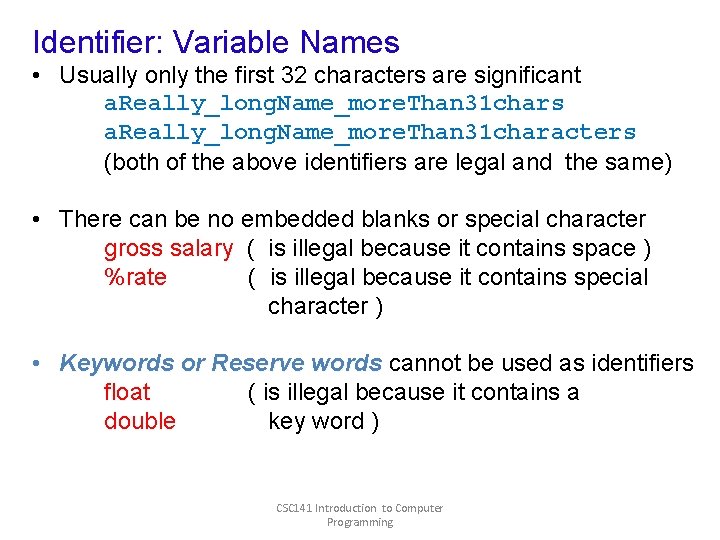
Identifier: Variable Names • Usually only the first 32 characters are significant a. Really_long. Name_more. Than 31 chars a. Really_long. Name_more. Than 31 characters (both of the above identifiers are legal and the same) • There can be no embedded blanks or special character gross salary ( is illegal because it contains space ) %rate ( is illegal because it contains special character ) • Keywords or Reserve words cannot be used as identifiers float ( is illegal because it contains a double key word ) CSC 141 Introduction to Computer Programming
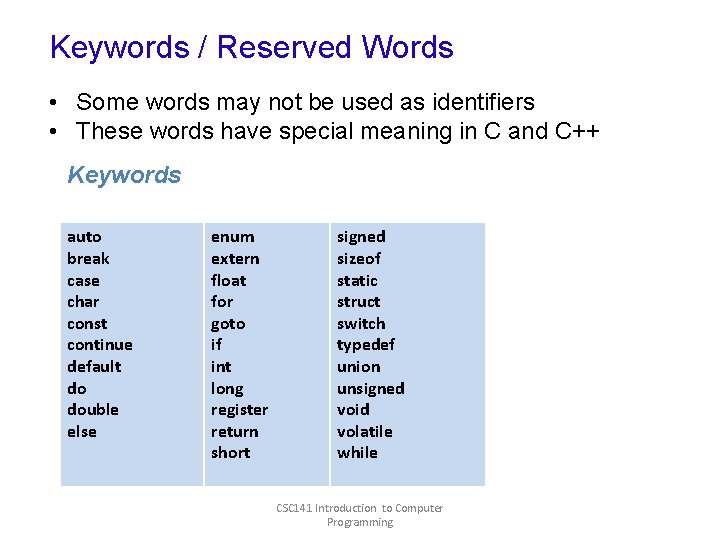
Keywords / Reserved Words • Some words may not be used as identifiers • These words have special meaning in C and C++ Keywords auto break case char const continue default do double else enum extern float for goto if int long register return short signed sizeof static struct switch typedef union unsigned void volatile while CSC 141 Introduction to Computer Programming
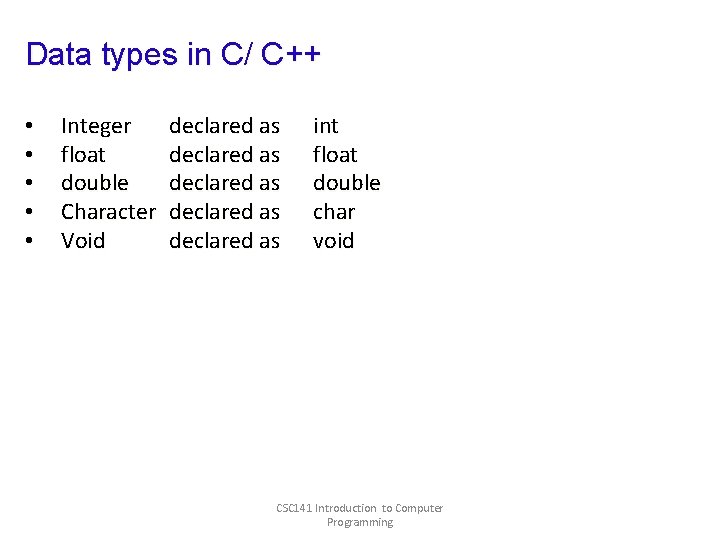
Data types in C/ C++ • • • Integer float double Character Void declared as declared as int float double char void CSC 141 Introduction to Computer Programming
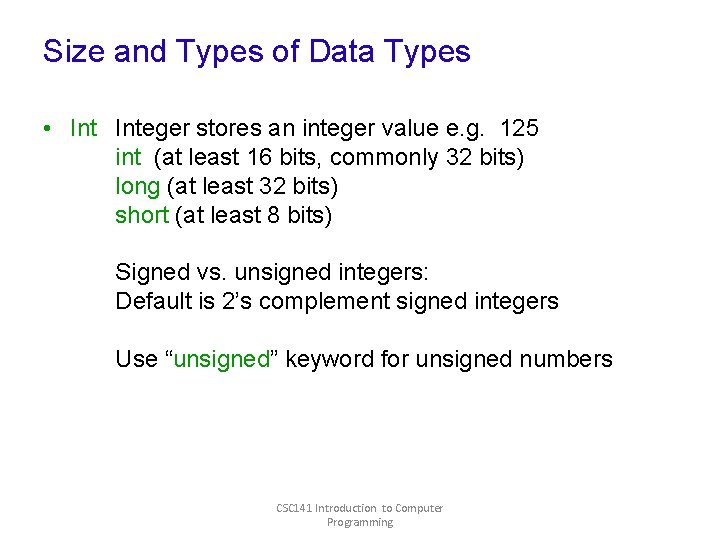
Size and Types of Data Types • Integer stores an integer value e. g. 125 int (at least 16 bits, commonly 32 bits) long (at least 32 bits) short (at least 8 bits) Signed vs. unsigned integers: Default is 2’s complement signed integers Use “unsigned” keyword for unsigned numbers CSC 141 Introduction to Computer Programming
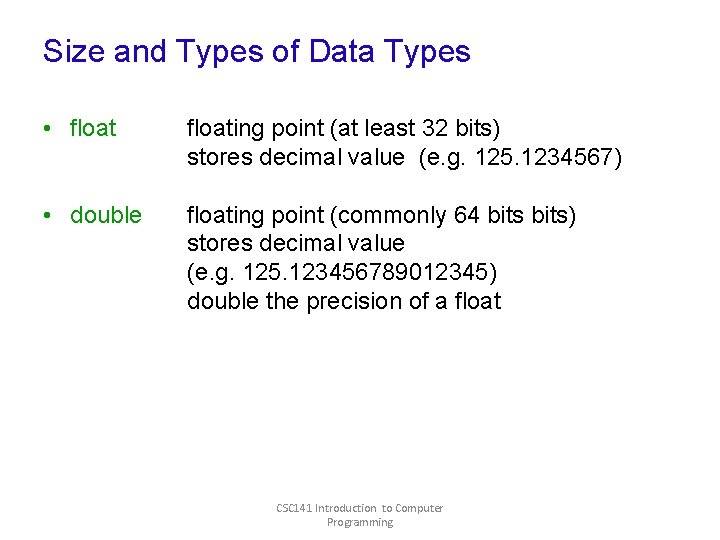
Size and Types of Data Types • floating point (at least 32 bits) stores decimal value (e. g. 125. 1234567) • double floating point (commonly 64 bits) stores decimal value (e. g. 125. 123456789012345) double the precision of a float CSC 141 Introduction to Computer Programming
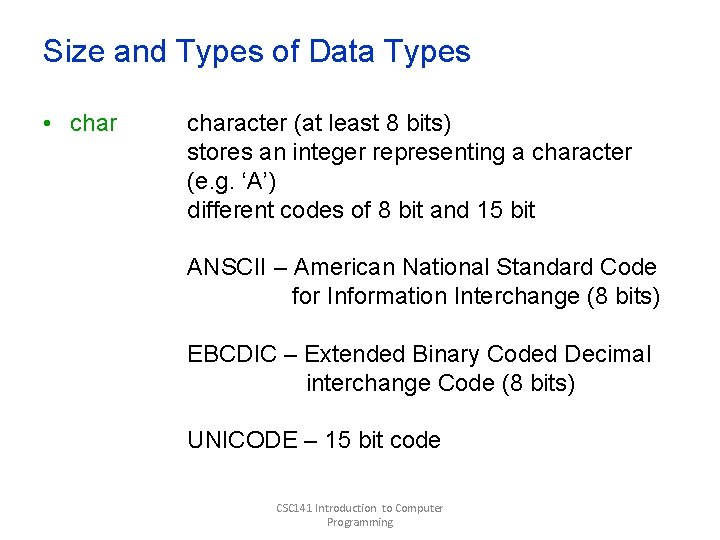
Size and Types of Data Types • character (at least 8 bits) stores an integer representing a character (e. g. ‘A’) different codes of 8 bit and 15 bit ANSCII – American National Standard Code for Information Interchange (8 bits) EBCDIC – Extended Binary Coded Decimal interchange Code (8 bits) UNICODE – 15 bit code CSC 141 Introduction to Computer Programming
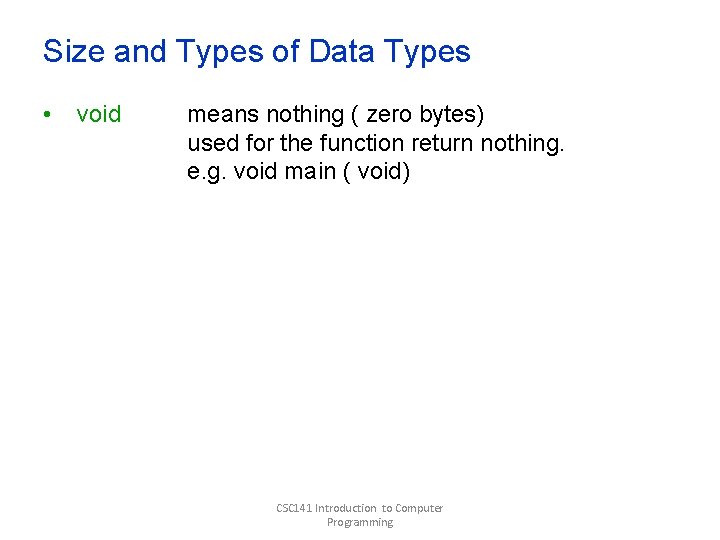
Size and Types of Data Types • void means nothing ( zero bytes) used for the function return nothing. e. g. void main ( void) CSC 141 Introduction to Computer Programming
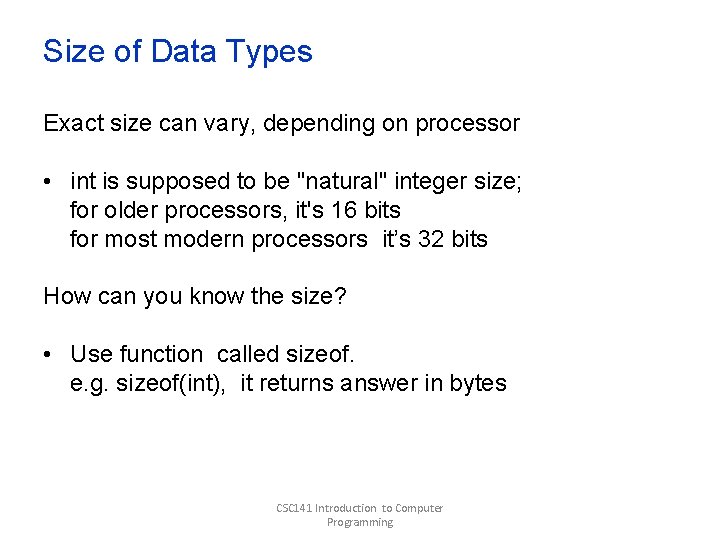
Size of Data Types Exact size can vary, depending on processor • int is supposed to be "natural" integer size; for older processors, it's 16 bits for most modern processors it’s 32 bits How can you know the size? • Use function called sizeof. e. g. sizeof(int), it returns answer in bytes CSC 141 Introduction to Computer Programming
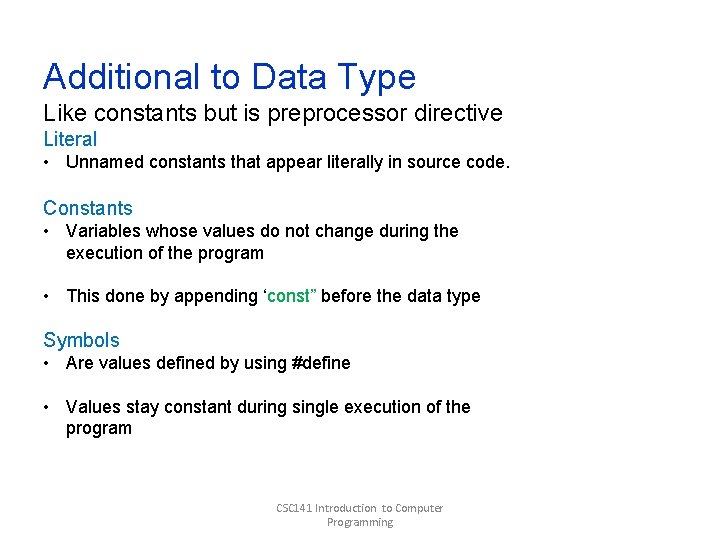
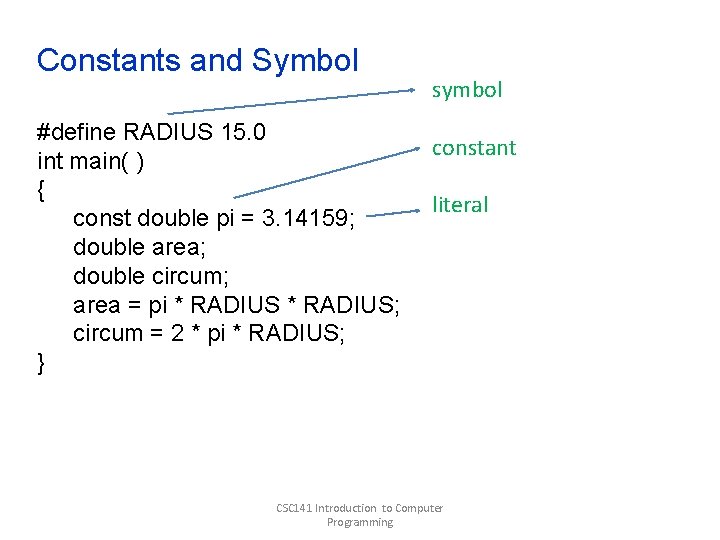
Additional to Data Type Like constants but is preprocessor directive Literal • Unnamed constants that appear literally in source code. Constants • Variables whose values do not change during the execution of the program • This done by appending ‘const” before the data type Symbols • Are values defined by using #define • Values stay constant during single execution of the program CSC 141 Introduction to Computer Programming
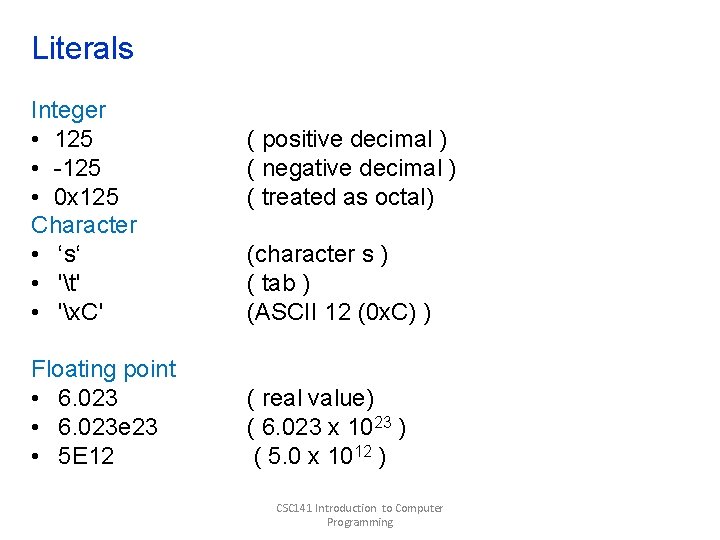
Literals Integer • 125 • -125 • 0 x 125 Character • ‘s‘ • 't' • 'x. C' Floating point • 6. 023 e 23 • 5 E 12 ( positive decimal ) ( negative decimal ) ( treated as octal) (character s ) ( tab ) (ASCII 12 (0 x. C) ) ( real value) ( 6. 023 x 1023 ) ( 5. 0 x 1012 ) CSC 141 Introduction to Computer Programming
Constants and Symbol #define RADIUS 15. 0 int main( ) { const double pi = 3. 14159; double area; double circum; area = pi * RADIUS; circum = 2 * pi * RADIUS; } symbol constant literal CSC 141 Introduction to Computer Programming
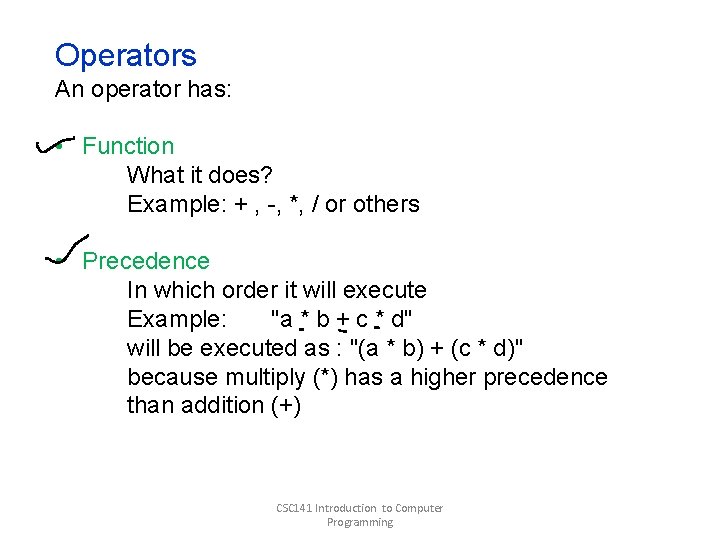
Operators An operator has: • Function What it does? Example: + , -, *, / or others • Precedence In which order it will execute Example: "a * b + c * d" will be executed as : "(a * b) + (c * d)" because multiply (*) has a higher precedence than addition (+) CSC 141 Introduction to Computer Programming
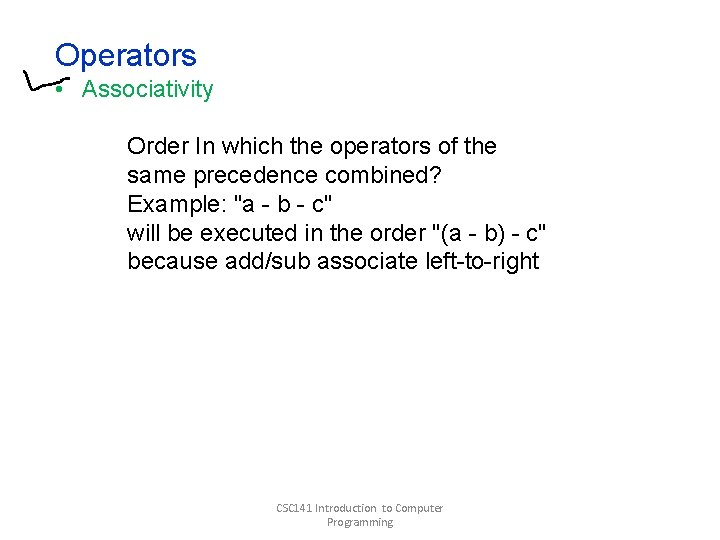
Operators • Associativity Order In which the operators of the same precedence combined? Example: "a - b - c" will be executed in the order "(a - b) - c" because add/sub associate left-to-right CSC 141 Introduction to Computer Programming
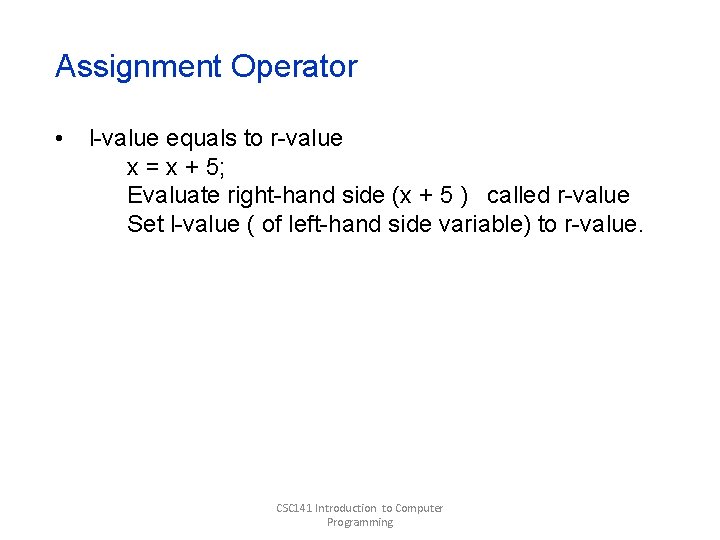
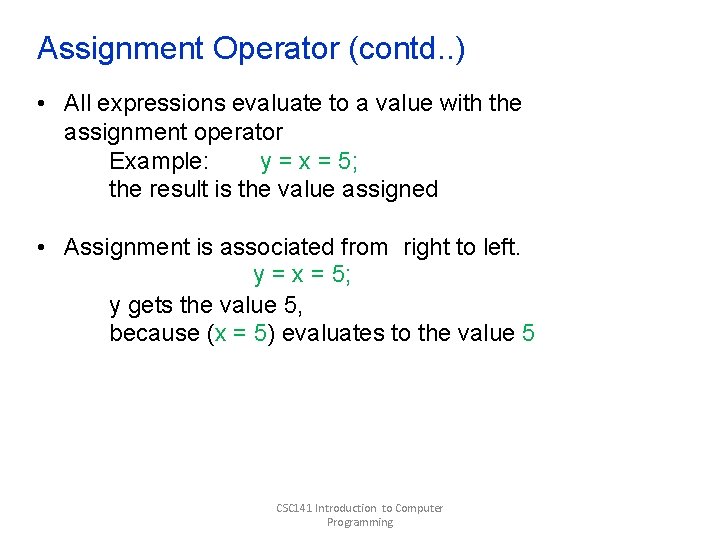
Assignment Operator • l-value equals to r-value x = x + 5; Evaluate right-hand side (x + 5 ) called r-value Set l-value ( of left-hand side variable) to r-value. CSC 141 Introduction to Computer Programming
Assignment Operator (contd. . ) • All expressions evaluate to a value with the assignment operator Example: y = x = 5; the result is the value assigned • Assignment is associated from right to left. y = x = 5; y gets the value 5, because (x = 5) evaluates to the value 5 CSC 141 Introduction to Computer Programming
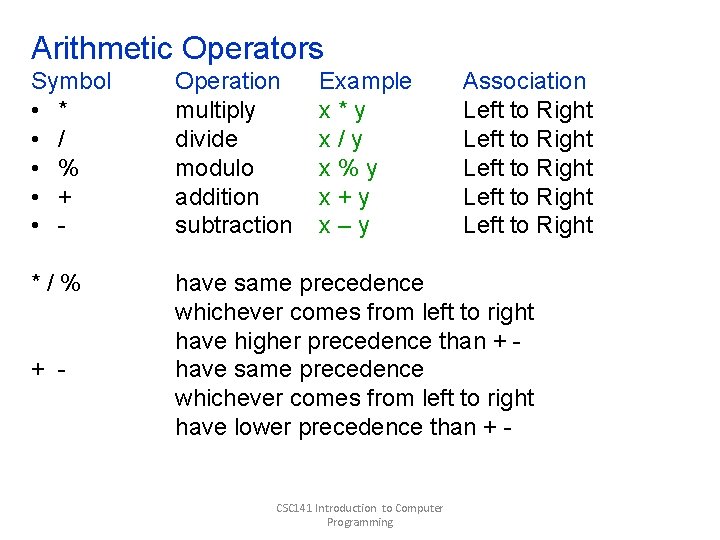
Arithmetic Operators Symbol • * • / • % • + • - Operation multiply divide modulo addition subtraction */% have same precedence whichever comes from left to right have higher precedence than + have same precedence whichever comes from left to right have lower precedence than + - Example x*y x/y x%y x+y x–y CSC 141 Introduction to Computer Programming Association Left to Right Left to Right
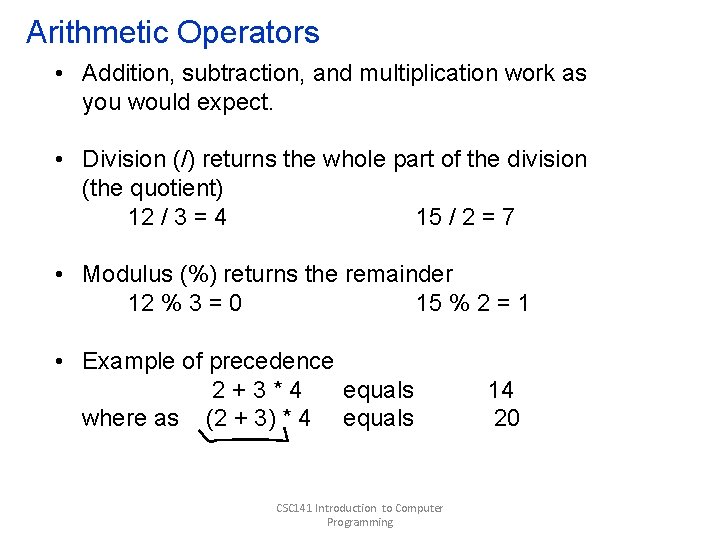
Arithmetic Operators • Addition, subtraction, and multiplication work as you would expect. • Division (/) returns the whole part of the division (the quotient) 12 / 3 = 4 15 / 2 = 7 • Modulus (%) returns the remainder 12 % 3 = 0 15 % 2 = 1 • Example of precedence 2+3*4 equals where as (2 + 3) * 4 equals CSC 141 Introduction to Computer Programming 14 20
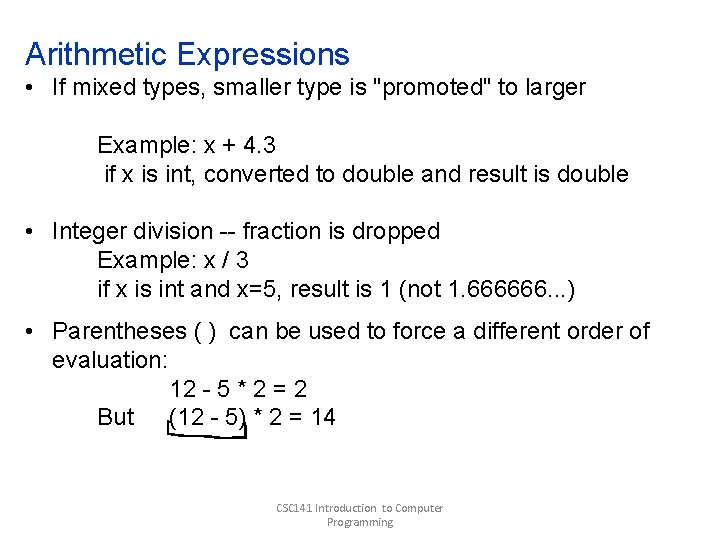
Arithmetic Expressions • If mixed types, smaller type is "promoted" to larger Example: x + 4. 3 if x is int, converted to double and result is double • Integer division -- fraction is dropped Example: x / 3 if x is int and x=5, result is 1 (not 1. 666666. . . ) • Parentheses ( ) can be used to force a different order of evaluation: 12 - 5 * 2 = 2 But (12 - 5) * 2 = 14 CSC 141 Introduction to Computer Programming
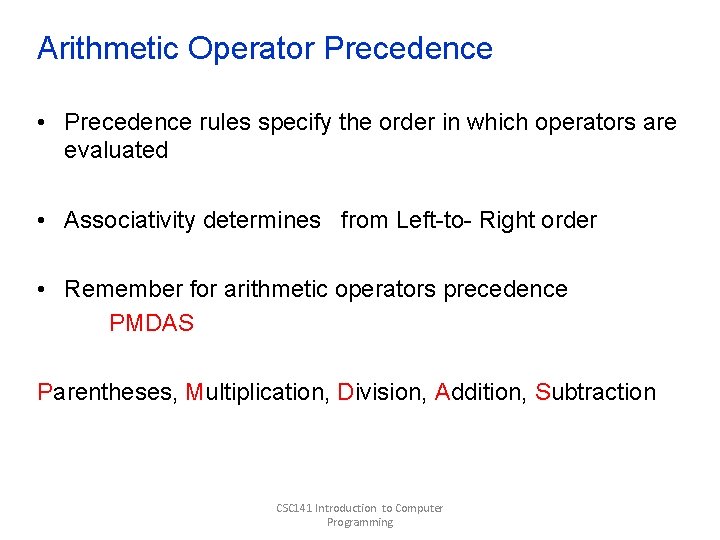
Arithmetic Operator Precedence • Precedence rules specify the order in which operators are evaluated • Associativity determines from Left-to- Right order • Remember for arithmetic operators precedence PMDAS Parentheses, Multiplication, Division, Addition, Subtraction CSC 141 Introduction to Computer Programming
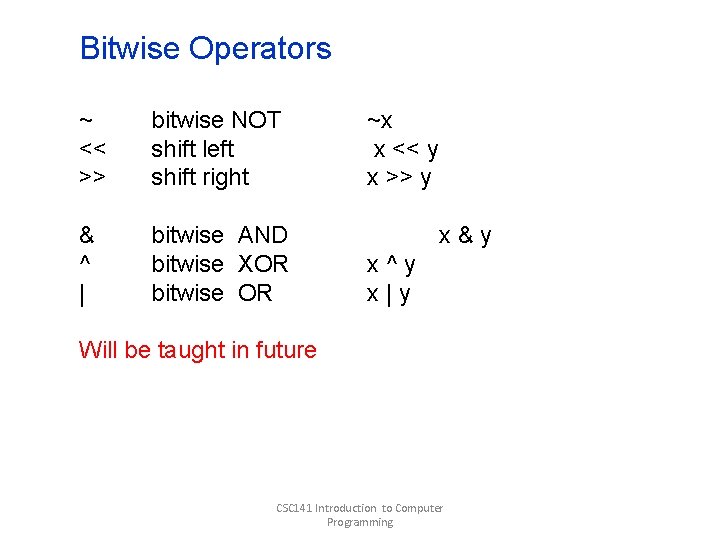
Bitwise Operators ~ << >> bitwise NOT shift left shift right & ^ | bitwise AND bitwise XOR bitwise OR ~x x << y x >> y x&y x^y x|y Will be taught in future CSC 141 Introduction to Computer Programming
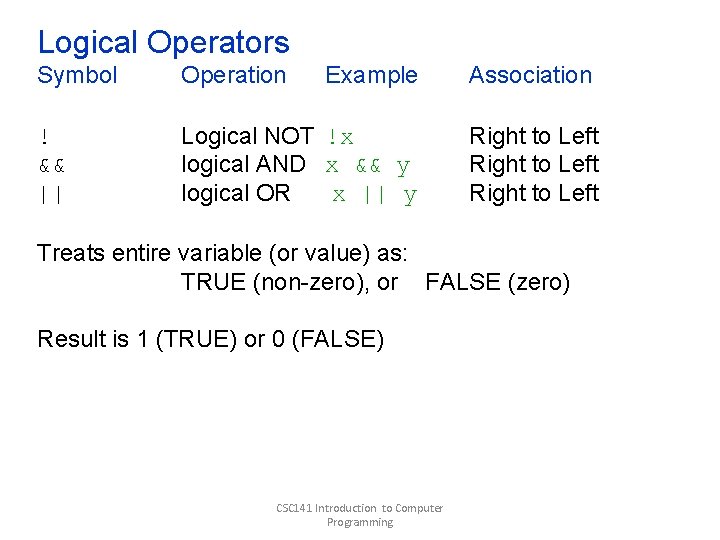
Logical Operators Symbol Operation Example Association ! && || Logical NOT !x logical AND x && y logical OR x || y Right to Left Treats entire variable (or value) as: TRUE (non-zero), or FALSE (zero) Result is 1 (TRUE) or 0 (FALSE) CSC 141 Introduction to Computer Programming
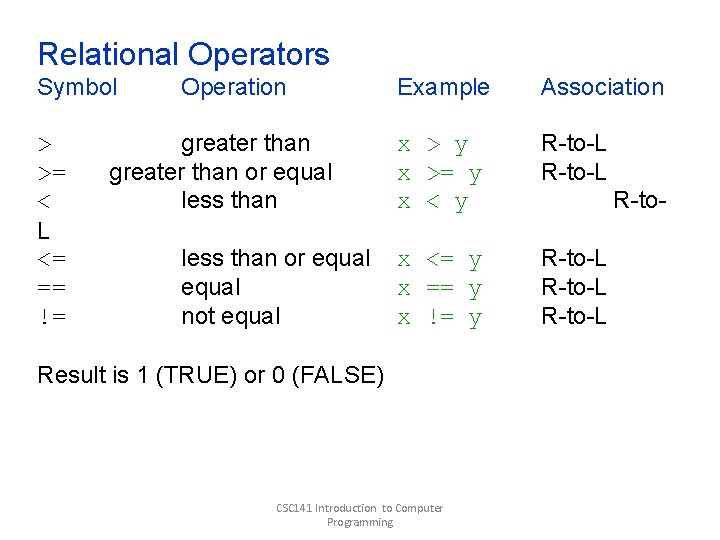
Relational Operators Symbol > >= < L <= == != Operation greater than or equal less than or equal not equal Example Association x > y x >= y x < y R-to-L x <= y x == y x != y R-to-L Result is 1 (TRUE) or 0 (FALSE) CSC 141 Introduction to Computer Programming R-to-
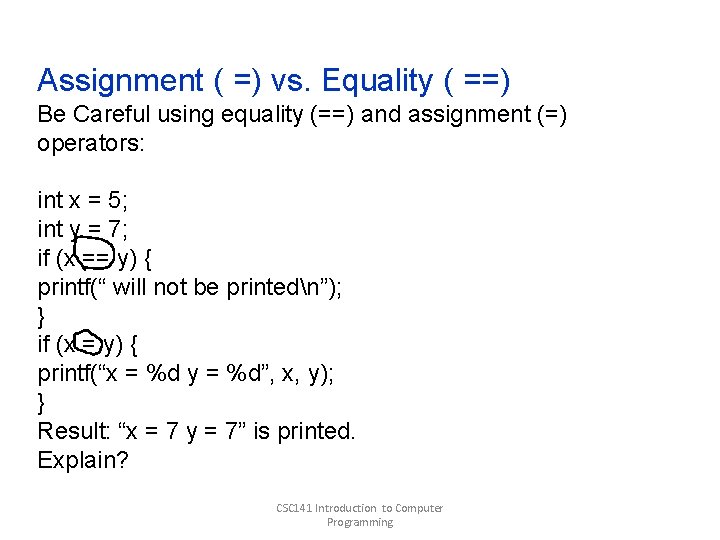
Assignment ( =) vs. Equality ( ==) Be Careful using equality (==) and assignment (=) operators: int x = 5; int y = 7; if (x == y) { printf(“ will not be printedn”); } if (x = y) { printf(“x = %d y = %d”, x, y); } Result: “x = 7 y = 7” is printed. Explain? CSC 141 Introduction to Computer Programming
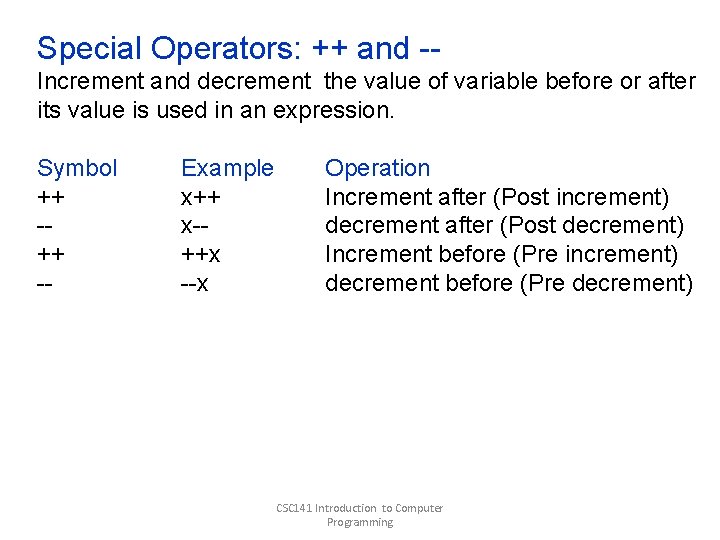
Special Operators: ++ and -Increment and decrement the value of variable before or after its value is used in an expression. Symbol ++ -- Example x++ x-++x --x Operation Increment after (Post increment) decrement after (Post decrement) Increment before (Pre increment) decrement before (Pre decrement) CSC 141 Introduction to Computer Programming
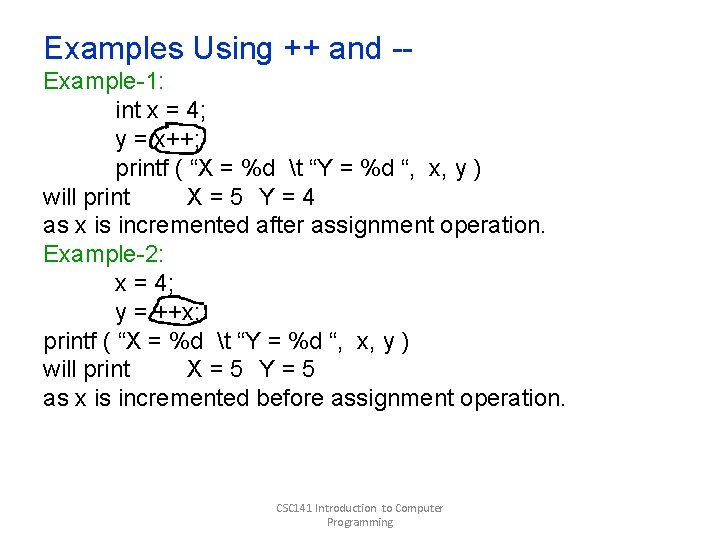
Examples Using ++ and -Example-1: int x = 4; y = x++; printf ( “X = %d t “Y = %d “, x, y ) will print X=5 Y=4 as x is incremented after assignment operation. Example-2: x = 4; y = ++x; printf ( “X = %d t “Y = %d “, x, y ) will print X=5 Y=5 as x is incremented before assignment operation. CSC 141 Introduction to Computer Programming
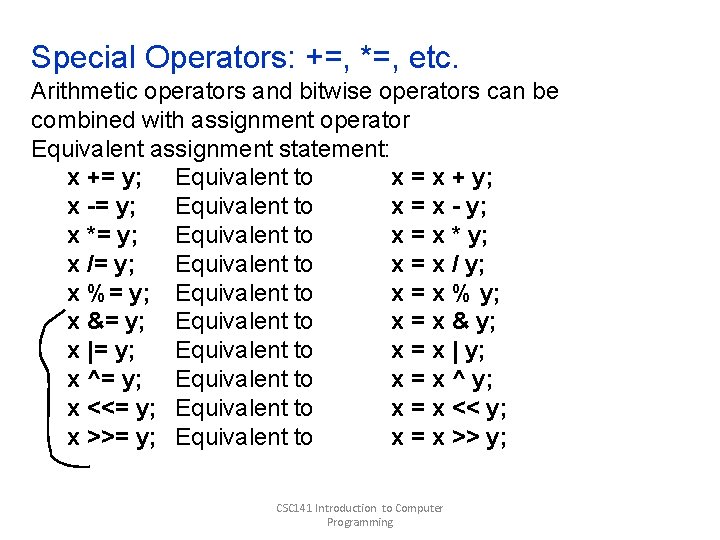
Special Operators: +=, *=, etc. Arithmetic operators and bitwise operators can be combined with assignment operator Equivalent assignment statement: x += y; Equivalent to x = x + y; x -= y; Equivalent to x = x - y; x *= y; Equivalent to x = x * y; x /= y; Equivalent to x = x / y; x %= y; Equivalent to x = x % y; x &= y; Equivalent to x = x & y; x |= y; Equivalent to x = x | y; x ^= y; Equivalent to x = x ^ y; x <<= y; Equivalent to x = x << y; x >>= y; Equivalent to x = x >> y; CSC 141 Introduction to Computer Programming
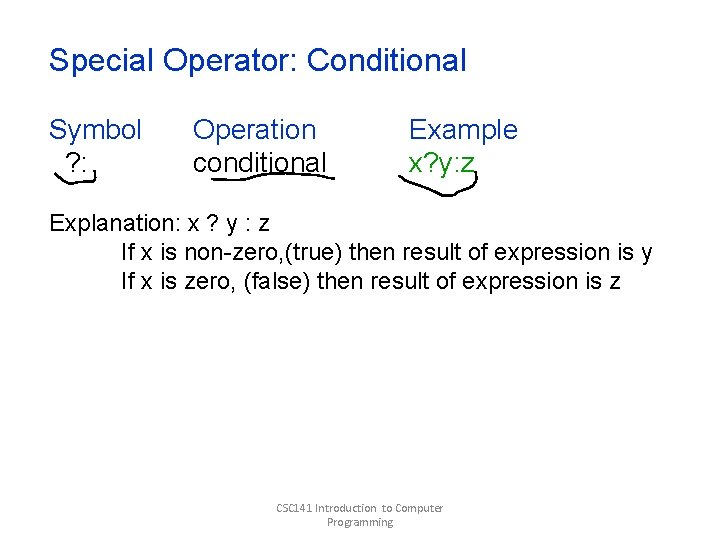
Special Operator: Conditional Symbol ? : Operation conditional Example x? y: z Explanation: x ? y : z If x is non-zero, (true) then result of expression is y If x is zero, (false) then result of expression is z CSC 141 Introduction to Computer Programming
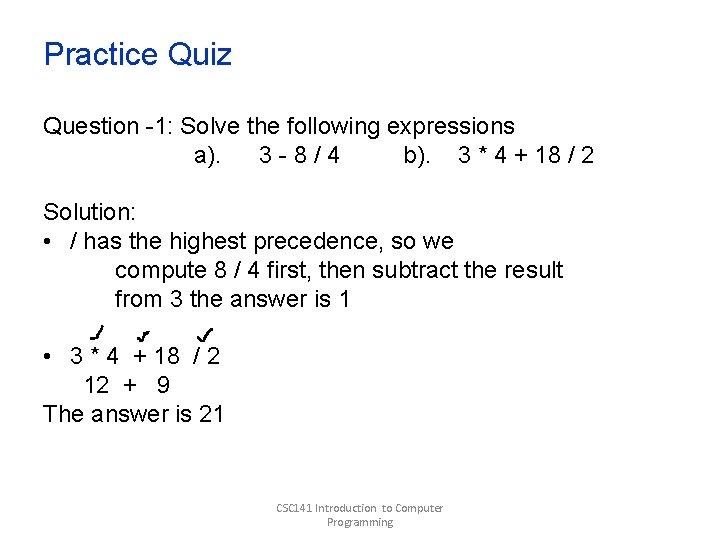
Practice Quiz Question -1: Solve the following expressions a). 3 -8/4 b). 3 * 4 + 18 / 2 Solution: • / has the highest precedence, so we compute 8 / 4 first, then subtract the result from 3 the answer is 1 • 3 * 4 + 18 / 2 12 + 9 The answer is 21 CSC 141 Introduction to Computer Programming
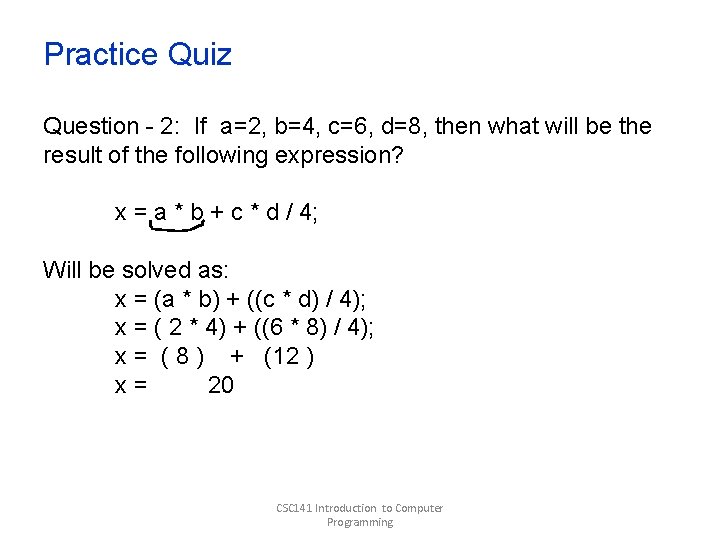
Practice Quiz Question - 2: If a=2, b=4, c=6, d=8, then what will be the result of the following expression? x = a * b + c * d / 4; Will be solved as: x = (a * b) + ((c * d) / 4); x = ( 2 * 4) + ((6 * 8) / 4); x = ( 8 ) + (12 ) x= 20 CSC 141 Introduction to Computer Programming
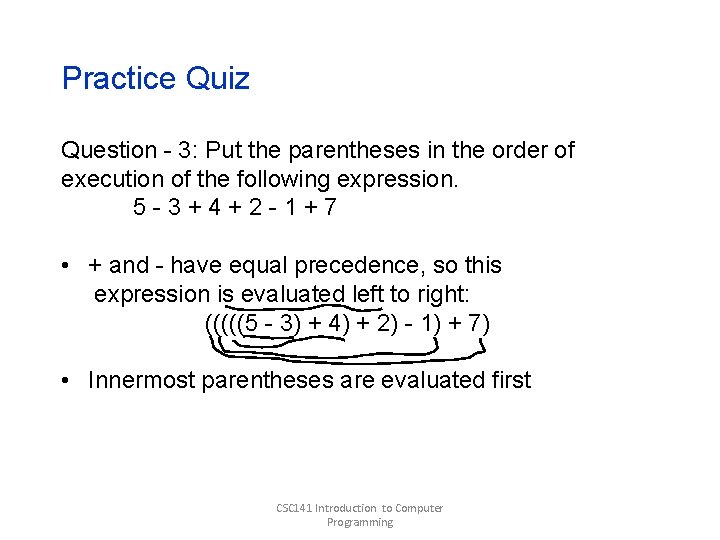
Practice Quiz Question - 3: Put the parentheses in the order of execution of the following expression. 5 -3+4+2 -1+7 • + and - have equal precedence, so this expression is evaluated left to right: (((((5 - 3) + 4) + 2) - 1) + 7) • Innermost parentheses are evaluated first CSC 141 Introduction to Computer Programming