
CSc 110 Autumn 2016 Lecture 2 Functions Review
 print(\"\ /\") print(\" \______/\")")
- Slides: 25
CSc 110, Autumn 2016 Lecture 2: Functions
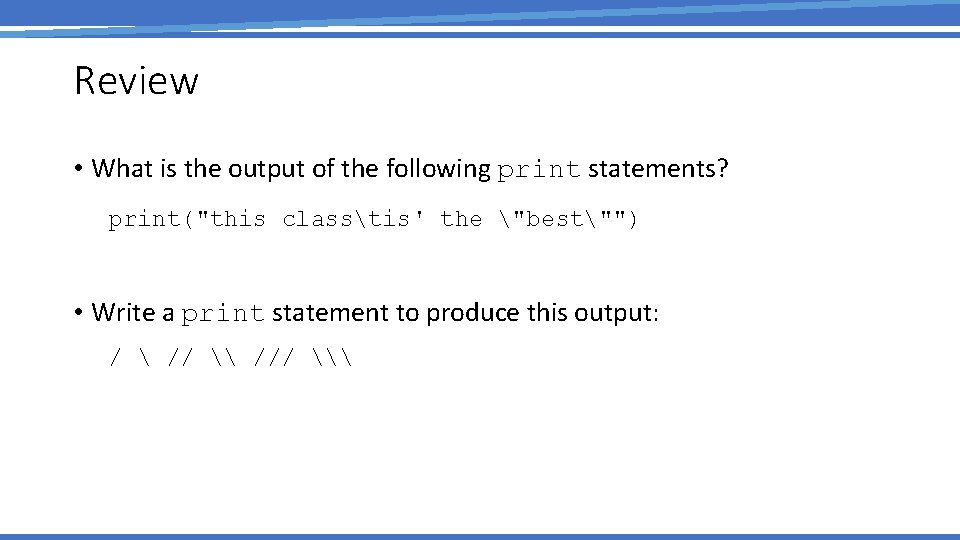
Review • What is the output of the following print statements? print("this classtis' the "best"") • Write a print statement to produce this output: / // \ /// \
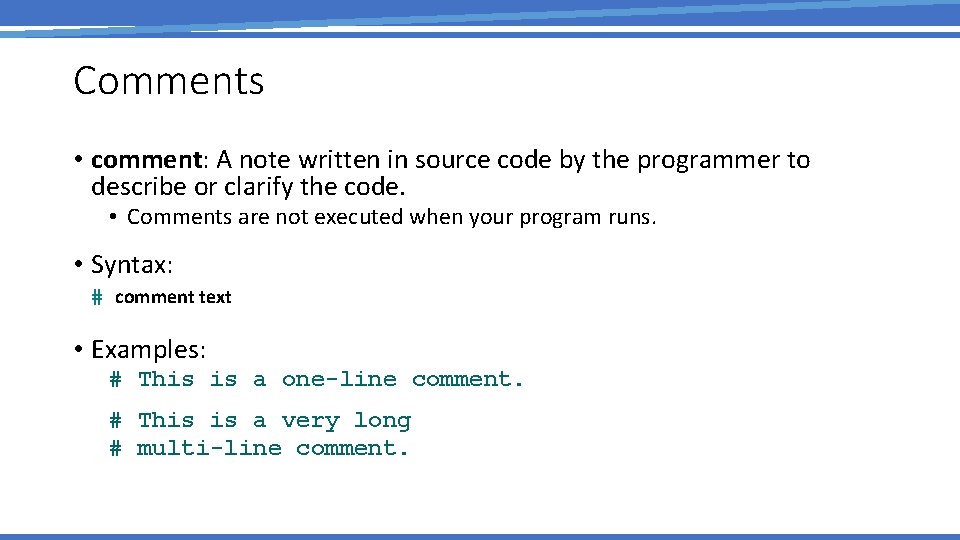
Comments • comment: A note written in source code by the programmer to describe or clarify the code. • Comments are not executed when your program runs. • Syntax: # comment text • Examples: # This is a one-line comment. # This is a very long # multi-line comment.
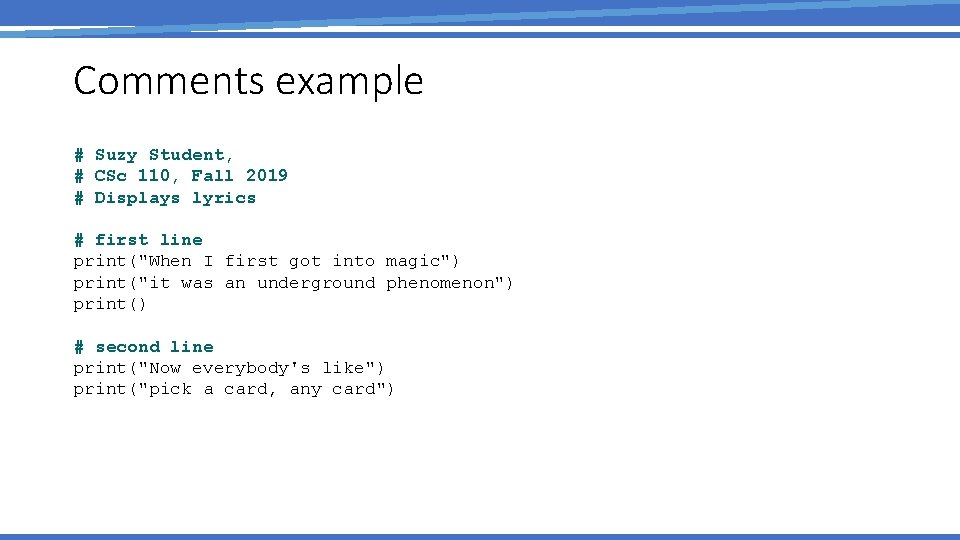
Comments example # Suzy Student, # CSc 110, Fall 2019 # Displays lyrics # first line print("When I first got into magic") print("it was an underground phenomenon") print() # second line print("Now everybody's like") print("pick a card, any card")
functions
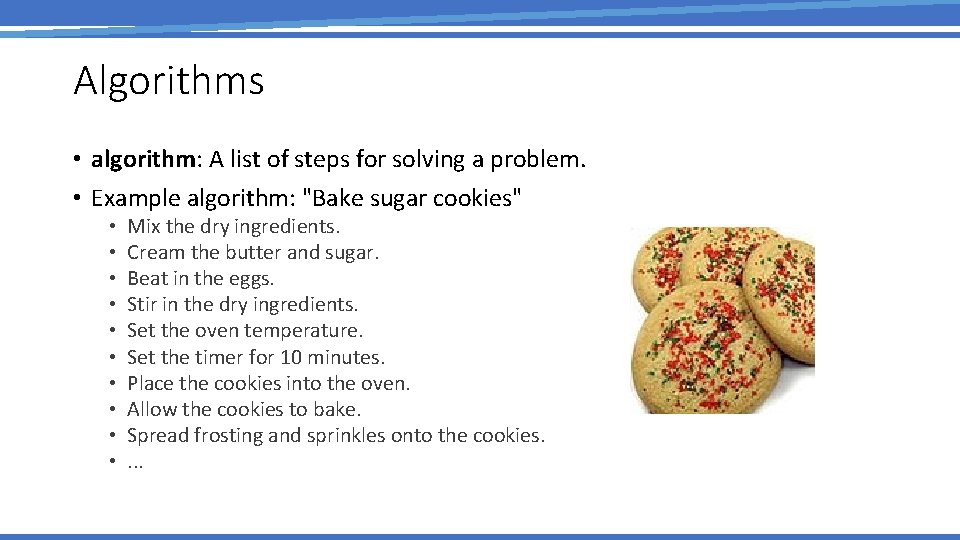
Algorithms • algorithm: A list of steps for solving a problem. • Example algorithm: "Bake sugar cookies" • • • Mix the dry ingredients. Cream the butter and sugar. Beat in the eggs. Stir in the dry ingredients. Set the oven temperature. Set the timer for 10 minutes. Place the cookies into the oven. Allow the cookies to bake. Spread frosting and sprinkles onto the cookies. .
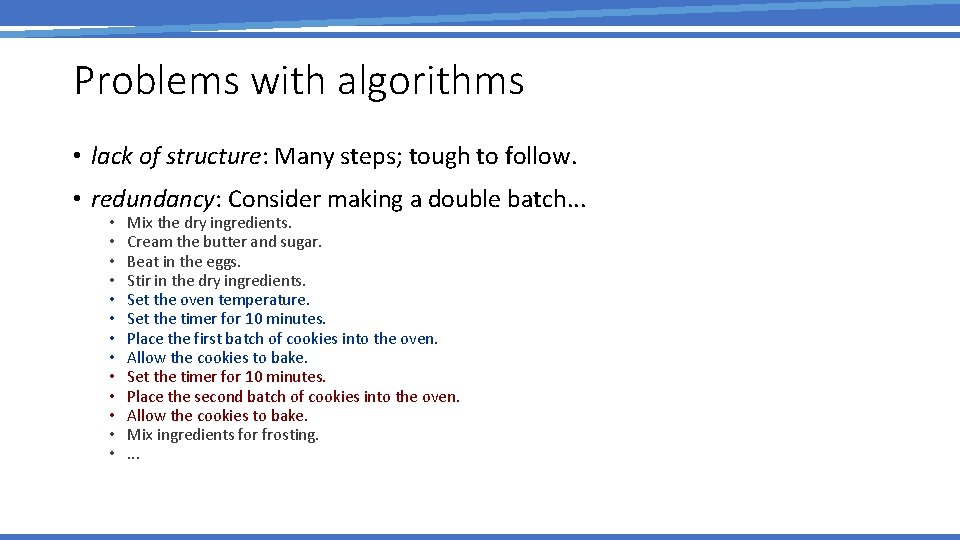
Problems with algorithms • lack of structure: Many steps; tough to follow. • redundancy: Consider making a double batch. . . • • • • Mix the dry ingredients. Cream the butter and sugar. Beat in the eggs. Stir in the dry ingredients. Set the oven temperature. Set the timer for 10 minutes. Place the first batch of cookies into the oven. Allow the cookies to bake. Set the timer for 10 minutes. Place the second batch of cookies into the oven. Allow the cookies to bake. Mix ingredients for frosting. .
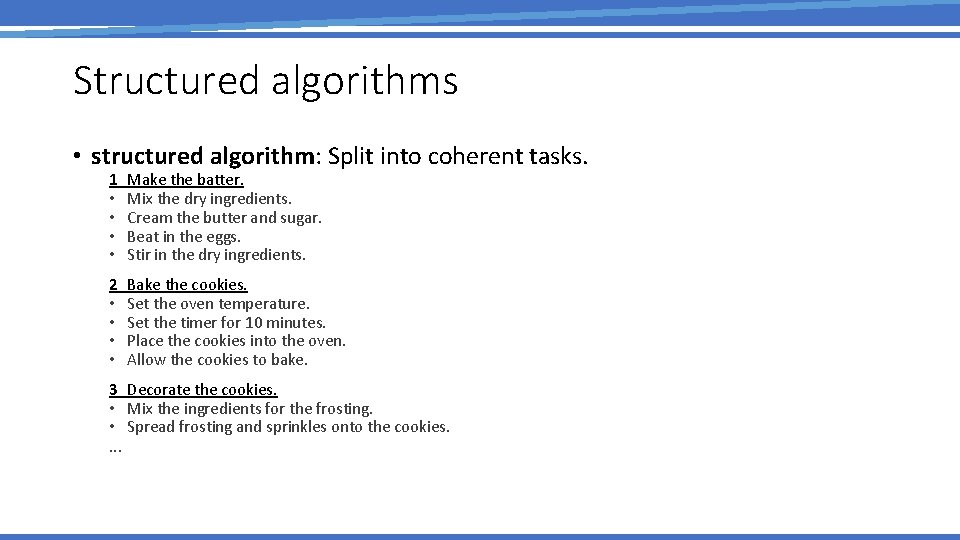
Structured algorithms • structured algorithm: Split into coherent tasks. 1 • • Make the batter. Mix the dry ingredients. Cream the butter and sugar. Beat in the eggs. Stir in the dry ingredients. 2 • • Bake the cookies. Set the oven temperature. Set the timer for 10 minutes. Place the cookies into the oven. Allow the cookies to bake. 3 Decorate the cookies. • Mix the ingredients for the frosting. • Spread frosting and sprinkles onto the cookies. .
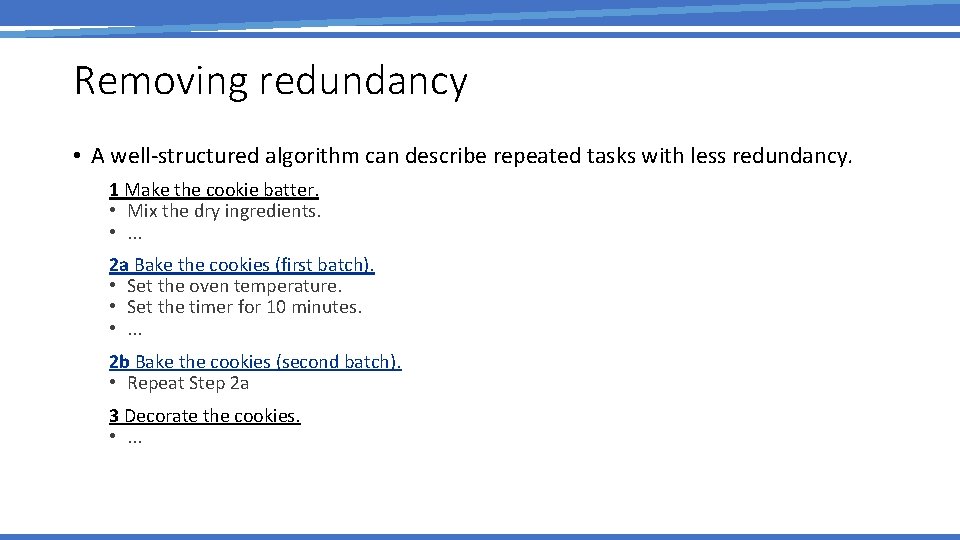
Removing redundancy • A well-structured algorithm can describe repeated tasks with less redundancy. 1 Make the cookie batter. • Mix the dry ingredients. • . . . 2 a Bake the cookies (first batch). • Set the oven temperature. • Set the timer for 10 minutes. • . . . 2 b Bake the cookies (second batch). • Repeat Step 2 a 3 Decorate the cookies. • . . .
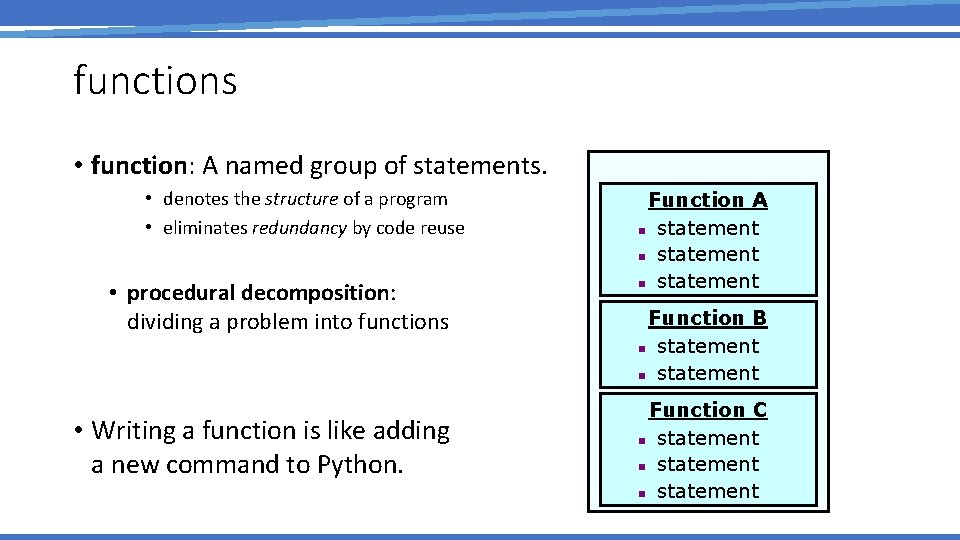
functions • function: A named group of statements. • denotes the structure of a program • eliminates redundancy by code reuse • procedural decomposition: dividing a problem into functions • Writing a function is like adding a new command to Python. Function A n statement Function B n statement Function C n statement
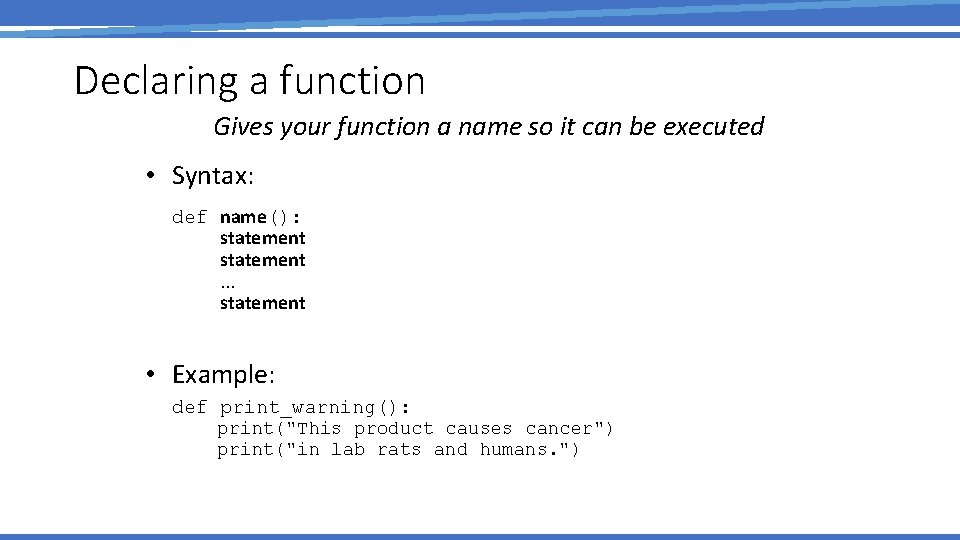
Declaring a function Gives your function a name so it can be executed • Syntax: def name(): statement. . . statement • Example: def print_warning(): print("This product causes cancer") print("in lab rats and humans. ")
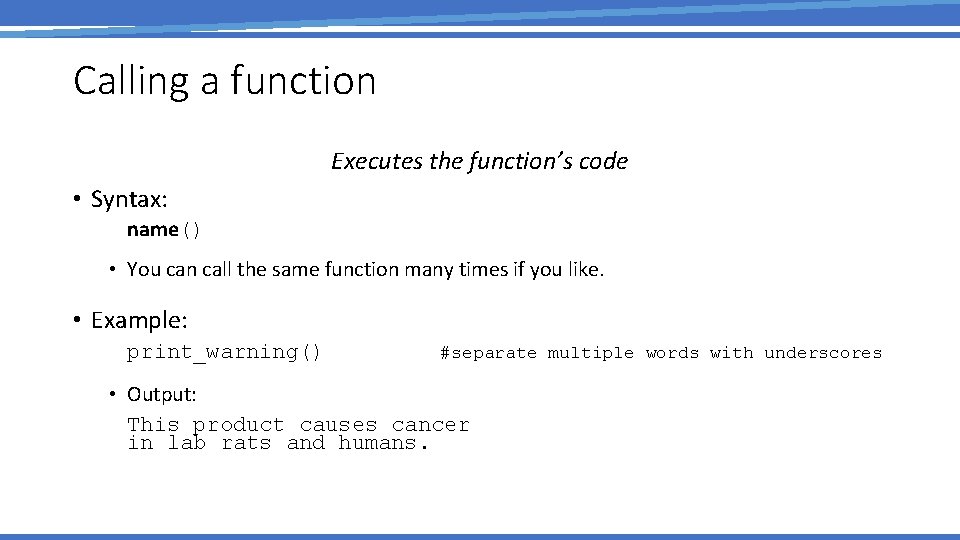
Calling a function Executes the function’s code • Syntax: name() • You can call the same function many times if you like. • Example: print_warning() #separate multiple words with underscores • Output: This product causes cancer in lab rats and humans.
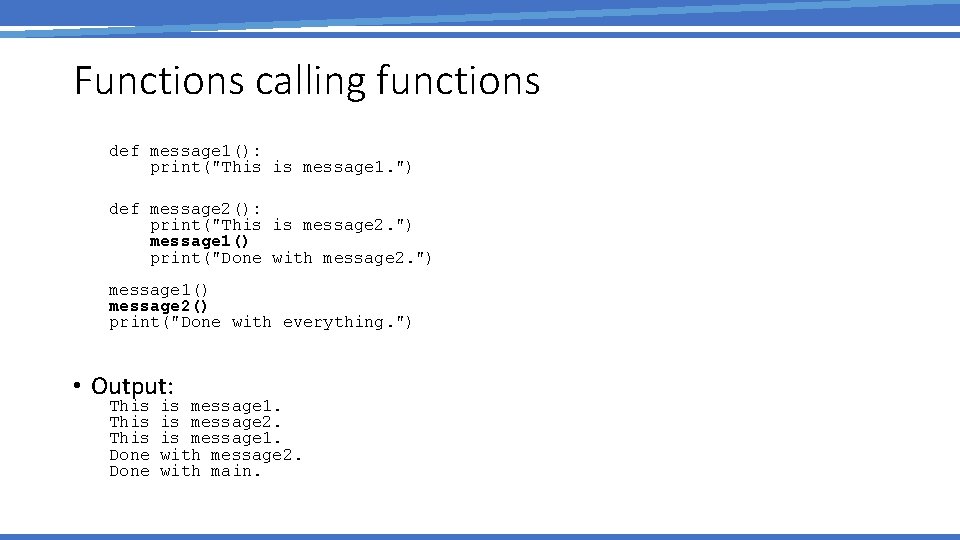
Functions calling functions def message 1(): print("This is message 1. ") def message 2(): print("This is message 2. ") message 1() print("Done with message 2. ") message 1() message 2() print("Done with everything. ") • Output: This Done is message 1. is message 2. is message 1. with message 2. with main.
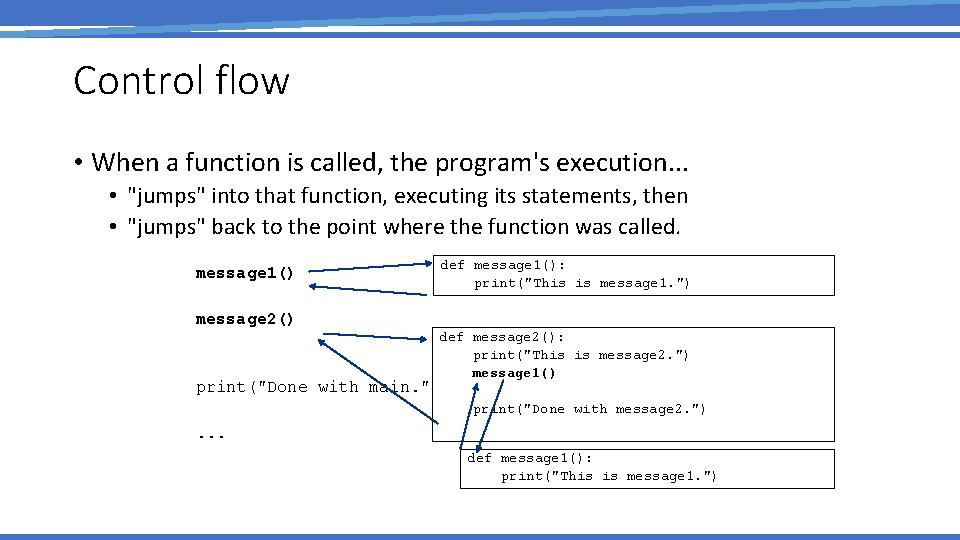
Control flow • When a function is called, the program's execution. . . • "jumps" into that function, executing its statements, then • "jumps" back to the point where the function was called. message 1() def message 1(): print("This is message 1. ") message 2() def message 2(): print("This is message 2. ") message 1() print("Done with main. ") print("Done with message 2. ") . . . def message 1(): print("This is message 1. ")
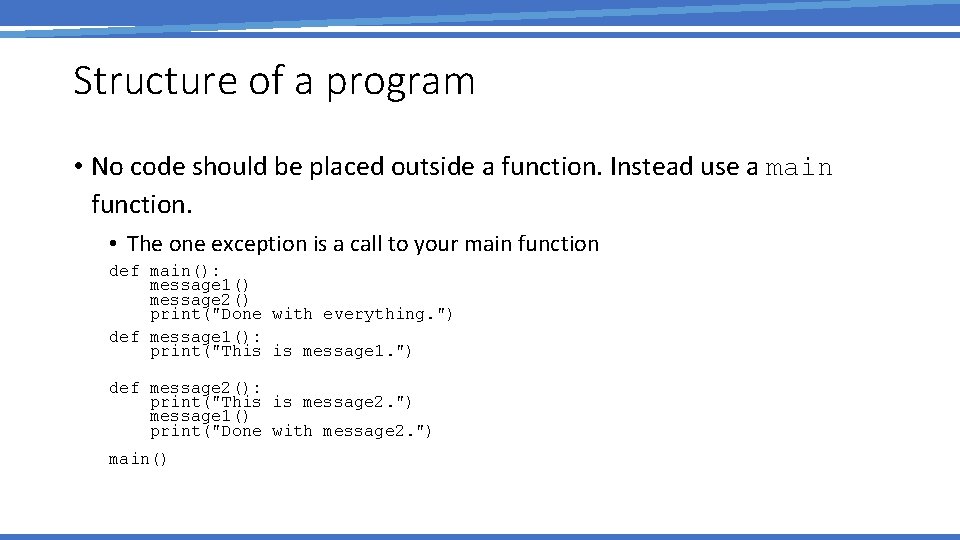
Structure of a program • No code should be placed outside a function. Instead use a main function. • The one exception is a call to your main function def main(): message 1() message 2() print("Done with everything. ") def message 1(): print("This is message 1. ") def message 2(): print("This is message 2. ") message 1() print("Done with message 2. ") main()
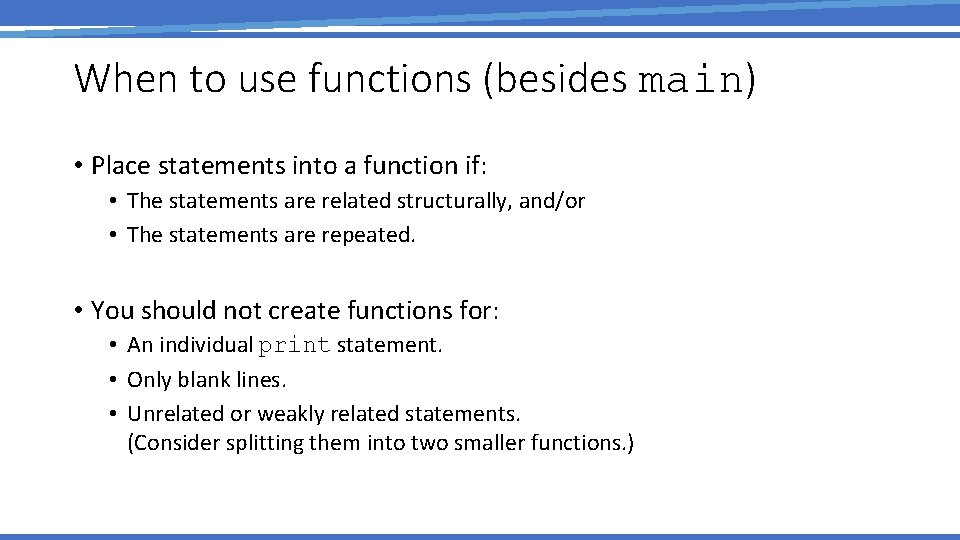
When to use functions (besides main) • Place statements into a function if: • The statements are related structurally, and/or • The statements are repeated. • You should not create functions for: • An individual print statement. • Only blank lines. • Unrelated or weakly related statements. (Consider splitting them into two smaller functions. )
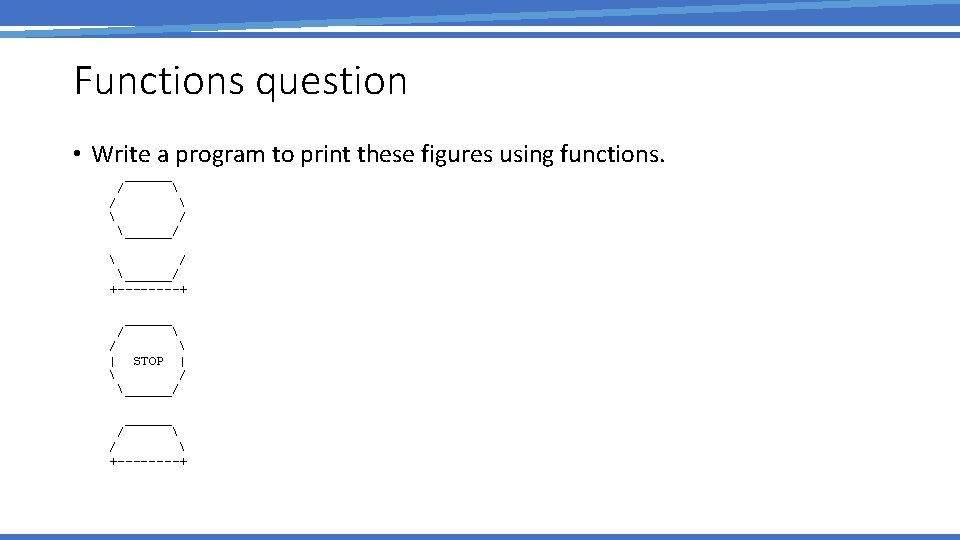
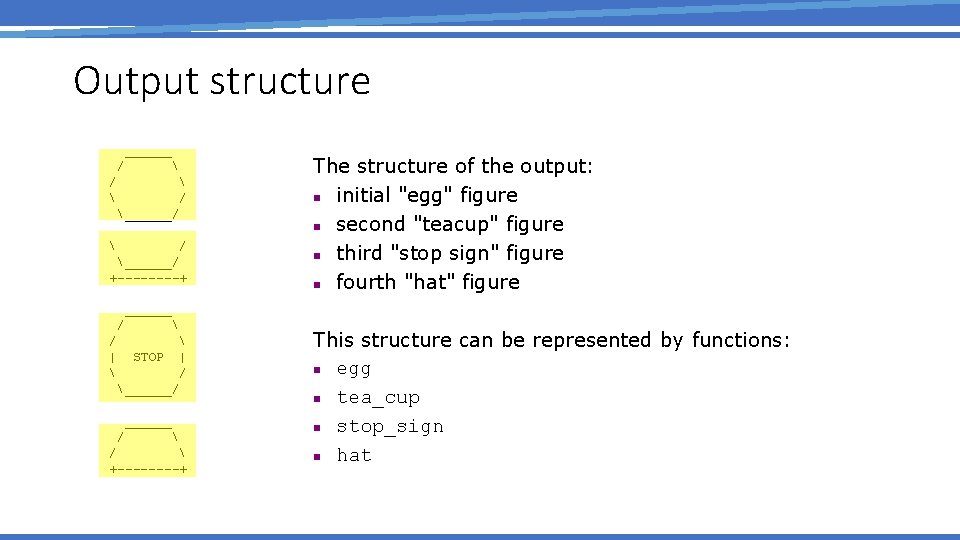
Functions question • Write a program to print these figures using functions. ______ / / ______/ +----+ ______ / | STOP | / ______/ ______ / +----+
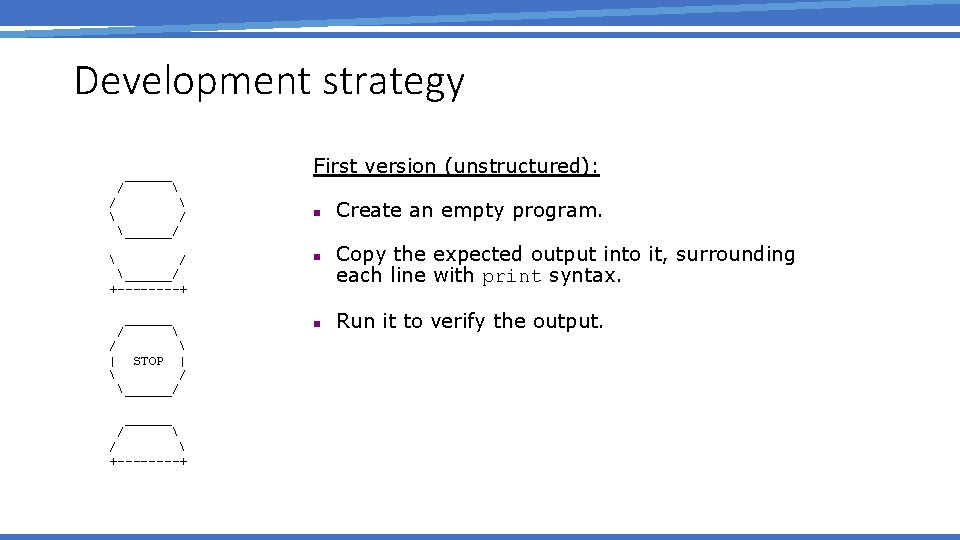
Development strategy ______ / ______/ First version (unstructured): / / n / ______/ +----+ ______ / | STOP | / ______/ ______ / +----+ n Create an empty program. Copy the expected output into it, surrounding each line with print syntax. Run it to verify the output.
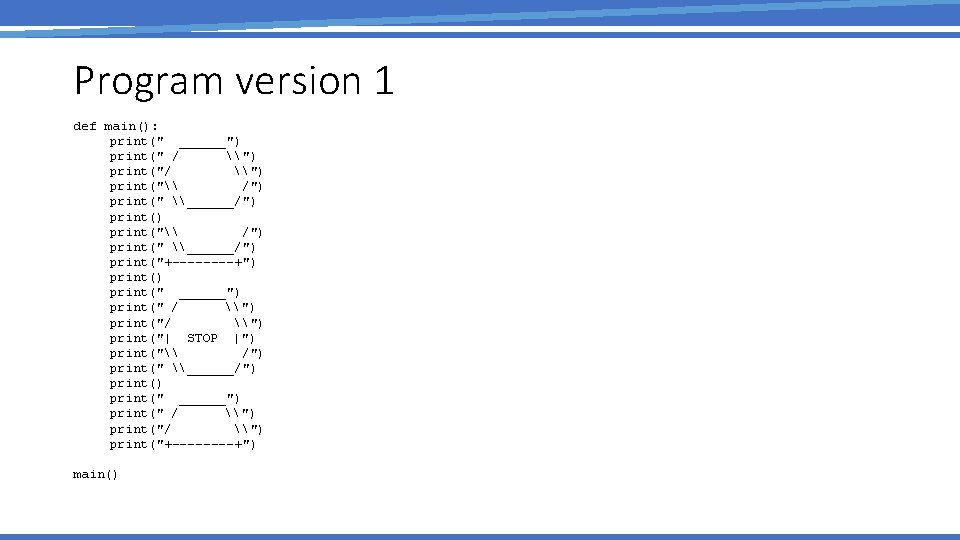
Program version 1 def main(): print(" ______") print(" / \") print("\ /") print(" \______/") print("+----+") print(" ______") print(" / \") print("| STOP |") print("\ /") print(" \______/") print(" ______") print(" / \") print("+----+") main()
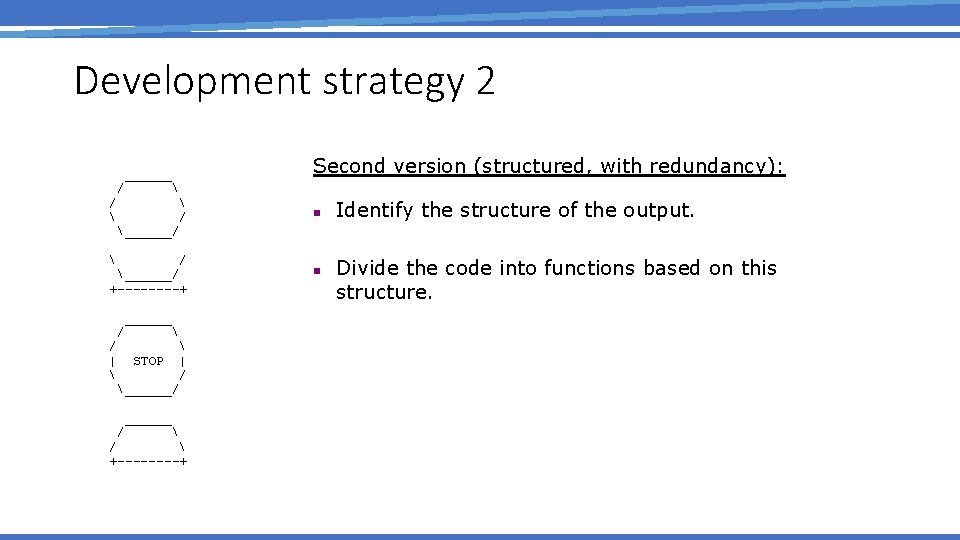
Development strategy 2 ______ / ______/ Second version (structured, with redundancy): / / / ______/ +----+ ______ / | STOP | / ______/ ______ / +----+ n n Identify the structure of the output. Divide the code into functions based on this structure.
Output structure ______ / / ______/ +----+ The structure of the output: n initial "egg" figure n second "teacup" figure n third "stop sign" figure n fourth "hat" figure ______ / | STOP | / ______/ ______ / +----+ This structure can be represented by functions: n egg n tea_cup n stop_sign n hat
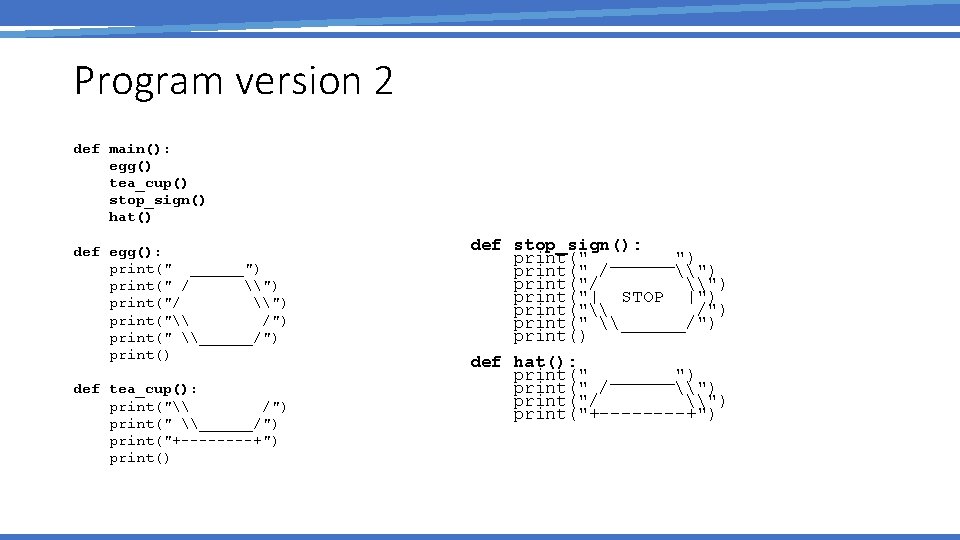
Program version 2 def main(): egg() tea_cup() stop_sign() hat() def egg(): print(" ______") print(" / \") print("\ /") print(" \______/") print() def tea_cup(): print("\ /") print(" \______/") print("+----+") print() def stop_sign(): print(" ______") print(" / \") print("| STOP |") print("\ /") print(" \______/") print() def hat(): print(" ______") print(" / \") print("+----+")
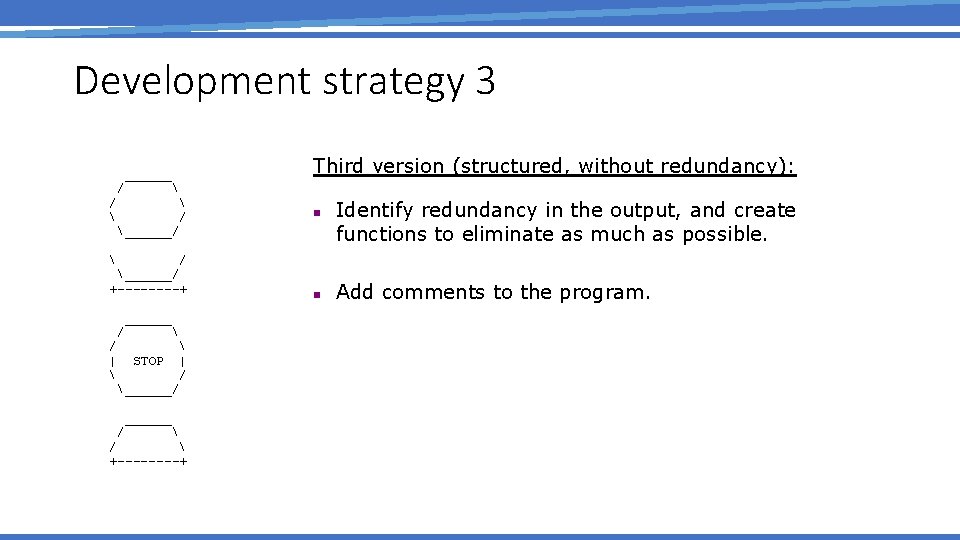
Development strategy 3 ______ / ______/ Third version (structured, without redundancy): / / ______/ +----+ n Identify redundancy in the output, and create functions to eliminate as much as possible. ______ / | STOP | / ______/ ______ / +----+ n Add comments to the program.
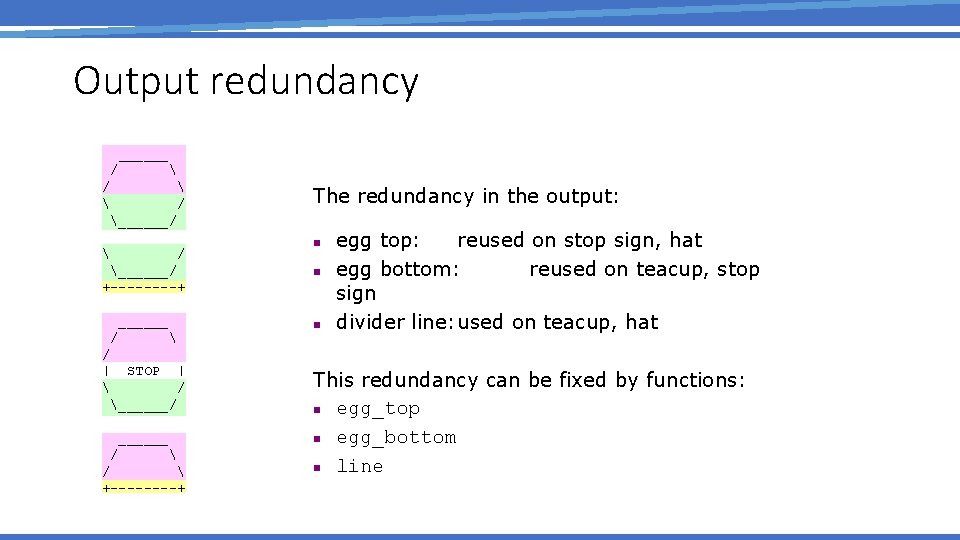
Output redundancy ______ / / ______/ +----+ ______ / / | STOP | / ______/ ______ / +----+ The redundancy in the output: n n n egg top: reused on stop sign, hat egg bottom: reused on teacup, stop sign divider line: used on teacup, hat This redundancy can be fixed by functions: n egg_top n egg_bottom n line
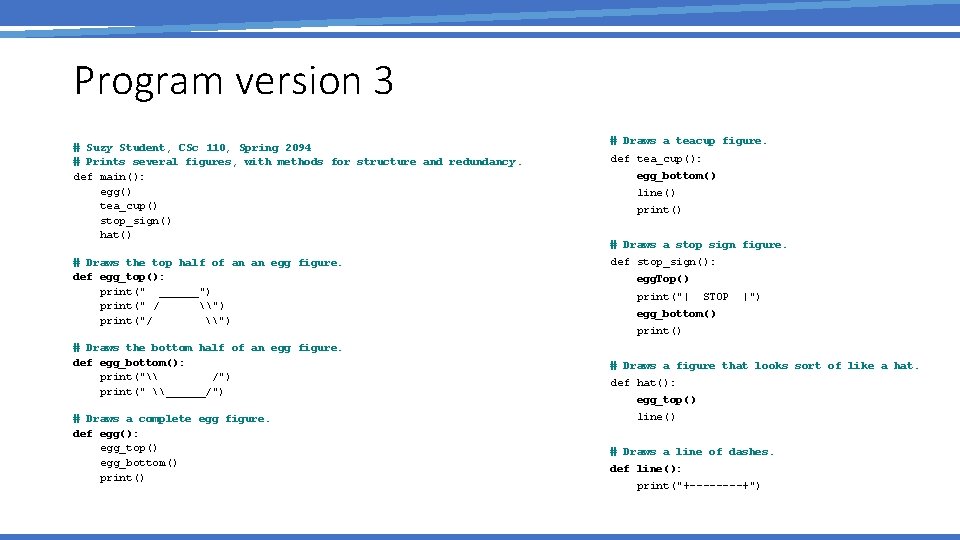
Program version 3 # Suzy Student, CSc 110, Spring 2094 # Prints several figures, with methods for structure and redundancy. def main(): egg() tea_cup() stop_sign() hat() # Draws the top half of an an egg figure. def egg_top(): print(" ______") print(" / \") print("/ \") # Draws the bottom half of an egg figure. def egg_bottom(): print("\ /") print(" \______/") # Draws a complete egg figure. def egg(): egg_top() egg_bottom() print() # Draws a teacup figure. def tea_cup(): egg_bottom() line() print() # Draws a stop sign figure. def stop_sign(): egg. Top() print("| STOP |") egg_bottom() print() # Draws a figure that looks sort of like a hat. def hat(): egg_top() line() # Draws a line of dashes. def line(): print("+----+")