
cs288 102 Intensive Programming in Linux spring 2017
![Basic commands • • • cat paste cut grep read echo wc ls [-l]](https://slidetodoc.com/presentation_image/35b4ac39fbc67a1ddc2af7ae1b5a3933/image-16.jpg "Basic commands • • • cat paste cut grep read echo wc ls [-l]")
![grep syntax • • • literals ^ $. [] * 6 -9 -15 18](https://slidetodoc.com/presentation_image/35b4ac39fbc67a1ddc2af7ae1b5a3933/image-18.jpg "grep syntax • • • literals ^ $. [] * 6 -9 -15 18")
![arrays • • myarray=(a b c d e f echo ${myarray[*]} echo ${myarray[3]} myarray[3]="z"](https://slidetodoc.com/presentation_image/35b4ac39fbc67a1ddc2af7ae1b5a3933/image-20.jpg "arrays • • myarray=(a b c d e f echo ${myarray[*]} echo ${myarray[3]} myarray[3]=\"z\"")
- Slides: 31
cs-288 -102 Intensive Programming in Linux spring 2017 Instructor: C F Yurkoski christopher. f. yurkoski@njit. edu Section web site: https: //web. njit. edu/~yurkowsk/cs 288. html 6 -9 -15 1
Details • Time: Thursday 6 -9: 05 pm • Room: Weston Hall LECT 2 Credits: 3 6 -9 -15 2
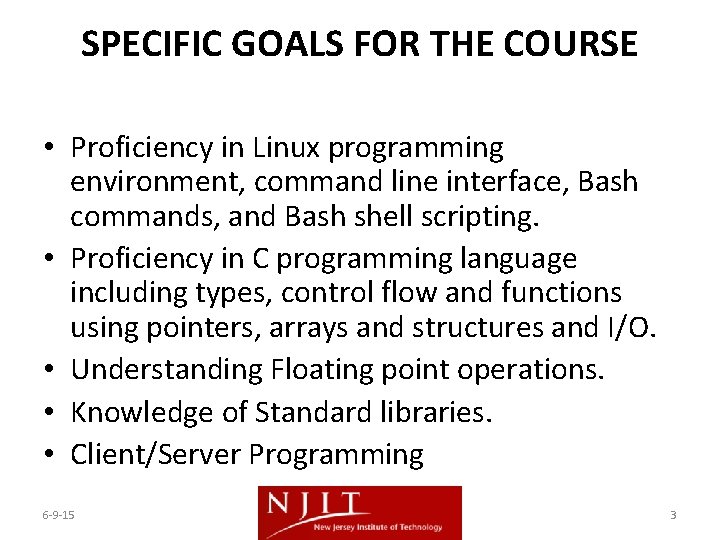
SPECIFIC GOALS FOR THE COURSE • Proficiency in Linux programming environment, command line interface, Bash commands, and Bash shell scripting. • Proficiency in C programming language including types, control flow and functions using pointers, arrays and structures and I/O. • Understanding Floating point operations. • Knowledge of Standard libraries. • Client/Server Programming 6 -9 -15 3
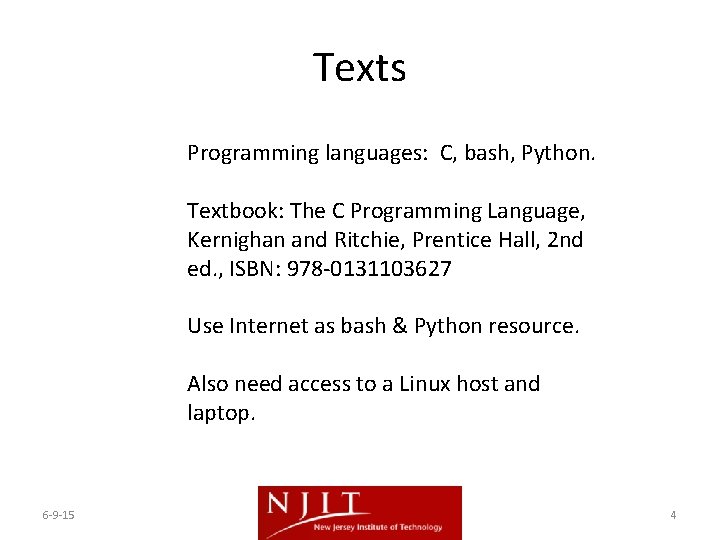
Texts Programming languages: C, bash, Python. Textbook: The C Programming Language, Kernighan and Ritchie, Prentice Hall, 2 nd ed. , ISBN: 978 -0131103627 Use Internet as bash & Python resource. Also need access to a Linux host and laptop. 6 -9 -15 4
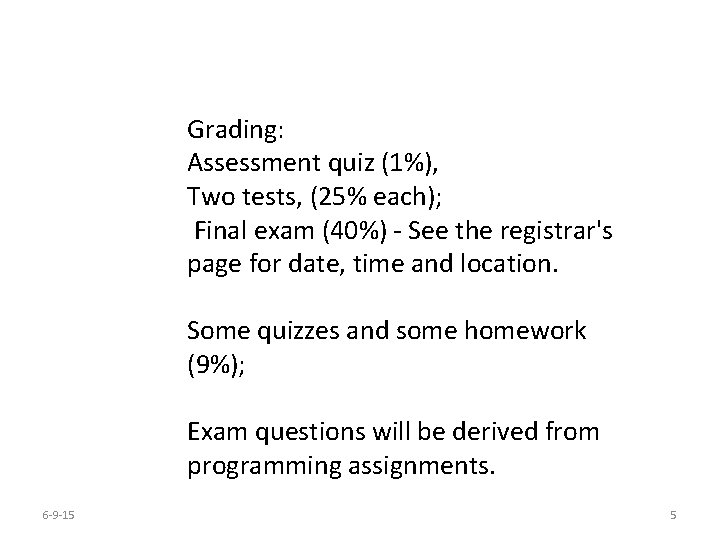
Grading: Assessment quiz (1%), Two tests, (25% each); Final exam (40%) - See the registrar's page for date, time and location. Some quizzes and some homework (9%); Exam questions will be derived from programming assignments. 6 -9 -15 5
Logistics • Laptop will be needed in class for quizzes, tests • Moodle will be used to submit work. • Course assignments distributed via a combination of moodle and website: https: //web. njit. edu/~yurkowsk/cs 288. html • Course profile: https: //courseschedules. njit. edu/ • Make up classes will be taught via Goto. Meeting ™. 6 -9 -15 6
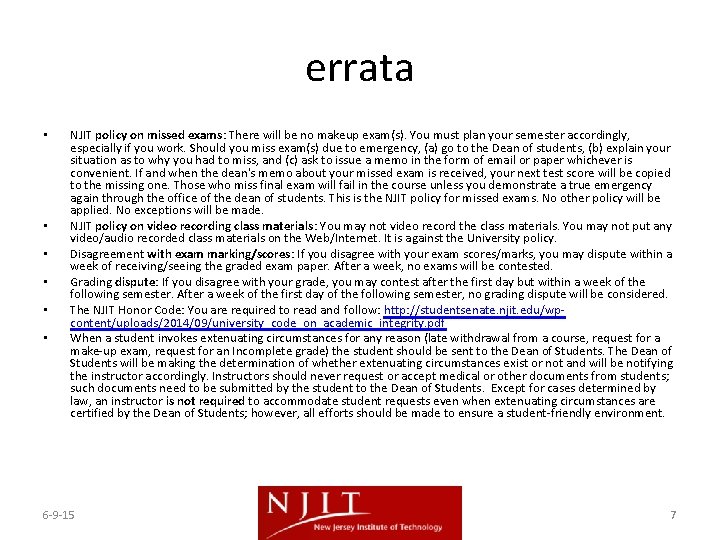
errata • • • NJIT policy on missed exams: There will be no makeup exam(s). You must plan your semester accordingly, especially if you work. Should you miss exam(s) due to emergency, (a) go to the Dean of students, (b) explain your situation as to why you had to miss, and (c) ask to issue a memo in the form of email or paper whichever is convenient. If and when the dean's memo about your missed exam is received, your next test score will be copied to the missing one. Those who miss final exam will fail in the course unless you demonstrate a true emergency again through the office of the dean of students. This is the NJIT policy for missed exams. No other policy will be applied. No exceptions will be made. NJIT policy on video recording class materials: You may not video record the class materials. You may not put any video/audio recorded class materials on the Web/Internet. It is against the University policy. Disagreement with exam marking/scores: If you disagree with your exam scores/marks, you may dispute within a week of receiving/seeing the graded exam paper. After a week, no exams will be contested. Grading dispute: If you disagree with your grade, you may contest after the first day but within a week of the following semester. After a week of the first day of the following semester, no grading dispute will be considered. The NJIT Honor Code: You are required to read and follow: http: //studentsenate. njit. edu/wpcontent/uploads/2014/09/university_code_on_academic_integrity. pdf When a student invokes extenuating circumstances for any reason (late withdrawal from a course, request for a make-up exam, request for an Incomplete grade) the student should be sent to the Dean of Students. The Dean of Students will be making the determination of whether extenuating circumstances exist or not and will be notifying the instructor accordingly. Instructors should never request or accept medical or other documents from students; such documents need to be submitted by the student to the Dean of Students. Except for cases determined by law, an instructor is not required to accommodate student requests even when extenuating circumstances are certified by the Dean of Students; however, all efforts should be made to ensure a student-friendly environment. 6 -9 -15 7
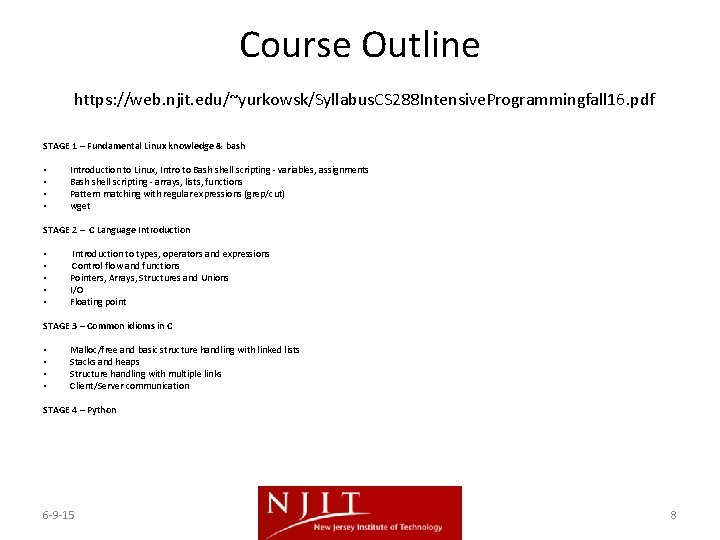
Course Outline https: //web. njit. edu/~yurkowsk/Syllabus. CS 288 Intensive. Programmingfall 16. pdf STAGE 1 – Fundamental Linux knowledge & bash • Introduction to Linux, Intro to Bash shell scripting - variables, assignments • Bash shell scripting - arrays, lists, functions • Pattern matching with regular expressions (grep/cut) • wget STAGE 2 – C Language Introduction • Introduction to types, operators and expressions • Control flow and functions • Pointers, Arrays, Structures and Unions • I/O • Floating point STAGE 3 – Common idioms in C • Malloc/free and basic structure handling with linked lists • Stacks and heaps • Structure handling with multiple links • Client/Server communication STAGE 4 – Python 6 -9 -15 8
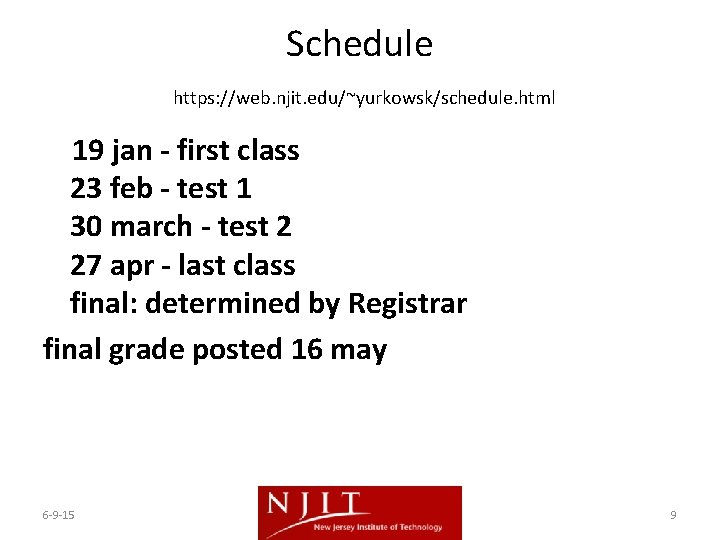
Schedule https: //web. njit. edu/~yurkowsk/schedule. html 19 jan - first class 23 feb - test 1 30 march - test 2 27 apr - last class final: determined by Registrar final grade posted 16 may 6 -9 -15 9
Syllabus https: //web. njit. edu/~yurkowsk/Syllabus CS 288 Intensive Programming. pdf 6 -9 -15 10
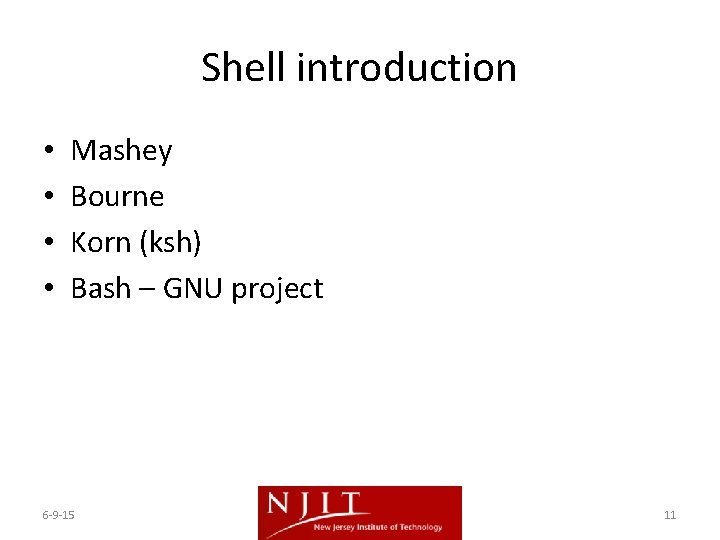
Shell introduction • • Mashey Bourne Korn (ksh) Bash – GNU project 6 -9 -15 11
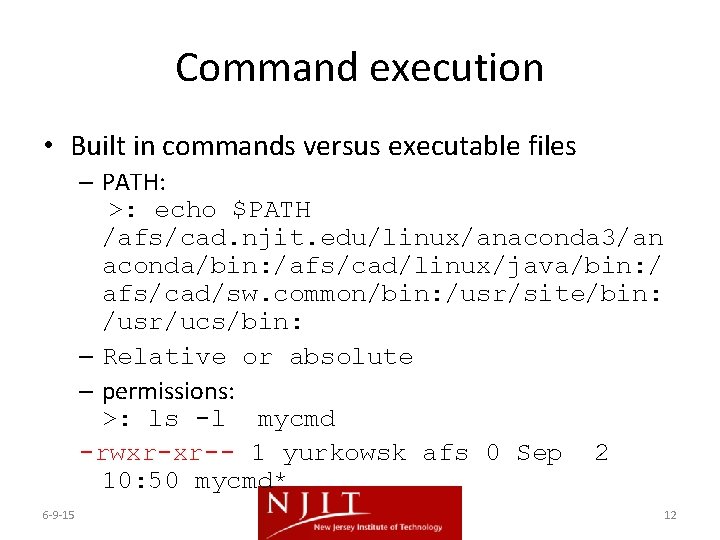
Command execution • Built in commands versus executable files – PATH: >: echo $PATH /afs/cad. njit. edu/linux/anaconda 3/an aconda/bin: /afs/cad/linux/java/bin: / afs/cad/sw. common/bin: /usr/site/bin: /usr/ucs/bin: – Relative or absolute – permissions: >: ls -l mycmd -rwxr-xr-- 1 yurkowsk afs 0 Sep 2 10: 50 mycmd* 6 -9 -15 12
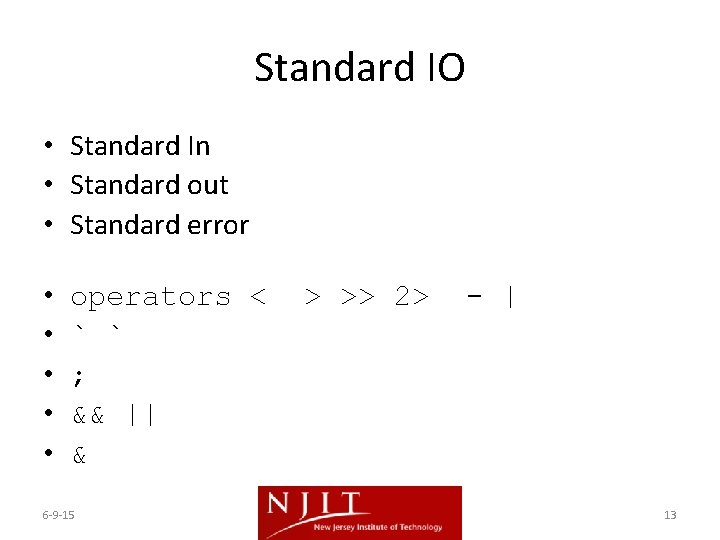
Standard IO • Standard In • Standard out • Standard error • • • operators < ` ` ; && || & 6 -9 -15 > >> 2> - | 13
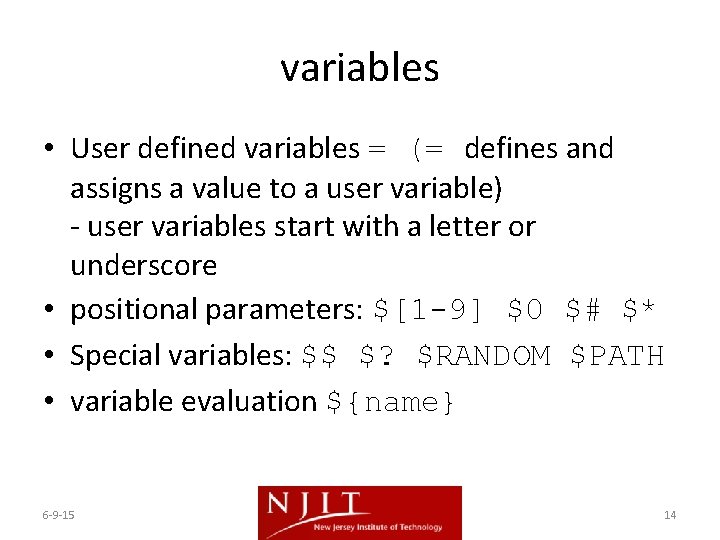
variables • User defined variables = (= defines and assigns a value to a user variable) - user variables start with a letter or underscore • positional parameters: $[1 -9] $0 $# $* • Special variables: $$ $? $RANDOM $PATH • variable evaluation ${name} 6 -9 -15 14
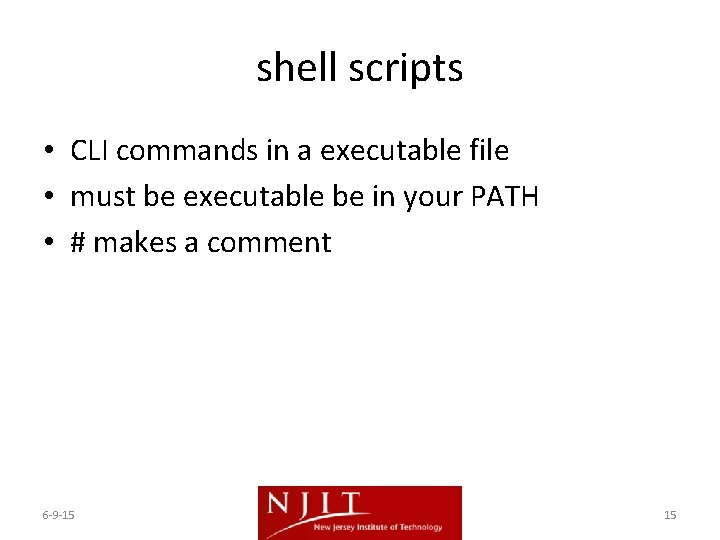
shell scripts • CLI commands in a executable file • must be executable be in your PATH • # makes a comment 6 -9 -15 15
Basic commands • • • cat paste cut grep read echo wc ls [-l] chmod exit 6 -9 -15 16
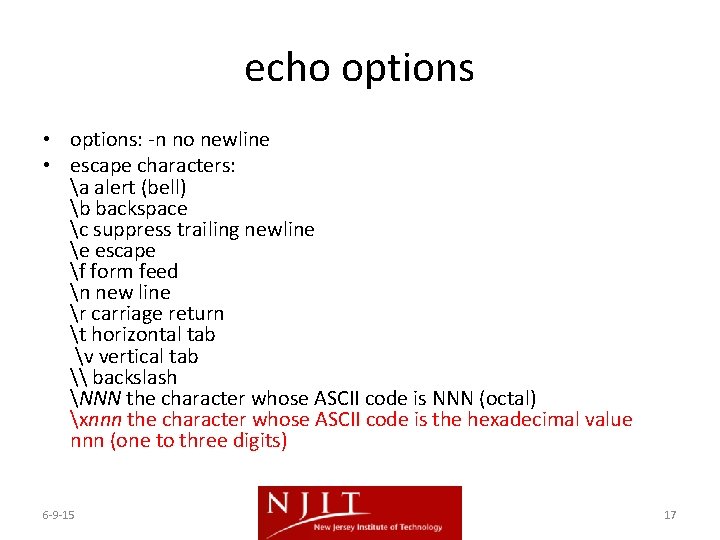
echo options • options: -n no newline • escape characters: a alert (bell) b backspace c suppress trailing newline e escape f form feed n new line r carriage return t horizontal tab v vertical tab \ backslash NNN the character whose ASCII code is NNN (octal) xnnn the character whose ASCII code is the hexadecimal value nnn (one to three digits) 6 -9 -15 17
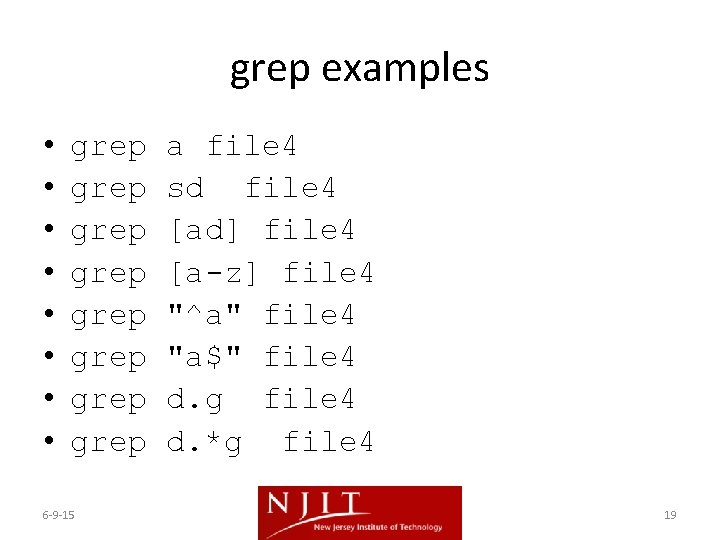
grep syntax • • • literals ^ $. [] * 6 -9 -15 18
grep examples • • grep grep 6 -9 -15 a file 4 sd file 4 [ad] file 4 [a-z] file 4 "^a" file 4 "a$" file 4 d. g file 4 d. *g file 4 19
arrays • • myarray=(a b c d e f echo ${myarray[*]} echo ${myarray[3]} myarray[3]="z" echo "${myarray[*]}" echo "${myarray[@]}" echo ${#myarray[@]} elements 6 -9 -15 g ) one word multiple words number of 20
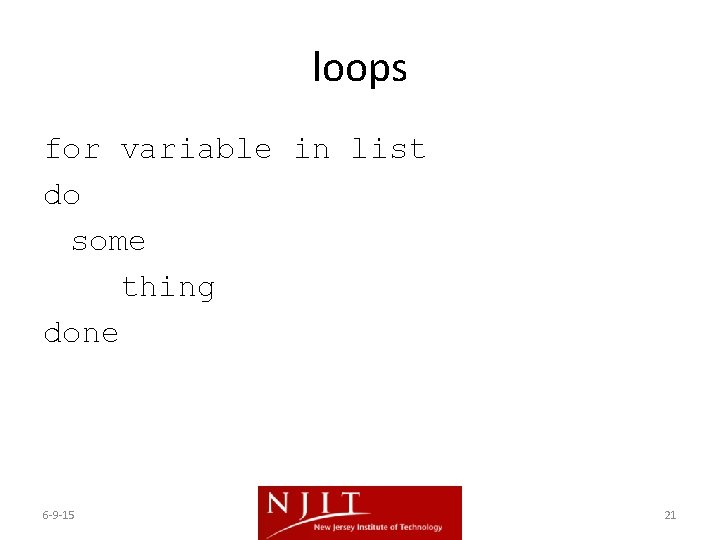
loops for variable in list do some thing done 6 -9 -15 21
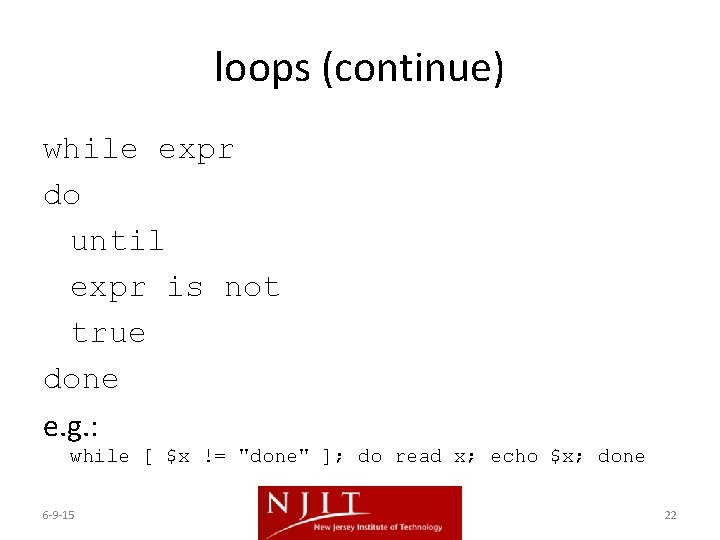
loops (continue) while expr do until expr is not true done e. g. : while [ $x != "done" ]; do read x; echo $x; done 6 -9 -15 22
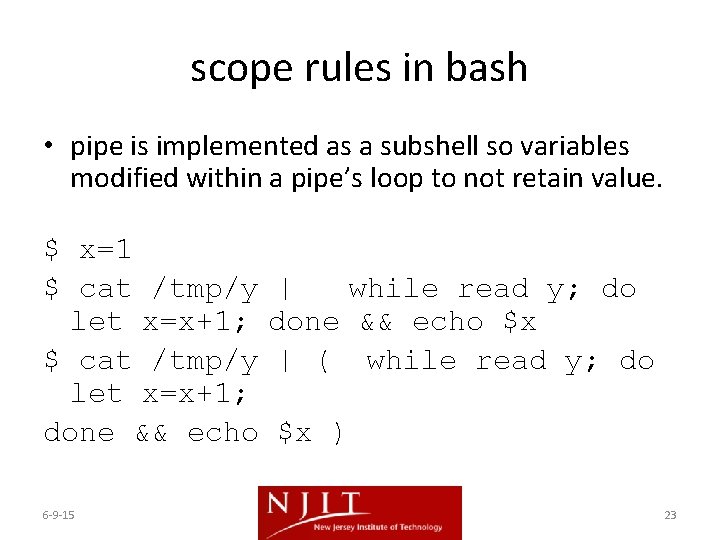
scope rules in bash • pipe is implemented as a subshell so variables modified within a pipe’s loop to not retain value. $ x=1 $ cat /tmp/y let x=x+1; done && echo 6 -9 -15 | while read y; do done && echo $x | ( while read y; do $x ) 23
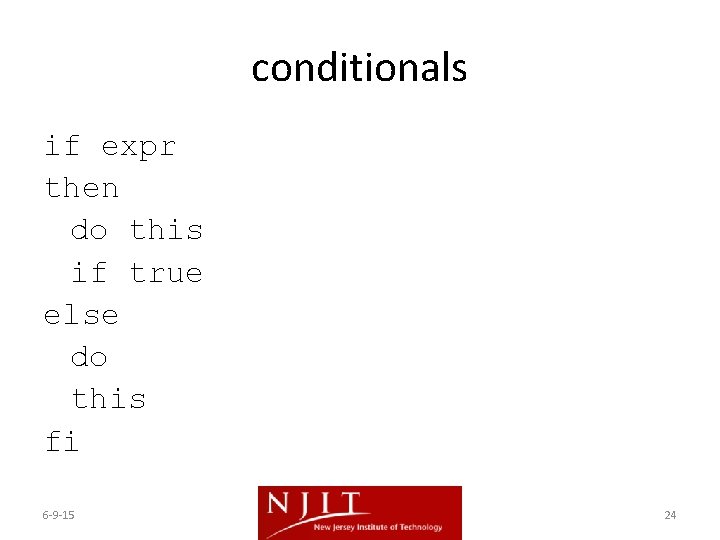
conditionals if expr then do this if true else do this fi 6 -9 -15 24
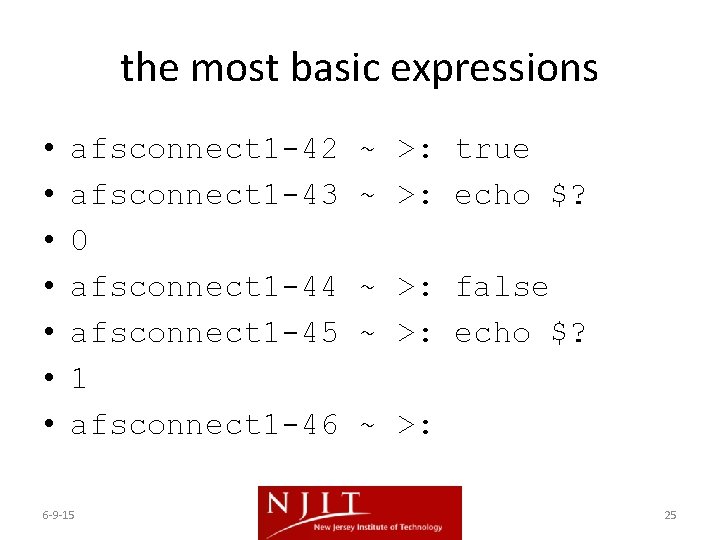
the most basic expressions • • afsconnect 1 -42 afsconnect 1 -43 0 afsconnect 1 -44 afsconnect 1 -45 1 afsconnect 1 -46 6 -9 -15 ~ >: true ~ >: echo $? ~ >: false ~ >: echo $? ~ >: 25
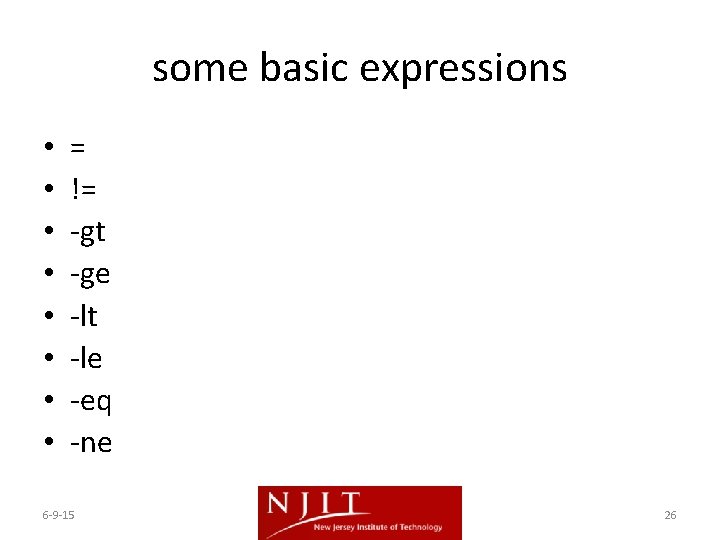
some basic expressions • • = != -gt -ge -lt -le -eq -ne 6 -9 -15 26
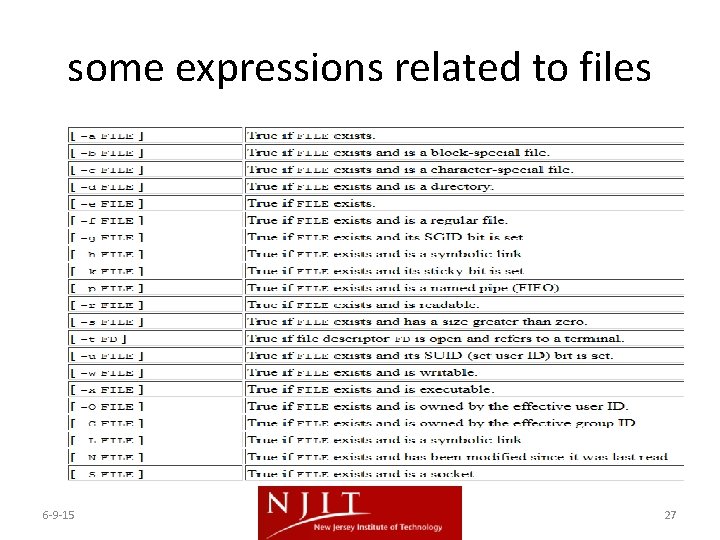
some expressions related to files 6 -9 -15 27
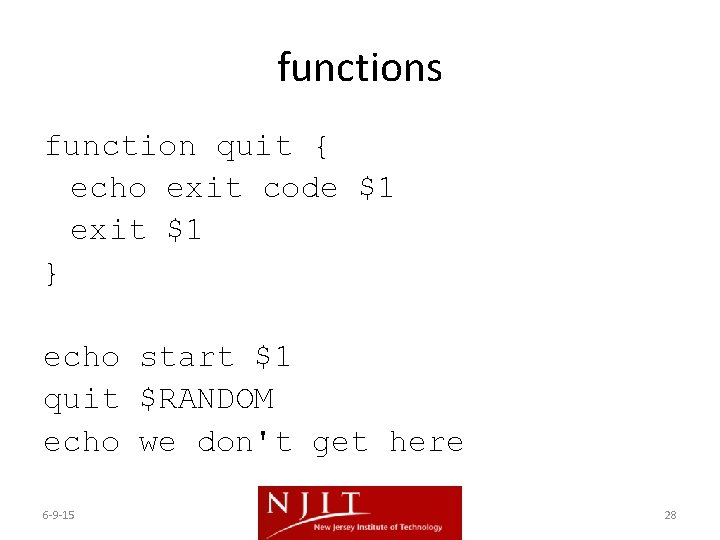
functions function quit { echo exit code $1 exit $1 } echo start $1 quit $RANDOM echo we don't get here 6 -9 -15 28
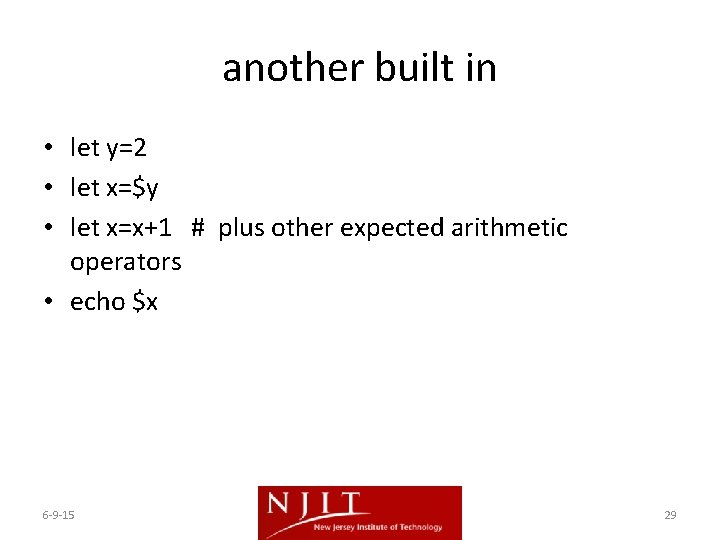
another built in • let y=2 • let x=$y • let x=x+1 # plus other expected arithmetic operators • echo $x 6 -9 -15 29
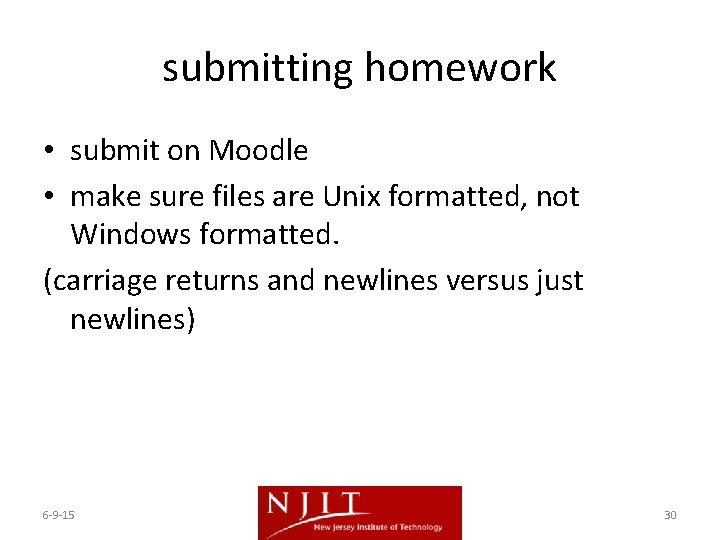
submitting homework • submit on Moodle • make sure files are Unix formatted, not Windows formatted. (carriage returns and newlines versus just newlines) 6 -9 -15 30
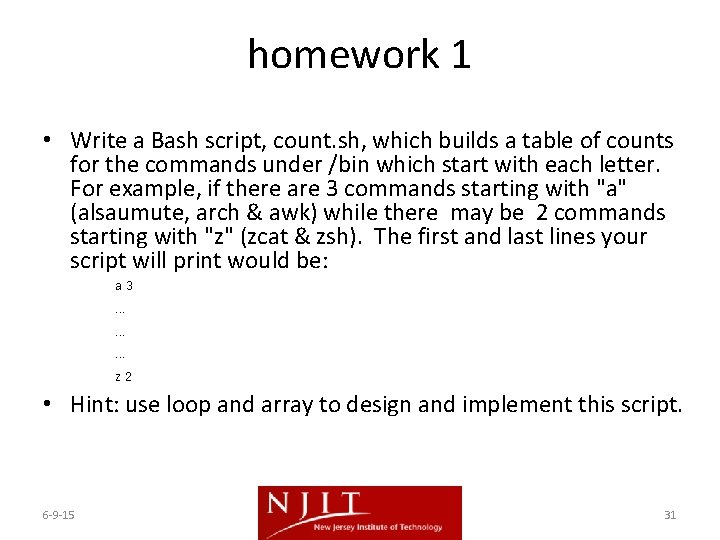
homework 1 • Write a Bash script, count. sh, which builds a table of counts for the commands under /bin which start with each letter. For example, if there are 3 commands starting with "a" (alsaumute, arch & awk) while there may be 2 commands starting with "z" (zcat & zsh). The first and last lines your script will print would be: a 3. . z 2 • Hint: use loop and array to design and implement this script. 6 -9 -15 31