
CS0401 INTERMEDIATE PROGRAMMING USING JAVA Prof Dr Paulo
![Scope public class Scope { public static void main(String[] args) { int x; //](https://slidetodoc.com/presentation_image_h2/e3695ec0eb3a446531f3300e3dfa22be/image-48.jpg "Scope public class Scope { public static void main(String[] args) { int x; //")
![Programming Style public class Compact {public static void main(String[] args) {int shares=220; double average.](https://slidetodoc.com/presentation_image_h2/e3695ec0eb3a446531f3300e3dfa22be/image-52.jpg "Programming Style public class Compact {public static void main(String[] args) {int shares=220; double average.")
![import java. lang. *; public class Pythagorean. Theorem { public static void main(String[] args)](https://slidetodoc.com/presentation_image_h2/e3695ec0eb3a446531f3300e3dfa22be/image-56.jpg "import java. lang. *; public class Pythagorean. Theorem { public static void main(String[] args)")
![Ways of entering data into your program �Dialog Boxes �Main(String[] args) �File Input �Keyboard](https://slidetodoc.com/presentation_image_h2/e3695ec0eb3a446531f3300e3dfa22be/image-57.jpg "Ways of entering data into your program �Dialog Boxes �Main(String[] args) �File Input �Keyboard")
![The main(String[] args)](https://slidetodoc.com/presentation_image_h2/e3695ec0eb3a446531f3300e3dfa22be/image-60.jpg "The main(String[] args)")
![The main(String[] args) public static void main(String[] args) { double a = Double. parse.](https://slidetodoc.com/presentation_image_h2/e3695ec0eb3a446531f3300e3dfa22be/image-61.jpg "The main(String[] args) public static void main(String[] args) { double a = Double. parse.")
![The main(String[] args) Arguments from the command line](https://slidetodoc.com/presentation_image_h2/e3695ec0eb3a446531f3300e3dfa22be/image-62.jpg "The main(String[] args) Arguments from the command line")
![Converting a String to a Number public static void main(String[] args) { double a](https://slidetodoc.com/presentation_image_h2/e3695ec0eb3a446531f3300e3dfa22be/image-63.jpg "Converting a String to a Number public static void main(String[] args) { double a")
- Slides: 77
CS-0401 INTERMEDIATE PROGRAMMING USING JAVA Prof. Dr. Paulo Brasko Ferreira Spring 2018
Chapter 2 Java Fundamentals
Chapter 2 Presentation Outline �Parts of a program �Variables, methods, and classes � Naming convention �Data types: Primitive versus class types �Arithmetic Operators �The Math Class �Conversion between primitive data types �Creating constants with the final keyword
Chapter 2 Presentation Outline (cont. ) �The String class �Variable Scope �Comments �Programming style �Reading from the keyboard �Dialog boxes
Parts of a program
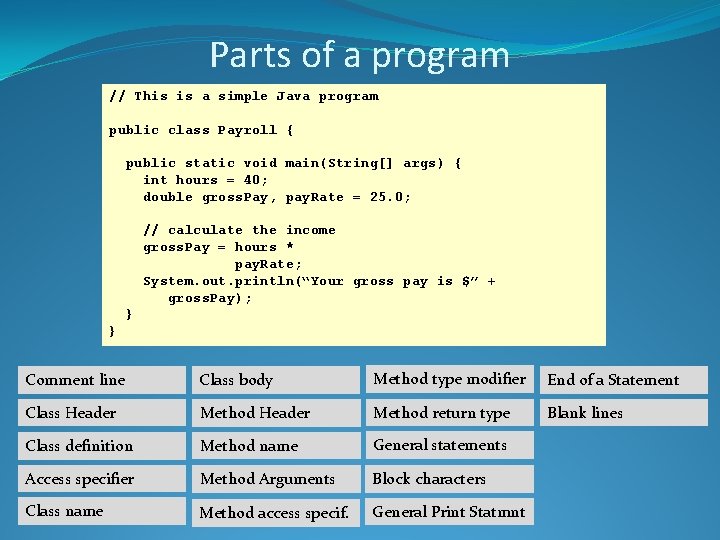
Parts of a program // This is a simple Java program public class Payroll { public static void main(String[] args) { int hours = 40; double gross. Pay, pay. Rate = 25. 0; // calculate the income gross. Pay = hours * pay. Rate; System. out. println(“Your gross pay is $” + gross. Pay); } } Comment line Class body Method type modifier End of a Statement Class Header Method return type Blank lines Class definition Method name General statements Access specifier Method Arguments Block characters Class name Method access specif. General Print Statmnt
Identifiers for Variables, Methods, and Classes
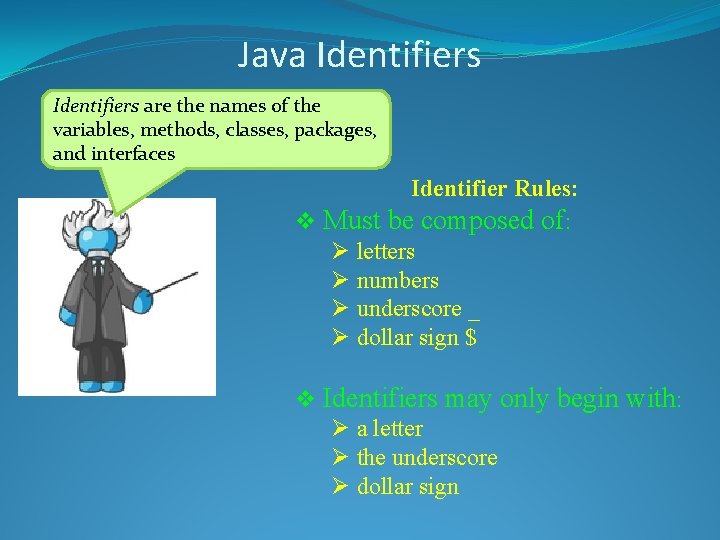
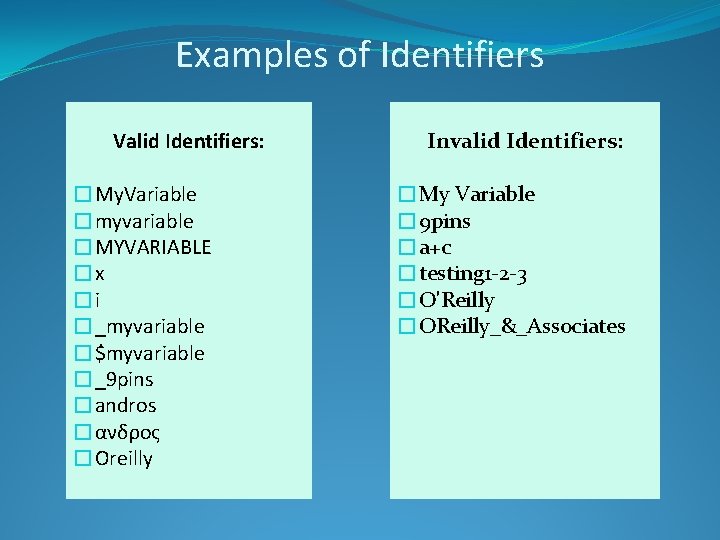
Java Identifiers are the names of the variables, methods, classes, packages, and interfaces Identifier Rules: v Must be composed of: Ø letters Ø numbers Ø underscore _ Ø dollar sign $ v Identifiers may only begin with: Ø a letter Ø the underscore Ø dollar sign
Examples of Identifiers Valid Identifiers: �My. Variable �myvariable �MYVARIABLE �x �i �_myvariable �$myvariable �_9 pins �andros �ανδρος �Oreilly Invalid Identifiers: �My Variable � 9 pins �a+c �testing 1 -2 -3 �O'Reilly �OReilly_&_Associates
Naming Conventions
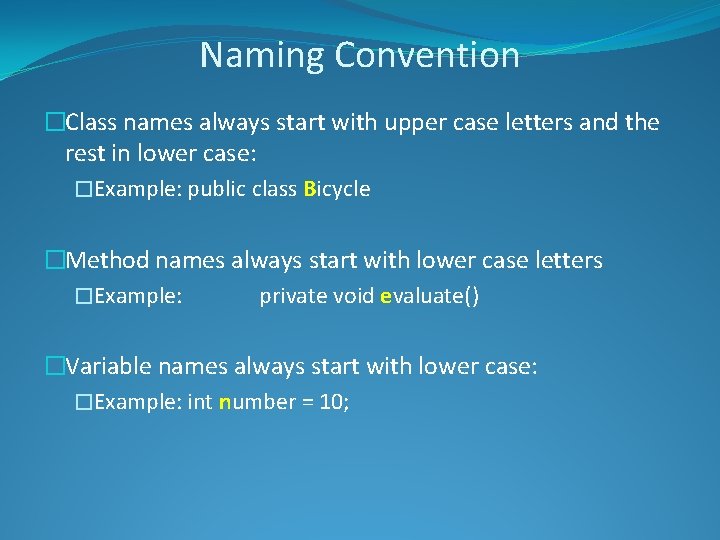
Naming Convention �Class names always start with upper case letters and the rest in lower case: �Example: public class Bicycle �Method names always start with lower case letters �Example: private void evaluate() �Variable names always start with lower case: �Example: int number = 10;
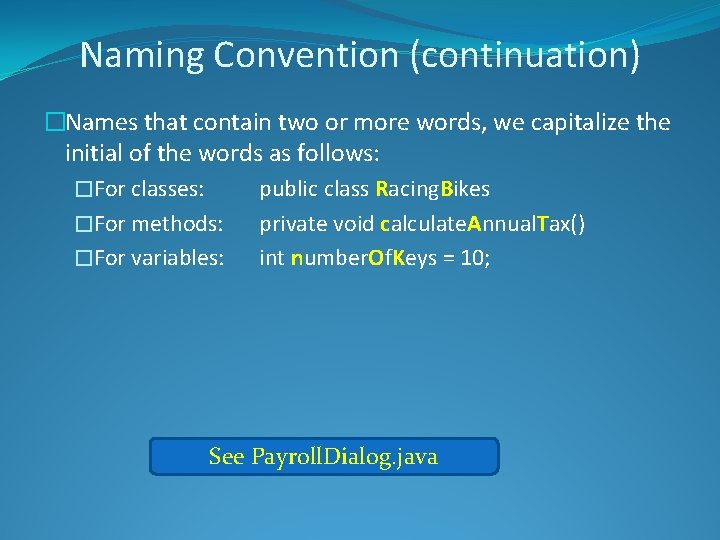
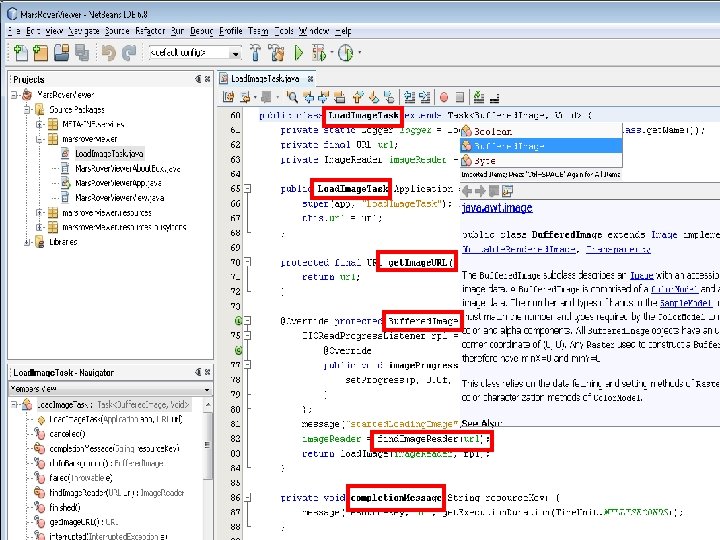
Naming Convention (continuation) �Names that contain two or more words, we capitalize the initial of the words as follows: �For classes: public class Racing. Bikes �For methods: private void calculate. Annual. Tax() �For variables: int number. Of. Keys = 10; See Payroll. Dialog. java
Java Literals
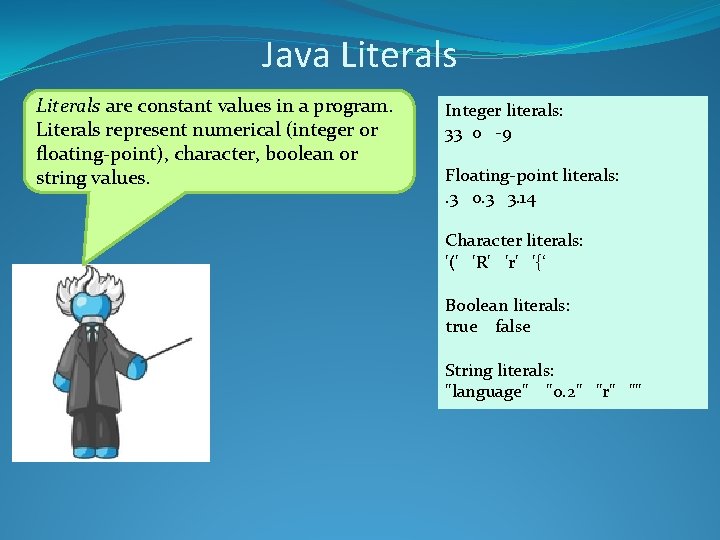
Java Literals are constant values in a program. Literals represent numerical (integer or floating-point), character, boolean or string values. Integer literals: 33 0 -9 Floating-point literals: . 3 0. 3 3. 14 Character literals: '(' 'R' 'r' '{‘ Boolean literals: true false String literals: "language" "0. 2" "r" ""
Data types
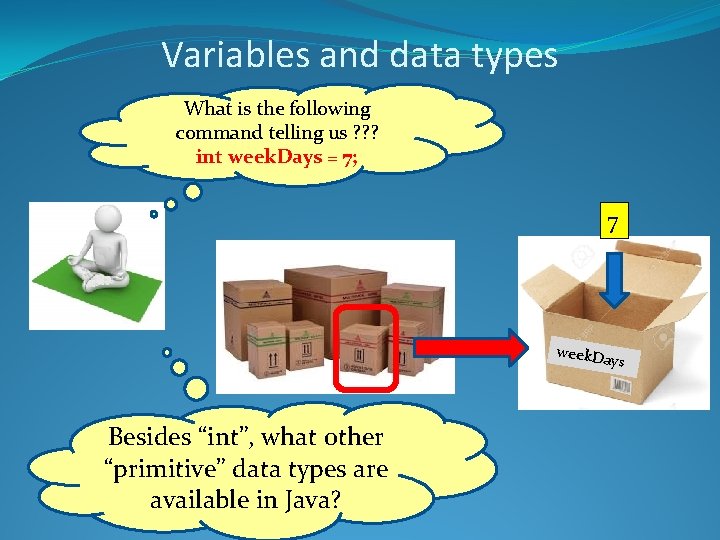
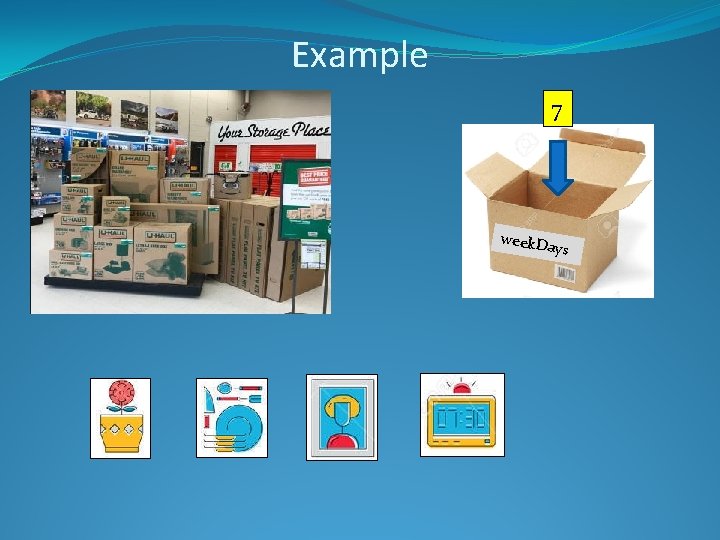
Variables and data types What is the following command telling us ? ? ? int week. Days = 7; 7 week. Da ys Besides “int”, what other “primitive” data types are available in Java?
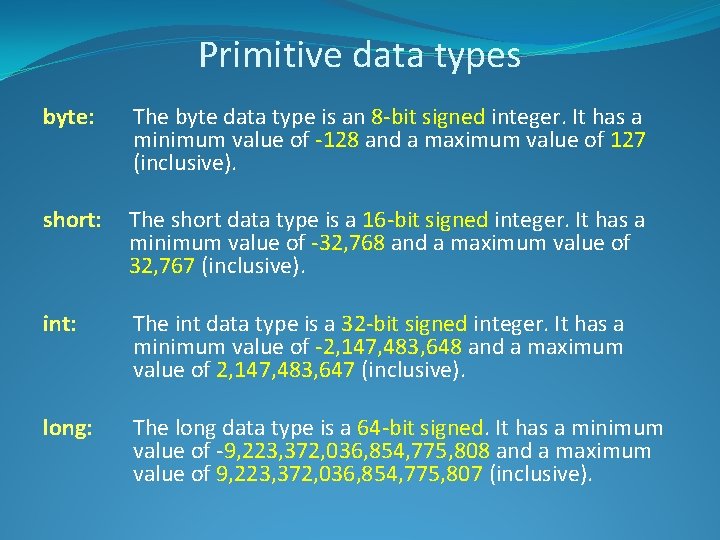
Primitive data types byte: The byte data type is an 8 -bit signed integer. It has a minimum value of -128 and a maximum value of 127 (inclusive). short: The short data type is a 16 -bit signed integer. It has a minimum value of -32, 768 and a maximum value of 32, 767 (inclusive). int: The int data type is a 32 -bit signed integer. It has a minimum value of -2, 147, 483, 648 and a maximum value of 2, 147, 483, 647 (inclusive). long: The long data type is a 64 -bit signed. It has a minimum value of -9, 223, 372, 036, 854, 775, 808 and a maximum value of 9, 223, 372, 036, 854, 775, 807 (inclusive).
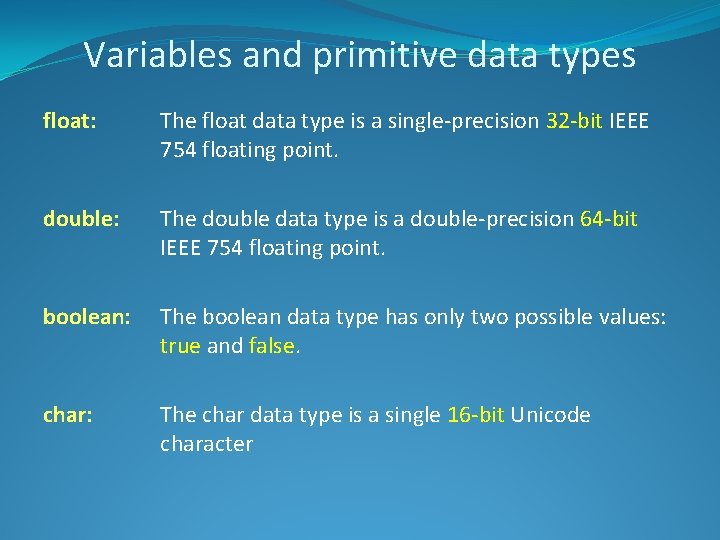
Variables and primitive data types float: The float data type is a single-precision 32 -bit IEEE 754 floating point. double: The double data type is a double-precision 64 -bit IEEE 754 floating point. boolean: The boolean data type has only two possible values: true and false. char: The char data type is a single 16 -bit Unicode character
Examples See Integer. Variables. java See Letters 2. java See Sale. java See String. Demo. java See String. Length. java
Conversion between Data Types
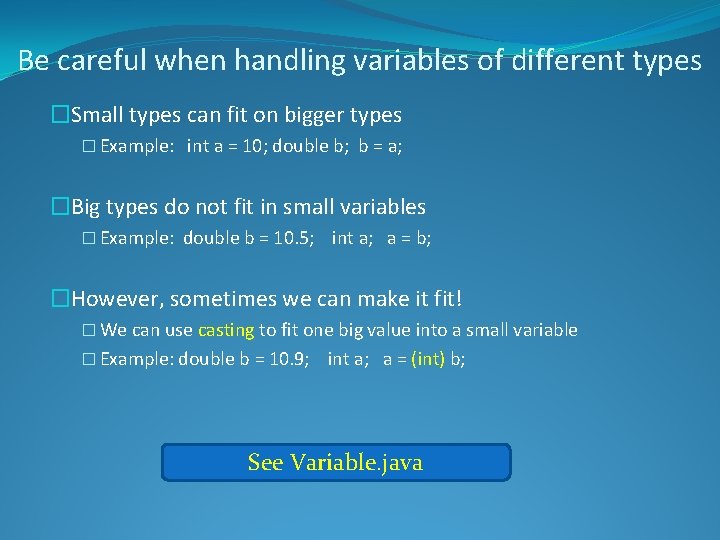
Be careful when handling variables of different types �Small types can fit on bigger types � Example: int a = 10; double b; b = a; �Big types do not fit in small variables � Example: double b = 10. 5; int a; a = b; �However, sometimes we can make it fit! � We can use casting to fit one big value into a small variable � Example: double b = 10. 9; int a; a = (int) b; See Variable. java
An alternative ending for Cinderella story… Now that I am using the Java casting feature, her shoes fit like a glove…
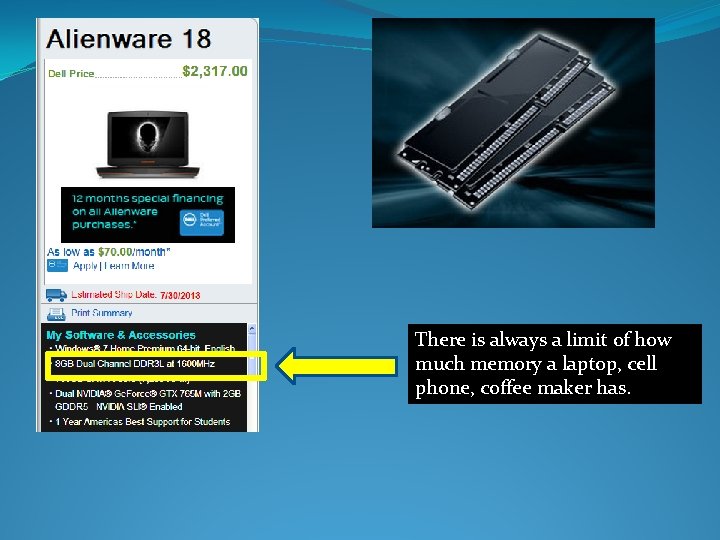
Why don’t we always use Double instead of byte, short, int, and float and stop worrying about how big the number can be inside them?
There is always a limit of how much memory a laptop, cell phone, coffee maker has.
Why don’t we define all numerical variables as double ? And I though that I was going to do a Kitchen advertisement…
Data Transfer over the internet Another problem in having all variables defined as double: Your program can become large in size and the bigger your program is the more it takes to be downloaded/transferred over the internet
Why we keep talking about “primitive” data types? Is there other types out there?
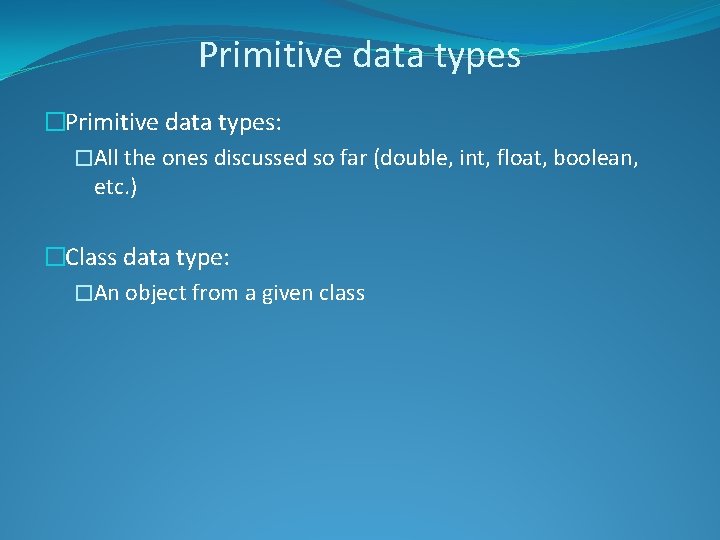
Primitive data types �Primitive data types: �All the ones discussed so far (double, int, float, boolean, etc. ) �Class data type: �An object from a given class
Example 7 week. Da ys
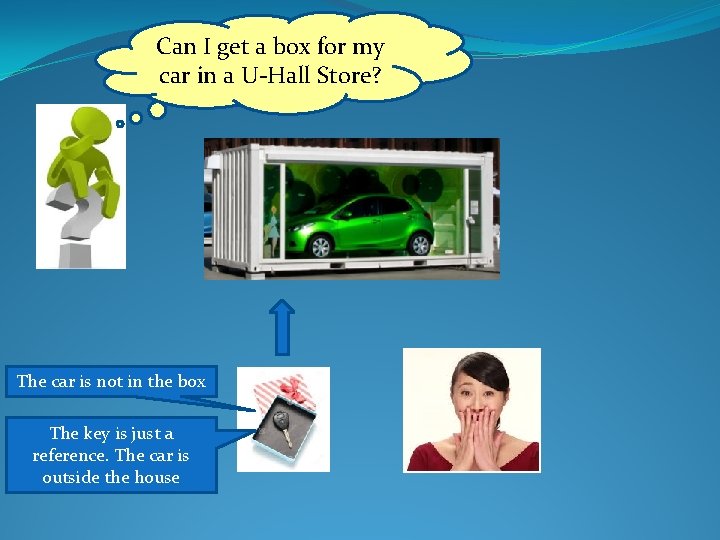
Can I get a box for my car in a U-Hall Store? The car is not in the box The key is just a reference. The car is outside the house
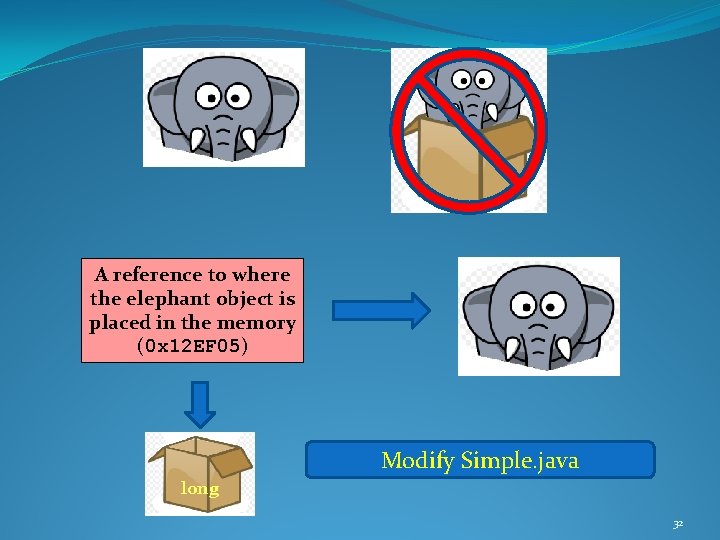
A reference to where the elephant object is placed in the memory (0 x 12 EF 05) Modify Simple. java long 32
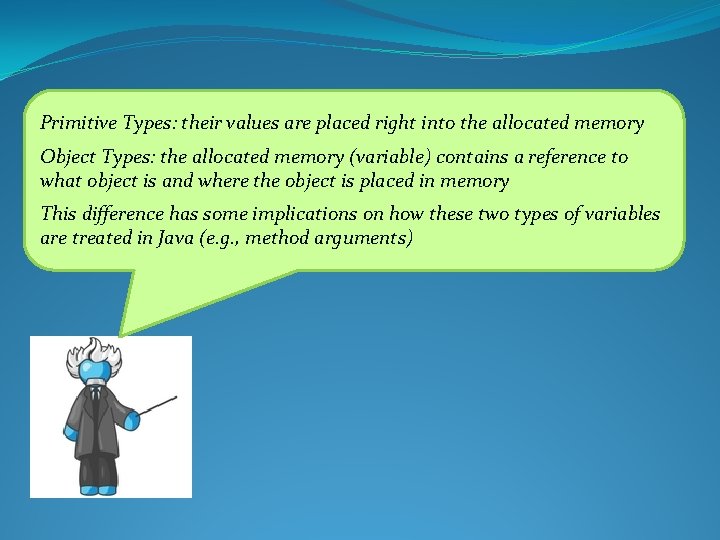
Primitive Types: their values are placed right into the allocated memory Object Types: the allocated memory (variable) contains a reference to what object is and where the object is placed in memory This difference has some implications on how these two types of variables are treated in Java (e. g. , method arguments)
Arithmetic Operators
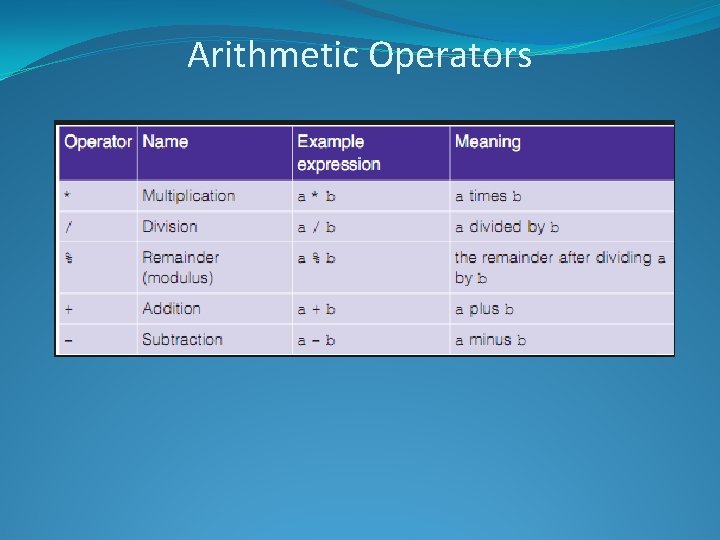
Arithmetic Operators
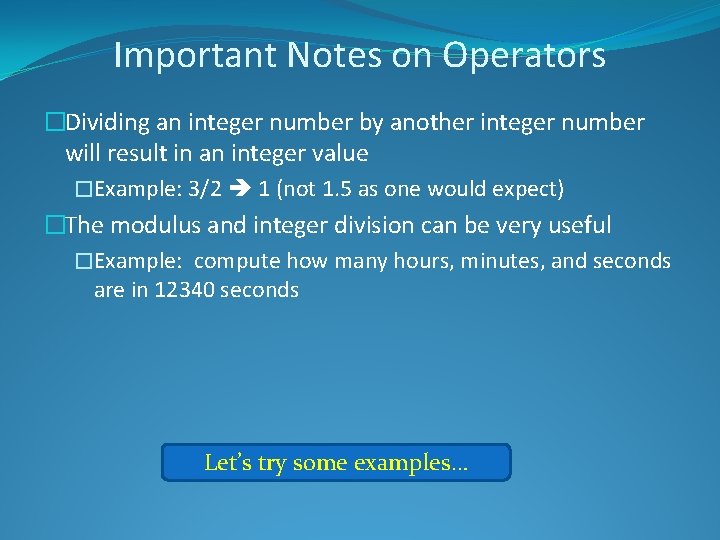
Important Notes on Operators �Dividing an integer number by another integer number will result in an integer value �Example: 3/2 1 (not 1. 5 as one would expect) �The modulus and integer division can be very useful �Example: compute how many hours, minutes, and seconds are in 12340 seconds Let’s try some examples…
Operators Precedence in Java Language
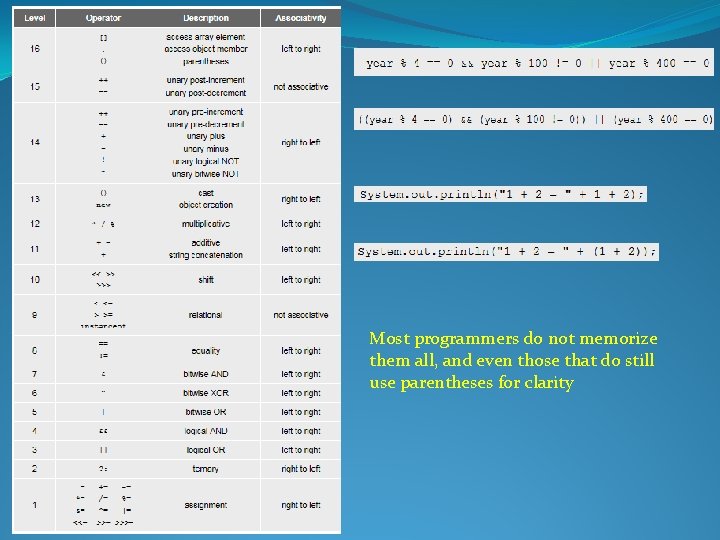
Most programmers do not memorize them all, and even those that do still use parentheses for clarity
The Java API
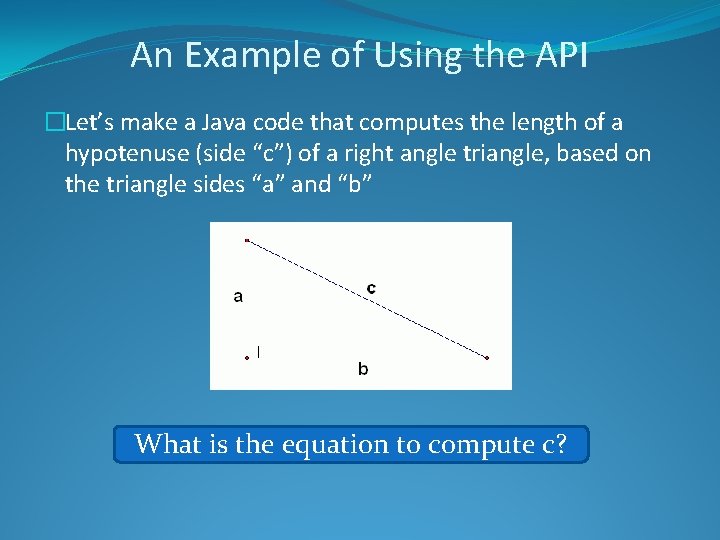
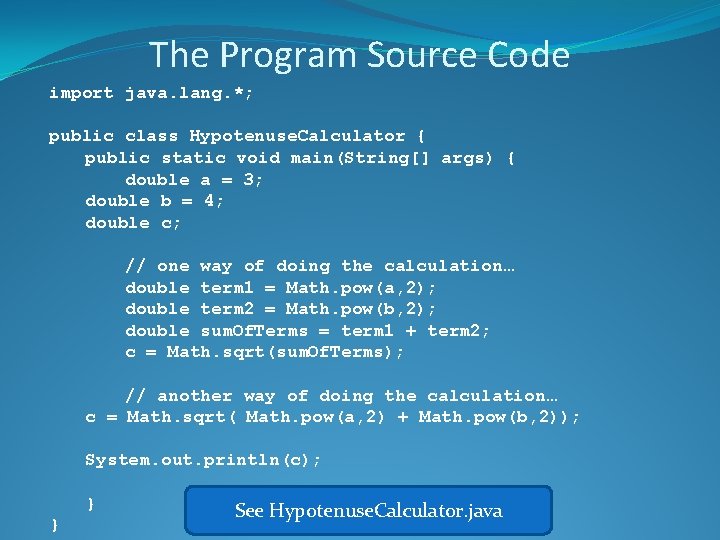
An Example of Using the API �Let’s make a Java code that computes the length of a hypotenuse (side “c”) of a right angle triangle, based on the triangle sides “a” and “b” What is the equation to compute c?
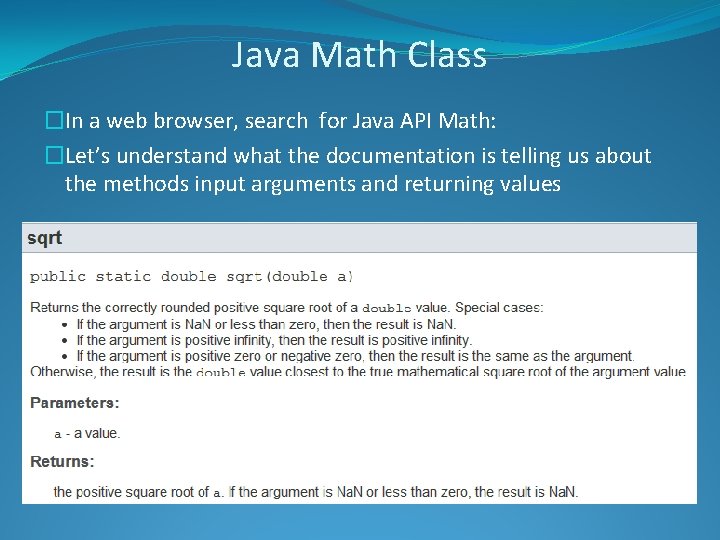
Java Math Class �In a web browser, search for Java API Math: �Let’s understand what the documentation is telling us about the methods input arguments and returning values
The Program Source Code import java. lang. *; public class Hypotenuse. Calculator { public static void main(String[] args) { double a = 3; double b = 4; double c; // one way of doing the calculation… double term 1 = Math. pow(a, 2); double term 2 = Math. pow(b, 2); double sum. Of. Terms = term 1 + term 2; c = Math. sqrt(sum. Of. Terms); // another way of doing the calculation… c = Math. sqrt( Math. pow(a, 2) + Math. pow(b, 2)); System. out. println(c); } } See Hypotenuse. Calculator. java
Important Note �Using the Math class, casting a float/double number into an integer, and using integer division can be used to round numbers Let’s discuss these examples in class
The String Class
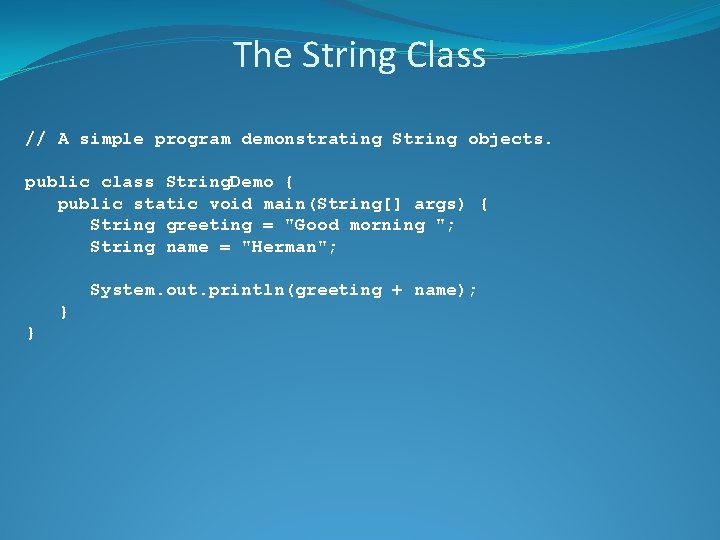
The String Class // A simple program demonstrating String objects. public class String. Demo { public static void main(String[] args) { String greeting = "Good morning "; String name = "Herman"; System. out. println(greeting + name); } }
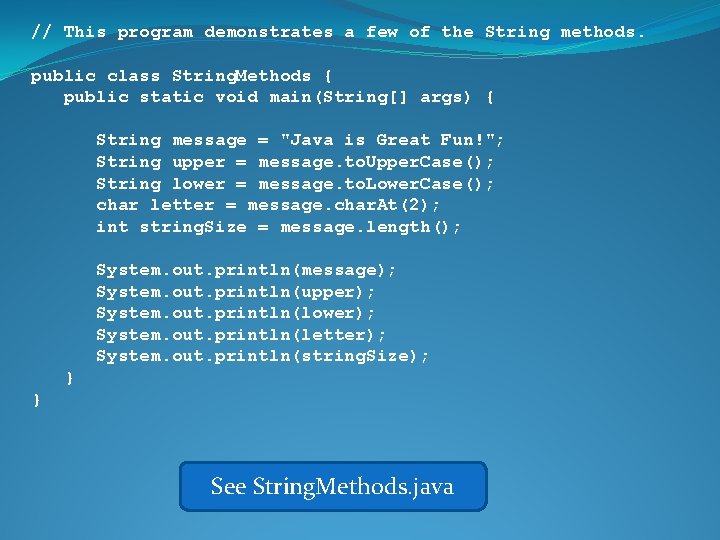
// This program demonstrates a few of the String methods. public class String. Methods { public static void main(String[] args) { String message = "Java is Great Fun!"; String upper = message. to. Upper. Case(); String lower = message. to. Lower. Case(); char letter = message. char. At(2); int string. Size = message. length(); System. out. println(message); System. out. println(upper); System. out. println(lower); System. out. println(letter); System. out. println(string. Size); } } See String. Methods. java
Scope
Scope public class Scope { public static void main(String[] args) { int x; // known to all code withing the main x = 10; if (x == 10) { int y = 20; // known only to this IF block System. out. println("The value of x is: " + x + " the value of y is: " + y); } System. out. println("The value of x is: " System. out. println("The value of y is: " } } See Scope. java + x ); + y );
Comments
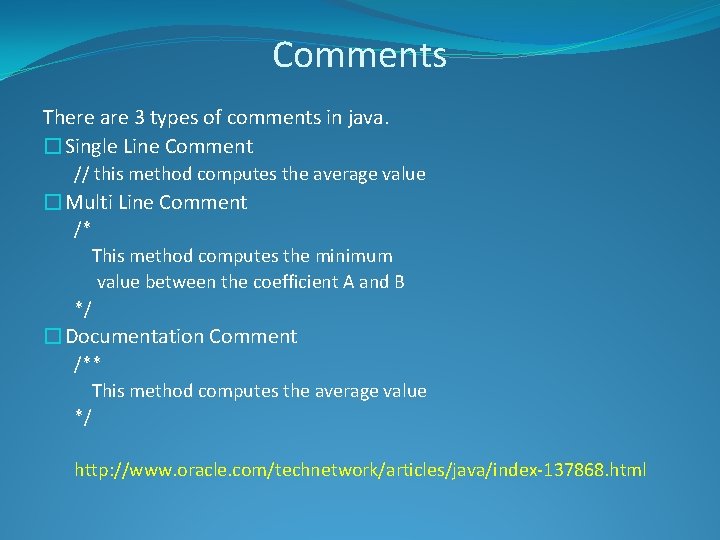
Comments There are 3 types of comments in java. �Single Line Comment // this method computes the average value �Multi Line Comment /* This method computes the minimum value between the coefficient A and B */ �Documentation Comment /** This method computes the average value */ http: //www. oracle. com/technetwork/articles/java/index-137868. html
Programming Style (aka “Java Coding Standards”)
Programming Style public class Compact {public static void main(String[] args) {int shares=220; double average. Price=14. 67; System. out. println ("There were "+shares+" shares sold at $"+average. Price+ " per share. "); }} public class Compact { public static void main(String[] args) { int shares=220; double average. Price=14. 67; System. out. println("There were "+shares+" shares “ + “sold at“ + average. Price + “per share. "); } } See Compact. java
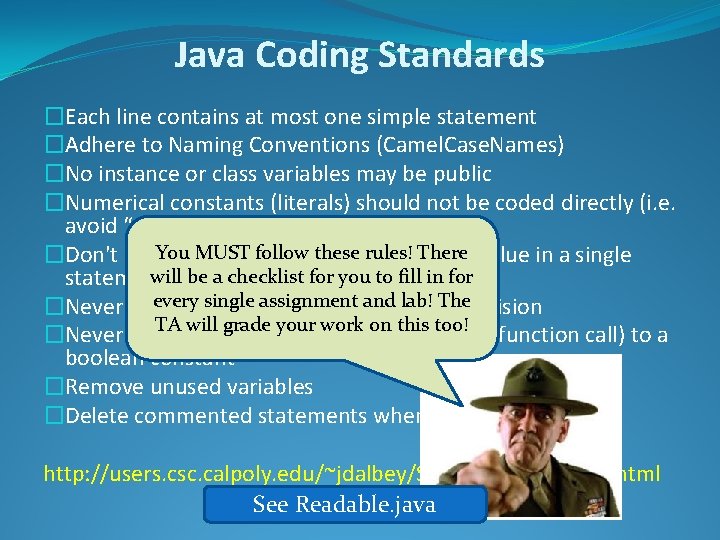
Java Coding Standards �Each line contains at most one simple statement �Adhere to Naming Conventions (Camel. Case. Names) �No instance or class variables may be public �Numerical constants (literals) should not be coded directly (i. e. avoid “magic numbers”) Youseveral MUST follow theseto rules! �Don't assign variables the There same value in a single will be a checklist for you to fill in for statement single assignment lab! or Thedecision �Never useevery break or continue inand a loop TA will grade your work on this too! �Never compare a boolean value (or boolean function call) to a boolean constant �Remove unused variables �Delete commented statements when possible http: //users. csc. calpoly. edu/~jdalbey/SWE/Code. Std. Check. html See Readable. java
Ways of entering data into your program
Ways of entering data into your program How did we enter the sides of the triangle in our Pythagoras program?
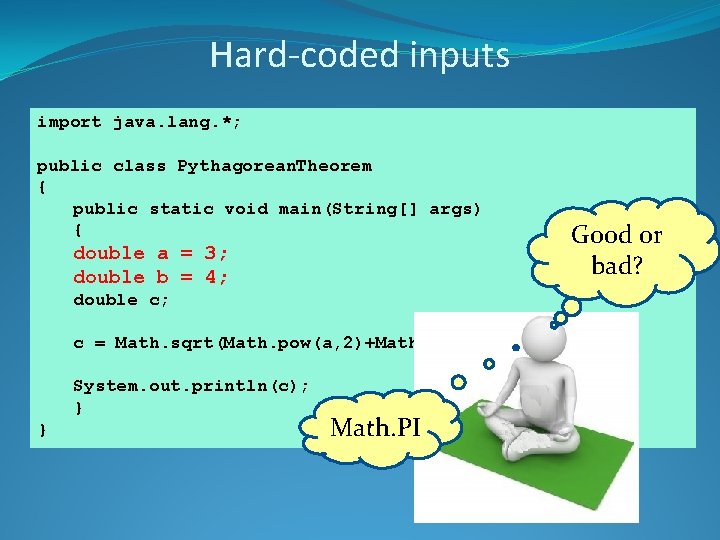
import java. lang. *; public class Pythagorean. Theorem { public static void main(String[] args) { double a = 3; double b = 4; double c; c = Math. sqrt(Math. pow(a, 2)+Math. pow(b, 2)); This is what we System. out. println(c); call} “hard-coded” } values Is there any other way to input data?
Ways of entering data into your program �Dialog Boxes �Main(String[] args) �File Input �Keyboard �Hard-coded �Specialized hardware (Bluetooth, sensors, etc. )
Hard-coded input
Hard-coded inputs import java. lang. *; public class Pythagorean. Theorem { public static void main(String[] args) { double a = 3; double b = 4; double c; c = Math. sqrt(Math. pow(a, 2)+Math. pow(b, 2)); System. out. println(c); } } Math. PI Good or bad?
The main(String[] args)
The main(String[] args) public static void main(String[] args) { double a = Double. parse. Double(args[0]); double b = Double. parse. Double(args[1]); double c = Math. sqrt(Math. pow(a, 2) + Math. pow(b, 2)); System. out. println("Value of c: " + c); } What does “args” stand for? But what arguments? ? ?
The main(String[] args) Arguments from the command line
Converting a String to a Number public static void main(String[] args) { double a = Double. parse. Double(args[0]); double b = Double. parse. Double(args[1]); double c = Math. sqrt(Math. pow(a, 2) + Math. pow(b, 2)); System. out. println("Value of c: " + c); } The args are arrays of Strings Numbers are not Strings! Is it a problem?
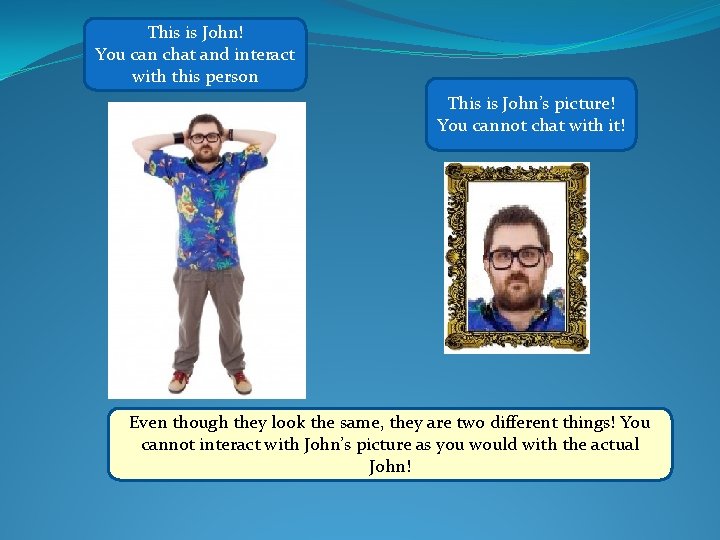
This is John! You can chat and interact with this person This is John’s picture! You cannot chat with it! Even though they look the same, they are two different things! You cannot interact with John’s picture as you would with the actual John!
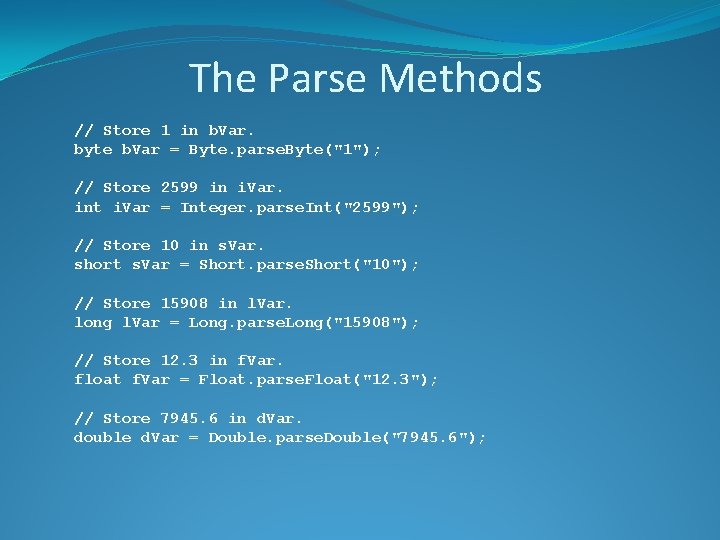
The Parse Methods // Store 1 in b. Var. byte b. Var = Byte. parse. Byte("1"); // Store 2599 in i. Var. int i. Var = Integer. parse. Int("2599"); // Store 10 in s. Var. short s. Var = Short. parse. Short("10"); // Store 15908 in l. Var. long l. Var = Long. parse. Long("15908"); // Store 12. 3 in f. Var. float f. Var = Float. parse. Float("12. 3"); // Store 7945. 6 in d. Var. double d. Var = Double. parse. Double("7945. 6");
Getting data from a text file
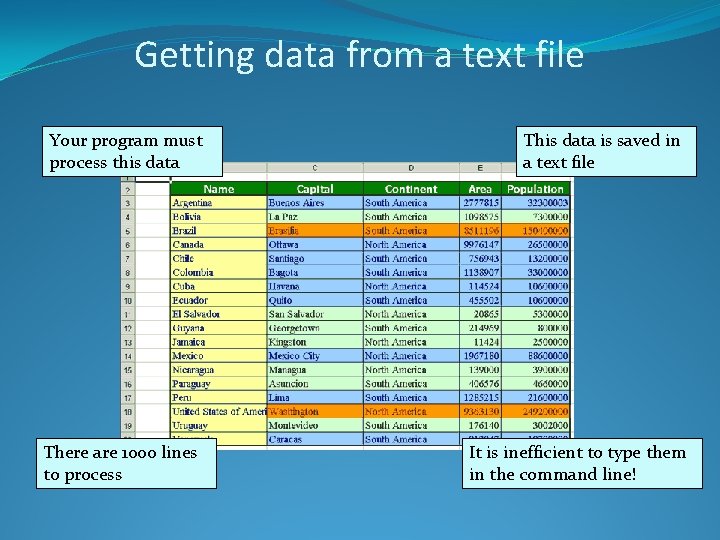
Getting data from a text file Your program must process this data There are 1000 lines to process This data is saved in a text file It is inefficient to type them in the command line!
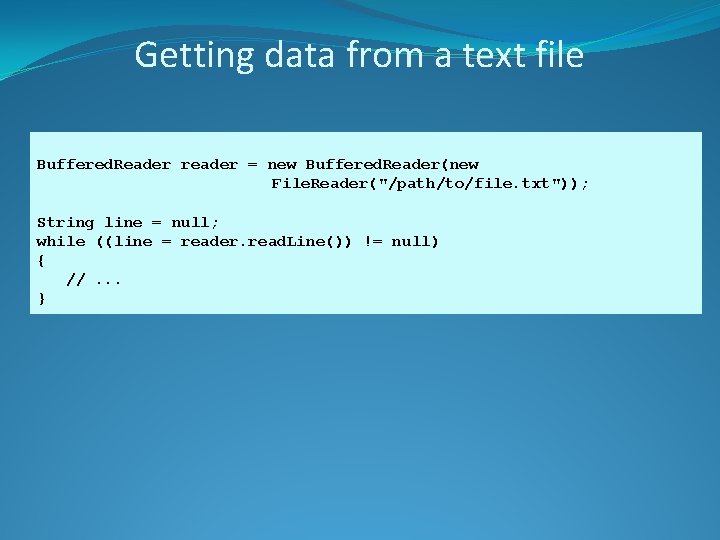
Getting data from a text file Buffered. Reader reader = new Buffered. Reader(new File. Reader("/path/to/file. txt")); String line = null; while ((line = reader. read. Line()) != null) { //. . . }
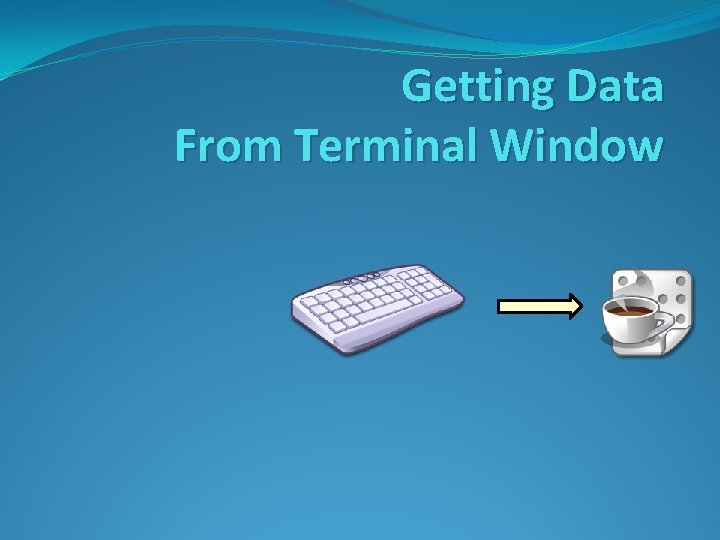
Getting Data From Terminal Window
The Scanner Class �To read input from the keyboard we can use the Scanner class. �The Scanner class is defined in java. util, so we will use the following statement at the top of our programs: import java. util. Scanner;
The Scanner Class �Scanner objects work with System. in �To create a Scanner object: Scanner keyboard = new Scanner(System. in); �See example: Payroll 2. java
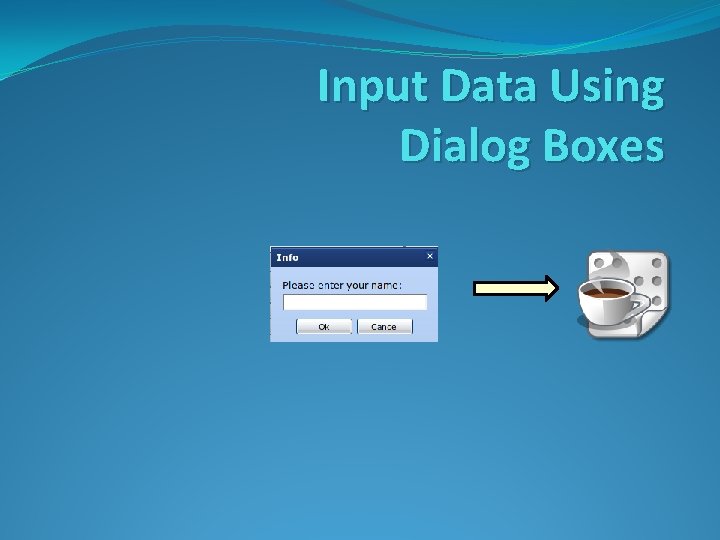
Input Data Using Dialog Boxes
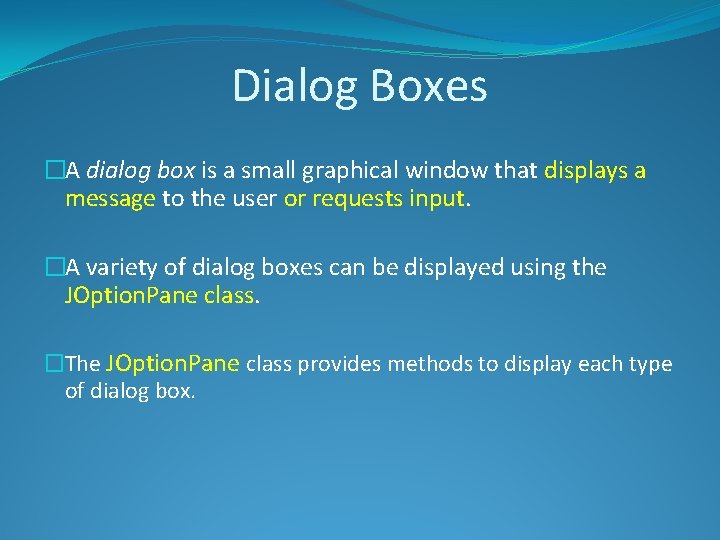
Dialog Boxes �A dialog box is a small graphical window that displays a message to the user or requests input. �A variety of dialog boxes can be displayed using the JOption. Pane class. �The JOption. Pane class provides methods to display each type of dialog box.
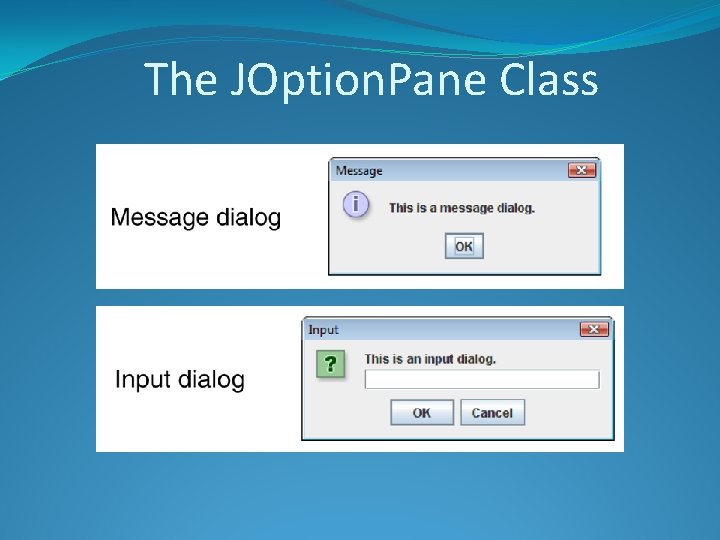
The JOption. Pane Class
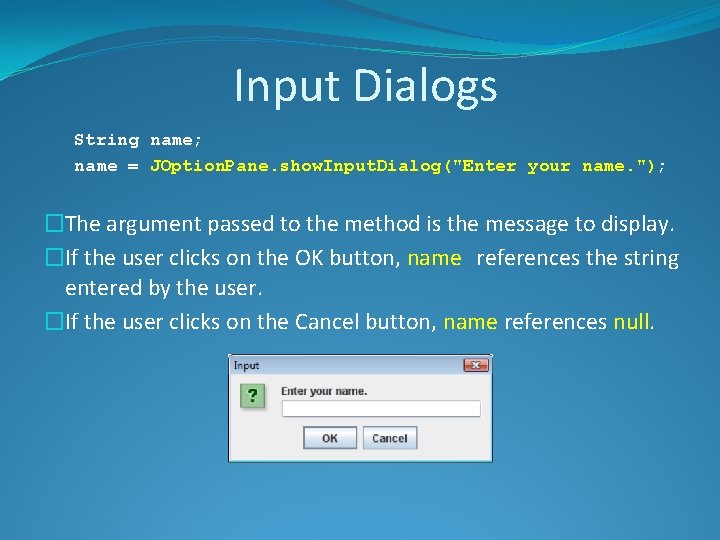
Input Dialogs String name; name = JOption. Pane. show. Input. Dialog("Enter your name. "); �The argument passed to the method is the message to display. �If the user clicks on the OK button, name references the string entered by the user. �If the user clicks on the Cancel button, name references null.
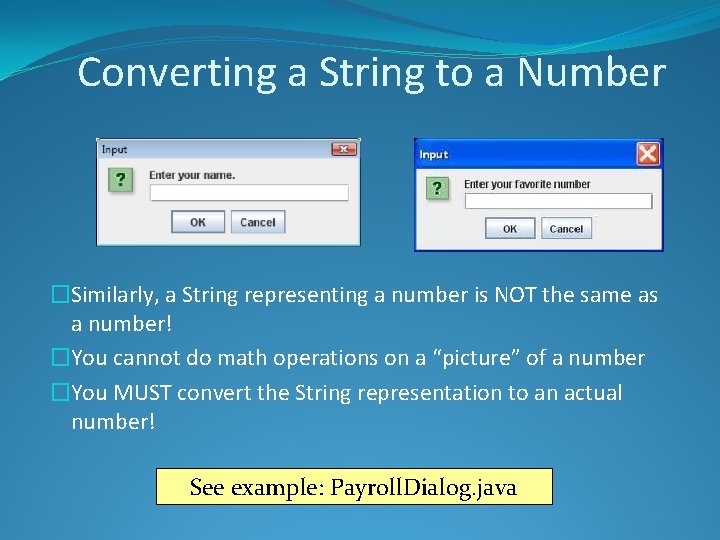
Converting a String to a Number �Similarly, a String representing a number is NOT the same as a number! �You cannot do math operations on a “picture” of a number �You MUST convert the String representation to an actual number! See example: Payroll. Dialog. java
Any Questions? 77