
CS0401 INTERMEDIATE PROGRAMMING USING JAVA Prof Dr Paulo
![Our First Java Code public class Payroll { public static void main(String[] args) {](https://slidetodoc.com/presentation_image_h2/c2e8742f4e1b08d3d6e093b1e8648be5/image-34.jpg "Our First Java Code public class Payroll { public static void main(String[] args) {")
- Slides: 44
CS-0401 INTERMEDIATE PROGRAMMING USING JAVA Prof. Dr. Paulo Brasko Ferreira Spring 2018
Chapter 1: Introduction to Computers and Java
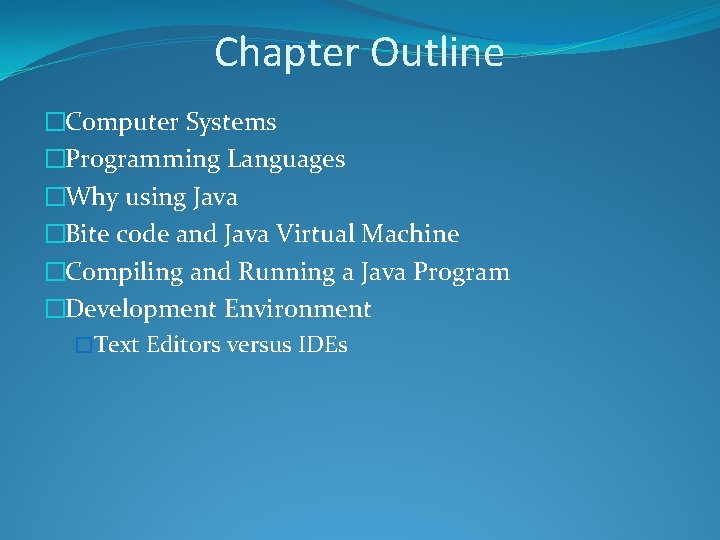
Chapter Outline �Computer Systems �Programming Languages �Why using Java �Bite code and Java Virtual Machine �Compiling and Running a Java Program �Development Environment �Text Editors versus IDEs
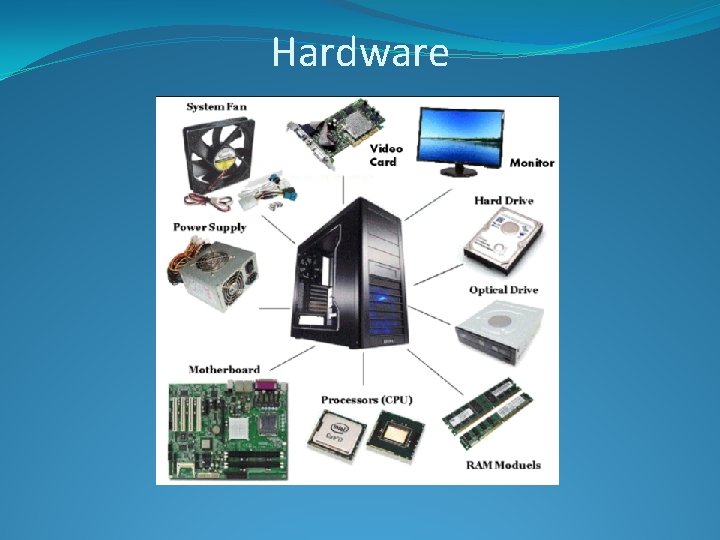
Computer Systems �Computer Systems can be subdivided into two categories: �Hardware �Software
Hardware
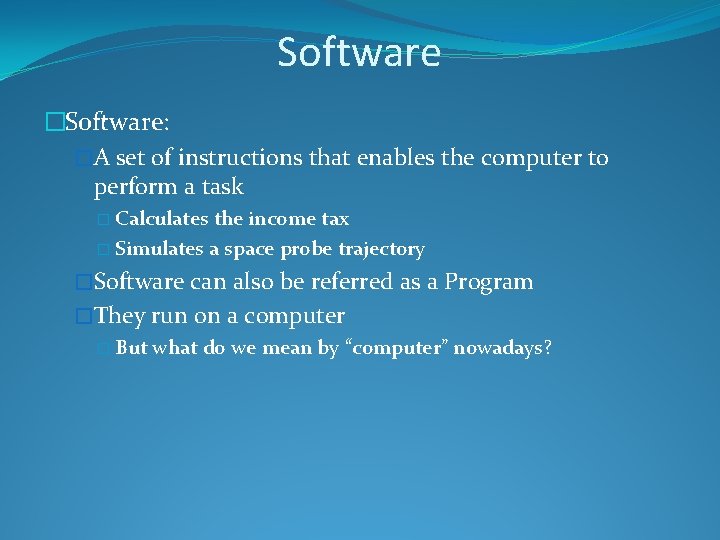
Software �Software: �A set of instructions that enables the computer to perform a task � Calculates the income tax � Simulates a space probe trajectory �Software can also be referred as a Program �They run on a computer � But what do we mean by “computer” nowadays?
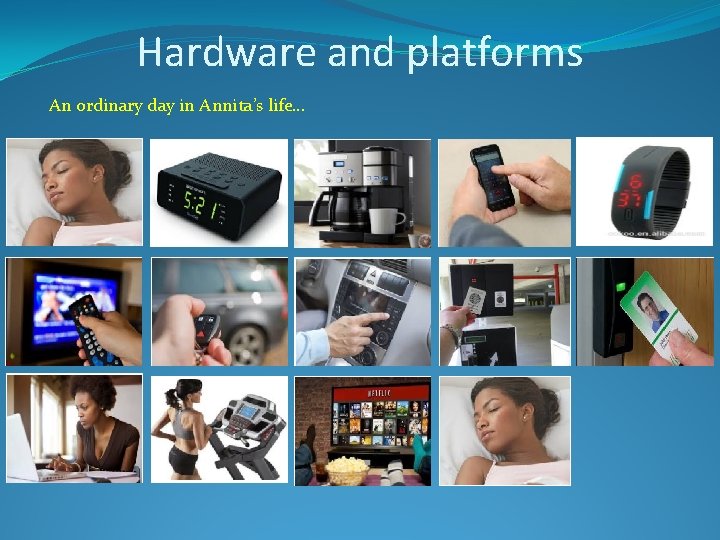
Hardware and platforms An ordinary day in Annita’s life…
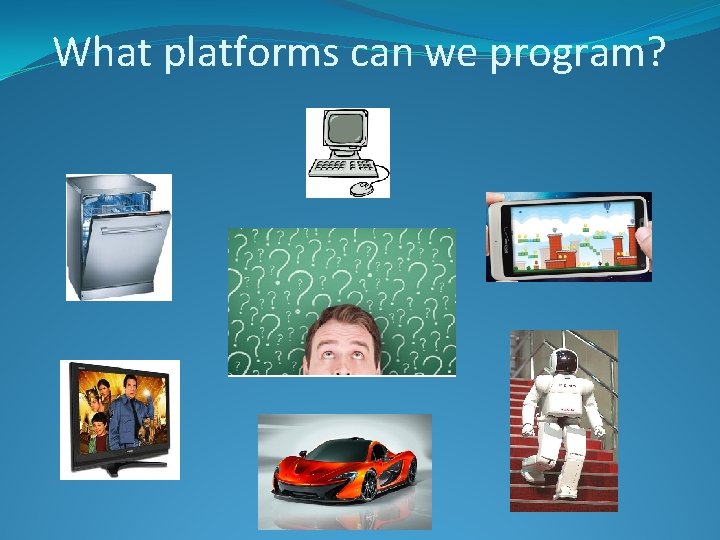
What platforms can we program?
What abilities should an useful program have?
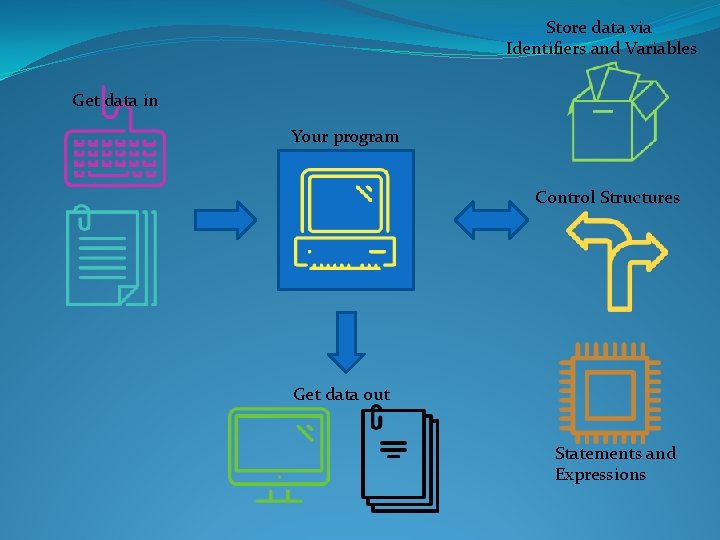
Store data via Identifiers and Variables Get data in Your program Control Structures Get data out Statements and Expressions
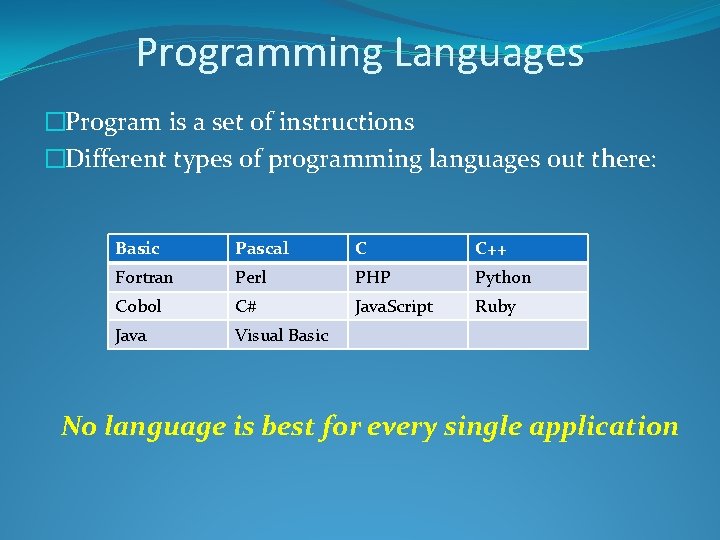
Programming Languages �Program is a set of instructions �Different types of programming languages out there: Basic Pascal C C++ Fortran Perl PHP Python Cobol C# Java. Script Ruby Java Visual Basic No language is best for every single application
Why are we using Java instead of C++ to create our programs in this course?
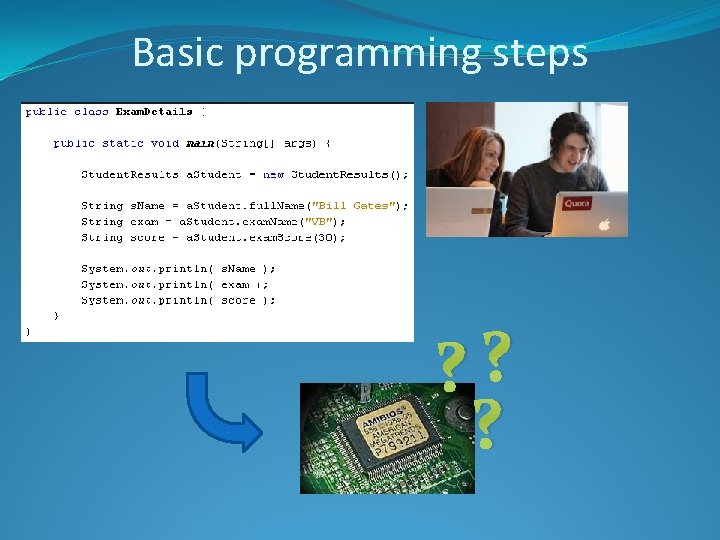
Basic programming steps ? ? ?
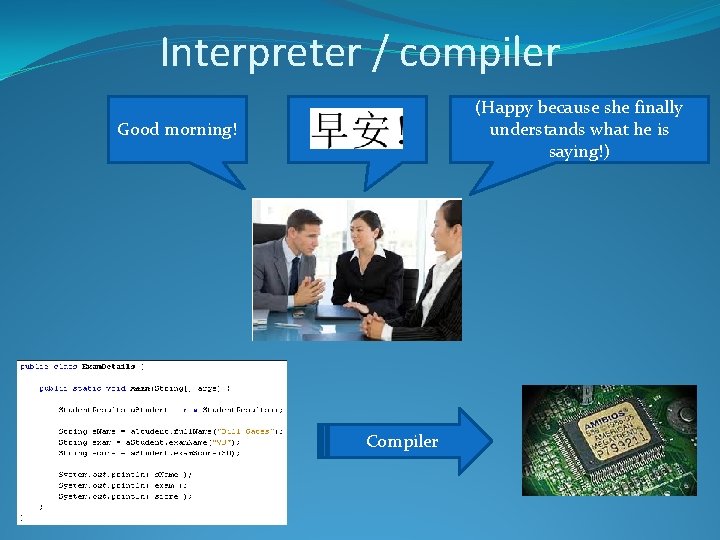
Interpreter / compiler (Happy because she finally understands what he is saying!) Good morning! Compiler
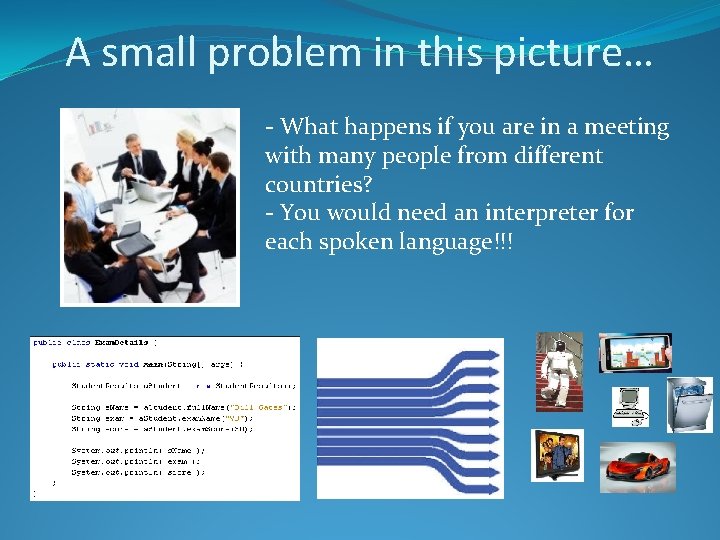
A small problem in this picture… - What happens if you are in a meeting with many people from different countries? - You would need an interpreter for each spoken language!!!
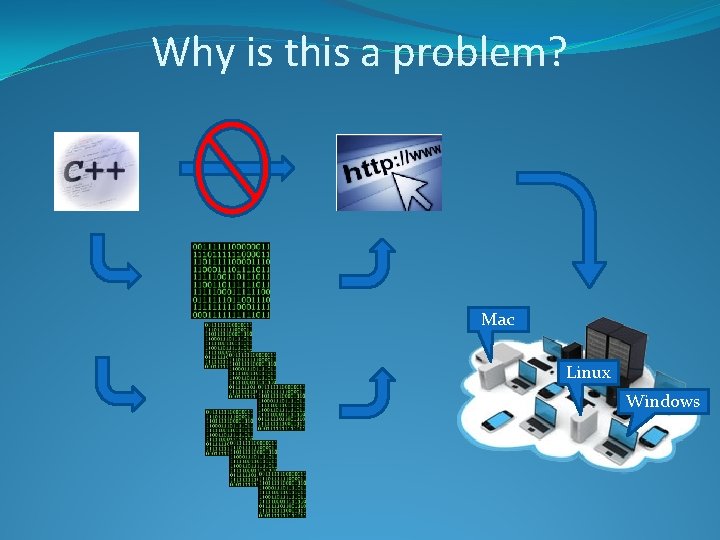
Why is this a problem? Mac Linux Windows
Java Features
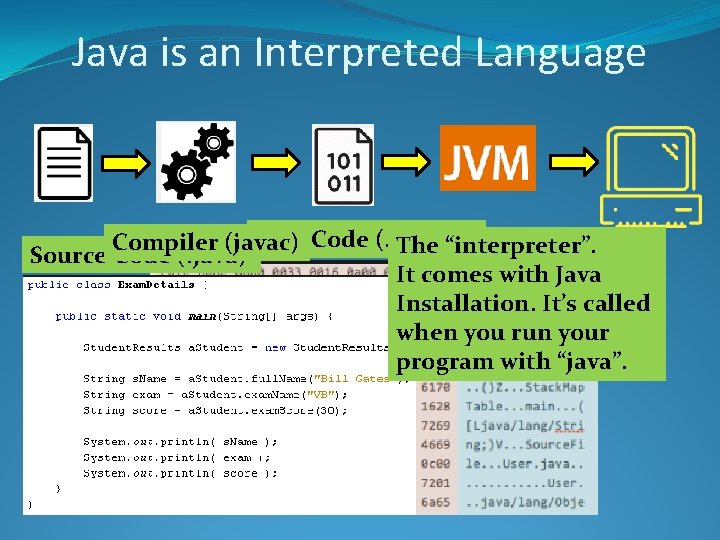
Java is an Interpreted Language Byte Code (. class) Compiler (javac) The “interpreter”. Source Code (. java) It comes with Java Installation. It’s called when you run your program with “java”.
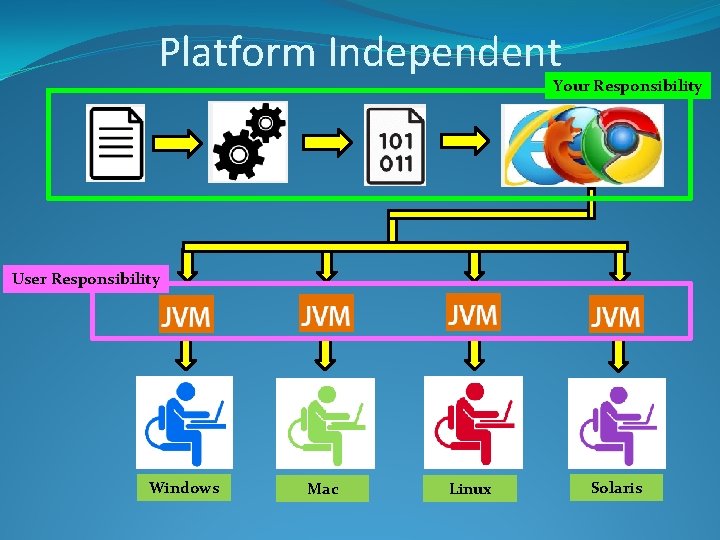
Platform Independent Your Responsibility User Responsibility Windows Mac Linux Solaris
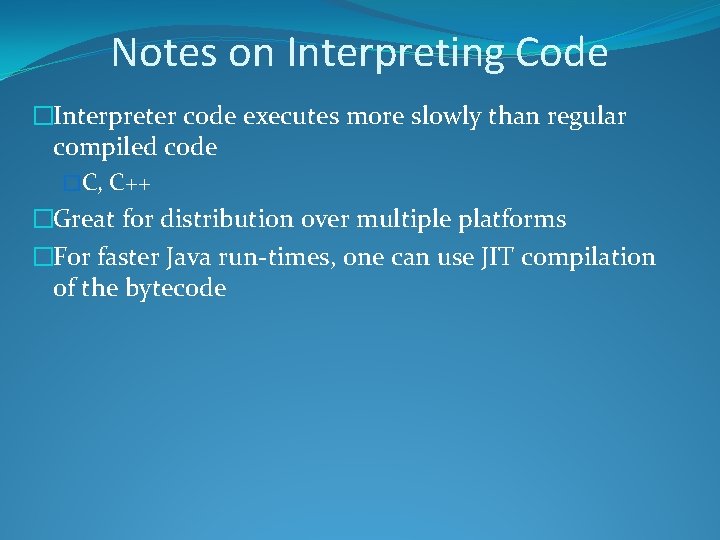
Notes on Interpreting Code �Interpreter code executes more slowly than regular compiled code �C, C++ �Great for distribution over multiple platforms �For faster Java run-times, one can use JIT compilation of the bytecode
Writing your Java Program
Before writing our first Java program, let’s ask ourselves: “Which editor should we use to write our Java code? ”
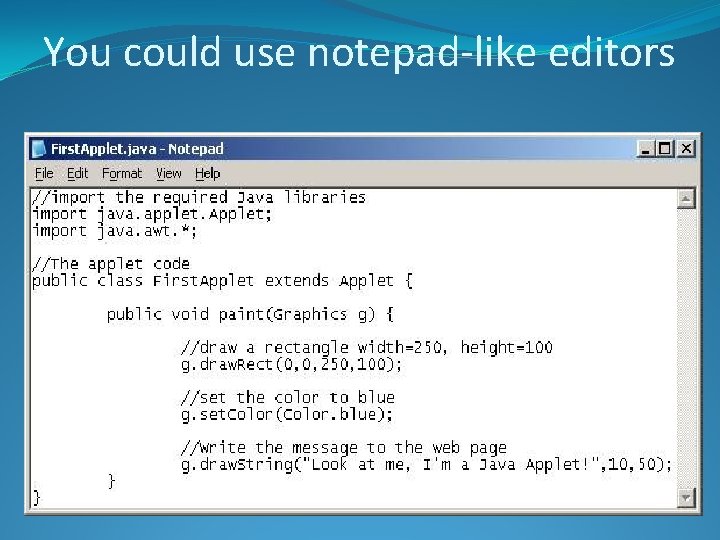
You could use notepad-like editors
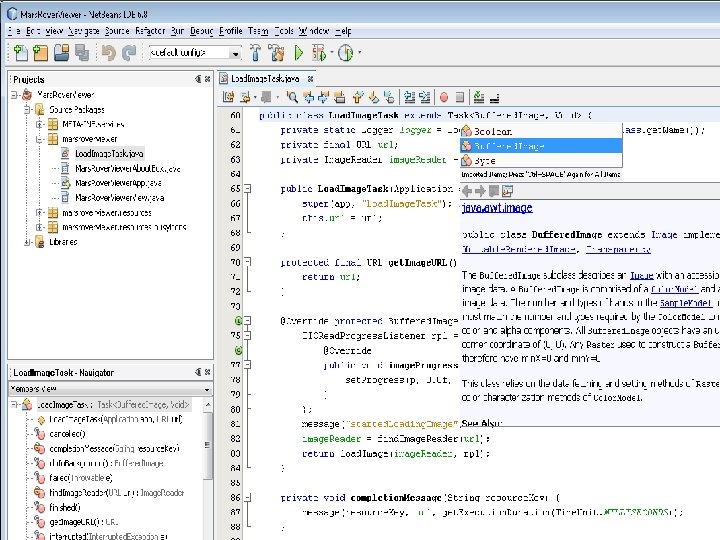
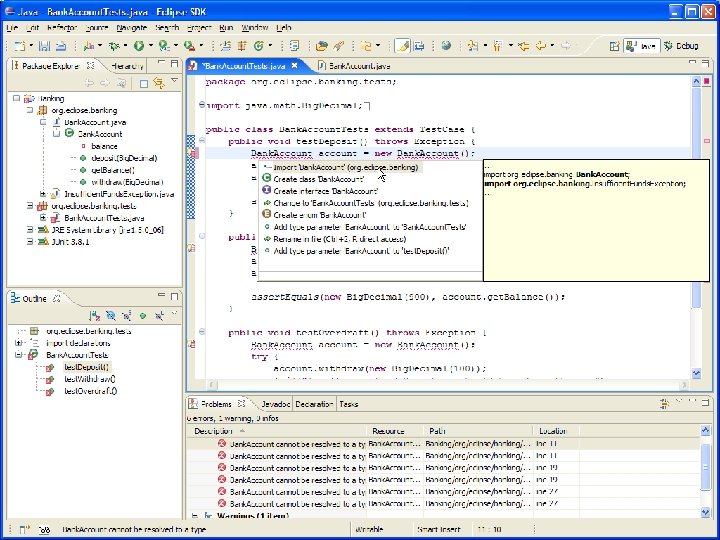
But we really should be using an IDE!
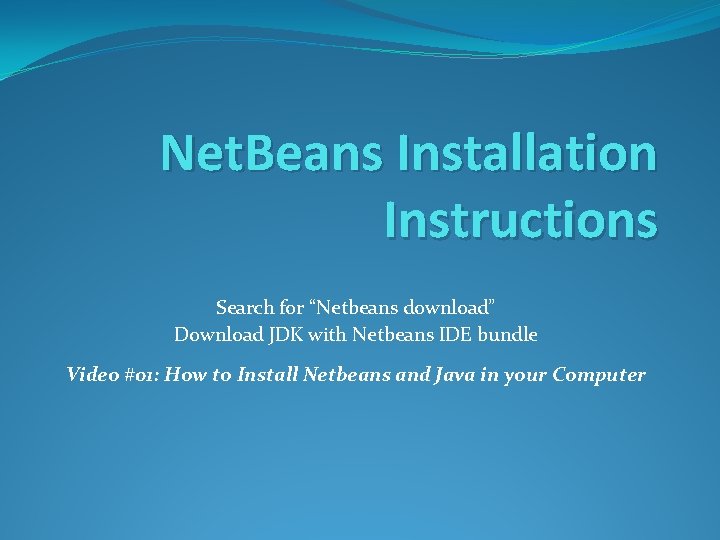
Net. Beans Installation Instructions Search for “Netbeans download” Download JDK with Netbeans IDE bundle Video #01: How to Install Netbeans and Java in your Computer
Compiling and Running your Java Program
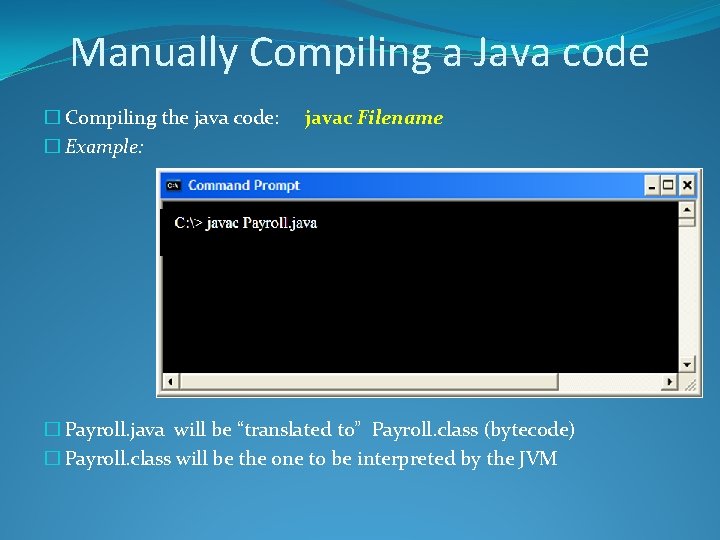
Manually Compiling a Java code � Compiling the java code: � Example: javac Filename � Payroll. java will be “translated to” Payroll. class (bytecode) � Payroll. class will be the one to be interpreted by the JVM
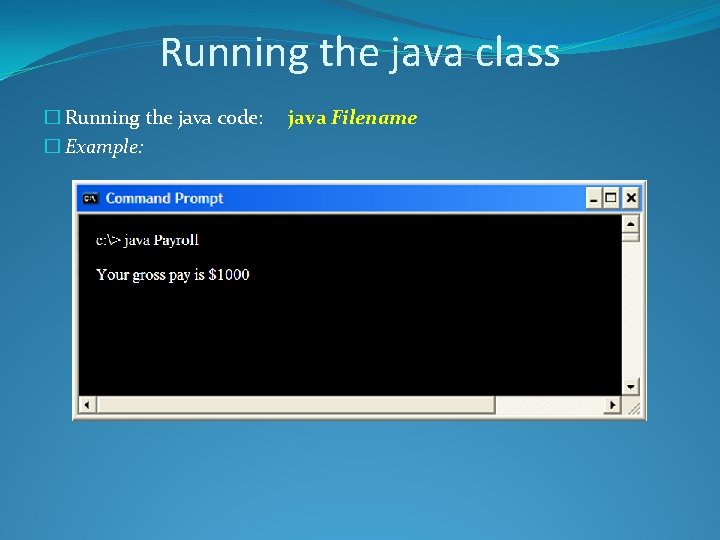
Running the java class � Running the java code: � Example: java Filename
Video Library For more information on compiling and running your codes Course website >> Video Library >> Videos on How to Compile … >> Video #03: Compiling and Running Java in a Terminal Window
Compiling and Running Our First Java Code
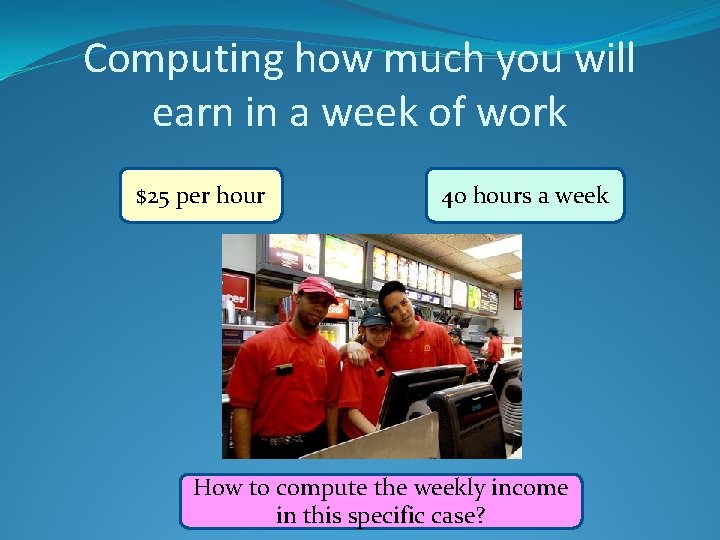
Computing how much you will earn in a week of work $25 per hour 40 hours a week How to compute the weekly income in this specific case?
Our First Java Code public class Payroll { public static void main(String[] args) { int hours = 40; double gross. Pay, pay. Rate = 25. 0; gross. Pay = hours * pay. Rate; System. out. println(“Your gross pay is $” + gross. Pay); } } See Payroll. java
Our First Java Code Remember, we need to compile our code to run it!
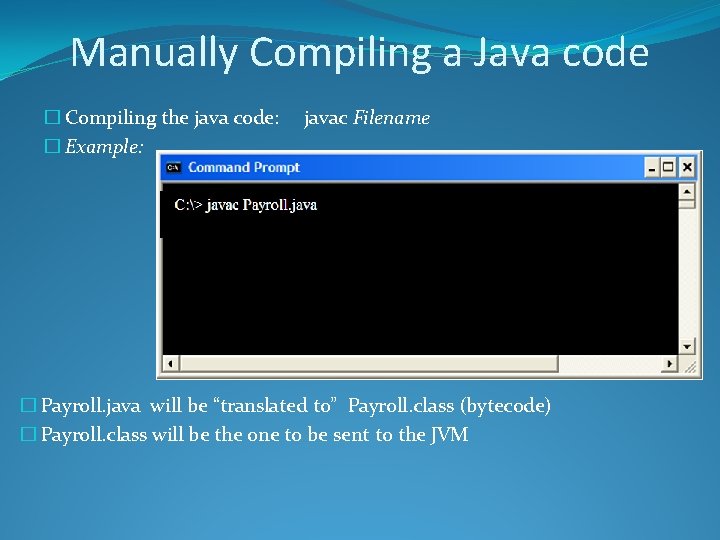
Manually Compiling a Java code � Compiling the java code: � Example: javac Filename � Payroll. java will be “translated to” Payroll. class (bytecode) � Payroll. class will be the one to be sent to the JVM
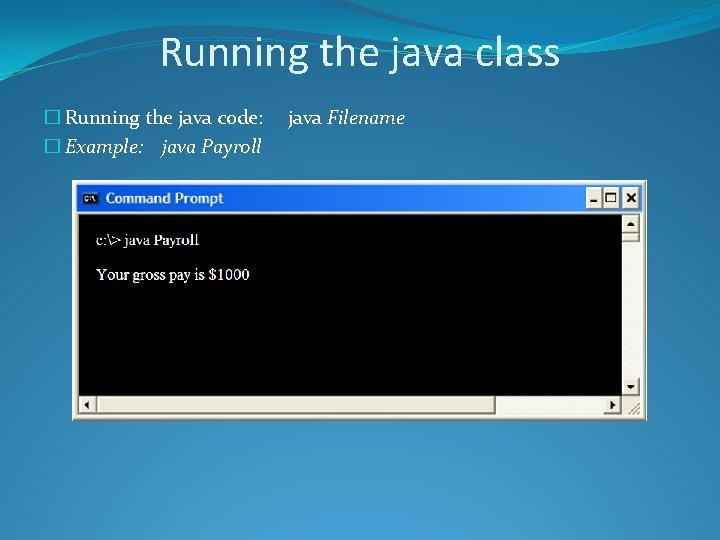
Running the java class � Running the java code: � Example: java Payroll java Filename
Using IDEs to develop, compile, debug, and running your Java code
Exploring Net. Beans �Creating the same java program in the IDE �Explaining the source code that it generates for you �Placing a print command �Placing two variables �Understanding how the IDE helps you to find errors �Debugging your code �Executing the code
The Java Language
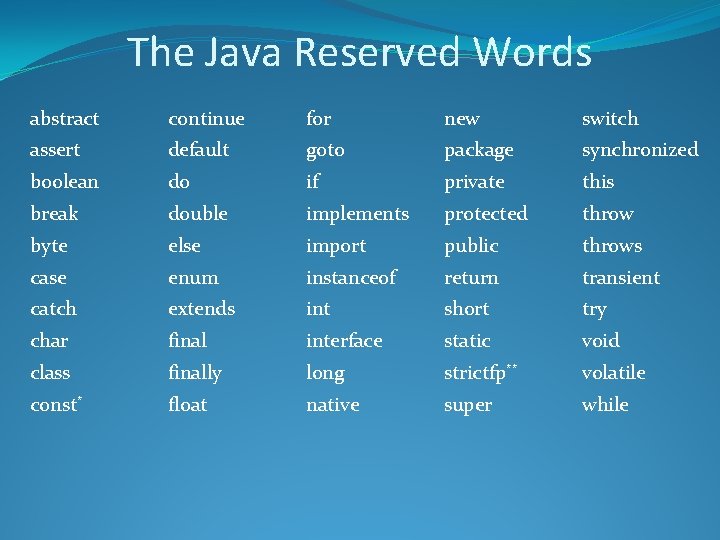
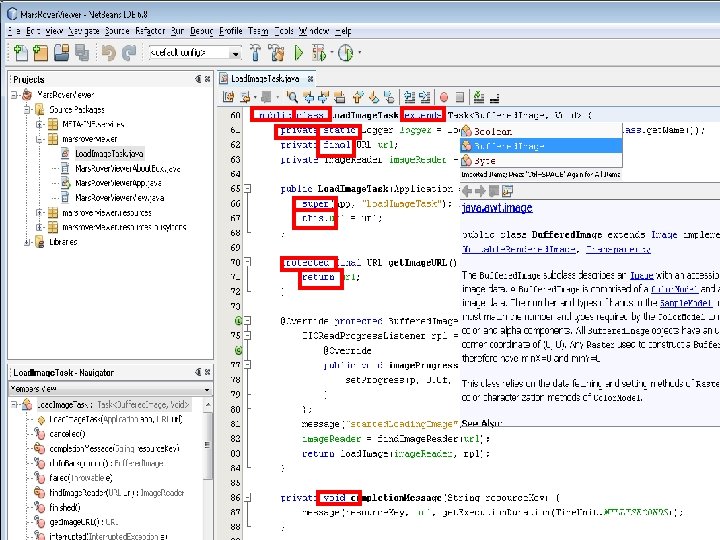
The Java Reserved Words
The Java Reserved Words abstract continue for new switch assert default goto package synchronized boolean do if private this break double implements protected throw byte else import public throws case enum instanceof return transient catch extends int short try char final interface static void class finally long strictfp** volatile const* float native super while
Any Questions? 44