
CS Learning Centre DBI Tutorial Introduction About Tutorial
CS Learning Centre DBI Tutorial
Introduction About Tutorial: Based on CGI Programming with Perl, 2 nd Edition (Available at CS e. Book section on Dal Library site) About DBI: Perl's Database Interface Command are similar to standard SQL syntax
Table of Contents Connecting to DBI Database manipulation using “do” Using “prepare”
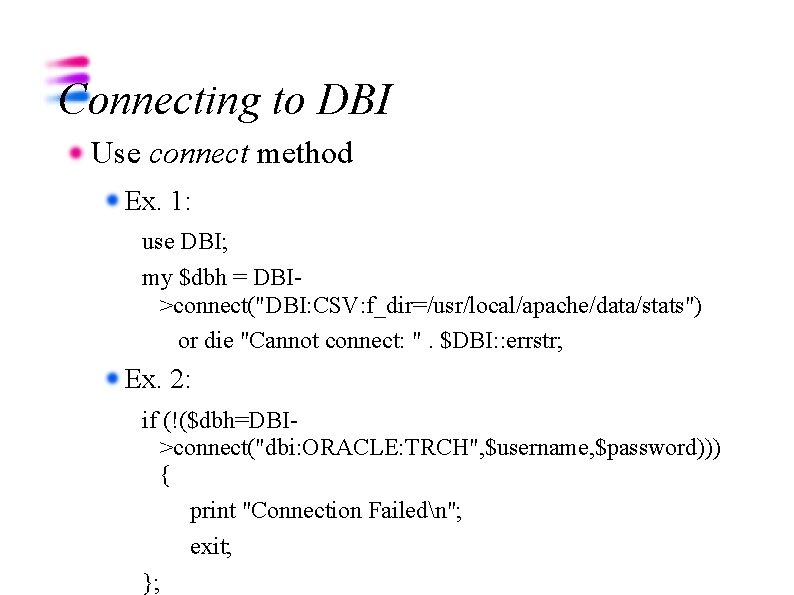
Connecting to DBI Use connect method Ex. 1: use DBI; my $dbh = DBI>connect("DBI: CSV: f_dir=/usr/local/apache/data/stats") or die "Cannot connect: ". $DBI: : errstr; Ex. 2: if (!($dbh=DBI>connect("dbi: ORACLE: TRCH", $username, $password))) { print "Connection Failedn"; exit; };
Connecting to DBI (Cont'd) Disconnect: use disconnet method Ex. $dbh->disconnect;
Using do The do method will immediately execute the command Use to perform SQL commands such as create table, insert update, and delete quickly. Ex. $dbh->do( "insert into Player_Info values ('Hakeem Olajuwon', 10, 27, 11, 4, 2)") or die "Cannot do: ". $dbh->errstr( );
Using prepare The prepare method creates a statement handle to fetch the result Use to break-up the command to help troubleshooting. Also, use to query Used in conjunction with execute method The finish method cleans up the statement handle created by the prepare method
Using Prepare (Cont'd) Ex. : Querying my $sql = "select * from Player_Info"; my $sth = $dbh->prepare($sql) or die "Cannot prepare: ". $dbh->errstr( ); $sth->execute( ) or die "Cannot execute: ". $sth->errstr( ); my @row; while (@row = $sth->fetchrow_array( )) { print join(", ", @row). "n"; } $sth->finish( );
- Slides: 8