
CS 6750 HumanComputer Interaction Fall 2009 Keith Edwards
- Slides: 28
CS 6750 Human-Computer Interaction Fall 2009 Keith Edwards keith@cc. gatech. edu
Agenda • Introductions – Me – You • Administrative stuff… • HCI Overview – Objectives – Principles 2
Introductions • Instructor – Keith Edwards – College of Computing – Coordinator of GT’s Computer Science Ph. D. program – Associate Director, GVU • Research areas – – Human-network interaction Usable security Social impacts of technology Advanced interaction techniques • Formative experiences… – Industry – PARC, Sun, … 3
Introductions • Your turn – Undergrad degree and background? – Work experience? – Why interested in an HCI class? – What best skill do you bring to a project team? 4
Course Information • Books – Human-Computer Interaction, by Alan Dix, Janet Finlay, Gregory Abowd, and Russell Beale. Prentice Hall, 2004. – The Design of Everyday Things, by Donald Norman. Currency/Doubleday, 1990. • Web – – – http: //www. cc. gatech. edu/classes/AY 2010/cs 6750_fall Syllabus & Class Info Schedule Assignments T-square (class shared webspace) HCI resources 5
Course Information • Grading – Group project, 4 parts (45%) • More details soon. . . – Mid-term exam (15% total) – Note: no final – Homeworks (30% total) • One week to do, likely 4 over the semester – Participation (10% total) • Class involvement and peer review • Includes project involvement/effort 6
Resources • • • Previous courses, courses elsewhere, info on the web HCI Digital Library Books Web sites Standards documents Go further – Move beyond lectures & book – Further courses – Step into research 7
HCI Here we go…
HCI What? HCI Why? • What happens when a human and a computer system interact to perform a task? – • 1. 2. 3. task - write document, calculate budget, solve equation, learn about Bosnia, drive home, make a reservation, land a plane. . . Why is this important? Computer systems affect every person Safety, satisfaction, utility is critical Product success depends on ease of use 9
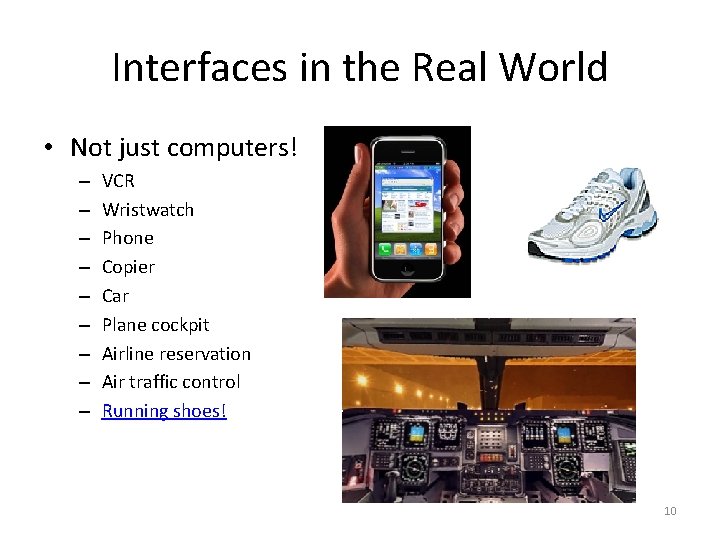
Interfaces in the Real World • Not just computers! – – – – – VCR Wristwatch Phone Copier Car Plane cockpit Airline reservation Air traffic control Running shoes! 10
Goals of HCI • Allow users to carry out tasks – Safely – Effectively – Efficiently – Enjoyably 11
Usability • Crucial issue in this area! • Combination of – Ease of learning – High speed of user task performance – Low user error rate – Subjective user satisfaction – User retention over time 12
HCI How? • How do we improve interfaces? 1. Educate software professionals 2. Draw upon fast accumulating body of knowledge regarding H-C interface design 3. Integrate UI design methods & techniques into standard software development methodologies now in place 13
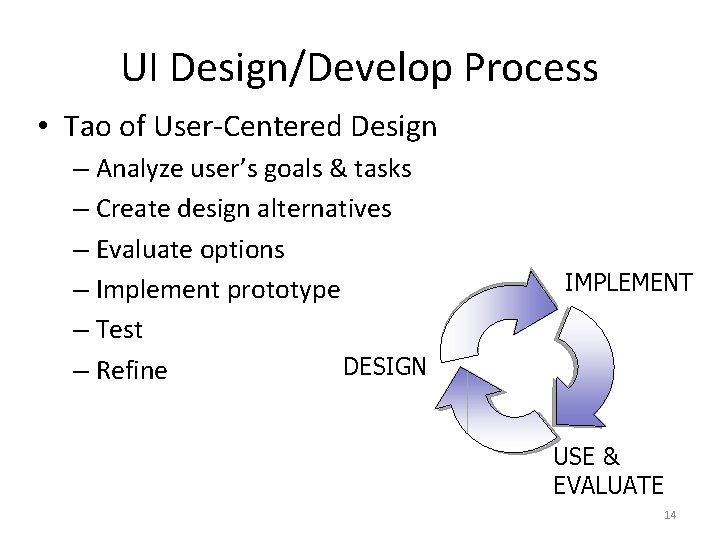
UI Design/Develop Process • Tao of User-Centered Design – Analyze user’s goals & tasks – Create design alternatives – Evaluate options – Implement prototype – Test DESIGN – Refine IMPLEMENT USE & EVALUATE 14
Above All Else… • Know the User! – – Physical & cognitive abilities (& special needs) Personality & culture Knowledge & skills Motivation • Two Fatal Mistakes: 1. Assume all users are alike 2. Assume all users are like the designer 15
Design Evaluation • “Looks good to me” isn’t good enough! • Both subjective and objective metrics • Some things we can measure – Time to learn – Speed of performance – Rate of errors by user – Retention over time – Subjective satisfaction 16
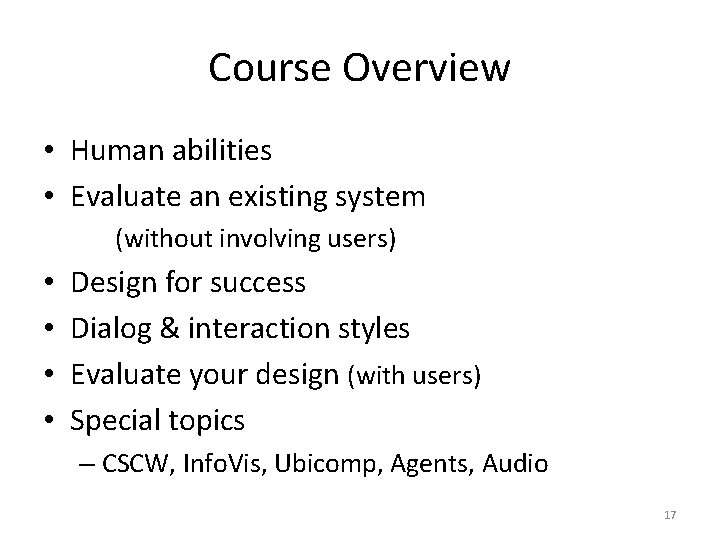
Course Overview • Human abilities • Evaluate an existing system (without involving users) • • Design for success Dialog & interaction styles Evaluate your design (with users) Special topics – CSCW, Info. Vis, Ubicomp, Agents, Audio 17
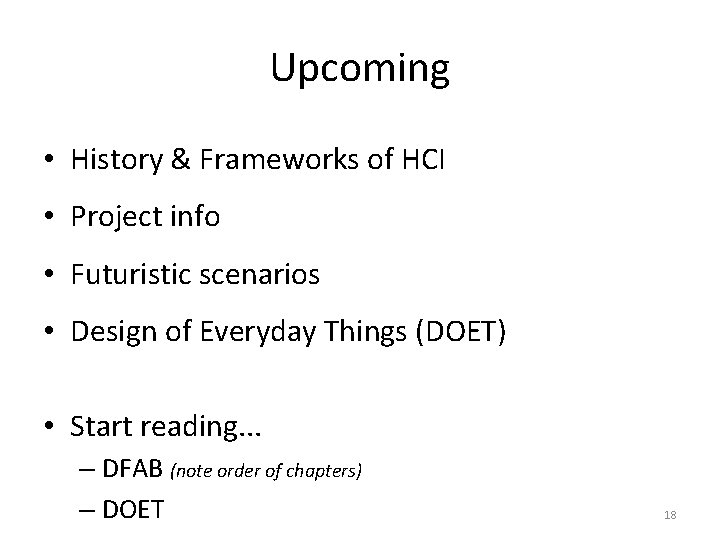
Upcoming • History & Frameworks of HCI • Project info • Futuristic scenarios • Design of Everyday Things (DOET) • Start reading. . . – DFAB (note order of chapters) – DOET 18
Group Project Semester-long team effort
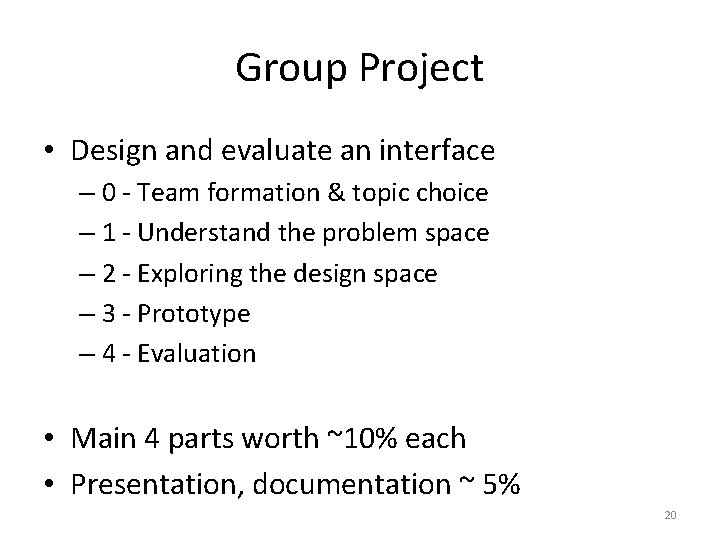
Group Project • Design and evaluate an interface – 0 - Team formation & topic choice – 1 - Understand the problem space – 2 - Exploring the design space – 3 - Prototype – 4 - Evaluation • Main 4 parts worth ~10% each • Presentation, documentation ~ 5% 20
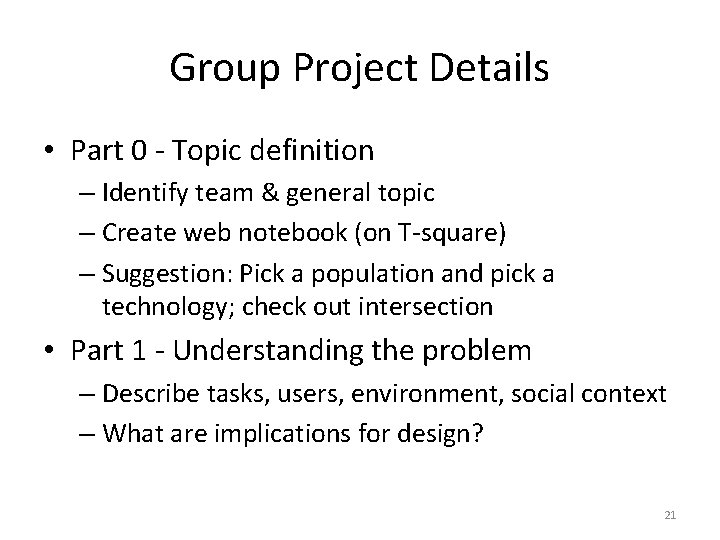
Group Project Details • Part 0 - Topic definition – Identify team & general topic – Create web notebook (on T-square) – Suggestion: Pick a population and pick a technology; check out intersection • Part 1 - Understanding the problem – Describe tasks, users, environment, social context – What are implications for design? 21
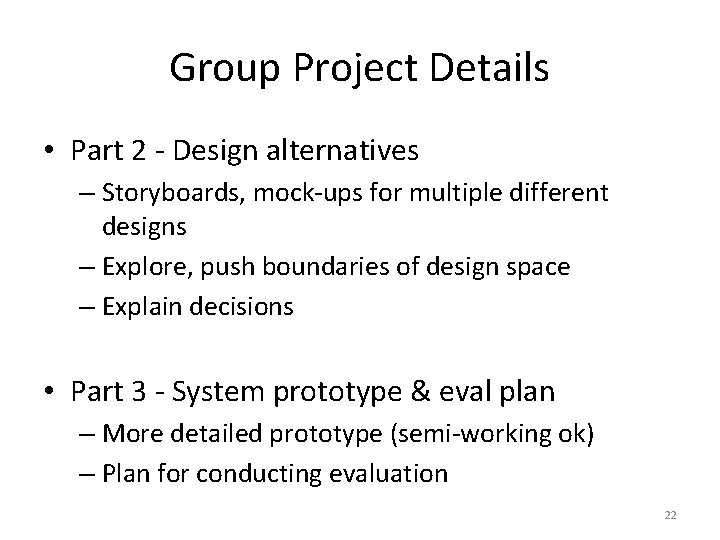
Group Project Details • Part 2 - Design alternatives – Storyboards, mock-ups for multiple different designs – Explore, push boundaries of design space – Explain decisions • Part 3 - System prototype & eval plan – More detailed prototype (semi-working ok) – Plan for conducting evaluation 22
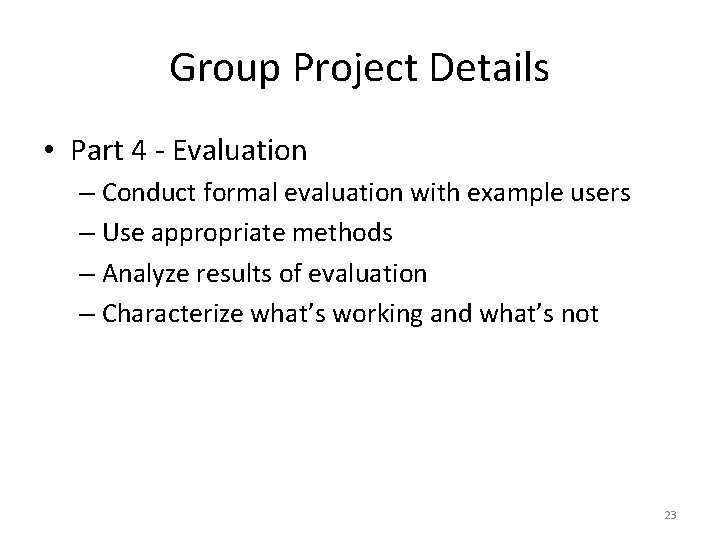
Group Project Details • Part 4 - Evaluation – Conduct formal evaluation with example users – Use appropriate methods – Analyze results of evaluation – Characterize what’s working and what’s not 23
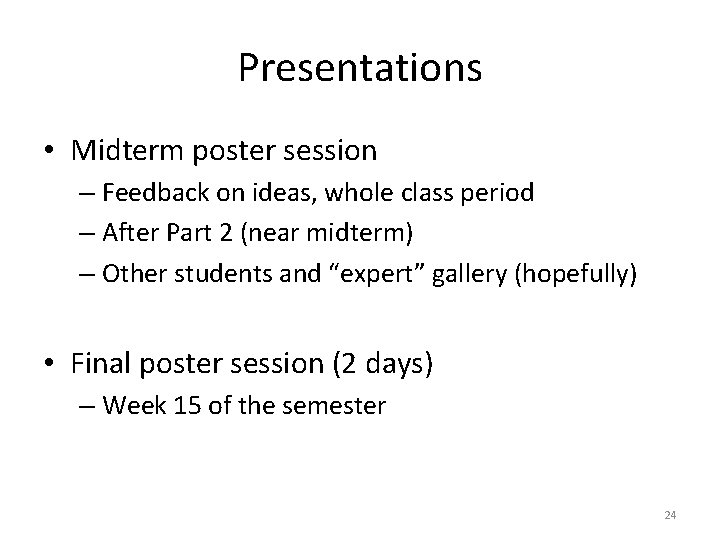
Presentations • Midterm poster session – Feedback on ideas, whole class period – After Part 2 (near midterm) – Other students and “expert” gallery (hopefully) • Final poster session (2 days) – Week 15 of the semester 24
Project Teams • 2 people – You decide (or I will!) – Diverse is best! – Consider schedules – Use the T-square web space: • Immediately post ideas for general topics, populations, technologies, etc. • t-square. gatech. edu • Cool project and team name 25
Project Topics • Semester theme: “Innovative Interfaces in Everyday Life” – ? ? What does this mean ? ? • General Topic: – “Phase 0” of the project – Set up web notebook on T-square 26
What Makes a Good Project • Typically: – Access to domain experts & users – “Real” clients – Interesting human issues – Rich domain for design • Theme has a LOT of range for topics 27
Previous Topic Ideas • • • Mobile/handheld (cars, tour guides, etc. ) Wedding planner GIS Calendar agent (speech) Audio / Web sites Domain that you know well 28