
CS 59506030 Network Security Class 21 W 101905
- Slides: 33
CS 5950/6030 Network Security Class 21 (W, 10/19/05) Leszek Lilien Department of Computer Science Western Michigan University Based on Security in Computing. Third Edition by Pfleeger and Pfleeger. Using some slides courtesy of: Prof. Aaron Striegel — at U. of Notre Dame Prof. Barbara Endicott-Popovsky and Prof. Deborah Frincke — at U. Washington Prof. Jussipekka Leiwo — at Vrije Universiteit (Free U. ), Amsterdam, The Netherlands Slides not created by the above authors are © by Leszek T. Lilien, 2005 Requests to use original slides for non-profit purposes will be gladly granted upon a written request.
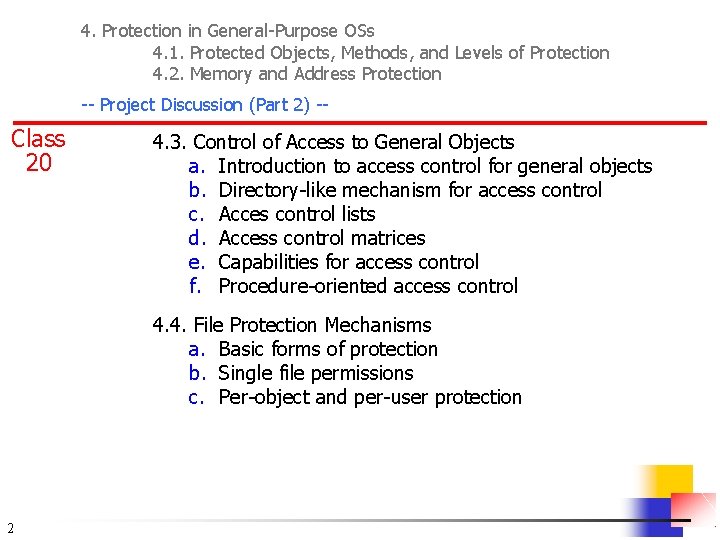
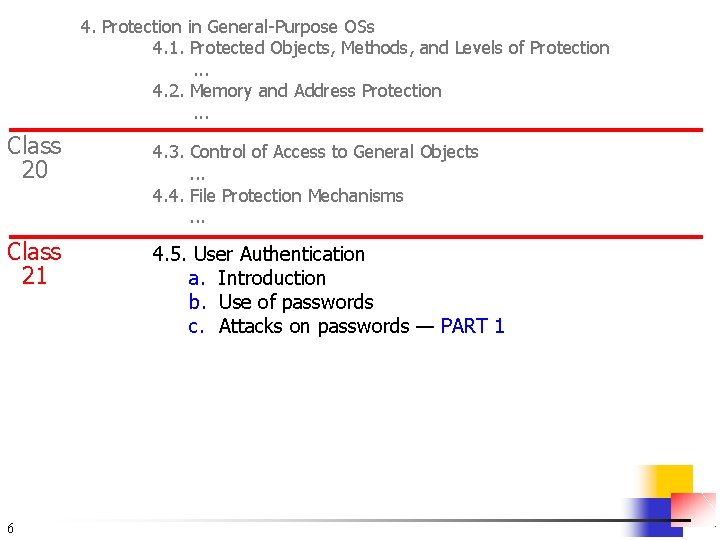
4. Protection in General-Purpose OSs 4. 1. Protected Objects, Methods, and Levels of Protection 4. 2. Memory and Address Protection -- Project Discussion (Part 2) -- Class 20 4. 3. Control of Access to General Objects a. Introduction to access control for general objects b. Directory-like mechanism for access control c. Acces control lists d. Access control matrices e. Capabilities for access control f. Procedure-oriented access control 4. 4. File Protection Mechanisms a. Basic forms of protection b. Single file permissions c. Per-object and per-user protection 2
4. 3. Control of Access to General Objects § 3 Outline a. Introduction to access control for general objects b. Directory-like mechanism for access control c. Access control lists d. Access control matrices e. Capabilities for access control f. Procedure-oriented access control g. Conclusions
4. 4. File Protection Mechanisms § § 4 Previous section: general object protection Now: file protection examples (more file protections exist) — as examples of object-specific protection Outline a. Basic forms of protection b. Single file permissions c. Per-object and per-user protection
End of Class 20 5
4. Protection in General-Purpose OSs 4. 1. Protected Objects, Methods, and Levels of Protection. . . 4. 2. Memory and Address Protection. . . Class 20 Class 21 6 4. 3. Control of Access to General Objects. . . 4. 4. File Protection Mechanisms. . . 4. 5. User Authentication a. Introduction b. Use of passwords c. Attacks on passwords — PART 1
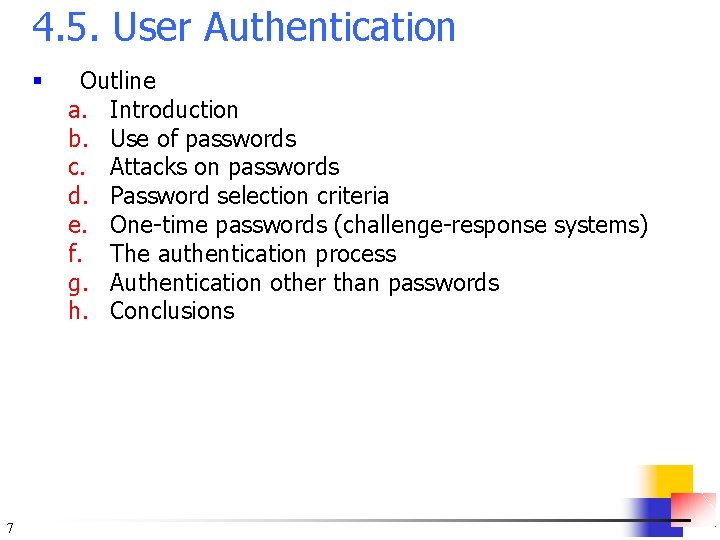
4. 5. User Authentication § 7 Outline a. Introduction b. Use of passwords c. Attacks on passwords d. Password selection criteria e. One-time passwords (challenge-response systems) f. The authentication process g. Authentication other than passwords h. Conclusions
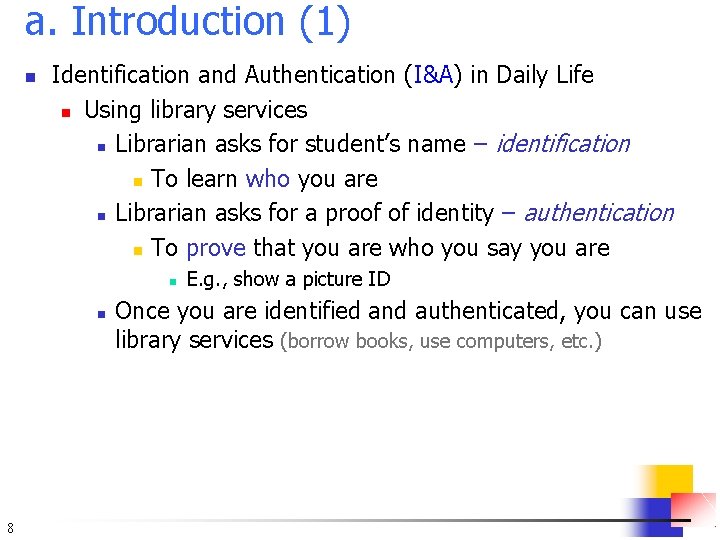
a. Introduction (1) n Identification and Authentication (I&A) in Daily Life n Using library services n Librarian asks for student’s name – identification n To learn who you are n Librarian asks for a proof of identity – authentication n To prove that you are who you say you are n n 8 E. g. , show a picture ID Once you are identified and authenticated, you can use library services (borrow books, use computers, etc. )
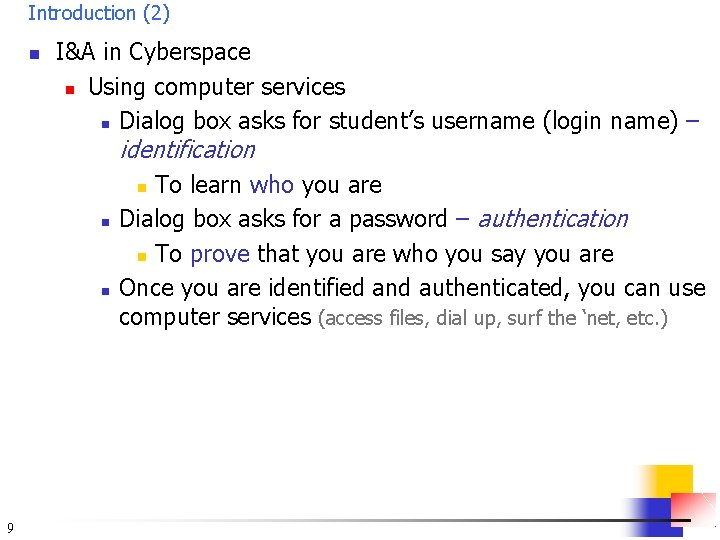
Introduction (2) n I&A in Cyberspace n Using computer services n Dialog box asks for student’s username (login name) – identification To learn who you are Dialog box asks for a password – authentication n To prove that you are who you say you are Once you are identified and authenticated, you can use computer services (access files, dial up, surf the ‘net, etc. ) n n n 9
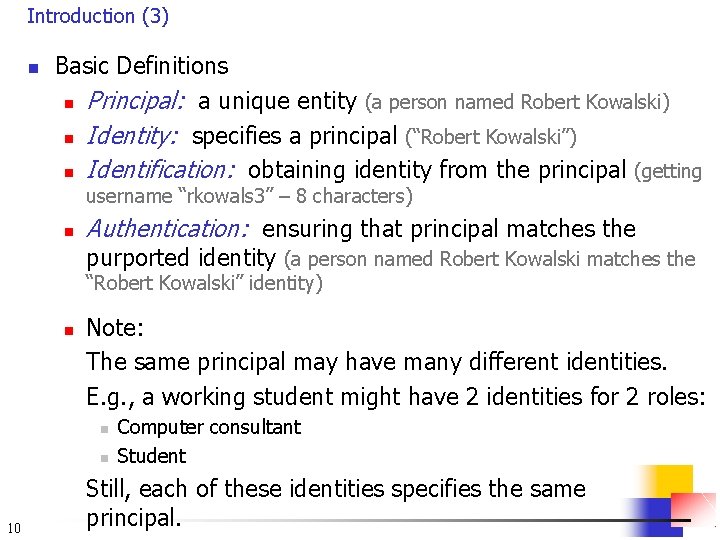
Introduction (3) n Basic Definitions n Principal: a unique entity (a person named Robert Kowalski) n Identity: specifies a principal (“Robert Kowalski”) n Identification: obtaining identity from the principal (getting username “rkowals 3” – 8 characters) n Authentication: ensuring that principal matches the purported identity (a person named Robert Kowalski matches the “Robert Kowalski” identity) n Note: The same principal may have many different identities. E. g. , a working student might have 2 identities for 2 roles: n n 10 Computer consultant Student Still, each of these identities specifies the same principal.
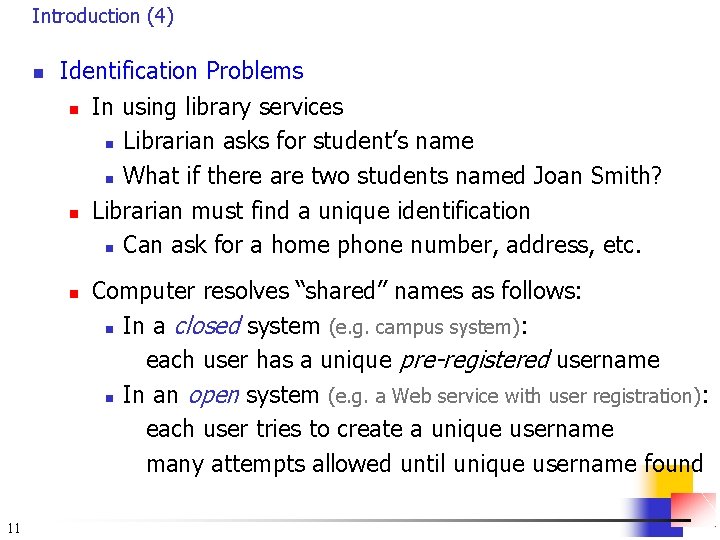
Introduction (4) n Identification Problems n n n 11 In using library services n Librarian asks for student’s name n What if there are two students named Joan Smith? Librarian must find a unique identification n Can ask for a home phone number, address, etc. Computer resolves “shared” names as follows: n In a closed system (e. g. campus system): each user has a unique pre-registered username n In an open system (e. g. a Web service with user registration): each user tries to create a unique username many attempts allowed until unique username found
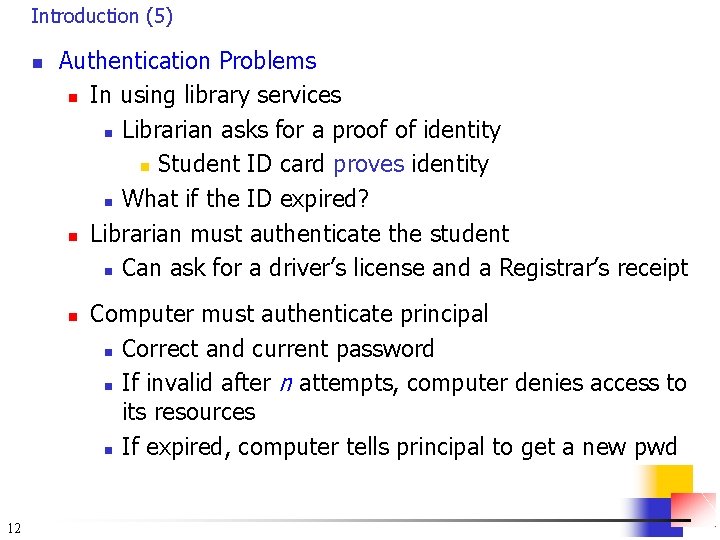
Introduction (5) n Authentication Problems n In using library services n Librarian asks for a proof of identity n Student ID card proves identity n What if the ID expired? n Librarian must authenticate the student n Can ask for a driver’s license and a Registrar’s receipt n 12 Computer must authenticate principal n Correct and current password n If invalid after n attempts, computer denies access to its resources n If expired, computer tells principal to get a new pwd
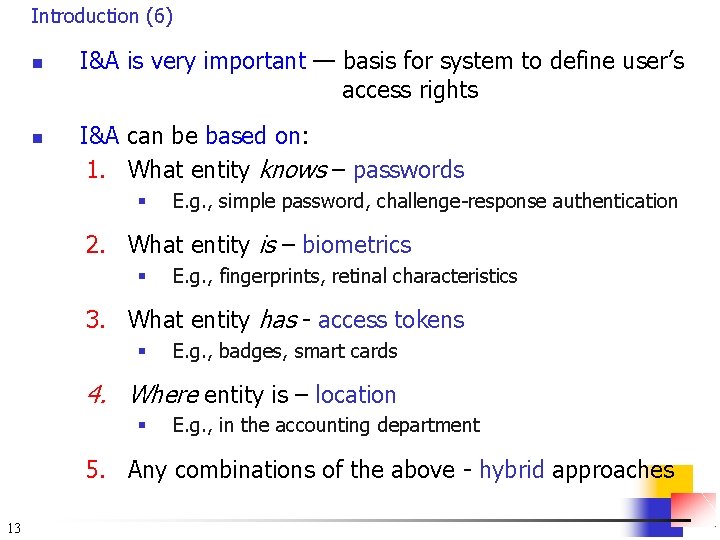
Introduction (6) n n I&A is very important — basis for system to define user’s access rights I&A can be based on: 1. What entity knows – passwords § E. g. , simple password, challenge-response authentication 2. What entity is – biometrics § E. g. , fingerprints, retinal characteristics 3. What entity has - access tokens § E. g. , badges, smart cards 4. Where entity is – location § E. g. , in the accounting department 5. Any combinations of the above - hybrid approaches 13
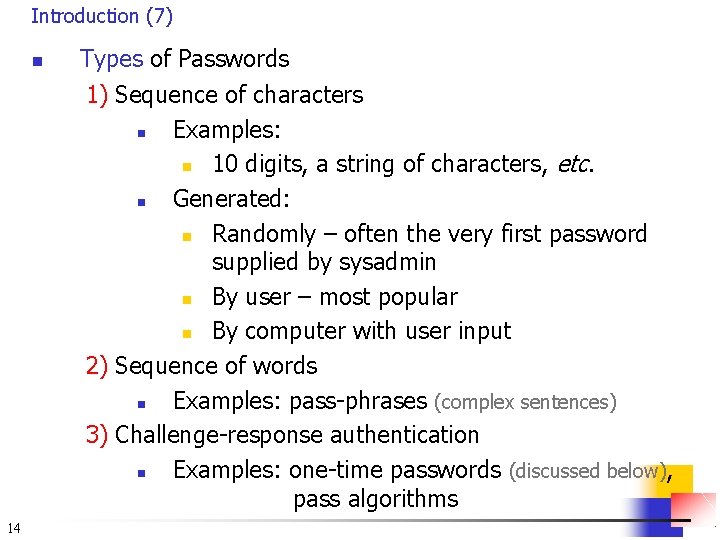
Introduction (7) n Types of Passwords 1) Sequence of characters n Examples: n 10 digits, a string of characters, etc. n Generated: n Randomly – often the very first password supplied by sysadmin n By user – most popular n By computer with user input 2) Sequence of words n Examples: pass-phrases (complex sentences) 3) Challenge-response authentication n Examples: one-time passwords (discussed below), pass algorithms 14
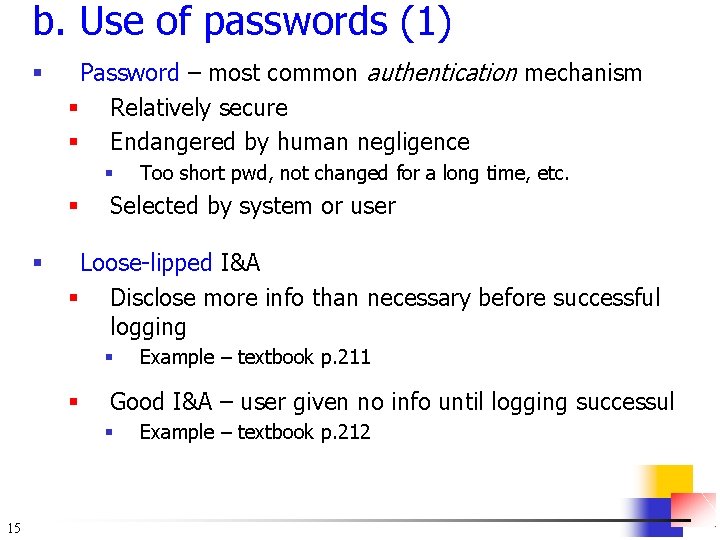
b. Use of passwords (1) § Password – most common authentication mechanism § Relatively secure § Endangered by human negligence § § § Selected by system or user Loose-lipped I&A § Disclose more info than necessary before successful logging § § Example – textbook p. 211 Good I&A – user given no info until logging successul § 15 Too short pwd, not changed for a long time, etc. Example – textbook p. 212
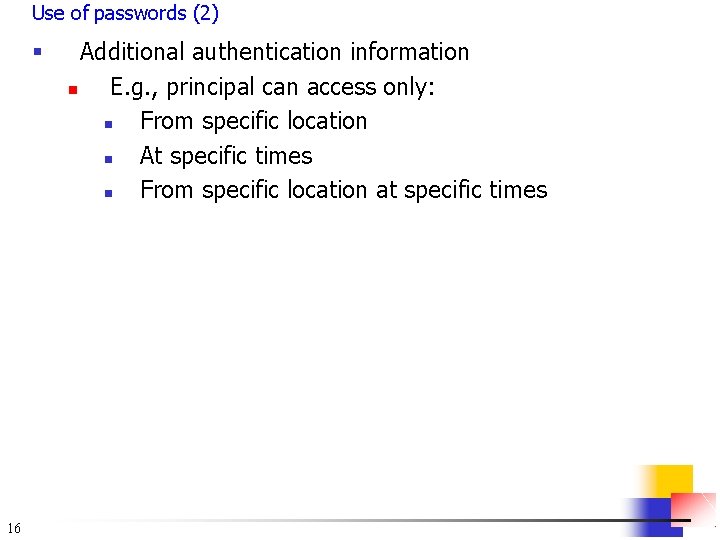
Use of passwords (2) § 16 Additional authentication information n E. g. , principal can access only: n From specific location n At specific times n From specific location at specific times
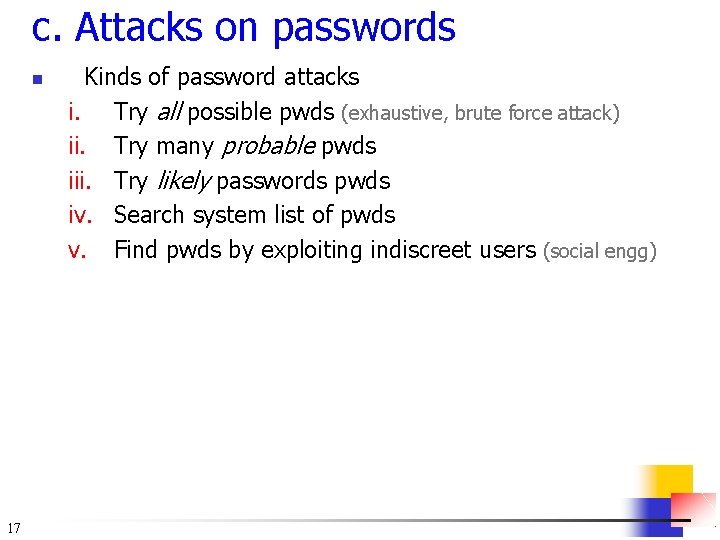
c. Attacks on passwords n 17 Kinds of password attacks i. Try all possible pwds (exhaustive, brute force attack) ii. Try many probable pwds iii. Try likely passwords pwds iv. Search system list of pwds v. Find pwds by exploiting indiscreet users (social engg)
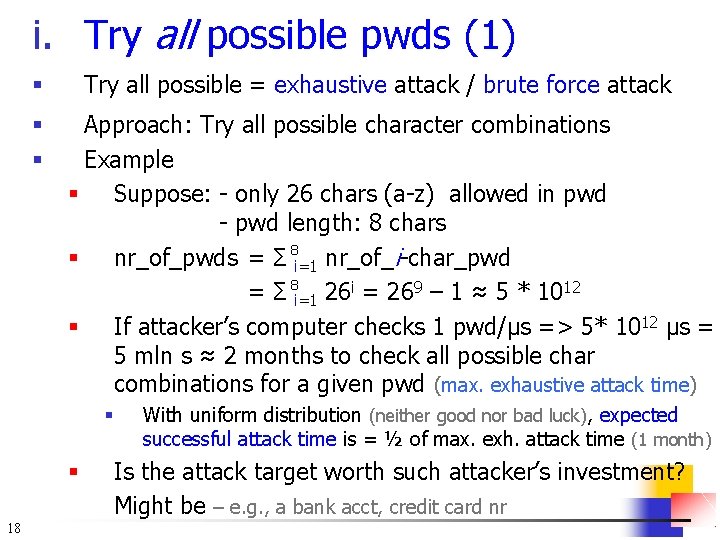
i. Try all possible pwds (1) Try all possible = exhaustive attack / brute force attack § § § Approach: Try all possible character combinations Example § Suppose: - only 26 chars (a-z) allowed in pwd - pwd length: 8 chars § nr_of_pwds = Σ 8 i=1 nr_of_i-char_pwd = Σ 8 i=1 26 i = 269 – 1 ≈ 5 * 1012 § If attacker’s computer checks 1 pwd/μs => 5* 1012 μs = 5 mln s ≈ 2 months to check all possible char combinations for a given pwd (max. exhaustive attack time) § § 18 With uniform distribution (neither good nor bad luck), expected successful attack time is = ½ of max. exh. attack time (1 month) Is the attack target worth such attacker’s investment? Might be – e. g. , a bank acct, credit card nr
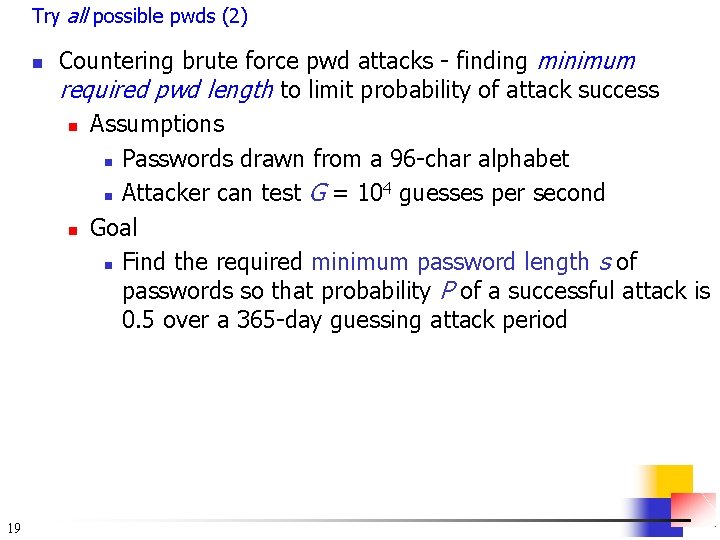
Try all possible pwds (2) n 19 Countering brute force pwd attacks - finding minimum required pwd length to limit probability of attack success n Assumptions n Passwords drawn from a 96 -char alphabet 4 n Attacker can test G = 10 guesses per second n Goal n Find the required minimum password length s of passwords so that probability P of a successful attack is 0. 5 over a 365 -day guessing attack period
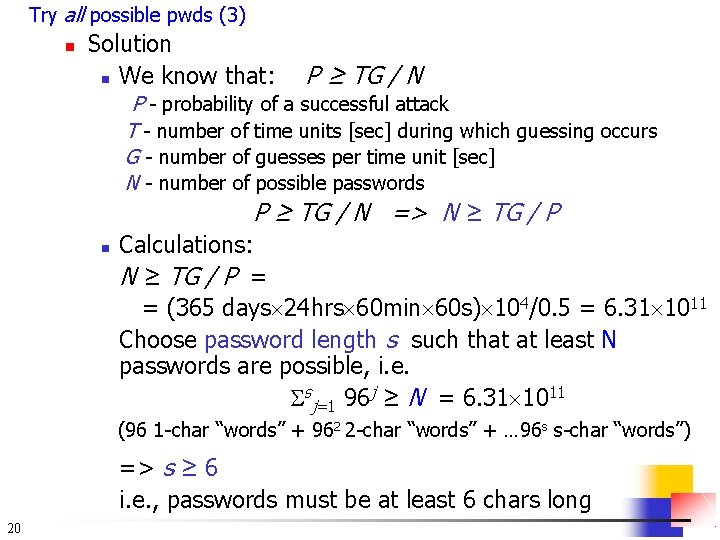
Try all possible pwds (3) n Solution n We know that: P ≥ TG / N P - probability of a successful attack T - number of time units [sec] during which guessing occurs G - number of guesses per time unit [sec] N - number of possible passwords P ≥ TG / N => N ≥ TG / P n Calculations: N ≥ TG / P = = (365 days 24 hrs 60 min 60 s) 104/0. 5 = 6. 31 1011 Choose password length s such that at least N passwords are possible, i. e. sj=1 96 j ≥ N = 6. 31 1011 (96 1 -char “words” + 962 2 -char “words” + … 96 s s-char “words”) => s ≥ 6 i. e. , passwords must be at least 6 chars long 20
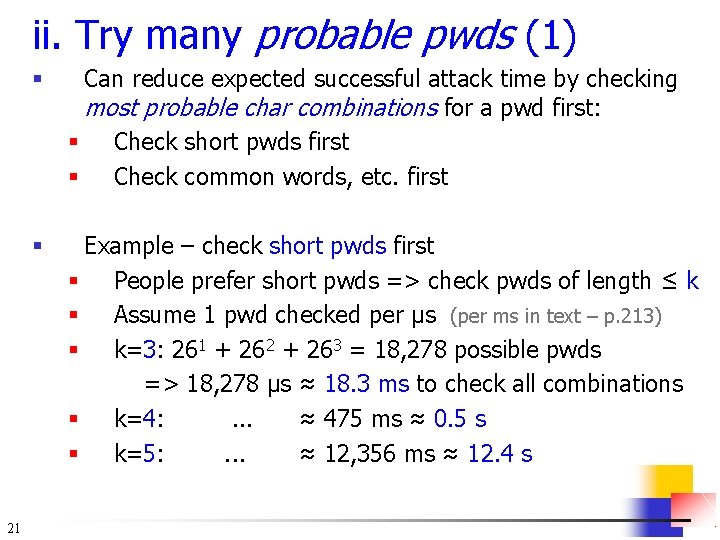
ii. Try many probable pwds (1) 21 § Can reduce expected successful attack time by checking most probable char combinations for a pwd first: § Check short pwds first § Check common words, etc. first § Example – check short pwds first § People prefer short pwds => check pwds of length ≤ k § Assume 1 pwd checked per μs (per ms in text – p. 213) § k=3: 261 + 262 + 263 = 18, 278 possible pwds => 18, 278 μs ≈ 18. 3 ms to check all combinations § k=4: . . . ≈ 475 ms ≈ 0. 5 s § k=5: . . . ≈ 12, 356 ms ≈ 12. 4 s
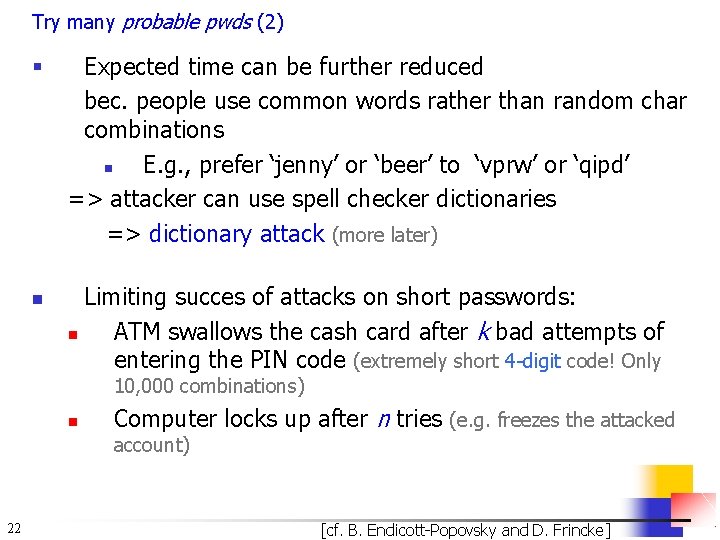
Try many probable pwds (2) § n Expected time can be further reduced bec. people use common words rather than random char combinations n E. g. , prefer ‘jenny’ or ‘beer’ to ‘vprw’ or ‘qipd’ => attacker can use spell checker dictionaries => dictionary attack (more later) Limiting succes of attacks on short passwords: n ATM swallows the cash card after k bad attempts of entering the PIN code (extremely short 4 -digit code! Only 10, 000 combinations) n Computer locks up after n tries (e. g. freezes the attacked account) 22 [cf. B. Endicott-Popovsky and D. Frincke]
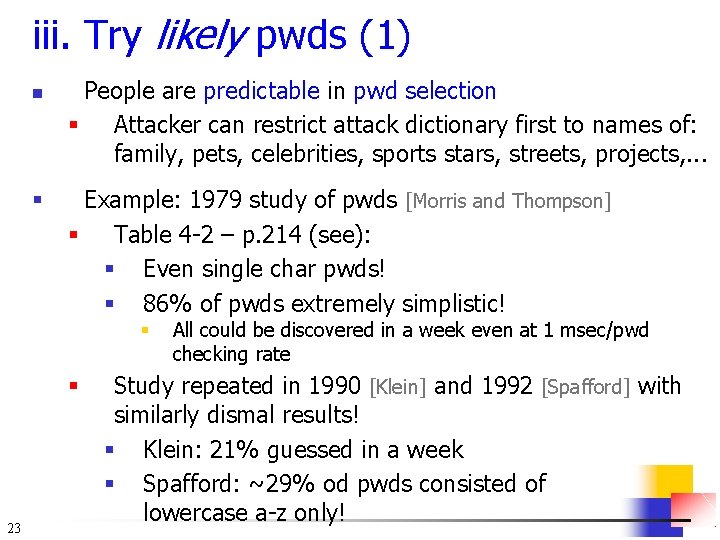
iii. Try likely pwds (1) n § People are predictable in pwd selection § Attacker can restrict attack dictionary first to names of: family, pets, celebrities, sports stars, streets, projects, . . . Example: 1979 study of pwds [Morris and Thompson] § Table 4 -2 – p. 214 (see): § Even single char pwds! § 86% of pwds extremely simplistic! § § 23 All could be discovered in a week even at 1 msec/pwd checking rate Study repeated in 1990 [Klein] and 1992 [Spafford] with similarly dismal results! § Klein: 21% guessed in a week § Spafford: ~29% od pwds consisted of lowercase a-z only!
Try likely pwds (2) n 24 Utilites helping admins to identify bad pwds n COPS n Crack n SATAN Can be used by attackers, too [cf. B. Endicott-Popovsky and D. Frincke]
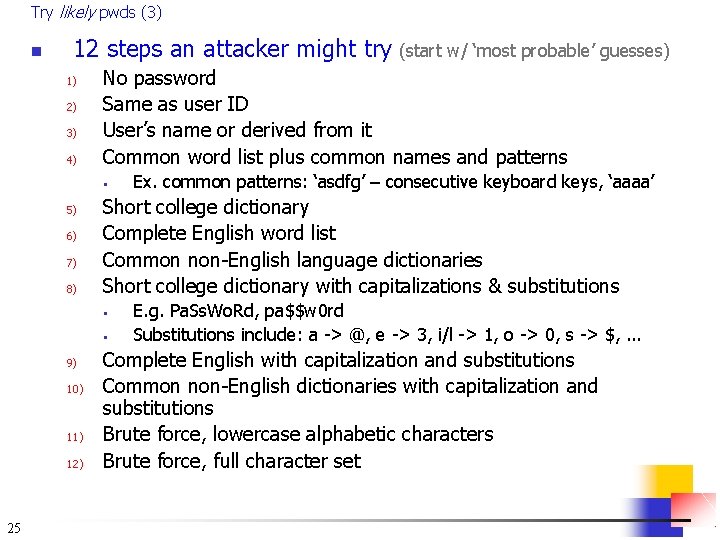
Try likely pwds (3) n 12 steps an attacker might try (start w/ ‘most probable’ guesses) 1) 2) 3) 4) No password Same as user ID User’s name or derived from it Common word list plus common names and patterns § 5) 6) 7) 8) Short college dictionary Complete English word list Common non-English language dictionaries Short college dictionary with capitalizations & substitutions § § 9) 10) 11) 12) 25 Ex. common patterns: ‘asdfg’ – consecutive keyboard keys, ‘aaaa’ E. g. Pa. Ss. Wo. Rd, pa$$w 0 rd Substitutions include: a -> @, e -> 3, i/l -> 1, o -> 0, s -> $, . . . Complete English with capitalization and substitutions Common non-English dictionaries with capitalization and substitutions Brute force, lowercase alphabetic characters Brute force, full character set
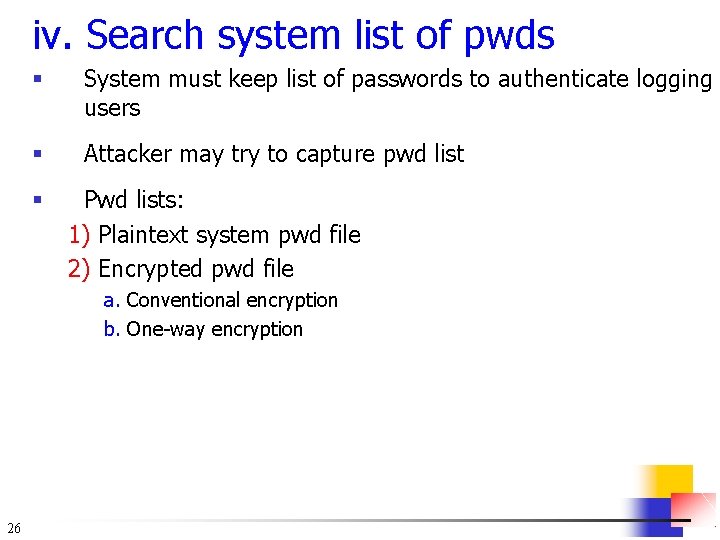
iv. Search system list of pwds § System must keep list of passwords to authenticate logging users § Attacker may try to capture pwd list § Pwd lists: 1) Plaintext system pwd file 2) Encrypted pwd file a. Conventional encryption b. One-way encryption 26
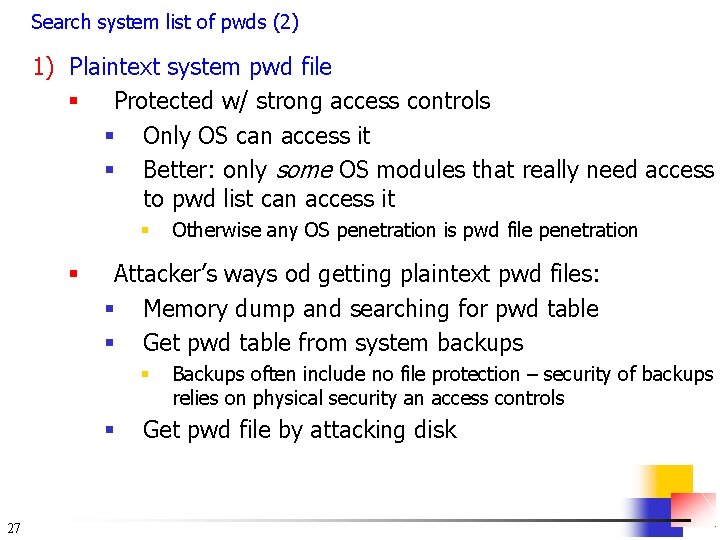
Search system list of pwds (2) 1) Plaintext system pwd file § Protected w/ strong access controls § Only OS can access it § Better: only some OS modules that really need access to pwd list can access it § § Attacker’s ways od getting plaintext pwd files: § Memory dump and searching for pwd table § Get pwd table from system backups § § 27 Otherwise any OS penetration is pwd file penetration Backups often include no file protection – security of backups relies on physical security an access controls Get pwd file by attacking disk
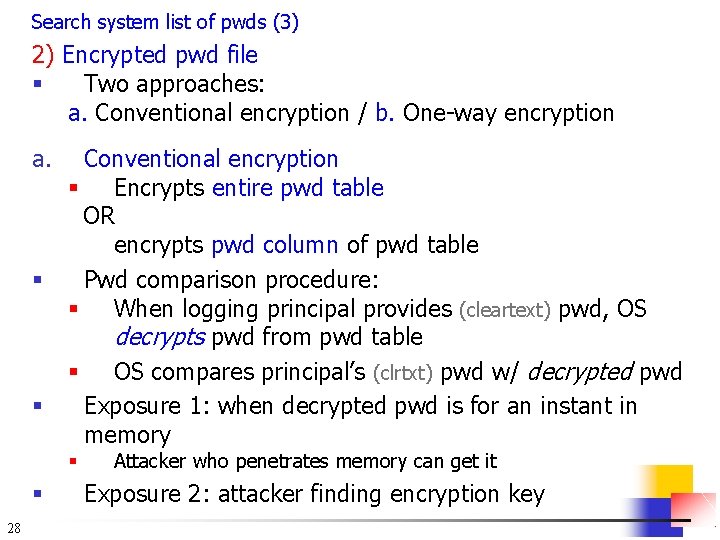
Search system list of pwds (3) 2) Encrypted pwd file § Two approaches: a. Conventional encryption / b. One-way encryption a. § § Conventional encryption § Encrypts entire pwd table OR encrypts pwd column of pwd table Pwd comparison procedure: § When logging principal provides (cleartext) pwd, OS decrypts pwd from pwd table § OS compares principal’s (clrtxt) pwd w/ decrypted pwd Exposure 1: when decrypted pwd is for an instant in memory § § 28 Attacker who penetrates memory can get it Exposure 2: attacker finding encryption key
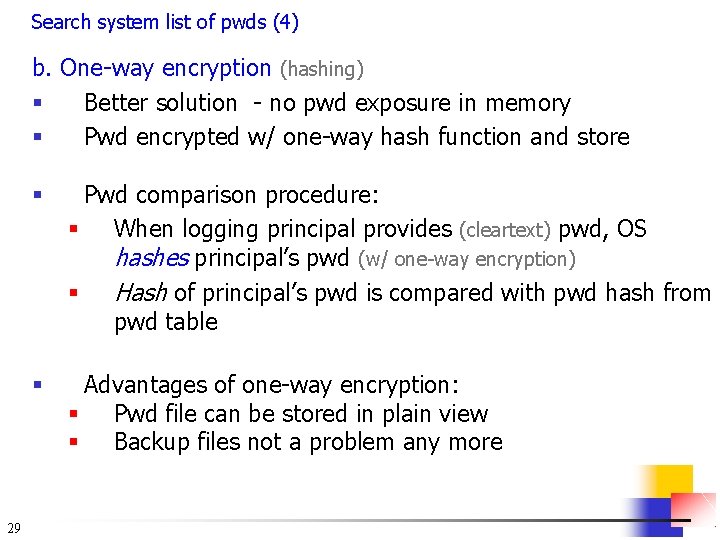
Search system list of pwds (4) b. One-way encryption (hashing) § Better solution - no pwd exposure in memory § Pwd encrypted w/ one-way hash function and store 29 § Pwd comparison procedure: § When logging principal provides (cleartext) pwd, OS hashes principal’s pwd (w/ one-way encryption) § Hash of principal’s pwd is compared with pwd hash from pwd table § Advantages of one-way encryption: § Pwd file can be stored in plain view § Backup files not a problem any more
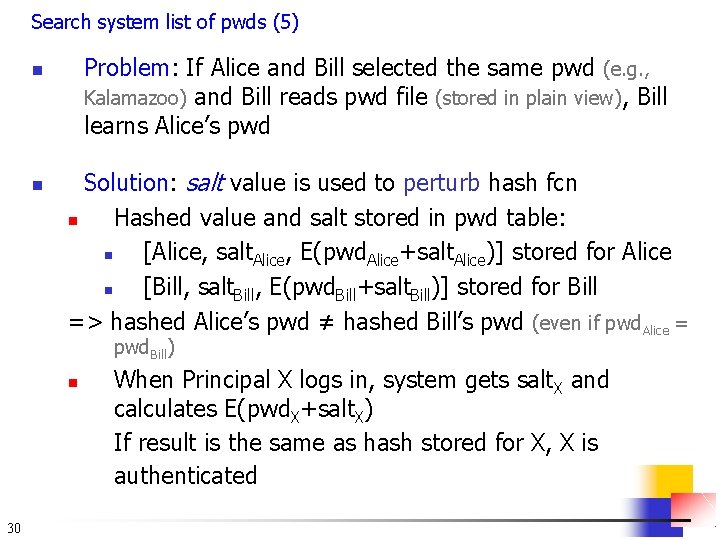
Search system list of pwds (5) Problem: If Alice and Bill selected the same pwd (e. g. , Kalamazoo) and Bill reads pwd file (stored in plain view), Bill learns Alice’s pwd n n Solution: salt value is used to perturb hash fcn n Hashed value and salt stored in pwd table: n [Alice, salt. Alice, E(pwd. Alice+salt. Alice)] stored for Alice n [Bill, salt. Bill, E(pwd. Bill+salt. Bill)] stored for Bill => hashed Alice’s pwd ≠ hashed Bill’s pwd (even if pwd. Alice = pwd. Bill) n 30 When Principal X logs in, system gets salt. X and calculates E(pwd. X+salt. X) If result is the same as hash stored for X, X is authenticated
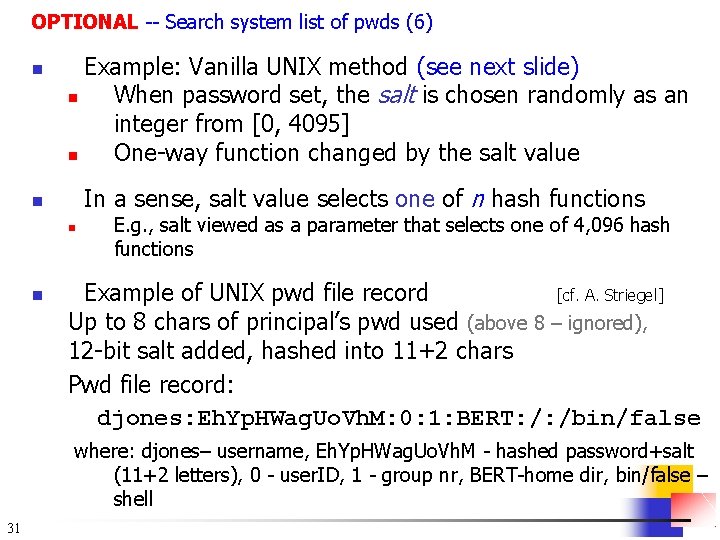
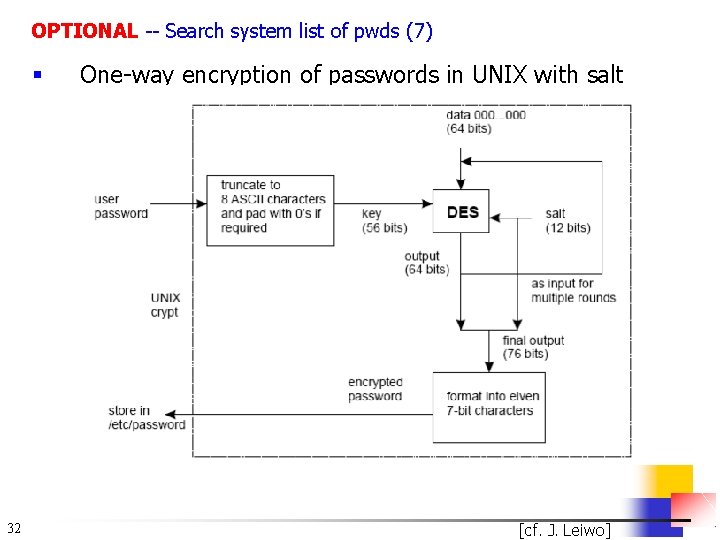
OPTIONAL -- Search system list of pwds (6) n Example: Vanilla UNIX method (see next slide) n When password set, the salt is chosen randomly as an integer from [0, 4095] n One-way function changed by the salt value In a sense, salt value selects one of n hash functions n n n E. g. , salt viewed as a parameter that selects one of 4, 096 hash functions Example of UNIX pwd file record [cf. A. Striegel] Up to 8 chars of principal’s pwd used (above 8 – ignored), 12 -bit salt added, hashed into 11+2 chars Pwd file record: djones: Eh. Yp. HWag. Uo. Vh. M: 0: 1: BERT: /: /bin/false where: djones– username, Eh. Yp. HWag. Uo. Vh. M - hashed password+salt (11+2 letters), 0 - user. ID, 1 - group nr, BERT-home dir, bin/false – shell 31
OPTIONAL -- Search system list of pwds (7) § 32 One-way encryption of passwords in UNIX with salt [cf. J. Leiwo]
End of Class 21 33