
CS 529 Multimedia Networking Admin Topics Background Admin
CS 529 Multimedia Networking Admin
Topics • • • Background Admin Stuff Motivation Objectives Multimedia!
Professor Background (Who am I? ) • Dr. Mark Claypool (“professor”, “Mark”) – MS: “Effects of Silence Detection on CPU Load of Audioconference” – Ph. D: “Quality Planning for Distributed, Collaborative Multimedia Applications” – Systems guy • Research interests – – – Congestion control (protocols, AQM) Wireless networking Network games Streaming audio/video over Internet Performance evaluation
Student Background (Who are you? ) • • • Name Year (1 st, 2 nd, 3 rd … ) Degree (BS, MS, Ph. D, Other) Area (CS, ECE, IMGD, Other) Courses: – cs 513? cs 502? • Programming experience and language(s) – C/C++ (1 to 5), Java (1 to 5), Other? • Regular computer-based multimedia use? – Skype, You. Tube, Computer Games, Nothing … • Other…
Objectives • Broadly understand issues related to multimedia over computer networks • Understand in-depth issues of multimedia related to several key areas (e. g. , perceptual quality, repair, streaming, and buffering) • Understand basic audio and video encoding • Understand the impact of fundamental networking aspects on multimedia performance • Demonstrate understanding of streaming audio by building a Voice over IP (Vo. IP) application from scratch • Demonstrate understanding of how to conduct performance evaluation through a basic evaluation of the Vo. IP application • Do independent, in-depth exploration of an individually selected multimedia networking project • Disseminate project results through a written report and a presentation.
Syllabus Stuff • http: //www. cs. wpi. edu/~cs 529/s 15/ • Class: – Tu & Fr, 4: 20 pm - 5: 40 pm • Office hours: – By appointment – My office (FLB 24 b) • Email – claypool@cs. wpi. edu (me) – cs 529 -all@cs. wpi. edu (class)
Text Book • None. Instead, research papers, book chapters – Select copies provided by me – Others accessible online • From WPI campus (e. g. , Library) or through WPI proxy server – See reading list • Learned – Read by you – Presented by me – Tested for exam • “Recommended” texts for projects
Topics • Introduction – Digital audio – Graphics and Video – Multimedia over networks – Speech detection – Video compression • Multimedia Perceptual Quality • Media Scaling • Delay Buffering • Multimedia Repair • HTTP Streaming • Network Games
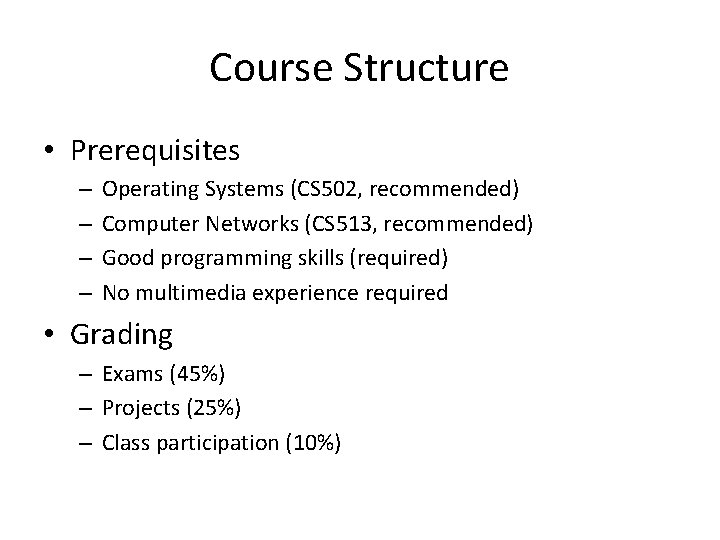
Course Structure • Prerequisites – – Operating Systems (CS 502, recommended) Computer Networks (CS 513, recommended) Good programming skills (required) No multimedia experience required • Grading – Exams (45%) – Projects (25%) – Class participation (10%)
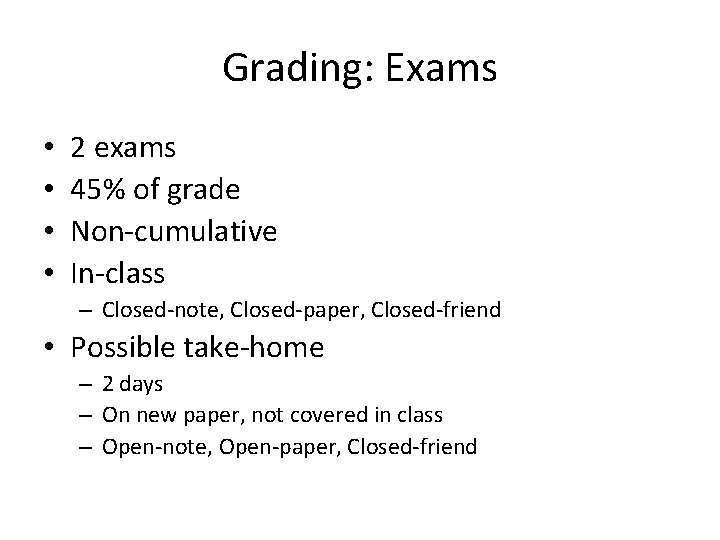
Grading: Exams • • 2 exams 45% of grade Non-cumulative In-class – Closed-note, Closed-paper, Closed-friend • Possible take-home – 2 days – On new paper, not covered in class – Open-note, Open-paper, Closed-friend
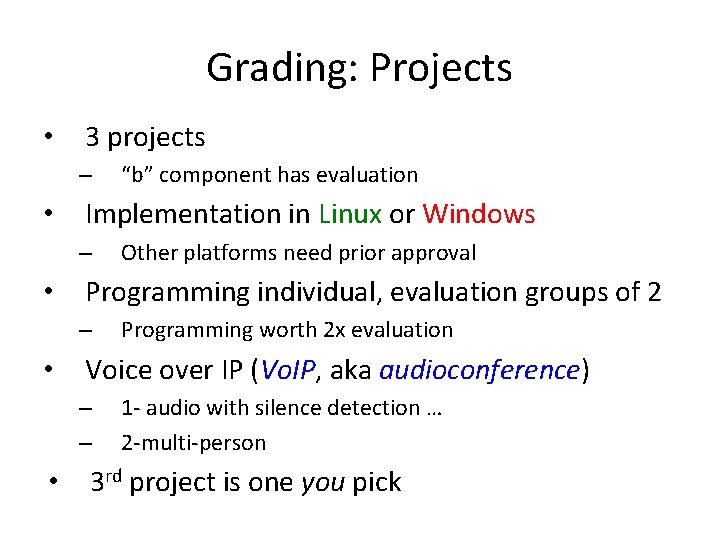
Grading: Projects • 3 projects – • Implementation in Linux or Windows – • Programming worth 2 x evaluation Voice over IP (Vo. IP, aka audioconference) – – • Other platforms need prior approval Programming individual, evaluation groups of 2 – • “b” component has evaluation 1 - audio with silence detection … 2 -multi-person 3 rd project is one you pick
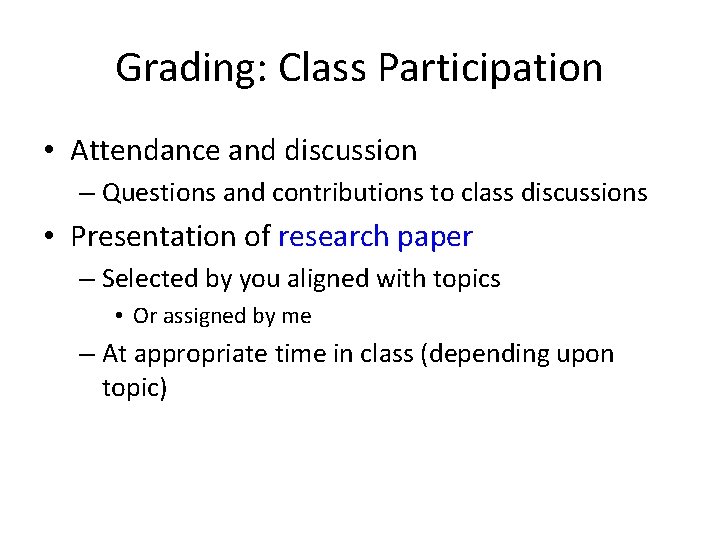
Grading: Class Participation • Attendance and discussion – Questions and contributions to class discussions • Presentation of research paper – Selected by you aligned with topics • Or assigned by me – At appropriate time in class (depending upon topic)
Slides • On the Web, usually after class • PPT and PDF • Caution! Don’t rely upon the slides alone! Use them as supplementary material – (come to class)
Timeline • Online: http: //web. cs. wpi. edu/~cs 529/s 15/timeline. html • Tentative, but use it to help plan – Will notify you if updated • Note exams on calendar • Note “No class” days – Will makeup as needed
Why This Class? • WPI CS requirements – (In Networks bin, and Networks is “essential” bin) • Multimedia is cool! – Algorithms, HCI, Networks, Hardware… – (Sex-appeal) • Multimedia networking increasingly important – Computers connected – Computers can easily do audio, video graphics • Programming – The more you do, the better a computer scientist you become • Fun!
- Slides: 15