
CS 525 W Web Ware Class 8 Java
CS 525 W Web Ware Class 8 Java & Databases Keith A. Pray Instructor webware. kapowee. com 9/4/2021 © 2004 Keith A. Pray 1
CS 525 W Web Ware Overview 1. 2. 3. Students Present Web Application Tiers Java & Databases = JDBC 1. 2. 3. 4. 5. 6. Intro Setting up Connection Statement Result. Set Example - Other Nifty Things - Assignment This is a very very basic introduction to JDBC 9/4/2021 © 2004 Keith A. Pray 2

CS 525 W Web Ware Overview 1. 2. 3. Students Present Web Application Tiers Java & Databases = JDBC 1. 2. 3. 4. 5. 6. Intro Setting up Connection Statement Result. Set Example - Other Nifty Things - Assignment This is a very very basic introduction to JDBC 9/4/2021 © 2004 Keith A. Pray 3
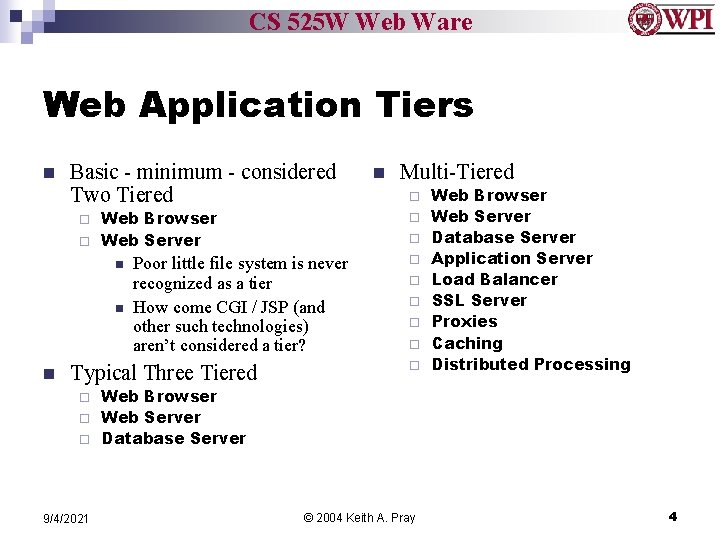
CS 525 W Web Ware Web Application Tiers n Basic - minimum - considered Two Tiered Web Browser ¨ Web Server n n ¨ ¨ Poor little file system is never recognized as a tier How come CGI / JSP (and other such technologies) aren’t considered a tier? Typical Three Tiered Multi-Tiered ¨ ¨ n n ¨ ¨ ¨ Web Browser Web Server Database Server Application Server Load Balancer SSL Server Proxies Caching Distributed Processing Web Browser ¨ Web Server ¨ Database Server ¨ 9/4/2021 © 2004 Keith A. Pray 4
CS 525 W Web Ware Overview 1. 2. 3. Students Present Web Application Tiers Java & Databases = JDBC 1. 2. 3. 4. 5. 6. Intro Setting up Connection Statement Result. Set Example - Other Nifty Things - Assignment This is a very very basic introduction to JDBC 9/4/2021 © 2004 Keith A. Pray 5
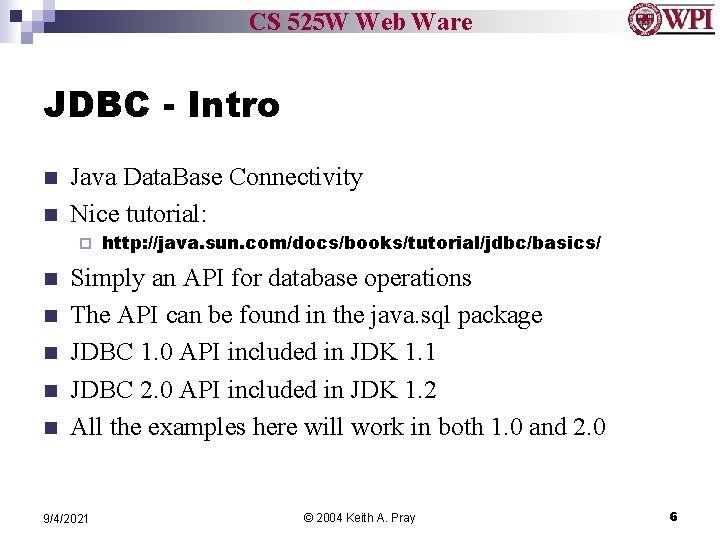
CS 525 W Web Ware JDBC - Intro n n Java Data. Base Connectivity Nice tutorial: ¨ n n n http: //java. sun. com/docs/books/tutorial/jdbc/basics/ Simply an API for database operations The API can be found in the java. sql package JDBC 1. 0 API included in JDK 1. 1 JDBC 2. 0 API included in JDK 1. 2 All the examples here will work in both 1. 0 and 2. 0 9/4/2021 © 2004 Keith A. Pray 6
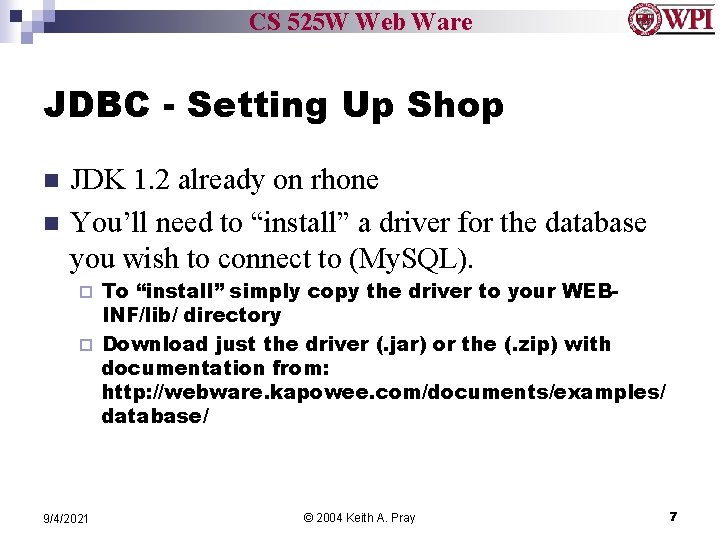
CS 525 W Web Ware JDBC - Setting Up Shop n n JDK 1. 2 already on rhone You’ll need to “install” a driver for the database you wish to connect to (My. SQL). To “install” simply copy the driver to your WEBINF/lib/ directory ¨ Download just the driver (. jar) or the (. zip) with documentation from: http: //webware. kapowee. com/documents/examples/ database/ ¨ 9/4/2021 © 2004 Keith A. Pray 7

CS 525 W Web Ware JDBC - Some Helpful Classes n java. sql ¨ ¨ ¨ ¨ 9/4/2021 Driver. Manager Connection Statement Result. Set. Meta. Data SQLException SQLWarning - © 2004 Keith A. Pray get the connection to database issue SQL statements result of executing SQL describes results no one is perfect rarely you are warned 8
CS 525 W Web Ware Overview 1. 2. 3. Students Present Web Application Tiers Java & Databases = JDBC 1. 2. 3. 4. 5. 6. Intro Setting up Connection Statement Result. Set Example - Other Nifty Things - Assignment This is a very very basic introduction to JDBC 9/4/2021 © 2004 Keith A. Pray 9
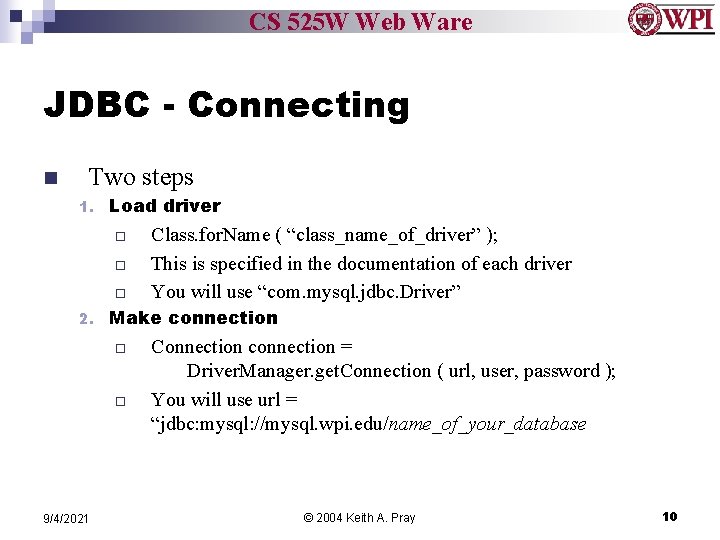
CS 525 W Web Ware JDBC - Connecting n Two steps 1. Load driver ¨ ¨ ¨ 2. Make connection ¨ ¨ 9/4/2021 Class. for. Name ( “class_name_of_driver” ); This is specified in the documentation of each driver You will use “com. mysql. jdbc. Driver” Connection connection = Driver. Manager. get. Connection ( url, user, password ); You will use url = “jdbc: mysql: //mysql. wpi. edu/name_of_your_database © 2004 Keith A. Pray 10
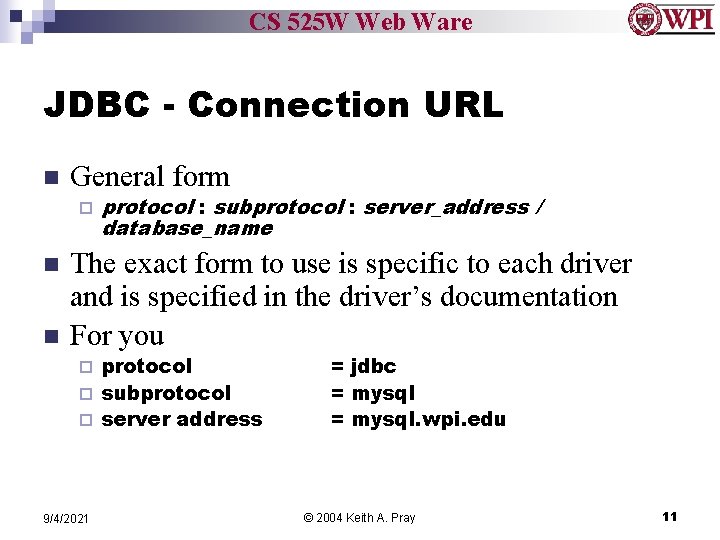
CS 525 W Web Ware JDBC - Connection URL n General form ¨ n n protocol : subprotocol : server_address / database_name The exact form to use is specific to each driver and is specified in the driver’s documentation For you protocol ¨ subprotocol ¨ server address ¨ 9/4/2021 = jdbc = mysql. wpi. edu © 2004 Keith A. Pray 11
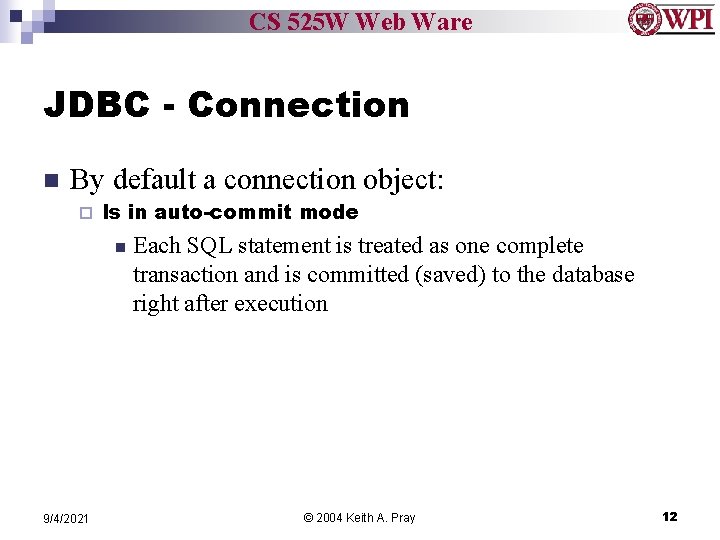
CS 525 W Web Ware JDBC - Connection n By default a connection object: ¨ Is in auto-commit mode n 9/4/2021 Each SQL statement is treated as one complete transaction and is committed (saved) to the database right after execution © 2004 Keith A. Pray 12
CS 525 W Web Ware Overview 1. 2. 3. Students Present Web Application Tiers Java & Databases = JDBC 1. 2. 3. 4. 5. 6. Intro Setting up Connection Statement Result. Set Example - Other Nifty Things - Assignment This is a very very basic introduction to JDBC 9/4/2021 © 2004 Keith A. Pray 13
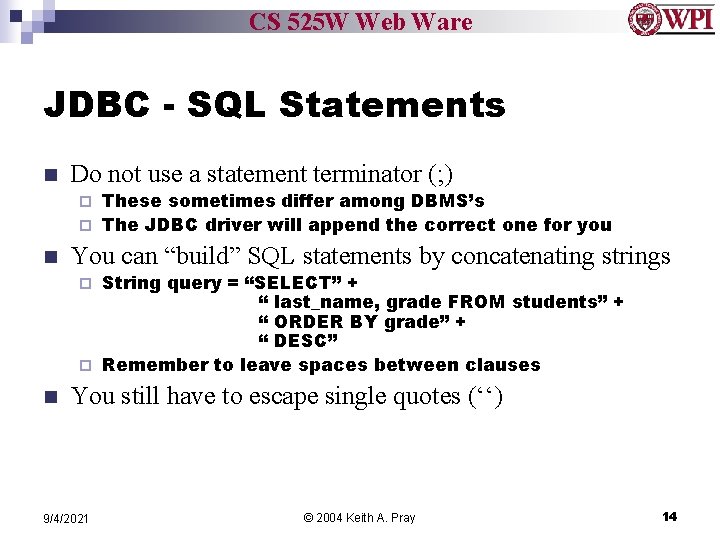
CS 525 W Web Ware JDBC - SQL Statements n Do not use a statement terminator (; ) These sometimes differ among DBMS’s ¨ The JDBC driver will append the correct one for you ¨ n You can “build” SQL statements by concatenating strings String query = “SELECT” + “ last_name, grade FROM students” + “ ORDER BY grade” + “ DESC” ¨ Remember to leave spaces between clauses ¨ n You still have to escape single quotes (‘‘) 9/4/2021 © 2004 Keith A. Pray 14
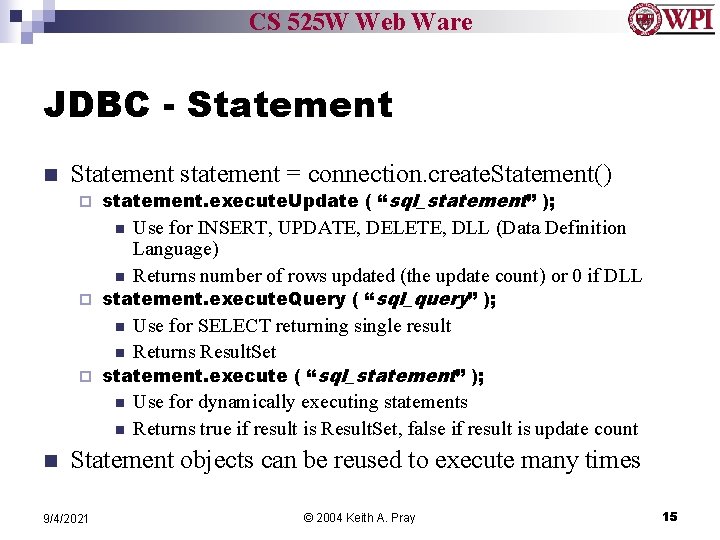
CS 525 W Web Ware JDBC - Statement n Statement statement = connection. create. Statement() ¨ statement. execute. Update ( “sql_statement” ); Use for INSERT, UPDATE, DELETE, DLL (Data Definition Language) n Returns number of rows updated (the update count) or 0 if DLL statement. execute. Query ( “sql_query” ); n Use for SELECT returning single result n Returns Result. Set statement. execute ( “sql_statement” ); n Use for dynamically executing statements n Returns true if result is Result. Set, false if result is update count n ¨ ¨ n Statement objects can be reused to execute many times 9/4/2021 © 2004 Keith A. Pray 15
CS 525 W Web Ware Overview 1. 2. 3. Students Present Web Application Tiers Java & Databases = JDBC 1. 2. 3. 4. 5. 6. Intro Setting up Connection Statement Result. Set Example - Other Nifty Things - Assignment This is a very very basic introduction to JDBC 9/4/2021 © 2004 Keith A. Pray 16
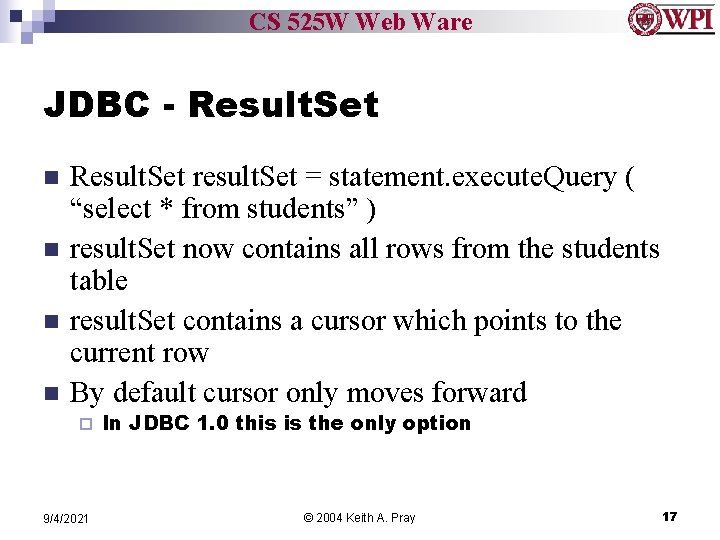
CS 525 W Web Ware JDBC - Result. Set n n Result. Set result. Set = statement. execute. Query ( “select * from students” ) result. Set now contains all rows from the students table result. Set contains a cursor which points to the current row By default cursor only moves forward ¨ 9/4/2021 In JDBC 1. 0 this is the only option © 2004 Keith A. Pray 17
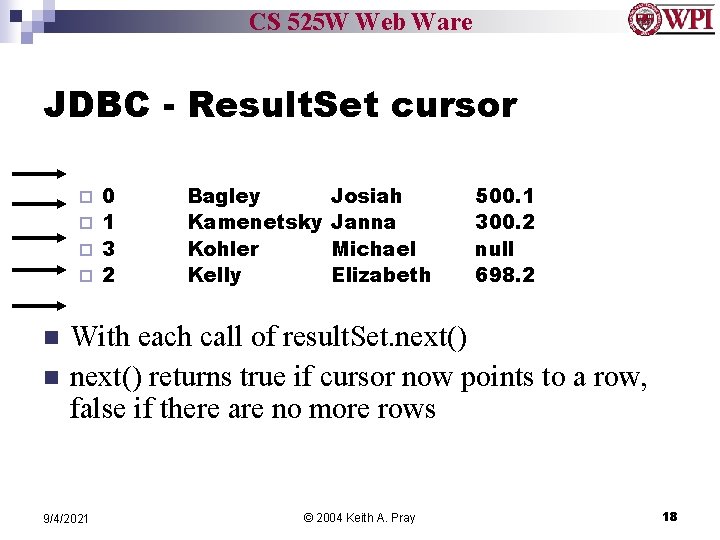
CS 525 W Web Ware JDBC - Result. Set cursor 0 ¨ 1 ¨ 3 ¨ 2 ¨ n n Bagley Kamenetsky Kohler Kelly Josiah Janna Michael Elizabeth 500. 1 300. 2 null 698. 2 With each call of result. Set. next() returns true if cursor now points to a row, false if there are no more rows 9/4/2021 © 2004 Keith A. Pray 18
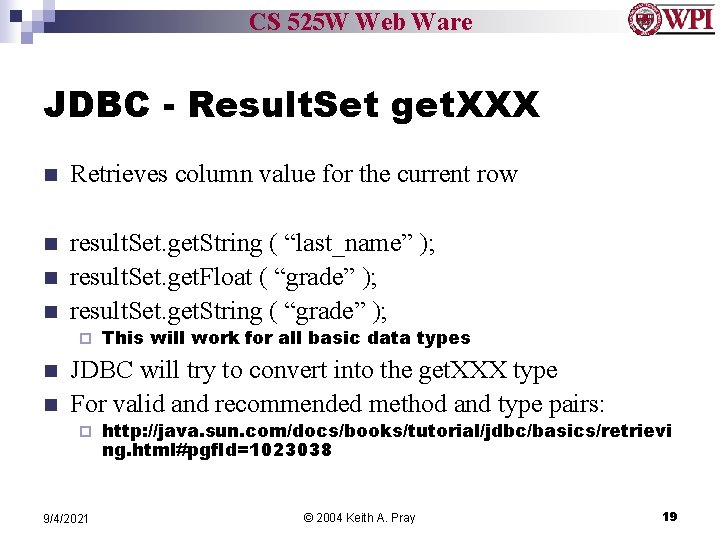
CS 525 W Web Ware JDBC - Result. Set get. XXX n Retrieves column value for the current row n result. Set. get. String ( “last_name” ); result. Set. get. Float ( “grade” ); result. Set. get. String ( “grade” ); n n ¨ n n This will work for all basic data types JDBC will try to convert into the get. XXX type For valid and recommended method and type pairs: ¨ 9/4/2021 http: //java. sun. com/docs/books/tutorial/jdbc/basics/retrievi ng. html#pgf. Id=1023038 © 2004 Keith A. Pray 19
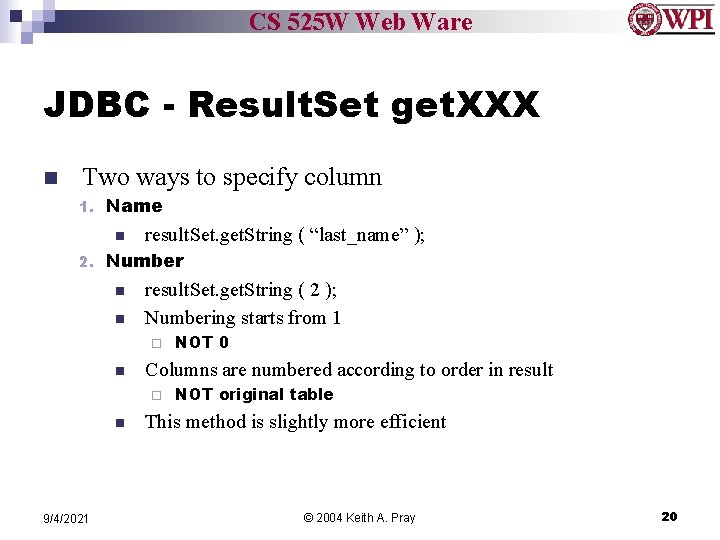
CS 525 W Web Ware JDBC - Result. Set get. XXX n Two ways to specify column 1. Name n 2. result. Set. get. String ( “last_name” ); Number n n result. Set. get. String ( 2 ); Numbering starts from 1 ¨ n Columns are numbered according to order in result ¨ n 9/4/2021 NOT 0 NOT original table This method is slightly more efficient © 2004 Keith A. Pray 20
CS 525 W Web Ware Overview 1. 2. 3. Students Present Web Application Tiers Java & Databases = JDBC 1. 2. 3. 4. 5. 6. Intro Setting up Connection Statement Result. Set Example - Other Nifty Things - Assignment This is a very very basic introduction to JDBC 9/4/2021 © 2004 Keith A. Pray 21
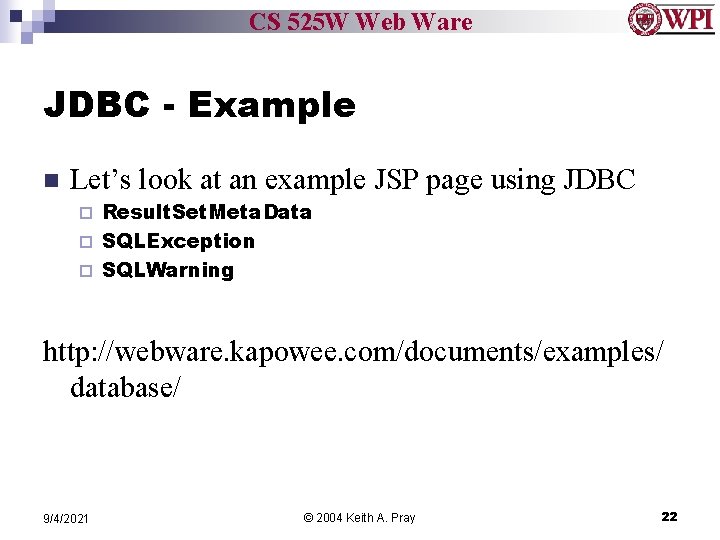
CS 525 W Web Ware JDBC - Example n Let’s look at an example JSP page using JDBC Result. Set. Meta. Data ¨ SQLException ¨ SQLWarning ¨ http: //webware. kapowee. com/documents/examples/ database/ 9/4/2021 © 2004 Keith A. Pray 22
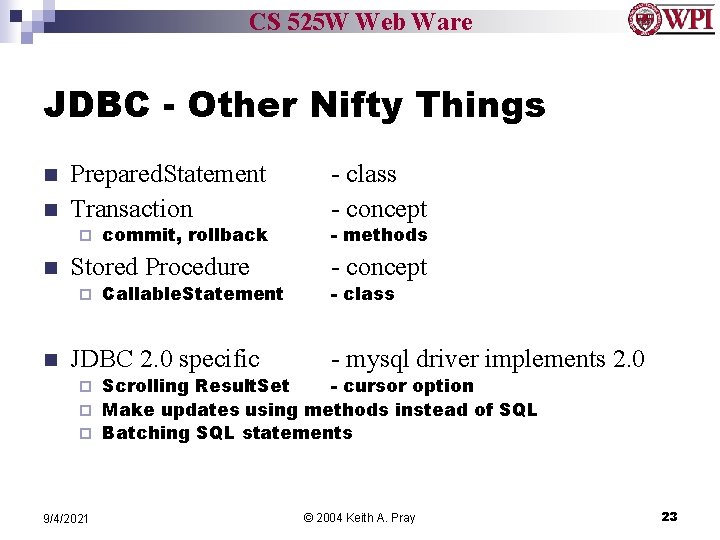
CS 525 W Web Ware JDBC - Other Nifty Things n n Prepared. Statement Transaction ¨ n Stored Procedure ¨ n commit, rollback Callable. Statement JDBC 2. 0 specific - class - concept - methods - concept - class - mysql driver implements 2. 0 Scrolling Result. Set - cursor option ¨ Make updates using methods instead of SQL ¨ Batching SQL statements ¨ 9/4/2021 © 2004 Keith A. Pray 23
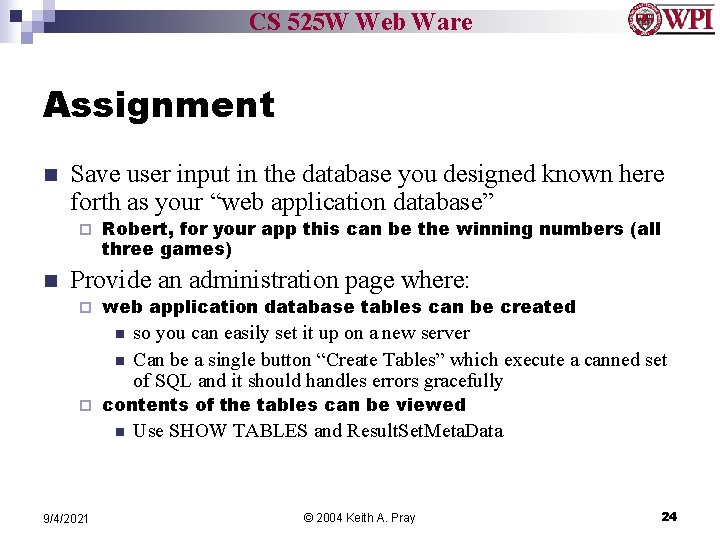
CS 525 W Web Ware Assignment n Save user input in the database you designed known here forth as your “web application database” ¨ n Robert, for your app this can be the winning numbers (all three games) Provide an administration page where: ¨ web application database tables can be created n n ¨ contents of the tables can be viewed n 9/4/2021 so you can easily set it up on a new server Can be a single button “Create Tables” which execute a canned set of SQL and it should handles errors gracefully Use SHOW TABLES and Result. Set. Meta. Data © 2004 Keith A. Pray 24
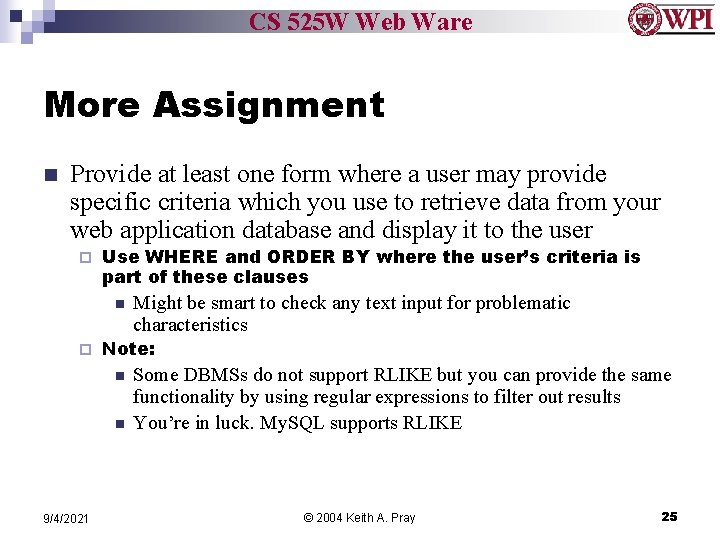
CS 525 W Web Ware More Assignment n Provide at least one form where a user may provide specific criteria which you use to retrieve data from your web application database and display it to the user ¨ Use WHERE and ORDER BY where the user’s criteria is part of these clauses n ¨ Note: n n 9/4/2021 Might be smart to check any text input for problematic characteristics Some DBMSs do not support RLIKE but you can provide the same functionality by using regular expressions to filter out results You’re in luck. My. SQL supports RLIKE © 2004 Keith A. Pray 25
CS 525 W Web Ware Class 8 The End Keith A. Pray Instructor webware. kapowee. com 9/4/2021 © 2004 Keith A. Pray 26
- Slides: 26