
CS 520 Web Programming Servlet and JSP Review
CS 520 Web Programming Servlet and JSP Review Chengyu Sun California State University, Los Angeles
What We Won’t Talk About (But Expect You to Know) Java n Use of collection classes like lists and maps HTML and CSS n Tables and forms Database access n n Use of a DBMS JDBC
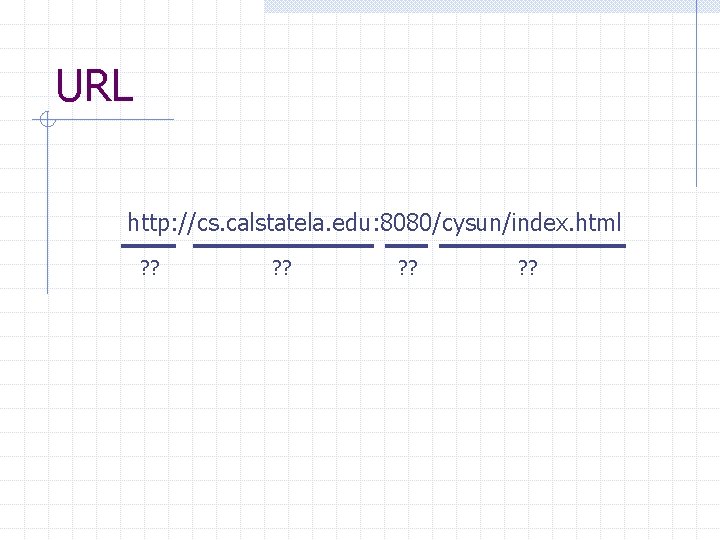
URL http: //cs. calstatela. edu: 8080/cysun/index. html ? ?
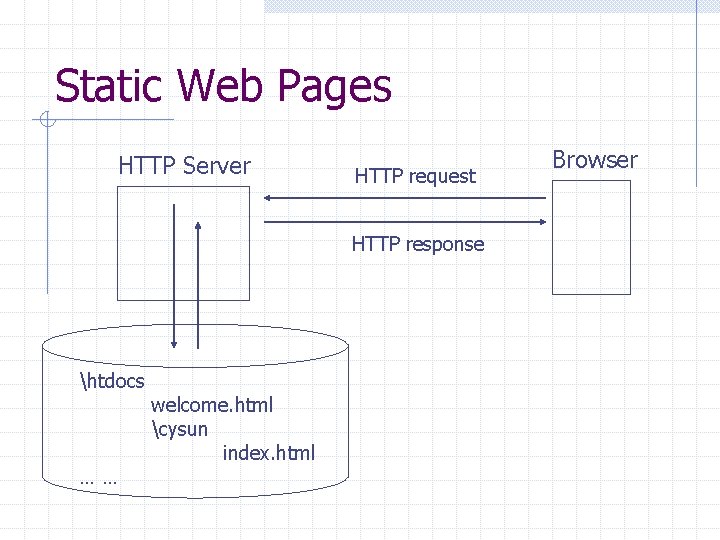
Static Web Pages HTTP Server HTTP request HTTP response htdocs …… welcome. html cysun index. html Browser
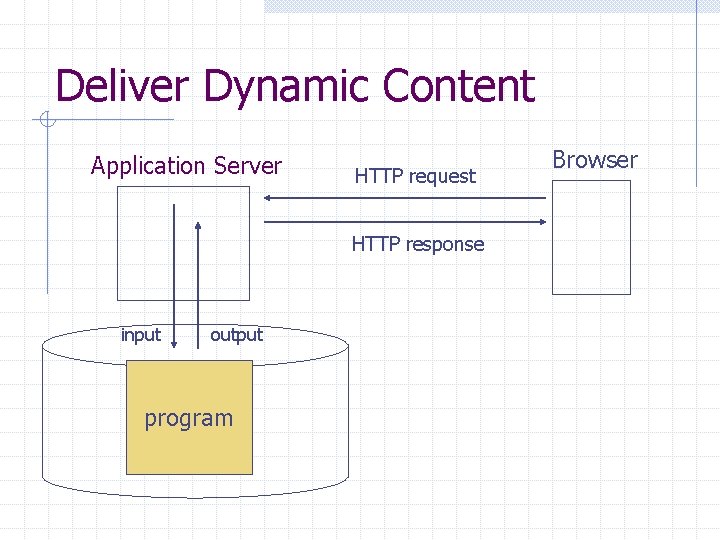
Deliver Dynamic Content Application Server HTTP request HTTP response input output program Browser
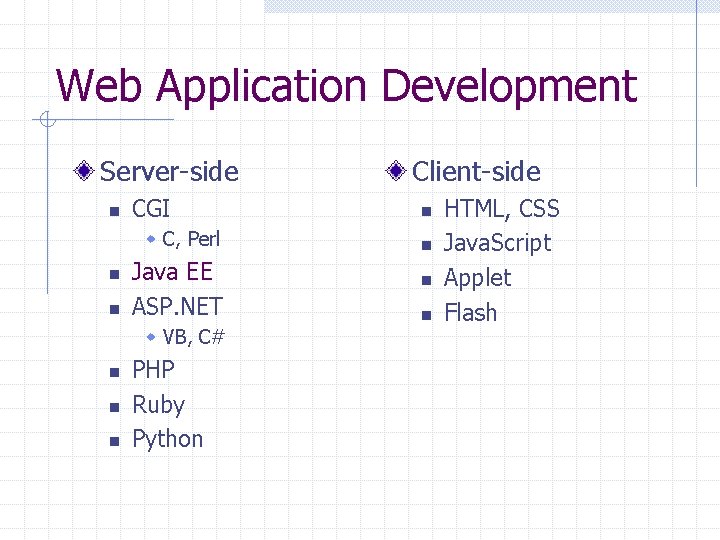
Web Application Development Server-side n CGI w C, Perl n n Java EE ASP. NET w VB, C# n n n PHP Ruby Python Client-side n n HTML, CSS Java. Script Applet Flash
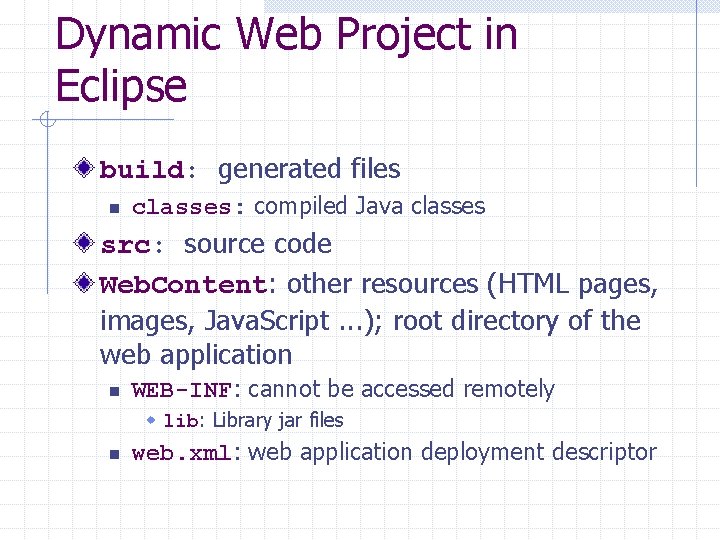
Dynamic Web Project in Eclipse build: generated files n classes: compiled Java classes src: source code Web. Content: other resources (HTML pages, images, Java. Script. . . ); root directory of the web application n WEB-INF: cannot be accessed remotely w lib: Library jar files n web. xml: web application deployment descriptor
More About web. xml in CSNS Java Servlet 2. 4 Specification n SRV. 13. 4
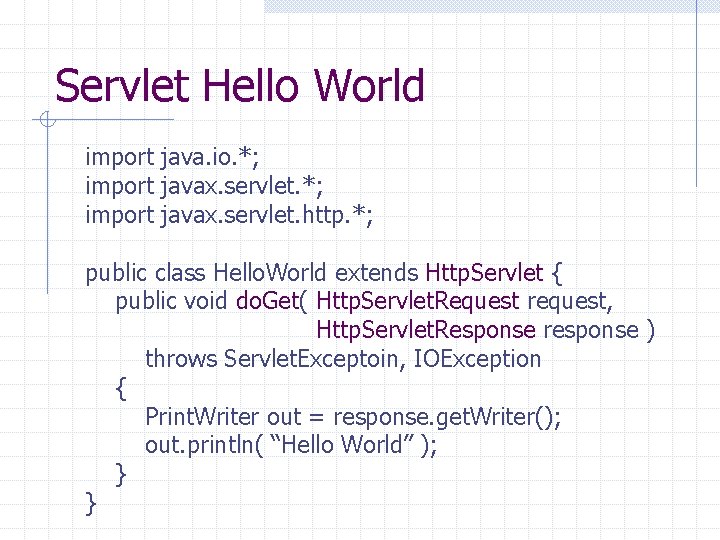
Servlet Hello World import java. io. *; import javax. servlet. http. *; public class Hello. World extends Http. Servlet { public void do. Get( Http. Servlet. Request request, Http. Servlet. Response response ) throws Servlet. Exceptoin, IOException { Print. Writer out = response. get. Writer(); out. println( “Hello World” ); } }
Program I/O Input: HTTP Request Output: HTTP Response
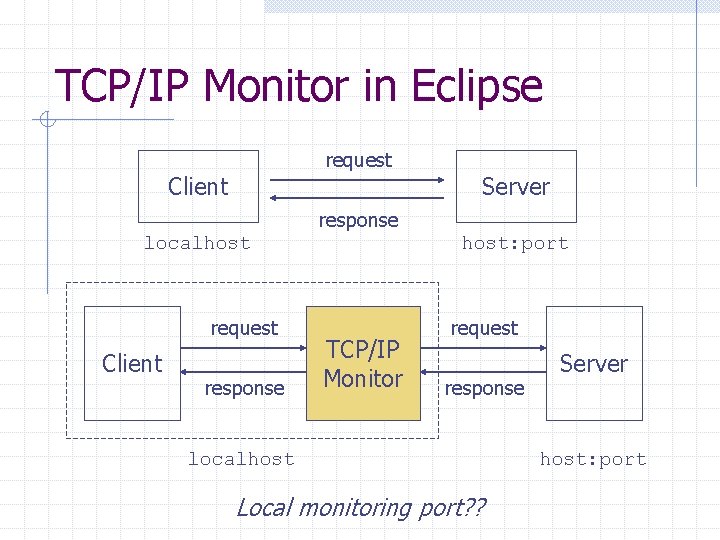
TCP/IP Monitor in Eclipse request Client Server response localhost request Client response host: port TCP/IP Monitor request response localhost Local monitoring port? ? Server host: port
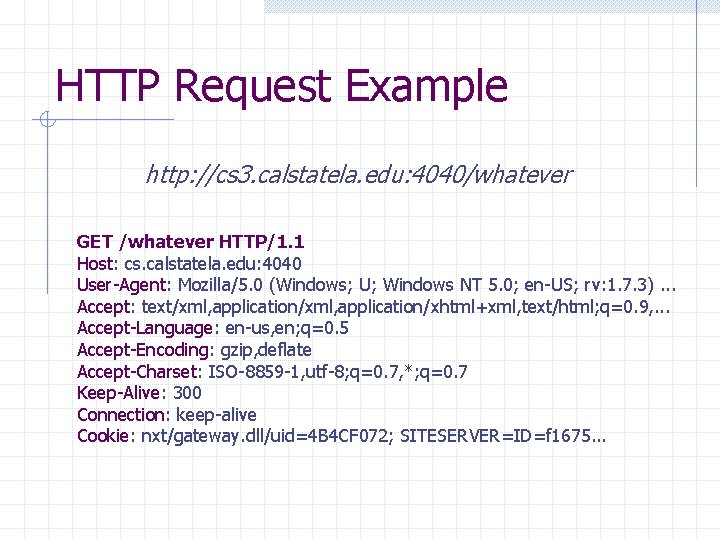
HTTP Request Example http: //cs 3. calstatela. edu: 4040/whatever GET /whatever HTTP/1. 1 Host: cs. calstatela. edu: 4040 User-Agent: Mozilla/5. 0 (Windows; U; Windows NT 5. 0; en-US; rv: 1. 7. 3). . . Accept: text/xml, application/xhtml+xml, text/html; q=0. 9, . . . Accept-Language: en-us, en; q=0. 5 Accept-Encoding: gzip, deflate Accept-Charset: ISO-8859 -1, utf-8; q=0. 7, *; q=0. 7 Keep-Alive: 300 Connection: keep-alive Cookie: nxt/gateway. dll/uid=4 B 4 CF 072; SITESERVER=ID=f 1675. . .
![HTTP Request line n n n Method Request URI Protocol Header [Message body]](http://slidetodoc.com/presentation_image_h/276dff5155e0713fa6363ce0ec1a982e/image-13.jpg "HTTP Request line n n n Method Request URI Protocol Header [Message body]")
HTTP Request line n n n Method Request URI Protocol Header [Message body]
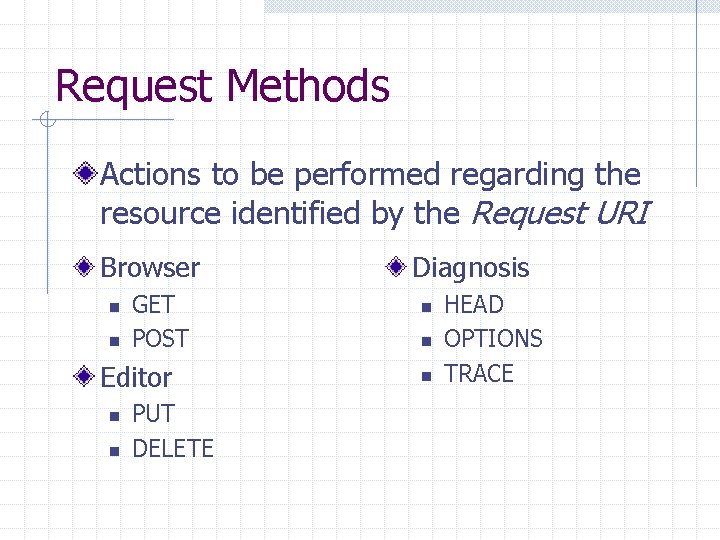
Request Methods Actions to be performed regarding the resource identified by the Request URI Browser n n GET POST Editor n n PUT DELETE Diagnosis n n n HEAD OPTIONS TRACE
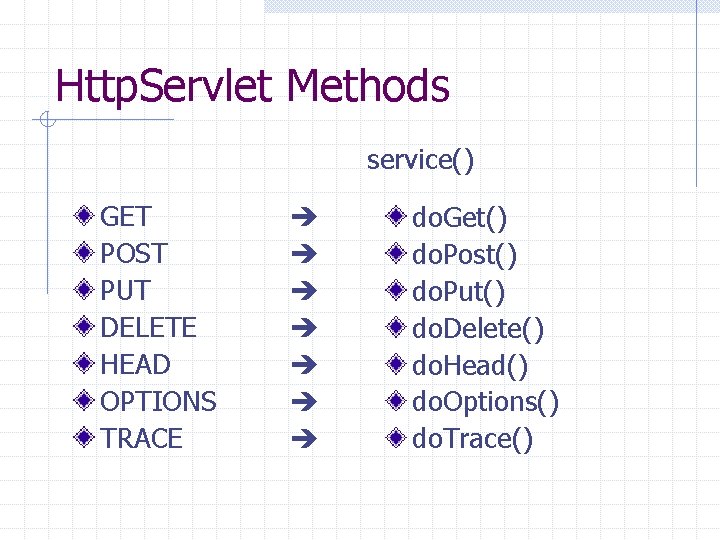
Http. Servlet Methods service() GET POST PUT DELETE HEAD OPTIONS TRACE do. Get() do. Post() do. Put() do. Delete() do. Head() do. Options() do. Trace()
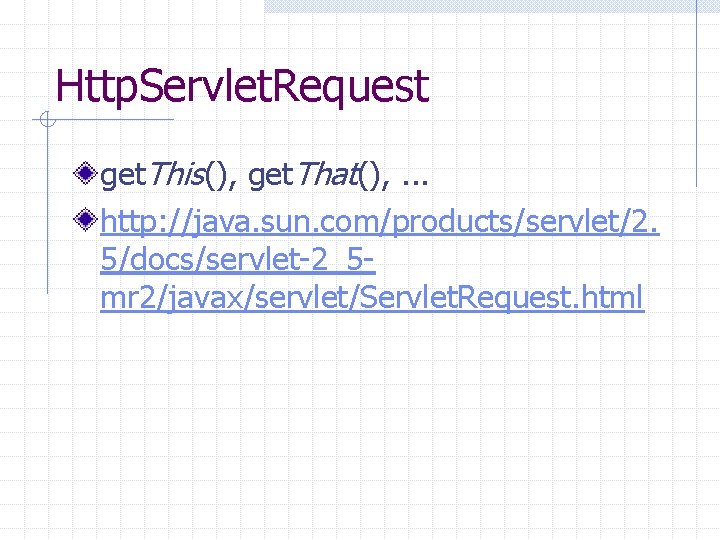
Http. Servlet. Request get. This(), get. That(), . . . http: //java. sun. com/products/servlet/2. 5/docs/servlet-2_5 mr 2/javax/servlet/Servlet. Request. html
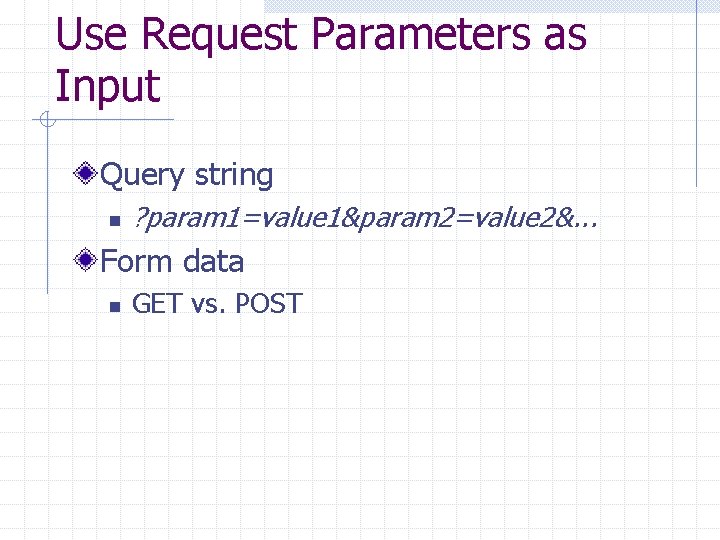
Use Request Parameters as Input Query string n ? param 1=value 1¶m 2=value 2&. . . Form data n GET vs. POST
Servlet Examples Add Guest. Book
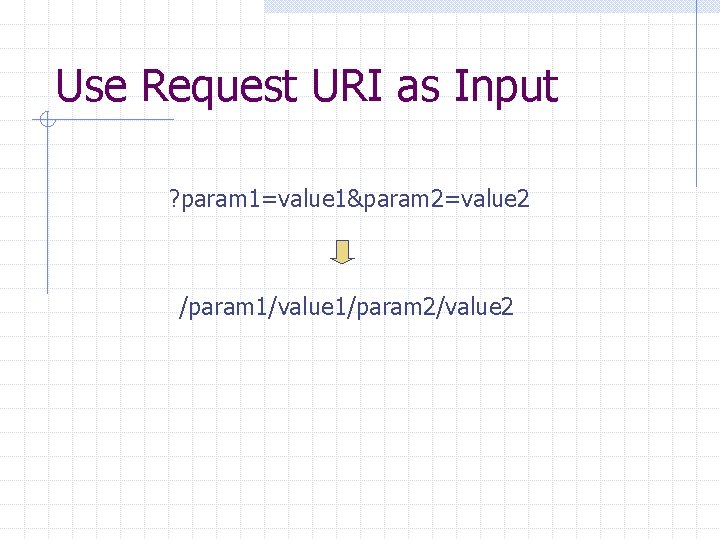
Use Request URI as Input ? param 1=value 1¶m 2=value 2 /param 1/value 1/param 2/value 2
Session Tracking The Need n shopping cart, personalization, . . . The Difficulty n n HTTP is a “stateless” protocol Even persistent connections only last seconds The Trick? ?
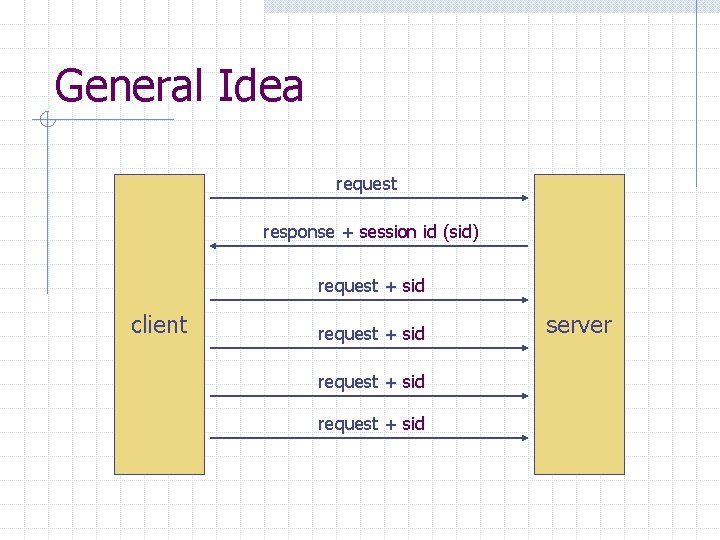
General Idea request response + session id (sid) request + sid client request + sid server
Three Ways to Implement Session Tracking URL Re-writing Hidden form field Cookies
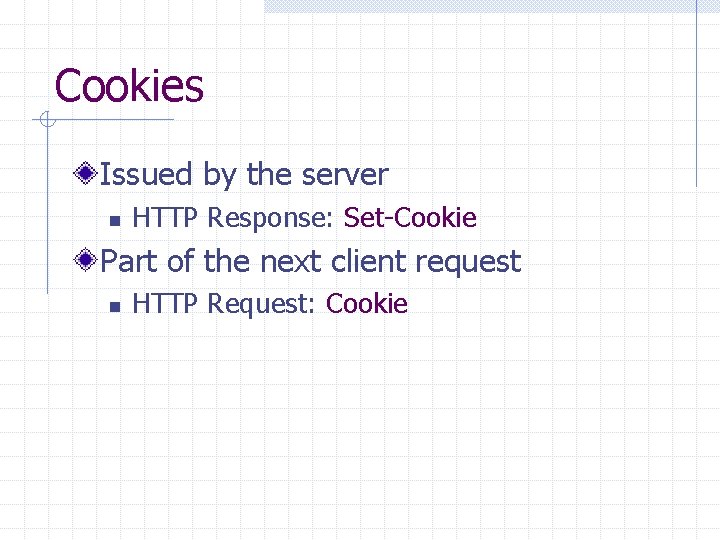
Cookies Issued by the server n HTTP Response: Set-Cookie Part of the next client request n HTTP Request: Cookie
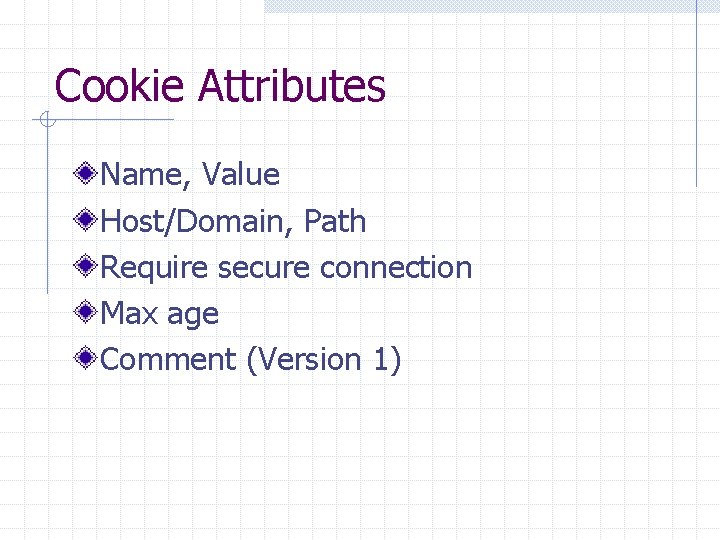
Cookie Attributes Name, Value Host/Domain, Path Require secure connection Max age Comment (Version 1)
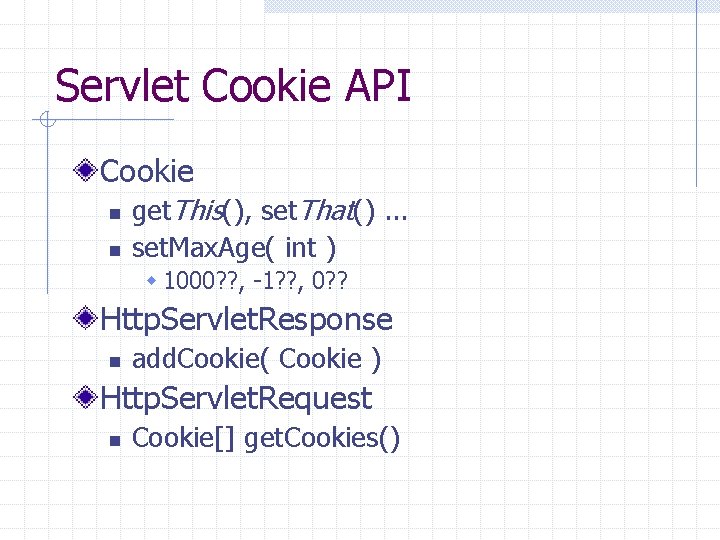
Servlet Cookie API Cookie n n get. This(), set. That(). . . set. Max. Age( int ) w 1000? ? , -1? ? , 0? ? Http. Servlet. Response n add. Cookie( Cookie ) Http. Servlet. Request n Cookie[] get. Cookies()
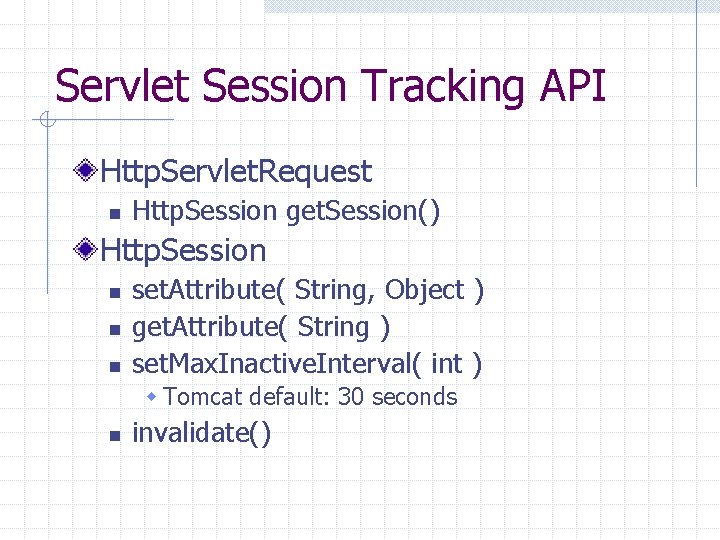
Servlet Session Tracking API Http. Servlet. Request n Http. Session get. Session() Http. Session n set. Attribute( String, Object ) get. Attribute( String ) set. Max. Inactive. Interval( int ) w Tomcat default: 30 seconds n invalidate()
Example: Improved Guest. Book A use only need to specify a name when he or she leaves the first message
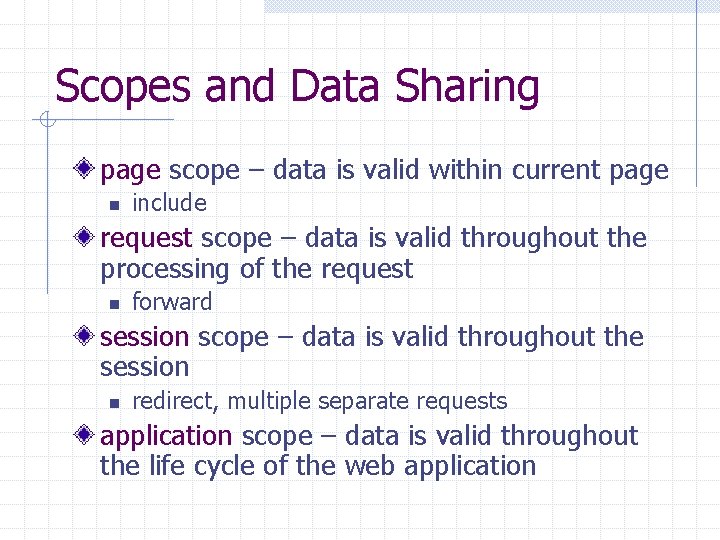
Scopes and Data Sharing page scope – data is valid within current page n include request scope – data is valid throughout the processing of the request n forward session scope – data is valid throughout the session n redirect, multiple separate requests application scope – data is valid throughout the life cycle of the web application
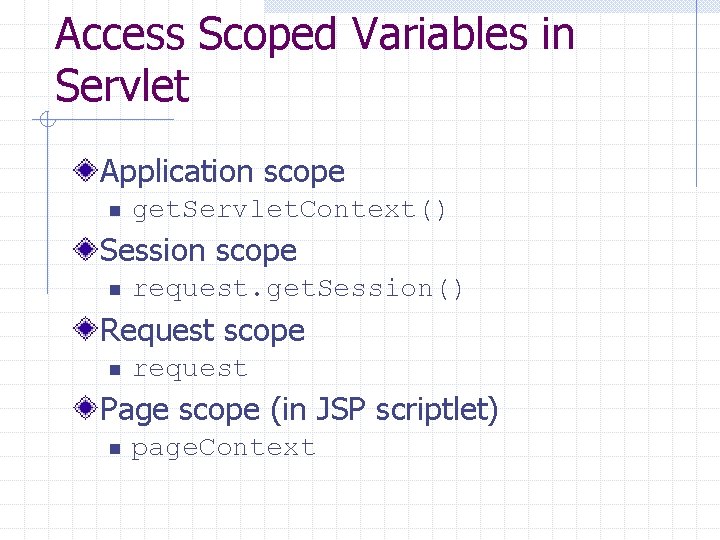
Access Scoped Variables in Servlet Application scope n get. Servlet. Context() Session scope n request. get. Session() Request scope n request Page scope (in JSP scriptlet) n page. Context
Scoped Variable Example A separate Add. Comment servlet for Guest. Book
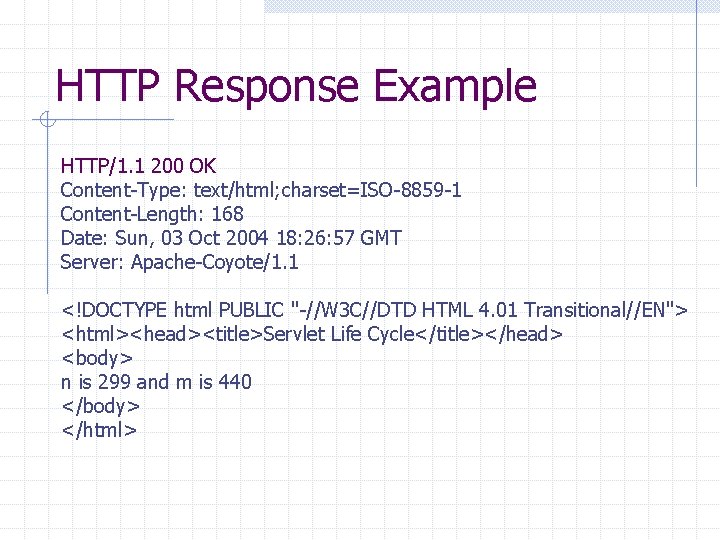
HTTP Response Example HTTP/1. 1 200 OK Content-Type: text/html; charset=ISO-8859 -1 Content-Length: 168 Date: Sun, 03 Oct 2004 18: 26: 57 GMT Server: Apache-Coyote/1. 1 <!DOCTYPE html PUBLIC "-//W 3 C//DTD HTML 4. 01 Transitional//EN"> <html><head><title>Servlet Life Cycle</title></head> <body> n is 299 and m is 440 </body> </html>
![HTTP Response Status line n n Protocol Status code Header [Message body]](http://slidetodoc.com/presentation_image_h/276dff5155e0713fa6363ce0ec1a982e/image-32.jpg "HTTP Response Status line n n Protocol Status code Header [Message body]")
HTTP Response Status line n n Protocol Status code Header [Message body]
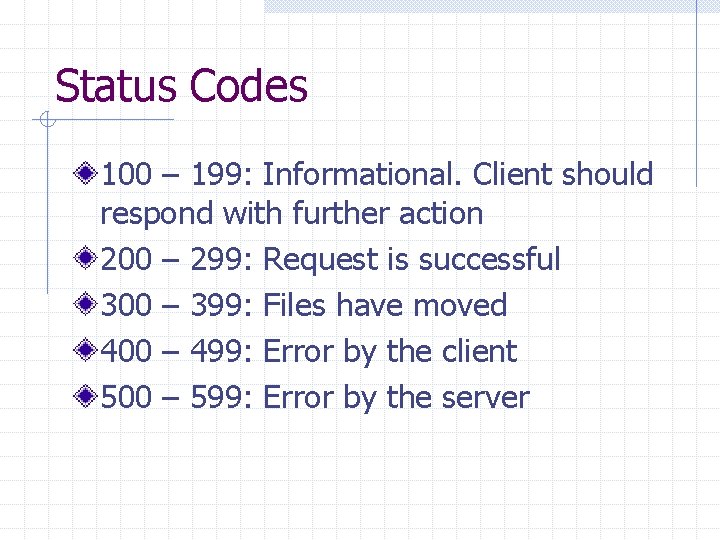
Status Codes 100 – 199: Informational. Client should respond with further action 200 – 299: Request is successful 300 – 399: Files have moved 400 – 499: Error by the client 500 – 599: Error by the server
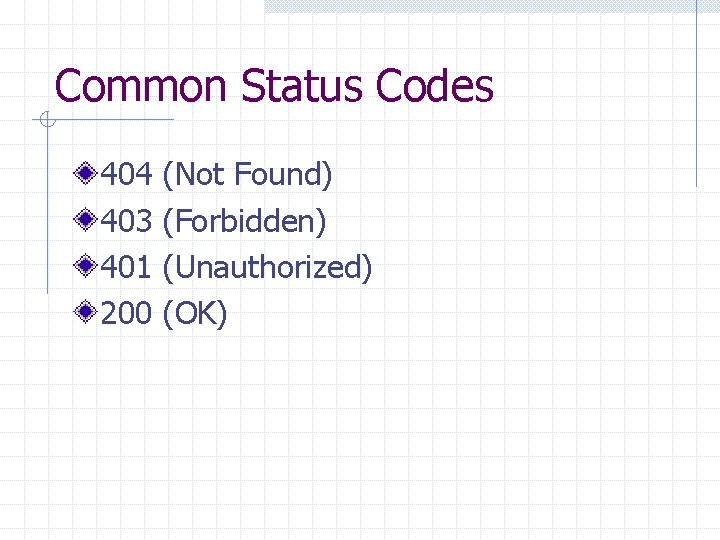
Common Status Codes 404 403 401 200 (Not Found) (Forbidden) (Unauthorized) (OK)
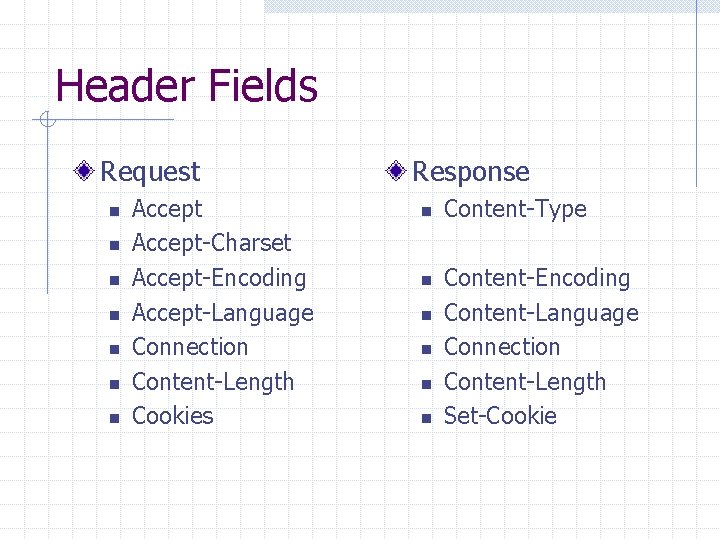
Header Fields Request n n n n Accept-Charset Accept-Encoding Accept-Language Connection Content-Length Cookies Response n n n Content-Type Content-Encoding Content-Language Connection Content-Length Set-Cookie
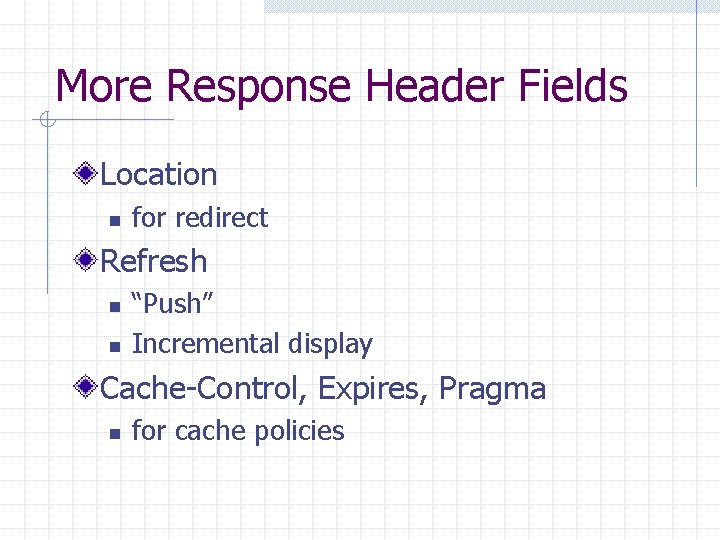
More Response Header Fields Location n for redirect Refresh n n “Push” Incremental display Cache-Control, Expires, Pragma n for cache policies
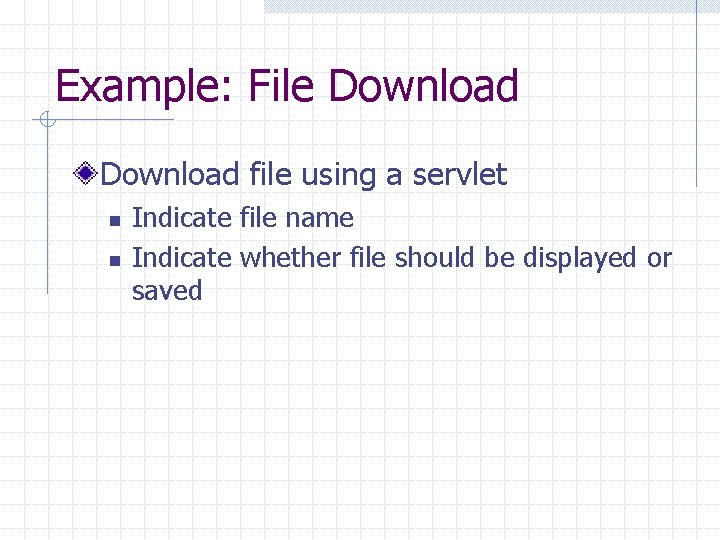
Example: File Download file using a servlet n n Indicate file name Indicate whether file should be displayed or saved
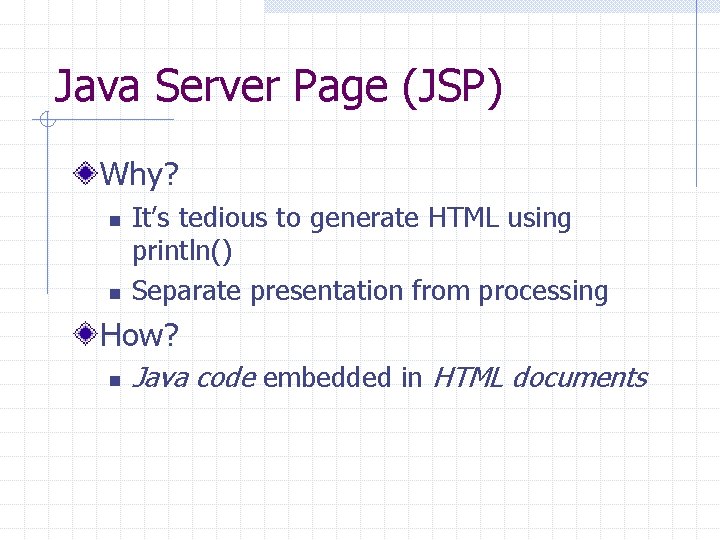
Java Server Page (JSP) Why? n n It’s tedious to generate HTML using println() Separate presentation from processing How? n Java code embedded in HTML documents
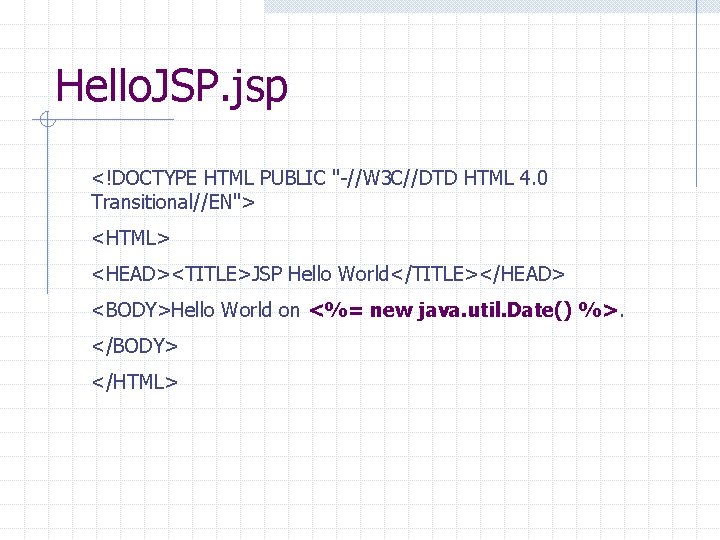
Hello. JSP. jsp <!DOCTYPE HTML PUBLIC "-//W 3 C//DTD HTML 4. 0 Transitional//EN"> <HTML> <HEAD><TITLE>JSP Hello World</TITLE></HEAD> <BODY>Hello World on <%= new java. util. Date() %>. </BODY> </HTML>
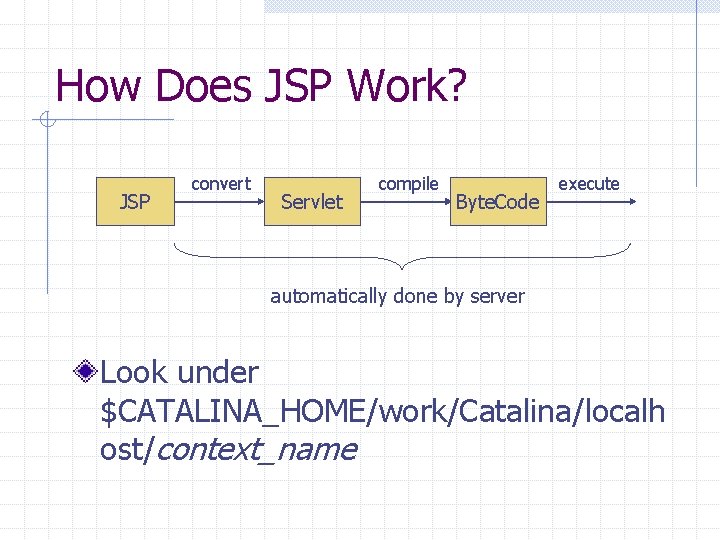
How Does JSP Work? JSP convert Servlet compile Byte. Code execute automatically done by server Look under $CATALINA_HOME/work/Catalina/localh ost/context_name
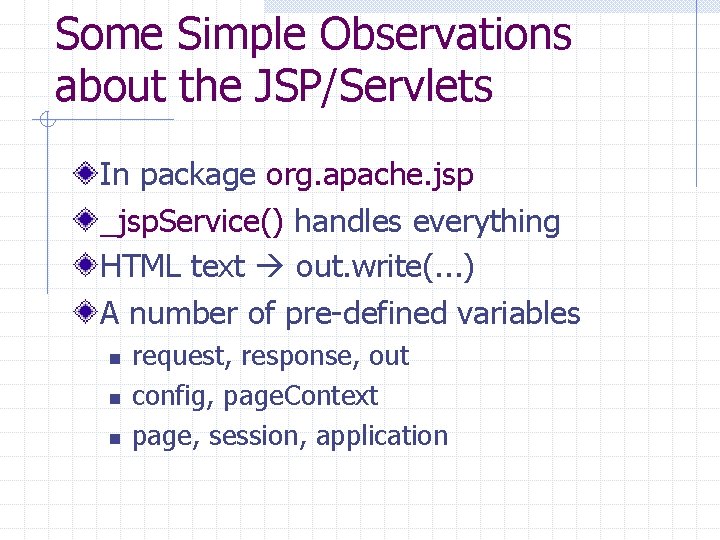
Some Simple Observations about the JSP/Servlets In package org. apache. jsp _jsp. Service() handles everything HTML text out. write(. . . ) A number of pre-defined variables n n n request, response, out config, page. Context page, session, application
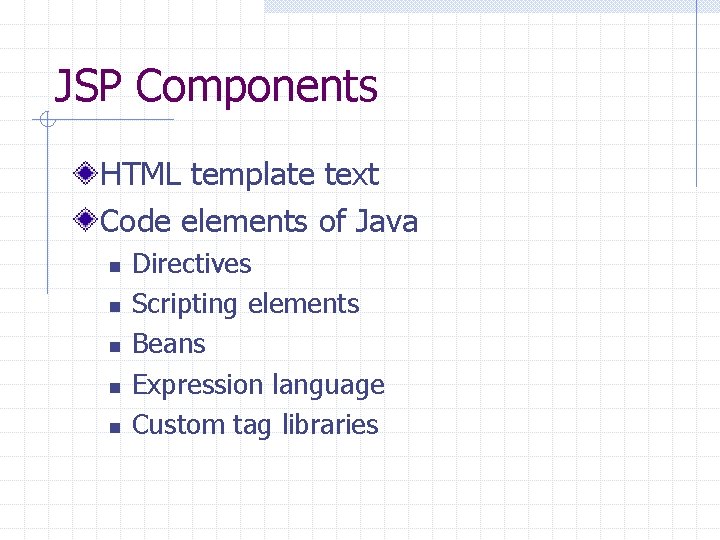
JSP Components HTML template text Code elements of Java n n n Directives Scripting elements Beans Expression language Custom tag libraries
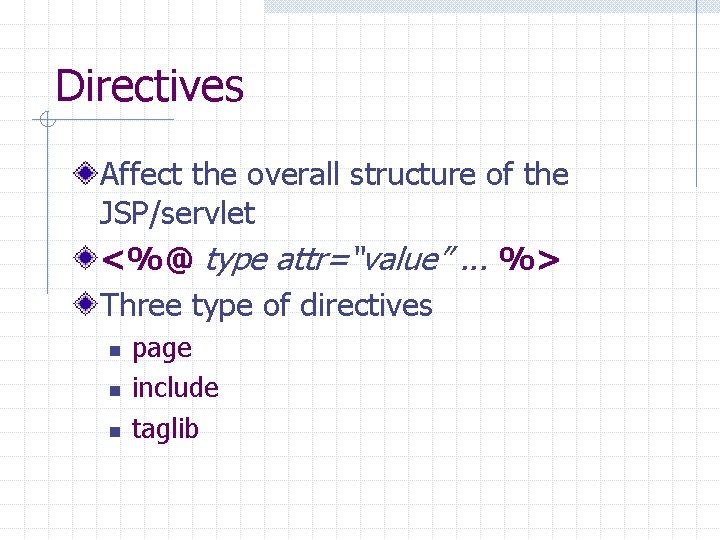
Directives Affect the overall structure of the JSP/servlet <%@ type attr=“value”. . . %> Three type of directives n n n page include taglib
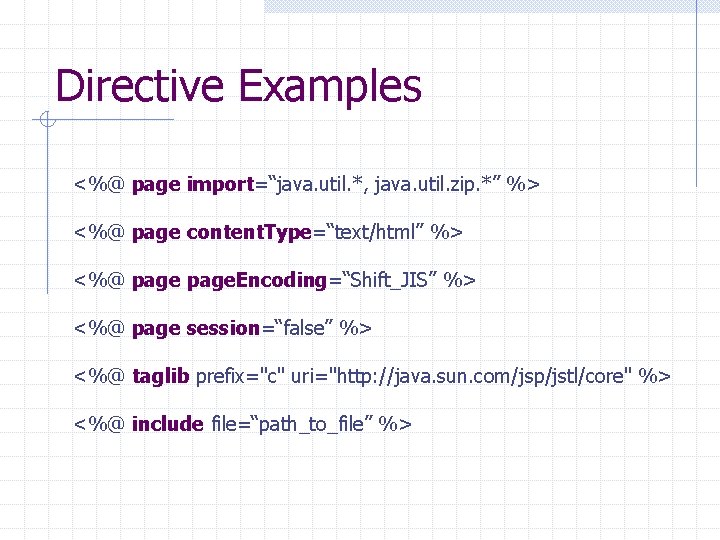
Directive Examples <%@ page import=“java. util. *, java. util. zip. *” %> <%@ page content. Type=“text/html” %> <%@ page. Encoding=“Shift_JIS” %> <%@ page session=“false” %> <%@ taglib prefix="c" uri="http: //java. sun. com/jsp/jstl/core" %> <%@ include file=“path_to_file” %>
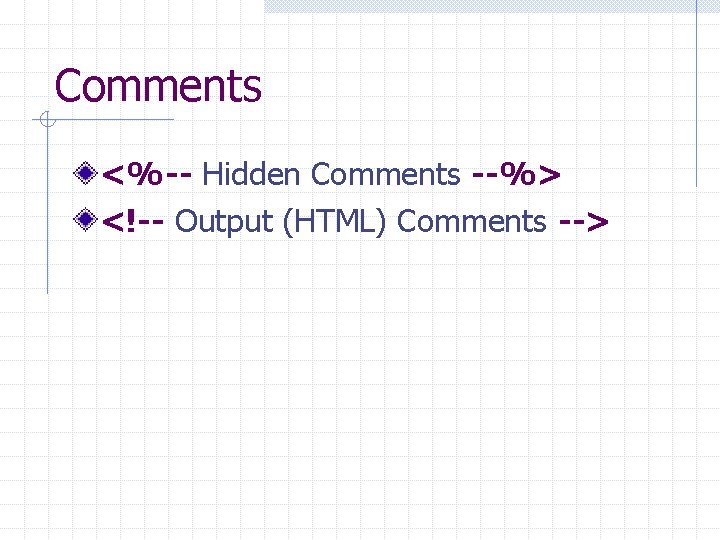
Comments <%-- Hidden Comments --%> <!-- Output (HTML) Comments -->
Scripting Elements JSP Expression JSP Scriptlet JSP Declarations
Scripting Elements Example Request. Counter servlet Request. Counter in JSP with scripting elements
JSP Expression <%= Java expression %> n What’s an expression? ? Converted to out. print(…) in _jsp. Service()
JSP Scriptlet <% Java code %> All code goes into _jsp. Service()
JSP Declaration <%! class variables or methods %> All code goes outside _jsp. Service()
Problems with Scripting Elements Mixing presentation and processing n n hard to debug hard to maintain No clean and easy way to reuse code Solution – separate out Java code
Java Beans A zero-argument constructor (*) No public class variables (**) Properties n n Properties are defined by getter and/or setters, e. g. get. Foo() and set. Foo() Properties != Class variables (*) Only needed if the bean is created in a JSP using <jsp: use. Bean>. (**) You can have public class variables, but they can’t be accessed directly in JSP.
About Bean Properties Property naming conventions n n 1 st letter is always in lower case 1 st letter must be capitalized in getter (accessor) and/or setter (mutator) Property types n n n read-only property: only getter write-only property: only setter read/write property: both
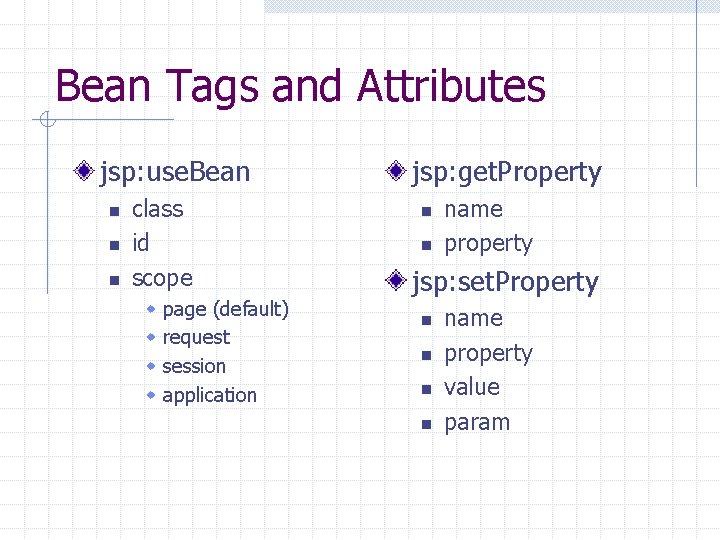
Bean Tags and Attributes jsp: use. Bean n class id scope w w page (default) request session application jsp: get. Property n n name property jsp: set. Property n n name property value param
Simple Bean Example Request. Counter using a Counter bean
Expression Language (EL) n n A JSP 2. 0 standard feature A more concise way to write JSP expressions w vs. <%= expression %> n Java’s answer to scripting languages w e. g. associative array EL Syntax ${ expression }
Expression Literals Operators Variables Functions n see Custom Tag Libraries
EL Literals true, false 23, 0 x 10, . . . 7. 5, 1. 1 e 13, . . . “double-quoted”, ‘single-quoted’ null No char type
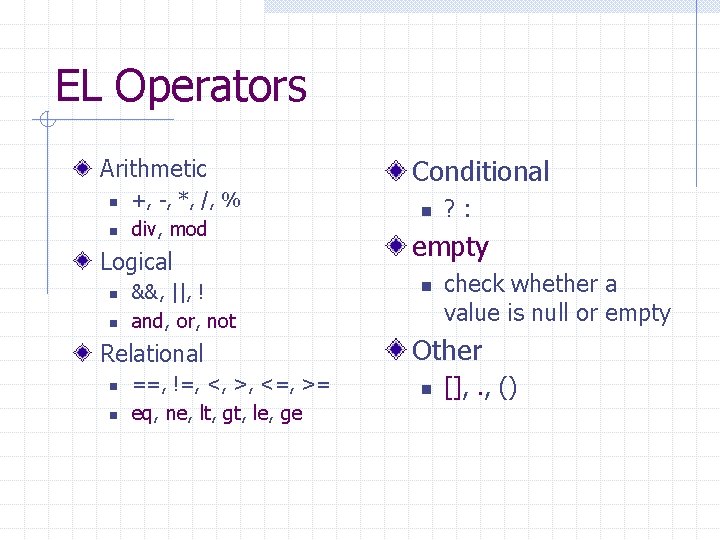
EL Operators Arithmetic n n +, -, *, /, % div, mod Logical n n &&, ||, ! and, or, not Relational n n ==, !=, <, >, <=, >= eq, ne, lt, gt, le, ge Conditional n ? : empty n check whether a value is null or empty Other n [], . , ()
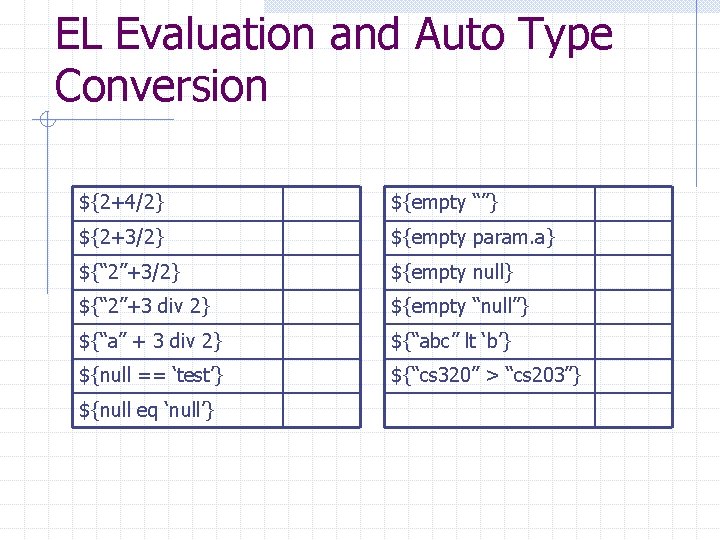
EL Evaluation and Auto Type Conversion ${2+4/2} ${empty “”} ${2+3/2} ${empty param. a} ${“ 2”+3/2} ${empty null} ${“ 2”+3 div 2} ${empty “null”} ${“a” + 3 div 2} ${“abc” lt ‘b’} ${null == ‘test’} ${“cs 320” > “cs 203”} ${null eq ‘null’}
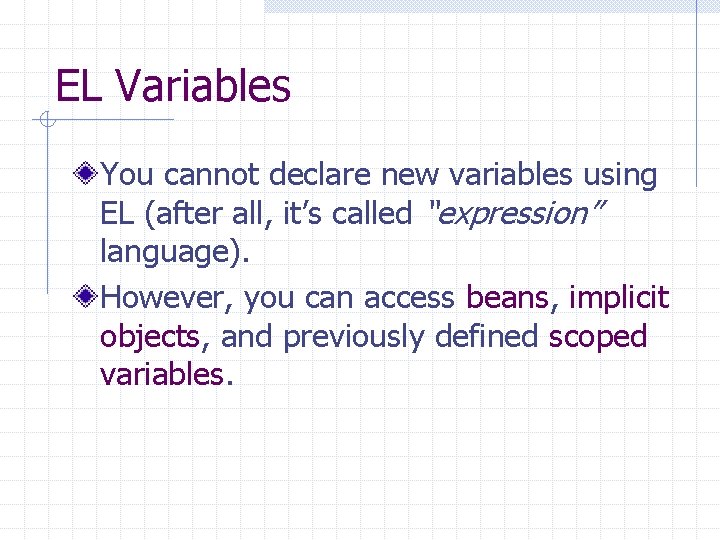
EL Variables You cannot declare new variables using EL (after all, it’s called “expression” language). However, you can access beans, implicit objects, and previously defined scoped variables.
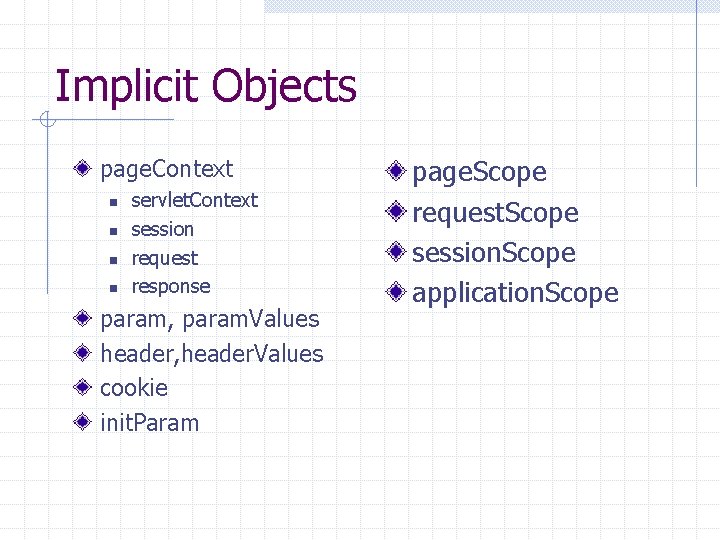
Implicit Objects page. Context n n servlet. Context session request response param, param. Values header, header. Values cookie init. Param page. Scope request. Scope session. Scope application. Scope
Simple EL Example Request. Counter that shows visitor’s IP address
Limitations of EL Only expressions, no statements, especially no control-flow statements JSTL
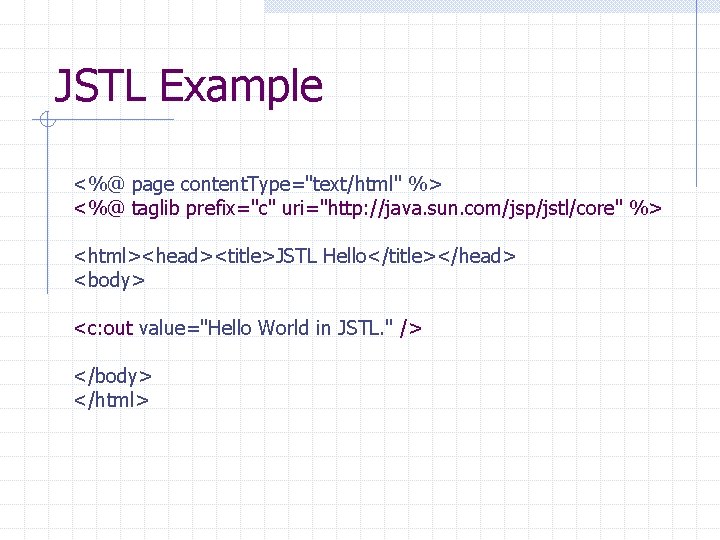
JSTL Example <%@ page content. Type="text/html" %> <%@ taglib prefix="c" uri="http: //java. sun. com/jsp/jstl/core" %> <html><head><title>JSTL Hello</title></head> <body> <c: out value="Hello World in JSTL. " /> </body> </html>
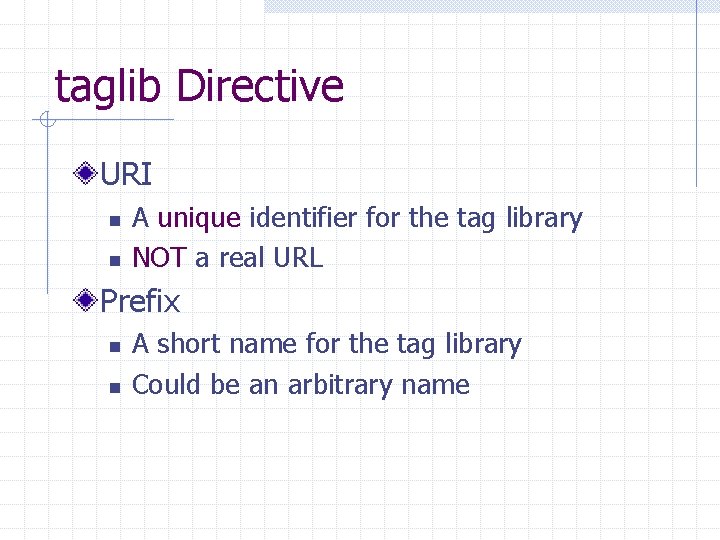
taglib Directive URI n n A unique identifier for the tag library NOT a real URL Prefix n n A short name for the tag library Could be an arbitrary name
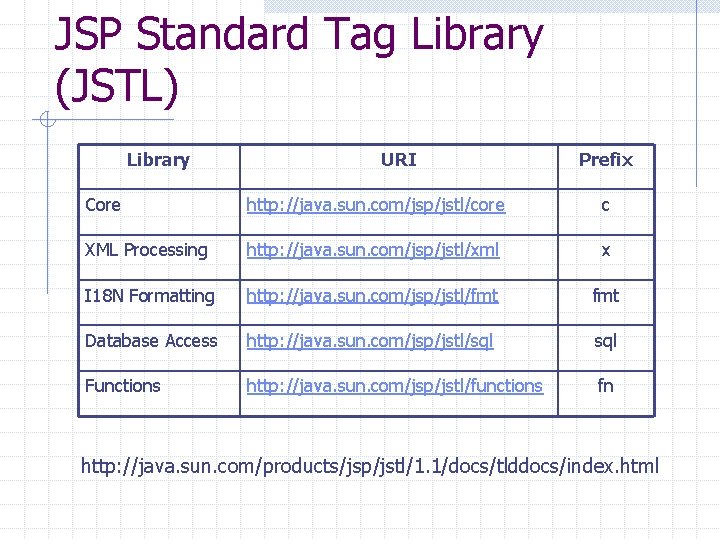
JSP Standard Tag Library (JSTL) Library URI Prefix Core http: //java. sun. com/jsp/jstl/core c XML Processing http: //java. sun. com/jsp/jstl/xml x I 18 N Formatting http: //java. sun. com/jsp/jstl/fmt Database Access http: //java. sun. com/jsp/jstl/sql Functions http: //java. sun. com/jsp/jstl/functions fn http: //java. sun. com/products/jsp/jstl/1. 1/docs/tlddocs/index. html
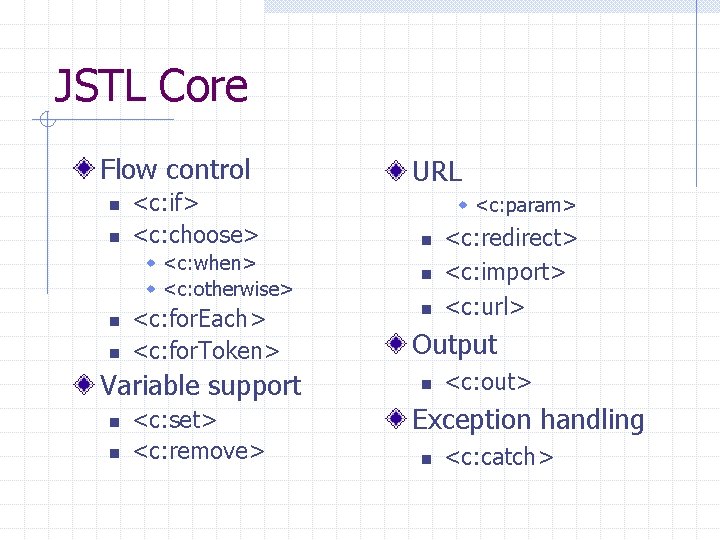
JSTL Core Flow control n n <c: if> <c: choose> w <c: when> w <c: otherwise> n n <c: for. Each> <c: for. Token> Variable support n n <c: set> <c: remove> URL w <c: param> n n n <c: redirect> <c: import> <c: url> Output n <c: out> Exception handling n <c: catch>
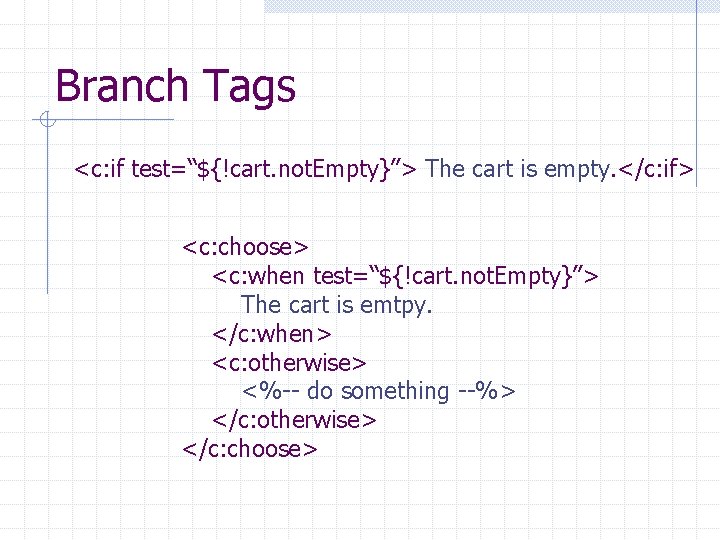
Branch Tags <c: if test=“${!cart. not. Empty}”> The cart is empty. </c: if> <c: choose> <c: when test=“${!cart. not. Empty}”> The cart is emtpy. </c: when> <c: otherwise> <%-- do something --%> </c: otherwise> </c: choose>
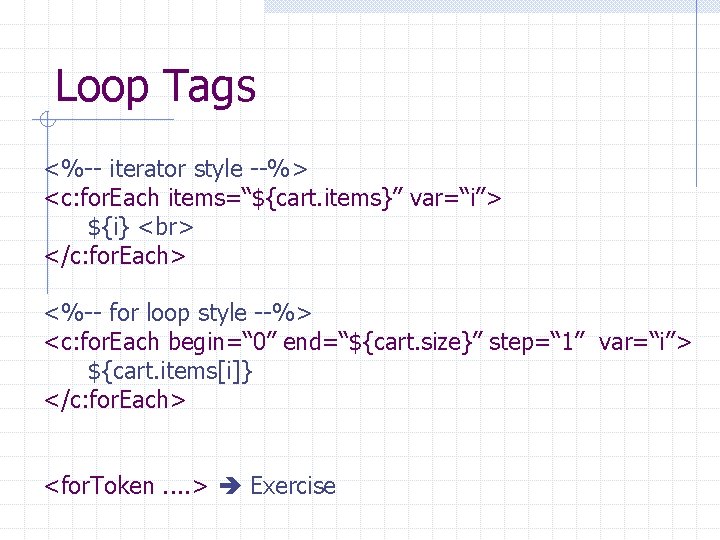
Loop Tags <%-- iterator style --%> <c: for. Each items=“${cart. items}” var=“i”> ${i} </c: for. Each> <%-- for loop style --%> <c: for. Each begin=“ 0” end=“${cart. size}” step=“ 1” var=“i”> ${cart. items[i]} </c: for. Each> <for. Token. . > Exercise
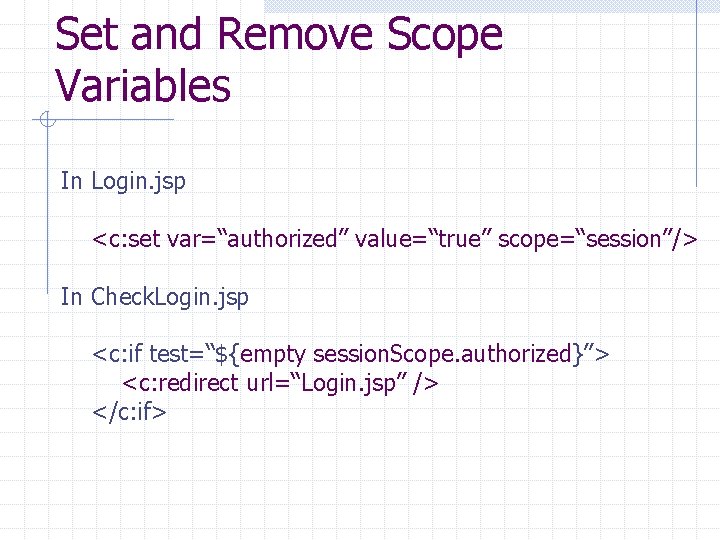
Set and Remove Scope Variables In Login. jsp <c: set var=“authorized” value=“true” scope=“session”/> In Check. Login. jsp <c: if test=“${empty session. Scope. authorized}”> <c: redirect url=“Login. jsp” /> </c: if>
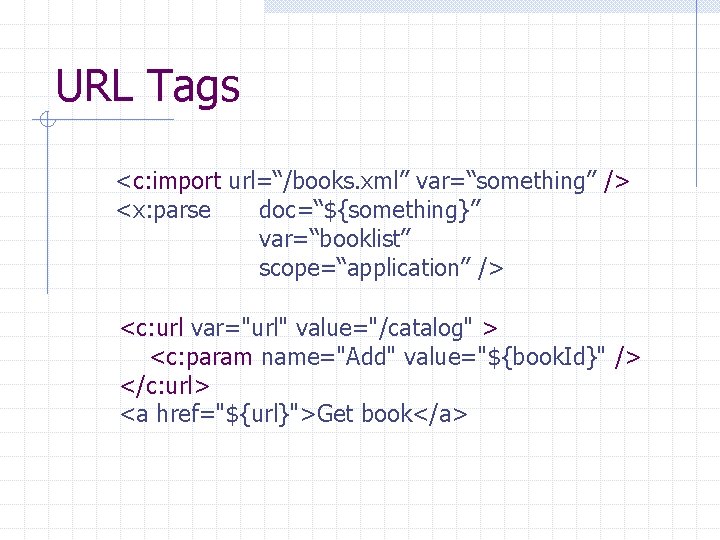
URL Tags <c: import url=“/books. xml” var=“something” /> <x: parse doc=“${something}” var=“booklist” scope=“application” /> <c: url var="url" value="/catalog" > <c: param name="Add" value="${book. Id}" /> </c: url> <a href="${url}">Get book</a>
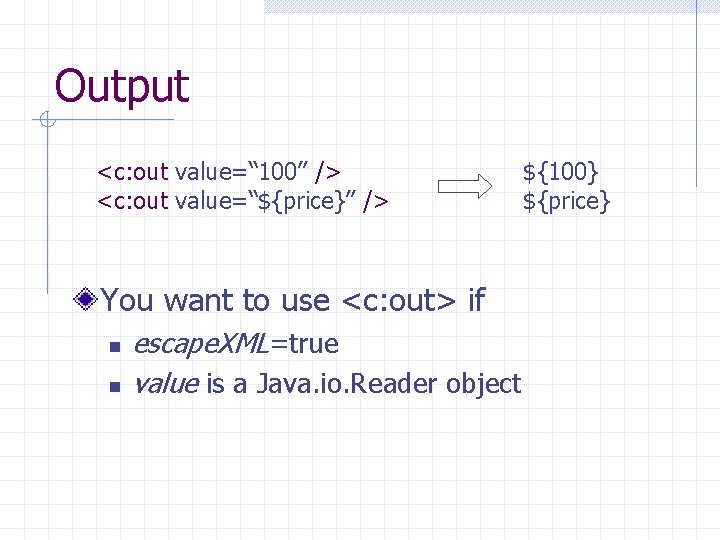
Output <c: out value=“ 100” /> <c: out value=“${price}” /> You want to use <c: out> if n n escape. XML=true value is a Java. io. Reader object ${100} ${price}
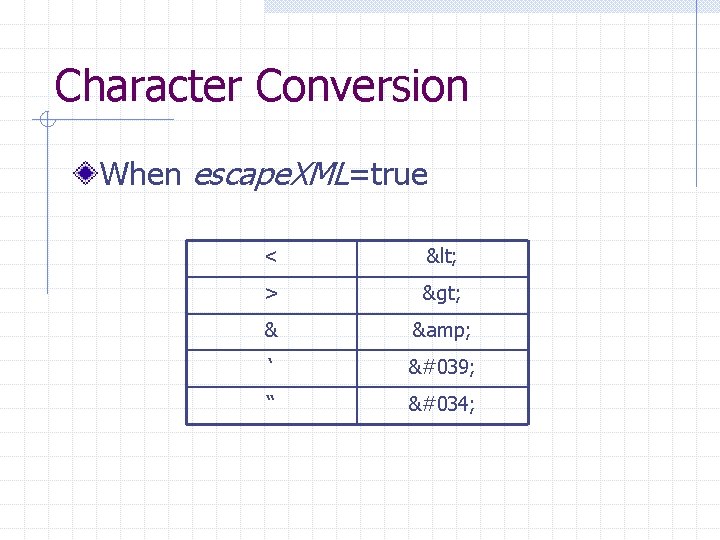
Character Conversion When escape. XML=true < < > > & & ‘ ' “ "
Exception Handling <c: catch>
Bean + EL + JSTL Example Guest. Book. jsp
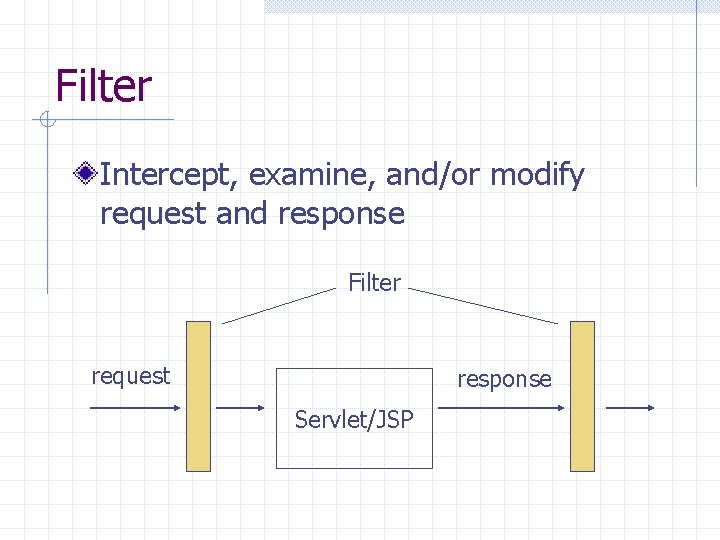
Filter Intercept, examine, and/or modify request and response Filter request response Servlet/JSP
Filter Example Check. Param. Filter n Check whether a request comes with certain parameters
Putting It All Together - Java Web Application Components n n n Servlets Filters JSPs Classes Static documents (HTML, images, sounds etc. ) Meta information Everything in the same context is considered part of one application
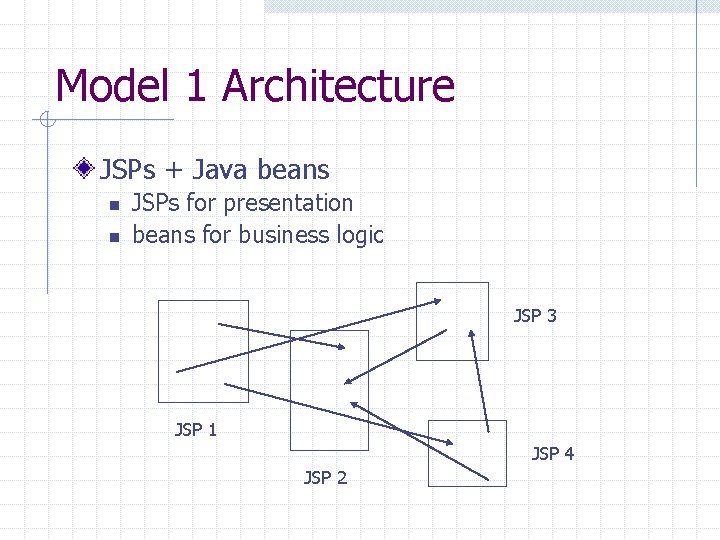
Model 1 Architecture JSPs + Java beans n n JSPs for presentation beans for business logic JSP 3 JSP 1 JSP 4 JSP 2
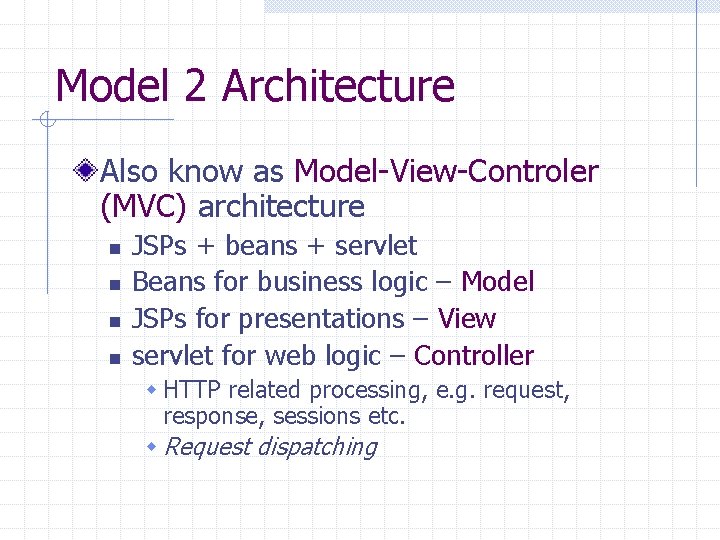
Model 2 Architecture Also know as Model-View-Controler (MVC) architecture n n JSPs + beans + servlet Beans for business logic – Model JSPs for presentations – View servlet for web logic – Controller w HTTP related processing, e. g. request, response, sessions etc. w Request dispatching
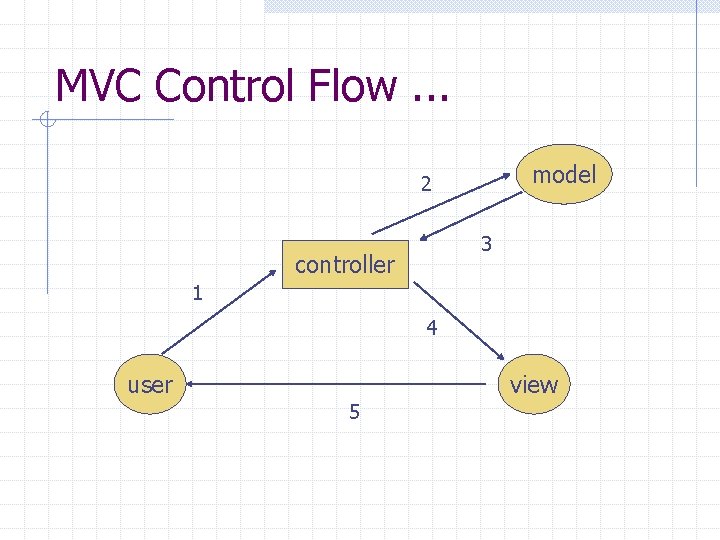
MVC Control Flow. . . model 2 3 controller 1 4 user view 5
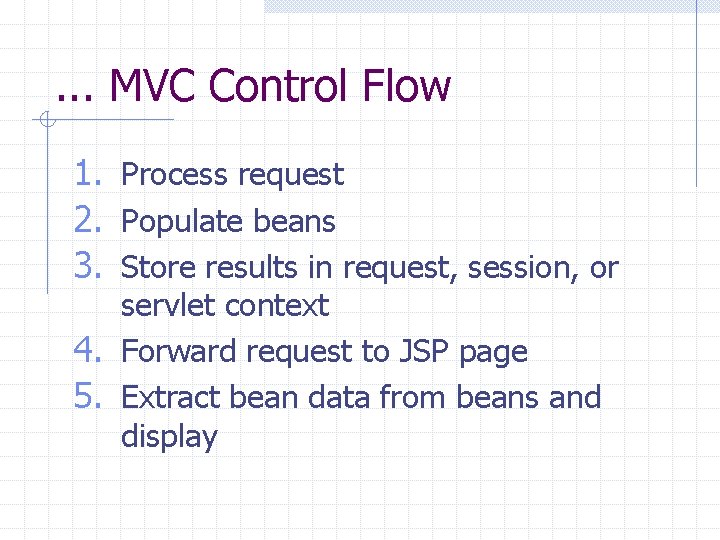
. . . MVC Control Flow 1. Process request 2. Populate beans 3. Store results in request, session, or servlet context 4. Forward request to JSP page 5. Extract bean data from beans and display
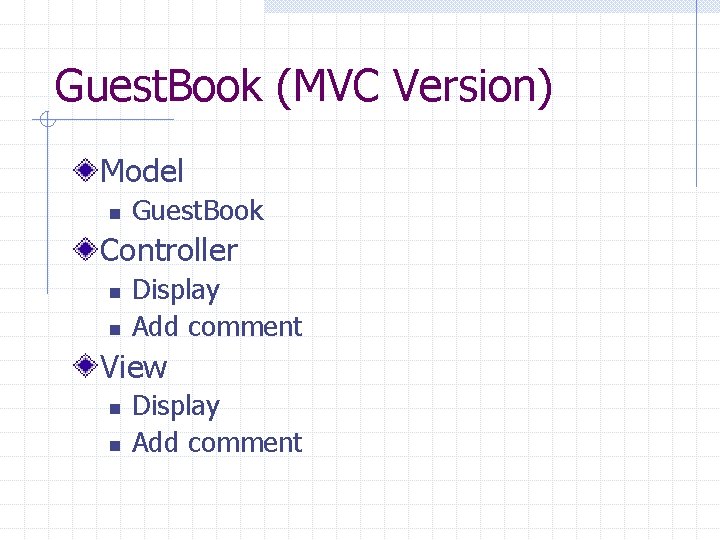
Guest. Book (MVC Version) Model n Guest. Book Controller n n Display Add comment View n n Display Add comment
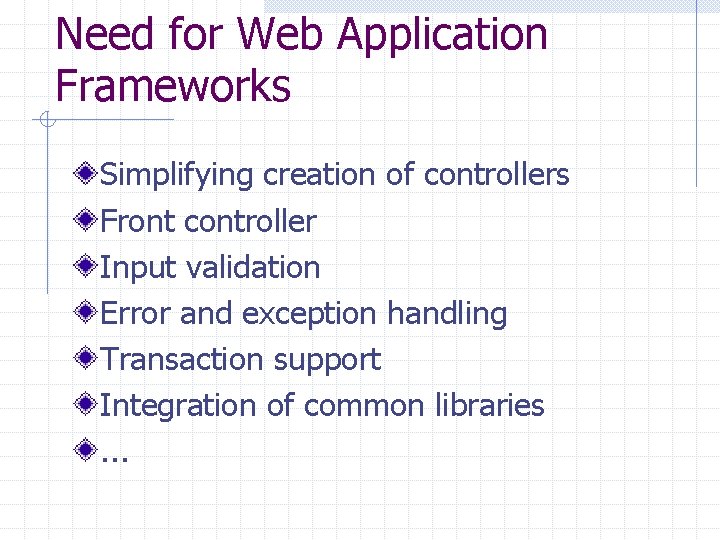
Need for Web Application Frameworks Simplifying creation of controllers Front controller Input validation Error and exception handling Transaction support Integration of common libraries. . .
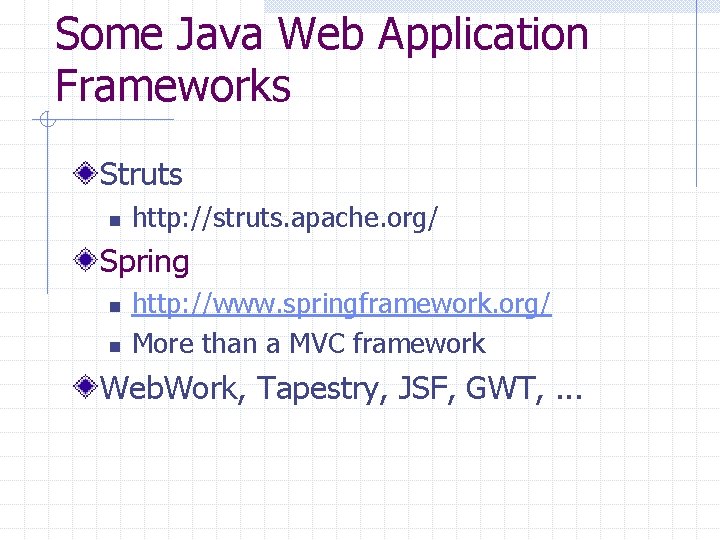
Some Java Web Application Frameworks Struts n http: //struts. apache. org/ Spring n n http: //www. springframework. org/ More than a MVC framework Web. Work, Tapestry, JSF, GWT, . . .
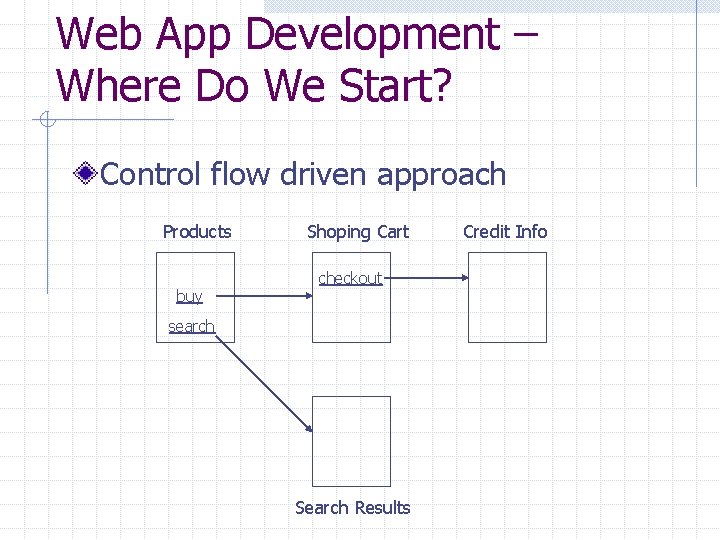
Web App Development – Where Do We Start? Control flow driven approach Products buy Shoping Cart checkout search Search Results Credit Info
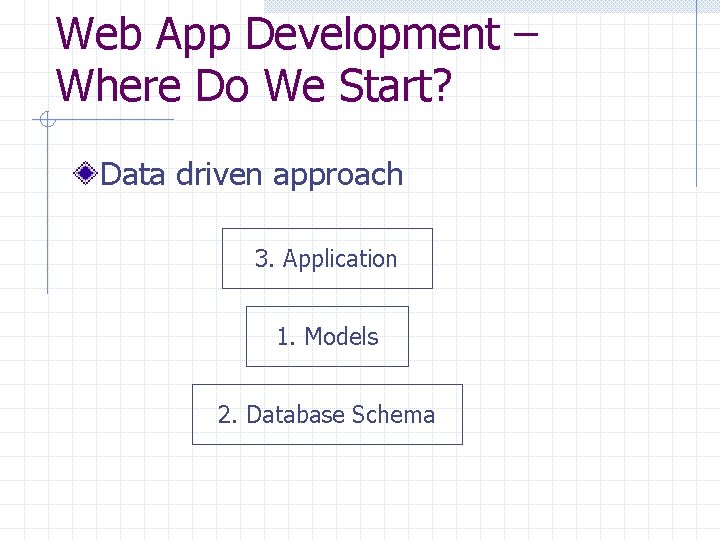
Web App Development – Where Do We Start? Data driven approach 3. Application 1. Models 2. Database Schema
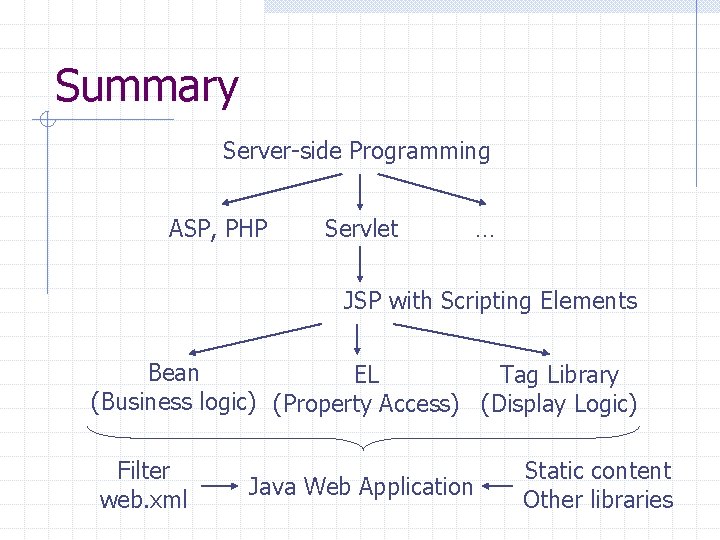
Summary Server-side Programming ASP, PHP Servlet … JSP with Scripting Elements Bean EL Tag Library (Business logic) (Property Access) (Display Logic) Filter web. xml Java Web Application Static content Other libraries
- Slides: 89