
CS 5103 Software Engineering Lecture 12 Coding Styles

- Slides: 40
CS 5103 Software Engineering Lecture 12 Coding Styles
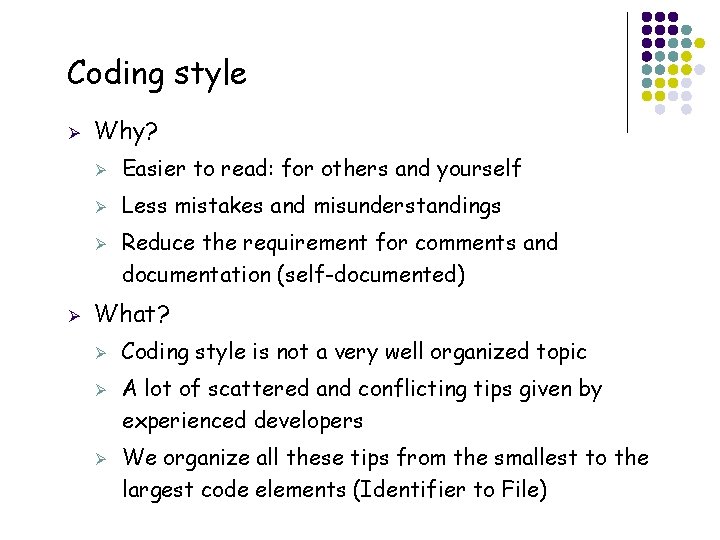
Coding style Ø Why? Ø Easier to read: for others and yourself Ø Less mistakes and misunderstandings Ø Ø What? Ø Ø Ø 2 Reduce the requirement for comments and documentation (self-documented) Coding style is not a very well organized topic A lot of scattered and conflicting tips given by experienced developers We organize all these tips from the smallest to the largest code elements (Identifier to File)
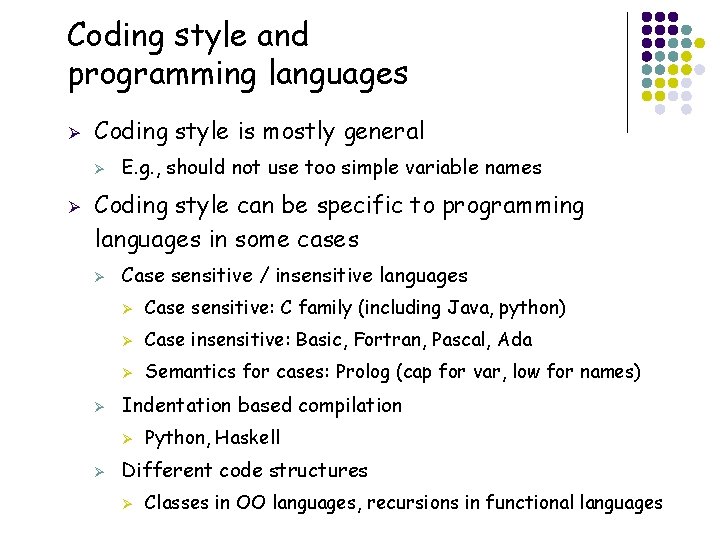
Coding style and programming languages Ø Coding style is mostly general Ø Ø E. g. , should not use too simple variable names Coding style can be specific to programming languages in some cases Ø Ø Case sensitive / insensitive languages Ø Case sensitive: C family (including Java, python) Ø Case insensitive: Basic, Fortran, Pascal, Ada Ø Semantics for cases: Prolog (cap for var, low for names) Indentation based compilation Ø Ø 3 Python, Haskell Different code structures Ø Classes in OO languages, recursions in functional languages
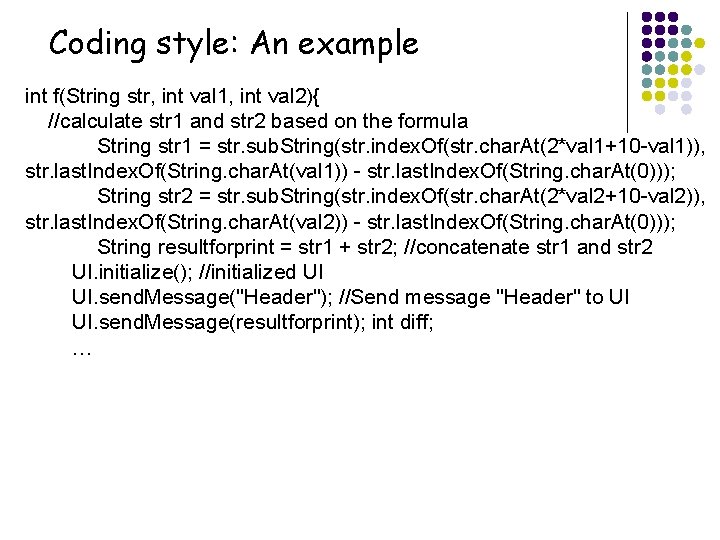
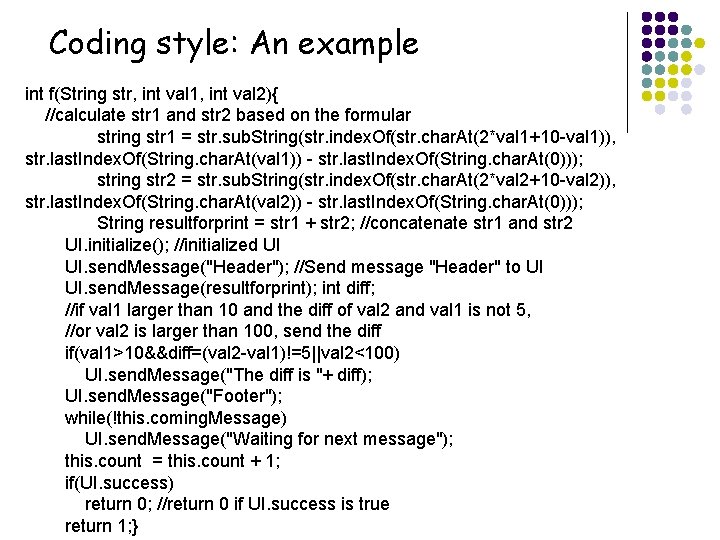
Coding style: An example int f(String str, int val 1, int val 2){ //calculate str 1 and str 2 based on the formula String str 1 = str. sub. String(str. index. Of(str. char. At(2*val 1+10 -val 1)), str. last. Index. Of(String. char. At(val 1)) - str. last. Index. Of(String. char. At(0))); String str 2 = str. sub. String(str. index. Of(str. char. At(2*val 2+10 -val 2)), str. last. Index. Of(String. char. At(val 2)) - str. last. Index. Of(String. char. At(0))); String resultforprint = str 1 + str 2; //concatenate str 1 and str 2 UI. initialize(); //initialized UI UI. send. Message("Header"); //Send message "Header" to UI UI. send. Message(resultforprint); int diff; … 4
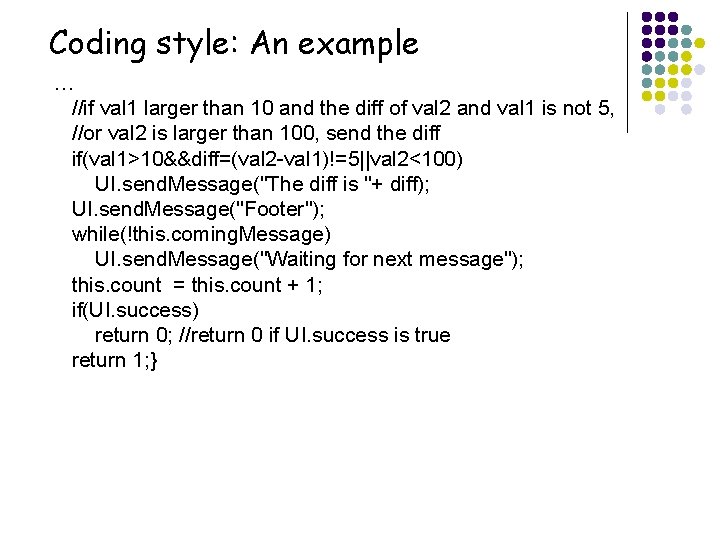
Coding style: An example … //if val 1 larger than 10 and the diff of val 2 and val 1 is not 5, //or val 2 is larger than 100, send the diff if(val 1>10&&diff=(val 2 -val 1)!=5||val 2<100) UI. send. Message("The diff is "+ diff); UI. send. Message("Footer"); while(!this. coming. Message) UI. send. Message("Waiting for next message"); this. count = this. count + 1; if(UI. success) return 0; //return 0 if UI. success is true return 1; } 5
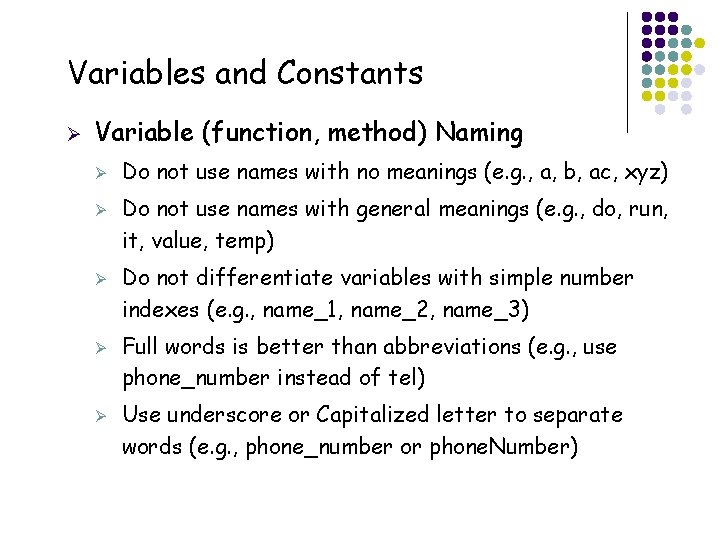
Variables and Constants Ø Variable (function, method) Naming Ø Ø Ø 6 Do not use names with no meanings (e. g. , a, b, ac, xyz) Do not use names with general meanings (e. g. , do, run, it, value, temp) Do not differentiate variables with simple number indexes (e. g. , name_1, name_2, name_3) Full words is better than abbreviations (e. g. , use phone_number instead of tel) Use underscore or Capitalized letter to separate words (e. g. , phone_number or phone. Number)
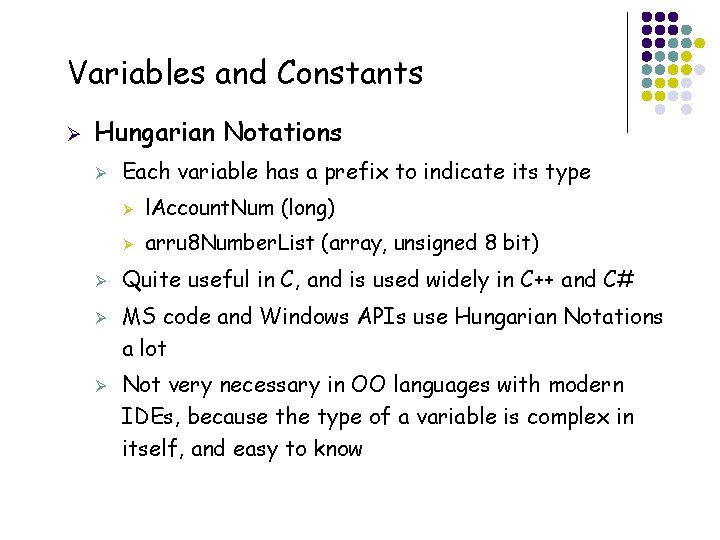
Variables and Constants Ø Hungarian Notations Ø Ø 7 Each variable has a prefix to indicate its type Ø l. Account. Num (long) Ø arru 8 Number. List (array, unsigned 8 bit) Quite useful in C, and is used widely in C++ and C# MS code and Windows APIs use Hungarian Notations a lot Not very necessary in OO languages with modern IDEs, because the type of a variable is complex in itself, and easy to know
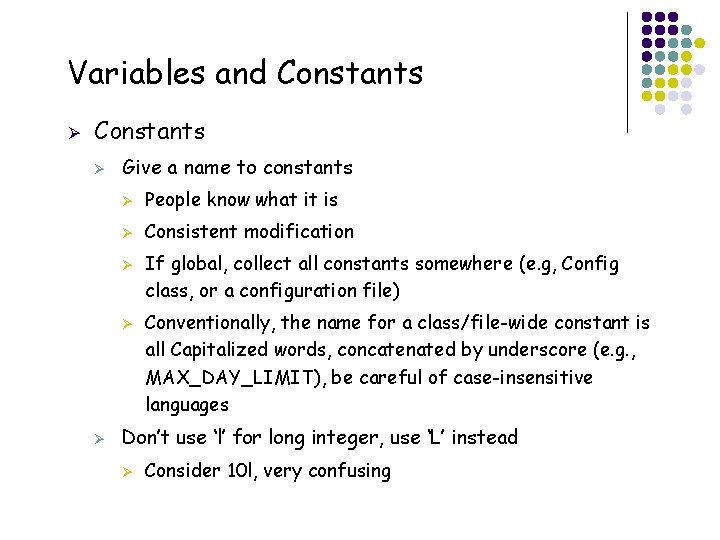
Variables and Constants Ø Give a name to constants Ø People know what it is Ø Consistent modification Ø Ø Ø Conventionally, the name for a class/file-wide constant is all Capitalized words, concatenated by underscore (e. g. , MAX_DAY_LIMIT), be careful of case-insensitive languages Don’t use ‘l’ for long integer, use ‘L’ instead Ø 8 If global, collect all constants somewhere (e. g, Config class, or a configuration file) Consider 10 l, very confusing
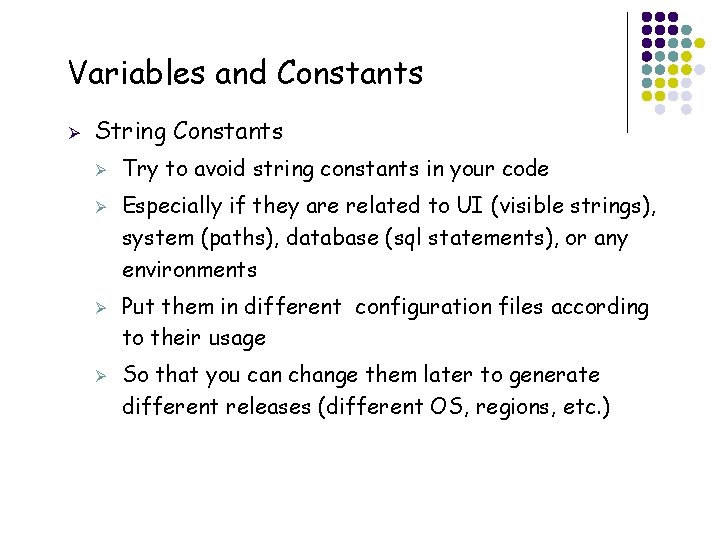
Variables and Constants Ø String Constants Ø Ø 9 Try to avoid string constants in your code Especially if they are related to UI (visible strings), system (paths), database (sql statements), or any environments Put them in different configuration files according to their usage So that you can change them later to generate different releases (different OS, regions, etc. )
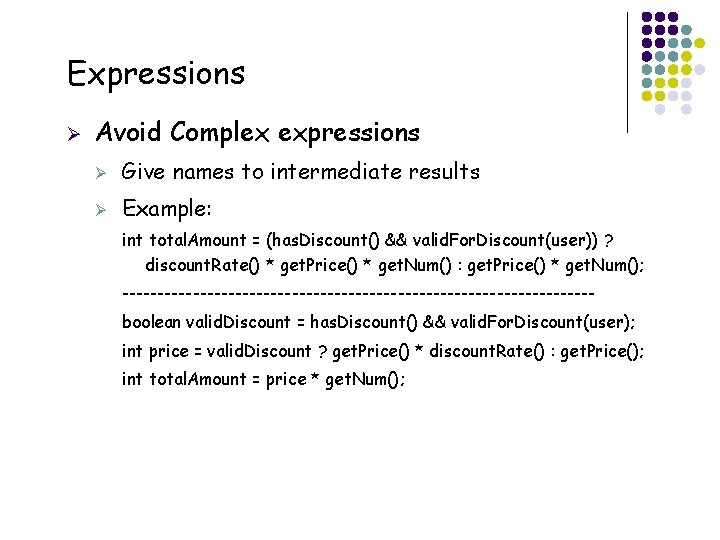
Expressions Ø Avoid Complex expressions Ø Give names to intermediate results Ø Example: int total. Amount = (has. Discount() && valid. For. Discount(user)) ? discount. Rate() * get. Price() * get. Num() : get. Price() * get. Num(); ---------------------------------boolean valid. Discount = has. Discount() && valid. For. Discount(user); int price = valid. Discount ? get. Price() * discount. Rate() : get. Price(); int total. Amount = price * get. Num(); 10
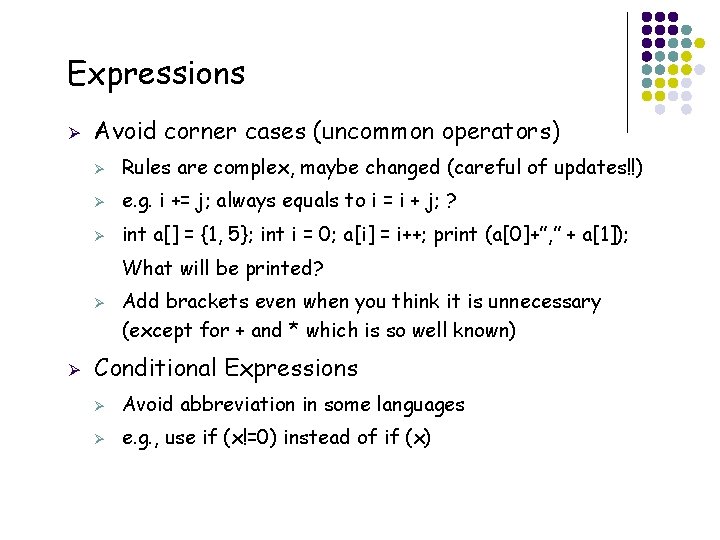
Expressions Ø Avoid corner cases (uncommon operators) Ø Rules are complex, maybe changed (careful of updates!!) Ø e. g. i += j; always equals to i = i + j; ? Ø int a[] = {1, 5}; int i = 0; a[i] = i++; print (a[0]+”, ” + a[1]); What will be printed? Ø Ø 11 Add brackets even when you think it is unnecessary (except for + and * which is so well known) Conditional Expressions Ø Avoid abbreviation in some languages Ø e. g. , use if (x!=0) instead of if (x)
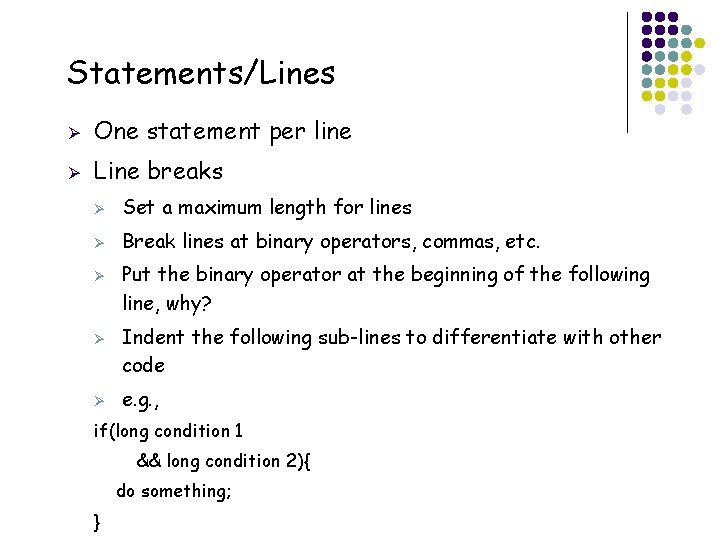
Statements/Lines Ø One statement per line Ø Line breaks Ø Set a maximum length for lines Ø Break lines at binary operators, commas, etc. Ø Ø Ø Put the binary operator at the beginning of the following line, why? Indent the following sub-lines to differentiate with other code e. g. , if(long condition 1 && long condition 2){ do something; 12 }
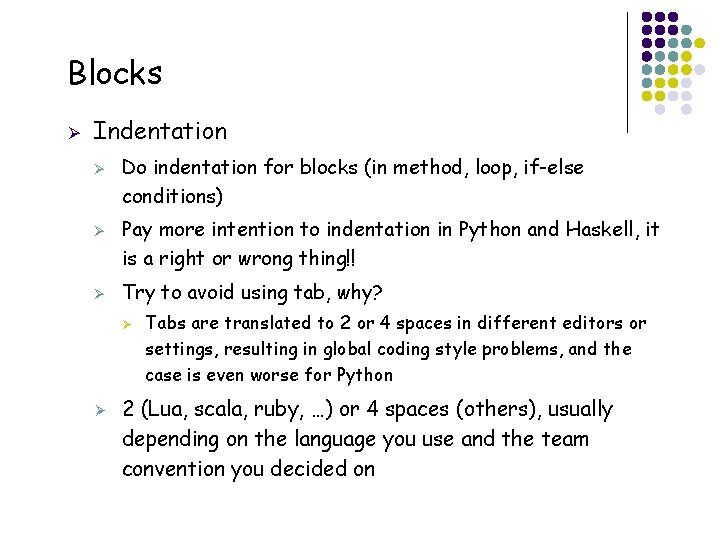
Blocks Ø Indentation Ø Ø Ø Do indentation for blocks (in method, loop, if-else conditions) Pay more intention to indentation in Python and Haskell, it is a right or wrong thing!! Try to avoid using tab, why? Ø Ø 13 Tabs are translated to 2 or 4 spaces in different editors or settings, resulting in global coding style problems, and the case is even worse for Python 2 (Lua, scala, ruby, …) or 4 spaces (others), usually depending on the language you use and the team convention you decided on
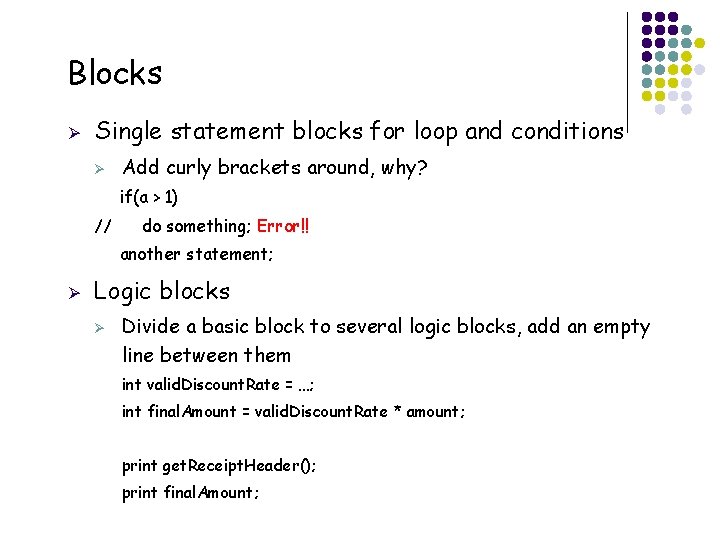
Blocks Ø Single statement blocks for loop and conditions Ø Add curly brackets around, why? if(a > 1) // do something; Error!! another statement; Ø Logic blocks Ø Divide a basic block to several logic blocks, add an empty line between them int valid. Discount. Rate = …; int final. Amount = valid. Discount. Rate * amount; print get. Receipt. Header(); print final. Amount; 14
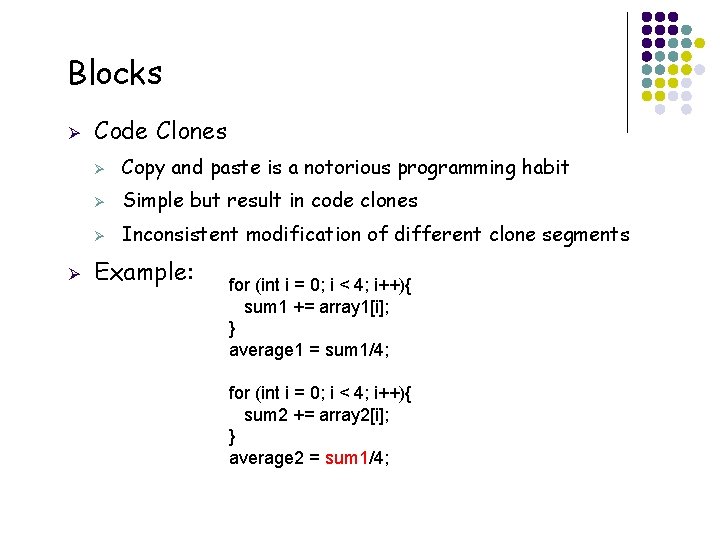
Blocks Ø Ø Code Clones Ø Copy and paste is a notorious programming habit Ø Simple but result in code clones Ø Inconsistent modification of different clone segments Example: for (int i = 0; i < 4; i++){ sum 1 += array 1[i]; } average 1 = sum 1/4; for (int i = 0; i < 4; i++){ sum 2 += array 2[i]; } average 2 = sum 1/4; 15
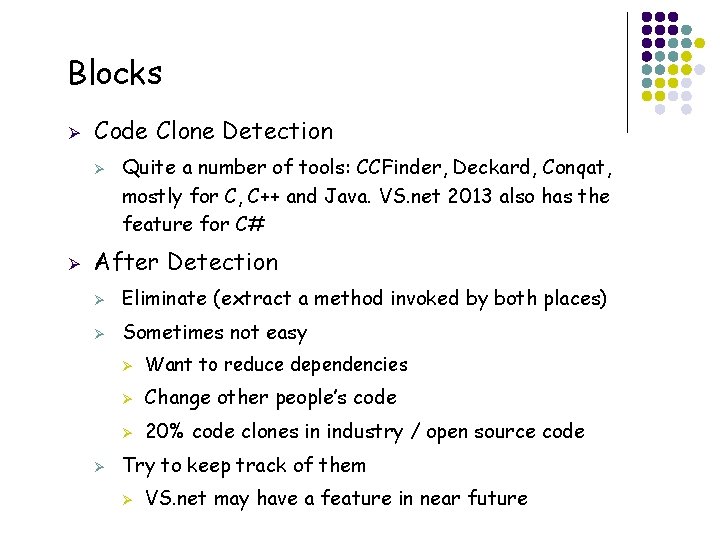
Blocks Ø Code Clone Detection Ø Ø After Detection Ø Eliminate (extract a method invoked by both places) Ø Sometimes not easy Ø 16 Quite a number of tools: CCFinder, Deckard, Conqat, mostly for C, C++ and Java. VS. net 2013 also has the feature for C# Ø Want to reduce dependencies Ø Change other people’s code Ø 20% code clones in industry / open source code Try to keep track of them Ø VS. net may have a feature in near future
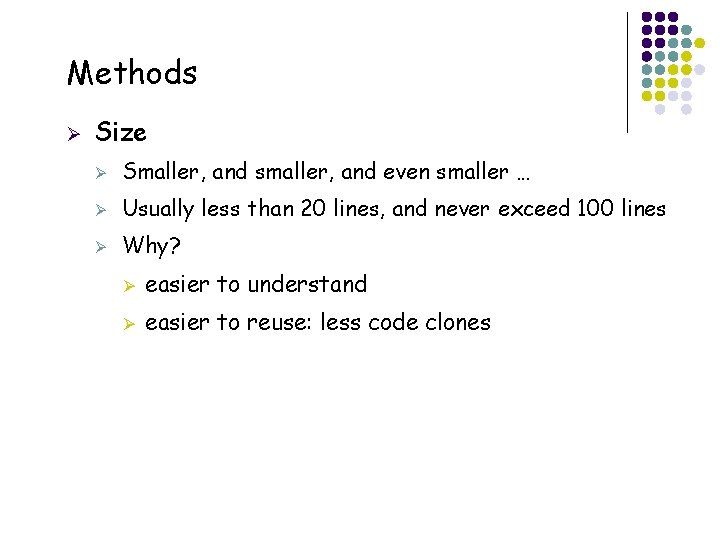
Methods Ø 17 Size Ø Smaller, and smaller, and even smaller … Ø Usually less than 20 lines, and never exceed 100 lines Ø Why? Ø easier to understand Ø easier to reuse: less code clones
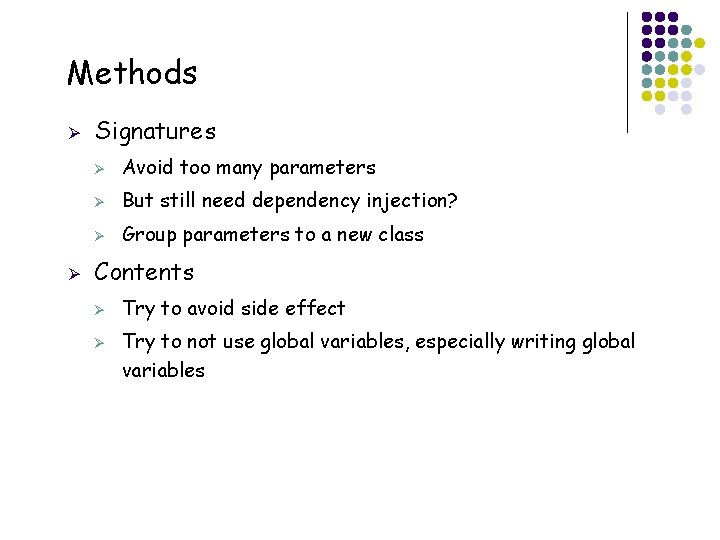
Methods Ø Ø Signatures Ø Avoid too many parameters Ø But still need dependency injection? Ø Group parameters to a new class Contents Ø Ø 18 Try to avoid side effect Try to not use global variables, especially writing global variables
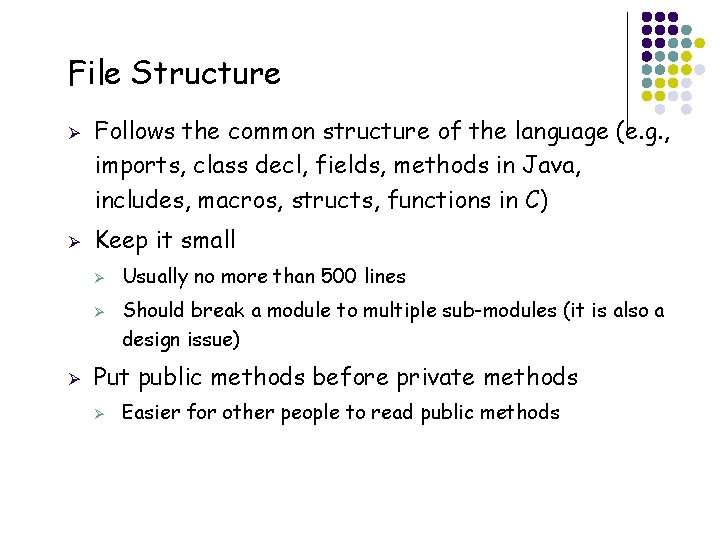
File Structure Ø Ø Follows the common structure of the language (e. g. , imports, class decl, fields, methods in Java, includes, macros, structs, functions in C) Keep it small Ø Ø Ø Should break a module to multiple sub-modules (it is also a design issue) Put public methods before private methods Ø 19 Usually no more than 500 lines Easier for other people to read public methods
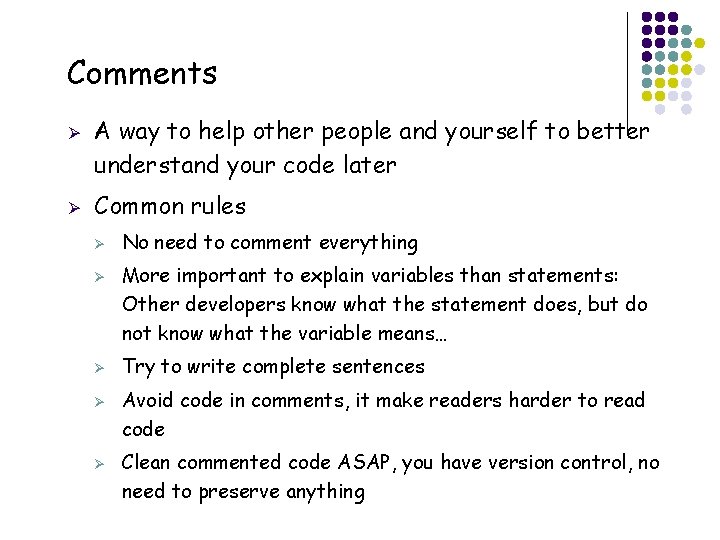
Comments Ø Ø A way to help other people and yourself to better understand your code later Common rules Ø Ø Ø 20 No need to comment everything More important to explain variables than statements: Other developers know what the statement does, but do not know what the variable means… Try to write complete sentences Avoid code in comments, it make readers harder to read code Clean commented code ASAP, you have version control, no need to preserve anything
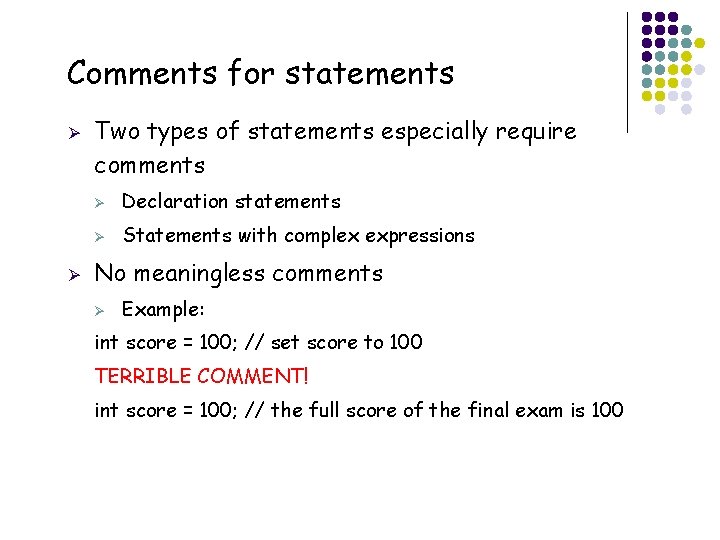
Comments for statements Ø Ø Two types of statements especially require comments Ø Declaration statements Ø Statements with complex expressions No meaningless comments Ø Example: int score = 100; // set score to 100 TERRIBLE COMMENT! int score = 100; // the full score of the final exam is 100 21
Coding style: An example int f(String str, int val 1, int val 2){ //calculate str 1 and str 2 based on the formular string str 1 = str. sub. String(str. index. Of(str. char. At(2*val 1+10 -val 1)), str. last. Index. Of(String. char. At(val 1)) - str. last. Index. Of(String. char. At(0))); string str 2 = str. sub. String(str. index. Of(str. char. At(2*val 2+10 -val 2)), str. last. Index. Of(String. char. At(val 2)) - str. last. Index. Of(String. char. At(0))); String resultforprint = str 1 + str 2; //concatenate str 1 and str 2 UI. initialize(); //initialized UI UI. send. Message("Header"); //Send message "Header" to UI UI. send. Message(resultforprint); int diff; //if val 1 larger than 10 and the diff of val 2 and val 1 is not 5, //or val 2 is larger than 100, send the diff if(val 1>10&&diff=(val 2 -val 1)!=5||val 2<100) UI. send. Message("The diff is "+ diff); UI. send. Message("Footer"); while(!this. coming. Message) UI. send. Message("Waiting for next message"); this. count = this. count + 1; if(UI. success) return 0; //return 0 if UI. success is true 22 return 1; }
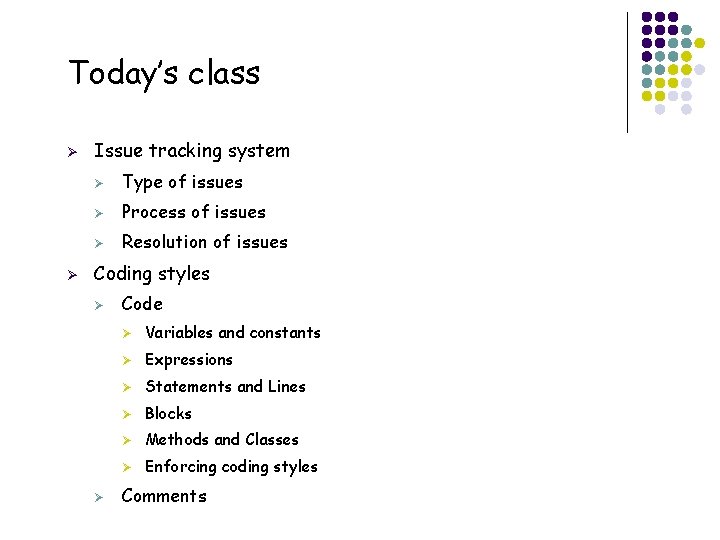
Today’s class Ø Ø Issue tracking system Ø Type of issues Ø Process of issues Ø Resolution of issues Coding styles Ø Ø 23 Code Ø Variables and constants Ø Expressions Ø Statements and Lines Ø Blocks Ø Methods and Classes Ø Enforcing coding styles Comments
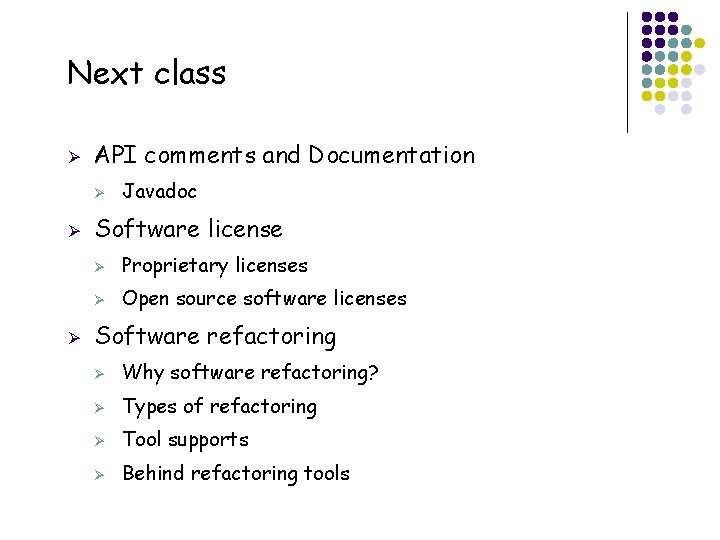
Next class Ø API comments and Documentation Ø Ø Ø 24 Javadoc Software license Ø Proprietary licenses Ø Open source software licenses Software refactoring Ø Why software refactoring? Ø Types of refactoring Ø Tool supports Ø Behind refactoring tools
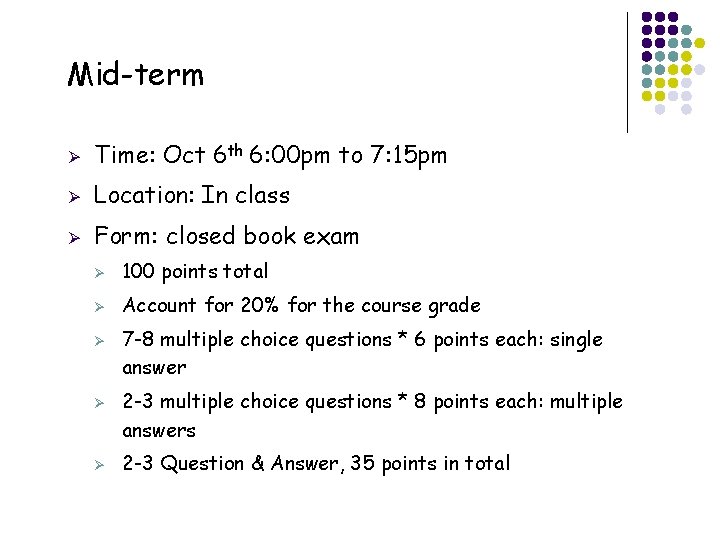
Mid-term Ø Time: Oct 6 th 6: 00 pm to 7: 15 pm Ø Location: In class Ø Form: closed book exam Ø 100 points total Ø Account for 20% for the course grade Ø Ø Ø 25 7 -8 multiple choice questions * 6 points each: single answer 2 -3 multiple choice questions * 8 points each: multiple answers 2 -3 Question & Answer, 35 points in total
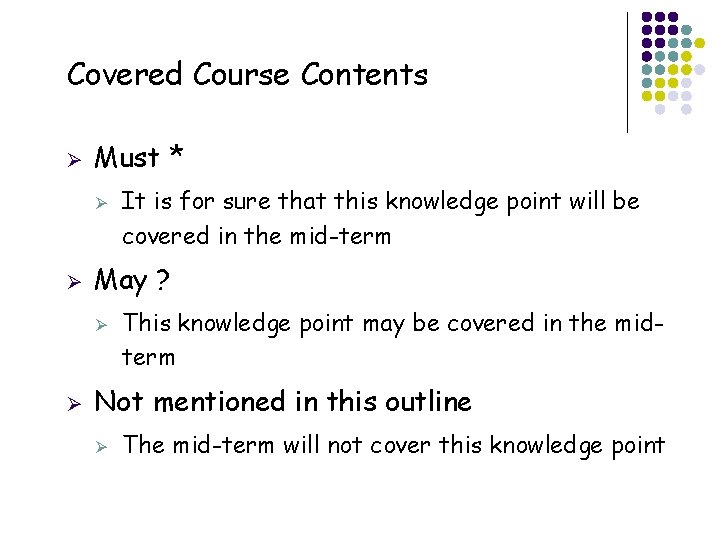
Covered Course Contents Ø Must * Ø Ø May ? Ø Ø This knowledge point may be covered in the midterm Not mentioned in this outline Ø 26 It is for sure that this knowledge point will be covered in the mid-term The mid-term will not cover this knowledge point
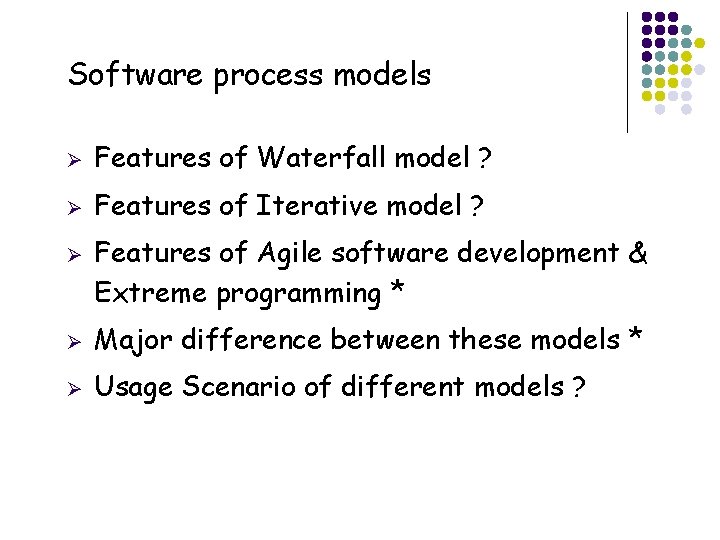
Software process models Ø Features of Waterfall model ? Ø Features of Iterative model ? Ø 27 Features of Agile software development & Extreme programming * Ø Major difference between these models * Ø Usage Scenario of different models ?
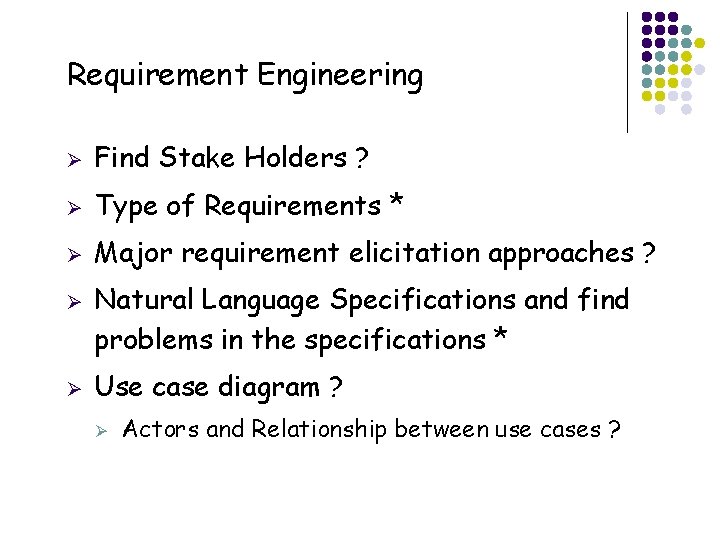
Requirement Engineering Ø Find Stake Holders ? Ø Type of Requirements * Ø Major requirement elicitation approaches ? Ø Ø Natural Language Specifications and find problems in the specifications * Use case diagram ? Ø 28 Actors and Relationship between use cases ?
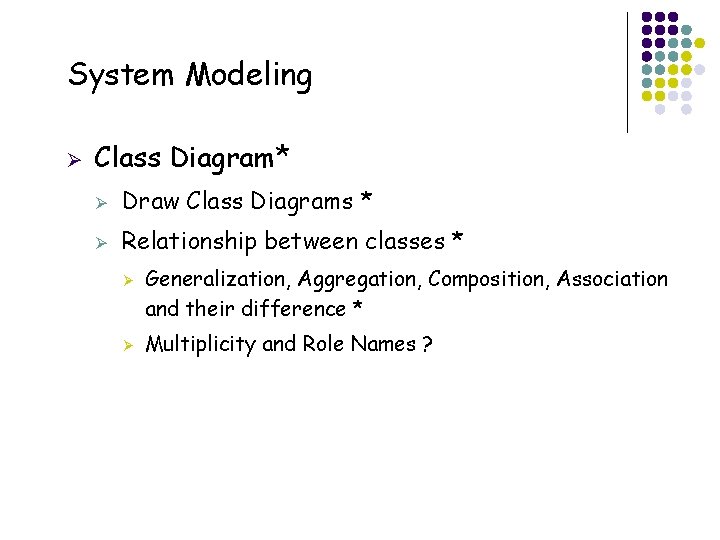
System Modeling Ø Class Diagram* Ø Draw Class Diagrams * Ø Relationship between classes * Ø Ø 29 Generalization, Aggregation, Composition, Association and their difference * Multiplicity and Role Names ?
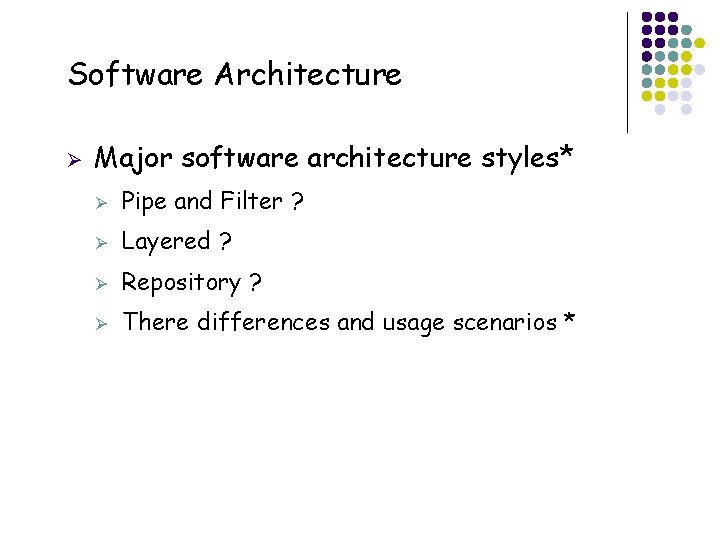
Software Architecture Ø 30 Major software architecture styles* Ø Pipe and Filter ? Ø Layered ? Ø Repository ? Ø There differences and usage scenarios *
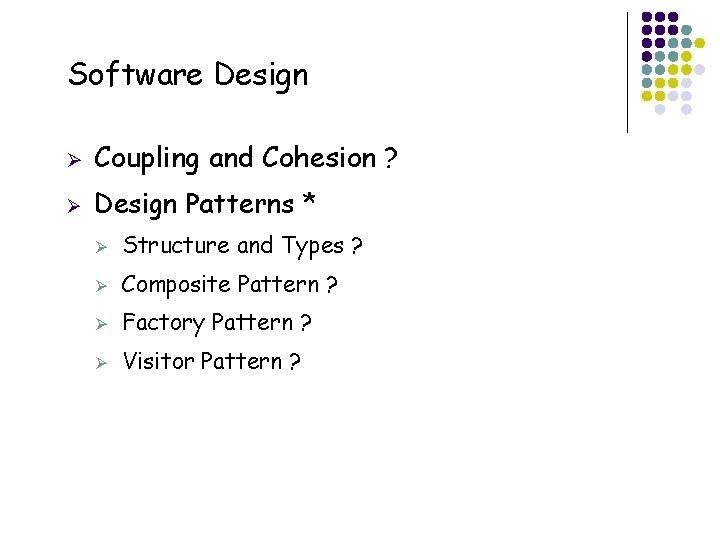
Software Design 31 Ø Coupling and Cohesion ? Ø Design Patterns * Ø Structure and Types ? Ø Composite Pattern ? Ø Factory Pattern ? Ø Visitor Pattern ?
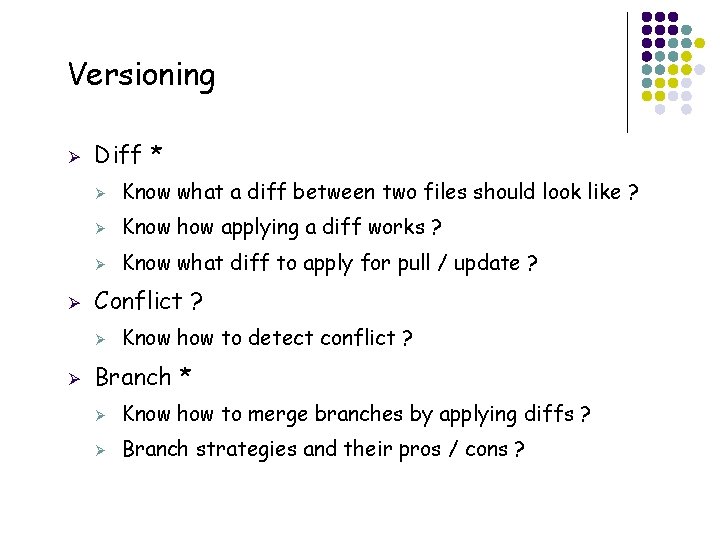
Versioning Ø Ø Diff * Ø Know what a diff between two files should look like ? Ø Know how applying a diff works ? Ø Know what diff to apply for pull / update ? Conflict ? Ø Ø 32 Know how to detect conflict ? Branch * Ø Know how to merge branches by applying diffs ? Ø Branch strategies and their pros / cons ?
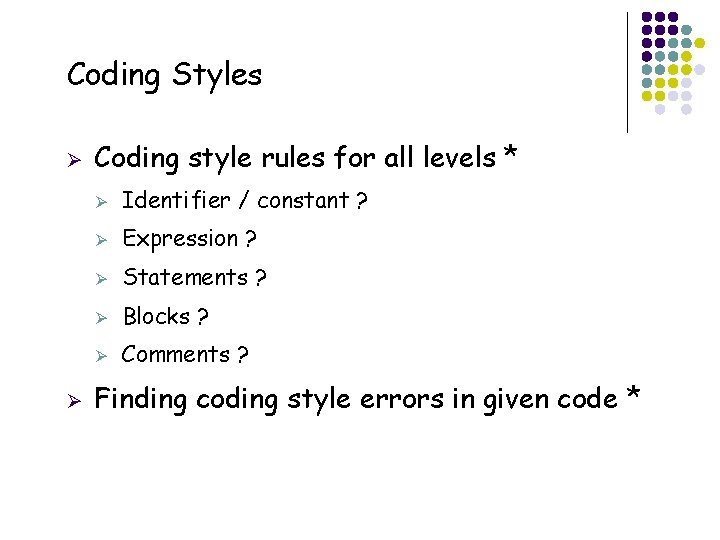
Coding Styles Ø Ø 33 Coding style rules for all levels * Ø Identifier / constant ? Ø Expression ? Ø Statements ? Ø Blocks ? Ø Comments ? Finding coding style errors in given code *
Thanks! 34
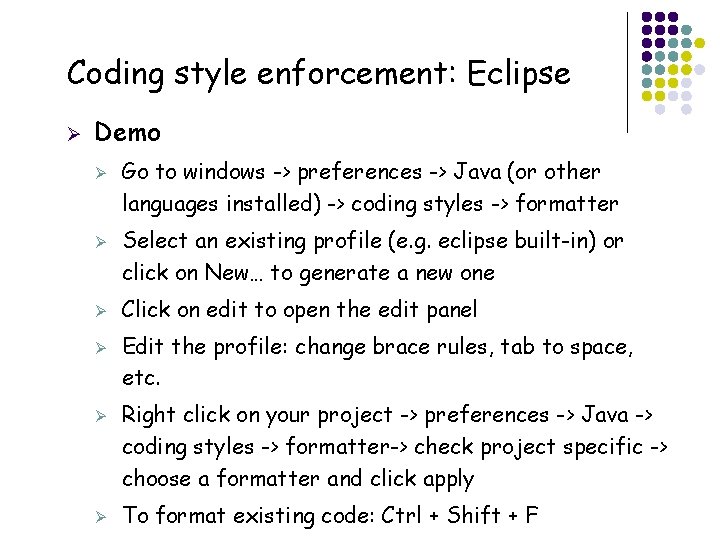
Coding style enforcement: Eclipse Ø Demo Ø Ø Ø 35 Ø Go to windows -> preferences -> Java (or other languages installed) -> coding styles -> formatter Select an existing profile (e. g. eclipse built-in) or click on New… to generate a new one Click on edit to open the edit panel Edit the profile: change brace rules, tab to space, etc. Right click on your project -> preferences -> Java -> coding styles -> formatter-> check project specific -> choose a formatter and click apply To format existing code: Ctrl + Shift + F
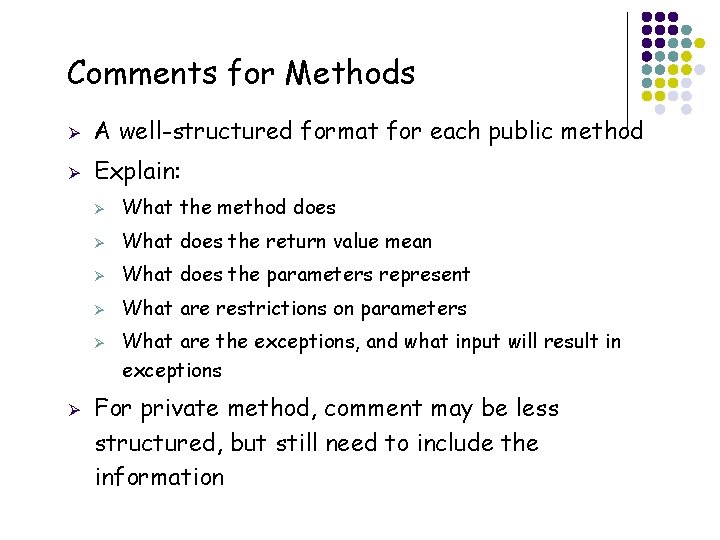
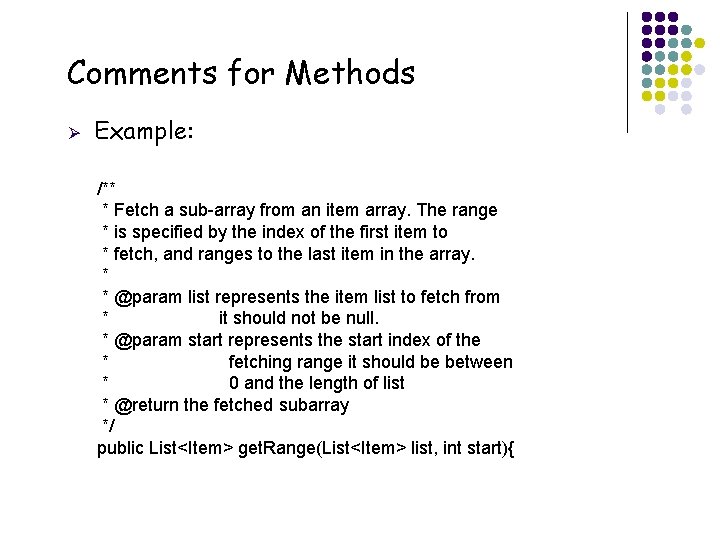
Comments for Methods Ø A well-structured format for each public method Ø Explain: Ø What the method does Ø What does the return value mean Ø What does the parameters represent Ø What are restrictions on parameters Ø Ø 36 What are the exceptions, and what input will result in exceptions For private method, comment may be less structured, but still need to include the information
Comments for Methods Ø Example: /** * Fetch a sub-array from an item array. The range * is specified by the index of the first item to * fetch, and ranges to the last item in the array. * * @param list represents the item list to fetch from * it should not be null. * @param start represents the start index of the * fetching range it should be between * 0 and the length of list * @return the fetched subarray */ public List<Item> get. Range(List<Item> list, int start){ 37
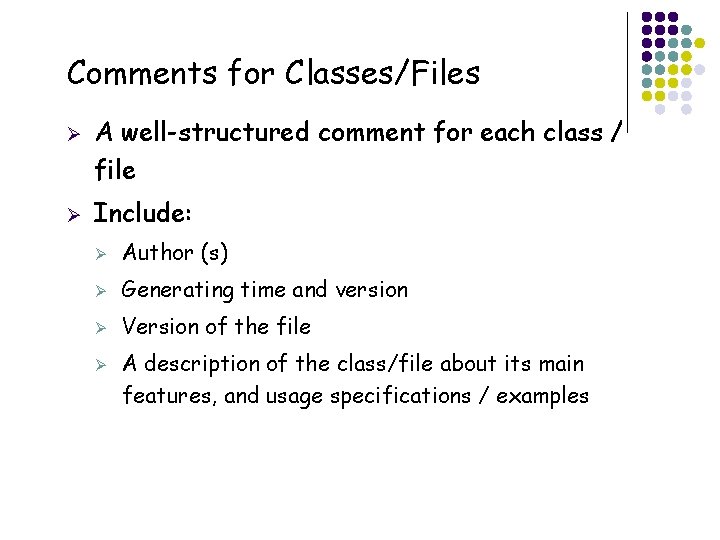
Comments for Classes/Files Ø Ø A well-structured comment for each class / file Include: Ø Author (s) Ø Generating time and version Ø Version of the file Ø 38 A description of the class/file about its main features, and usage specifications / examples
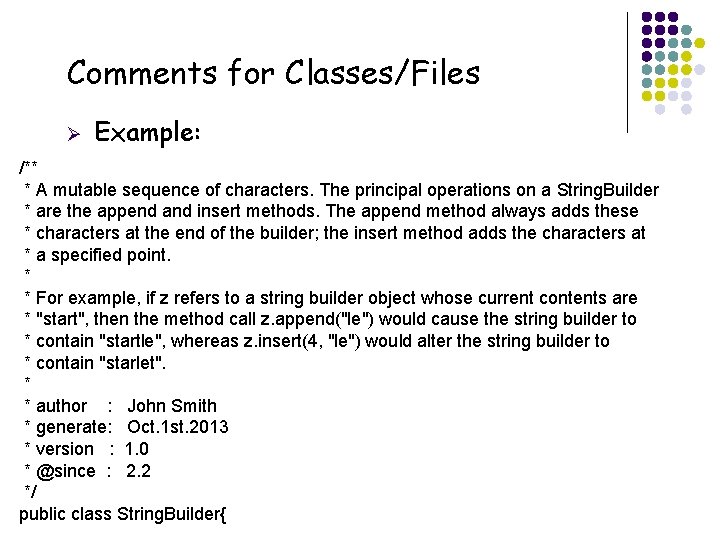
Comments for Classes/Files Ø Example: /** * A mutable sequence of characters. The principal operations on a String. Builder * are the append and insert methods. The append method always adds these * characters at the end of the builder; the insert method adds the characters at * a specified point. * * For example, if z refers to a string builder object whose current contents are * "start", then the method call z. append("le") would cause the string builder to * contain "startle", whereas z. insert(4, "le") would alter the string builder to * contain "starlet". * * author : John Smith * generate: Oct. 1 st. 2013 * version : 1. 0 * @since : 2. 2 */ public class String. Builder{ 39
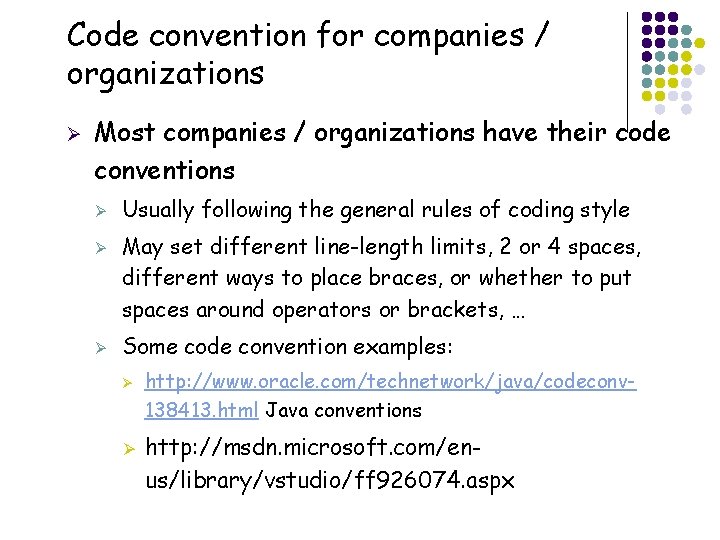
Code convention for companies / organizations Ø Most companies / organizations have their code conventions Ø Ø Ø Usually following the general rules of coding style May set different line-length limits, 2 or 4 spaces, different ways to place braces, or whether to put spaces around operators or brackets, … Some code convention examples: Ø Ø 40 http: //www. oracle. com/technetwork/java/codeconv 138413. html Java conventions http: //msdn. microsoft. com/enus/library/vstudio/ff 926074. aspx