
CS 4731 Lecture 3 Introduction to Open GL



- Slides: 21
CS 4731 Lecture 3: Introduction to Open. GL and GLUT: Part II Emmanuel Agu
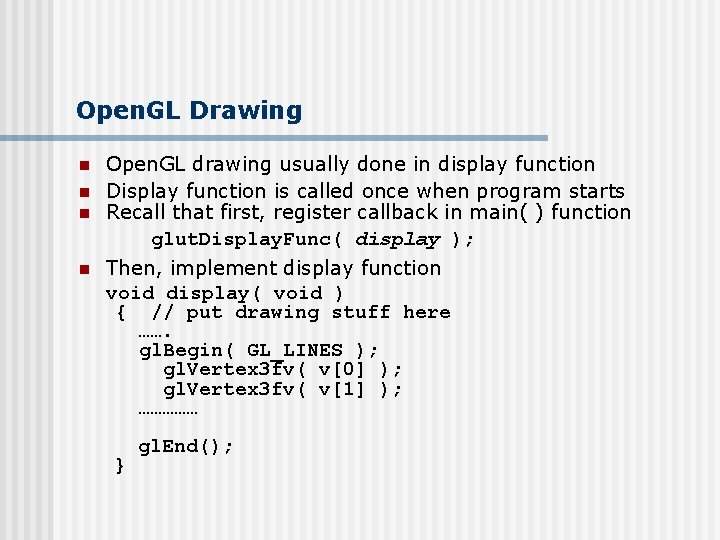
Open. GL Drawing n n Open. GL drawing usually done in display function Display function is called once when program starts Recall that first, register callback in main( ) function glut. Display. Func( display ); Then, implement display function void display( void ) { // put drawing stuff here ……. gl. Begin( GL_LINES ); gl. Vertex 3 fv( v[0] ); gl. Vertex 3 fv( v[1] ); …………… } gl. End();
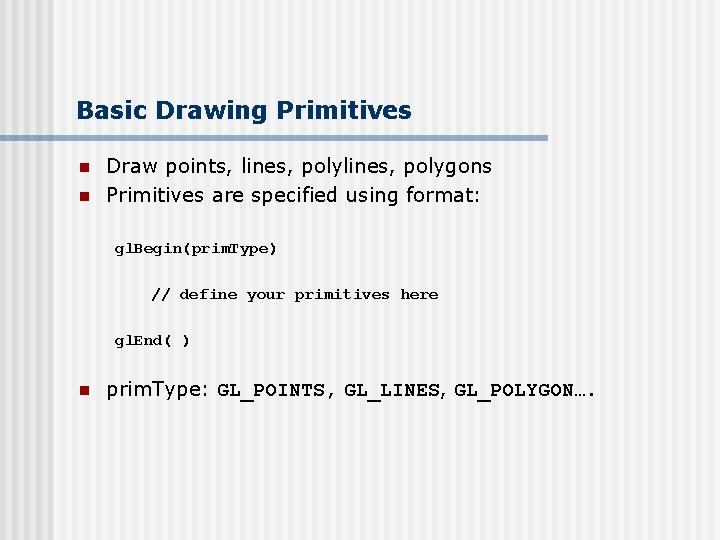
Basic Drawing Primitives n n Draw points, lines, polygons Primitives are specified using format: gl. Begin(prim. Type) // define your primitives here gl. End( ) n prim. Type: GL_POINTS, GL_LINES, GL_POLYGON….
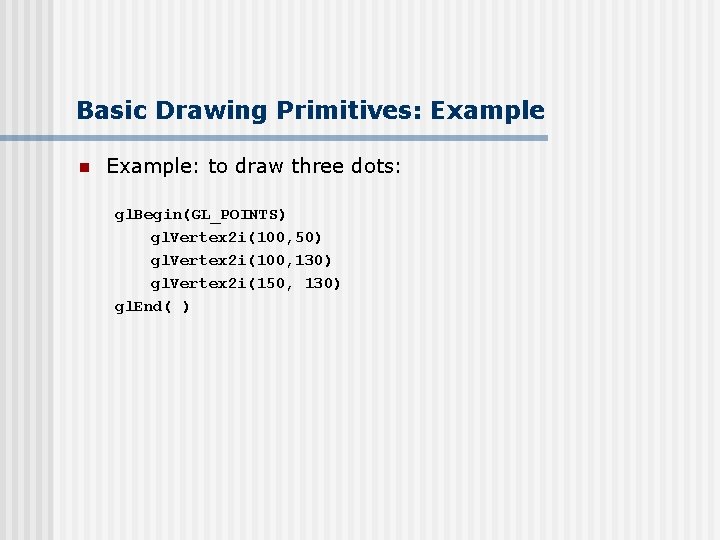
Basic Drawing Primitives: Example n Example: to draw three dots: gl. Begin(GL_POINTS) gl. Vertex 2 i(100, 50) gl. Vertex 2 i(100, 130) gl. Vertex 2 i(150, 130) gl. End( )
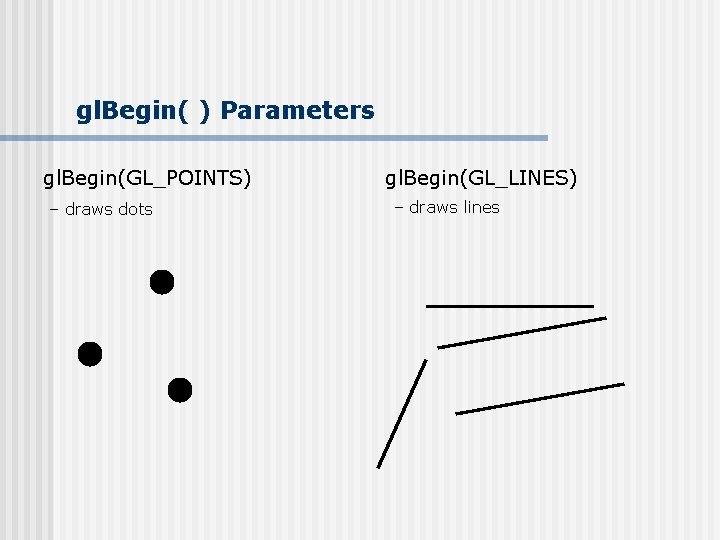
gl. Begin( ) Parameters gl. Begin(GL_POINTS) – draws dots gl. Begin(GL_LINES) – draws lines
gl. Begin( ) Parameters gl. Begin(GL_LINE_STRIP) – polylines gl. Begin(GL_POLYGON) – convex filled polygon
gl. Begin( ) Parameters n GL_POINTS - dots n GL_LINES – lines, in pairs n GL_LINE_STRIP – polylines n GL_LINE_LOOP – closed loop n GL_TRIANGLES – triangles, three vertices n GL_QUADS – quad, four vertices n GL_POLYGON – convex filled polygon
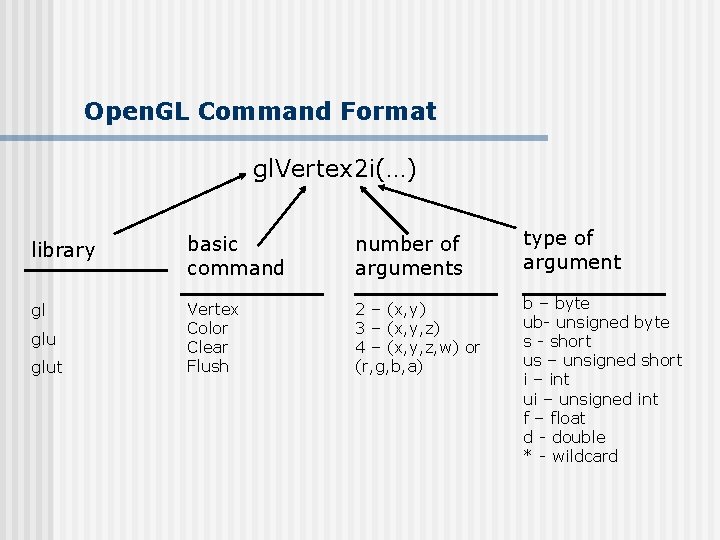
Open. GL Command Format gl. Vertex 2 i(…) library basic command number of arguments type of argument gl Vertex Color Clear Flush 2 – (x, y) 3 – (x, y, z) 4 – (x, y, z, w) or (r, g, b, a) b – byte ub- unsigned byte s - short us – unsigned short i – int ui – unsigned int f – float d - double * - wildcard glut
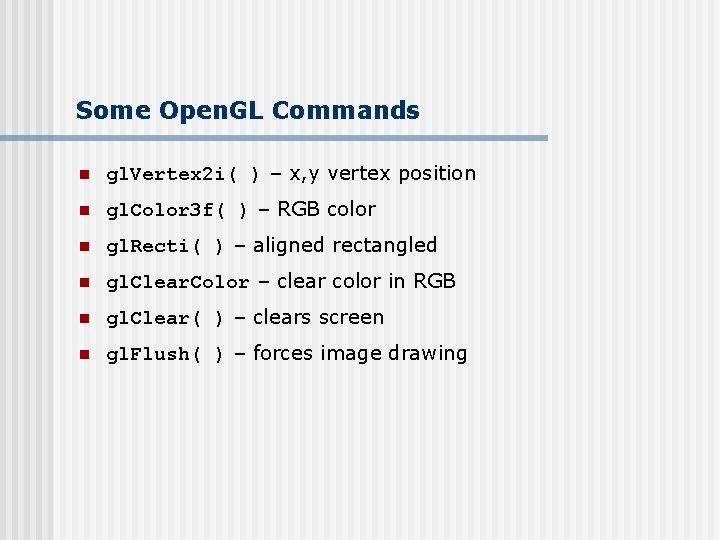
Some Open. GL Commands n gl. Vertex 2 i( ) – x, y vertex position n gl. Color 3 f( ) – RGB color n gl. Recti( ) – aligned rectangled n gl. Clear. Color – clear color in RGB n gl. Clear( ) – clears screen n gl. Flush( ) – forces image drawing
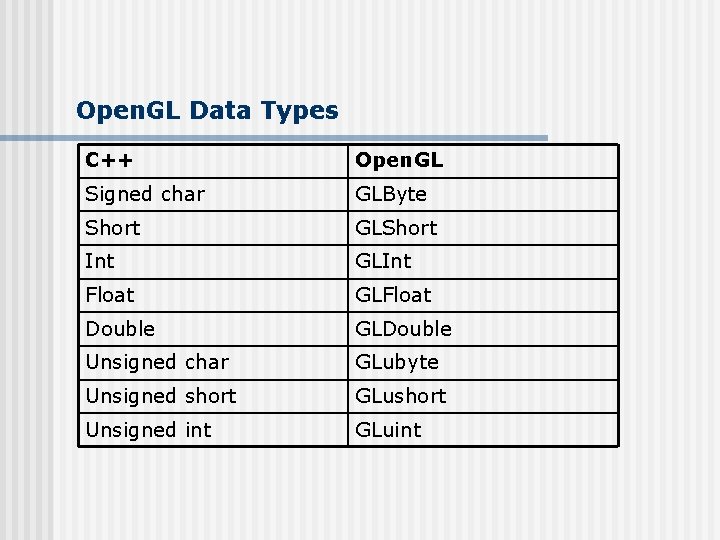
Open. GL Data Types C++ Open. GL Signed char GLByte Short GLShort Int GLInt Float GLFloat Double GLDouble Unsigned char GLubyte Unsigned short GLushort Unsigned int GLuint
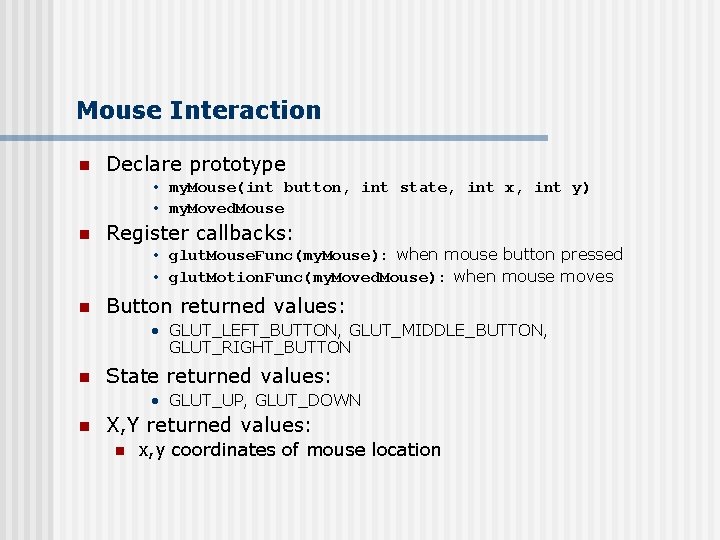
Mouse Interaction n Declare prototype • my. Mouse(int button, int state, int x, int y) • my. Moved. Mouse n Register callbacks: • glut. Mouse. Func(my. Mouse): when mouse button pressed • glut. Motion. Func(my. Moved. Mouse): when mouse moves n Button returned values: • GLUT_LEFT_BUTTON, GLUT_MIDDLE_BUTTON, GLUT_RIGHT_BUTTON n State returned values: • GLUT_UP, GLUT_DOWN n X, Y returned values: n x, y coordinates of mouse location
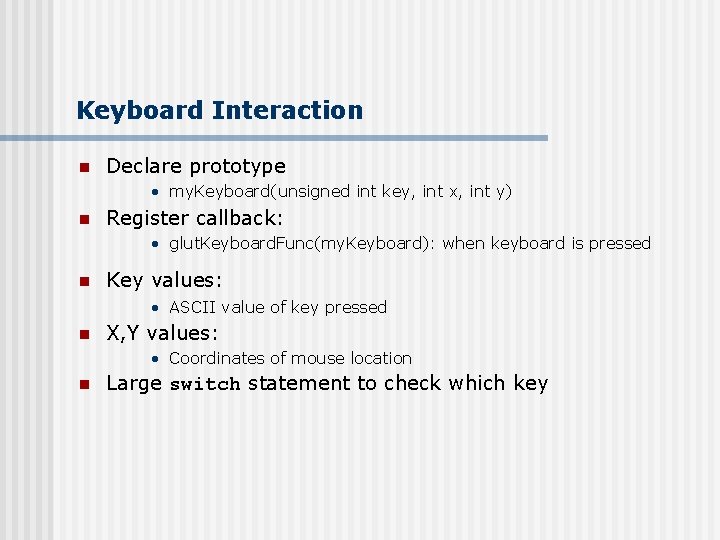
Keyboard Interaction n Declare prototype • my. Keyboard(unsigned int key, int x, int y) n Register callback: • glut. Keyboard. Func(my. Keyboard): when keyboard is pressed n Key values: • ASCII value of key pressed n X, Y values: • Coordinates of mouse location n Large switch statement to check which key
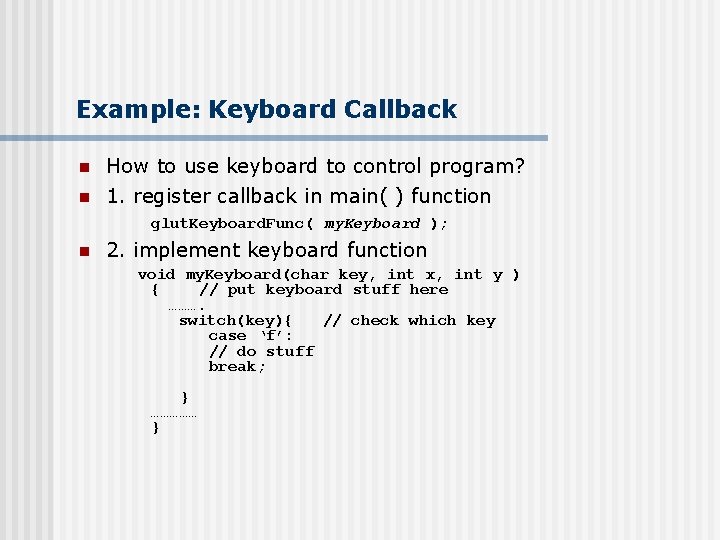
Example: Keyboard Callback n n How to use keyboard to control program? 1. register callback in main( ) function glut. Keyboard. Func( my. Keyboard ); n 2. implement keyboard function void my. Keyboard(char key, int x, int y ) { // put keyboard stuff here ………. switch(key){ // check which key case ‘f’: // do stuff break; } …………… }
Open. GL State n Open. GL tracks states • Drawing color • Point size n n Rendered objects appearance based on current state State variable remains active till changed
mini. GL: What? n n Object-oriented wrapper in C++ Allows you choose to either: n n n Call pure Open. GL call or Call your own Open. GL algorithm implementations First few projects will use pure open. GL option Later, you will learn the algorithms and implement some Open. GL calls Google note: there exists another mini. GL, Open. GL port to PDAs
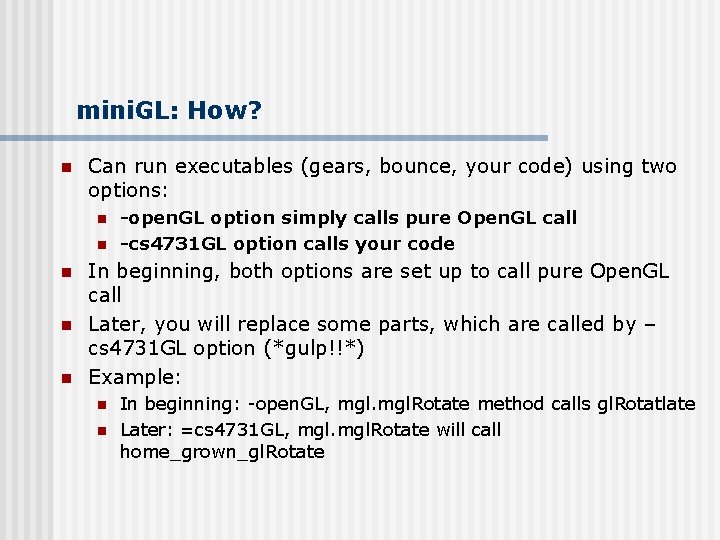
mini. GL: How? n Can run executables (gears, bounce, your code) using two options: n n n -open. GL option simply calls pure Open. GL call -cs 4731 GL option calls your code In beginning, both options are set up to call pure Open. GL call Later, you will replace some parts, which are called by – cs 4731 GL option (*gulp!!*) Example: n n In beginning: -open. GL, mgl. Rotate method calls gl. Rotatlate Later: =cs 4731 GL, mgl. Rotate will call home_grown_gl. Rotate
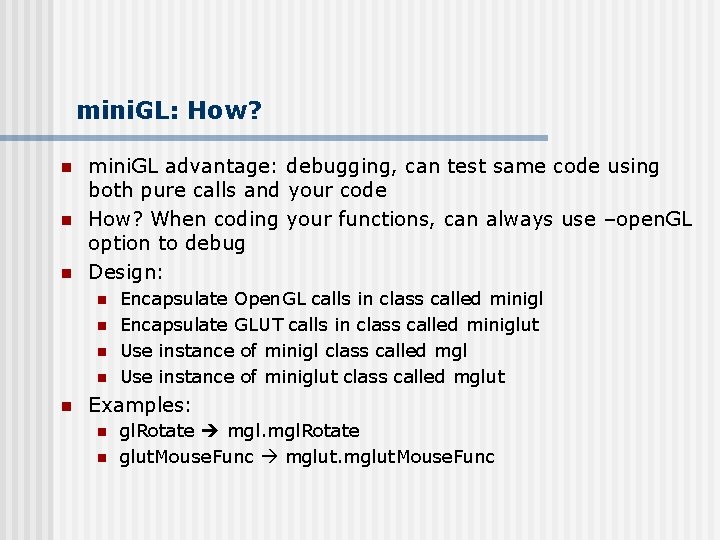
mini. GL: How? n n n mini. GL advantage: debugging, can test same code using both pure calls and your code How? When coding your functions, can always use –open. GL option to debug Design: n n n Encapsulate Open. GL calls in class called minigl Encapsulate GLUT calls in class called miniglut Use instance of minigl class called mgl Use instance of miniglut class called mglut Examples: n n gl. Rotate mgl. Rotate glut. Mouse. Func mglut. Mouse. Func
mini. GL: Who? n n n mini. GL written initially by Mark Stevens, previously CS professor, taught this class before mini. GL extended by Emmanuel Agu Some students (Paul Tessier, Tony Andrade, etc) submitted bug fixes, corrections, etc mini. GL mostly stable, been used in this course 3 or 4 previous times
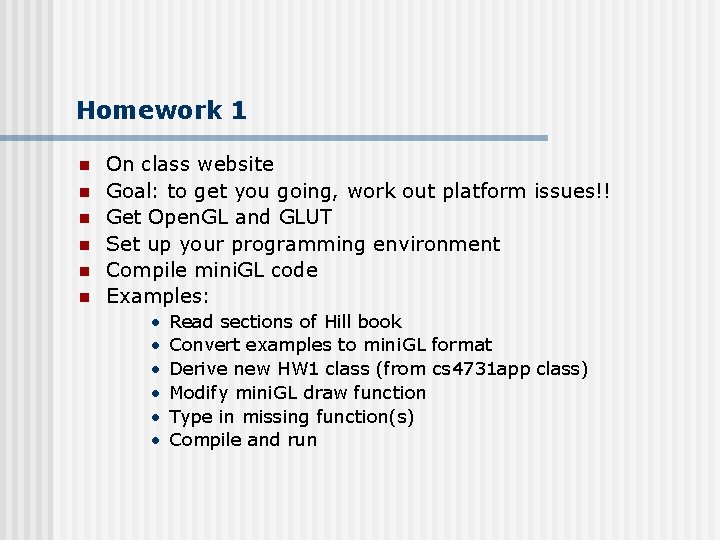
Homework 1 n n n On class website Goal: to get you going, work out platform issues!! Get Open. GL and GLUT Set up your programming environment Compile mini. GL code Examples: • • • Read sections of Hill book Convert examples to mini. GL format Derive new HW 1 class (from cs 4731 app class) Modify mini. GL draw function Type in missing function(s) Compile and run
Homework 1 n n If you called Open. GL calls directly, it would work Don’t make open. GL calls directly Always make call to mini. GL For example: n n Do: mgl. Begin(minigl: : MGL_QUADS) Don’t: gl. Begin(GL_QUADS) mini. GL calls either call open. GL calls or cs 4731 app (your home-grown functions). Due on Friday, Sept. 5, 2003
References n Hill, chapter 2