
CS 4670 5670 Computer Vision Kavita Bala Lecture
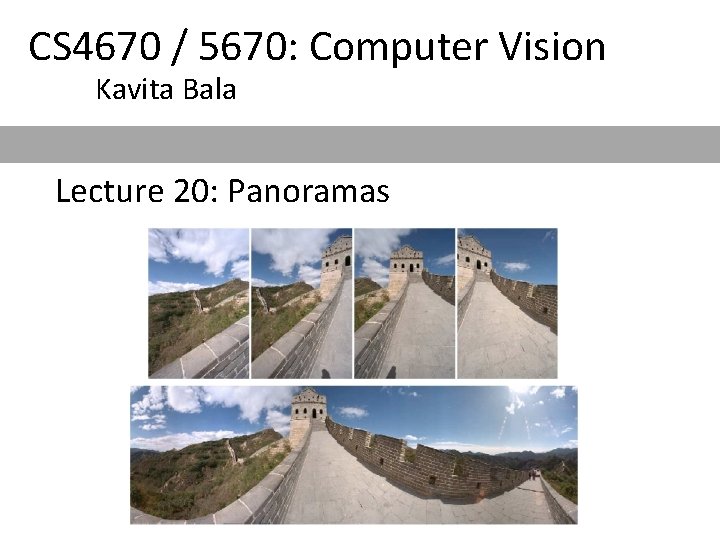
CS 4670 / 5670: Computer Vision Kavita Bala Lecture 20: Panoramas

Announcements • Prelim on Thu – Everything till Lecture 17 – Closed book – Bring your calculator – 7: 30 pm, Location • Kennedy Hall, 116 • Review on Tuesday – 5 -7 pm, Olin 255
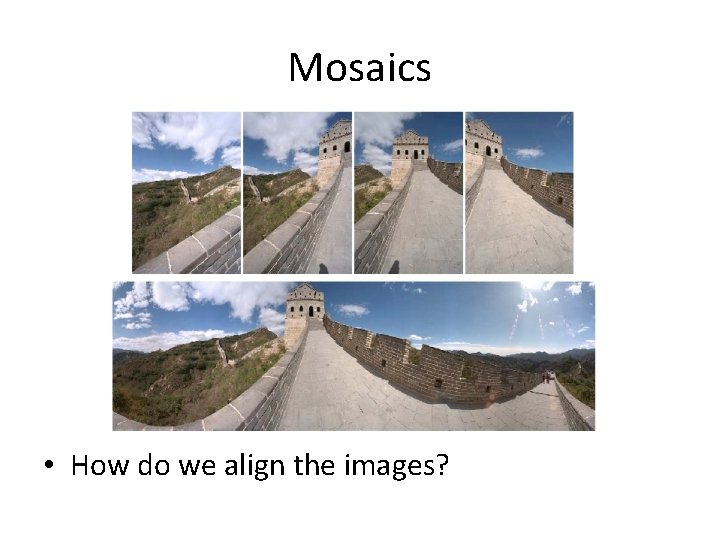
Mosaics • How do we align the images?
Creating a panorama • Basic Procedure – Take a sequence of images from the same position • Rotate the camera about its optical center – Compute transformation between second image and first – Transform the second image to overlap with the first – Blend the two together to create a mosaic – If there are more images, repeat
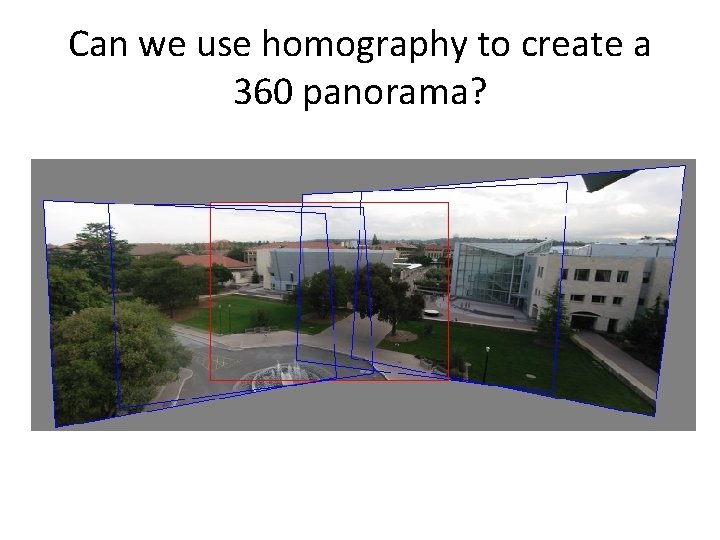
Can we use homography to create a 360 panorama?
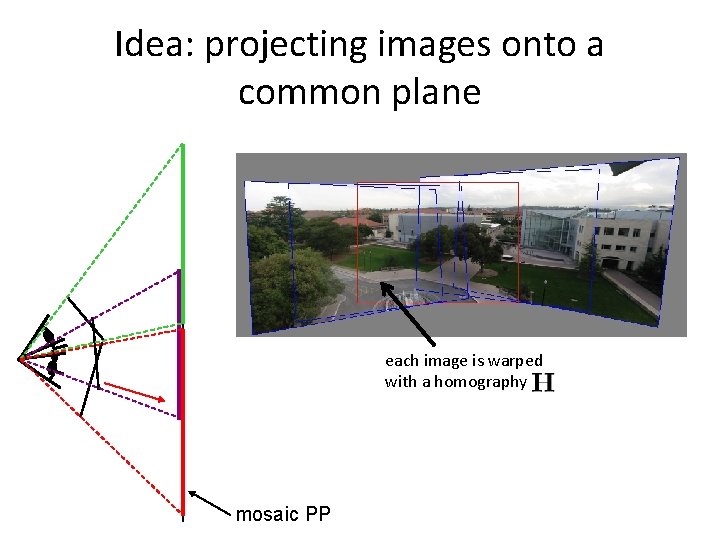
Idea: projecting images onto a common plane each image is warped with a homography mosaic PP
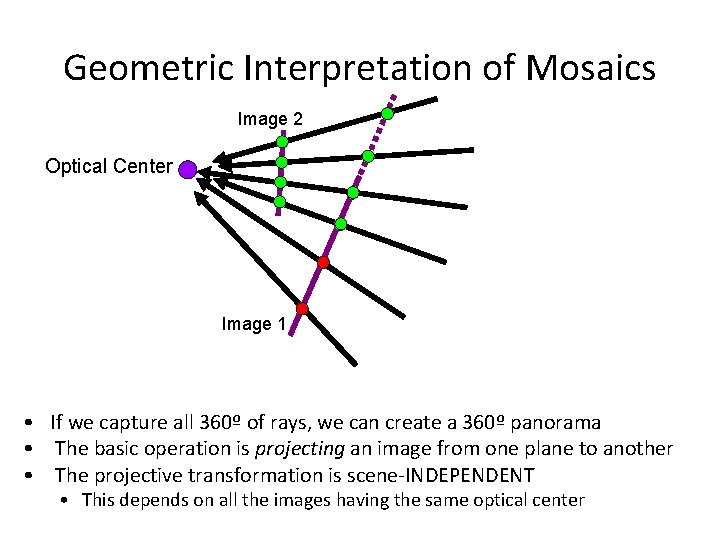
Geometric Interpretation of Mosaics Image 2 Optical Center Image 1 • If we capture all 360º of rays, we can create a 360º panorama • The basic operation is projecting an image from one plane to another • The projective transformation is scene-INDEPENDENT • This depends on all the images having the same optical center
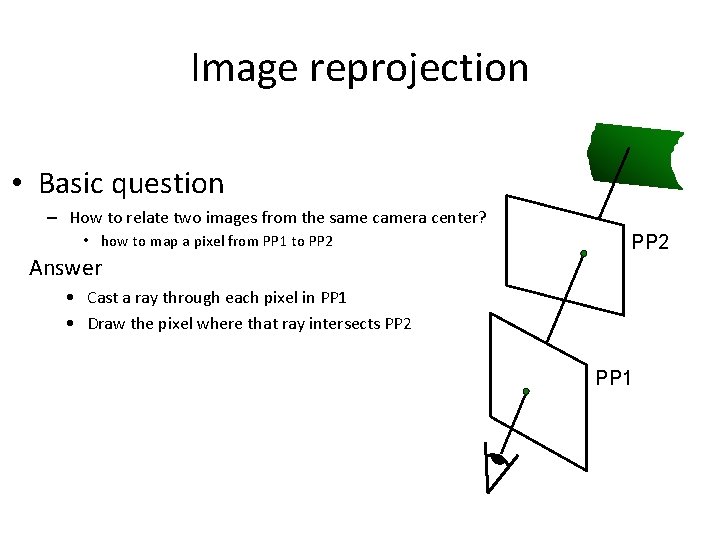
Image reprojection • Basic question – How to relate two images from the same camera center? • how to map a pixel from PP 1 to PP 2 Answer PP 2 • Cast a ray through each pixel in PP 1 • Draw the pixel where that ray intersects PP 2 PP 1
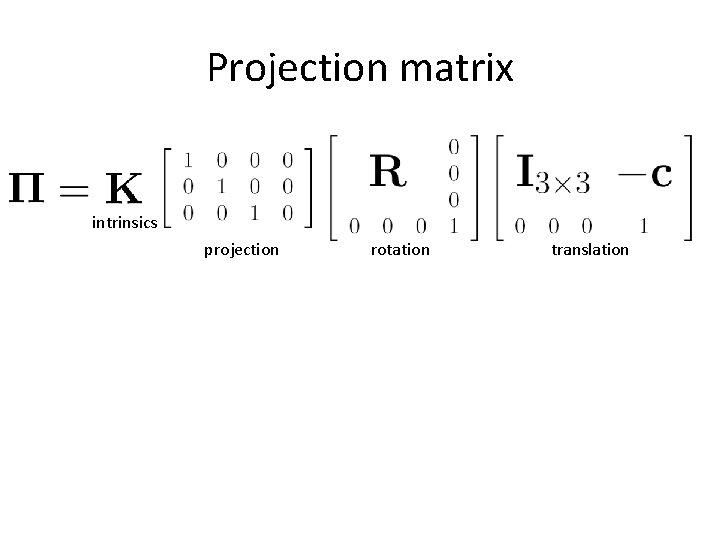
Projection matrix intrinsics projection rotation translation
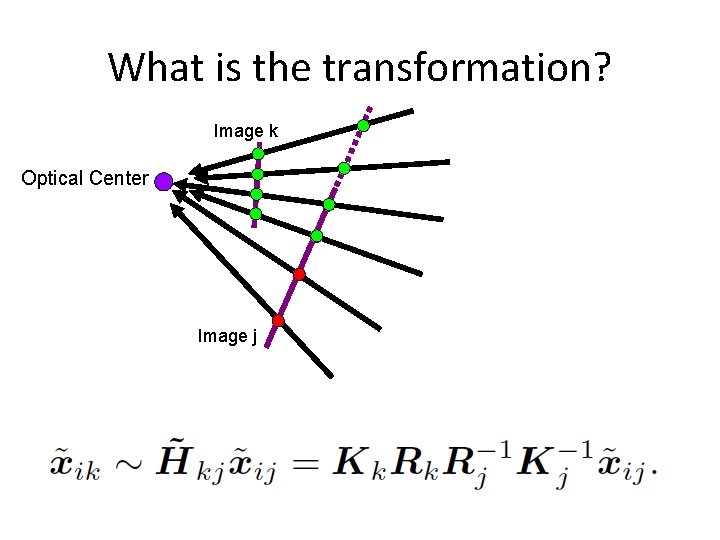
What is the transformation? Image k Optical Center Image j
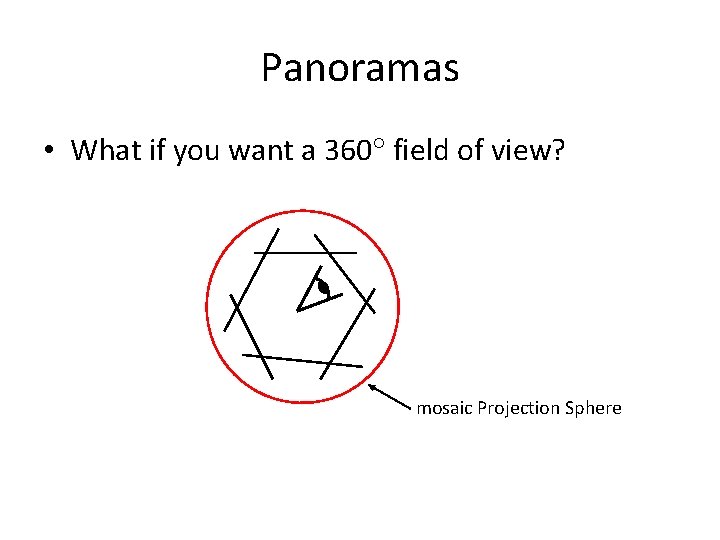
Panoramas • What if you want a 360 field of view? mosaic Projection Sphere
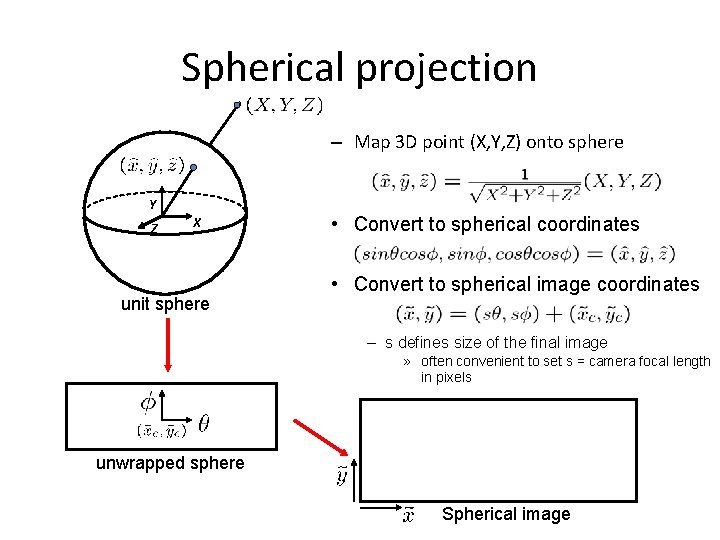
Spherical projection – Map 3 D point (X, Y, Z) onto sphere Y Z X unit sphere • Convert to spherical coordinates • Convert to spherical image coordinates – s defines size of the final image » often convenient to set s = camera focal length in pixels unwrapped sphere Spherical image
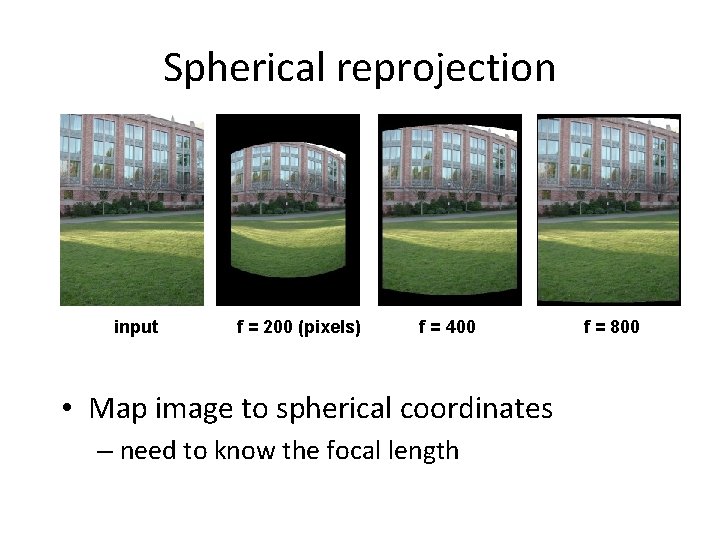
Spherical reprojection input f = 200 (pixels) f = 400 • Map image to spherical coordinates – need to know the focal length f = 800
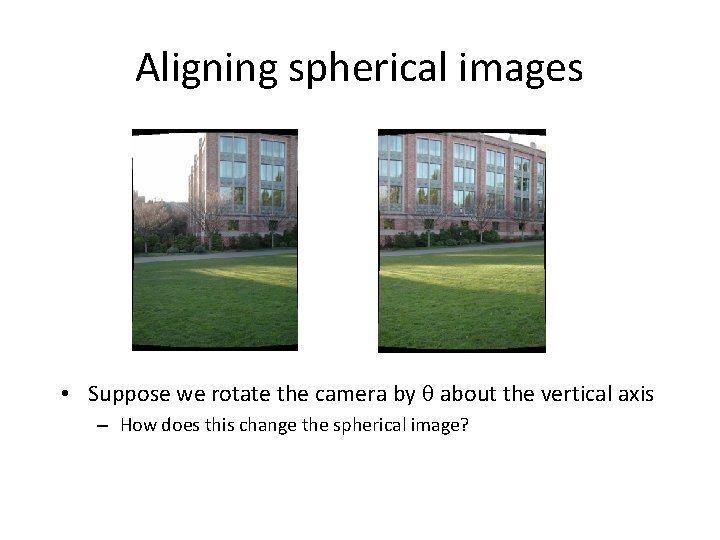
Aligning spherical images • Suppose we rotate the camera by about the vertical axis – How does this change the spherical image?
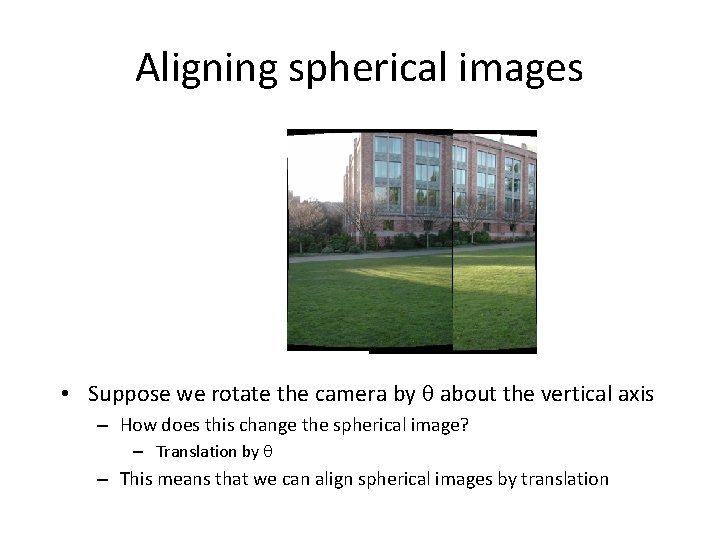
Aligning spherical images • Suppose we rotate the camera by about the vertical axis – How does this change the spherical image? – Translation by – This means that we can align spherical images by translation
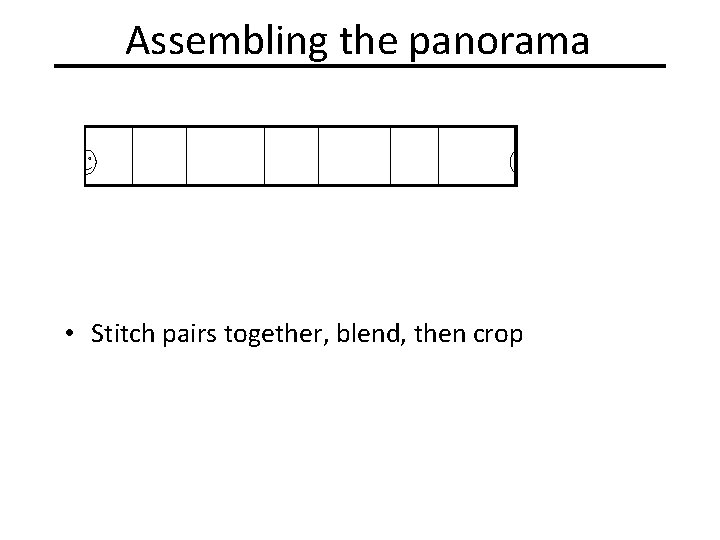
Assembling the panorama • Stitch pairs together, blend, then crop
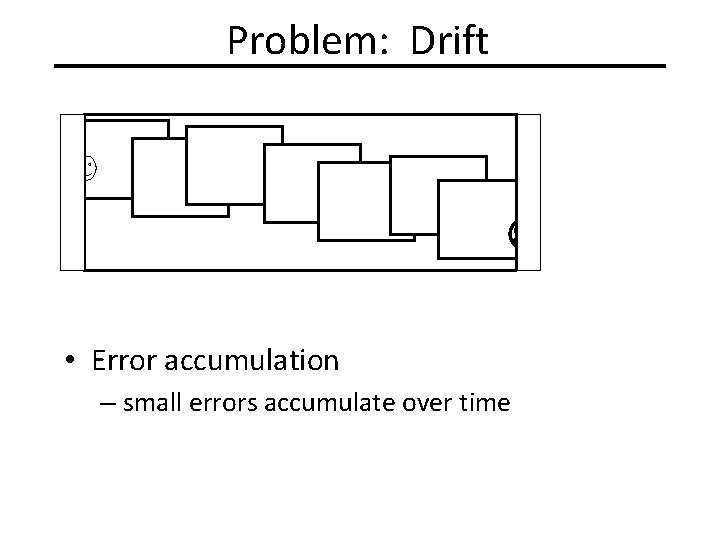
Problem: Drift • Error accumulation – small errors accumulate over time
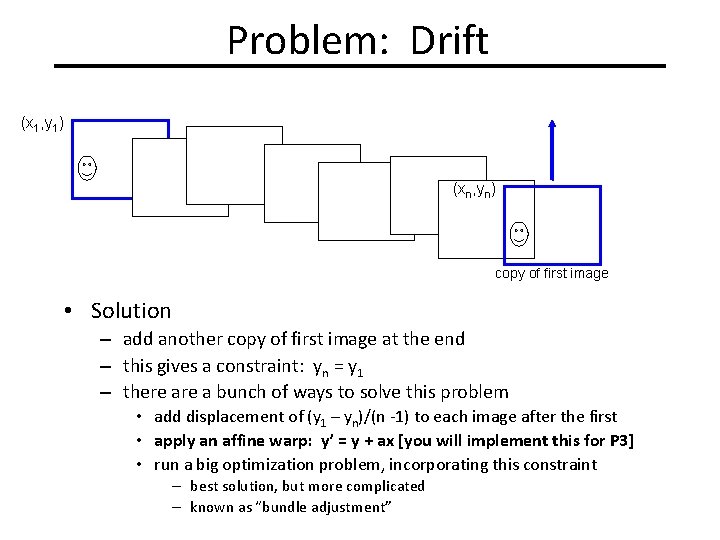
Problem: Drift (x 1, y 1) (xn, yn) copy of first image • Solution – add another copy of first image at the end – this gives a constraint: yn = y 1 – there a bunch of ways to solve this problem • add displacement of (y 1 – yn)/(n -1) to each image after the first • apply an affine warp: y’ = y + ax [you will implement this for P 3] • run a big optimization problem, incorporating this constraint – best solution, but more complicated – known as “bundle adjustment”
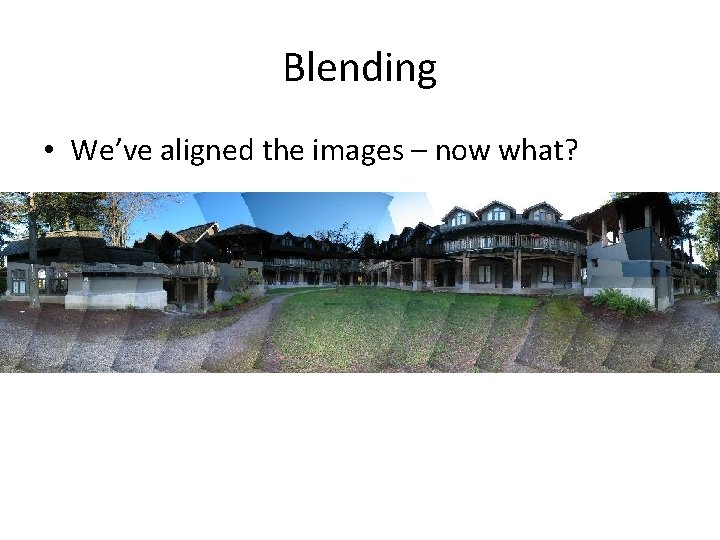
Blending • We’ve aligned the images – now what?
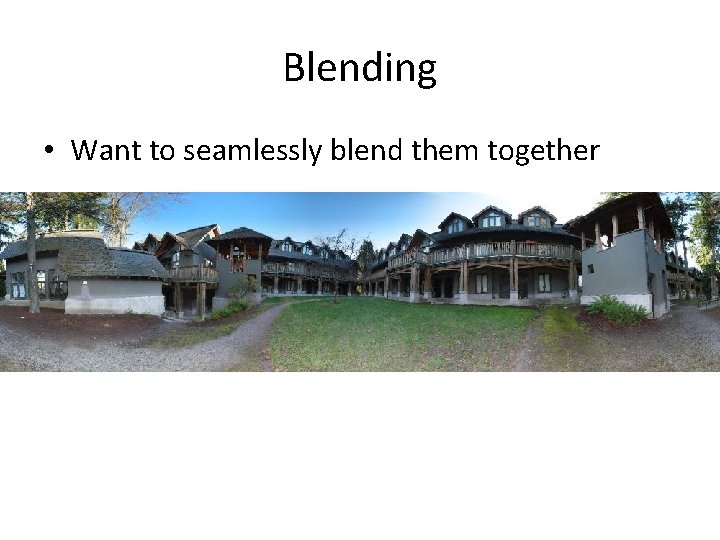
Blending • Want to seamlessly blend them together
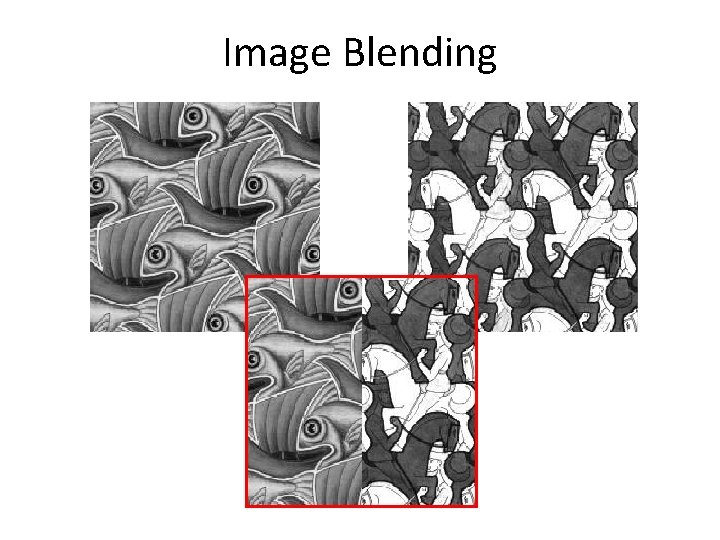
Image Blending
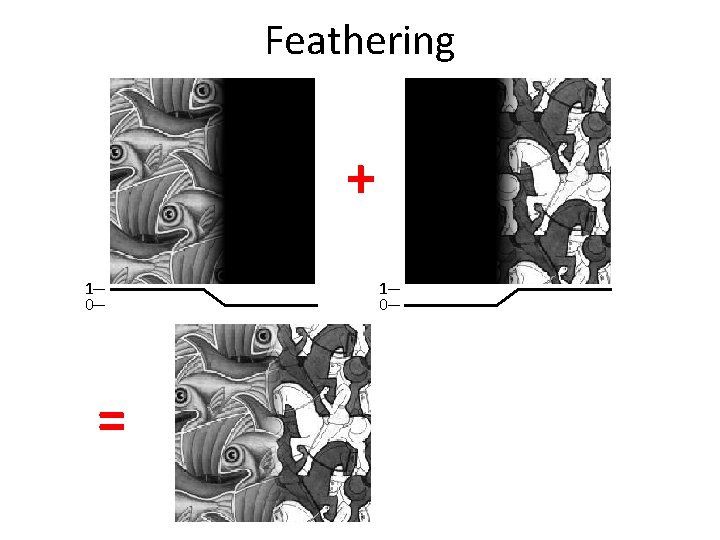
Feathering + 1 0 =
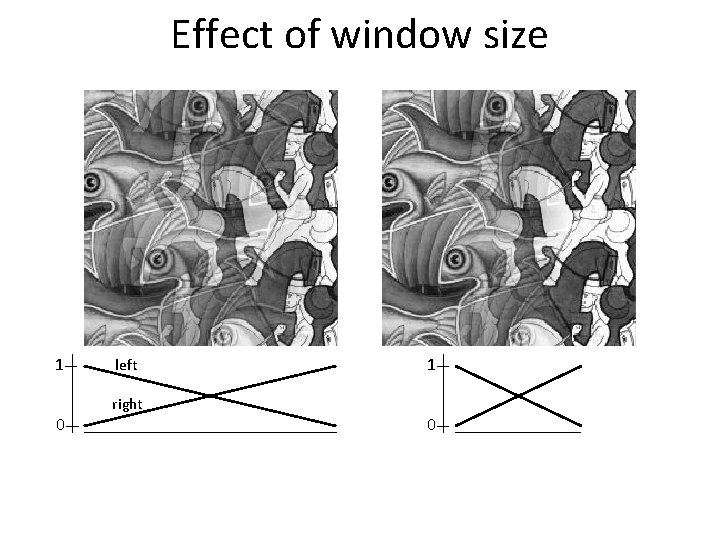
Effect of window size 1 0 left right 1 0
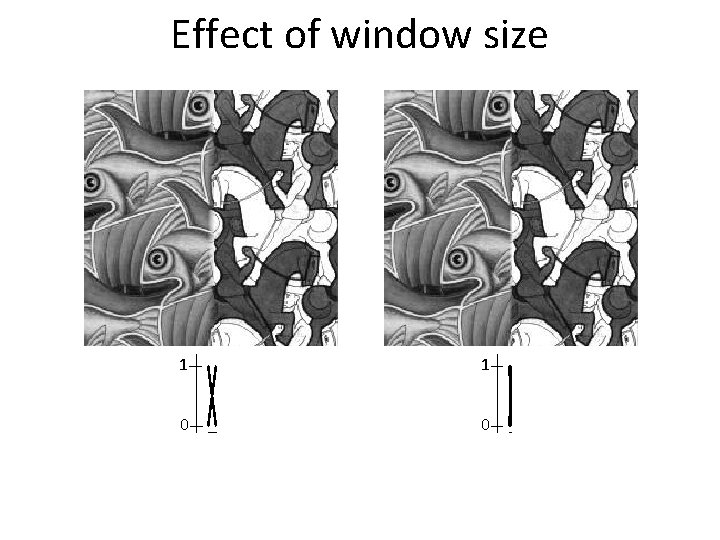
Effect of window size 1 1 0 0
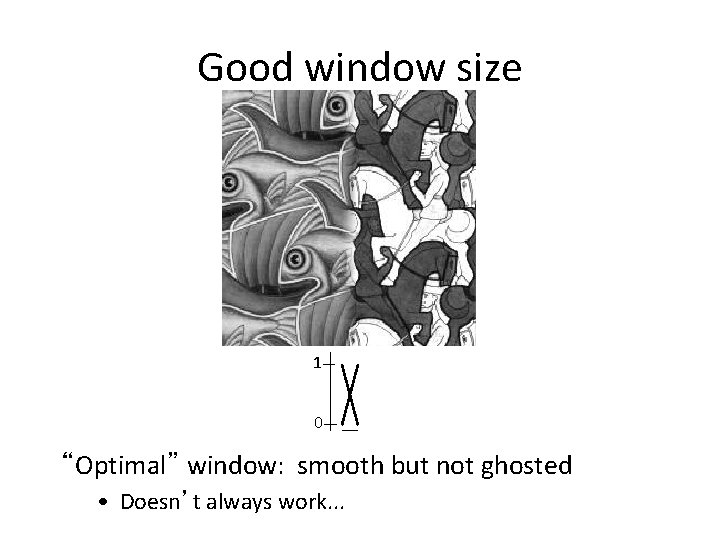
Good window size 1 0 “Optimal” window: smooth but not ghosted • Doesn’t always work. . .
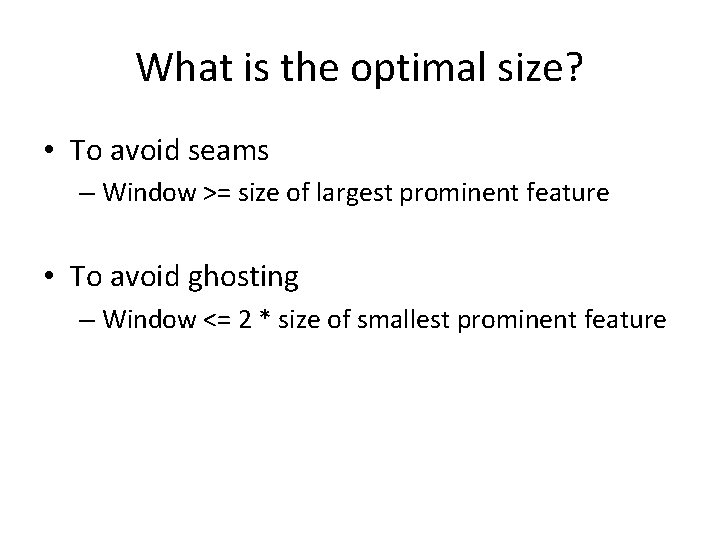
What is the optimal size? • To avoid seams – Window >= size of largest prominent feature • To avoid ghosting – Window <= 2 * size of smallest prominent feature
- Slides: 26