
CS 450 Lecture 6 Grayscale Transformation Functions Grayscale
- Slides: 33
CS 450 Lecture 6 Grayscale Transformation Functions
• Grayscale Transformation Functions transform each pixel uniformly and independently according to the function regardless of its location in the image
Grayscale Transformations Ø Brightness and Contrast control • Histogram thresholding • Histogram stretching or equalization • Color corrections • Inversions
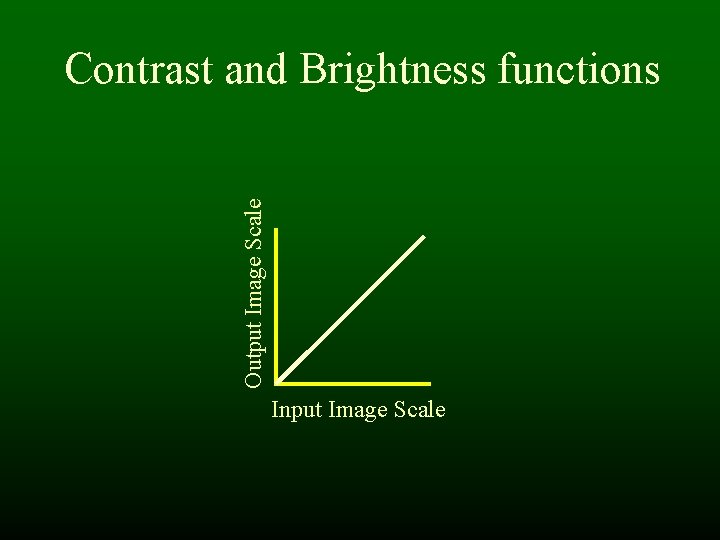
Output Image Scale Contrast and Brightness functions Input Image Scale
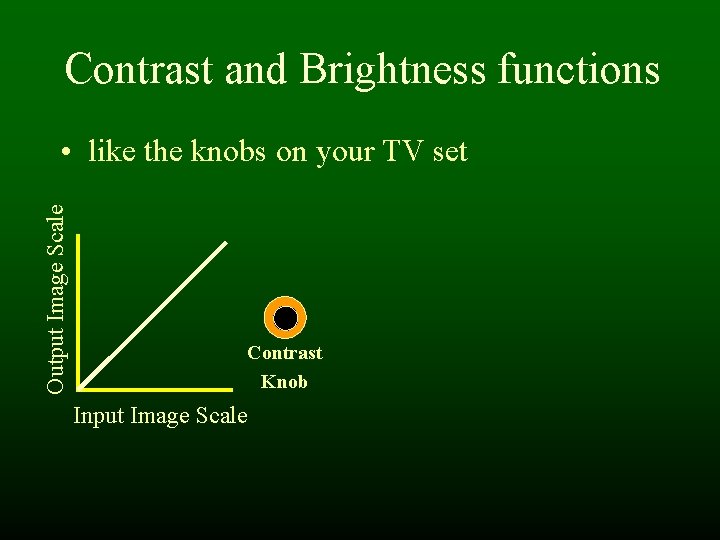
Contrast and Brightness functions Output Image Scale • like the knobs on your TV set Contrast Knob Input Image Scale
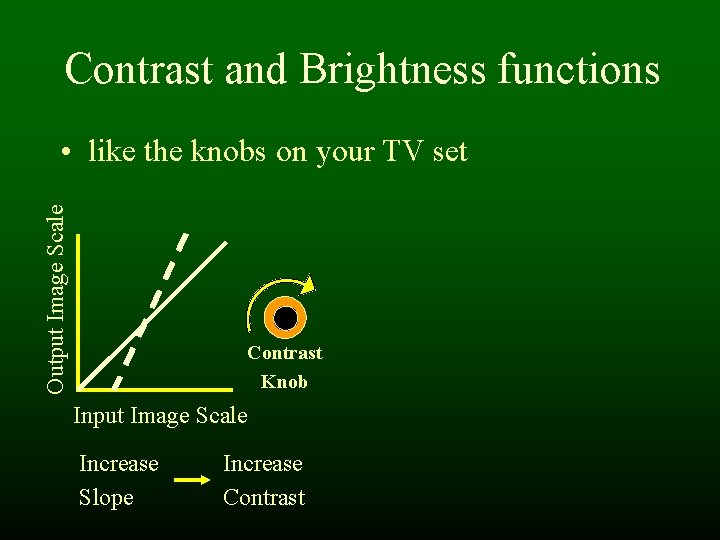
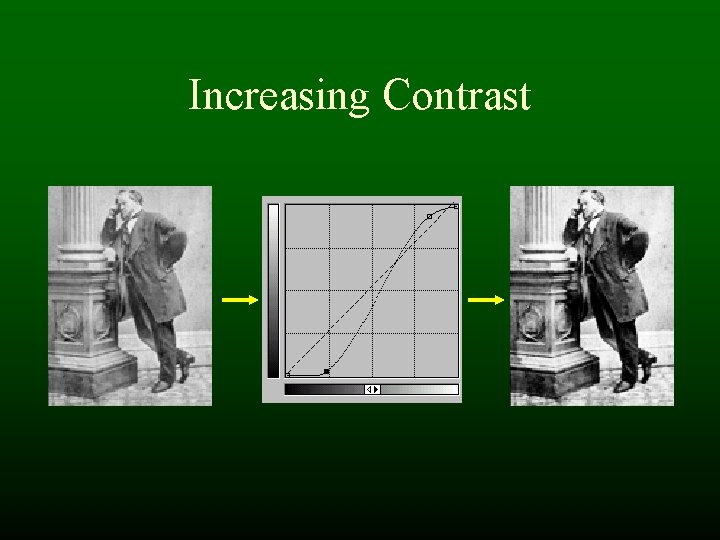
Contrast and Brightness functions Output Image Scale • like the knobs on your TV set Contrast Knob Input Image Scale Increase Slope Increase Contrast
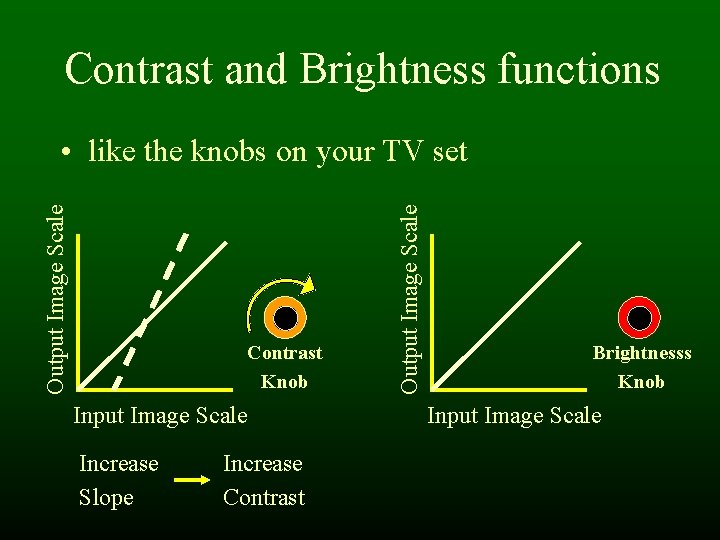
Contrast and Brightness functions Contrast Knob Input Image Scale Increase Slope Increase Contrast Output Image Scale • like the knobs on your TV set Brightnesss Knob Input Image Scale
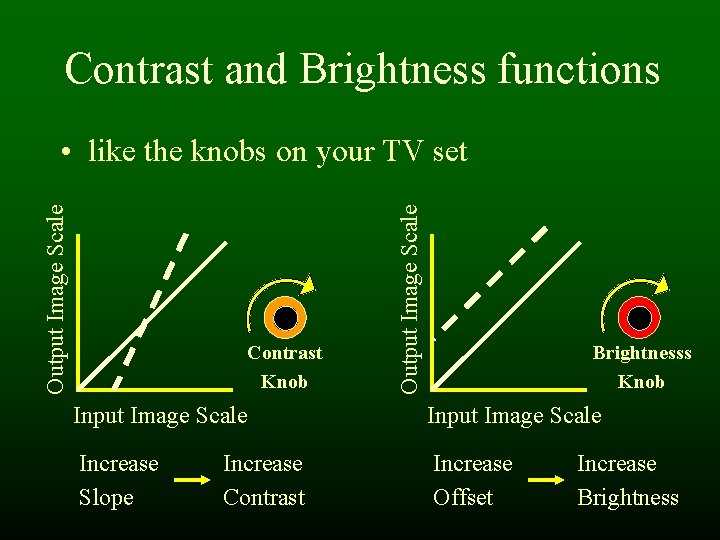
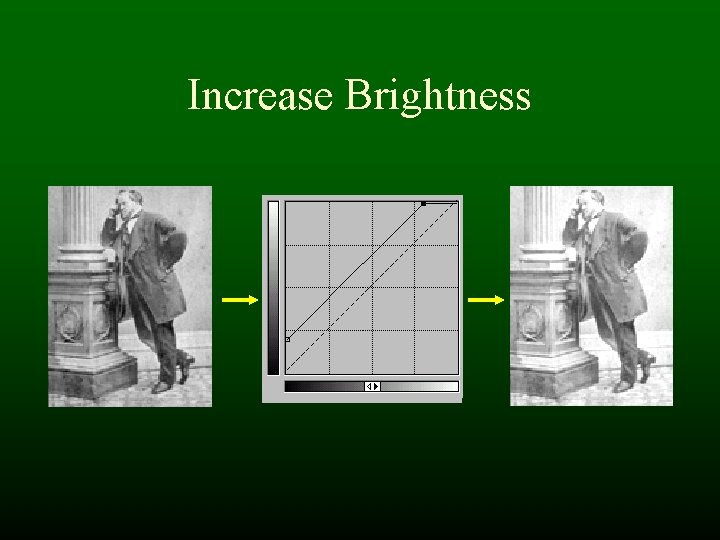
Contrast and Brightness functions Contrast Knob Output Image Scale • like the knobs on your TV set Brightnesss Knob Input Image Scale Increase Slope Increase Offset Increase Contrast Increase Brightness
Increasing Contrast
How Contrast Functions Work • Index into the Input Array of brightness (index = brightness) • Get the corresponding brightness value from the Output Array • What does this function do? Brightness
What would this function do? Brightness
Increase Brightness
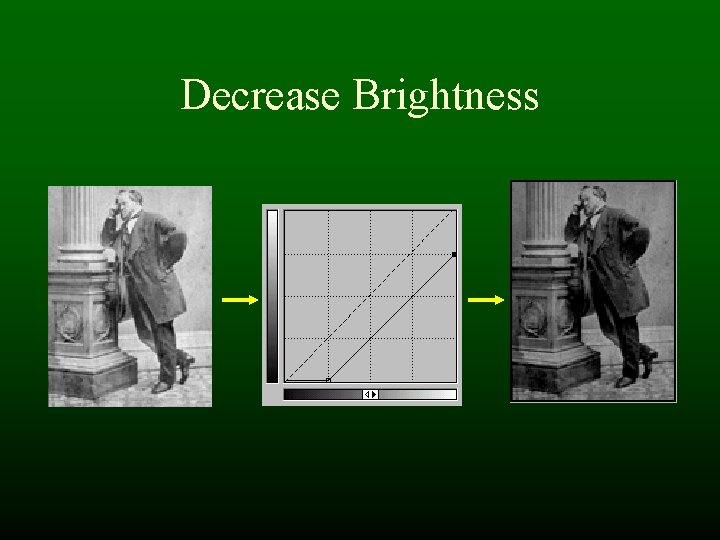
What would this function do? Brightness
Decrease Brightness
Contrast & Brightness Demo • Photoshop – Image->Adjust->Brightness/Contrast – Image->Adjust->Curves (more advanced)
Grayscale Transformations • Brightness and Contrast control Ø Histogram thresholding • Histogram stretching or equalization • Color corrections • Inversions
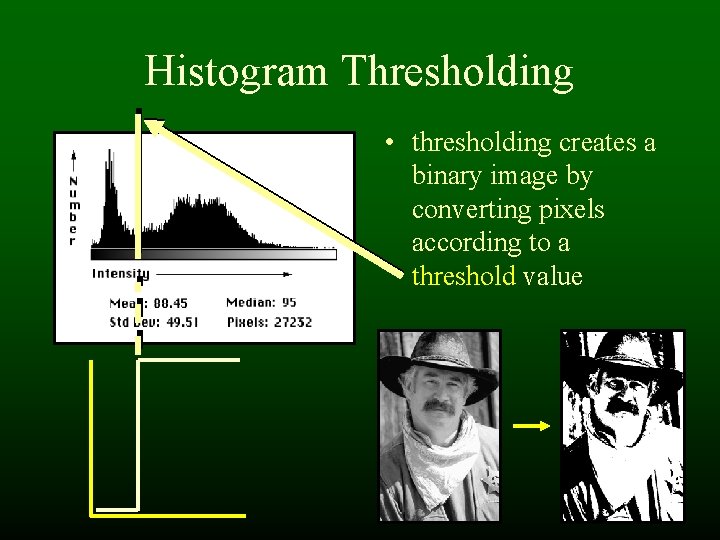
Histogram Thresholding • thresholding creates a binary image by converting pixels according to a threshold value
Thresholding Demo • Photoshop – Image->Adjust->Threshold
Grayscale Transformations • Brightness and Contrast control • Histogram thresholding Ø Histogram stretching or equalization • Color corrections • Inversions
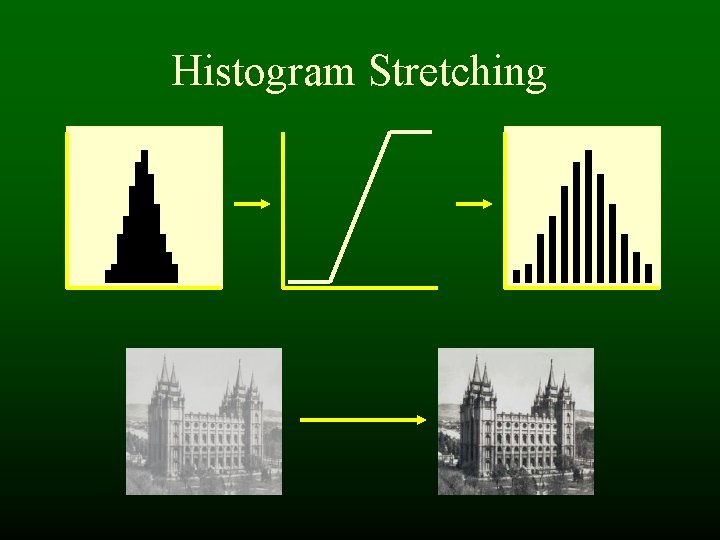
Histogram Stretching
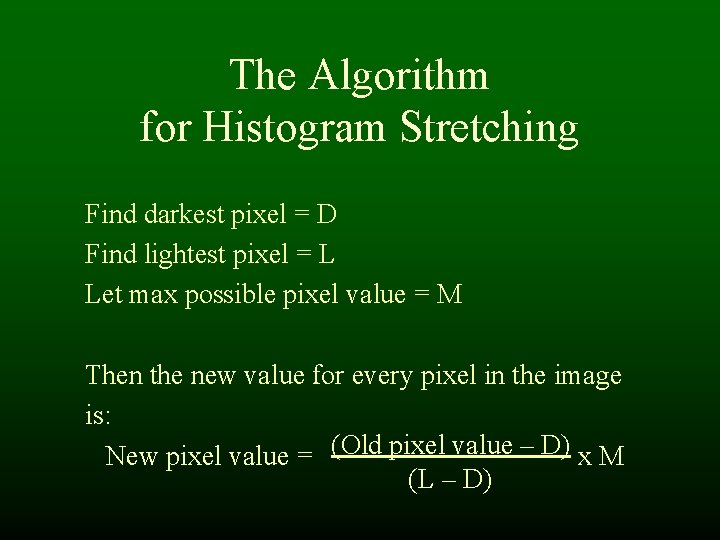
The Algorithm for Histogram Stretching Find darkest pixel = D Find lightest pixel = L Let max possible pixel value = M Then the new value for every pixel in the image is: New pixel value = (Old pixel value – D) x M (L – D)
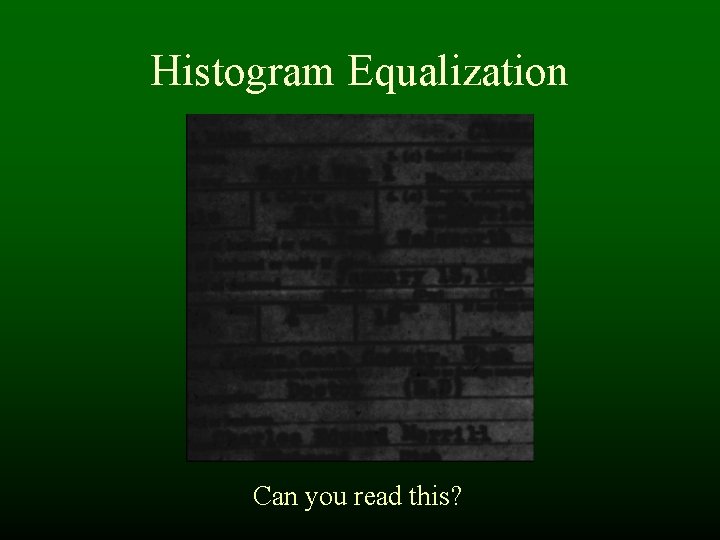
Histogram Equalization Can you read this?
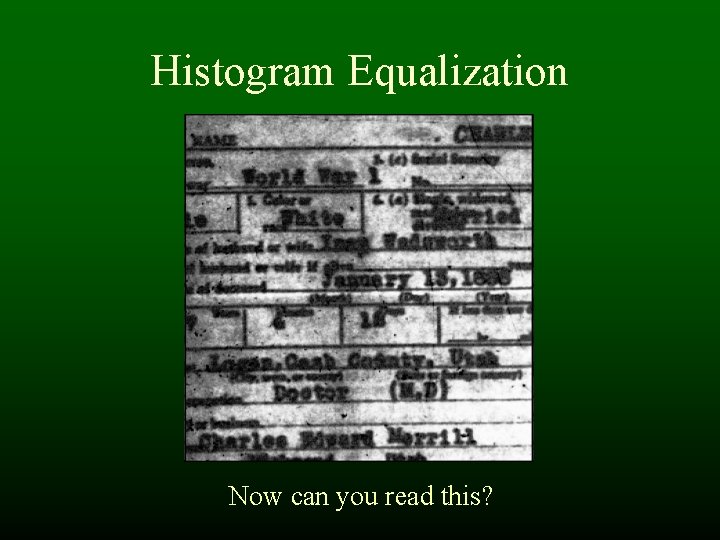
Histogram Equalization Now can you read this?
Histogram Equalization Demo • Photoshop – Image->Adjust->Equalize – Image->Adjust->Levels (more advanced)
Grayscale Transformations • Brightness and Contrast control • Histogram thresholding • Histogram stretching or equalization Ø Color corrections • Inversions
Color Corrections • Making changes to the colors in an image - Hue shifting - Pseudo coloring • Performed by manipulation of re-mapping functions
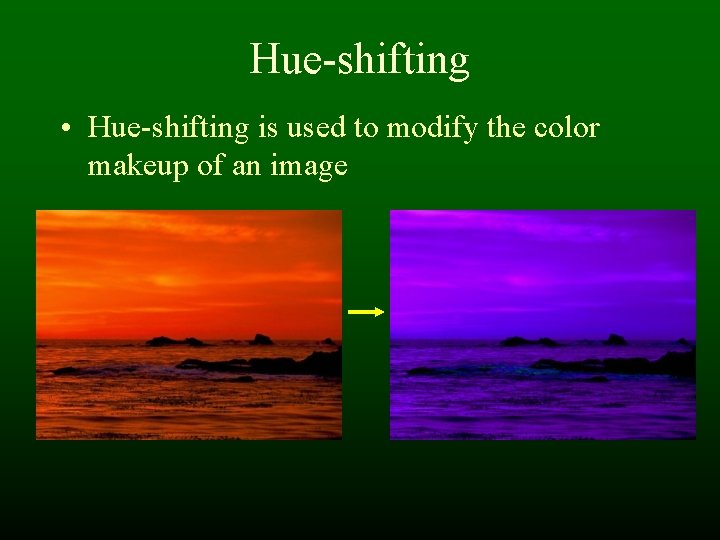
Hue-shifting • Hue-shifting is used to modify the color makeup of an image
Hue-shifting Demo • Photoshop – Image->Adjust->Hue/Saturation
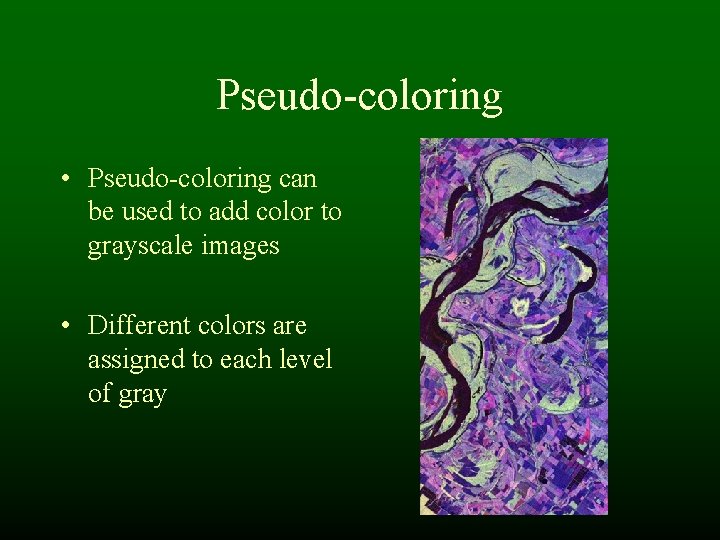
Pseudo-coloring • Pseudo-coloring can be used to add color to grayscale images • Different colors are assigned to each level of gray
Pseudo-coloring Demo • Photoshop – Image->Adjust->Gradient Map
Grayscale Transformations • Brightness and Contrast control • Histogram thresholding • Histogram stretching or equalization • Color corrections Ø Inversions
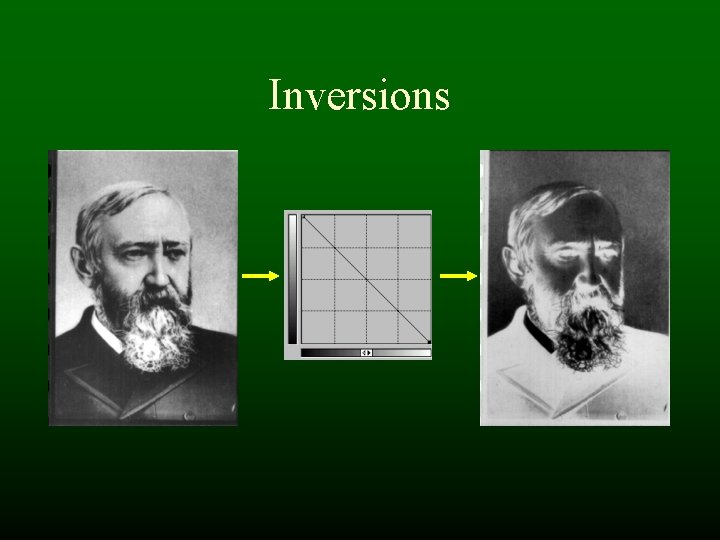
Inversions
Inversion Demo • Photoshop – Image->Adjust->Invert