
CS 4433 Database Systems SQL Basics Introduction Standard
CS 4433 Database Systems SQL Basics
Introduction ■ Standard language for querying and manipulating data – SQL stands for Structured Query Language – Initially developed at IBM by Donald Chamberlin and Raymond Boyce in the early 1970 s, and called SEQUEL (Structured English Query Language) – Many standards out there: SQL 92, SQL 3, SQL 99, ……, SQL 2011, …. . – Vendors support various subsets of these standards ■ Why SQL? – A very-high-level language, in which the programmer is able to avoid specifying a lot of data-manipulation details that would be necessary in languages like C++ – Its queries are “optimized” quite well, yielding efficient query executions ■ https: //www. w 3 schools. com/sql/ to learn SQL 2
Introduction ■ Two sublanguages – DDL – Data Definition Language ■ define and modify schema CREATE TABLE table_name ( { column_name data_type [ DEFAULT default_expr ] [ column_constraint [, . . . ] ] | table_constraint } [, . . . ] ) – DML – Data Manipulation Language ■ Queries can be written intuitively Select-From-Where 3

Data definition. Data types ■ Character strings – Fixed length CHAR(n) ■ ‘foo’ becomes ‘foo ‘ if defined as CHAR(5) – Varying length VARCHAR(n) ■ Up to n characters ■ Bit strings – Fixed length BIT(n) – Varying length BIT VARYING(n) 4

Data types ■ BOOLEAN – TRUE – FALSE – UNKNOWN ■ INT, INTEGER, SHORTINT ■ FLOAT, REAL, DOUBLE PRECISION, DECIMAL(n, d)- n decimal digits, decimal point d positions from right 5
Data types ■ DATE ■ TIME ■ … 6
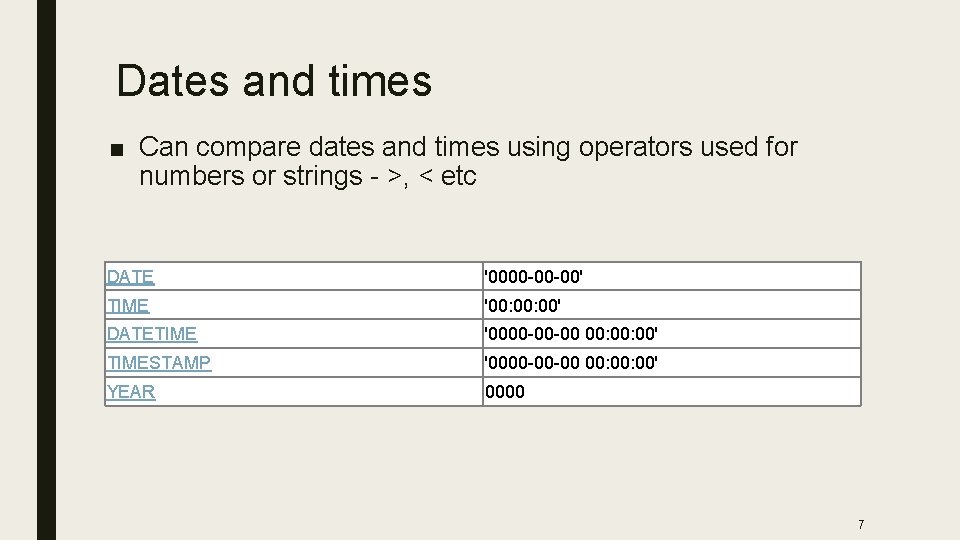
Dates and times ■ Can compare dates and times using operators used for numbers or strings - >, < etc DATE '0000 -00 -00' TIME '00: 00' DATETIME '0000 -00 -00 00: 00' TIMESTAMP '0000 -00 -00 00: 00' YEAR 0000 7
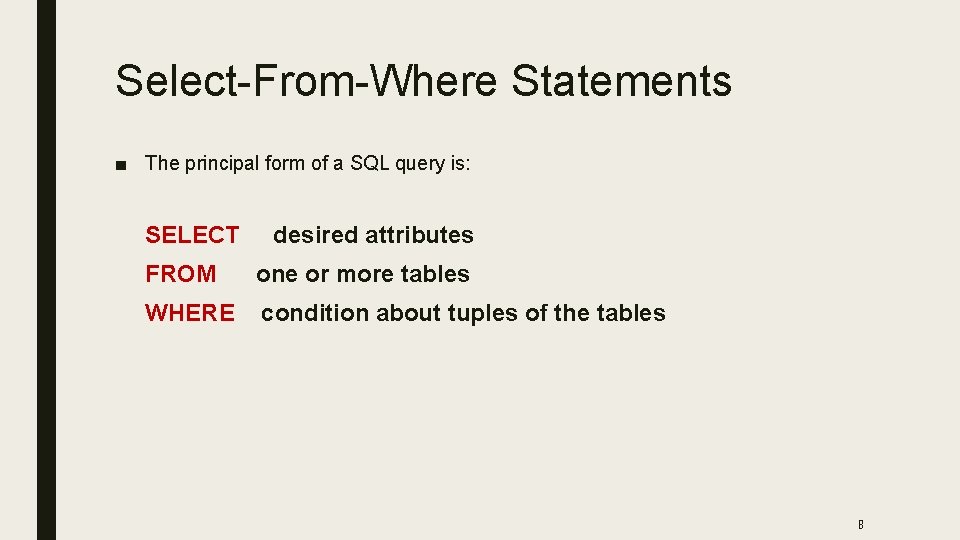
Select-From-Where Statements ■ The principal form of a SQL query is: SELECT desired attributes FROM one or more tables WHERE condition about tuples of the tables 8
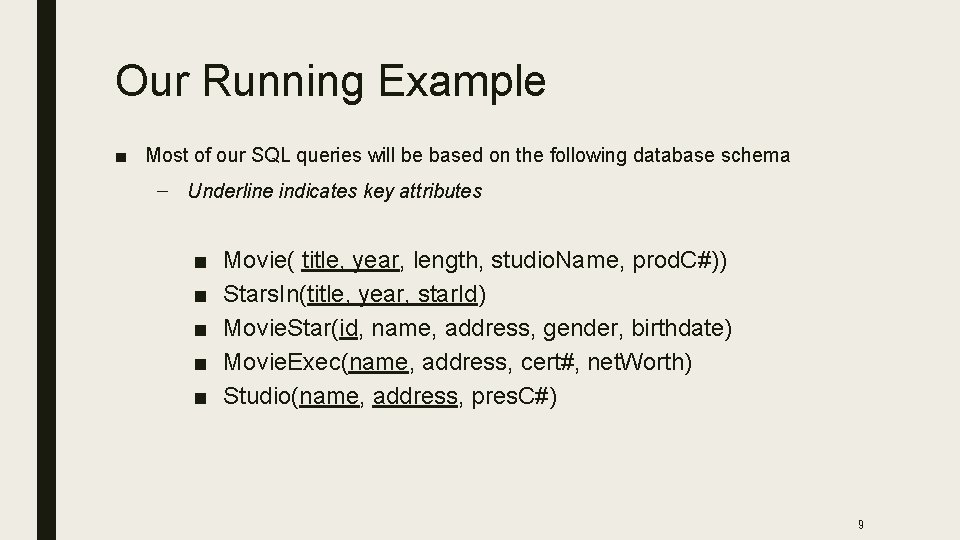
Our Running Example ■ Most of our SQL queries will be based on the following database schema – Underline indicates key attributes ■ ■ ■ Movie( title, year, length, studio. Name, prod. C#)) Stars. In(title, year, star. Id) Movie. Star(id, name, address, gender, birthdate) Movie. Exec(name, address, cert#, net. Worth) Studio(name, address, pres. C#) 9
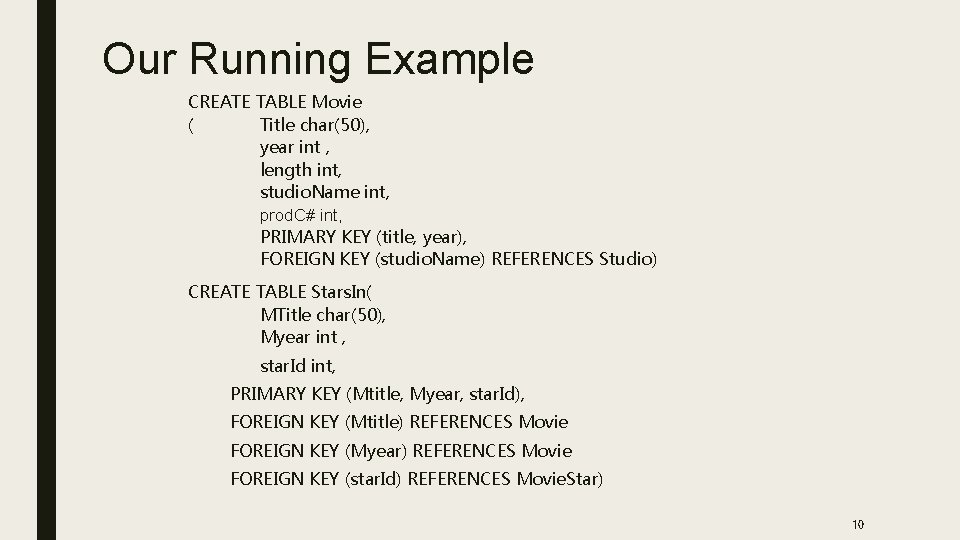
Our Running Example CREATE TABLE Movie ( Title char(50), year int , length int, studio. Name int, prod. C# int, PRIMARY KEY (title, year), FOREIGN KEY (studio. Name) REFERENCES Studio) CREATE TABLE Stars. In( MTitle char(50), Myear int , star. Id int, PRIMARY KEY (Mtitle, Myear, star. Id), FOREIGN KEY (Mtitle) REFERENCES Movie FOREIGN KEY (Myear) REFERENCES Movie FOREIGN KEY (star. Id) REFERENCES Movie. Star) 10
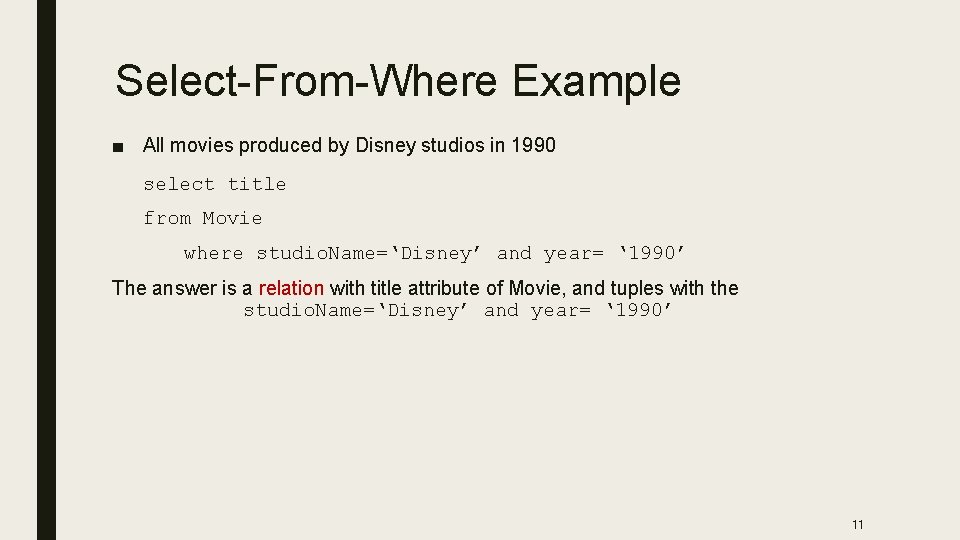
Select-From-Where Example ■ All movies produced by Disney studios in 1990 select title from Movie where studio. Name=‘Disney’ and year= ‘ 1990’ The answer is a relation with title attribute of Movie, and tuples with the studio. Name=‘Disney’ and year= ‘ 1990’ 11
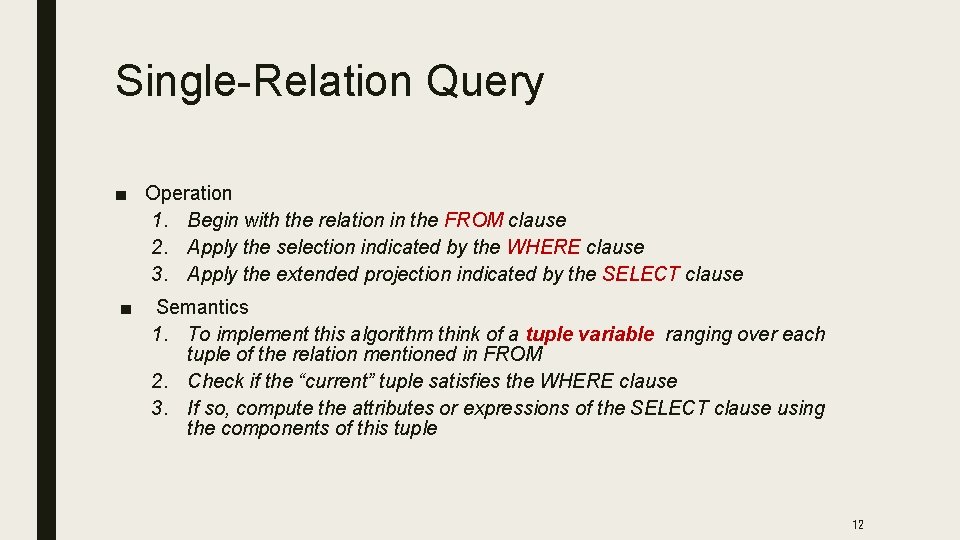
Single-Relation Query ■ Operation 1. Begin with the relation in the FROM clause 2. Apply the selection indicated by the WHERE clause 3. Apply the extended projection indicated by the SELECT clause ■ Semantics 1. To implement this algorithm think of a tuple variable ranging over each tuple of the relation mentioned in FROM 2. Check if the “current” tuple satisfies the WHERE clause 3. If so, compute the attributes or expressions of the SELECT clause using the components of this tuple 12
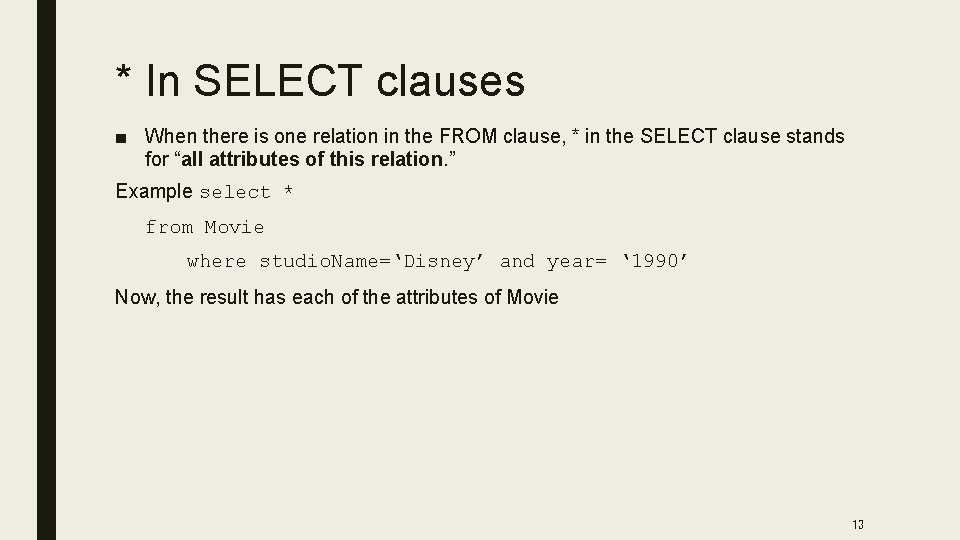
* In SELECT clauses ■ When there is one relation in the FROM clause, * in the SELECT clause stands for “all attributes of this relation. ” Example select * from Movie where studio. Name=‘Disney’ and year= ‘ 1990’ Now, the result has each of the attributes of Movie 13
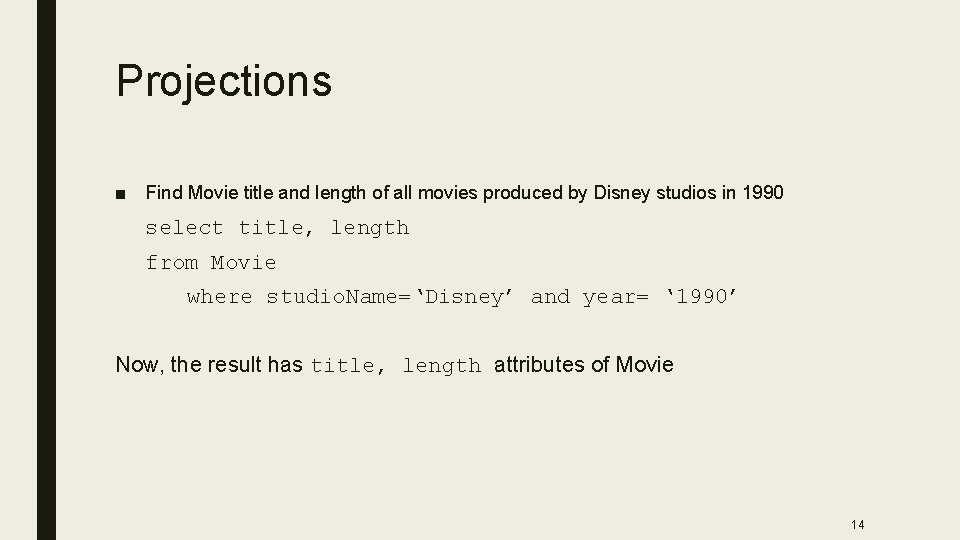
Projections ■ Find Movie title and length of all movies produced by Disney studios in 1990 select title, length from Movie where studio. Name=‘Disney’ and year= ‘ 1990’ Now, the result has title, length attributes of Movie 14
Renaming Attributes ■ If you want the result to have different attribute names, use “AS <new name>” to rename an attribute Example select title as name, length as duration from Movie where studio. Name=‘Disney’ and year= ‘ 1990 ■ Result will have name and duration attribute for movie with. . 15
Selection ■ WHERE clause select title from movie where year > 1970 16
Expressions in SELECT Clauses ■ Any expression that makes sense can appear as an element of a SELECT clause ■ Example: select title, length *60 AS duration. Insecs from Movie where studio. Name=‘Disney’ and year= ‘ 1990’ 17
Selections ■ What you can use in WHERE: – attribute names of the relation(s) used in the FROM – comparison operators: =, <>, <, >, <=, >= – apply arithmetic operations: stockprice*2 – operations on strings (e. g. , “||” for concatenation) – Lexicographic order on strings – Special stuff for comparing dates and times. 18
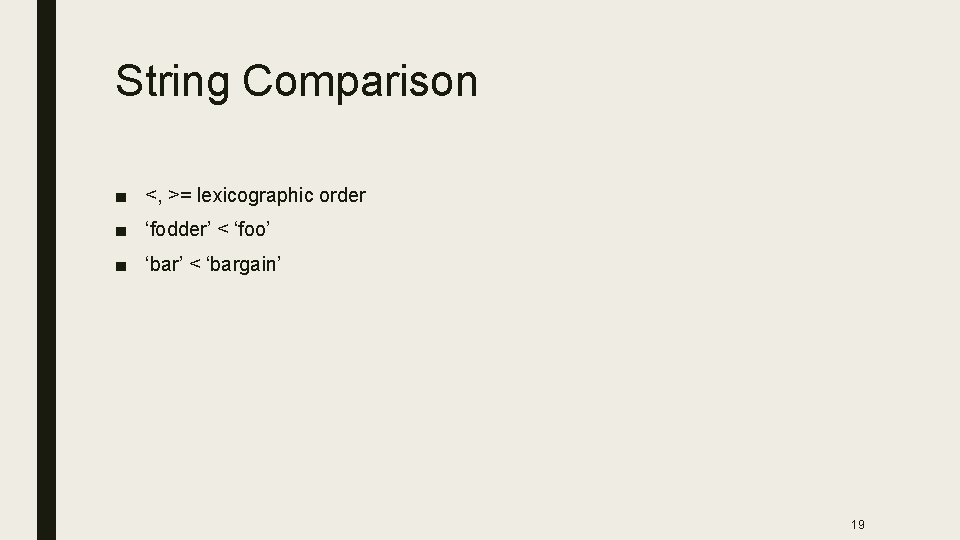
String Comparison ■ <, >= lexicographic order ■ ‘fodder’ < ‘foo’ ■ ‘bar’ < ‘bargain’ 19
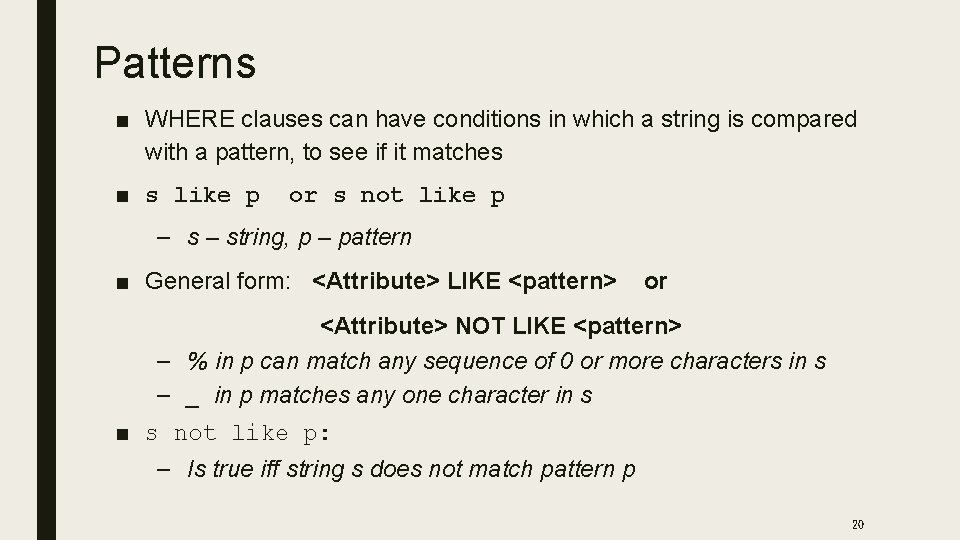
Patterns ■ WHERE clauses can have conditions in which a string is compared with a pattern, to see if it matches ■ s like p or s not like p – string, p – pattern ■ General form: <Attribute> LIKE <pattern> or <Attribute> NOT LIKE <pattern> – % in p can match any sequence of 0 or more characters in s – _ in p matches any one character in s ■ s not like p: – Is true iff string s does not match pattern p 20
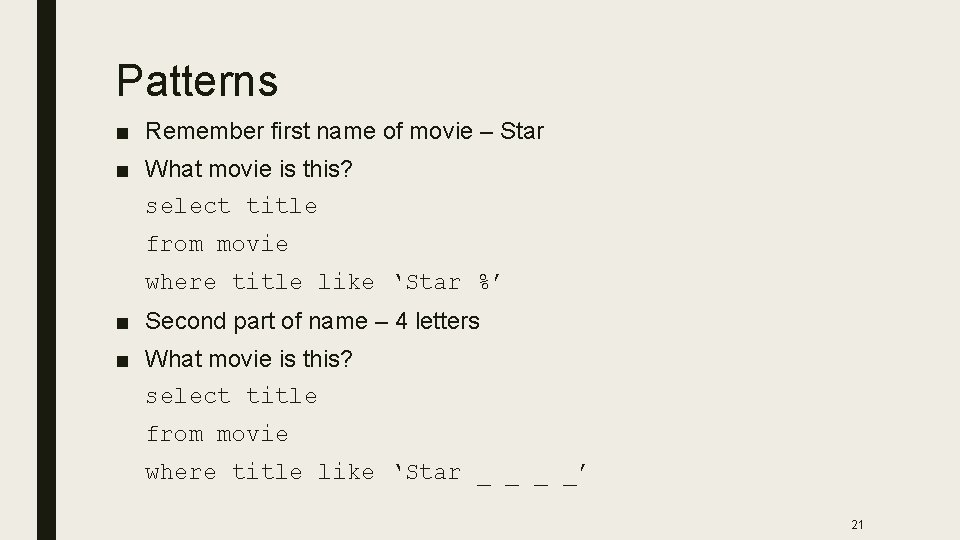
Patterns ■ Remember first name of movie – Star ■ What movie is this? select title from movie where title like ‘Star %’ ■ Second part of name – 4 letters ■ What movie is this? select title from movie where title like ‘Star _ _’ 21
Important Details ■ SQL is case-insensitive – In general, upper and lower case characters are the same, except inside quoted strings ■ Two single quotes inside a string represent the single-quote (apostrophe) ■ Conditions in the WHERE clause can use AND, OR, NOT, and parentheses in the usual way Boolean conditions are built 22
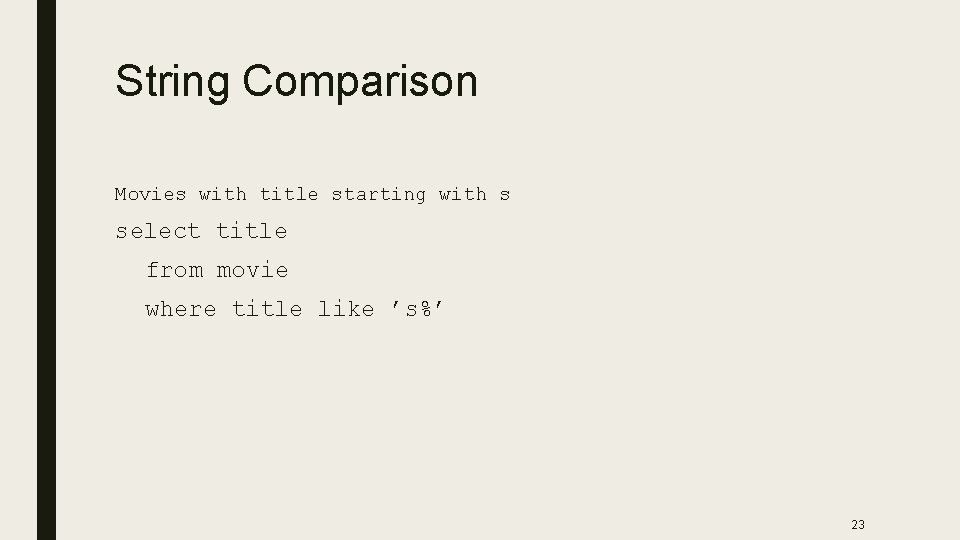
String Comparison Movies with title starting with s select title from movie where title like ’s%’ 23
NULL Values ■ Tuples in SQL relations can have NULL as a value for one or more components ■ Meaning depends on context. Two common cases: – Missing value -Unknown value ■ Unknown salary of employee – we know that all employee has salary, but we don’t know what it is – Inapplicable value ■ Spouse entry inapplicable for a single employee ■ The logic of conditions in SQL is really 3 -valued logic: TRUE, FALSE, UNKNOWN – When any value is compared with NULL, the truth value is UNKNOWN – A query only produces a tuple in the answer if its value for the WHERE clause is TRUE (not FALSE or UNKNOWN) 24
Null ■ x is null ■ Arithmetic operation on a null is a null – x + 3 = NULL ■ Compare a null value and any other value – result is UNKNOWN – x = 3 is UNKNOWN 25
Three-Valued Logic ■ To understand how AND, OR, and NOT work in 3 -valued logic, think of ■ TRUE = 1, ■ FALSE = 0, and ■ UNKNOWN = ½, ■ AND = minimum of the two values ; ■ OR = maximum of the two values , ■ Not =negation of truth value v NOT(x) = 1 -x. 26
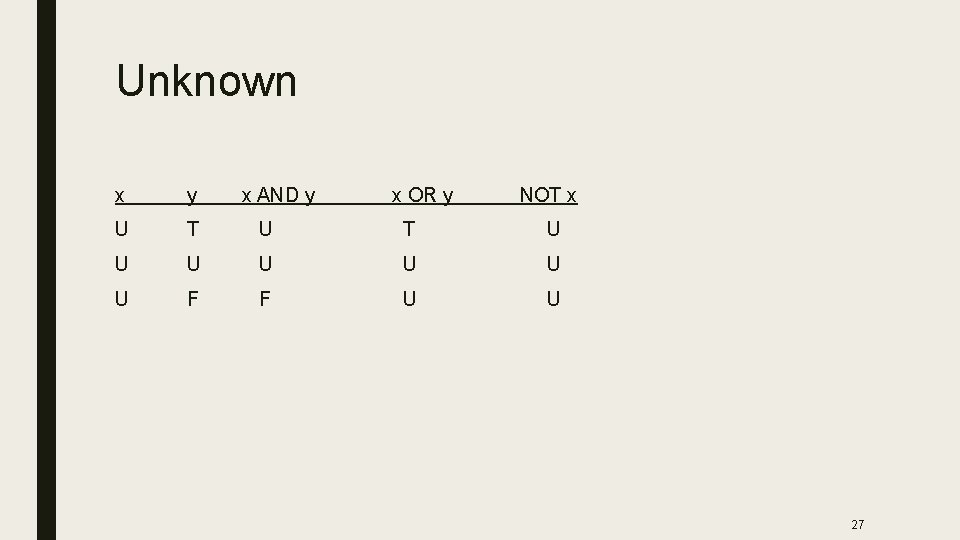
Unknown x y x AND y x OR y NOT x U T U U U U F F U U 27
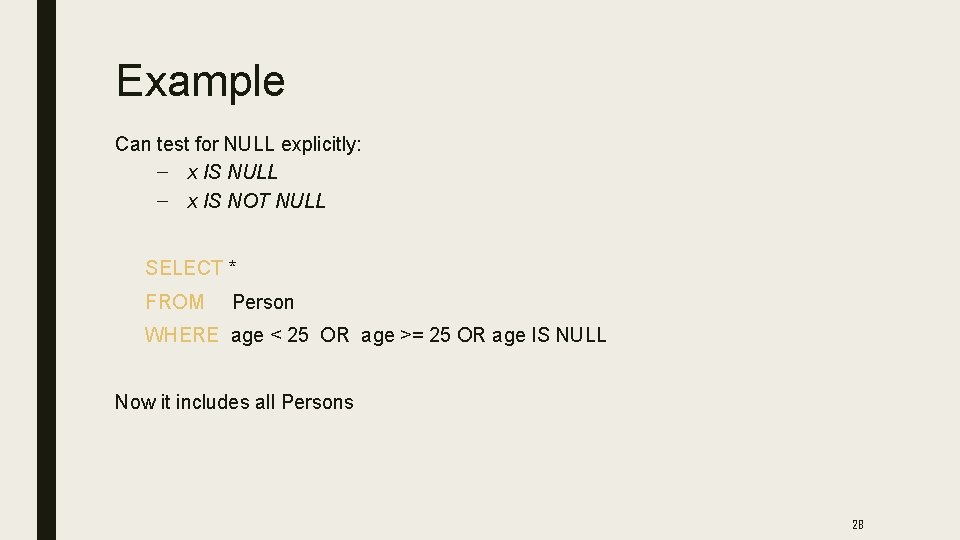
Example Can test for NULL explicitly: – x IS NULL – x IS NOT NULL SELECT * FROM Person WHERE age < 25 OR age >= 25 OR age IS NULL Now it includes all Persons 28
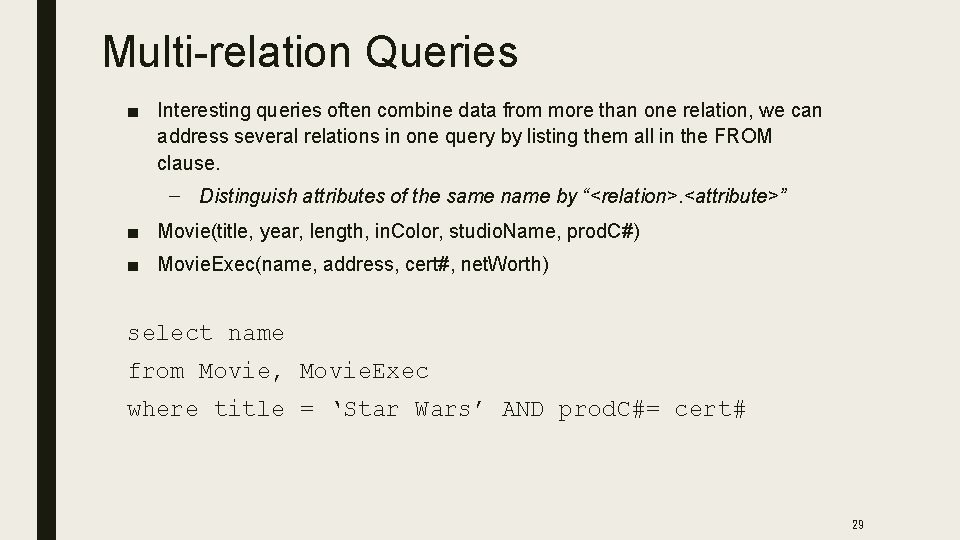
Multi-relation Queries ■ Interesting queries often combine data from more than one relation, we can address several relations in one query by listing them all in the FROM clause. – Distinguish attributes of the same name by “<relation>. <attribute>” ■ Movie(title, year, length, in. Color, studio. Name, prod. C#) ■ Movie. Exec(name, address, cert#, net. Worth) select name from Movie, Movie. Exec where title = ‘Star Wars’ AND prod. C#= cert# 29
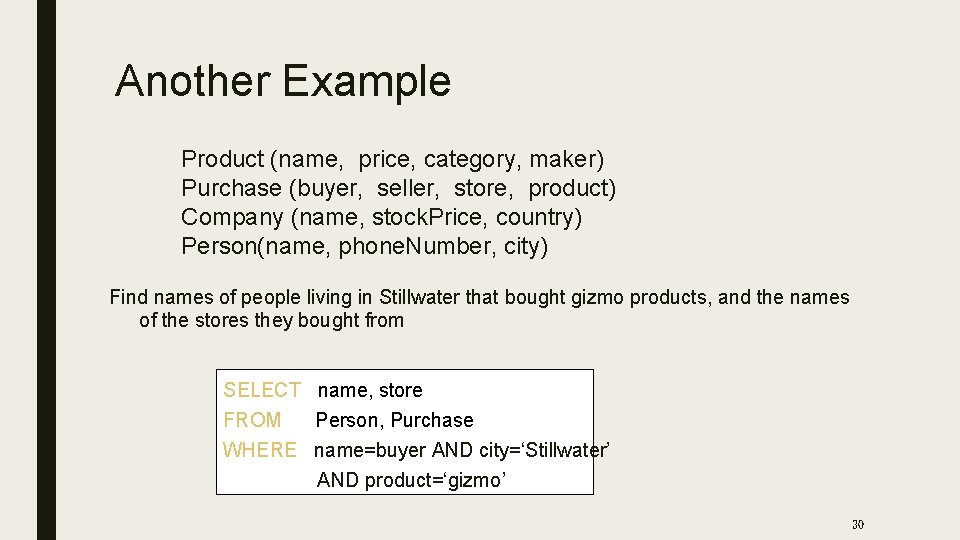
Another Example Product (name, price, category, maker) Purchase (buyer, seller, store, product) Company (name, stock. Price, country) Person(name, phone. Number, city) Find names of people living in Stillwater that bought gizmo products, and the names of the stores they bought from SELECT name, store FROM Person, Purchase WHERE name=buyer AND city=‘Stillwater’ AND product=‘gizmo’ 30
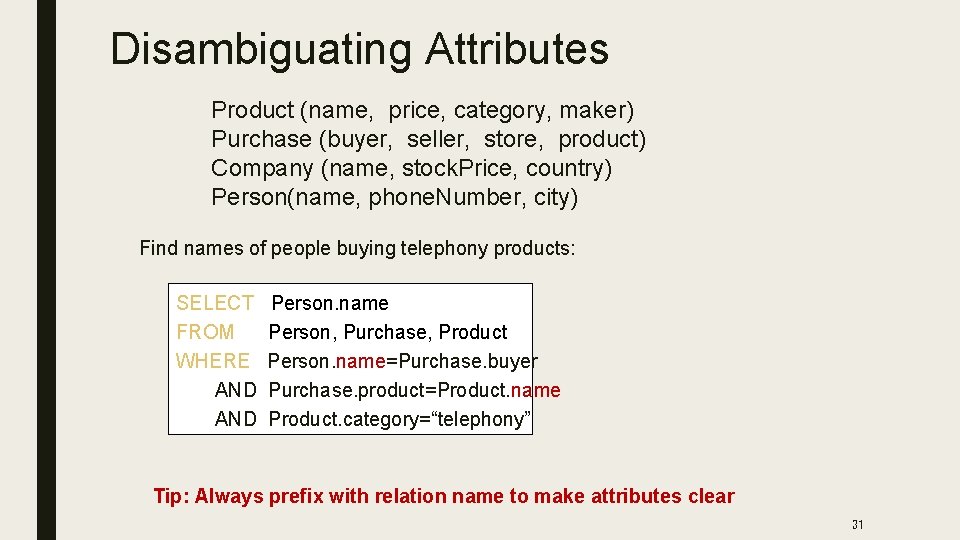
Disambiguating Attributes Product (name, price, category, maker) Purchase (buyer, seller, store, product) Company (name, stock. Price, country) Person(name, phone. Number, city) Find names of people buying telephony products: SELECT FROM WHERE AND Person. name Person, Purchase, Product Person. name=Purchase. buyer Purchase. product=Product. name Product. category=“telephony” Tip: Always prefix with relation name to make attributes clear 31
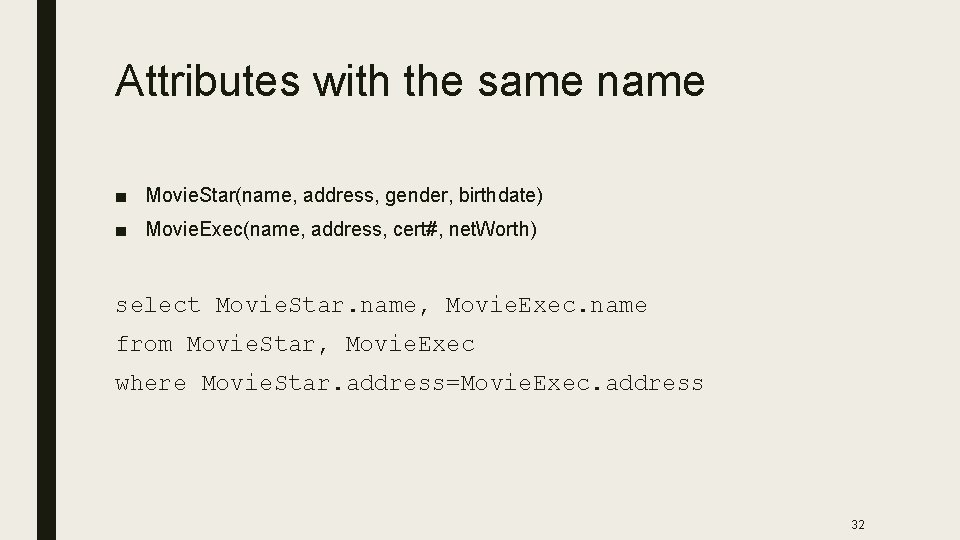
Attributes with the same name ■ Movie. Star(name, address, gender, birthdate) ■ Movie. Exec(name, address, cert#, net. Worth) select Movie. Star. name, Movie. Exec. name from Movie. Star, Movie. Exec where Movie. Star. address=Movie. Exec. address 32
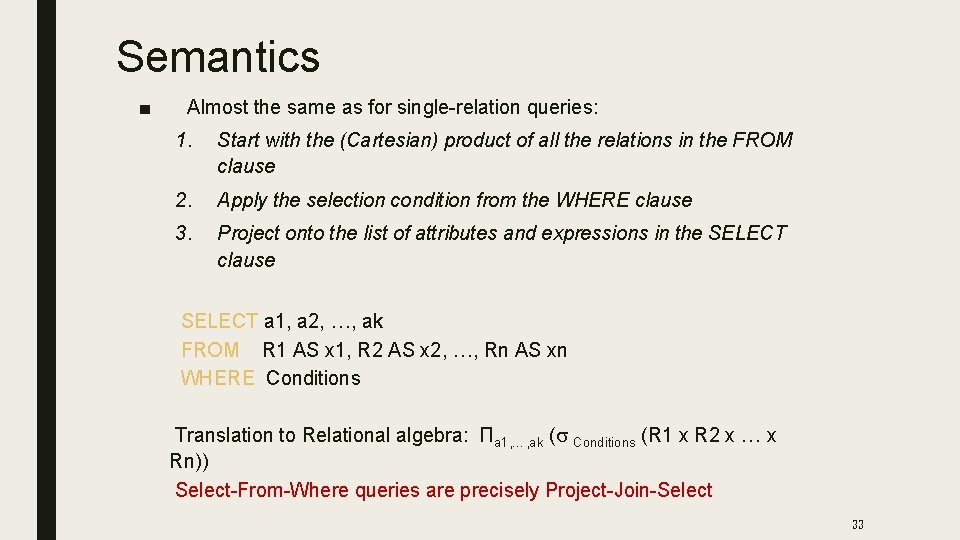
Semantics ■ Almost the same as for single-relation queries: 1. Start with the (Cartesian) product of all the relations in the FROM clause 2. Apply the selection condition from the WHERE clause 3. Project onto the list of attributes and expressions in the SELECT clause SELECT a 1, a 2, …, ak FROM R 1 AS x 1, R 2 AS x 2, …, Rn AS xn WHERE Conditions Translation to Relational algebra: Πa 1, …, ak (s Conditions (R 1 x R 2 x … x Rn)) Select-From-Where queries are precisely Project-Join-Select 33
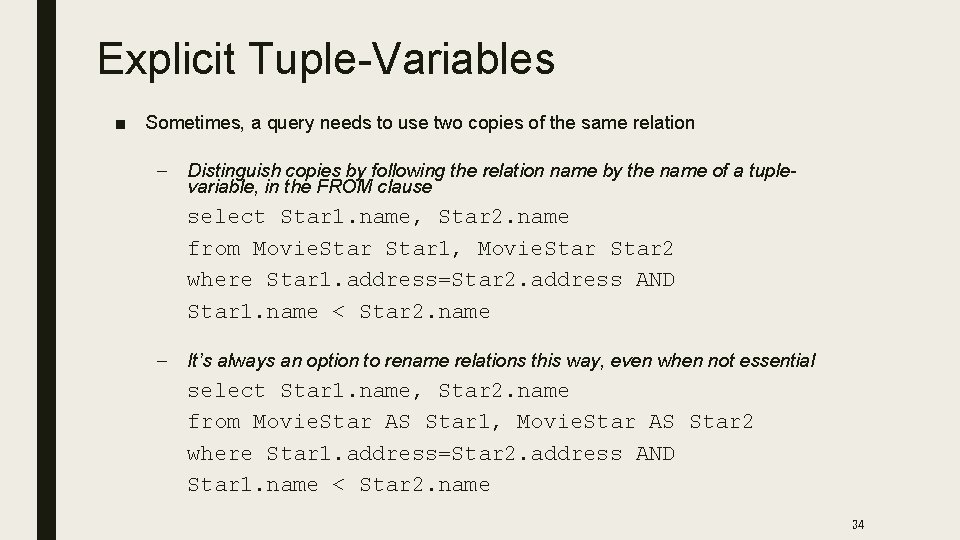
Explicit Tuple-Variables ■ Sometimes, a query needs to use two copies of the same relation – Distinguish copies by following the relation name by the name of a tuplevariable, in the FROM clause select Star 1. name, Star 2. name from Movie. Star 1, Movie. Star 2 where Star 1. address=Star 2. address AND Star 1. name < Star 2. name – It’s always an option to rename relations this way, even when not essential select Star 1. name, Star 2. name from Movie. Star AS Star 1, Movie. Star AS Star 2 where Star 1. address=Star 2. address AND Star 1. name < Star 2. name 34
Ordering ■ To get output in sorted order ■ order by <list of attributes> ■ Default ascending ■ Append DESC for descending 35
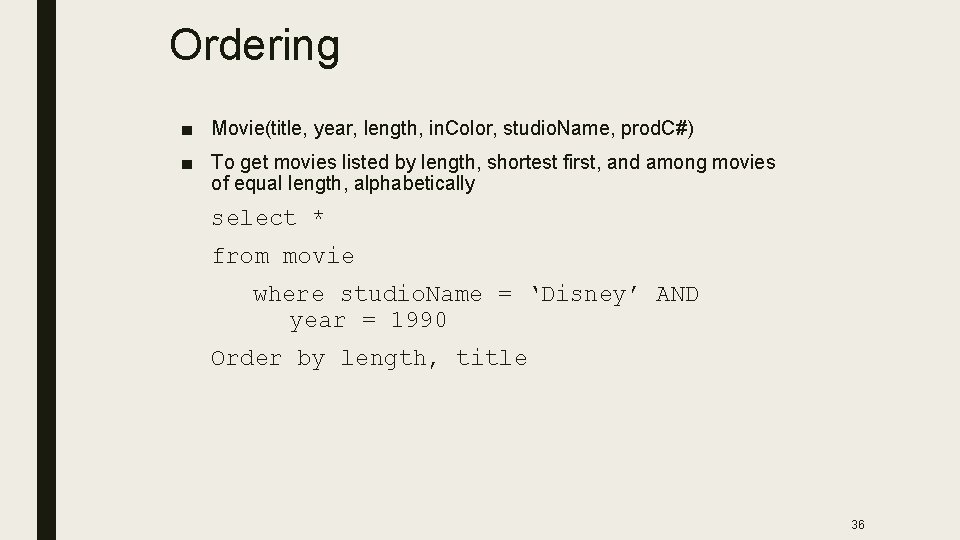
Ordering ■ Movie(title, year, length, in. Color, studio. Name, prod. C#) ■ To get movies listed by length, shortest first, and among movies of equal length, alphabetically select * from movie where studio. Name = ‘Disney’ AND year = 1990 Order by length, title 36
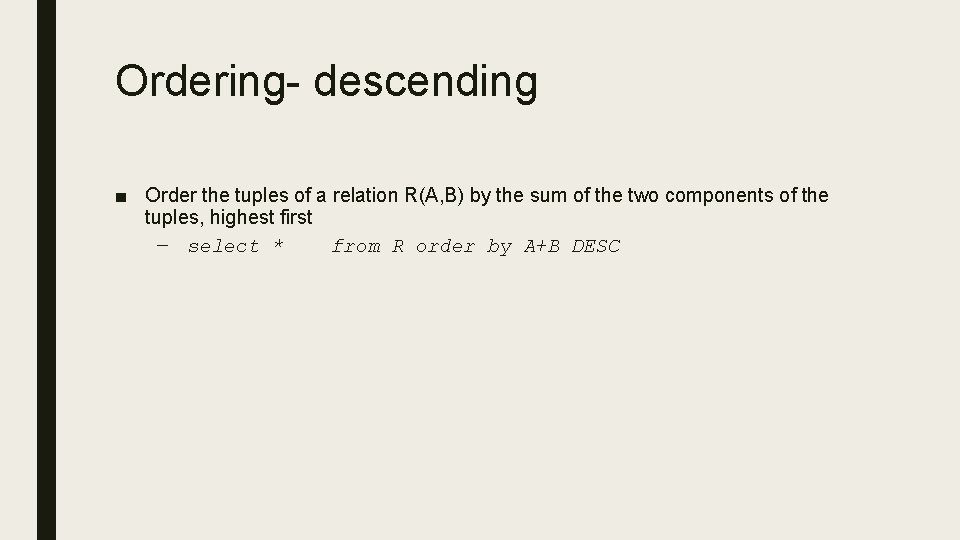
Ordering- descending ■ Order the tuples of a relation R(A, B) by the sum of the two components of the tuples, highest first – select * from R order by A+B DESC
Sub. Queries ■ Query that is part of another ■ Can have many levels ■ A parenthesized SELECT-FROM-WHERE statement (subquery) can be used as a value in a number of places, including FROM and WHERE clauses – Example: in place of a relation in the FROM clause, we can place another query, and then query its result ■ Better use a tuple-variable to name tuples of the result ■ Return – Single constant –Subqueries that return Scalar, this constant can be compared with another value in a where clause ■ – If a subquery is guaranteed to produce one tuple with one component, then the subquery can be used as a value – “Single” tuple often guaranteed by key constraint – A run-time error occurs if there is no tuple or more than one tuple Relations – can be used in many ways in a where clause 38
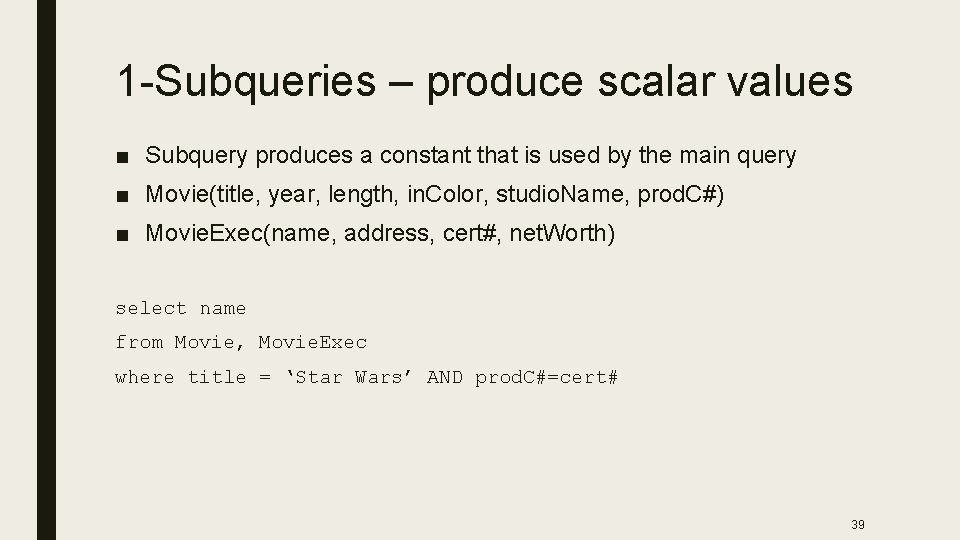
1 -Subqueries – produce scalar values ■ Subquery produces a constant that is used by the main query ■ Movie(title, year, length, in. Color, studio. Name, prod. C#) ■ Movie. Exec(name, address, cert#, net. Worth) select name from Movie, Movie. Exec where title = ‘Star Wars’ AND prod. C#=cert# 39
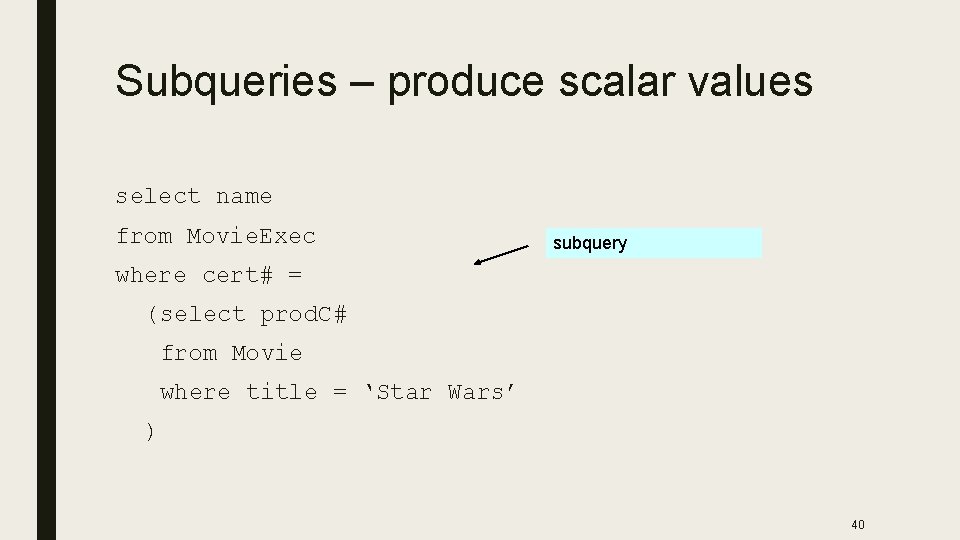
Subqueries – produce scalar values select name from Movie. Exec subquery where cert# = (select prod. C# from Movie where title = ‘Star Wars’ ) 40
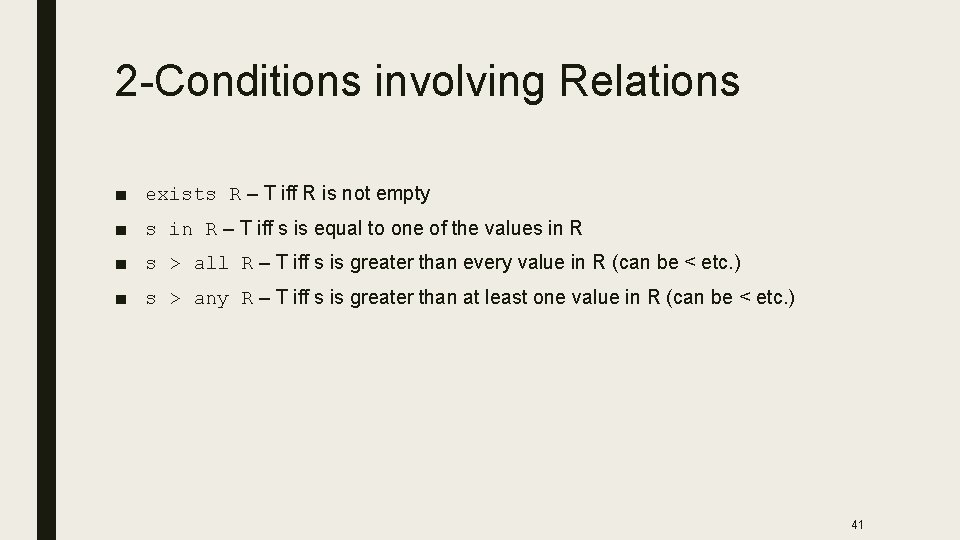
2 -Conditions involving Relations ■ exists R – T iff R is not empty ■ s in R – T iff s is equal to one of the values in R ■ s > all R – T iff s is greater than every value in R (can be < etc. ) ■ s > any R – T iff s is greater than at least one value in R (can be < etc. ) 41
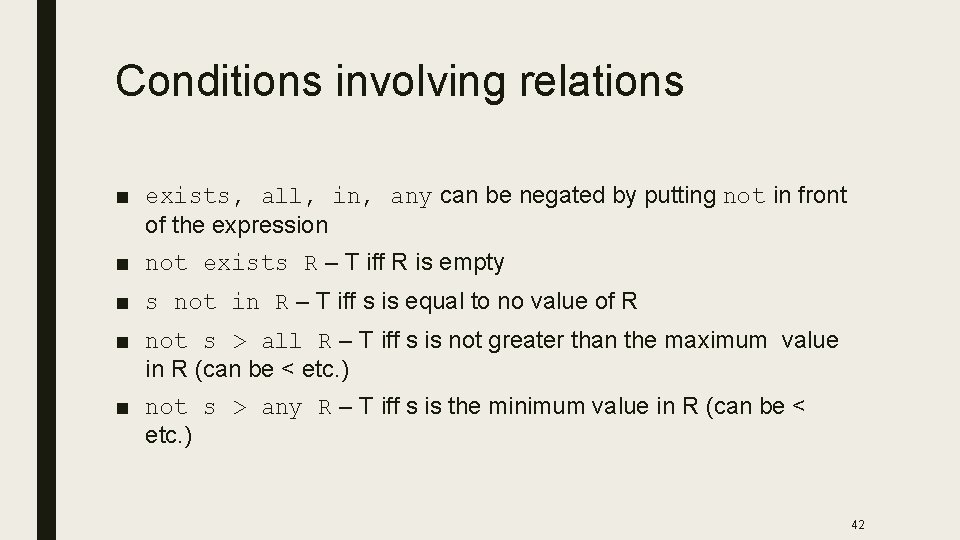
Conditions involving relations ■ exists, all, in, any can be negated by putting not in front of the expression ■ not exists R – T iff R is empty ■ s not in R – T iff s is equal to no value of R ■ not s > all R – T iff s is not greater than the maximum value in R (can be < etc. ) ■ not s > any R – T iff s is the minimum value in R (can be < etc. ) 42
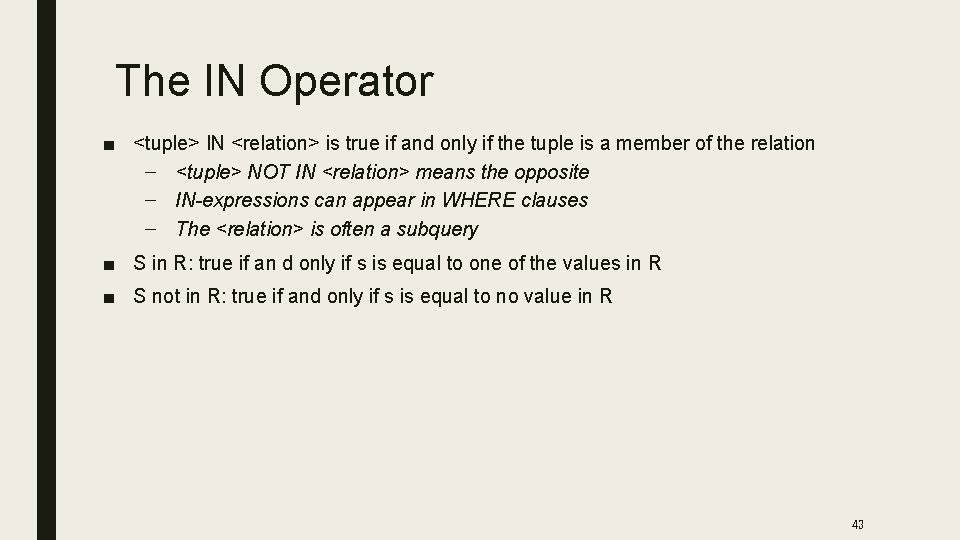
The IN Operator ■ <tuple> IN <relation> is true if and only if the tuple is a member of the relation – <tuple> NOT IN <relation> means the opposite – IN-expressions can appear in WHERE clauses – The <relation> is often a subquery ■ S in R: true if an d only if s is equal to one of the values in R ■ S not in R: true if and only if s is equal to no value in R 43
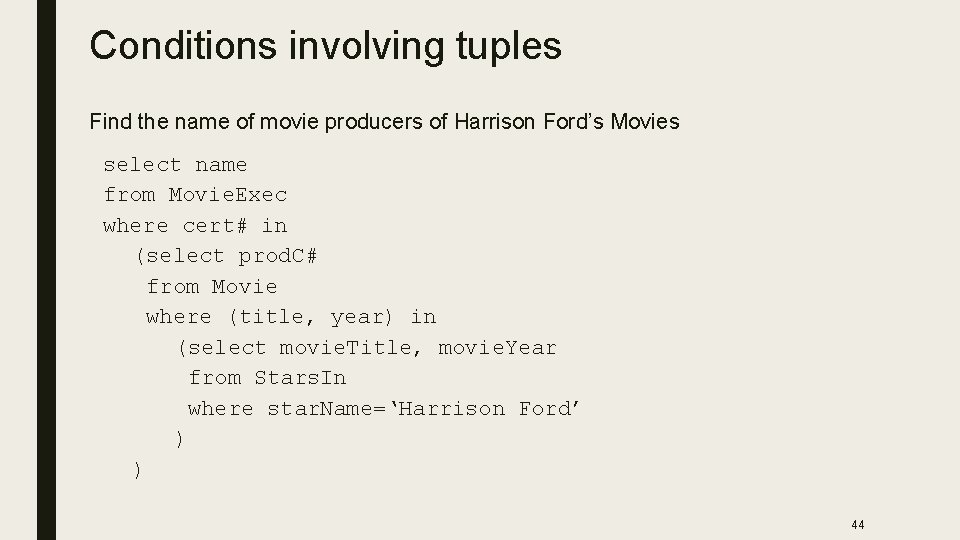
Conditions involving tuples Find the name of movie producers of Harrison Ford’s Movies select name from Movie. Exec where cert# in (select prod. C# from Movie where (title, year) in (select movie. Title, movie. Year from Stars. In where star. Name=‘Harrison Ford’ ) ) 44
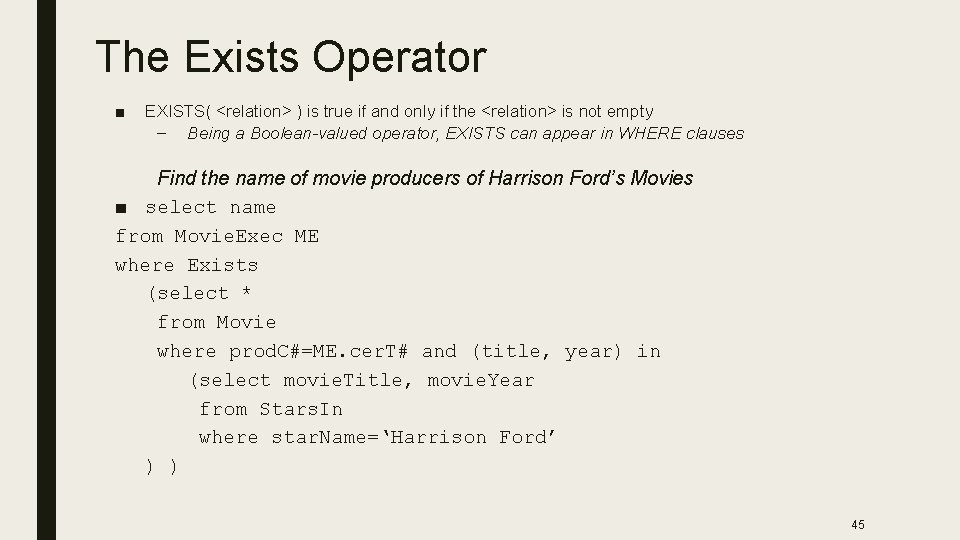
The Exists Operator ■ EXISTS( <relation> ) is true if and only if the <relation> is not empty – Being a Boolean-valued operator, EXISTS can appear in WHERE clauses Find the name of movie producers of Harrison Ford’s Movies ■ select name from Movie. Exec ME where Exists (select * from Movie where prod. C#=ME. cer. T# and (title, year) in (select movie. Title, movie. Year from Stars. In where star. Name=‘Harrison Ford’ ) ) 45
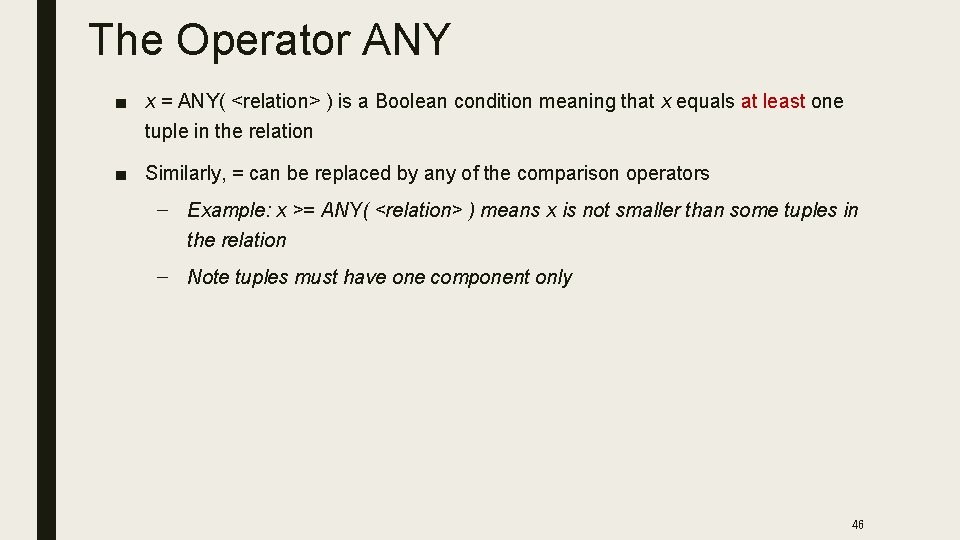
The Operator ANY ■ x = ANY( <relation> ) is a Boolean condition meaning that x equals at least one tuple in the relation ■ Similarly, = can be replaced by any of the comparison operators – Example: x >= ANY( <relation> ) means x is not smaller than some tuples in the relation – Note tuples must have one component only 46
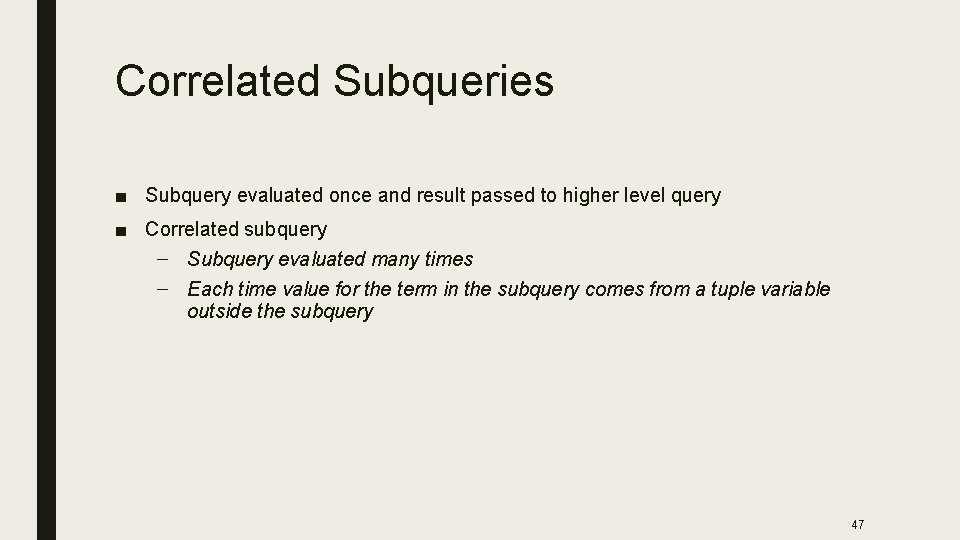
Correlated Subqueries ■ Subquery evaluated once and result passed to higher level query ■ Correlated subquery – Subquery evaluated many times – Each time value for the term in the subquery comes from a tuple variable outside the subquery 47
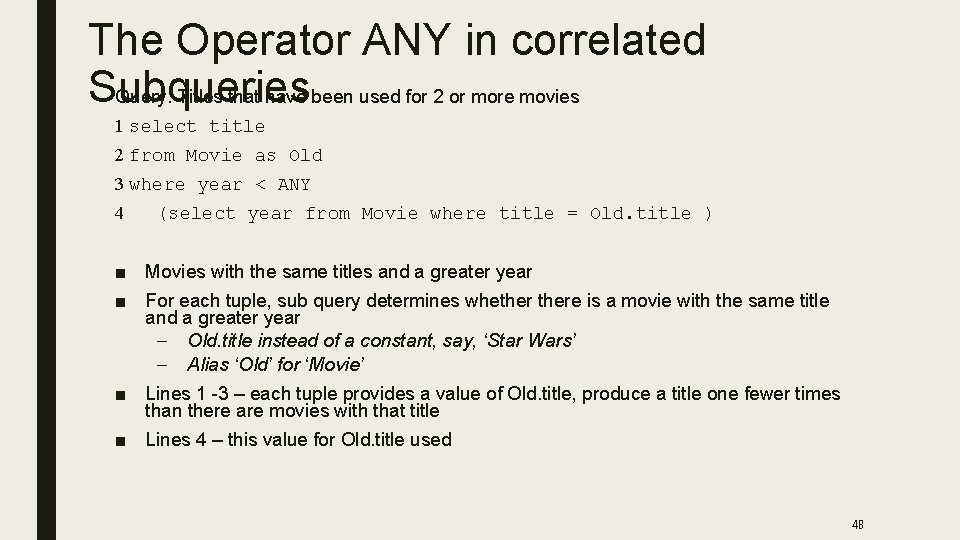
The Operator ANY in correlated Subqueries Query: Titles that have been used for 2 or more movies 1 select title 2 from Movie as Old 3 where year < ANY 4 (select year from Movie where title = Old. title ) ■ Movies with the same titles and a greater year ■ For each tuple, sub query determines whethere is a movie with the same title and a greater year – Old. title instead of a constant, say, ‘Star Wars’ – Alias ‘Old’ for ‘Movie’ ■ Lines 1 -3 – each tuple provides a value of Old. title, produce a title one fewer times than there are movies with that title ■ Lines 4 – this value for Old. title used 48
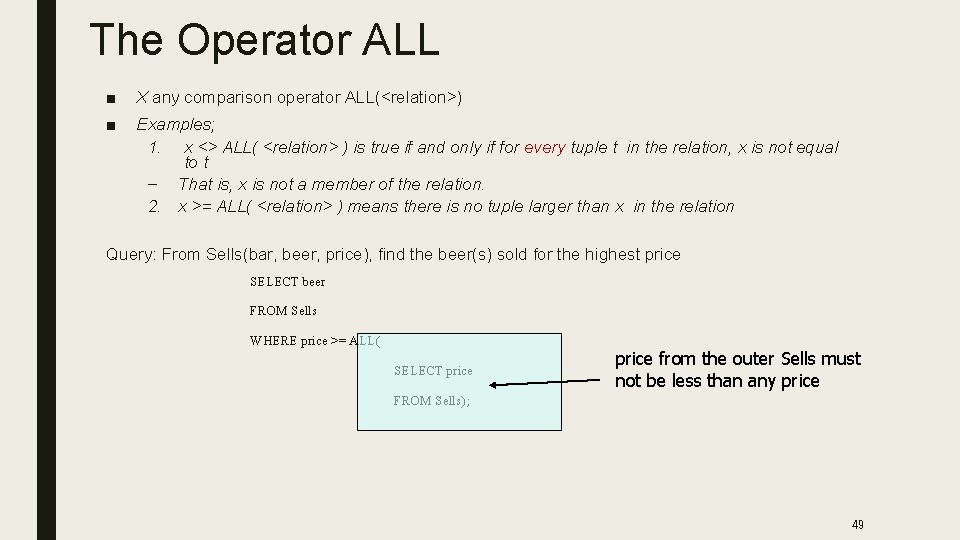
The Operator ALL ■ X any comparison operator ALL(<relation>) ■ Examples; 1. x <> ALL( <relation> ) is true if and only if for every tuple t in the relation, x is not equal to t – That is, x is not a member of the relation. 2. x >= ALL( <relation> ) means there is no tuple larger than x in the relation Query: From Sells(bar, beer, price), find the beer(s) sold for the highest price SELECT beer FROM Sells WHERE price >= ALL( SELECT price FROM Sells); price from the outer Sells must not be less than any price 49
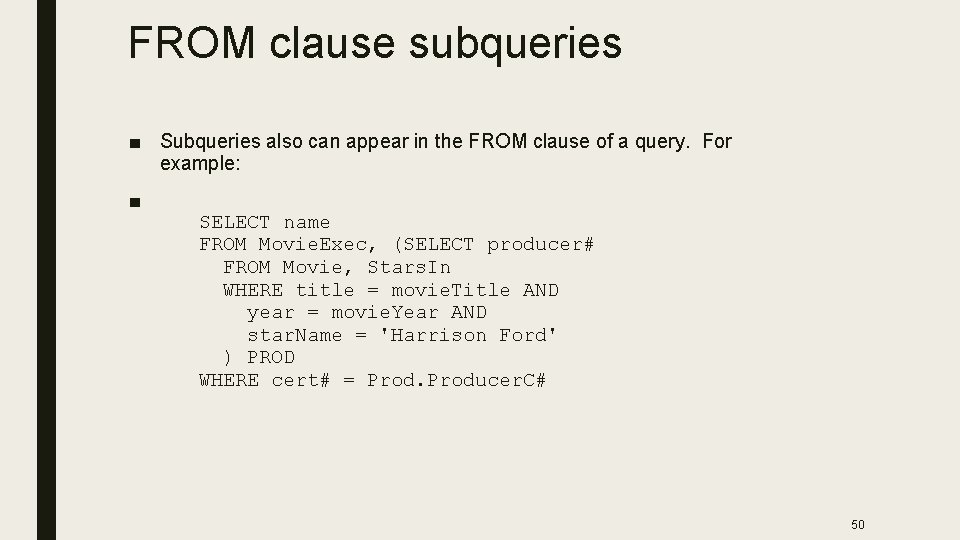
FROM clause subqueries ■ Subqueries also can appear in the FROM clause of a query. For example: ■ SELECT name FROM Movie. Exec, (SELECT producer# FROM Movie, Stars. In WHERE title = movie. Title AND year = movie. Year AND star. Name = 'Harrison Ford' ) PROD WHERE cert# = Producer. C# 50
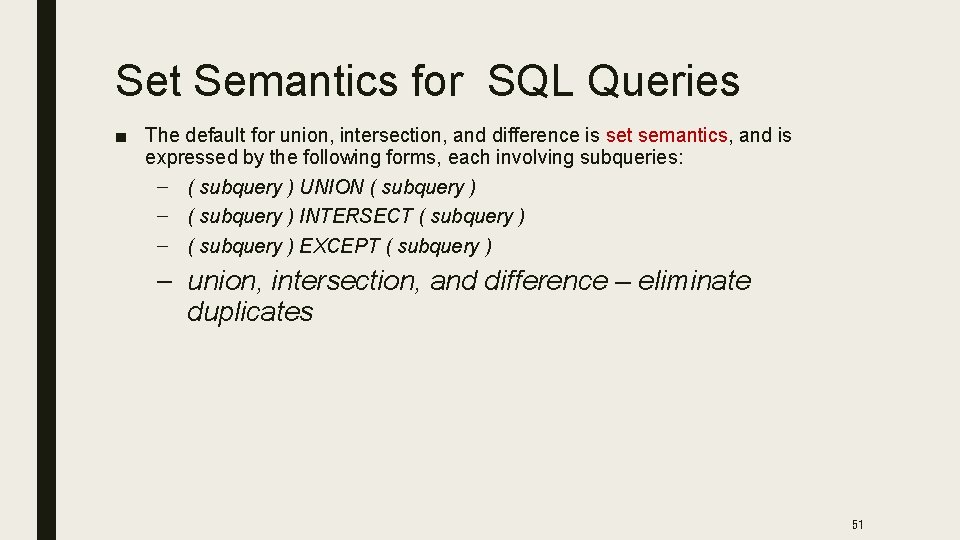
Set Semantics for SQL Queries ■ The default for union, intersection, and difference is set semantics, and is expressed by the following forms, each involving subqueries: – ( subquery ) UNION ( subquery ) – ( subquery ) INTERSECT ( subquery ) – ( subquery ) EXCEPT ( subquery ) – union, intersection, and difference – eliminate duplicates 51
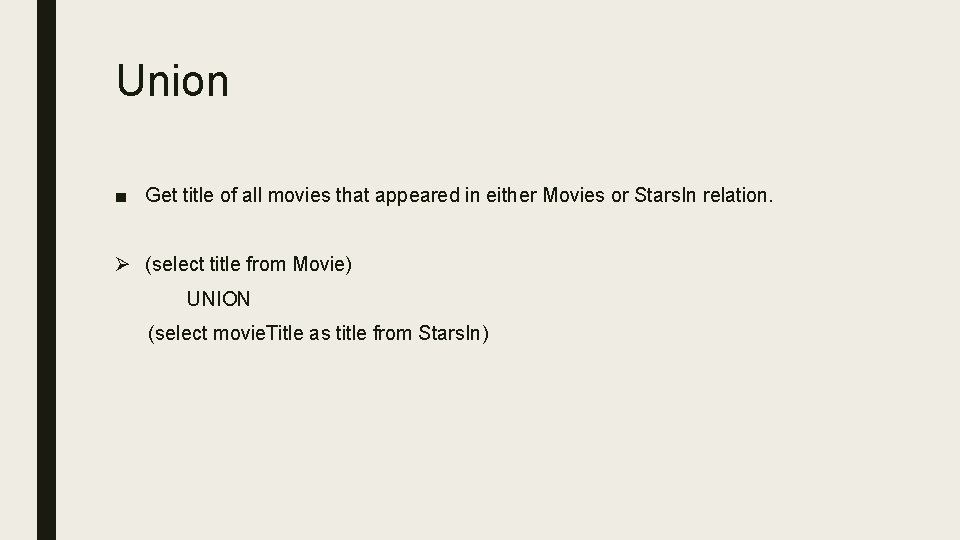
Union ■ Get title of all movies that appeared in either Movies or Stars. In relation. Ø (select title from Movie) UNION (select movie. Title as title from Stars. In)
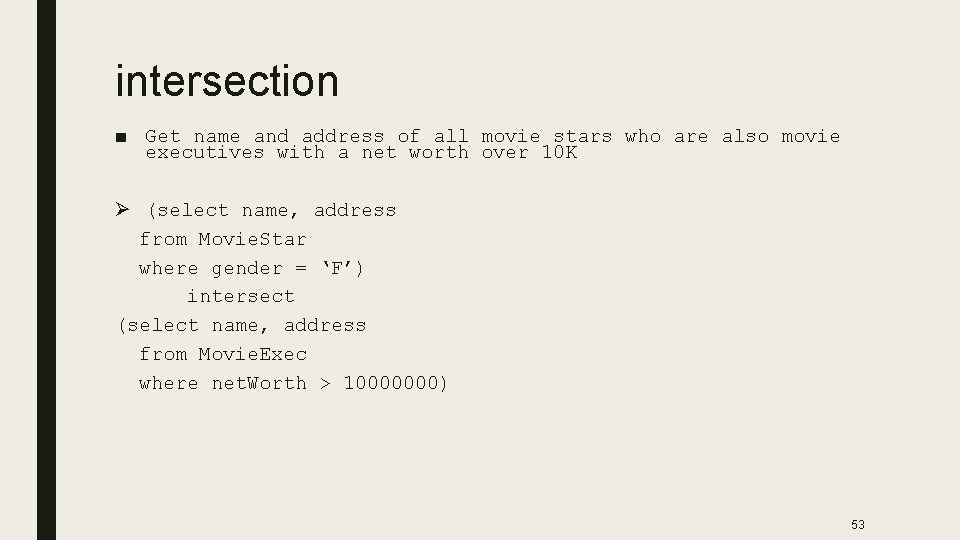
intersection ■ Get name and address of all movie stars who are also movie executives with a net worth over 10 K Ø (select name, address from Movie. Star where gender = ‘F’) intersect (select name, address from Movie. Exec where net. Worth > 10000000) 53
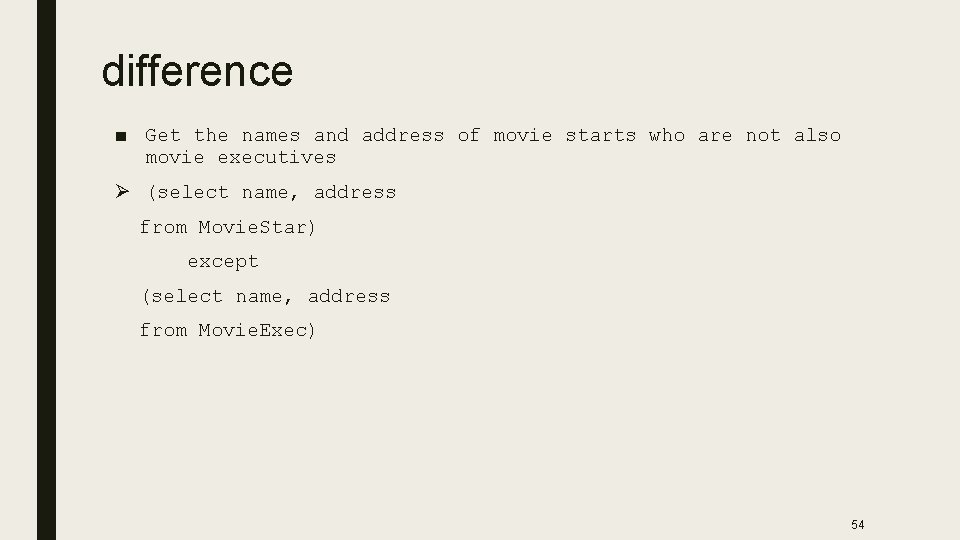
difference ■ Get the names and address of movie starts who are not also movie executives Ø (select name, address from Movie. Star) except (select name, address from Movie. Exec) 54
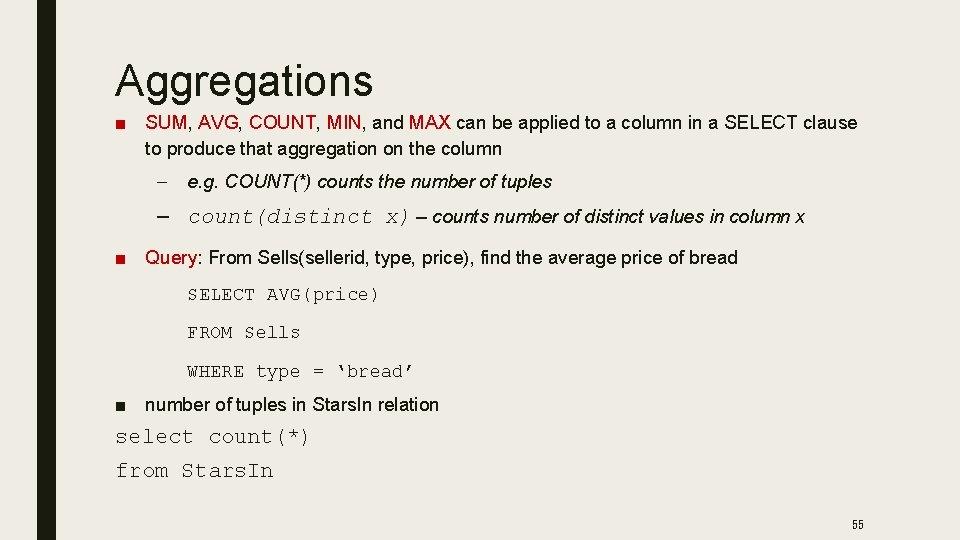
Aggregations ■ SUM, AVG, COUNT, MIN, and MAX can be applied to a column in a SELECT clause to produce that aggregation on the column – e. g. COUNT(*) counts the number of tuples – count(distinct x) – counts number of distinct values in column x ■ Query: From Sells(sellerid, type, price), find the average price of bread SELECT AVG(price) FROM Sells WHERE type = ‘bread’ ■ number of tuples in Stars. In relation select count(*) from Stars. In 55
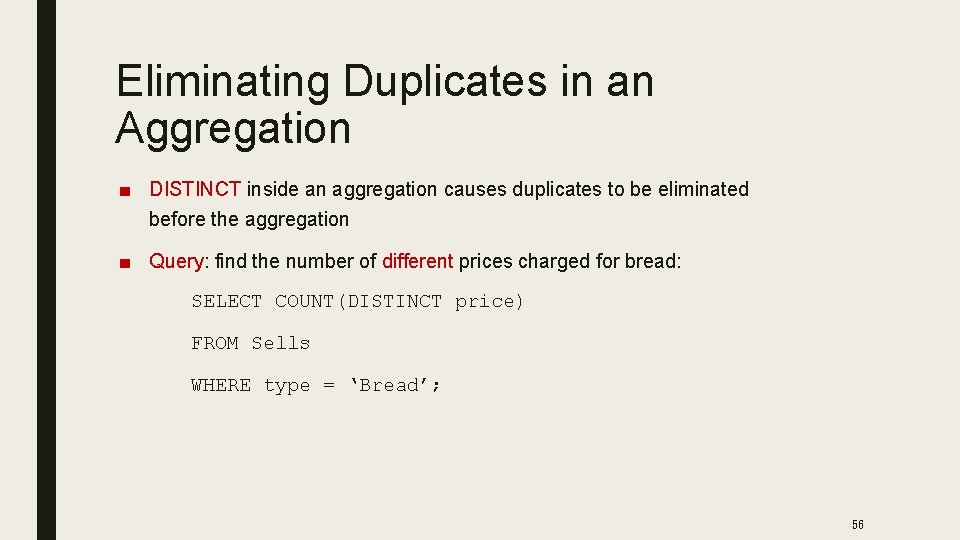
Eliminating Duplicates in an Aggregation ■ DISTINCT inside an aggregation causes duplicates to be eliminated before the aggregation ■ Query: find the number of different prices charged for bread: SELECT COUNT(DISTINCT price) FROM Sells WHERE type = ‘Bread’; 56
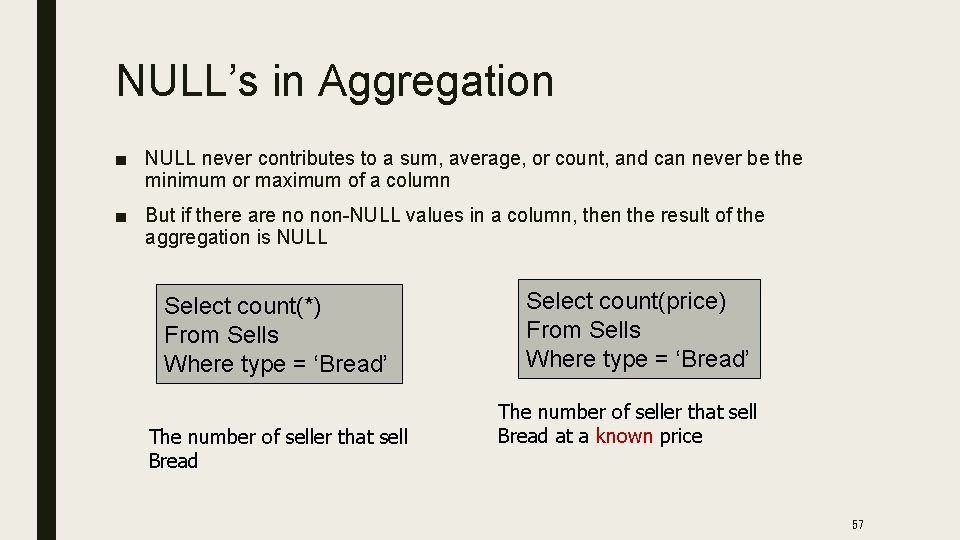
NULL’s in Aggregation ■ NULL never contributes to a sum, average, or count, and can never be the minimum or maximum of a column ■ But if there are no non-NULL values in a column, then the result of the aggregation is NULL Select count(*) From Sells Where type = ‘Bread’ The number of seller that sell Bread Select count(price) From Sells Where type = ‘Bread’ The number of seller that sell Bread at a known price 57
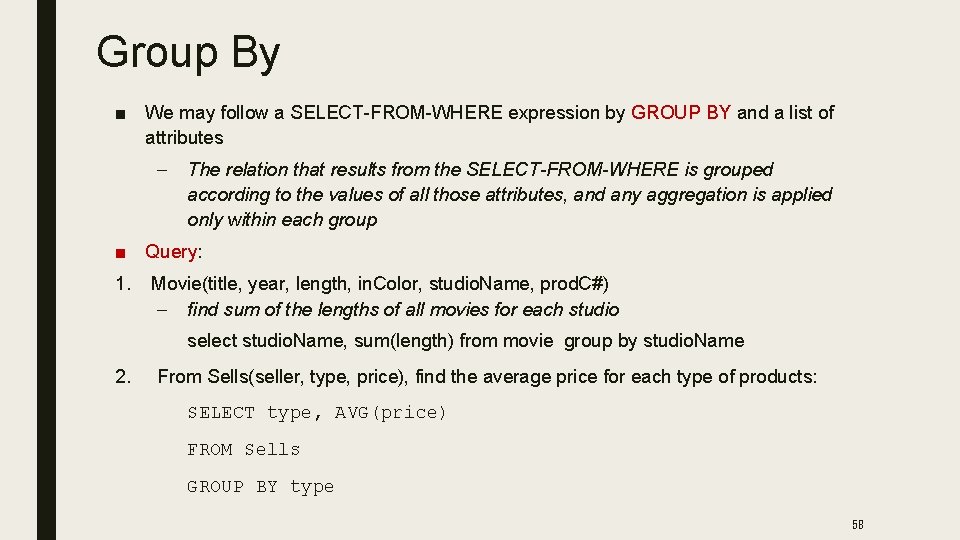
Group By ■ We may follow a SELECT-FROM-WHERE expression by GROUP BY and a list of attributes – The relation that results from the SELECT-FROM-WHERE is grouped according to the values of all those attributes, and any aggregation is applied only within each group ■ Query: 1. Movie(title, year, length, in. Color, studio. Name, prod. C#) – find sum of the lengths of all movies for each studio select studio. Name, sum(length) from movie group by studio. Name 2. From Sells(seller, type, price), find the average price for each type of products: SELECT type, AVG(price) FROM Sells GROUP BY type 58
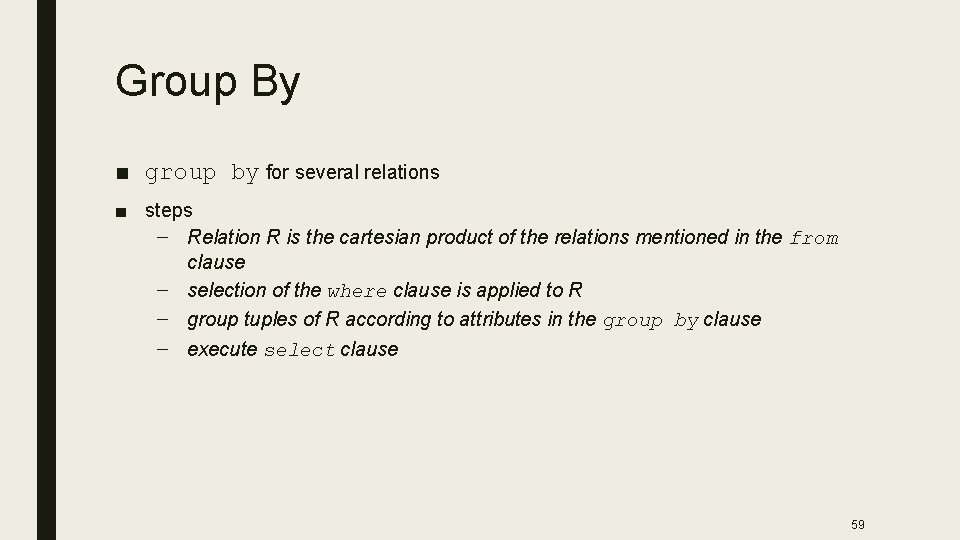
Group By ■ group by for several relations ■ steps – Relation R is the cartesian product of the relations mentioned in the from clause – selection of the where clause is applied to R – group tuples of R according to attributes in the group by clause – execute select clause 59
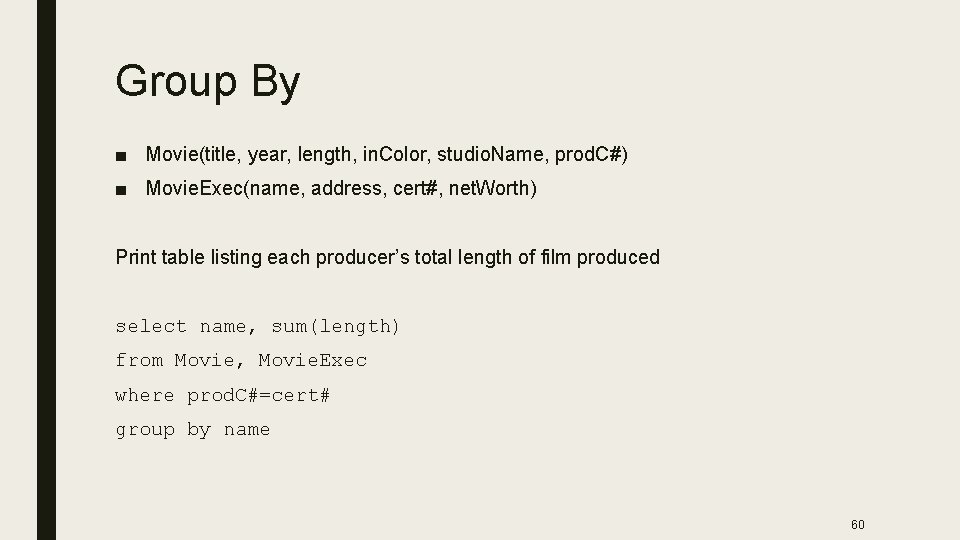
Group By ■ Movie(title, year, length, in. Color, studio. Name, prod. C#) ■ Movie. Exec(name, address, cert#, net. Worth) Print table listing each producer’s total length of film produced select name, sum(length) from Movie, Movie. Exec where prod. C#=cert# group by name 60
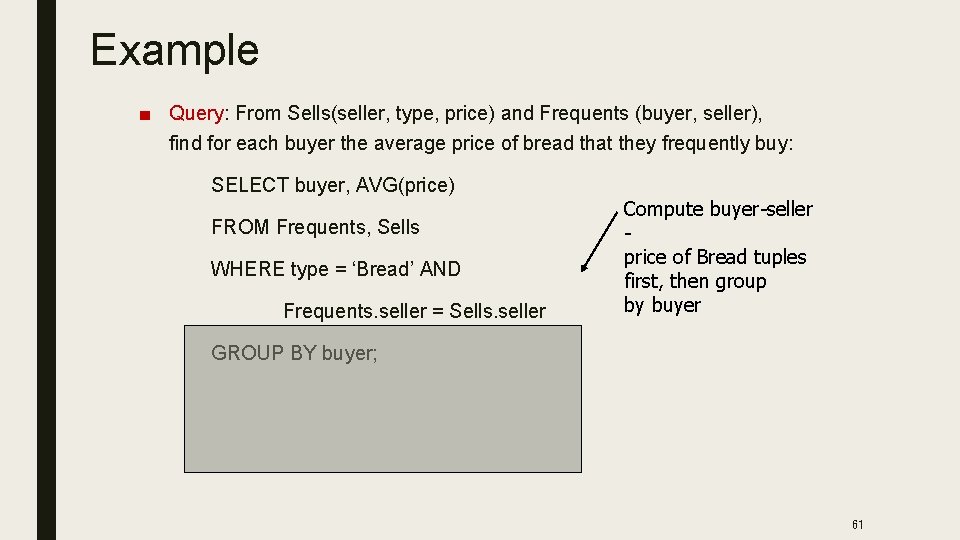
Example ■ Query: From Sells(seller, type, price) and Frequents (buyer, seller), find for each buyer the average price of bread that they frequently buy: SELECT buyer, AVG(price) FROM Frequents, Sells WHERE type = ‘Bread’ AND Frequents. seller = Sells. seller Compute buyer-seller price of Bread tuples first, then group by buyer GROUP BY buyer; 61
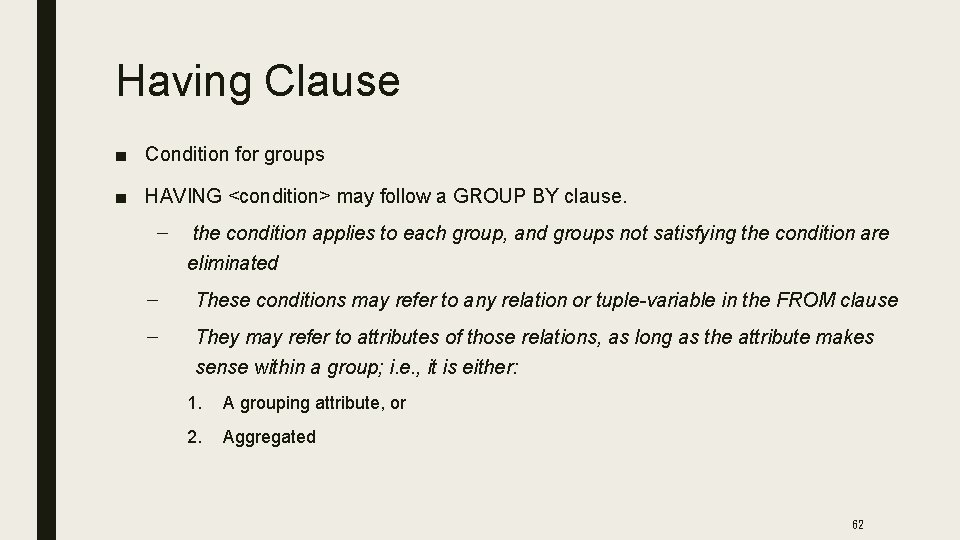
Having Clause ■ Condition for groups ■ HAVING <condition> may follow a GROUP BY clause. – the condition applies to each group, and groups not satisfying the condition are eliminated – These conditions may refer to any relation or tuple-variable in the FROM clause – They may refer to attributes of those relations, as long as the attribute makes sense within a group; i. e. , it is either: 1. A grouping attribute, or 2. Aggregated 62
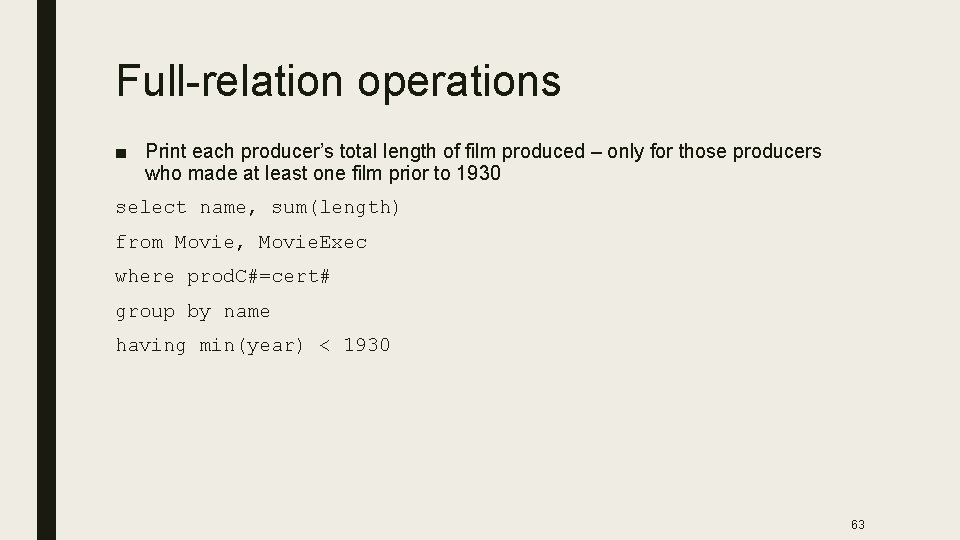
Full-relation operations ■ Print each producer’s total length of film produced – only for those producers who made at least one film prior to 1930 select name, sum(length) from Movie, Movie. Exec where prod. C#=cert# group by name having min(year) < 1930 63
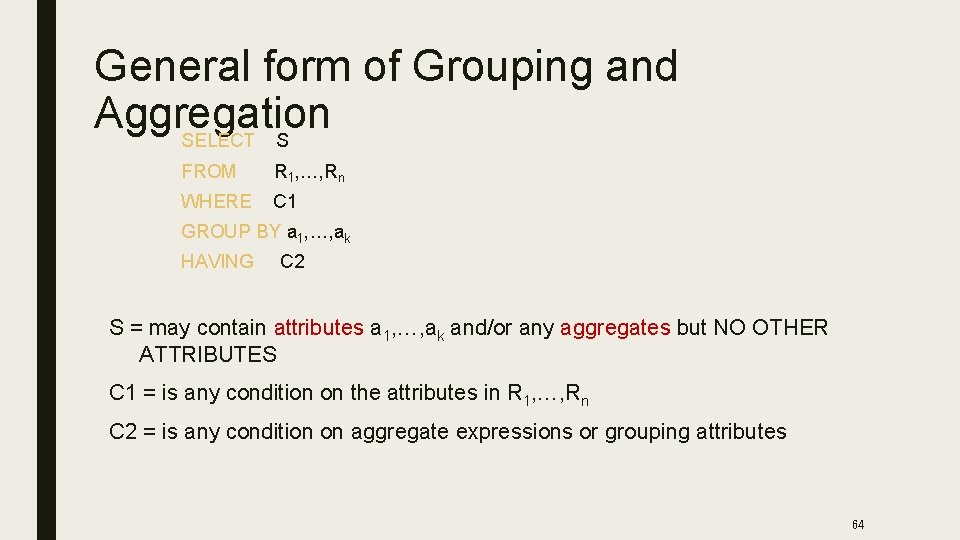
General form of Grouping and Aggregation SELECT S FROM R 1, …, Rn WHERE C 1 GROUP BY a 1, …, ak HAVING C 2 S = may contain attributes a 1, …, ak and/or any aggregates but NO OTHER ATTRIBUTES C 1 = is any condition on the attributes in R 1, …, Rn C 2 = is any condition on aggregate expressions or grouping attributes 64
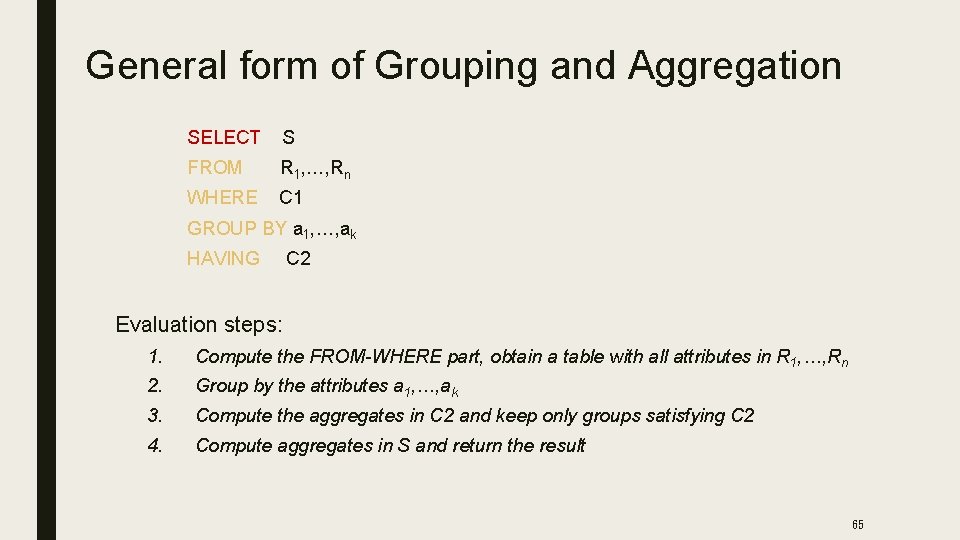
General form of Grouping and Aggregation SELECT S FROM R 1, …, Rn WHERE C 1 GROUP BY a 1, …, ak HAVING C 2 Evaluation steps: 1. Compute the FROM-WHERE part, obtain a table with all attributes in R 1, …, Rn 2. Group by the attributes a 1, …, ak 3. Compute the aggregates in C 2 and keep only groups satisfying C 2 4. Compute aggregates in S and return the result 65
- Slides: 65