
CS 380 Introduction to Database Systems Chapter 8
CS 380 Introduction to Database Systems (Chapter 8: SQL-99: Schema Definition, Constraints, Queries, and Views)
Outline • Introduction • Data Definition Language • CREATE TABLE • ALTER TABLE • DROP TABLE • Data Manipulation Language • SELECT Statement • INSERT Statement • DELETE Statement • UPDATE Statement • Assertions • Views 1
Introduction • SQL: Structured Query Language. • Standard for commercial relational DBMSs • Benefits of a standardized relational language: • Reduced training costs. • Productivity. • Application portability. • Application longevity. • Reduced dependence on a single vendor. • Cross-system communication. 2
Types of SQL Statements • Data Definition Language (DDL): • Commands that define a database. • E. g. CREATE, ALTER, DROP, . . . etc. • Data manipulation language (DML): • Commands that maintain and query a database. • E. g. SELECT, INSERT, UPDATE, DELETE. • Data Control Language (DCL): • Commands that control a database, including administering privileges and committing data. • E. g. CONNECT, GRANT, REVOKE, . . . etc. 5

CREATE Statements • Major CREATE statements: • CREATE SCHEMA: • Defines a portion of the database owned by a particular user. CREATE SCHEMA COMPANY AUTHORIZATION ’Jsmith’; • CREATE TABLE: • Defines a table and its columns. • CREATE VIEW: • Defines a logical table from one or more views. • Other CREATE statements: DOMAIN, CHARACTER SET, COLLATION, TRANSLATION, ASSERTION. 6
![CREATE TABLE Construct • CREATE TABLE [schema. ] name (column-1 TYPE [DEFAULT value] [constraints],](http://slidetodoc.com/presentation_image/43cf1217be9966e35c0f56a3a996c83c/image-6.jpg "CREATE TABLE Construct • CREATE TABLE [schema. ] name (column-1 TYPE [DEFAULT value] [constraints],")
CREATE TABLE Construct • CREATE TABLE [schema. ] name (column-1 TYPE [DEFAULT value] [constraints], column-2 TYPE [DEFAULT value] [constraints], column-n TYPE [DEFAULT value] [constraints], [table-constraints]); • Where: • [schema. ]: schema name followed by a dot. • name: table name. • column-1 to column-n: column names. • TYPE: data type. • [DEFAULT value]: optional default value. • [constraints]: optional constraints, can be specified at column level or at table level. 7
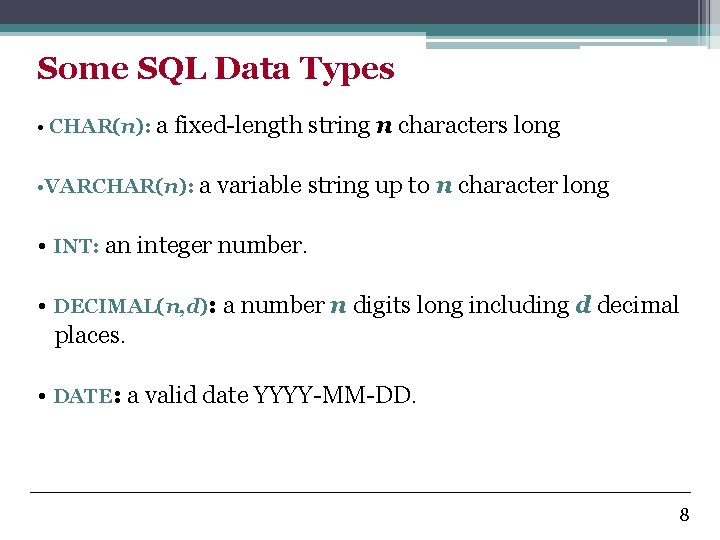
Some SQL Data Types • CHAR(n): a fixed-length string n characters long • VARCHAR(n): a variable string up to n character long • INT: an integer number. • DECIMAL(n, d): a number n digits long including d decimal places. • DATE: a valid date YYYY-MM-DD. 8
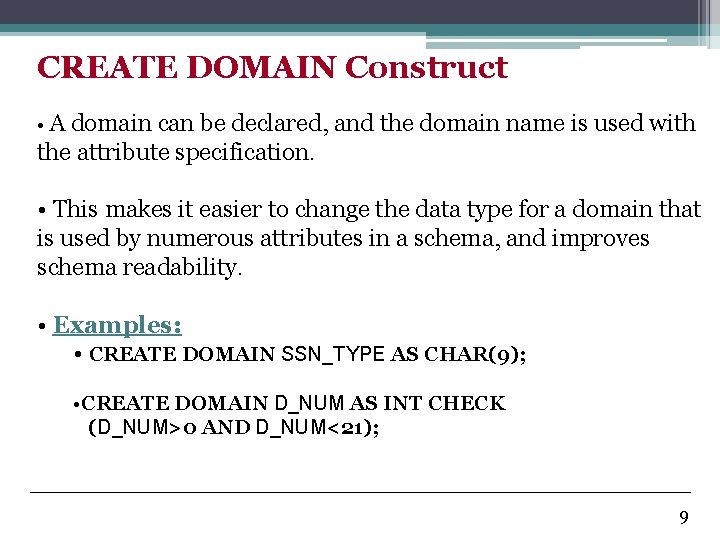
CREATE DOMAIN Construct • A domain can be declared, and the domain name is used with the attribute specification. • This makes it easier to change the data type for a domain that is used by numerous attributes in a schema, and improves schema readability. • Examples: • CREATE DOMAIN SSN_TYPE AS CHAR(9); • CREATE DOMAIN D_NUM AS INT CHECK (D_NUM>0 AND D_NUM<21); 9
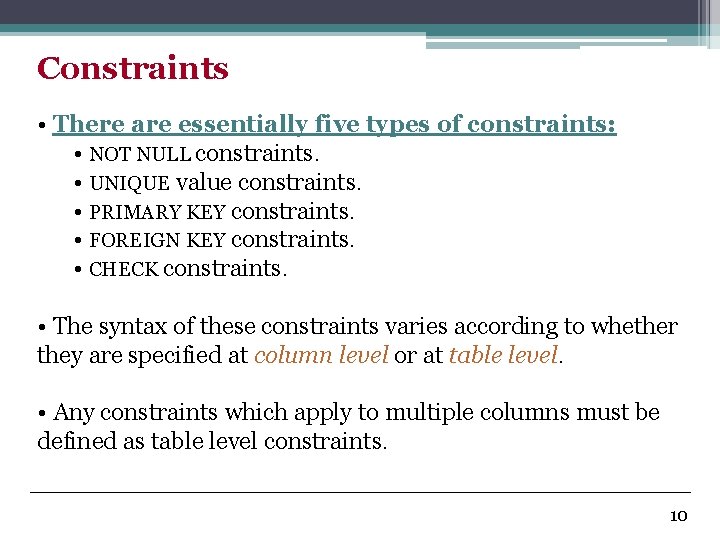
Constraints • There are essentially five types of constraints: • NOT NULL constraints. • UNIQUE value constraints. • PRIMARY KEY constraints. • FOREIGN KEY constraints. • CHECK constraints. • The syntax of these constraints varies according to whether they are specified at column level or at table level. • Any constraints which apply to multiple columns must be defined as table level constraints. 10
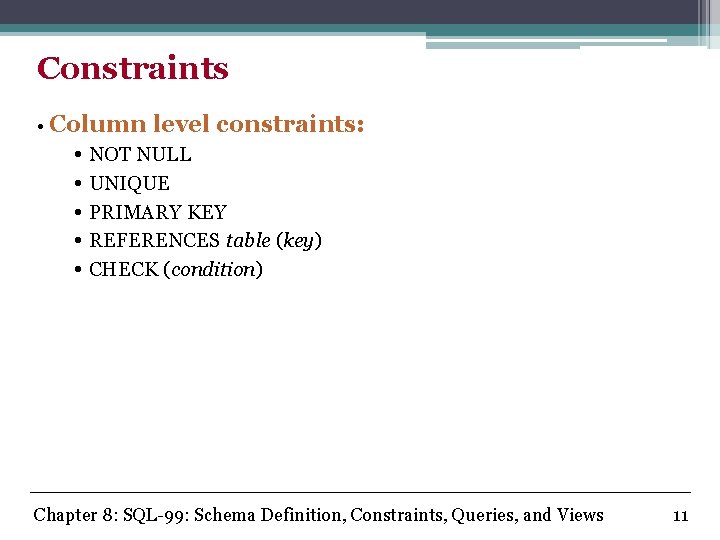
Constraints • Column level constraints: • NOT NULL • UNIQUE • PRIMARY KEY • REFERENCES table (key) • CHECK (condition) Chapter 8: SQL-99: Schema Definition, Constraints, Queries, and Views 11
![Constraints • Table level constraints: • UNIQUE (column-list) • [CONSTRAINT name] PRIMARY KEY (column-list)](http://slidetodoc.com/presentation_image/43cf1217be9966e35c0f56a3a996c83c/image-11.jpg "Constraints • Table level constraints: • UNIQUE (column-list) • [CONSTRAINT name] PRIMARY KEY (column-list)")
Constraints • Table level constraints: • UNIQUE (column-list) • [CONSTRAINT name] PRIMARY KEY (column-list) • [CONSTRAINT name] FOREIGN KEY (column-list) REFERENCES table (column-list) • CHECK (condition) • An additional ON DELETE clause may be applied to a foreign key constraint: • ON DELETE CASCADE causes all referencing child records to be deleted whenever a parent record is deleted. • ON DELETE SET NULL causes all referencing child records to be set to NULL whenever a parent record is deleted. 12
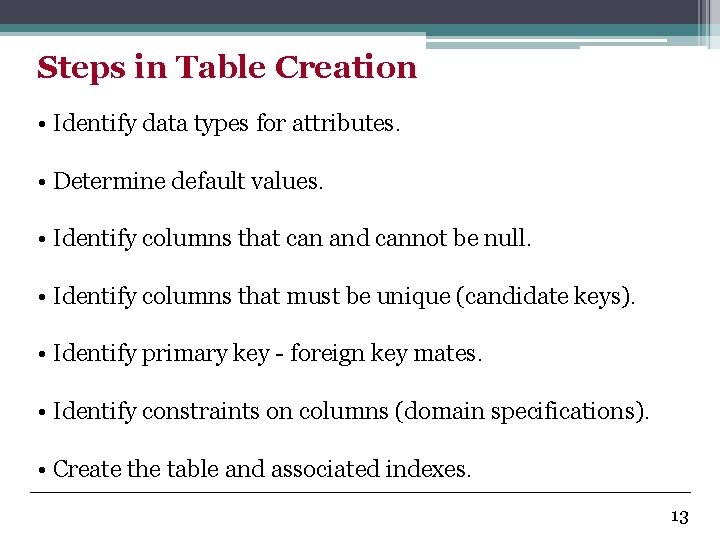
Steps in Table Creation • Identify data types for attributes. • Determine default values. • Identify columns that can and cannot be null. • Identify columns that must be unique (candidate keys). • Identify primary key - foreign key mates. • Identify constraints on columns (domain specifications). • Create the table and associated indexes. 13
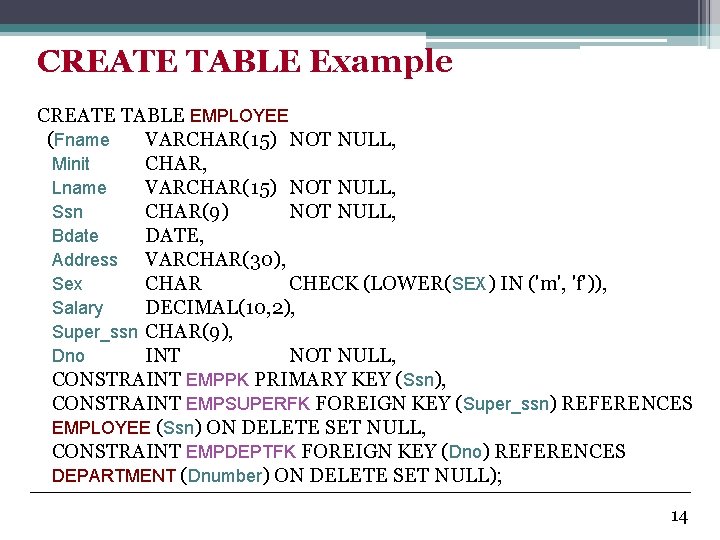
CREATE TABLE Example CREATE TABLE EMPLOYEE (Fname VARCHAR(15) NOT NULL, Minit CHAR, Lname VARCHAR(15) NOT NULL, Ssn CHAR(9) NOT NULL, Bdate DATE, Address VARCHAR(30), Sex CHAR CHECK (LOWER(SEX) IN ('m', 'f')), Salary DECIMAL(10, 2), Super_ssn CHAR(9), Dno INT NOT NULL, CONSTRAINT EMPPK PRIMARY KEY (Ssn), CONSTRAINT EMPSUPERFK FOREIGN KEY (Super_ssn) REFERENCES EMPLOYEE (Ssn) ON DELETE SET NULL, CONSTRAINT EMPDEPTFK FOREIGN KEY (Dno) REFERENCES DEPARTMENT (Dnumber) ON DELETE SET NULL); 14
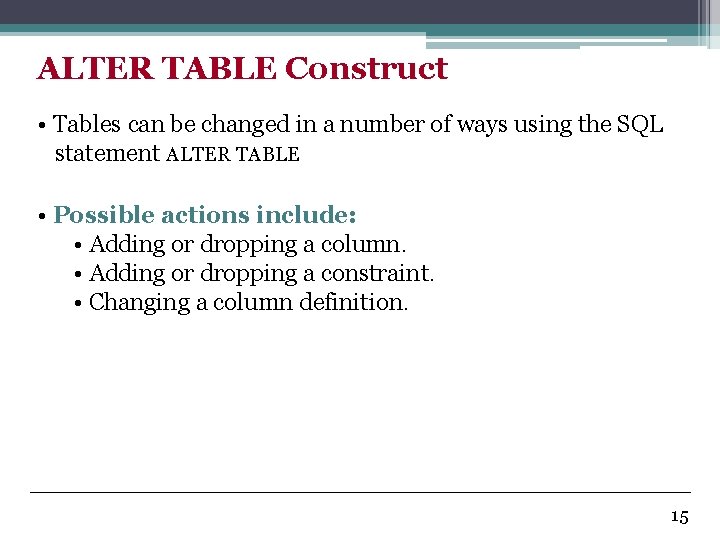
ALTER TABLE Construct • Tables can be changed in a number of ways using the SQL statement ALTER TABLE • Possible actions include: • Adding or dropping a column. • Adding or dropping a constraint. • Changing a column definition. 15
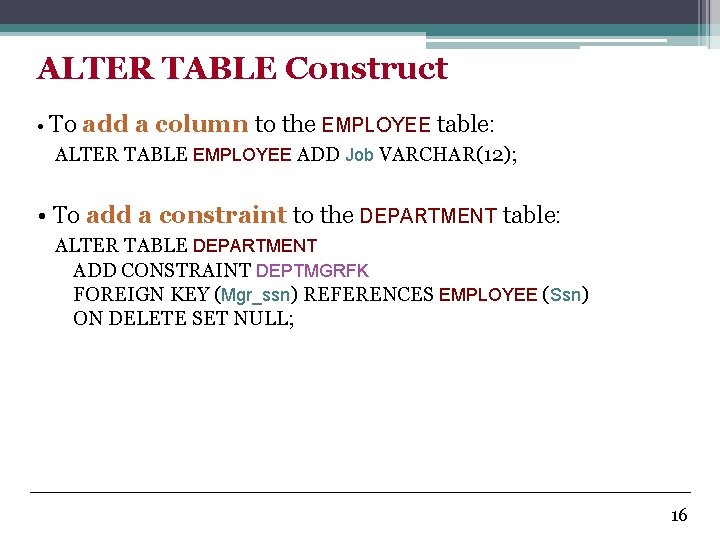
ALTER TABLE Construct • To add a column to the EMPLOYEE table: ALTER TABLE EMPLOYEE ADD Job VARCHAR(12); • To add a constraint to the DEPARTMENT table: ALTER TABLE DEPARTMENT ADD CONSTRAINT DEPTMGRFK FOREIGN KEY (Mgr_ssn) REFERENCES EMPLOYEE (Ssn) ON DELETE SET NULL; 16
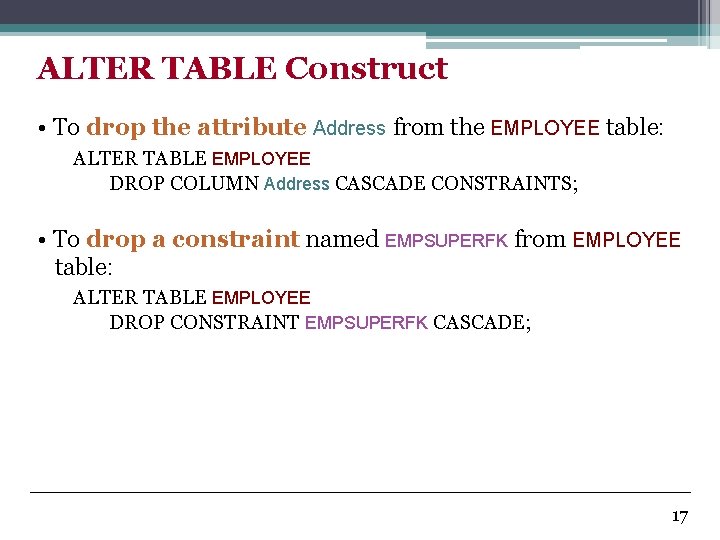
ALTER TABLE Construct • To drop the attribute Address from the EMPLOYEE table: ALTER TABLE EMPLOYEE DROP COLUMN Address CASCADE CONSTRAINTS; • To drop a constraint named EMPSUPERFK from EMPLOYEE table: ALTER TABLE EMPLOYEE DROP CONSTRAINT EMPSUPERFK CASCADE; 17
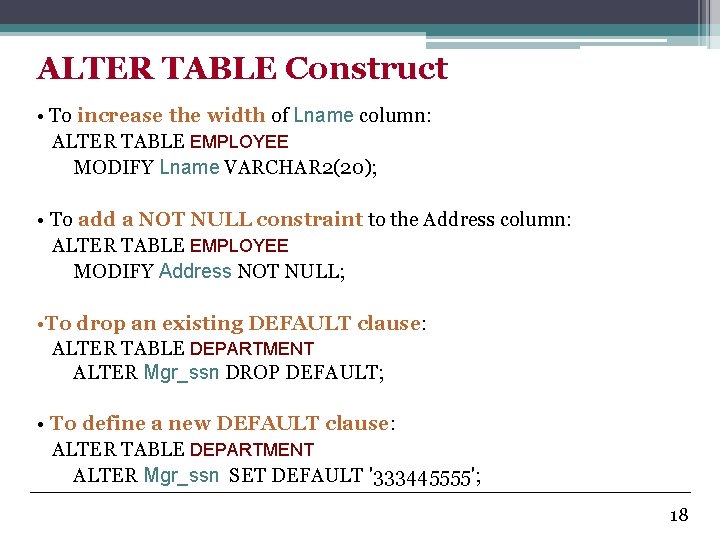
ALTER TABLE Construct • To increase the width of Lname column: ALTER TABLE EMPLOYEE MODIFY Lname VARCHAR 2(20); • To add a NOT NULL constraint to the Address column: ALTER TABLE EMPLOYEE MODIFY Address NOT NULL; • To drop an existing DEFAULT clause: ALTER TABLE DEPARTMENT ALTER Mgr_ssn DROP DEFAULT; • To define a new DEFAULT clause: ALTER TABLE DEPARTMENT ALTER Mgr_ssn SET DEFAULT '333445555'; 18
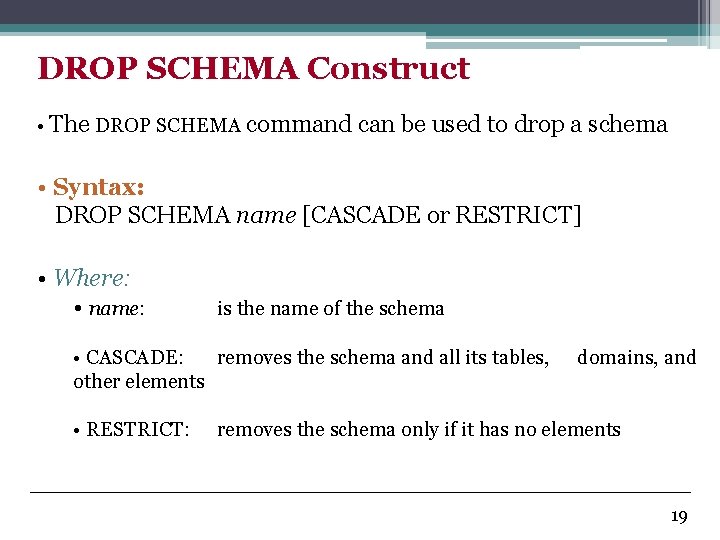
DROP SCHEMA Construct • The DROP SCHEMA command can be used to drop a schema • Syntax: DROP SCHEMA name [CASCADE or RESTRICT] • Where: • name: is the name of the schema • CASCADE: removes the schema and all its tables, other elements • RESTRICT: domains, and removes the schema only if it has no elements 19
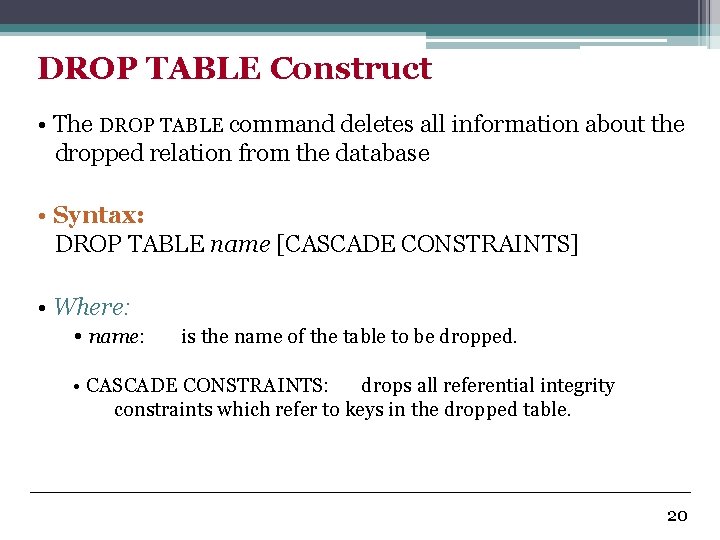
DROP TABLE Construct • The DROP TABLE command deletes all information about the dropped relation from the database • Syntax: DROP TABLE name [CASCADE CONSTRAINTS] • Where: • name: is the name of the table to be dropped. • CASCADE CONSTRAINTS: drops all referential integrity constraints which refer to keys in the dropped table. 20
Basic Queries in SQL • SQL has one basic statement for retrieving data from a database, the SELECT statement. • This is not the same as the SELECT operation of the relational algebra. 21
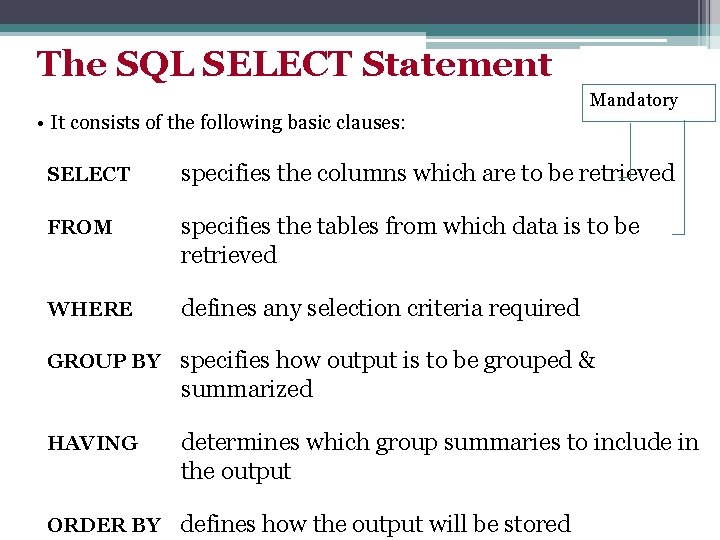
The SQL SELECT Statement Mandatory • It consists of the following basic clauses: SELECT specifies the columns which are to be retrieved FROM specifies the tables from which data is to be retrieved WHERE defines any selection criteria required GROUP BY specifies how output is to be grouped & summarized HAVING determines which group summaries to include in the output ORDER BY defines how the output will be stored
![The SELECT-FROM-WHERE Structure • The basic syntax: SELECT[DISTINCT] <attribute-list> FROM <table-list> WHERE <condition> •](http://slidetodoc.com/presentation_image/43cf1217be9966e35c0f56a3a996c83c/image-22.jpg "The SELECT-FROM-WHERE Structure • The basic syntax: SELECT[DISTINCT] <attribute-list> FROM <table-list> WHERE <condition> •")
The SELECT-FROM-WHERE Structure • The basic syntax: SELECT[DISTINCT] <attribute-list> FROM <table-list> WHERE <condition> • Where: • item-list: a comma-separated list of items to be retrieved (database attributes, functions, fixed text, . . . etc. ) • table-list: a comma-separated list of tables from which the attributes are to be retrieved. • condition: a conditional (Boolean) expression that identifies the tuples to be retrieved by the query. • [DISTINCT]: ensures only unique tuples will be returned. • The result of an SQL query is a relation (can be a multiset) 23
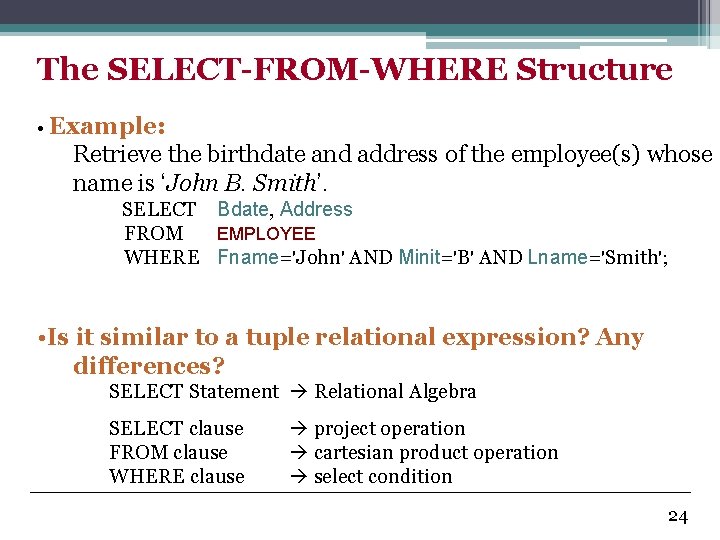
The SELECT-FROM-WHERE Structure • Example: Retrieve the birthdate and address of the employee(s) whose name is ‘John B. Smith’. SELECT Bdate, Address FROM EMPLOYEE WHERE Fname='John' AND Minit='B' AND Lname='Smith'; • Is it similar to a tuple relational expression? Any differences? SELECT Statement Relational Algebra SELECT clause FROM clause WHERE clause project operation cartesian product operation select condition 24
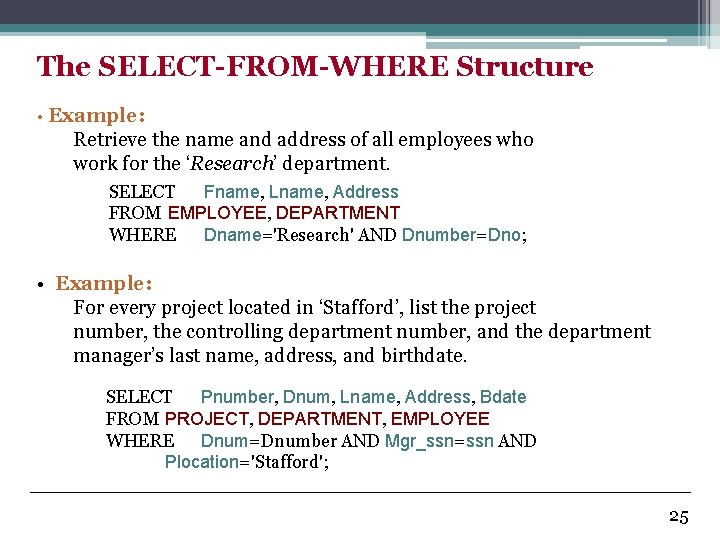
The SELECT-FROM-WHERE Structure • Example: Retrieve the name and address of all employees who work for the ‘Research’ department. SELECT Fname, Lname, Address FROM EMPLOYEE, DEPARTMENT WHERE Dname='Research' AND Dnumber=Dno; • Example: For every project located in ‘Stafford’, list the project number, the controlling department number, and the department manager’s last name, address, and birthdate. SELECT Pnumber, Dnum, Lname, Address, Bdate FROM PROJECT, DEPARTMENT, EMPLOYEE WHERE Dnum=Dnumber AND Mgr_ssn=ssn AND Plocation='Stafford'; 25
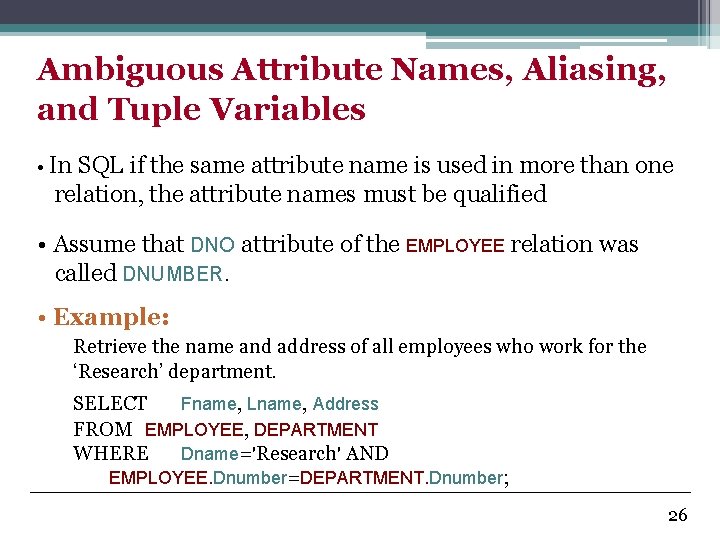
Ambiguous Attribute Names, Aliasing, and Tuple Variables • In SQL if the same attribute name is used in more than one relation, the attribute names must be qualified • Assume that DNO attribute of the EMPLOYEE relation was called DNUMBER. • Example: Retrieve the name and address of all employees who work for the ‘Research’ department. SELECT Fname, Lname, Address FROM EMPLOYEE, DEPARTMENT WHERE Dname='Research' AND EMPLOYEE. Dnumber=DEPARTMENT. Dnumber; 26
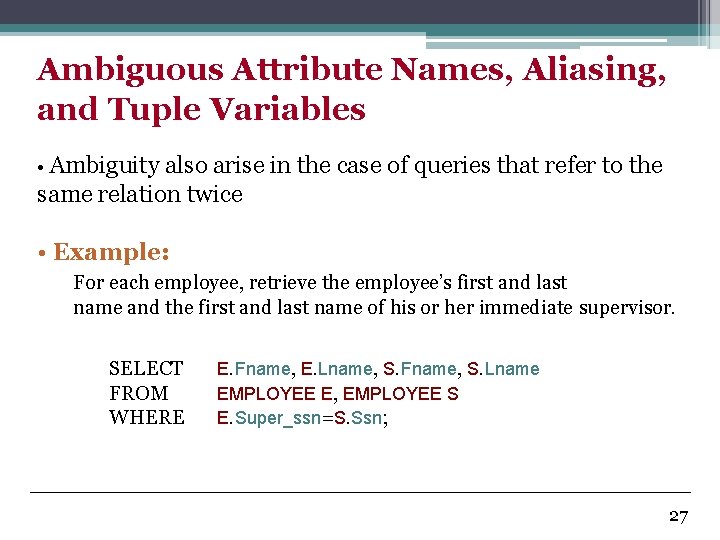
Ambiguous Attribute Names, Aliasing, and Tuple Variables • Ambiguity also arise in the case of queries that refer to the same relation twice • Example: For each employee, retrieve the employee’s first and last name and the first and last name of his or her immediate supervisor. SELECT FROM WHERE E. Fname, E. Lname, S. Fname, S. Lname EMPLOYEE E, EMPLOYEE S E. Super_ssn=S. Ssn; 27
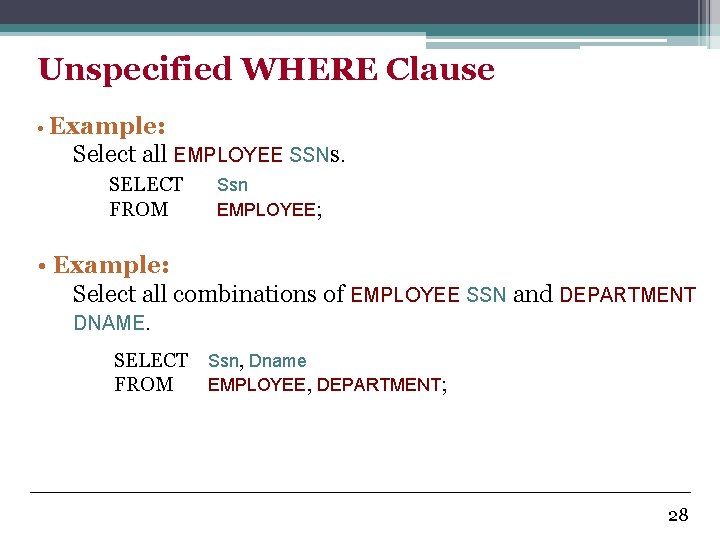
Unspecified WHERE Clause • Example: Select all EMPLOYEE SSNs. SELECT FROM Ssn EMPLOYEE; • Example: Select all combinations of EMPLOYEE SSN and DEPARTMENT DNAME. SELECT Ssn, Dname FROM EMPLOYEE, DEPARTMENT; 28
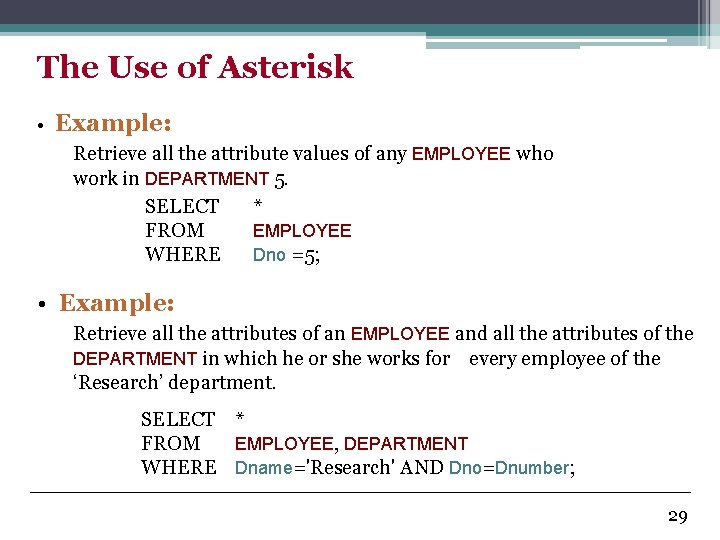
The Use of Asterisk • Example: Retrieve all the attribute values of any EMPLOYEE who work in DEPARTMENT 5. SELECT * FROM EMPLOYEE WHERE Dno =5; • Example: Retrieve all the attributes of an EMPLOYEE and all the attributes of the DEPARTMENT in which he or she works for every employee of the ‘Research’ department. SELECT * FROM EMPLOYEE, DEPARTMENT WHERE Dname='Research' AND Dno=Dnumber; 29
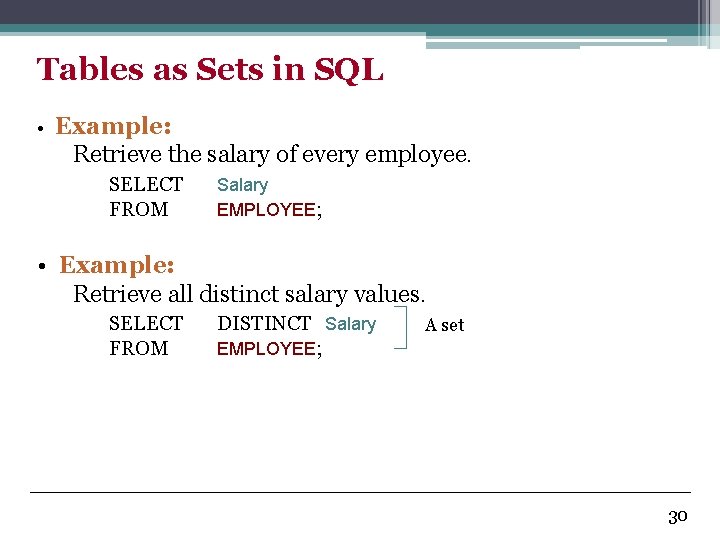
Tables as Sets in SQL • Example: Retrieve the salary of every employee. SELECT FROM Salary EMPLOYEE; • Example: Retrieve all distinct salary values. SELECT FROM DISTINCT Salary EMPLOYEE; A set 30
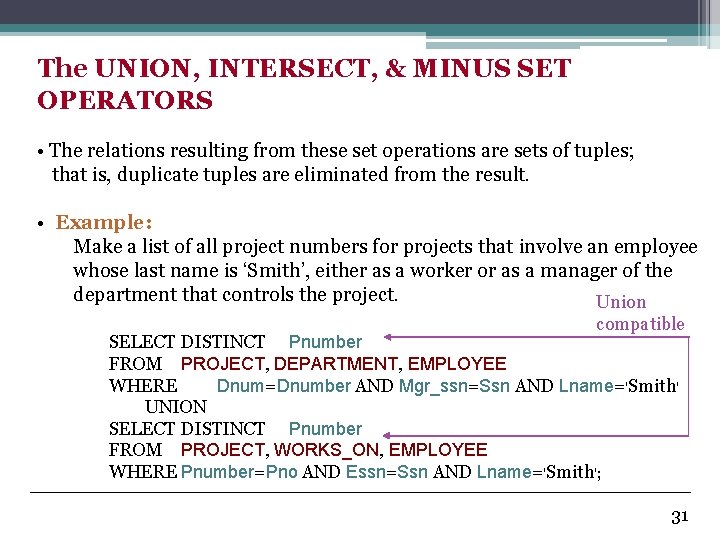
The UNION, INTERSECT, & MINUS SET OPERATORS • The relations resulting from these set operations are sets of tuples; that is, duplicate tuples are eliminated from the result. • Example: Make a list of all project numbers for projects that involve an employee whose last name is ‘Smith’, either as a worker or as a manager of the department that controls the project. Union compatible SELECT DISTINCT Pnumber FROM PROJECT, DEPARTMENT, EMPLOYEE WHERE Dnum=Dnumber AND Mgr_ssn=Ssn AND Lname='Smith' UNION SELECT DISTINCT Pnumber FROM PROJECT, WORKS_ON, EMPLOYEE WHERE Pnumber=Pno AND Essn=Ssn AND Lname='Smith'; 31
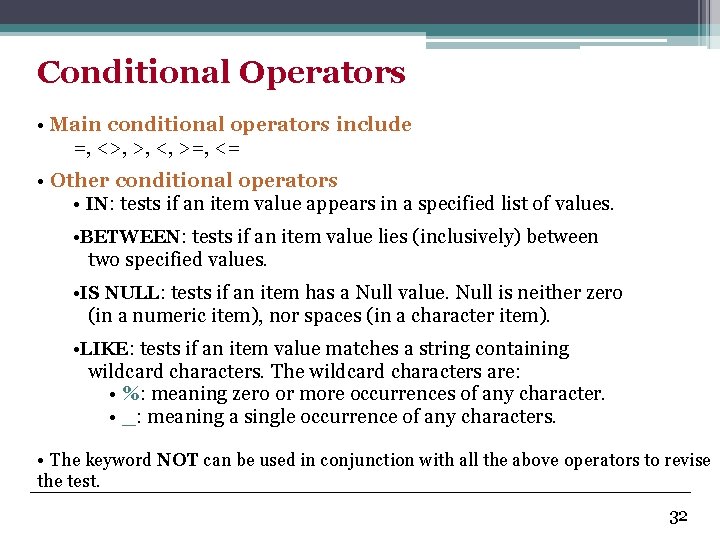
Conditional Operators • Main conditional operators include =, <>, >, <, >=, <= • Other conditional operators • IN: tests if an item value appears in a specified list of values. • BETWEEN: tests if an item value lies (inclusively) between two specified values. • IS NULL: tests if an item has a Null value. Null is neither zero (in a numeric item), nor spaces (in a character item). • LIKE: tests if an item value matches a string containing wildcard characters. The wildcard characters are: • %: meaning zero or more occurrences of any character. • _: meaning a single occurrence of any characters. • The keyword NOT can be used in conjunction with all the above operators to revise the test. 32
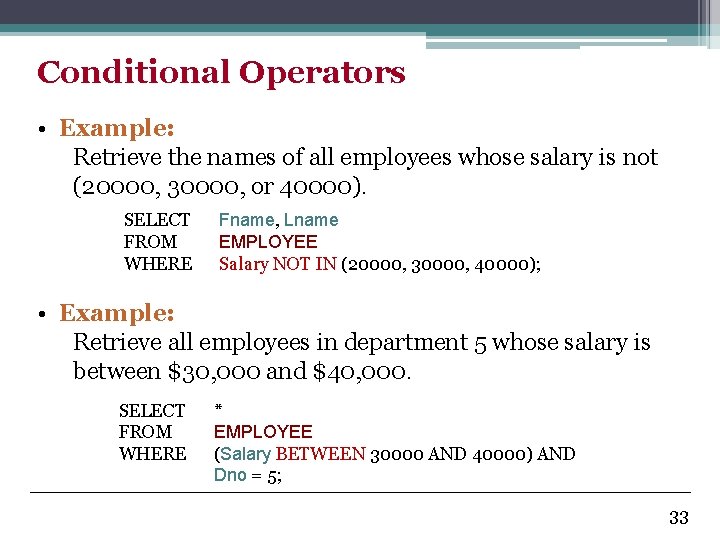
Conditional Operators • Example: Retrieve the names of all employees whose salary is not (20000, 30000, or 40000). SELECT FROM WHERE Fname, Lname EMPLOYEE Salary NOT IN (20000, 30000, 40000); • Example: Retrieve all employees in department 5 whose salary is between $30, 000 and $40, 000. SELECT FROM WHERE * EMPLOYEE (Salary BETWEEN 30000 AND 40000) AND Dno = 5; 33
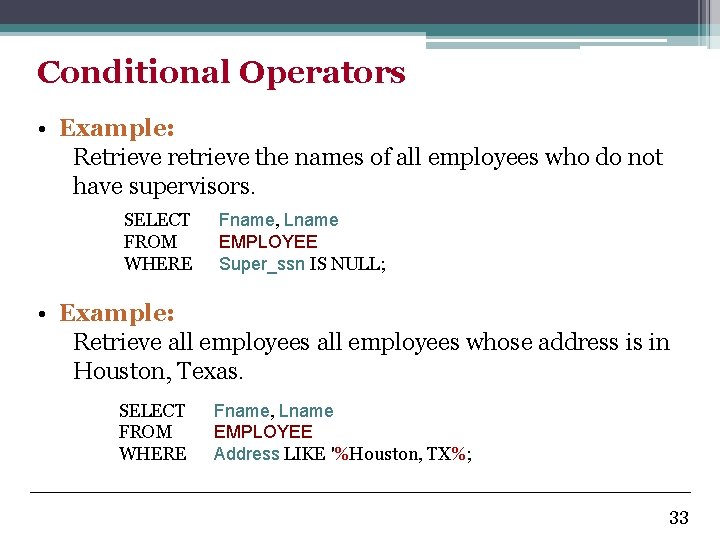
Conditional Operators • Example: Retrieve retrieve the names of all employees who do not have supervisors. SELECT FROM WHERE Fname, Lname EMPLOYEE Super_ssn IS NULL; • Example: Retrieve all employees whose address is in Houston, Texas. SELECT FROM WHERE Fname, Lname EMPLOYEE Address LIKE '%Houston, TX%; 33
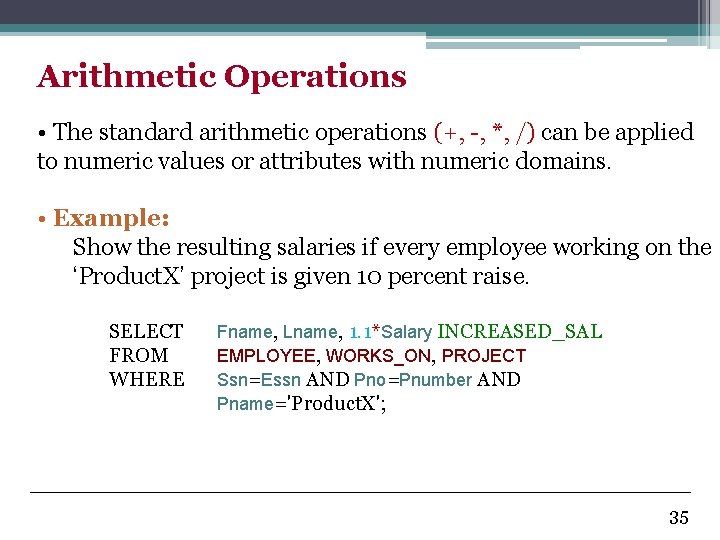
Arithmetic Operations • The standard arithmetic operations (+, -, *, /) can be applied to numeric values or attributes with numeric domains. • Example: Show the resulting salaries if every employee working on the ‘Product. X’ project is given 10 percent raise. SELECT FROM WHERE Fname, Lname, 1. 1*Salary INCREASED_SAL EMPLOYEE, WORKS_ON, PROJECT Ssn=Essn AND Pno=Pnumber AND Pname='Product. X'; 35
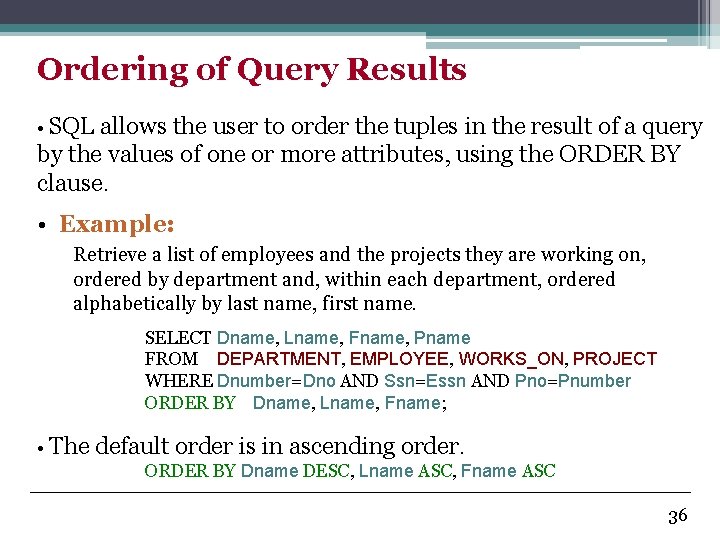
Ordering of Query Results • SQL allows the user to order the tuples in the result of a query by the values of one or more attributes, using the ORDER BY clause. • Example: Retrieve a list of employees and the projects they are working on, ordered by department and, within each department, ordered alphabetically by last name, first name. SELECT Dname, Lname, Fname, Pname FROM DEPARTMENT, EMPLOYEE, WORKS_ON, PROJECT WHERE Dnumber=Dno AND Ssn=Essn AND Pno=Pnumber ORDER BY Dname, Lname, Fname; • The default order is in ascending order. ORDER BY Dname DESC, Lname ASC, Fname ASC 36
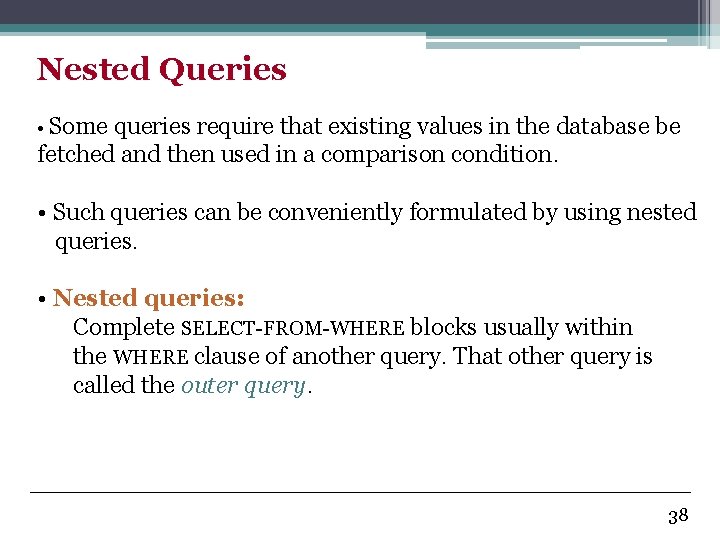
Nested Queries • Some queries require that existing values in the database be fetched and then used in a comparison condition. • Such queries can be conveniently formulated by using nested queries. • Nested queries: Complete SELECT-FROM-WHERE blocks usually within the WHERE clause of another query. That other query is called the outer query. 38
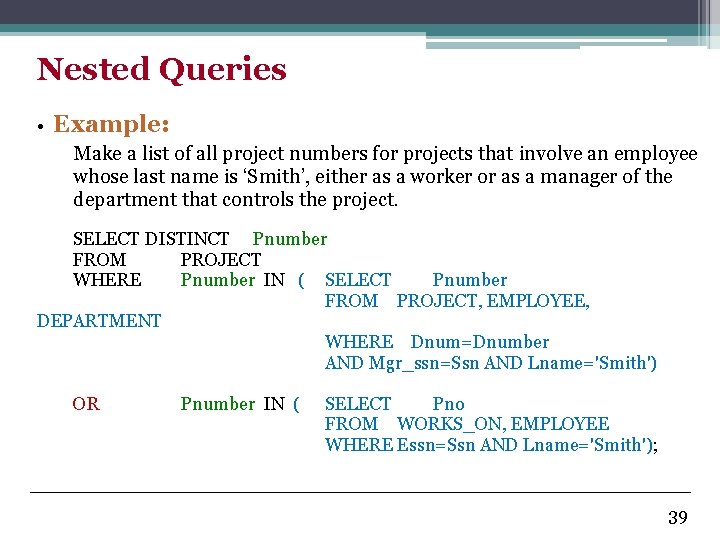
Nested Queries • Example: Make a list of all project numbers for projects that involve an employee whose last name is ‘Smith’, either as a worker or as a manager of the department that controls the project. SELECT DISTINCT Pnumber FROM PROJECT WHERE Pnumber IN ( SELECT Pnumber FROM PROJECT, EMPLOYEE, DEPARTMENT WHERE Dnum=Dnumber AND Mgr_ssn=Ssn AND Lname='Smith') OR Pnumber IN ( SELECT Pno FROM WORKS_ON, EMPLOYEE WHERE Essn=Ssn AND Lname='Smith'); 39
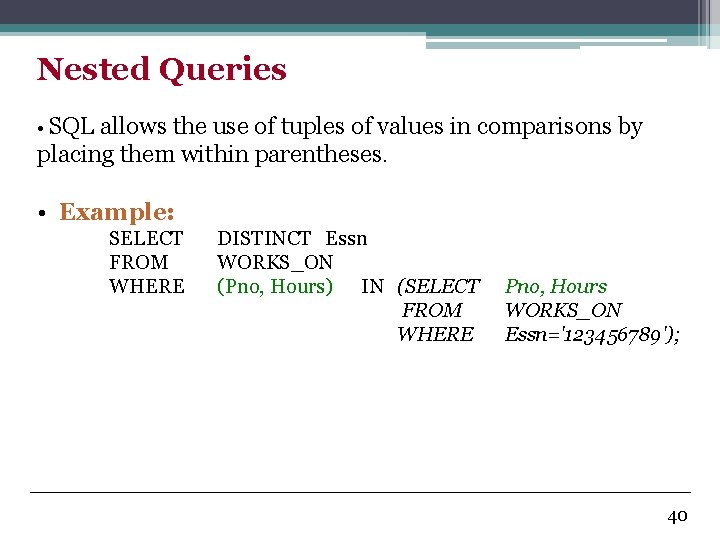
Nested Queries • SQL allows the use of tuples of values in comparisons by placing them within parentheses. • Example: SELECT FROM WHERE DISTINCT Essn WORKS_ON (Pno, Hours) IN (SELECT FROM WHERE Pno, Hours WORKS_ON Essn='123456789'); 40
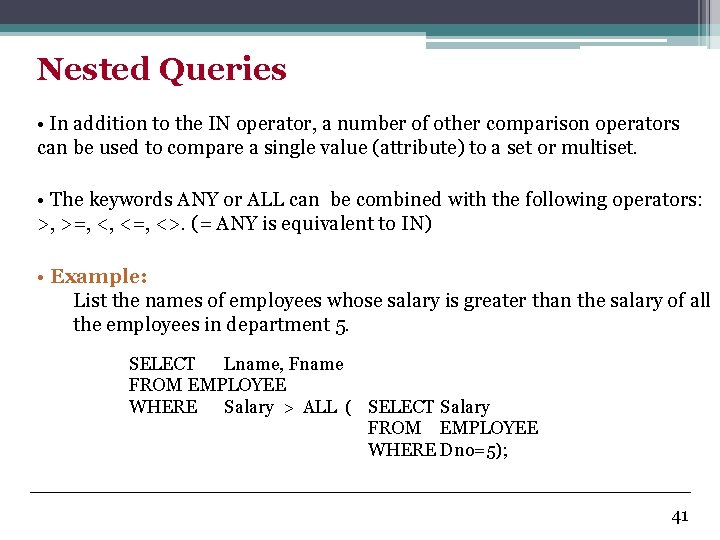
Nested Queries • In addition to the IN operator, a number of other comparison operators can be used to compare a single value (attribute) to a set or multiset. • The keywords ANY or ALL can be combined with the following operators: >, >=, <, <=, <>. (= ANY is equivalent to IN) • Example: List the names of employees whose salary is greater than the salary of all the employees in department 5. SELECT Lname, Fname FROM EMPLOYEE WHERE Salary > ALL ( SELECT Salary FROM EMPLOYEE WHERE Dno=5); 41
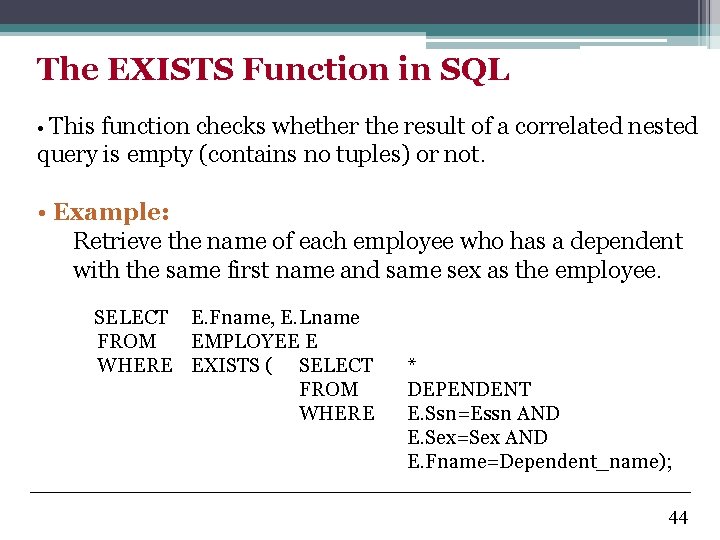
The EXISTS Function in SQL • This function checks whether the result of a correlated nested query is empty (contains no tuples) or not. • Example: Retrieve the name of each employee who has a dependent with the same first name and same sex as the employee. SELECT E. Fname, E. Lname FROM EMPLOYEE E WHERE EXISTS ( SELECT FROM WHERE * DEPENDENT E. Ssn=Essn AND E. Sex=Sex AND E. Fname=Dependent_name); 44
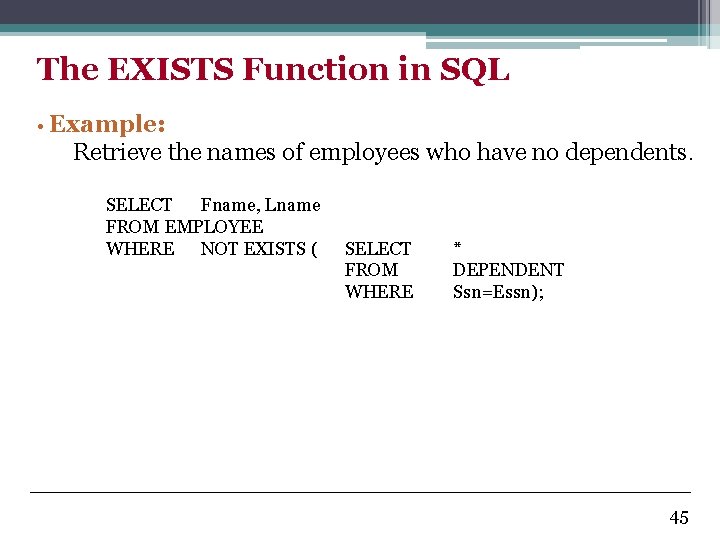
The EXISTS Function in SQL • Example: Retrieve the names of employees who have no dependents. SELECT Fname, Lname FROM EMPLOYEE WHERE NOT EXISTS ( SELECT FROM WHERE * DEPENDENT Ssn=Essn); 45
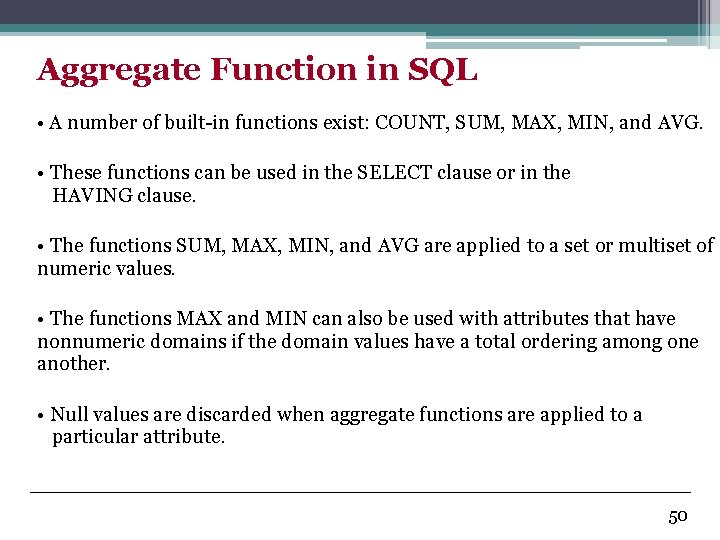
Aggregate Function in SQL • A number of built-in functions exist: COUNT, SUM, MAX, MIN, and AVG. • These functions can be used in the SELECT clause or in the HAVING clause. • The functions SUM, MAX, MIN, and AVG are applied to a set or multiset of numeric values. • The functions MAX and MIN can also be used with attributes that have nonnumeric domains if the domain values have a total ordering among one another. • Null values are discarded when aggregate functions are applied to a particular attribute. 50
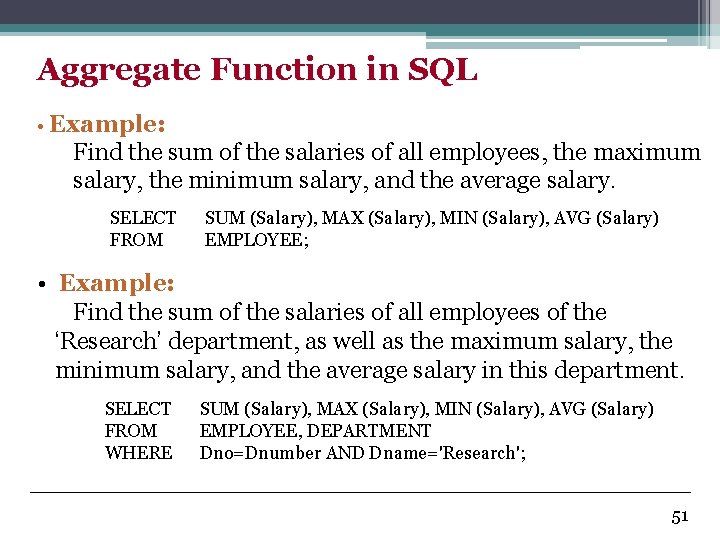
Aggregate Function in SQL • Example: Find the sum of the salaries of all employees, the maximum salary, the minimum salary, and the average salary. SELECT FROM SUM (Salary), MAX (Salary), MIN (Salary), AVG (Salary) EMPLOYEE; • Example: Find the sum of the salaries of all employees of the ‘Research’ department, as well as the maximum salary, the minimum salary, and the average salary in this department. SELECT FROM WHERE SUM (Salary), MAX (Salary), MIN (Salary), AVG (Salary) EMPLOYEE, DEPARTMENT Dno=Dnumber AND Dname='Research'; 51
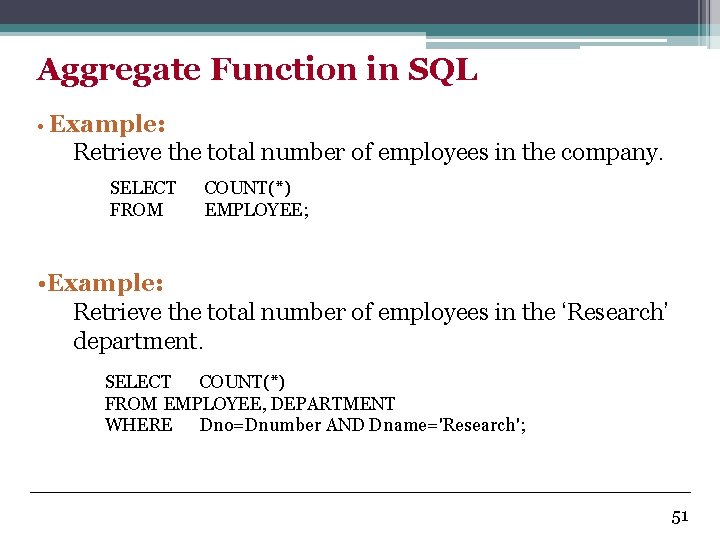
Aggregate Function in SQL • Example: Retrieve the total number of employees in the company. SELECT FROM COUNT(*) EMPLOYEE; • Example: Retrieve the total number of employees in the ‘Research’ department. SELECT COUNT(*) FROM EMPLOYEE, DEPARTMENT WHERE Dno=Dnumber AND Dname='Research'; 51
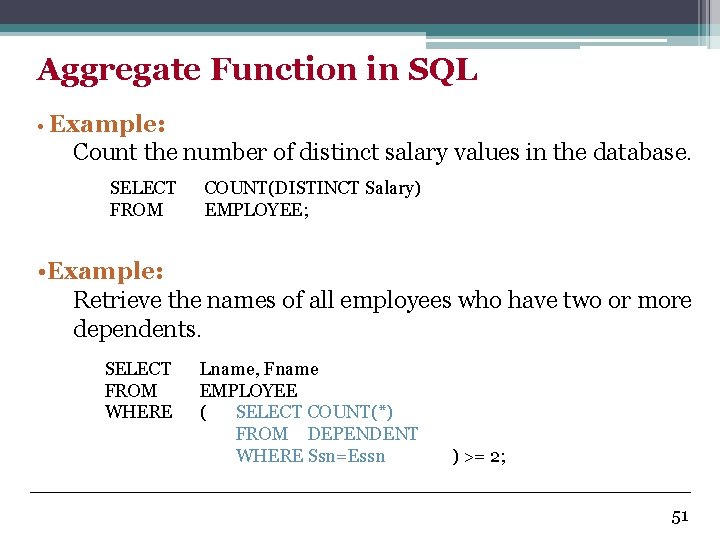
Aggregate Function in SQL • Example: Count the number of distinct salary values in the database. SELECT FROM COUNT(DISTINCT Salary) EMPLOYEE; • Example: Retrieve the names of all employees who have two or more dependents. SELECT FROM WHERE Lname, Fname EMPLOYEE ( SELECT COUNT(*) FROM DEPENDENT WHERE Ssn=Essn ) >= 2; 51
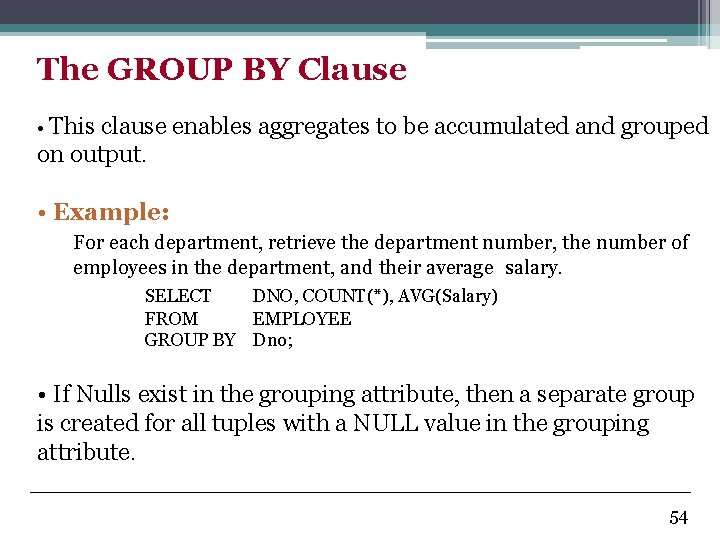
The GROUP BY Clause • This clause enables aggregates to be accumulated and grouped on output. • Example: For each department, retrieve the department number, the number of employees in the department, and their average salary. SELECT DNO, COUNT(*), AVG(Salary) FROM EMPLOYEE GROUP BY Dno; • If Nulls exist in the grouping attribute, then a separate group is created for all tuples with a NULL value in the grouping attribute. 54
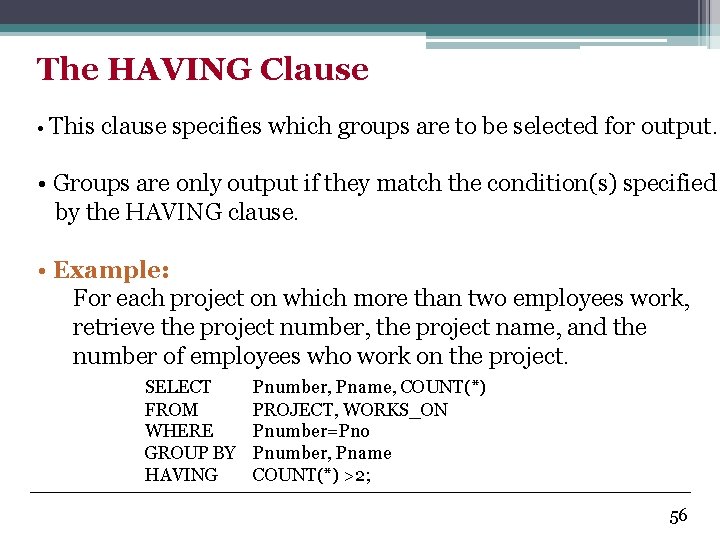
The HAVING Clause • This clause specifies which groups are to be selected for output. • Groups are only output if they match the condition(s) specified by the HAVING clause. • Example: For each project on which more than two employees work, retrieve the project number, the project name, and the number of employees who work on the project. SELECT FROM WHERE GROUP BY HAVING Pnumber, Pname, COUNT(*) PROJECT, WORKS_ON Pnumber=Pno Pnumber, Pname COUNT(*) >2; 56
INSERT, DELETE, and UPDATE Statements • In SQL, three commands can be used to modify the database: • INSERT. • DELETE. • UPDATE. 59
The INSERT Statement • Using the INSERT statement, rows may be inserted into tables in two ways: • As lists of values, one row at a time. • From another table using a query. 60
![INSERT Using a Value List • Syntax: INSERT INTO table [(attribute-list)] VALUES (value-list) •](http://slidetodoc.com/presentation_image/43cf1217be9966e35c0f56a3a996c83c/image-50.jpg "INSERT Using a Value List • Syntax: INSERT INTO table [(attribute-list)] VALUES (value-list) •")
INSERT Using a Value List • Syntax: INSERT INTO table [(attribute-list)] VALUES (value-list) • Where: • table: the name of the table to update. • attribute-list: a list of attributes in the specified table. • value-list: the list of values to be inserted for the row. 61
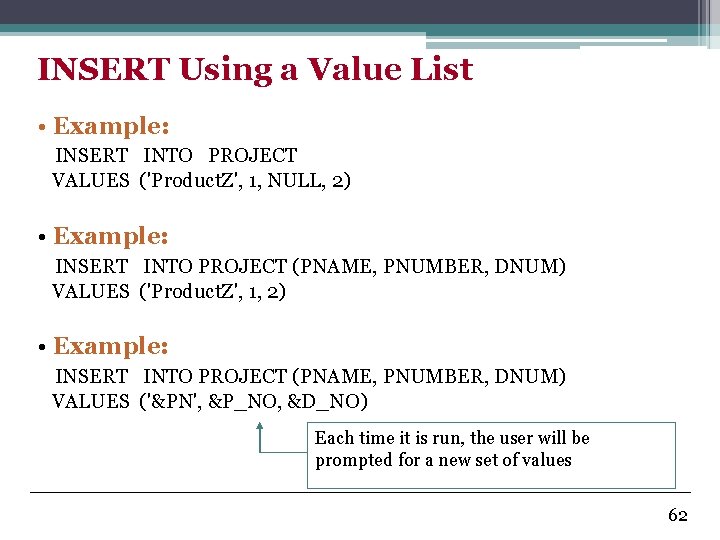
INSERT Using a Value List • Example: INSERT INTO PROJECT VALUES ('Product. Z', 1, NULL, 2) • Example: INSERT INTO PROJECT (PNAME, PNUMBER, DNUM) VALUES ('Product. Z', 1, 2) • Example: INSERT INTO PROJECT (PNAME, PNUMBER, DNUM) VALUES ('&PN', &P_NO, &D_NO) Each time it is run, the user will be prompted for a new set of values 62
![INSERT Using a Query • Syntax: INSERT INTO table [(attribute-list)] SELECT statement • There](http://slidetodoc.com/presentation_image/43cf1217be9966e35c0f56a3a996c83c/image-52.jpg "INSERT Using a Query • Syntax: INSERT INTO table [(attribute-list)] SELECT statement • There")
INSERT Using a Query • Syntax: INSERT INTO table [(attribute-list)] SELECT statement • There are no limitation concerning the SELECT statement. 63
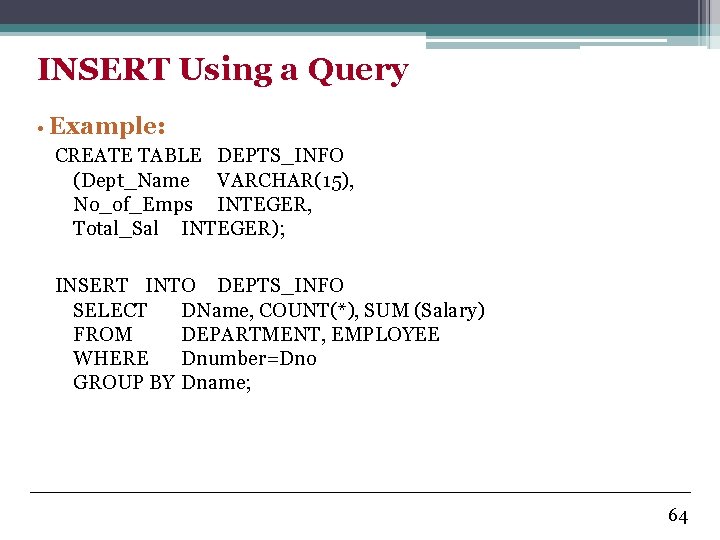
INSERT Using a Query • Example: CREATE TABLE DEPTS_INFO (Dept_Name VARCHAR(15), No_of_Emps INTEGER, Total_Sal INTEGER); INSERT INTO DEPTS_INFO SELECT DName, COUNT(*), SUM (Salary) FROM DEPARTMENT, EMPLOYEE WHERE Dnumber=Dno GROUP BY Dname; 64
![The DELETE Statement • Syntax: DELETE FROM table [WHERE conditions] • Example: DELETE WHERE](http://slidetodoc.com/presentation_image/43cf1217be9966e35c0f56a3a996c83c/image-54.jpg "The DELETE Statement • Syntax: DELETE FROM table [WHERE conditions] • Example: DELETE WHERE")
The DELETE Statement • Syntax: DELETE FROM table [WHERE conditions] • Example: DELETE WHERE FROM EMPLOYEE Lname='Brown'; • Example: DELETE WHERE FROM EMPLOYEE Dno IN ( SELECT Dnumber FROM DEPARTMENT WHERE Dname='Research'); • Example: DELETE FROM EMPLOYEE; 65
The UPDATE Statement • The UPDATE statement can be used: • With individual values. • In conjunction with a SELECT statement. 66
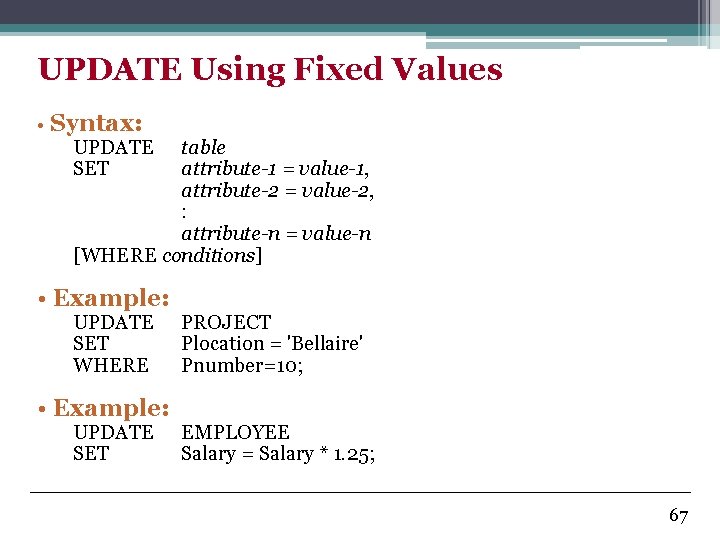
UPDATE Using Fixed Values • Syntax: UPDATE SET table attribute-1 = value-1, attribute-2 = value-2, : attribute-n = value-n [WHERE conditions] • Example: UPDATE SET WHERE • Example: UPDATE SET PROJECT Plocation = 'Bellaire' Pnumber=10; EMPLOYEE Salary = Salary * 1. 25; 67
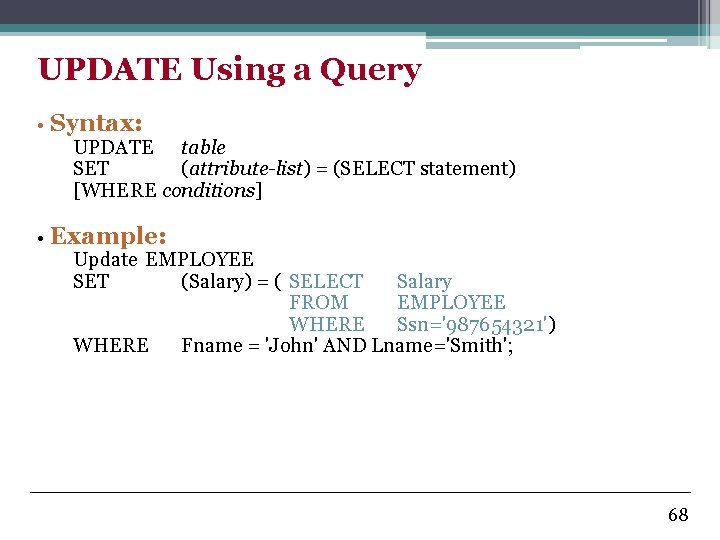
UPDATE Using a Query • Syntax: UPDATE table SET (attribute-list) = (SELECT statement) [WHERE conditions] • Example: Update EMPLOYEE SET (Salary) = ( SELECT Salary FROM EMPLOYEE WHERE Ssn='987654321') WHERE Fname = 'John' AND Lname='Smith'; 68
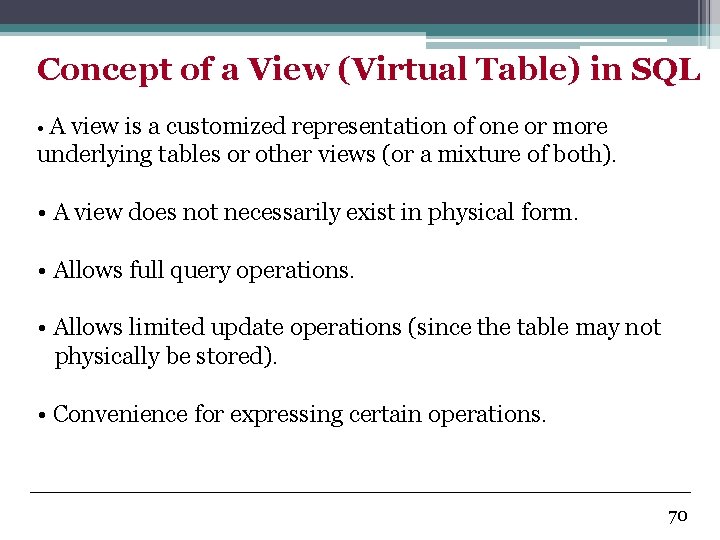
Concept of a View (Virtual Table) in SQL • A view is a customized representation of one or more underlying tables or other views (or a mixture of both). • A view does not necessarily exist in physical form. • Allows full query operations. • Allows limited update operations (since the table may not physically be stored). • Convenience for expressing certain operations. 70
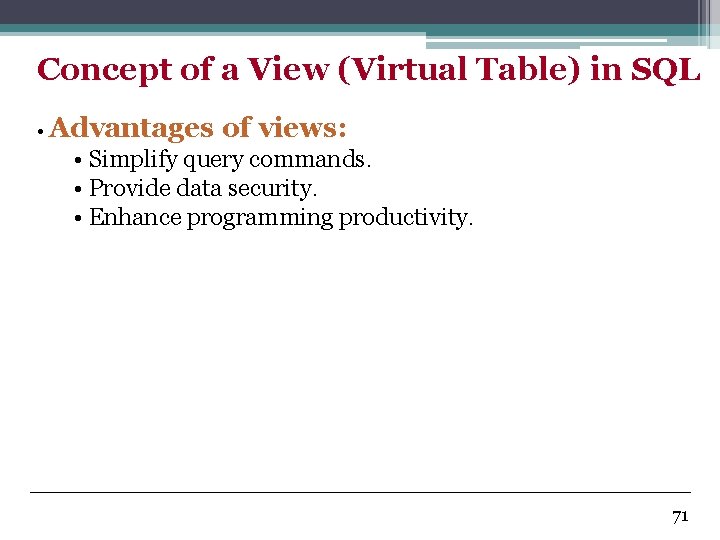
Concept of a View (Virtual Table) in SQL • Advantages of views: • Simplify query commands. • Provide data security. • Enhance programming productivity. 71
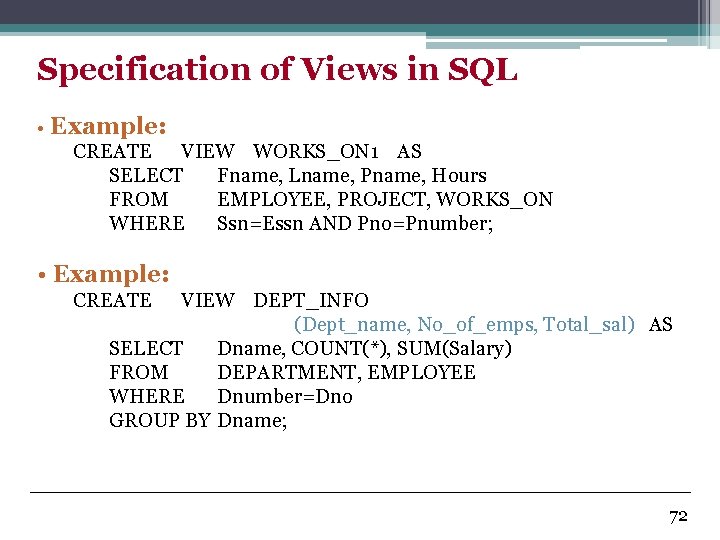
Specification of Views in SQL • Example: CREATE VIEW WORKS_ON 1 AS SELECT Fname, Lname, Pname, Hours FROM EMPLOYEE, PROJECT, WORKS_ON WHERE Ssn=Essn AND Pno=Pnumber; • Example: CREATE VIEW DEPT_INFO (Dept_name, No_of_emps, Total_sal) AS SELECT Dname, COUNT(*), SUM(Salary) FROM DEPARTMENT, EMPLOYEE WHERE Dnumber=Dno GROUP BY Dname; 72
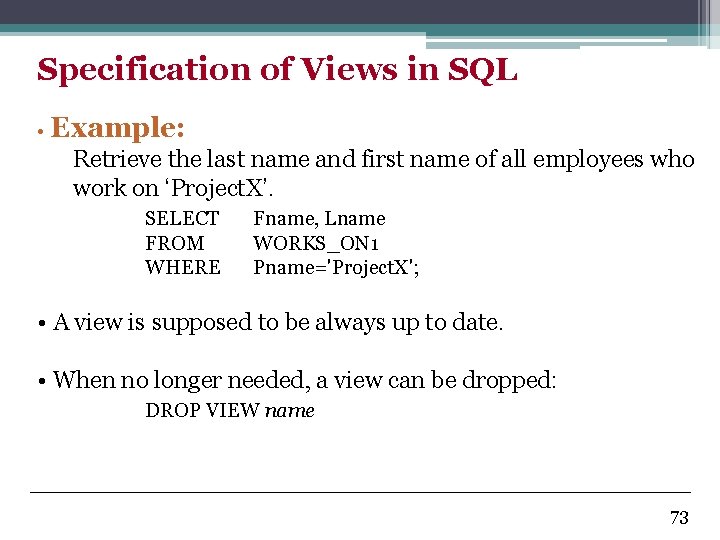
Specification of Views in SQL • Example: Retrieve the last name and first name of all employees who work on ‘Project. X’. SELECT FROM WHERE Fname, Lname WORKS_ON 1 Pname='Project. X'; • A view is supposed to be always up to date. • When no longer needed, a view can be dropped: DROP VIEW name 73
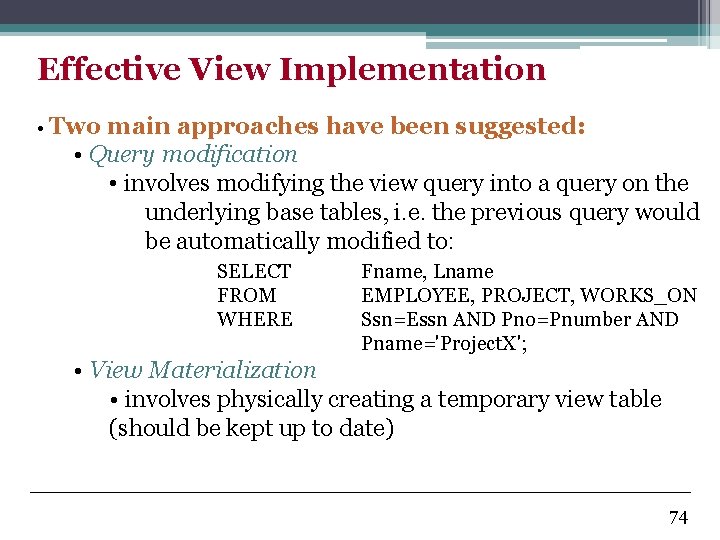
Effective View Implementation • Two main approaches have been suggested: • Query modification • involves modifying the view query into a query on the underlying base tables, i. e. the previous query would be automatically modified to: SELECT FROM WHERE Fname, Lname EMPLOYEE, PROJECT, WORKS_ON Ssn=Essn AND Pno=Pnumber AND Pname='Project. X'; • View Materialization • involves physically creating a temporary view table (should be kept up to date) 74
View Update • A view with a single defining table is updatable if the view attributes contain the primary key of the base relation, as well as all attributes with the NOT NULL constraint that do not have default values specified. • Views defined on multiple tables using joins are generally not updatable. • Views defined using grouping and aggregate functions are not updatable. 75
View Update • In SQL, the clause WITH CHECK OPTION must be added at the end of the new definition if the view is to be updated. 76
- Slides: 64