
CS 3724 Introduction to Human Computer Interaction Chris
- Slides: 32
CS 3724: Introduction to Human Computer Interaction Chris North Jason Lee Szu-Chia Lu
WELCOME TO THE NEXT LEVEL
“Toto, I don’t think we’re in 2604 anymore. ” • • Class discussion, participation HWs/Projects: open-ended Group project Student presentations
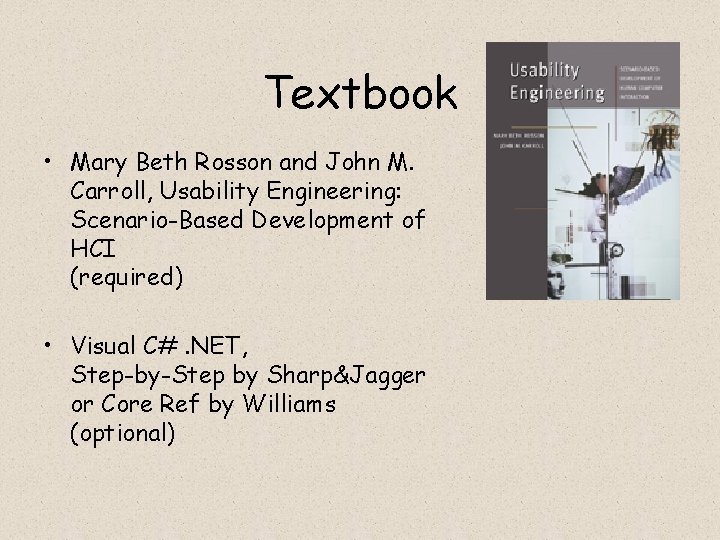
Textbook • Mary Beth Rosson and John M. Carroll, Usability Engineering: Scenario-Based Development of HCI (required) • Visual C#. NET, Step-by-Step by Sharp&Jagger or Core Ref by Williams (optional)
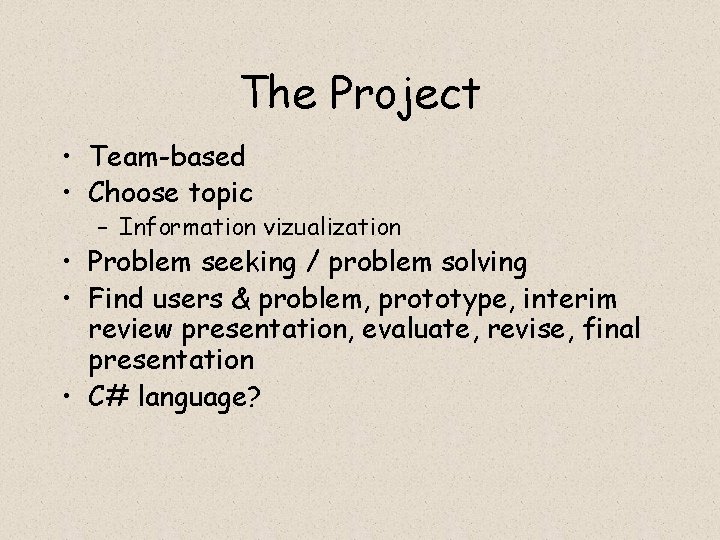
The Project • Team-based • Choose topic – Information vizualization • Problem seeking / problem solving • Find users & problem, prototype, interim review presentation, evaluate, revise, final presentation • C# language?
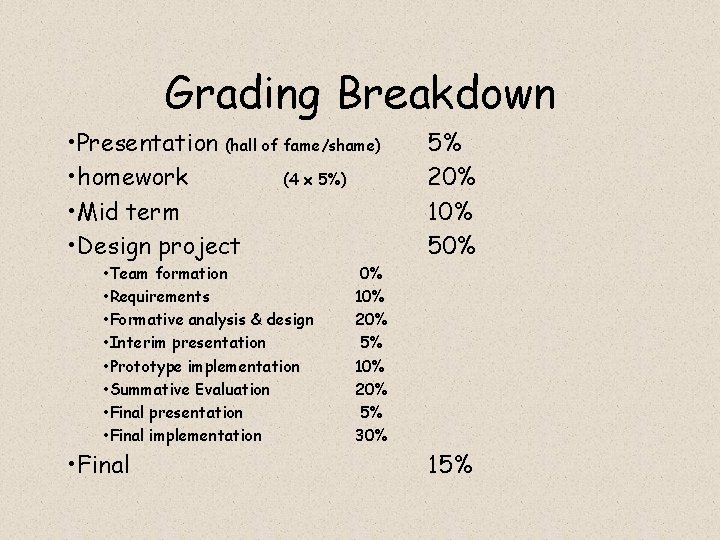
Grading Breakdown • Presentation (hall of fame/shame) • homework (4 x 5%) • Mid term • Design project • Team formation • Requirements • Formative analysis & design • Interim presentation • Prototype implementation • Summative Evaluation • Final presentation • Final implementation • Final 5% 20% 10% 50% 0% 10% 20% 5% 30% 15%
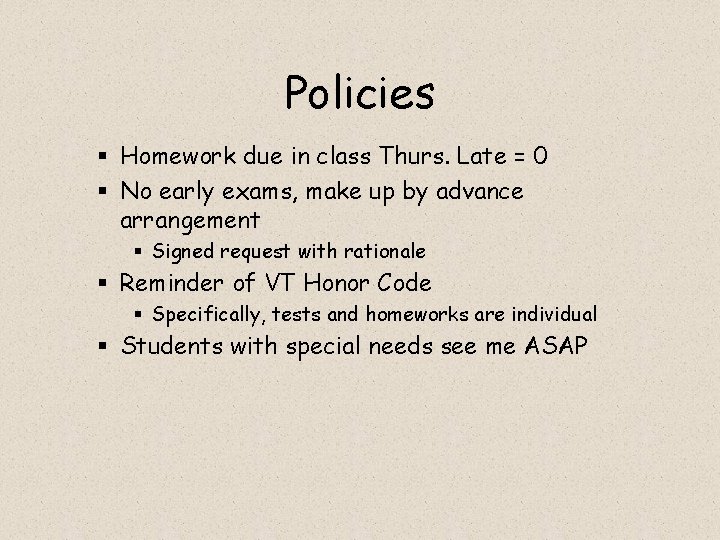
Policies § Homework due in class Thurs. Late = 0 § No early exams, make up by advance arrangement § Signed request with rationale § Reminder of VT Honor Code § Specifically, tests and homeworks are individual § Students with special needs see me ASAP
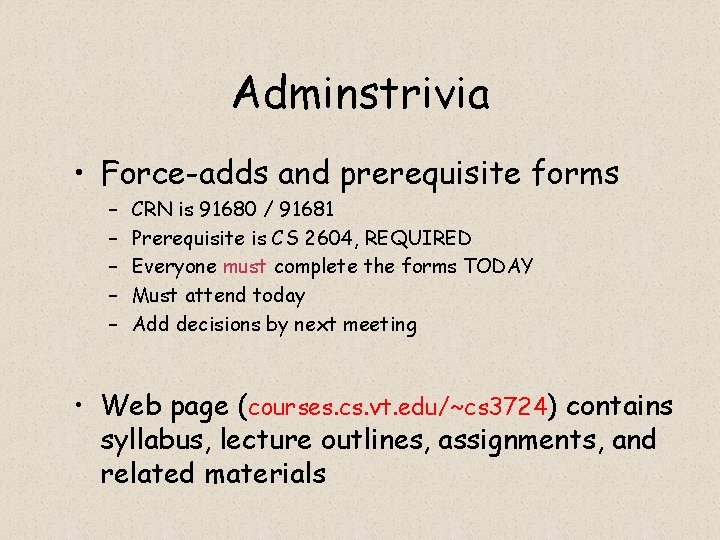
Adminstrivia • Force-adds and prerequisite forms – – – CRN is 91680 / 91681 Prerequisite is CS 2604, REQUIRED Everyone must complete the forms TODAY Must attend today Add decisions by next meeting • Web page (courses. cs. vt. edu/~cs 3724) contains syllabus, lecture outlines, assignments, and related materials
HCI ? ? ? 1. 2. 3. 4. 5. What is it? Who cares? Why is it hard? How does it work? What will I learn?
1. What is HCI?
1. What is HCI? Human-Computer Interaction
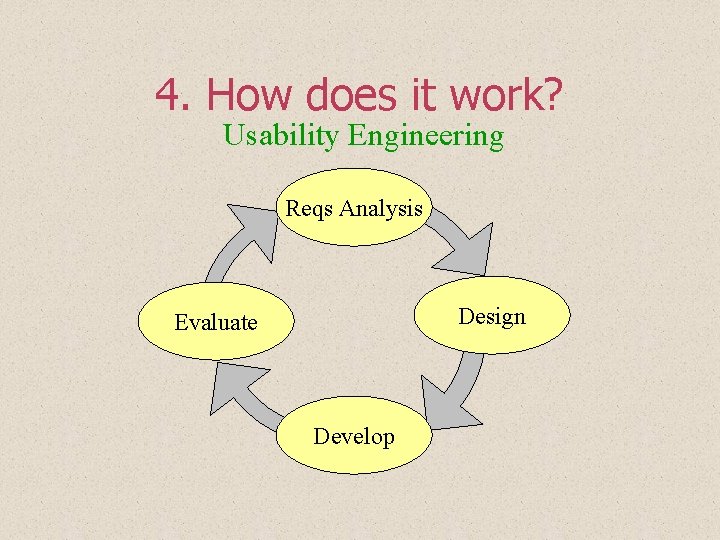
1. What is HCI? Human-Computer Interaction 1. Requirements analysis 2. Design 3. Development 4. Evaluation of user interfaces for computer systems
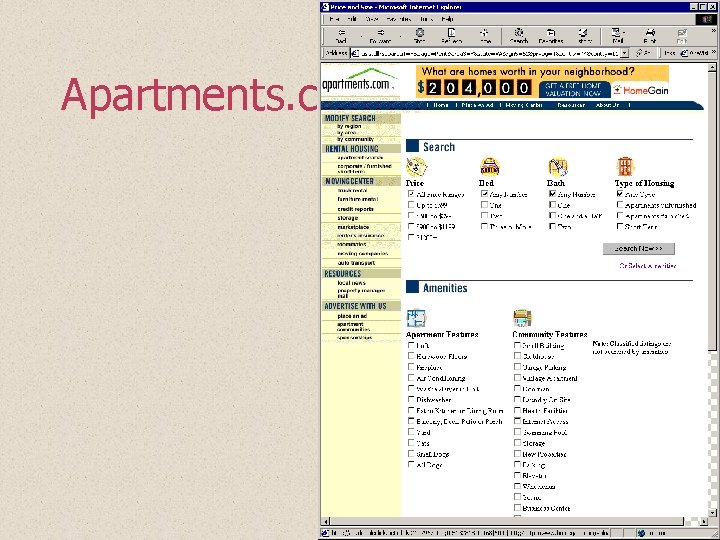
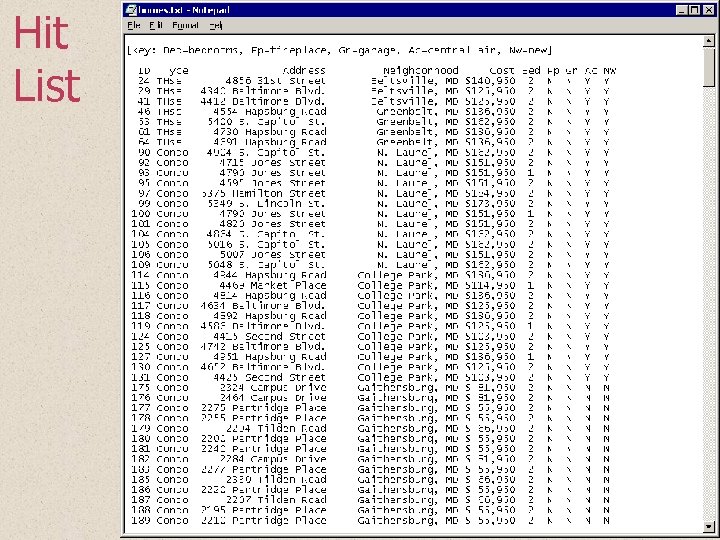
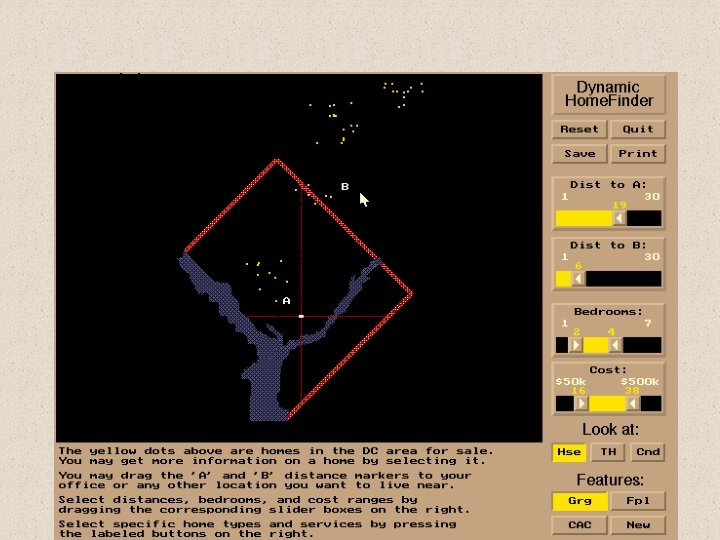
Huh? An example: Home. Finder
Apartments. com
Hit List
Home. Finder
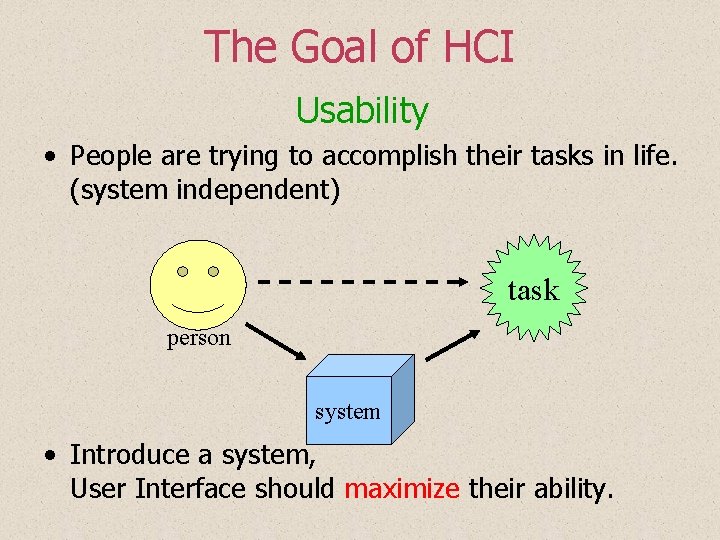
The Goal of HCI Usability • People are trying to accomplish their tasks in life. (system independent) task person system • Introduce a system, User Interface should maximize their ability.
2. Who Cares? Everyone, because: 1. Everything is a User Interface
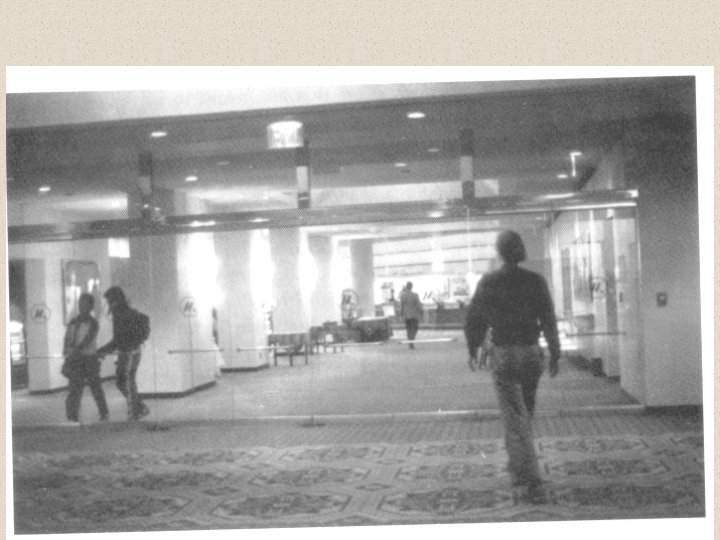
Doors
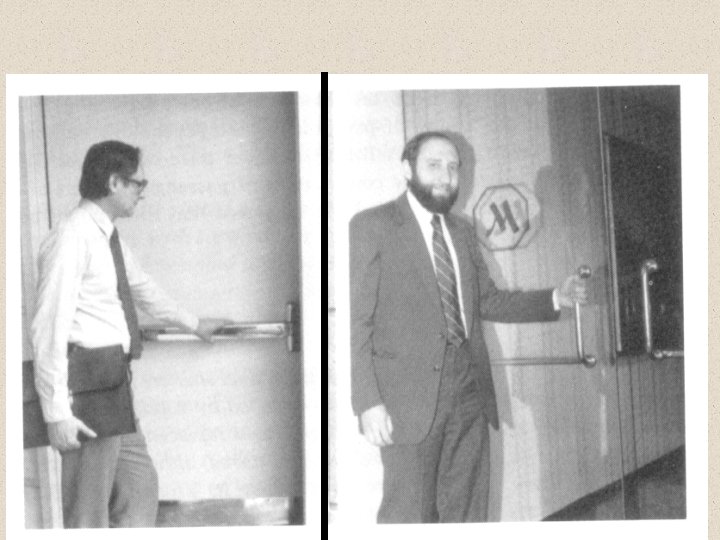
More Doors
2. Who Cares? Everyone, because: 1. Everything is a User Interface 2. The User Interface is Everything
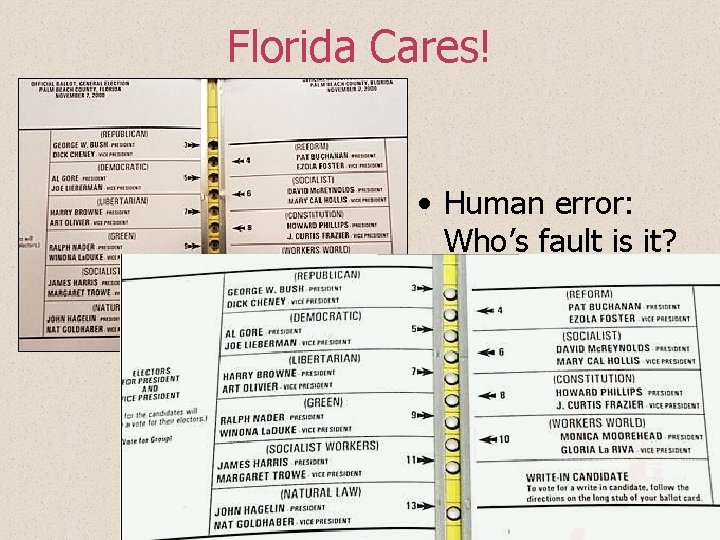
Florida Cares! • Human error: Who’s fault is it?
3. Why is it so hard?
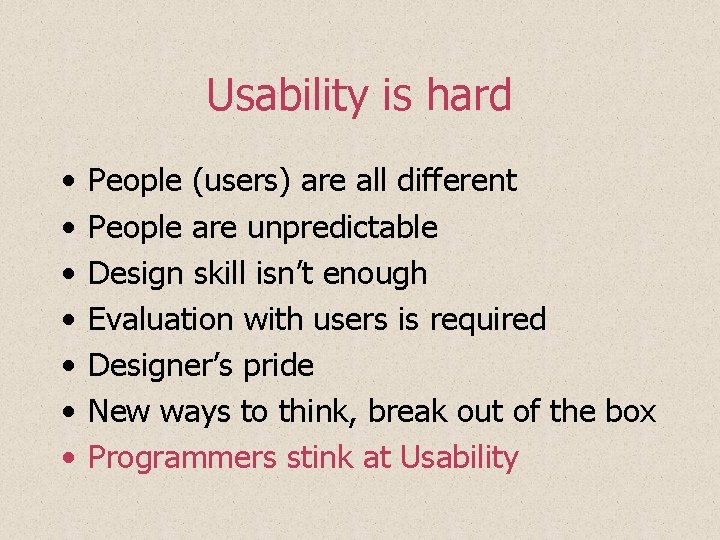
Usability is hard • • • People (users) are all different People are unpredictable Design skill isn’t enough Evaluation with users is required Designer’s pride New ways to think, break out of the box
Usability is hard • • People (users) are all different People are unpredictable Design skill isn’t enough Evaluation with users is required Designer’s pride New ways to think, break out of the box Programmers stink at Usability
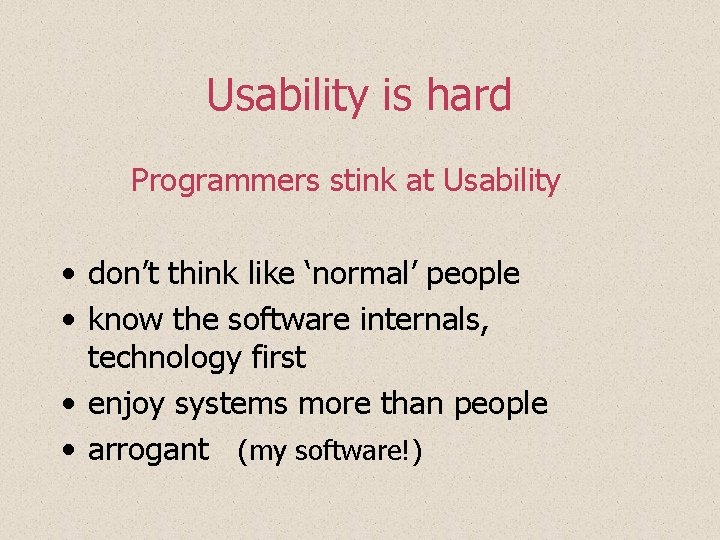
Usability is hard Programmers stink at Usability • don’t think like ‘normal’ people • know the software internals, technology first • enjoy systems more than people • arrogant (my software!)
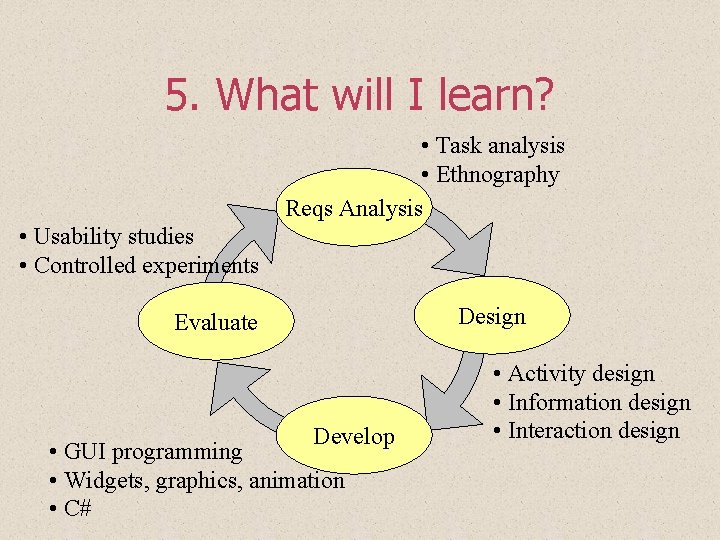
4. How does it work? Usability Engineering Reqs Analysis Design Evaluate Develop
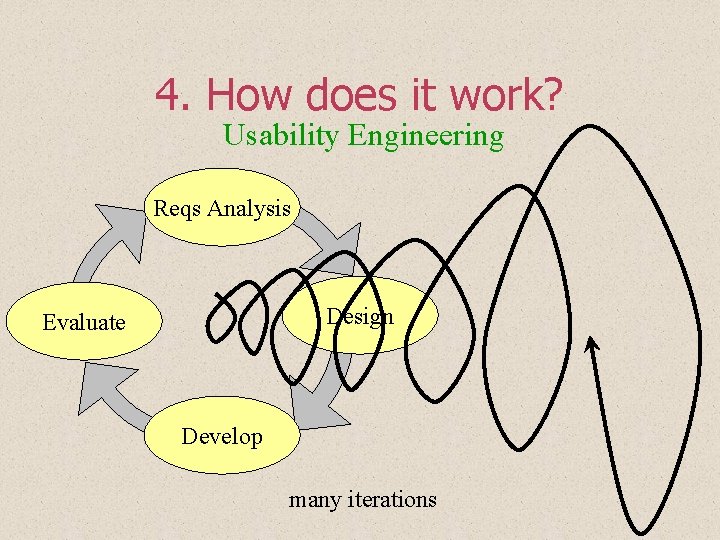
4. How does it work? Usability Engineering Reqs Analysis Design Evaluate Develop many iterations
5. What will I learn? • Task analysis • Ethnography Reqs Analysis • Usability studies • Controlled experiments Design Evaluate Develop • GUI programming • Widgets, graphics, animation • C# • Activity design • Information design • Interaction design
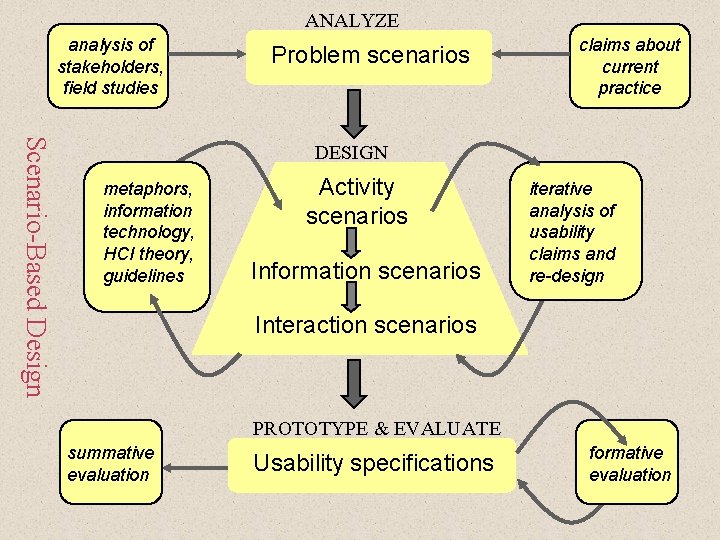
ANALYZE analysis of stakeholders, field studies Problem scenarios claims about current practice Scenario-Based Design DESIGN metaphors, information technology, HCI theory, guidelines Activity scenarios Information scenarios iterative analysis of usability claims and re-design Interaction scenarios PROTOTYPE & EVALUATE summative evaluation Usability specifications formative evaluation
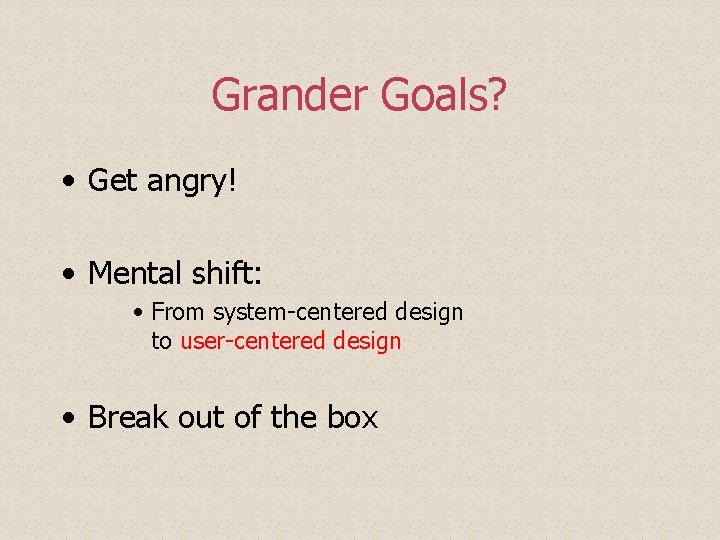
Grander Goals? • Get angry! • Mental shift: • From system-centered design to user-centered design • Break out of the box
Before you Leave… • Prerequisites form!