
CS 3724 Introduction to HCI Dr Scott Mc
- Slides: 31
CS 3724 Introduction to HCI Dr. Scott Mc. Crickard Mc. Bryde 623 mccricks@cs. vt. edu
Who are these people? • Dr. Mc. Crickard (professor) – third year assistant professor in CS – research interests include HCI, notification systems, usability evaluation methods • Jacob Somervell (teaching assistant) – graduate student in computer science – interested in large screen displays as notification systems • Christa Chewar (project coordinator) – graduate student in computer science – interested in notification systems design and evaluation
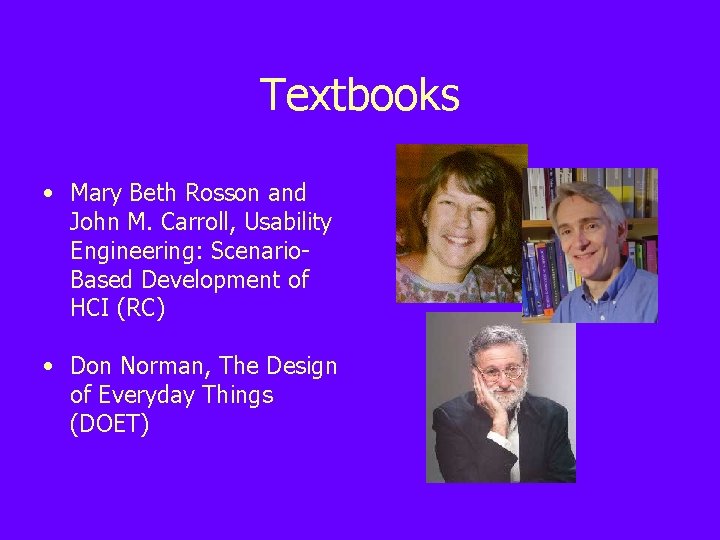
Textbooks • Mary Beth Rosson and John M. Carroll, Usability Engineering: Scenario. Based Development of HCI (RC) • Don Norman, The Design of Everyday Things (DOET)
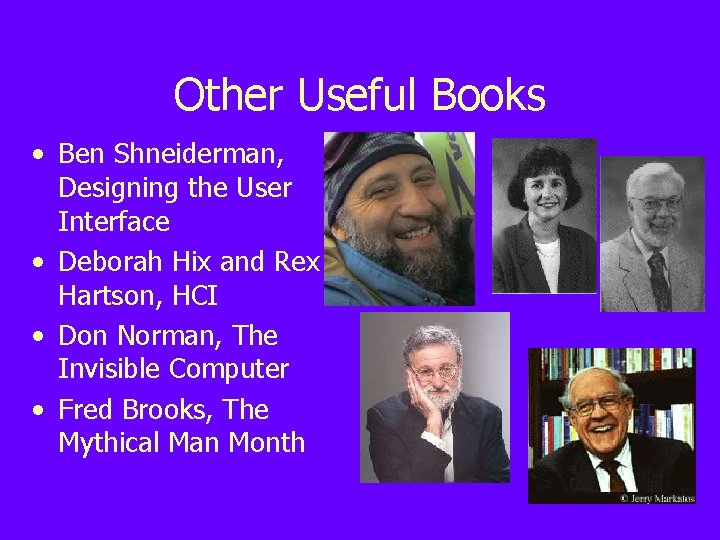
Other Useful Books • Ben Shneiderman, Designing the User Interface • Deborah Hix and Rex Hartson, HCI • Don Norman, The Invisible Computer • Fred Brooks, The Mythical Man Month
Other Resources • Email is the best way to contact Dr. Mc. Crickard (mccricks@cs. vt. edu), Jacob (jsomerve@cs. vt. edu), and Christa (cchewar@cs. vt. edu) • The listserv (cs 3724_91394@listserv. vt. edu) is best for questions and comments • Web page (courses. cs. vt. edu/~cs 3724) contains lecture outlines, assignments, and related materials
Evaluation • • Group project (50%) Activities (20%) Midterm (10%) Final (20%)
What is HCI? • The Human – Single user, groups, I/O channels, memory, reasoning, problem solving, error, psychology • The Computer – Desktop, embedded system, data entry devices, output devices, memory, processing • The Interaction – Direct/indirect communication, models, frameworks, styles, ergonomics
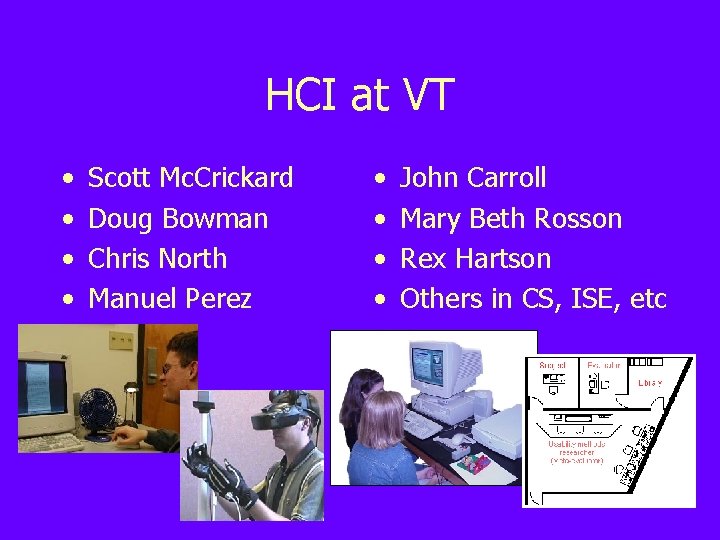
HCI at VT • • Scott Mc. Crickard Doug Bowman Chris North Manuel Perez • • John Carroll Mary Beth Rosson Rex Hartson Others in CS, ISE, etc
An Aside: VTURCS = Virginia Tech Undergraduate Research in Computer Science • • • Work with professors on ongoing research projects. Receive travel money to attend conferences. Present your work at annual symposium. Attend the Project Fair in mid-fall for details (see http: //vturcs. vt. edu for details)
Two VTURCS Opportunities • Virtual School Developer – NSF-sponsored paid position – Develop GUI for system to be used in grade school classrooms – Java, Swing/JFC, collab application skills desired – Contact Jacob Somervell (jsomerve@vt. edu) or Craig Ganoe (ganoe@vt. edu) for details • Collaborative API Developer – For credit or volunteer – Create/integrate a collaborative API into a programming environment for novice programmers – Java application skills needed – Contact Pete De. Pasquale (pjdepasq@vt. edu) for details
Why Usability Engineering? • Waterfall models of development do not work – Too many unknowns (Brooks: No Silver Bullet) • Need an iterative discovery-oriented process – But at the same time need to manage it • Demands well-defined process with metrics – Specifying usability goals as objectives – Assessing and redesigning to meet these objectives – Manage usability as a quality characteristic, much like modularity or nonfunctional requirements
How Should We Measure Usability? • Bottom line is whether the users got what they wanted, i. e. , is the client satisfied • Practically speaking, need to break this down so that we can operationalize our objectives • Our textbook definition: The quality of an interactive computer system with respect to ease of learning, ease of use, and user satisfaction – Can the users do what they want to do in a comfortable and pleasant fashion?
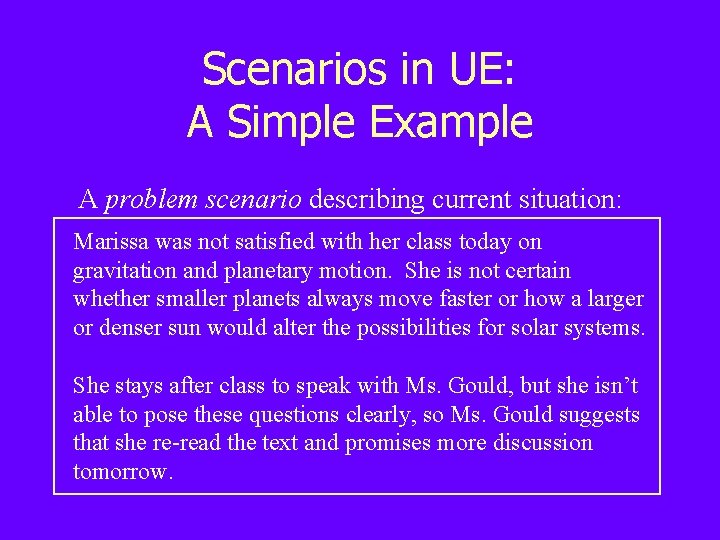
Scenarios in UE: A Simple Example A problem scenario describing current situation: Marissa was not satisfied with her class today on gravitation and planetary motion. She is not certain whether smaller planets always move faster or how a larger or denser sun would alter the possibilities for solar systems. She stays after class to speak with Ms. Gould, but she isn’t able to pose these questions clearly, so Ms. Gould suggests that she re-read the text and promises more discussion tomorrow.
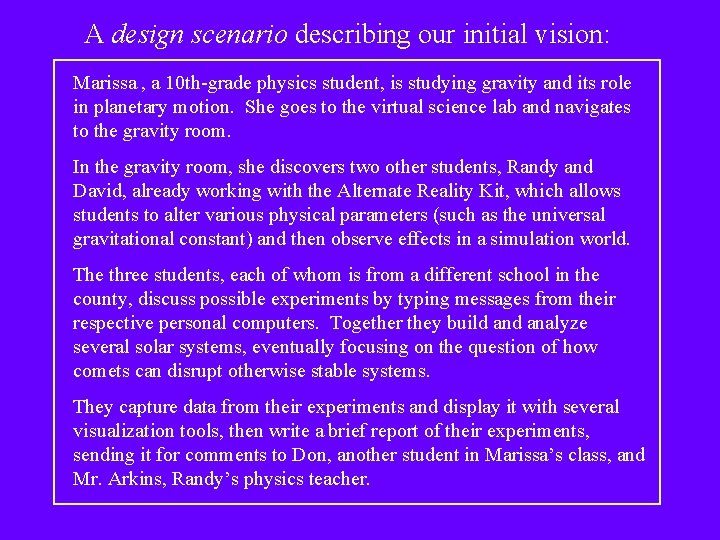
A design scenario describing our initial vision: Marissa , a 10 th-grade physics student, is studying gravity and its role in planetary motion. She goes to the virtual science lab and navigates to the gravity room. In the gravity room, she discovers two other students, Randy and David, already working with the Alternate Reality Kit, which allows students to alter various physical parameters (such as the universal gravitational constant) and then observe effects in a simulation world. The three students, each of whom is from a different school in the county, discuss possible experiments by typing messages from their respective personal computers. Together they build analyze several solar systems, eventually focusing on the question of how comets can disrupt otherwise stable systems. They capture data from their experiments and display it with several visualization tools, then write a brief report of their experiments, sending it for comments to Don, another student in Marissa’s class, and Mr. Arkins, Randy’s physics teacher.
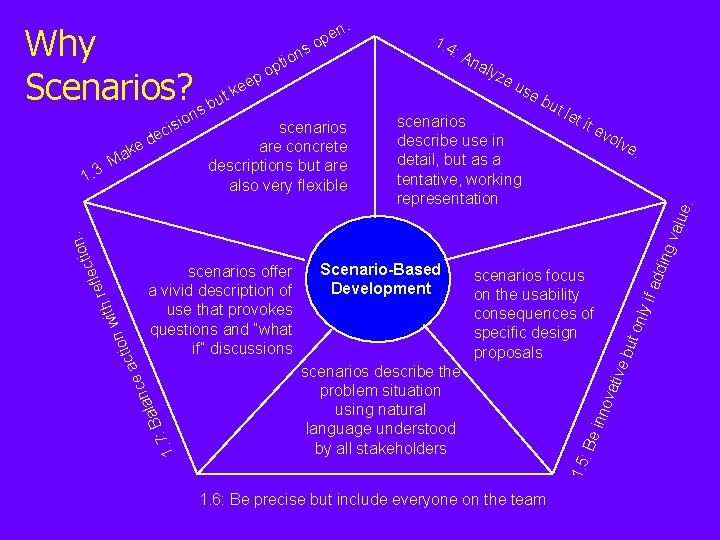
ec d e n isio k a : M : A na lyz eu se scenarios describe use in detail, but as a tentative, working representation bu t le t it ev olv e. scenarios describe the problem situation using natural language understood by all stakeholders 1. 6: Be precise but include everyone on the team ding if ad nly ut o inno vati ve b scenarios focus on the usability consequences of specific design proposals 1. 5 1. 7 la : Ba Scenario-Based Development : Be scenarios offer a vivid description of use that provokes questions and “what if” discussions nc ct ea io ith w n tio c e l ref n. valu 1. 3 scenarios are concrete descriptions but are also very flexible 1. 4 e. so Why n o pti o ep e Scenarios? s but k . n pe
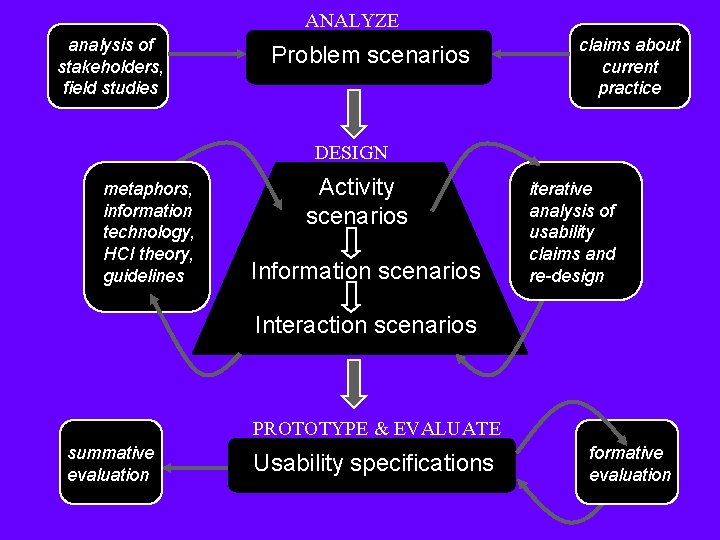
ANALYZE analysis of stakeholders, field studies Problem scenarios claims about current practice DESIGN metaphors, information technology, HCI theory, guidelines Activity scenarios Information scenarios iterative analysis of usability claims and re-design Interaction scenarios PROTOTYPE & EVALUATE summative evaluation Usability specifications formative evaluation
Tradeoffs and SBD • Design by definition is invention, creativity – Never just one approach, never one correct answer – BUT some answers are demonstrably better • Interactive system design tremendously complex – Many interdependencies, eg schedule, cost, competitive advantage, local expertise, . . . – Users and their needs are one large set of dependencies • Tradeoffs are useful in analyzing these relations – Here, we focus on tradeoffs affecting users’ experiences – Guides design thinking, also serves as design rationale
Learning SBD — By Example • Virtual science fair as a case study – Complement to real world physical science fairs – Goal is to extend interactions across time & space • Cumulative, illustrates activities at each phase – Detailed examples of the methods used in projects – Use as a model for group materials & analyses • Many details specific to this example – E. g. , collaboration, community network, education – Other case studies under construction on the Web at http: //ucs. vt. edu
Scenarios in Usability Engineering • Stories of people and their activities, sometimes includes computer use, always includes goals • Typical elements of the story are: – – – A setting One or more actors or agents An orienting or motivating goal or objective Mental activity, plans or evaluation of behavior A “storyline” sequenced by actions and events • Emphasis on use, i. e. , people’s needs, expectations, actions, and reactions
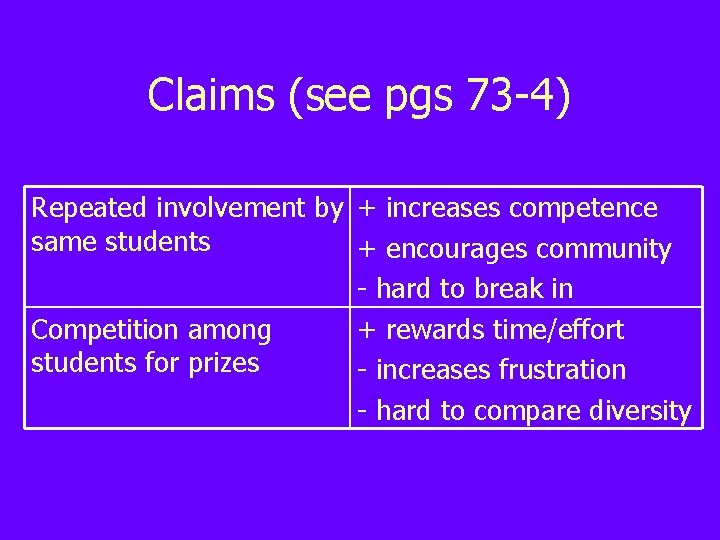
Scenarios and Claims • Scenarios convey what actors are like, what forces influence their behavior • Claims elaborate on scenarios, explaining how and why a feature has impacts • Claims analysis documents why scenarios were written by isolating the most important features
Claims (see pgs 73 -4) Repeated involvement by + increases competence same students + encourages community - hard to break in Competition among + rewards time/effort students for prizes - increases frustration - hard to compare diversity
Tuesday Activity: Home Page Scenarios • Think about scenarios that illustrate how you want people to interact with your personal pages • Consider (and redesign) your own home pages, and list claims you made in creating these pages • Come to class ready to talk about these points and about past and future changes
History and Future of HCI • Much of the class will consider systems that are in use today • Class projects may speculate on emerging (but feasible) paradigms • To understand present and future, start with the emergence of HCI
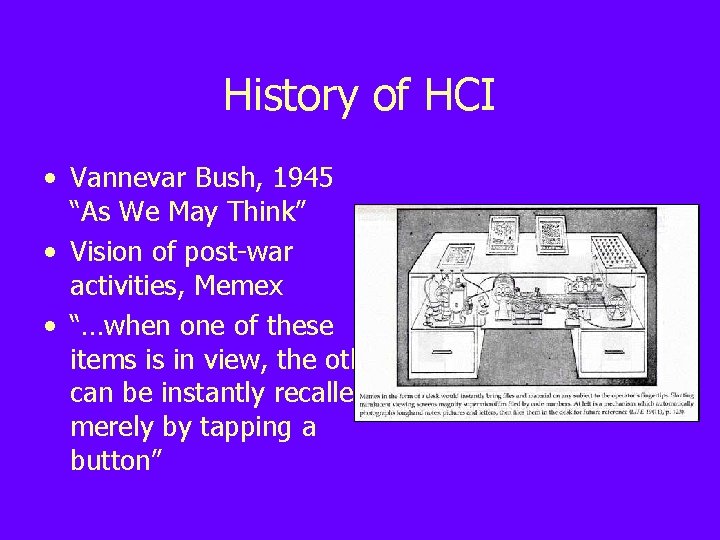
History of HCI • Vannevar Bush, 1945 “As We May Think” • Vision of post-war activities, Memex • “…when one of these items is in view, the other can be instantly recalled merely by tapping a button”
History of HCI (con’d) • JCR Licklider, 1960 Computer Symbiosis” • Tightly coupled human brain and machine, speech recognition, time sharing, character recognition “Man-
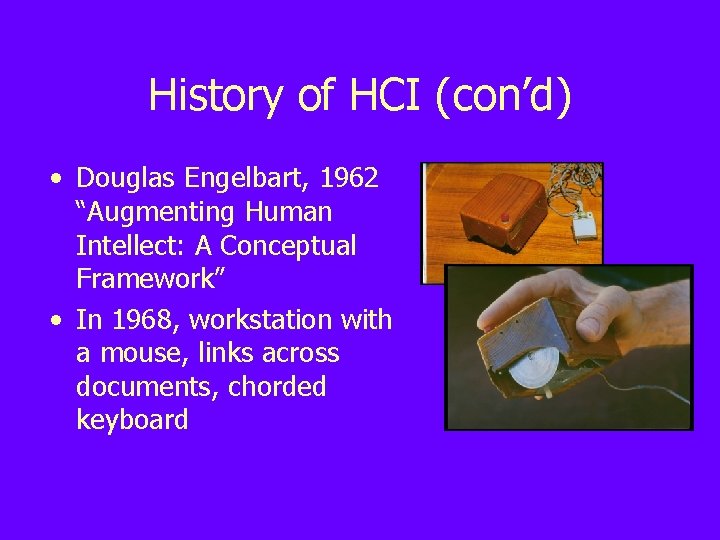
History of HCI (con’d) • Douglas Engelbart, 1962 “Augmenting Human Intellect: A Conceptual Framework” • In 1968, workstation with a mouse, links across documents, chorded keyboard
History of HCI (con’d) • XEROX Alto and Star – – – Windows Menus Scrollbars Pointing Consistency • Apple LISA and Mac – Inexpensive – High-quality graphics – 3 rd party applications
History (and future) of HCI • • • Large displays Small displays Peripheral displays Alternative I/O Ubiquitous computing • Virtual environments • Implants • • • Speech recognition Multimedia Video conferencing Artificial intelligence Software agents Recommender systems • . . .
Project Overview • Group project with 4 -5 people per group • Projects will be graded per team, with a component of the grade based on individual effort as reported by members • Choose groups carefully – think about when they can meet, where they live, what their skills are • Maintain and post material on a project Web site (email location to coordinator)
Project Topics • All topics should relate • Possible domains include: to the emerging field of – Collaborative work support notification systems – General information tracker – Status update screens • Select a platform for – Reminder systems which you have access – Recommender systems (can include desktop – Software agents systems, large screens, ubiquitous systems, …) – Entertainment applications
Project Meetings • Groups will sign up for hour-long weekly meetings with the project coordinator, Christa Chewar (cchewar@cs. vt. edu) • Group leader and others can stop by during that time to clarify questions, discuss projects, or get help • Sign up via email once you have a group • Available times are: – – – Mon 11 am Tue 1, 2, 3, 4 pm Wed 11 am, noon Thu 4 pm Fri 2, 3 pm