
CS 351 PSP Personal Software Process This material
- Slides: 61
CS 351 PSP Personal Software Process This material based on the book: ● ● ● “Introduction to the Personal Software Process” by Watts S. Humphrey. © 1997 by Addison Wesley Longman Inc. ISBN: 0 -20154809 -7 This is covered in a full year course so obviously, we'll need to shorten it a bit. © 2003 Ray S. Babcock
CS 351 From the Student Forward What type of tasks did you do in the PSP course? We kept track of all the time we spent on programming assignments and projects. We also kept track of program size and defects and used the data we collected to estimate time, size, and defects on future projects. © 2003 Ray S. Babcock
CS 351 Student Forward, cont. How did it work? How did this material fit with the material in the other courses? It fit well into the course work, and having an estimate helped provide confidence in what you were doing. © 2003 Ray S. Babcock
CS 351 Student Forward, cont. What did you learn? In addition to what we have already talked about, you learn how you can use your time more efficiently and do some work on paper before you get to the computer. © 2003 Ray S. Babcock
CS 351 Student Forward, cont. What would you recommend to other students who will use the PSP in the future? Do it right. Don't fudge it. Follow instructions. Try to understand the big picture and understand the concepts. Don't let the paperwork get to you; it will pay off. © 2003 Ray S. Babcock
CS 351 PSP: Introduction To be successful, software engineers need to consistently produce high-quality programs on schedule and at their planned costs. PSP is a guide to using disciplined personal practices to do superior software engineering. © 2003 Ray S. Babcock
CS 351 PSP Introduction, cont. PSP will show you how to plan and track your work and how to consistently produce high-quality software. Using PSP will give you data that show the effectiveness of your work and identify your strengths and weaknesses. By using the PSP, you will be practicing the skills and methods professional software engineers have developed through many years of trial and error. © 2003 Ray S. Babcock
CS 351 What Is Software Engineering? Painful experience has taught many software engineers that they need to: Plan their work. Do their work according to this plan. Strive to produce the highest quality products. © 2003 Ray S. Babcock
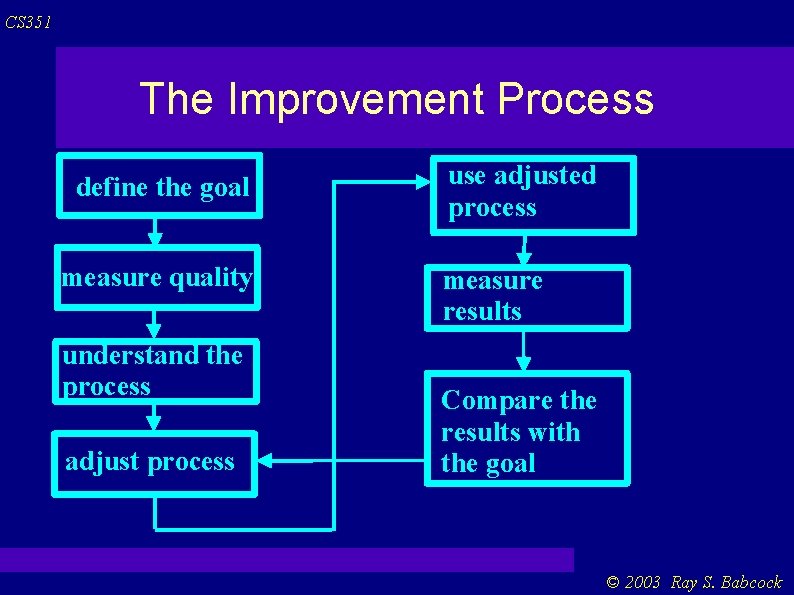
CS 351 The Improvement Process define the goal measure quality understand the process adjust process use adjusted process measure results Compare the results with the goal © 2003 Ray S. Babcock
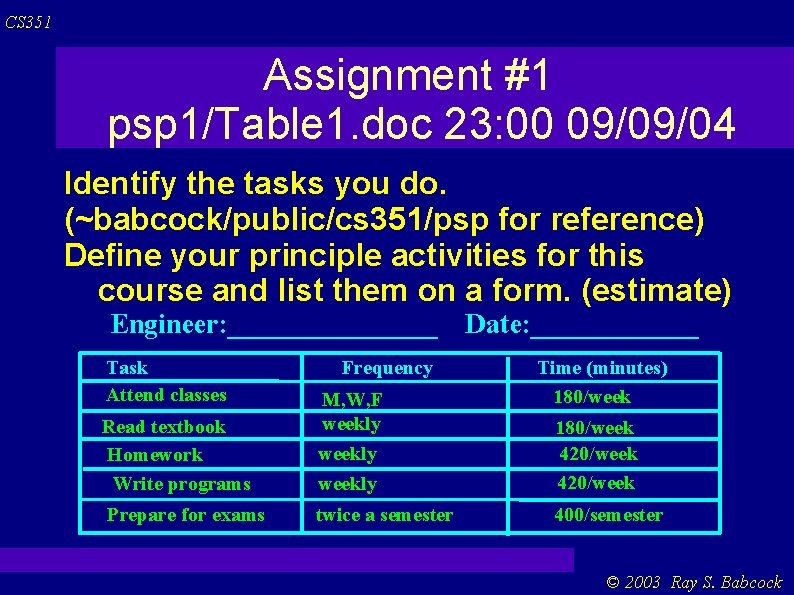
CS 351 Assignment #1 psp 1/Table 1. doc 23: 00 09/09/04 Identify the tasks you do. (~babcock/public/cs 351/psp for reference) Define your principle activities for this course and list them on a form. (estimate) Engineer: ________ Task Attend classes Read textbook Homework Write programs Prepare for exams Frequency M, W, F weekly Date: ______ Time (minutes) 180/weekly 180/week 420/week twice a semester 400/semester © 2003 Ray S. Babcock
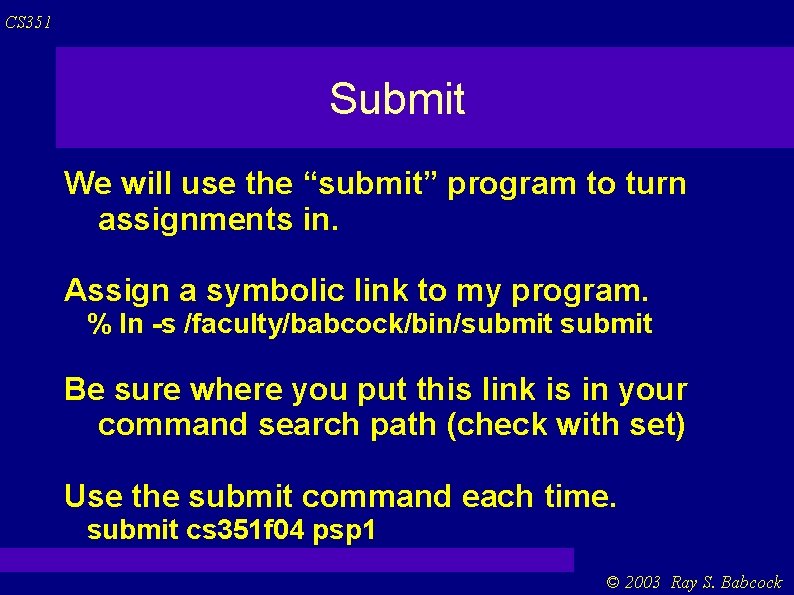
CS 351 Submit We will use the “submit” program to turn assignments in. Assign a symbolic link to my program. % ln -s /faculty/babcock/bin/submit Be sure where you put this link is in your command search path (check with set) Use the submit command each time. submit cs 351 f 04 psp 1 © 2003 Ray S. Babcock
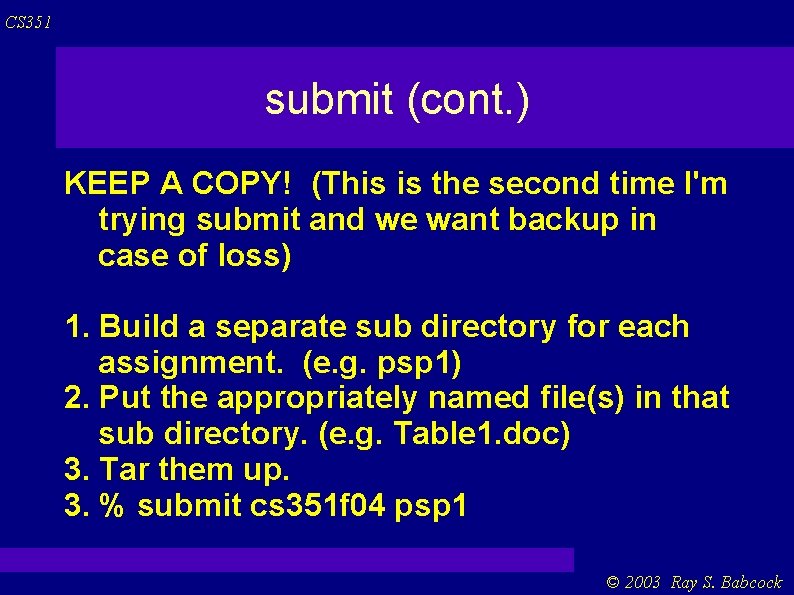
CS 351 submit (cont. ) KEEP A COPY! (This is the second time I'm trying submit and we want backup in case of loss) 1. Build a separate sub directory for each assignment. (e. g. psp 1) 2. Put the appropriately named file(s) in that sub directory. (e. g. Table 1. doc) 3. Tar them up. 3. % submit cs 351 f 04 psp 1 © 2003 Ray S. Babcock
CS 351 Logic Of Time Management You will likely spend your time this week much the way you spent time last week. To make realistic plans, you have to track the way you spend time. To check the accuracy of your time estimates and plans, you must document them and later compare them with what you actually do. © 2003 Ray S. Babcock
CS 351 Logic, cont. To make more accurate plans, determine where your previous plans were in error and what you could have done better. To manage your time, plan your time and then follow the plan. © 2003 Ray S. Babcock
CS 351 Understanding How You Spend Time Categorize your major activities. Record the time spent on each major activity. Record time in a standard way. Keep the time data in a convenient place. © 2003 Ray S. Babcock
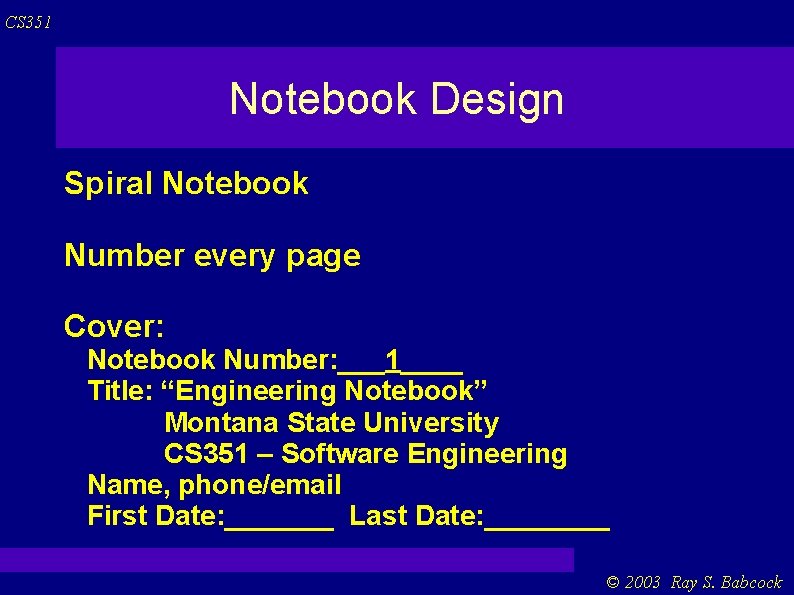
CS 351 Engineering Notebook You will use an engineering notebook to track time, recording assignments, tracking commitments, making class notes, and as a workbook for design ideas and calculations. In a company, another use for an engineering notebook is protecting your employer's intellectual assets. © 2003 Ray S. Babcock
CS 351 Notebook Design Spiral Notebook Number every page Cover: Notebook Number: ___1____ Title: “Engineering Notebook” Montana State University CS 351 – Software Engineering Name, phone/email First Date: _______ Last Date: ____ © 2003 Ray S. Babcock
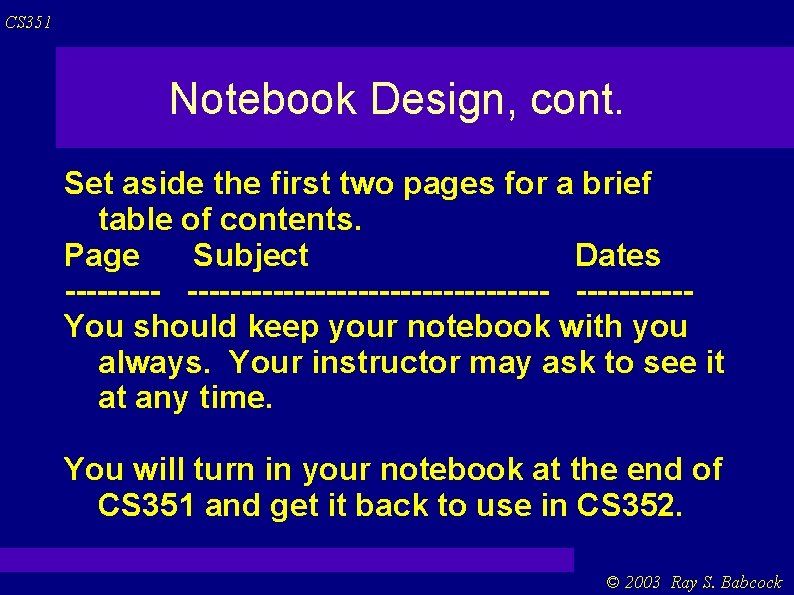
CS 351 Notebook Design, cont. Set aside the first two pages for a brief table of contents. Page Subject Dates ----------------------You should keep your notebook with you always. Your instructor may ask to see it at any time. You will turn in your notebook at the end of CS 351 and get it back to use in CS 352. © 2003 Ray S. Babcock
CS 351 Assignment #2 Begin keeping an engineering notebook. © 2003 Ray S. Babcock
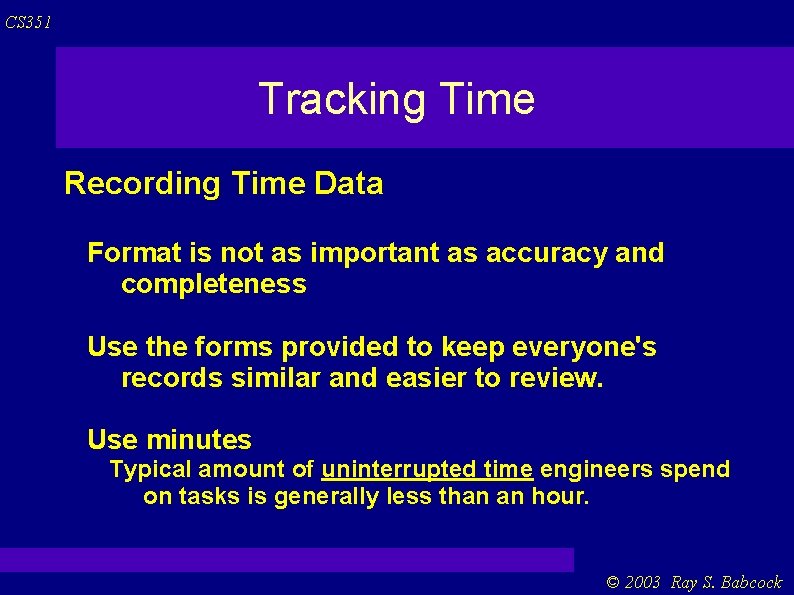
CS 351 Tracking Time Recording Time Data Format is not as important as accuracy and completeness Use the forms provided to keep everyone's records similar and easier to review. Use minutes Typical amount of uninterrupted time engineers spend on tasks is generally less than an hour. © 2003 Ray S. Babcock
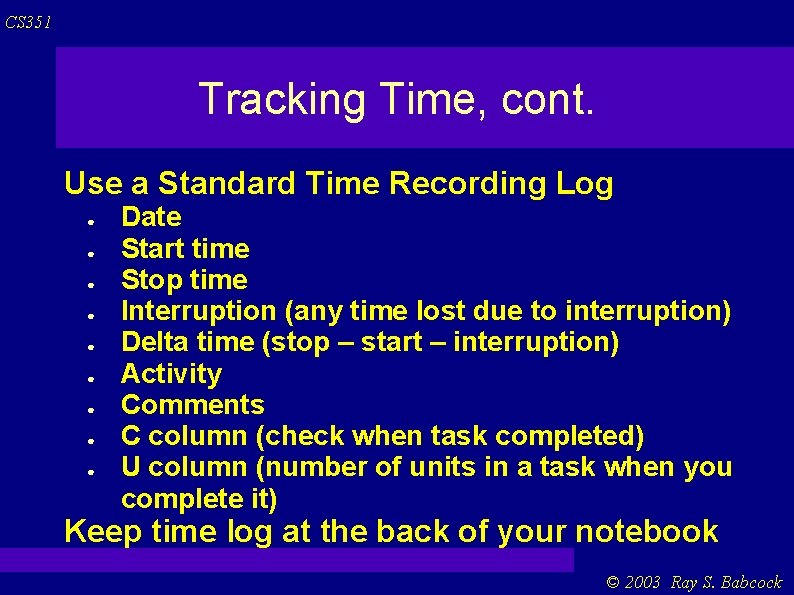
CS 351 Tracking Time, cont. Use a Standard Time Recording Log ● ● ● ● ● Date Start time Stop time Interruption (any time lost due to interruption) Delta time (stop – start – interruption) Activity Comments C column (check when task completed) U column (number of units in a task when you complete it) Keep time log at the back of your notebook © 2003 Ray S. Babcock
CS 351 Tracking Time, cont. Keep the engineering notebook with you at all times. When you occasionally forget to record the start time, stop time, or interrupt duration, make an estimate as soon as you remember. You may use a stopwatch to time interruptions. (avoids start and stop) Summarize your time promptly. © 2003 Ray S. Babcock
CS 351 Assignment #3 Use the time log to track the time you spend on the various activities. Turn in your time log for the next week. psp 3/Time. Log. xls 23: 00 9/23/04 © 2003 Ray S. Babcock
CS 351 Period and Product Planning Period planning is based on a period of time, any calendar segment – day, week, month, or year. A period plan concerns the way you plan to spend time during this period. Product planning is based on an activity like developing a program or writing a report. The product may be tangible like programs or reports or intangible like knowledge or service. © 2003 Ray S. Babcock
CS 351 Period and Product plans are related. Management provides funds for engineering and manufacturing to develop products. Through marketing, manufacturing delivers these products to the customers who pay for them. Engineering and manufacturing also provide product plans to finance and administration who use product plans to produce period plans. and back to mgmt © 2003 Ray S. Babcock
CS 351 Period Planning To do period planning it is important to understand how you spend time. We started with the Time Recording Log. Now we do the weekly activity log. See handout for Weekly Activity Summary form. © 2003 Ray S. Babcock
CS 351 Weekly Activity Summary Lines 1 -10 provide a record of the time you spent on each principle activity during each day of the previous week. Lines 13 -16 are the average, maximum, and minimum times you spent on each task category during the earlier weeks of the semester. © 2003 Ray S. Babcock
CS 351 cont. Lines 18 -21 show the total, averate, max, and min times you spent in each work category for the entire semester so far, including the latest week. Now, to make a period plan for the next week you have a history to base it on. 1. assume the same time needed. 2. estimate difficulty of newer task and use values between min and max. © 2003 Ray S. Babcock
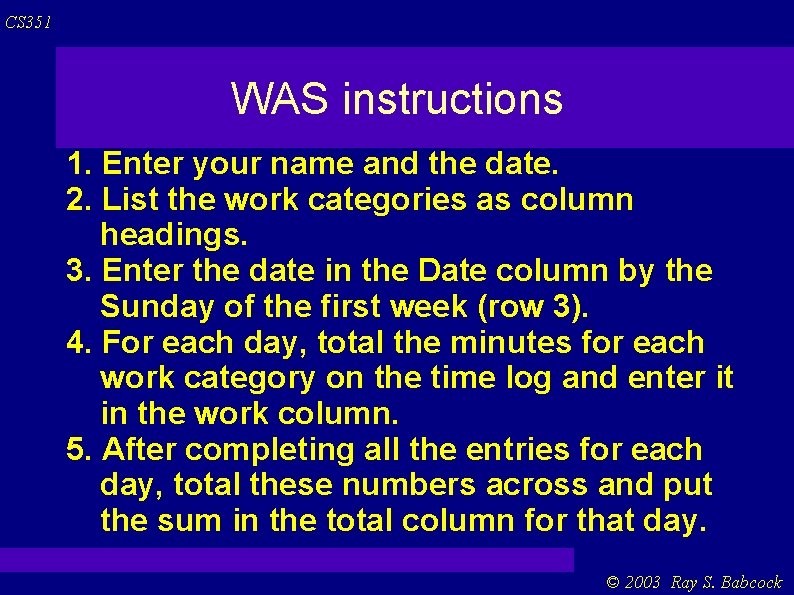
CS 351 WAS instructions 1. Enter your name and the date. 2. List the work categories as column headings. 3. Enter the date in the Date column by the Sunday of the first week (row 3). 4. For each day, total the minutes for each work category on the time log and enter it in the work column. 5. After completing all the entries for each day, total these numbers across and put the sum in the total column for that day. © 2003 Ray S. Babcock
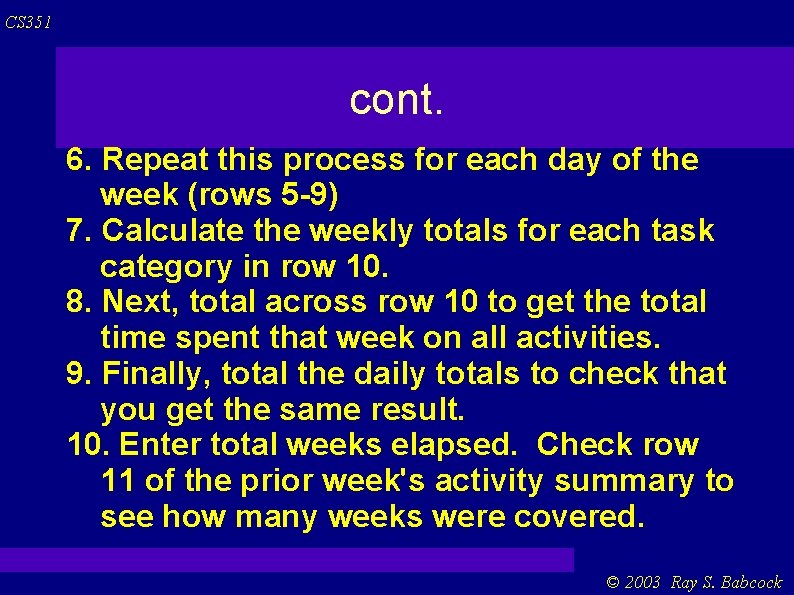
CS 351 cont. 6. Repeat this process for each day of the week (rows 5 -9) 7. Calculate the weekly totals for each task category in row 10. 8. Next, total across row 10 to get the total time spent that week on all activities. 9. Finally, total the daily totals to check that you get the same result. 10. Enter total weeks elapsed. Check row 11 of the prior week's activity summary to see how many weeks were covered. © 2003 Ray S. Babcock
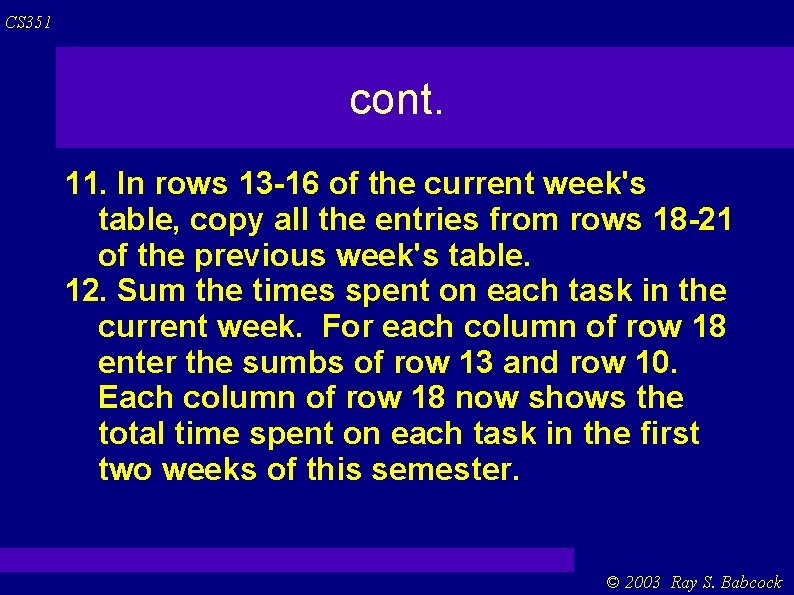
CS 351 cont. 11. In rows 13 -16 of the current week's table, copy all the entries from rows 18 -21 of the previous week's table. 12. Sum the times spent on each task in the current week. For each column of row 18 enter the sumbs of row 13 and row 10. Each column of row 18 now shows the total time spent on each task in the first two weeks of this semester. © 2003 Ray S. Babcock
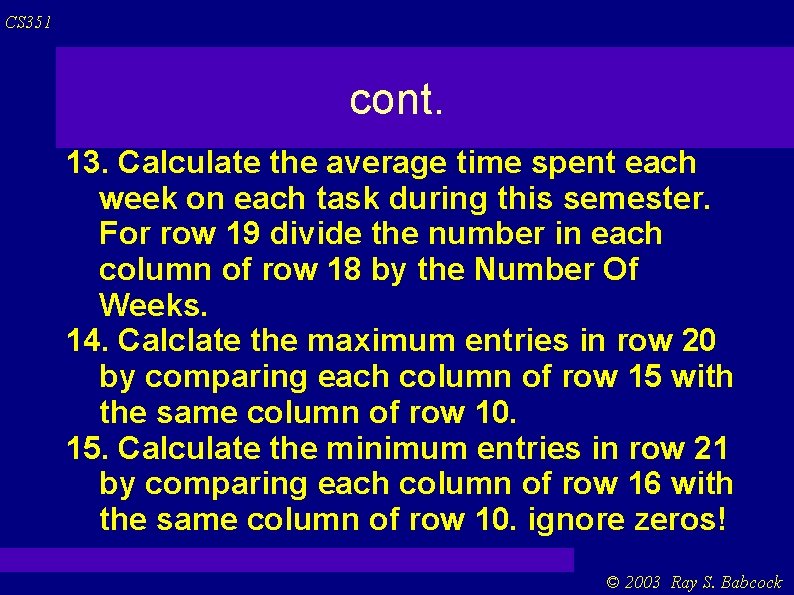
CS 351 cont. 13. Calculate the average time spent each week on each task during this semester. For row 19 divide the number in each column of row 18 by the Number Of Weeks. 14. Calclate the maximum entries in row 20 by comparing each column of row 15 with the same column of row 10. 15. Calculate the minimum entries in row 21 by comparing each column of row 16 with the same column of row 10. ignore zeros! © 2003 Ray S. Babcock
CS 351 cont. 16. Note that, except for the first week, the Max and Min of the Total time will not usually be the same as the total of the Max and Min times. © 2003 Ray S. Babcock
CS 351 Assignment #4 psp 4/Weekly. Activity. Summary. xls 23: 00 10/7/04 Do for the previous two weeks of the semester. Use the spread sheet template supplied. © 2003 Ray S. Babcock
CS 351 Product Planning How to use time log data to make product plans. A new form Job Number Log. “product-like” tasks writing a program reading a textbook preparing a report © 2003 Ray S. Babcock
CS 351 Product Plan Get a clear definition of the product you plan to produce (obvious in this course, but not so obvious “out there”). A properly produced product plan includes three things: the size and important features of the product to be produced an estimate of the time required to do the work a projection of the schedule © 2003 Ray S. Babcock
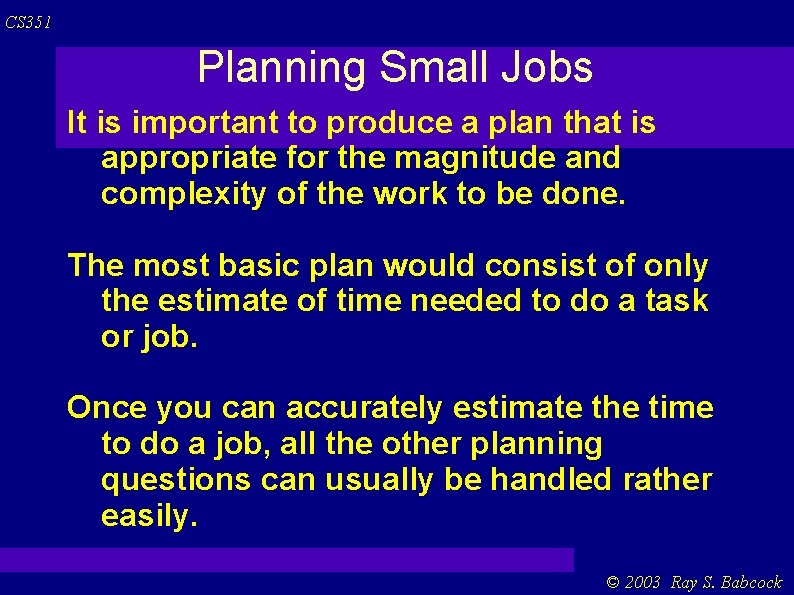
CS 351 Planning Small Jobs It is important to produce a plan that is appropriate for the magnitude and complexity of the work to be done. The most basic plan would consist of only the estimate of time needed to do a task or job. Once you can accurately estimate the time to do a job, all the other planning questions can usually be handled rather easily. © 2003 Ray S. Babcock
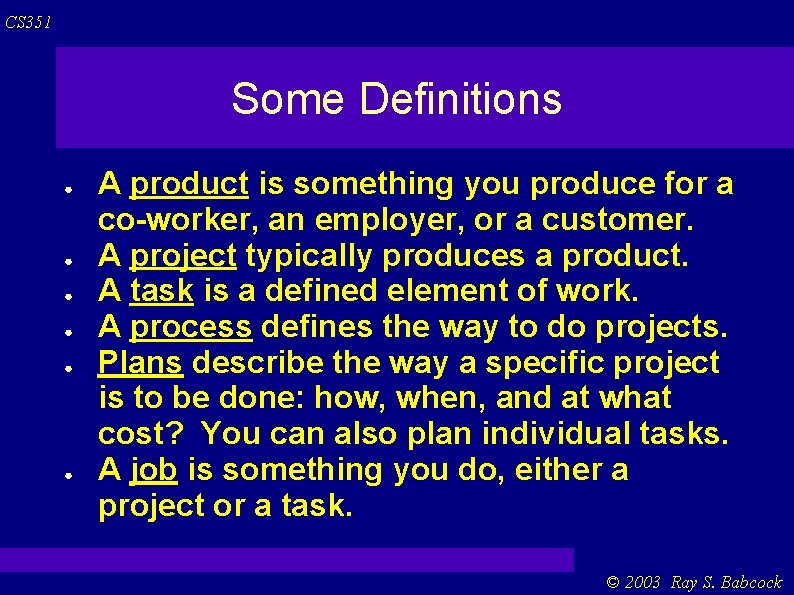
CS 351 Some Definitions ● ● ● A product is something you produce for a co-worker, an employer, or a customer. A project typically produces a product. A task is a defined element of work. A process defines the way to do projects. Plans describe the way a specific project is to be done: how, when, and at what cost? You can also plan individual tasks. A job is something you do, either a project or a task. © 2003 Ray S. Babcock
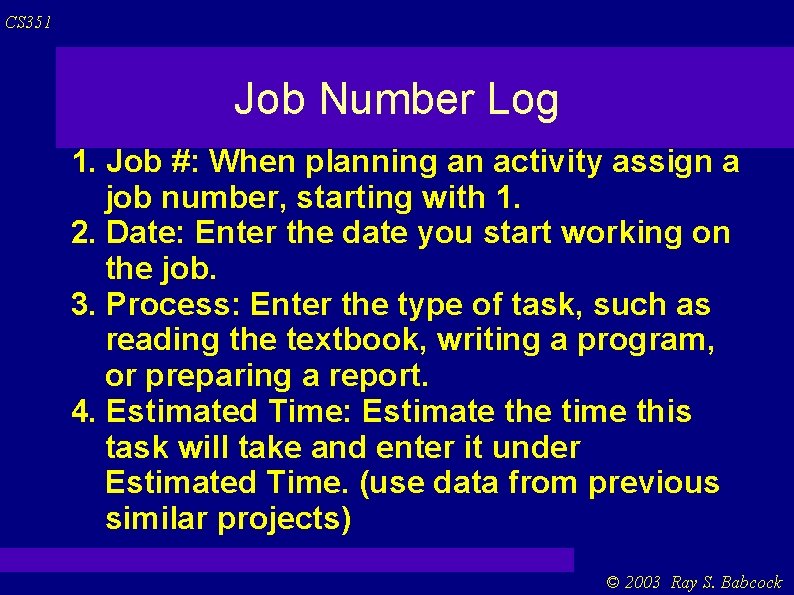
CS 351 Job Number Log 1. Job #: When planning an activity assign a job number, starting with 1. 2. Date: Enter the date you start working on the job. 3. Process: Enter the type of task, such as reading the textbook, writing a program, or preparing a report. 4. Estimated Time: Estimate the time this task will take and enter it under Estimated Time. (use data from previous similar projects) © 2003 Ray S. Babcock
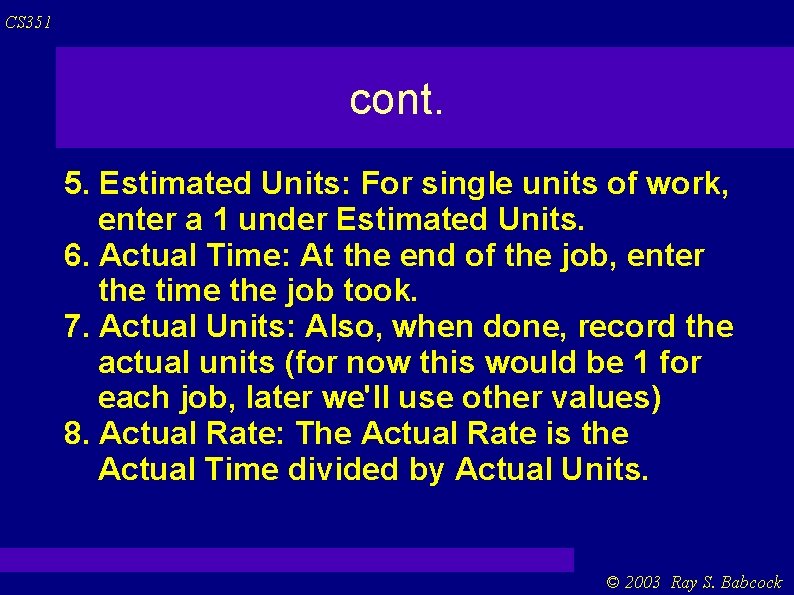
CS 351 cont. 5. Estimated Units: For single units of work, enter a 1 under Estimated Units. 6. Actual Time: At the end of the job, enter the time the job took. 7. Actual Units: Also, when done, record the actual units (for now this would be 1 for each job, later we'll use other values) 8. Actual Rate: The Actual Rate is the Actual Time divided by Actual Units. © 2003 Ray S. Babcock
CS 351 cont. 9. To Date Time: At the end of the job, calculate and enter the To Date Time for all the tasks done to date of the same process type. 10. To Date Units: Enter the To Date Units for all the tasks completed of each type. 11. To Date Rate: The To Date Rate is the To Date Time divided by the To Date Units. This is the averate time it has taken you to do a job of this type. © 2003 Ray S. Babcock
CS 351 cont. 12. To Date Max: To find the maximum rate for any task of this type so far, compare the Actual Rate on the most recent job with the To Date Max on the previous job of this same type and enter the larger number. 13. To Date Min: The To Date Min value is the minimum rate for any task of this type so far. © 2003 Ray S. Babcock
CS 351 Suggestions for Job Number Log For the first jobs of a given type, Student Y had no prior data to guide her estimates. She thus had to guess. Guessing the first time is OK as long as you start gathering data so you don't have to keep guessing. Generally, in estimating the time for a new job, you will want to use the To Date Rate for the most recent prior job of the same type. © 2003 Ray S. Babcock
CS 351 cont. If you think a larger or smaller estimate would be more accurate, use your judgement. To quickly find all the Time Recording Log entries for a given job number, it is helpful to add the job # in the Activity column in the Time Recording Log. Be sure to use the supplied spreadsheet templates! © 2003 Ray S. Babcock
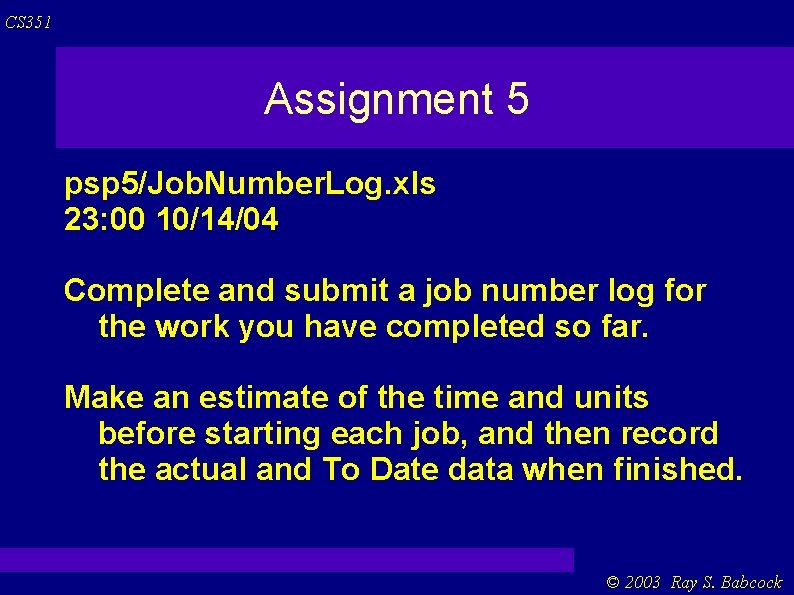
CS 351 Assignment 5 psp 5/Job. Number. Log. xls 23: 00 10/14/04 Complete and submit a job number log for the work you have completed so far. Make an estimate of the time and units before starting each job, and then record the actual and To Date data when finished. © 2003 Ray S. Babcock
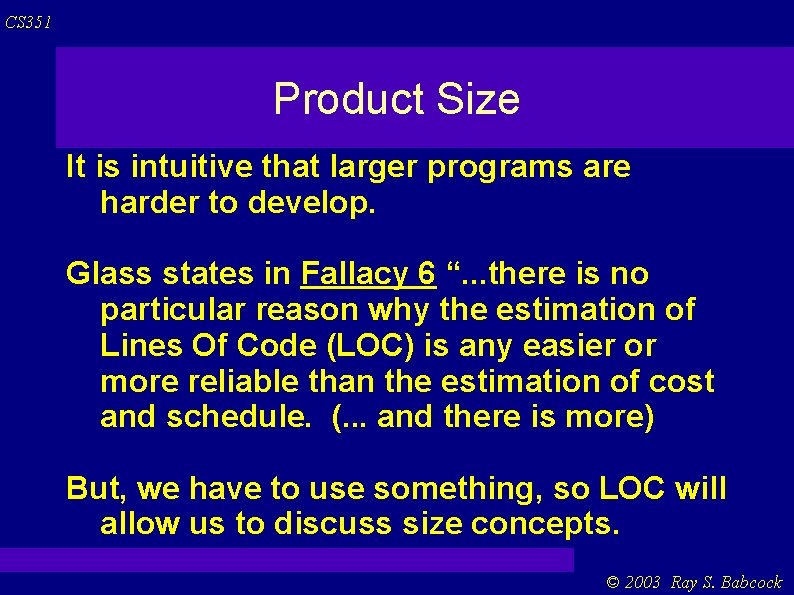
CS 351 Product Size It is intuitive that larger programs are harder to develop. Glass states in Fallacy 6 “. . . there is no particular reason why the estimation of Lines Of Code (LOC) is any easier or more reliable than the estimation of cost and schedule. (. . . and there is more) But, we have to use something, so LOC will allow us to discuss size concepts. © 2003 Ray S. Babcock
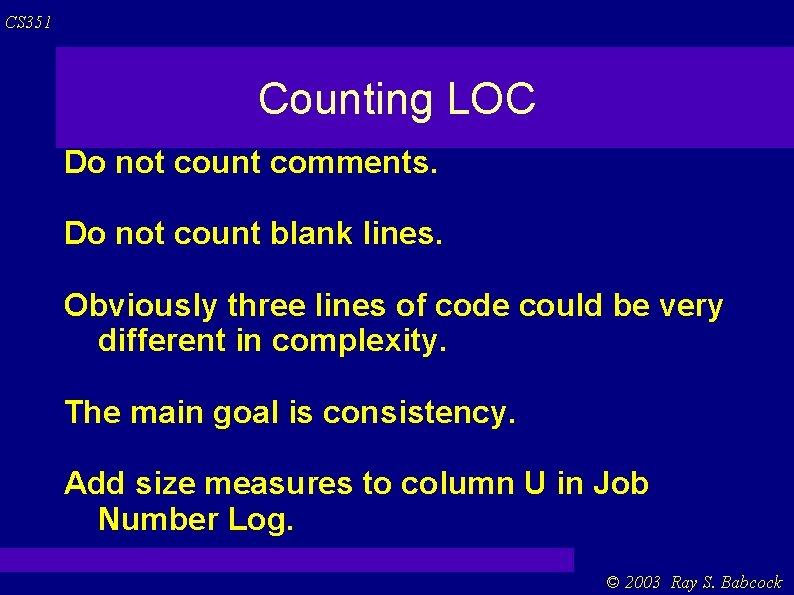
CS 351 Counting LOC Do not count comments. Do not count blank lines. Obviously three lines of code could be very different in complexity. The main goal is consistency. Add size measures to column U in Job Number Log. © 2003 Ray S. Babcock
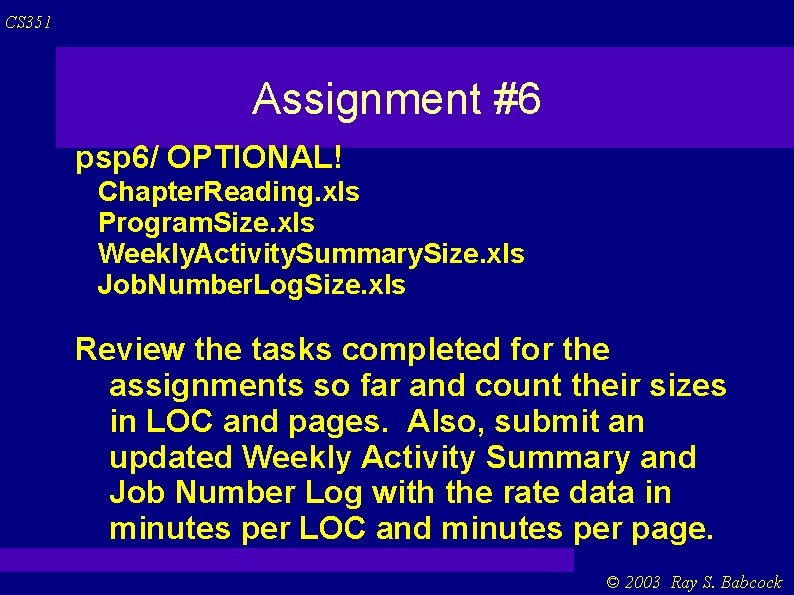
CS 351 Assignment #6 psp 6/ OPTIONAL! Chapter. Reading. xls Program. Size. xls Weekly. Activity. Summary. Size. xls Job. Number. Log. Size. xls Review the tasks completed for the assignments so far and count their sizes in LOC and pages. Also, submit an updated Weekly Activity Summary and Job Number Log with the rate data in minutes per LOC and minutes per page. © 2003 Ray S. Babcock
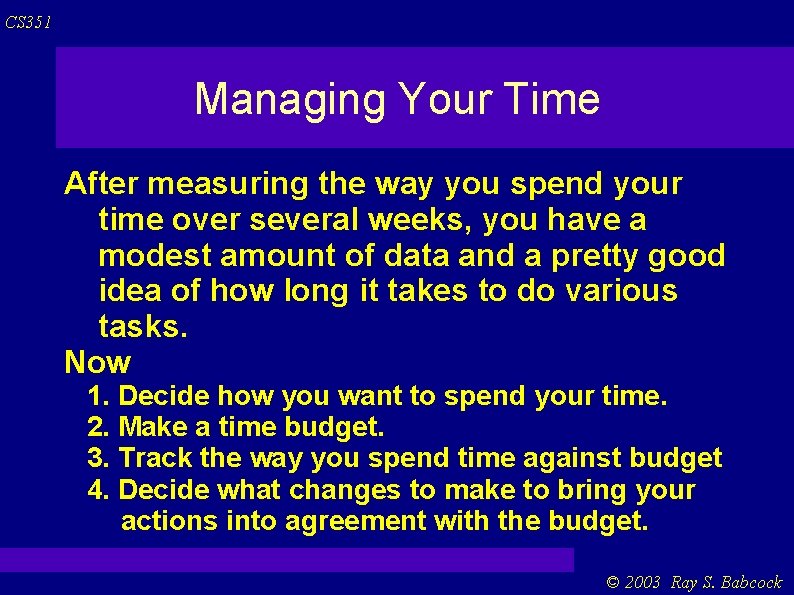
CS 351 Managing Your Time After measuring the way you spend your time over several weeks, you have a modest amount of data and a pretty good idea of how long it takes to do various tasks. Now 1. Decide how you want to spend your time. 2. Make a time budget. 3. Track the way you spend time against budget 4. Decide what changes to make to bring your actions into agreement with the budget. © 2003 Ray S. Babcock
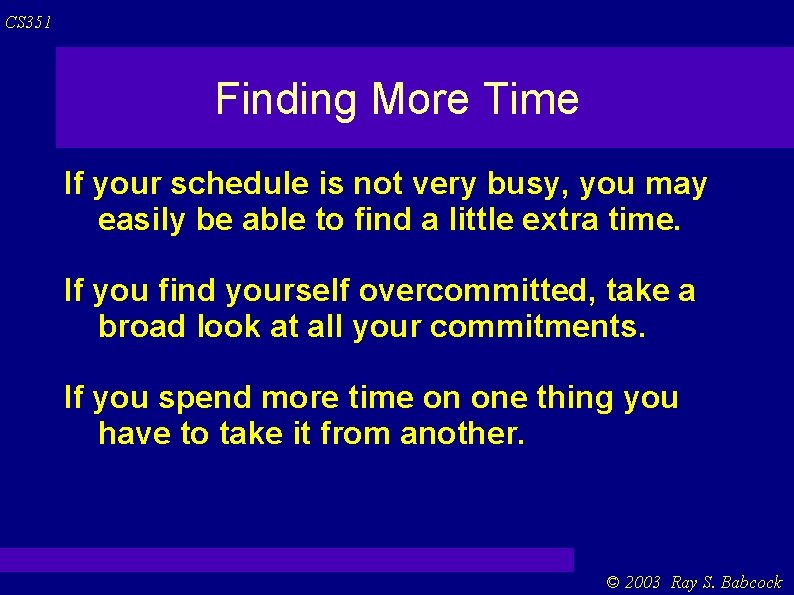
CS 351 Finding More Time If your schedule is not very busy, you may easily be able to find a little extra time. If you find yourself overcommitted, take a broad look at all your commitments. If you spend more time on one thing you have to take it from another. © 2003 Ray S. Babcock
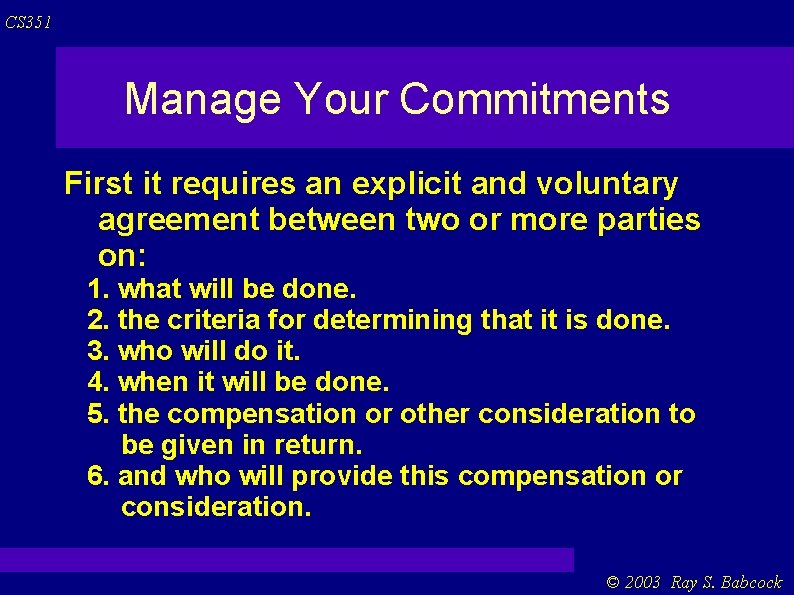
CS 351 Manage Your Commitments First it requires an explicit and voluntary agreement between two or more parties on: 1. what will be done. 2. the criteria for determining that it is done. 3. who will do it. 4. when it will be done. 5. the compensation or other consideration to be given in return. 6. and who will provide this compensation or consideration. © 2003 Ray S. Babcock
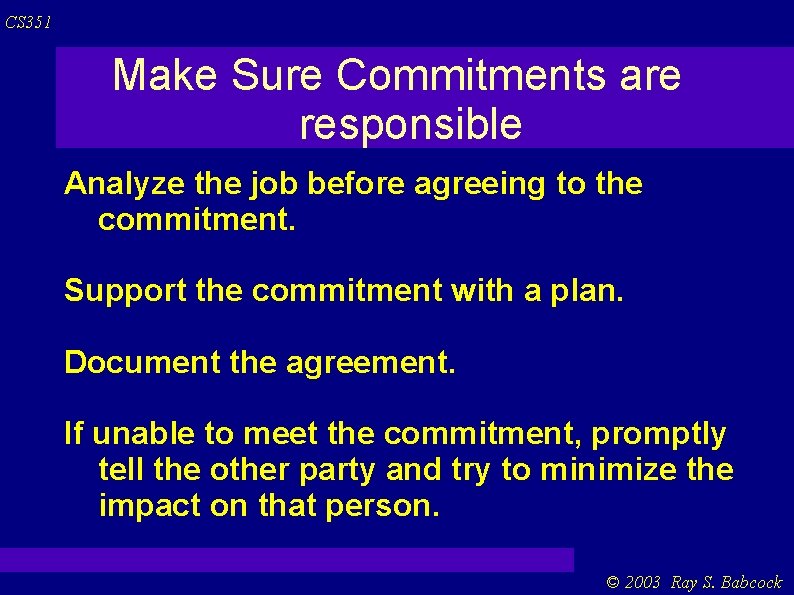
CS 351 Make Sure Commitments are responsible Analyze the job before agreeing to the commitment. Support the commitment with a plan. Document the agreement. If unable to meet the commitment, promptly tell the other party and try to minimize the impact on that person. © 2003 Ray S. Babcock
CS 351 Managing Schedules Gantt Chart : A time-ordered listing of planned events, generally in a graphical format. Across the top of the chart are calendar dates. The left most column contains an ID number for each task. Down the second column from the left are the names of the tasks to be done. © 2003 Ray S. Babcock
CS 351 Gantt cont. In the body of the chart, bars show the planned start and end dates for each task. At bottom left are the project name, the author of the schedule, and the date the schedule was originally produced. Various checkpoints are shown by the small ovals. © 2003 Ray S. Babcock
CS 351 With Several People Make sure that each individual knows the tasks he or she is supposed to do. Obtain the committed dates for each of these tasks. Identify the interdependencies among the tasks. Document these interdependencies. Review the proposed schedule and interdependencies with all the people involved. © 2003 Ray S. Babcock
CS 351 Checkpoints A checkpoint is an objectively identifiable point in a project. (An example would be completion of some specific project activity or important action. ) They must be clear and unambiguous. You have completed and submitted a term paper You have produced and documented the plan to write a program using a standard planning format. etc. © 2003 Ray S. Babcock
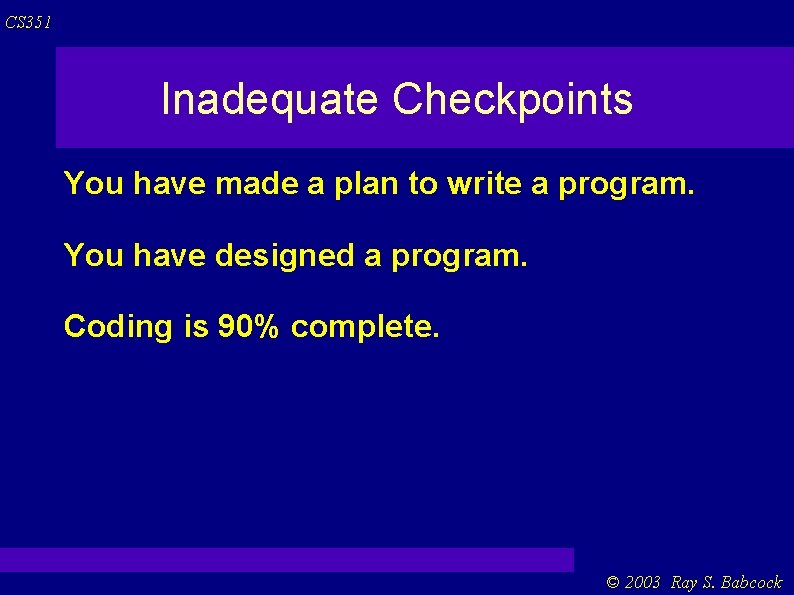
CS 351 Inadequate Checkpoints You have made a plan to write a program. You have designed a program. Coding is 90% complete. © 2003 Ray S. Babcock
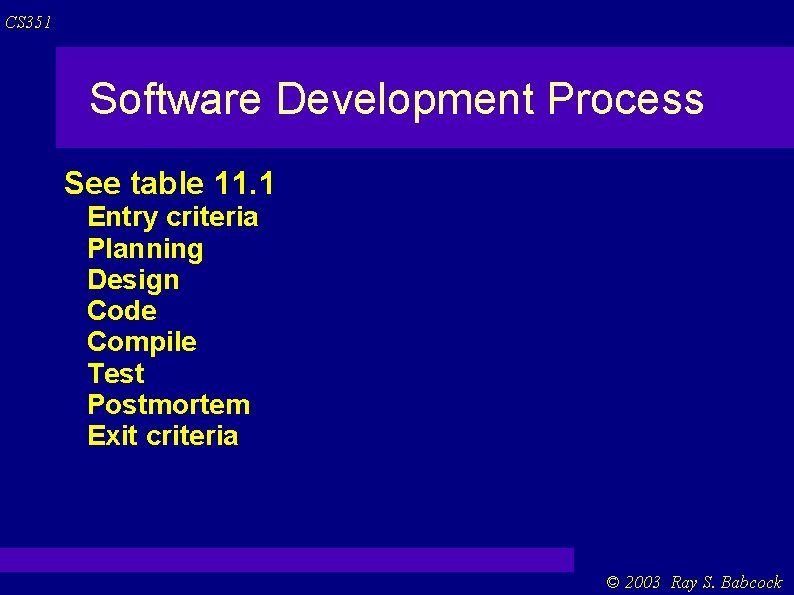
CS 351 Software Development Process See table 11. 1 Entry criteria Planning Design Code Compile Test Postmortem Exit criteria © 2003 Ray S. Babcock
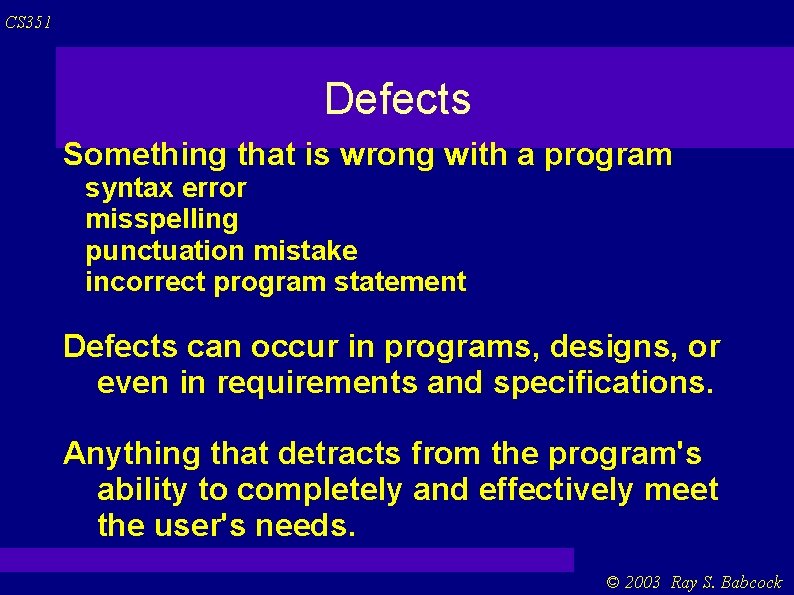
CS 351 Defects Something that is wrong with a program syntax error misspelling punctuation mistake incorrect program statement Defects can occur in programs, designs, or even in requirements and specifications. Anything that detracts from the program's ability to completely and effectively meet the user's needs. © 2003 Ray S. Babcock
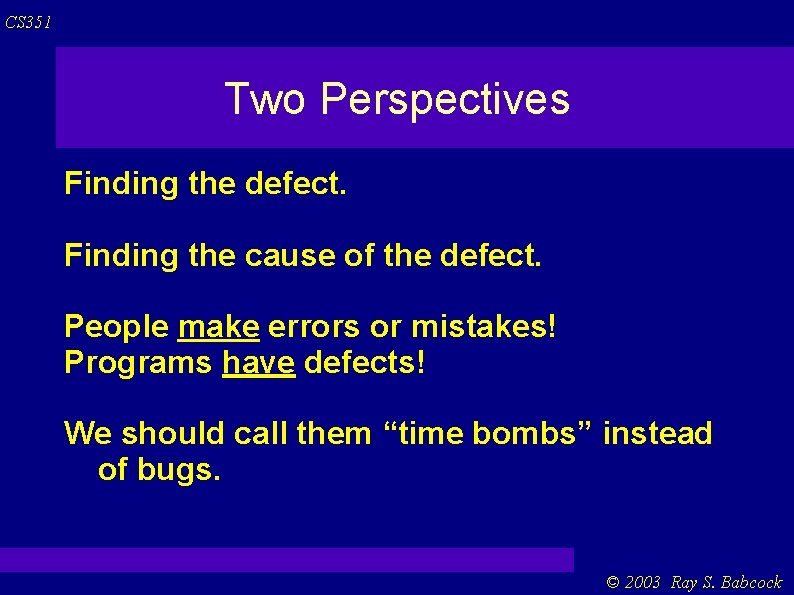
CS 351 Two Perspectives Finding the defect. Finding the cause of the defect. People make errors or mistakes! Programs have defects! We should call them “time bombs” instead of bugs. © 2003 Ray S. Babcock
CS 351 Defect Recording Log See table 12. 2 and 12. 3 (example 12. 4) Adding defects to the psp process script gives 12. 5. © 2003 Ray S. Babcock